Empty state illustration screen examples
Empty state illustration screen design examples from SaaS apps. Browse examples from Polar, Magnific, Axiom.
Explore the examples
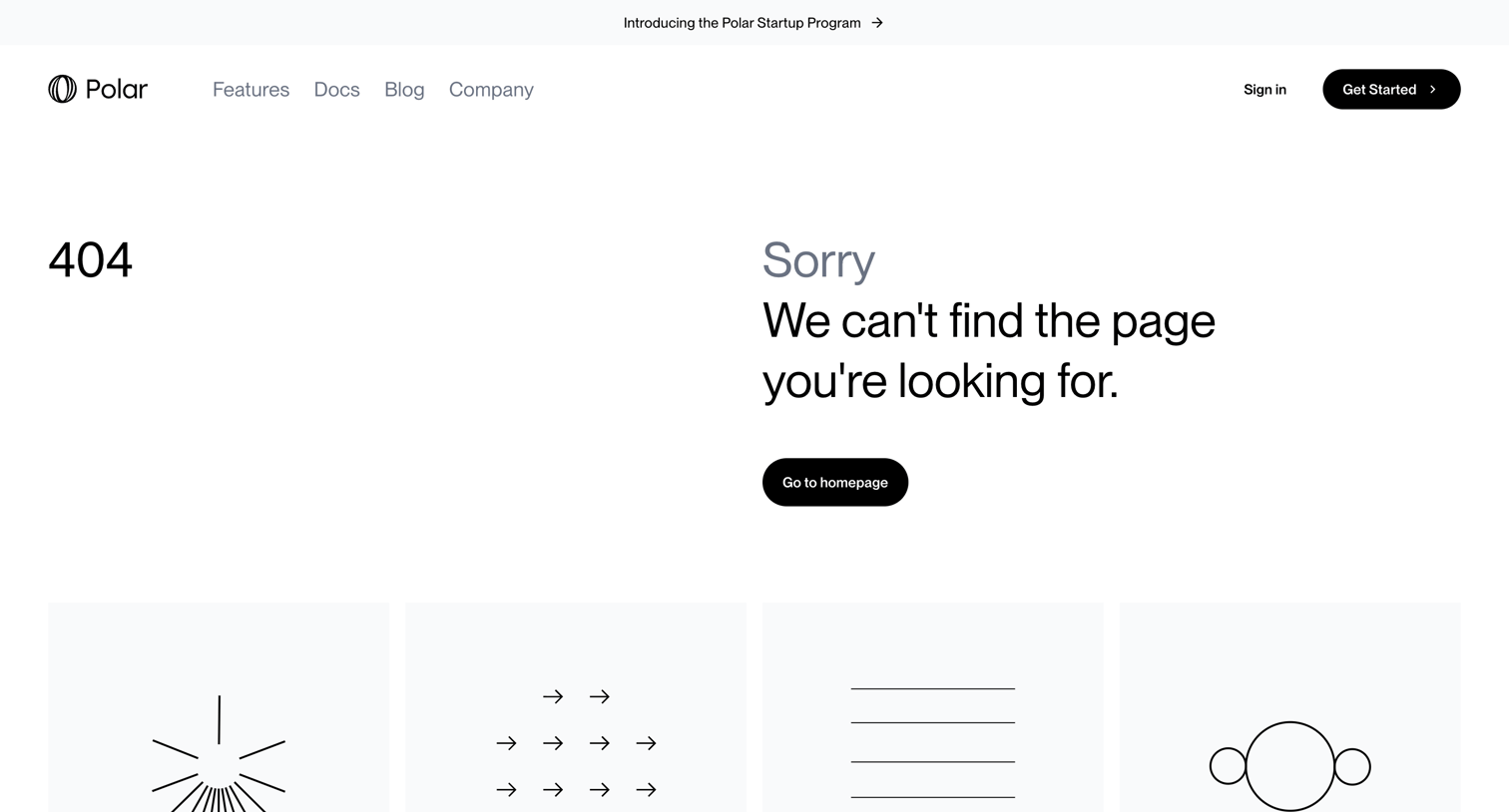

404 error page where the user is informed the page cannot be found and is offered quick links to the homepage, blog, documentation, and company pages.
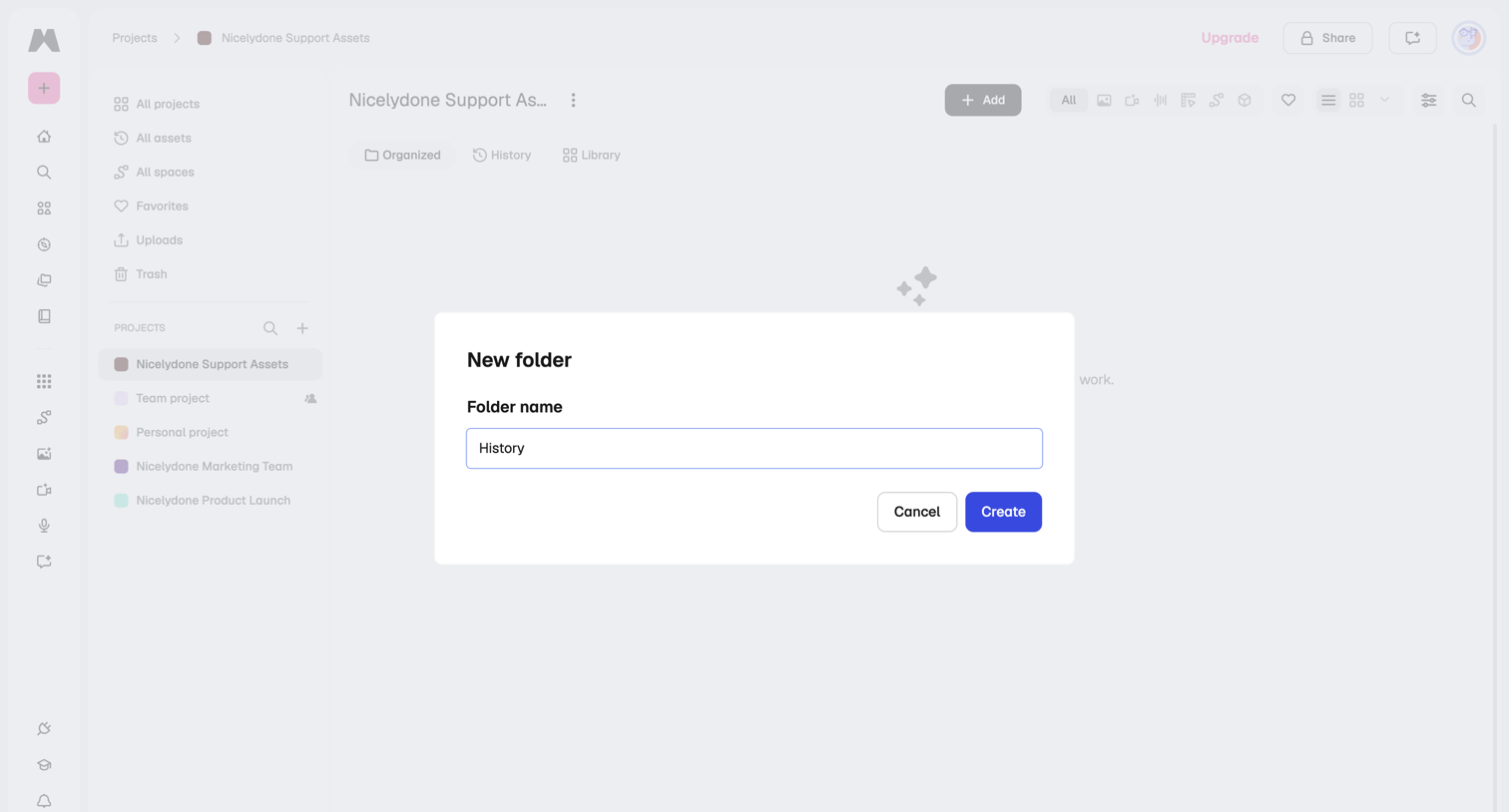

Project asset list where the user is creating a new folder named History via a modal overlay.
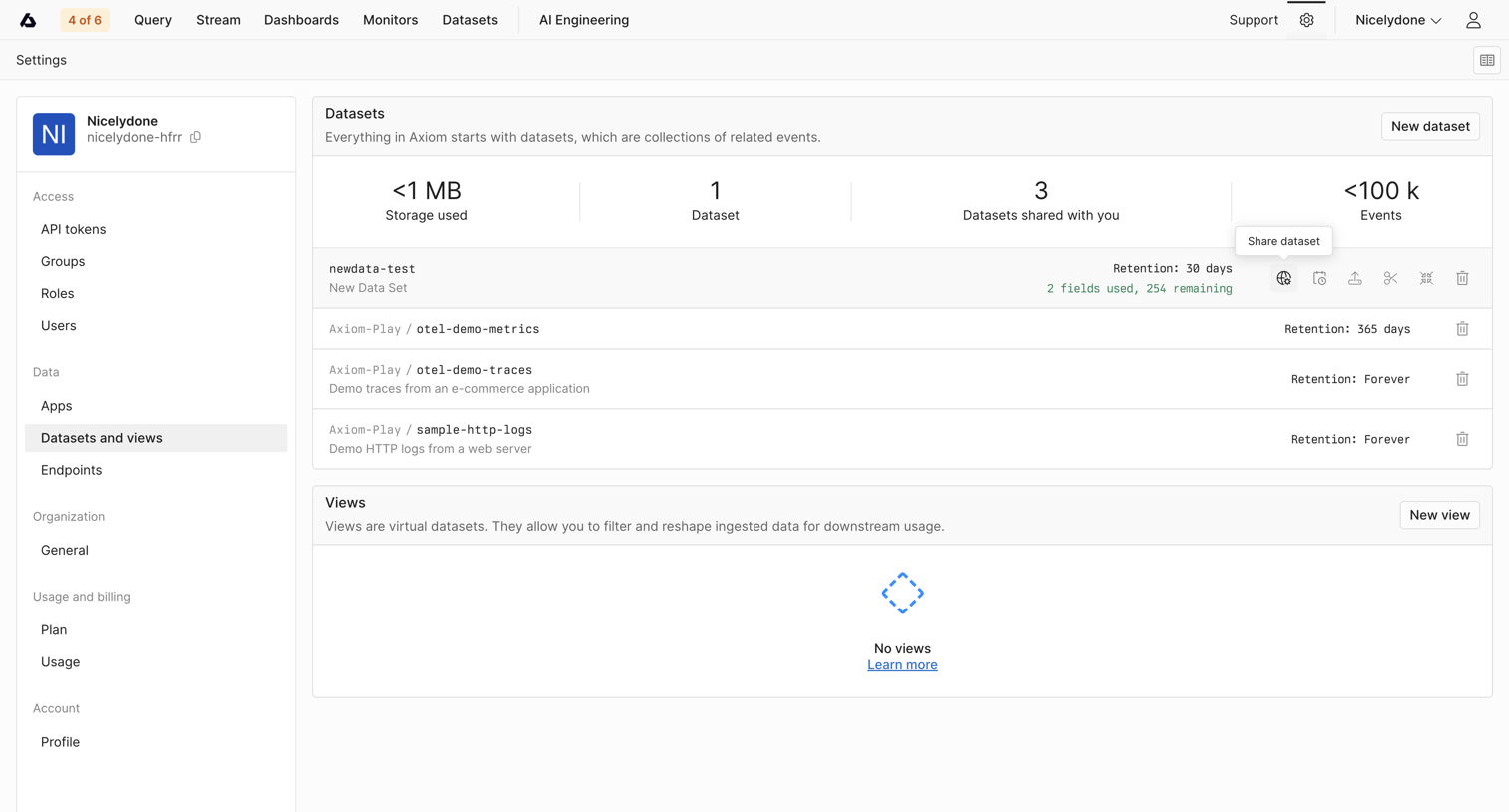

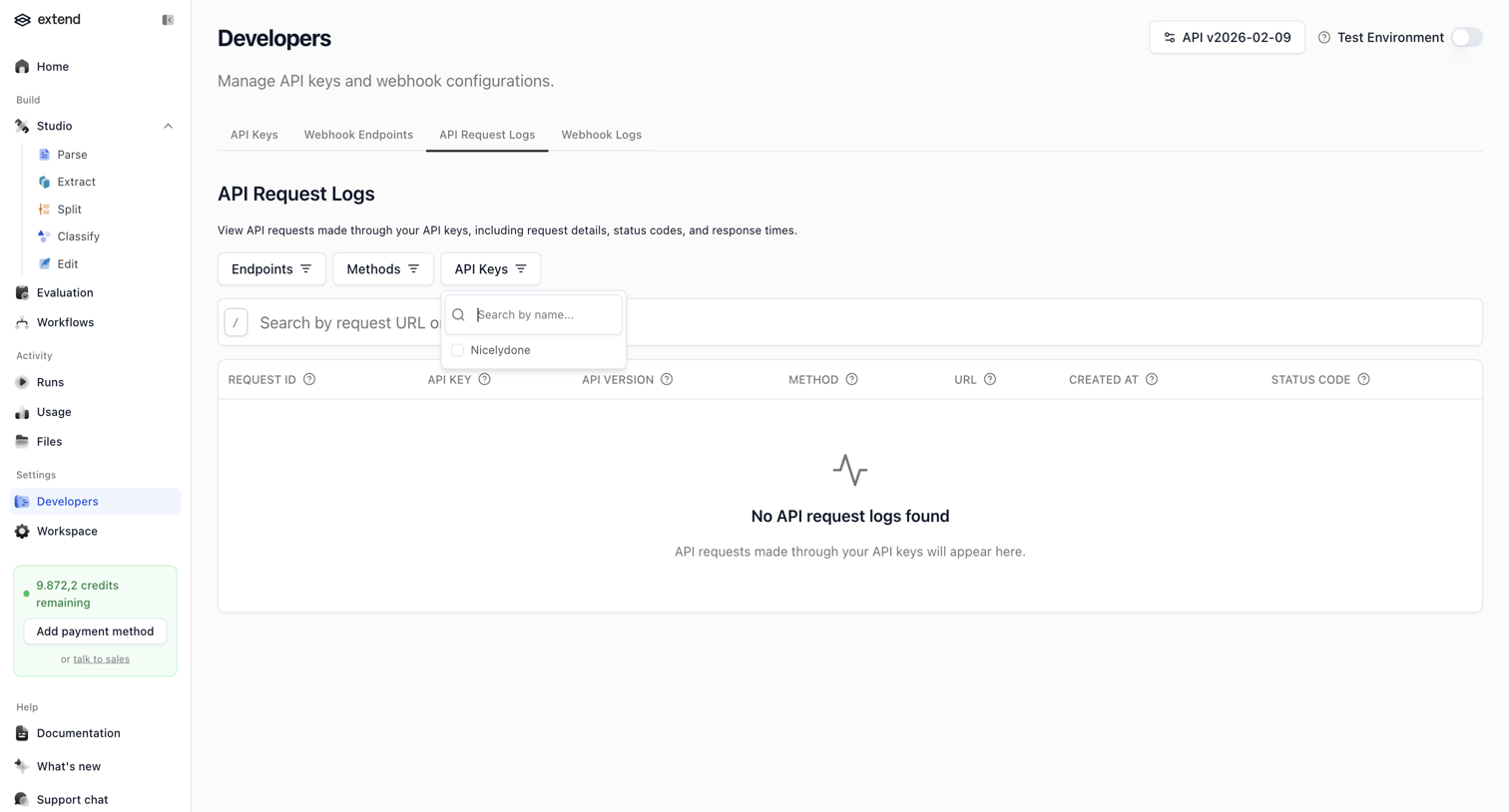

Developer settings page where the user views API request logs, currently showing an empty state with search and filter controls.
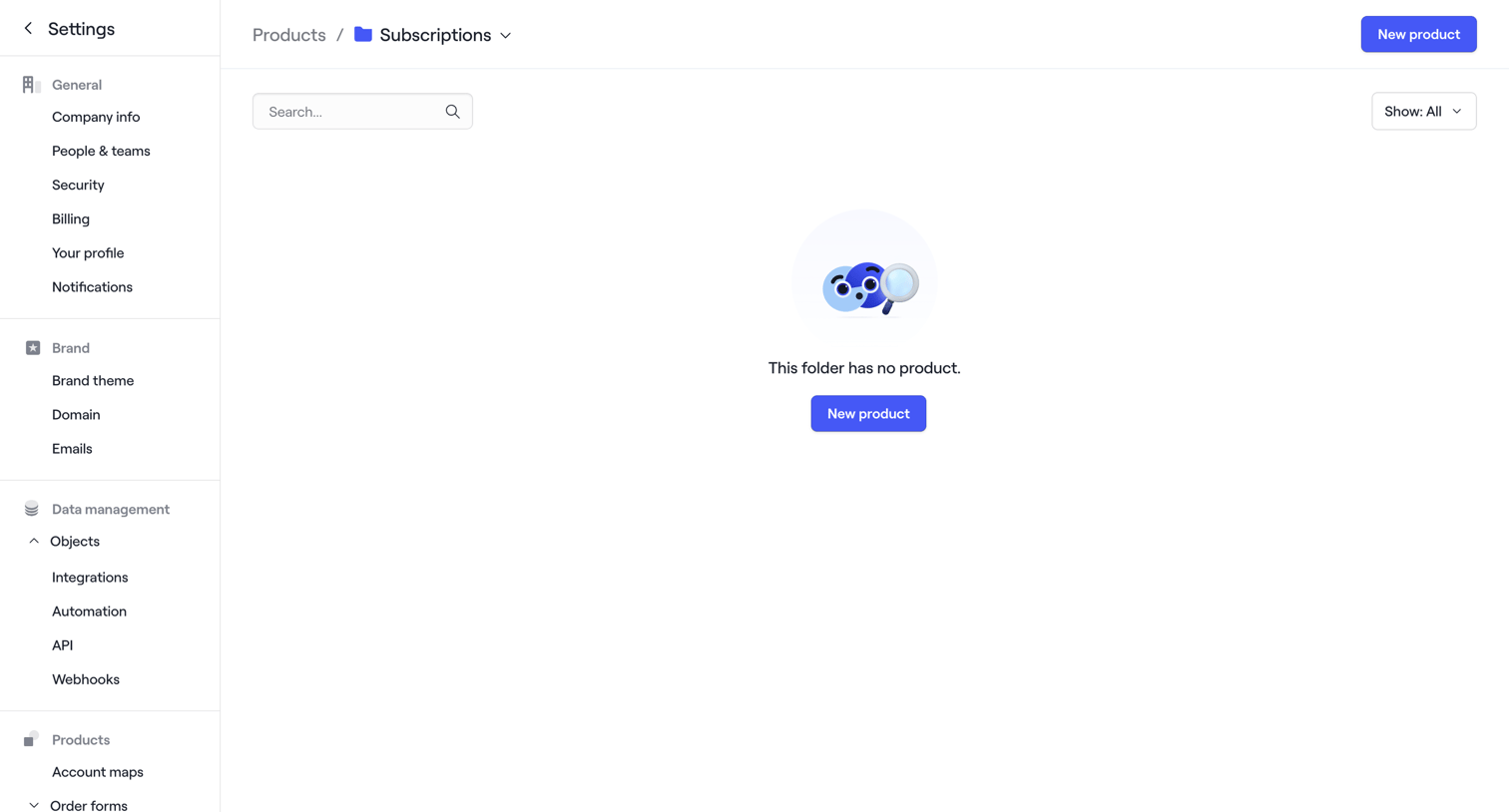

Settings page for a product folder showing an empty state where the user can create a new product.
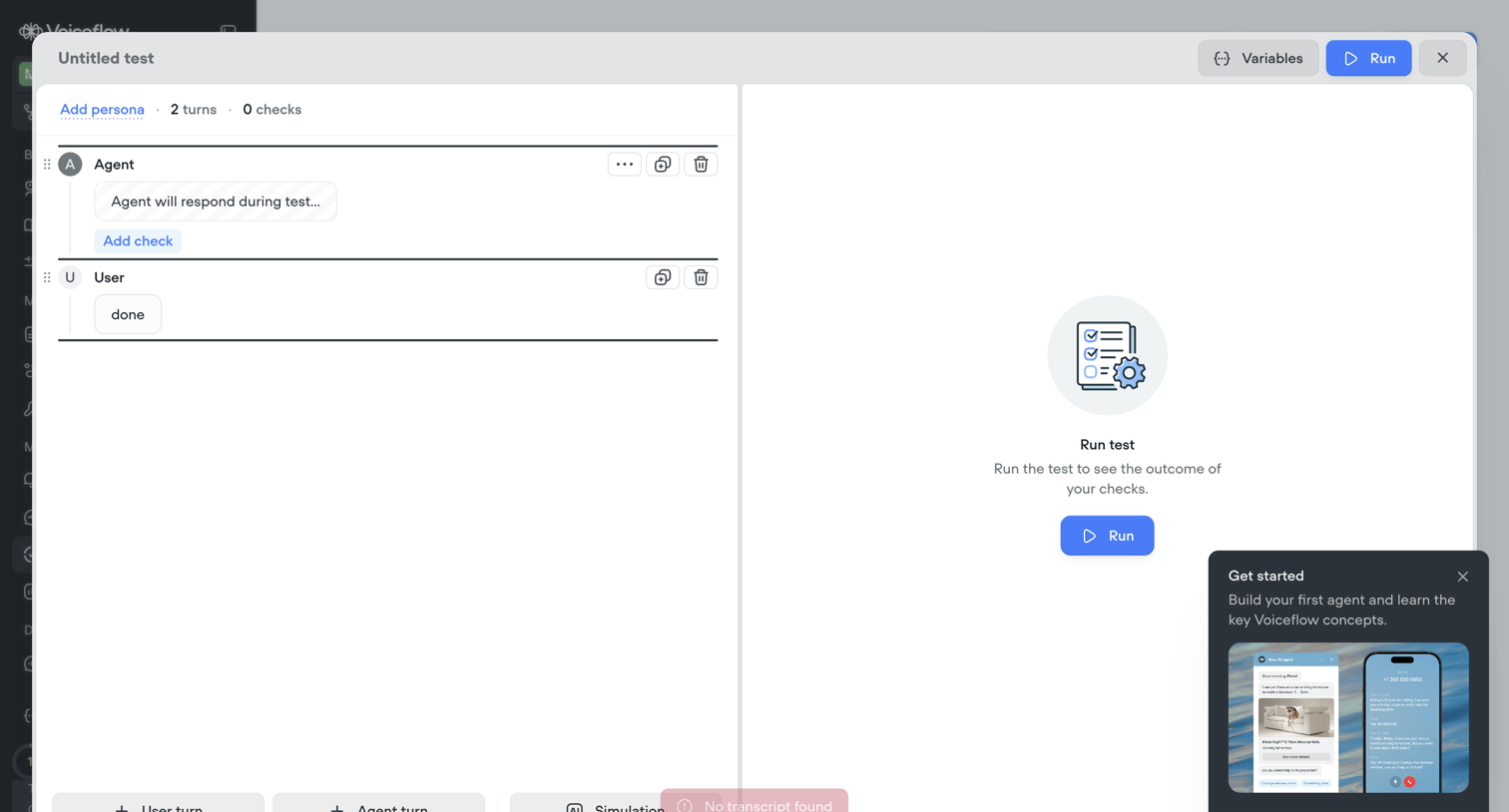

Modal where the user builds a turn-by-turn test script for an AI agent and runs it to verify responses.
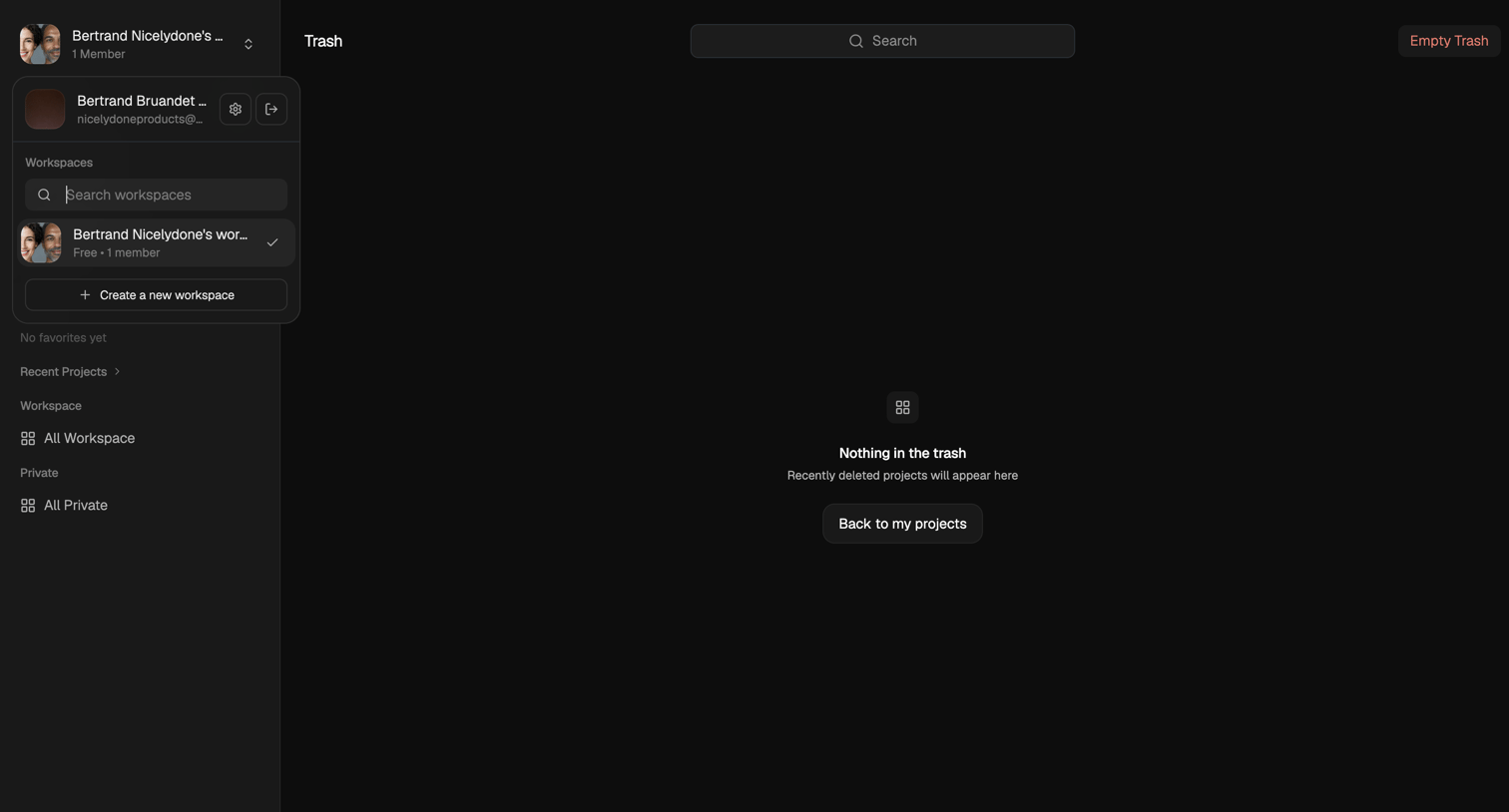

Trash page showing an empty state with a prompt to return to projects.
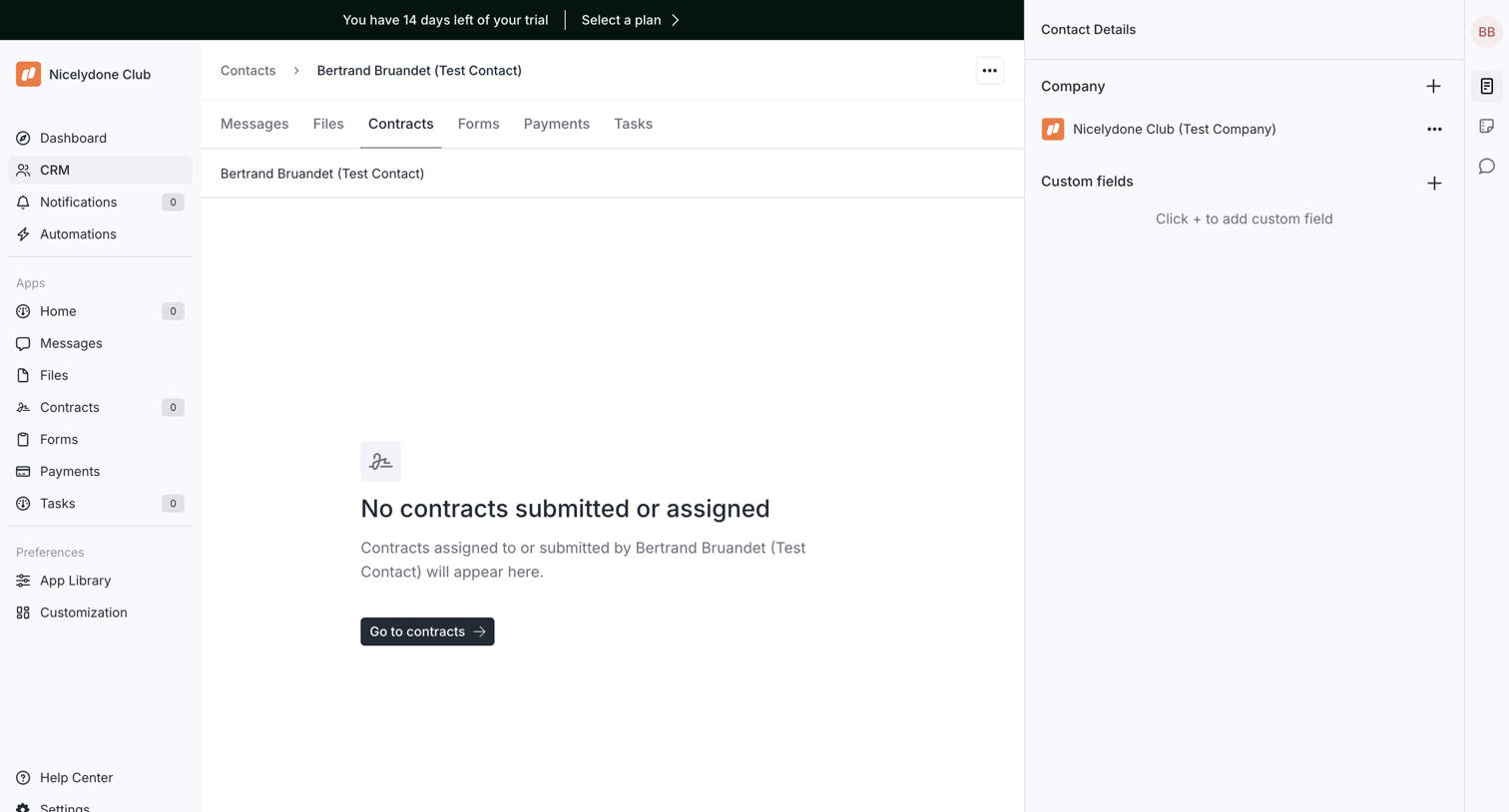

Detail page for a CRM contact where the contracts tab is currently empty, prompting the user to navigate to the main contracts view.
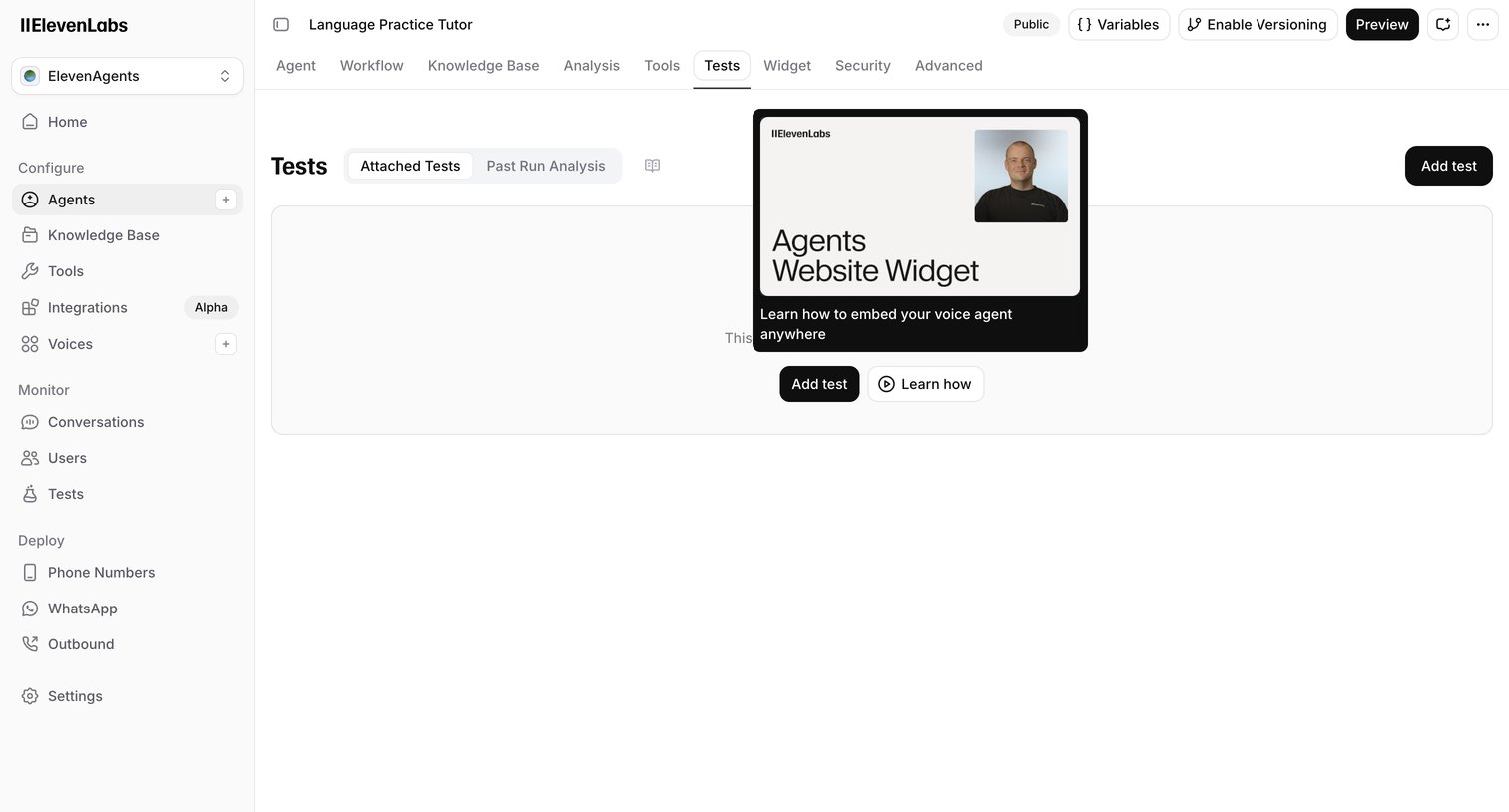

Detail page where the user configures tests for a voice agent, currently showing an empty state with a promotional card for a website widget.
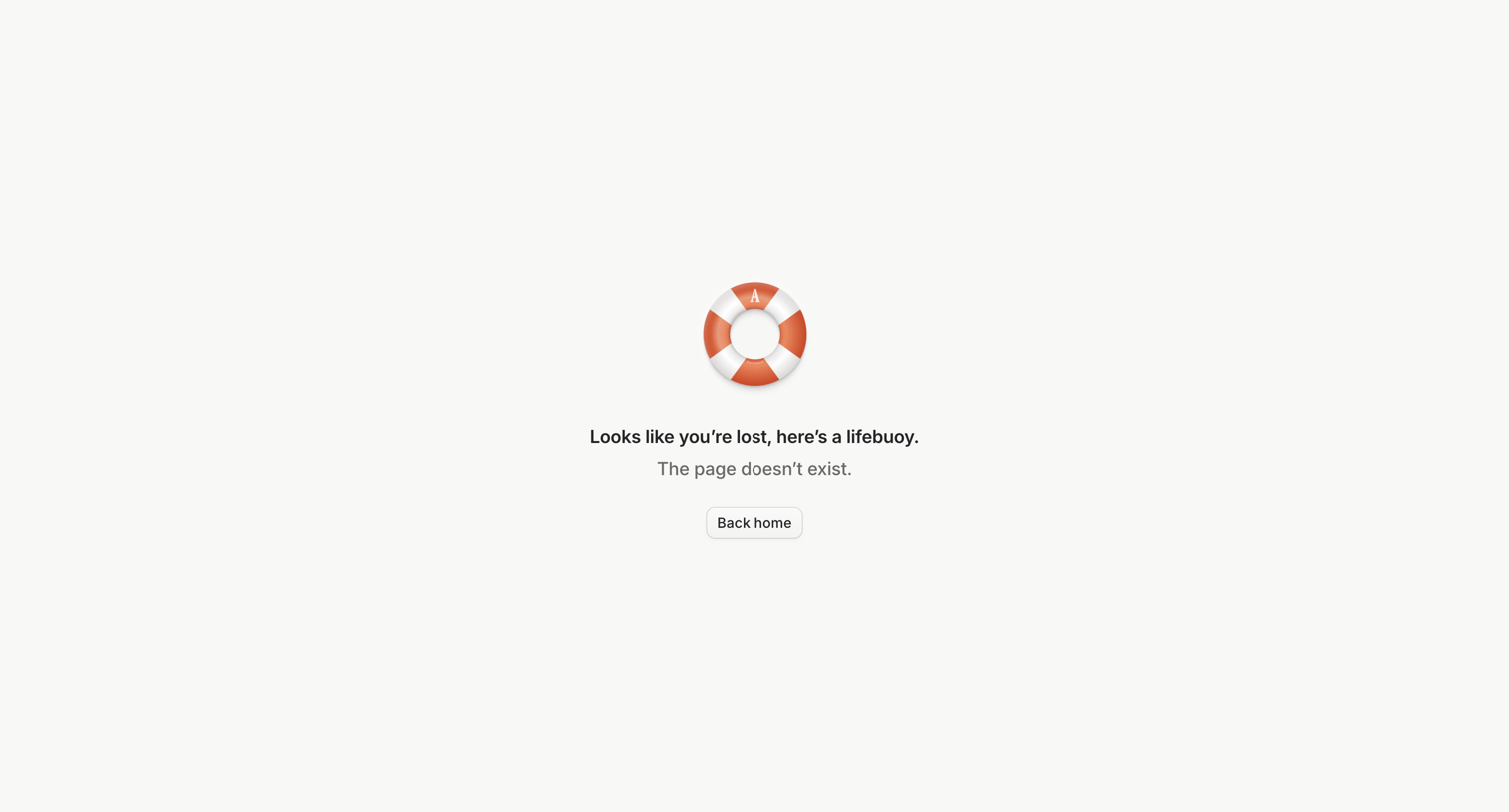

Error page where the user is informed that the requested URL does not exist and is provided a button to return to the home page.
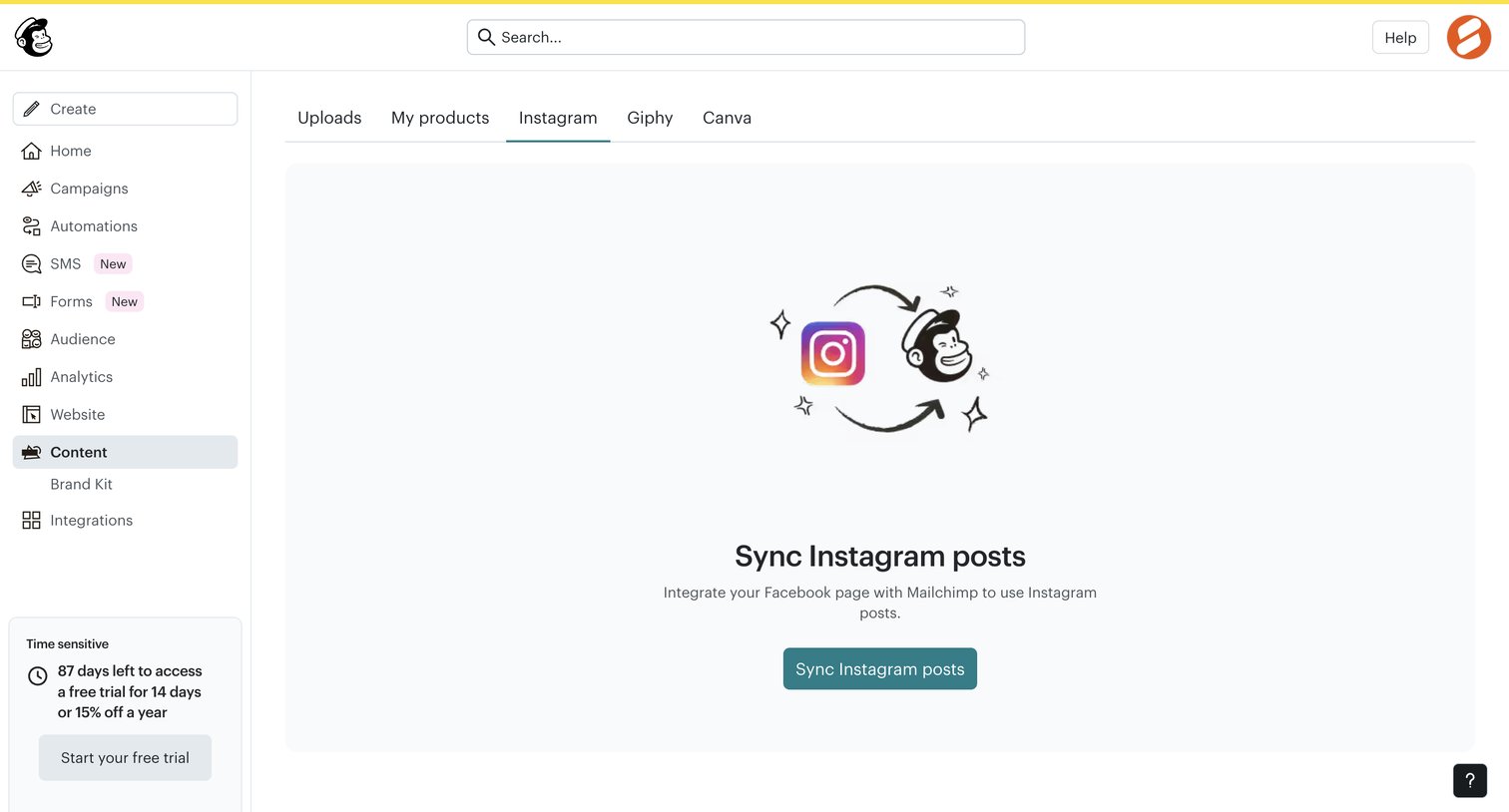

Content management tab where the user is prompted to sync their Instagram account to access posts.
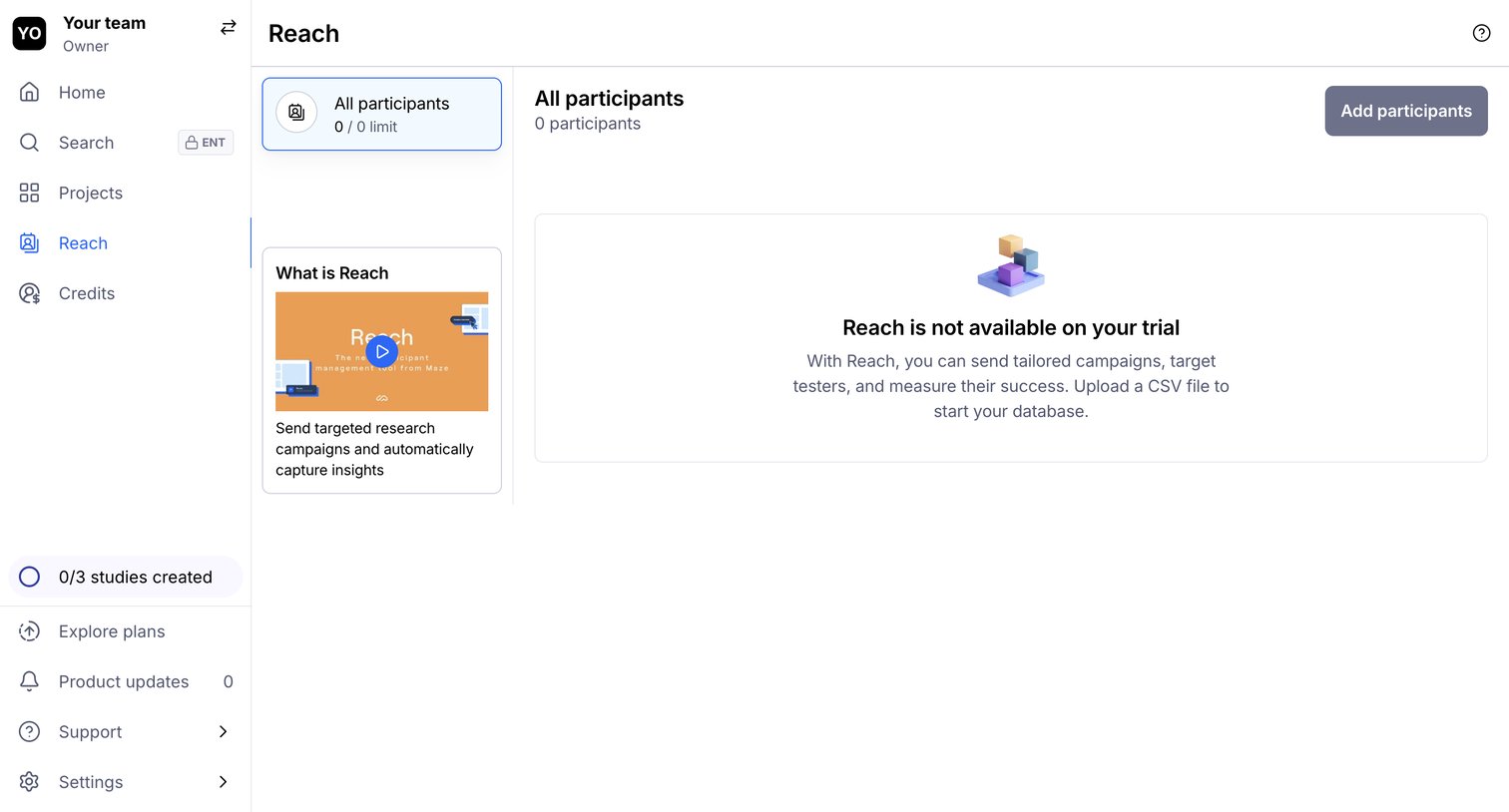

Paywall screen blocking access to the Reach participant management feature because the user is on a trial plan.
Explore the full SaaS screen library
Upgrade to unlock the full library.
Trusted by the best teams







