Download report screen examples
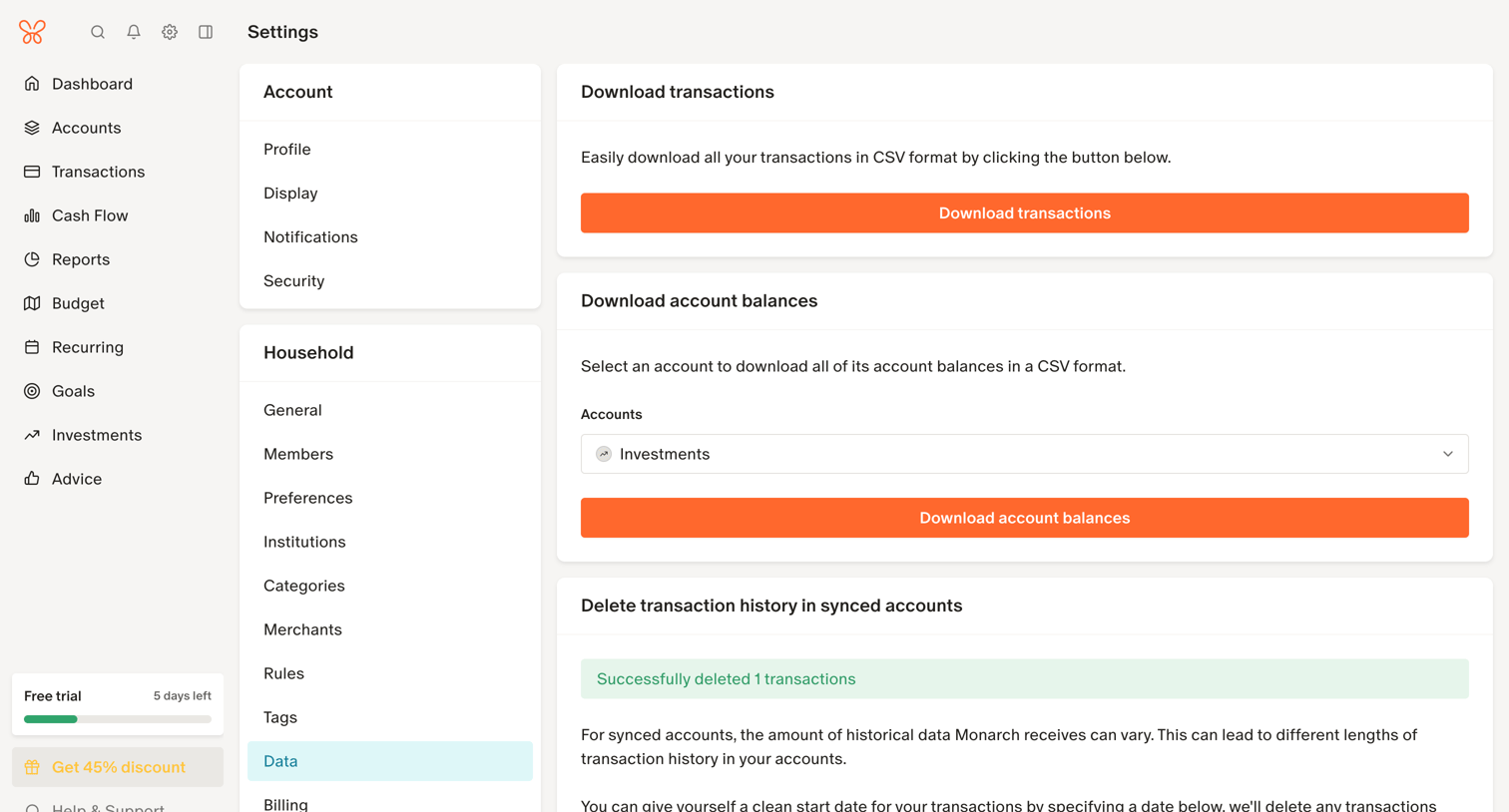
Download report screen design examples from SaaS apps. Browse examples from Outseta, Lingo, Fourthwall.
Explore the examples
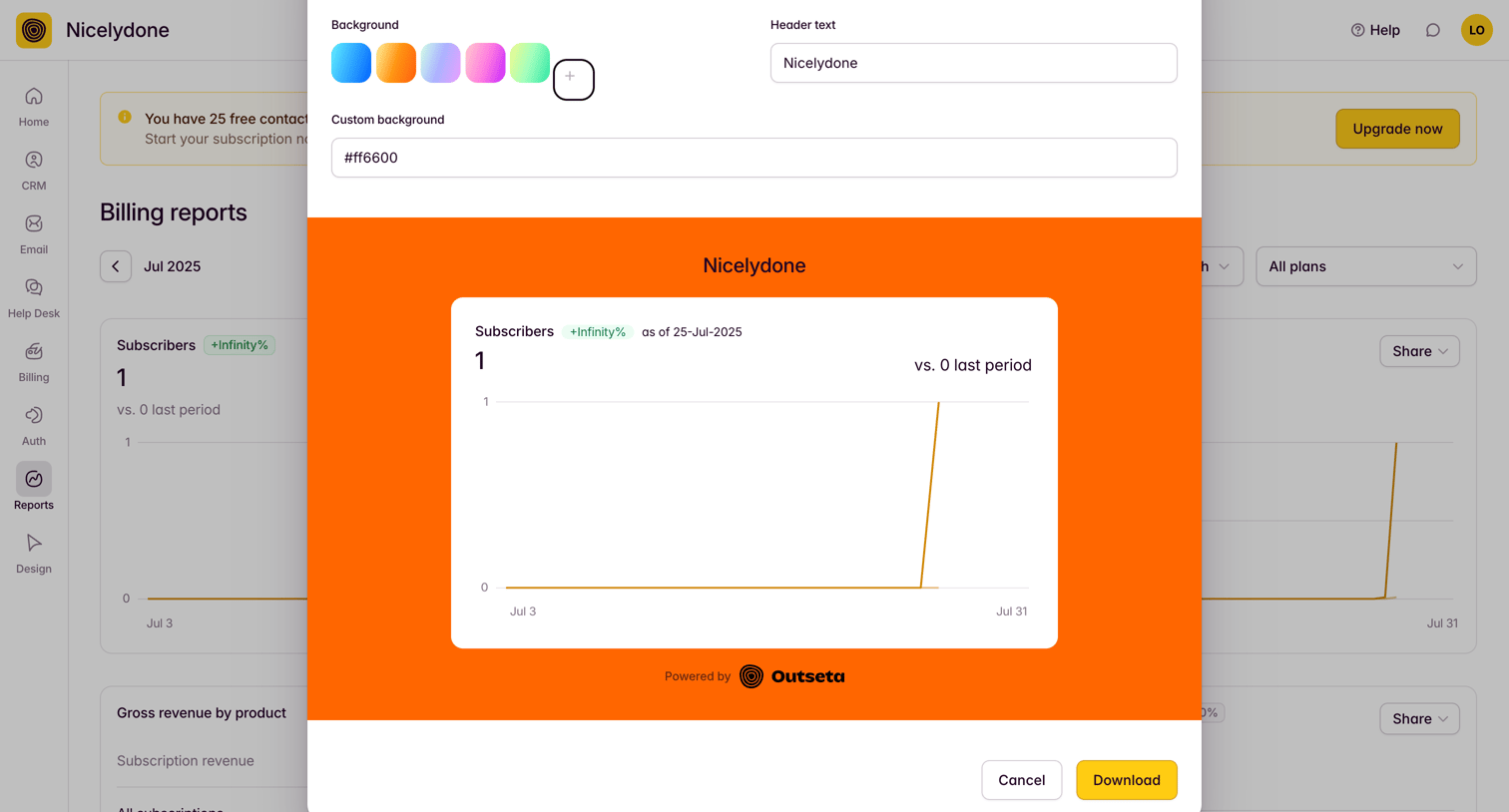

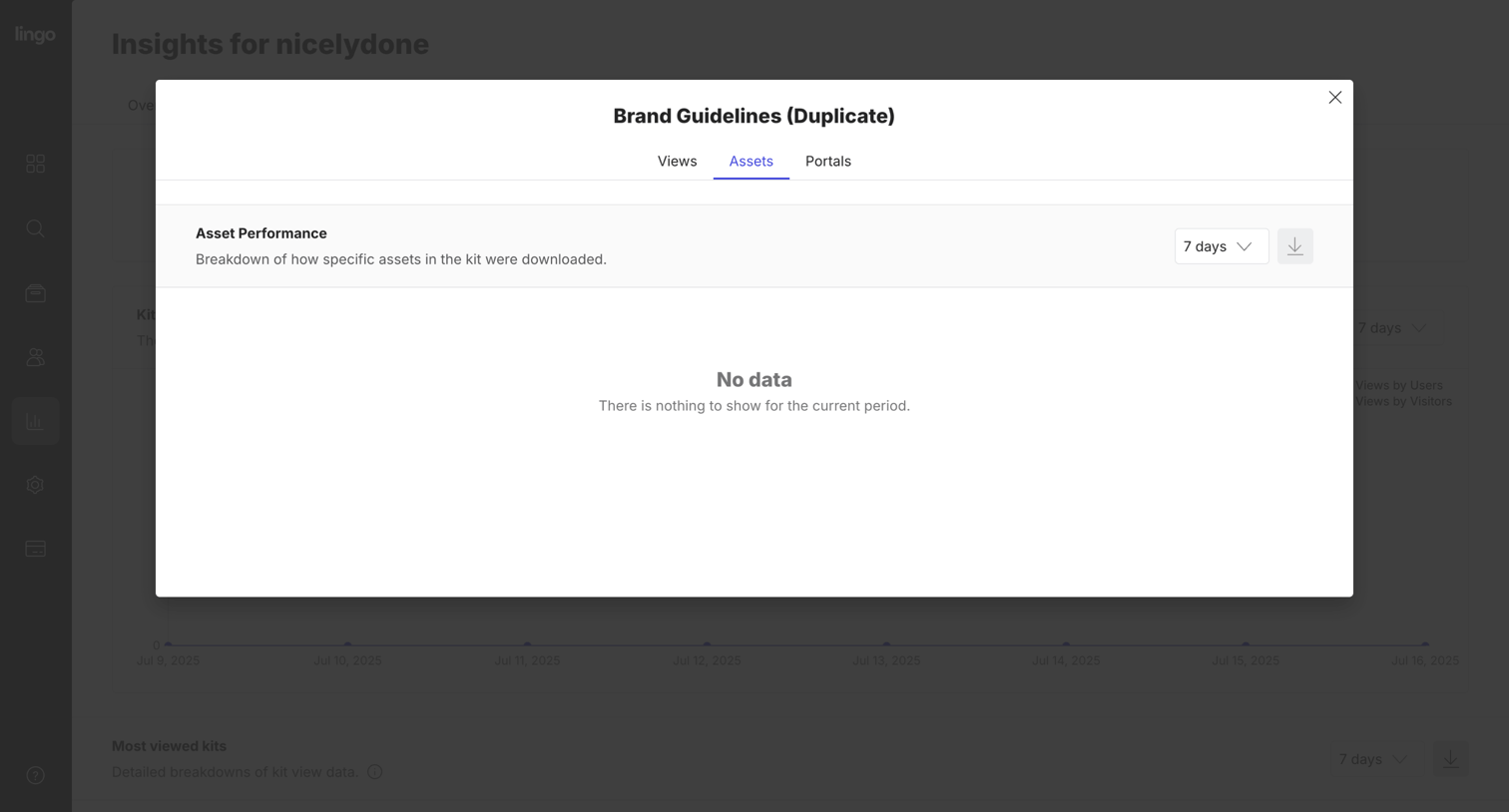

Modal displaying asset performance metrics for brand guidelines, currently showing an empty state for the selected 7-day period.
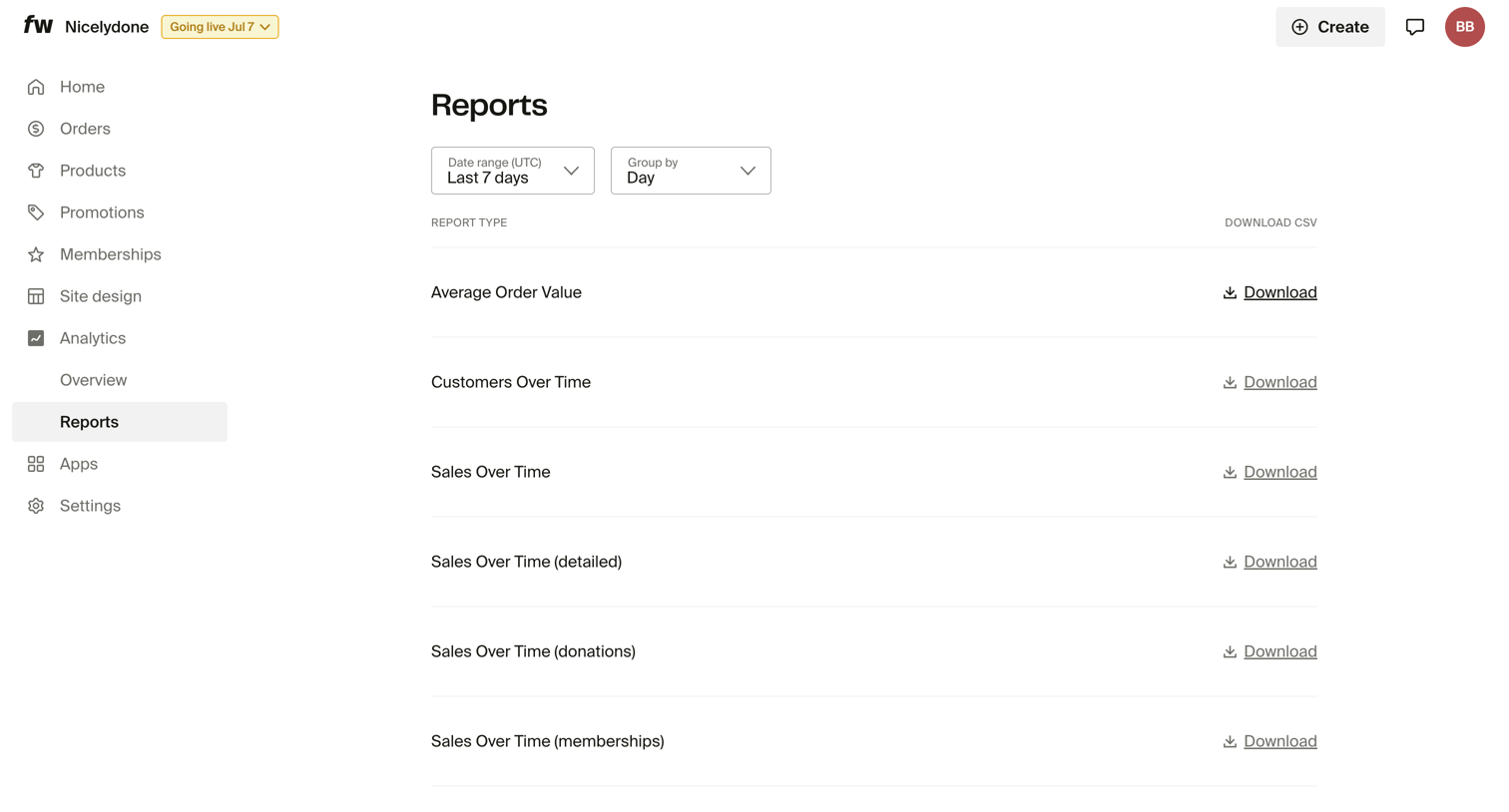

List view where the user can filter by date range and grouping to download CSV reports for metrics like average order value and sales over time.
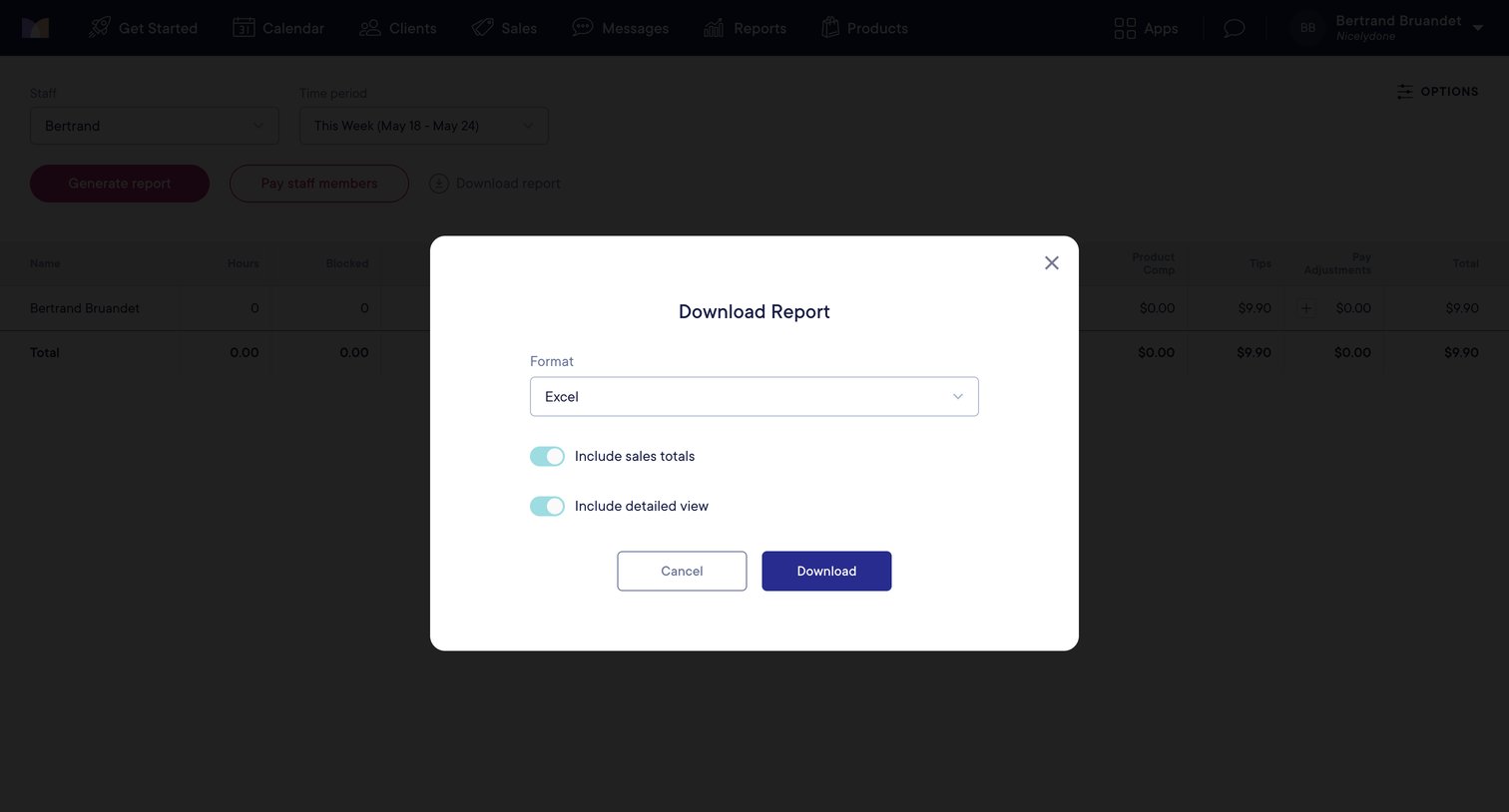

List view where the user configures export settings like format and detailed views before downloading a payroll report.
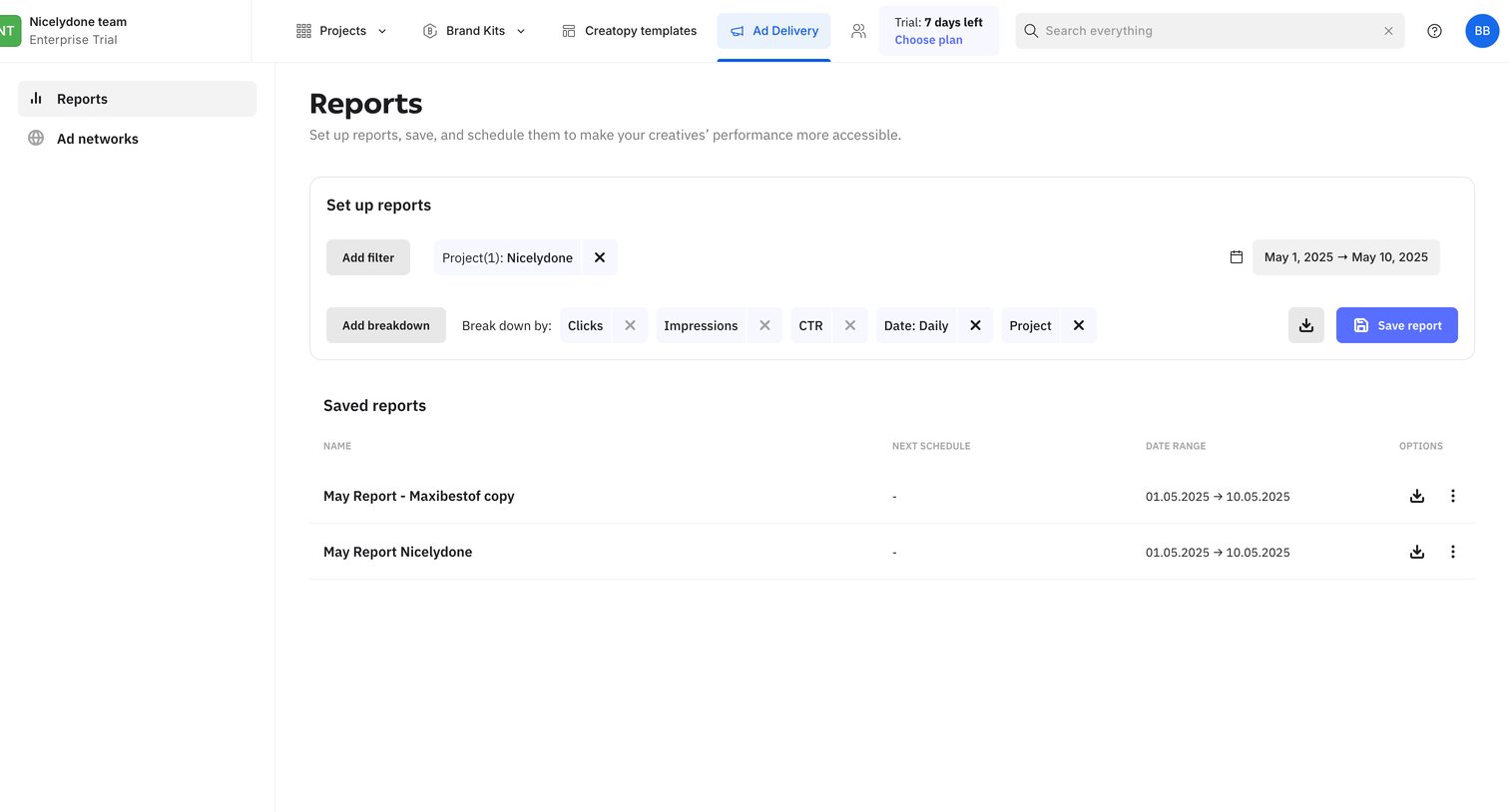

Analytics view where the user configures custom report filters and breakdowns, and accesses previously saved reports.


Product page introducing Notion Mail, highlighting AI-driven organization, automated drafting, and seamless integration with the broader Notion ecosystem.
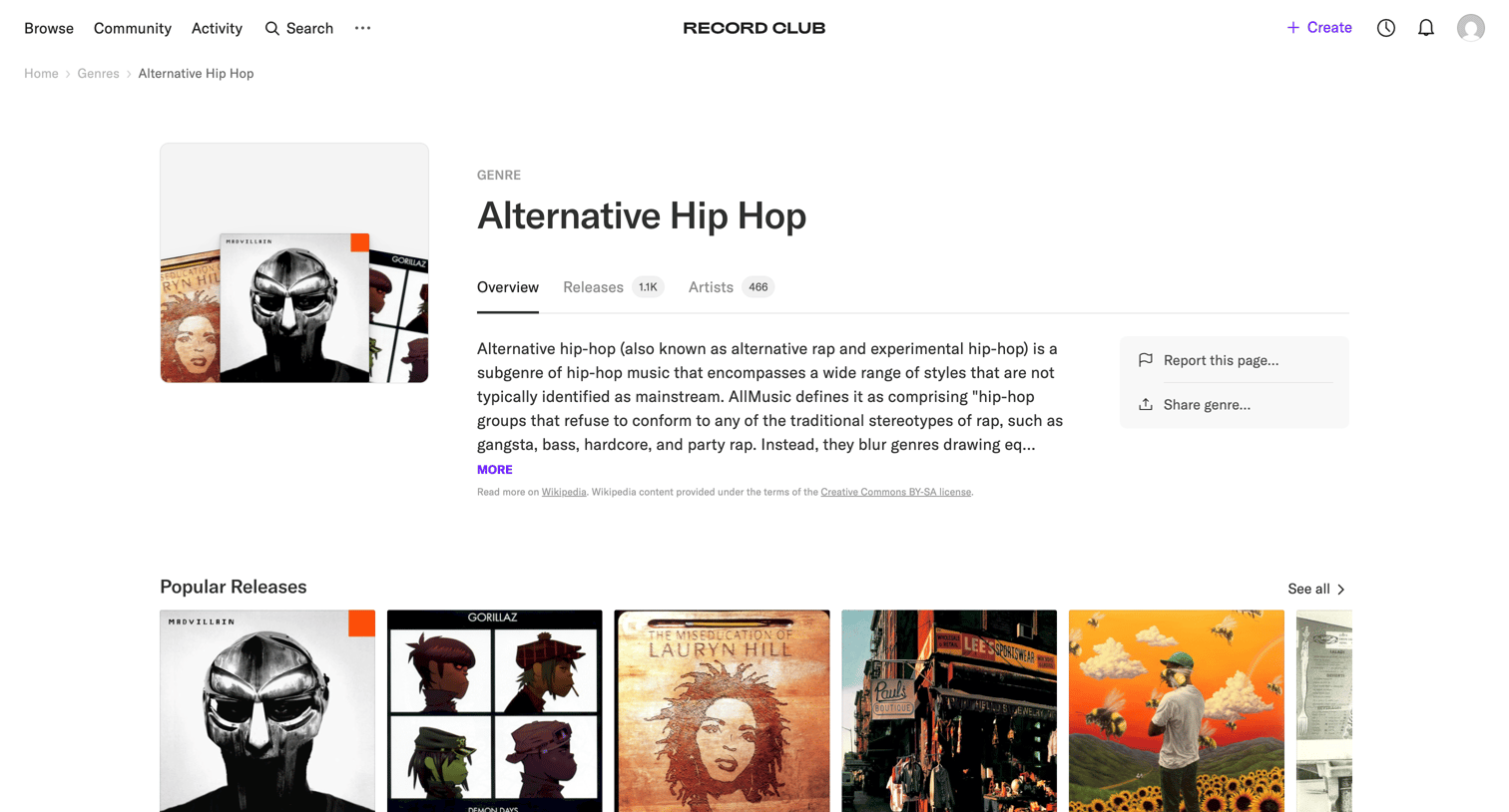

Detail page where the user views information about the Alternative Hip Hop genre, including a description, popular releases, and related artists.
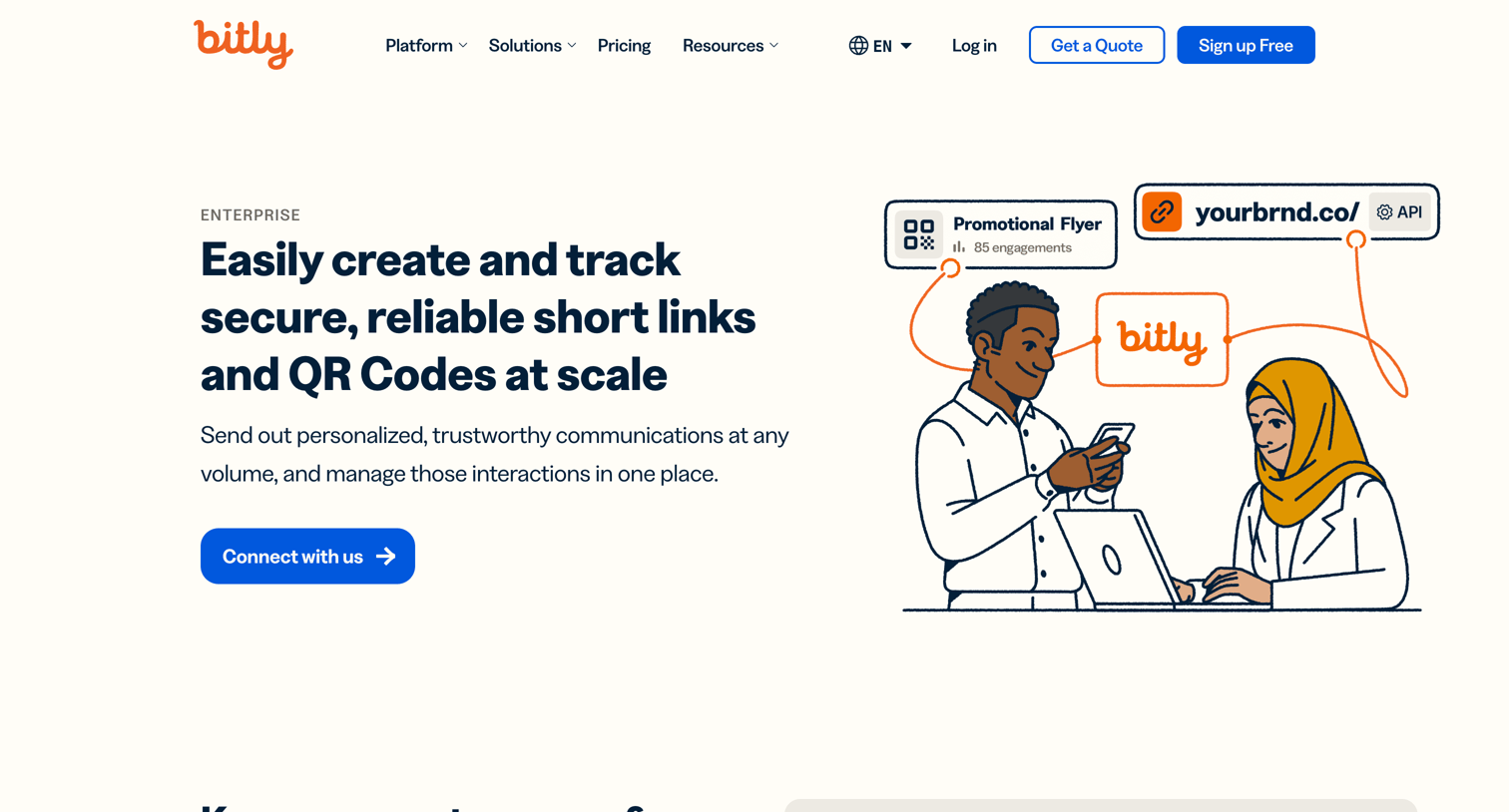

Marketing page detailing the enterprise-grade features of the Bitly platform, including secure link management, custom QR codes, and analytics, with prompts to contact sales or start for free.
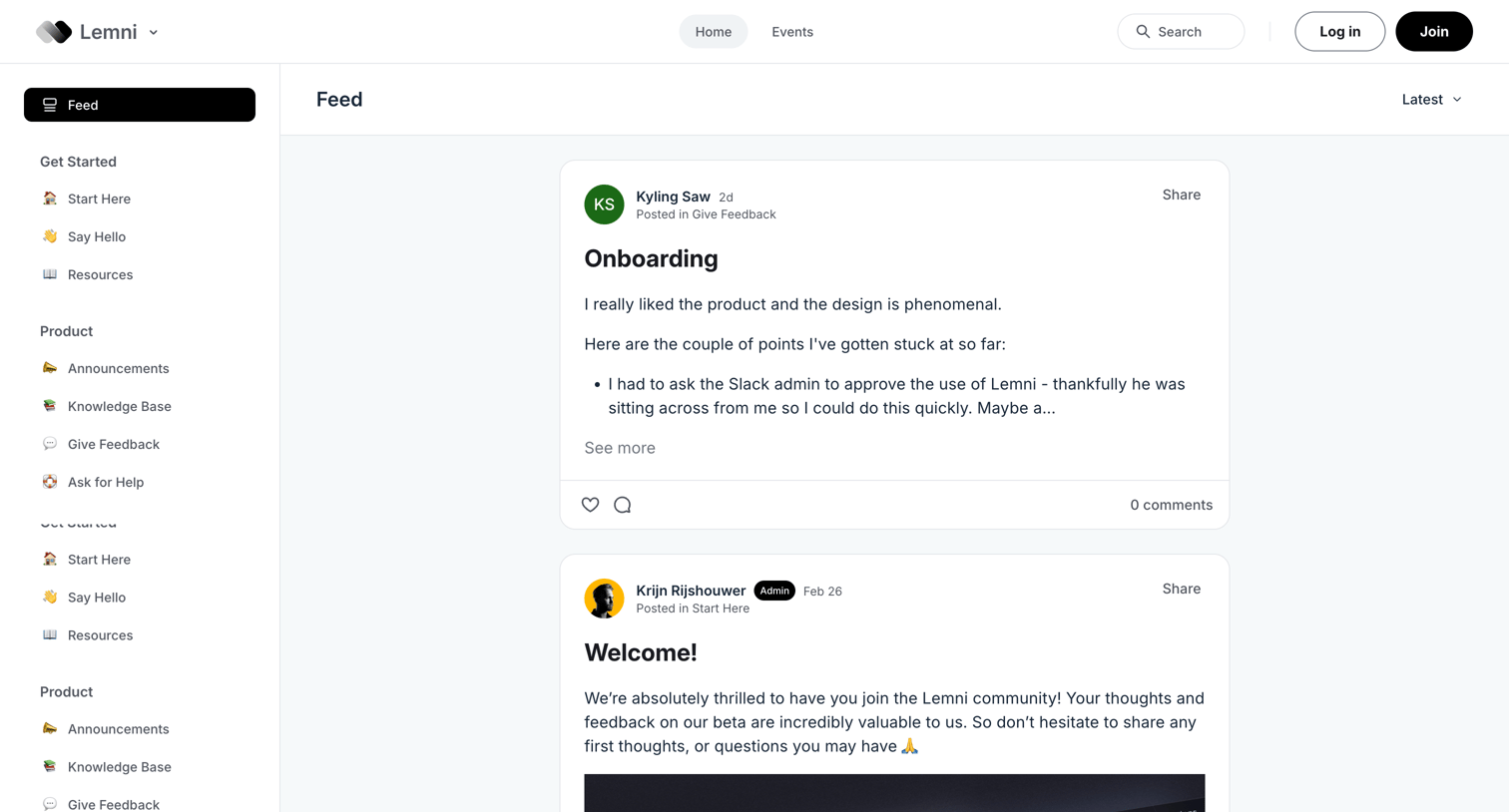

Community forum feed where users browse recent posts, announcements, and product feedback, with prompts to log in or join the community.

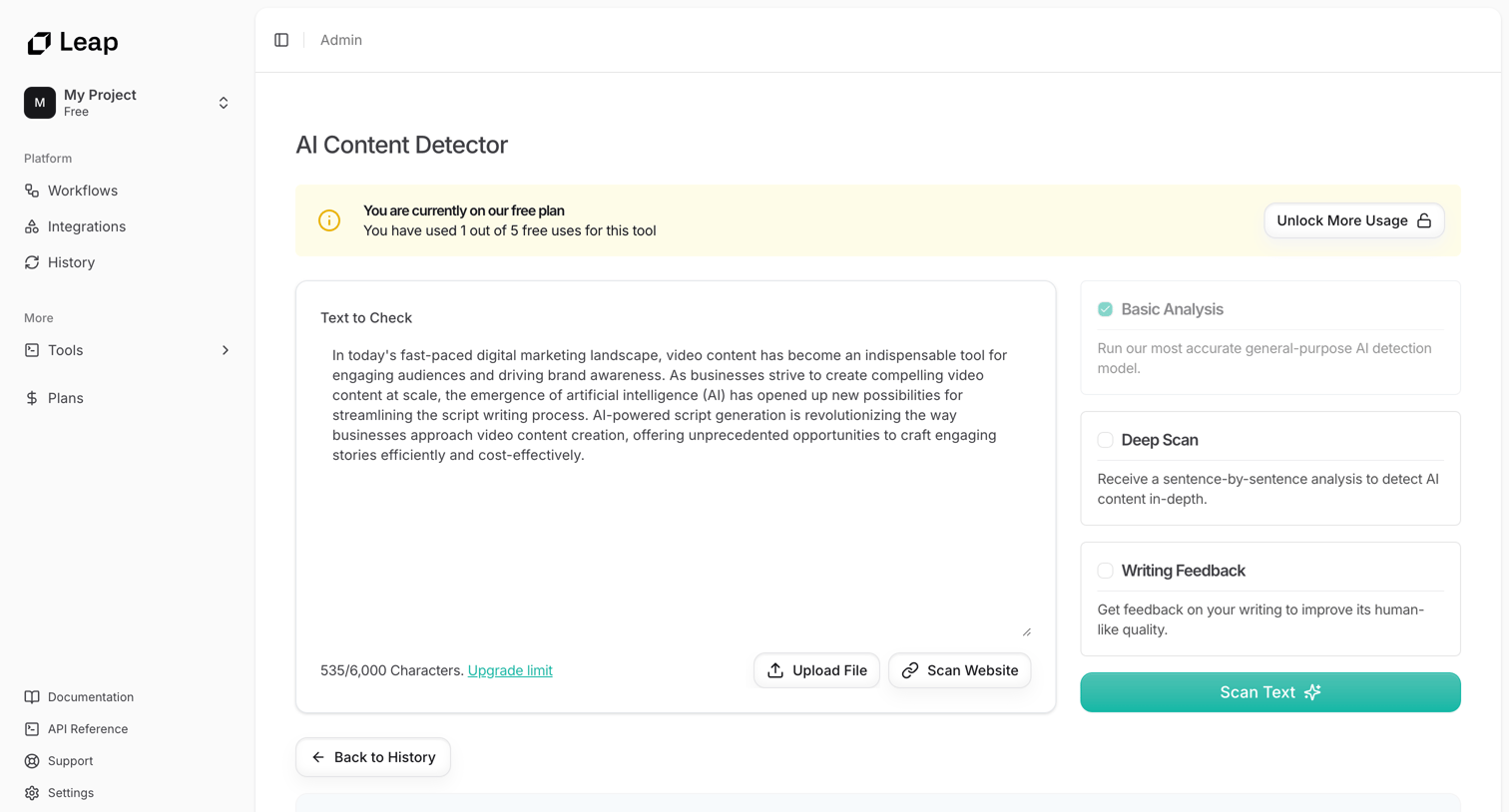

Detail page where the user inputs text or uploads a file to run an AI content detection scan and views a paywalled analysis report with classification scores.
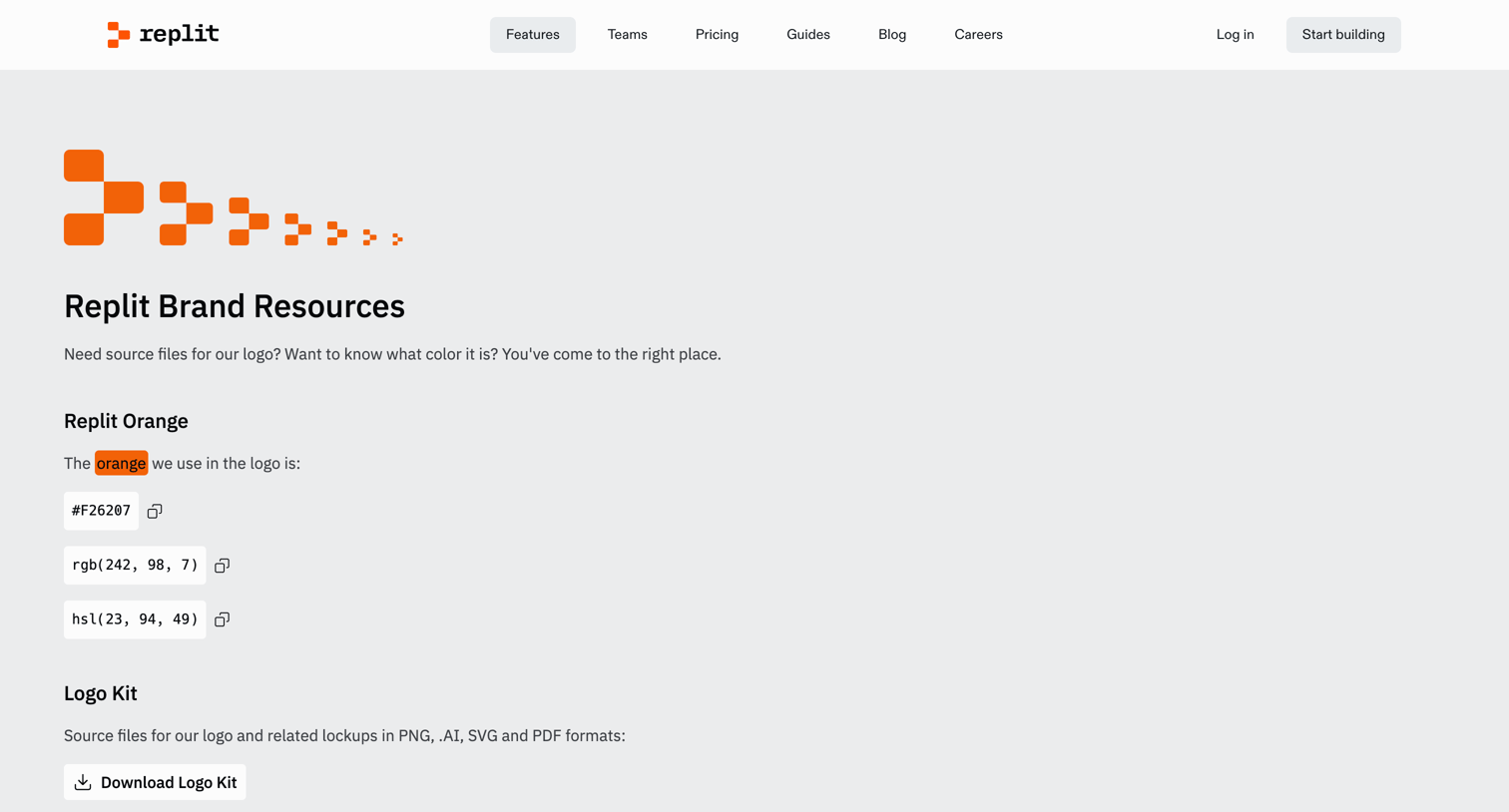

Brand resources page where users can download official logo kits and copy brand color codes.
Explore the full SaaS screen library
Upgrade to unlock the full library.
Trusted by the best teams







