Document list screen examples
Document list screen design examples from SaaS apps. Browse examples from Extend, Dock, Family.
Explore the examples
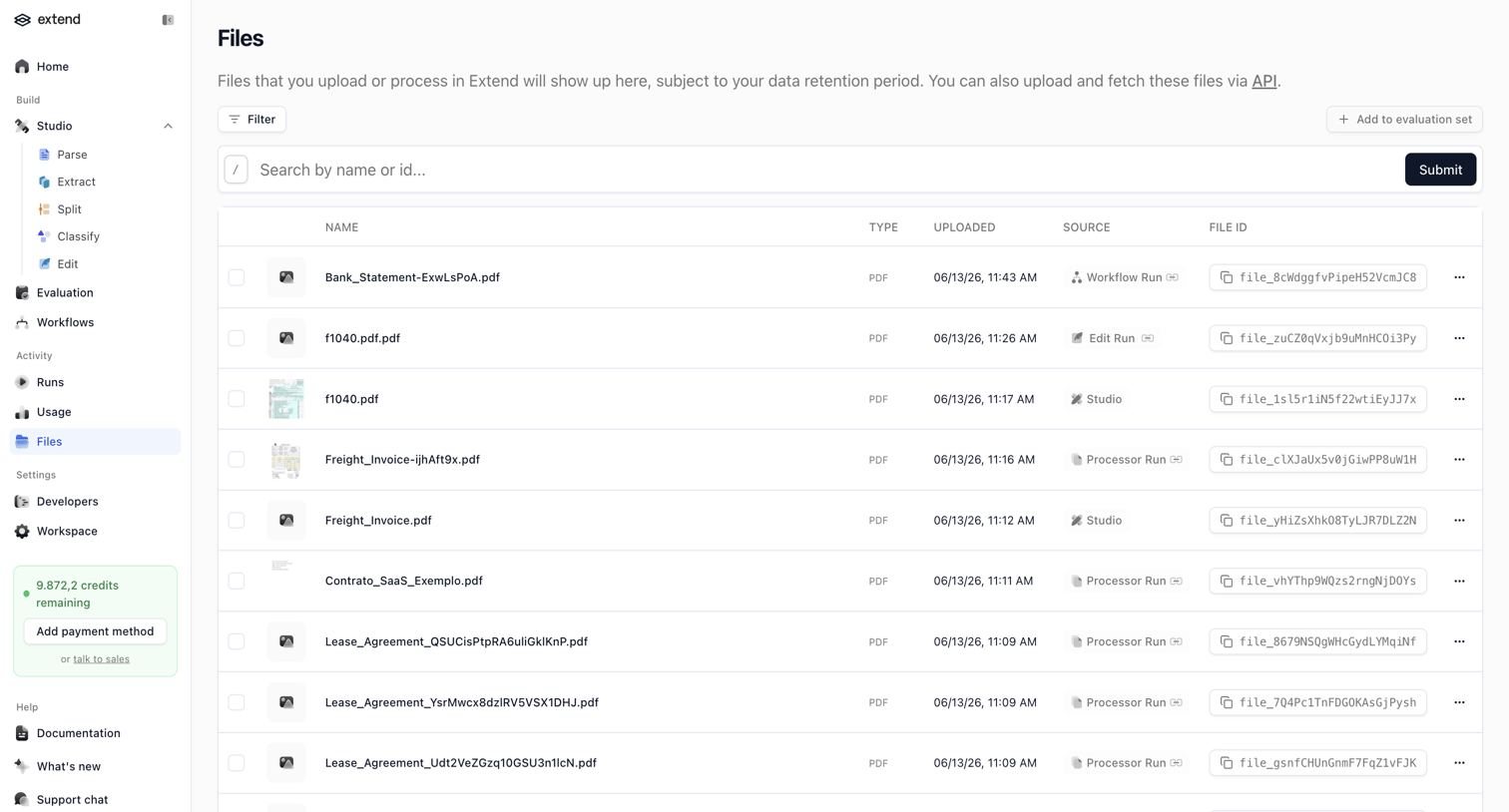

List view where the user searches and manages uploaded files, featuring a data table and a sidebar with a credit usage prompt.
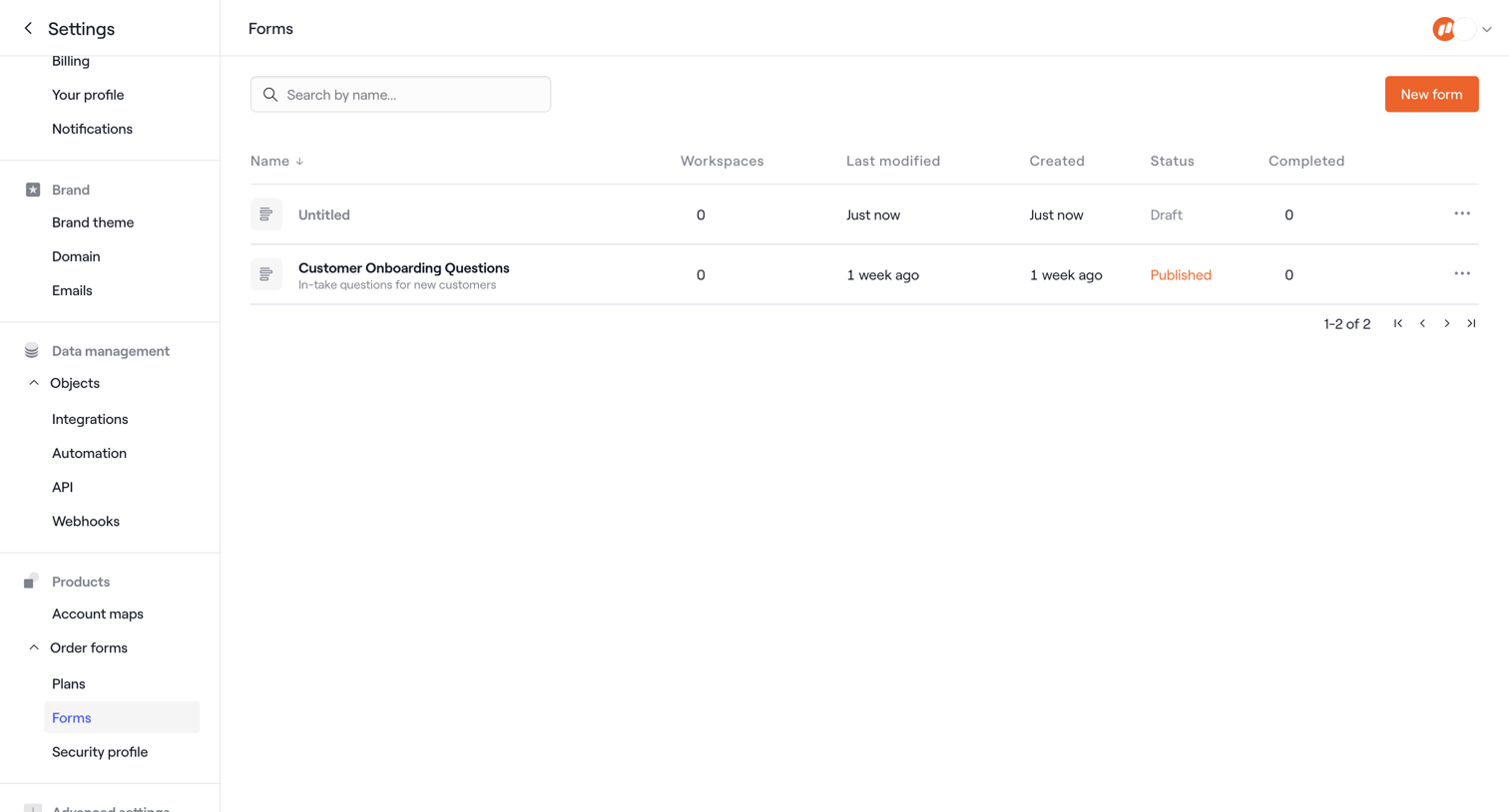

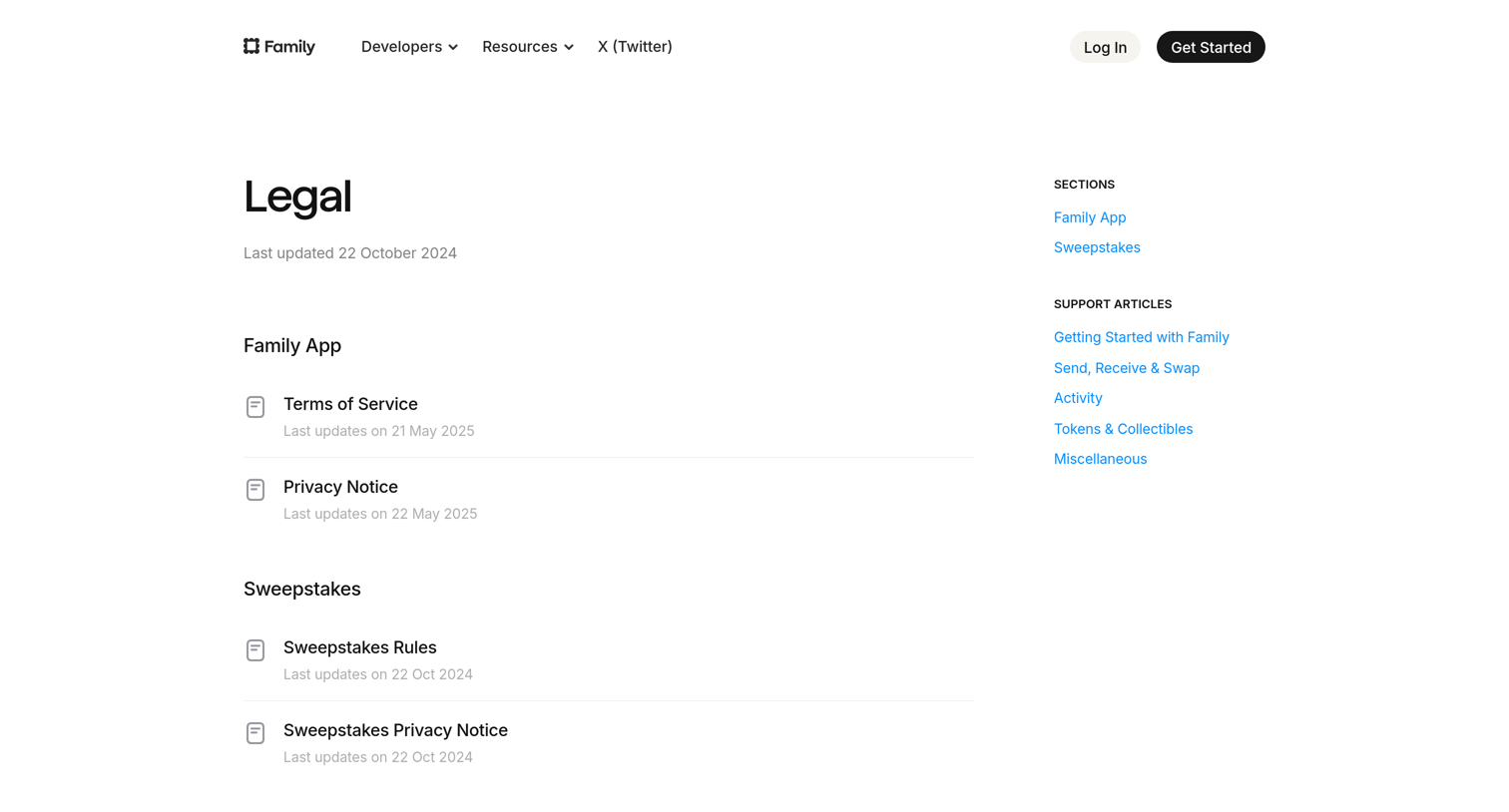

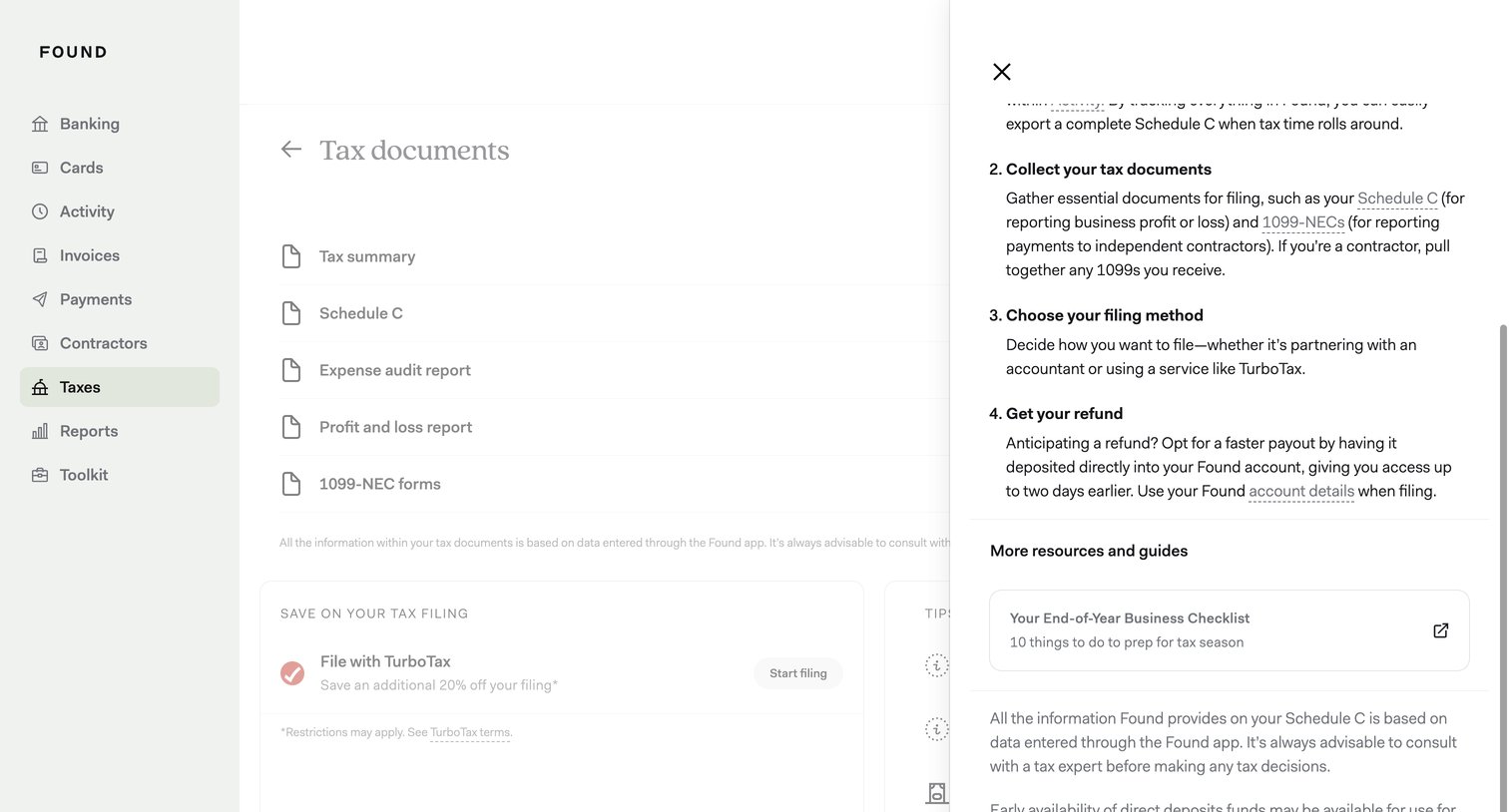
Legal page where the user navigates terms of service, privacy notices, and sweepstakes rules via a right-hand sidebar.
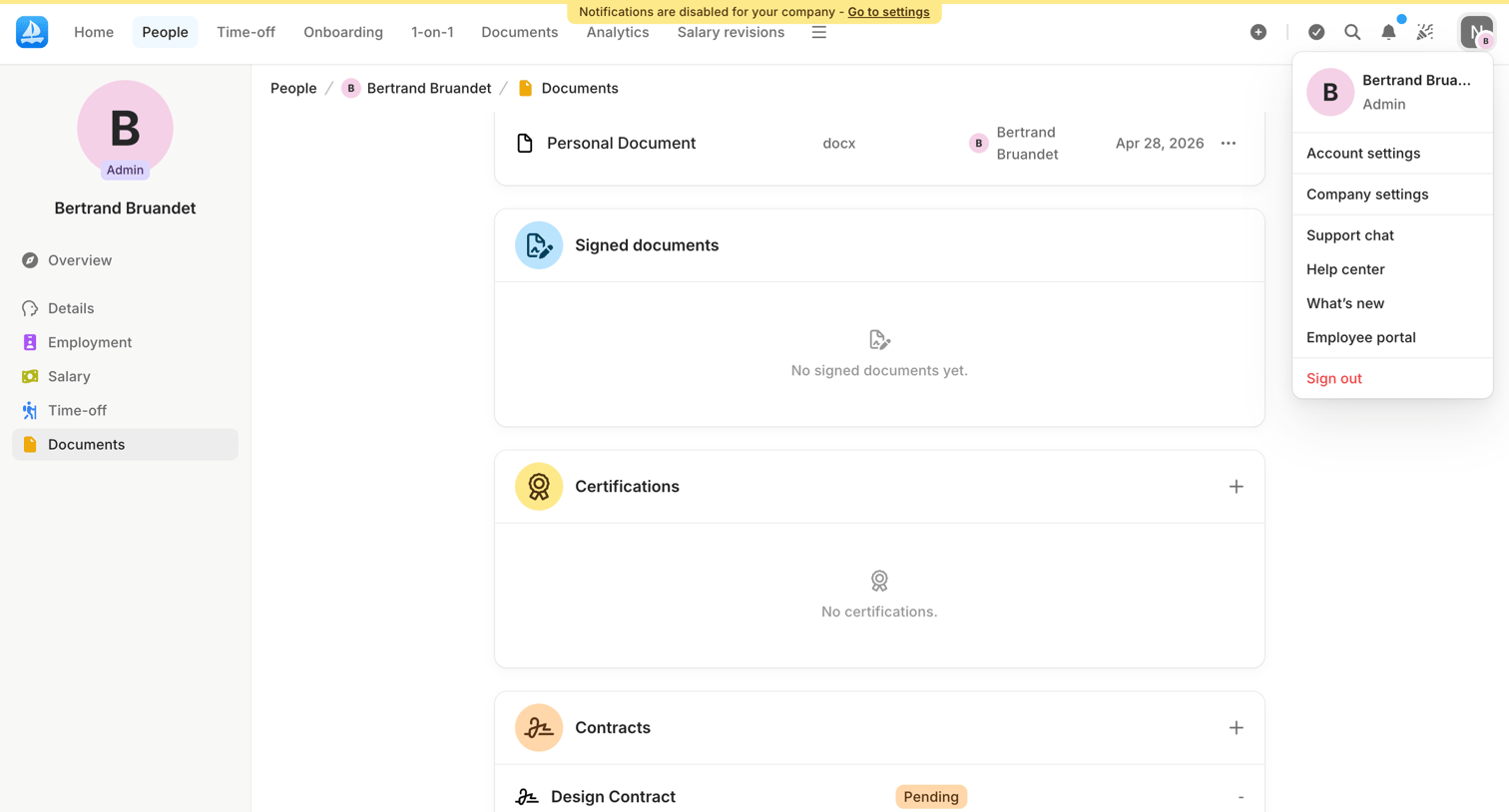


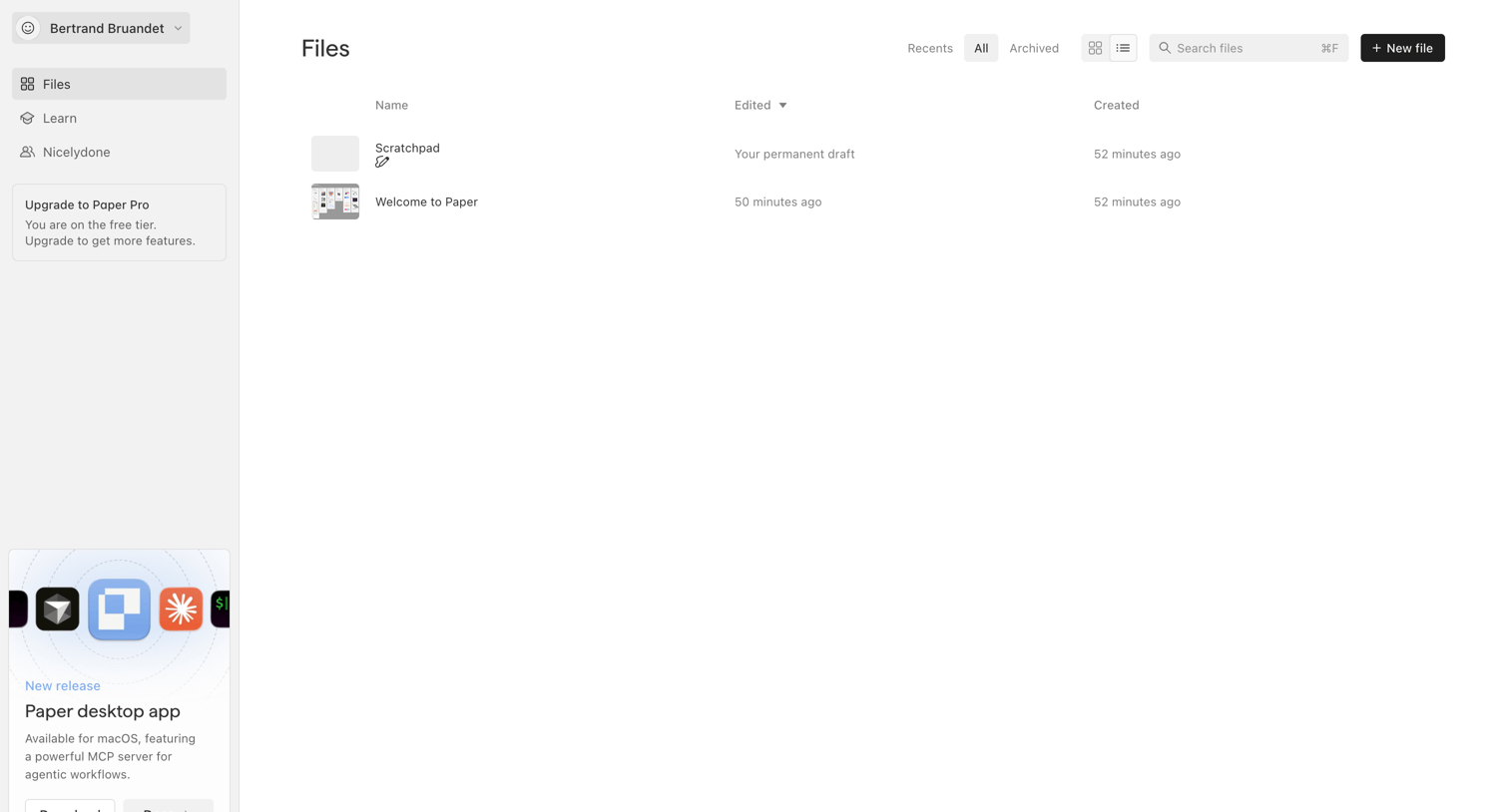

List view where the user manages their files, with options to filter by recent or archived, search, and create a new file, alongside a prompt to download the desktop app.
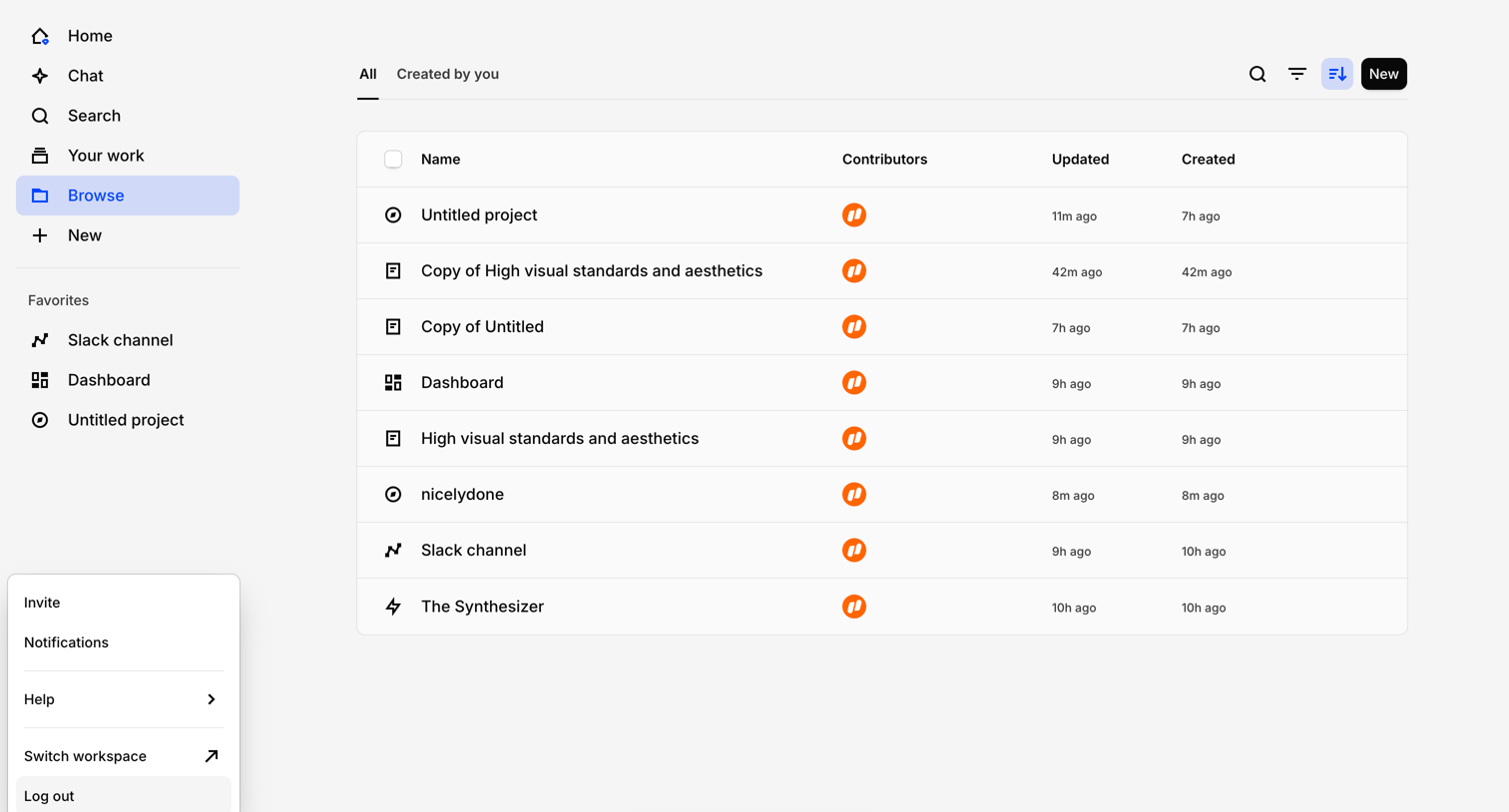

List view where the user browses their projects, files, and dashboards with a floating affordance to chat with their data.
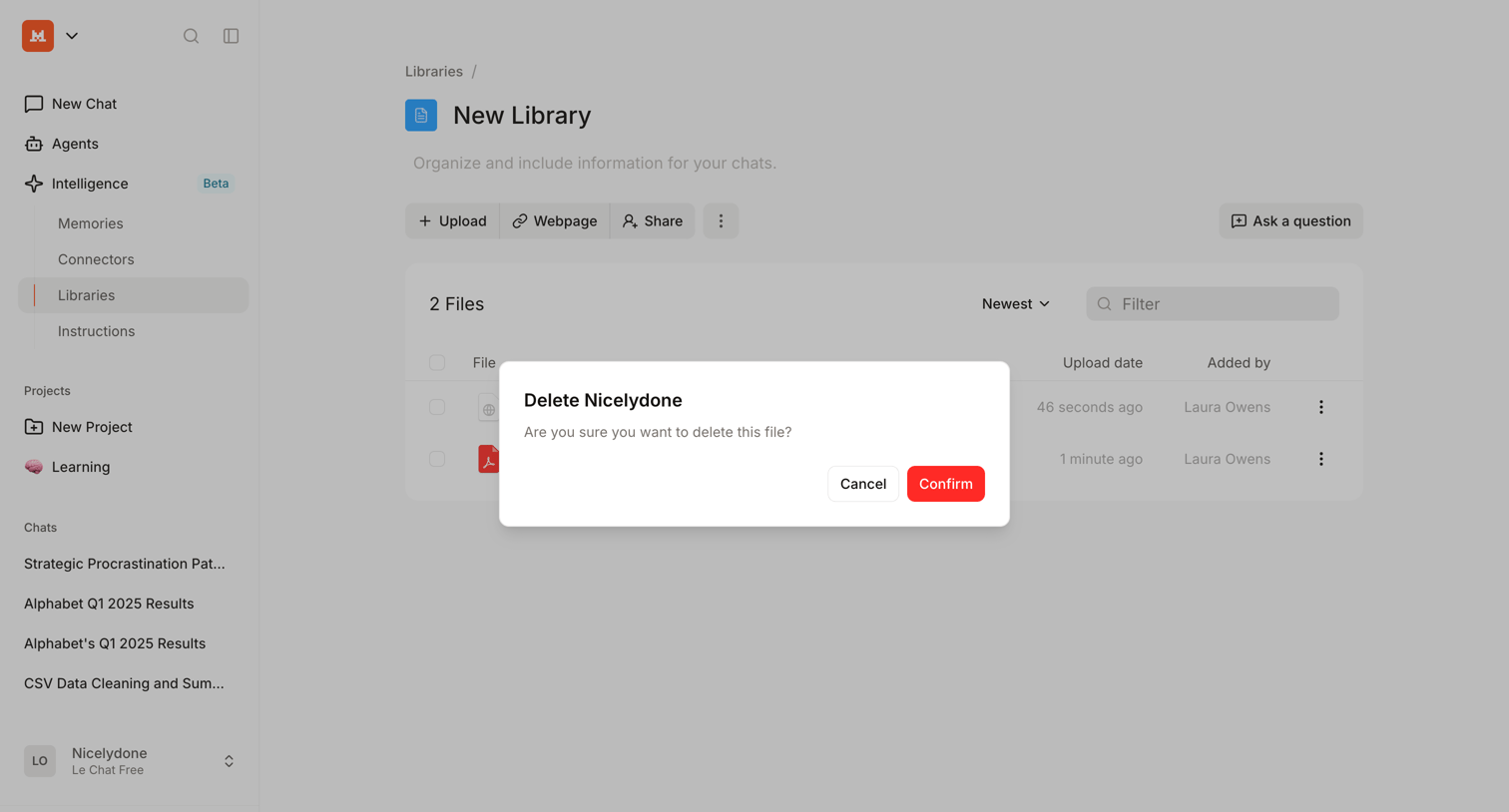

Detail page for an AI knowledge library where the user is prompted to confirm the deletion of a selected file via a modal.
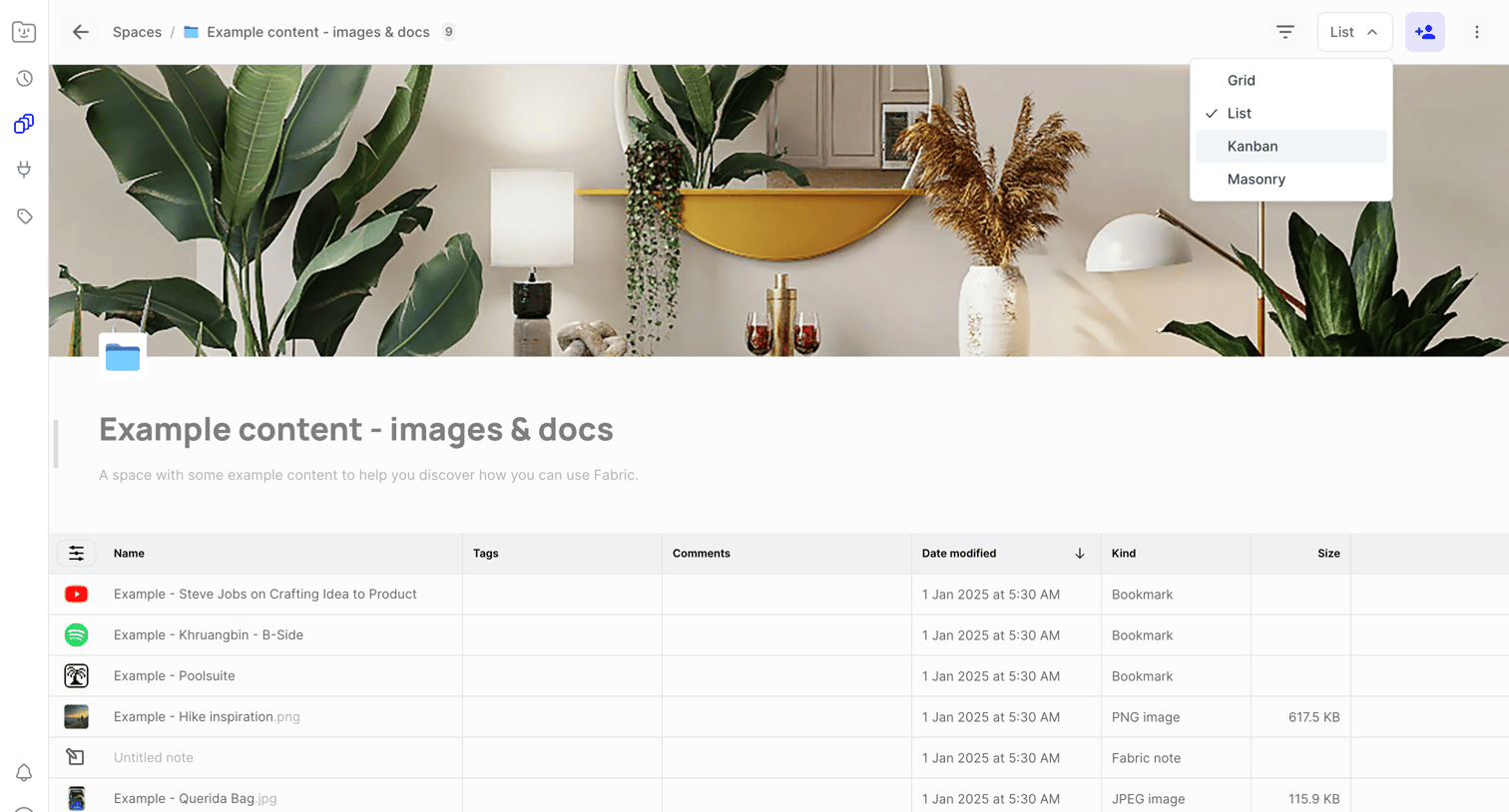

List view where the user manages a collection of bookmarks, images, and notes within a workspace, with an open dropdown to switch between list, grid, and kanban layouts.
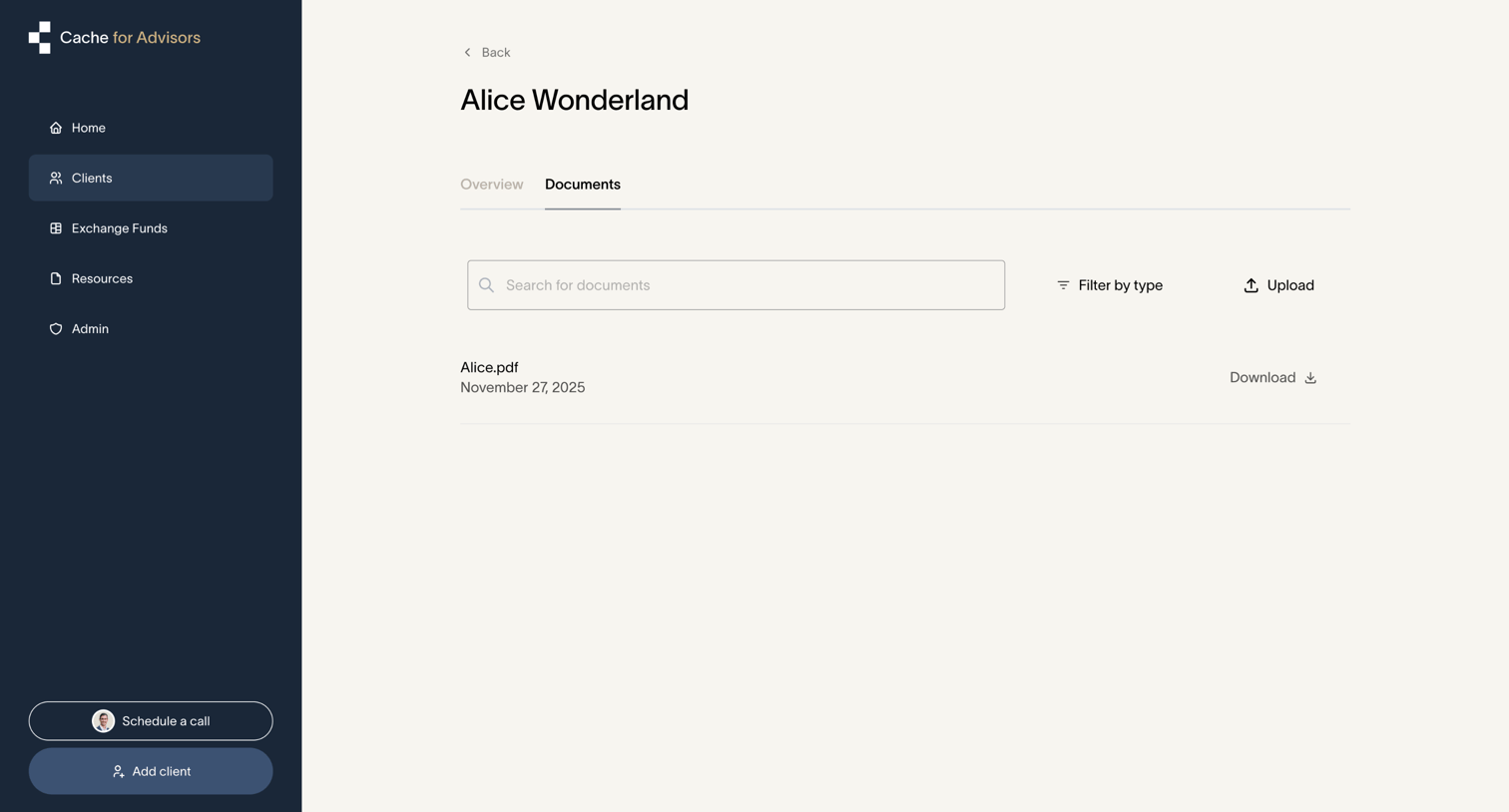

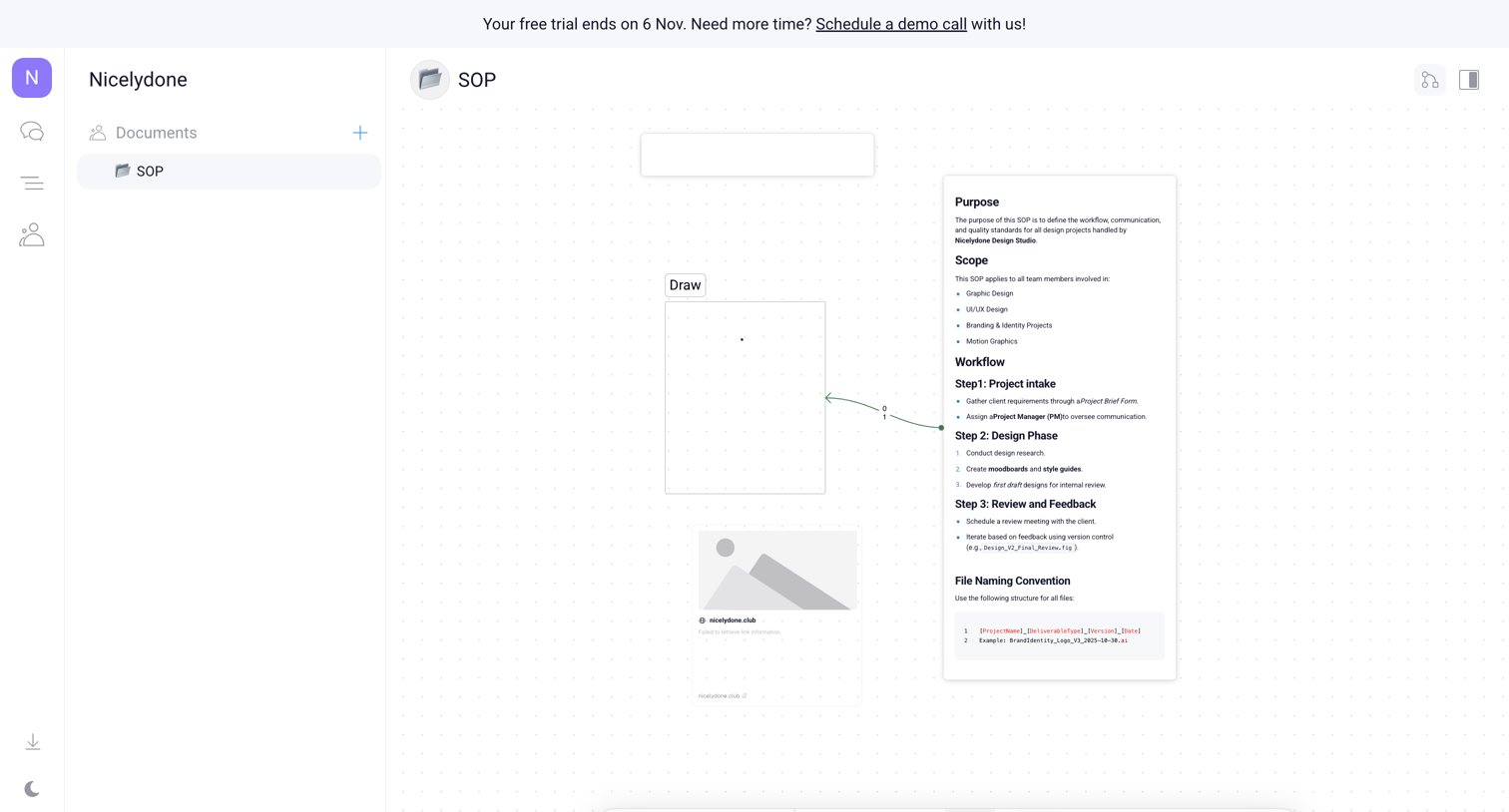

Whiteboard canvas where the user is building an SOP diagram with text nodes, image placeholders, and connecting arrows, featuring a floating tool palette and a trial expiration banner.
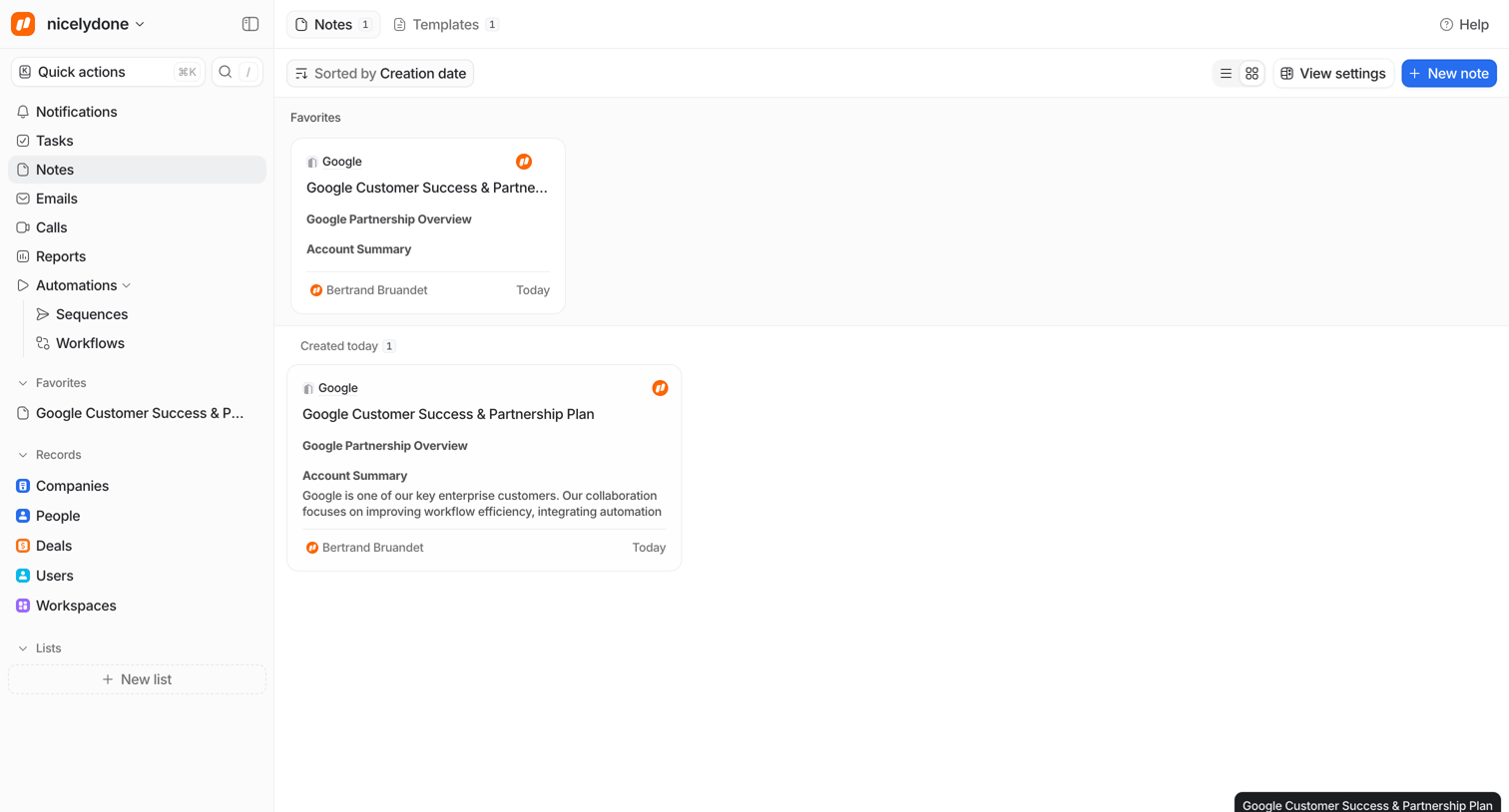

List view showing notes categorized by favorites and creation date, with options to sort, change view, and create a new note.
Explore the full SaaS screen library
Upgrade to unlock the full library.
Trusted by the best teams







