Deploy screen examples
Deploy screen design examples from SaaS apps. Browse examples from Elevenlabs, Evervault, Lemni.
Explore the examples
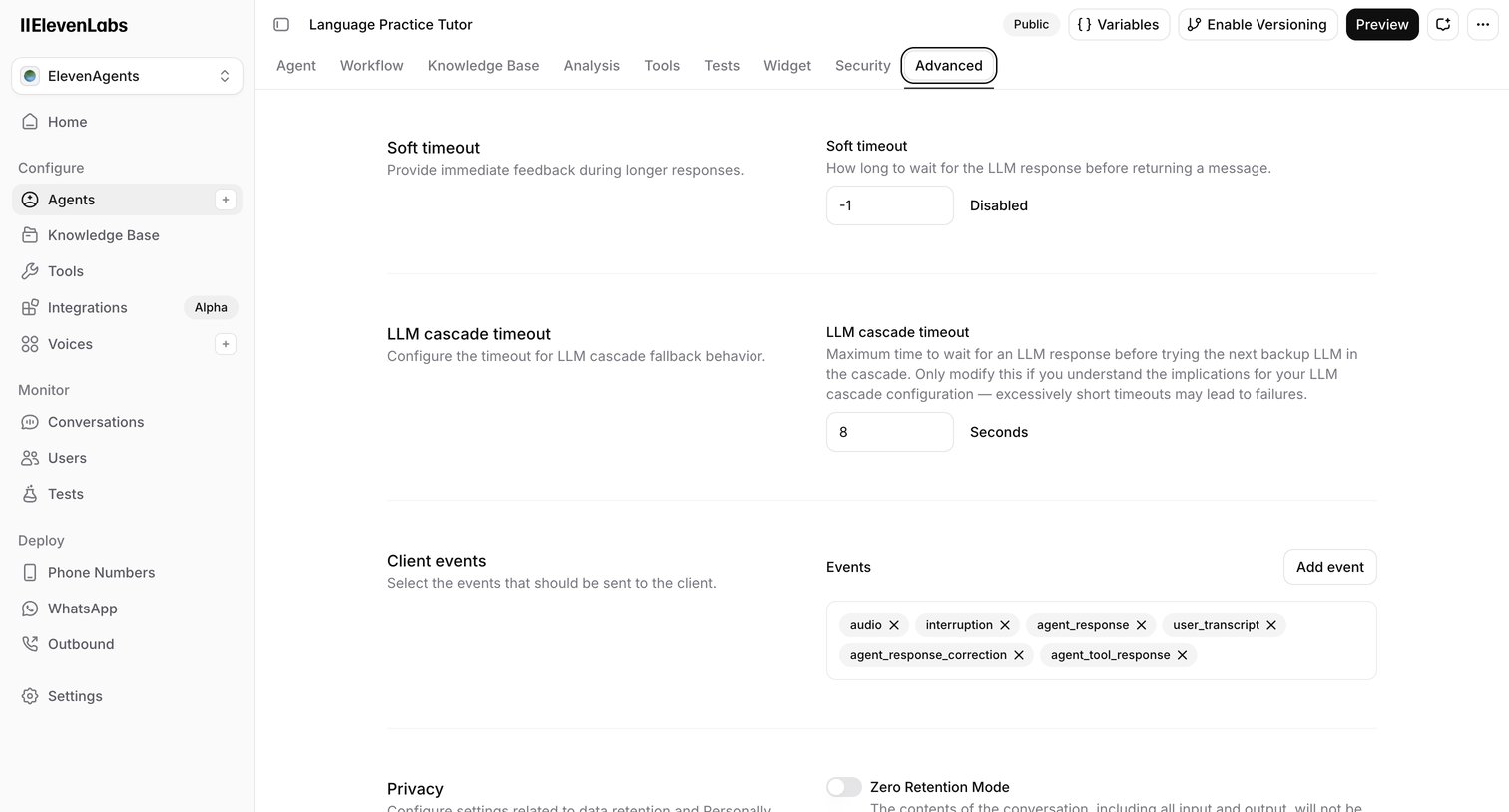

Settings page where the user configures advanced parameters for an AI agent, including timeouts, client events, and privacy retention modes.
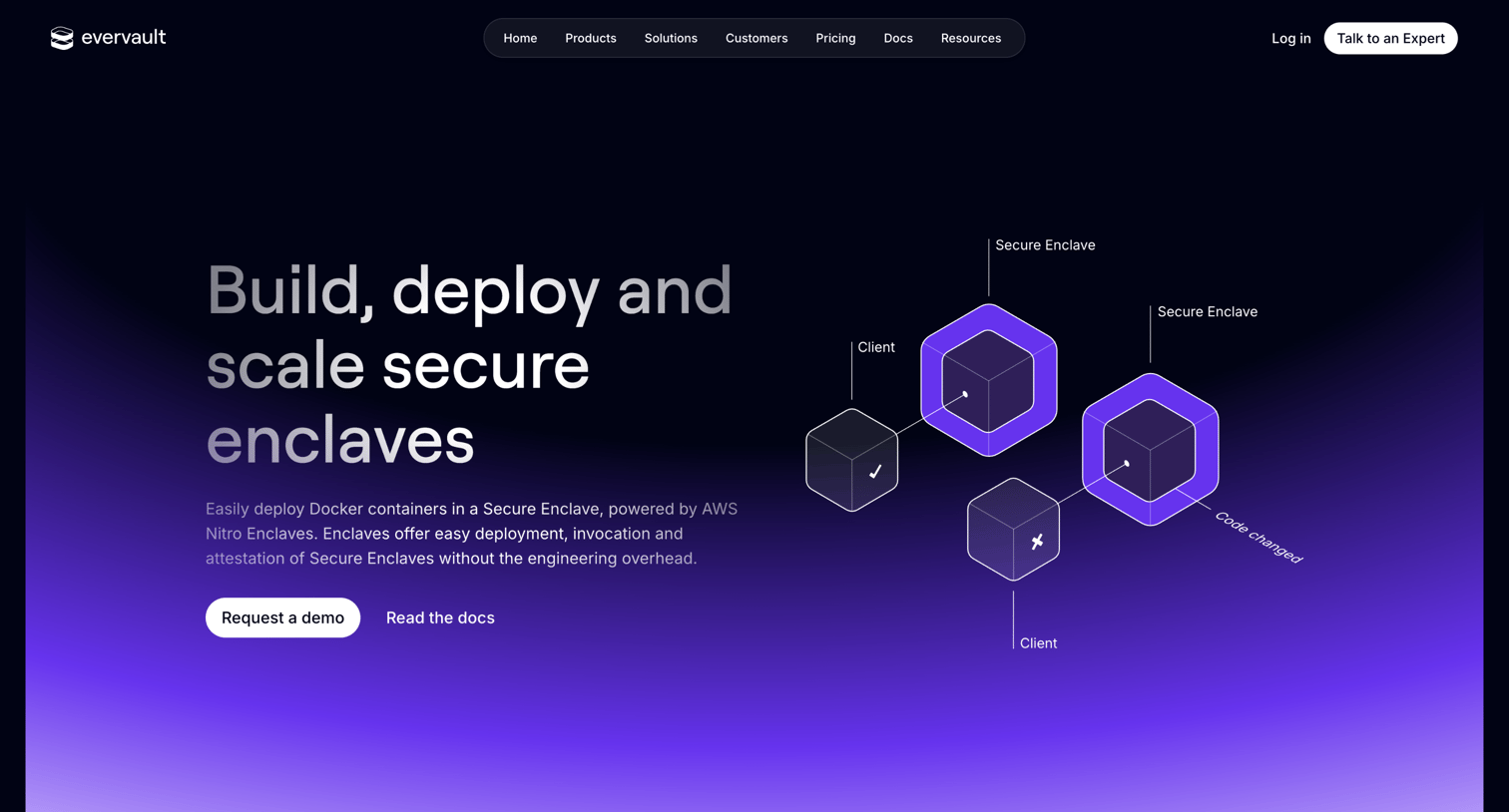

Product page detailing Evervault Enclaves, highlighting secure compute environments, deployment steps via CLI, open-source nature, and compliance features.
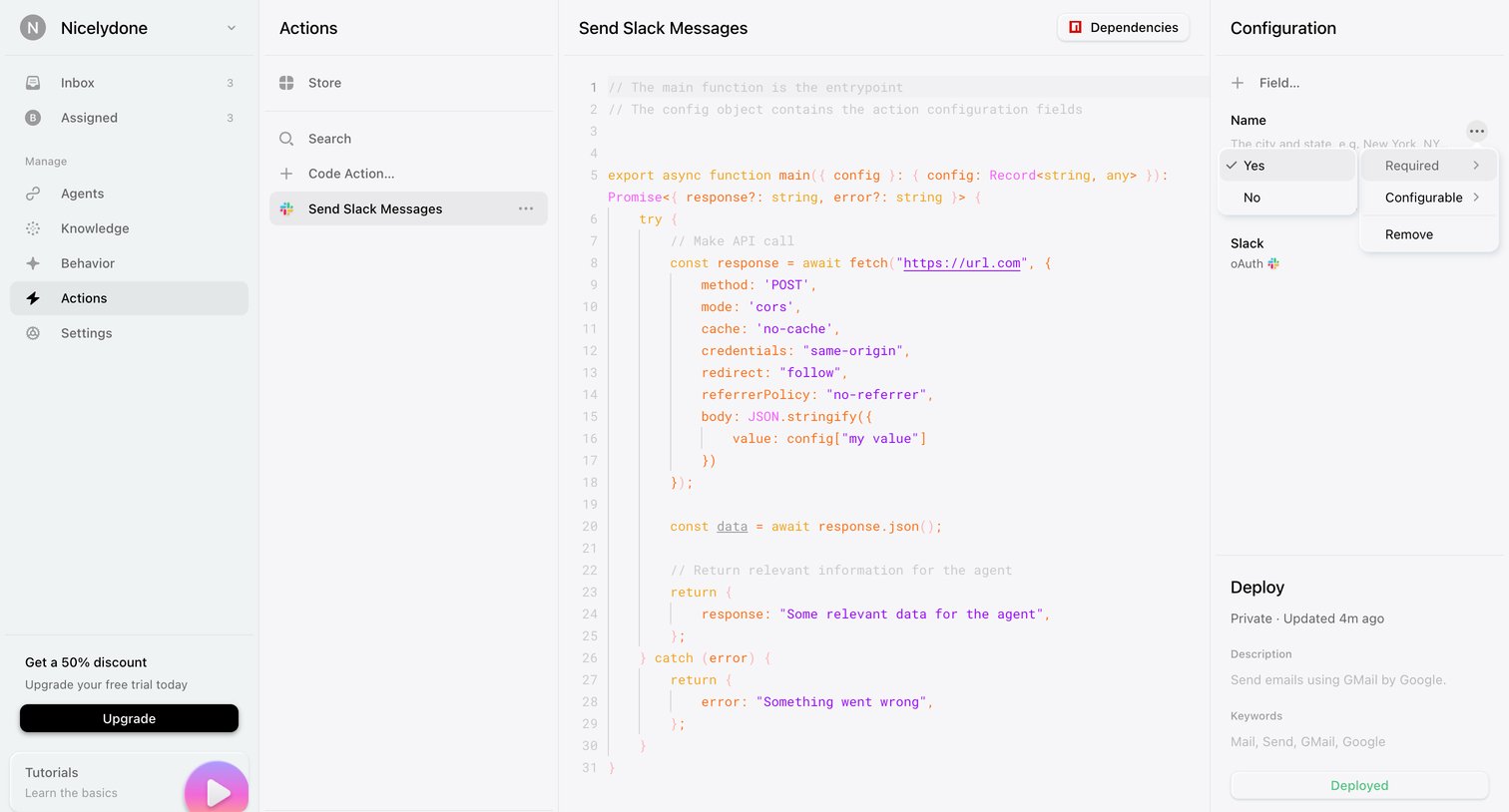

Code editor where the user configures and deploys a custom action for sending Slack messages, including defining its JavaScript function and required fields.
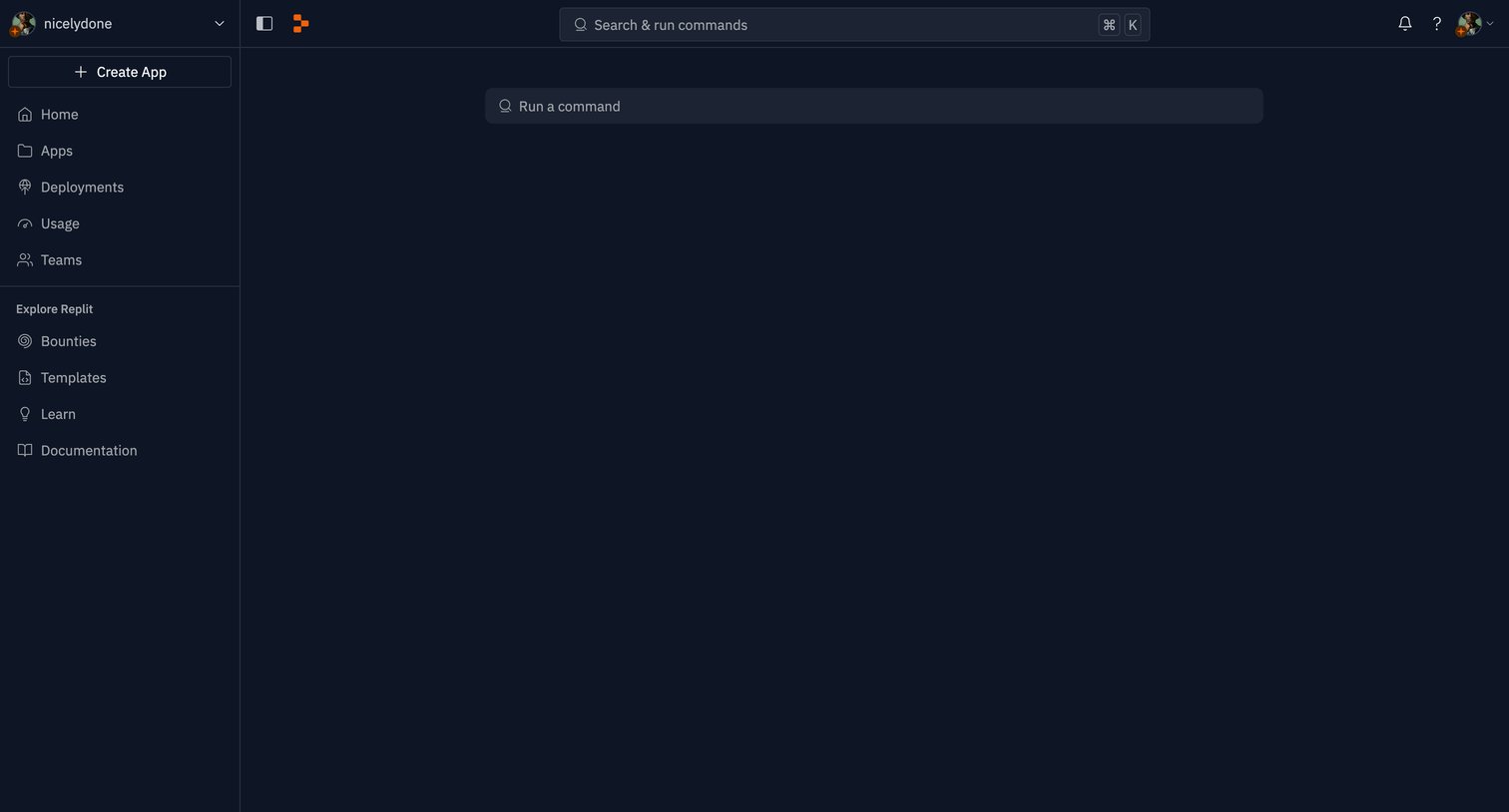

Home screen for a developer environment featuring a central input for running commands directly in the browser.
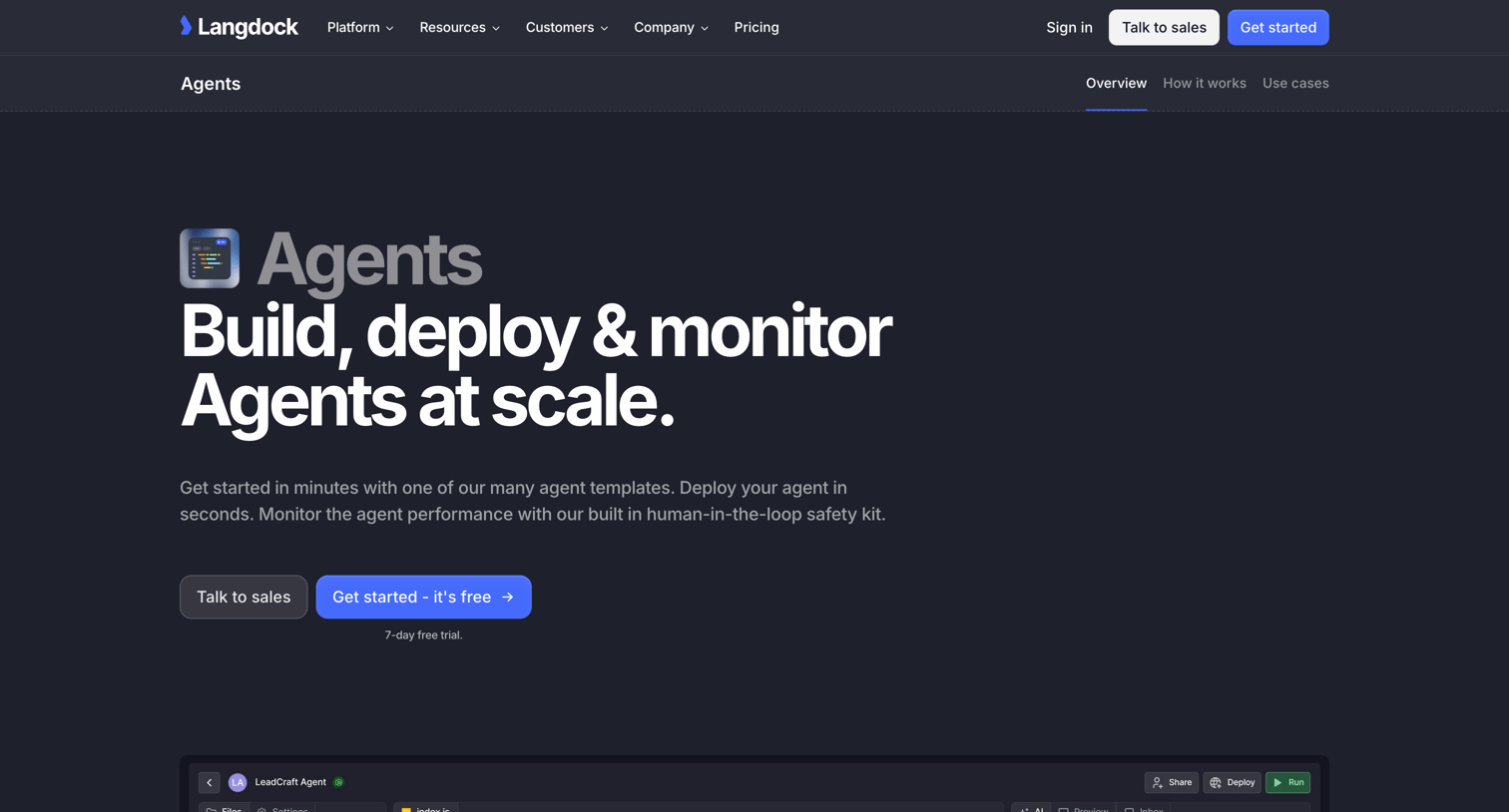

Product page detailing Langdock's AI Agents feature, highlighting the ability to build, customize, and deploy agents using templates or code with a 7-day free trial.
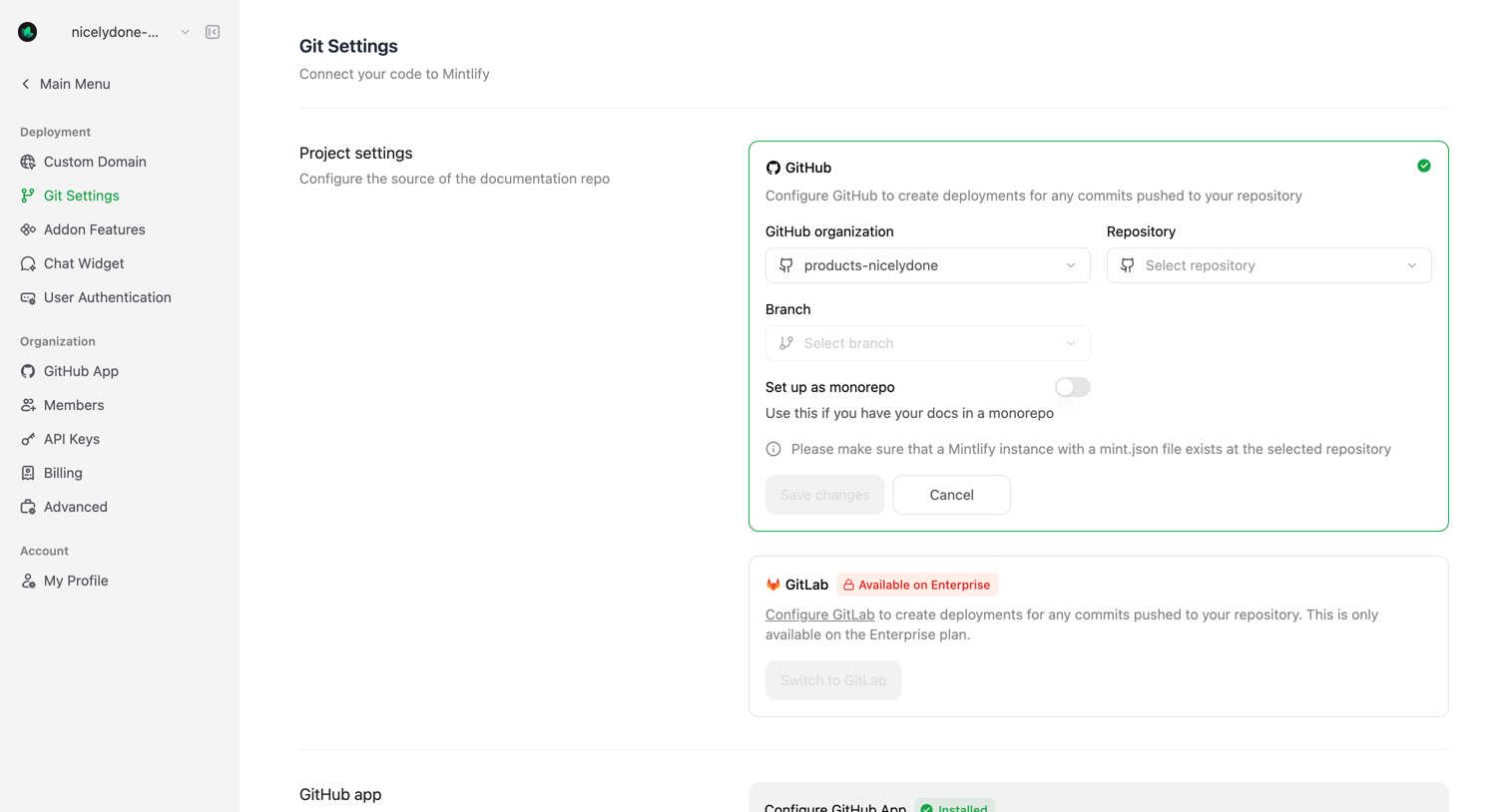

Settings page where the user configures their Git deployment source by connecting a GitHub organization and repository, with an inline upsell for GitLab enterprise support.
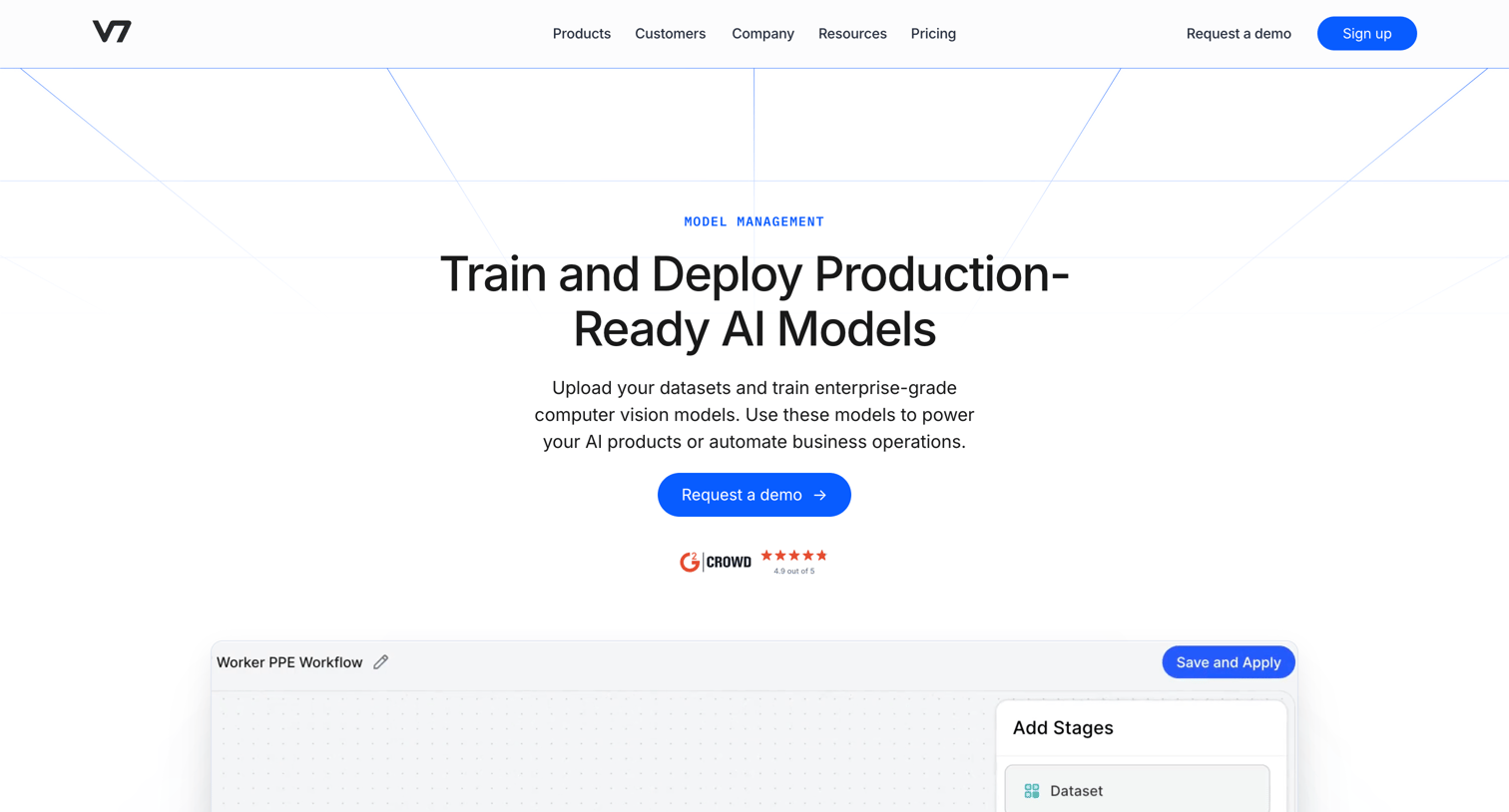

Feature page explaining how teams can train, deploy, and monitor computer vision models using automated workflows and auto-ML capabilities.
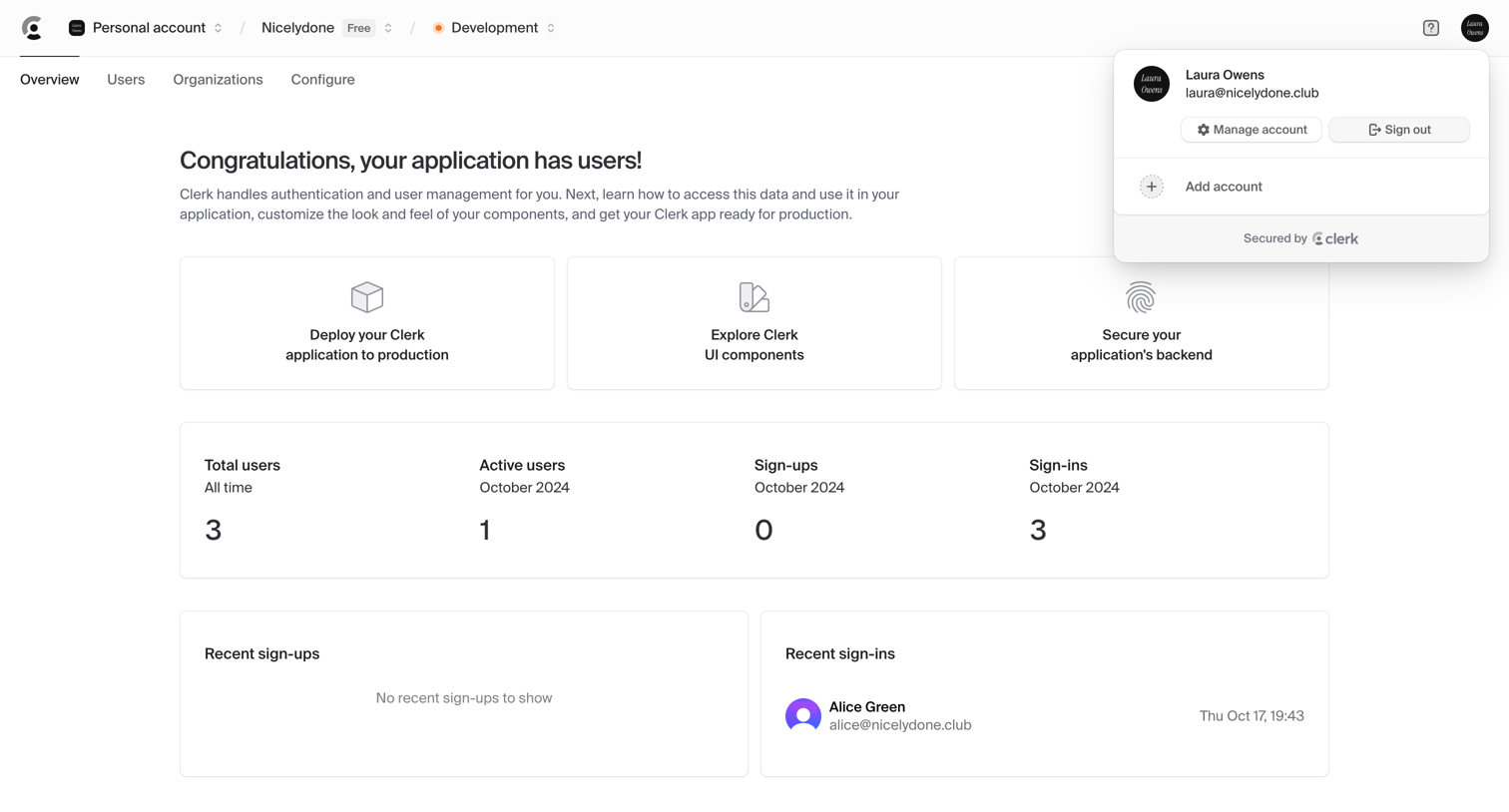

Dashboard for an authentication application showing a welcome message, onboarding next steps, high-level user metrics, and recent sign-in activity.
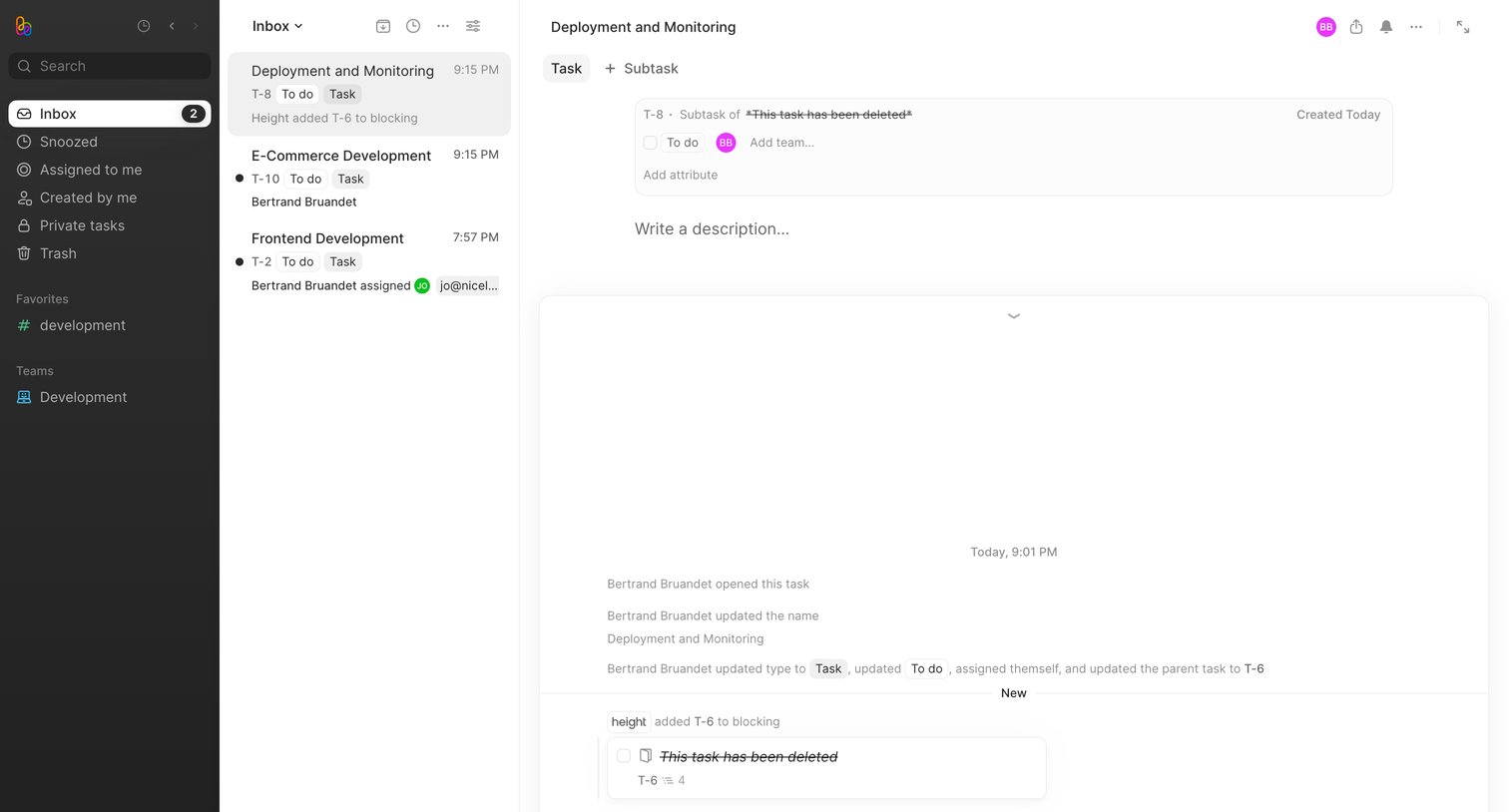

Inbox view where the user reviews task updates, subtasks, and activity history for a specific deployment issue.
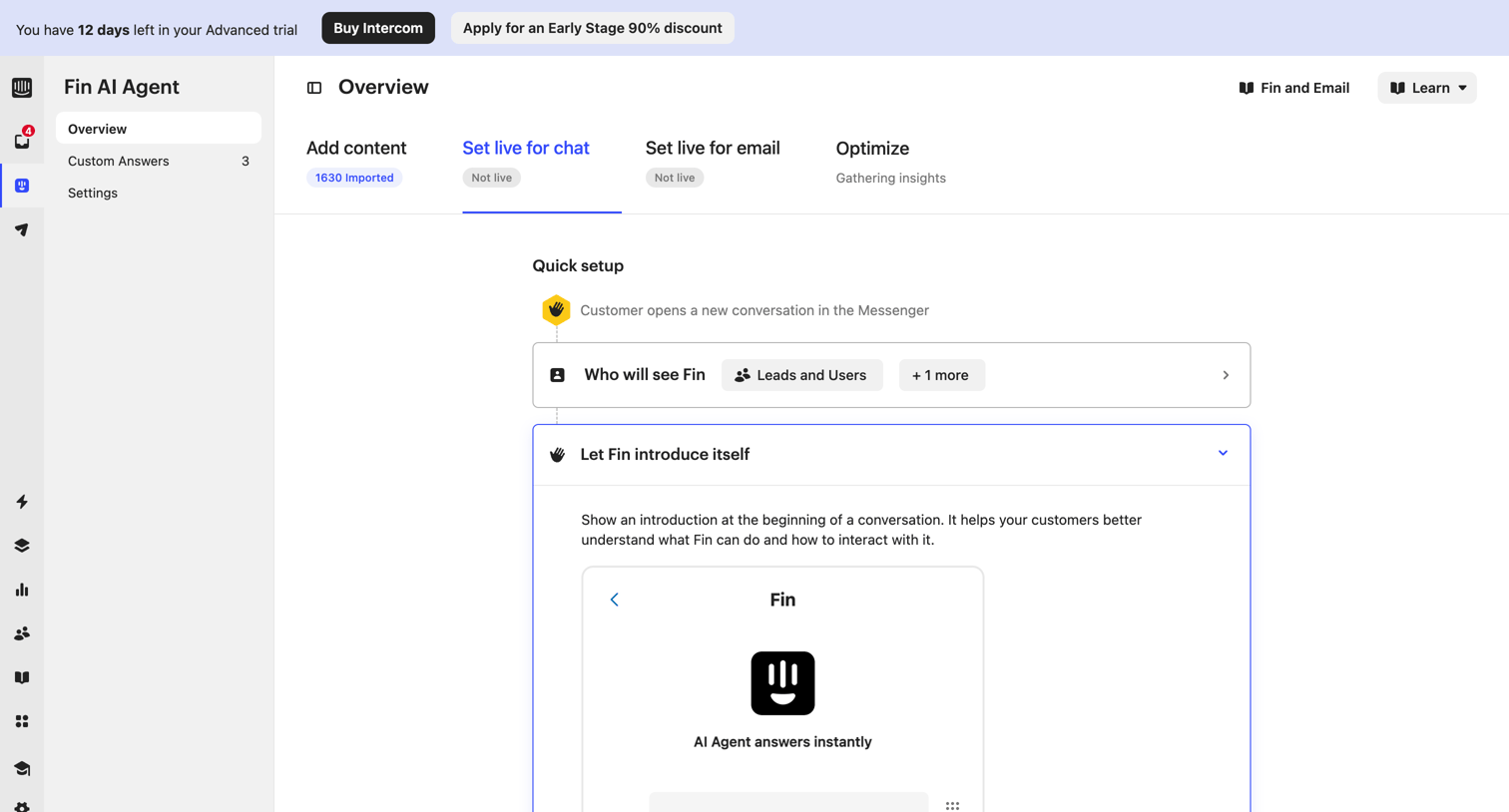

Settings page where the user configures the live chat behavior of their AI agent, including its introduction message, audience targeting, and human handoff rules.
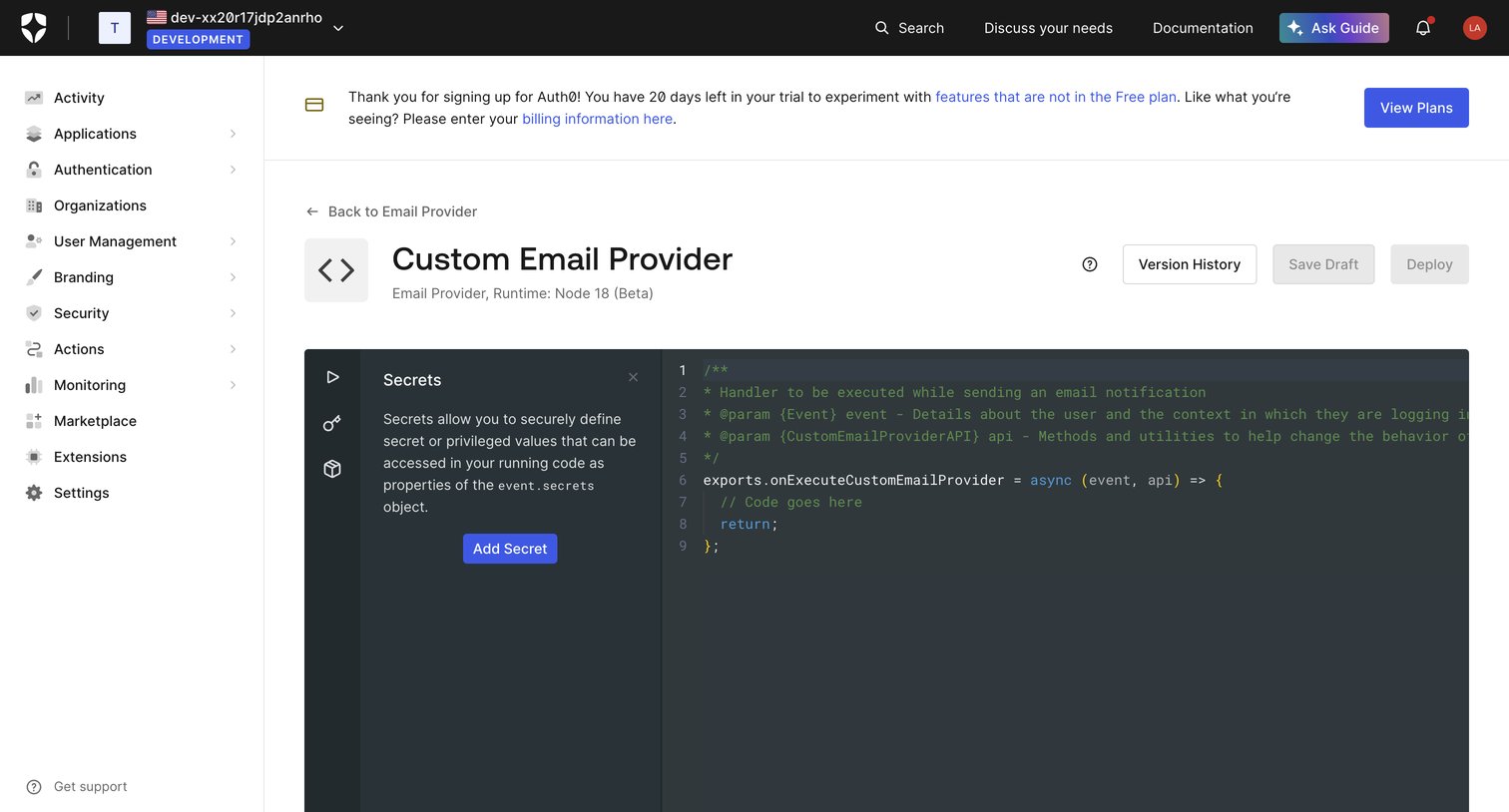

Code editor where the user writes a custom Node.js script for an email provider, with a side panel for managing secrets.
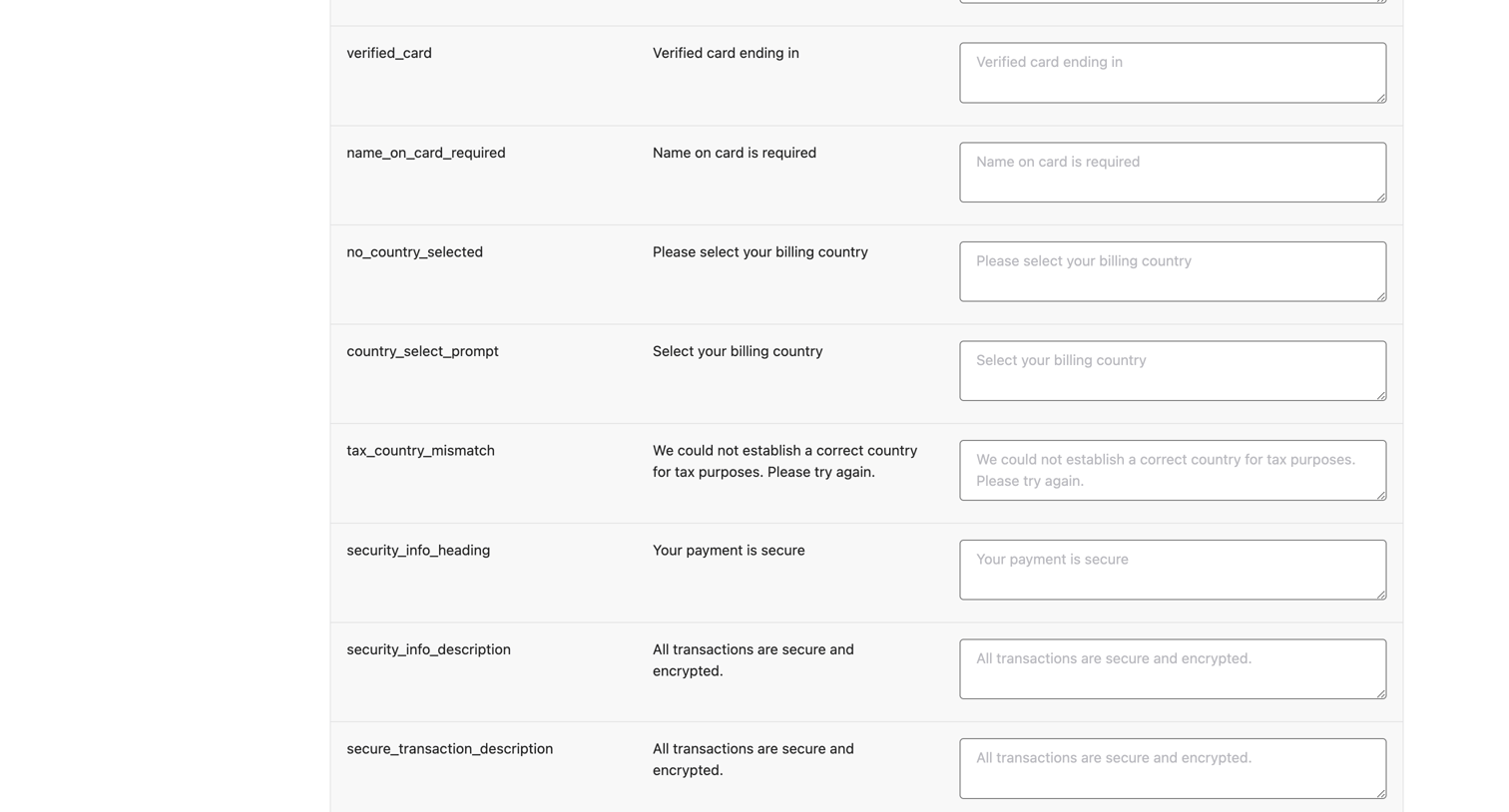

Settings page where the user customizes default text strings and labels across their school's checkout and course interfaces.
Explore the full SaaS screen library
Upgrade to unlock the full library.
Trusted by the best teams







