CRM integration screen examples
CRM integration screen design examples from SaaS apps. Browse examples from Dock, Beside, Amie.
Explore the examples
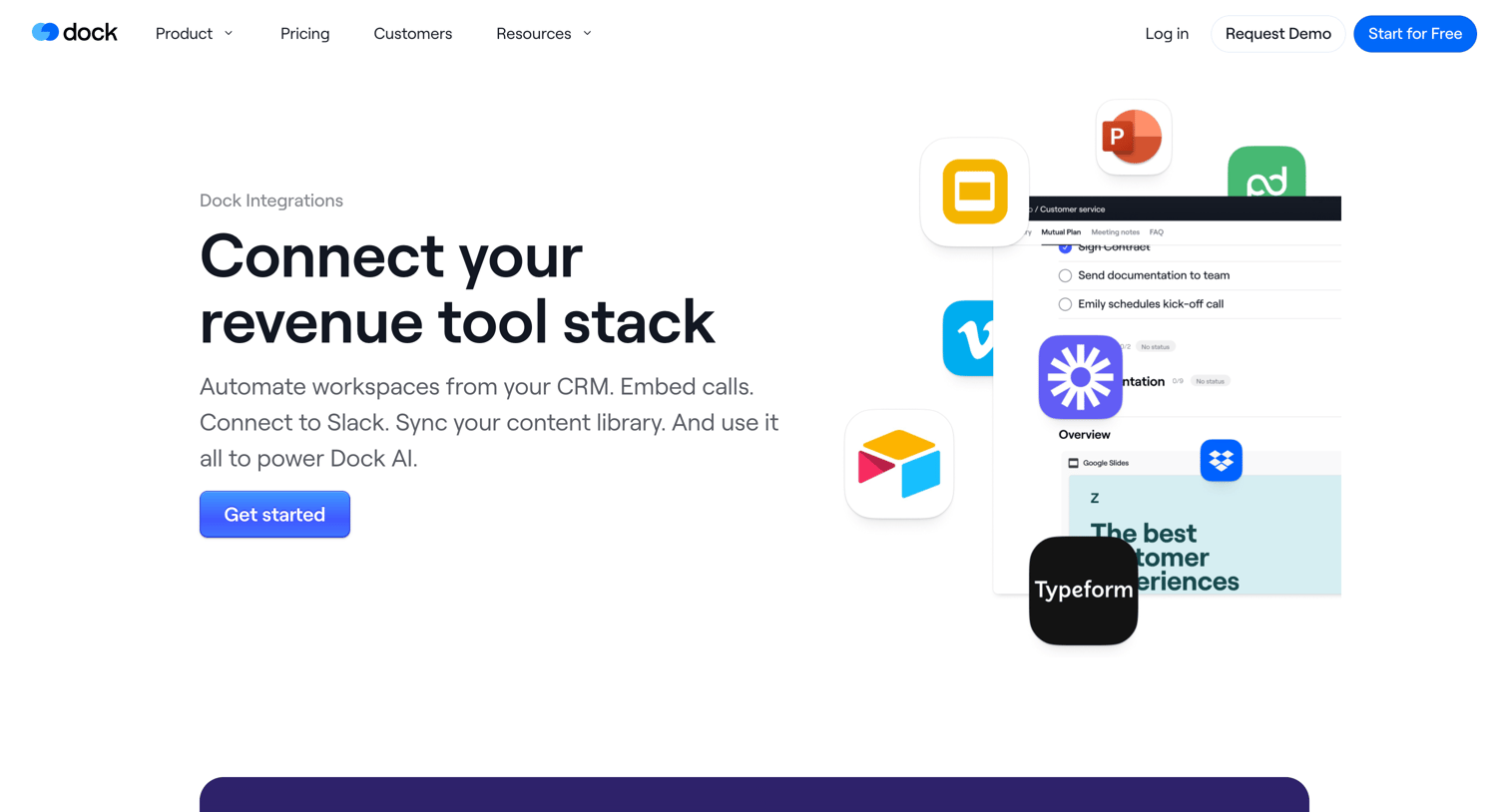

Integrations page showcasing how the product connects with CRMs, video tools, chat apps, and content management systems.
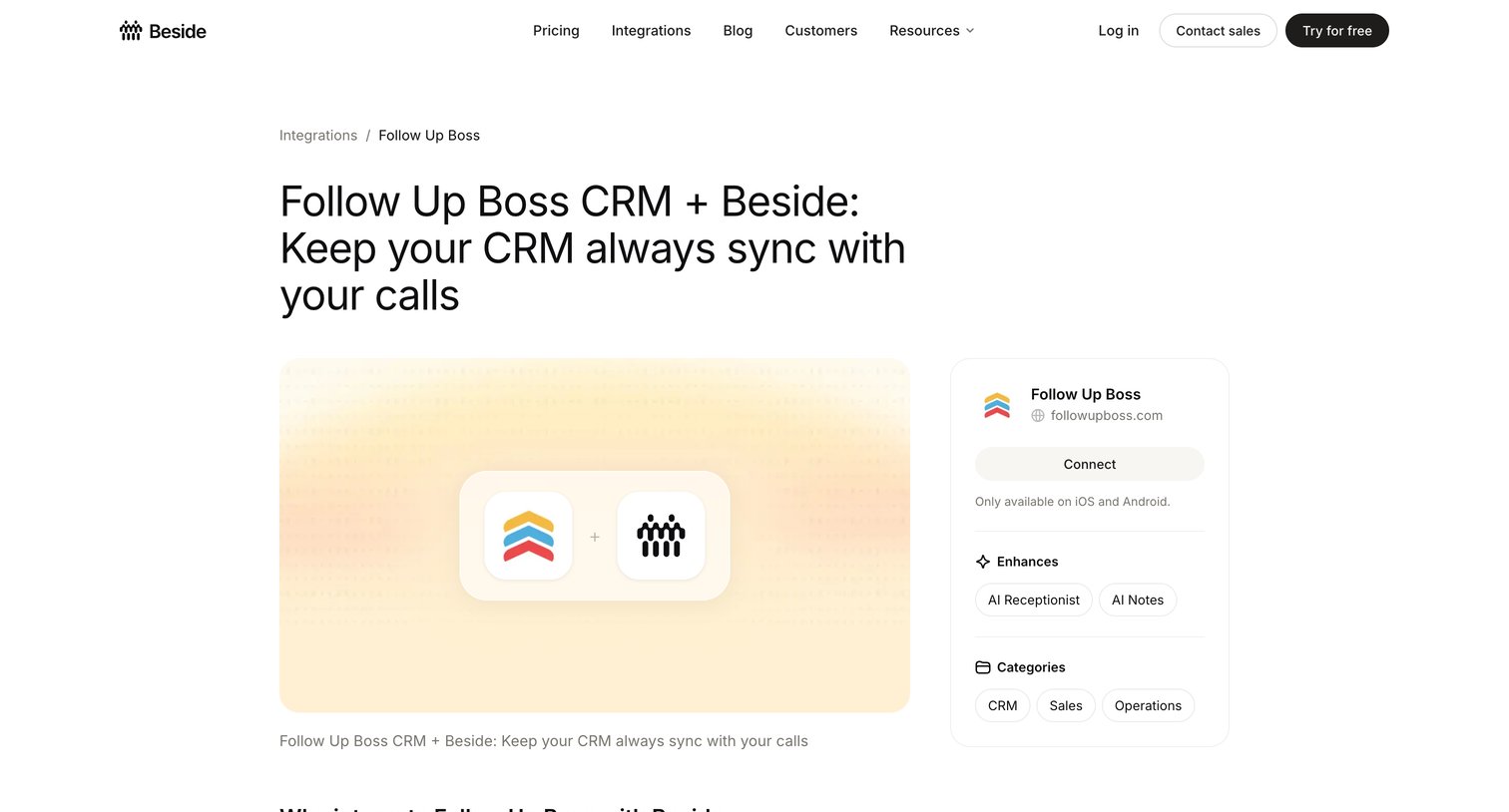

Feature page detailing the Beside integration with Follow Up Boss CRM, explaining the benefits, how it works, and providing a step-by-step guide to connect via Zapier.
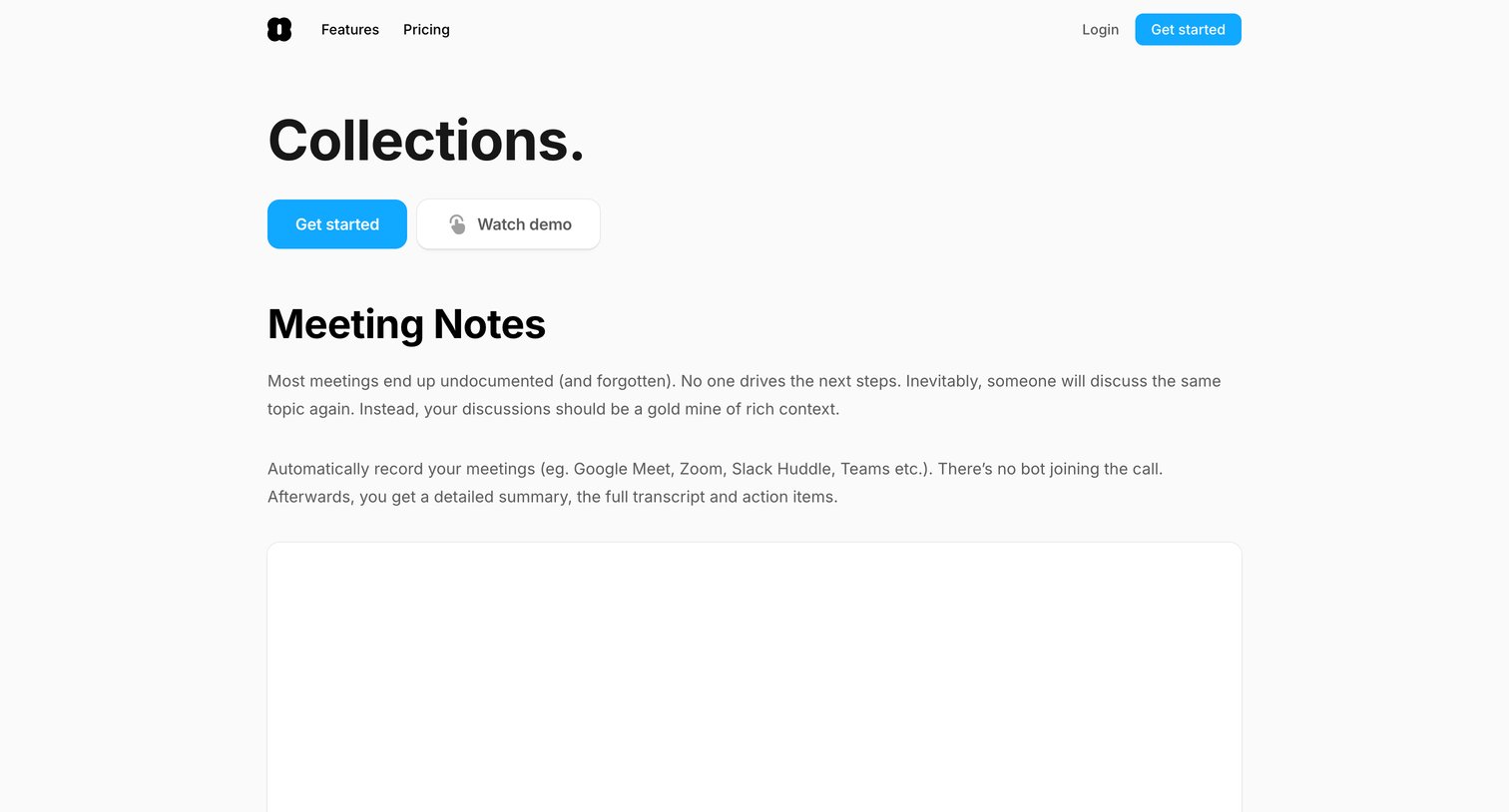

Marketing feature page explaining how the product automatically records and summarizes meeting notes and syncs them to various CRM and productivity tools.
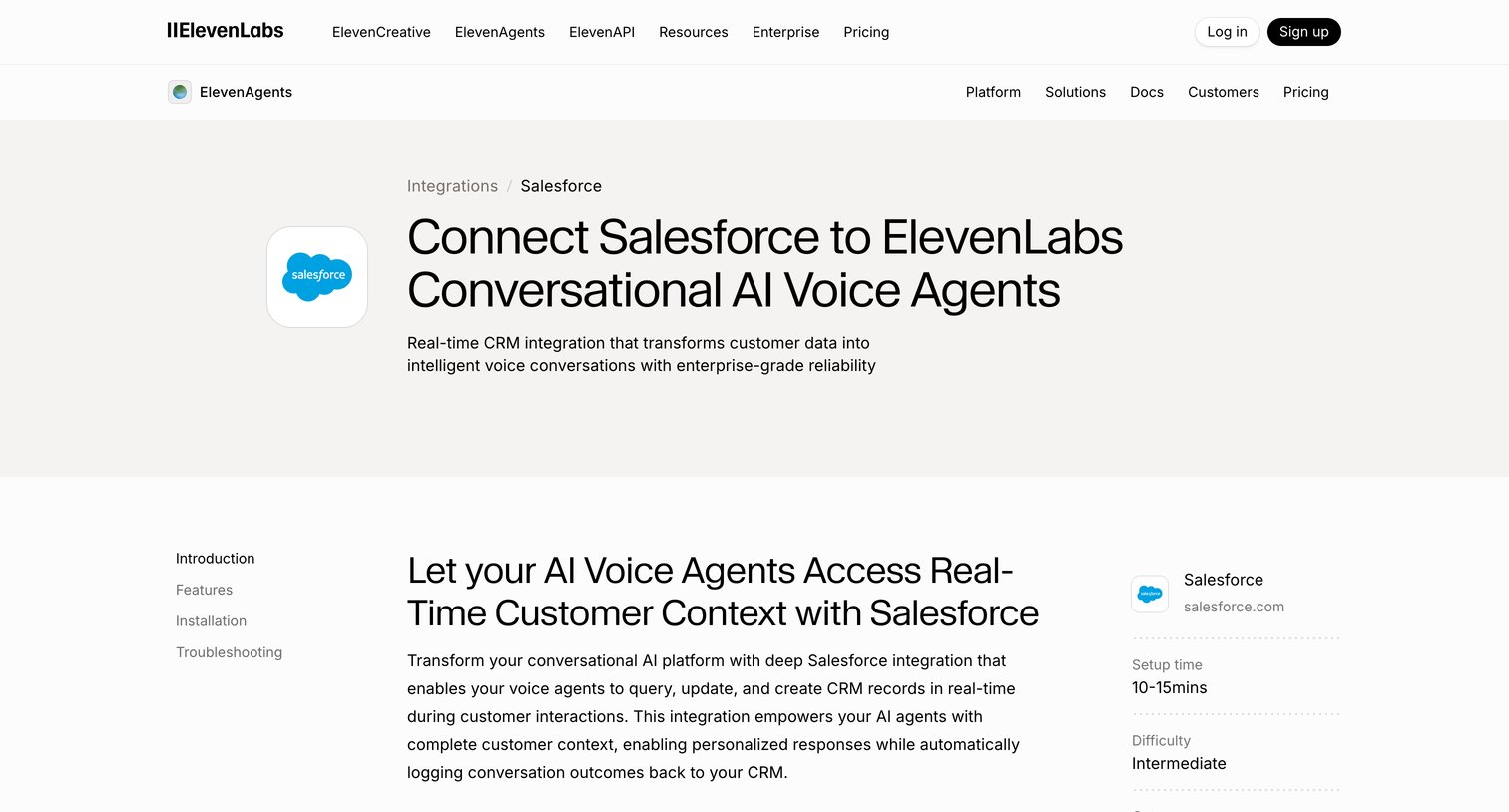

Feature page detailing the Salesforce integration for AI voice agents, including benefits, configuration steps, and troubleshooting FAQs.
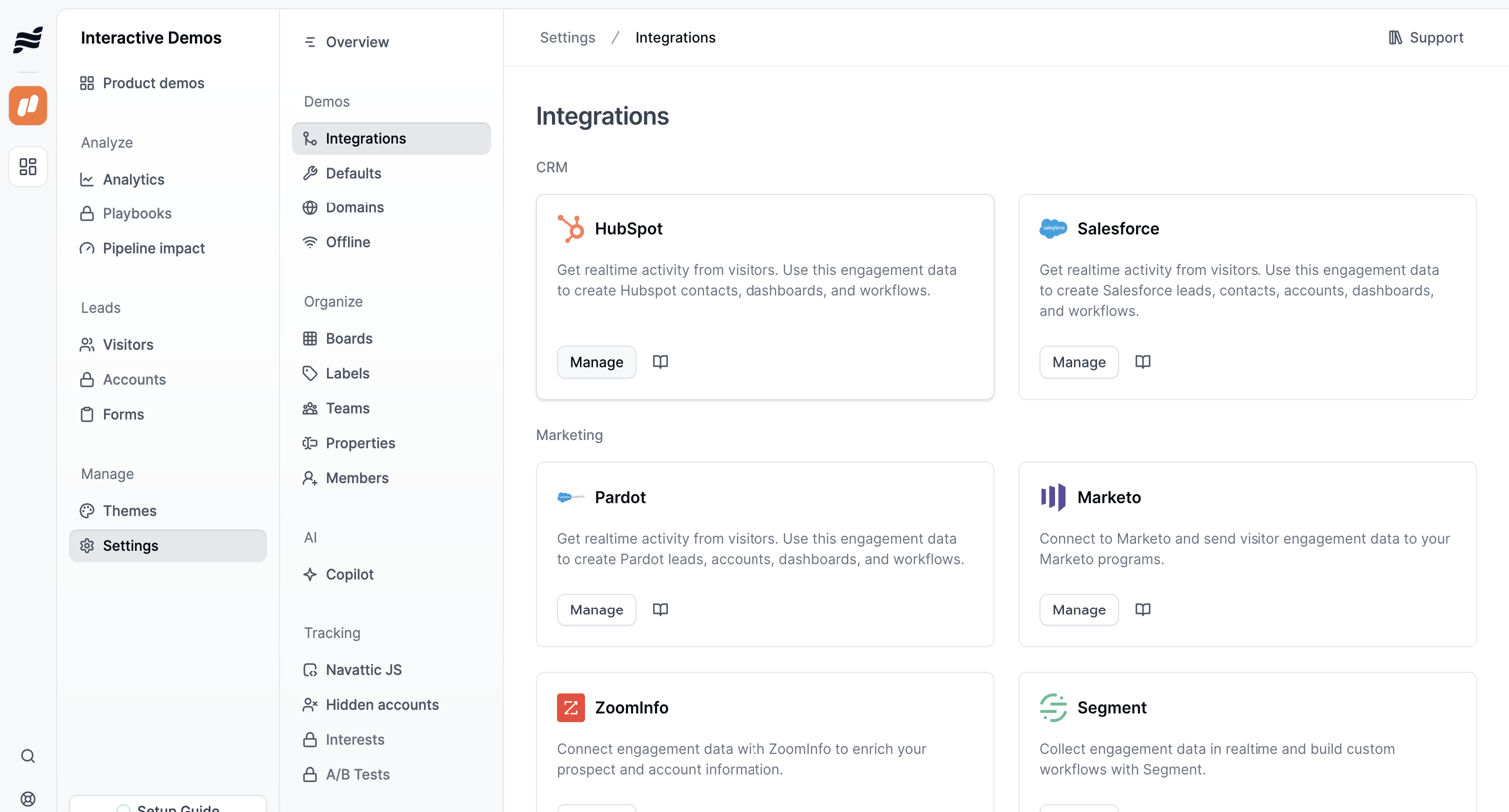

Settings page where the user browses and manages connections to external CRM and marketing platforms like HubSpot, Salesforce, and Marketo.
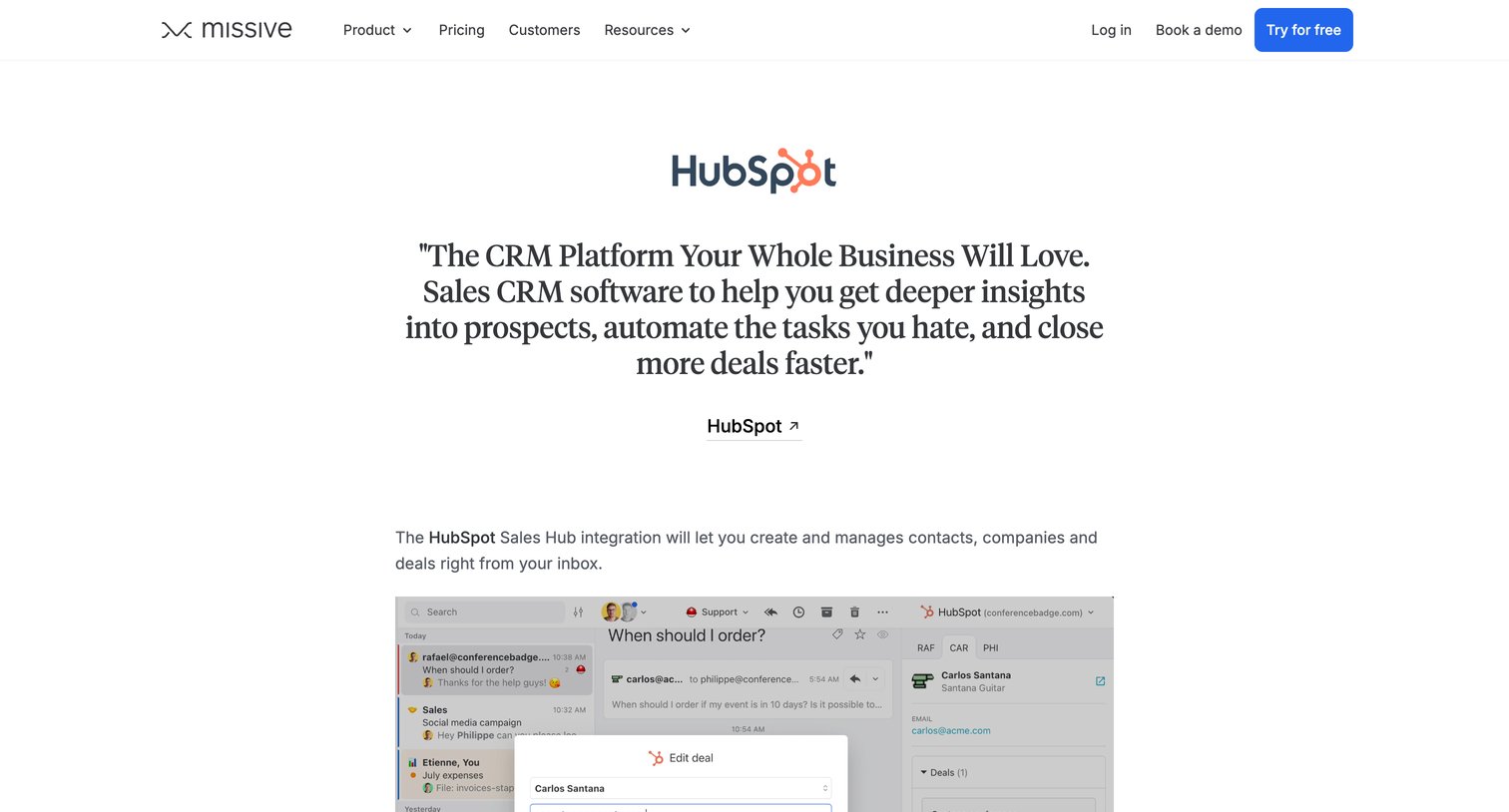

Feature page detailing the HubSpot integration for Missive, showcasing how to manage contacts and deals directly from the shared inbox.
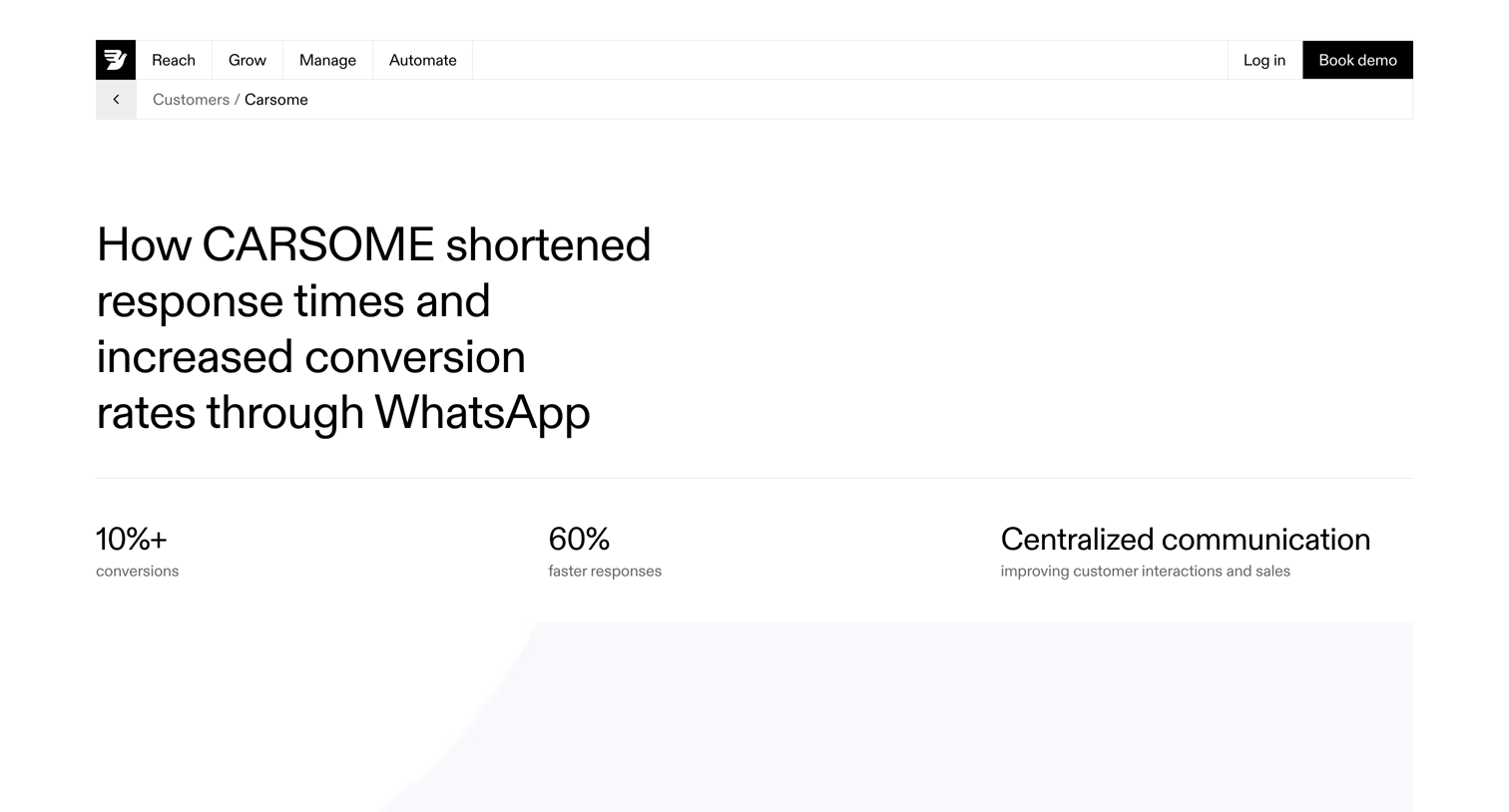

Testimonials page where a detailed case study explains how CARSOME used Bird's WhatsApp integration to shorten response times and increase conversion rates, featuring metrics, product mockups, and a demo booking CTA.
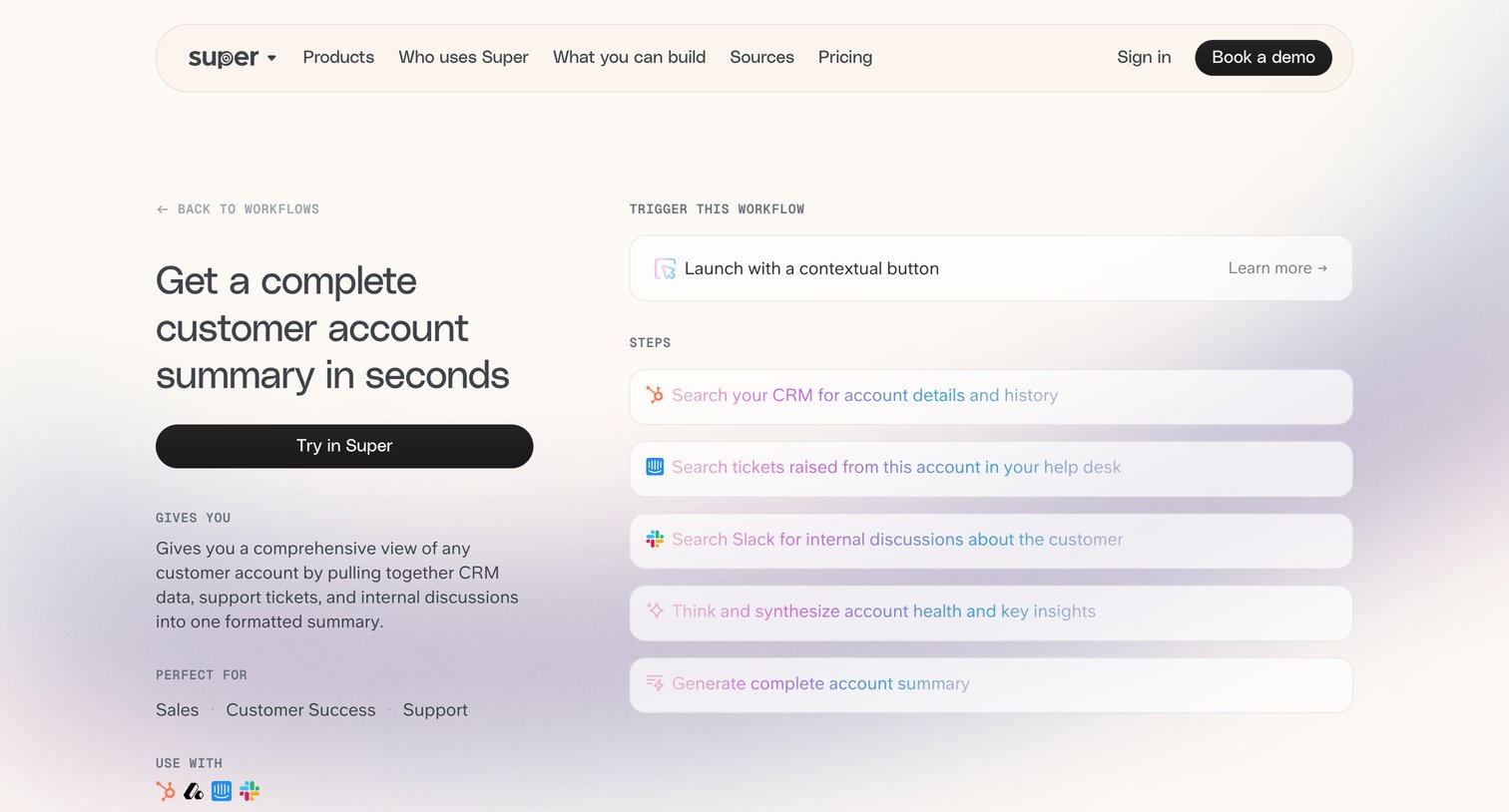

Use case page detailing a pre-built workflow that generates customer account summaries by pulling data from CRM, help desk, and Slack.
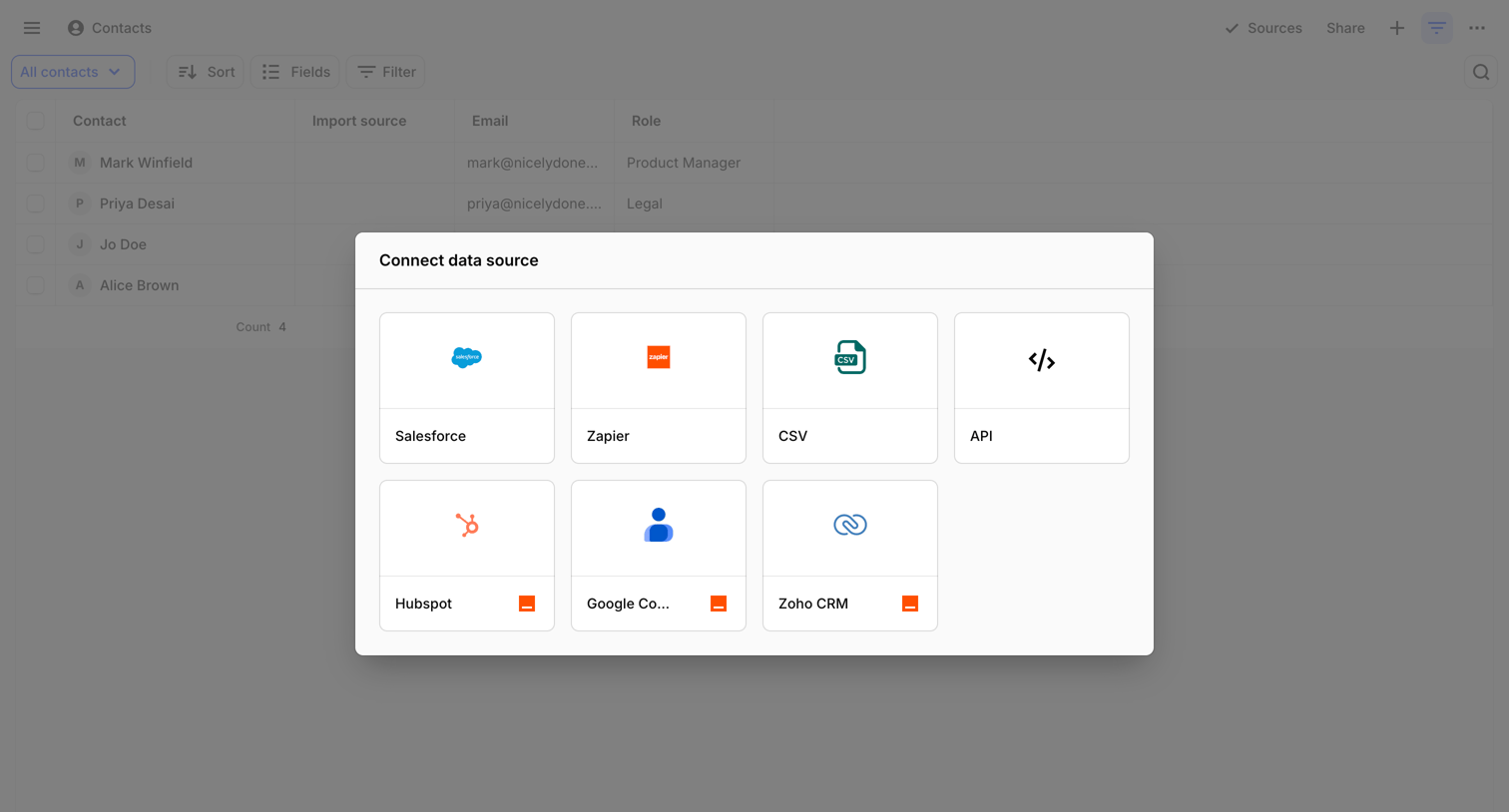

List view of contacts with an open modal prompting the user to connect a new data source like Salesforce, Zapier, or CSV.
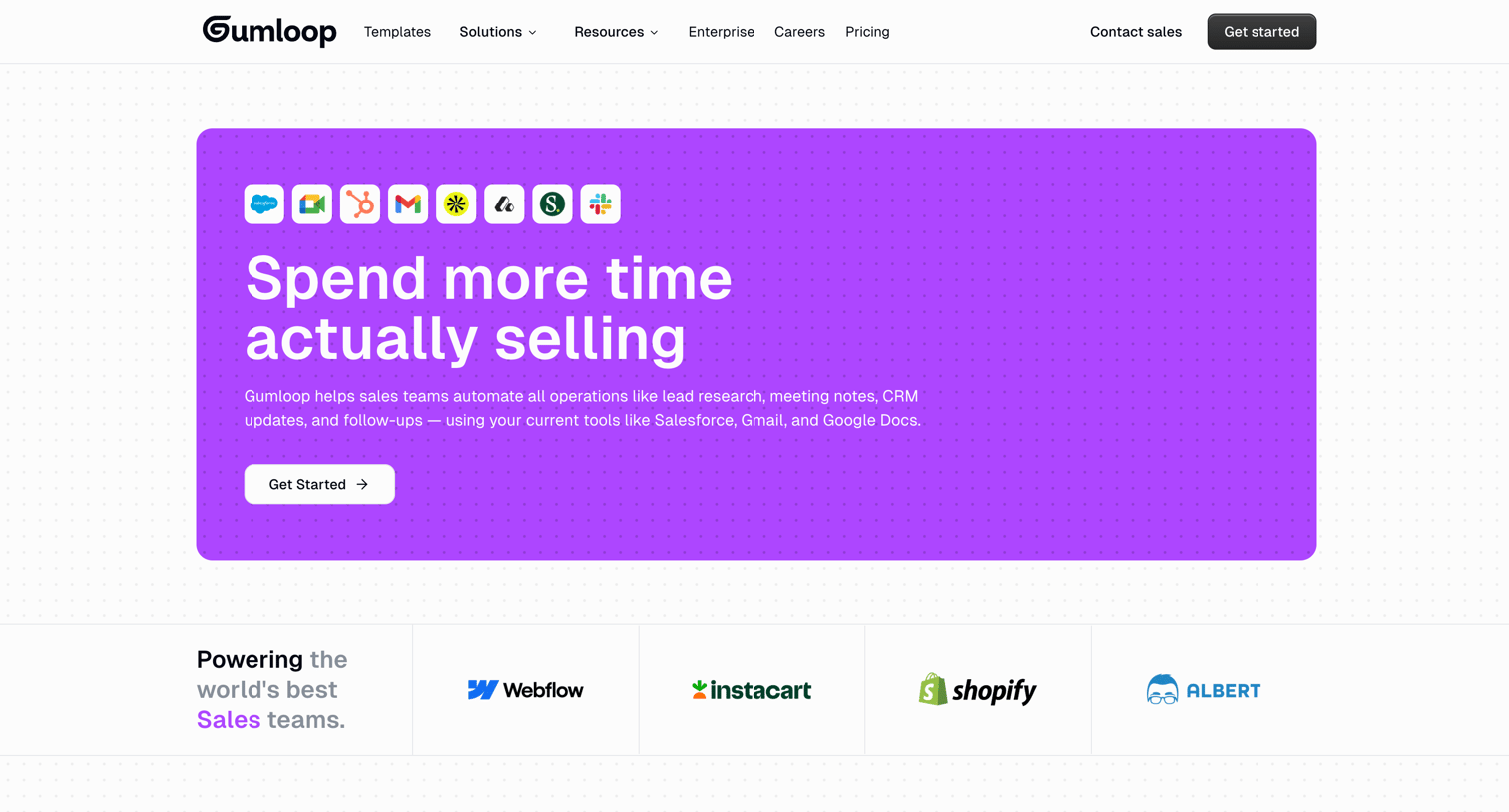

Marketing page detailing how the product automates sales operations like lead research, meeting notes, and CRM updates.
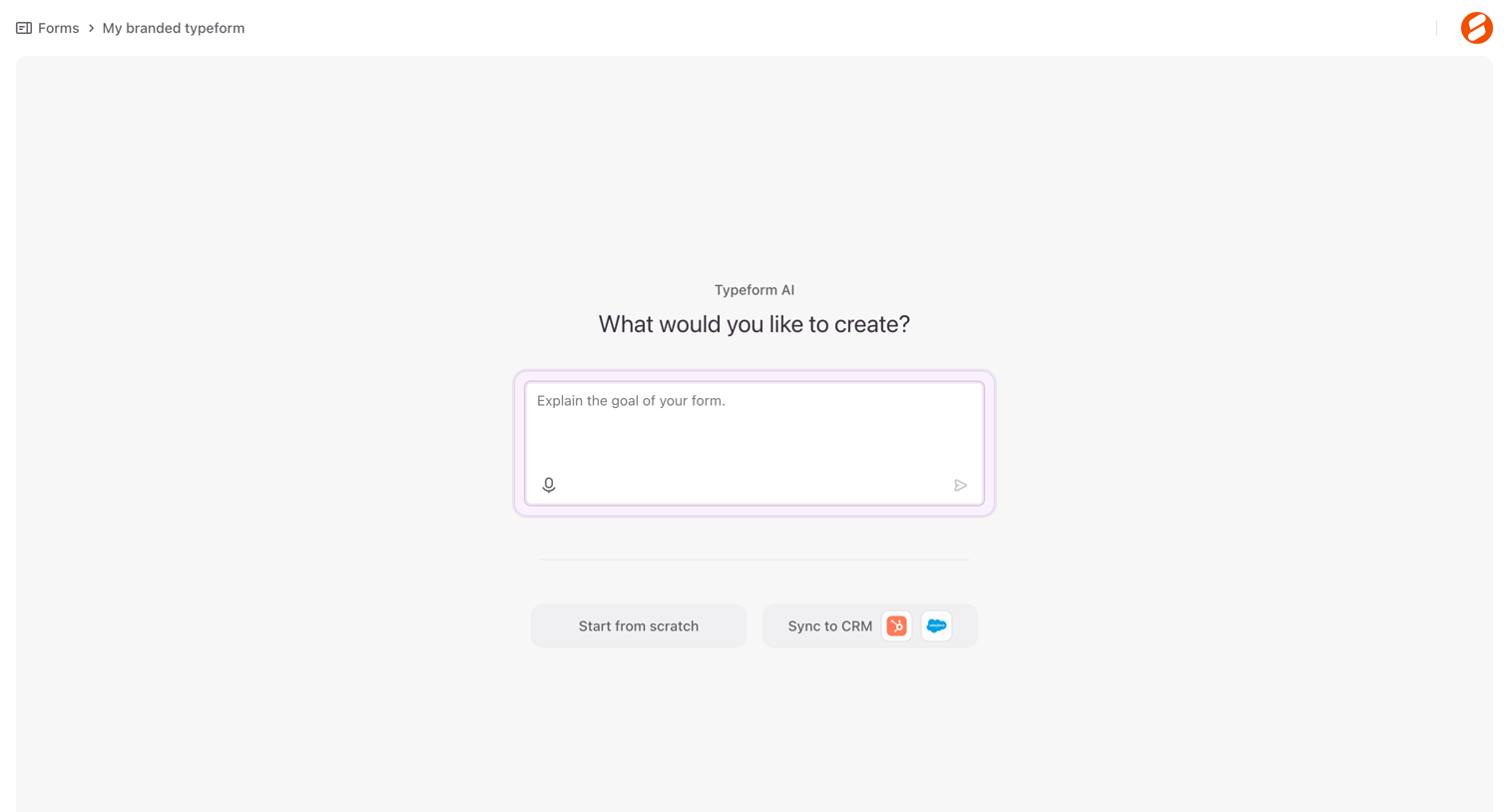

Creation screen where the user can generate a new form by describing its goal to an AI, start from scratch, or sync with a CRM.
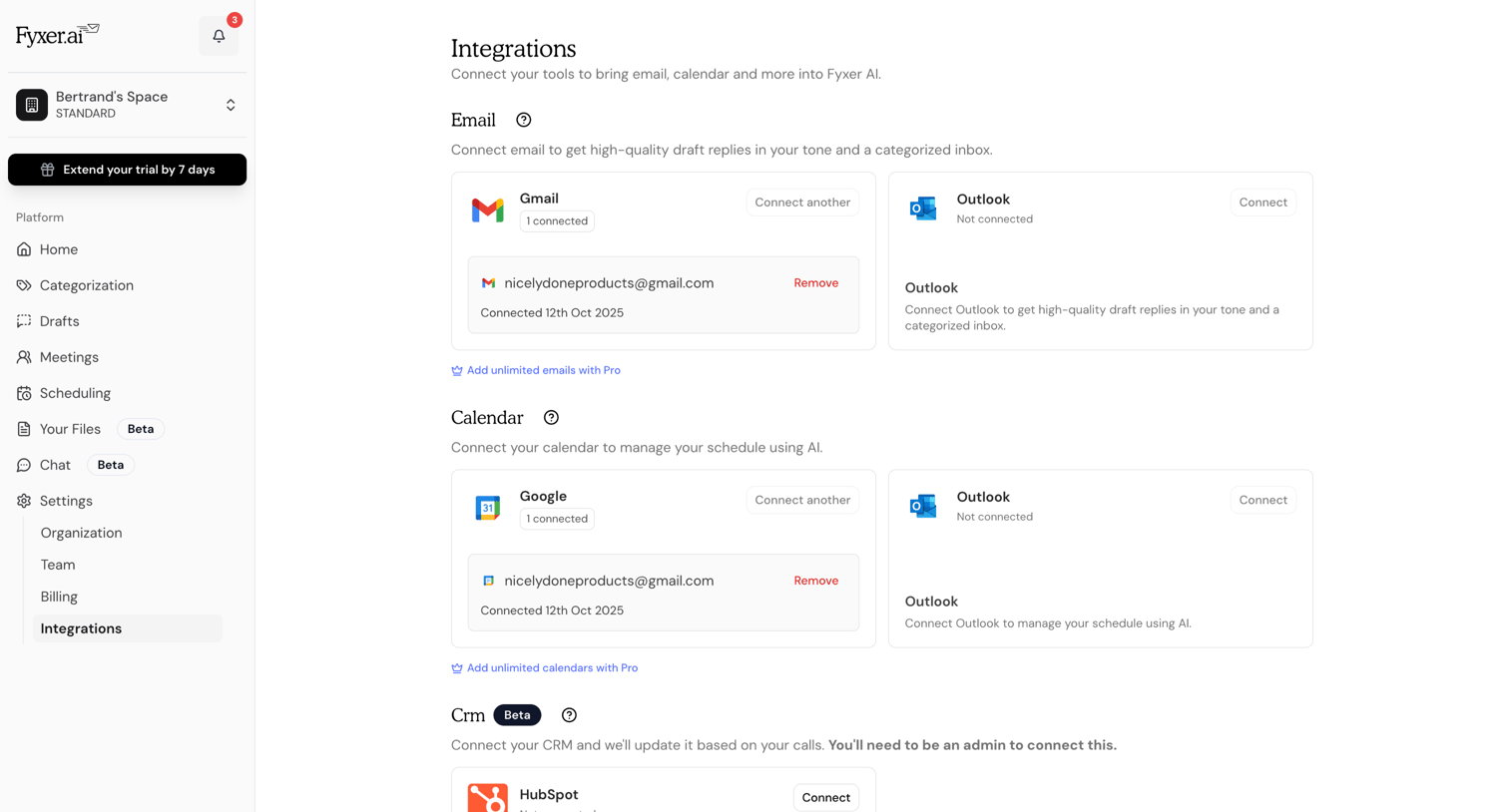

Settings page where the user connects and manages third-party integrations for email, calendar, and CRM tools like Gmail, Outlook, and HubSpot.
Explore the full SaaS screen library
Upgrade to unlock the full library.
Trusted by the best teams







