Connection screen examples
Connection screen design examples from SaaS apps. Browse examples from Flora, Mighty, The org.
Explore the examples
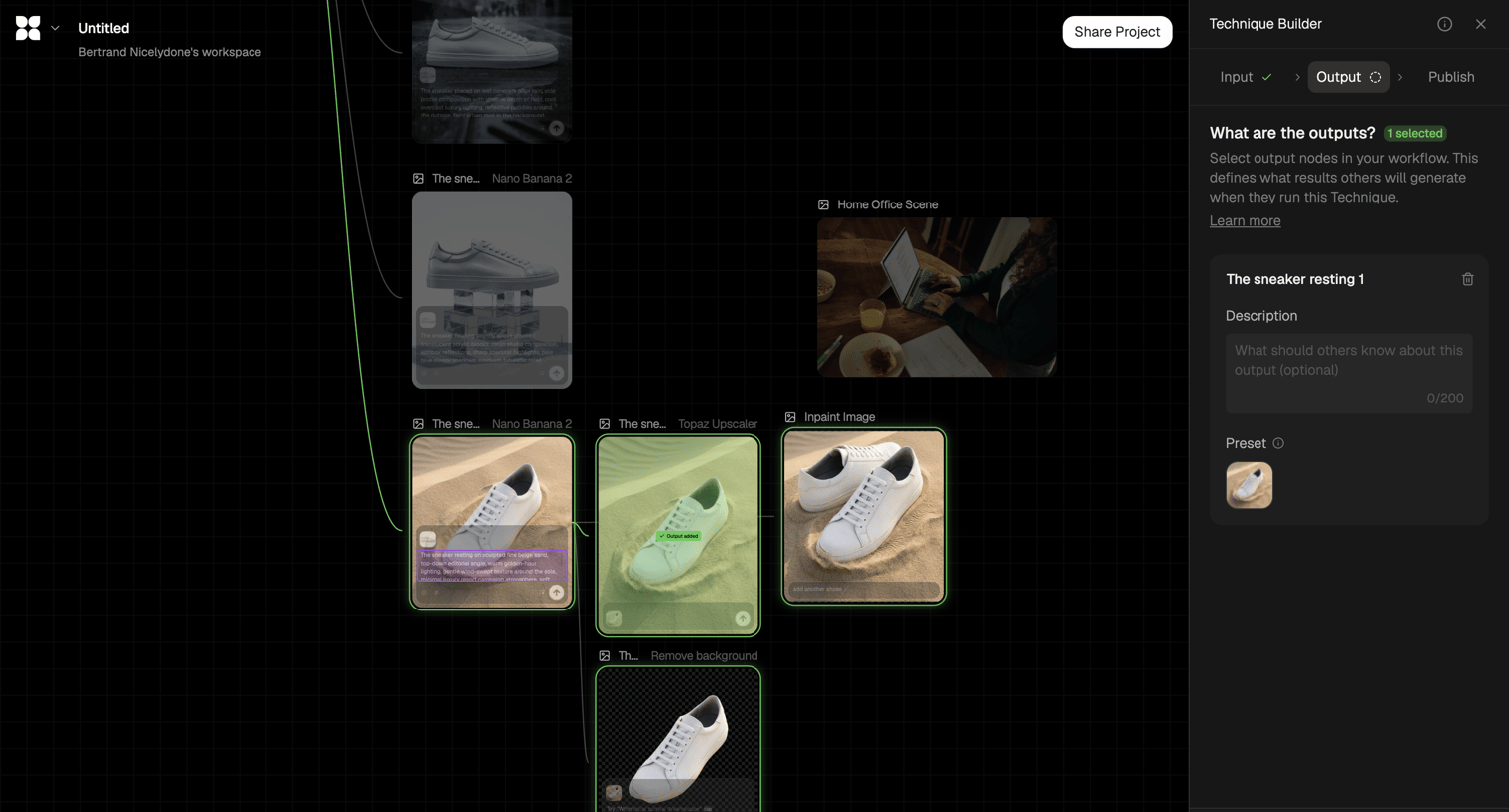

Workflow editor where the user configures an AI image generation pipeline, currently defining the output nodes in the technique builder sidebar.
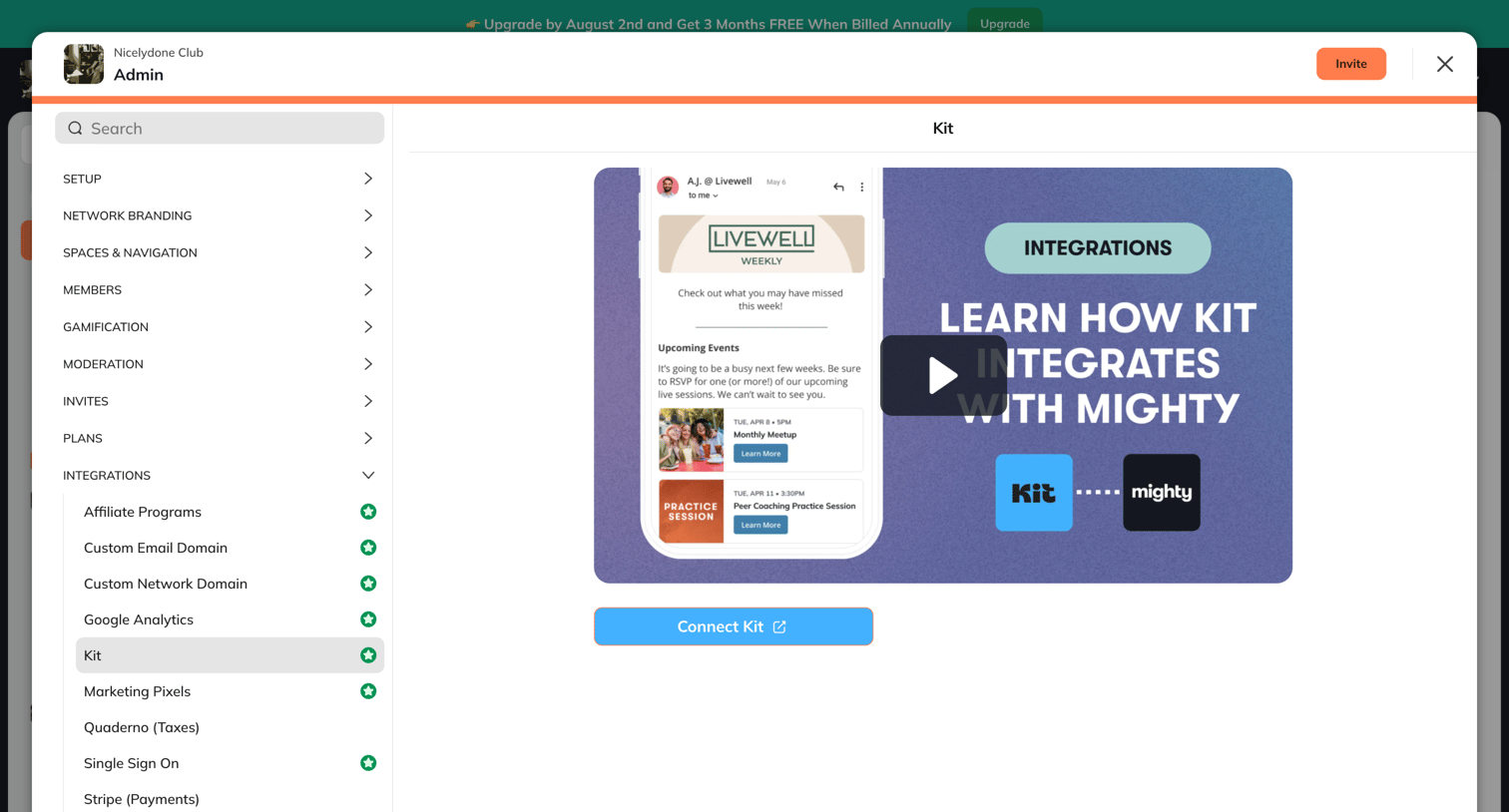

Settings modal where the user views details and a video tutorial for the Kit integration before connecting it to their network.
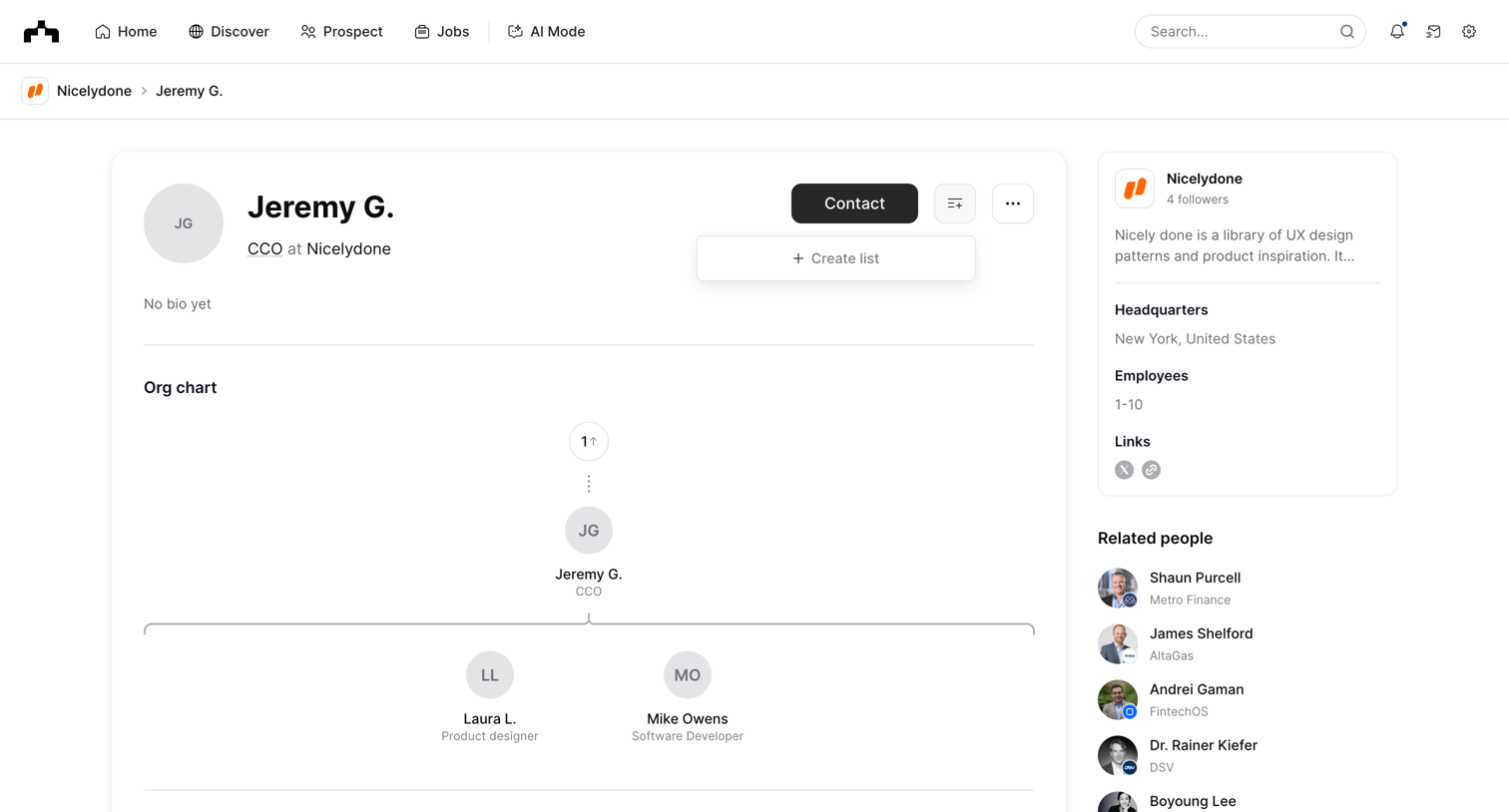

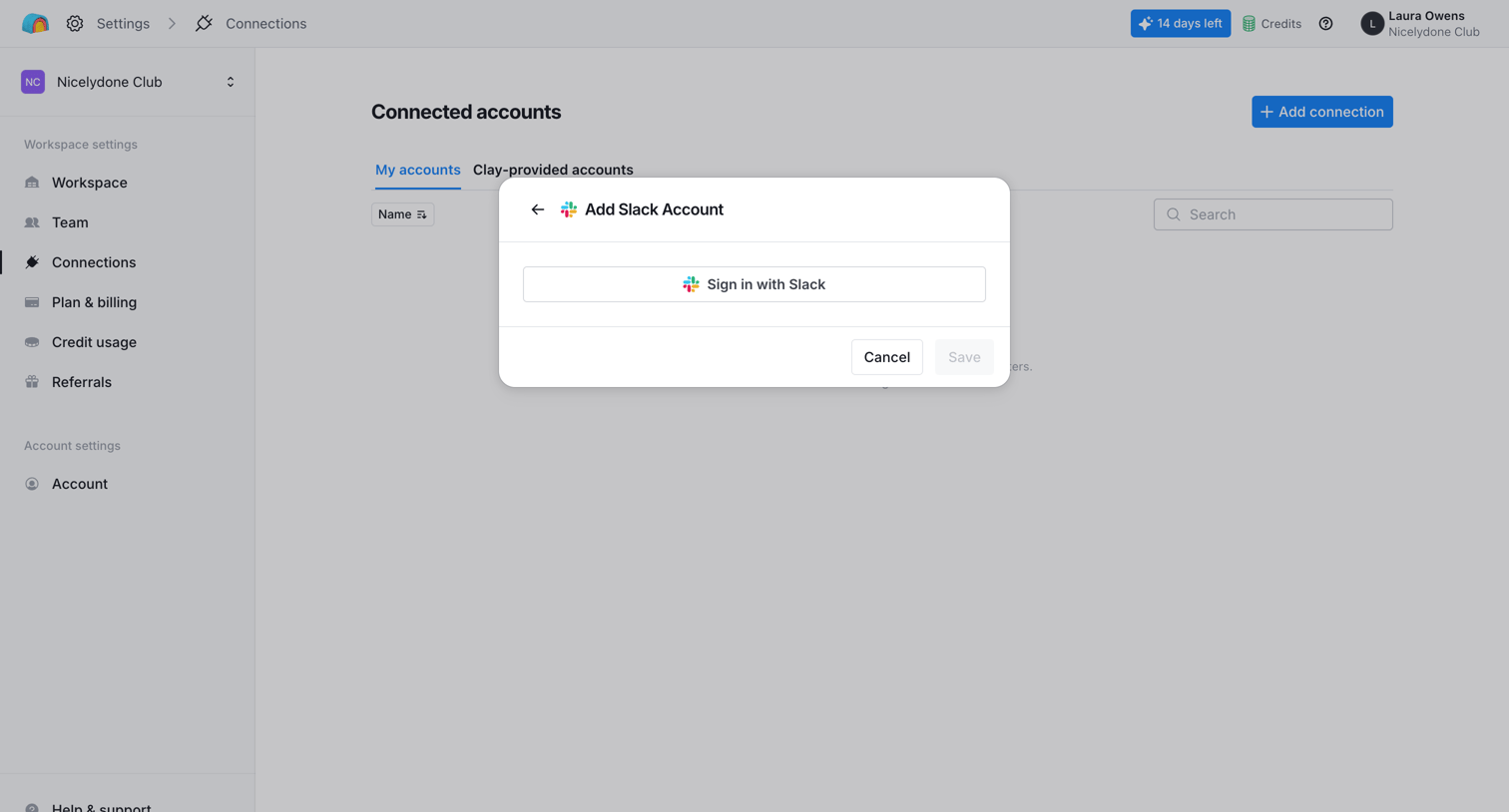

Settings page where the user connects a Slack account via an OAuth modal.
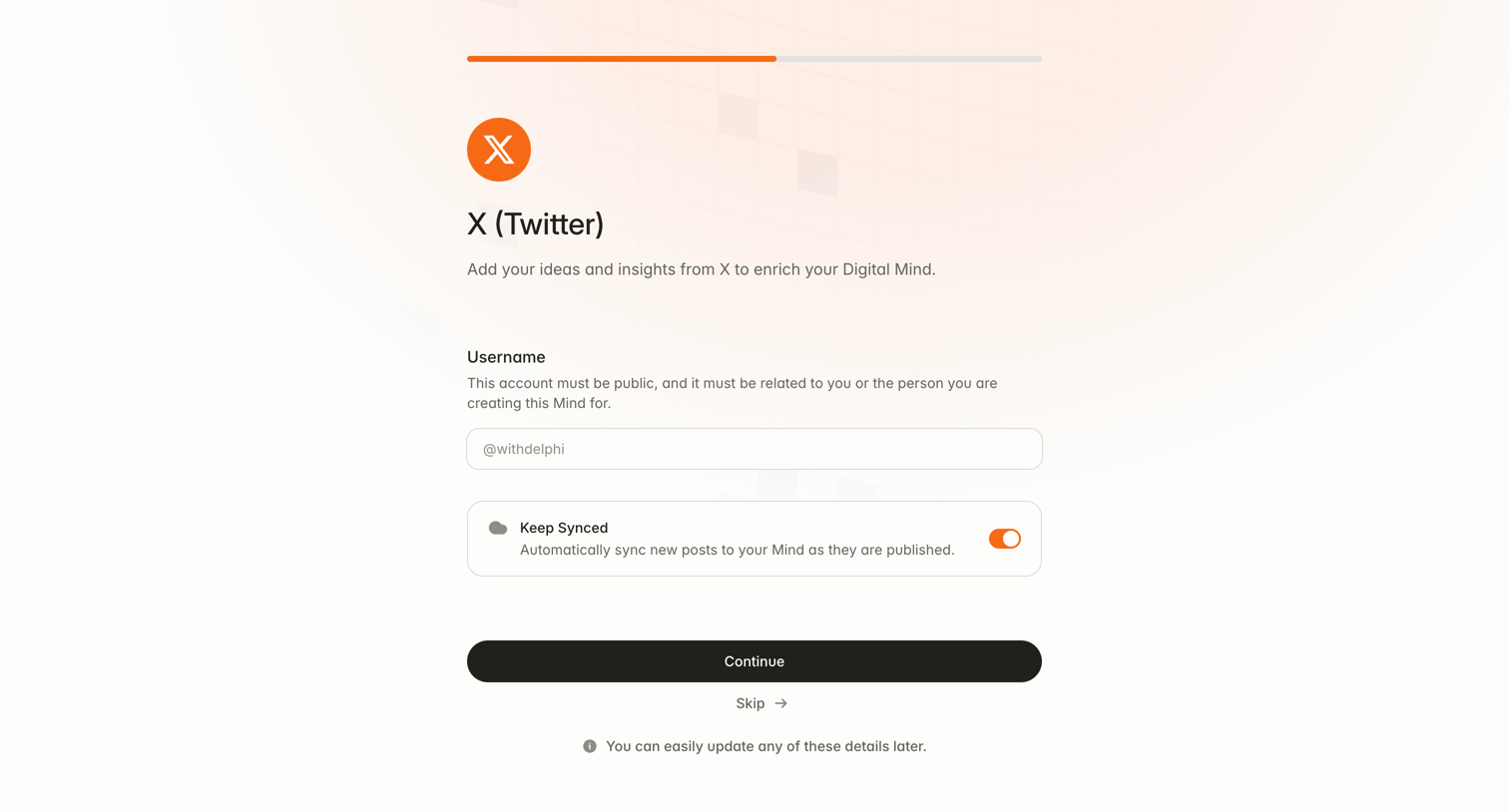

Onboarding step where the user connects their public X (Twitter) account to enrich their AI model and toggles automatic syncing.
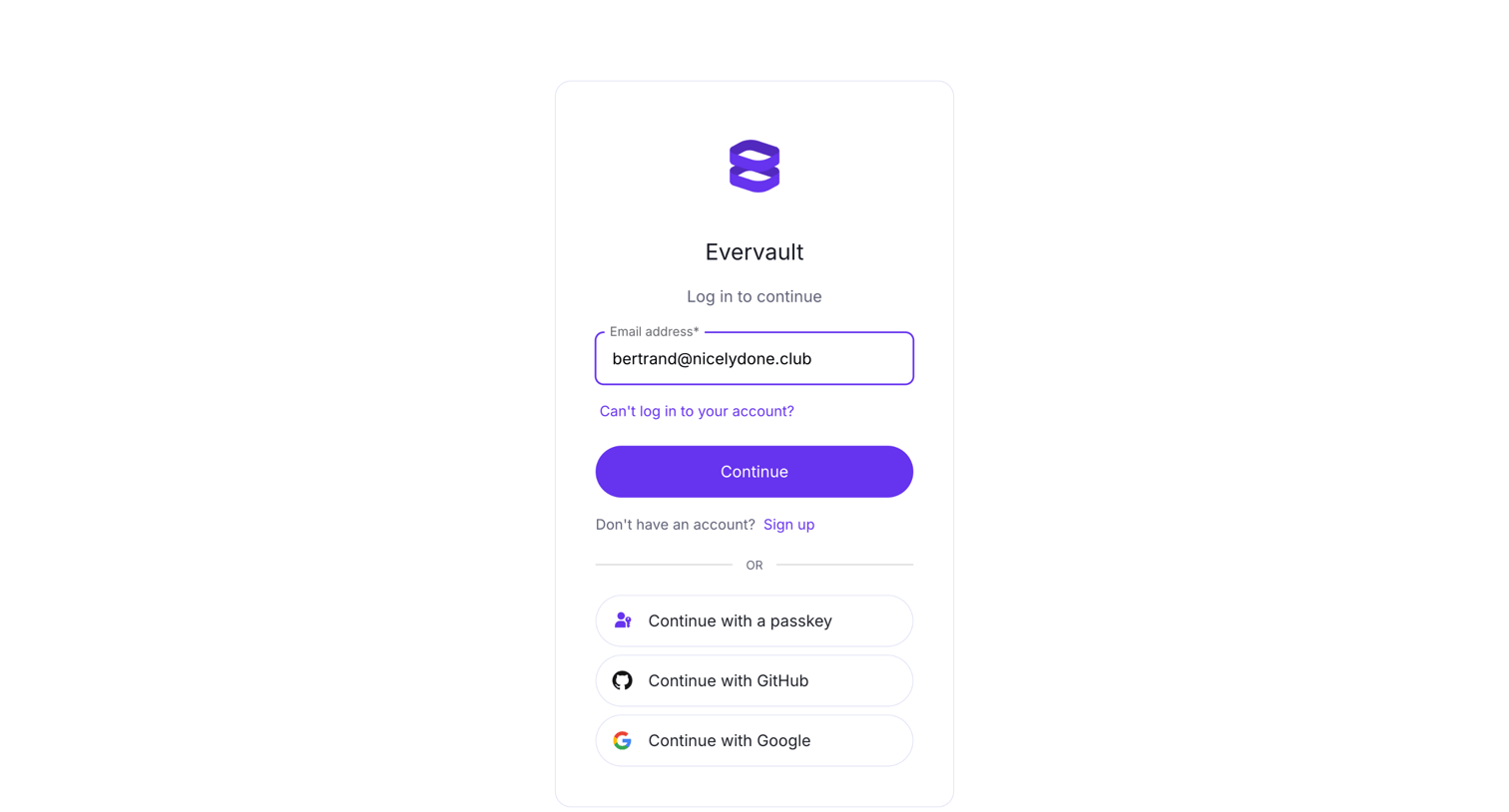

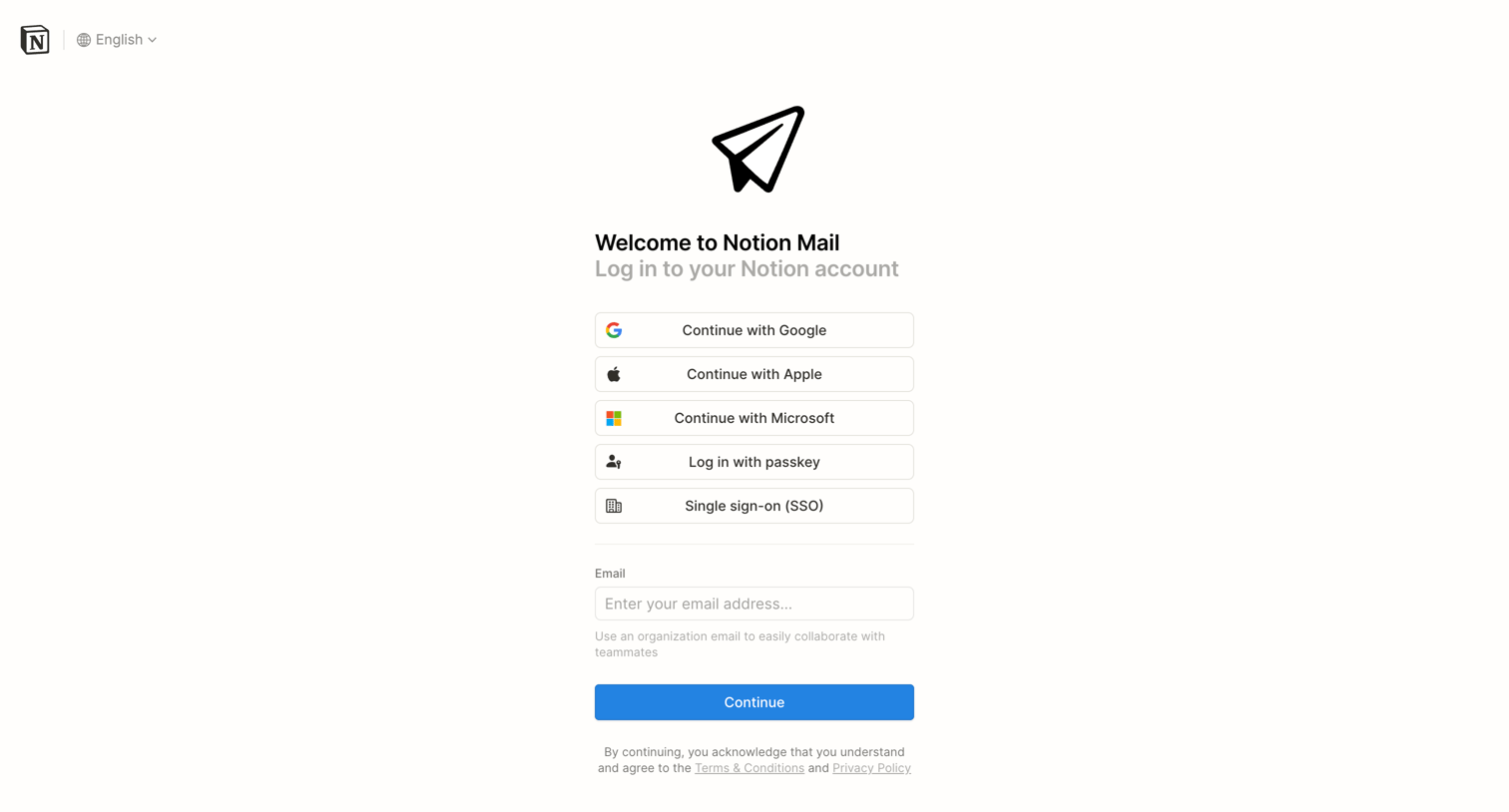

Sign-in screen where the user authenticates to Notion Mail using Google, Apple, Microsoft, a passkey, SSO, or email.
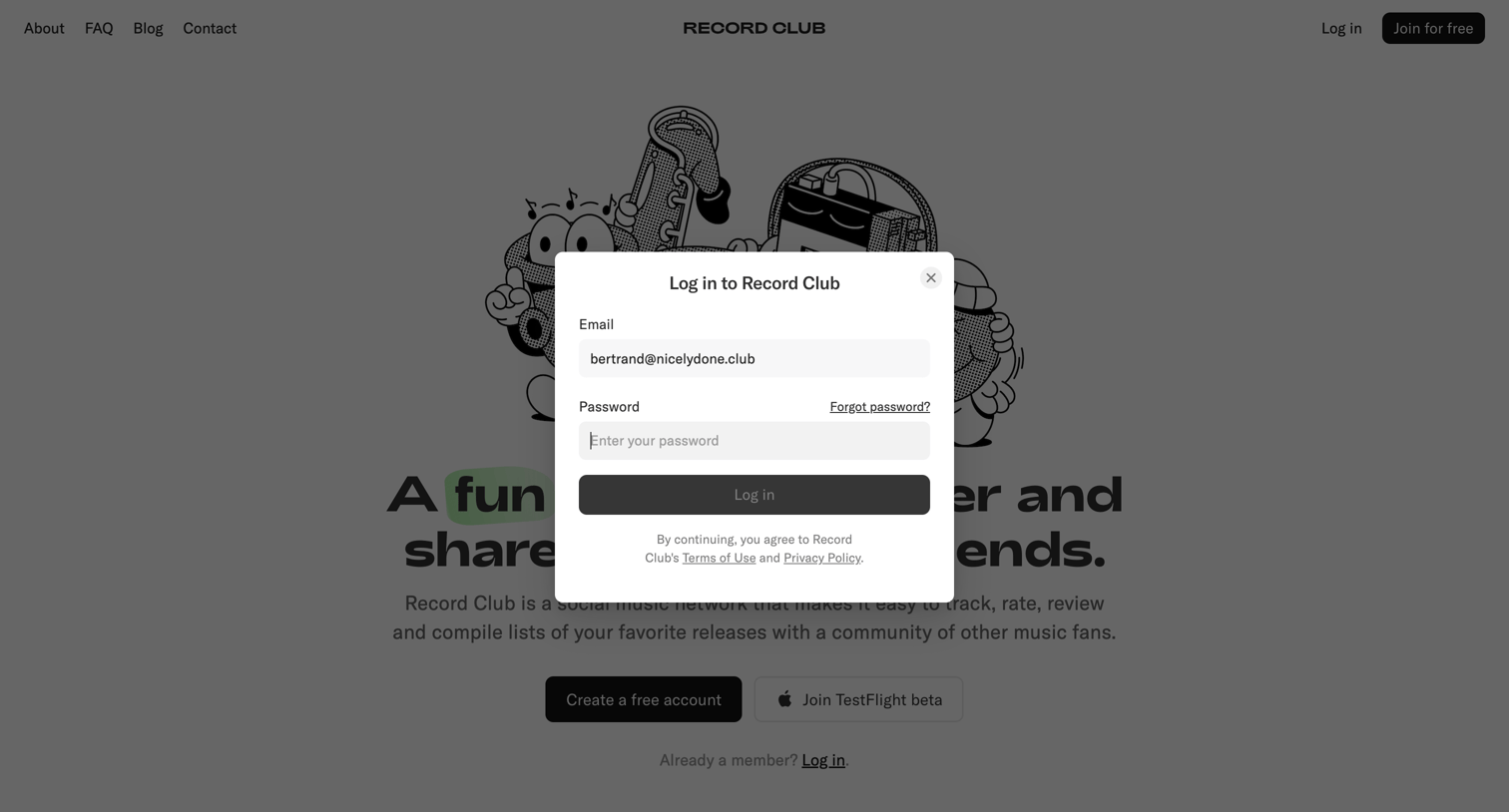

Sign-in screen where the user authenticates to Record Club using their email and password.
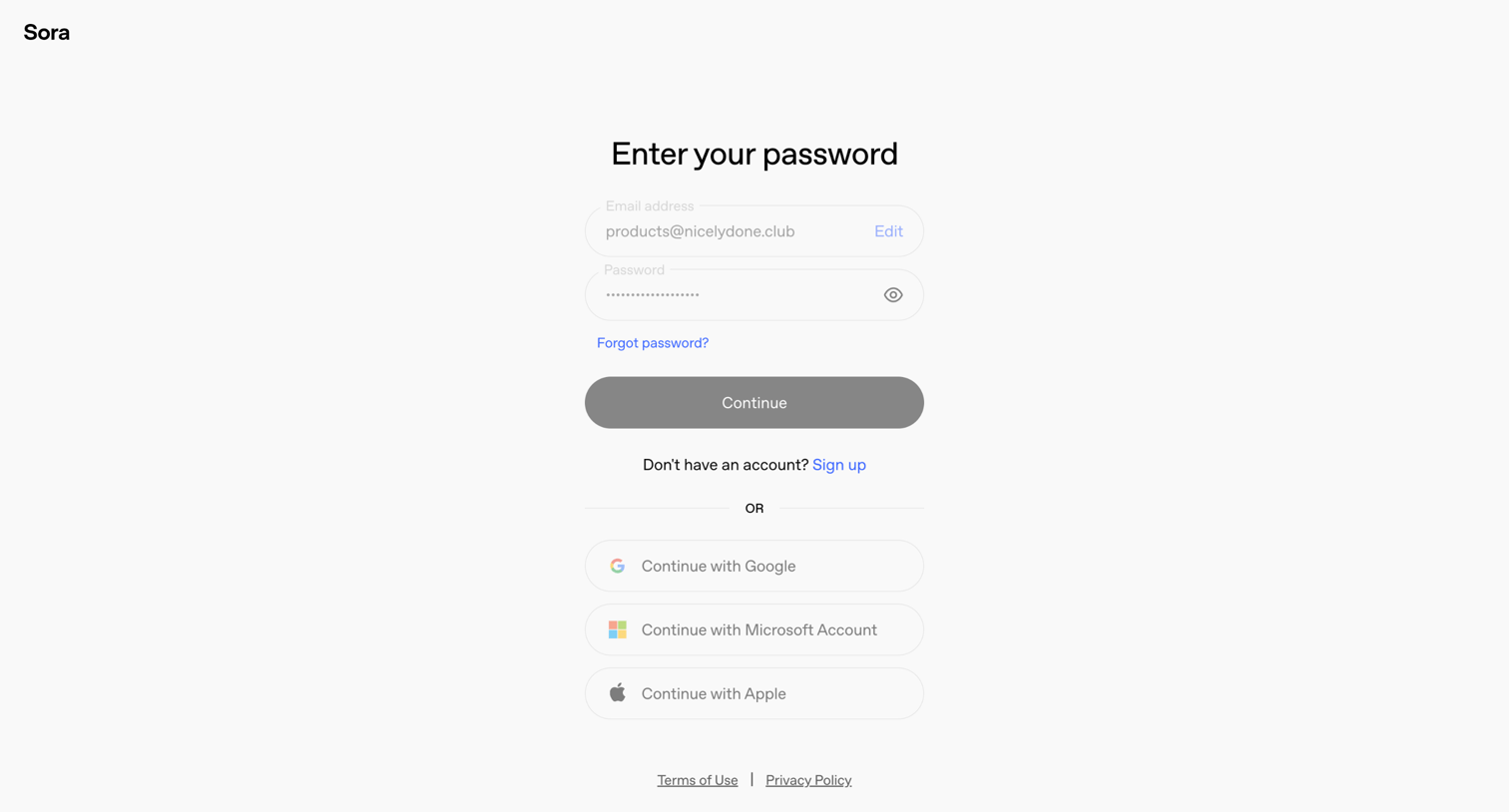

Sign-in screen where the user enters their password or chooses to authenticate with Google, Microsoft, or Apple.
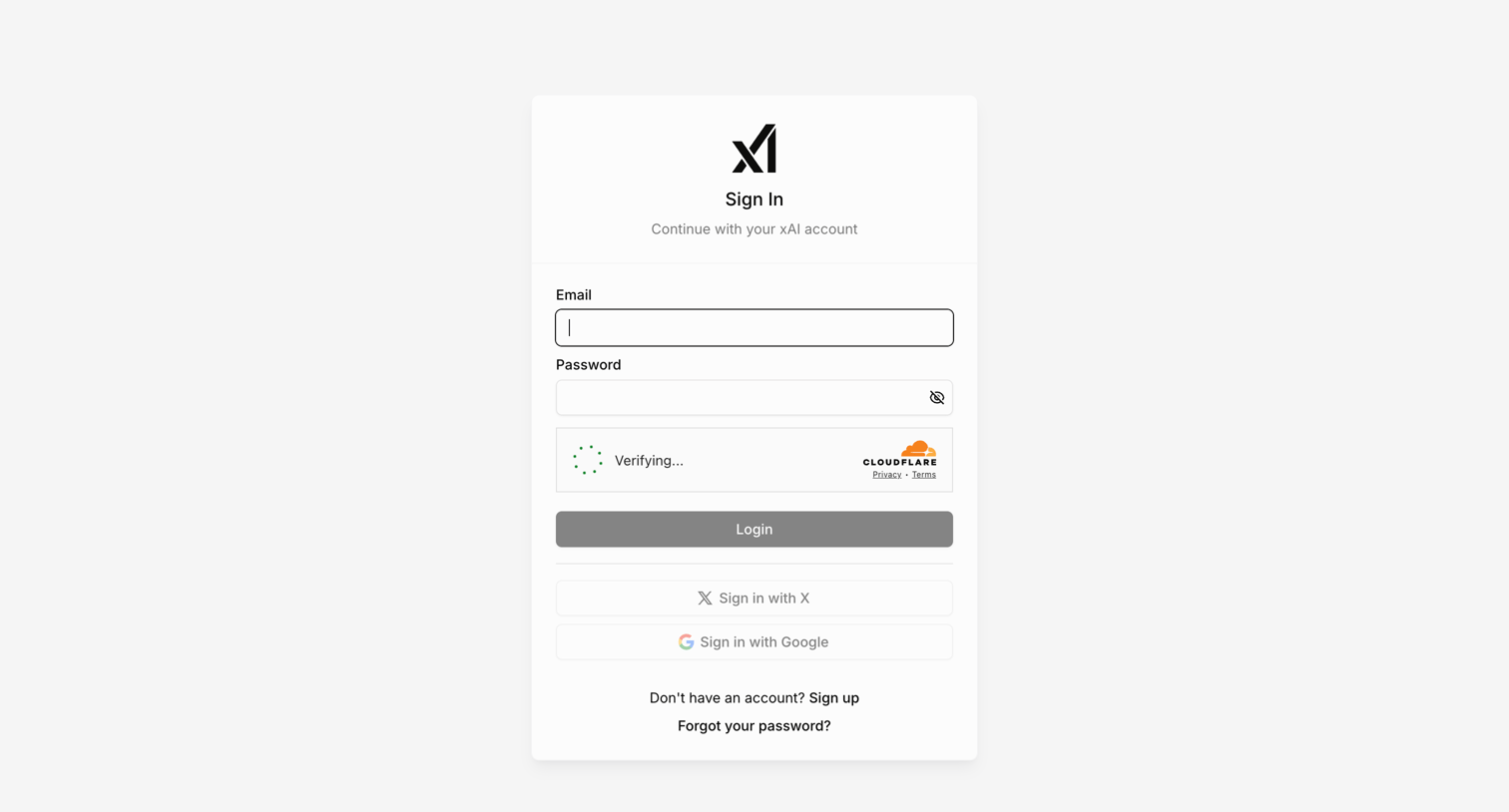

Sign-in screen where the user authenticates with email, X, or Google, featuring an inline Cloudflare verification step.

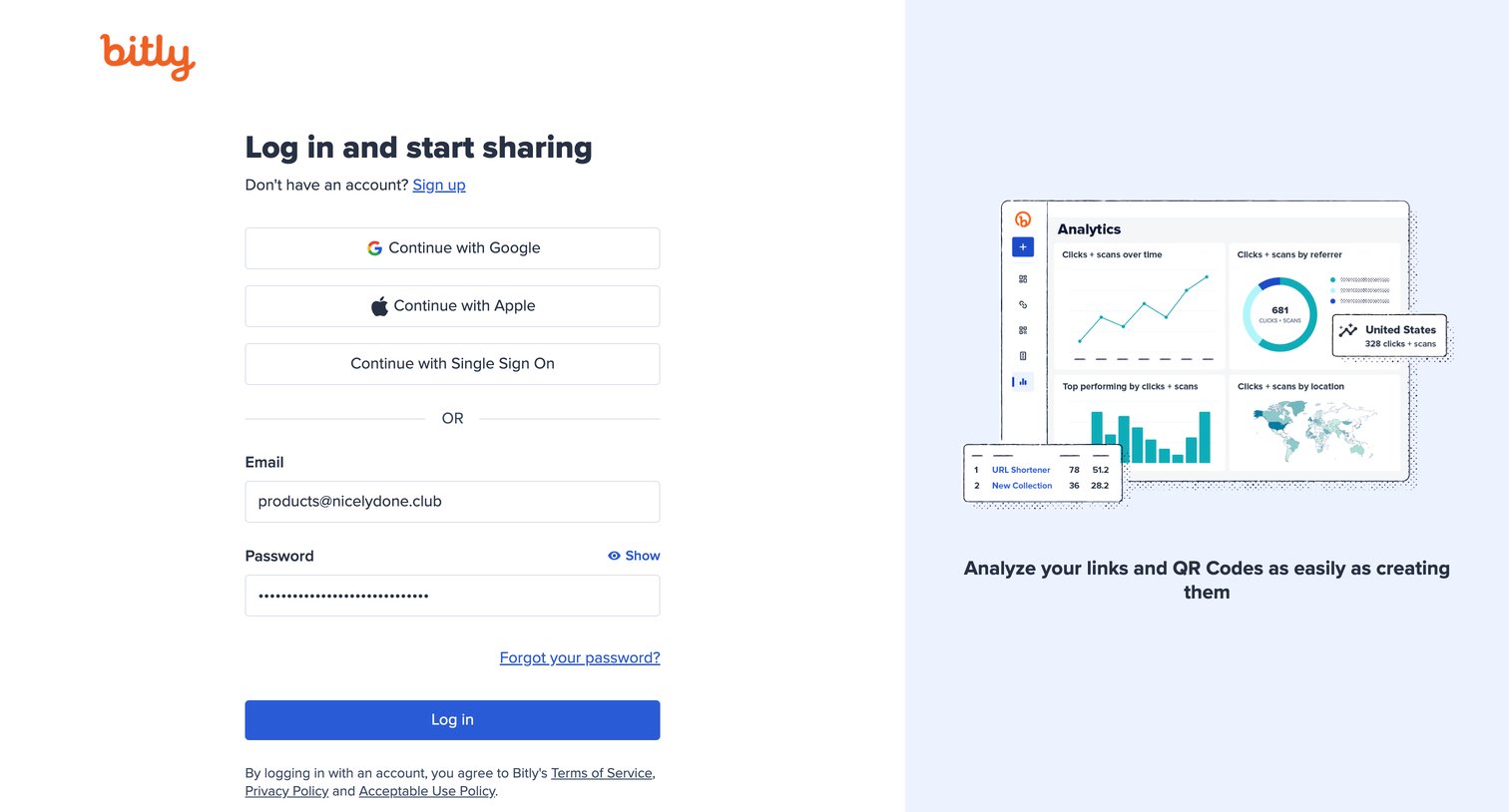

Sign-in screen where the user authenticates with Google, Apple, SSO, or email and password, alongside a promotional graphic highlighting analytics features.
Explore the full SaaS screen library
Upgrade to unlock the full library.
Trusted by the best teams







