Confirmation message screen examples
Confirmation message screen design examples from SaaS apps. Browse examples from Dock, Exa, Flora.
Explore the examples
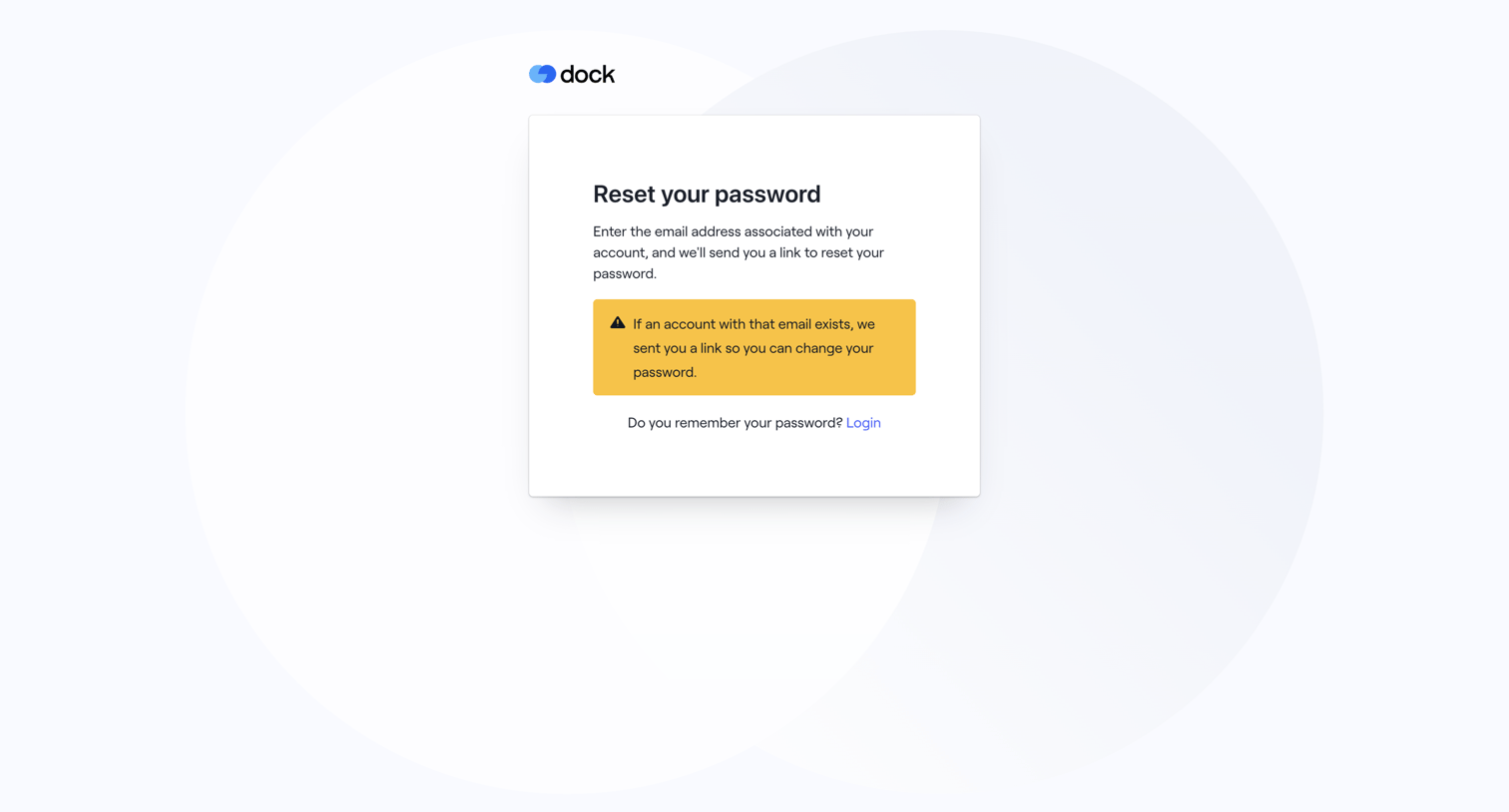

Password recovery screen displaying a confirmation alert that a reset link has been sent if the email exists, along with a link to return to login.
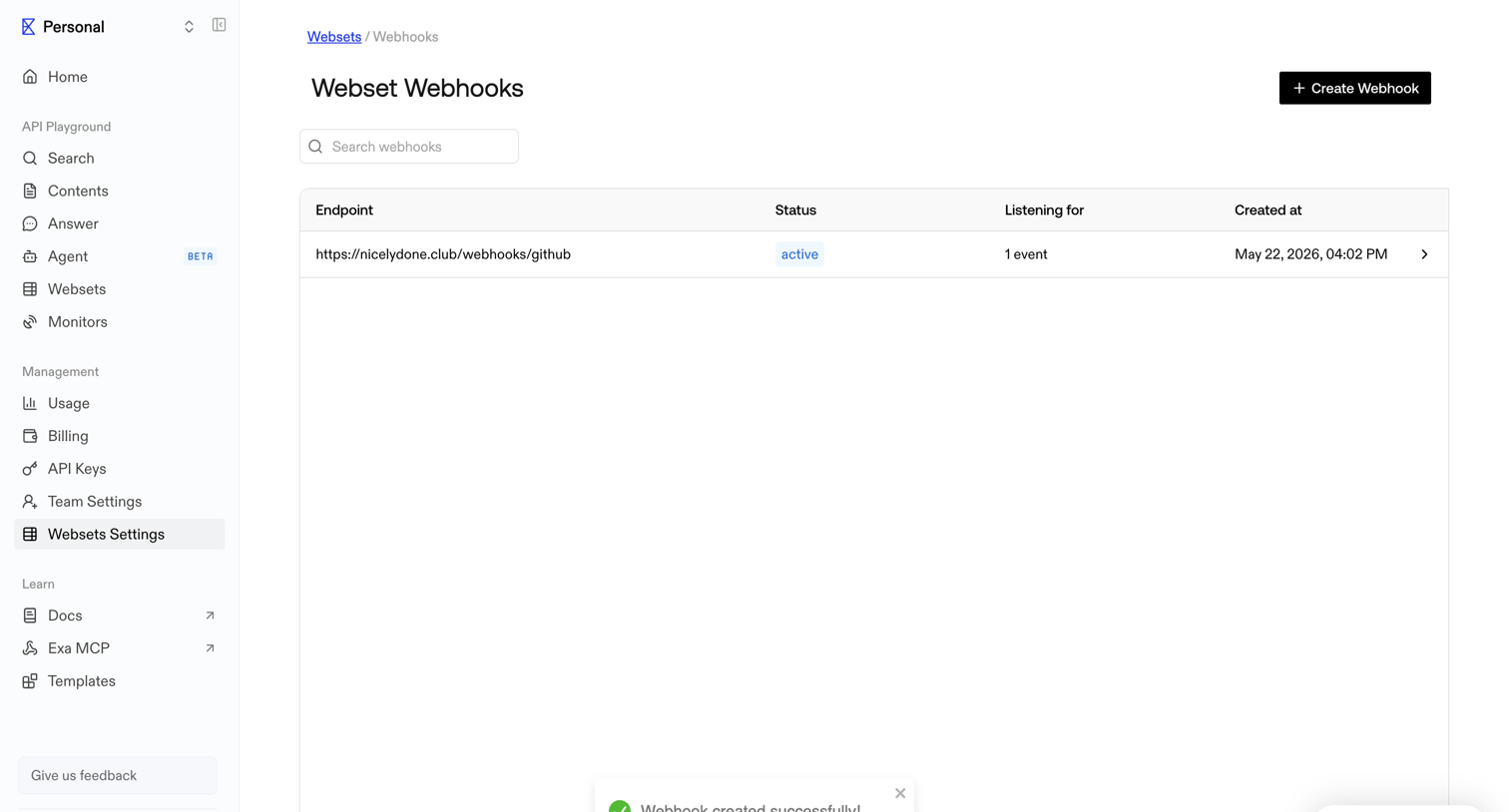

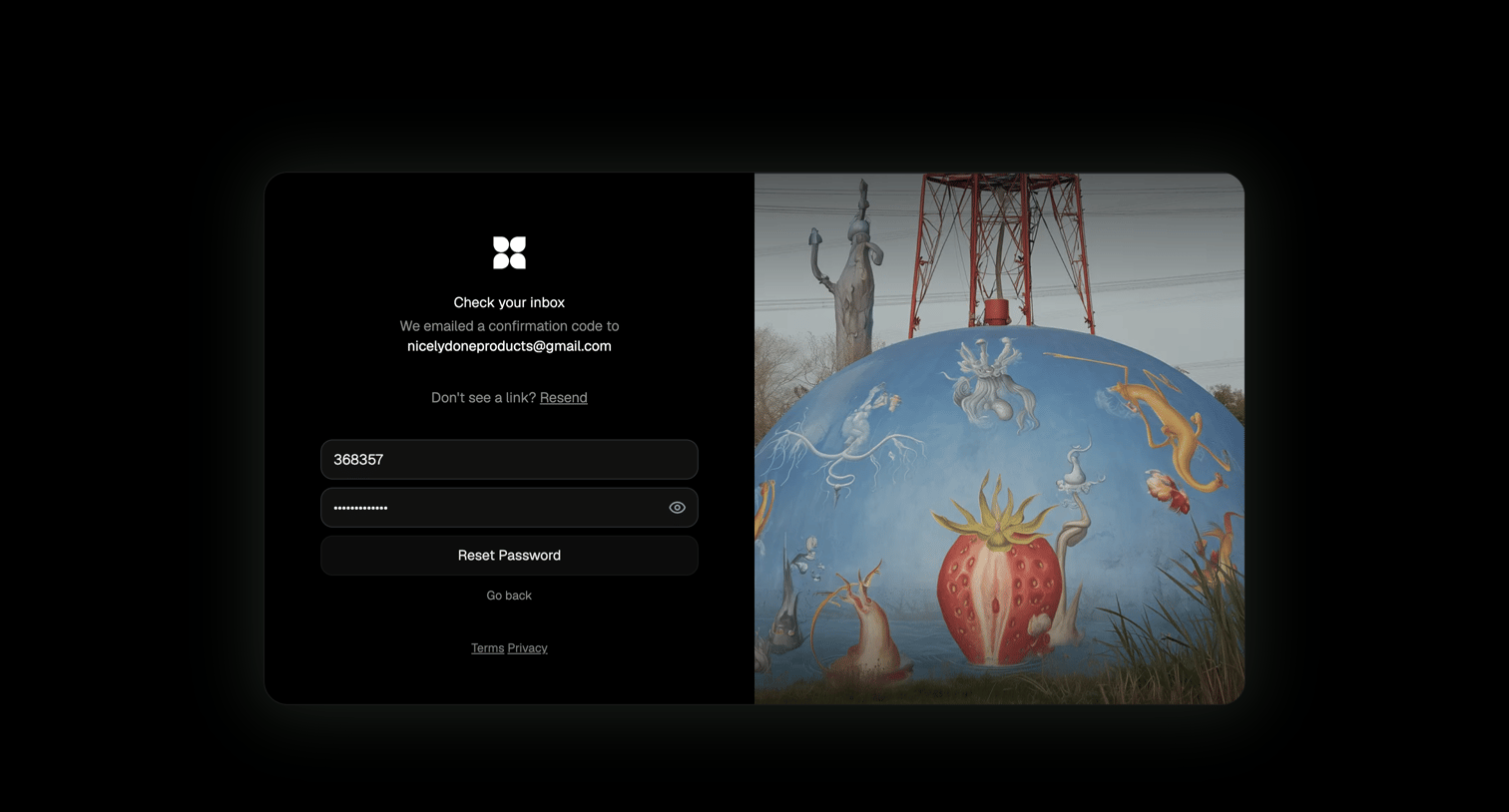

Password recovery screen where the user enters an emailed confirmation code and sets a new password.
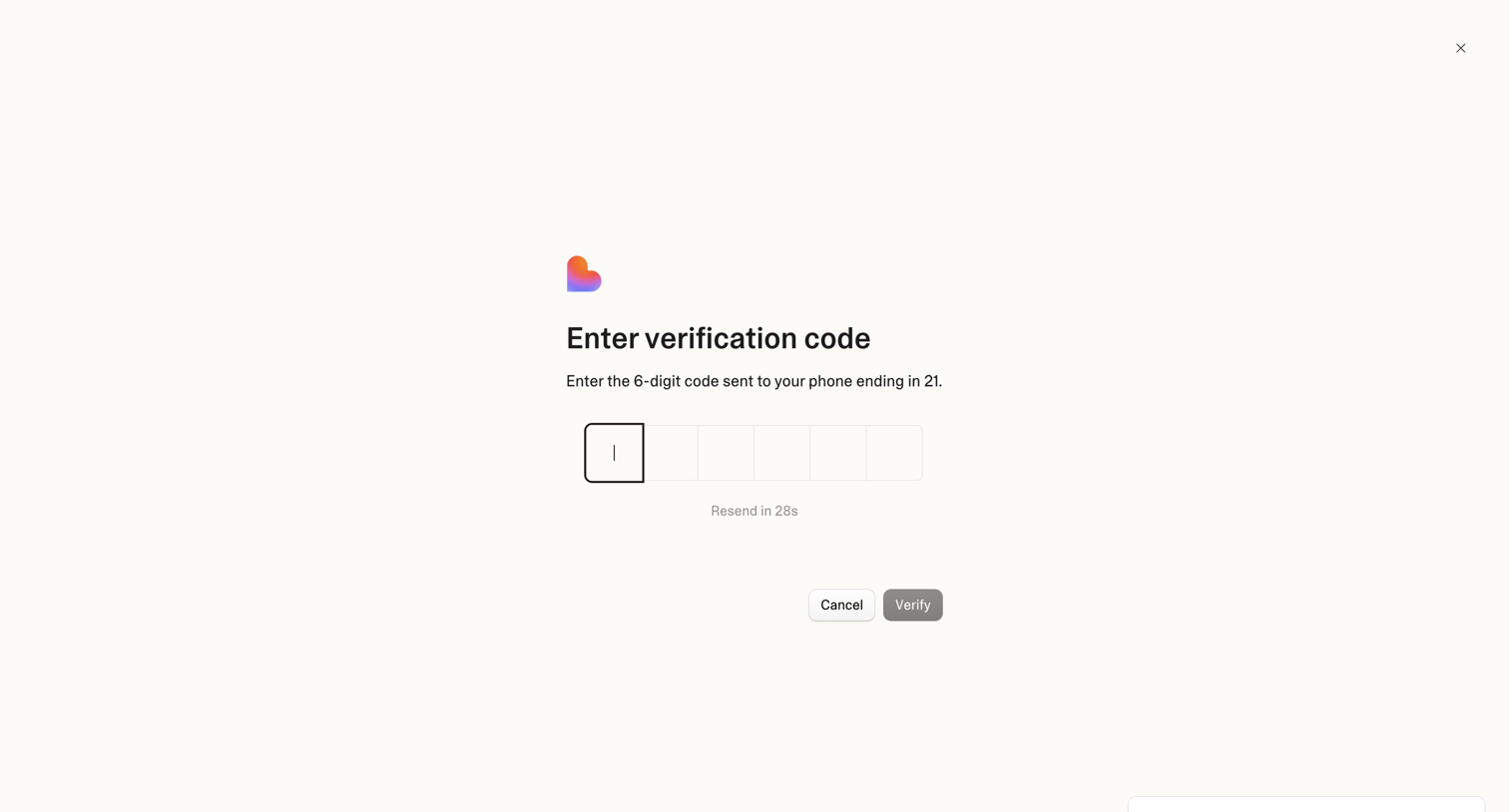

Verification screen where the user enters a 6-digit code sent to their phone to authenticate.
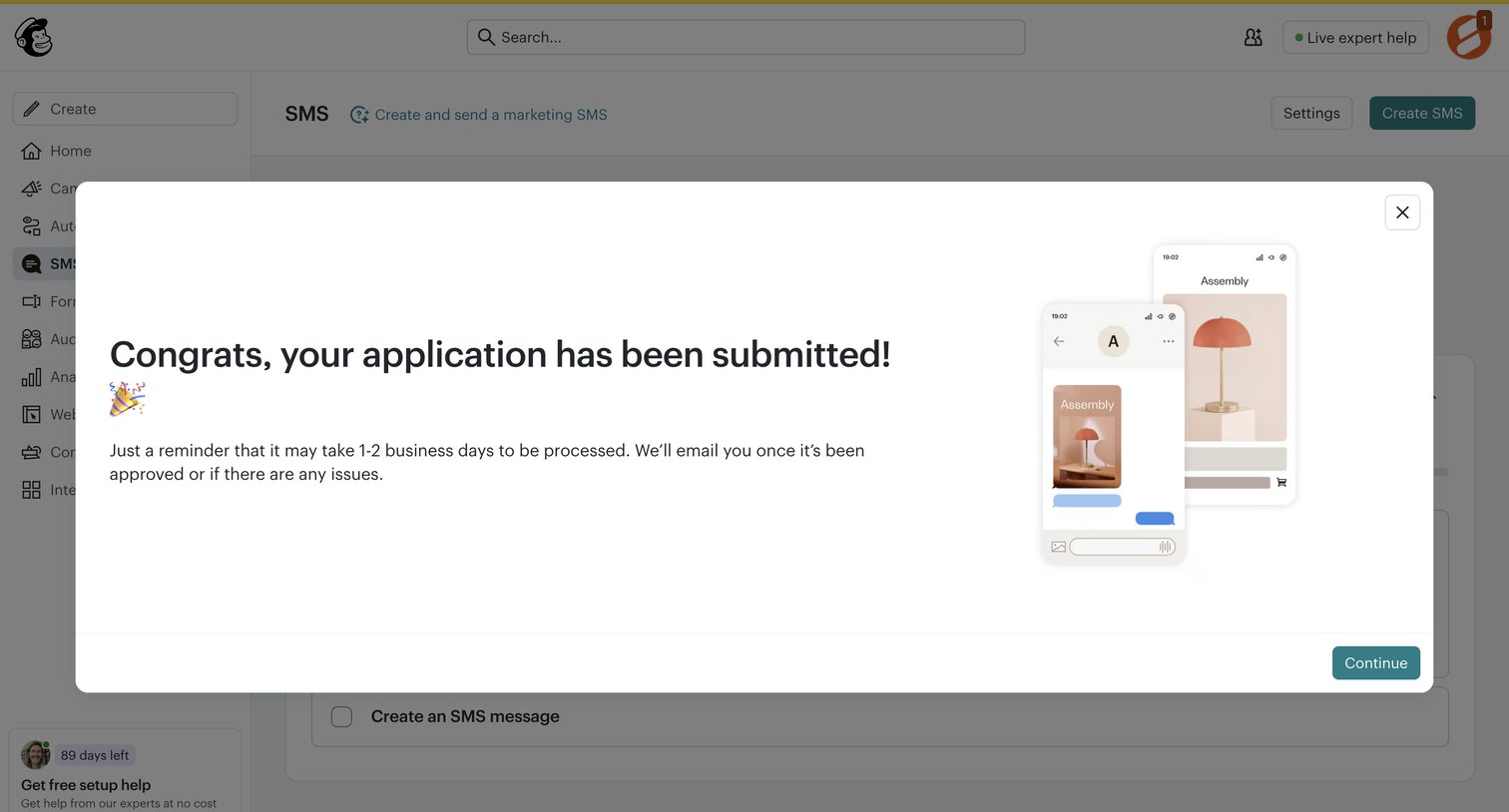

Dashboard overlay confirming the user's SMS marketing application has been successfully submitted and is pending review.
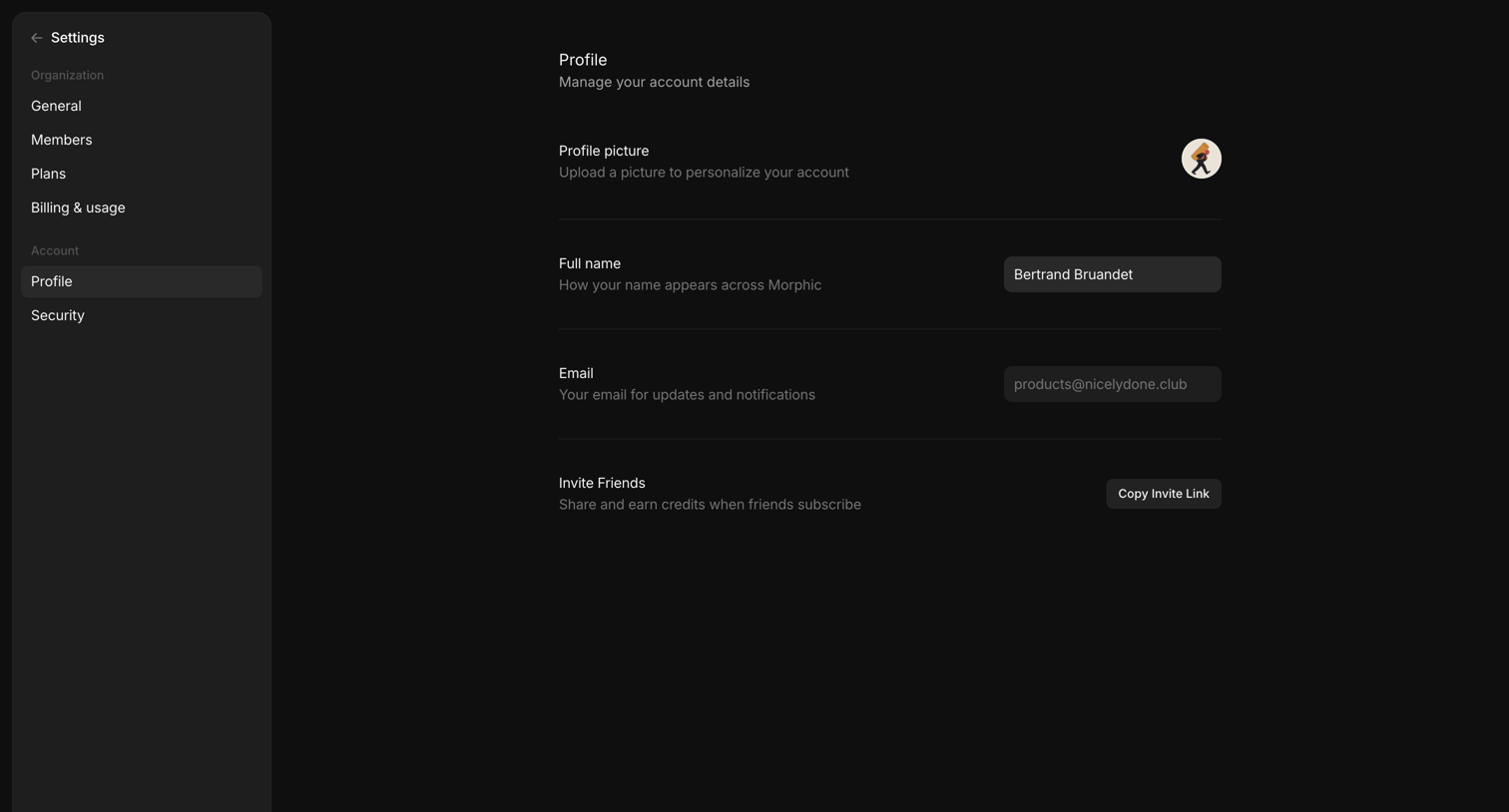

Settings page where the user manages their profile picture, full name, email, and can copy a referral invite link.
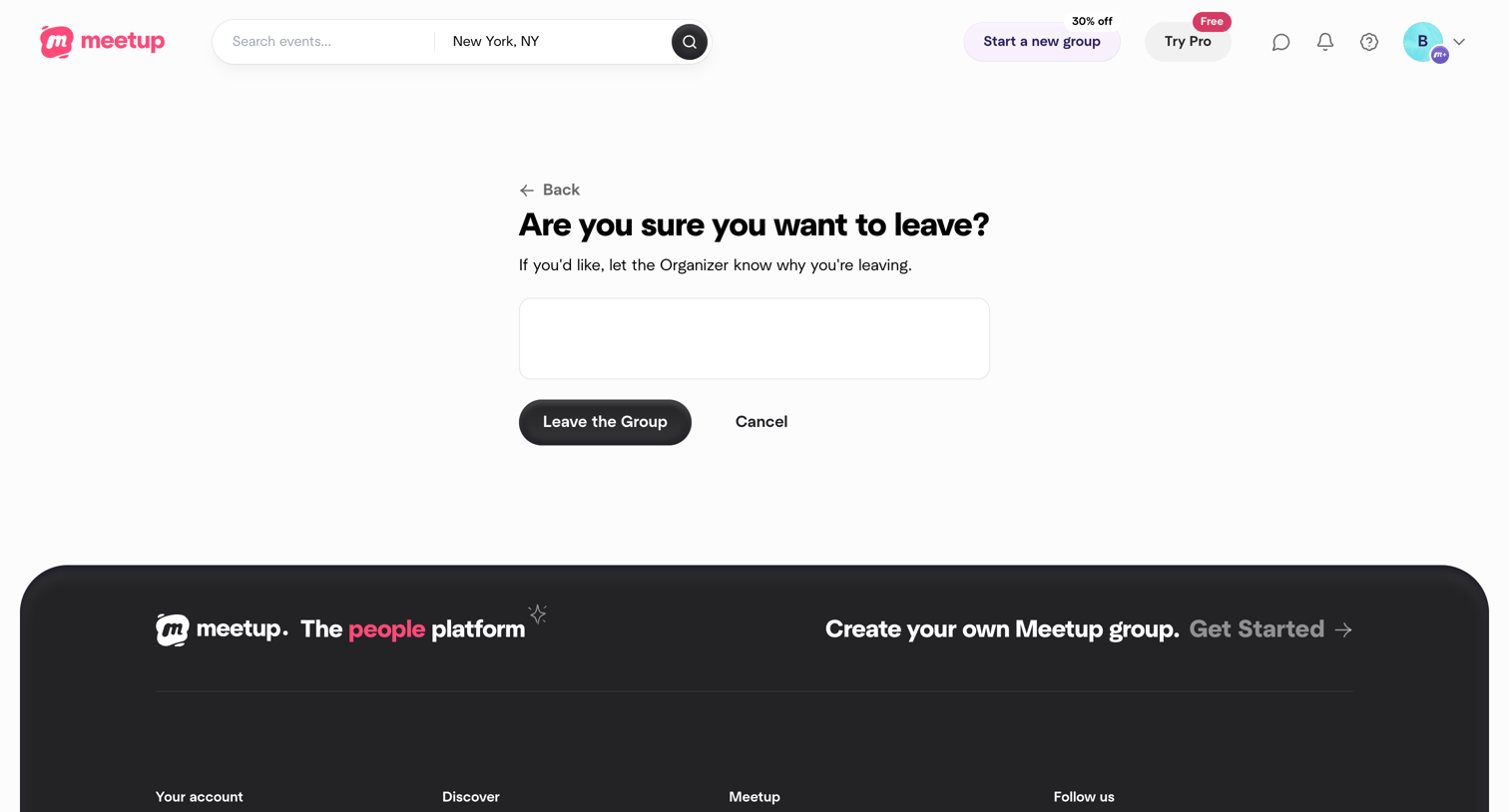

Settings confirmation screen where the user is asked to confirm leaving a group and can optionally provide a reason to the organizer.
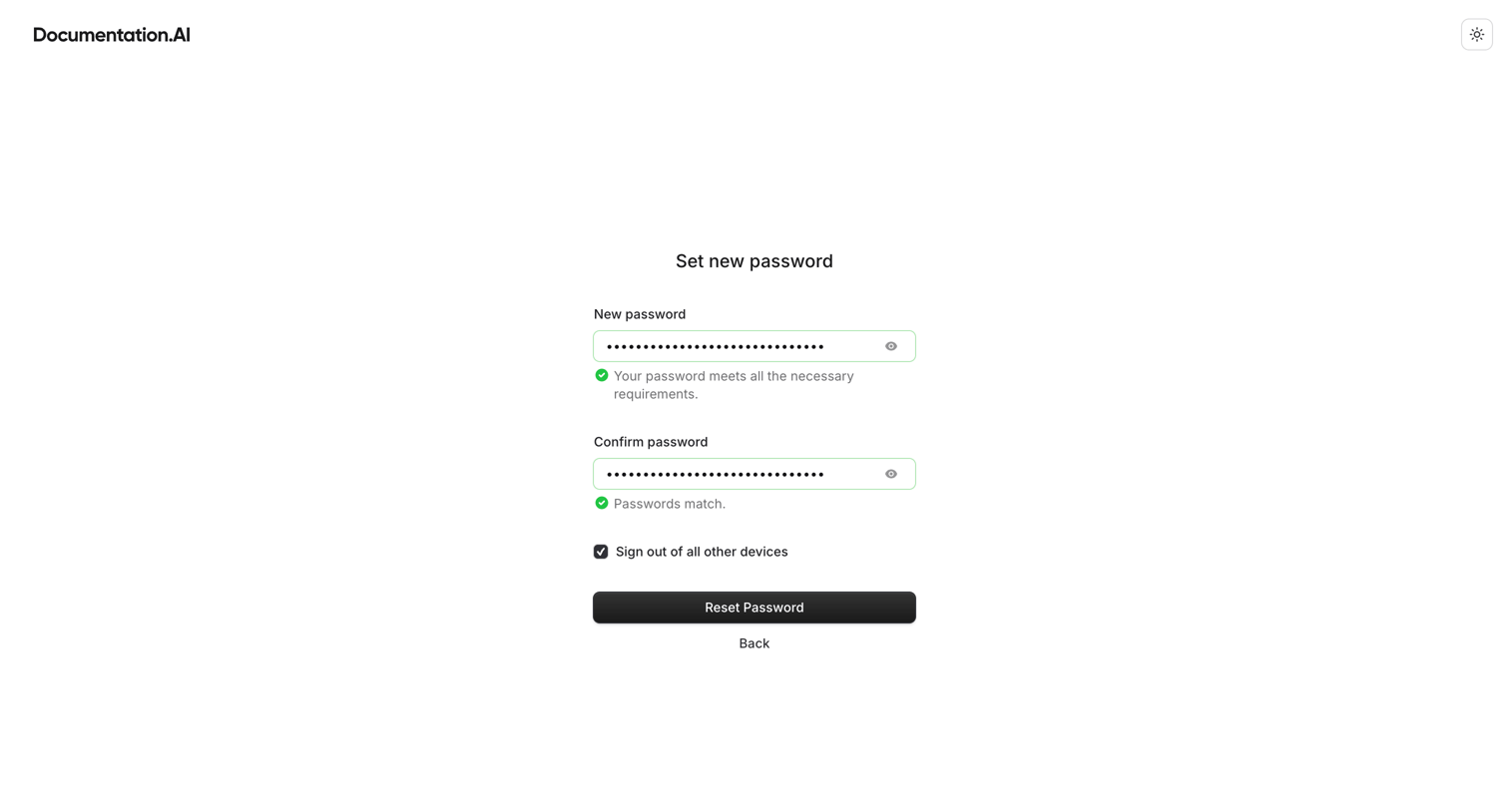

Auth screen where the user enters and confirms a new password, with real-time validation indicating requirements are met, and an option to sign out of other devices.
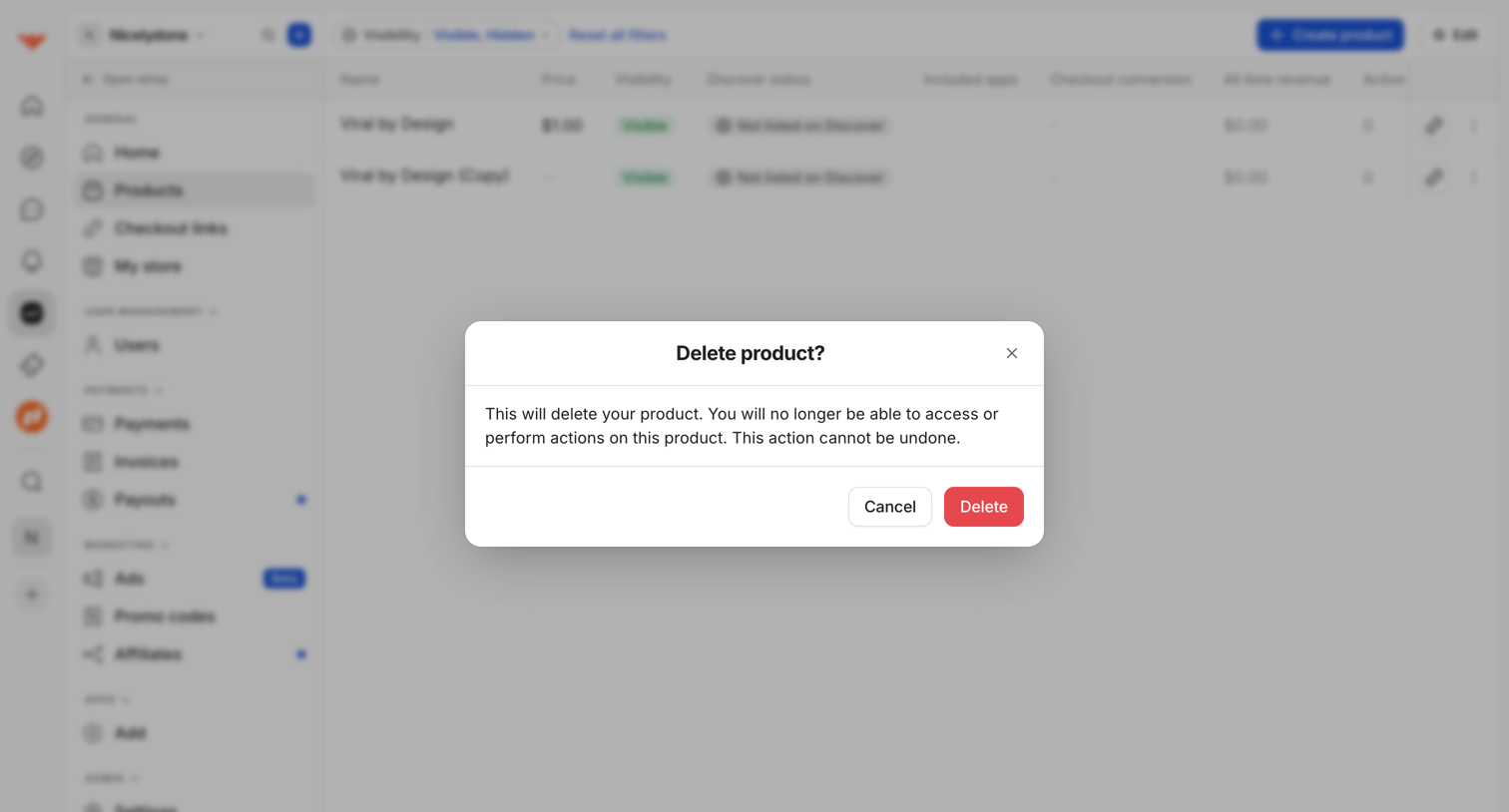

List view of digital products where a modal prompts the user to confirm the irreversible deletion of a selected product.
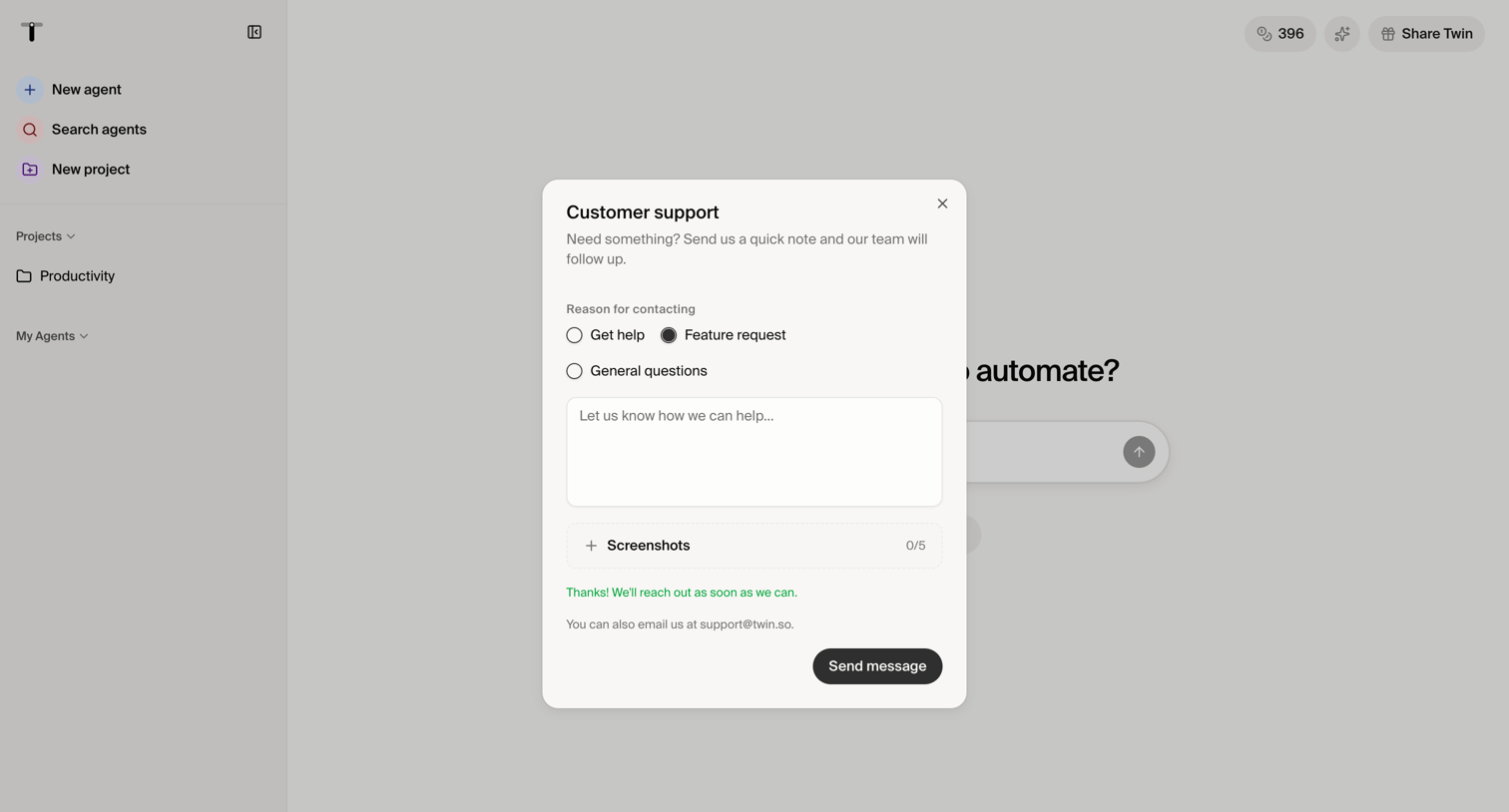

Home page where the user is filling out a customer support modal to request help or suggest a feature, including an option to attach screenshots.
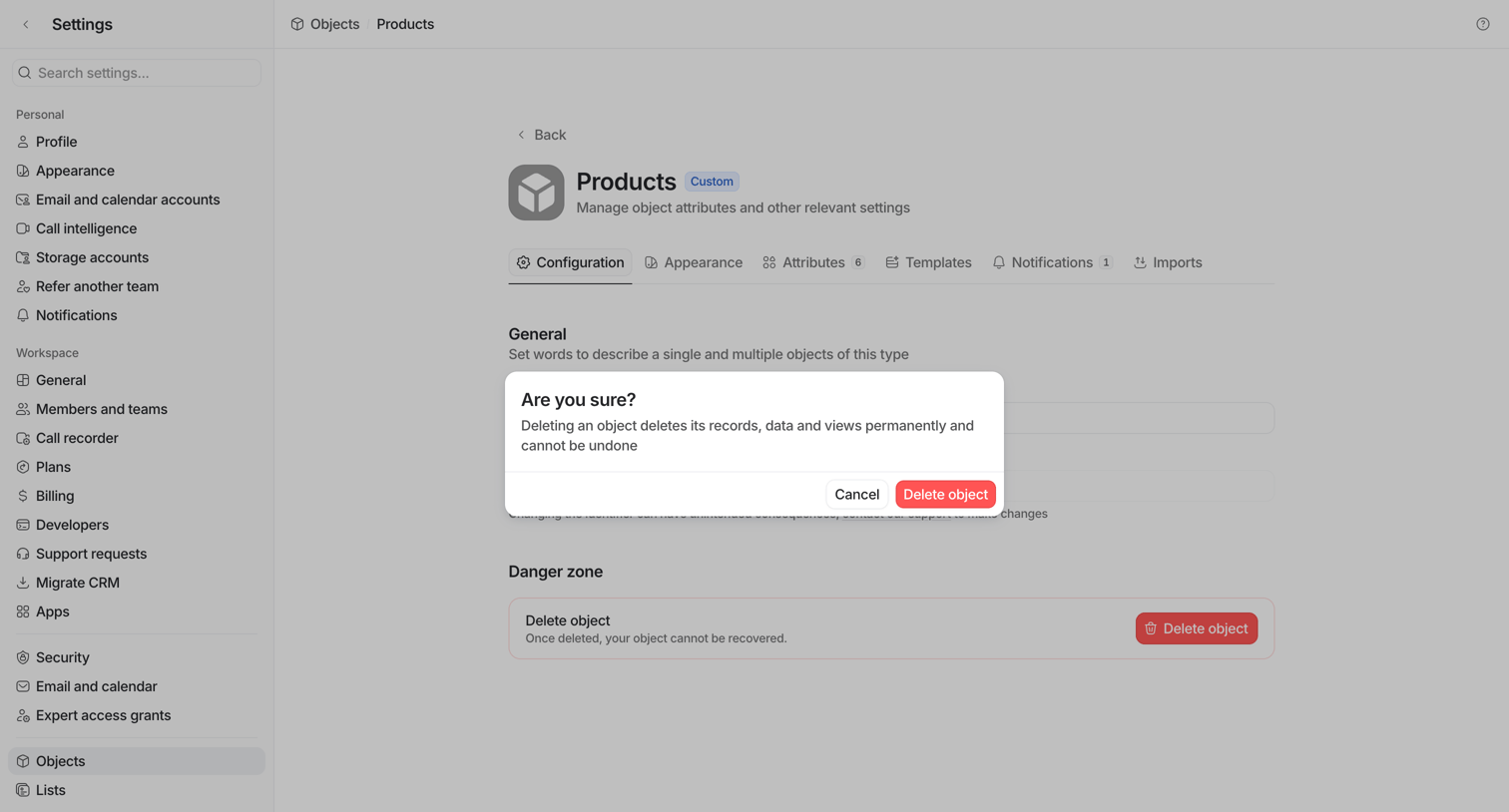

Settings page where the user is prompted by an alert dialog to confirm the permanent deletion of the custom Products object.
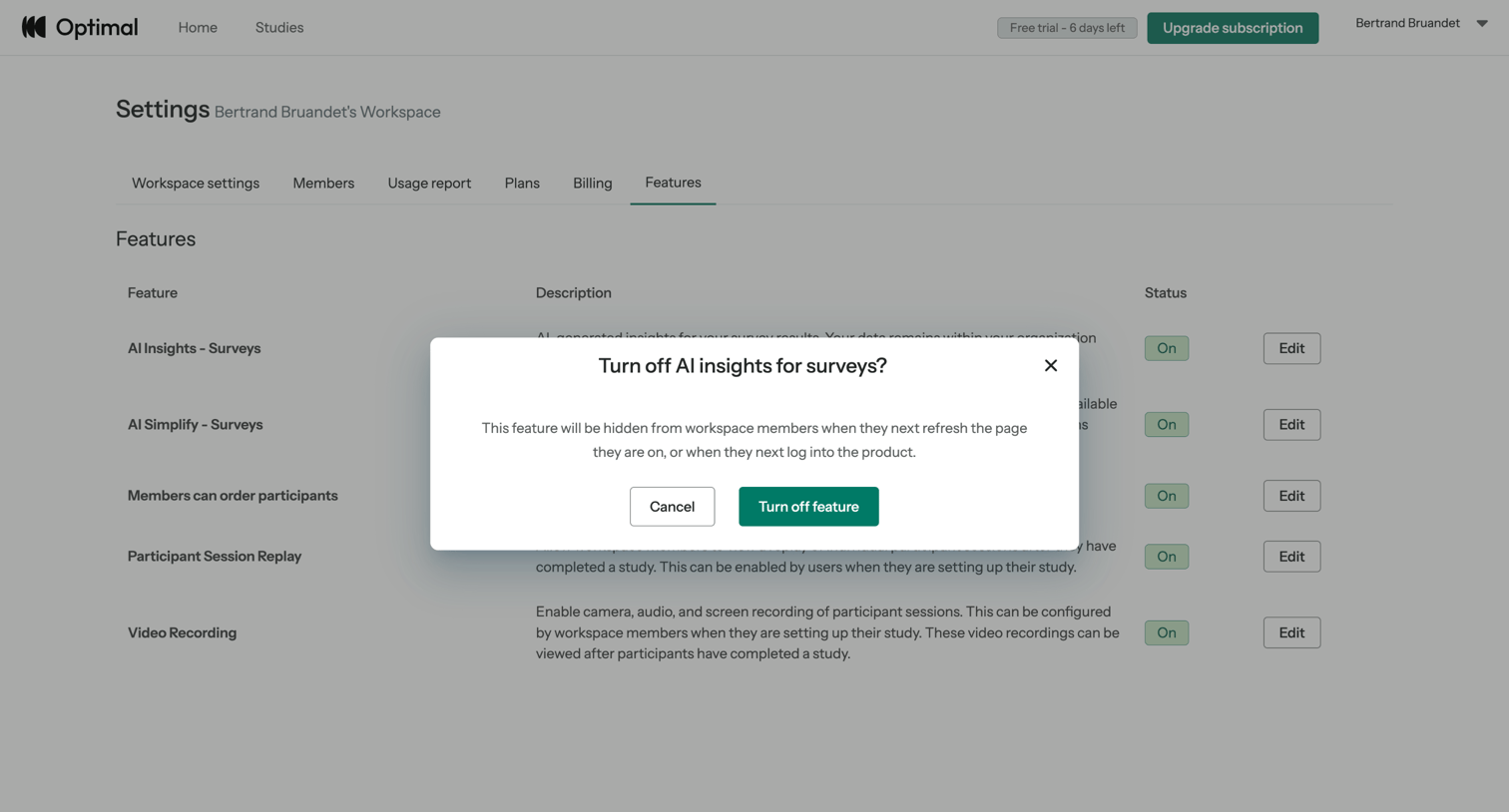

Settings page where the user is prompted to confirm turning off AI insights for surveys.
Explore the full SaaS screen library
Upgrade to unlock the full library.
Trusted by the best teams







