Checkout screen screen examples
Checkout screen screen design examples from SaaS apps. Browse examples from Dock, Circleback, Fourthwall.
Explore the examples
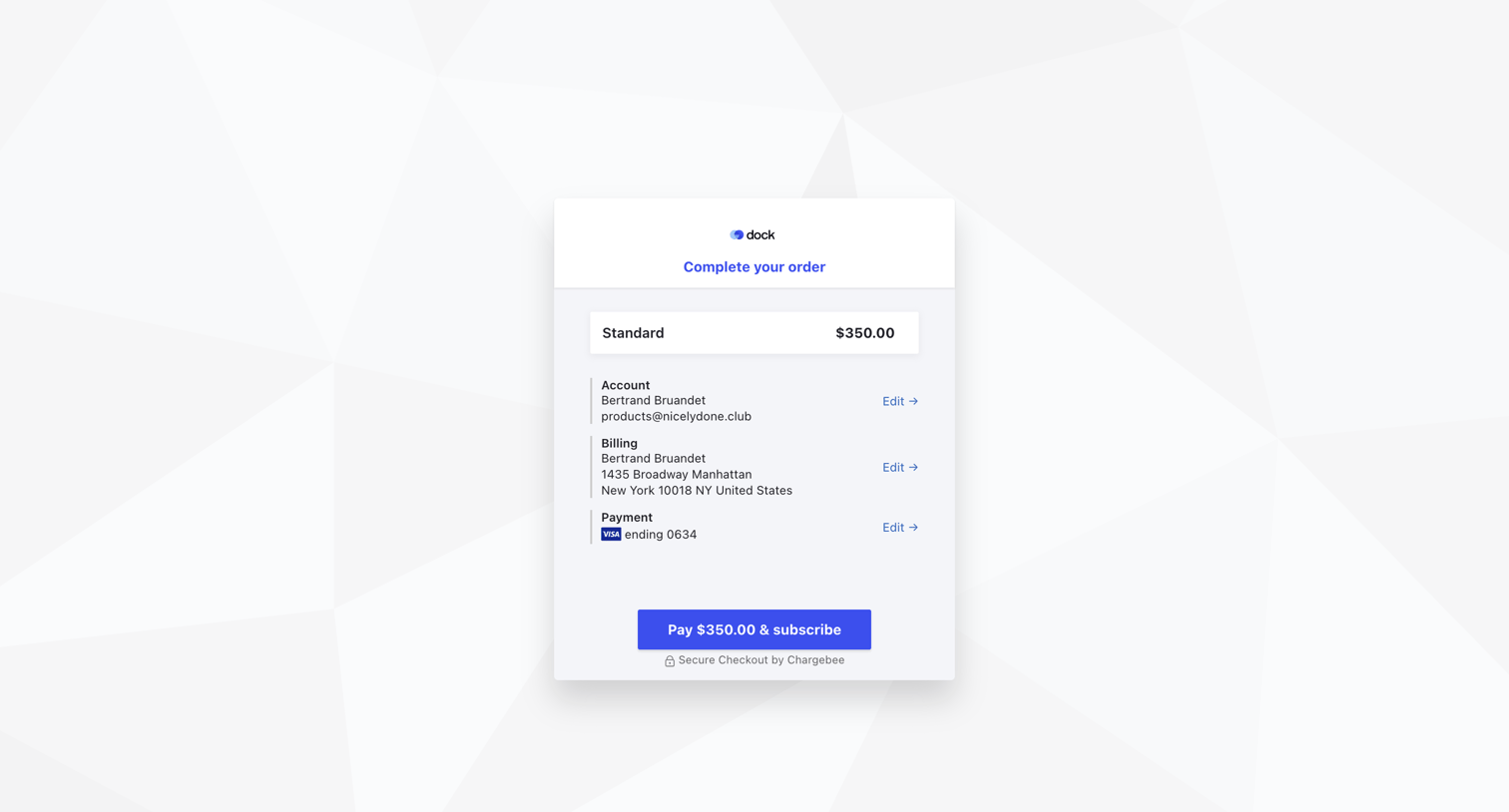

Checkout screen where the user reviews their standard plan order, account details, billing address, and payment method before subscribing.
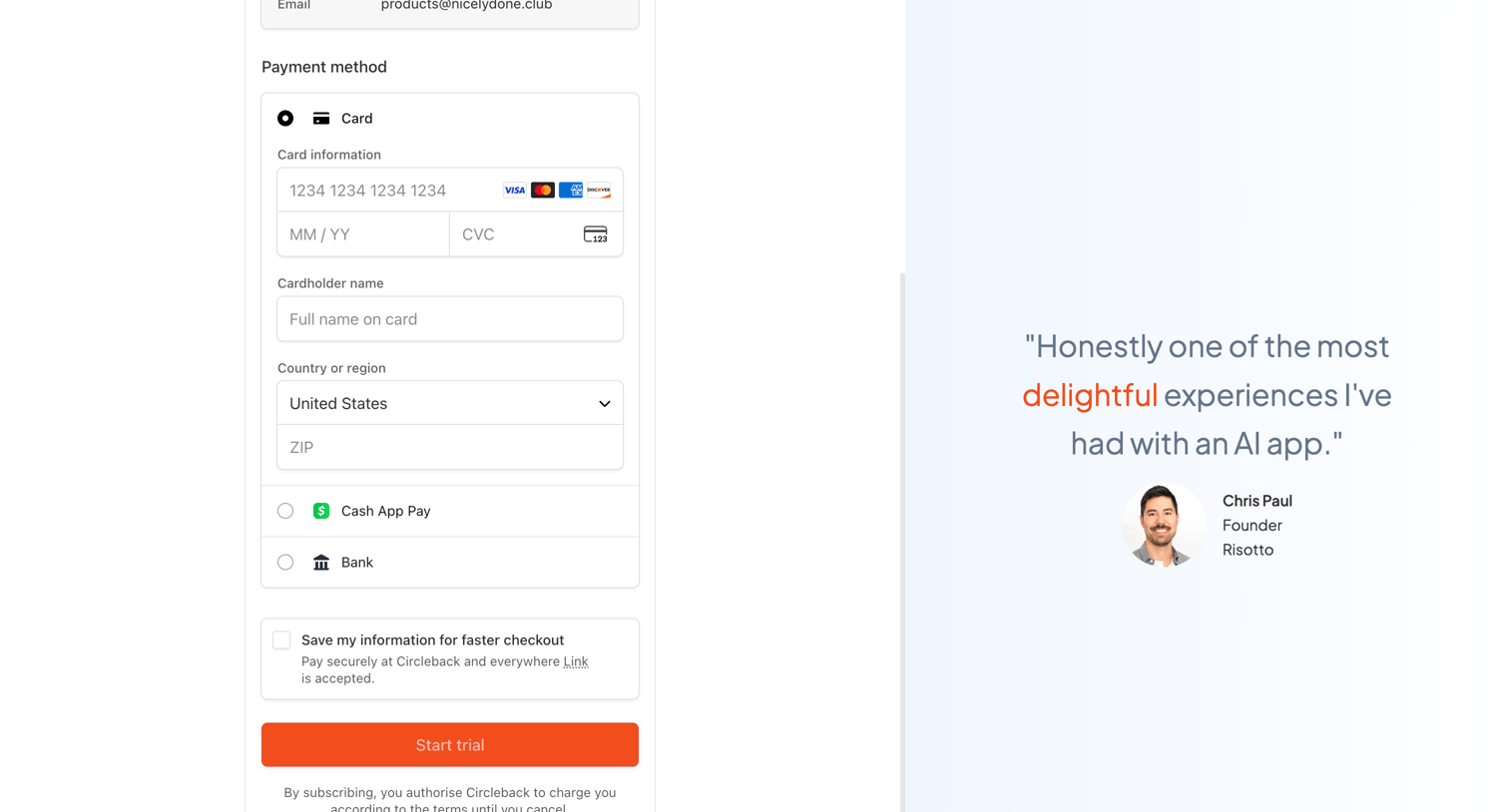

Checkout page where the user enters their credit card details to start a trial, alongside a customer testimonial.
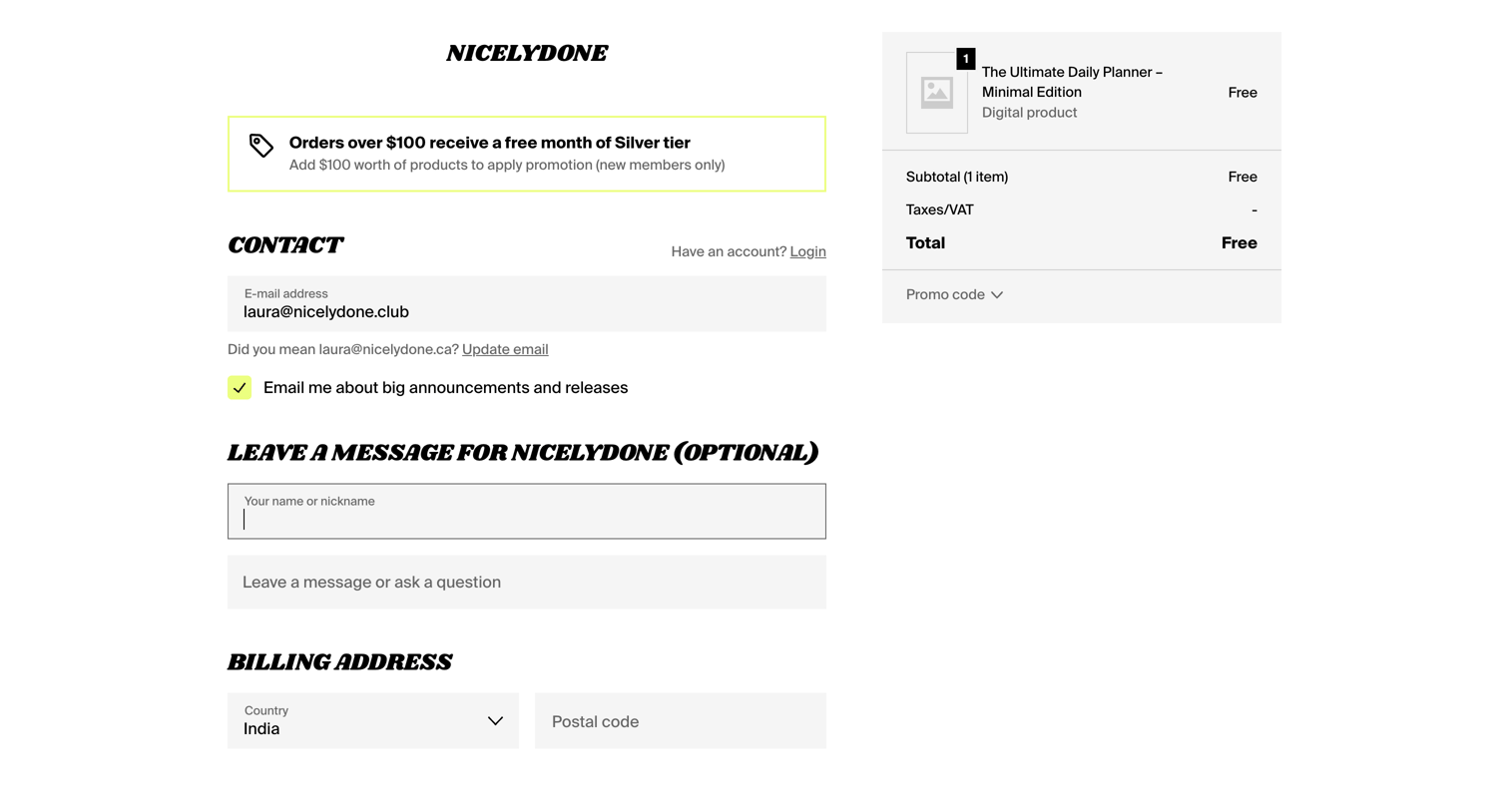

Checkout page for a free digital product where the user provides contact and billing details without requiring payment.
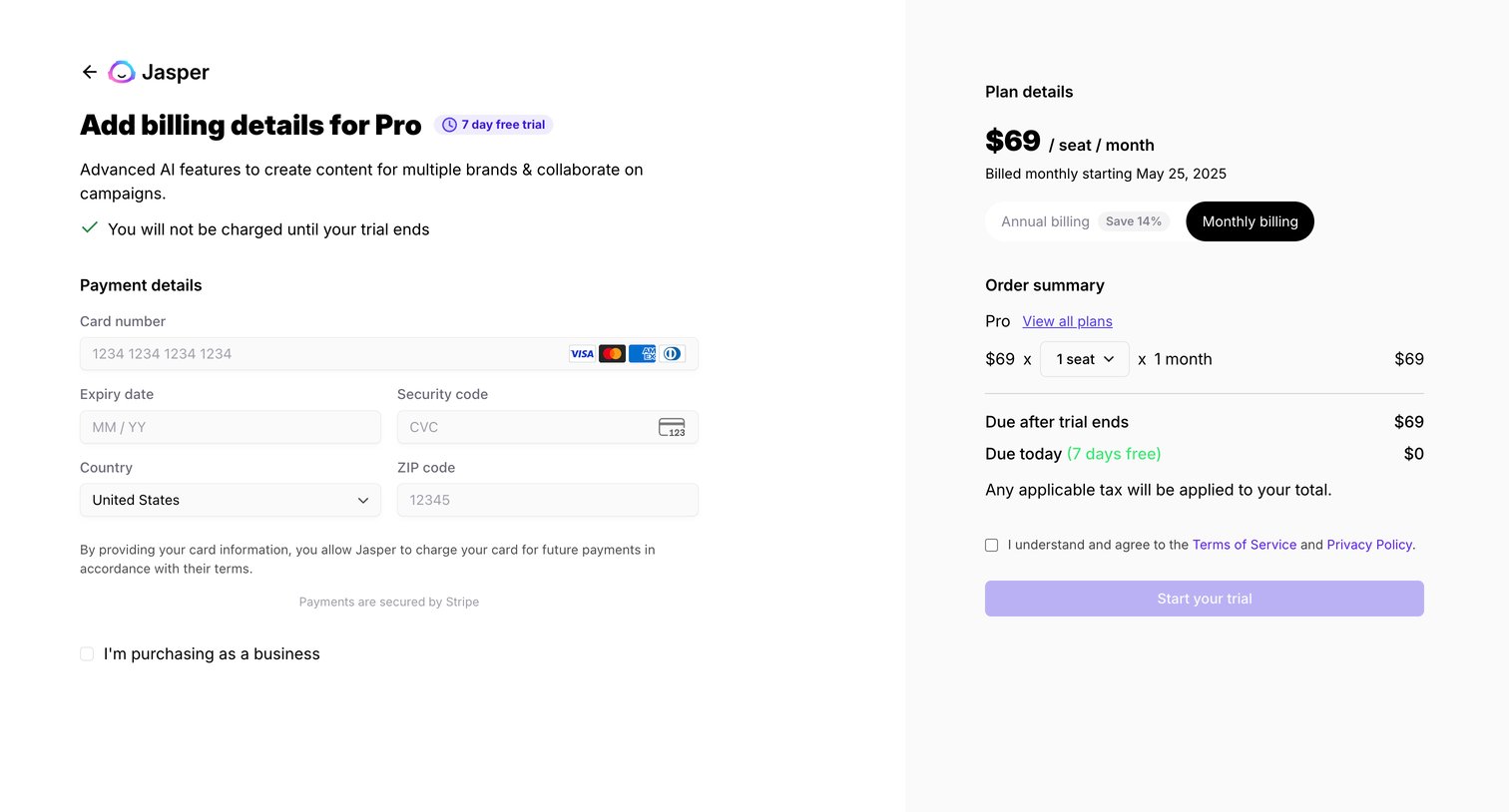

Checkout page where the user enters their credit card details to start a 7-day free trial of the Pro plan, with an order summary showing monthly billing.
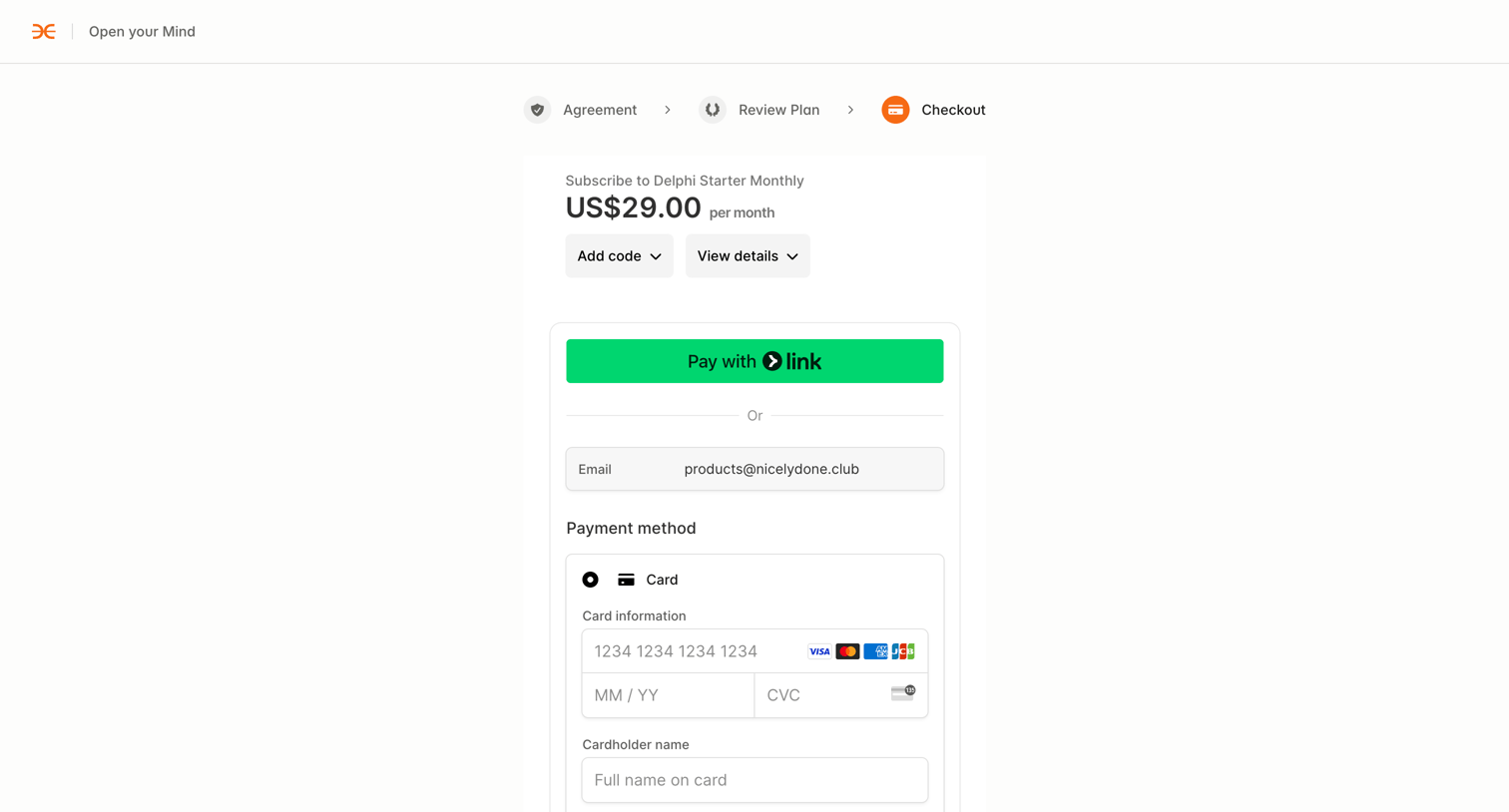

Checkout page where the user enters payment details to subscribe to the Delphi Starter Monthly plan.
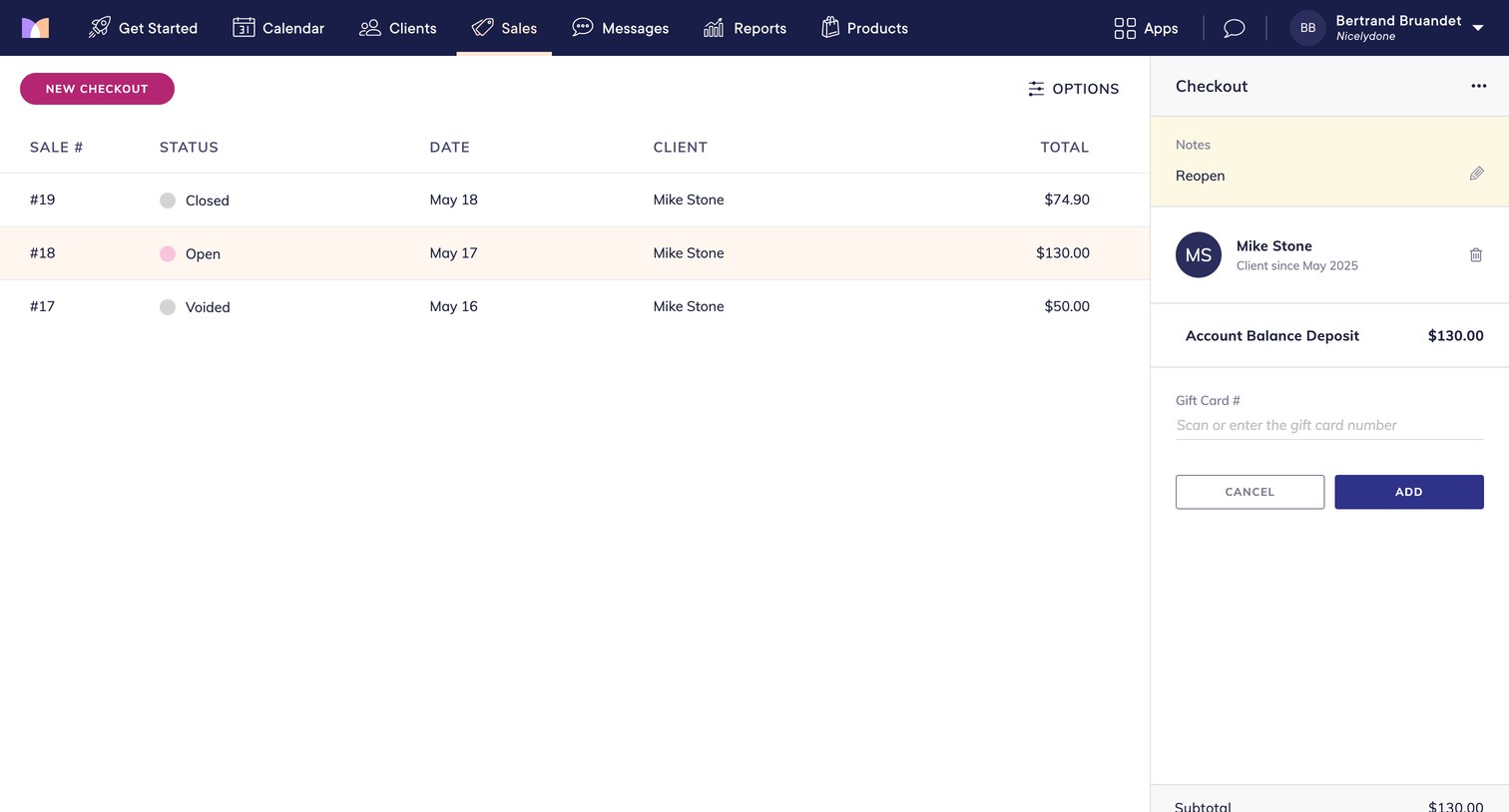

Master-detail view where the user can select a past sale from a list and manage an open checkout for a specific client, including adding a gift card and proceeding to payment.
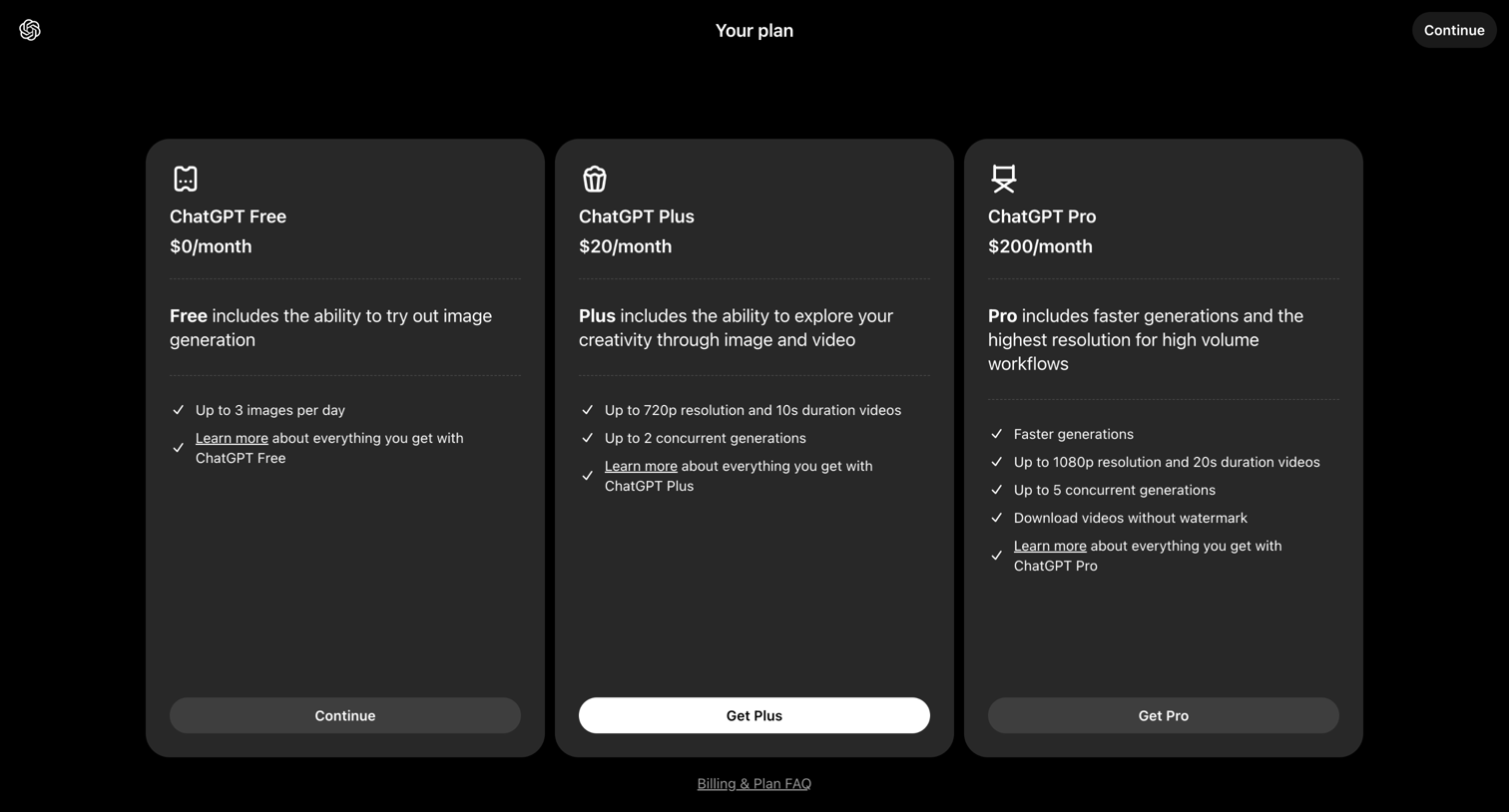

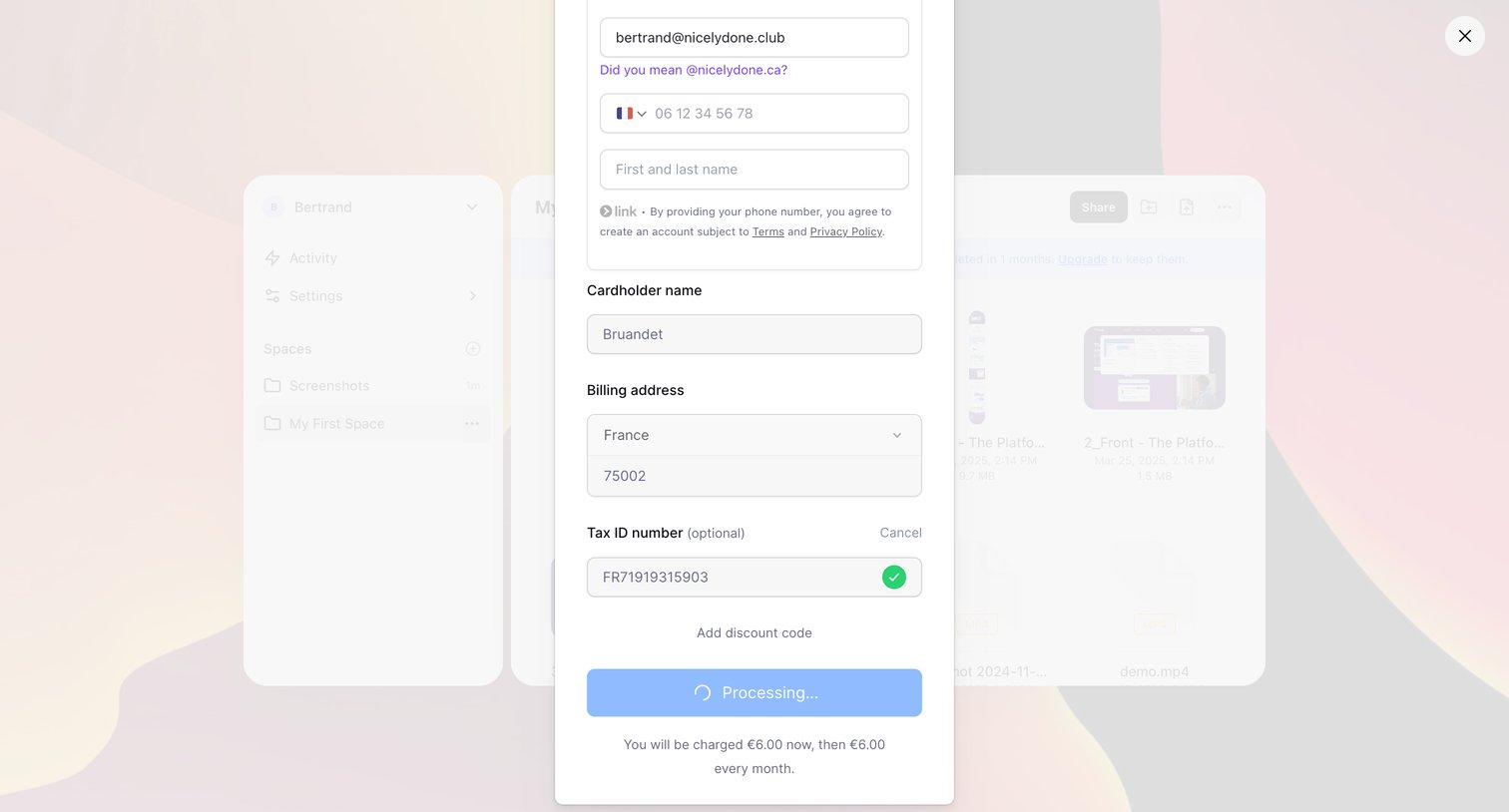

List view where the user is checking out via a payment modal, currently in a processing state after entering their billing address and tax ID.
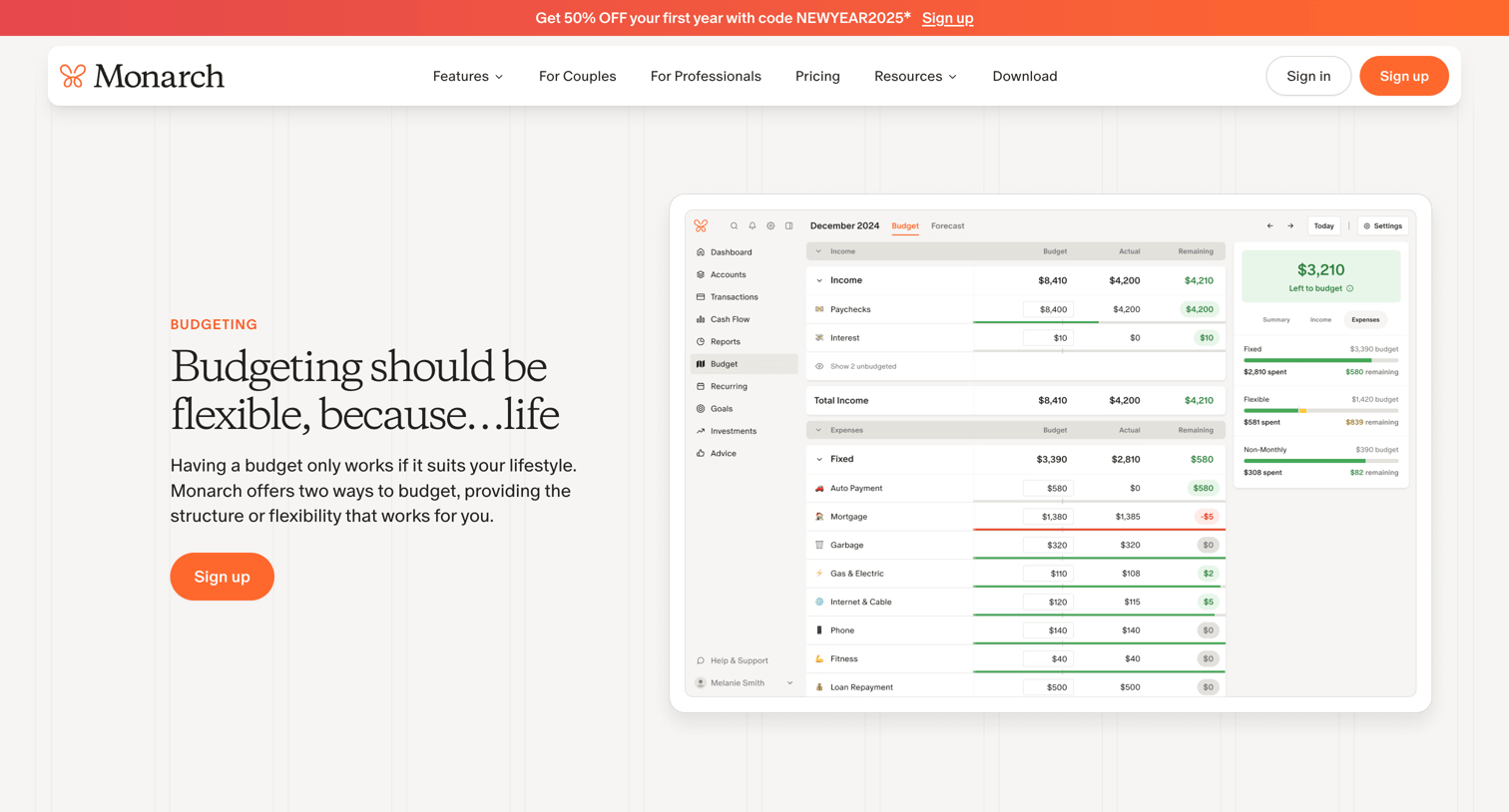

Feature page explaining the app's budgeting capabilities, highlighting flexible and category-based budgeting options with UI previews and educational resources.
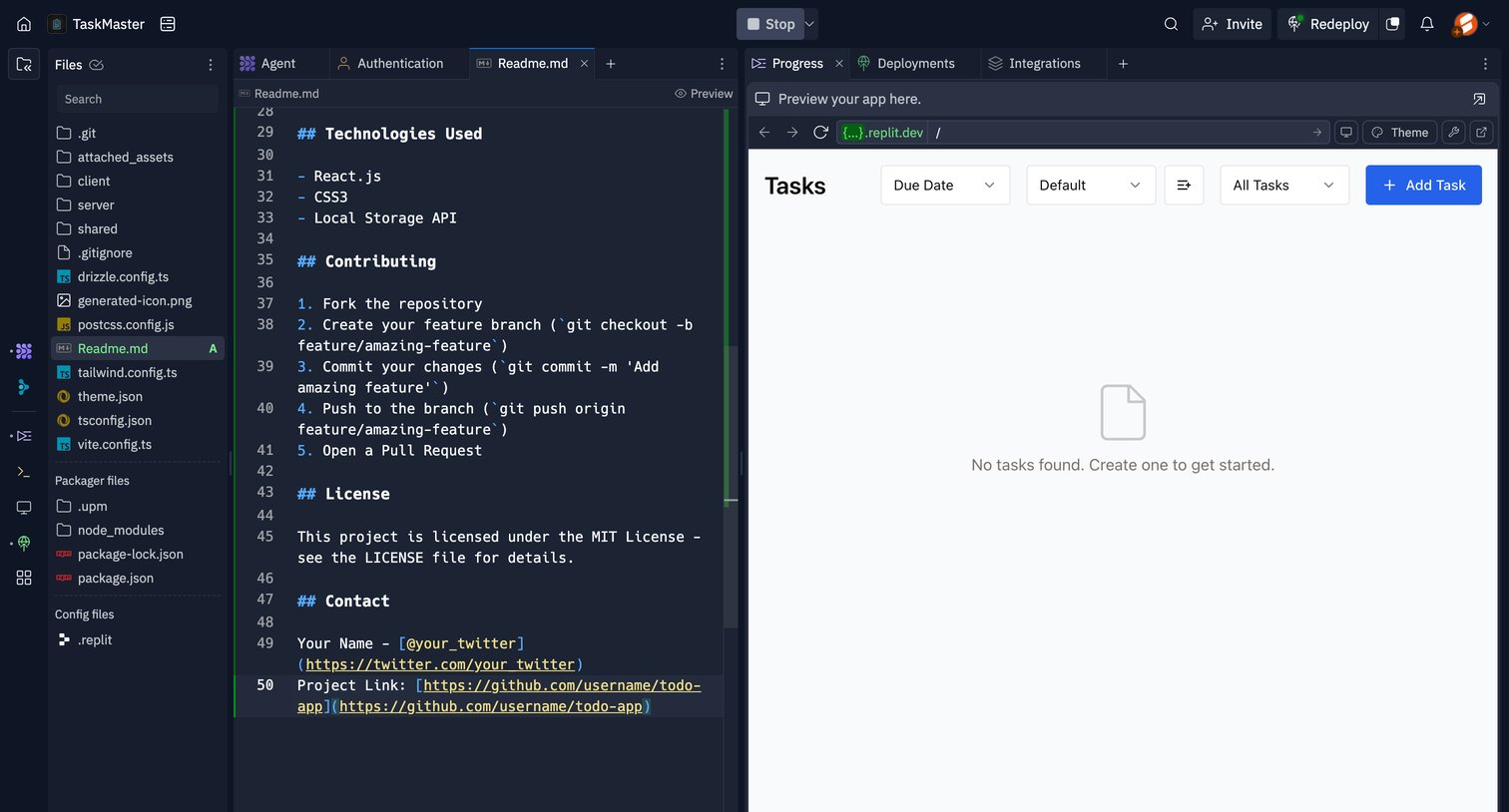

Cloud development environment showing a markdown file editor, a file explorer sidebar, and a live preview of a task management application in an empty state.
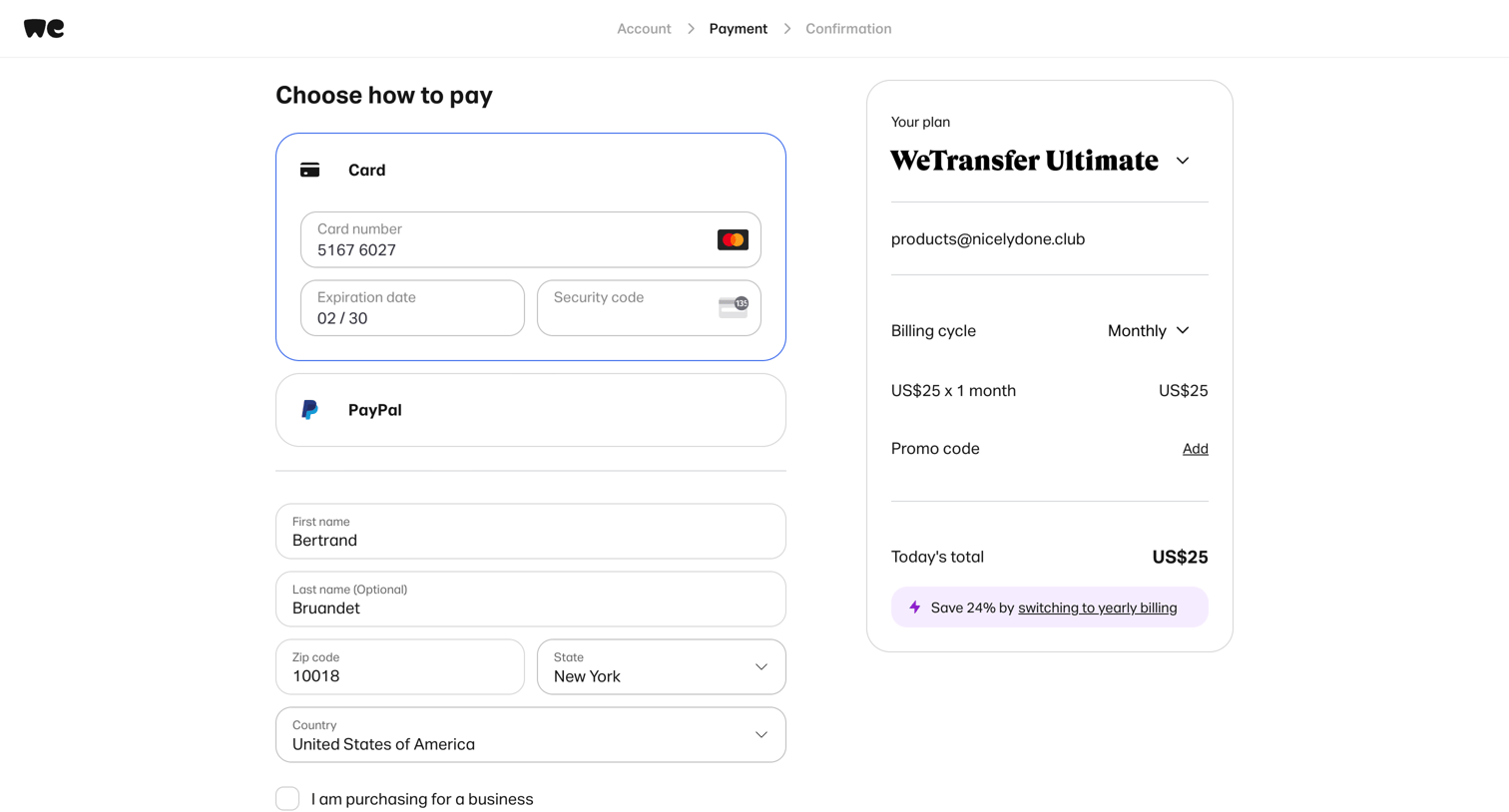

Checkout page where the user enters credit card and billing details to purchase a WeTransfer Ultimate monthly subscription, featuring an order summary and a yearly-billing upsell.
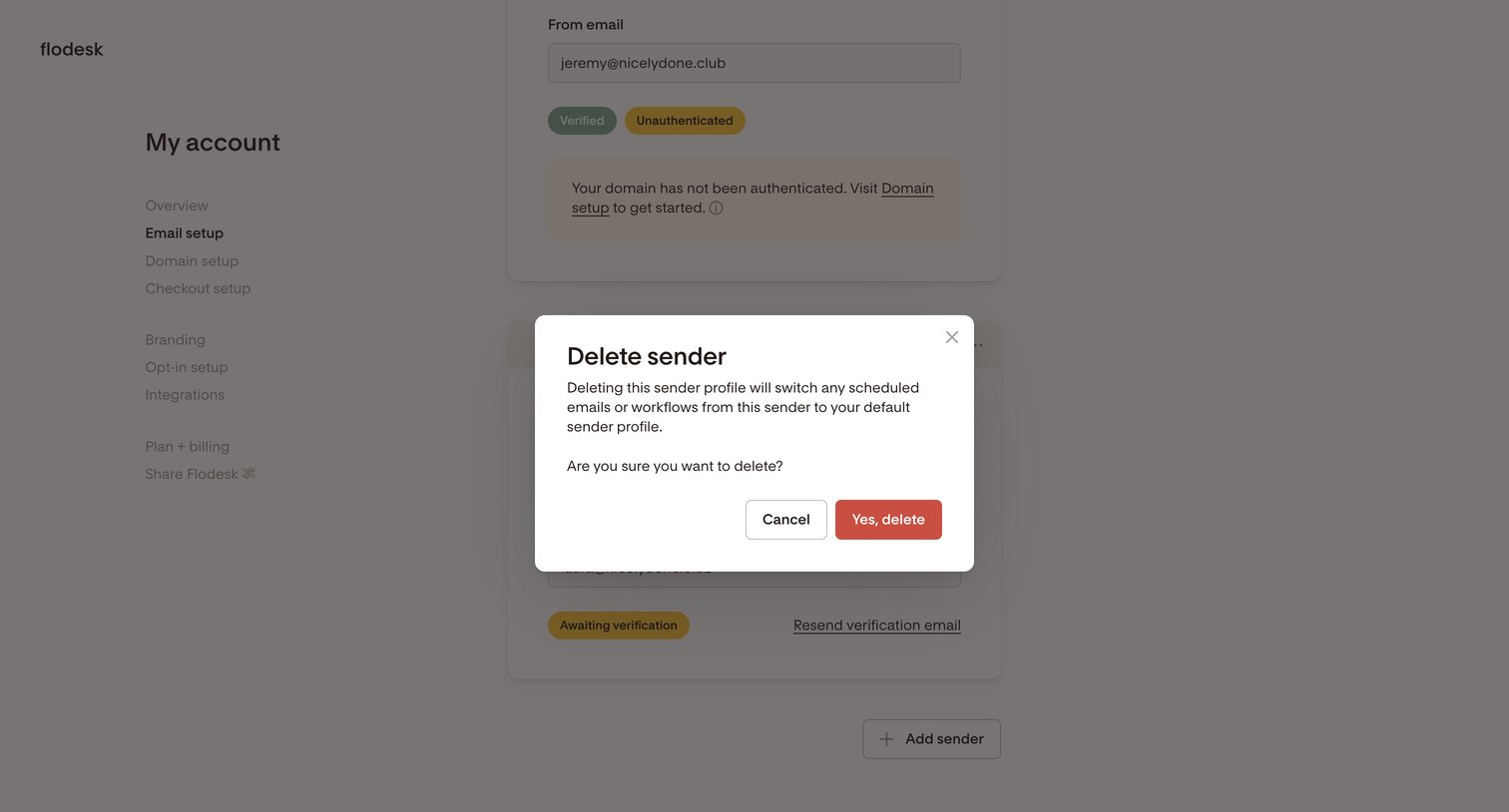

Settings page where the user is prompted to confirm the deletion of an email sender profile.
Explore the full SaaS screen library
Upgrade to unlock the full library.
Trusted by the best teams







