Campaign management screen examples
Campaign management screen design examples from SaaS apps. See how apps organize work around a marketing campaign. Explore how campaign details, content, and configuration choices connect planning with the next action.
Explore the examples
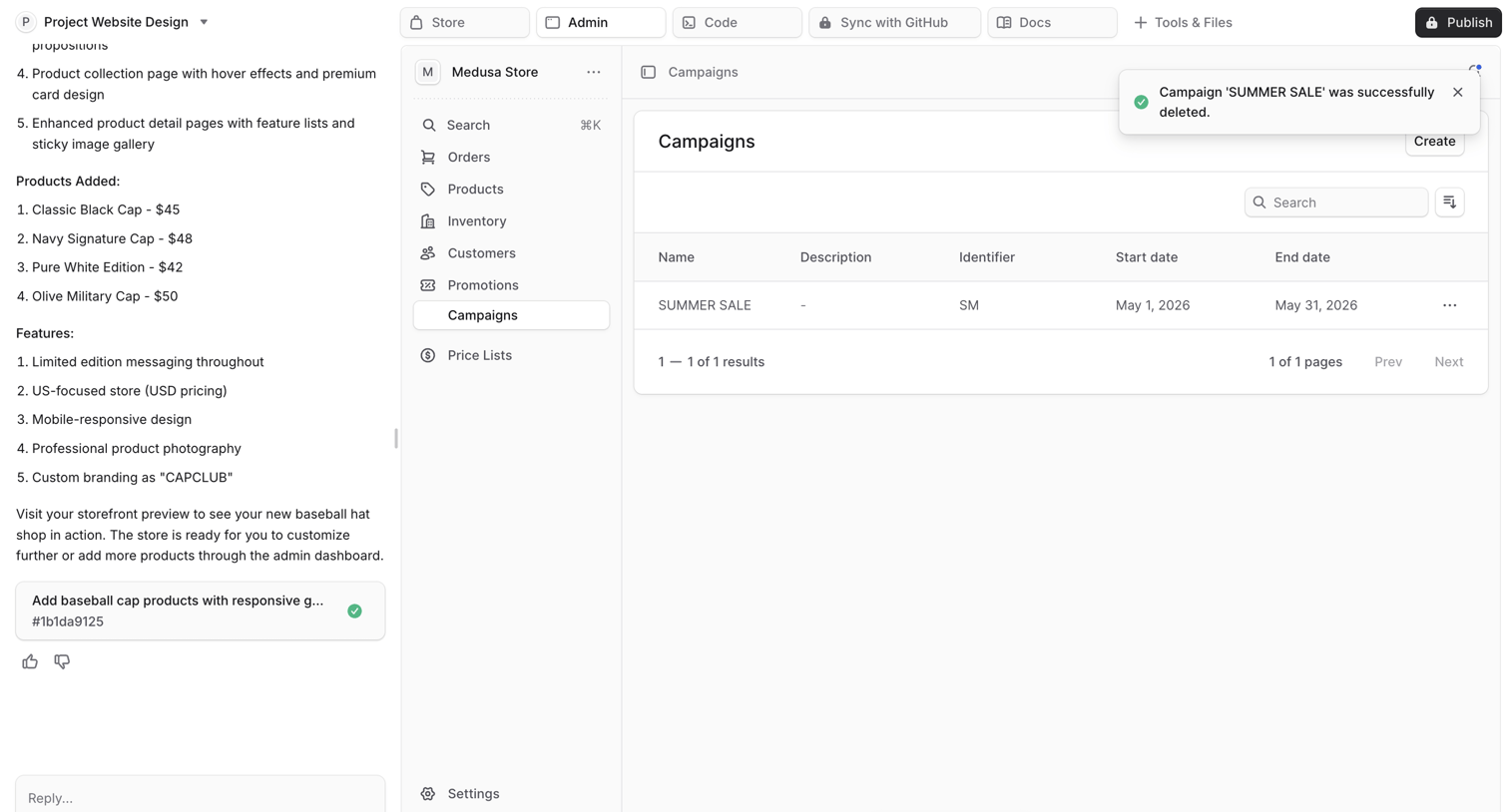

AI chat interface where the user reviews generated app features and interacts with a live preview of a Medusa store admin panel displaying a campaigns data table.
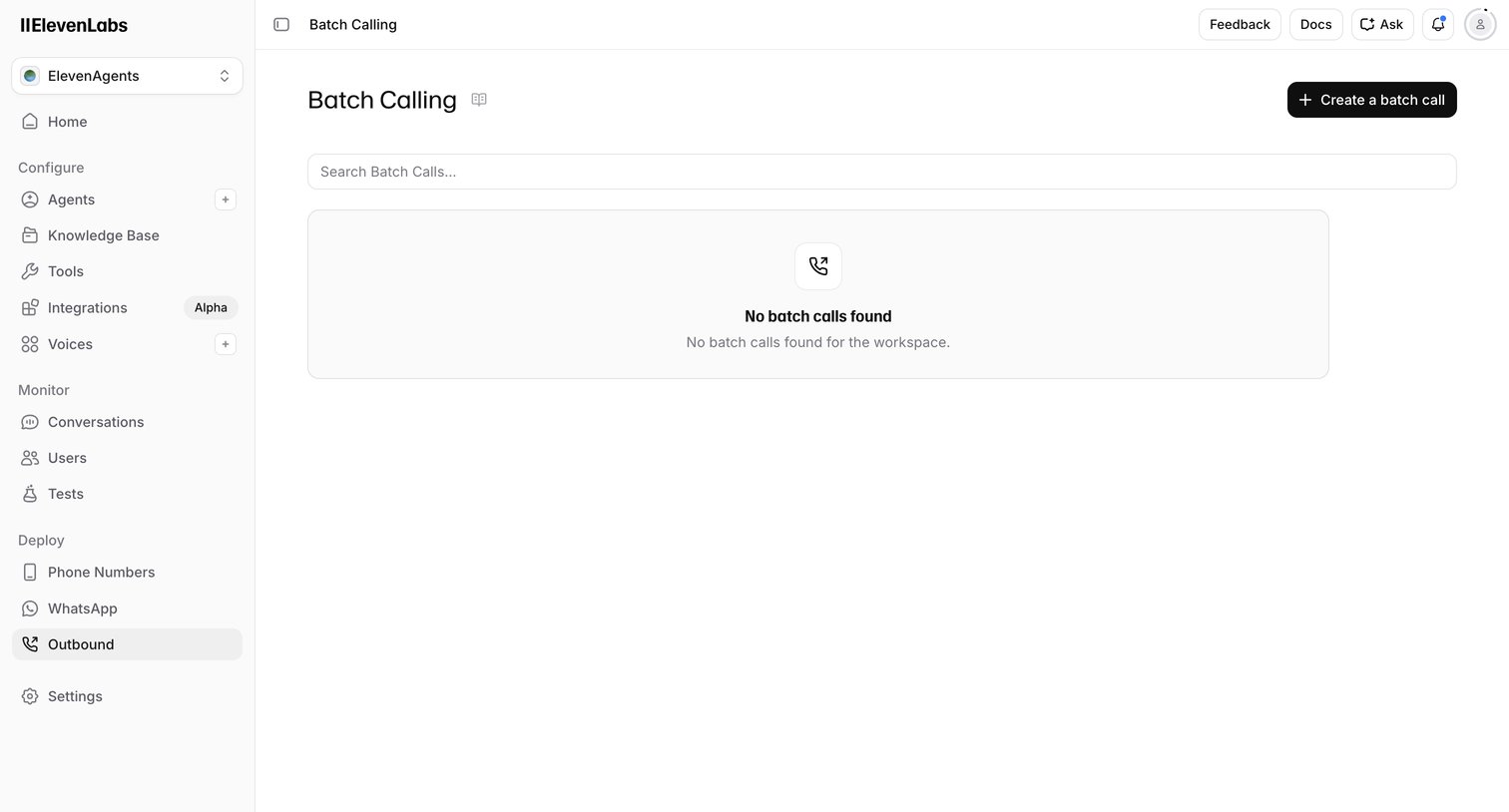

List view where the user manages outbound batch calls, currently showing an empty state with a prompt to create a new batch call.
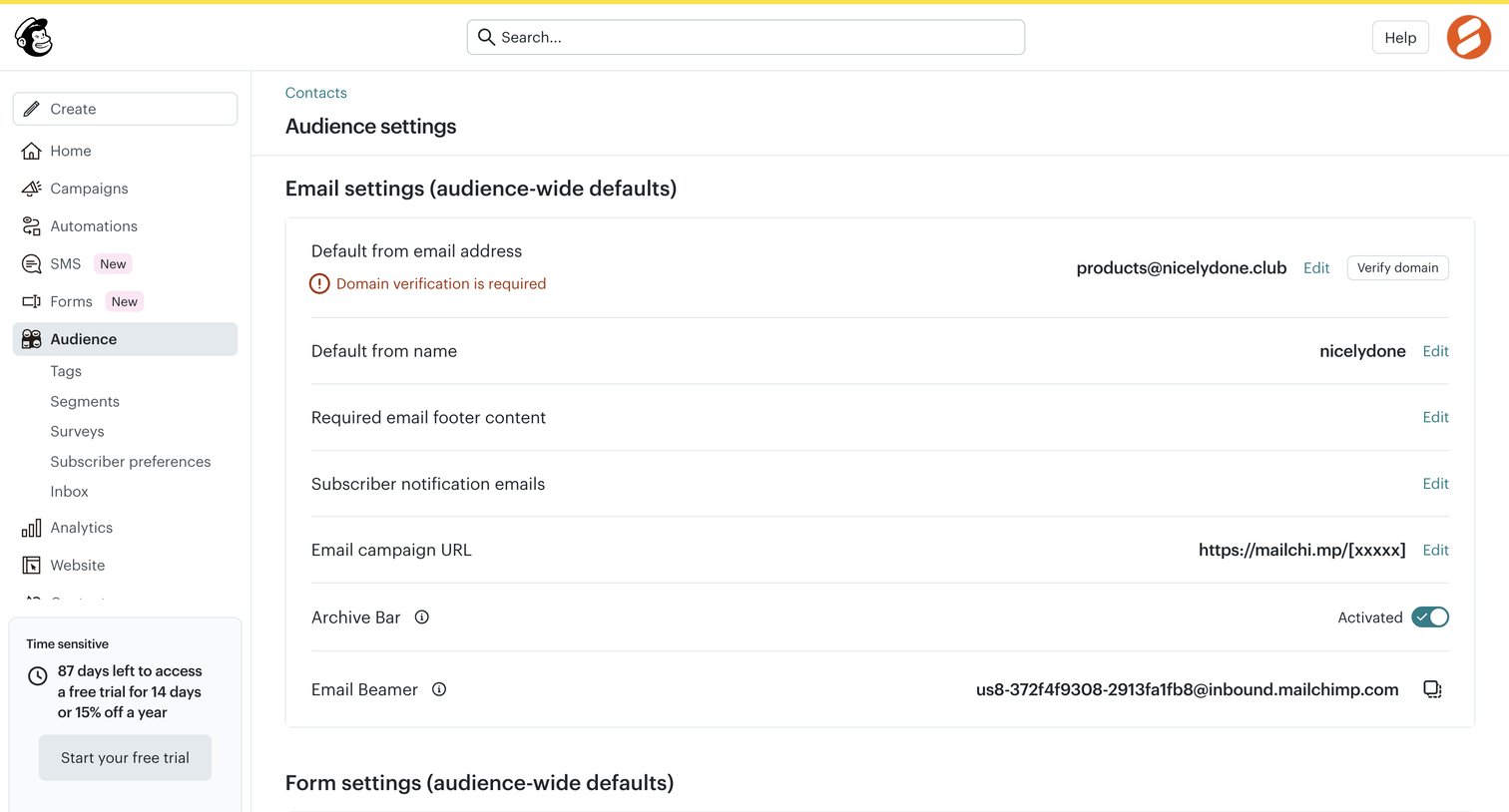

Settings page where the user configures audience-wide email defaults like the from address, required footer content, and opt-in settings.
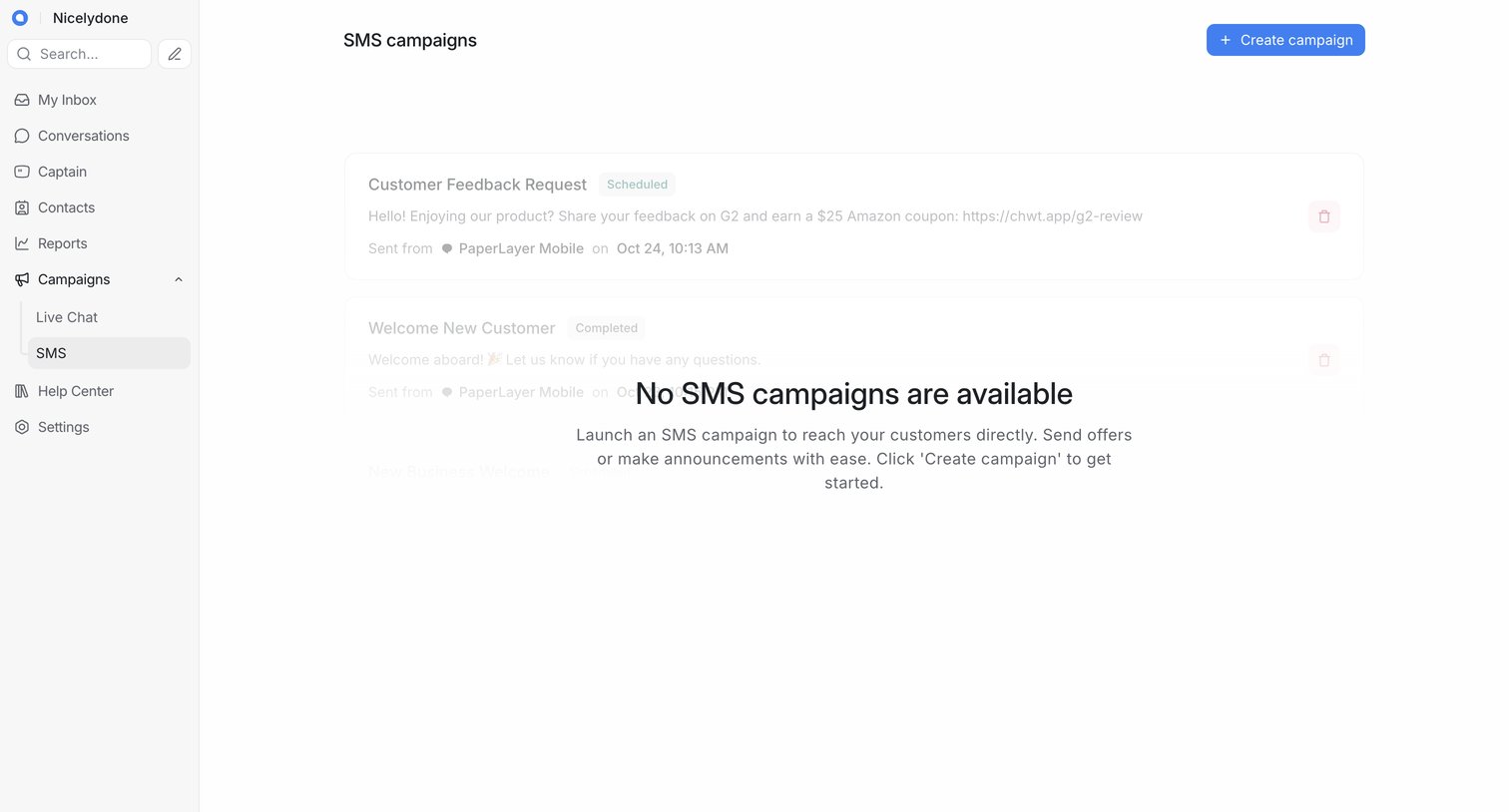

List view for SMS campaigns showing an empty state with a prompt to create a new campaign overlaid on faded placeholder cards.
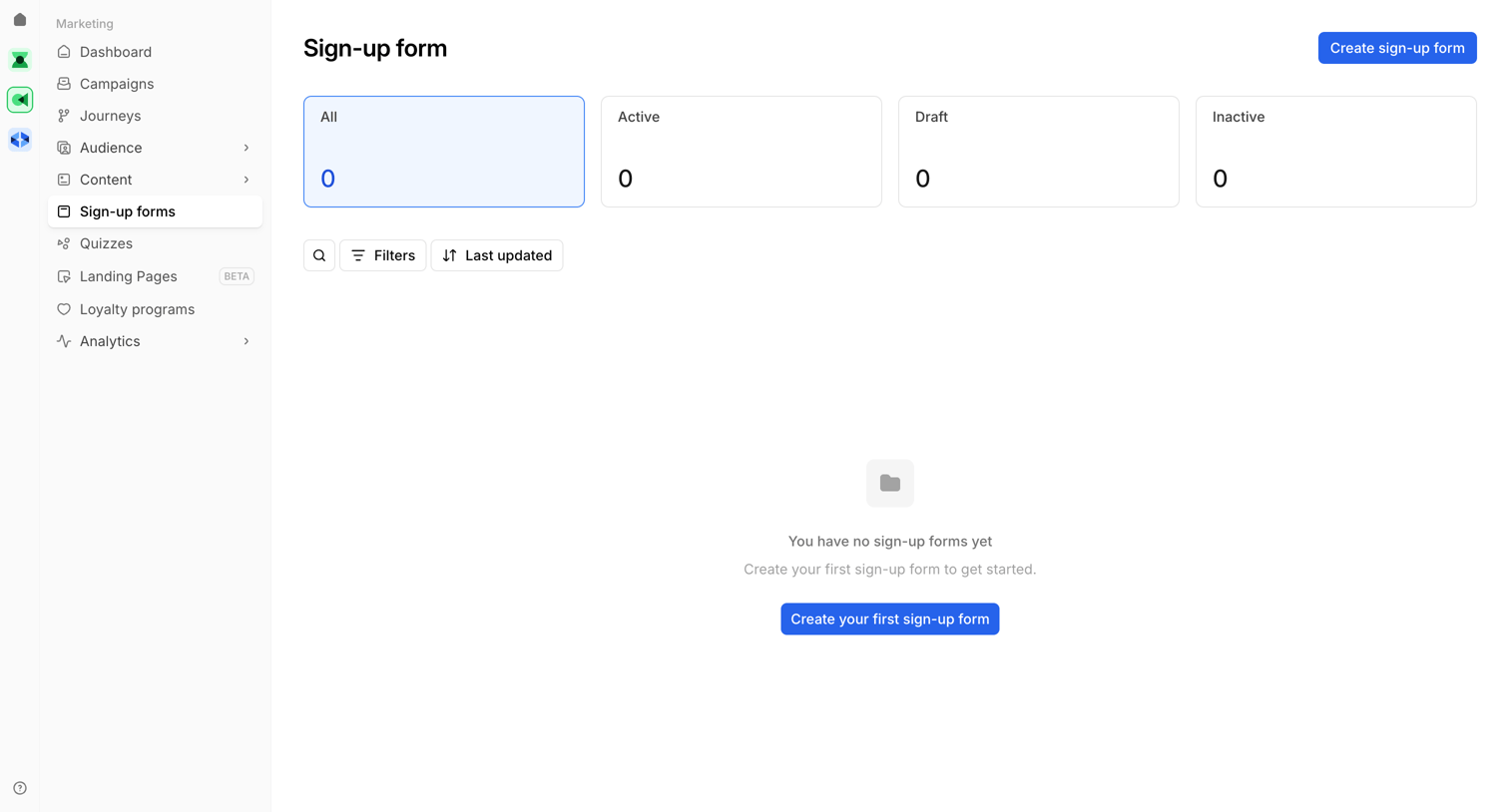

List view of sign-up forms where the user is prompted to create their first form because the list is currently empty.
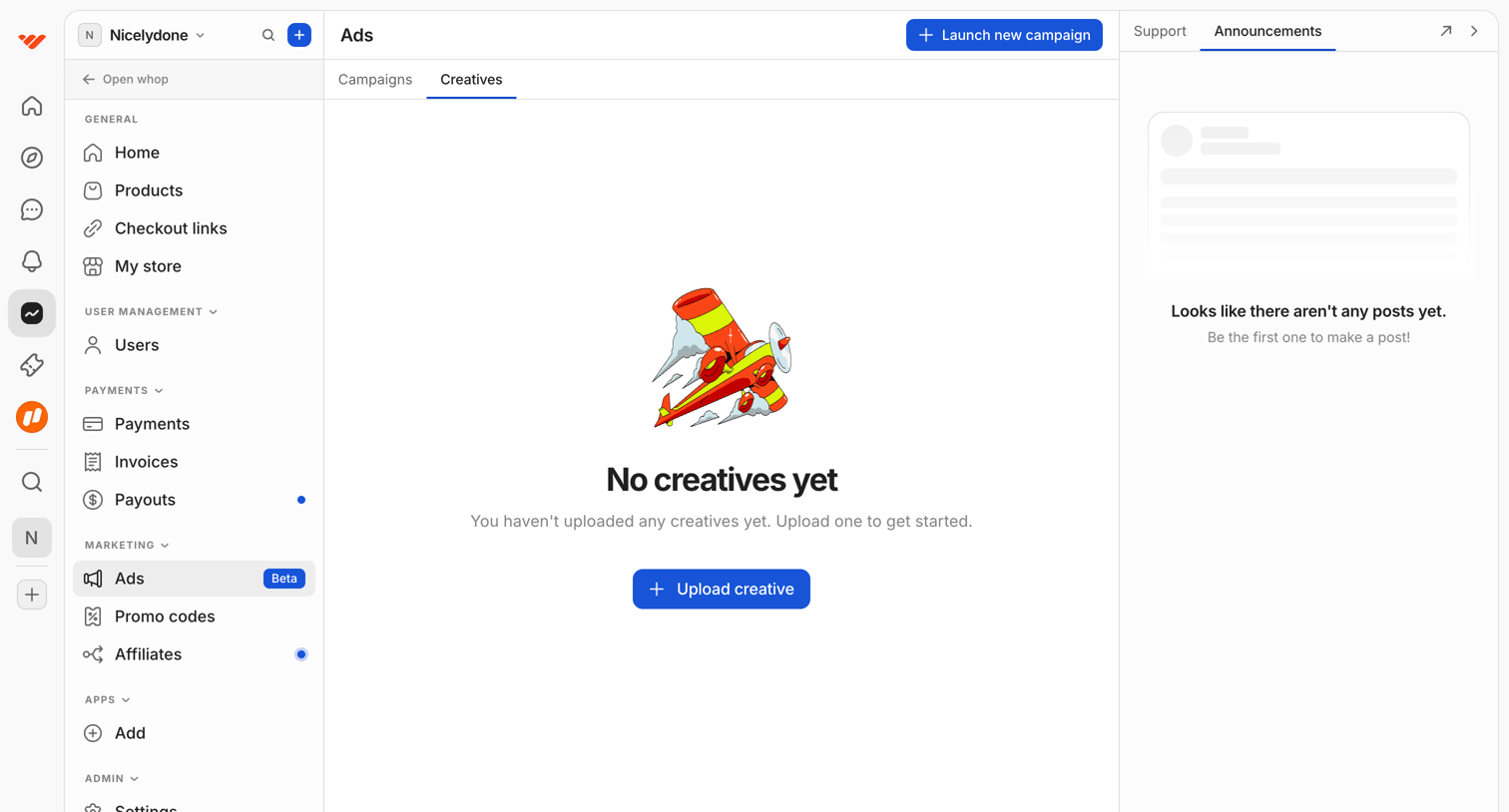

Ads management page showing an empty state for creatives with a prompt to upload one, alongside an empty announcements panel.
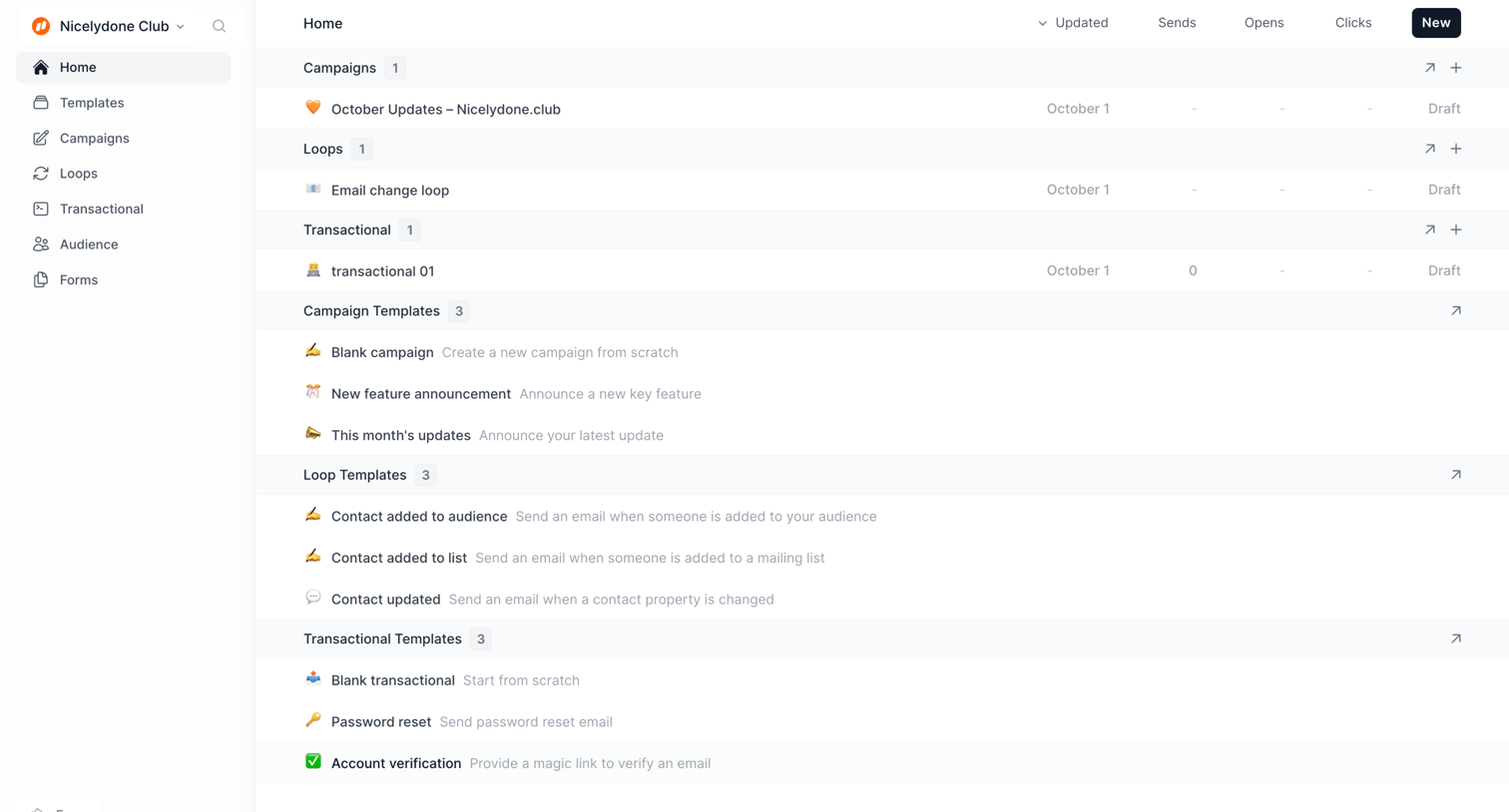

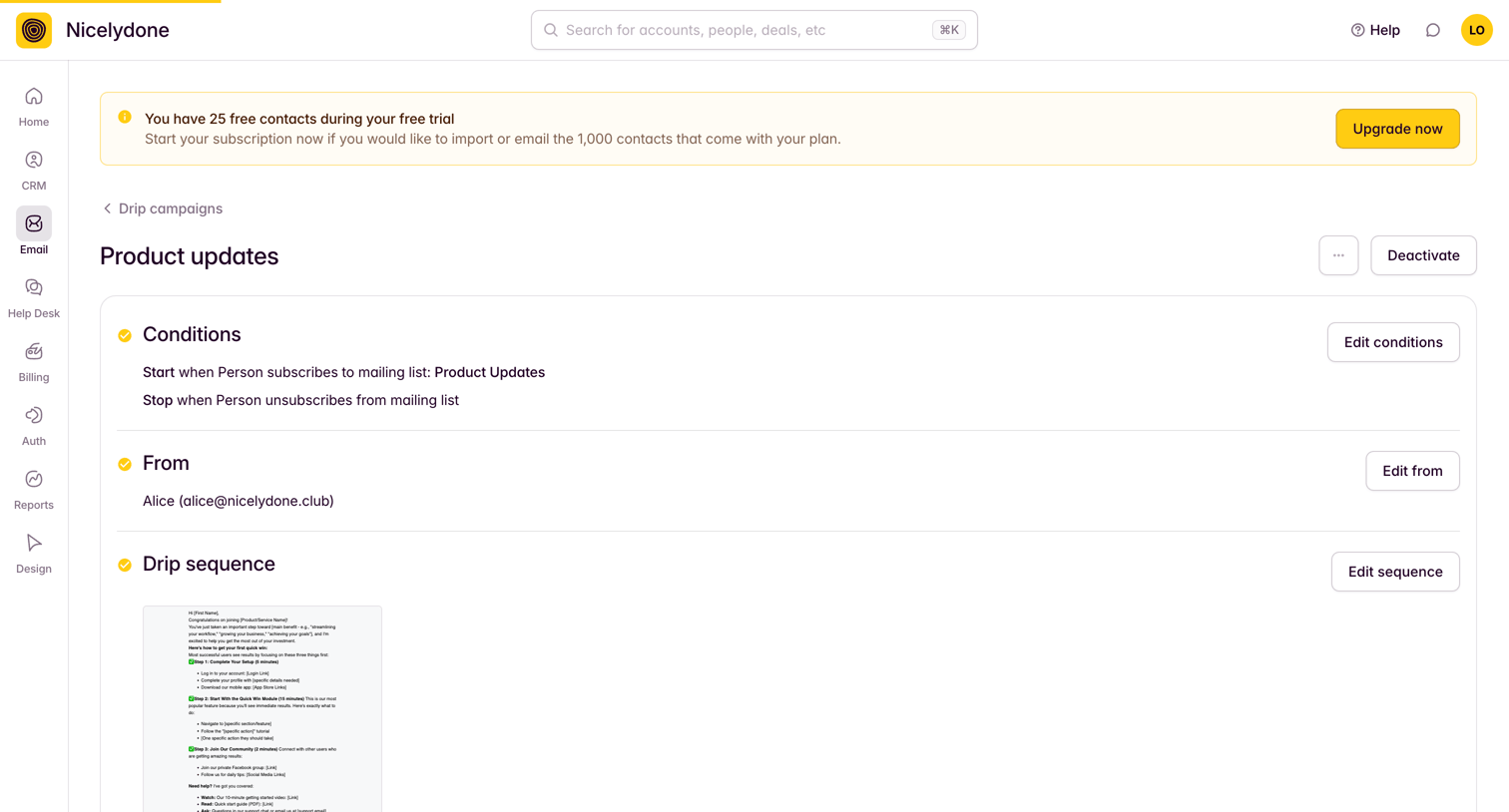

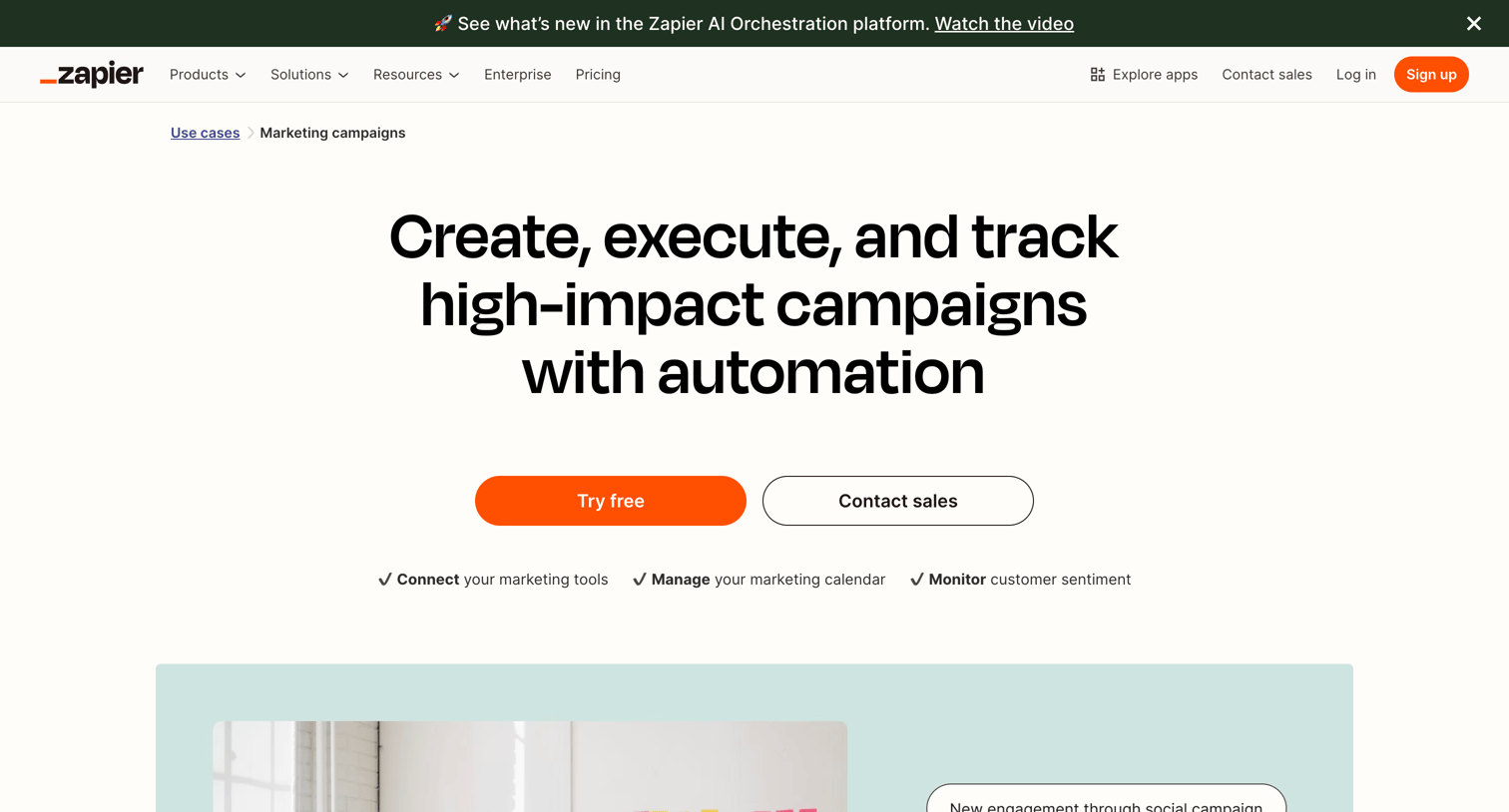

Marketing use case page highlighting how teams can automate campaign logistics, featuring workflow templates, a customer story from ServiceTitan, and app integration examples.
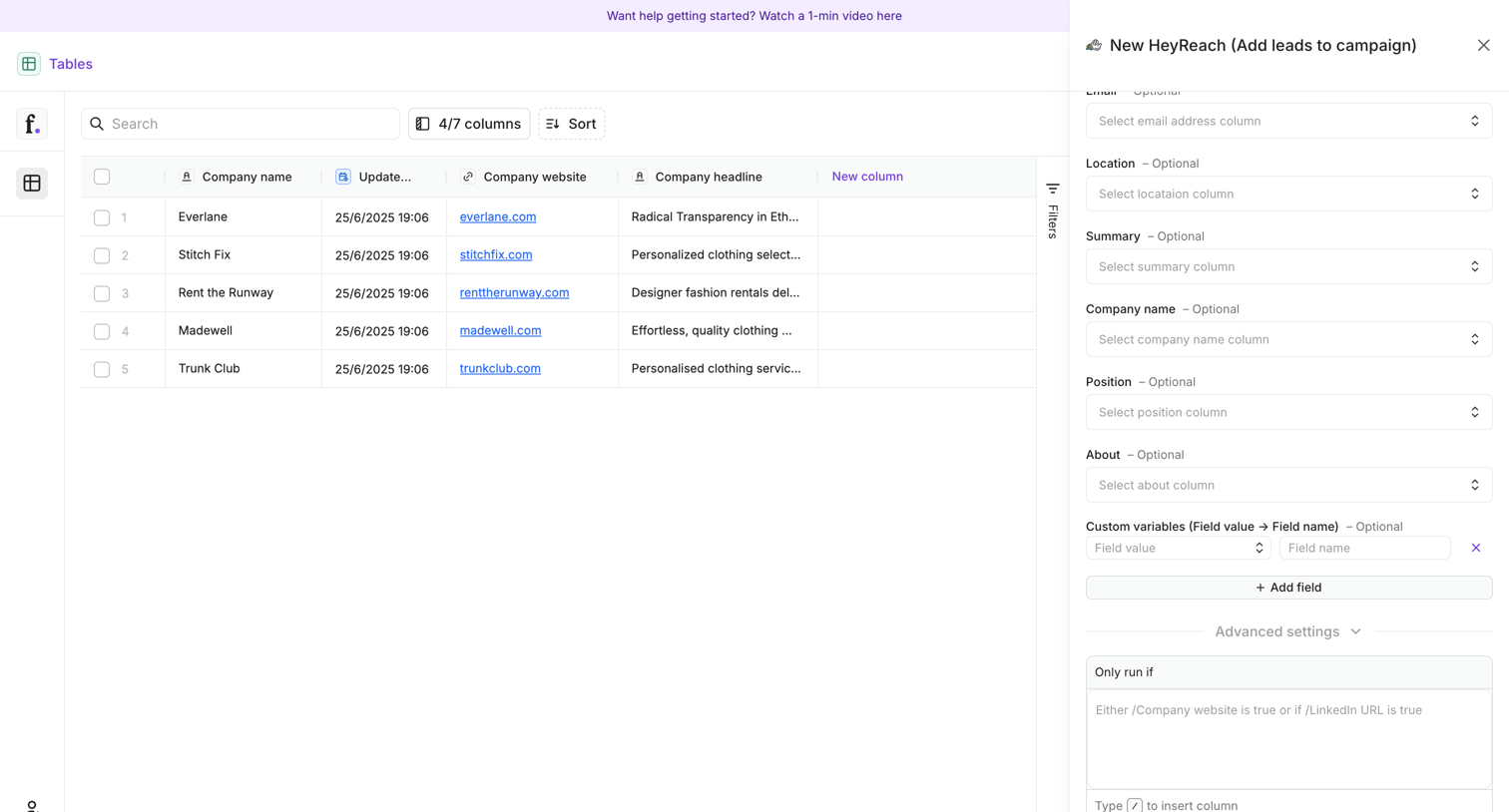

List view where the user maps table columns to fields for a new campaign integration via a side drawer.
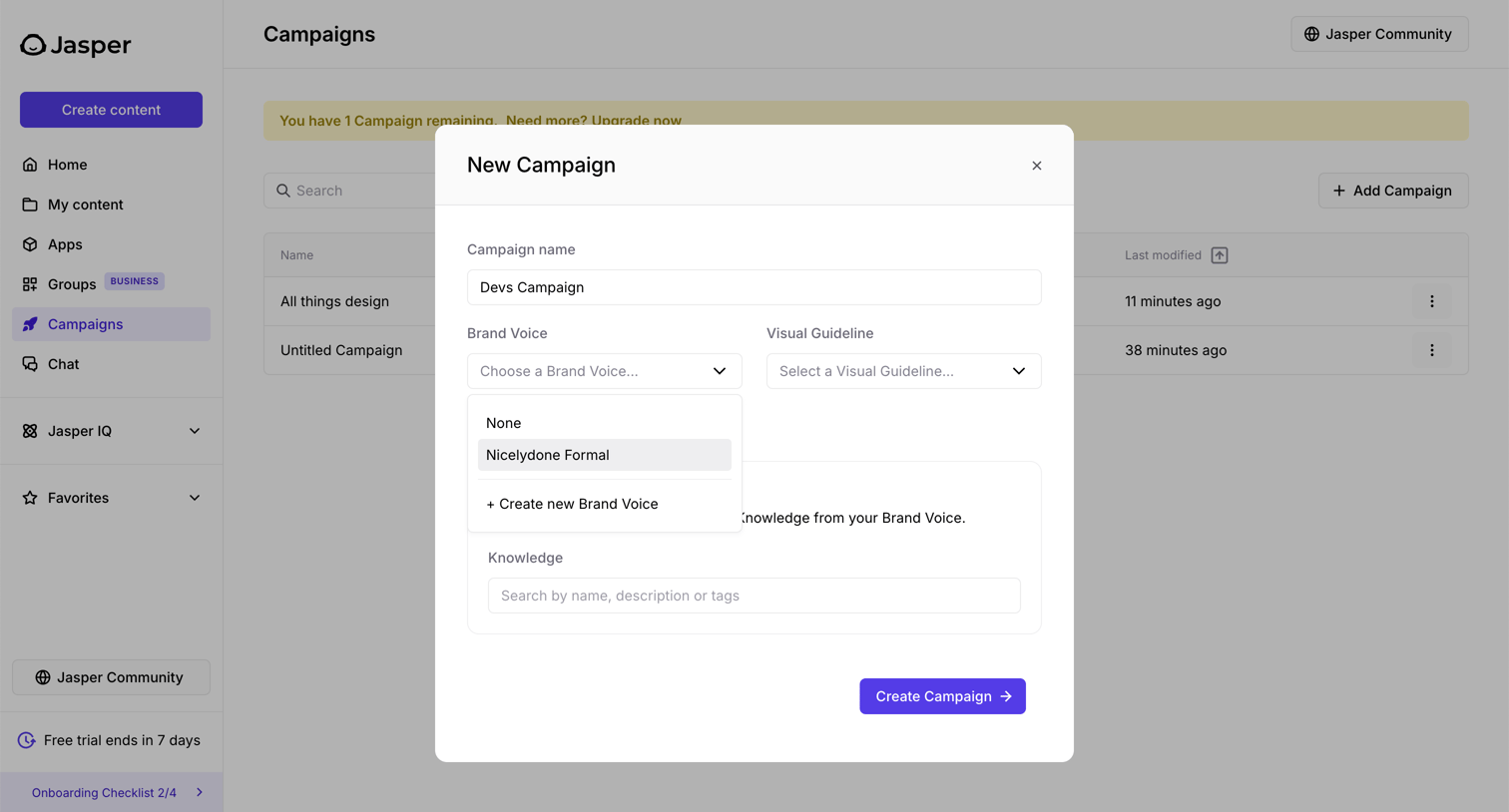

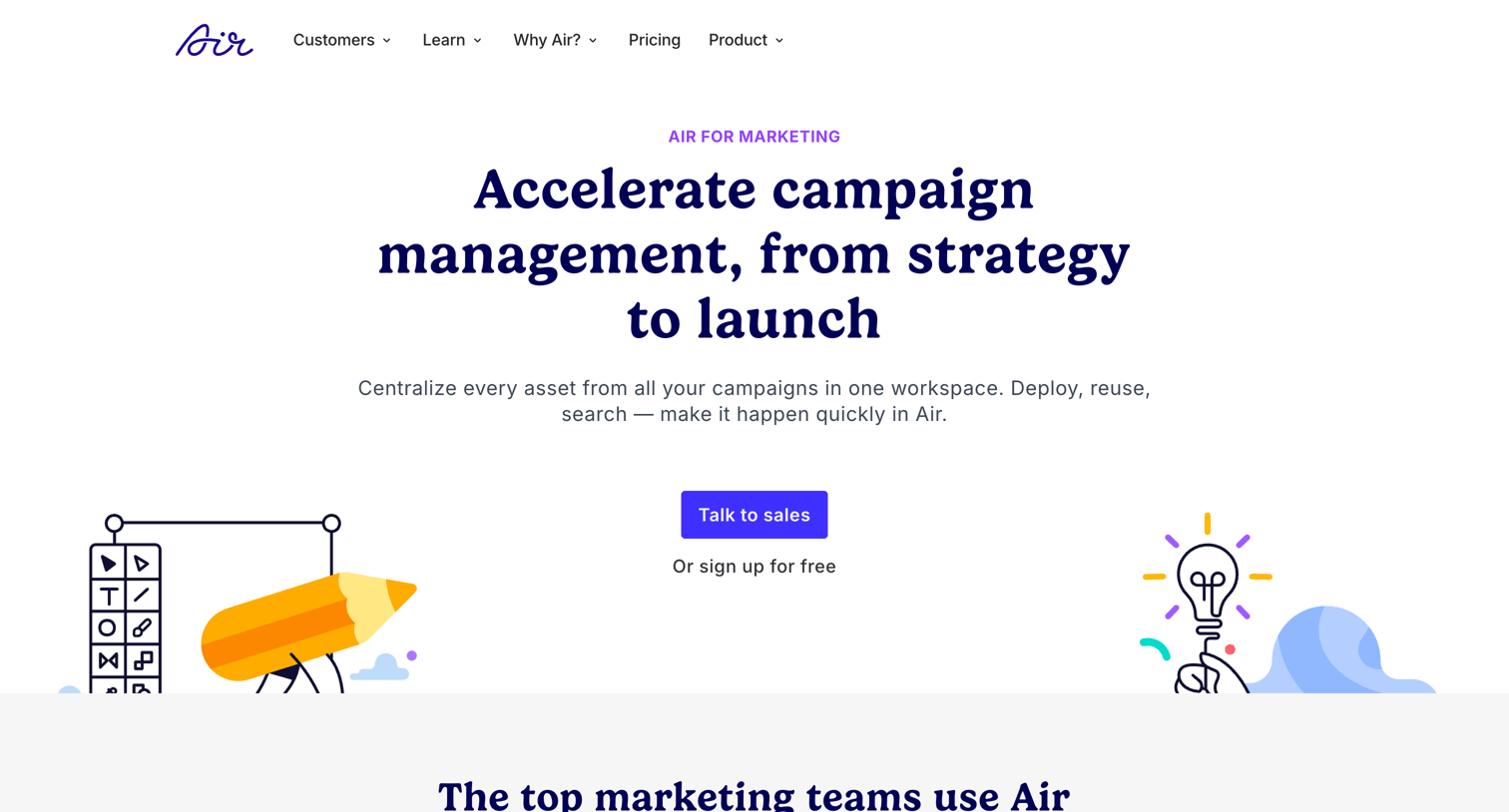

Use case page for marketing teams featuring campaign management capabilities, customer logos, a testimonial, and a demo booking form.
Explore the full SaaS screen library
Upgrade to unlock the full library.
Trusted by the best teams








About Campaign management
See how apps organize work around a marketing campaign. Explore how campaign details, content, and configuration choices connect planning with the next action.