Bulk upload screen examples
Bulk upload screen design examples from SaaS apps. Browse examples from Mailchimp, Bird, Lightfield.
Explore the examples
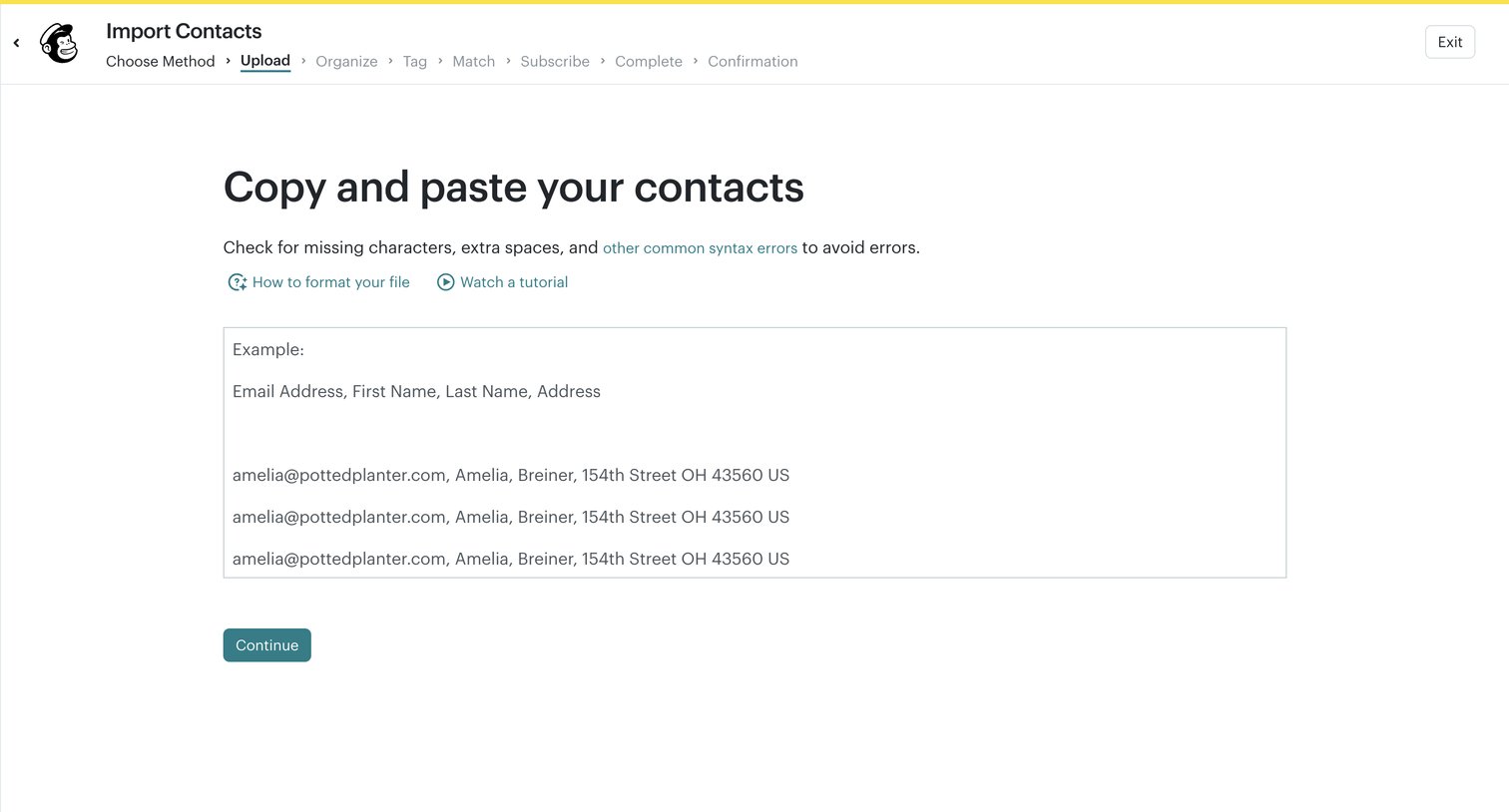

Wizard step where the user pastes raw contact data to import into their audience.
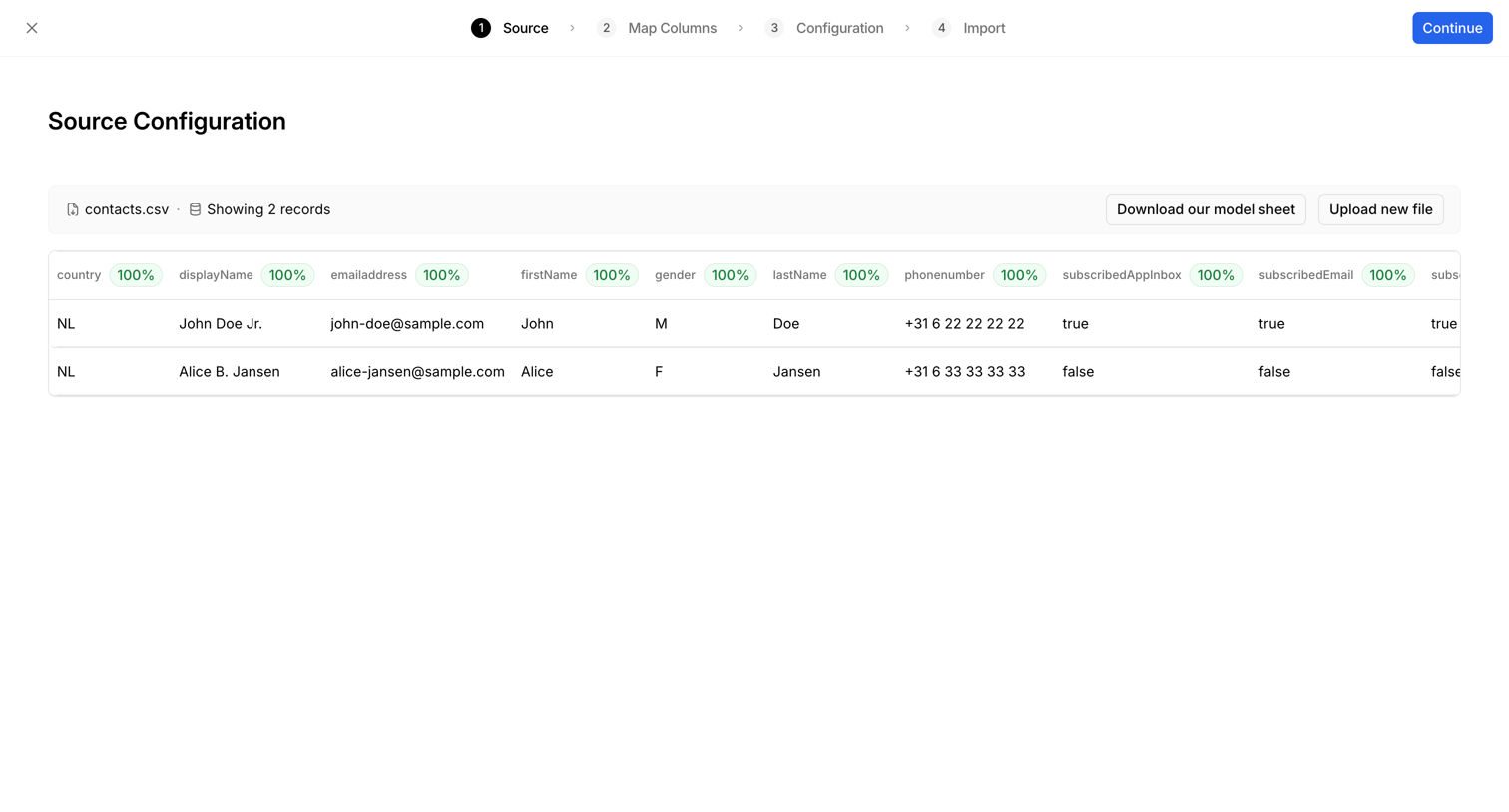

Wizard step where the user previews uploaded CSV records and checks data quality before mapping columns for a contact import.
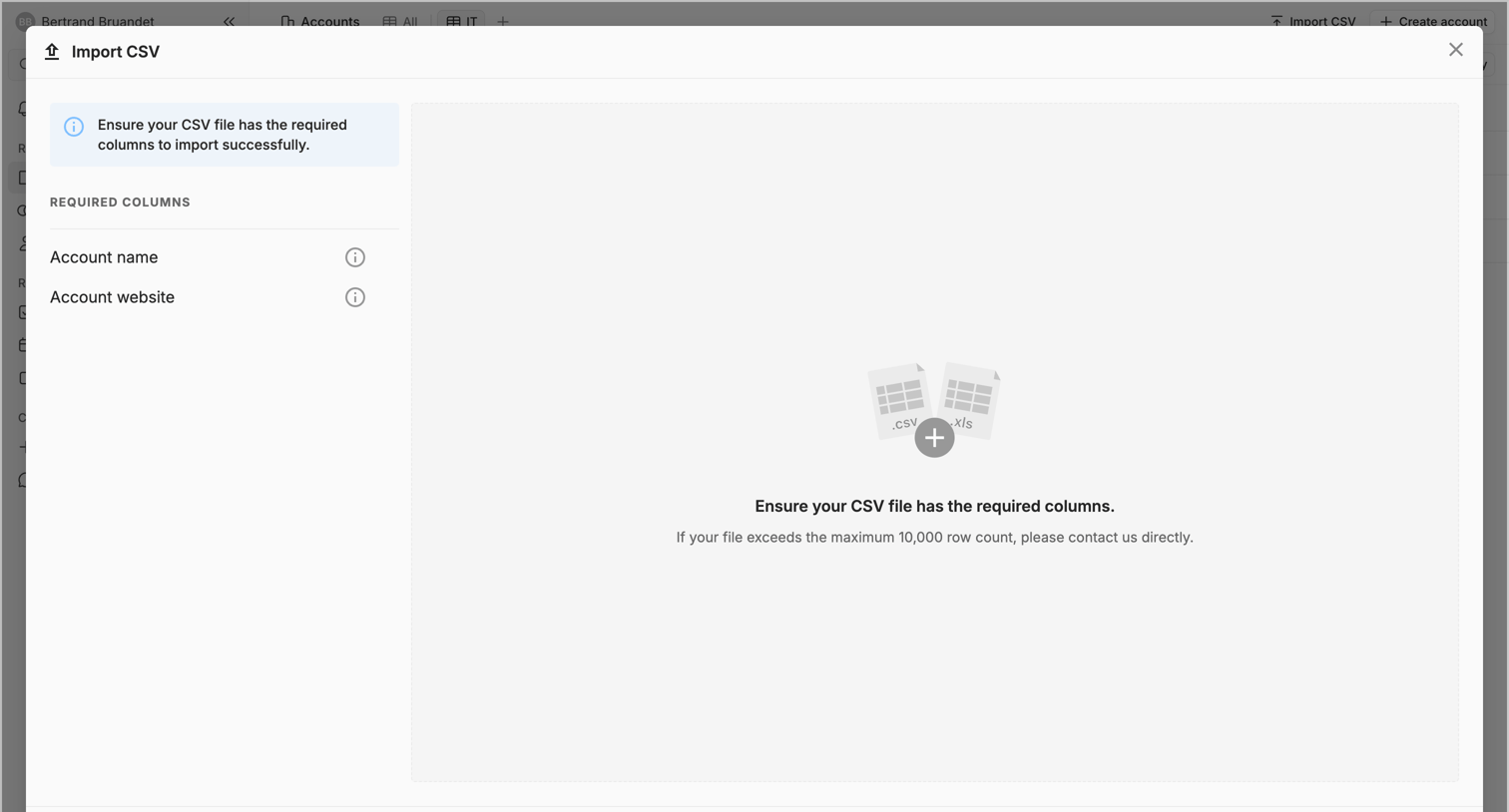

Creation flow where the user imports account records via a CSV file dropzone, with required column guidelines provided.
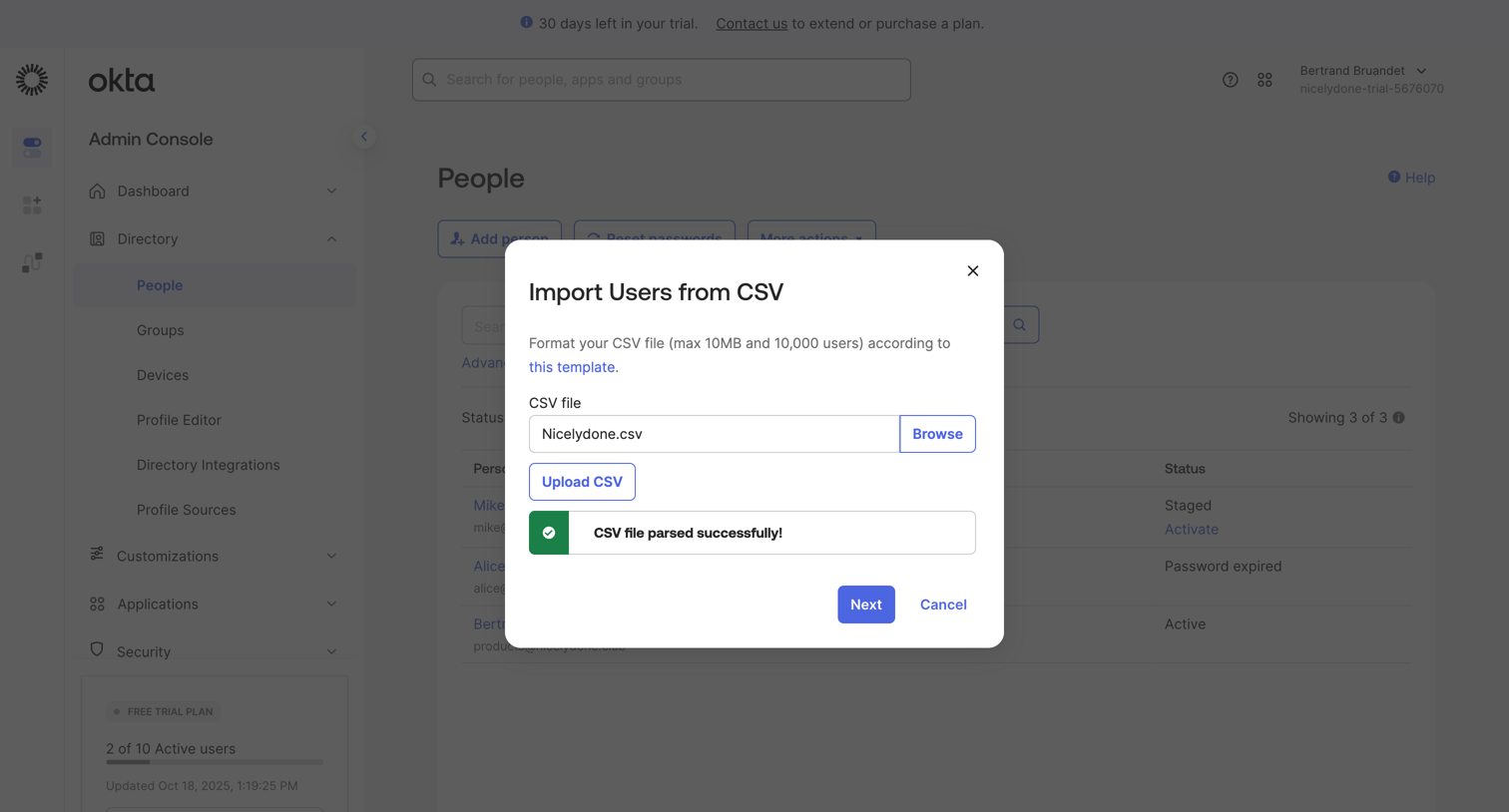

Admin directory list view where the user has successfully uploaded and parsed a CSV file to import new users.
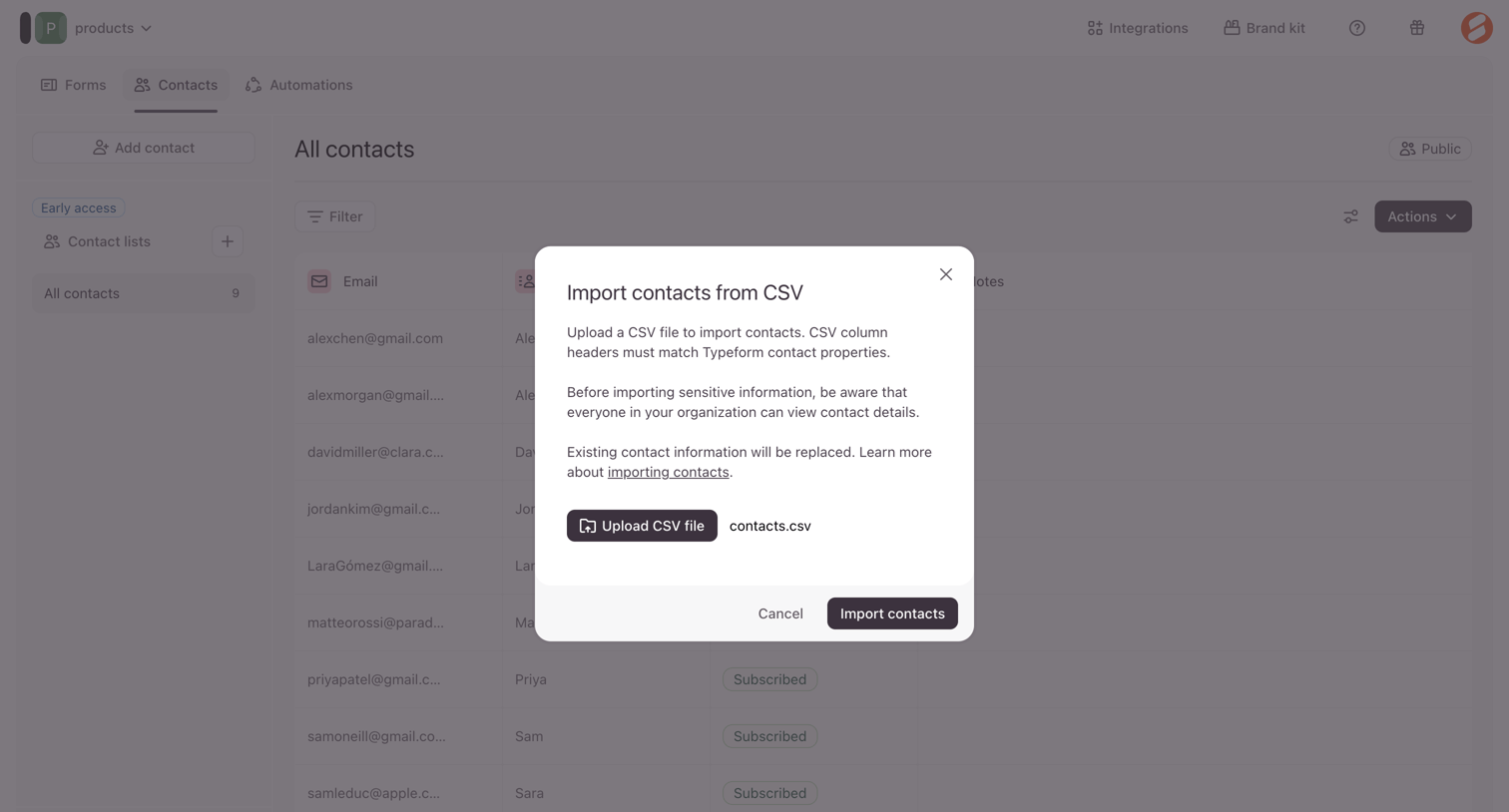

Modal overlay where the user uploads a CSV file to import contacts into their workspace.
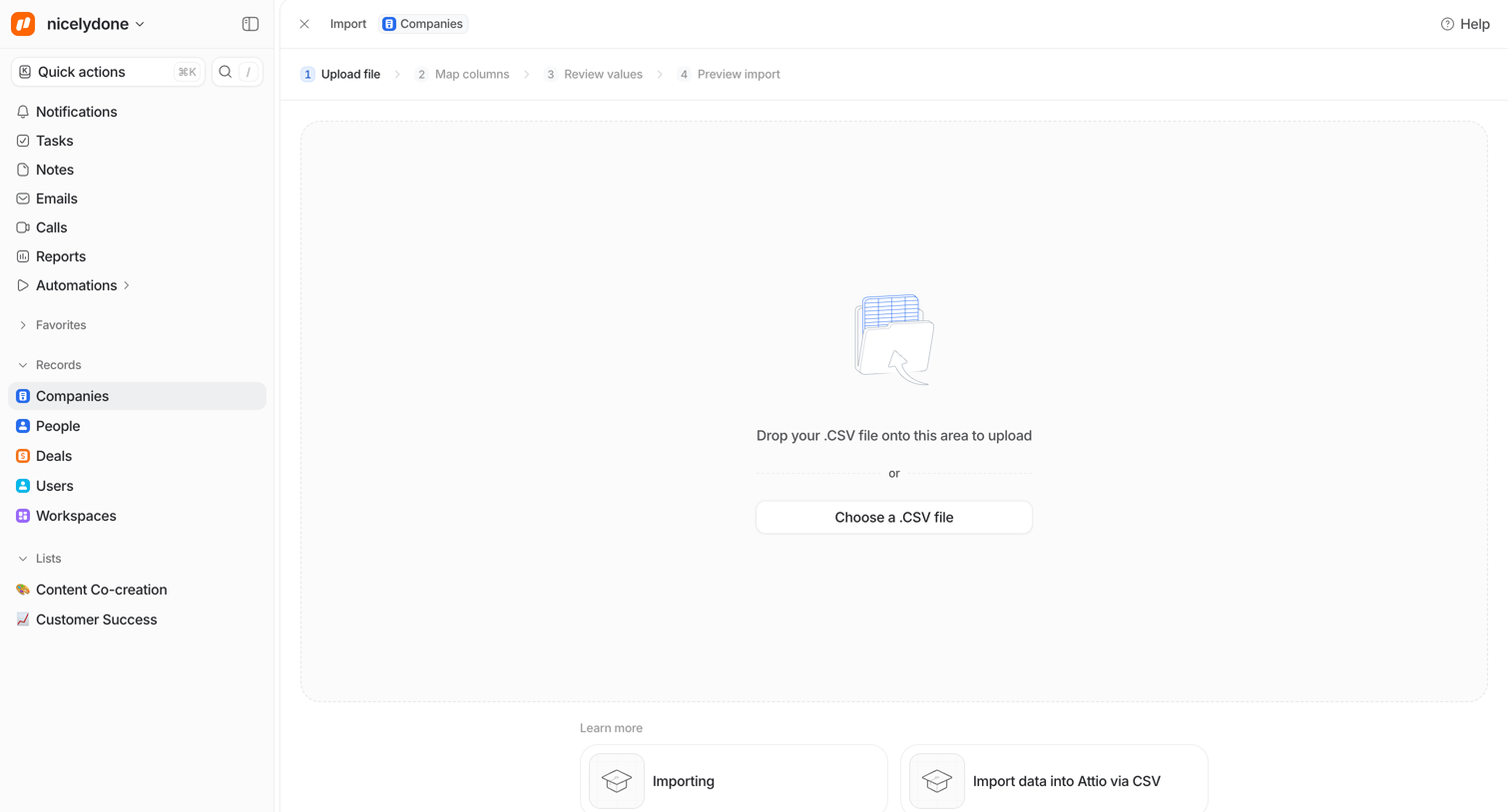

Data import wizard where the user uploads a CSV file to add new company records.
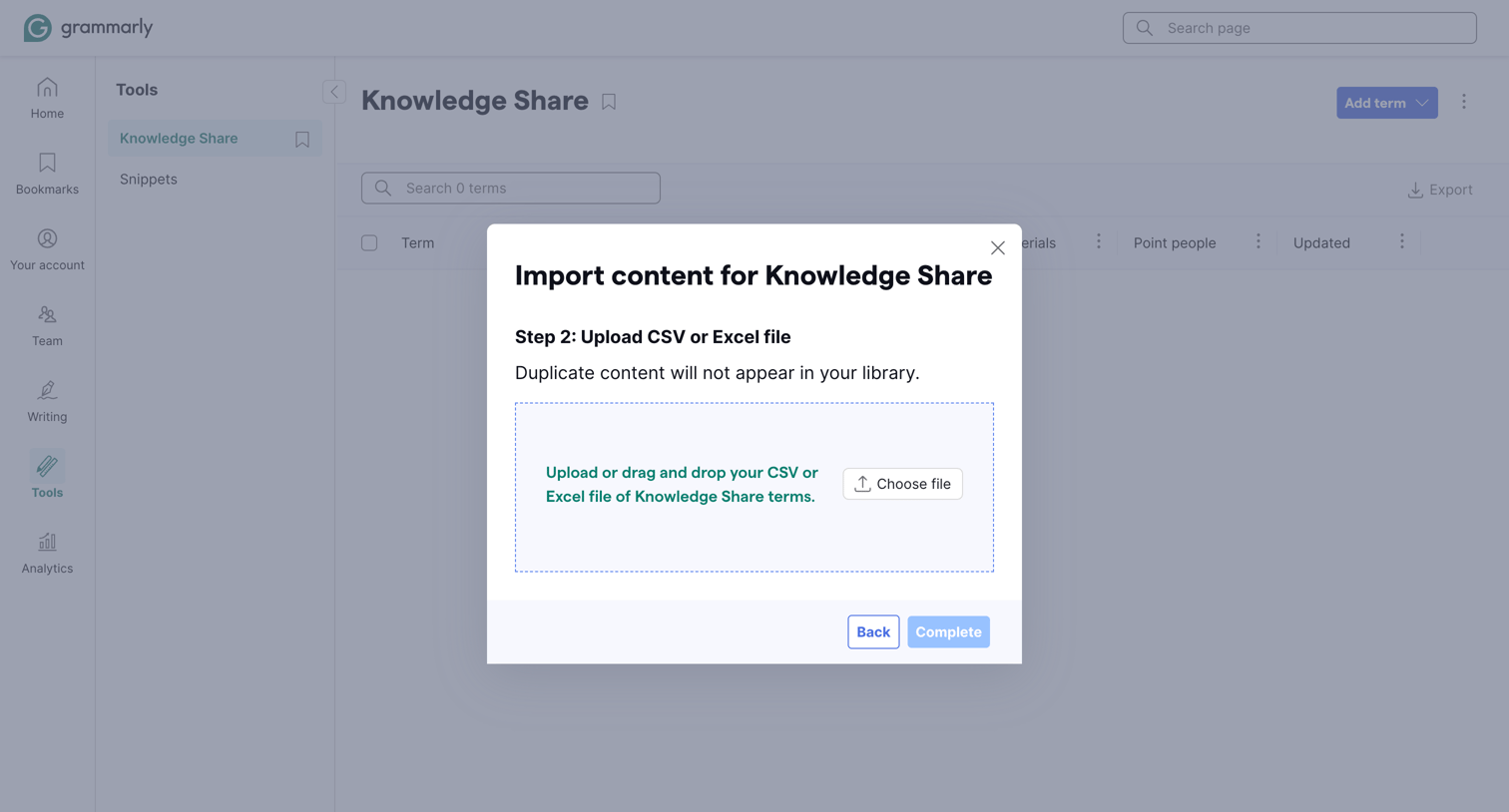

List view for managing knowledge share terms where an active modal prompts the user to upload a CSV or Excel file to import new content.
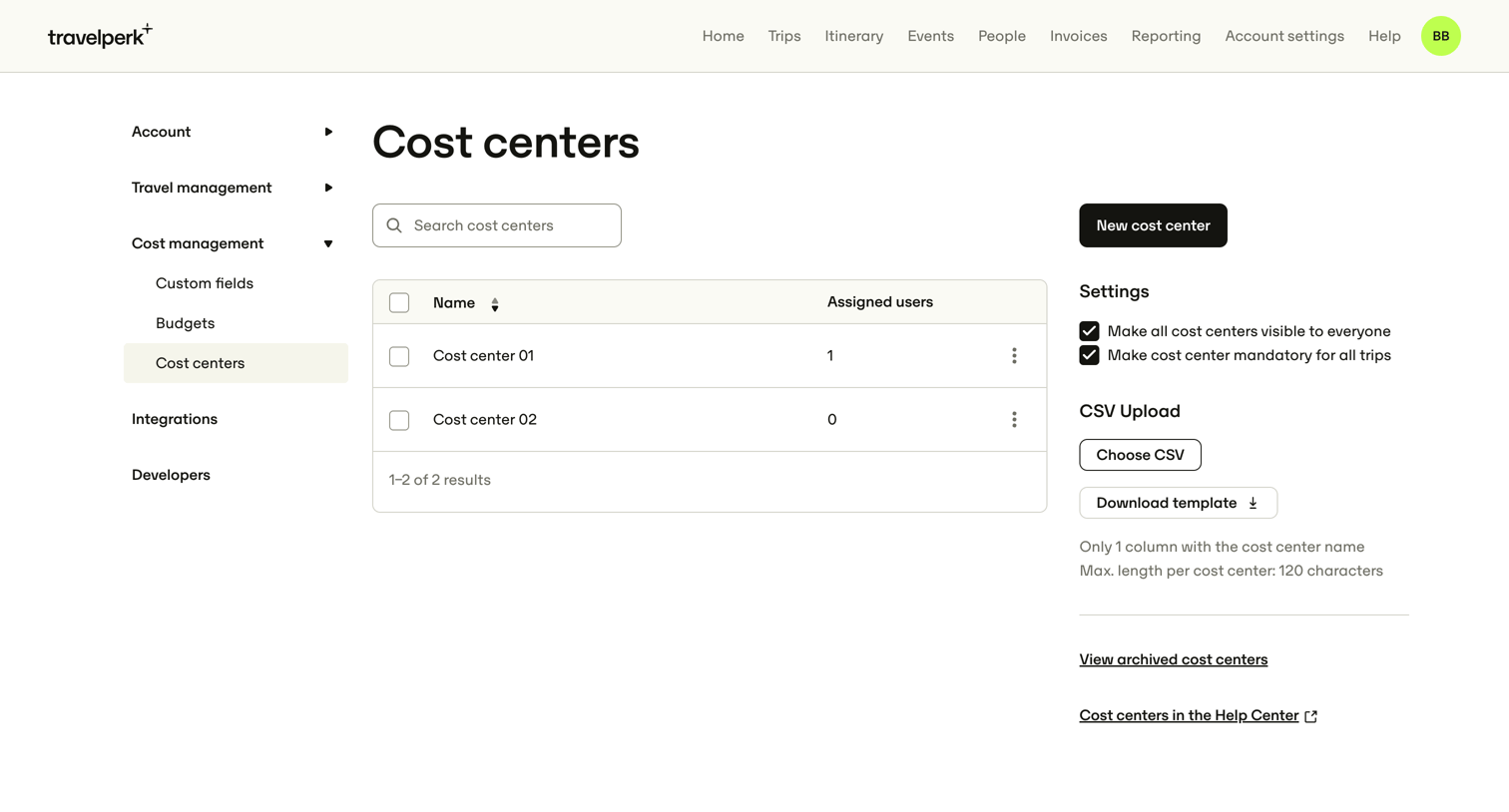

Settings page where the user manages cost centers, configures their visibility and mandatory status for trips, and can bulk upload them via CSV.
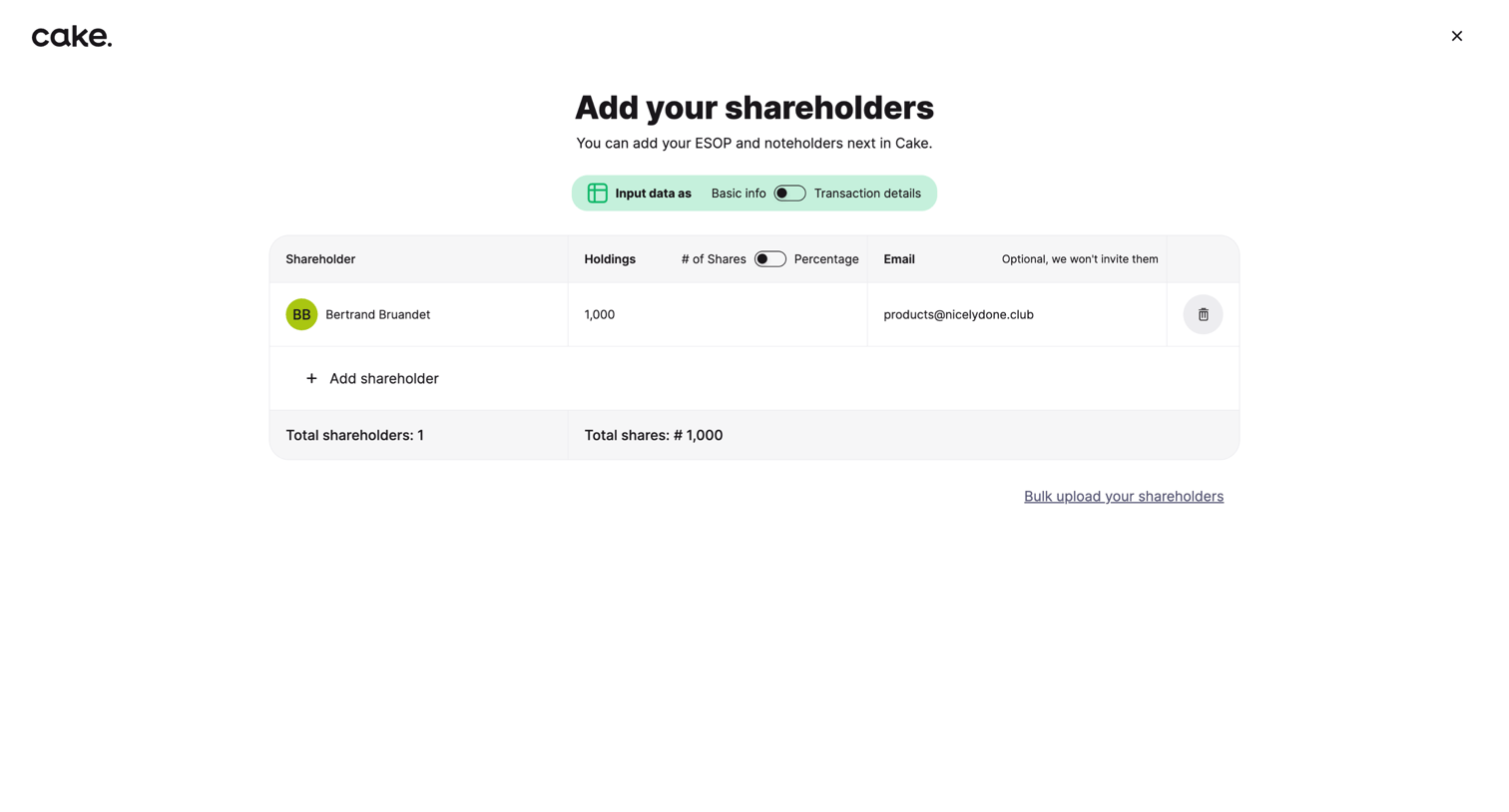

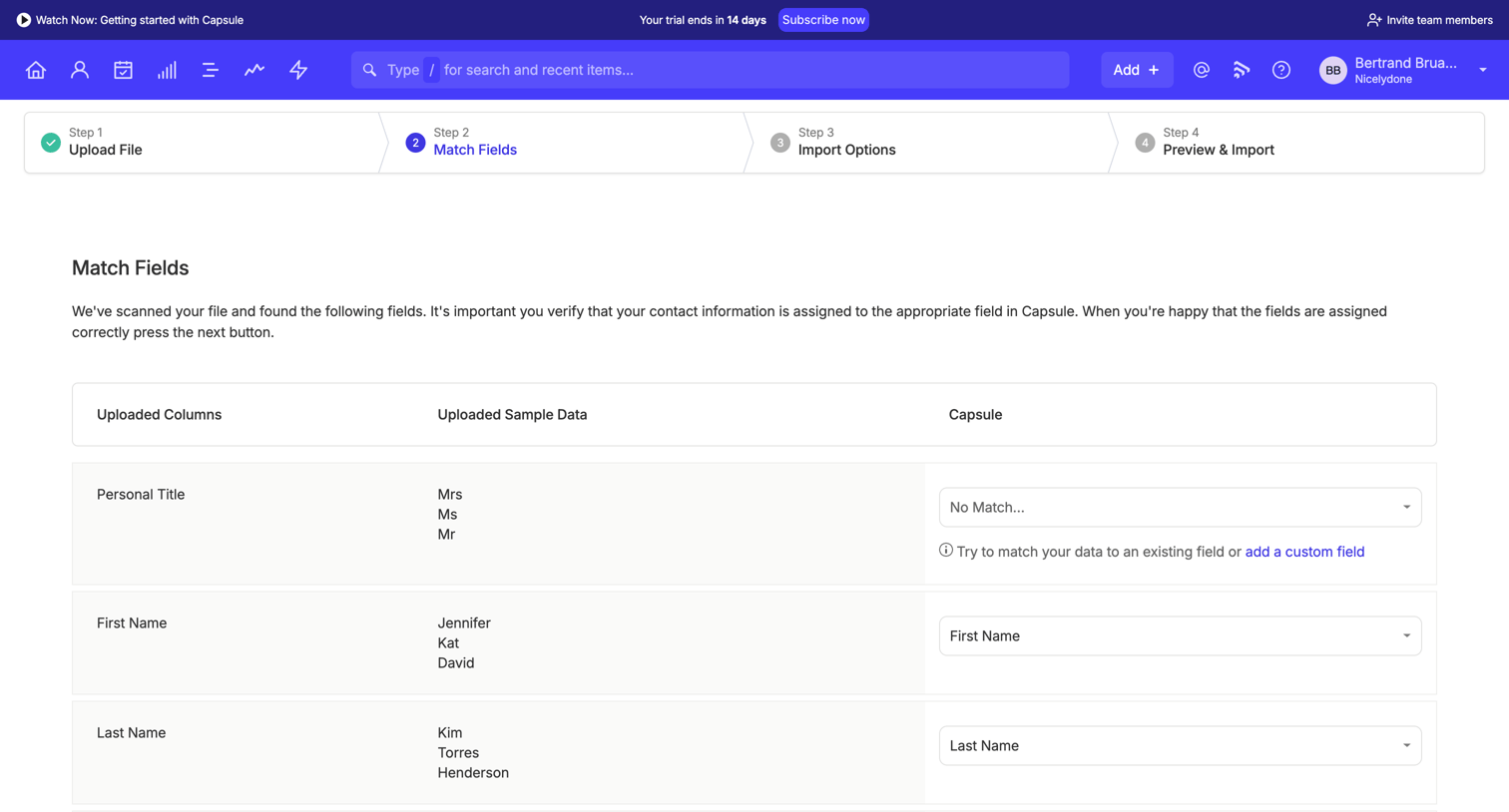

Data import wizard step where the user maps columns from an uploaded file to corresponding fields in the CRM.
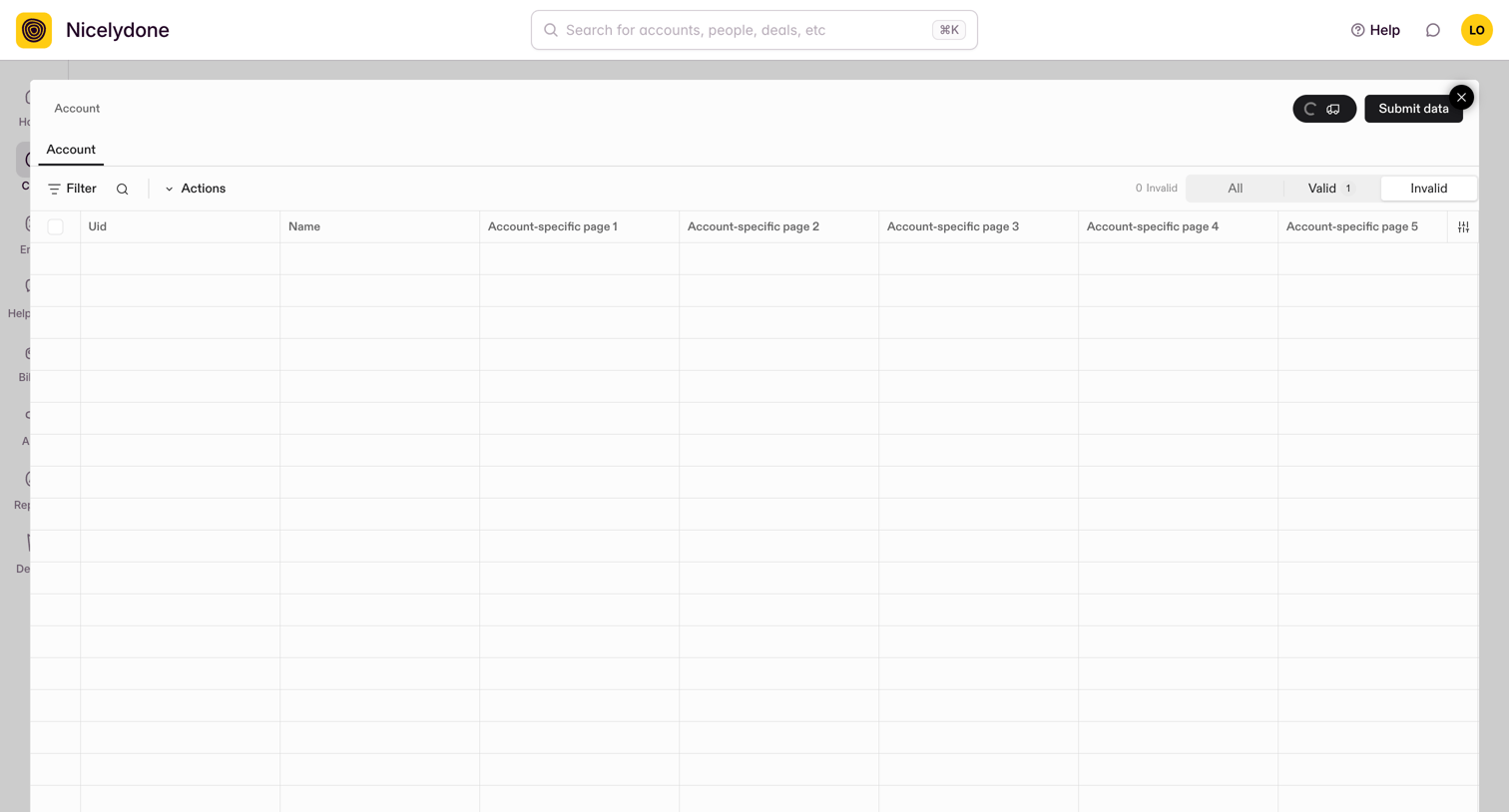

Data import modal where the user reviews, filters, and validates account records before submitting them into the CRM.
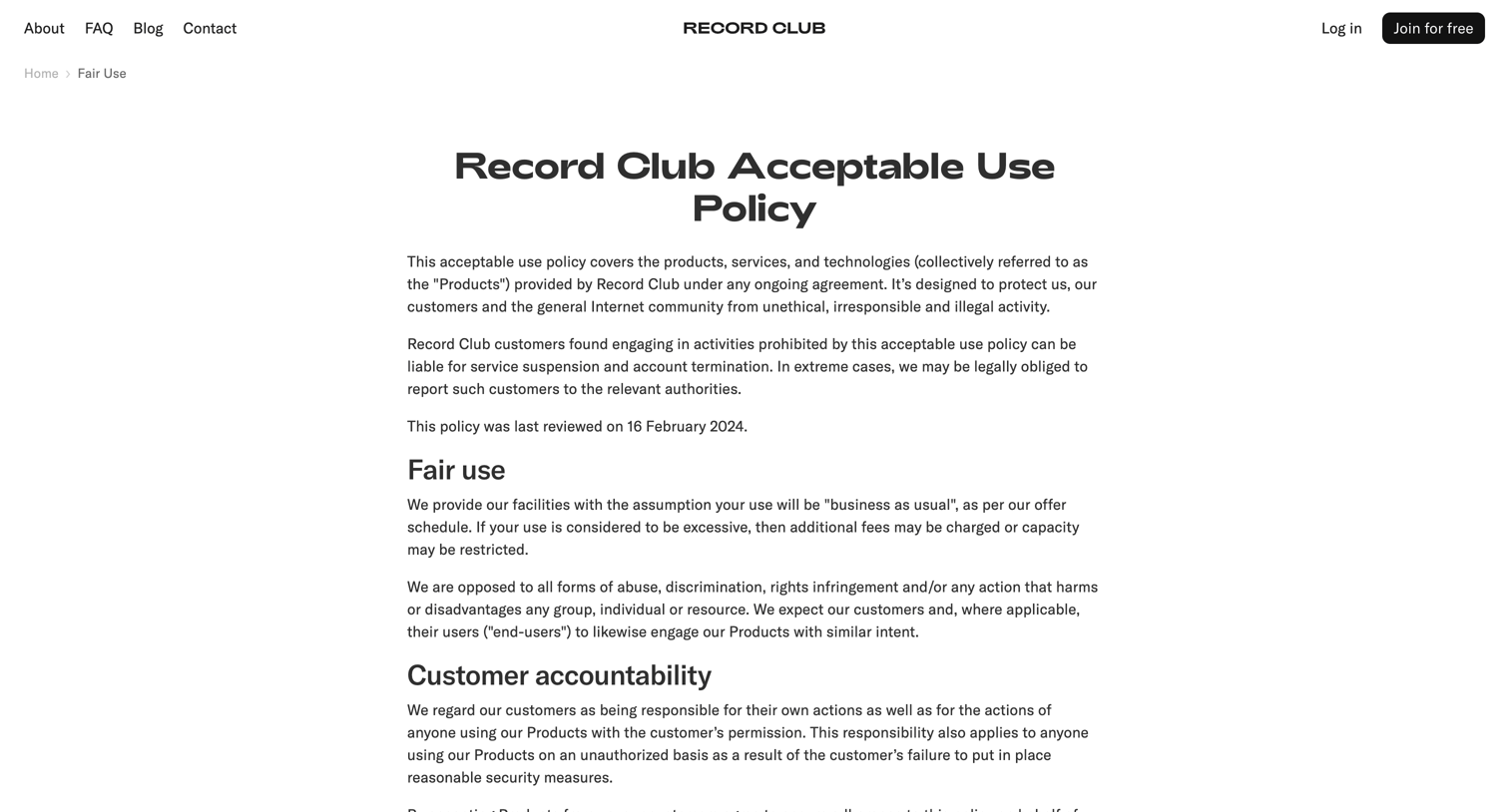

Legal page detailing the acceptable use policy, fair use guidelines, and prohibited activities for the service.
Explore the full SaaS screen library
Upgrade to unlock the full library.
Trusted by the best teams







