Bulk move screen examples
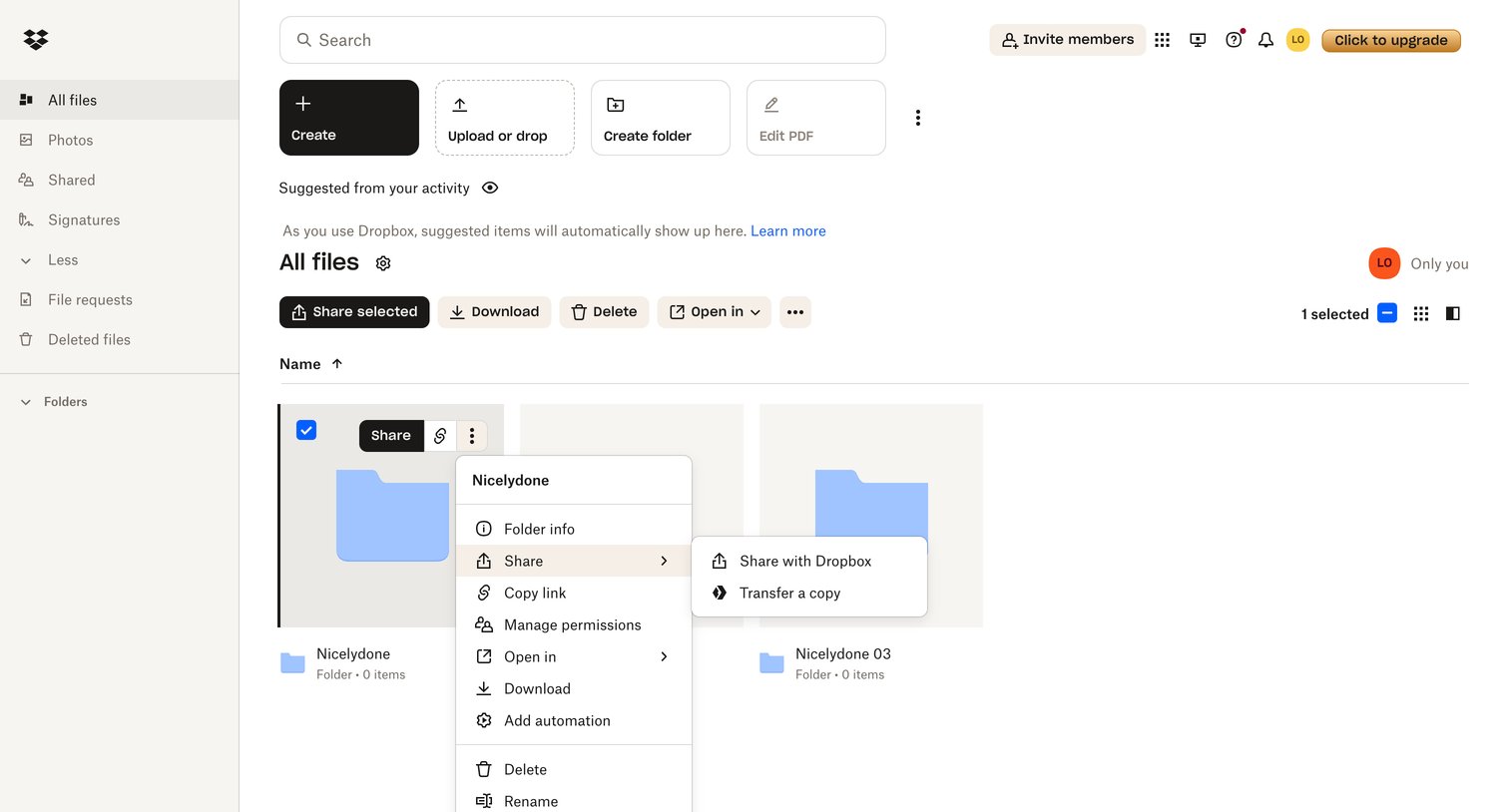
Bulk move screen design examples from SaaS apps. Browse examples from Notion Mail, Monarch, Front.
Explore the examples
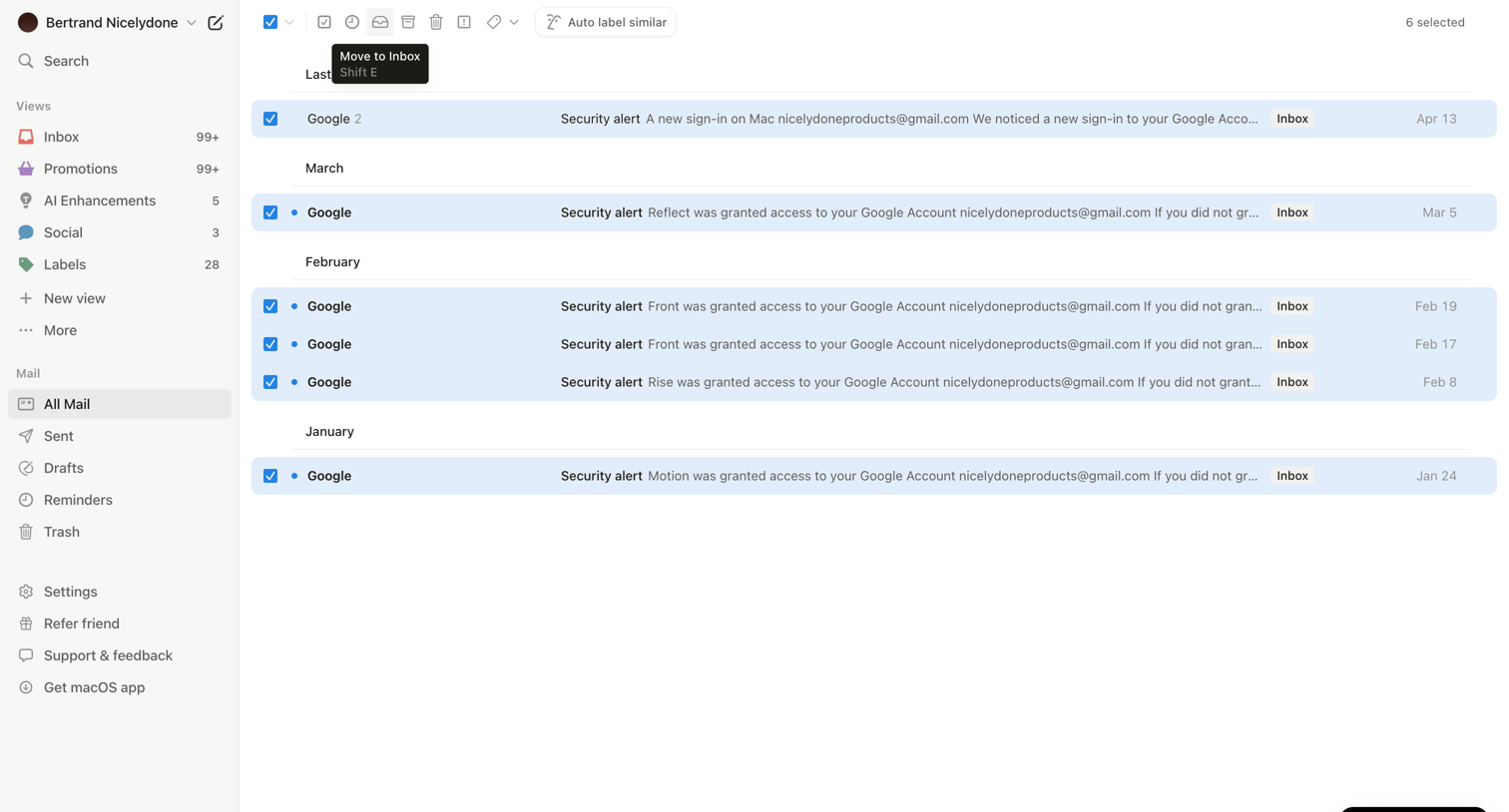

Email inbox view where the user has selected multiple messages to perform bulk actions like moving to inbox or auto-labeling.
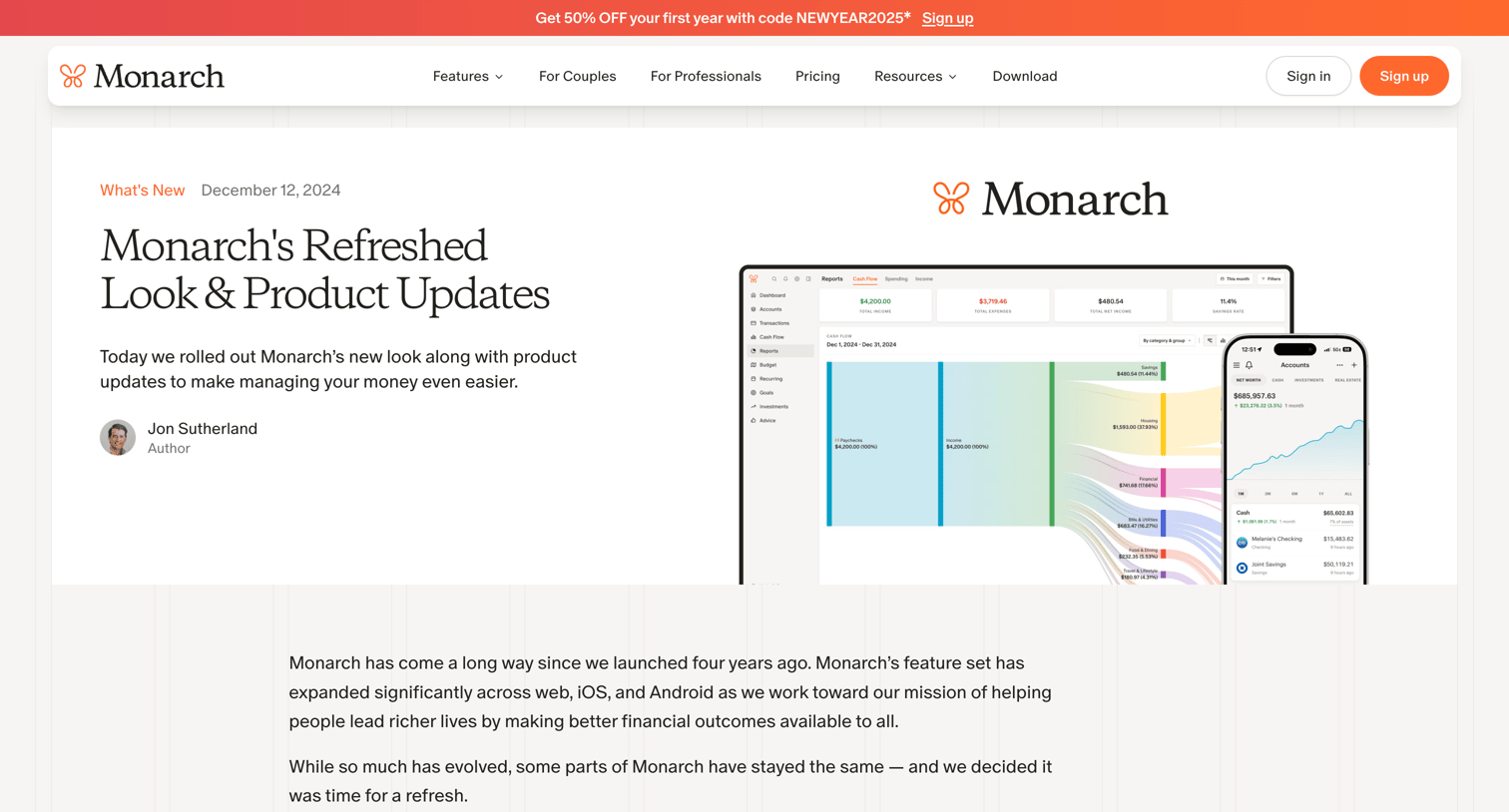

Blog article announcing a brand refresh and product updates, including a new logo, improved reports, and a dark mode redesign.
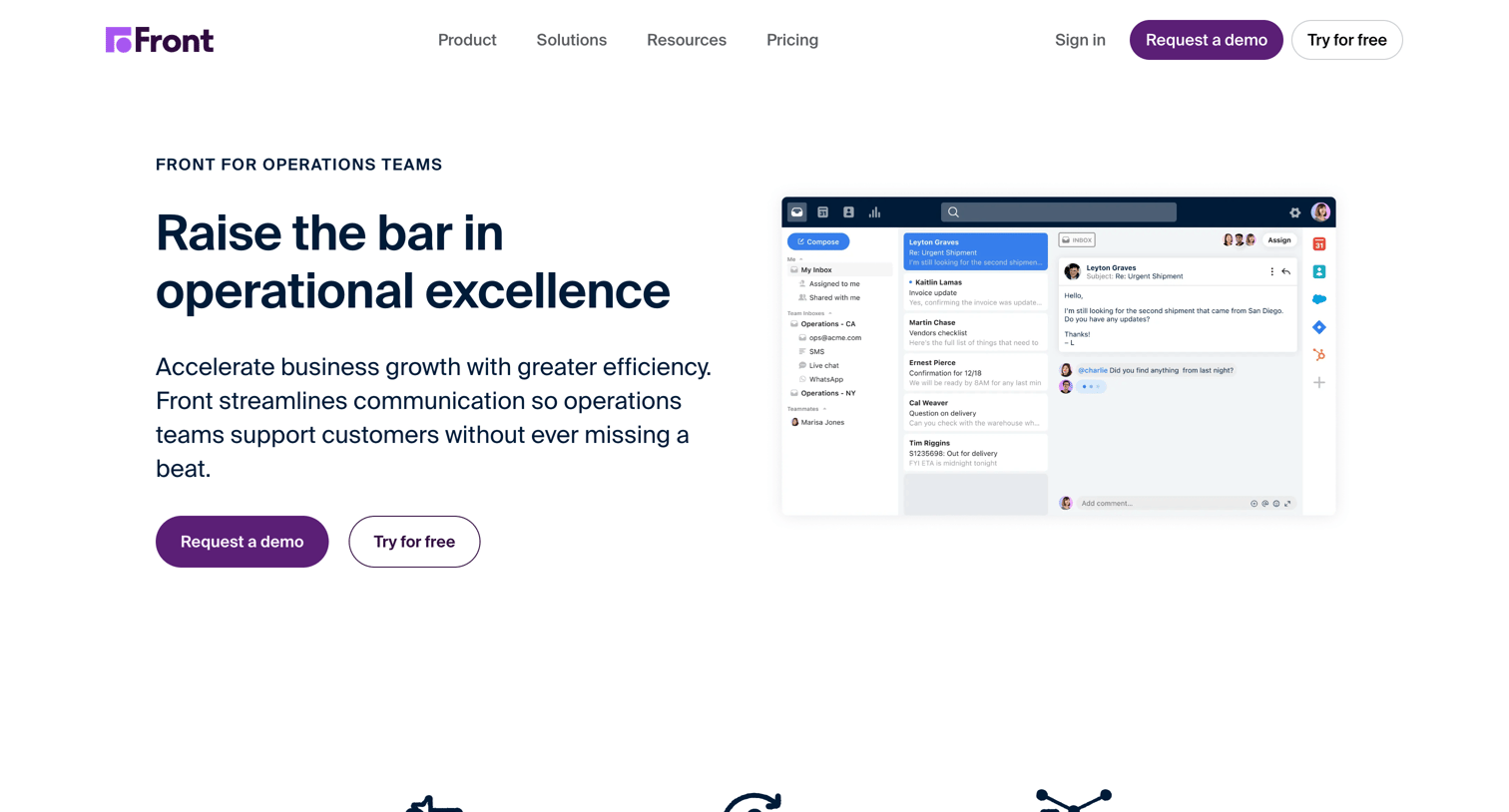

Marketing use case page for operations teams, highlighting features like shared inboxes, workflow automation, and omnichannel communication, supported by customer testimonials and metrics.
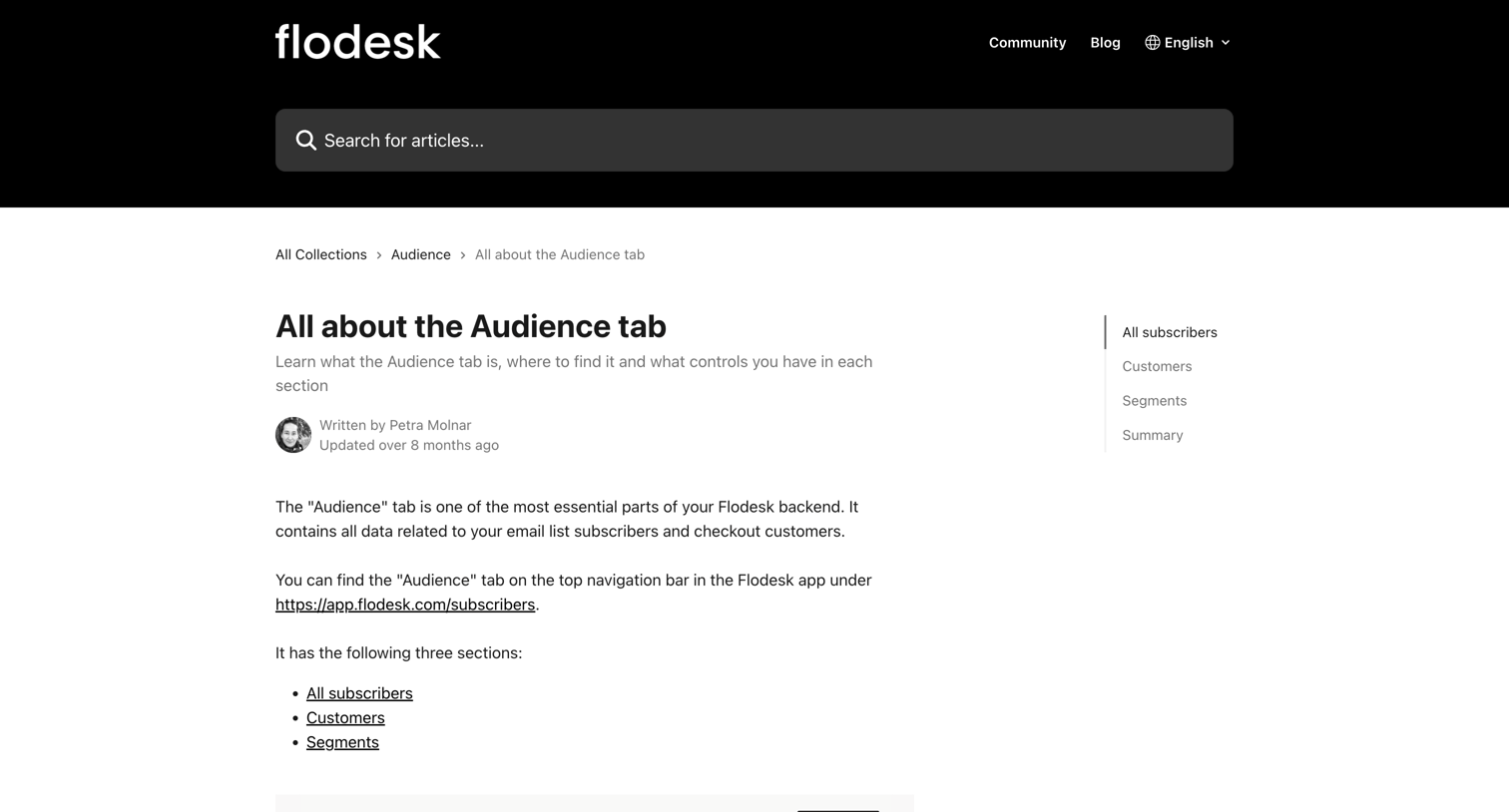

Help center article explaining the Audience tab, including sections on subscribers, customers, and segments, with a side navigation menu and a related articles list.
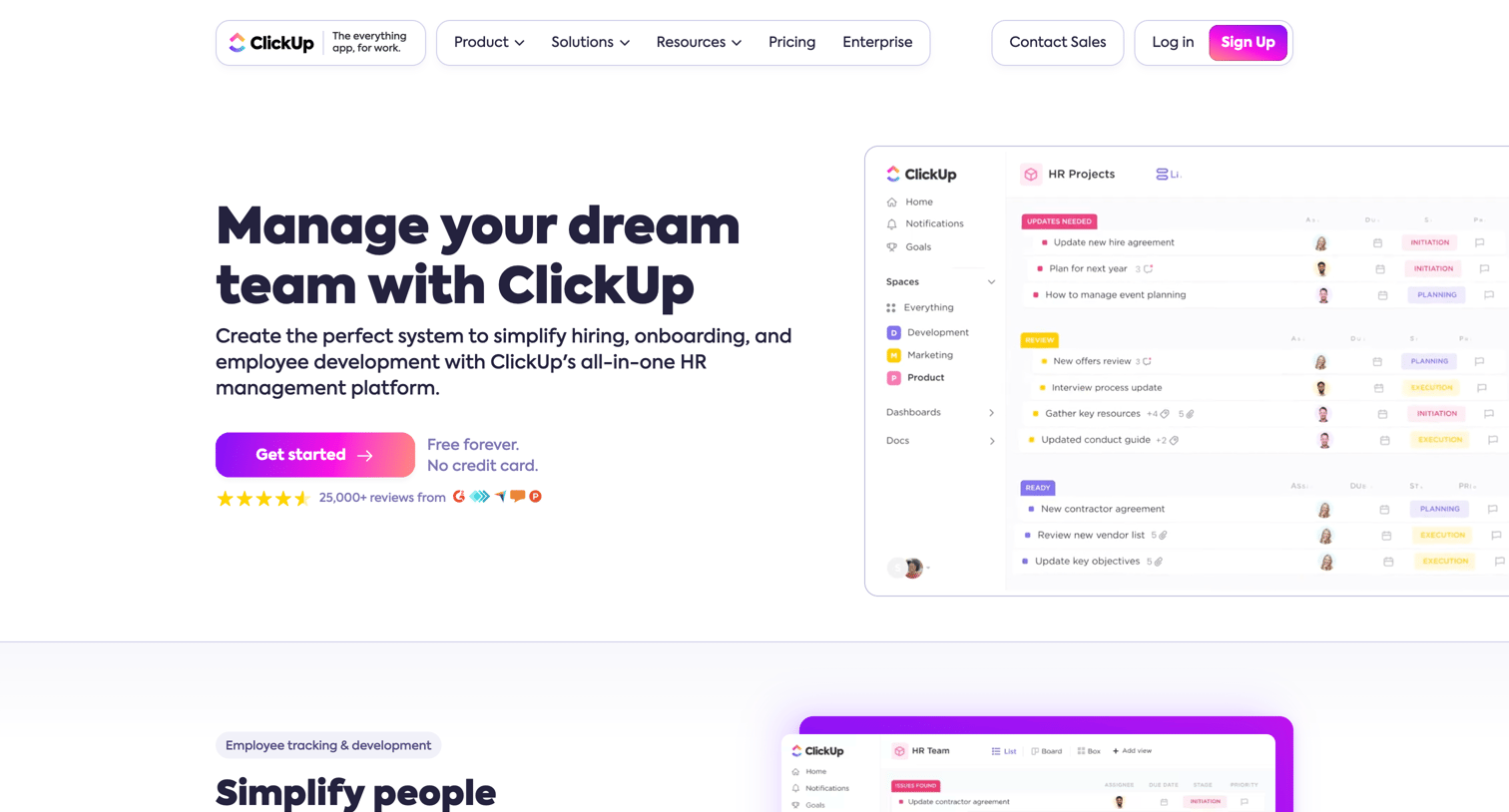

Marketing page detailing how human resources teams can use the platform for recruiting, onboarding, and performance tracking, featuring template galleries, integration options, and customer testimonials.
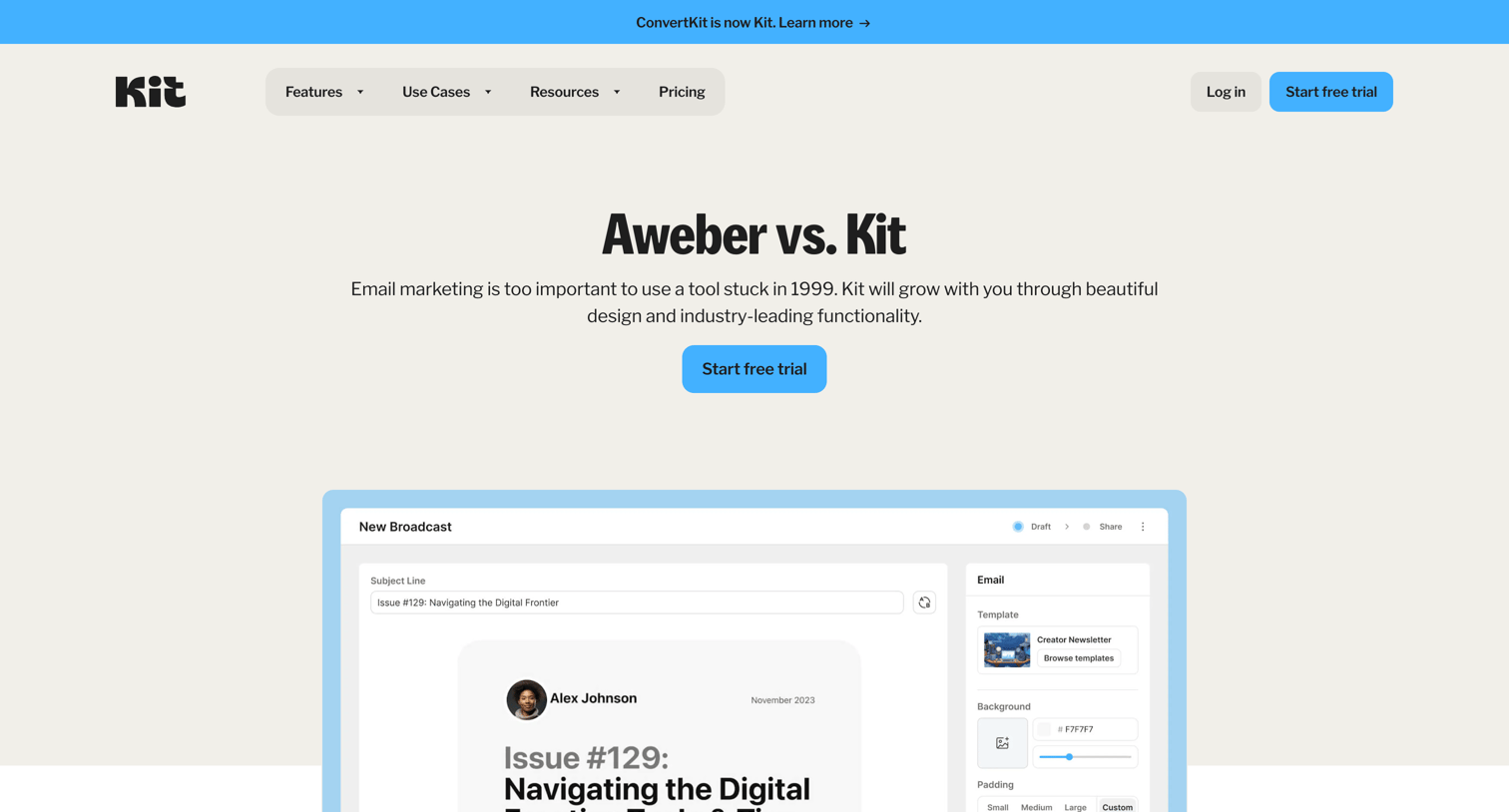

Competitive alternative page comparing Kit's features against Aweber, featuring a detailed feature matrix and customer testimonials.
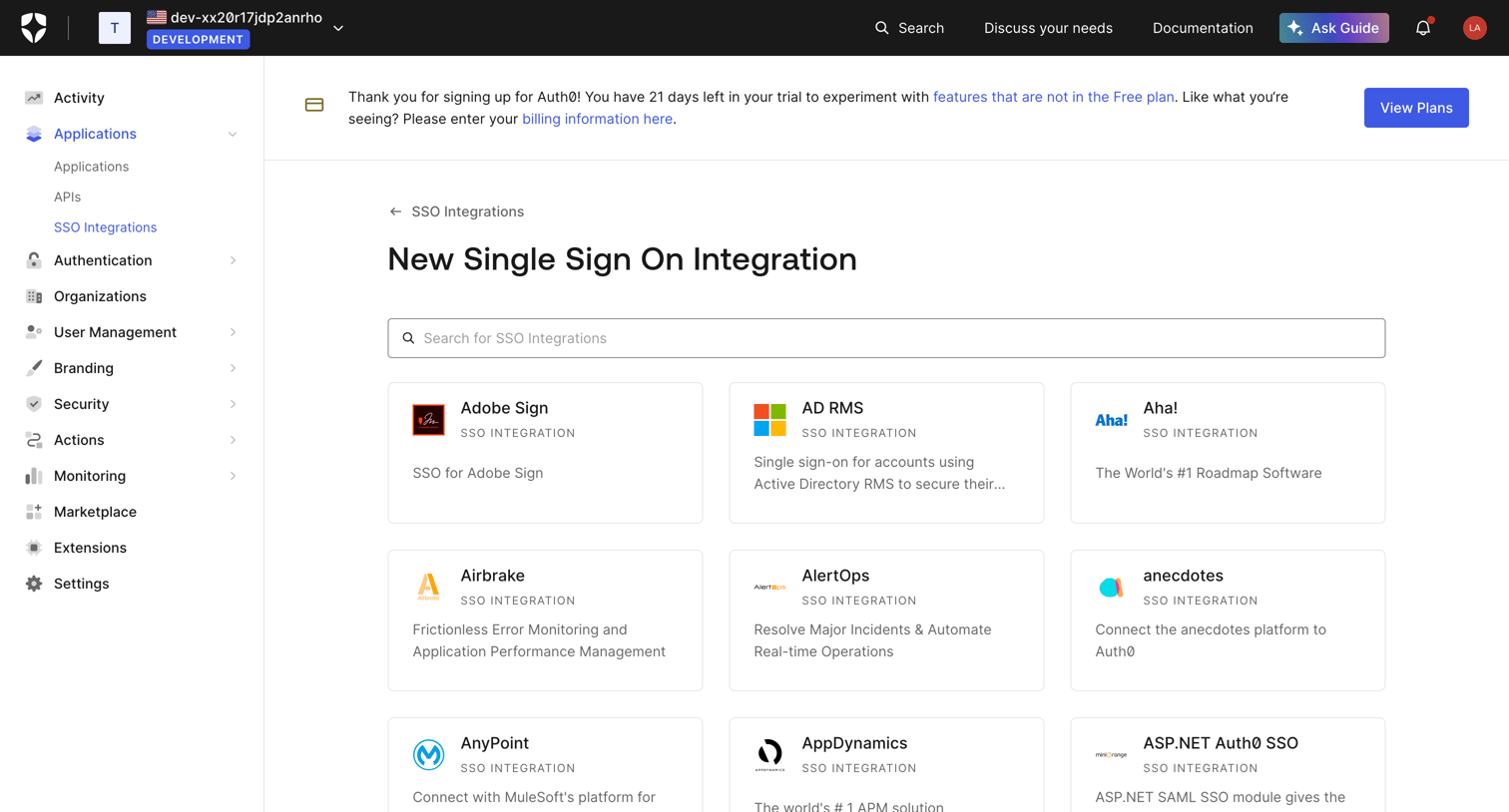

Creation page where the user searches and selects a third-party application from a comprehensive directory to configure a new Single Sign-On integration.

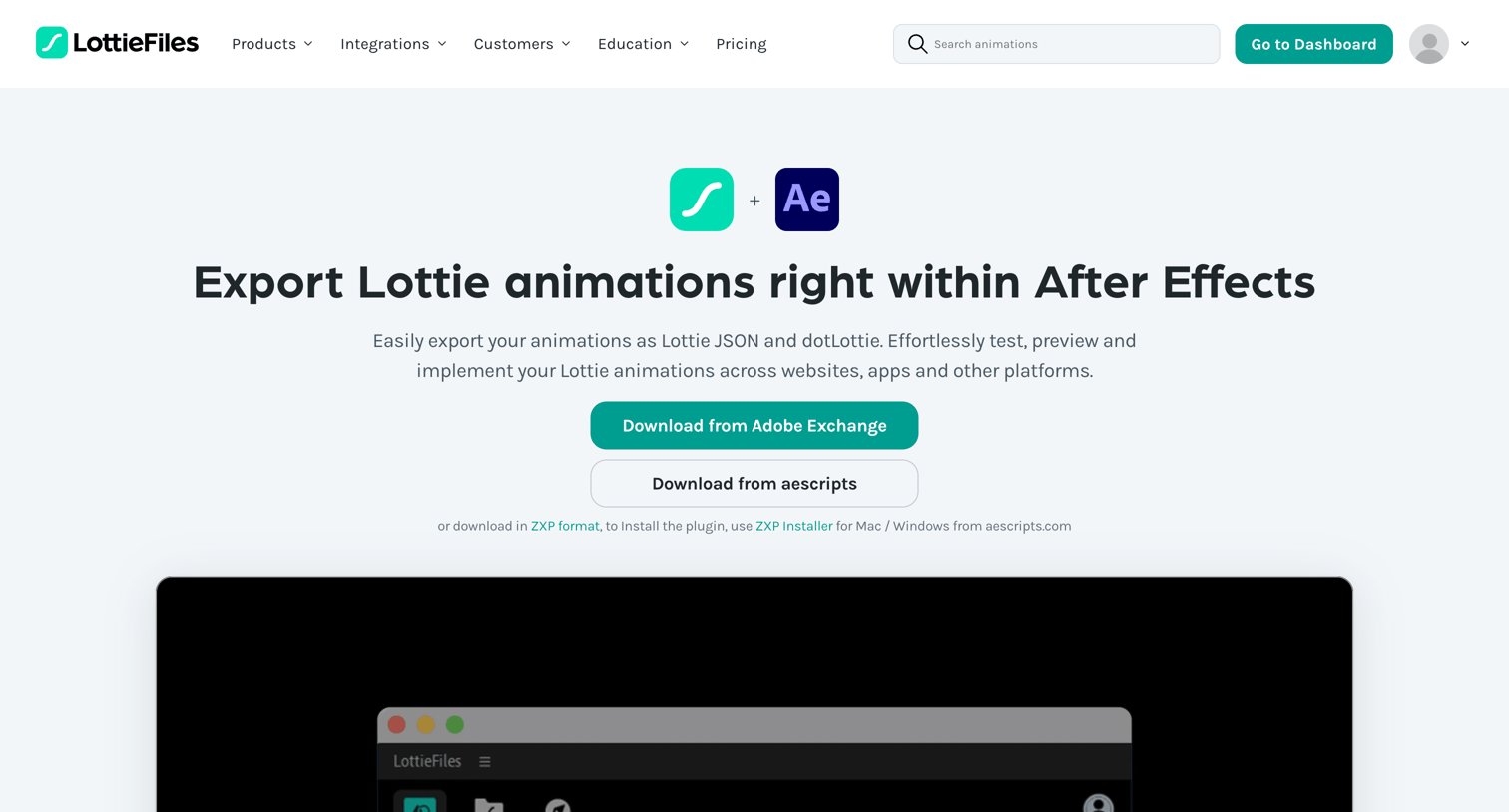

Marketing page for the LottieFiles After Effects plugin where users can download the extension, review supported features across platforms, and read installation steps.

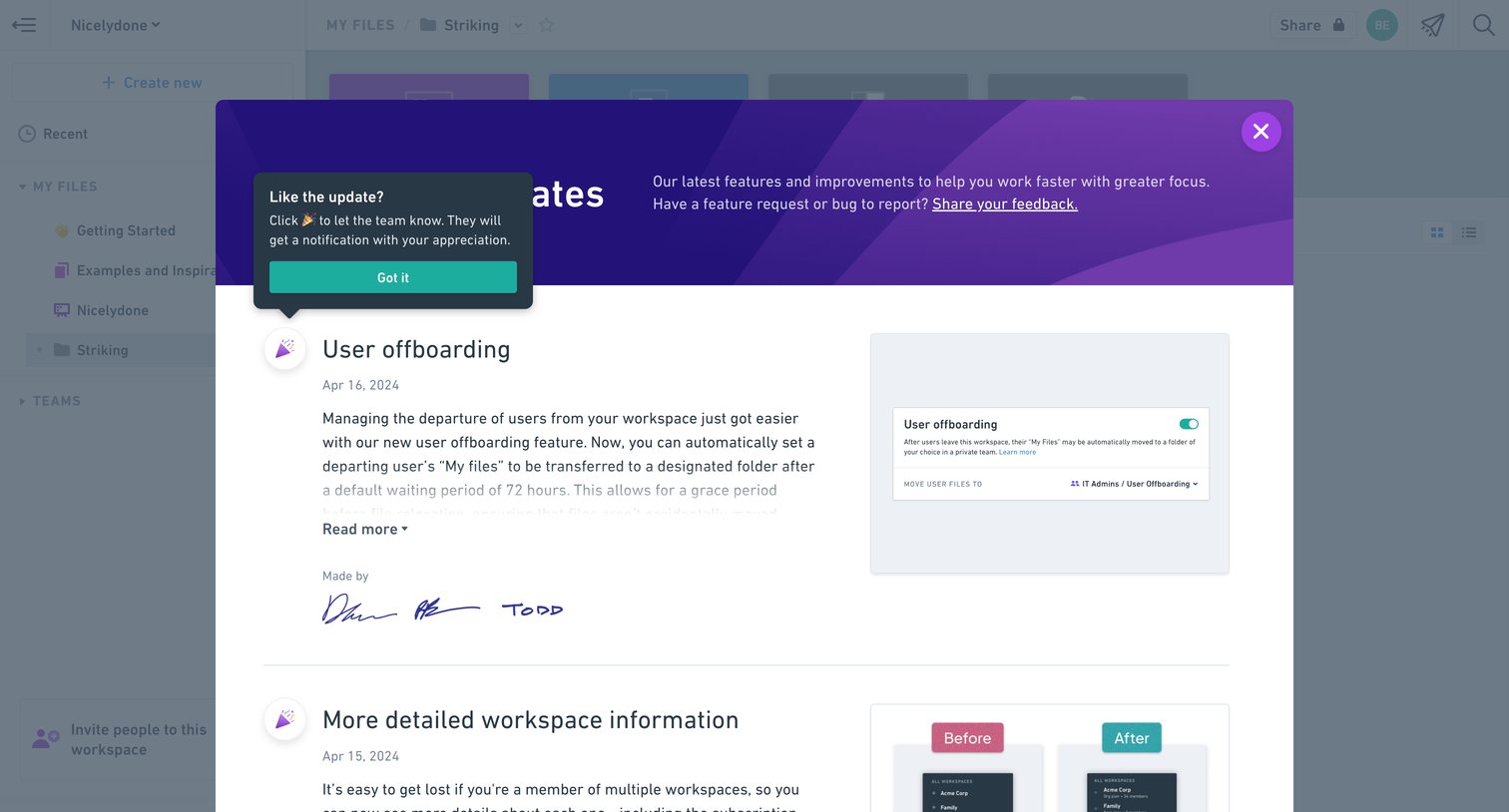

App overlay displaying a chronological feed of product updates, new features, and improvements with descriptions and screenshots.
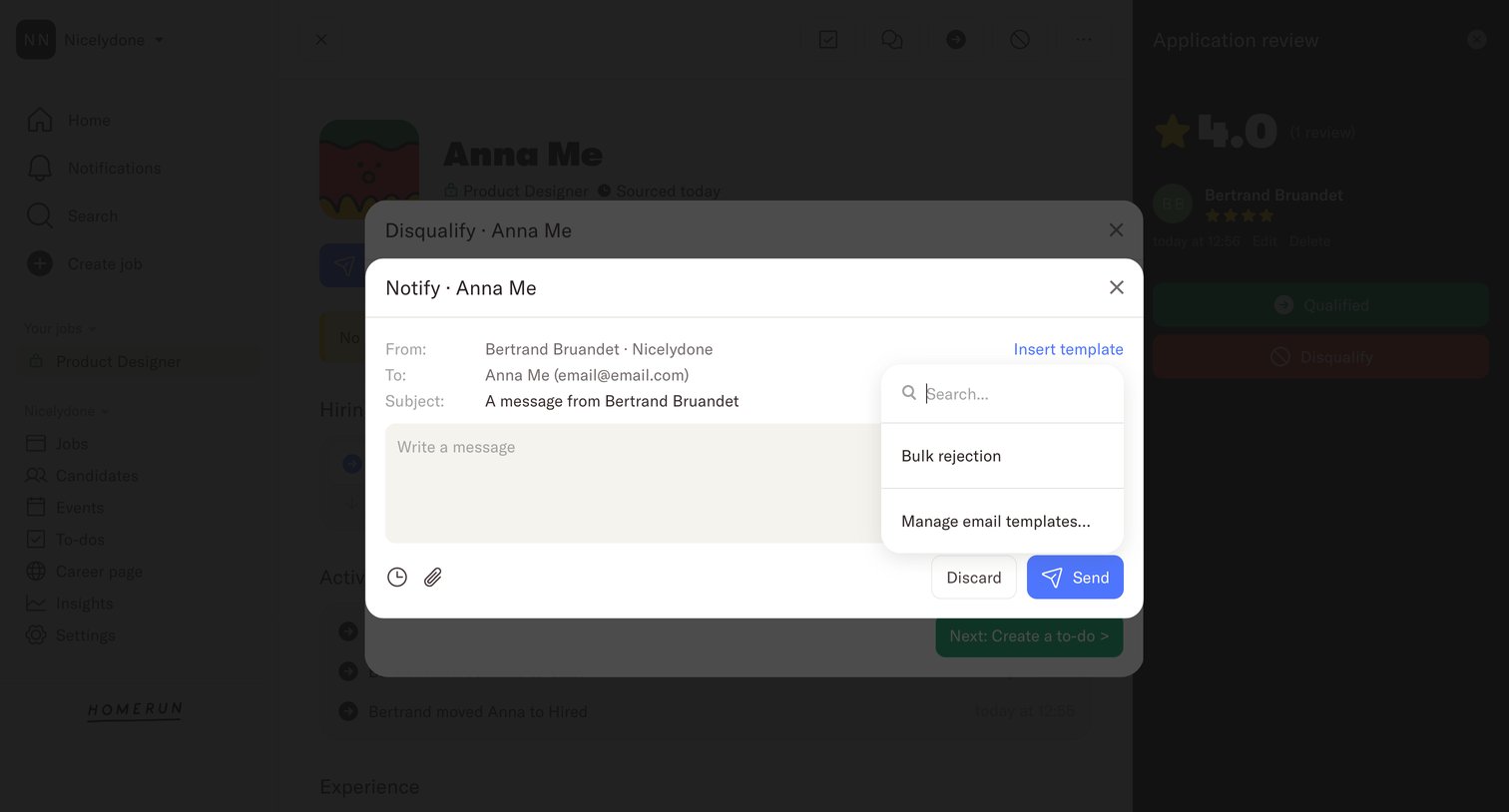

Detail page where the user drafts an email to notify a candidate of their disqualification, using an open combobox to search and insert a saved message template.
Explore the full SaaS screen library
Upgrade to unlock the full library.
Trusted by the best teams







