Billing history screen examples
Billing history screen design examples from SaaS apps. Browse examples from Polar, Voiceflow, Beside.
Explore the examples
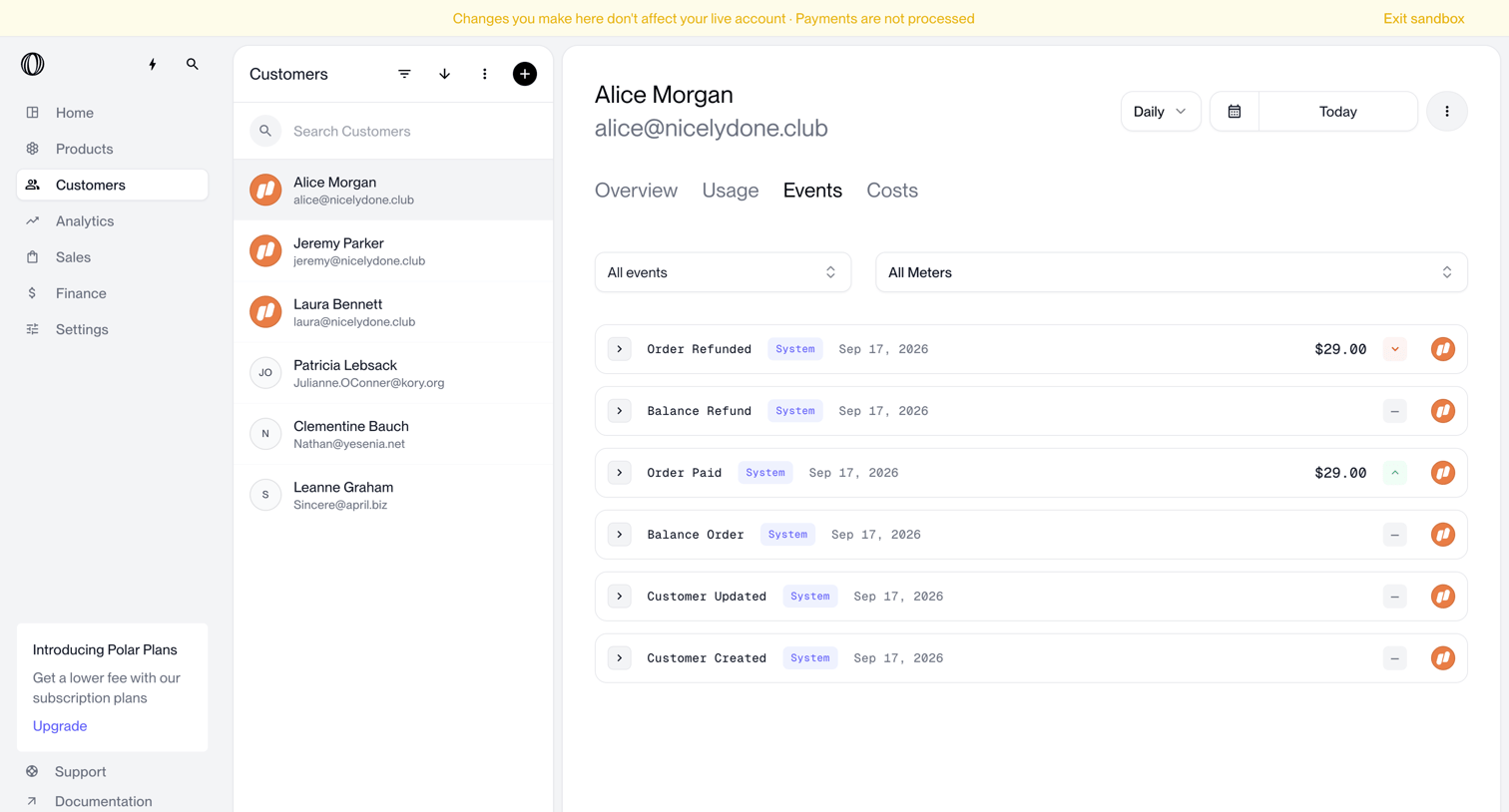

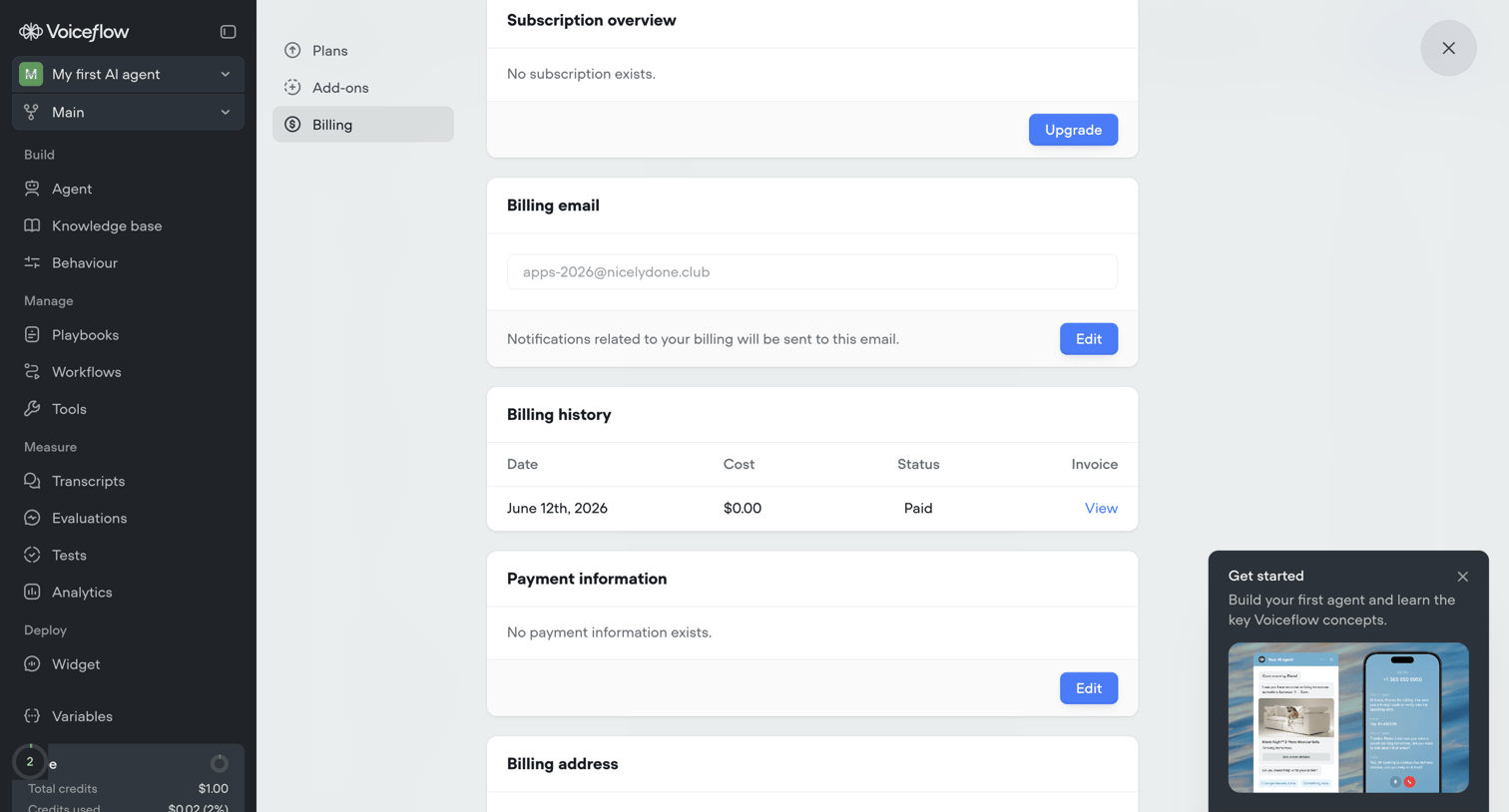

Settings page where the user manages their subscription, billing email, payment information, and views billing history, with an active onboarding prompt visible.
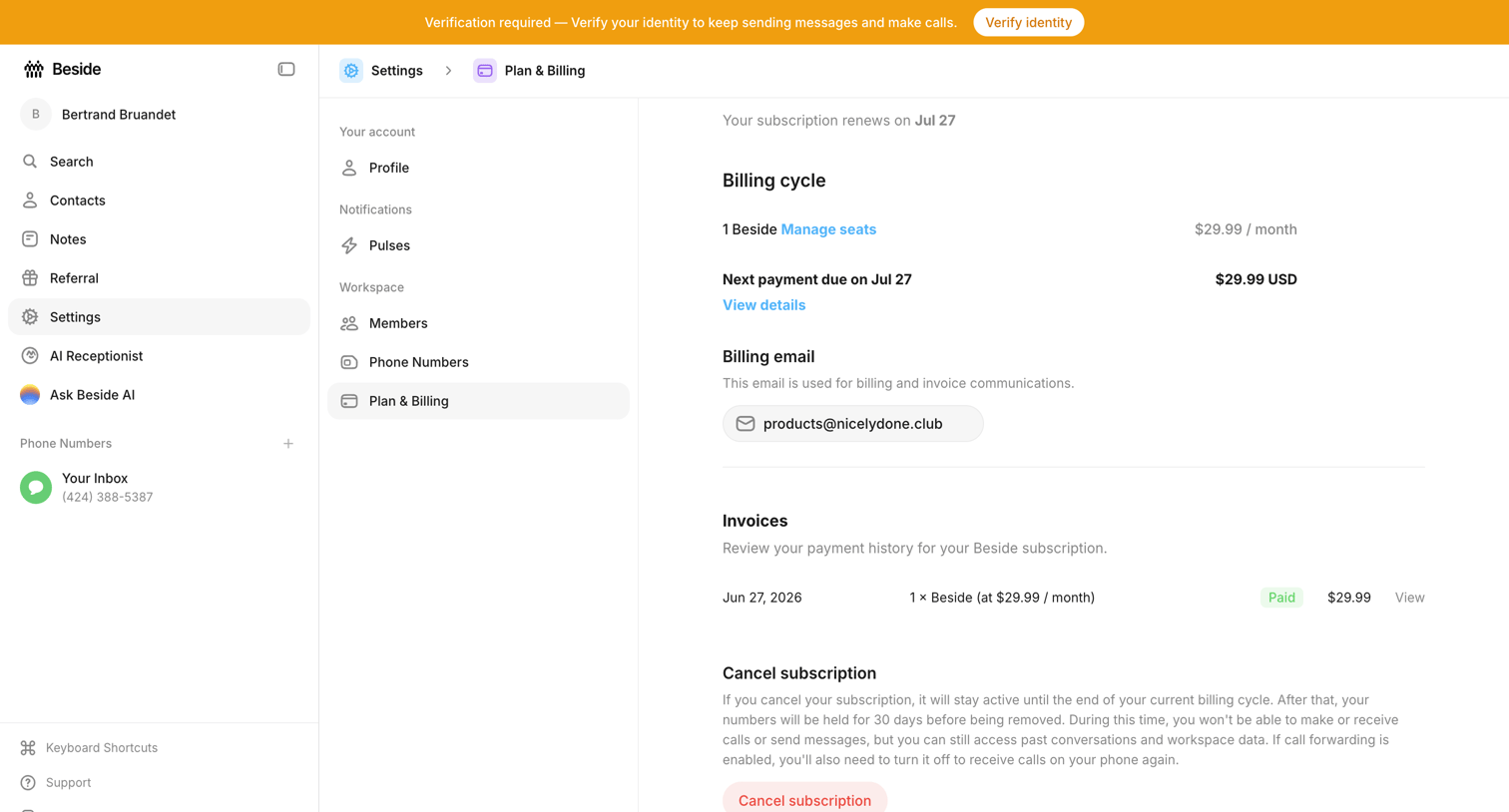

Settings page where the user views their billing cycle, manages their billing email, reviews past invoices, and can cancel their subscription.
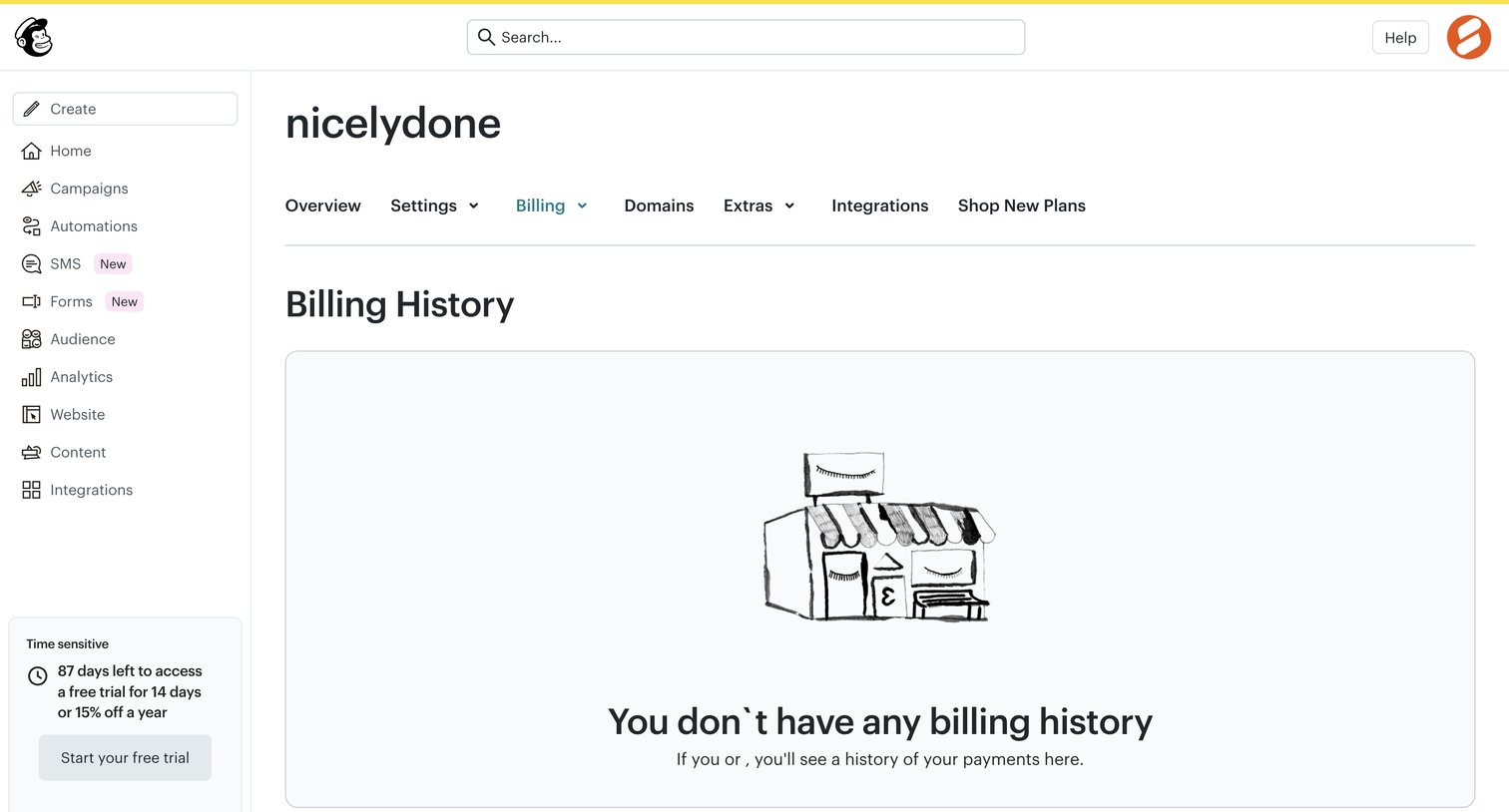

Settings page where the user views their billing history, currently showing an empty state with an illustration and a prompt to start a free trial.
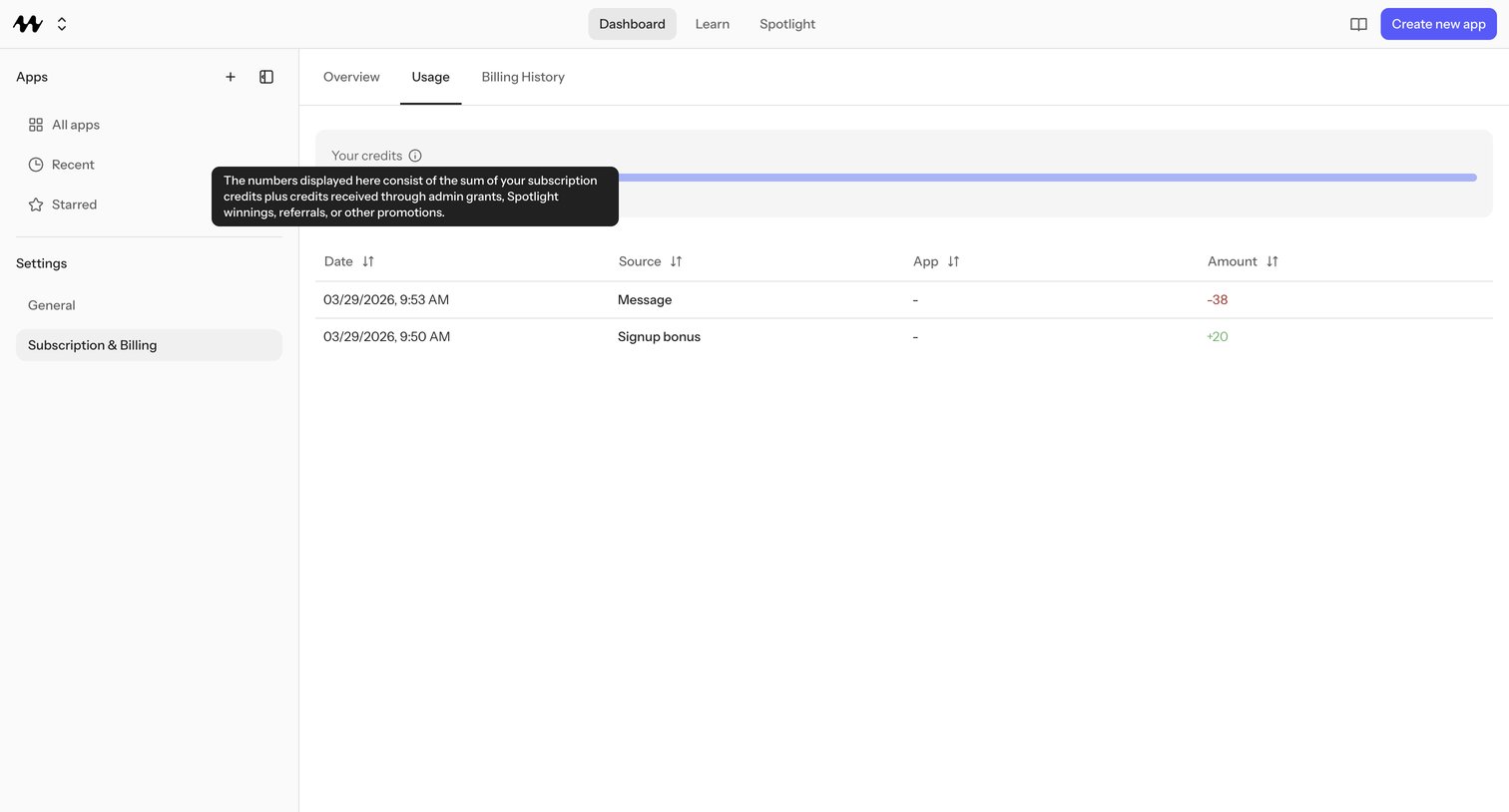

Settings page where the user reviews credit usage with a progress bar and a transaction log showing a Message debit and a Signup bonus credit.
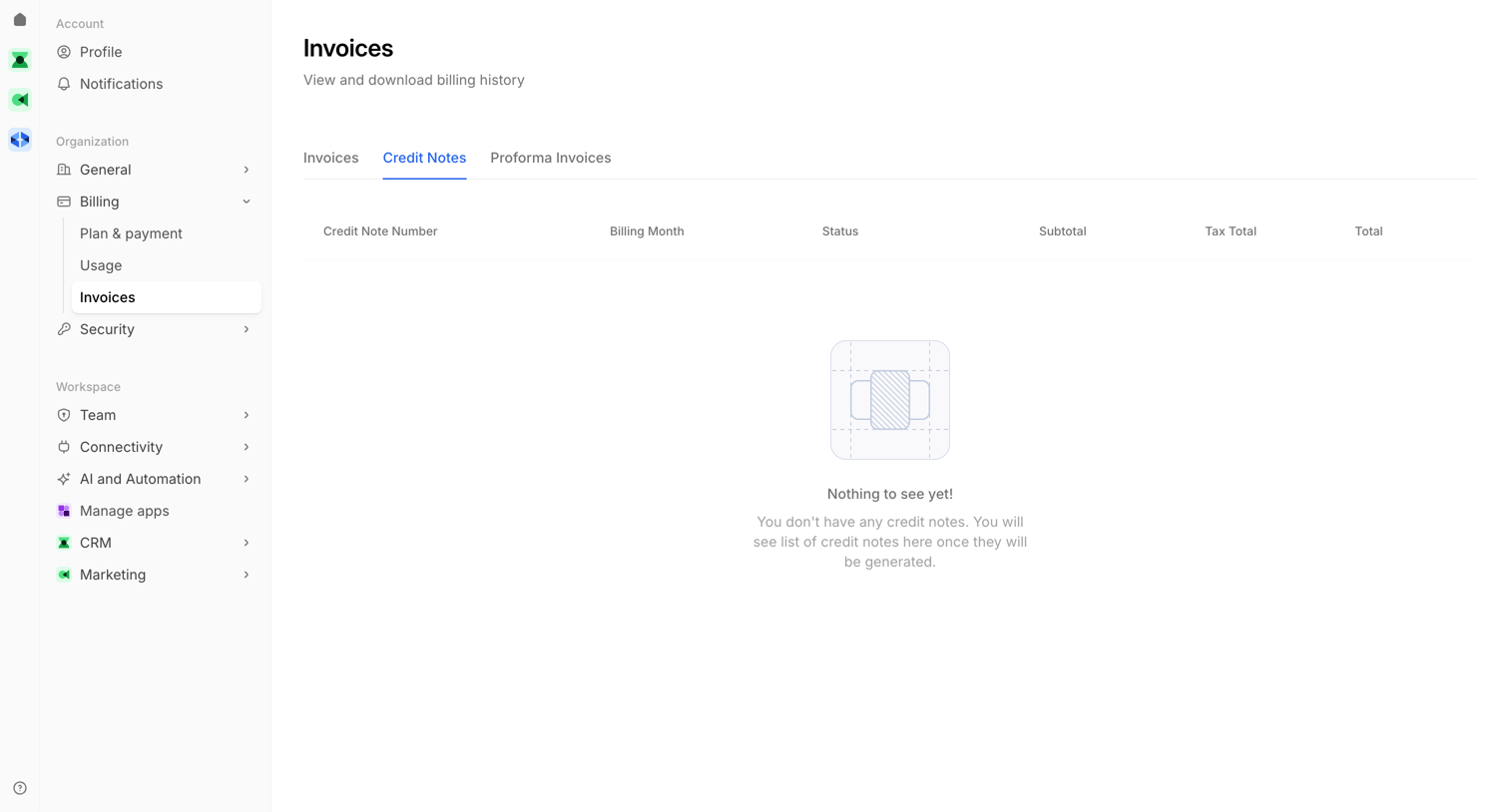

Billing settings page where the user views their invoice history, currently showing an empty state for credit notes.
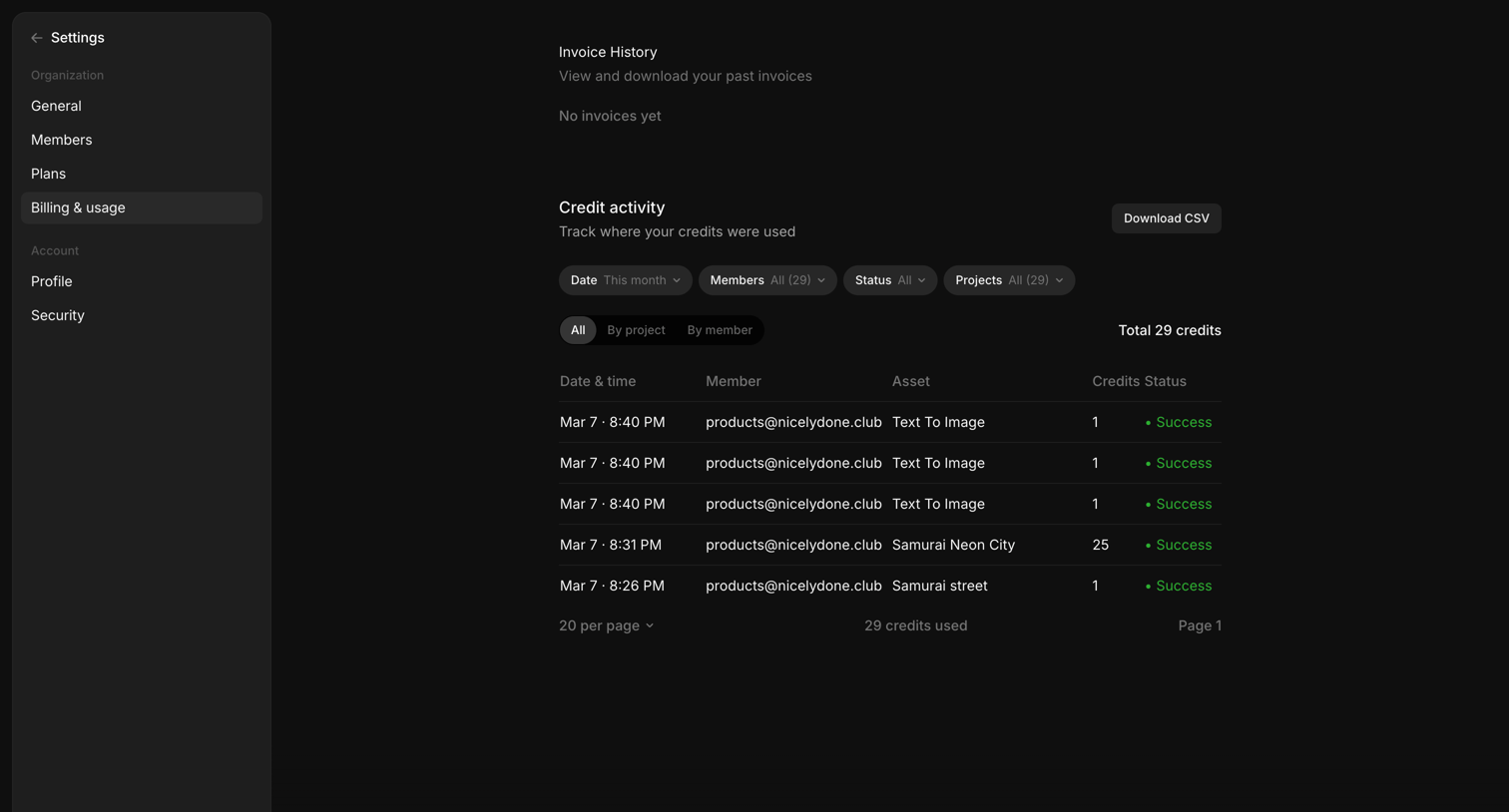

Settings page where the user views their invoice history and tracks credit usage across projects and members via a detailed data table.
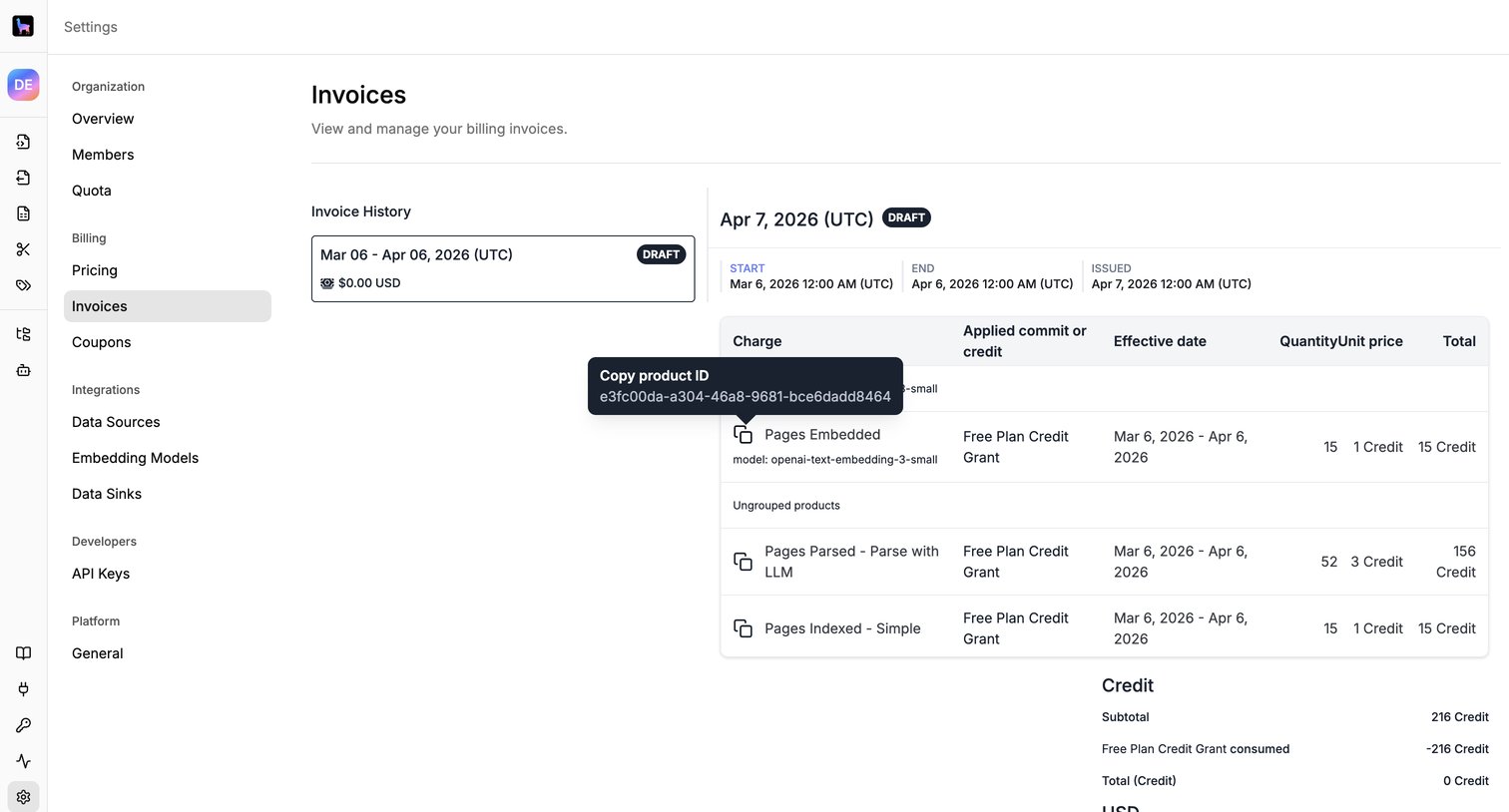

Settings page where the user views their invoice history and a detailed breakdown of credits and charges for a specific billing period.
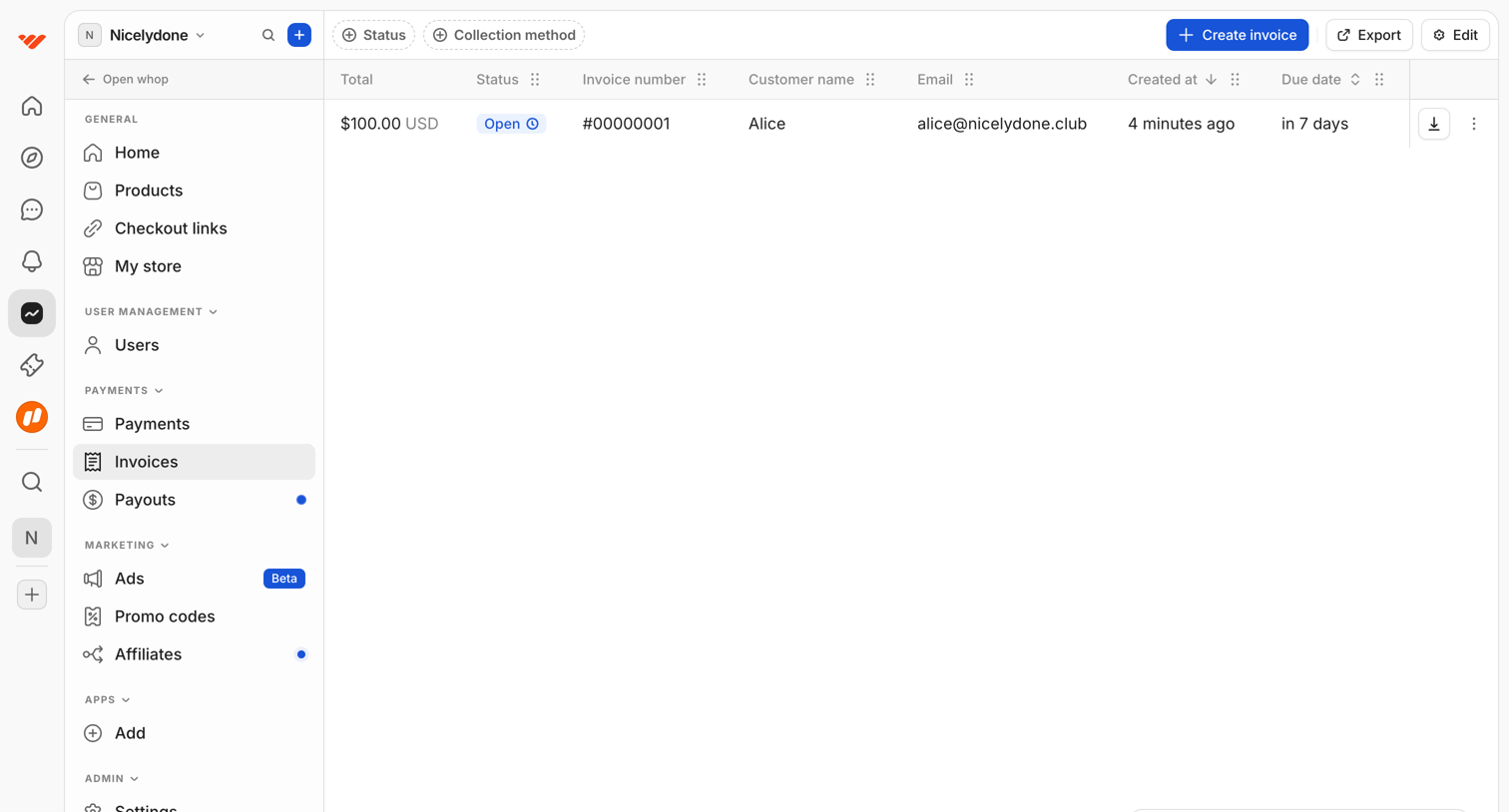

Data table displaying a list of customer invoices with options to filter by status, export records, and create new invoices.
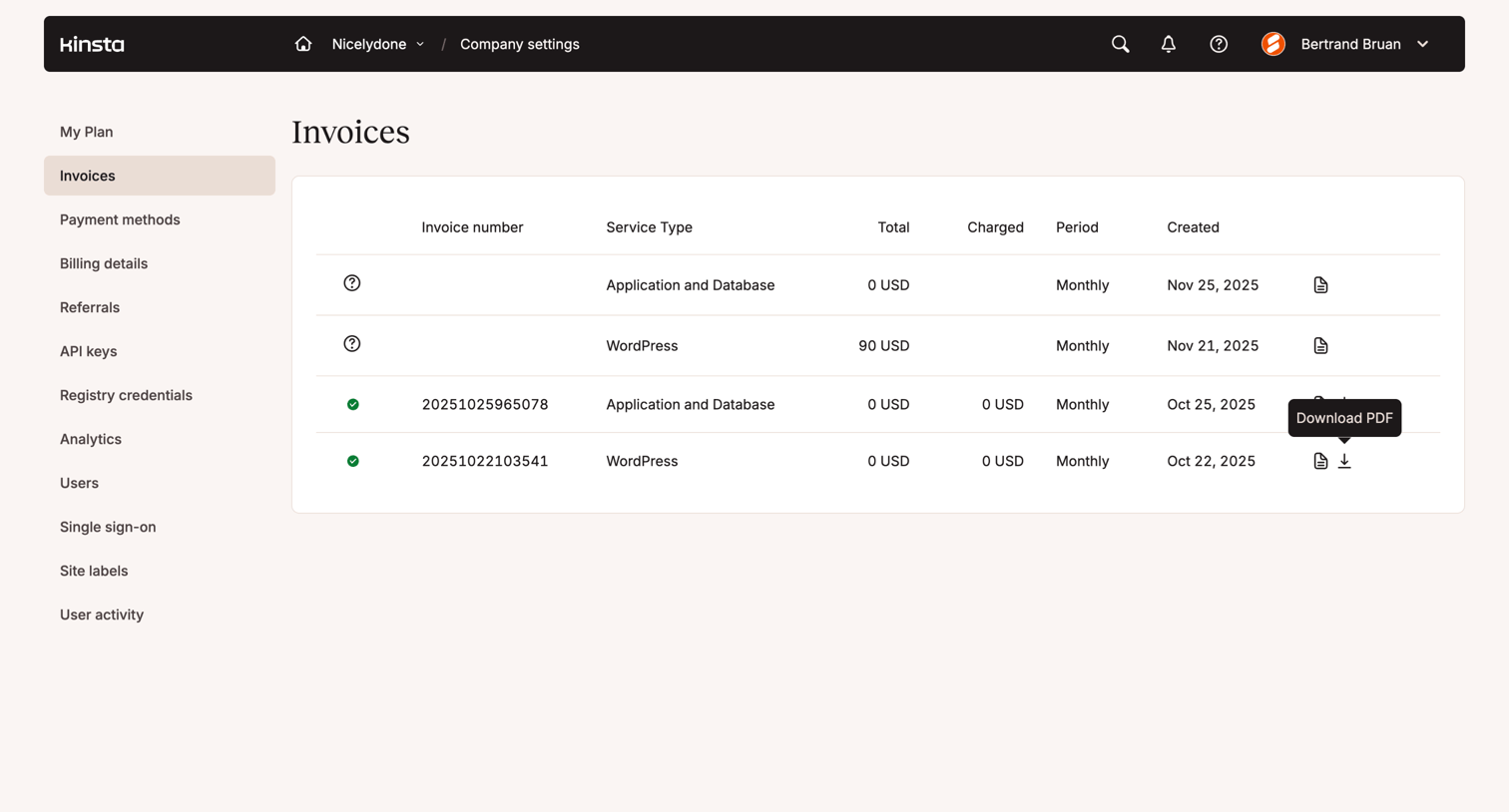

Settings page where the user views and downloads their past application and WordPress hosting invoices.
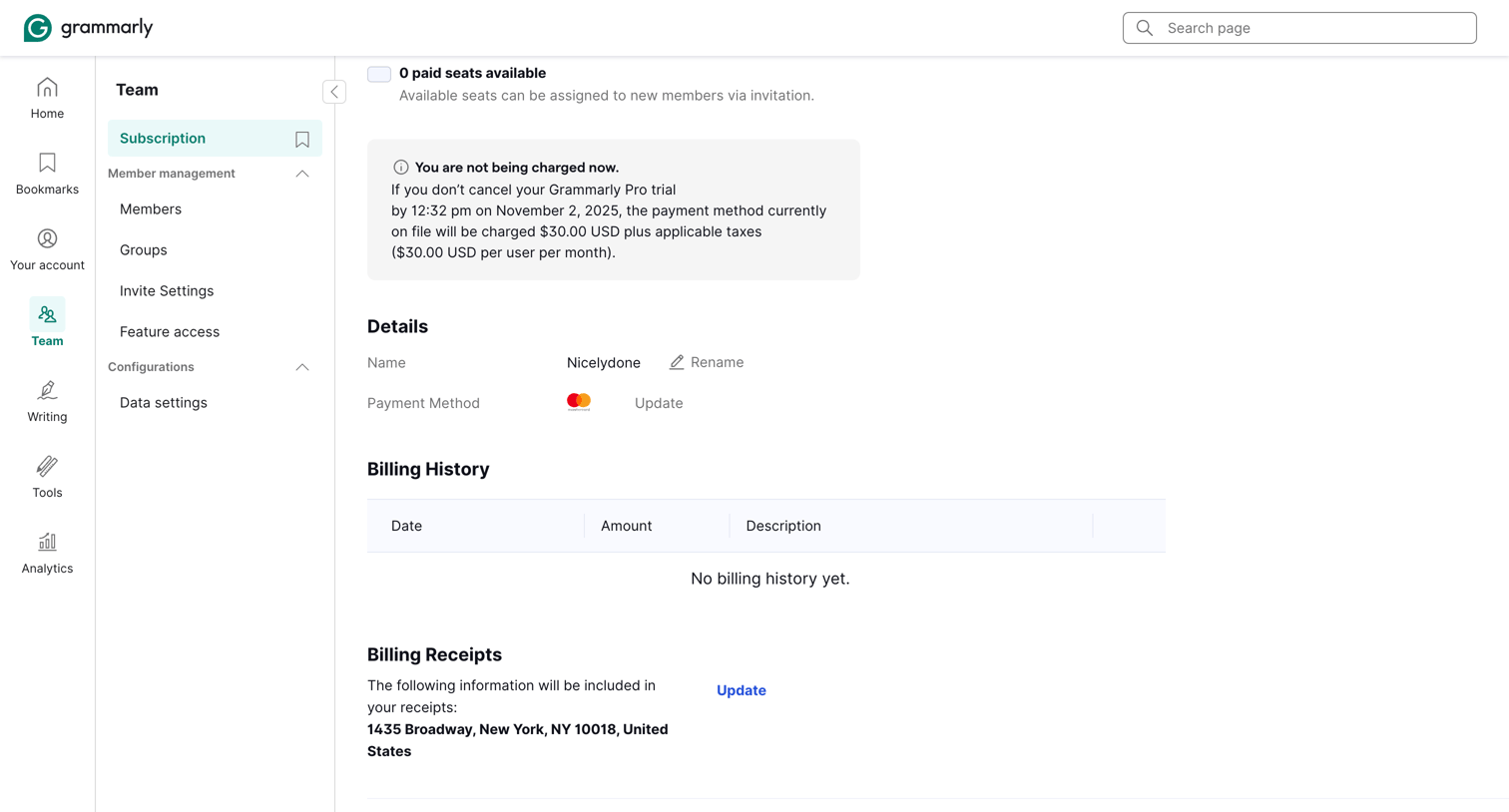

Settings page where the team administrator manages their Grammarly Pro subscription, payment method, billing history, and can cancel the plan.
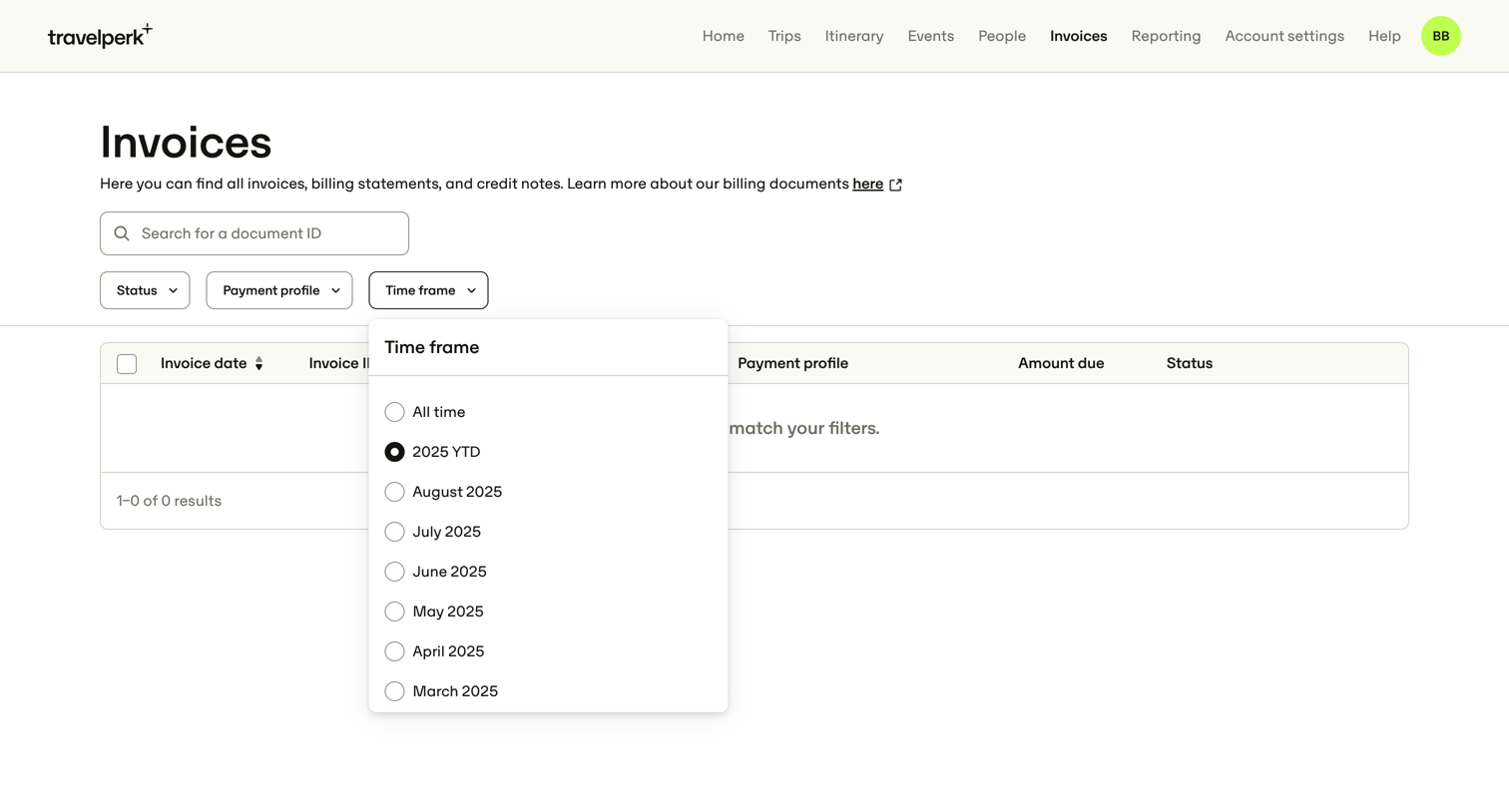

List view where the user searches and filters invoices, billing statements, and credit notes.
Explore the full SaaS screen library
Upgrade to unlock the full library.
Trusted by the best teams







