Access control screen examples
Access control screen design examples from SaaS apps. See how SaaS apps explain who can access a workspace and what they can do. Explore how role choices and permission controls relate to people, teams, and…
Explore the examples
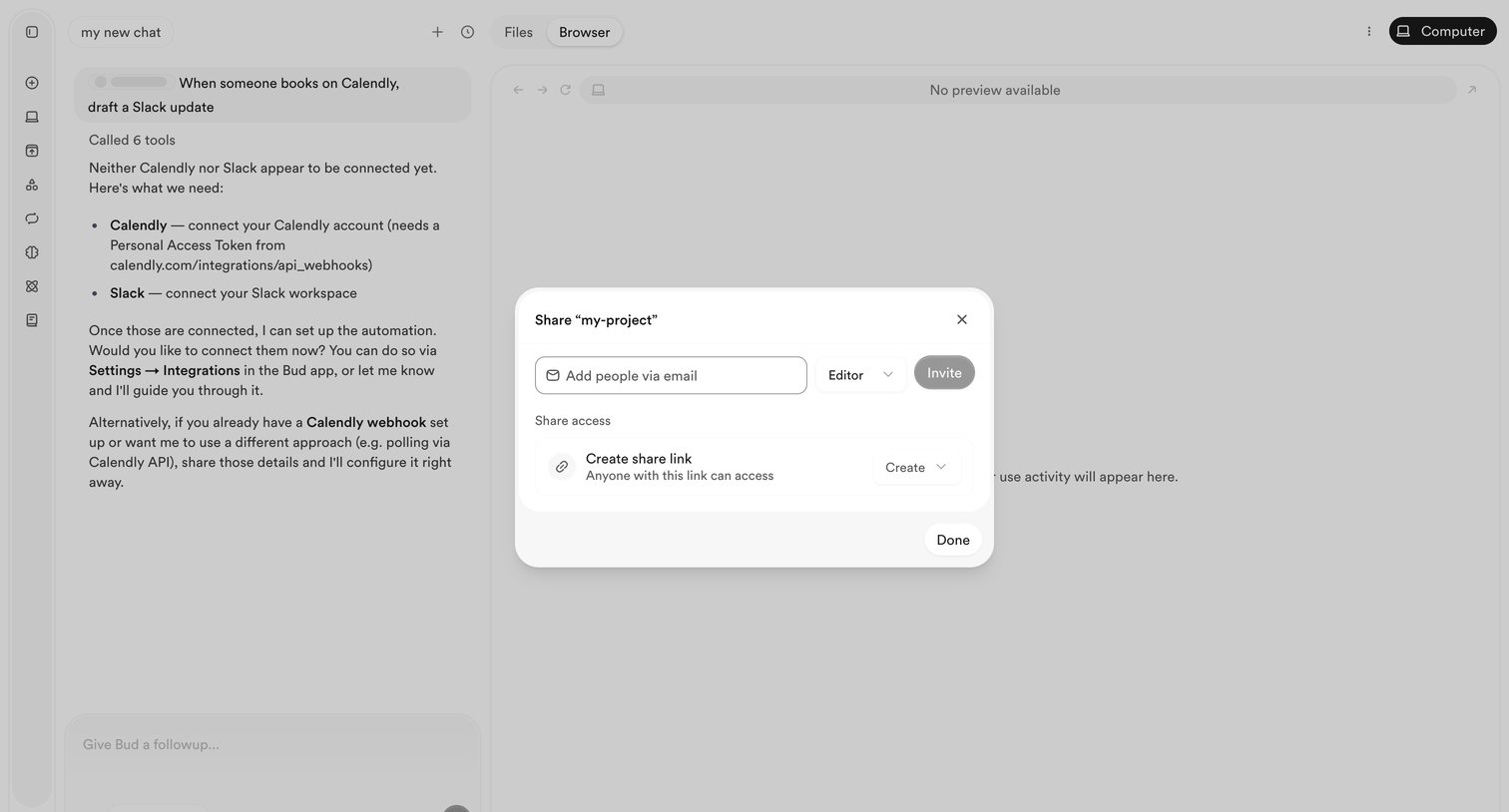

AI chat interface with an active modal for sharing the current project workspace via email invitation or a public link.
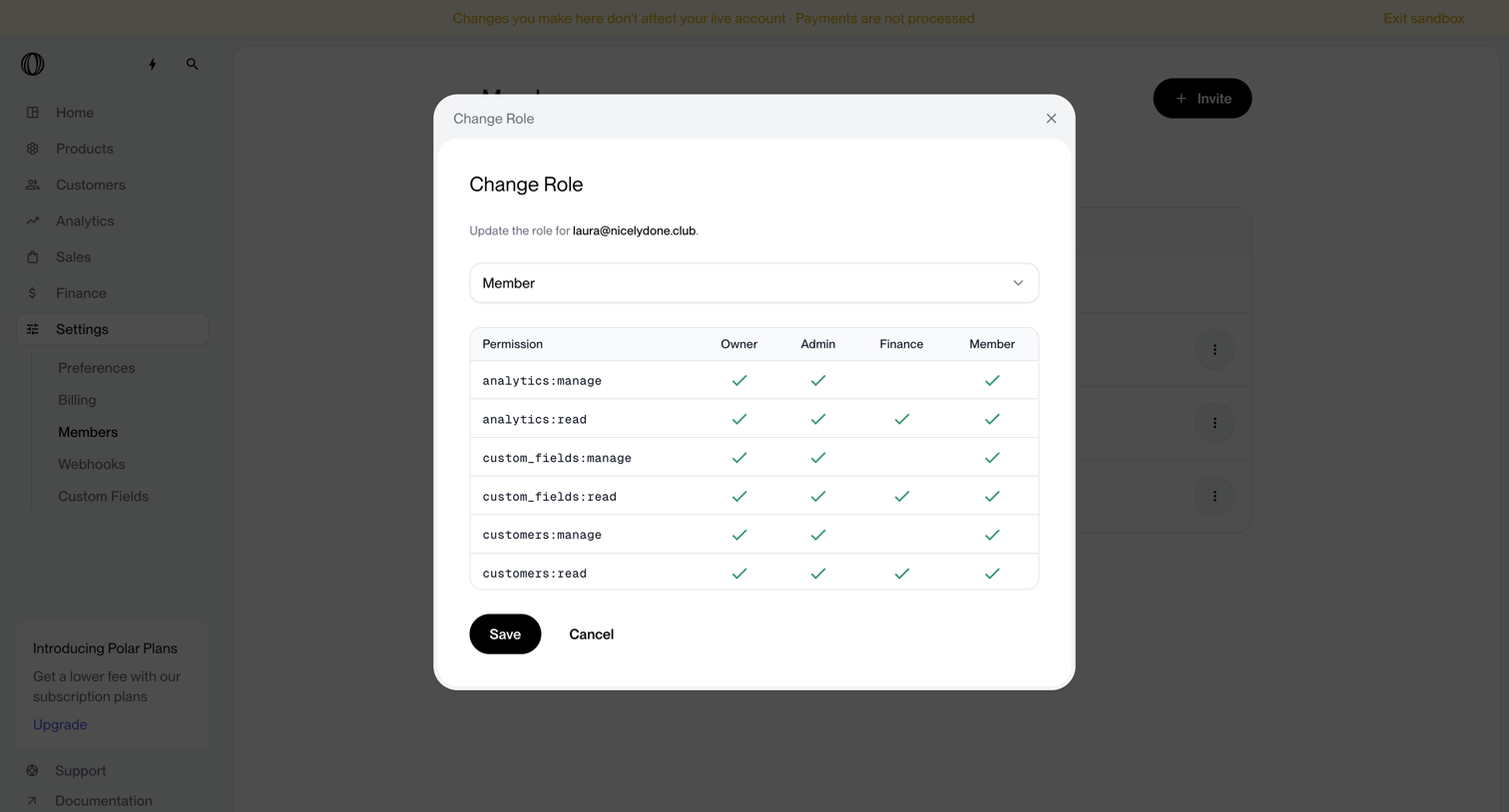

Settings modal where the user changes a teammate's role and views the associated permissions matrix.
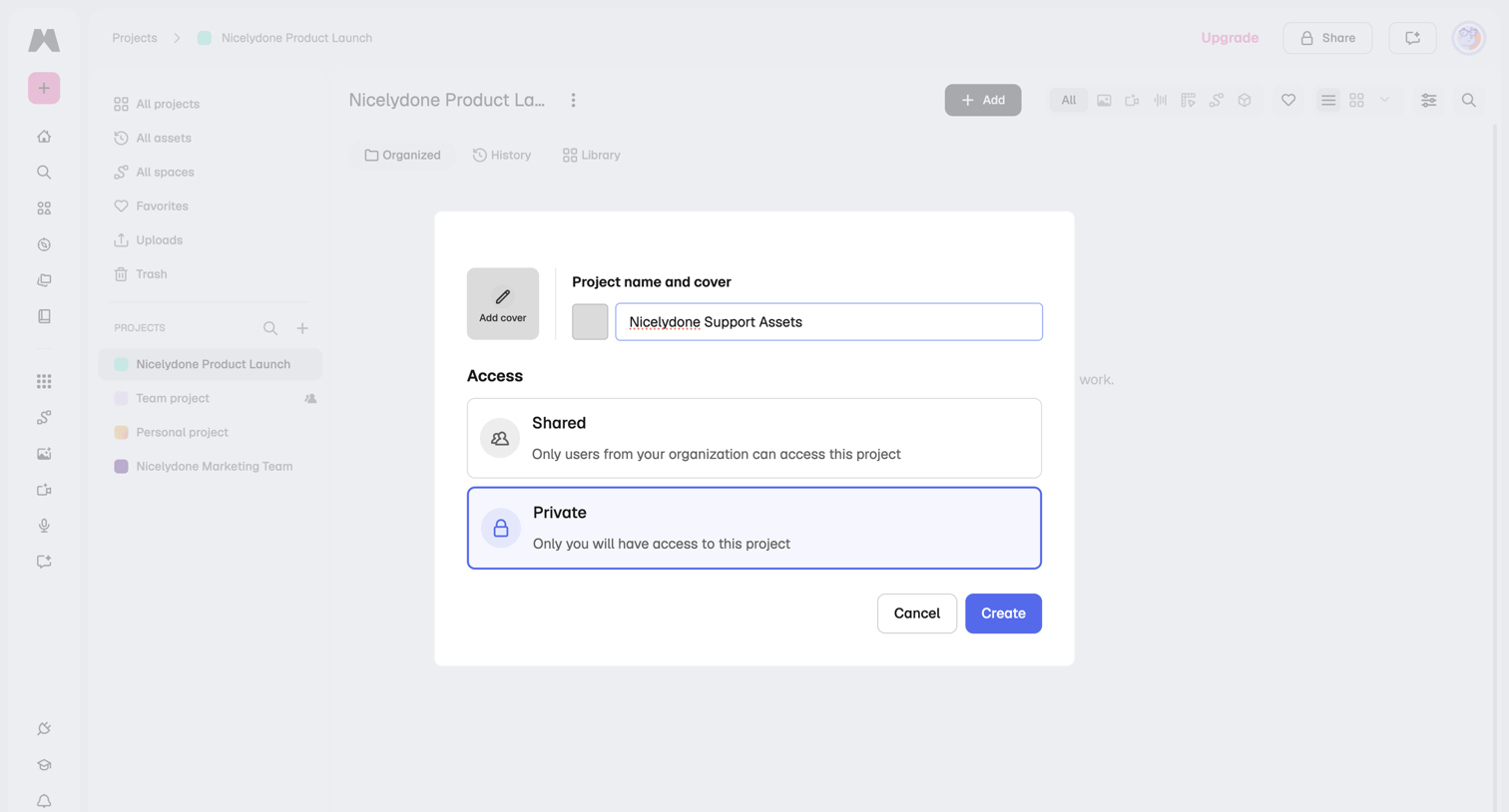

Modal overlay where the user creates a new project by providing a name, optional cover image, and setting access permissions to shared or private.
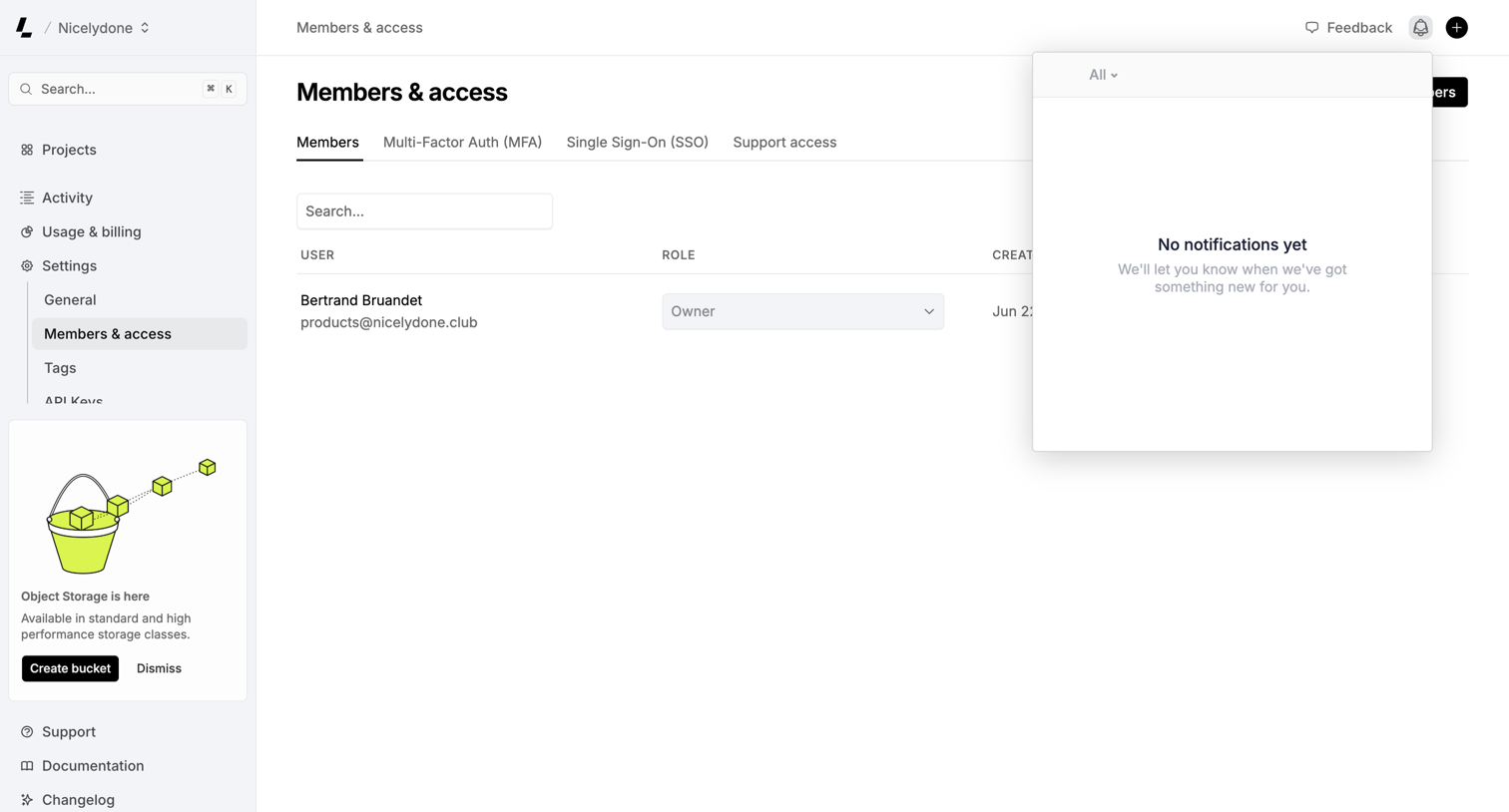

Settings page where the user manages team members and their roles, with an empty notifications popover currently open.
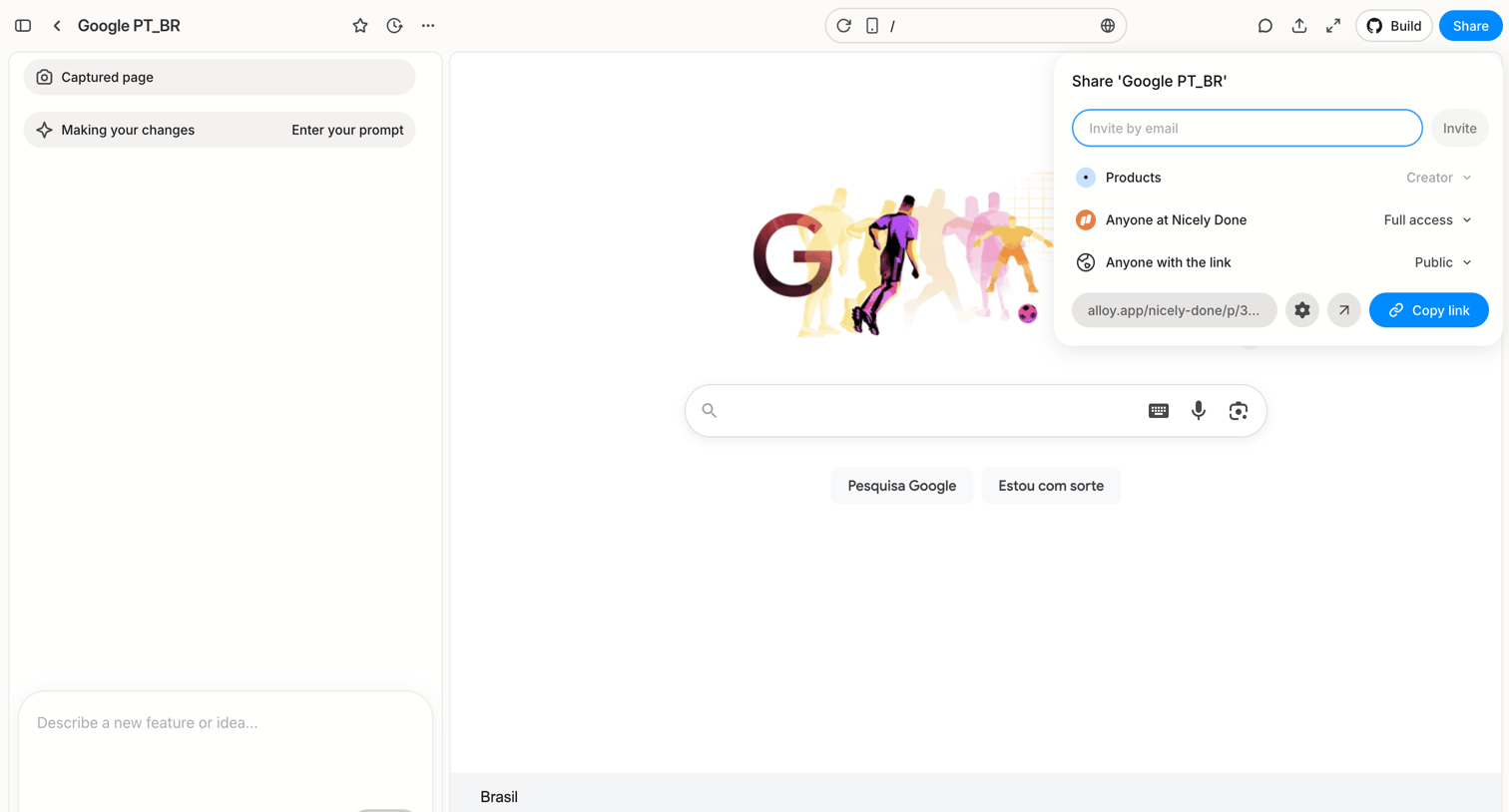

Design editor where the user has opened the share popover to invite collaborators by email or copy a public link, while an AI prompt box sits ready to make changes to the captured webpage.
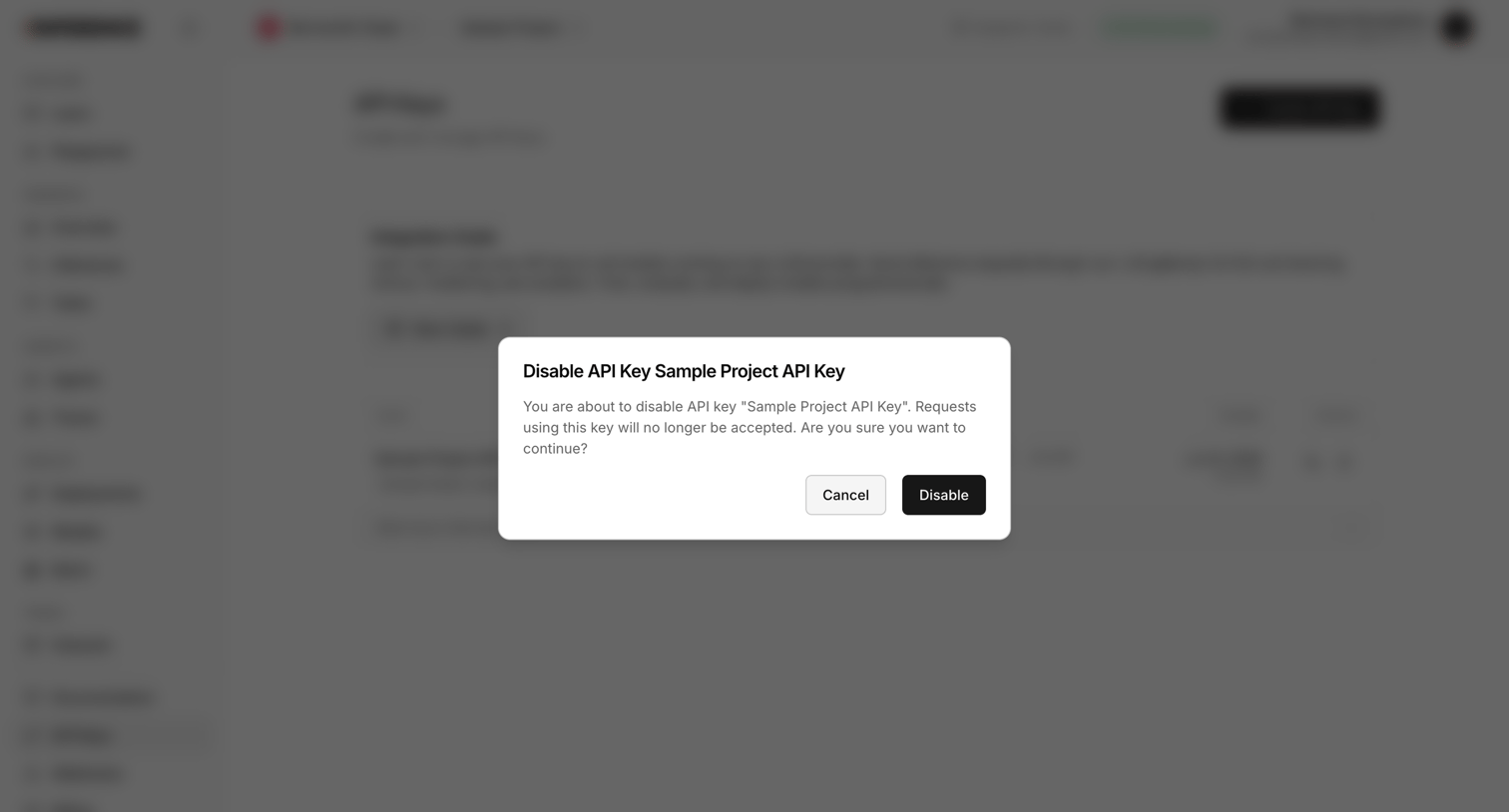

Settings page where the user is prompted to confirm disabling a specific project API key.
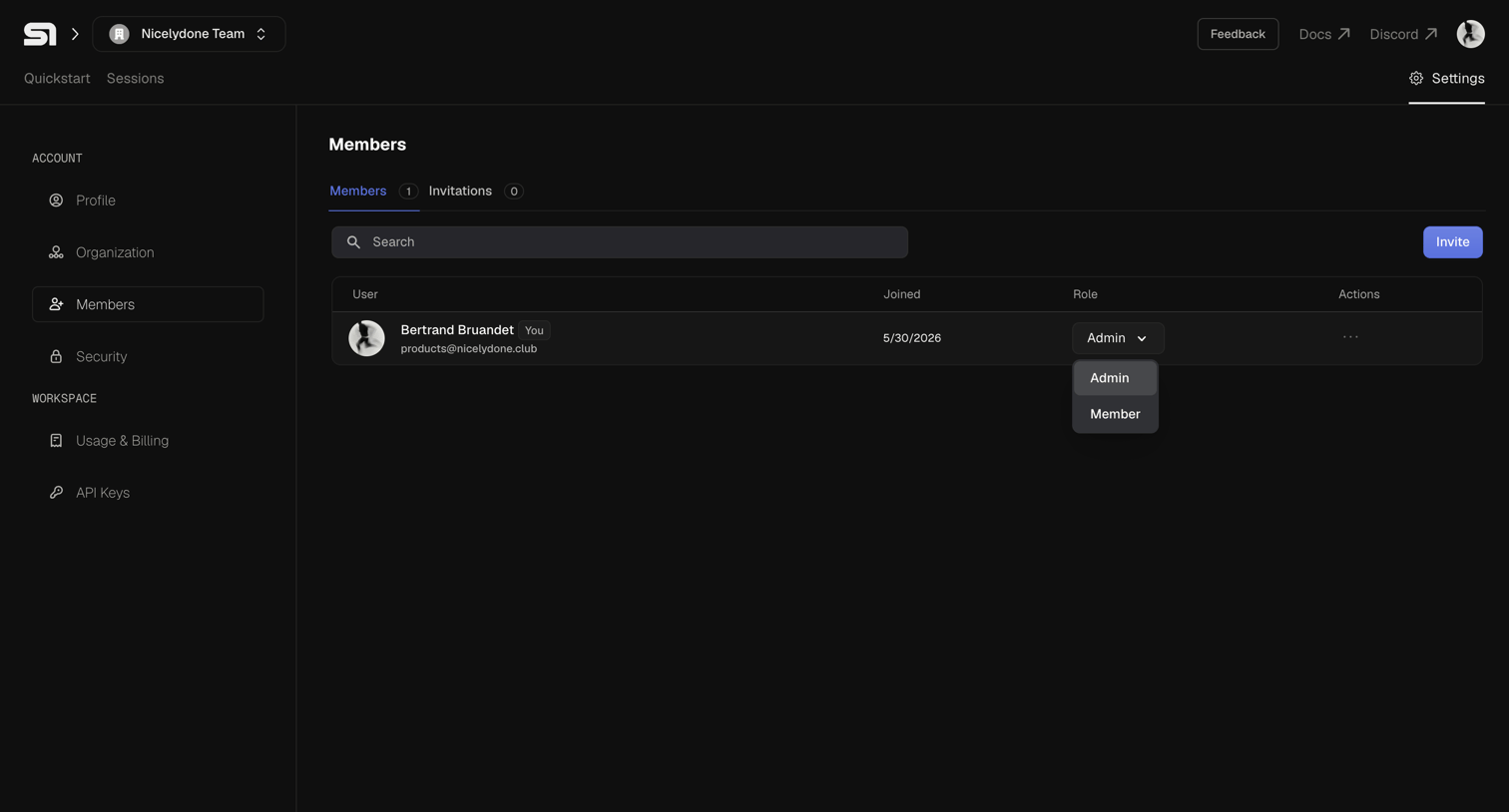

Settings page where the user manages organization members, changes their roles, and invites new teammates.
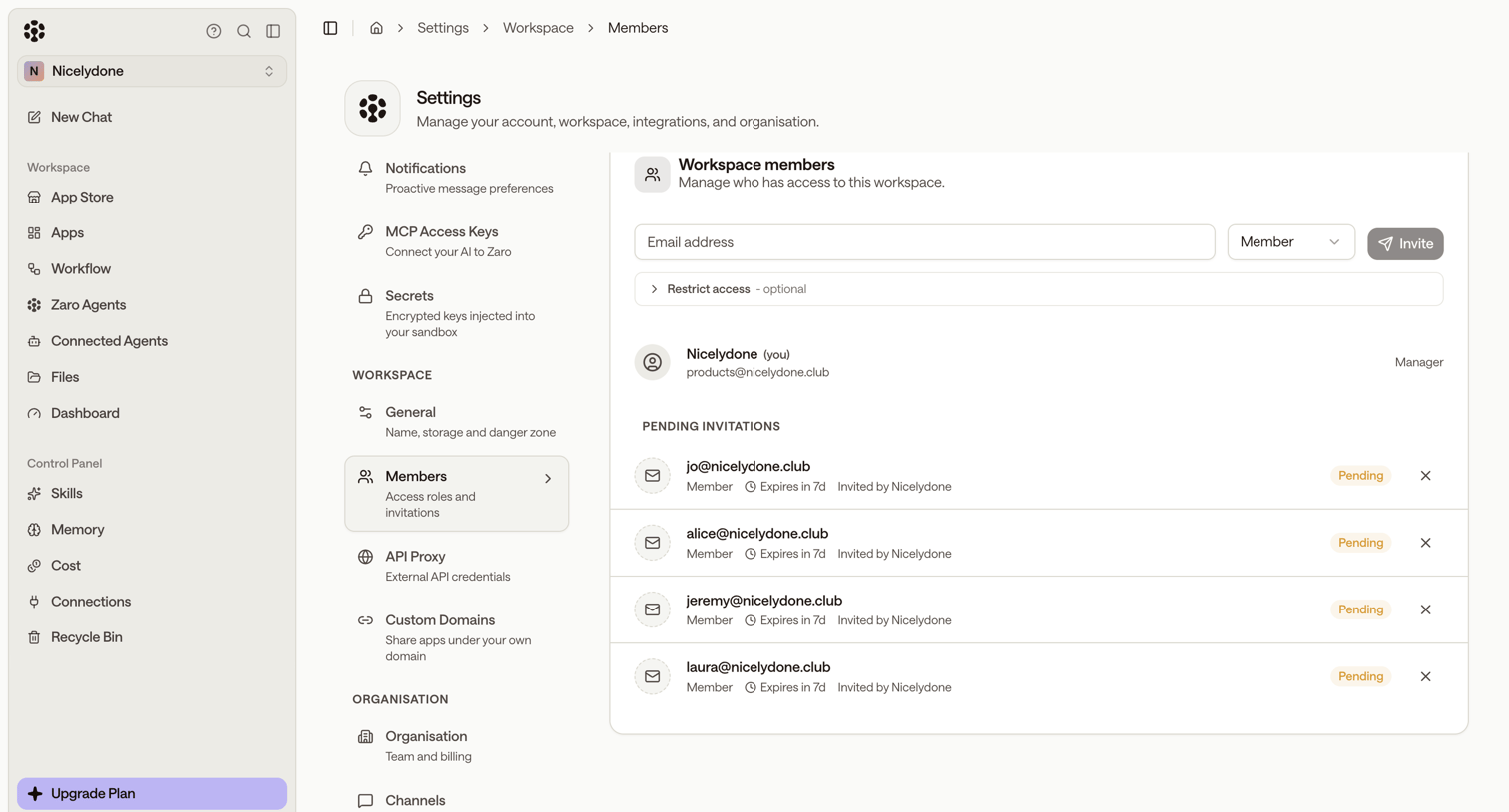

Settings page where the user manages workspace members, views pending invitations, and invites new teammates by email with specific roles.
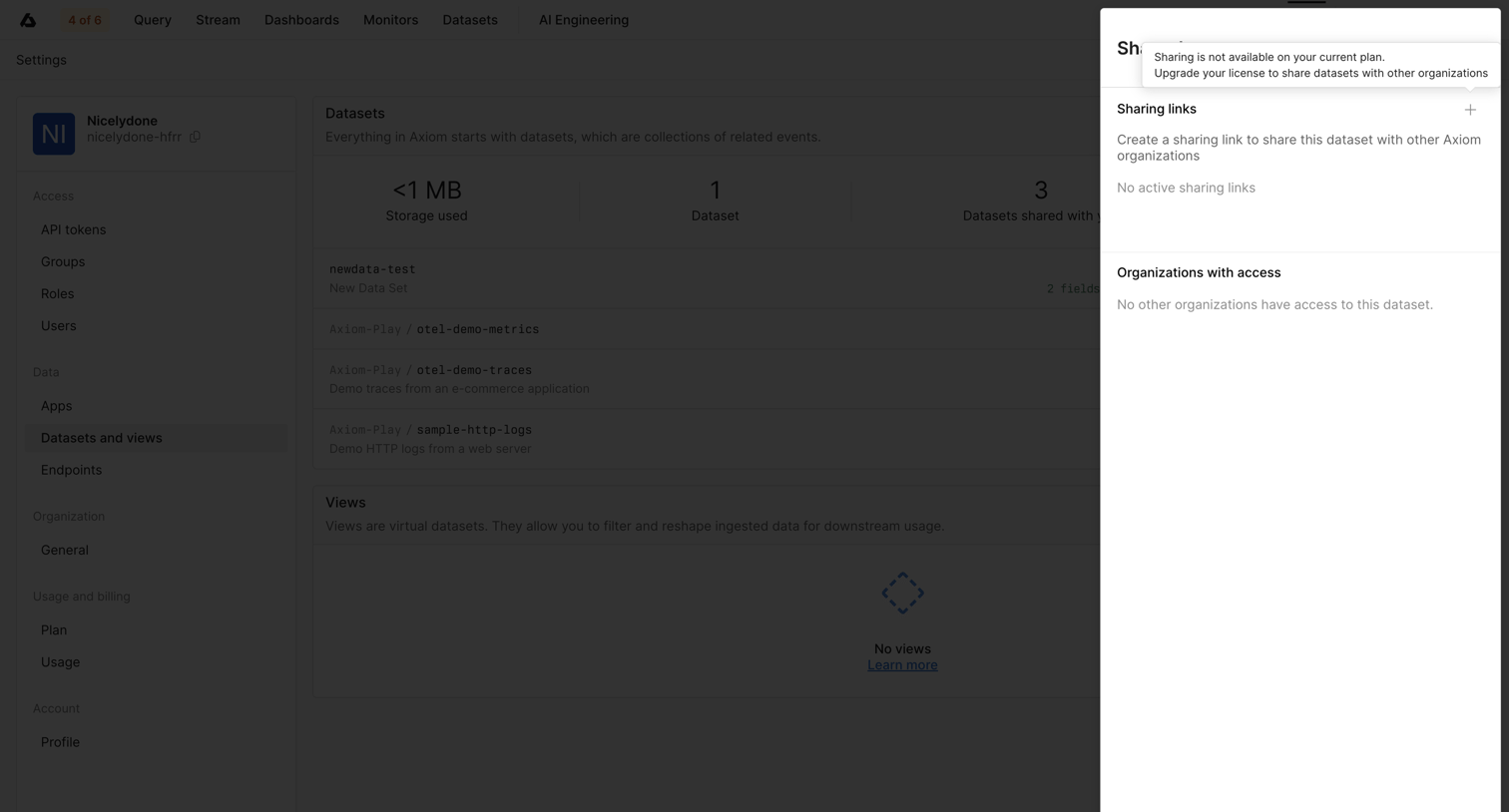

Settings drawer where the user attempts to share a dataset but is blocked by an upgrade prompt explaining that sharing requires a higher plan.
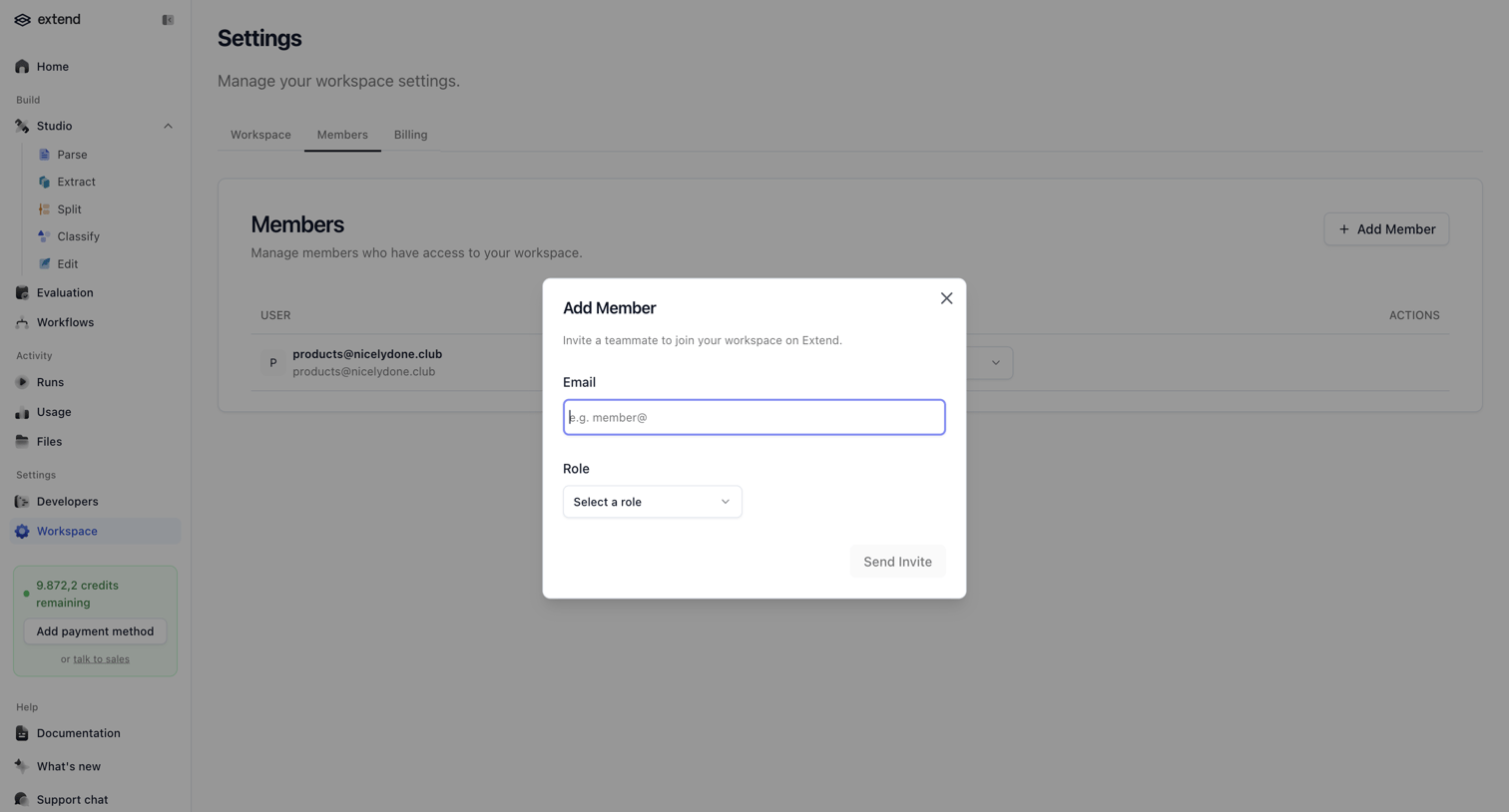

Settings page where the user invites a teammate to the workspace by email and assigns them a role via a modal.
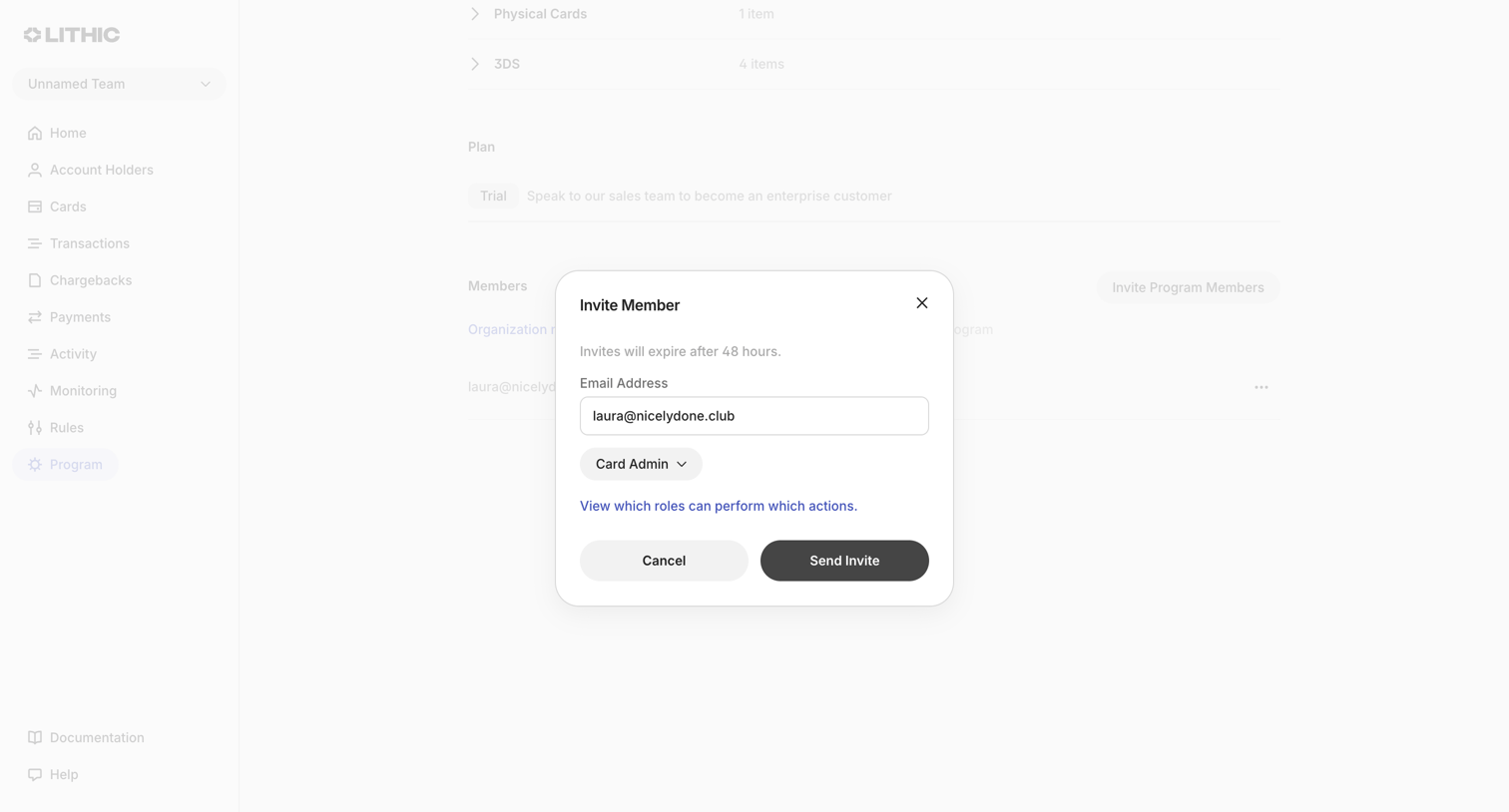

Settings page where the user invites a new member to the program by entering their email address and assigning a role.
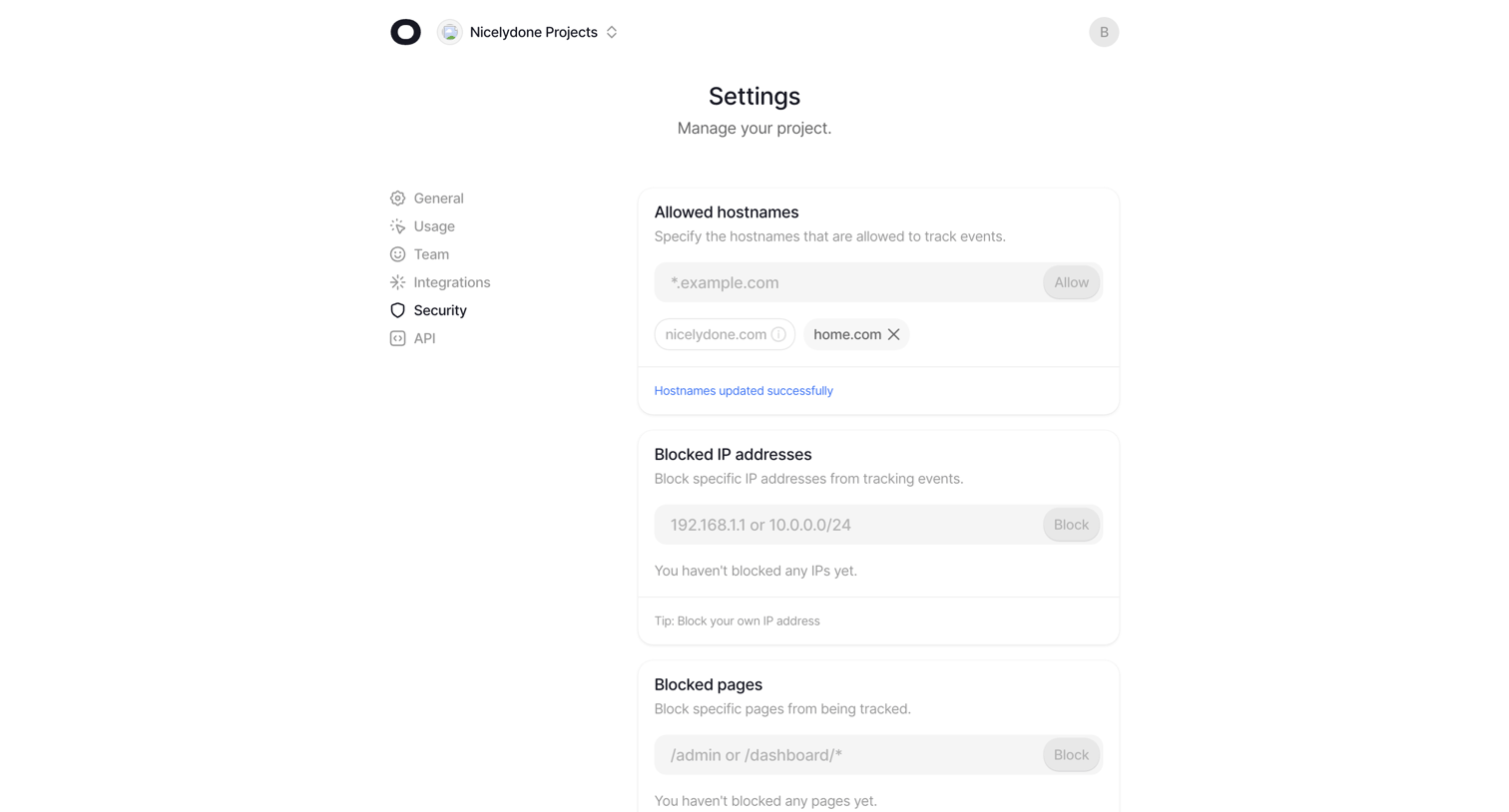

Settings page where the user configures security rules like allowed hostnames, blocked IP addresses, and blocked pages for their project.
Explore the full SaaS screen library
Upgrade to unlock the full library.
Trusted by the best teams








About Access control
See how SaaS apps explain who can access a workspace and what they can do. Explore how role choices and permission controls relate to people, teams, and resources.