Sift science product screens examples
Browse Sift science screen design examples. Preview the interface screenshots and explore related UI patterns. Fight fraud with machine learning
Explore the examples
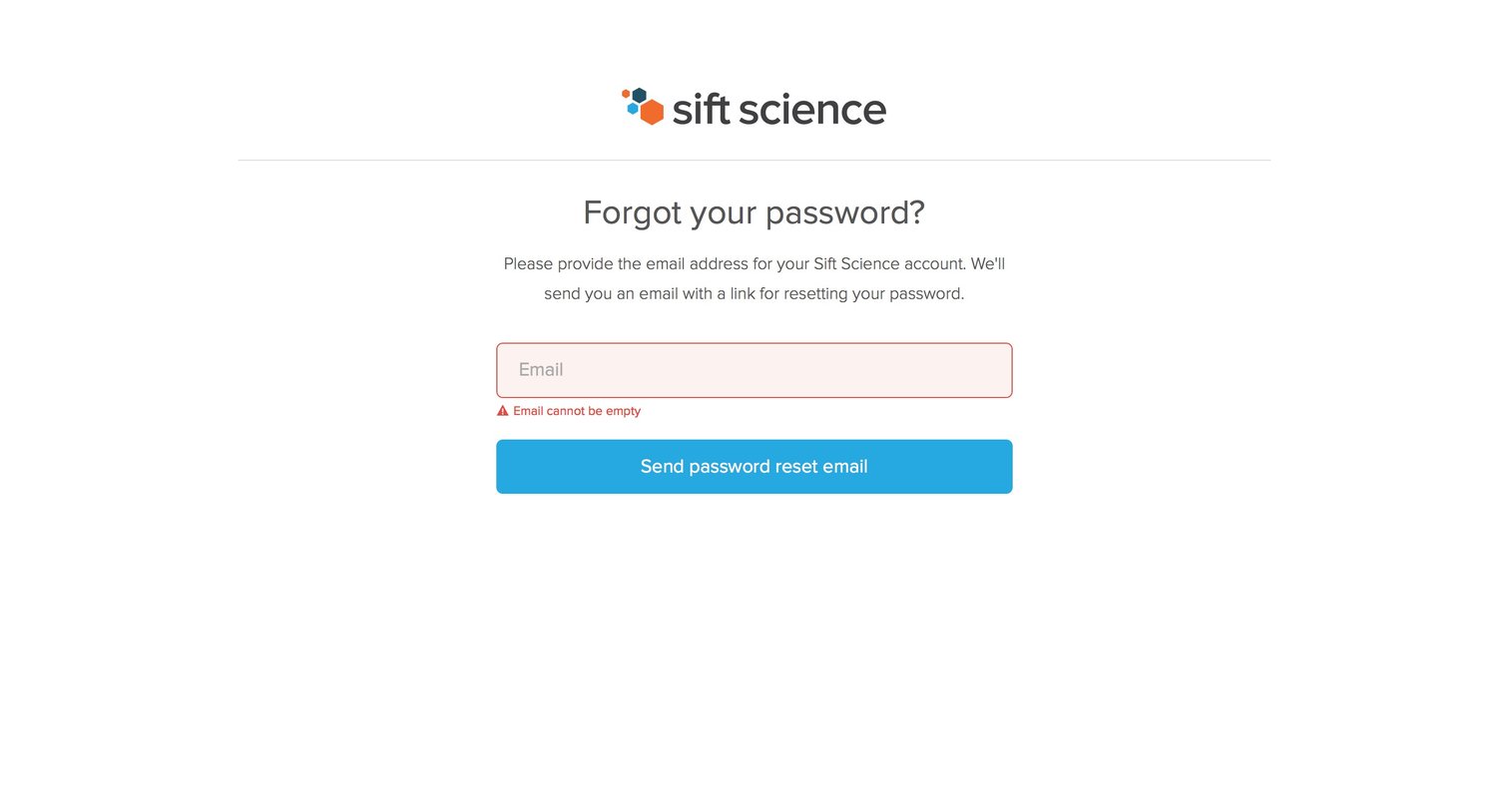

Password recovery screen where the user is prompted to enter their email address, currently showing a validation error for an empty field.
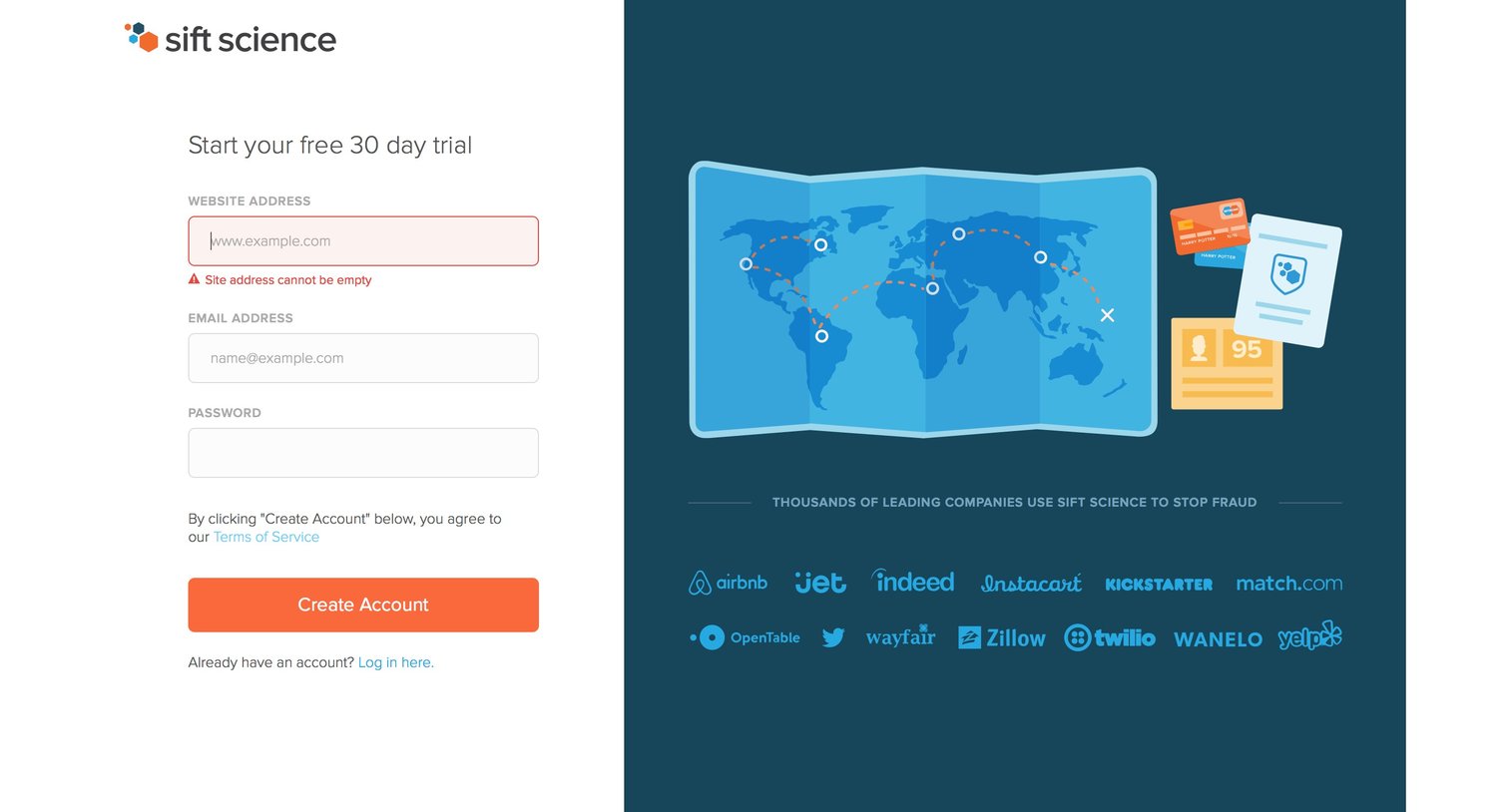
Signup page where the user starts a 30-day free trial by providing their website, email, and password, accompanied by a customer logo wall.
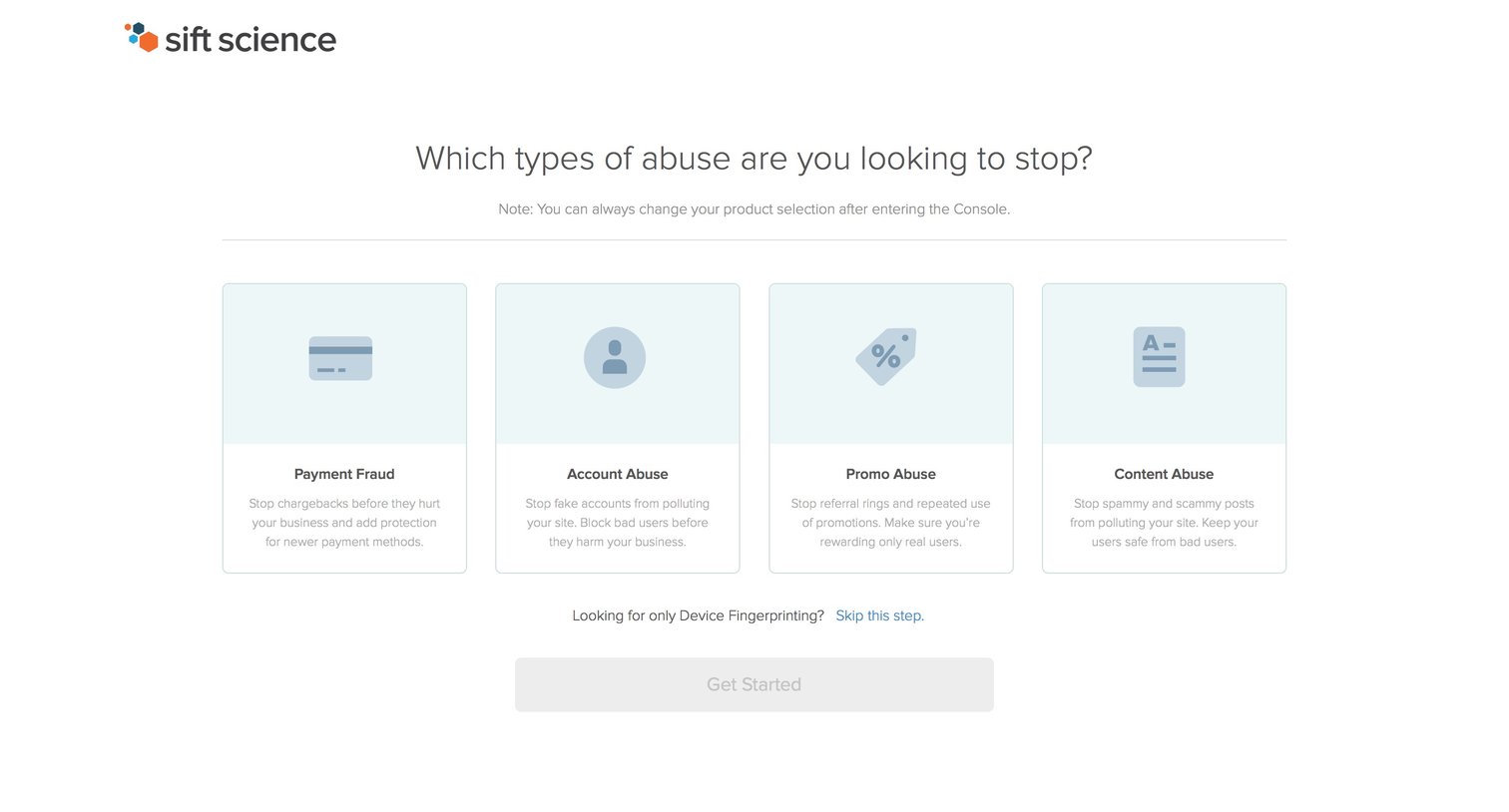
Onboarding step where the user selects the specific types of abuse they want to stop, such as payment fraud or account abuse, to tailor their initial setup.
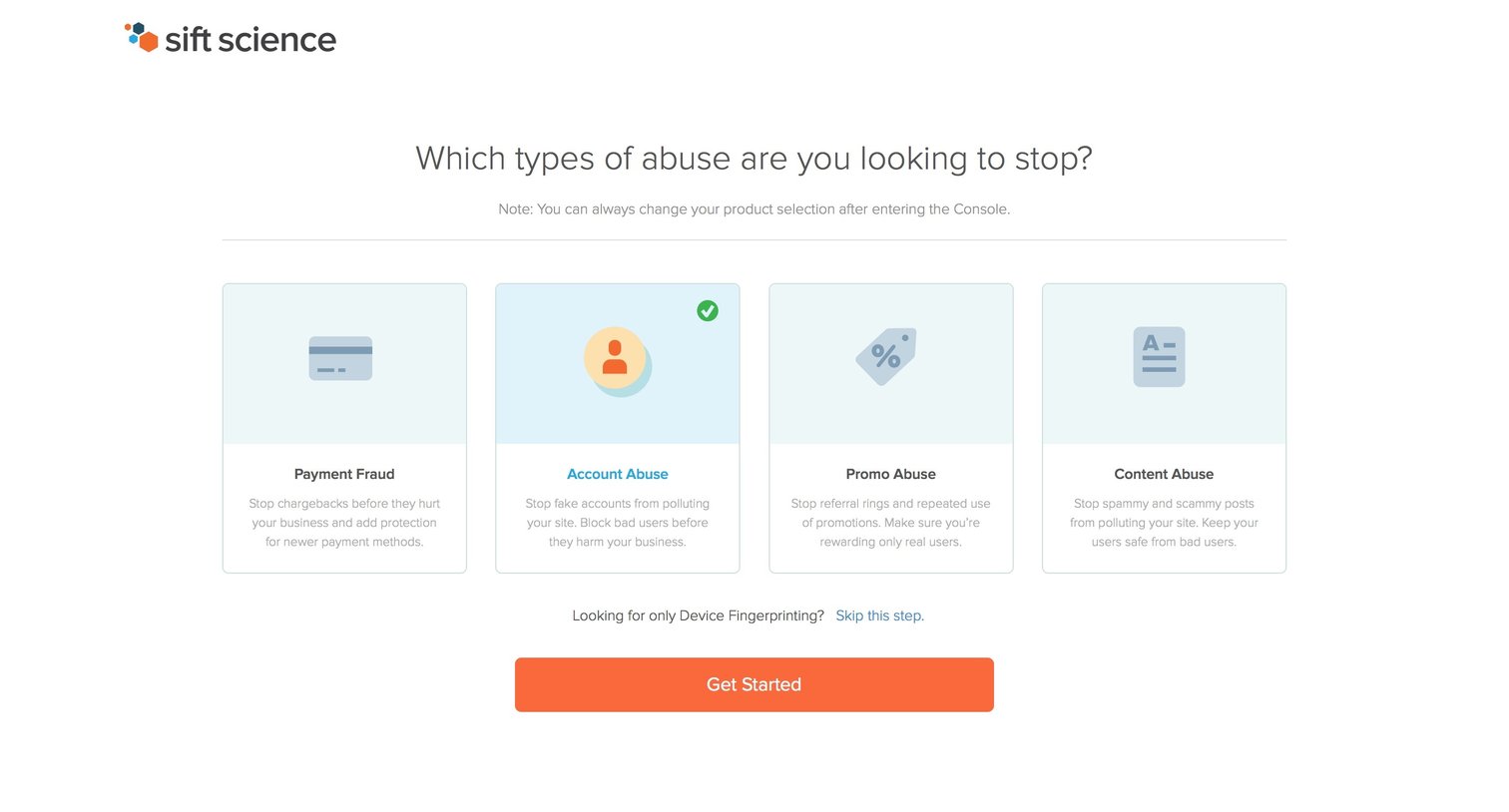
Onboarding step where the user selects which types of abuse they want to stop, such as payment fraud or account abuse, before entering the console.
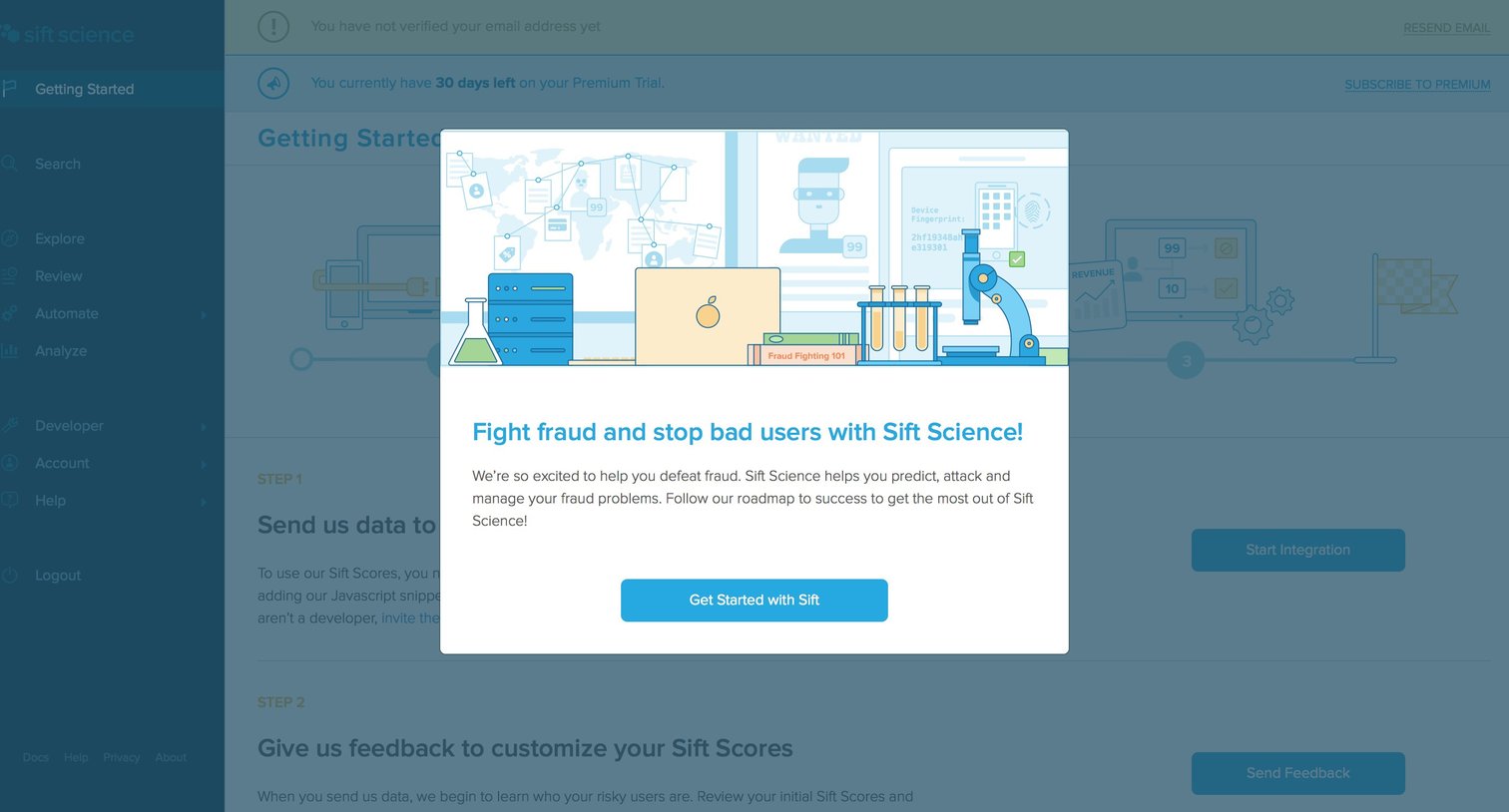
Onboarding screen where a welcome modal introduces the user to the platform over a getting-started checklist.
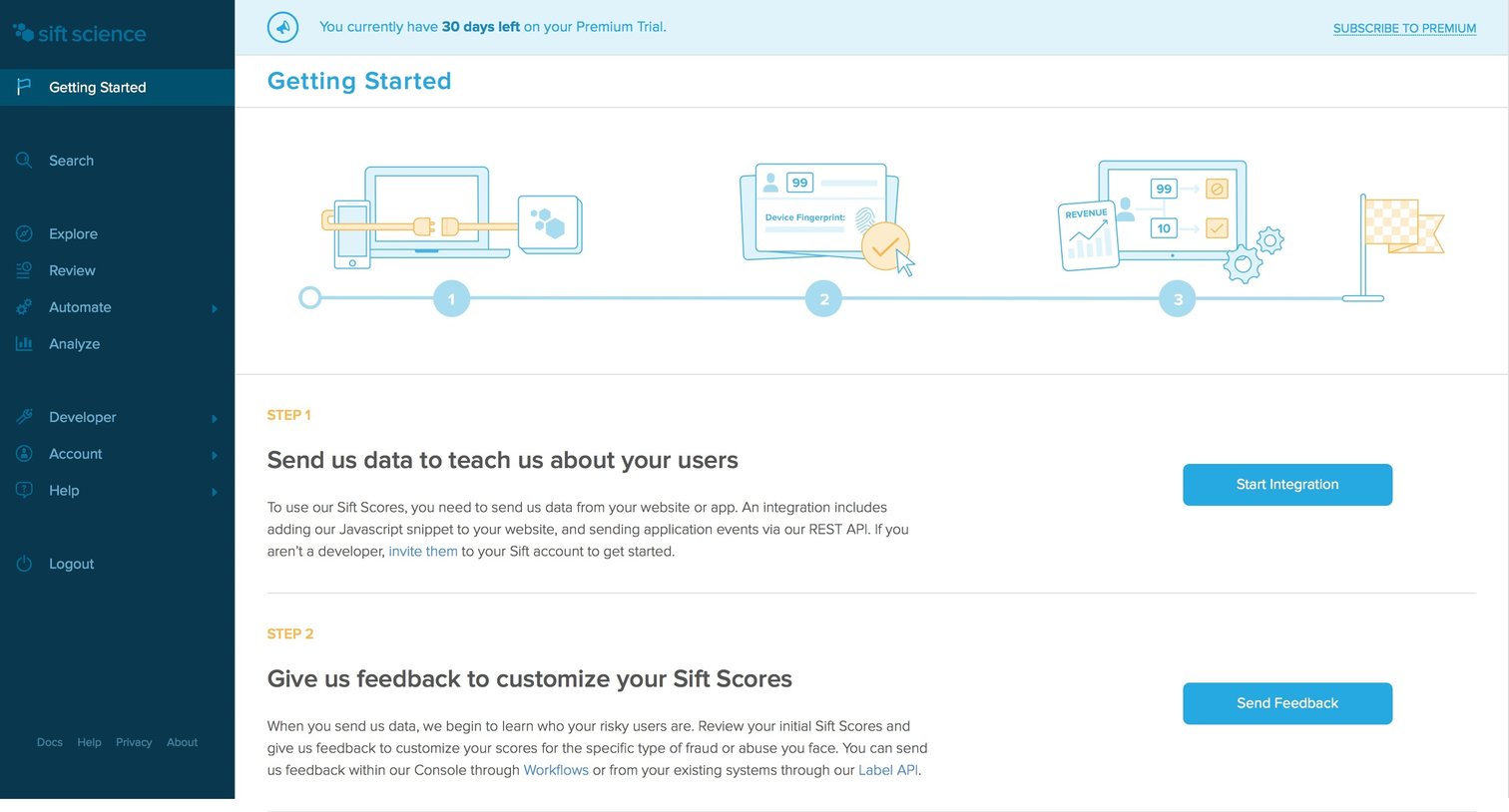
Onboarding page where the user follows a three-step checklist to integrate data, provide feedback, and automate decisions, while a trial banner counts down remaining days.
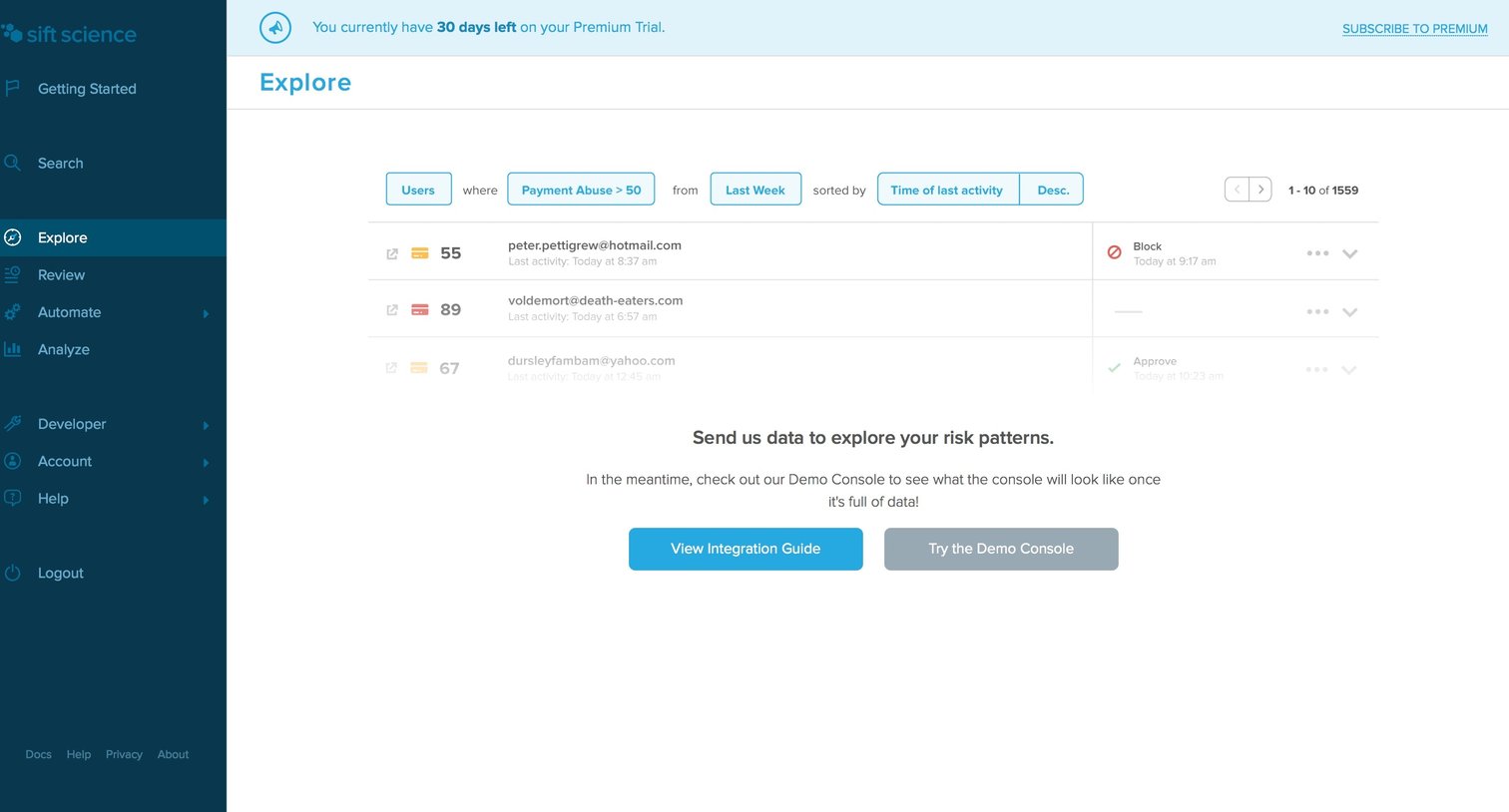
List view where the user filters risk patterns like payment abuse and is prompted to send integration data to fully populate the console.
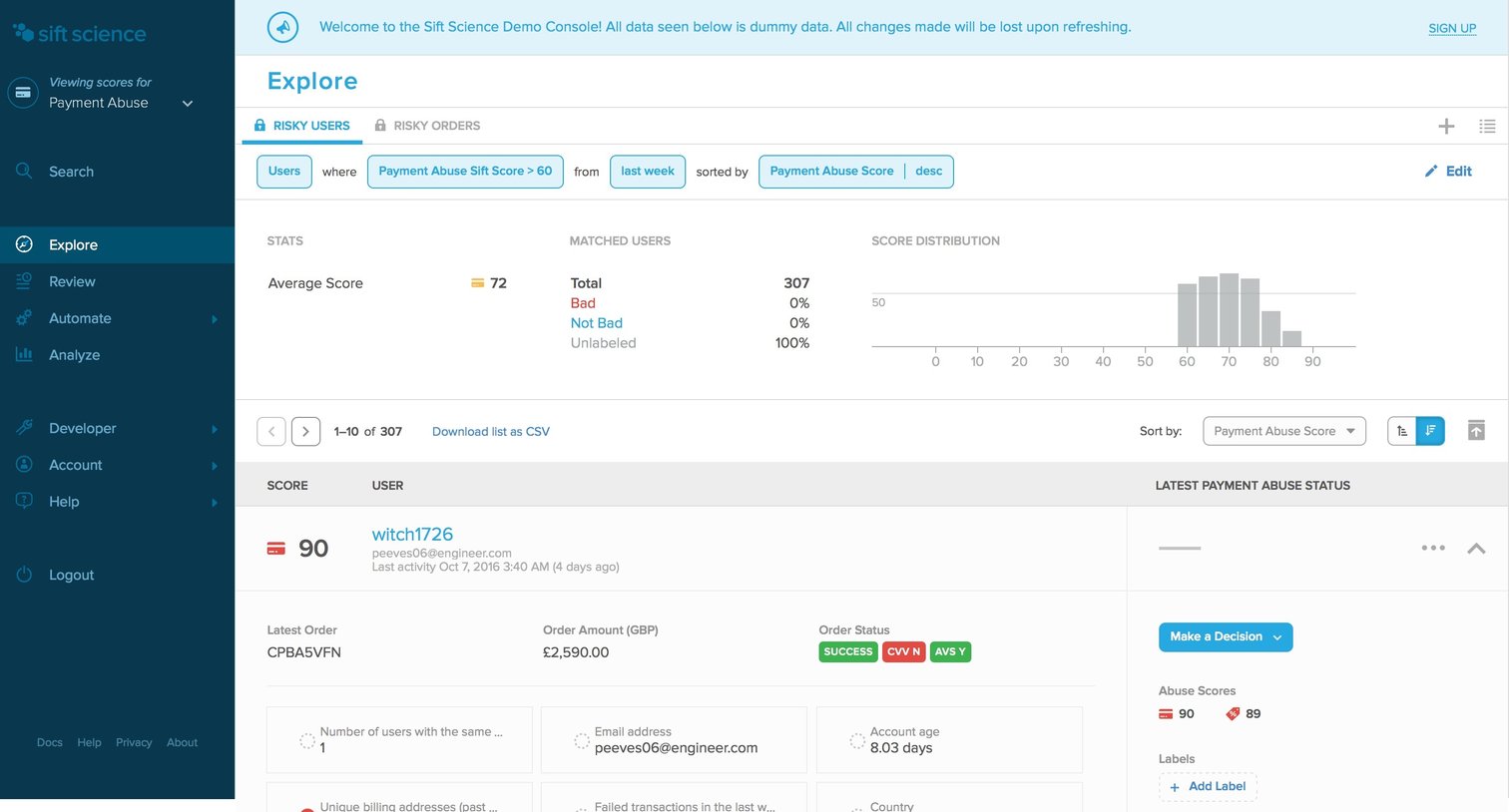
List view where fraud analysts explore risky users filtered by payment abuse score, review their order history and attributes, and apply decisions or labels.
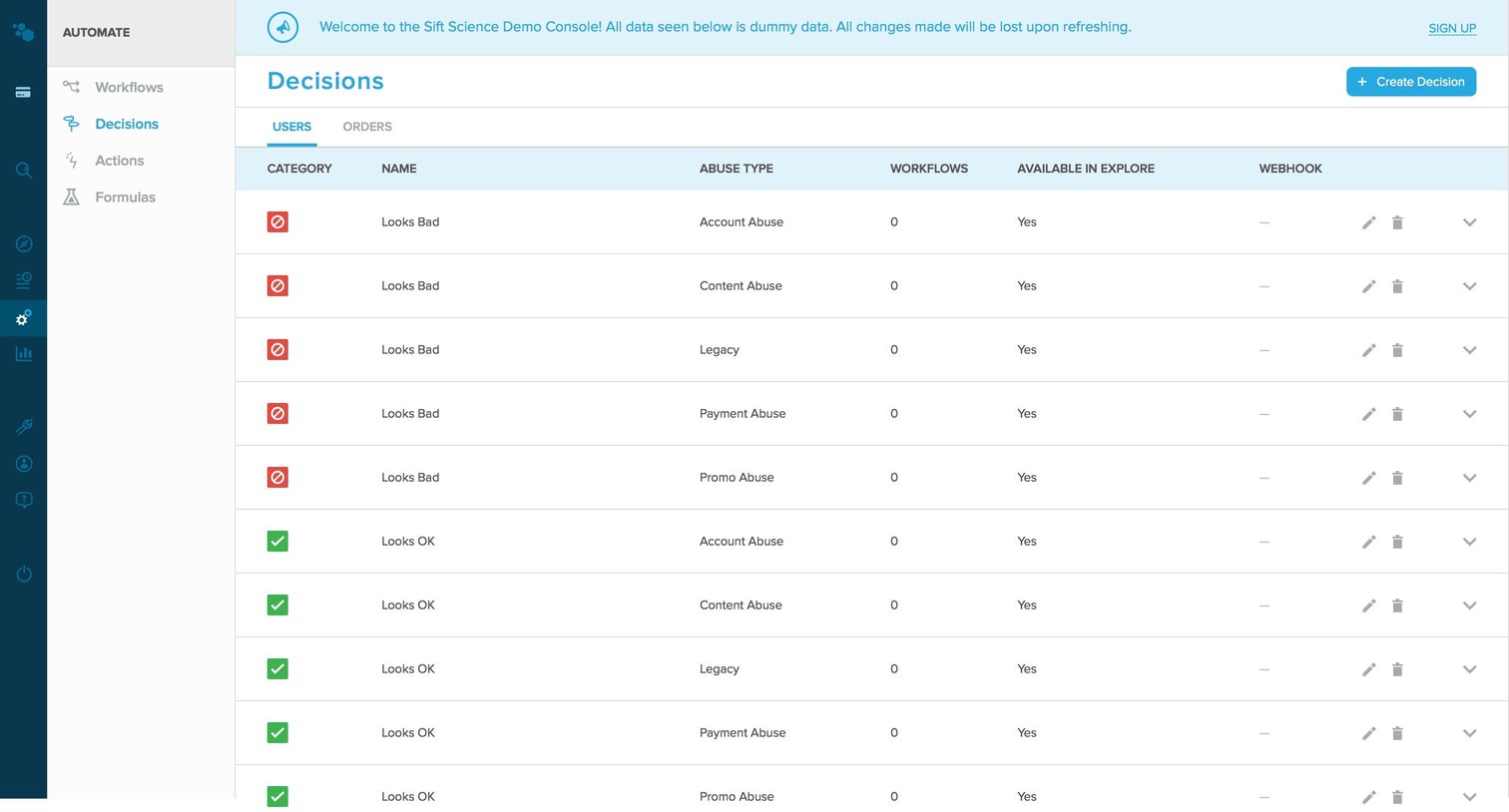
List view where the user manages automated decisions for different abuse types like account abuse and payment abuse.
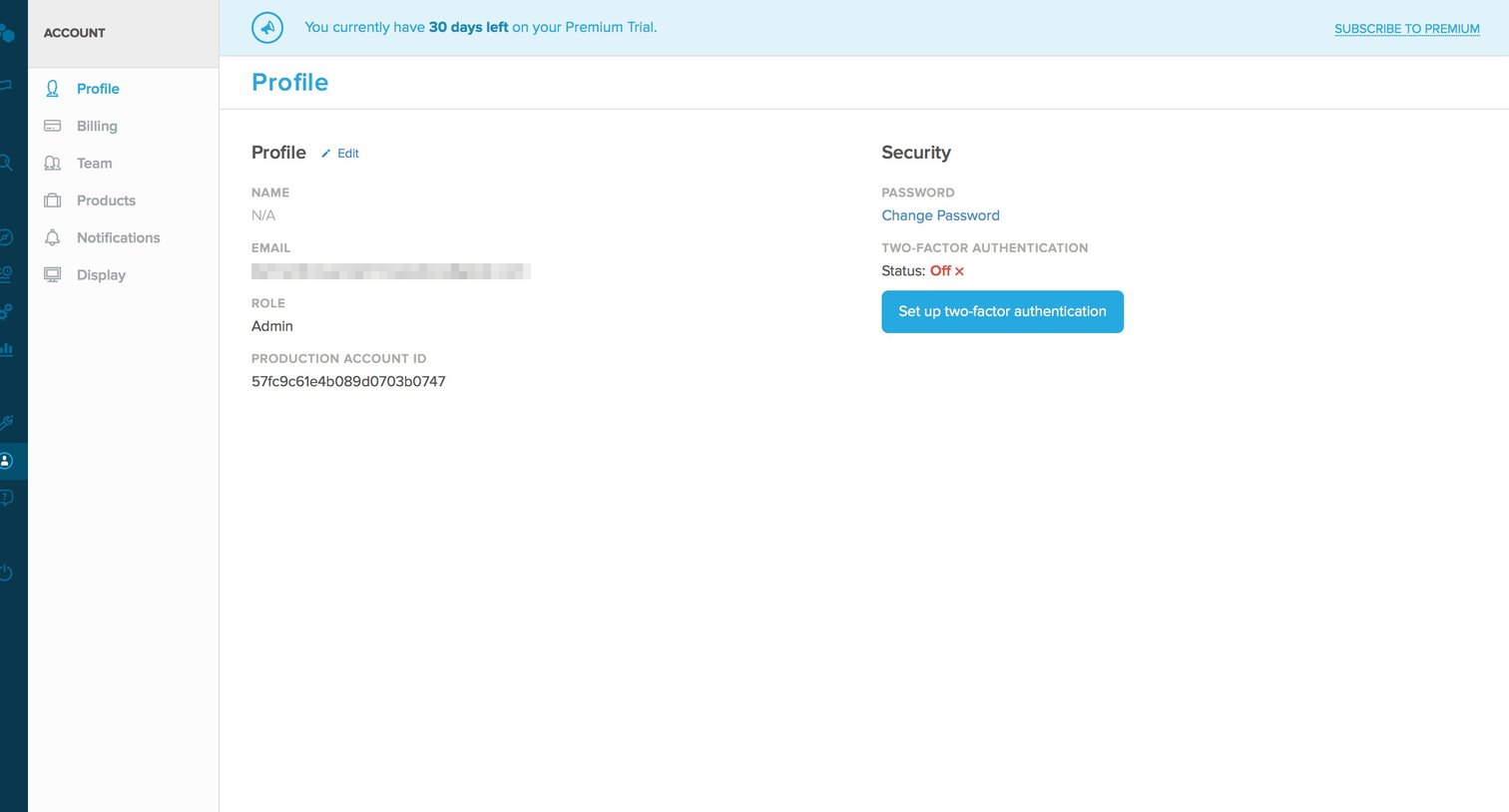
Settings page where the user views their profile details, production account ID, and can initiate two-factor authentication setup.
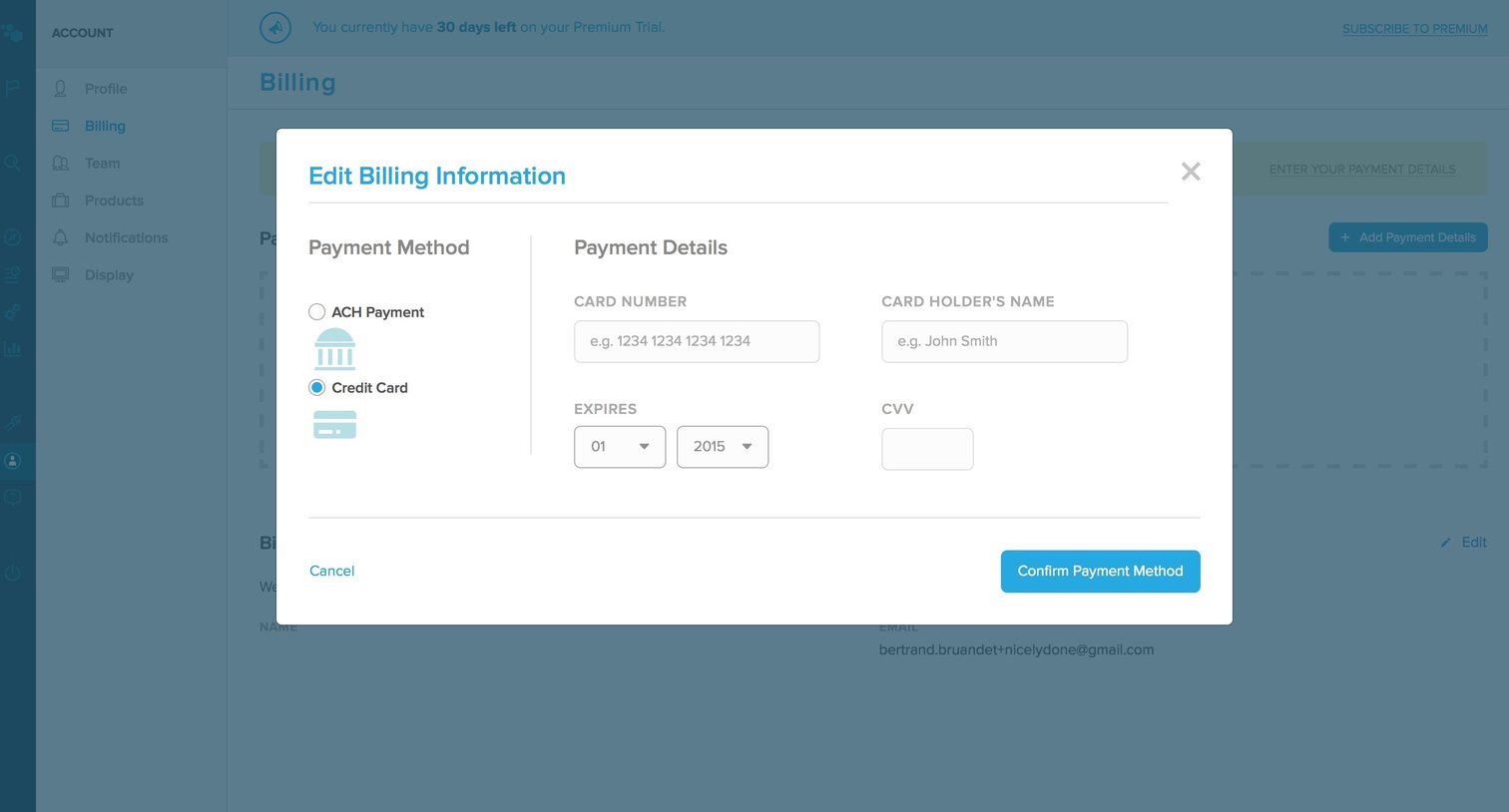
Settings page where the user enters their credit card or ACH payment details to update their billing information.
Explore the full SaaS screen library
Upgrade to unlock the full library.
Trusted by the best teams







