Roadmap design examples
Explore Roadmap UI design examples. Project forecasting app for teams
Product screens
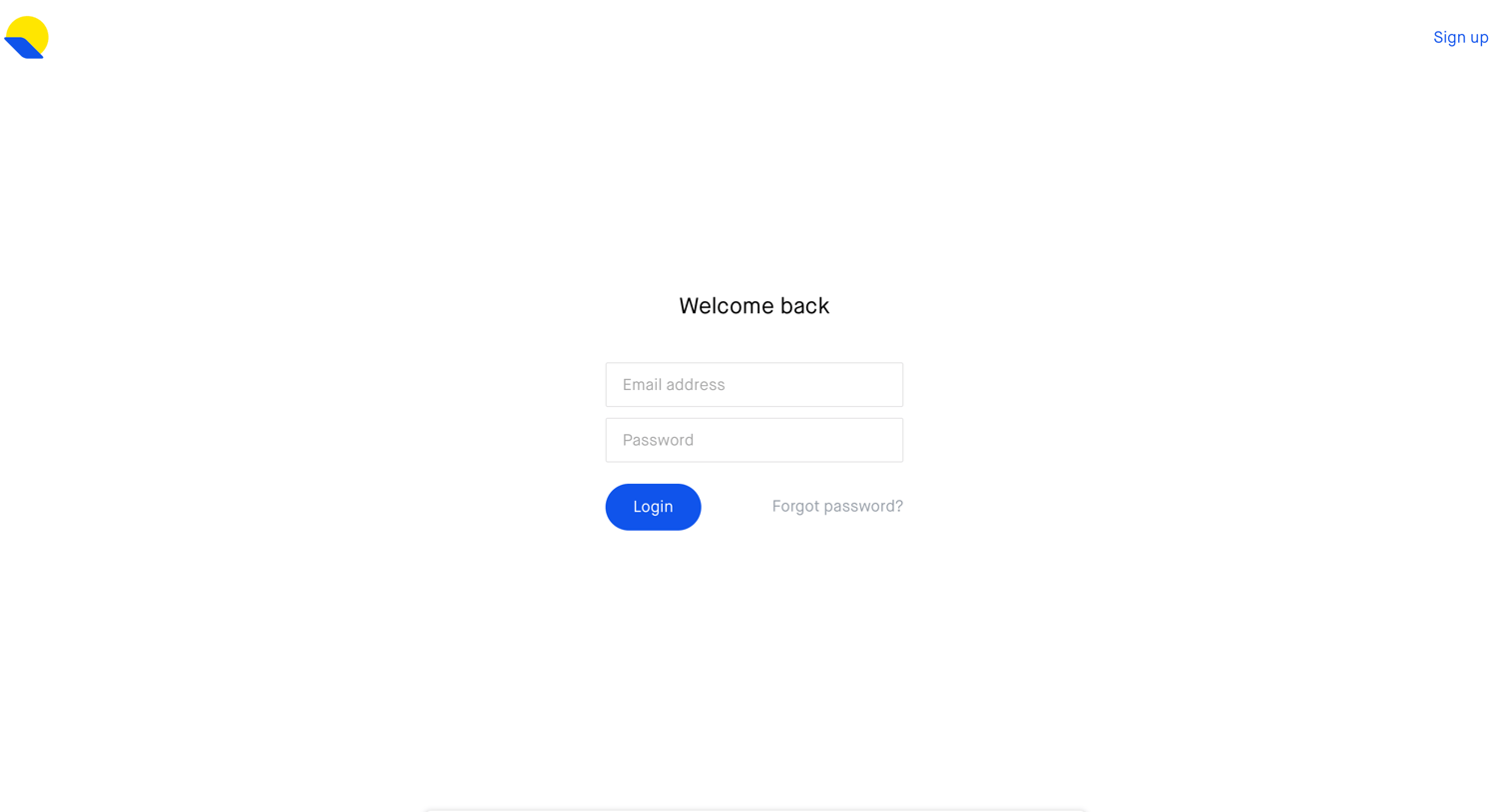

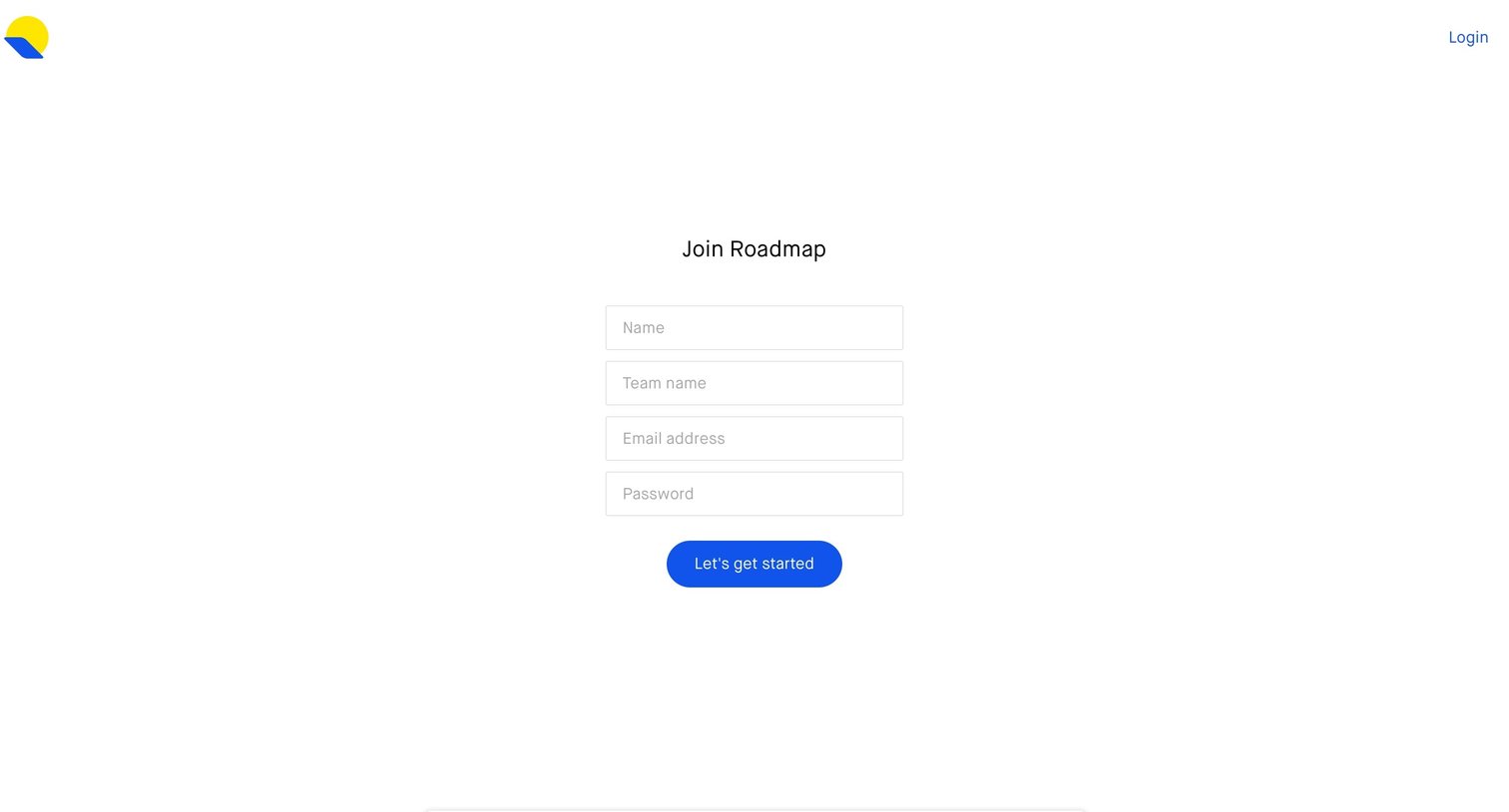
Authentication User authentication Form
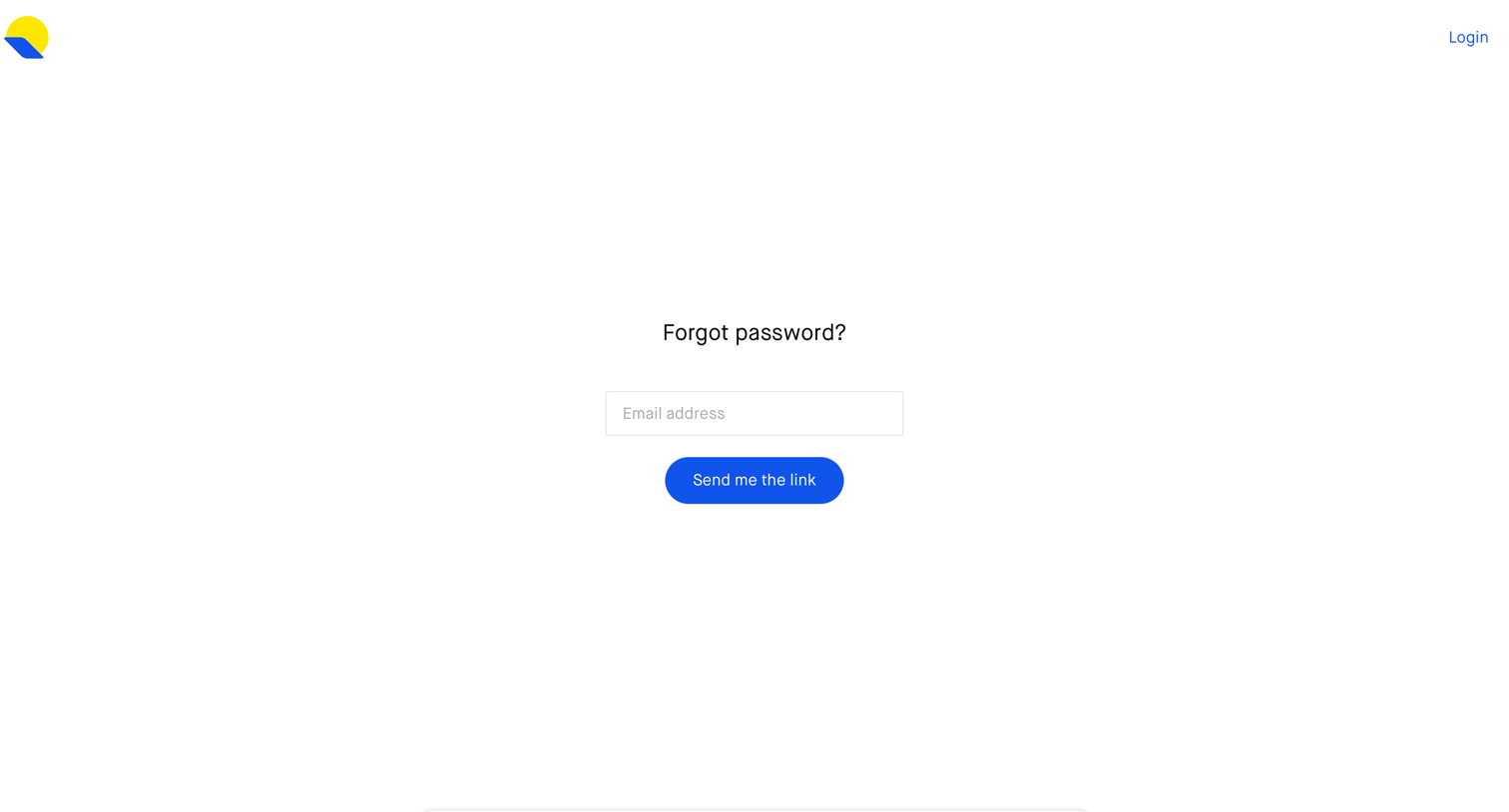
Password recovery screen where the user enters their email address to request a reset link.
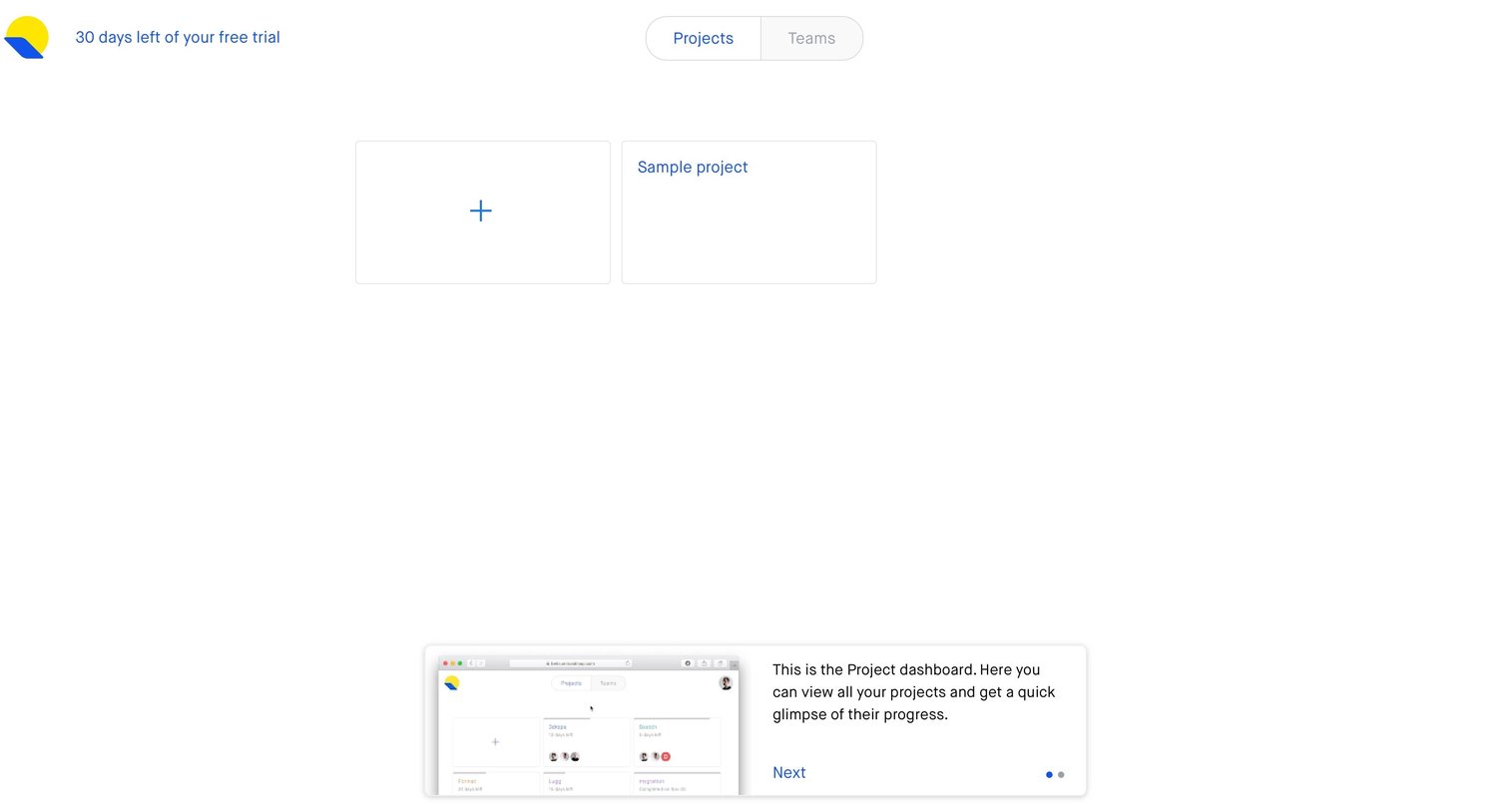
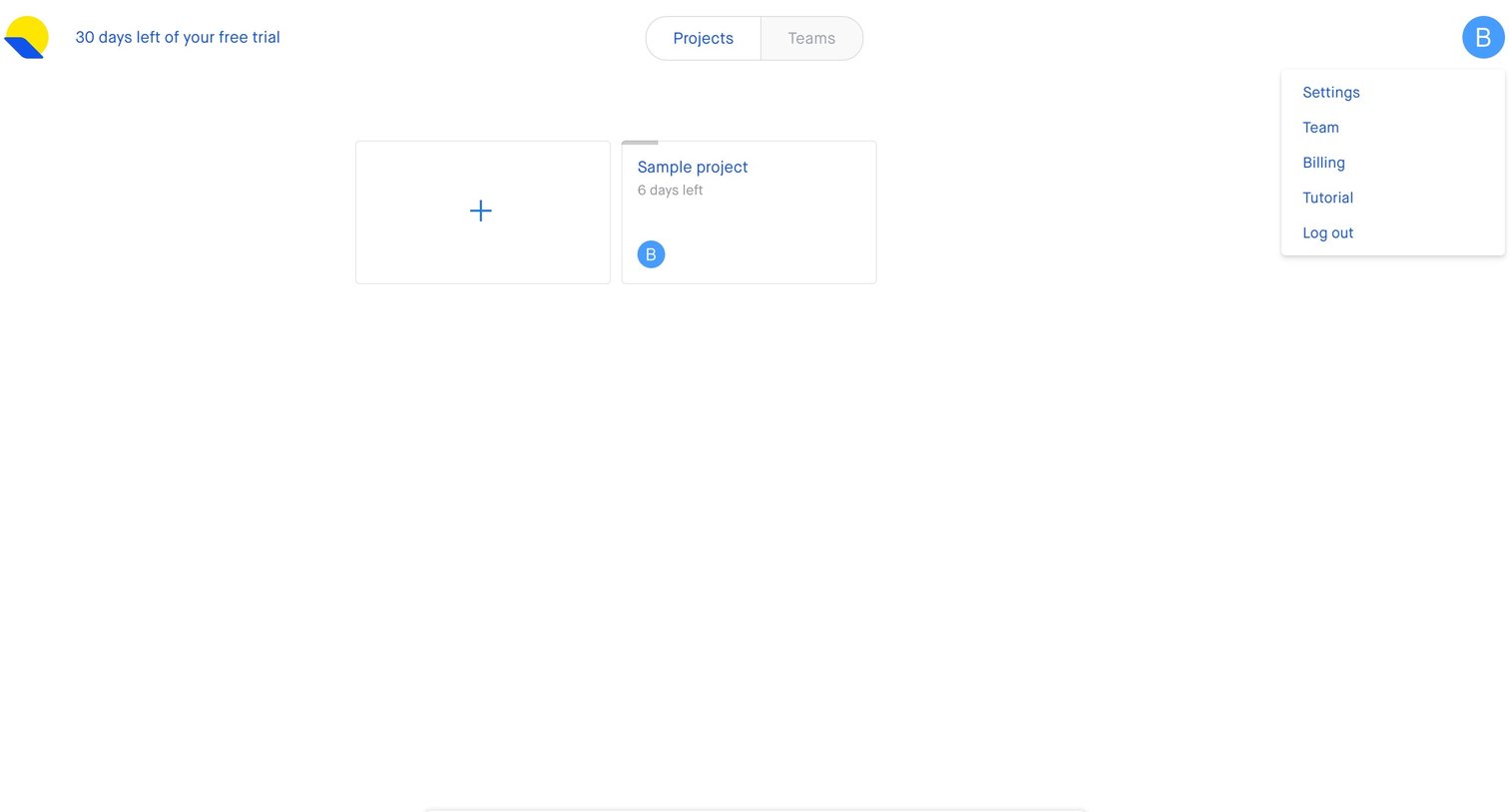
Dashboard where a new user is guided by a product tour popover explaining the projects view, alongside a prominent card to create their first project.
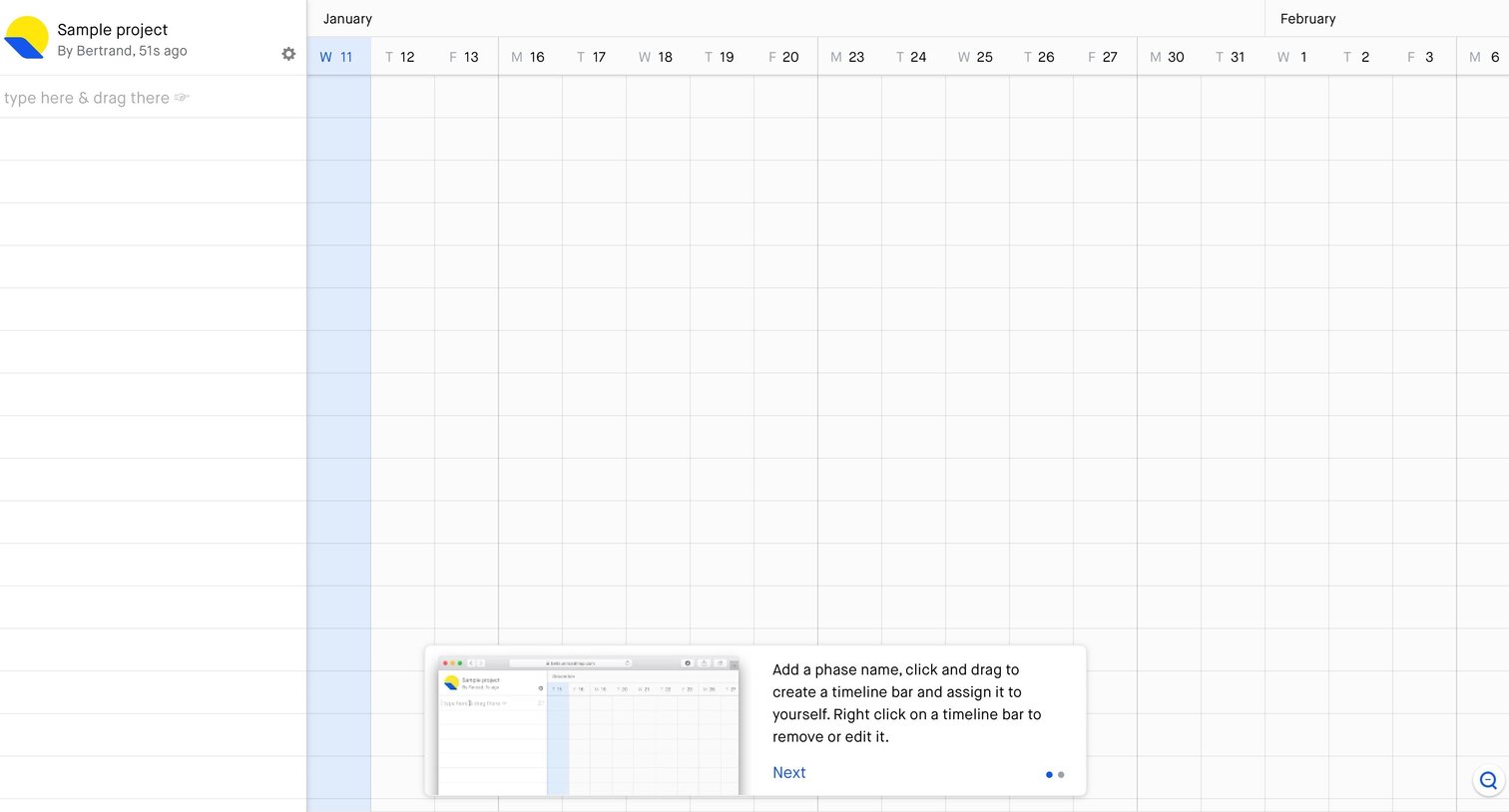
Timeline view where a product tour popover instructs the user on how to add and assign phase names by clicking and dragging.
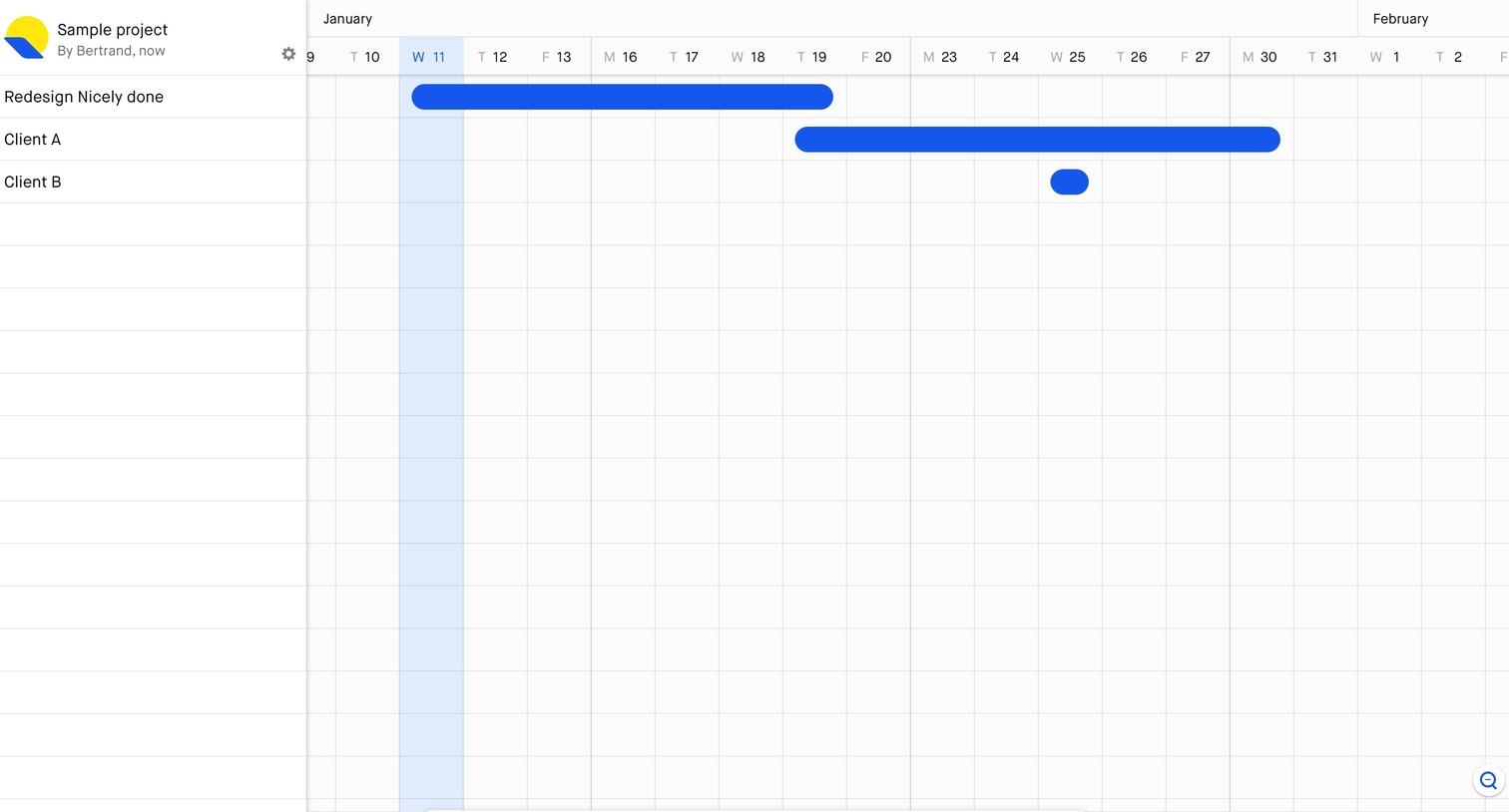
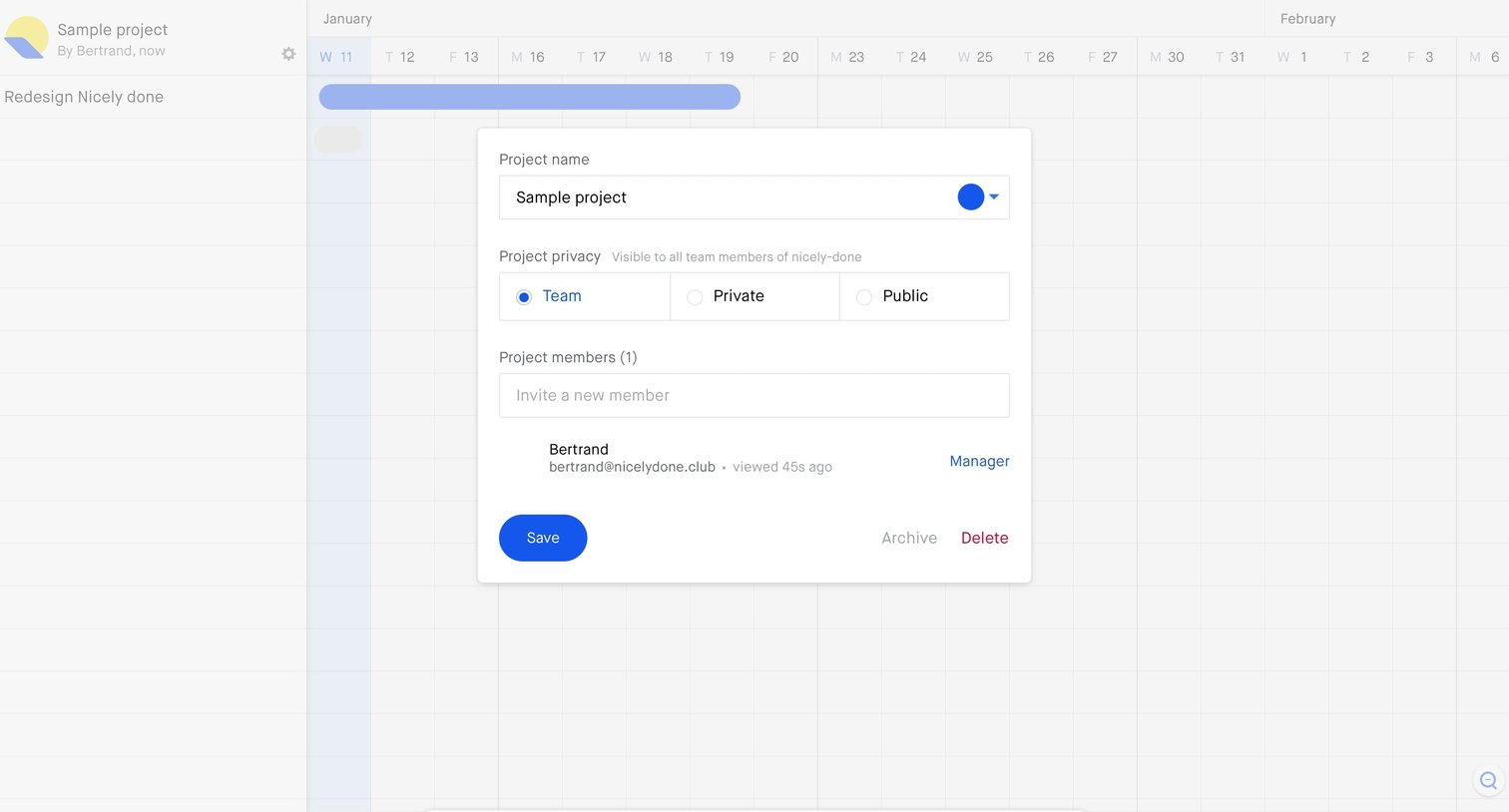
Timeline view where the user edits project details, privacy settings, and manages members via a modal.
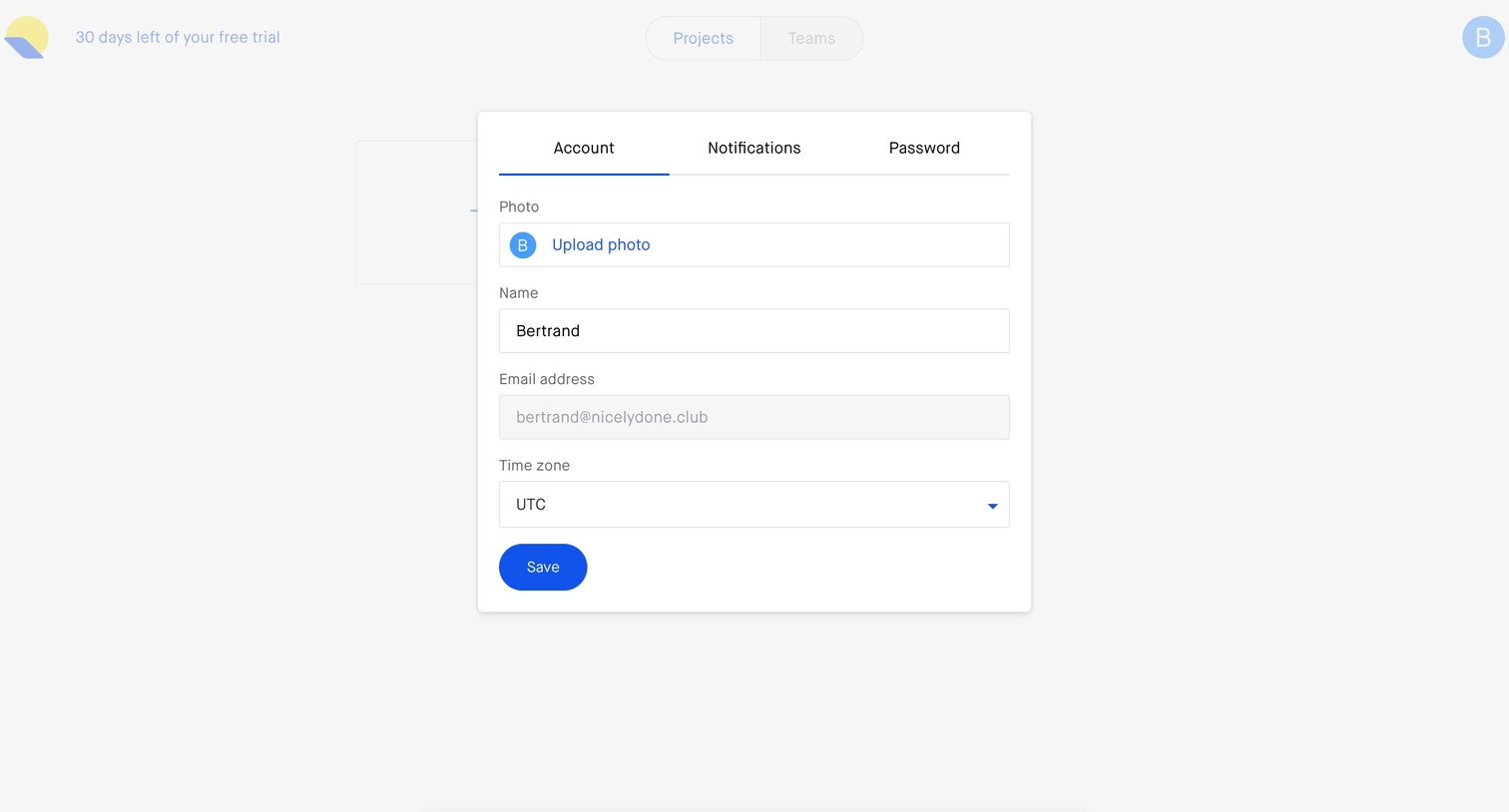
Settings modal where the user updates their profile photo, name, and time zone.
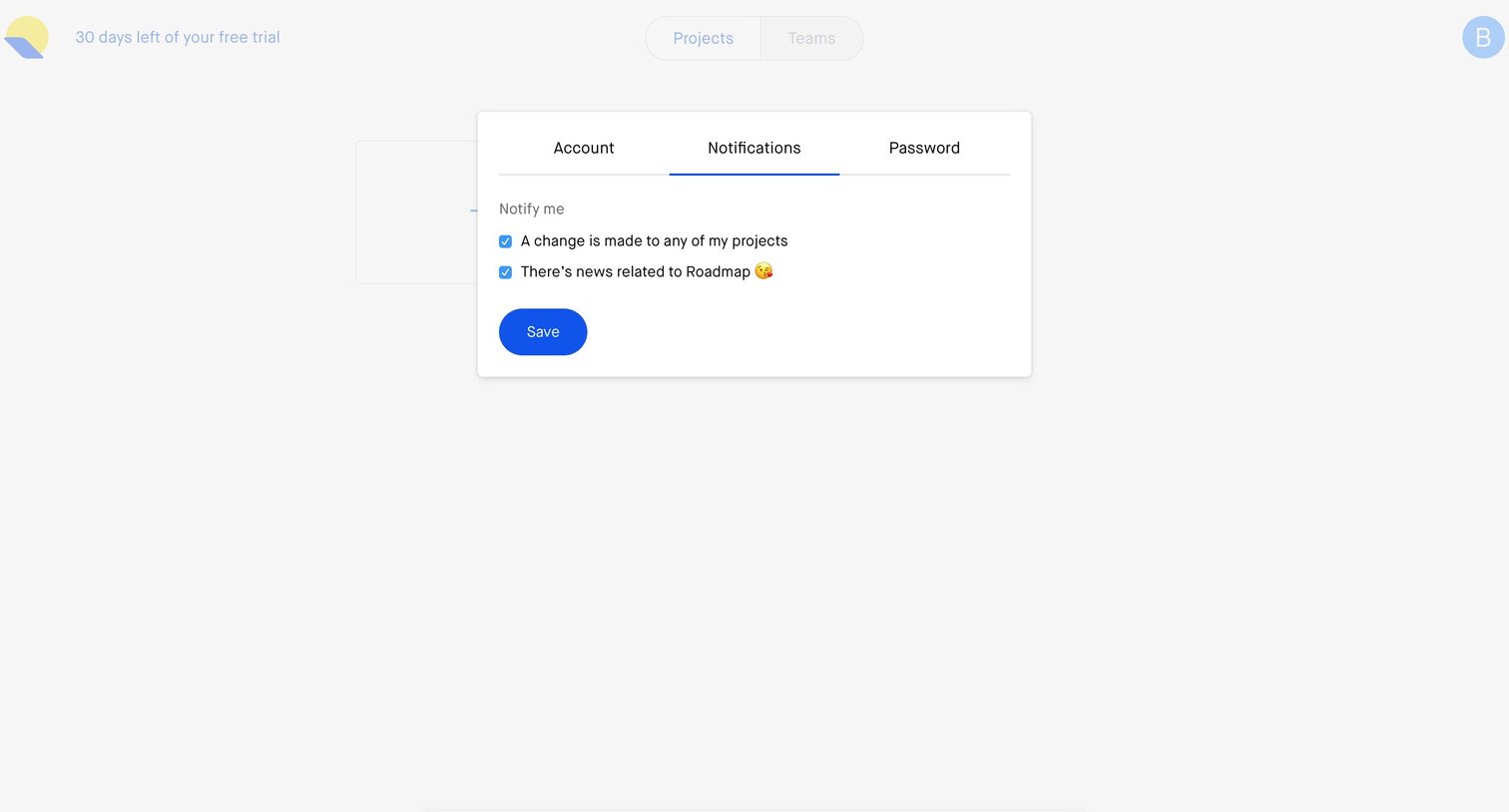
Settings modal where the user configures email notification preferences for project changes and roadmap news.
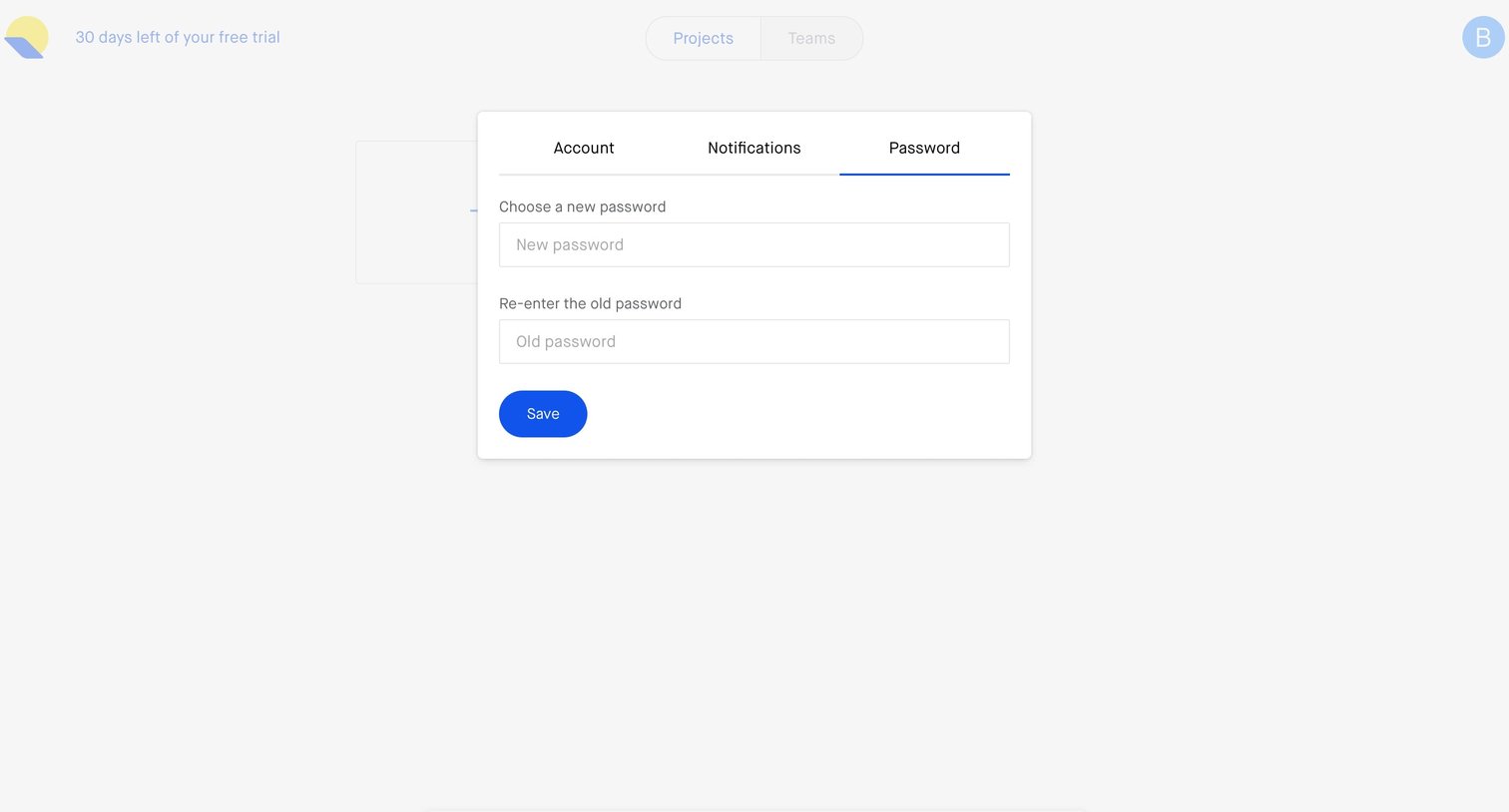
Settings modal where the user updates their password by entering a new one and confirming the old one.
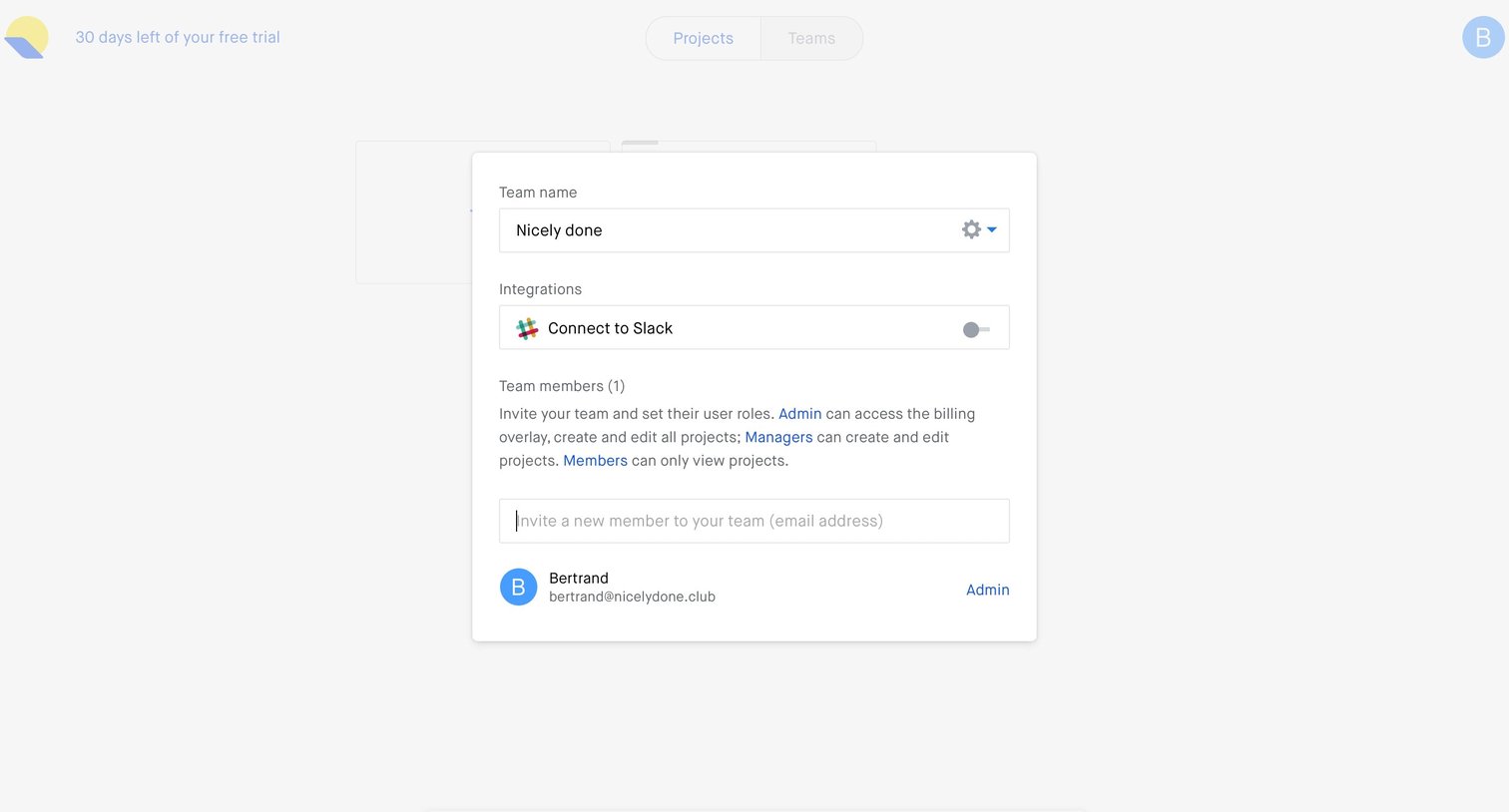
Settings modal where the user can rename the team, toggle a Slack integration, and invite new members by email while assigning their roles.
Browse the full SaaS app library
Explore real SaaS apps with their product screens, marketing screens, flows, and components.
Trusted by the best teams







