Refind product screens examples
Browse Refind screen design examples. Preview the interface screenshots and explore related UI patterns. Save and discover what matters most to you
Explore the examples
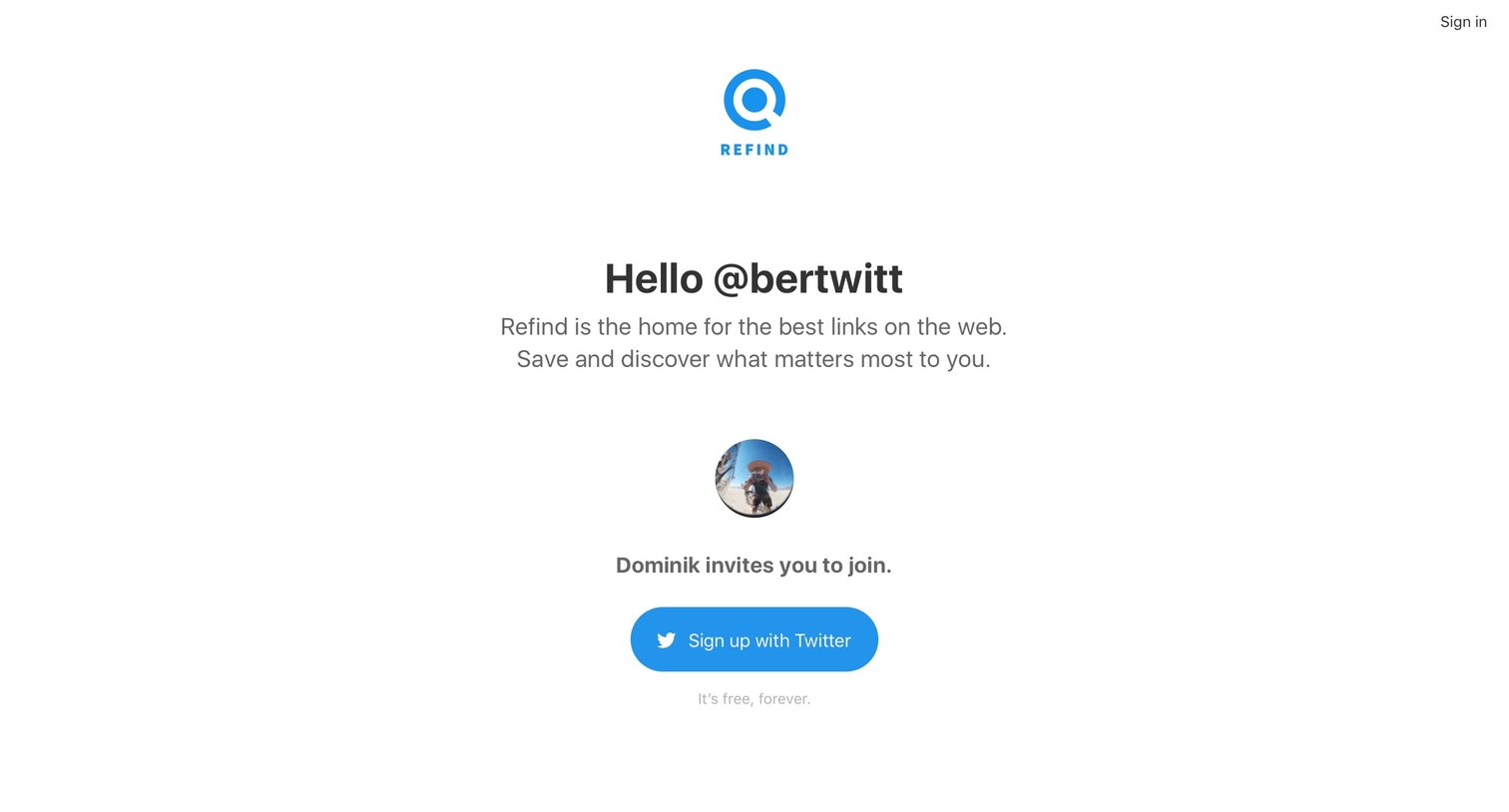

Signup page where a user is personally invited to join the platform and can authenticate via Twitter.
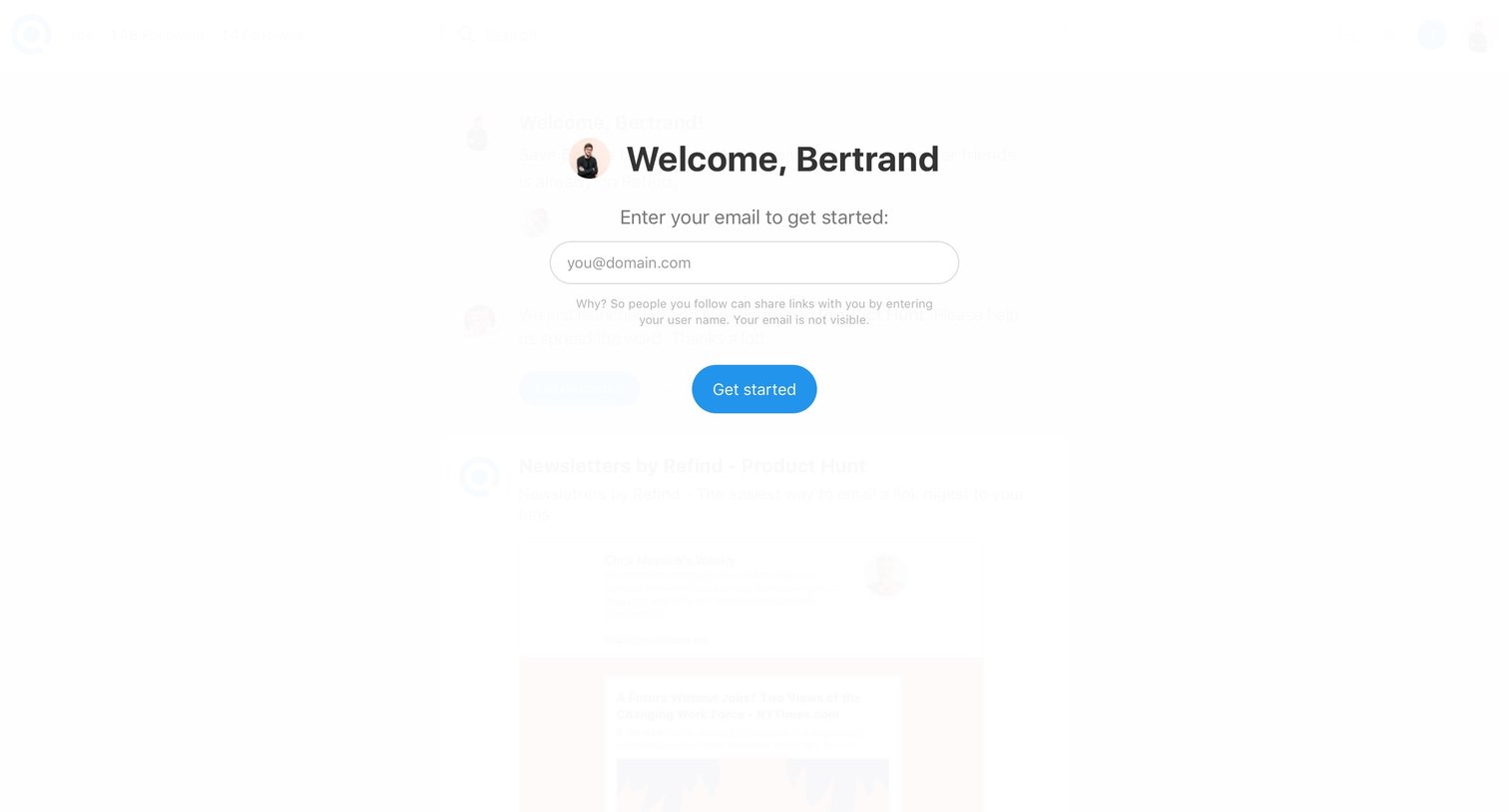
Onboarding modal where a recognized user is prompted to enter their email address to complete setup and get started.
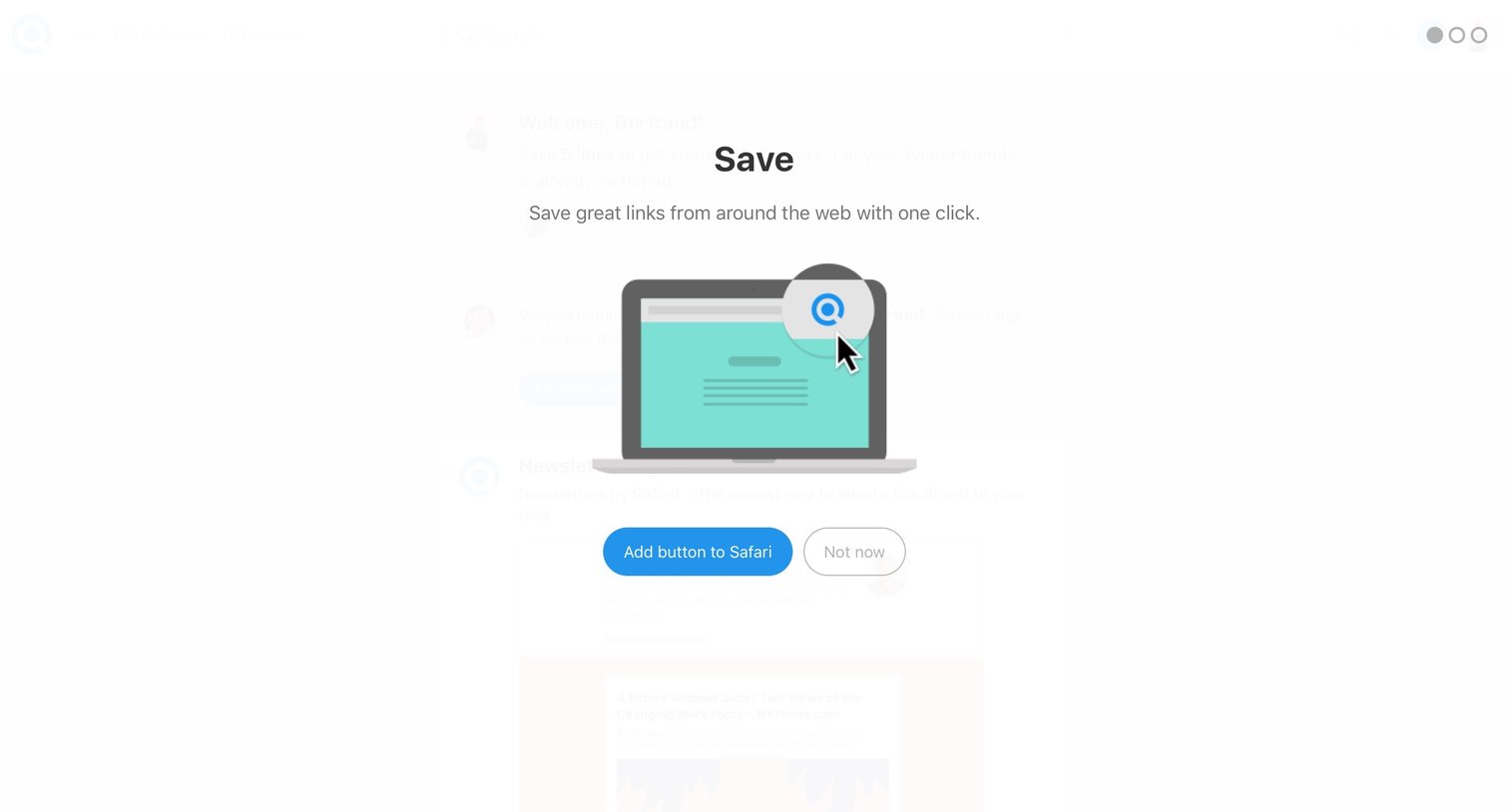
Onboarding modal prompting the user to install a Safari browser extension to save links with one click.
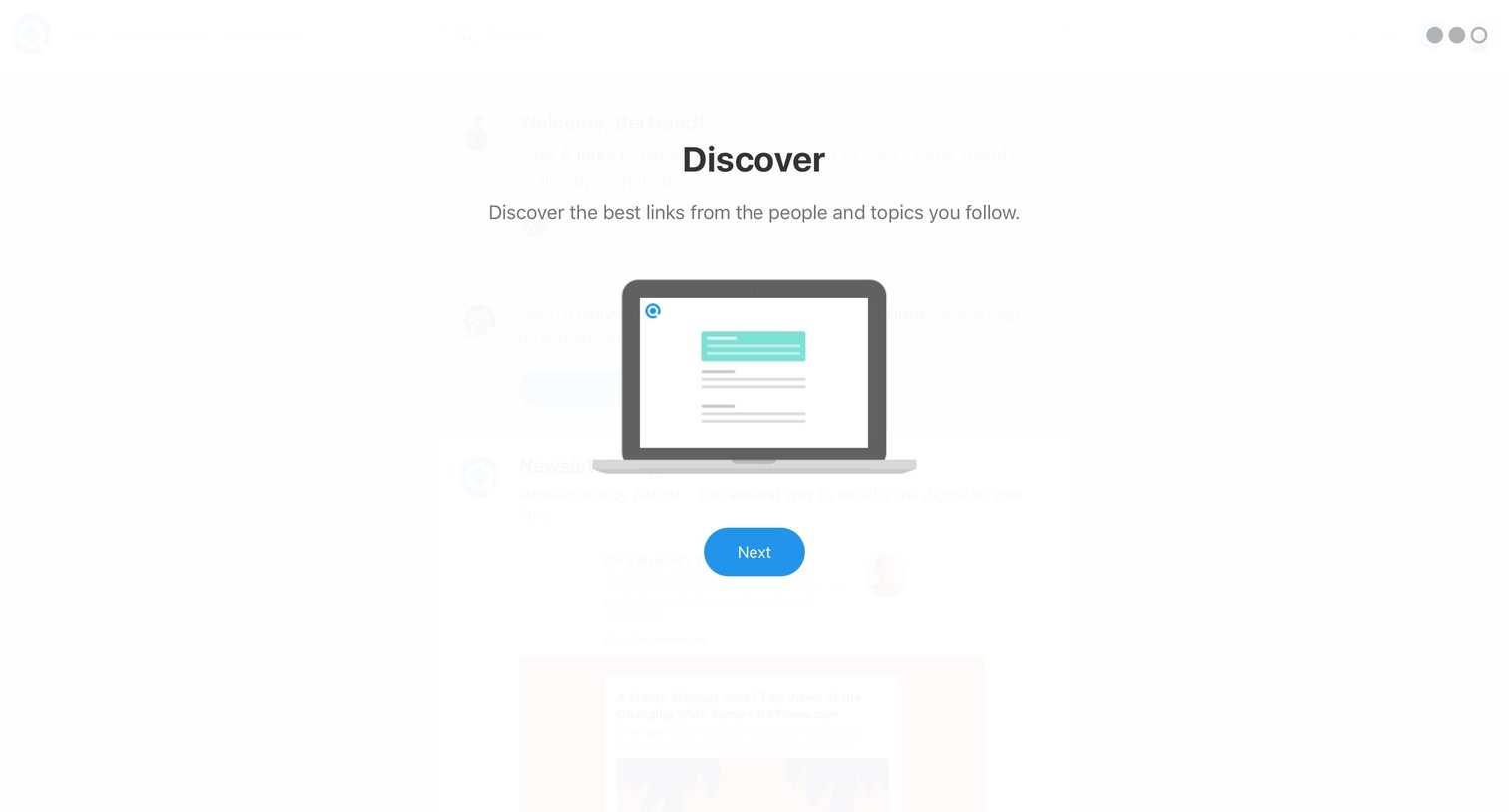
Onboarding step where the user is introduced to the Discover feature for finding links from followed people and topics.
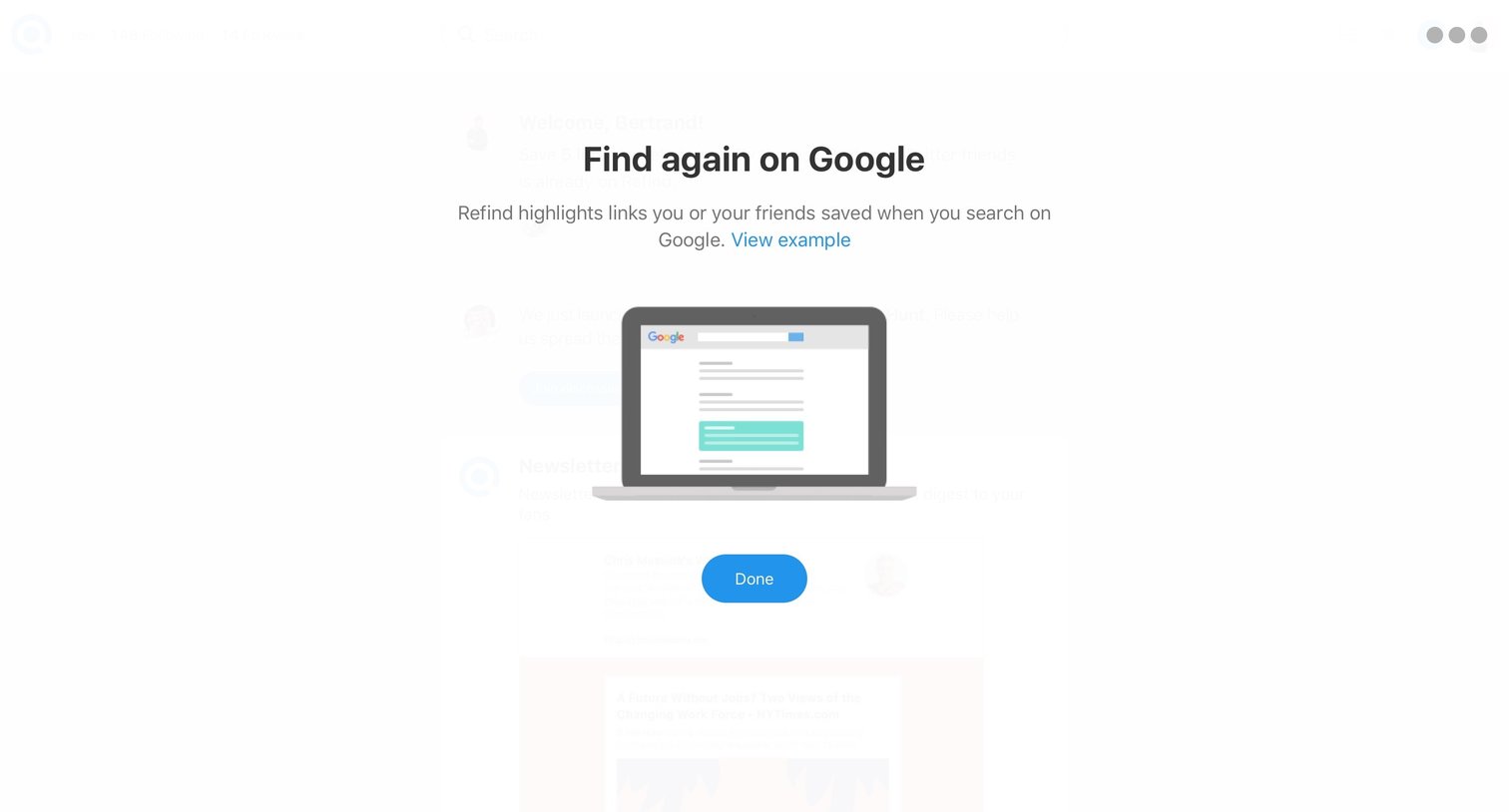
Onboarding Confirmation
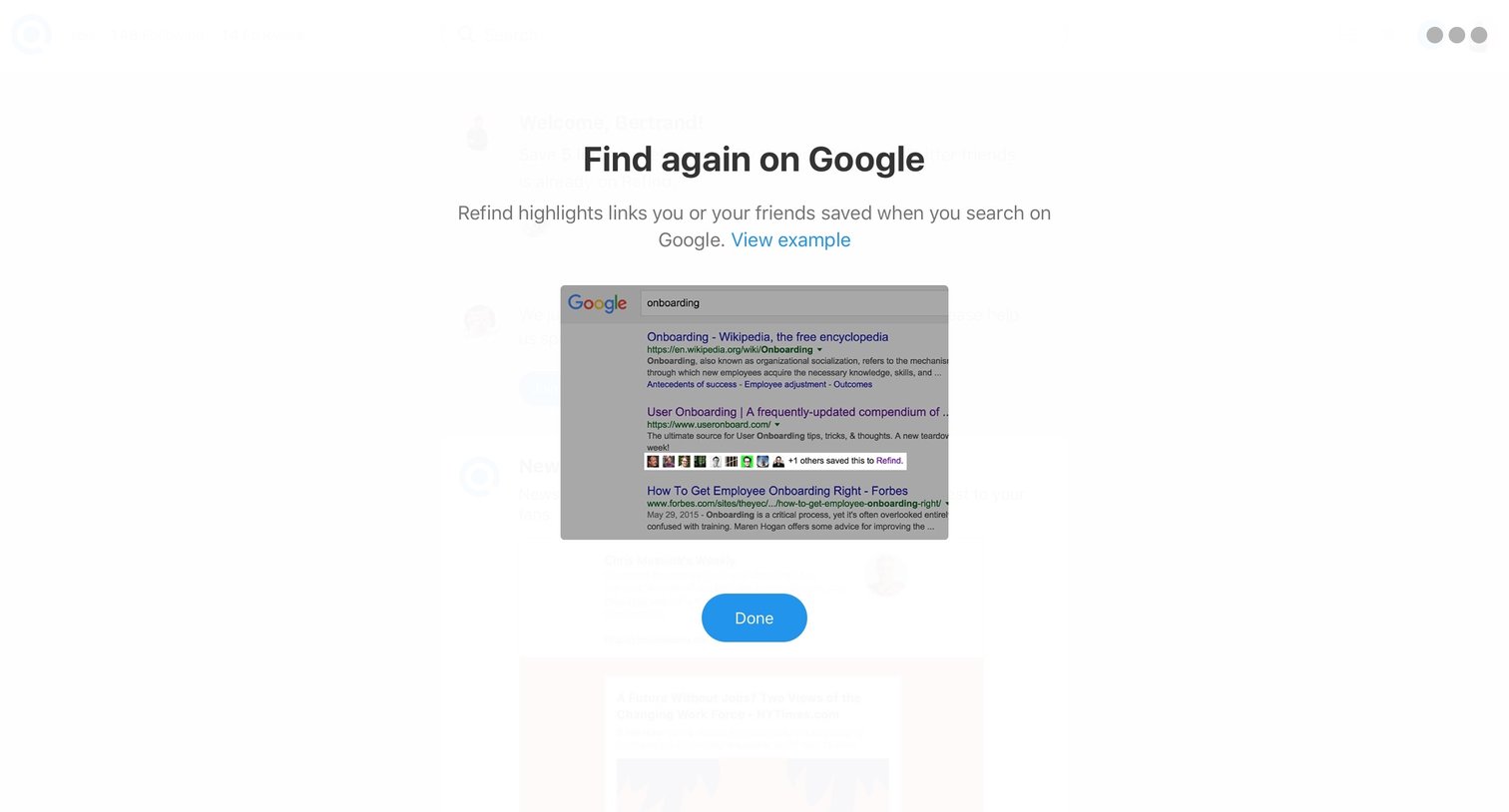
Onboarding modal explaining how the app highlights saved links directly within Google search results.
Onboarding screen where the user waits while their personalized feed is being generated, indicated by a loading spinner.
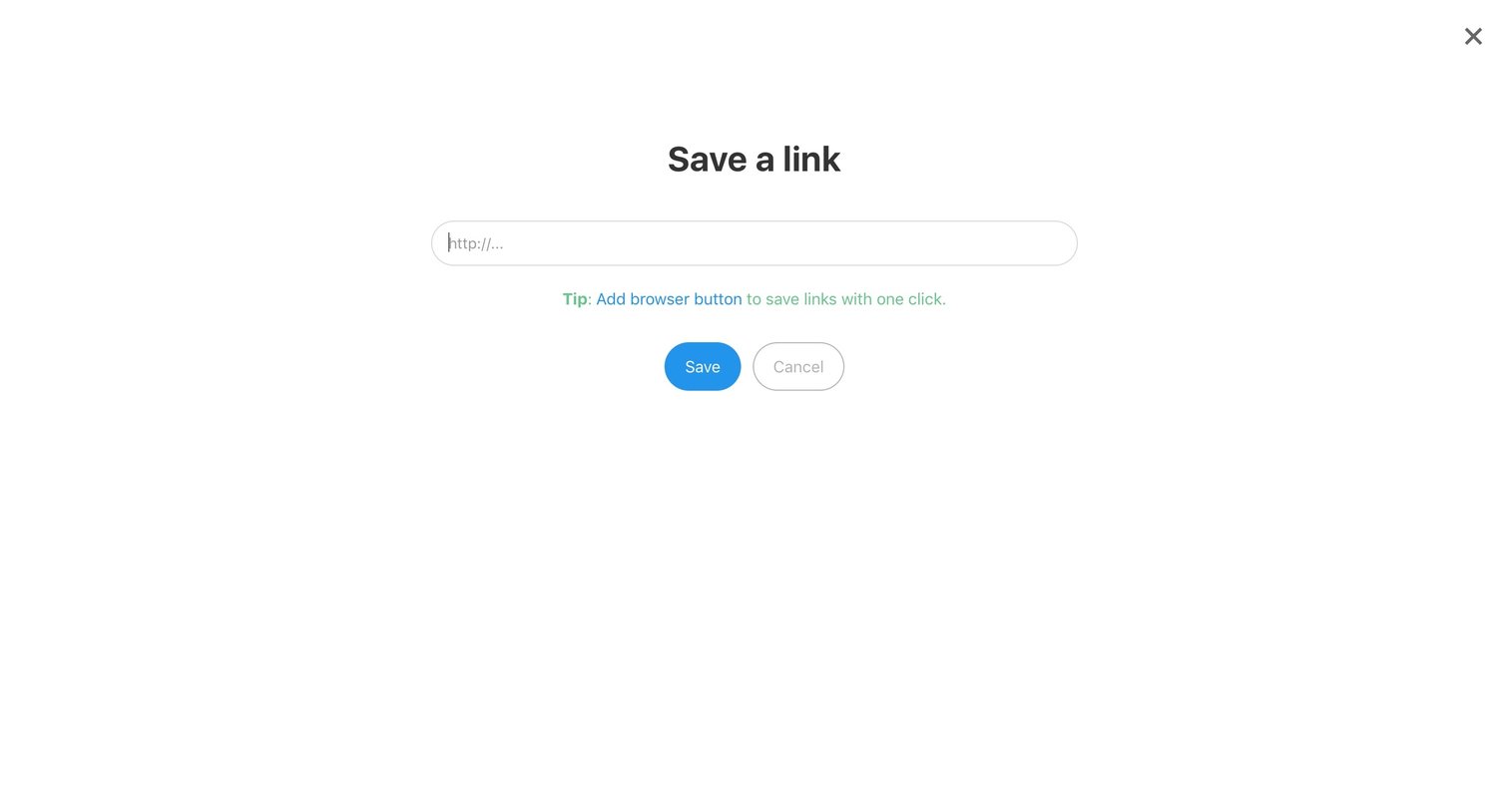
Full-screen overlay where the user enters a URL to save a new link, featuring a tip to install a browser extension.
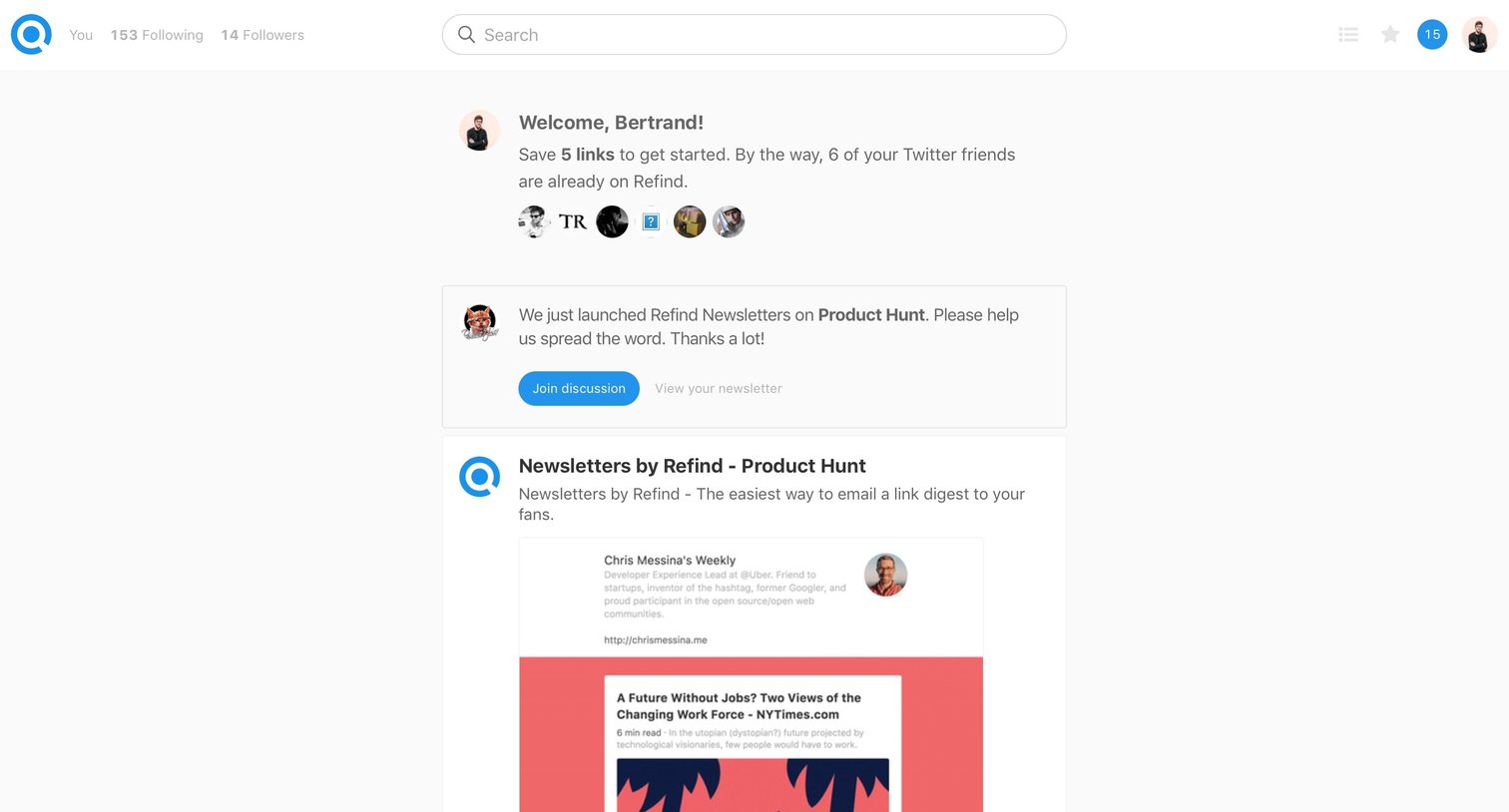
Activity feed where the user views recent announcements, product launches, and saved links from their network.
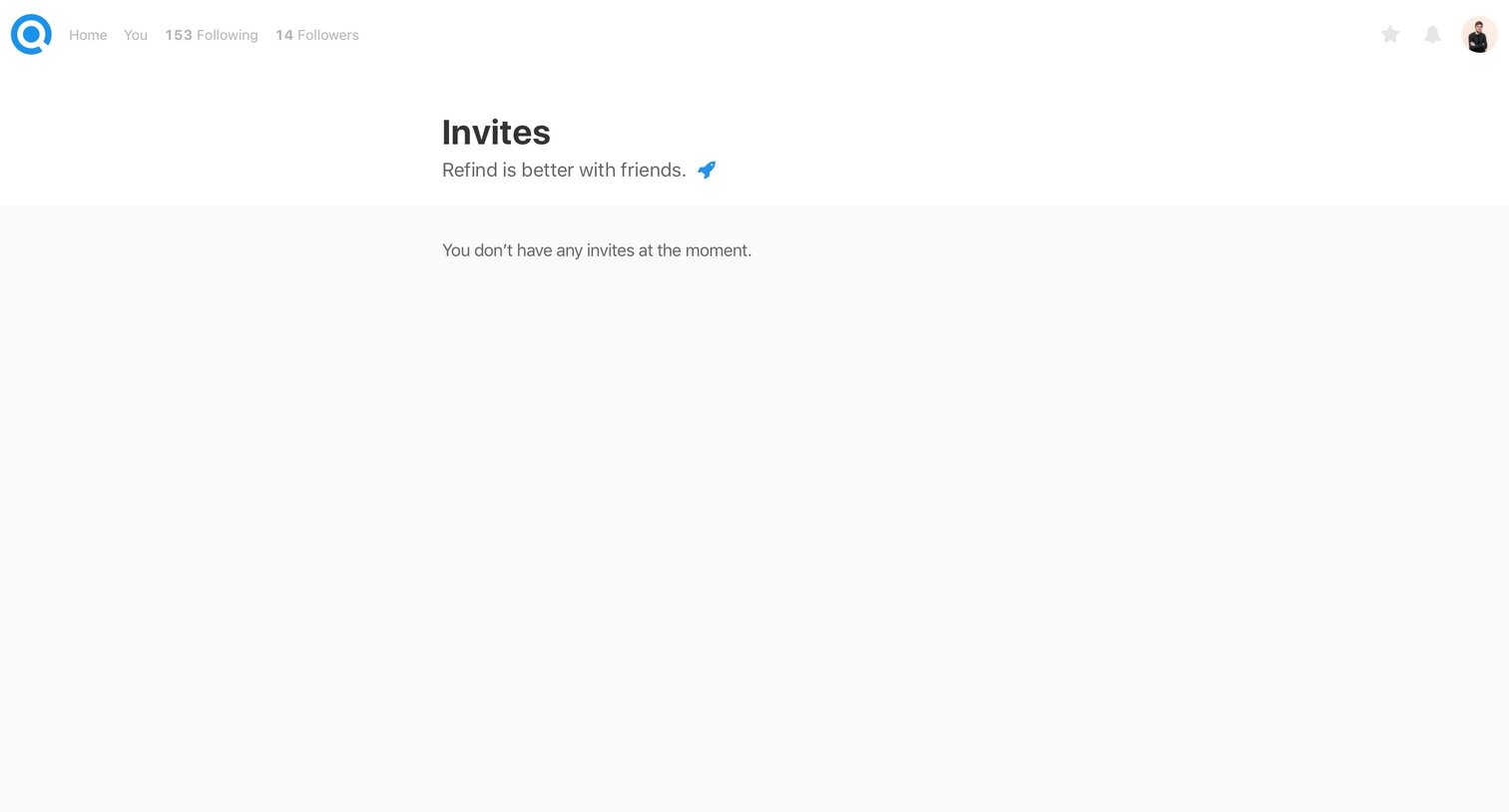
List view where the user checks for pending invitations to the platform but currently has none.
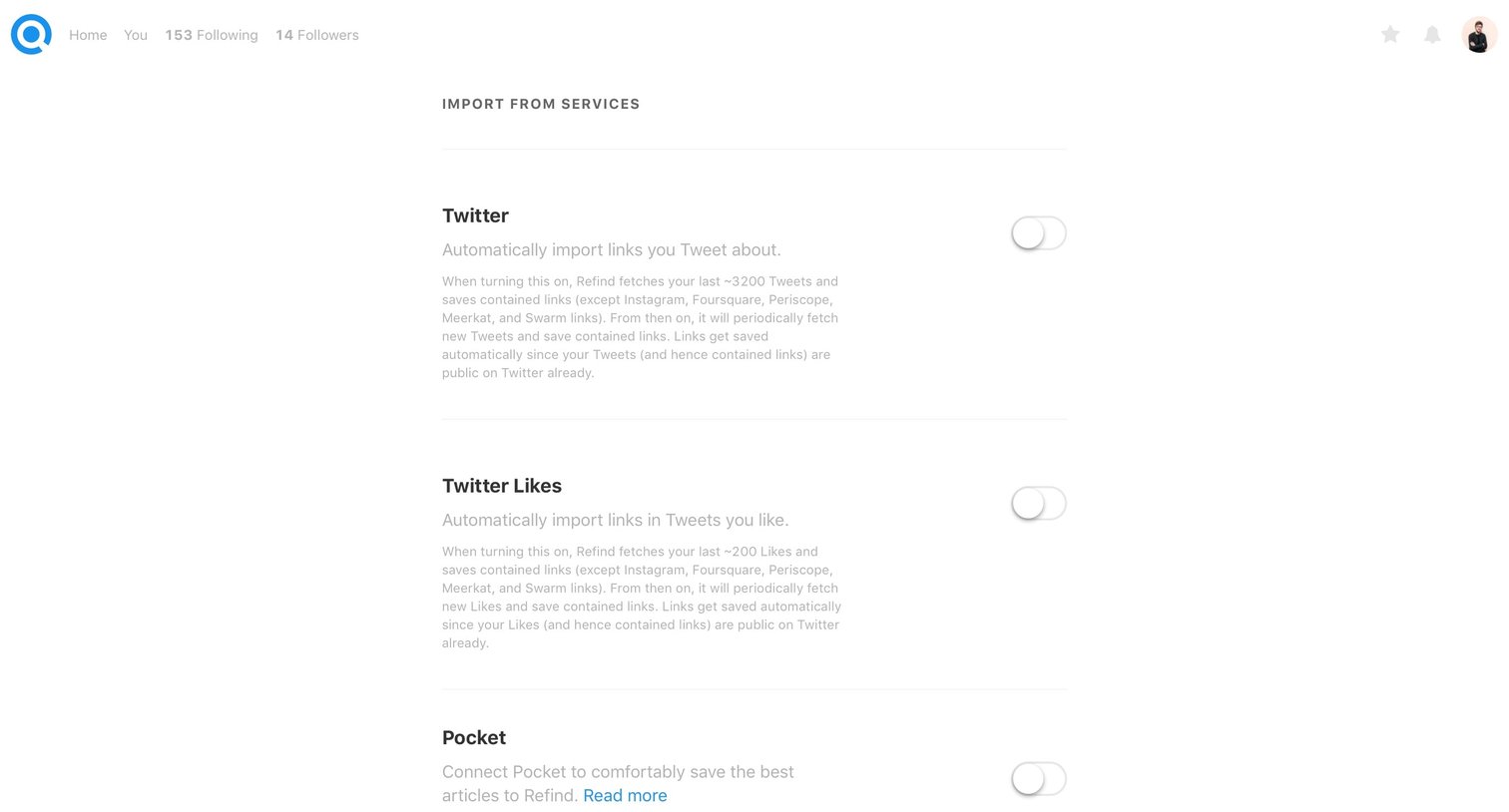
Settings page where the user connects third-party services like Twitter and Pocket to automatically import links.
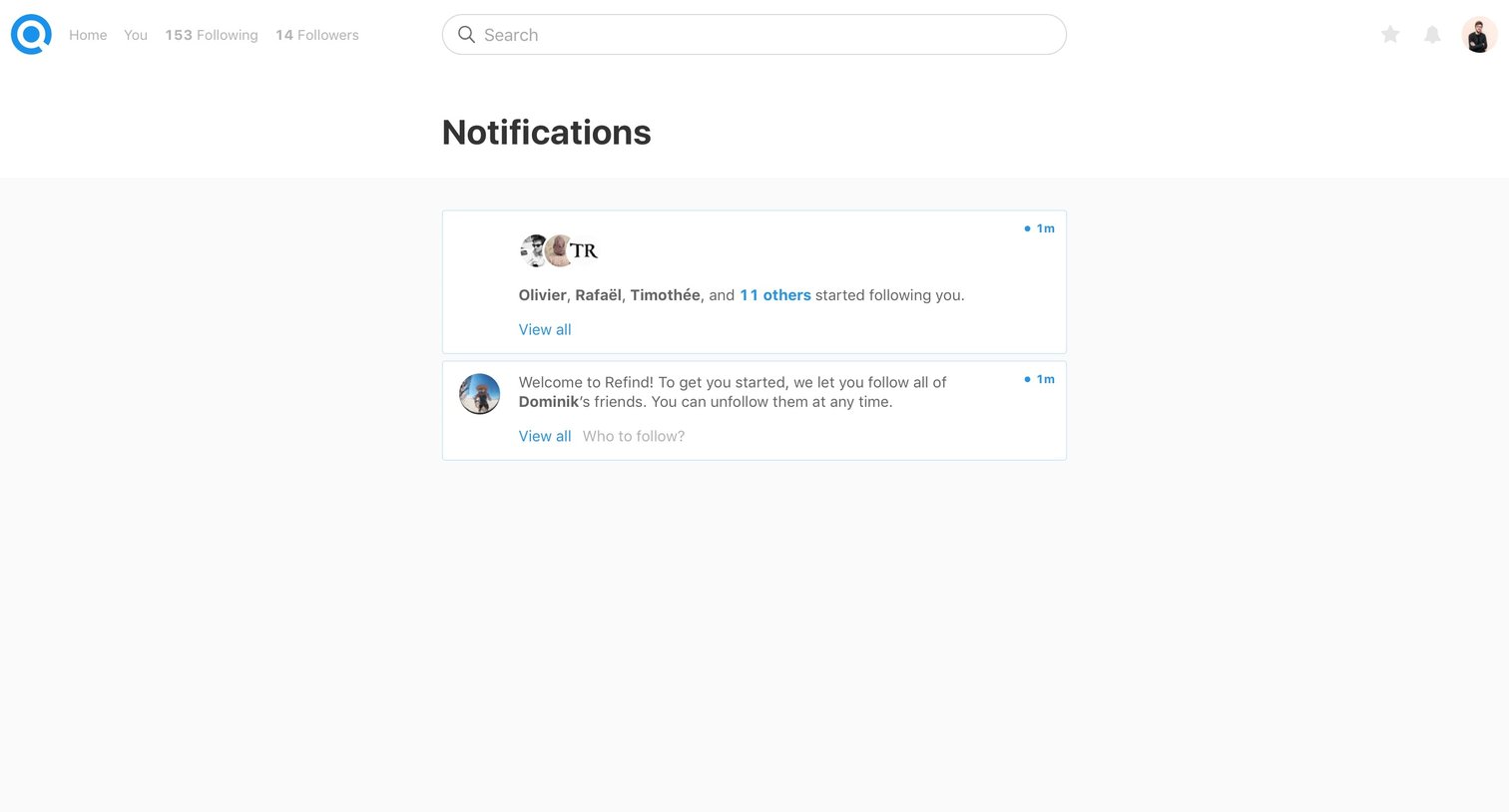
Notification inbox where the user views recent alerts about new followers and welcome messages.
Explore the full SaaS screen library
Upgrade to unlock the full library.
Trusted by the best teams







