Proposales design examples
Explore Proposales UI design examples. #1 proposal tool with e-signature
Product screens
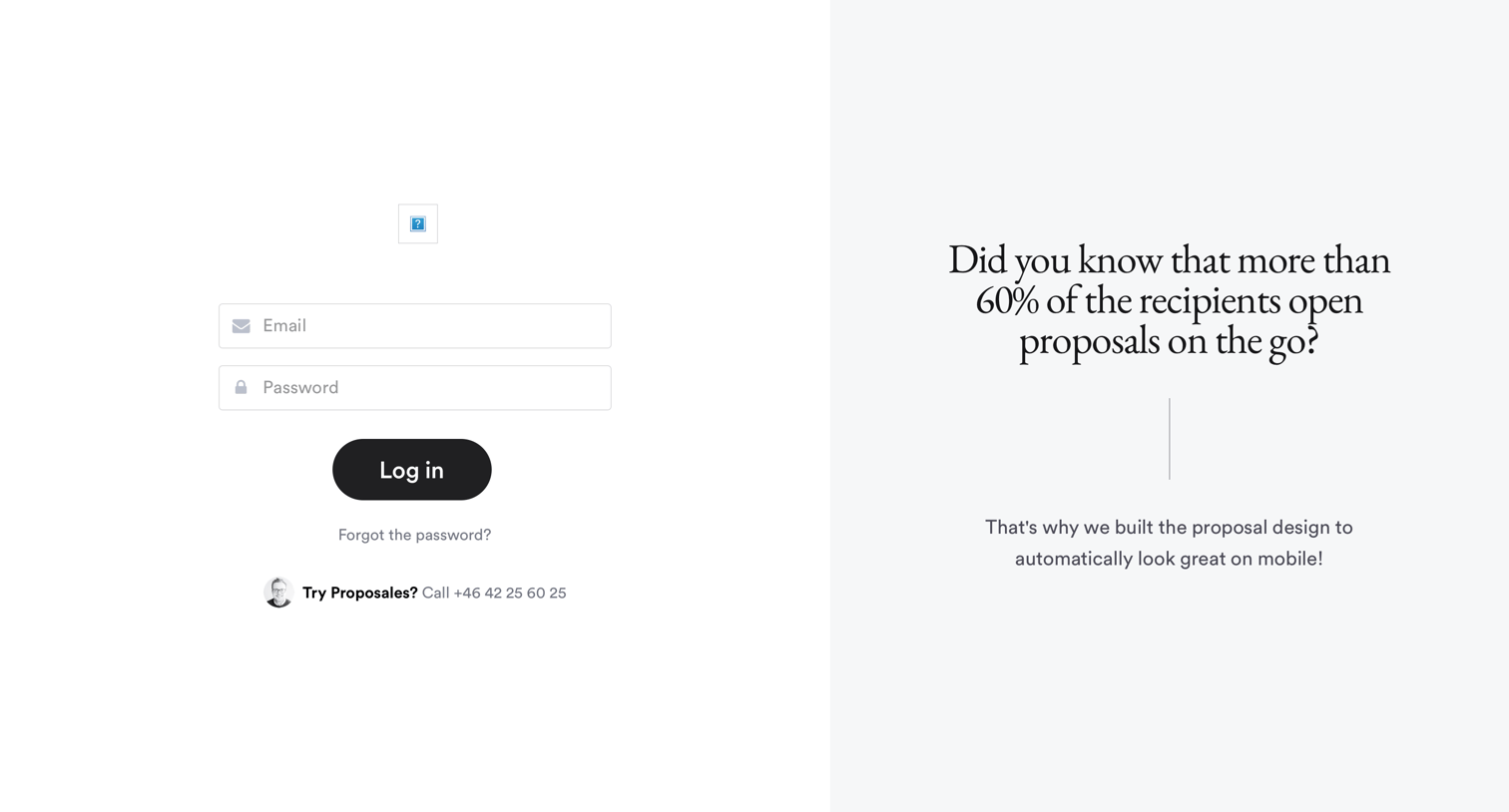
Sign-in screen where the user authenticates with email and password, featuring a marketing message about mobile proposal design on the right pane.

Password recovery screen where the user enters their email to receive reset instructions, alongside a promotional panel highlighting mobile proposal open rates.

Demo landing page where the user is prompted to schedule a 30-minute walkthrough to see how leading hotels use the platform.

Signup screen where the user creates a free account alongside a customer testimonial.

Settings page where the user manages products and videos for the New york Hostel workspace.

Content management page where the user is creating a new product by filling out title, description, and price in a right-hand side panel.

Settings page where the user manages products and videos for a specific hostel, including creating new items and editing existing ones.
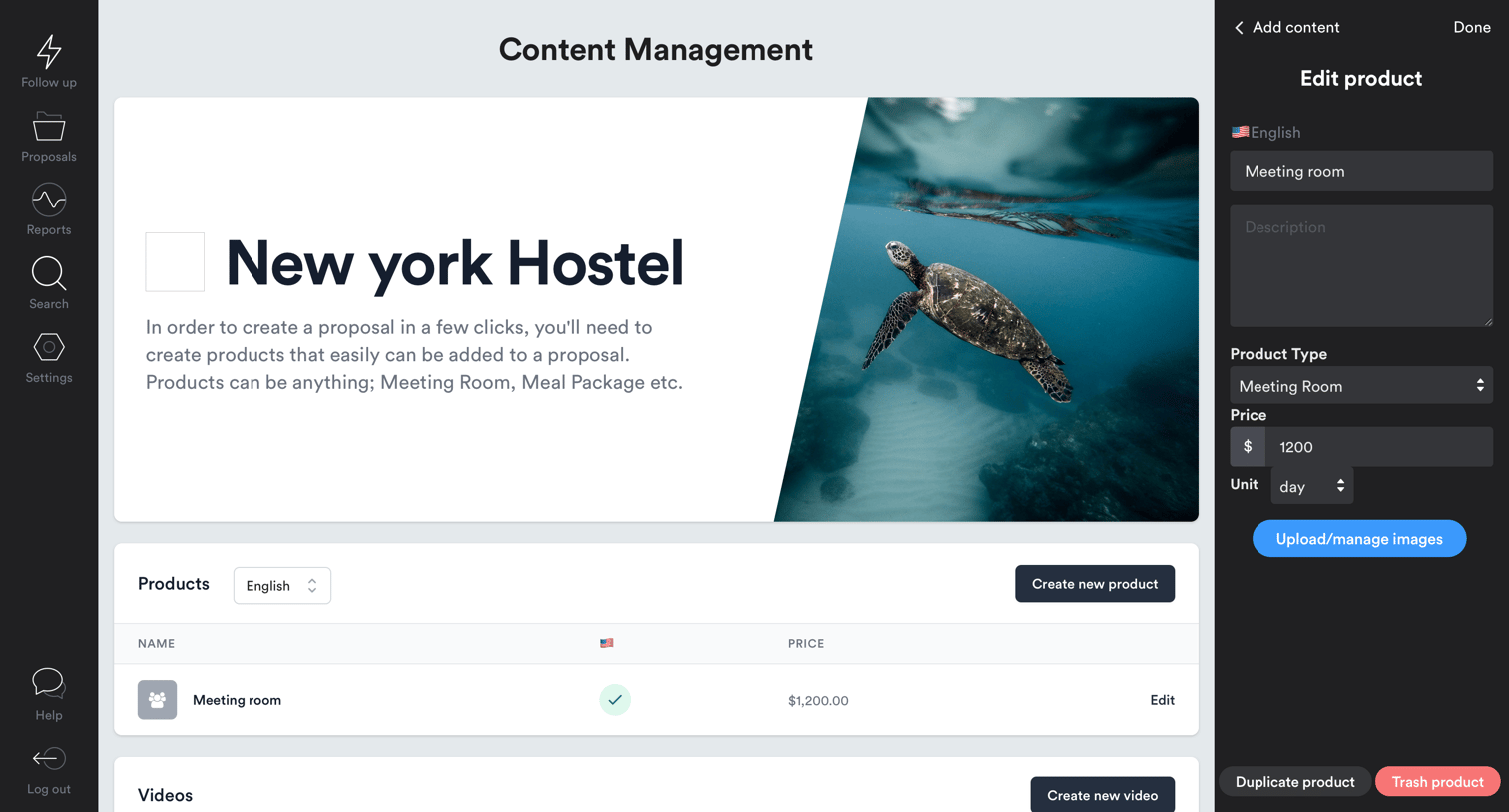
List view for managing proposal content where the user is editing a meeting room product's details, pricing, and images in a side drawer.

List view for proposal follow-ups showing an empty state because the user has no pending recommendations.

List view showing an empty state for active proposals, featuring a search bar, an assignee filter, and a prominent button to create a new proposal.

Settings page where the user views and edits their personal profile details and company information.
Browse the full SaaS app library
Explore real SaaS apps with their product screens, marketing screens, flows, and components.
Trusted by the best teams







