Octopus product screens examples
Browse Octopus screen design examples. Preview the interface screenshots and explore related UI patterns. A lightning-fast visual sitemap builder
Explore the examples
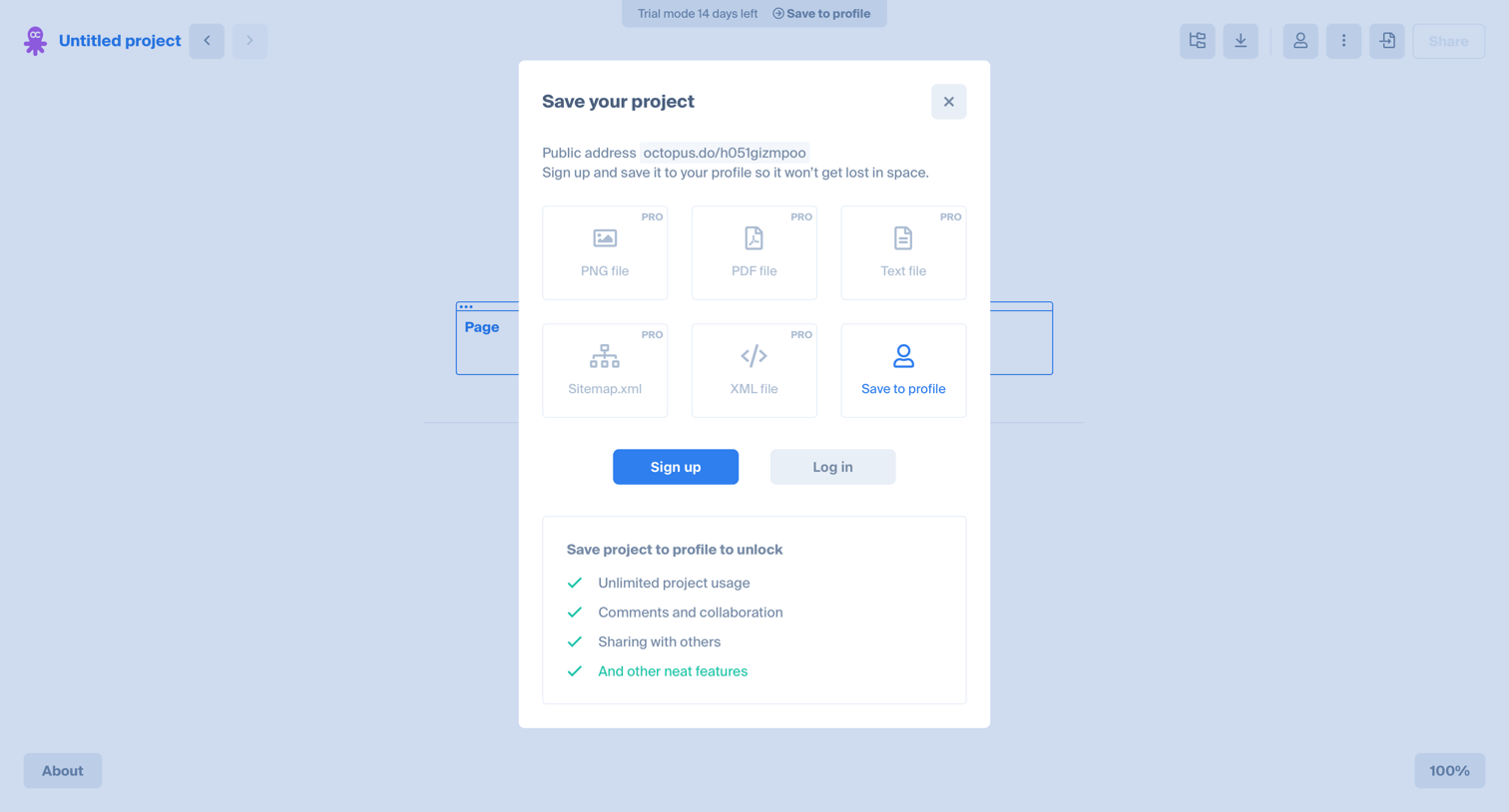

Design editor where a modal prompts the user to sign up or log in to save their project, displaying locked pro export options like PDF and XML.
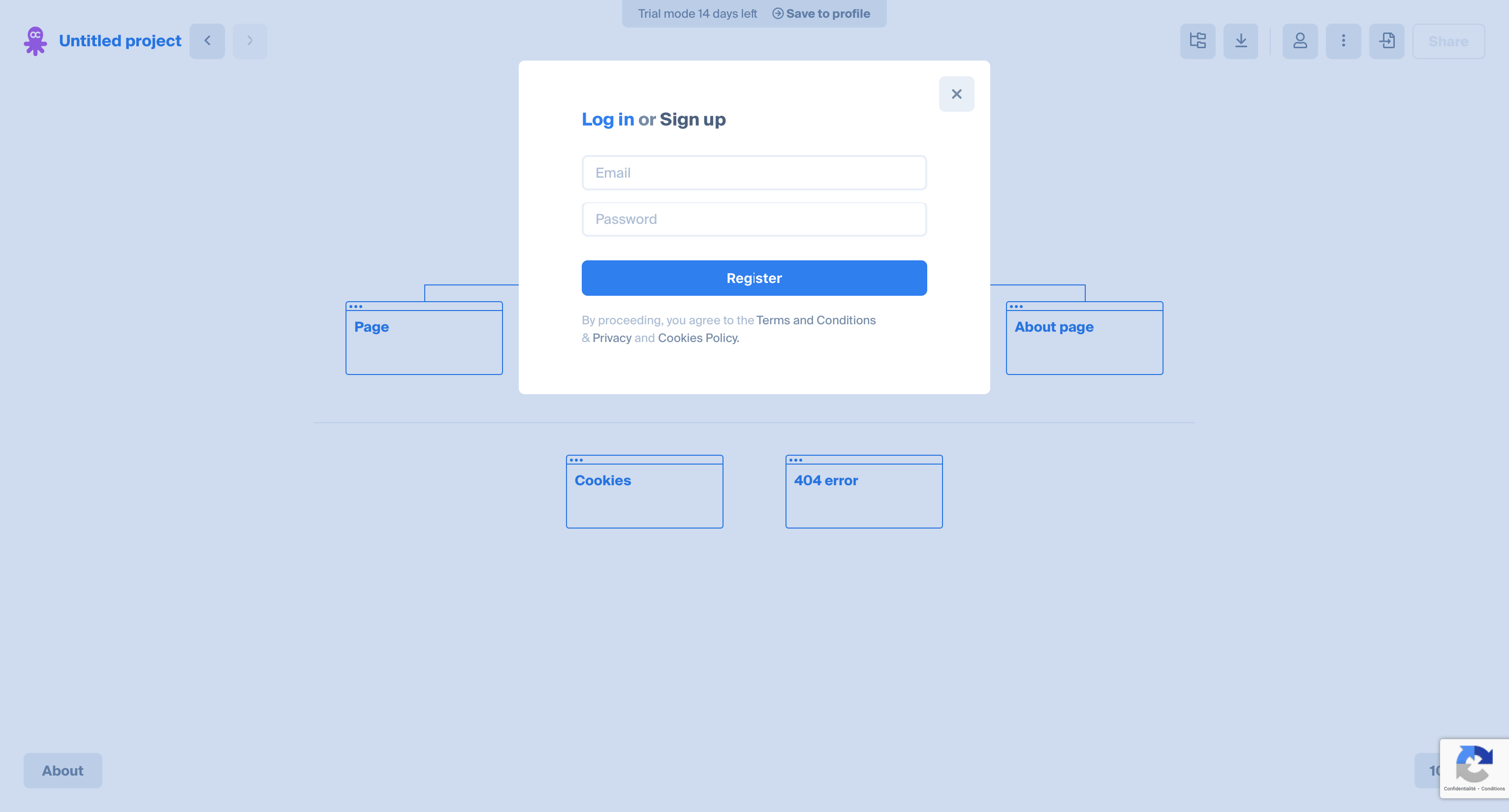
Signup modal interrupting a user's session in a visual sitemap builder, prompting them to register with email and password to save their project.
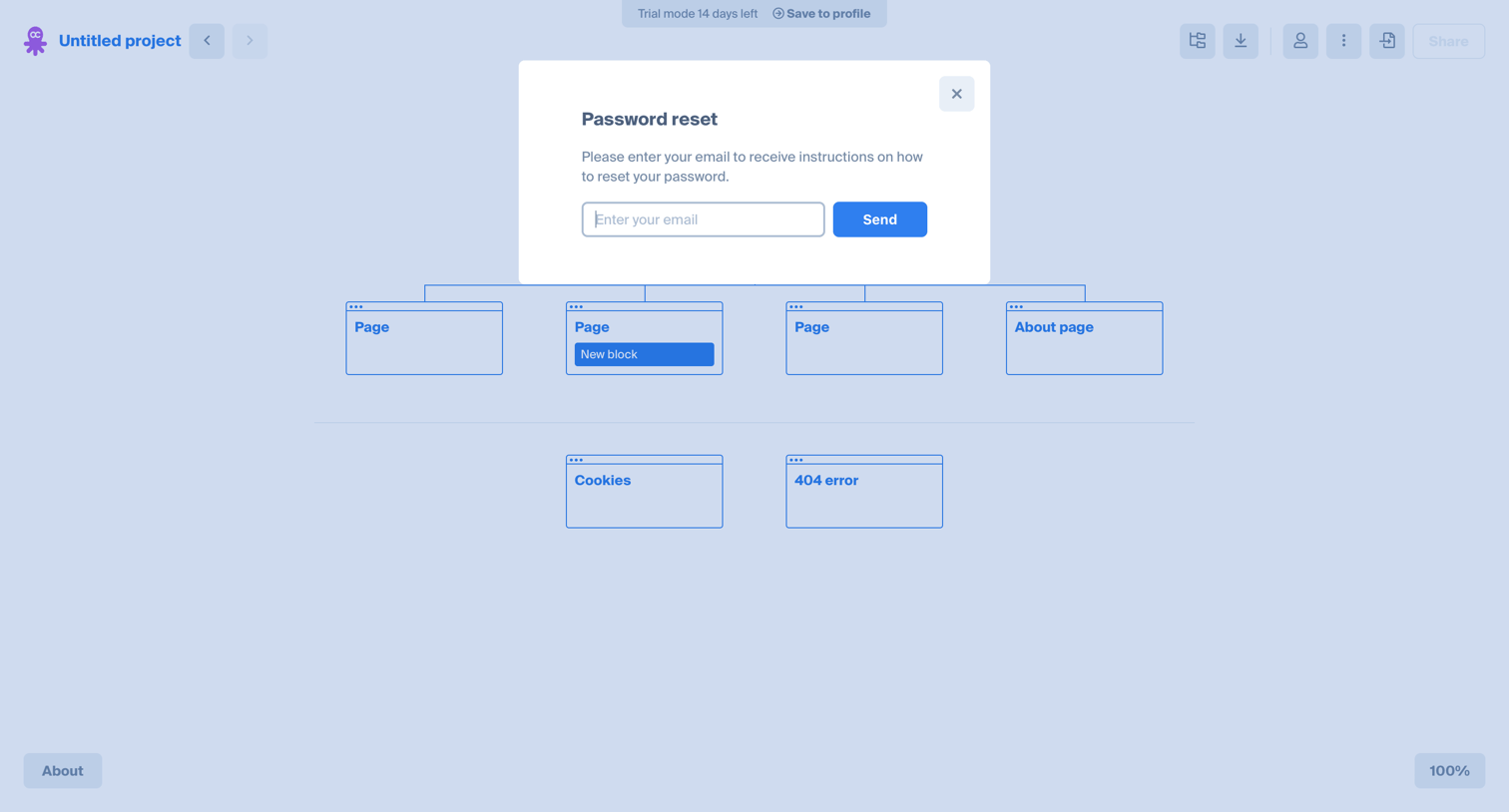
Design editor canvas with an active password reset modal prompting the user to enter their email to receive recovery instructions.
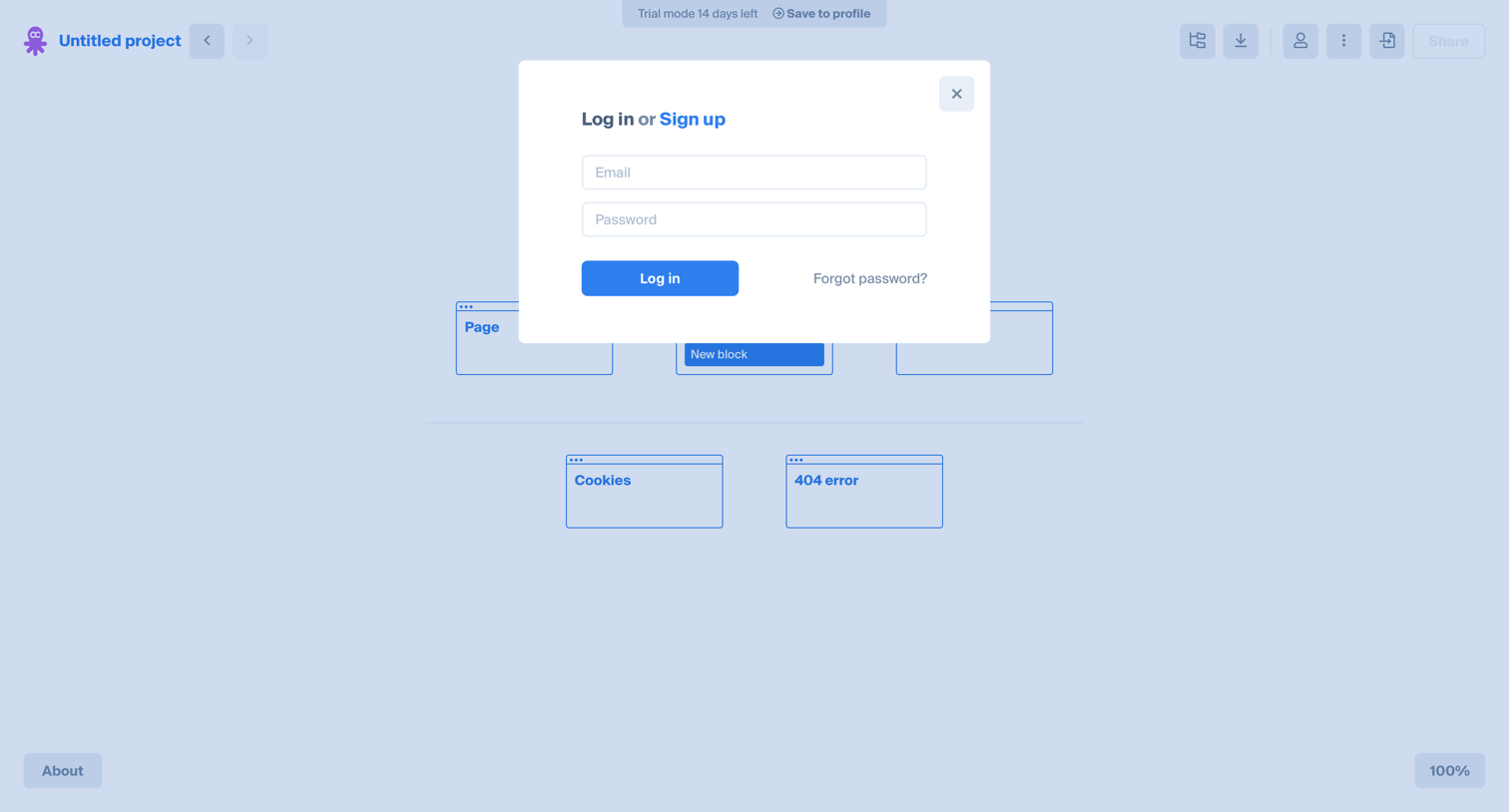
Design editor canvas where a modal prompts the user to log in or sign up to save their guest project to a profile.
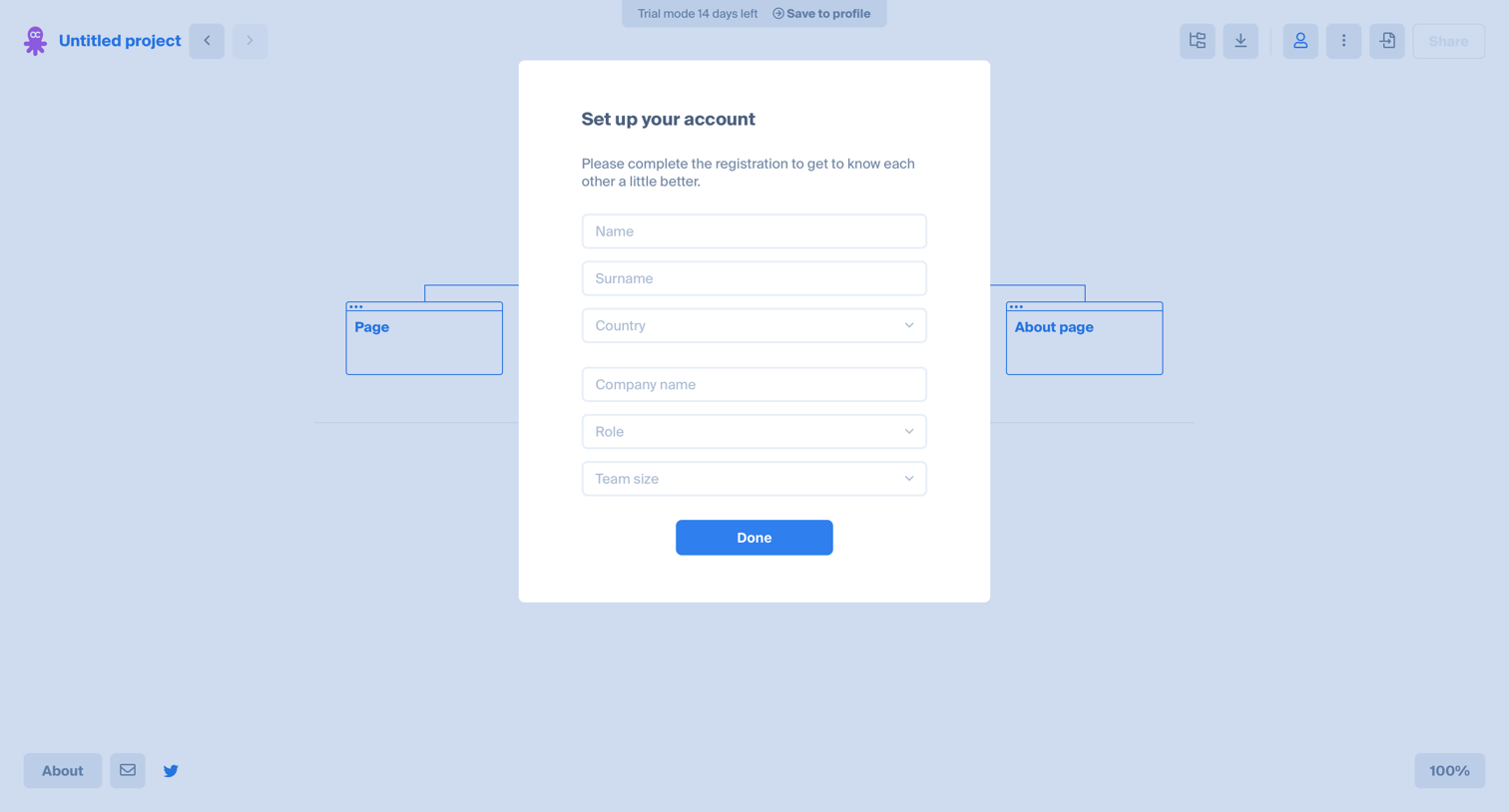
Onboarding modal where the user provides profile details like name, country, company, and role to complete their account registration.
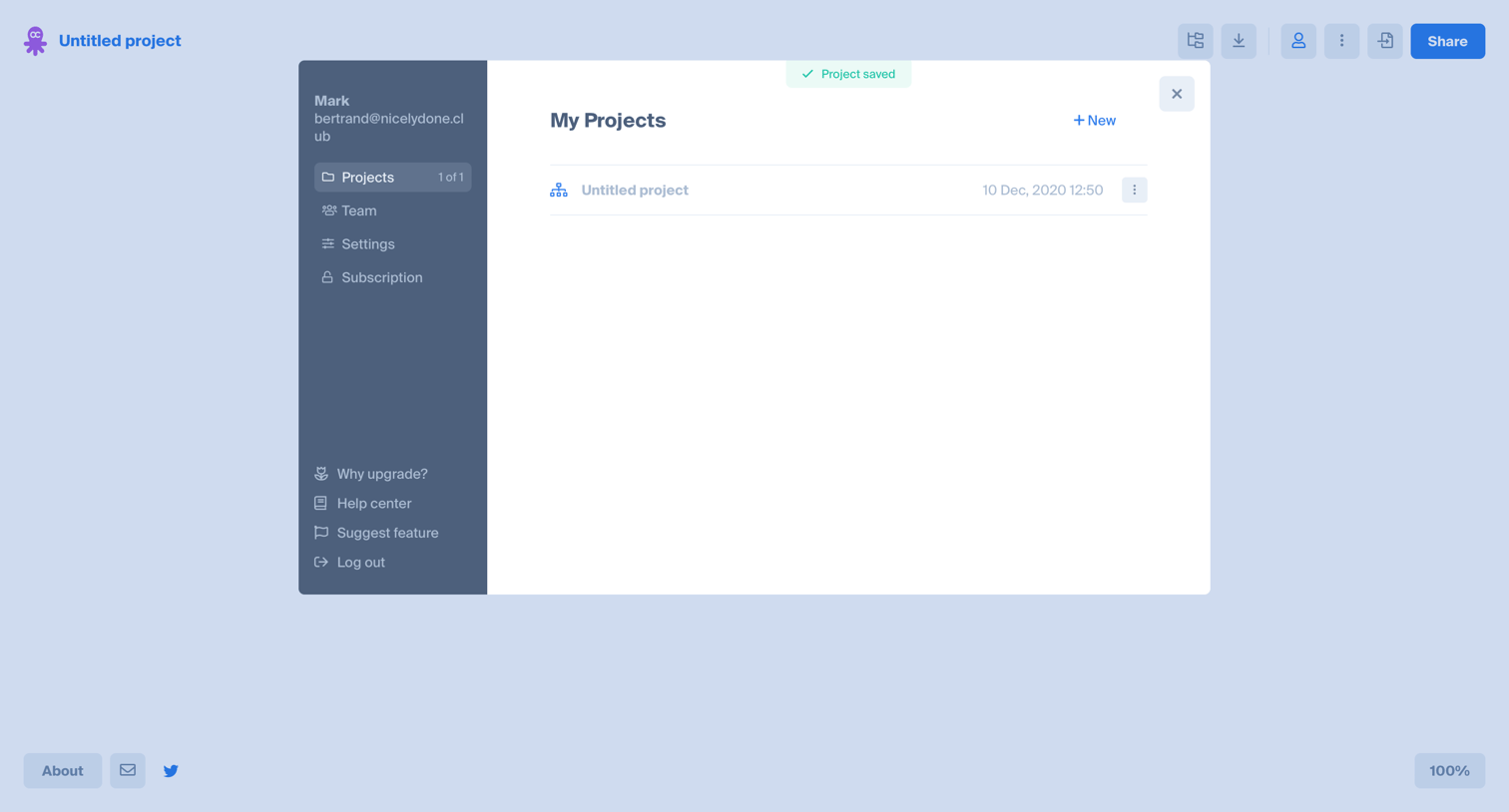
Project management modal where the user can switch between existing projects, create new ones, or access account settings.
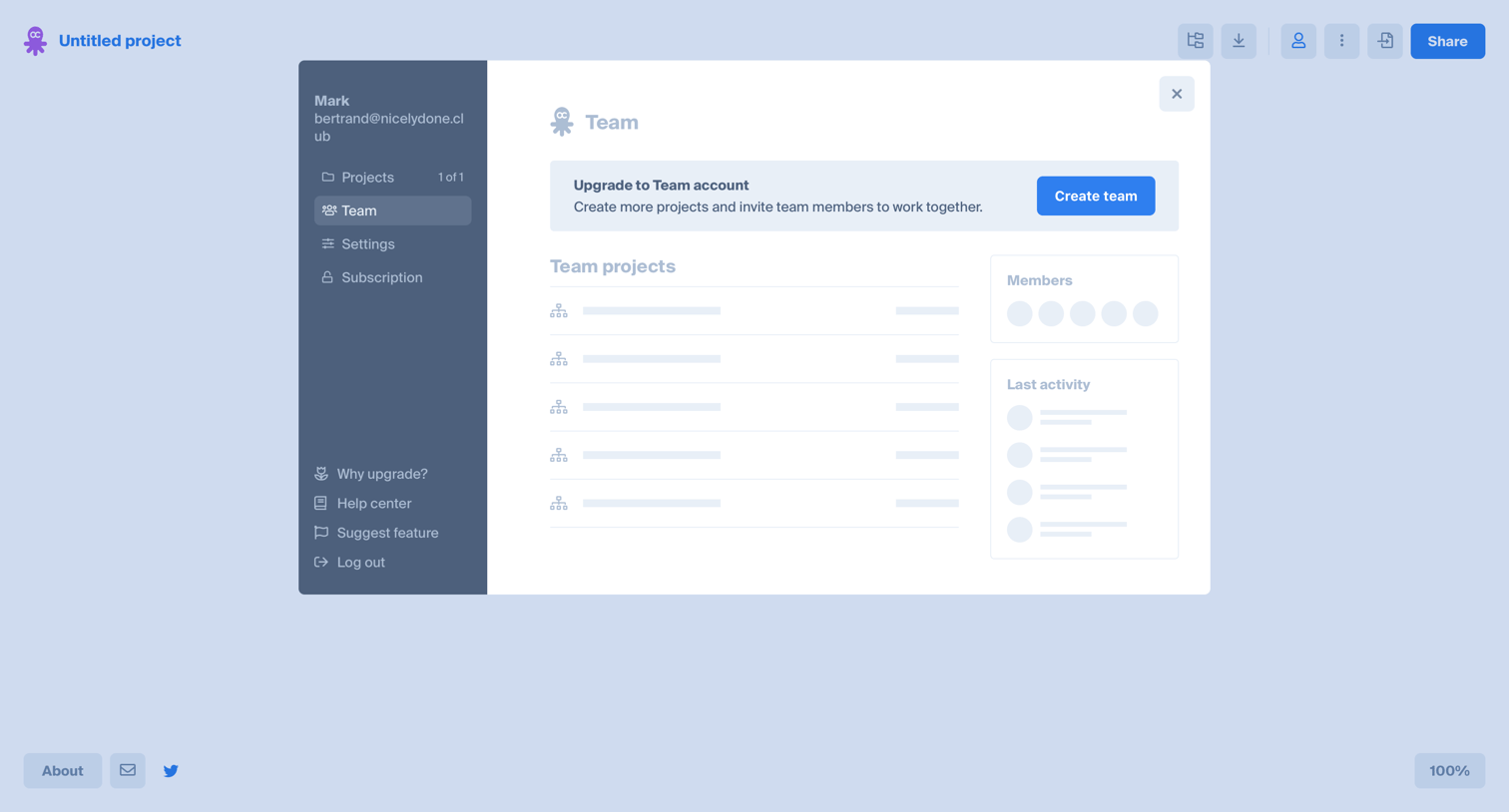
Settings modal where the user is prompted to upgrade to a Team account to unlock team projects and member management.
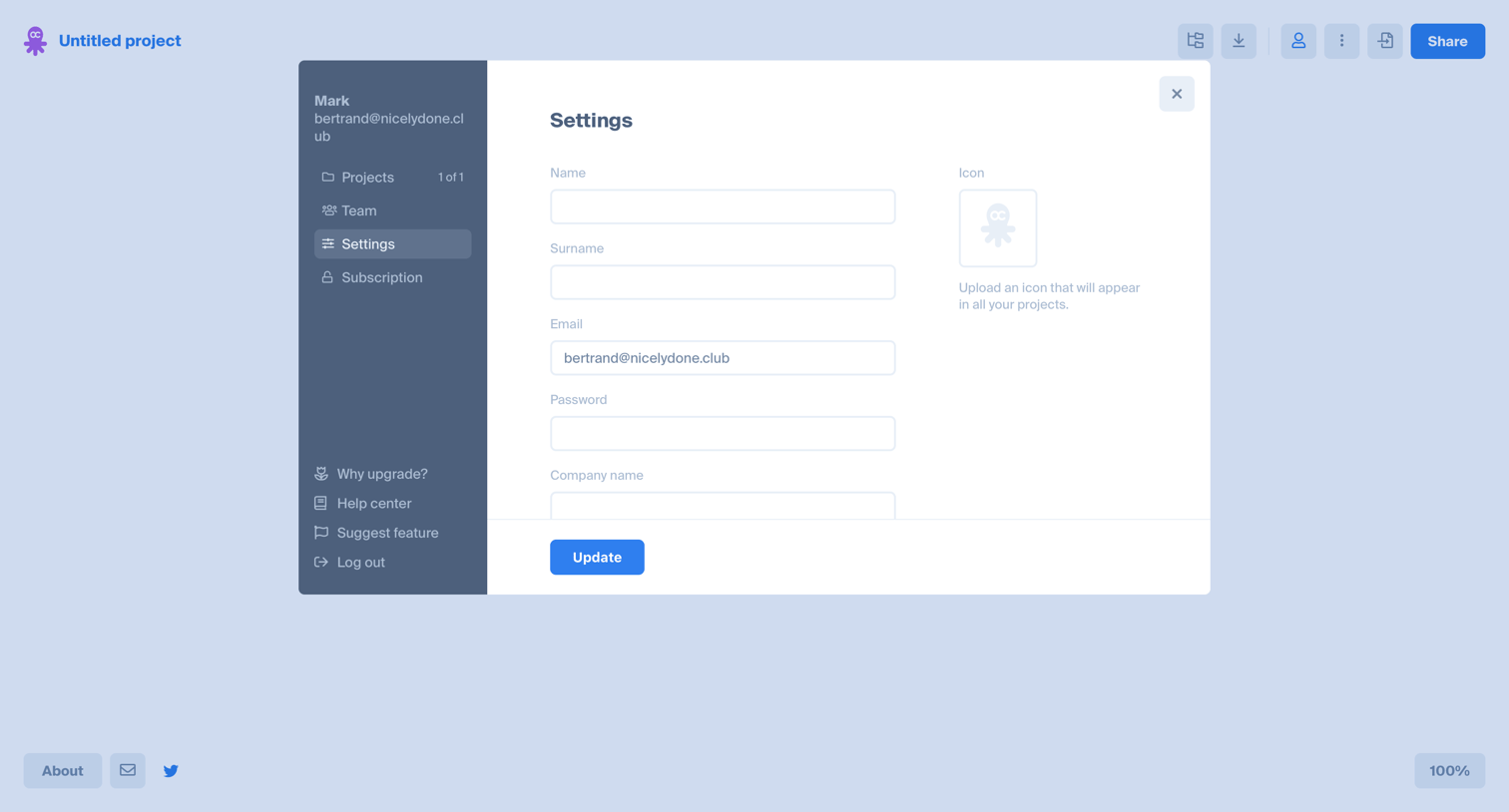
Settings modal where the user updates their profile details like name, email, password, and avatar icon.
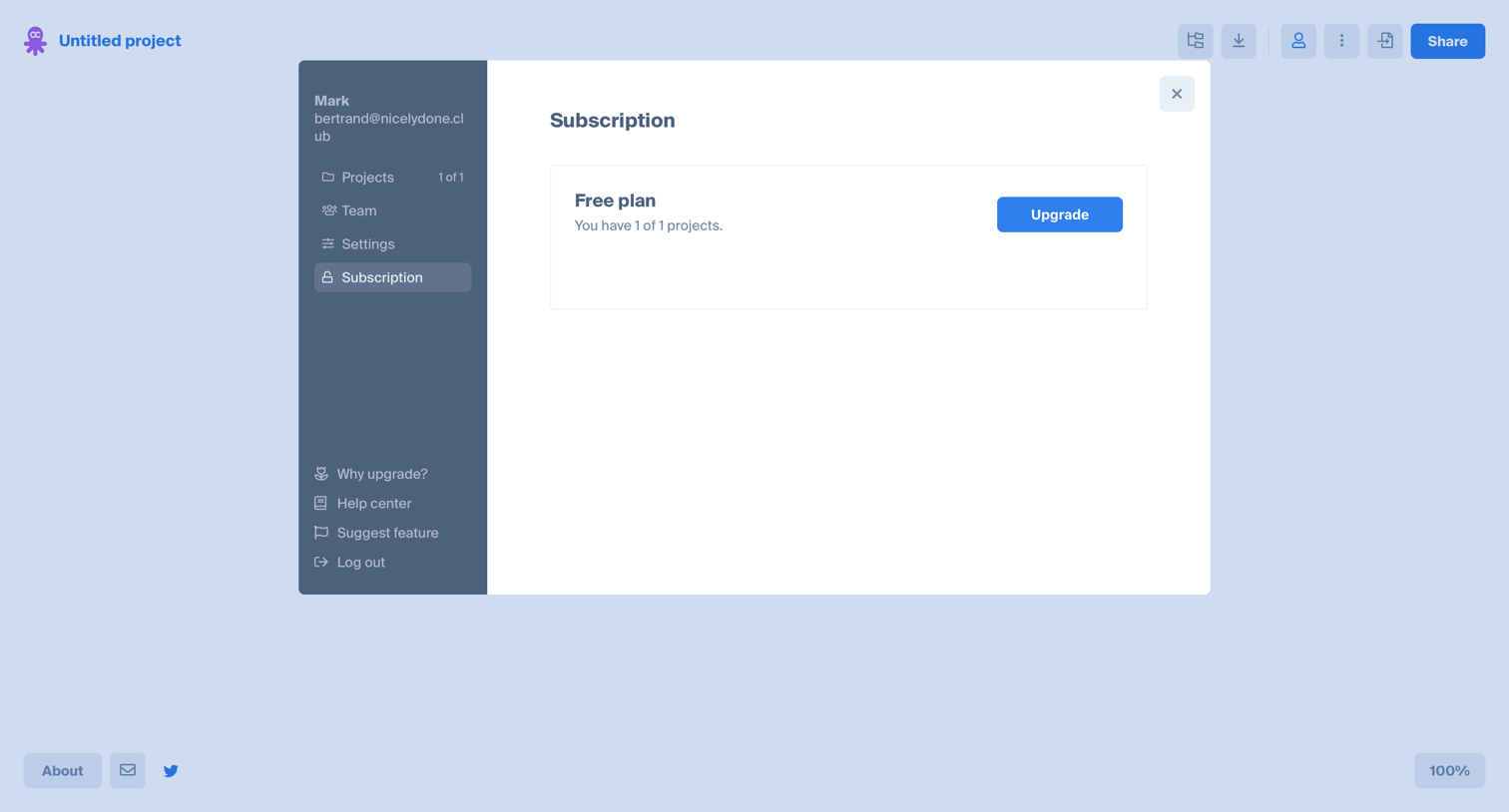
Settings modal where the user views their current free plan usage and is prompted to upgrade.
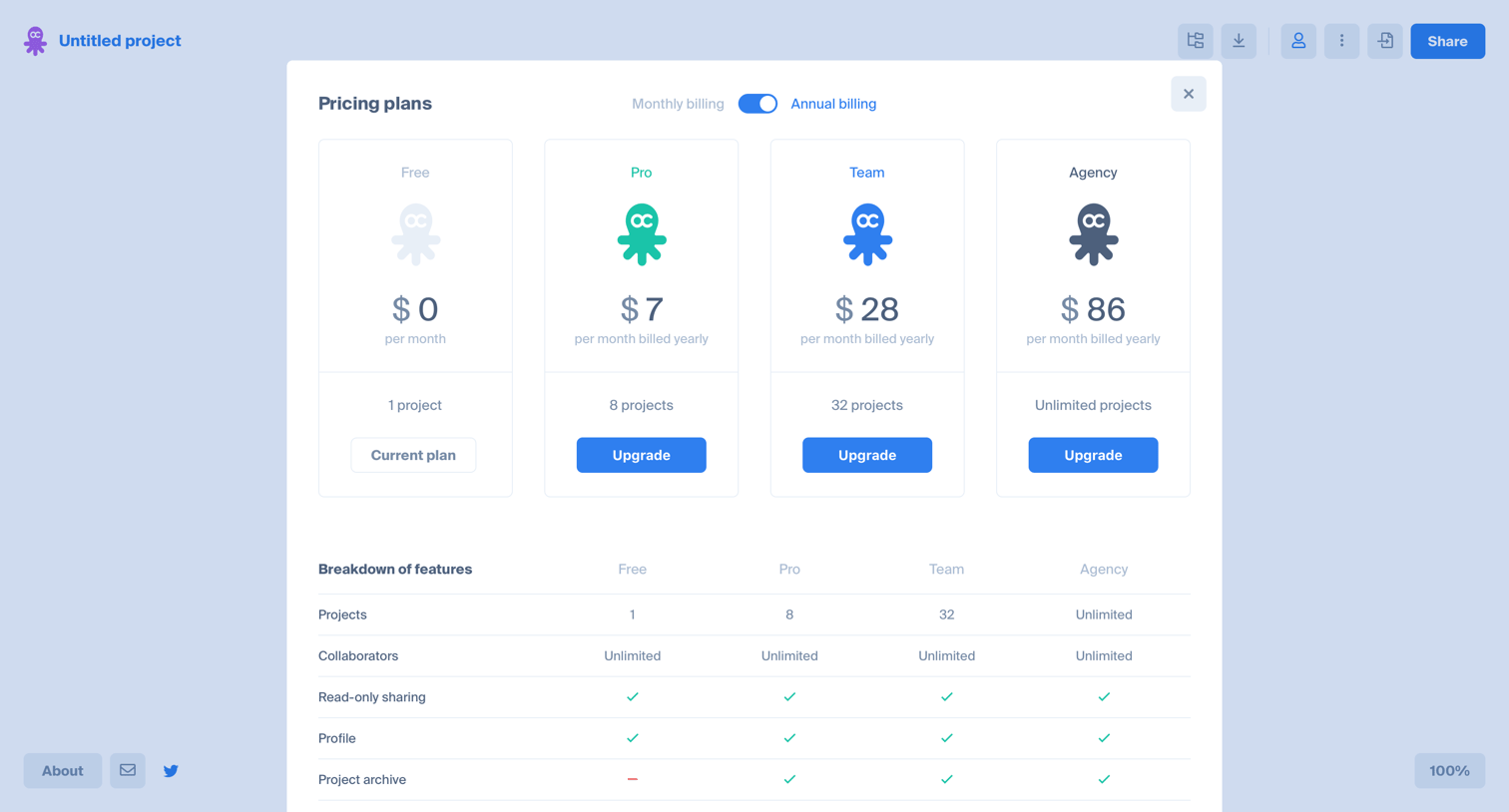
In-app pricing modal where the user compares Free, Pro, Team, and Agency plans with a monthly/annual toggle and a feature breakdown table.
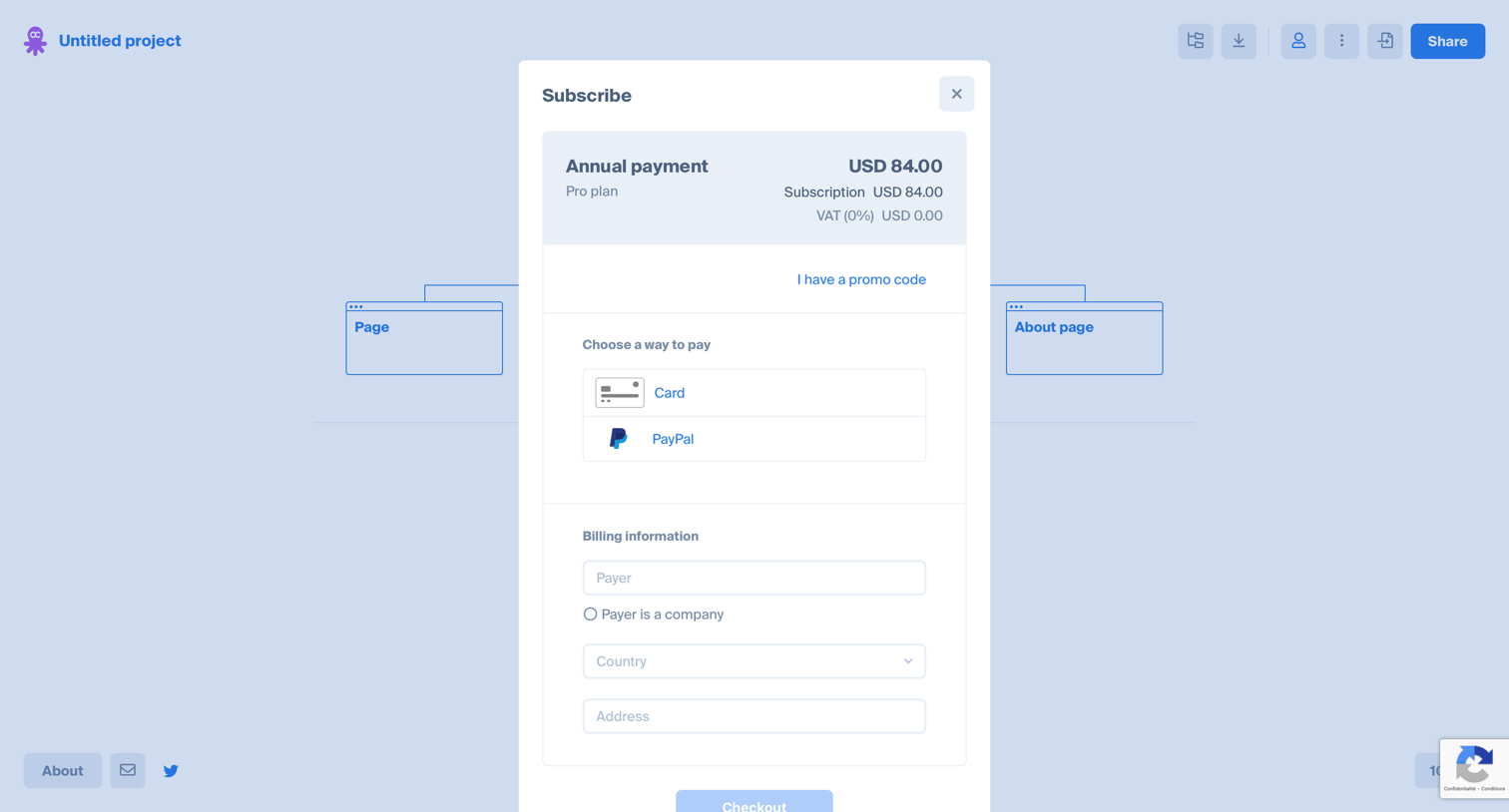
Design editor where the user is presented with a checkout modal to subscribe to an annual Pro plan via card or PayPal.
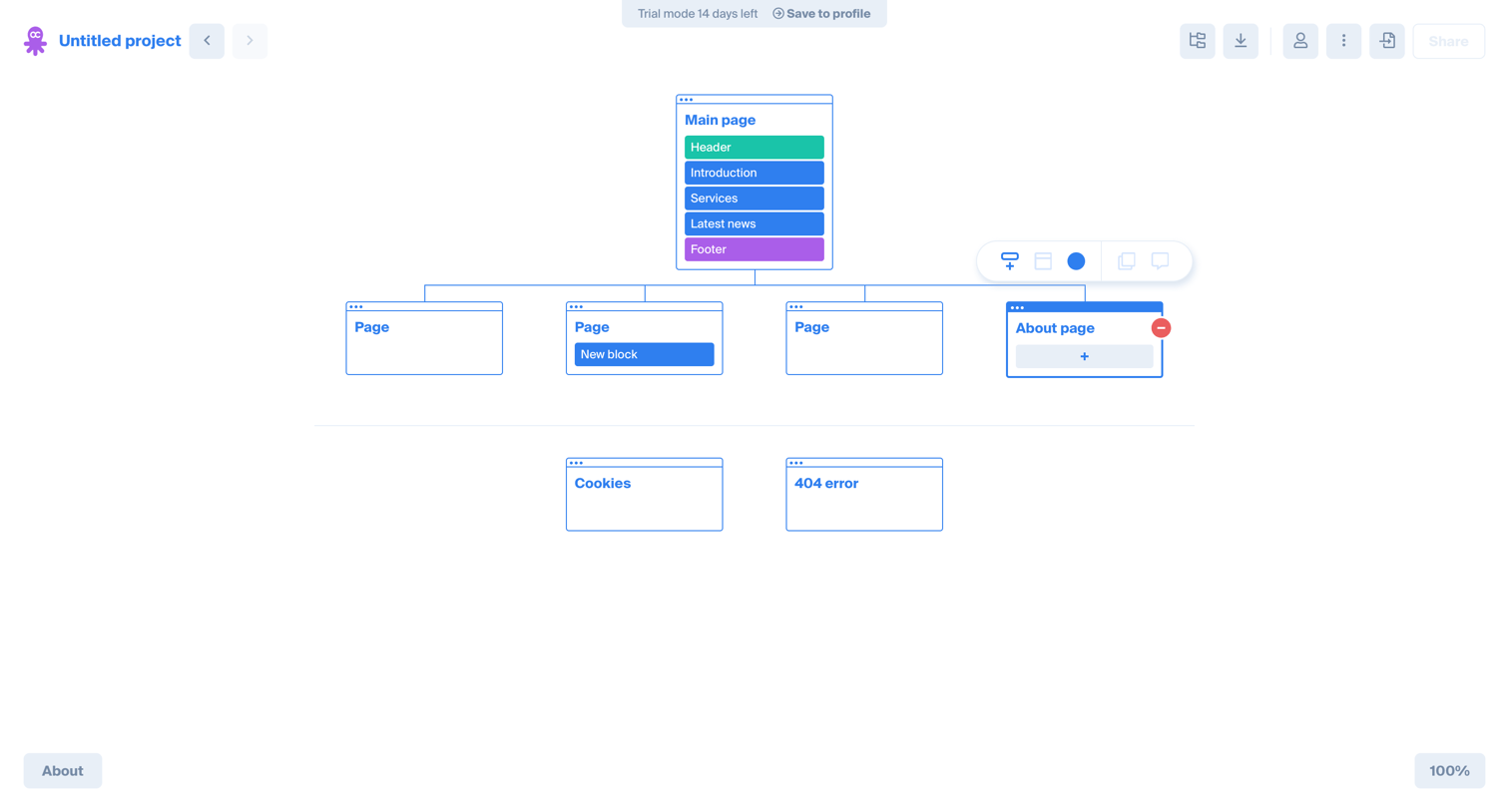
Design editor where the user builds a visual sitemap by organizing pages and content blocks into a hierarchical tree structure.
Explore the full SaaS screen library
Upgrade to unlock the full library.
Trusted by the best teams







