Krrb Classifieds product screens examples
Browse Krrb Classifieds screen design examples. Preview the interface screenshots and explore related UI patterns. Buy and Sell with Locals
Explore the examples
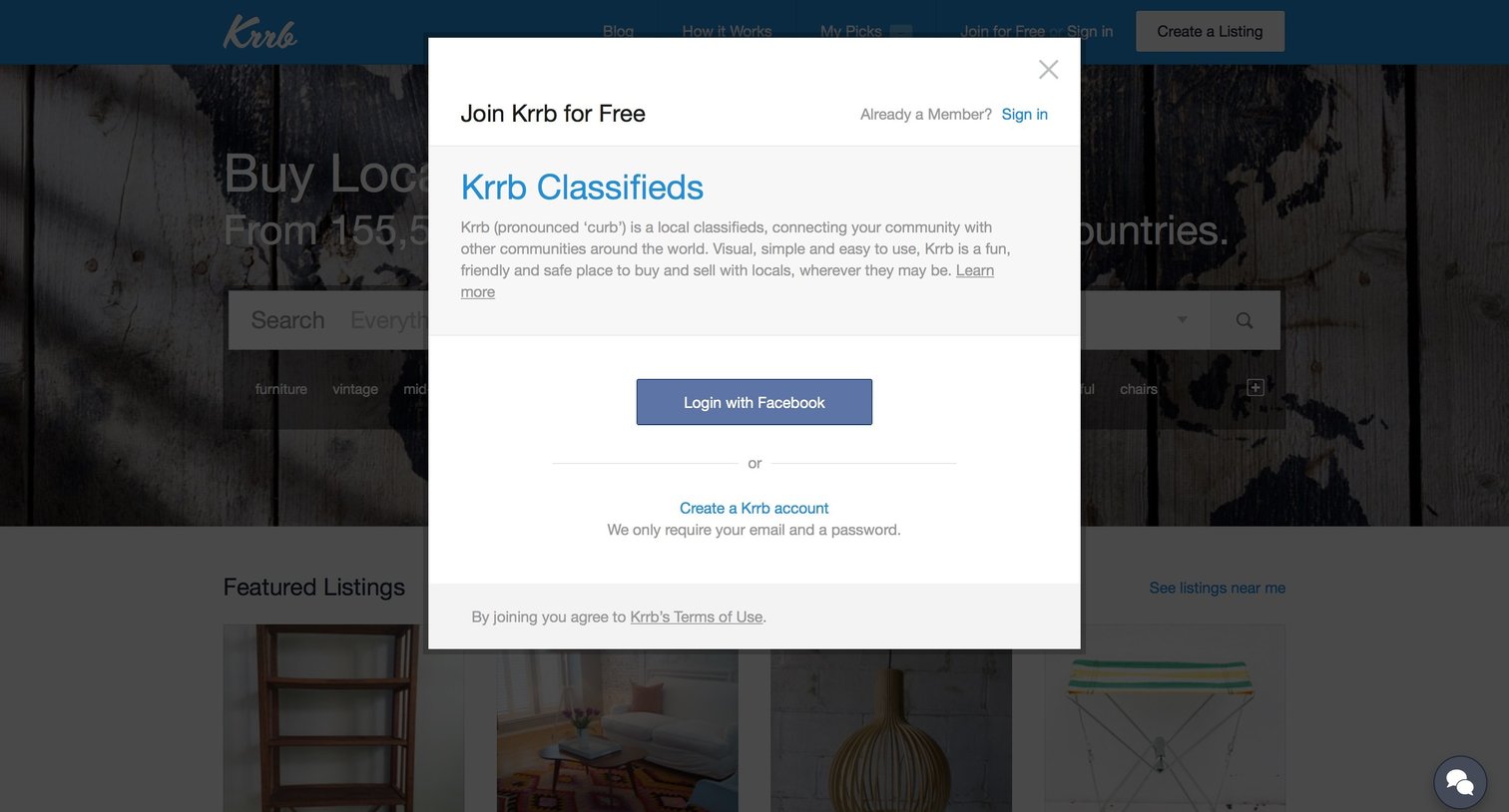

Signup overlay where the user can join the marketplace using Facebook or by creating an email account.
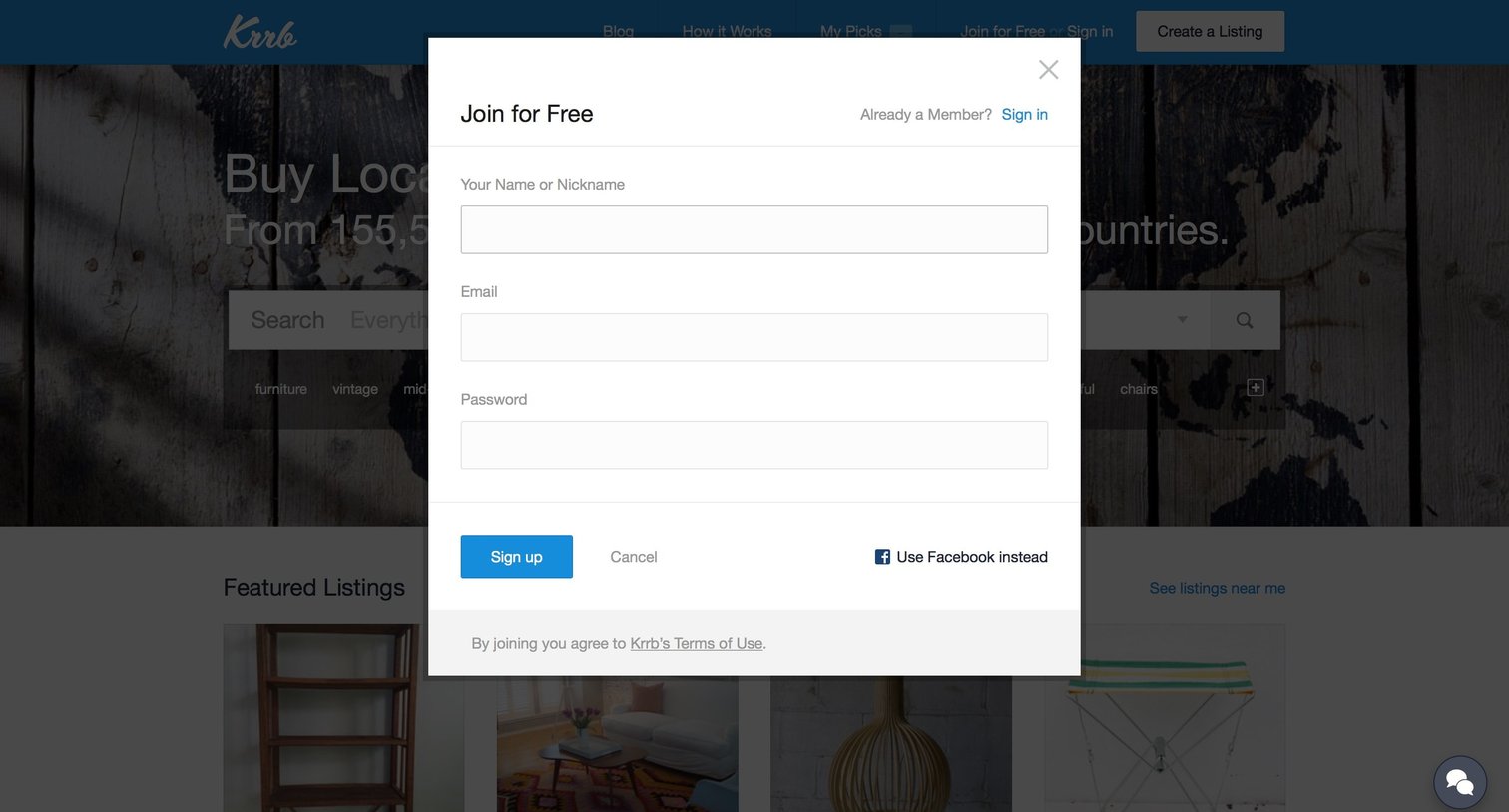
Signup modal where the user creates a new account using their name, email, and password, or authenticates via Facebook.
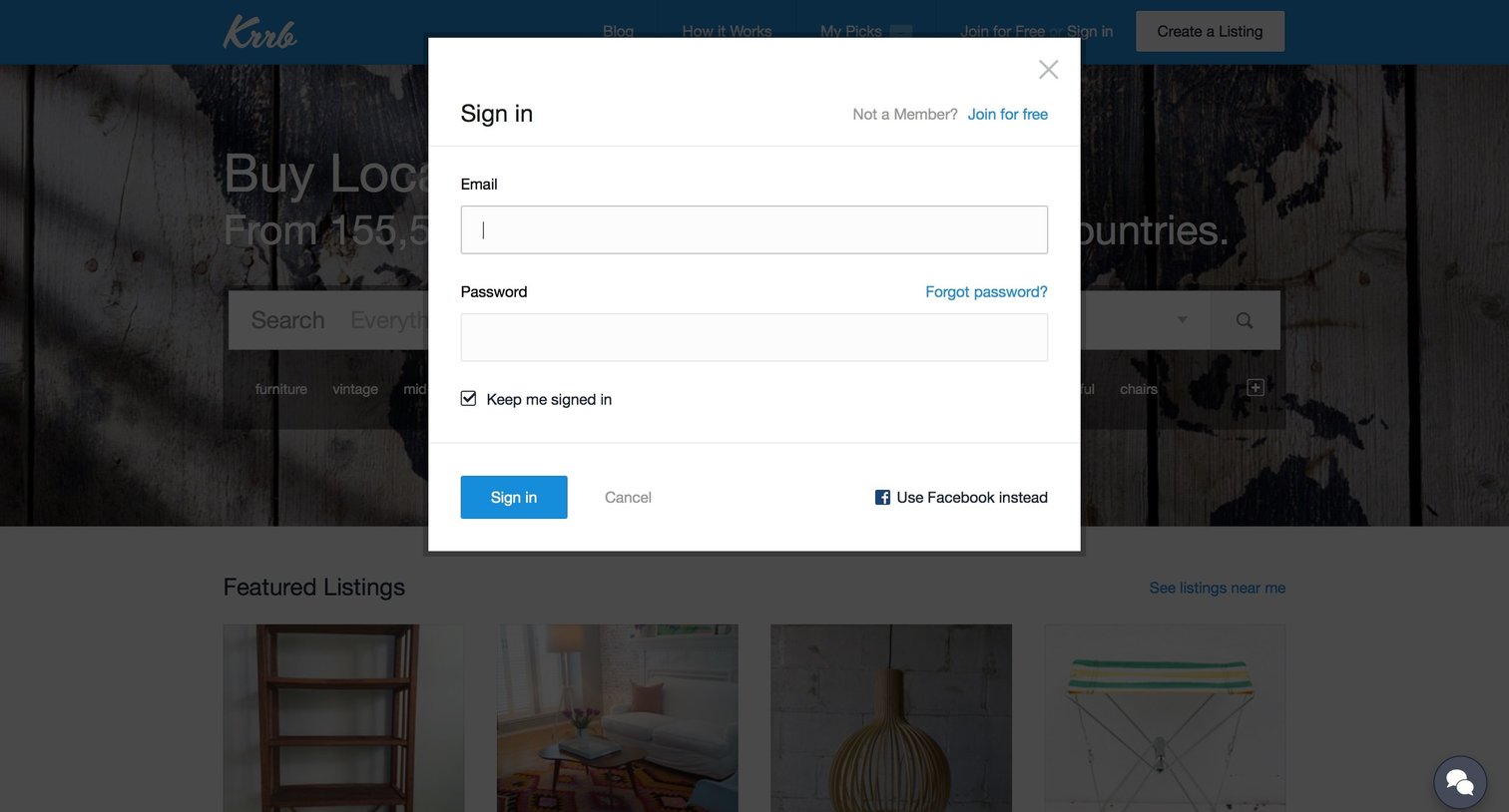
Sign-in modal overlaying a marketplace homepage, offering email authentication with a remember-me option and a Facebook social login alternative.
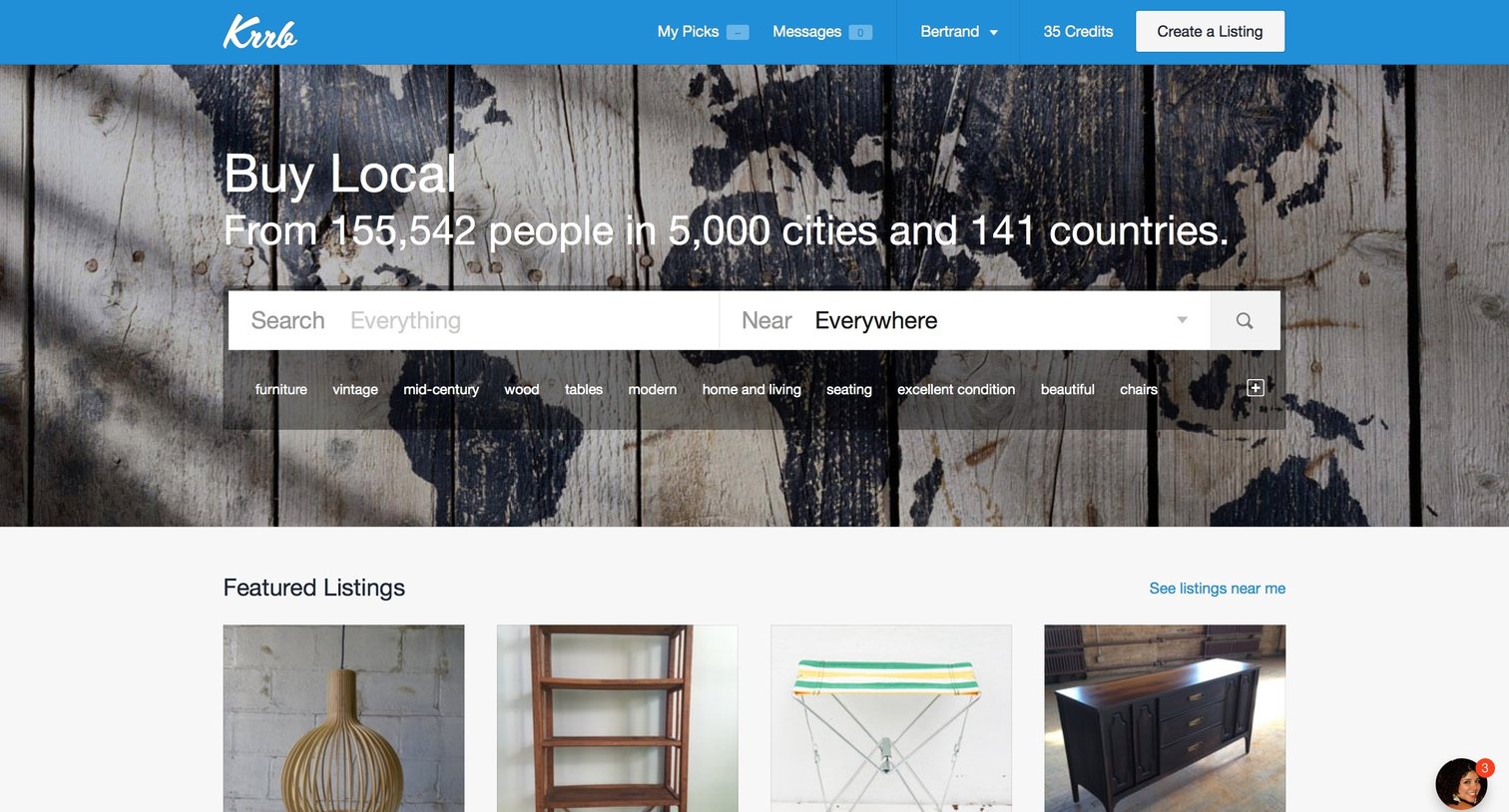
Landing page for a local marketplace where the user can search for items by location, browse featured and latest listings, and view highlighted sellers.
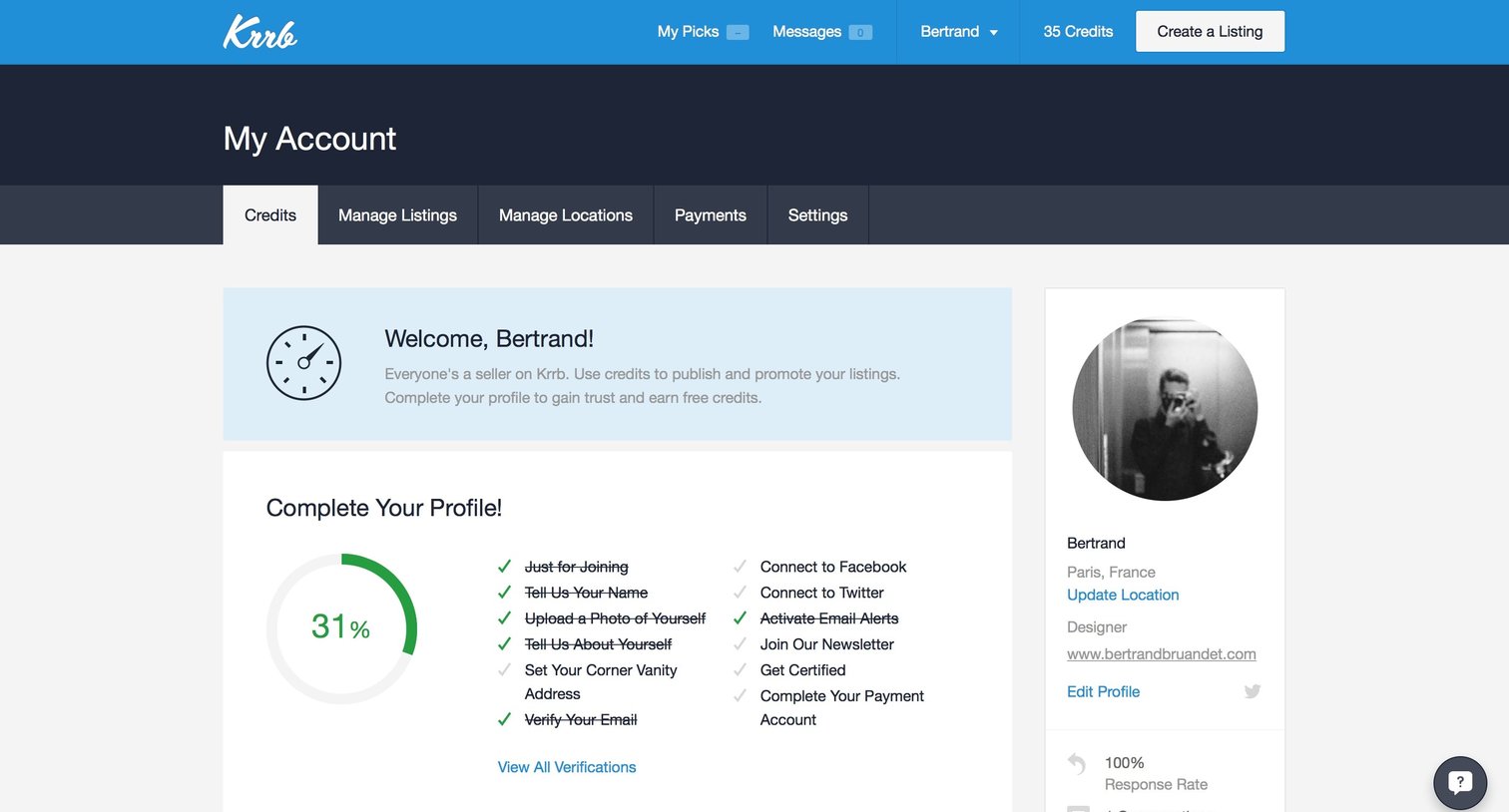
Account billing page where the user views their available credits, transaction history, and profile completion progress.
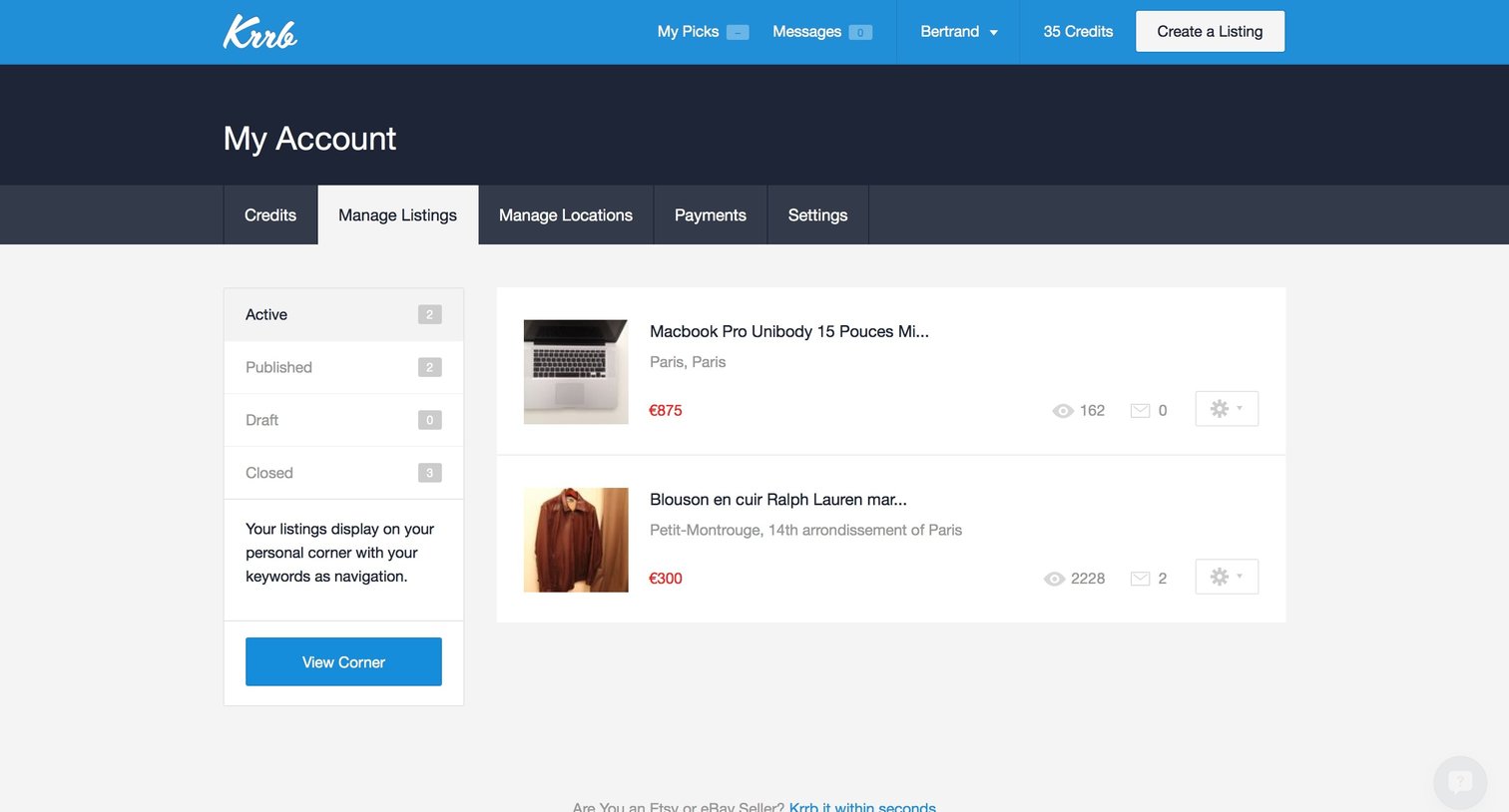
List view where the user manages their active, published, and drafted product listings, with options to edit items or create new ones.
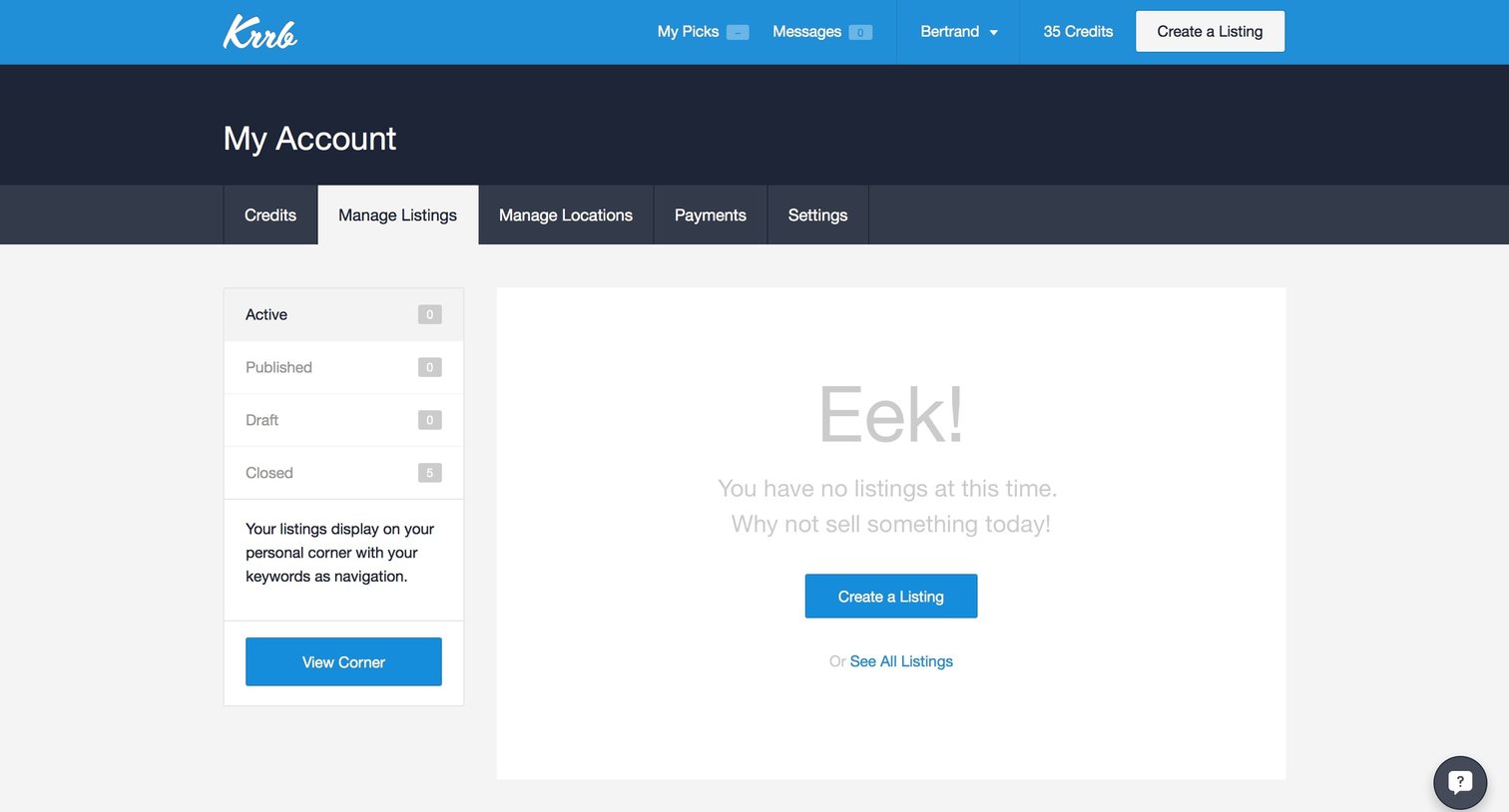
Account management page where the user manages their marketplace listings, currently showing an empty state with a prompt to create a new listing.
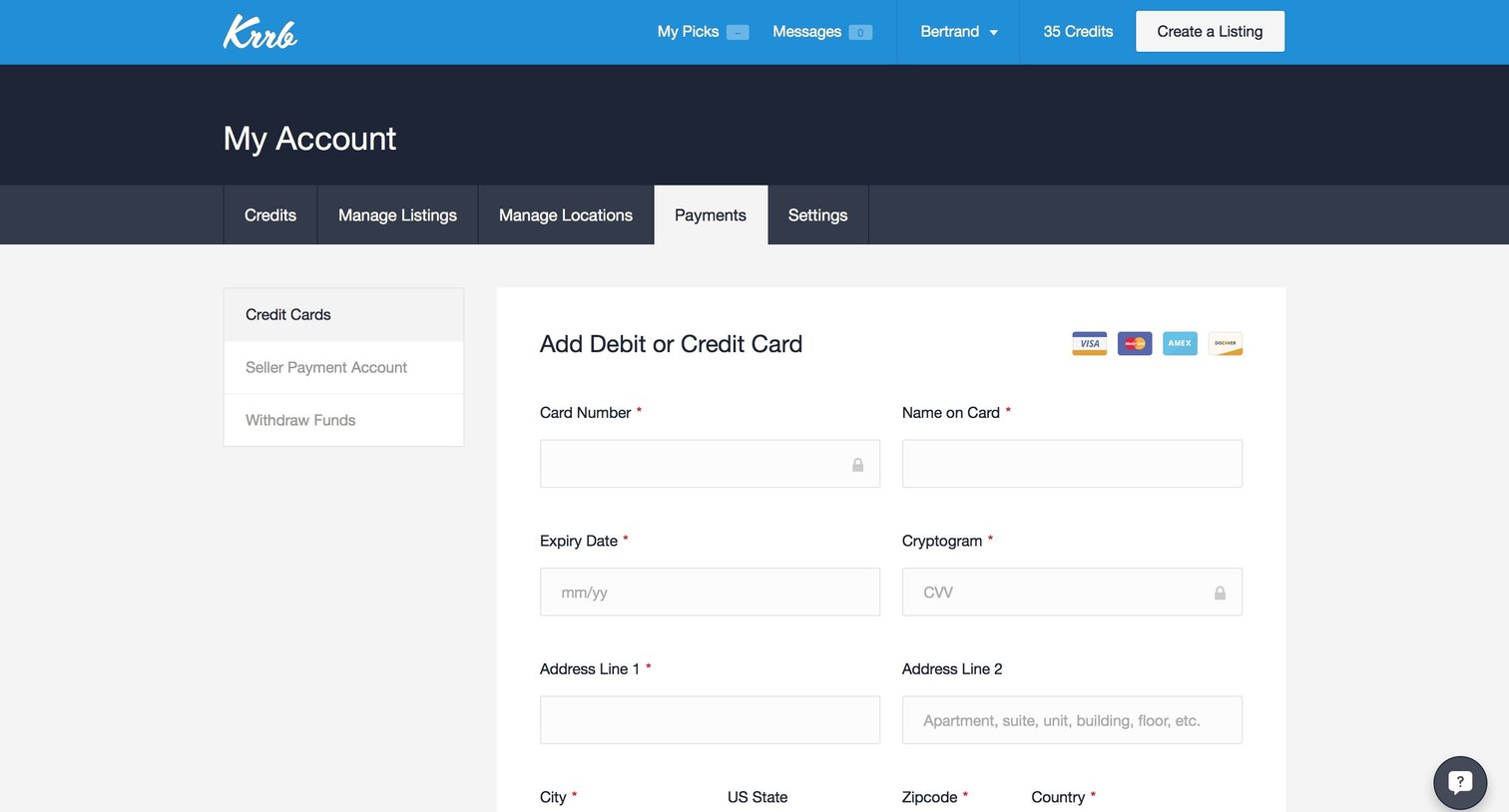
Settings page where the user can add a new debit or credit card by filling out their billing details.
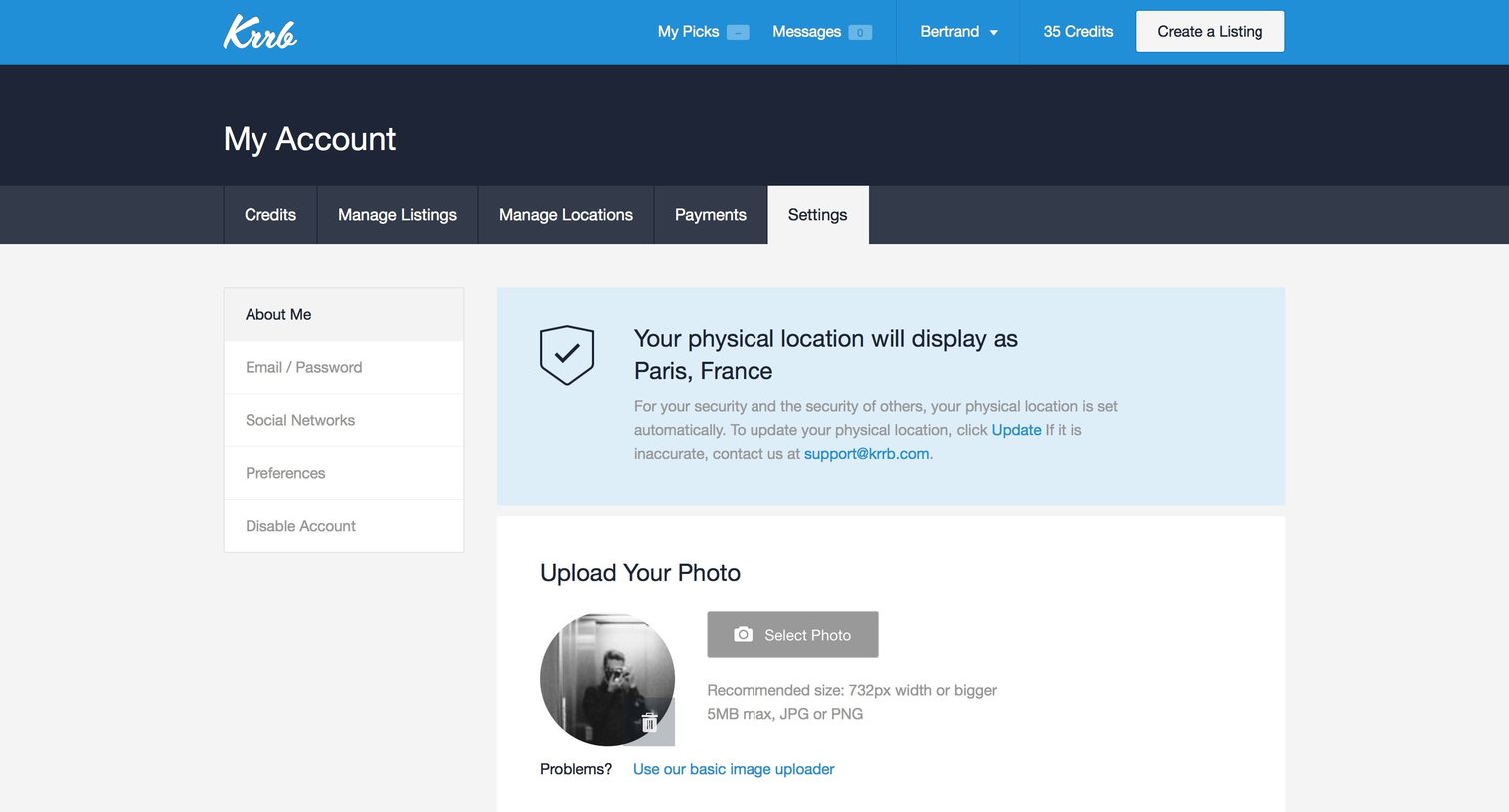
Settings page where the user edits their profile information, including their photo, bio, vanity URL, and social media links.
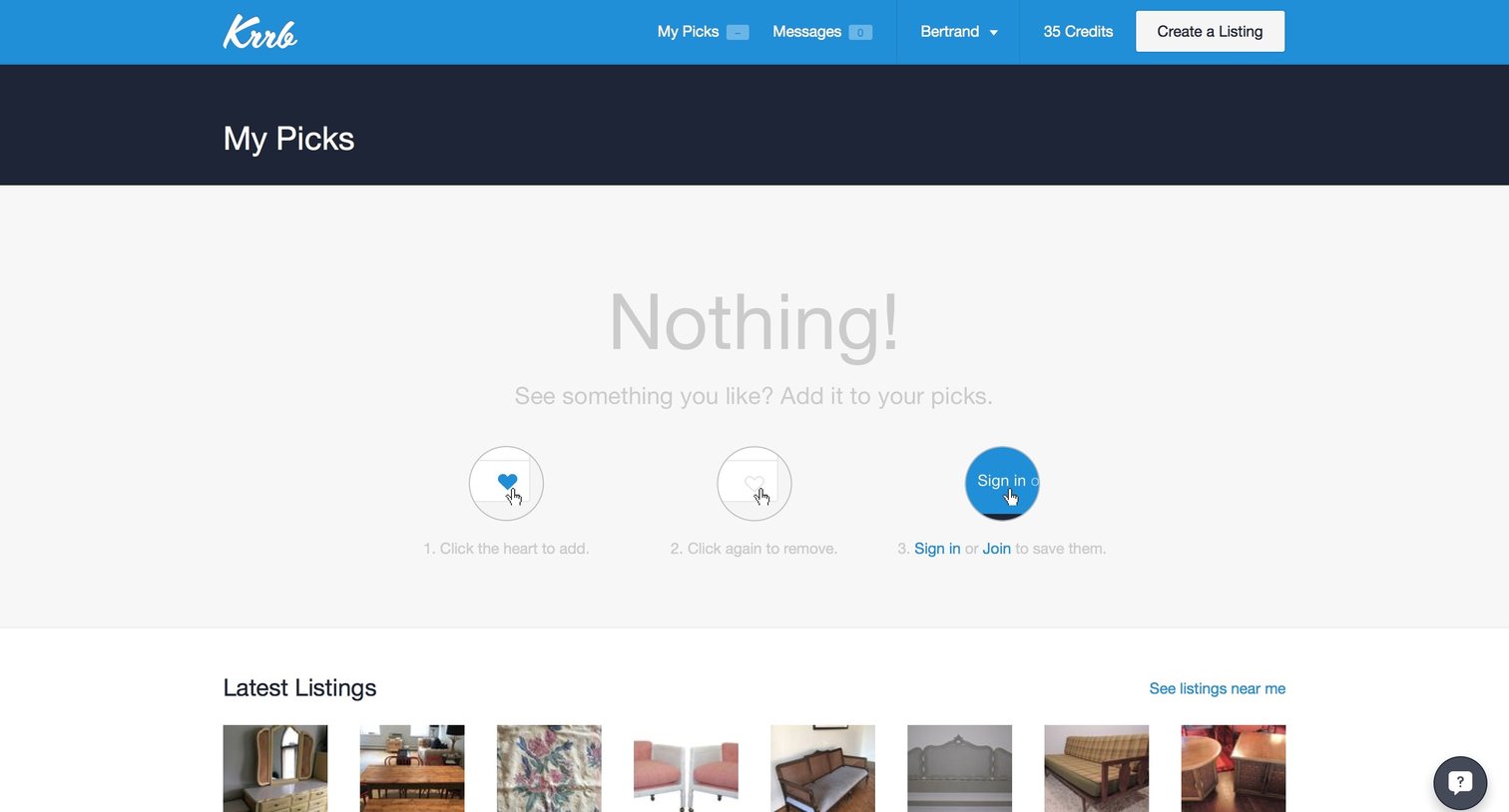
Empty list view for the user's saved picks, featuring an instructional graphic and a grid of recent listings to browse.
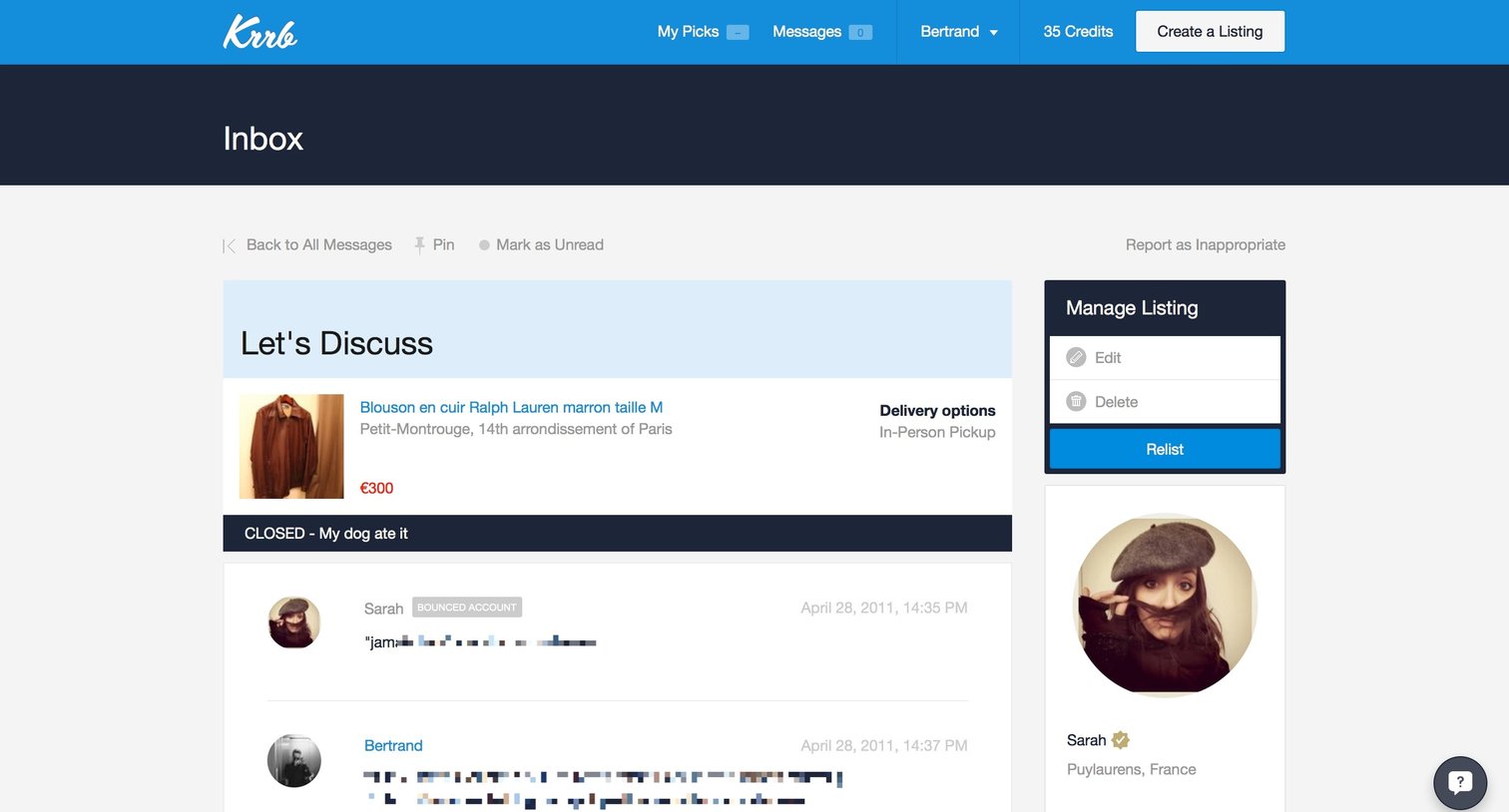
Detail page where a user reviews a closed conversation about a leather jacket, with options to rate the interaction or relist the item.
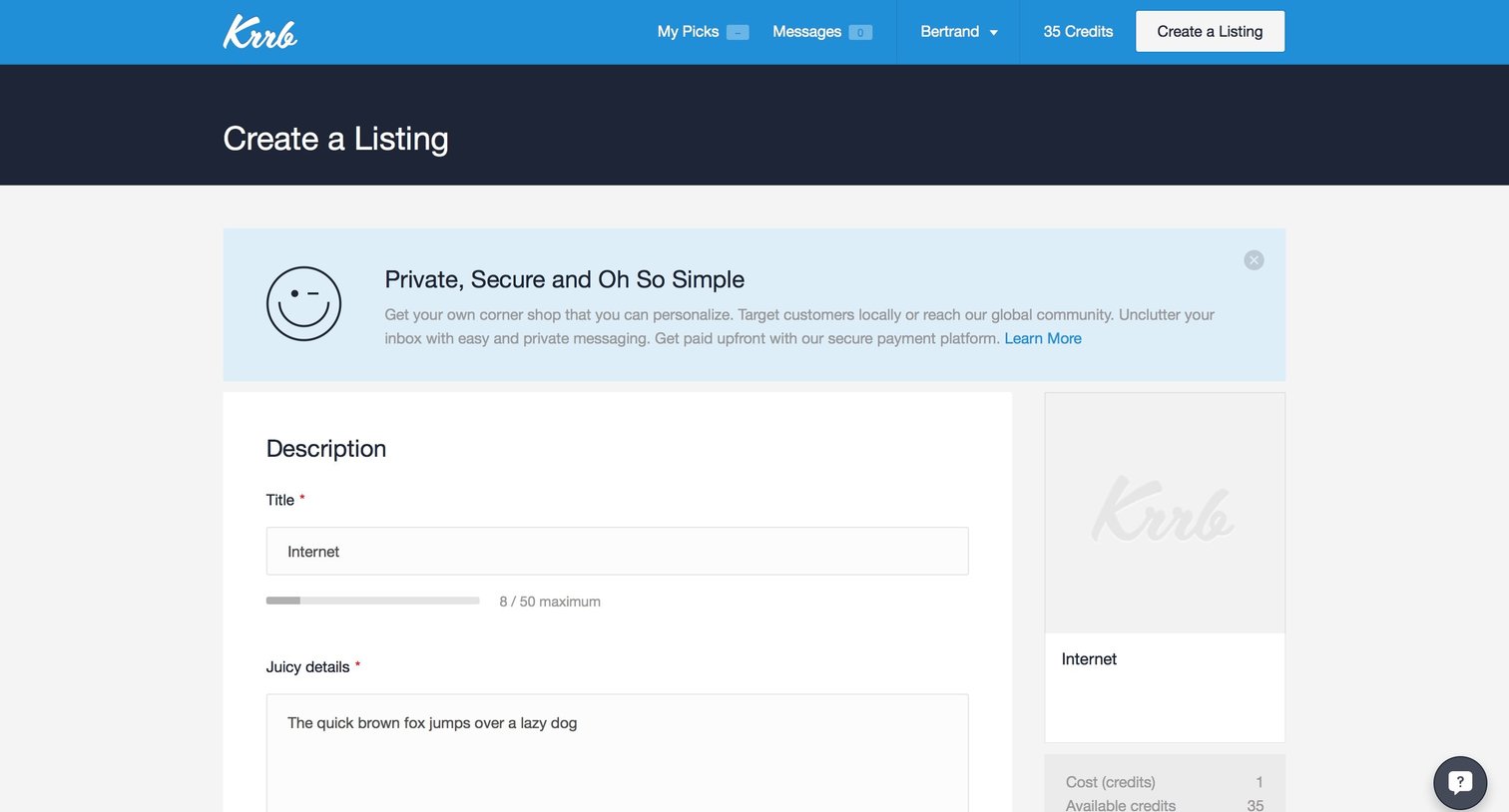
Creation form where the user provides item details, uploads photos, configures payment and delivery options, and selects cross-publishing destinations for a new marketplace item.
Explore the full SaaS screen library
Upgrade to unlock the full library.
Trusted by the best teams







