
Illustrio design examples
Explore Illustrio UI design examples. A smarter icon library
Product screens
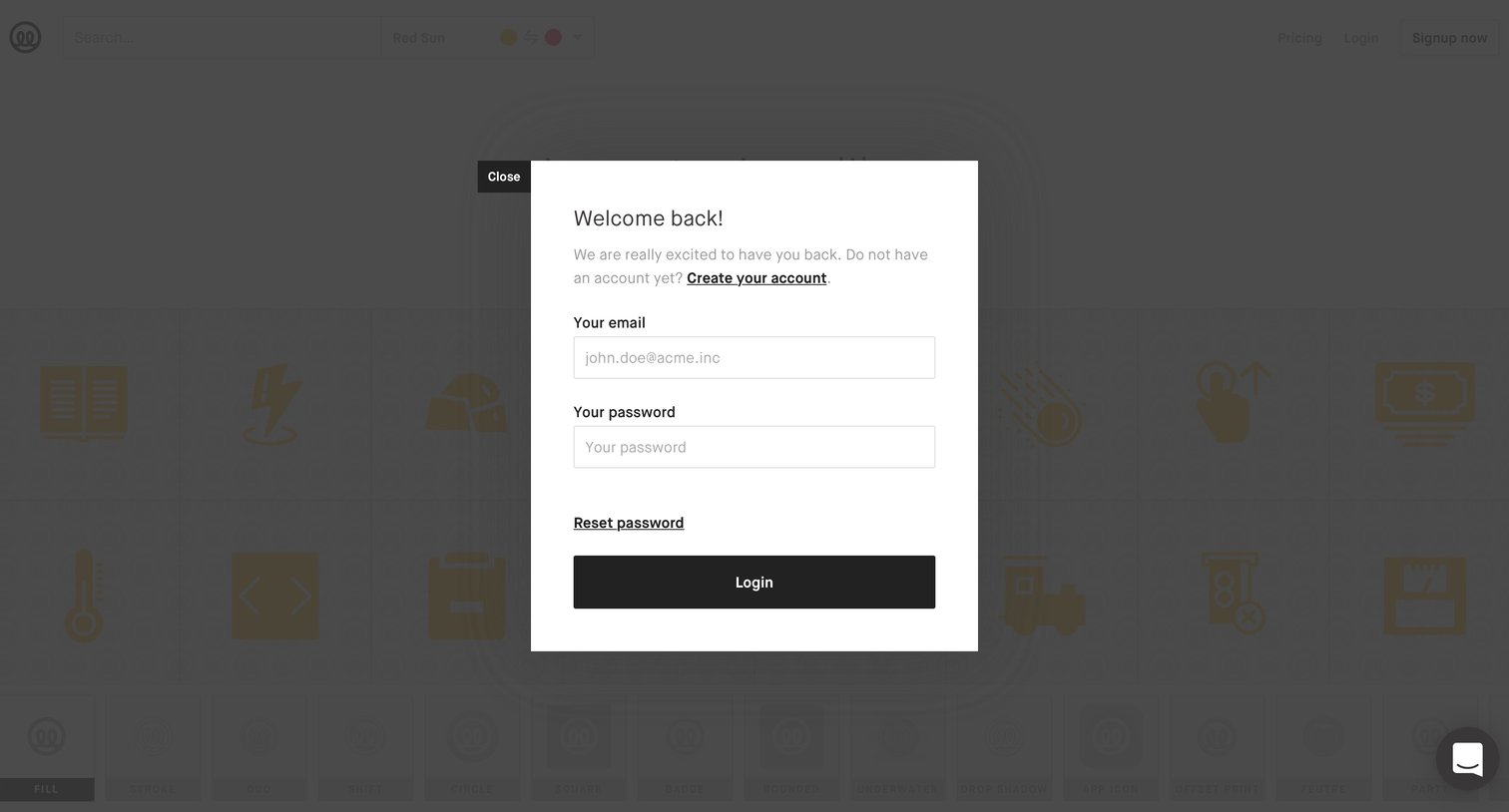
Sign-in screen where the user authenticates with their email and password via a modal overlay.
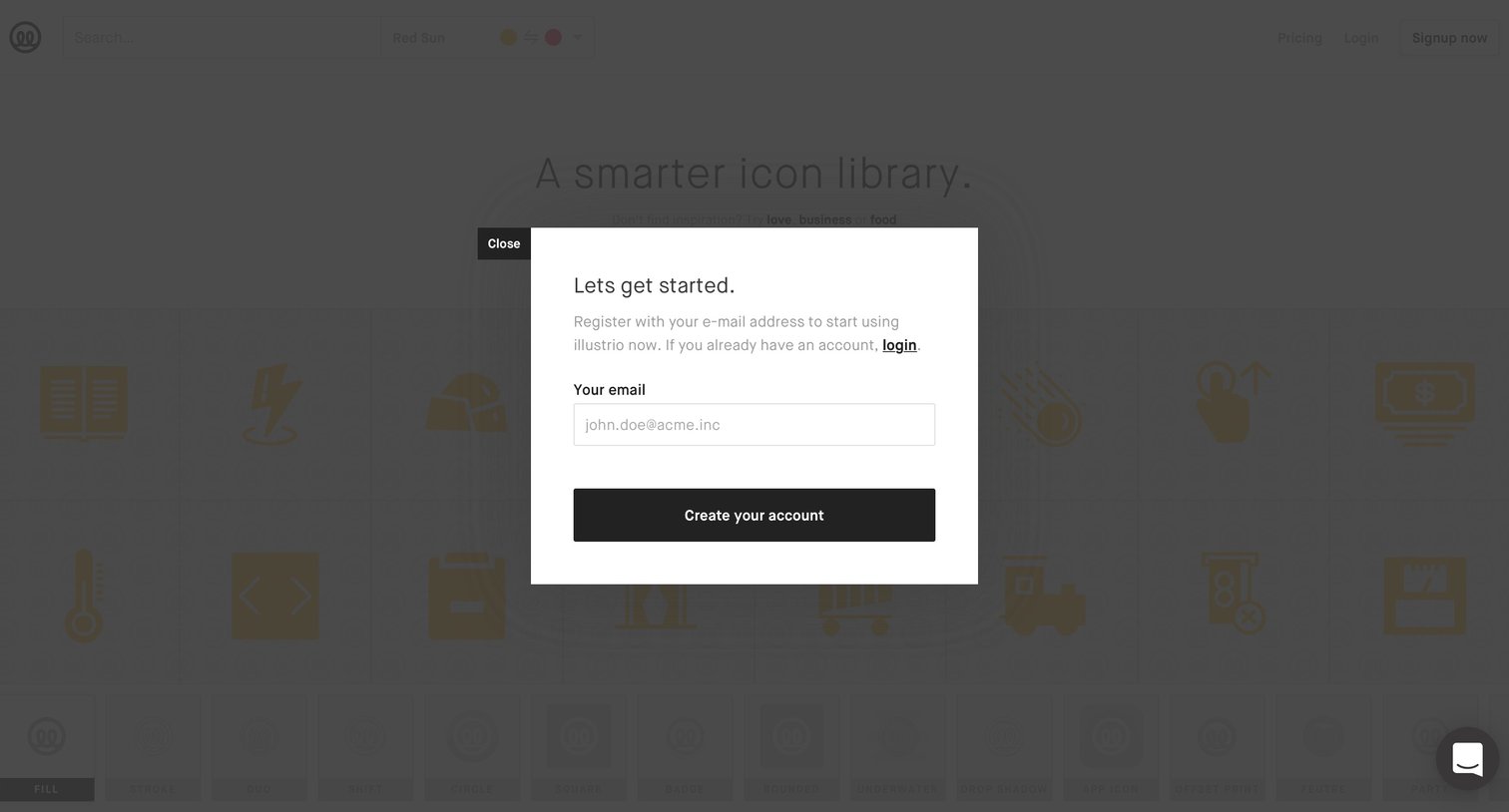
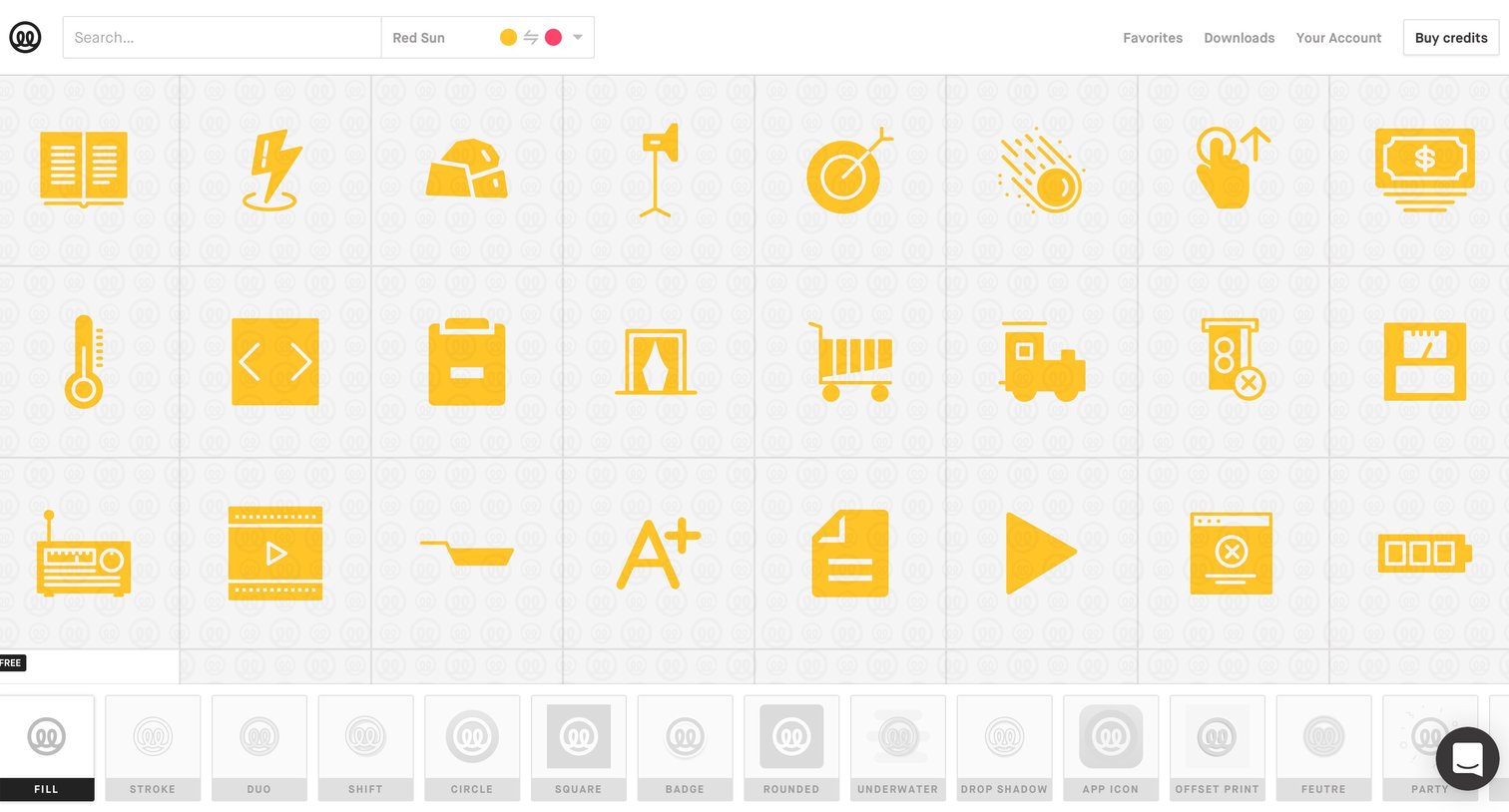
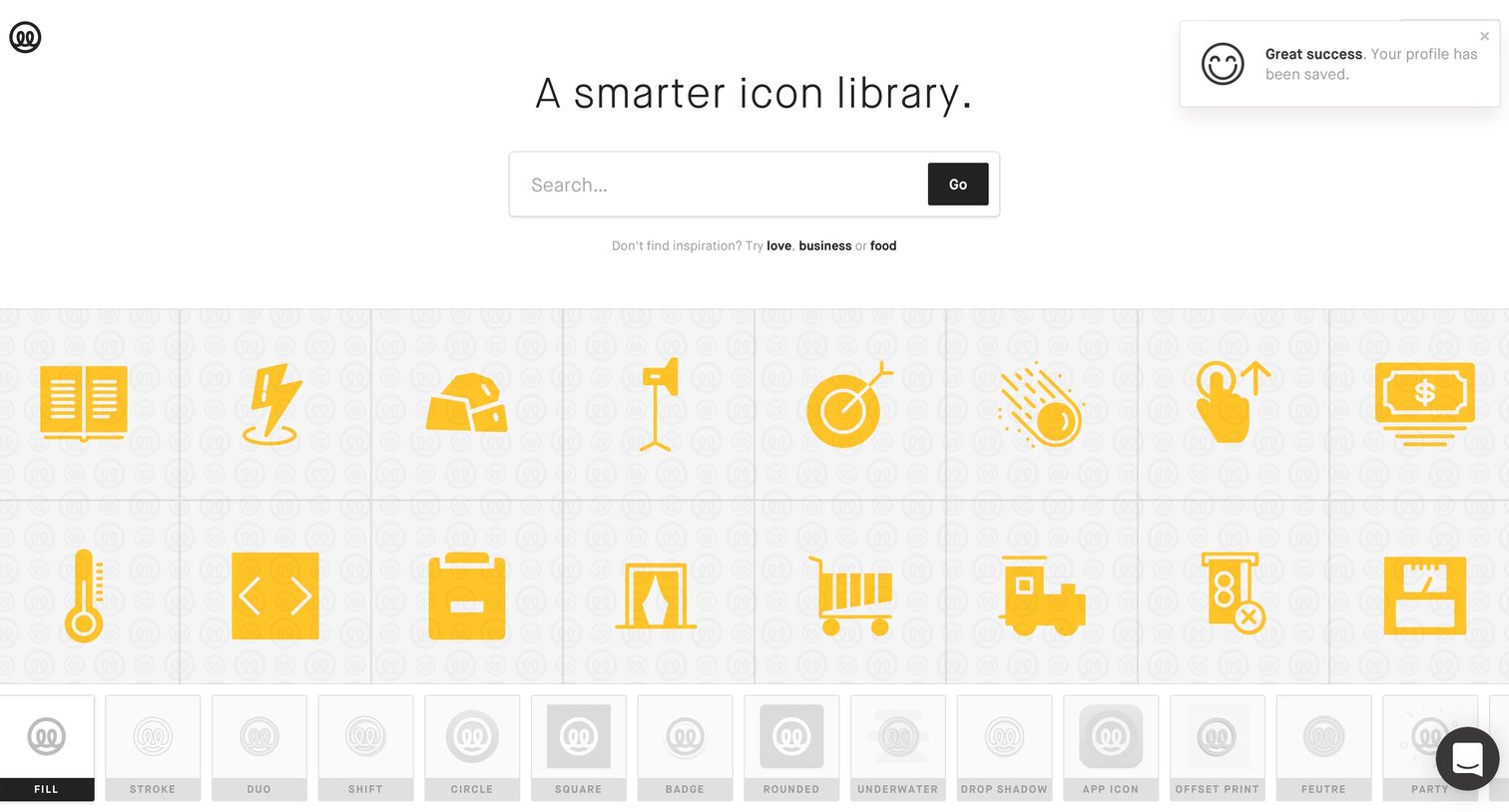
Search results page where the user browses a grid of yellow icons and can filter them by style using a bottom tab bar.
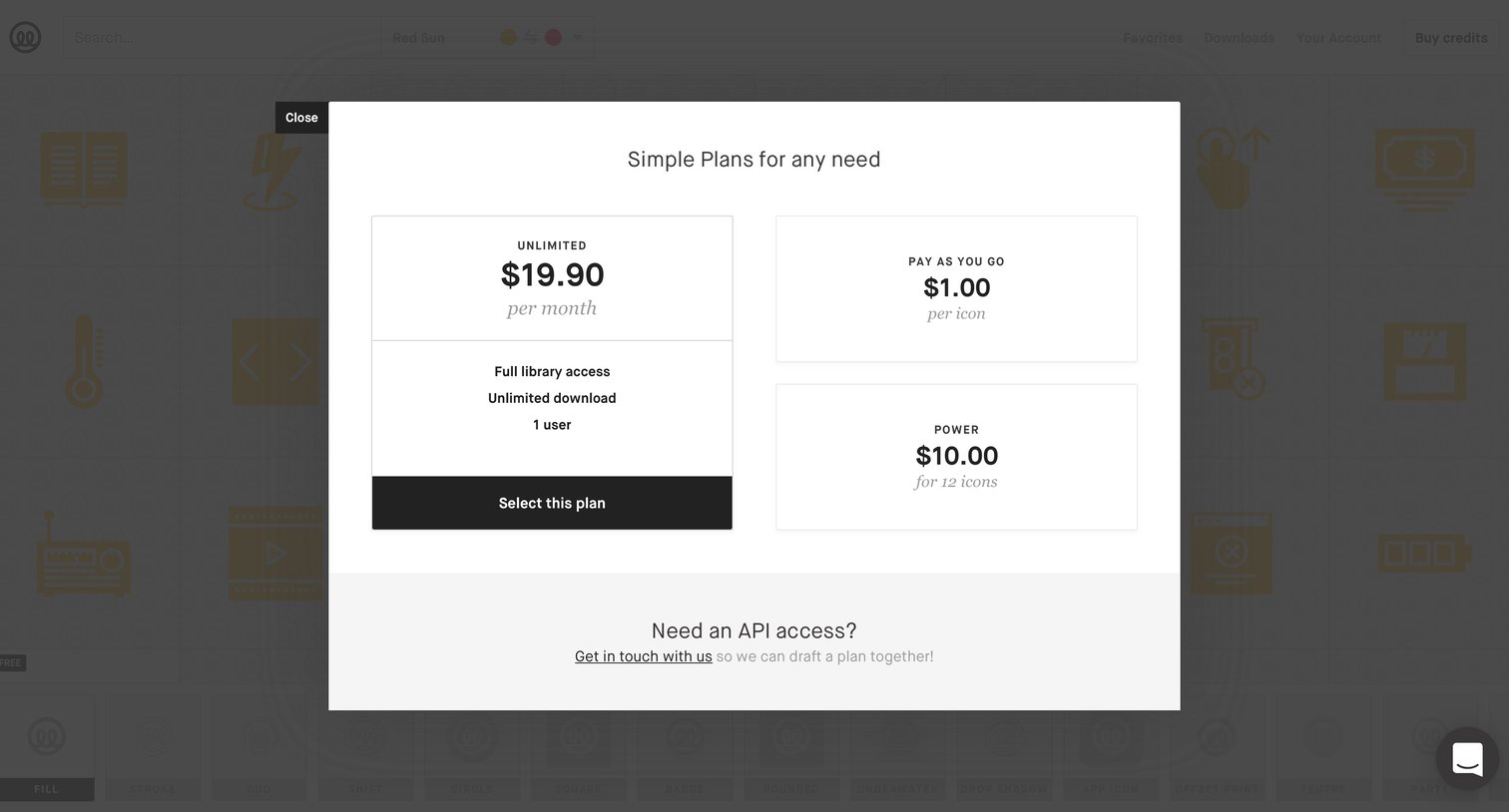
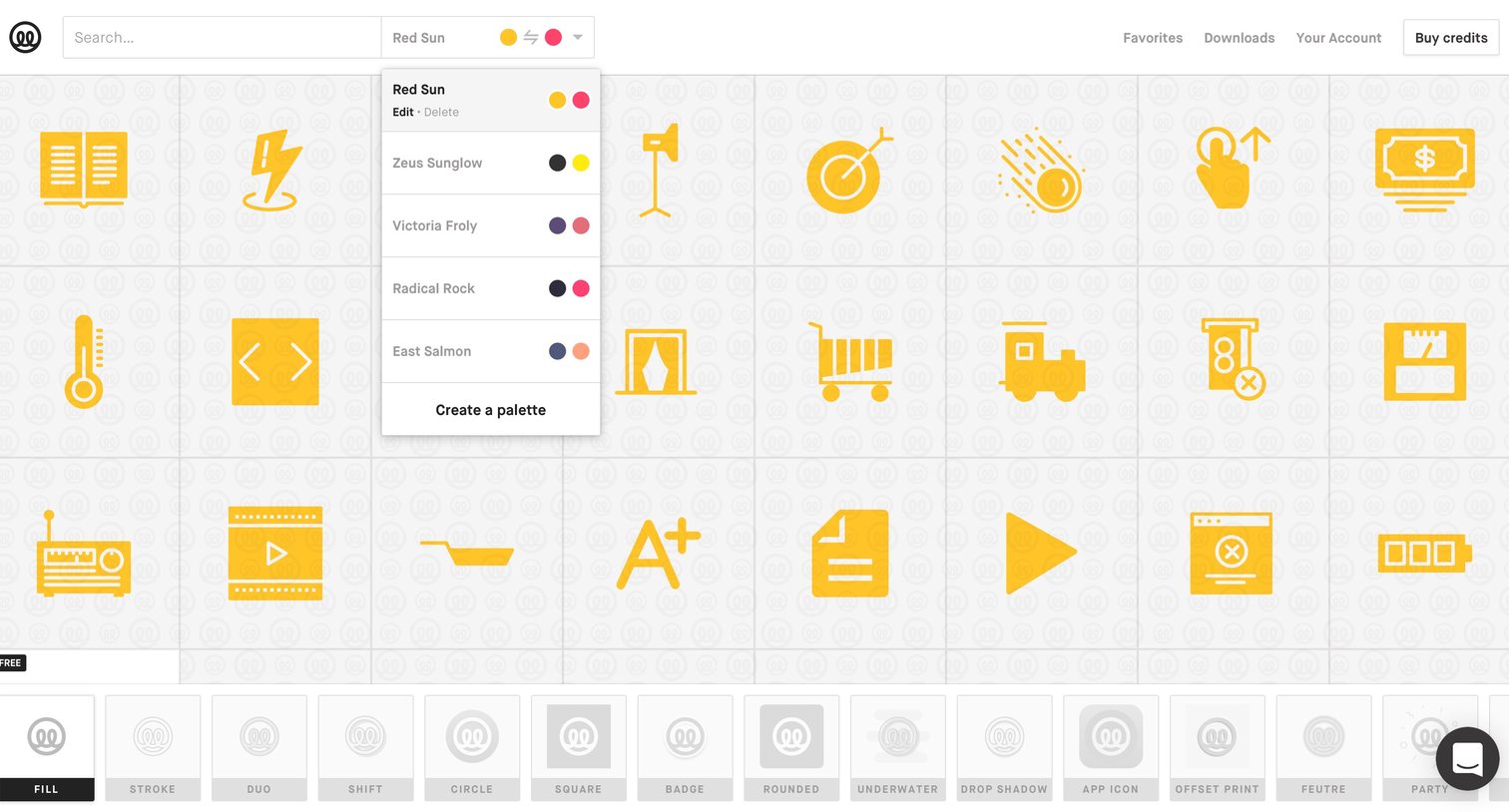
Search results page where the user browses a grid of icons, filters by color palette via a dropdown, and selects icon styles like fill or stroke from a bottom toolbar.
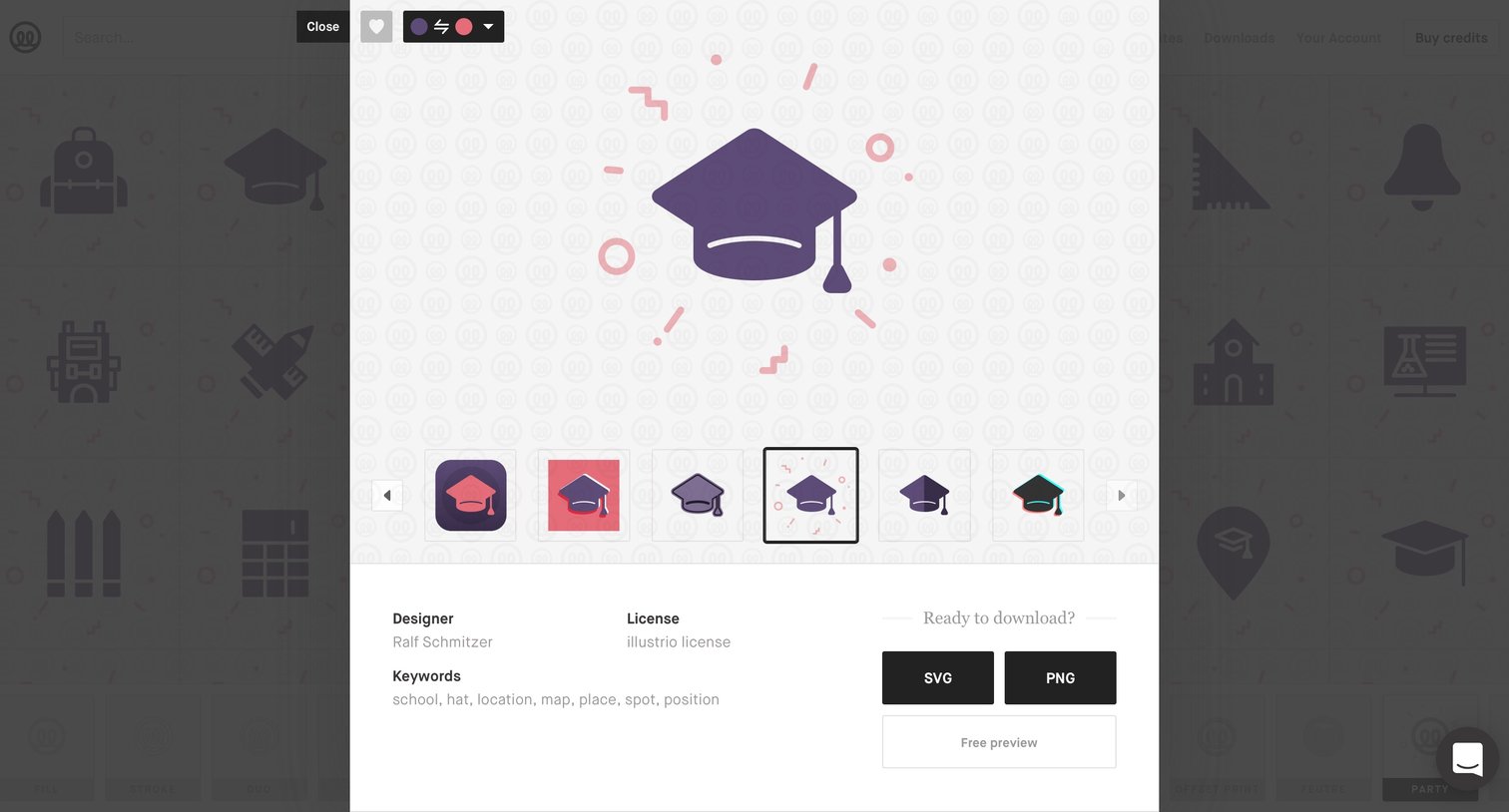
Detail modal where the user previews an icon, switches between style variants, reviews metadata like designer and keywords, and downloads the asset in SVG or PNG format.
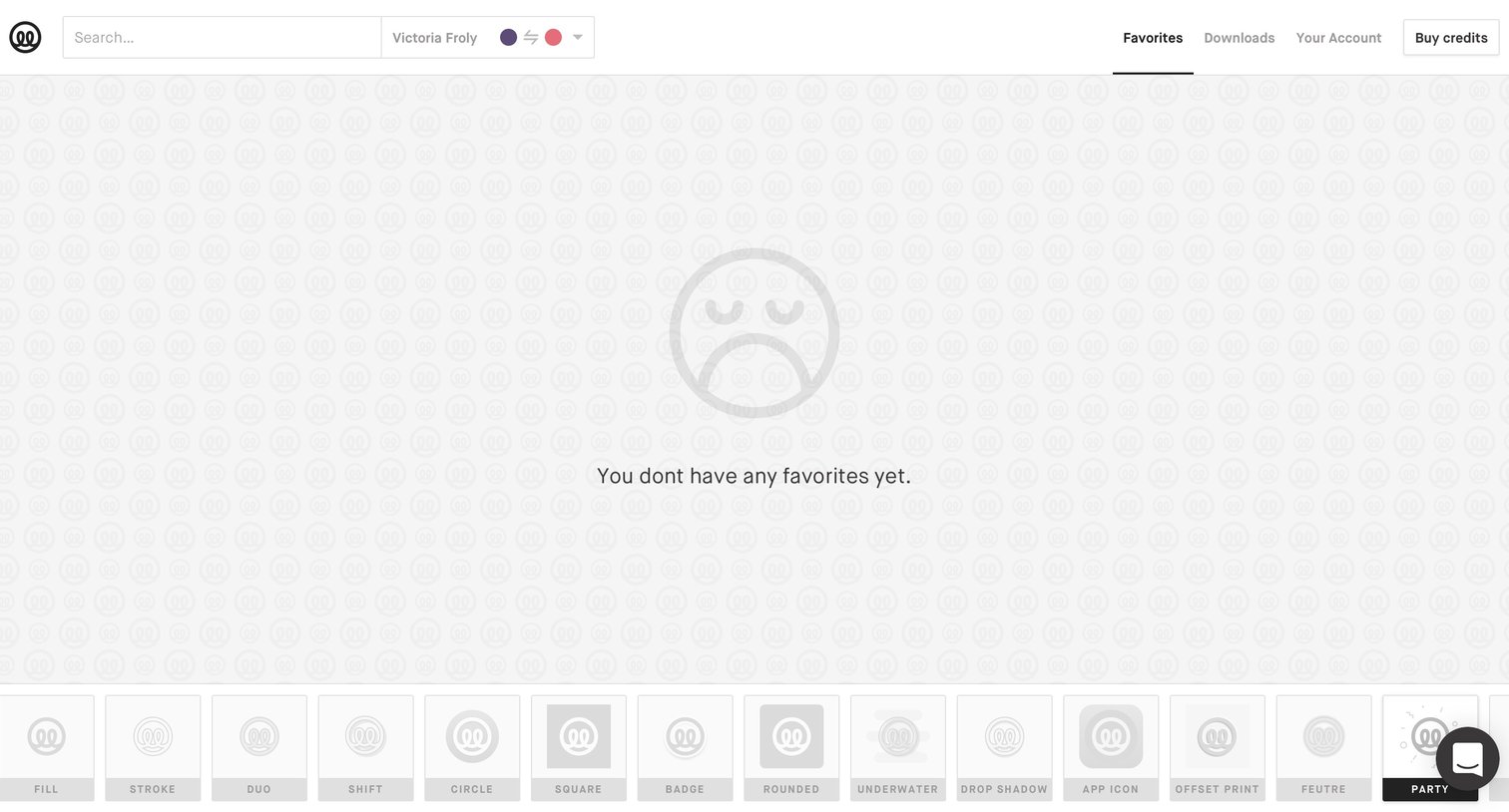
List view showing an empty state for the user's favorites, featuring a top navigation bar with search and a bottom toolbar for selecting icon styles.
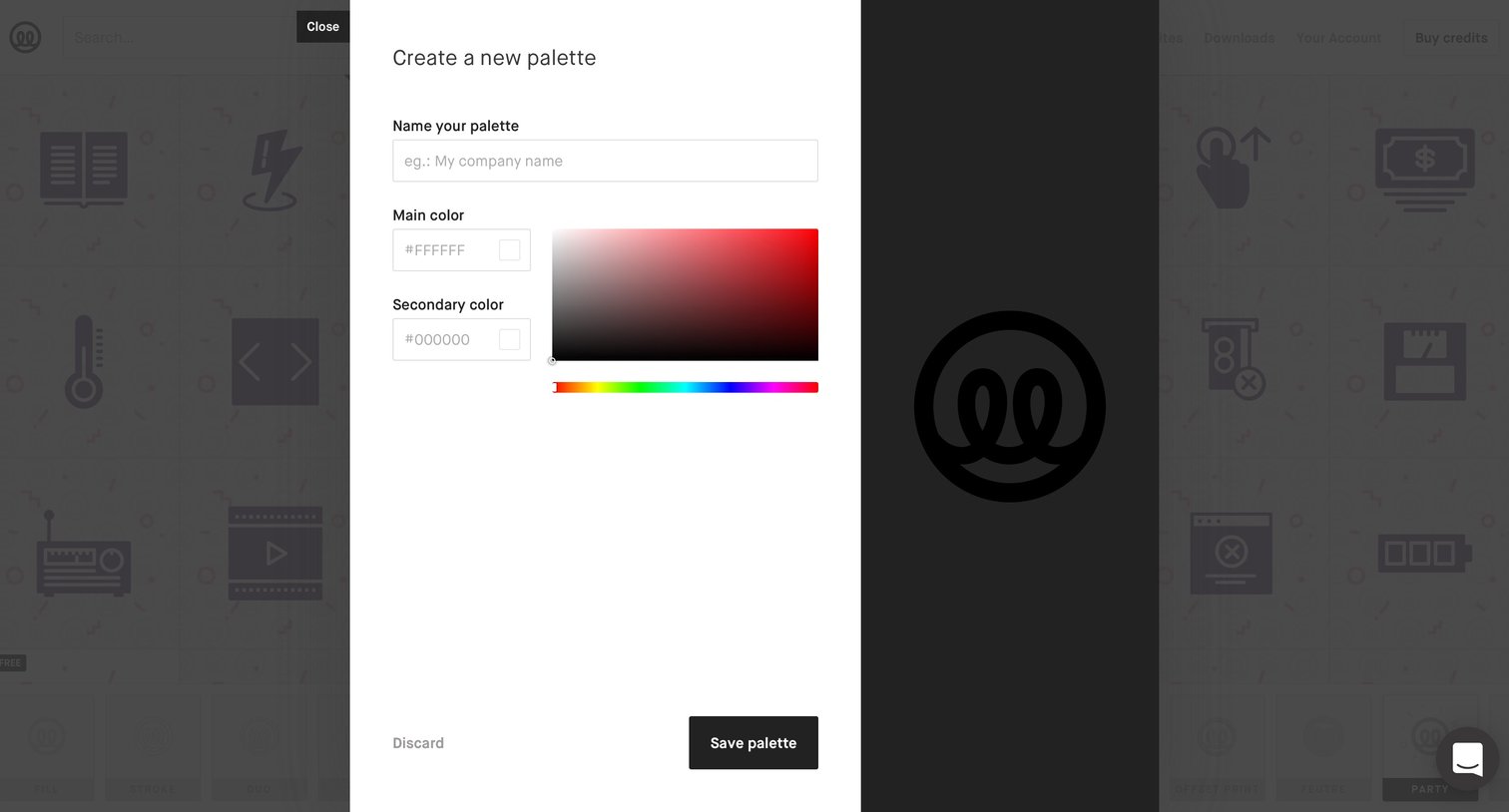
Creation flow where the user names a new custom palette and defines its primary and secondary colors.
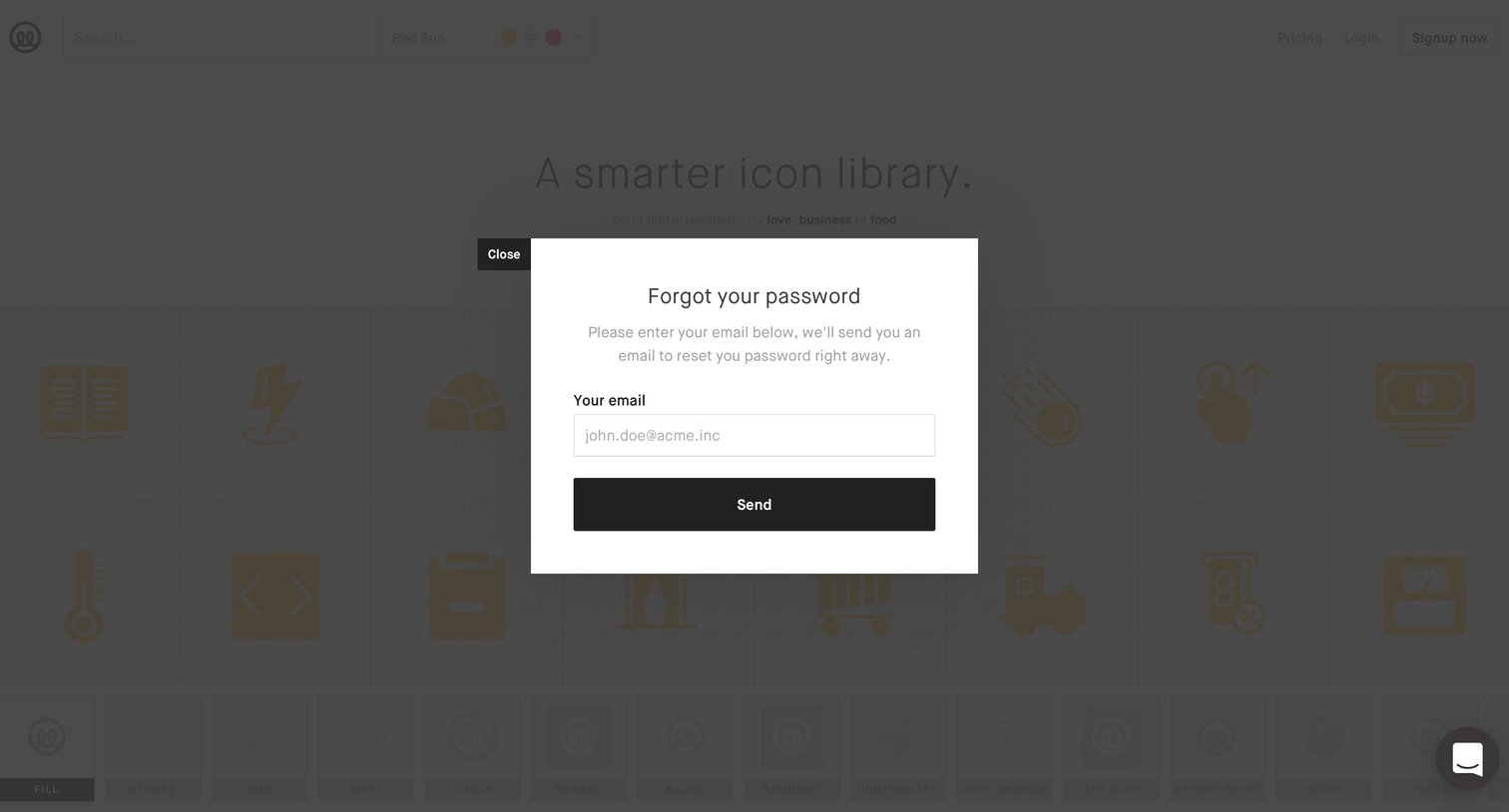
Password recovery modal overlaid on an icon library landing page, prompting the user to enter their email address to receive a reset link.
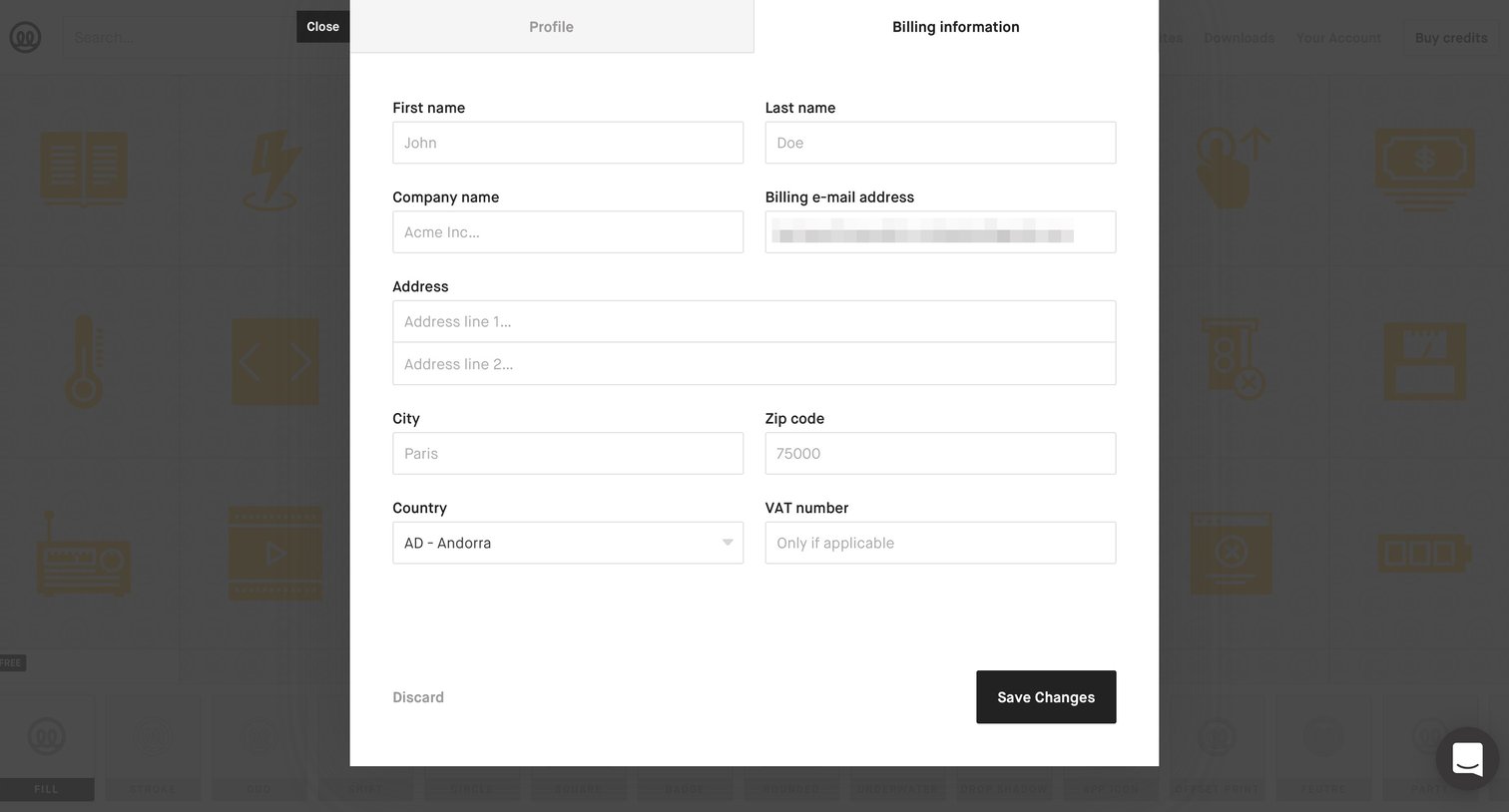
Account creation Onboarding Settings Form Account management Account settings Account setup
Browse the full SaaS app library
Explore real SaaS apps with their product screens, marketing screens, flows, and components.
Trusted by the best teams







