Deskpass product screens examples
Browse Deskpass screen design examples. Preview the interface screenshots and explore related UI patterns. Workspaces you’ll love
Explore the examples
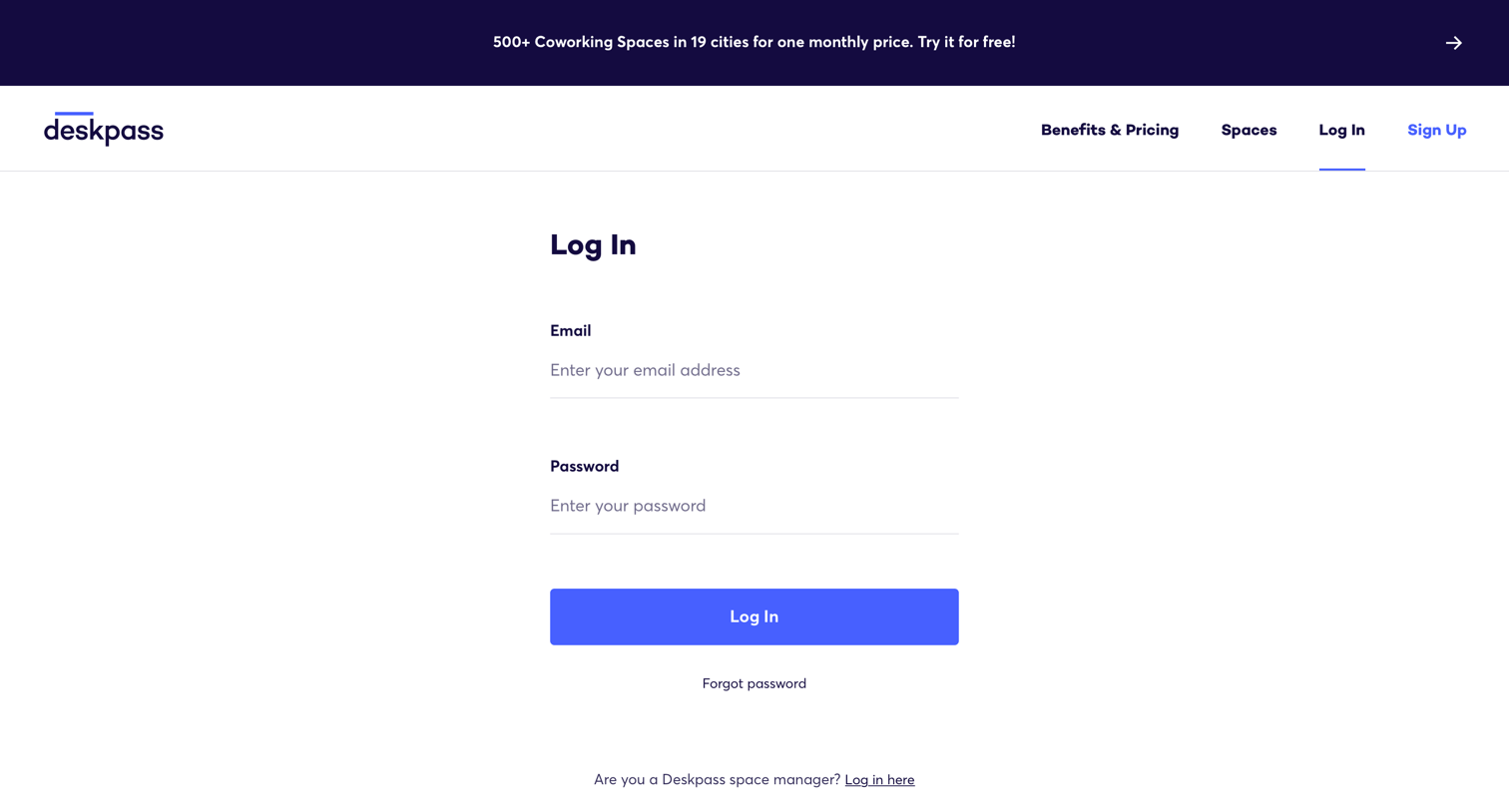


Password recovery screen where the user enters their email address to receive reset instructions.


Onboarding step where the user uploads a profile photo and provides a contact number to complete their profile.

Search results page where the user browses available workspaces in New York City using a map and a filter toolbar.
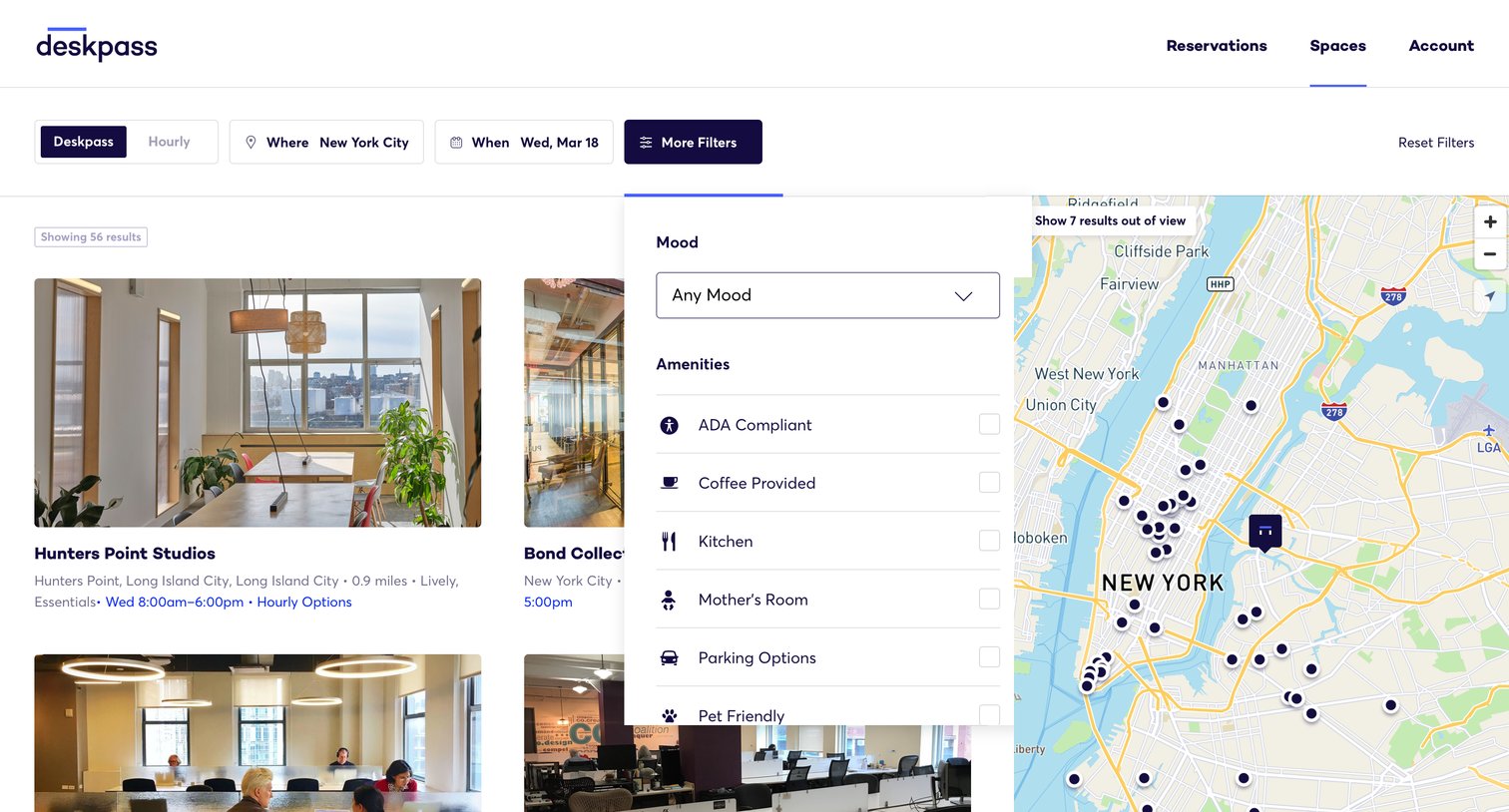
Search results page where the user filters coworking spaces by location, date, and specific amenities alongside an interactive map.

Search results page where the user filters coworking spaces by location and date, viewing available options simultaneously in a list and on an interactive map.
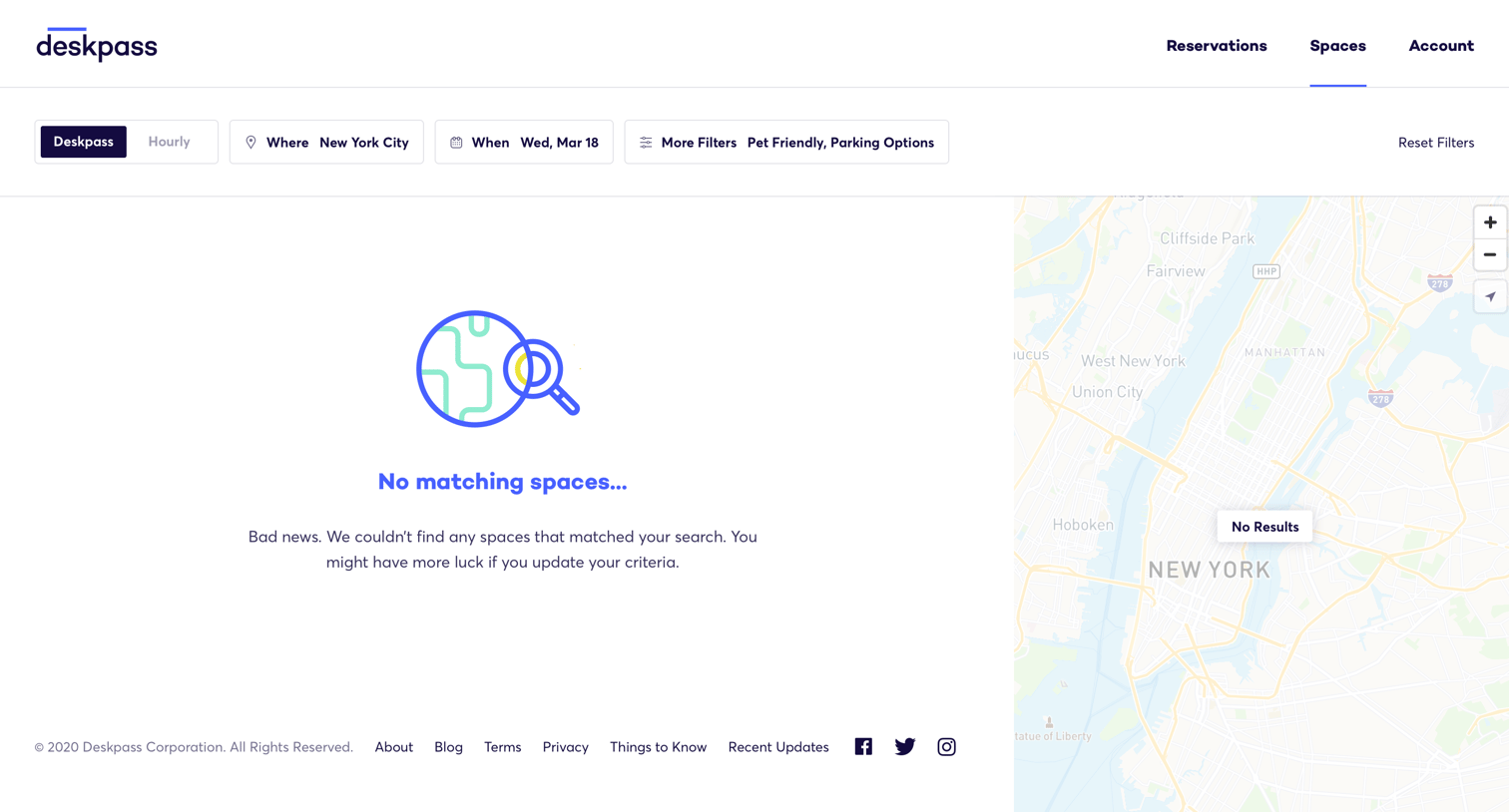
Search results page for workspaces in New York City showing an empty state with a map and filter bar.

Home screen where the user views their active and past reservations, checks their remaining credits, and sees recommended workspaces.
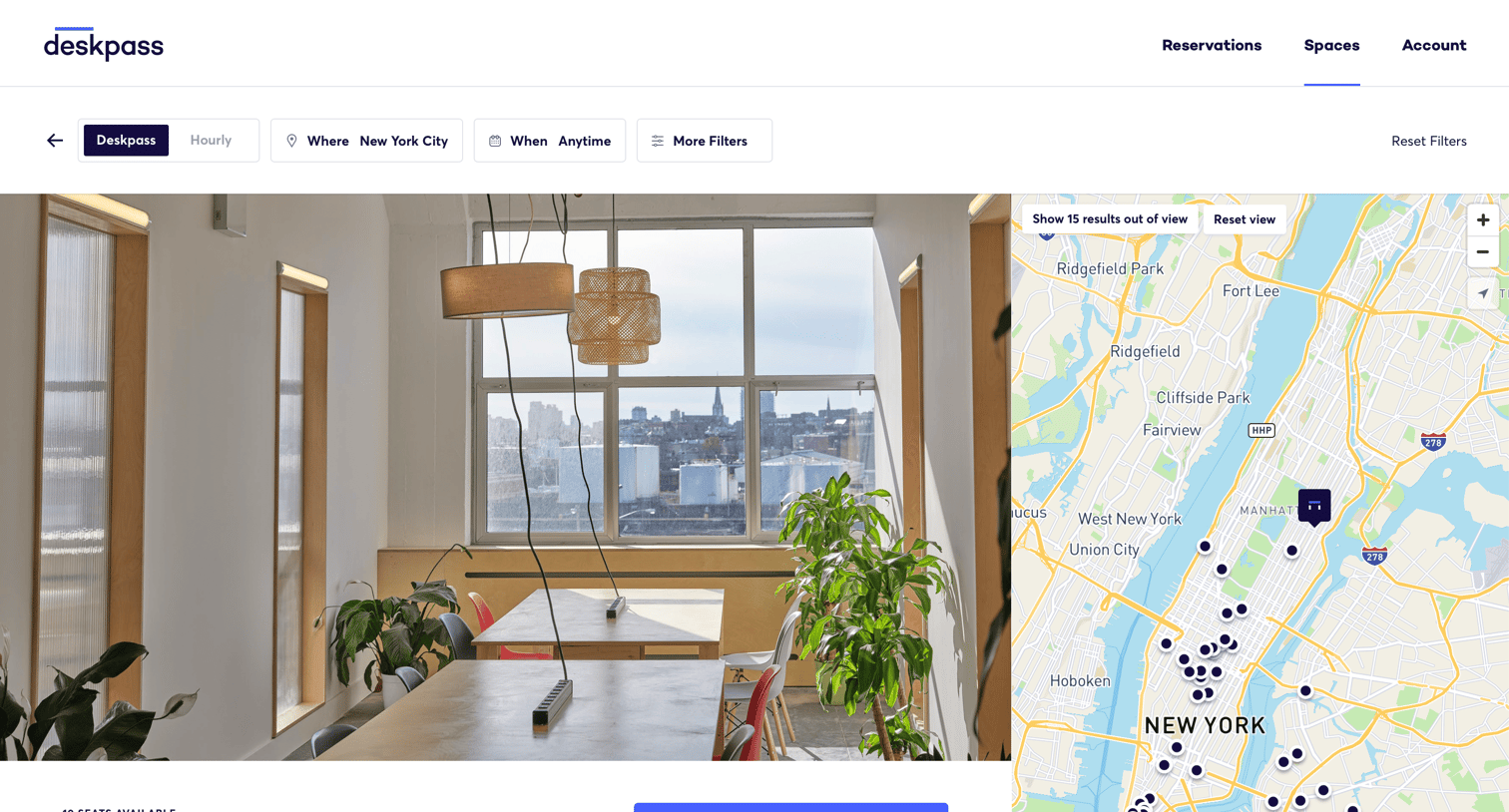
Detail page for a coworking space where the user can view amenities, check the location on a map, and reserve a desk or meeting room with credits.

Explore the full SaaS screen library
Upgrade to unlock the full library.
Trusted by the best teams







