Upload image screen examples
Upload image screen design examples from SaaS apps. Browse examples from Flora, Assembly AI App Builder, Lovable.
Explore the examples
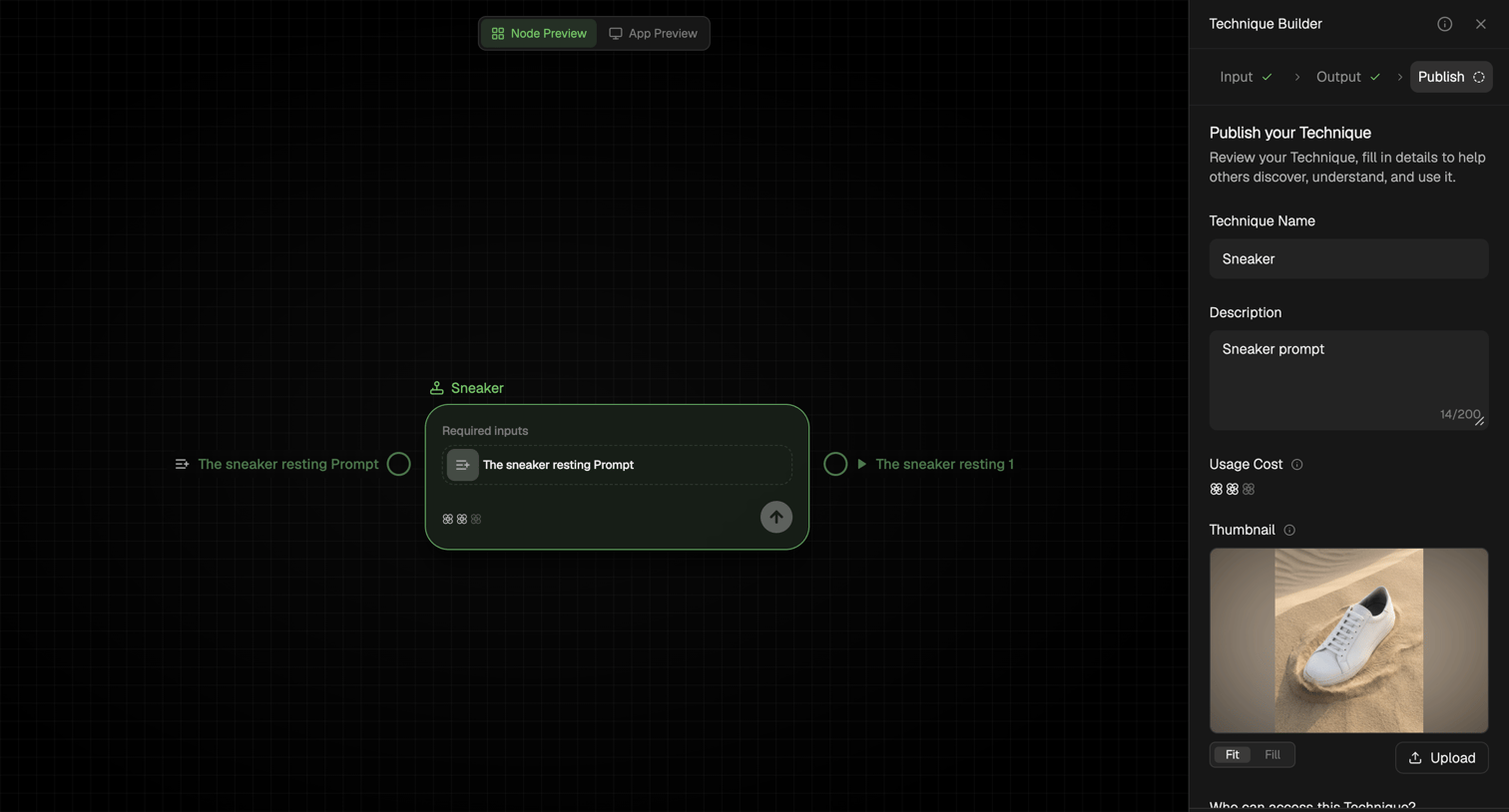

Workflow editor where the user configures publish settings for a technique, including its name, description, and thumbnail, in a right sidebar.
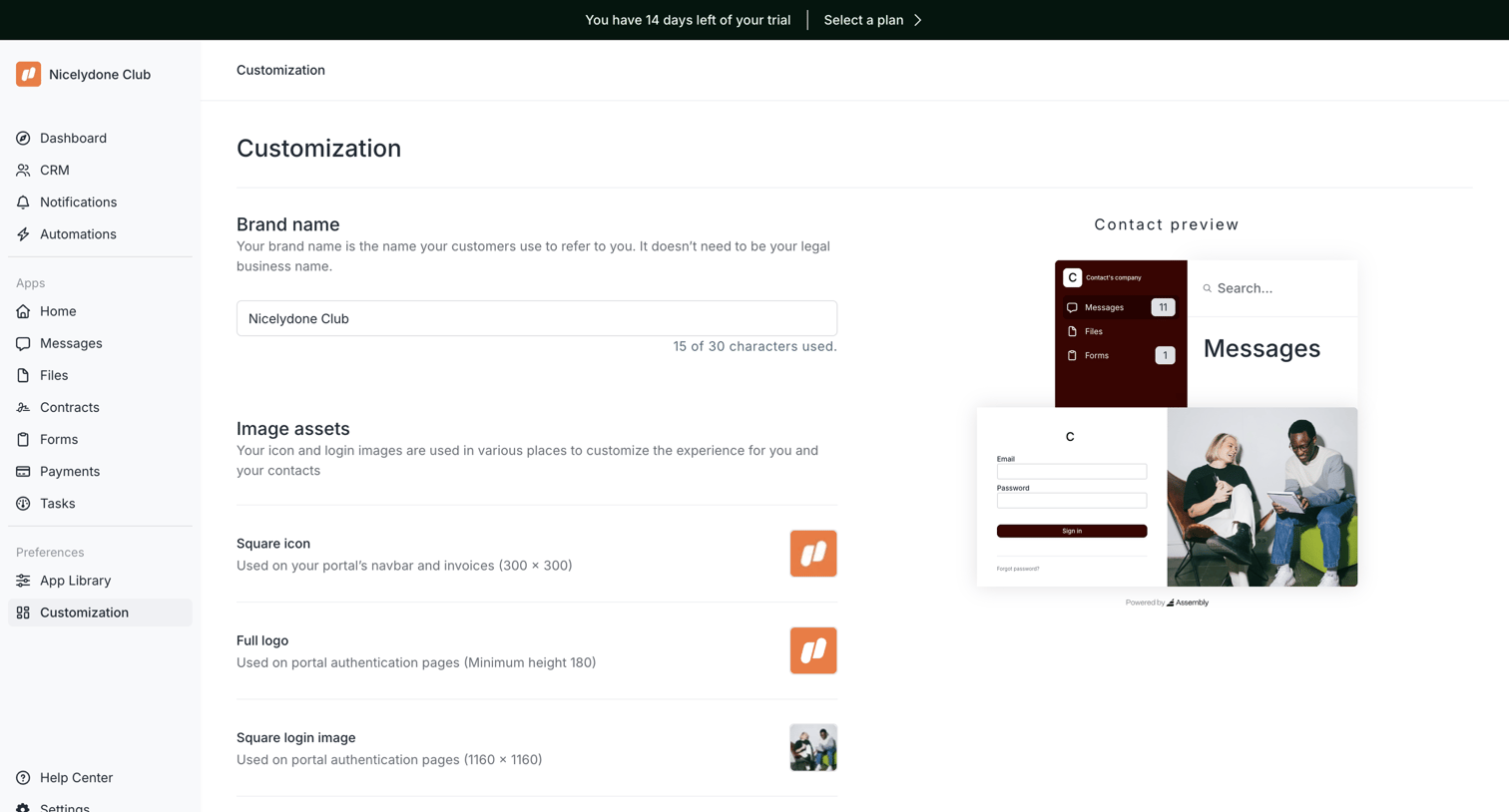

Settings page where the user configures their portal's brand name and image assets while viewing a live preview.
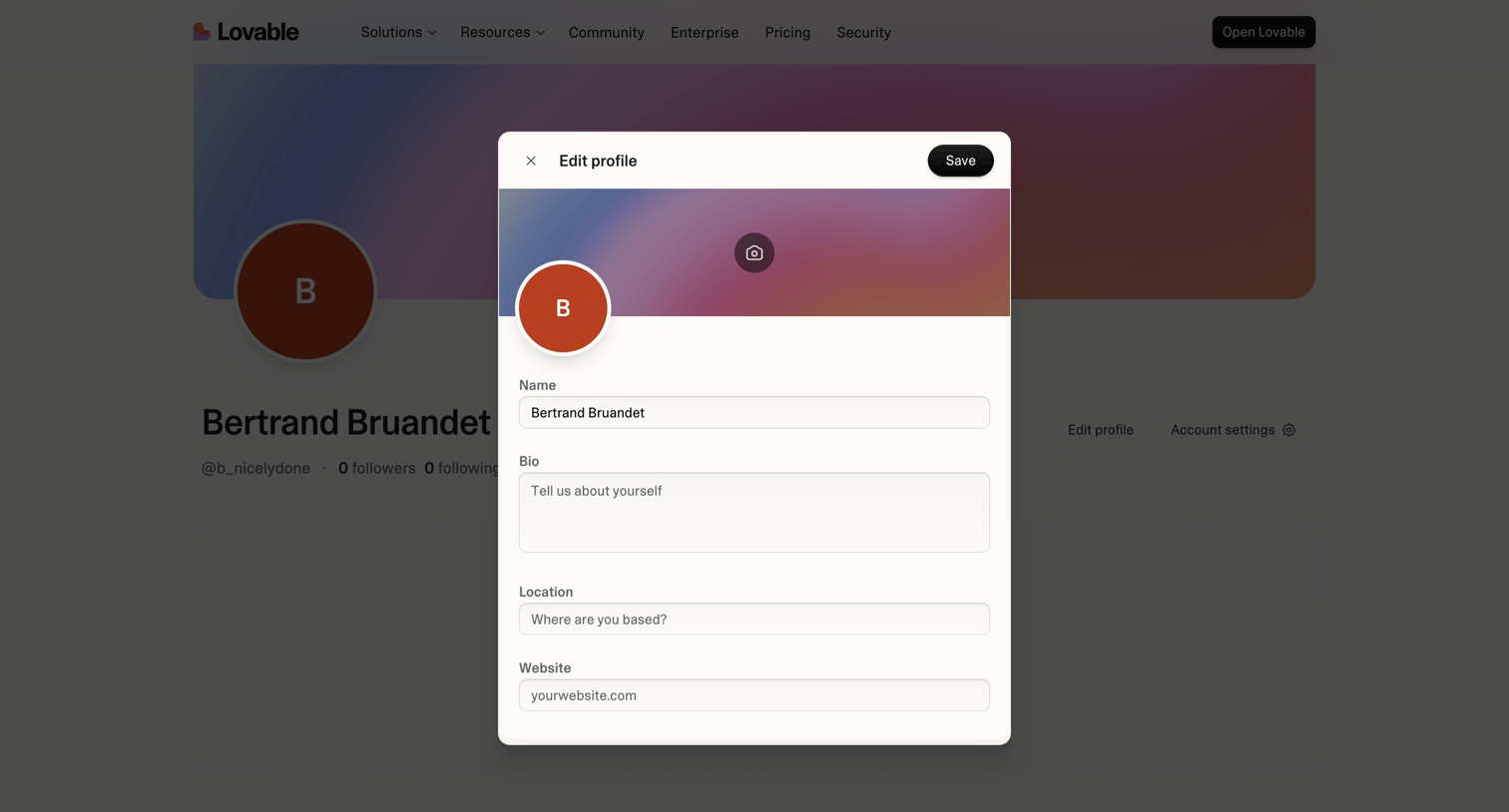

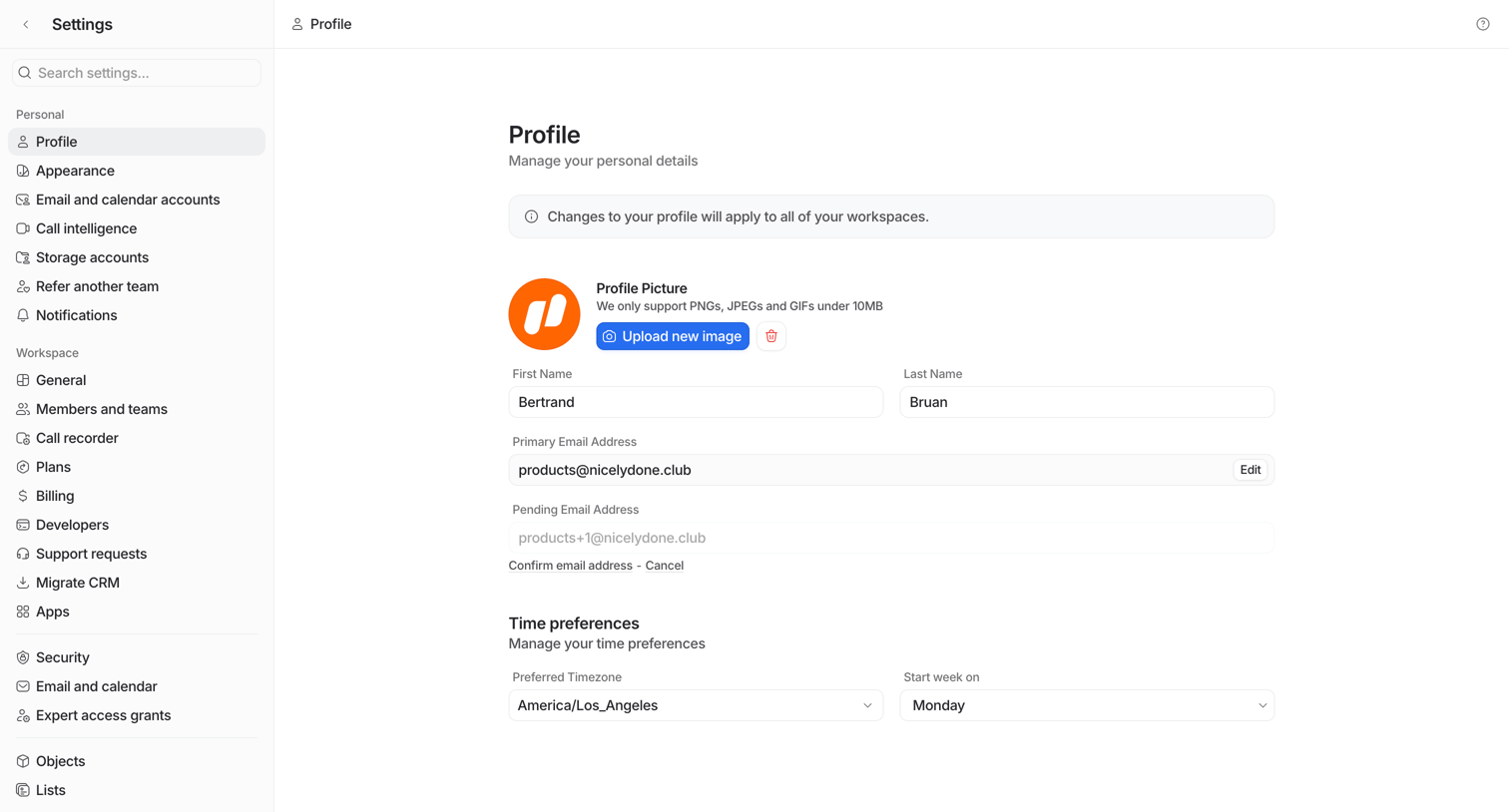

Settings page where the user manages their personal details, including profile picture, name, email addresses, and time preferences.
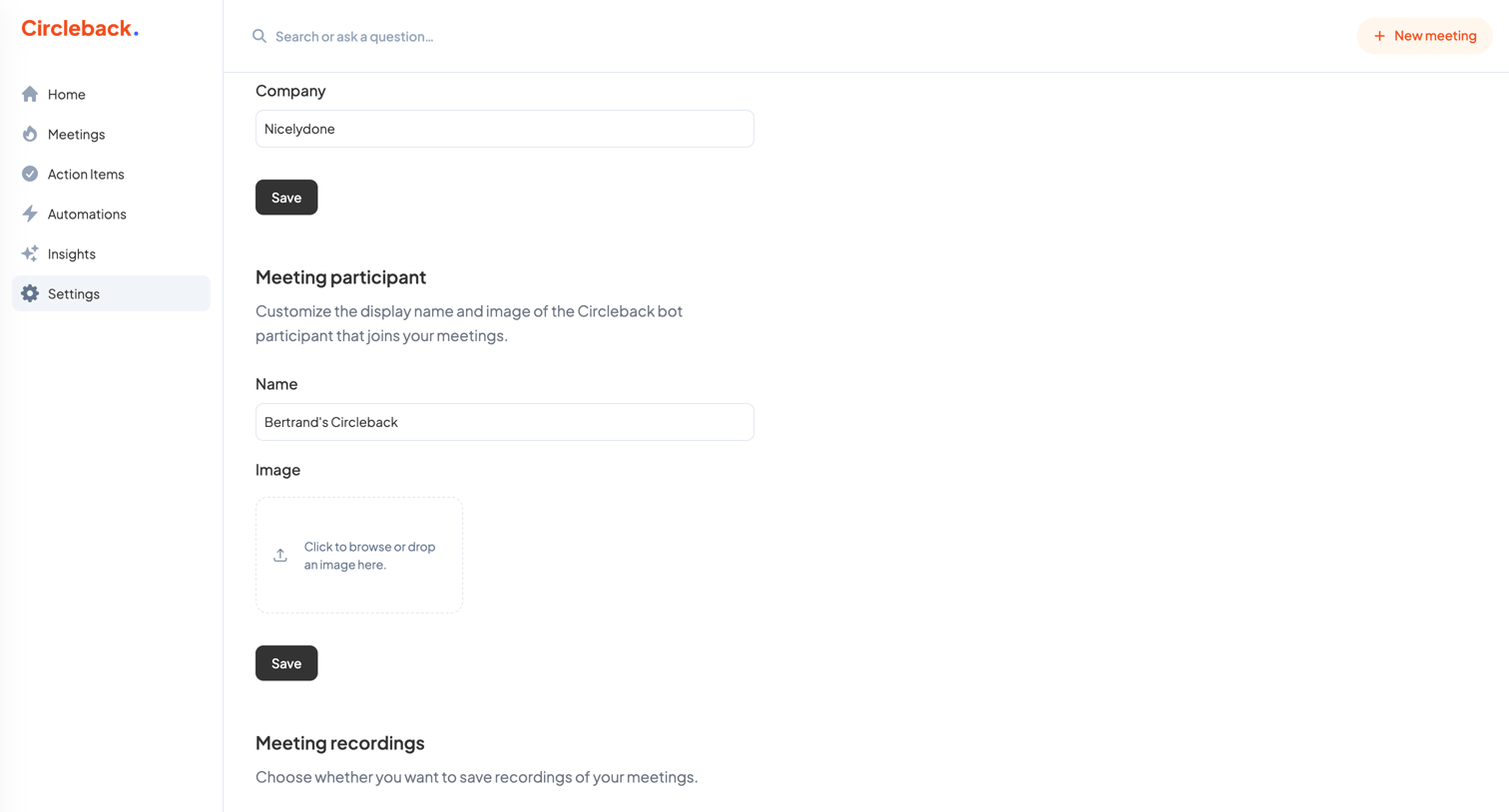

Settings page where the user configures their company name, the display name and image for the meeting bot, and meeting recording preferences.
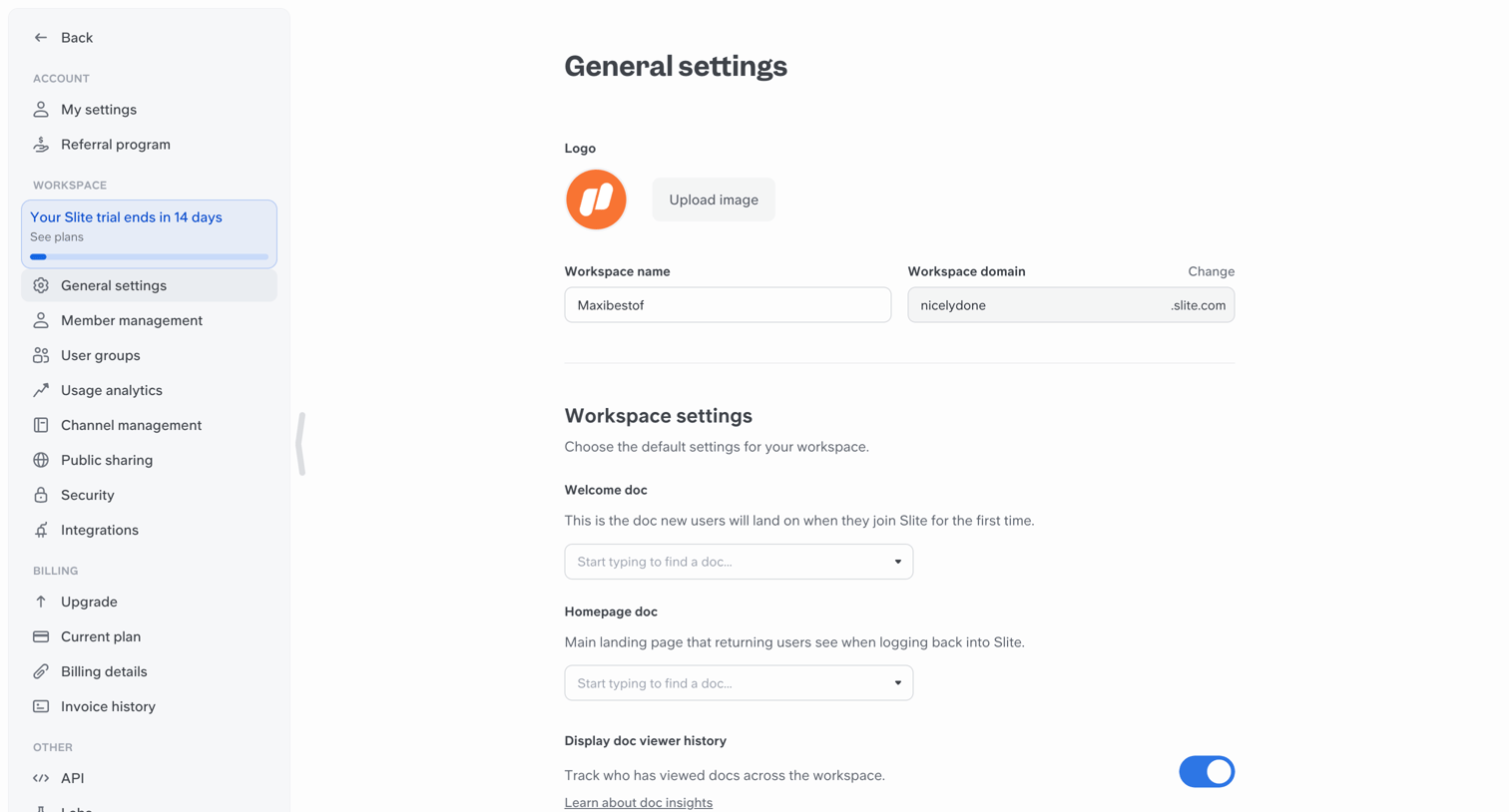

Settings page where the user configures general workspace details like the logo, workspace name, custom domain, and default welcome documents.
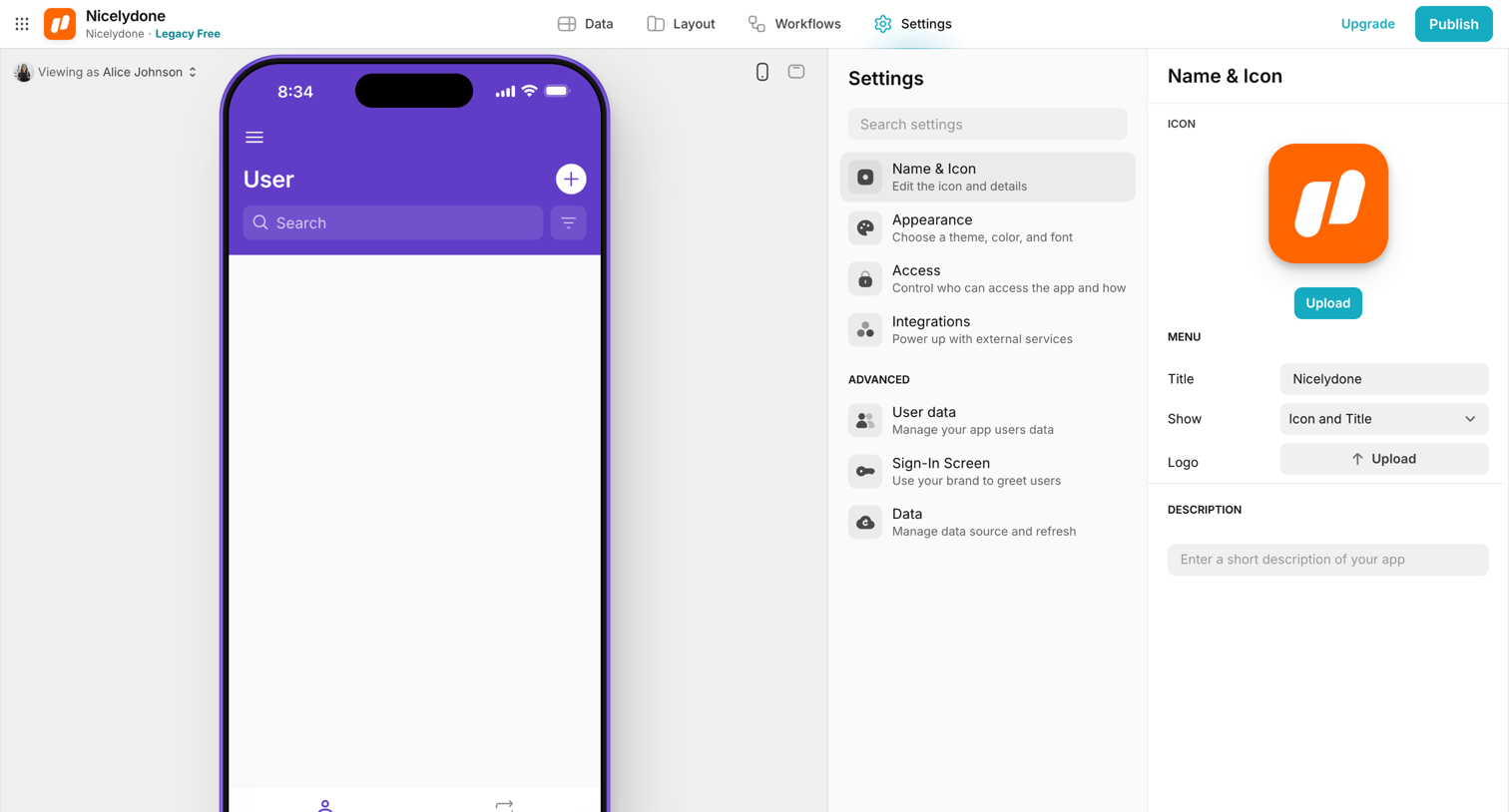

Settings page where the user configures the name, icon, and description for their application while viewing a live mobile preview.
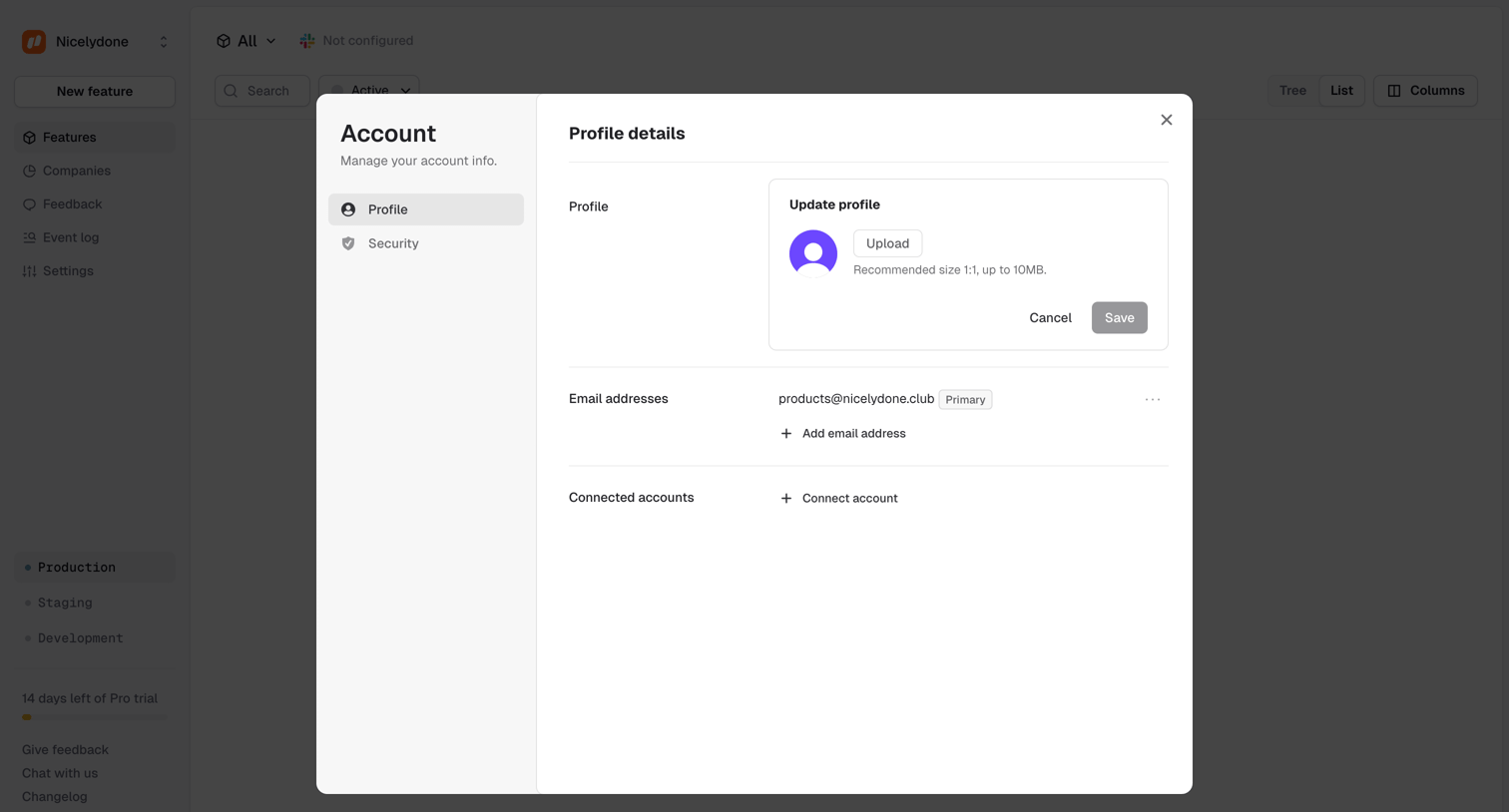

Settings modal where the user manages their account profile details, including uploading an avatar, managing email addresses, and connecting external accounts.
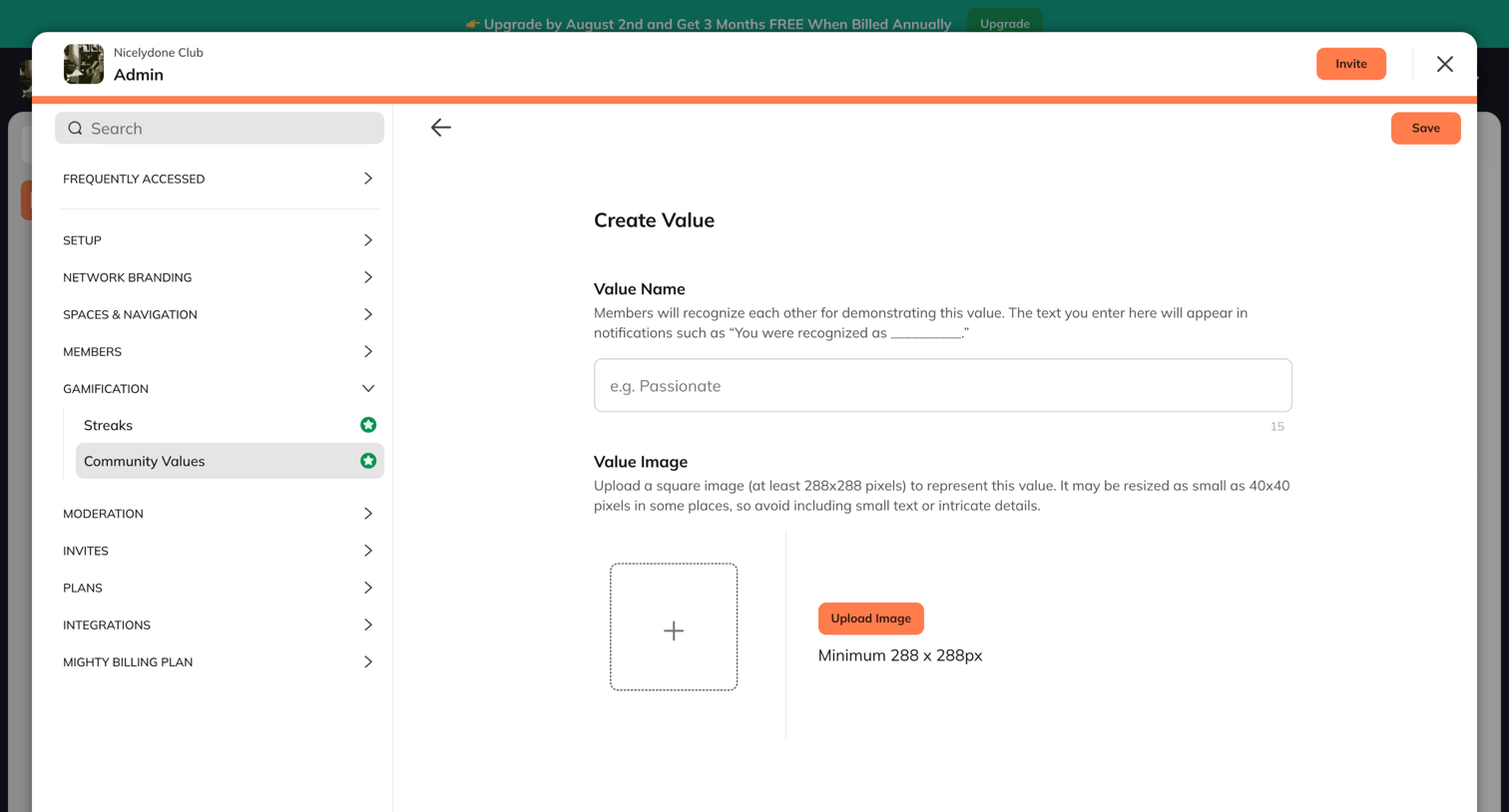

Creation modal where the admin defines a new community value by providing a name and uploading an image.
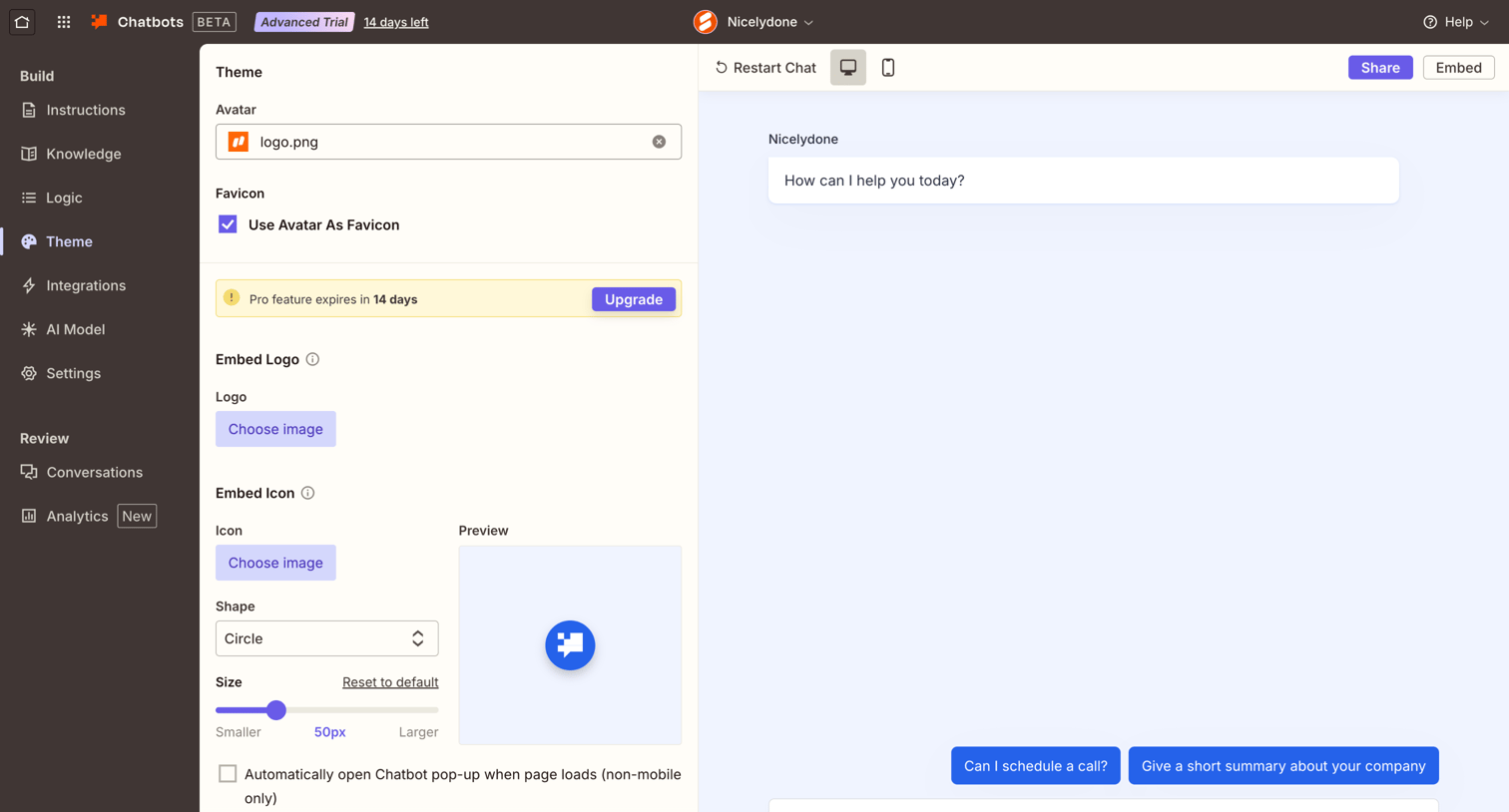

Settings page where the user configures the visual theme of their chatbot, including avatars, logos, and embed icons, alongside a live interactive preview.
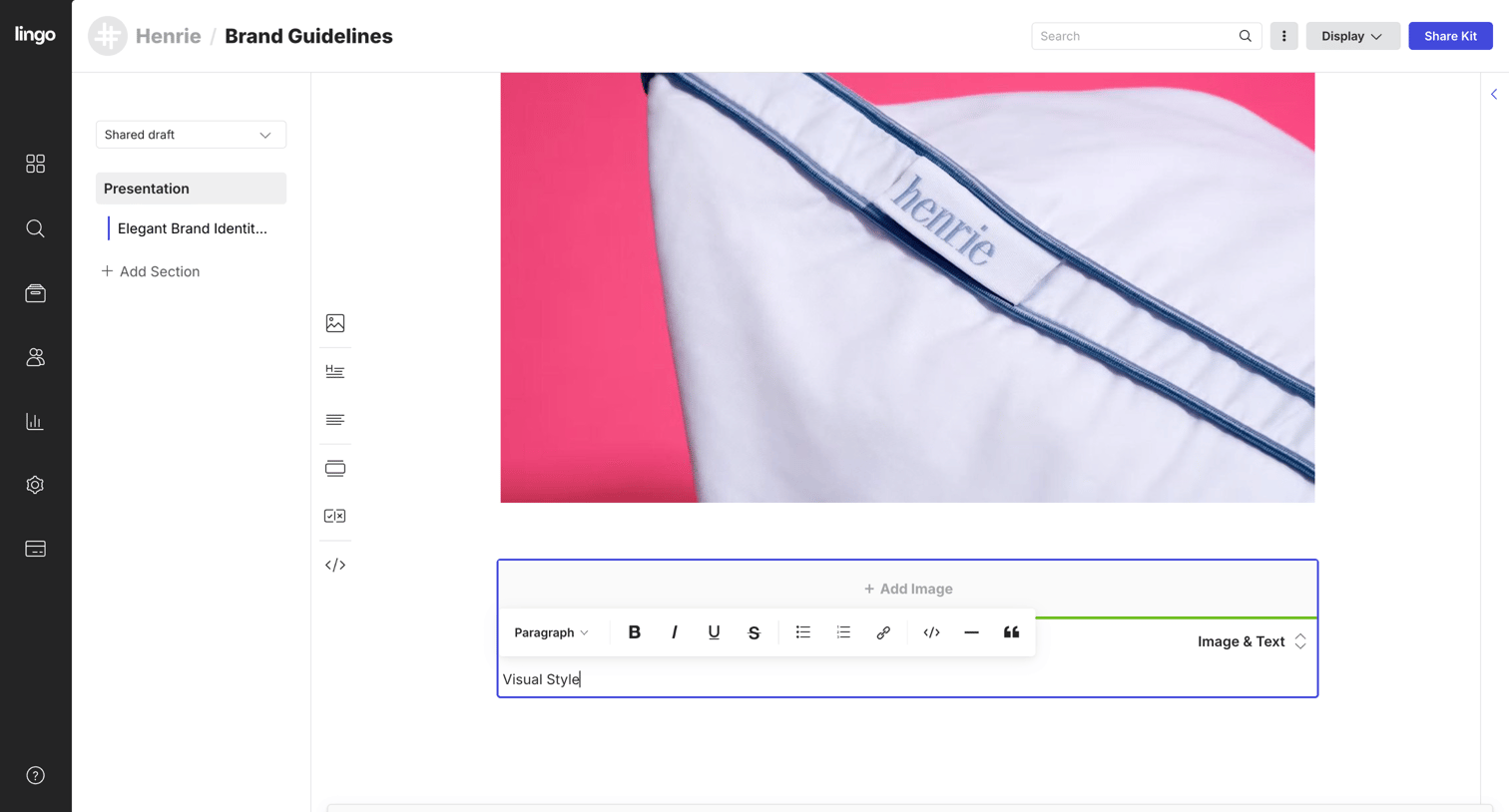

Content editor where the user is building a brand guidelines presentation, currently editing a text block below an image.
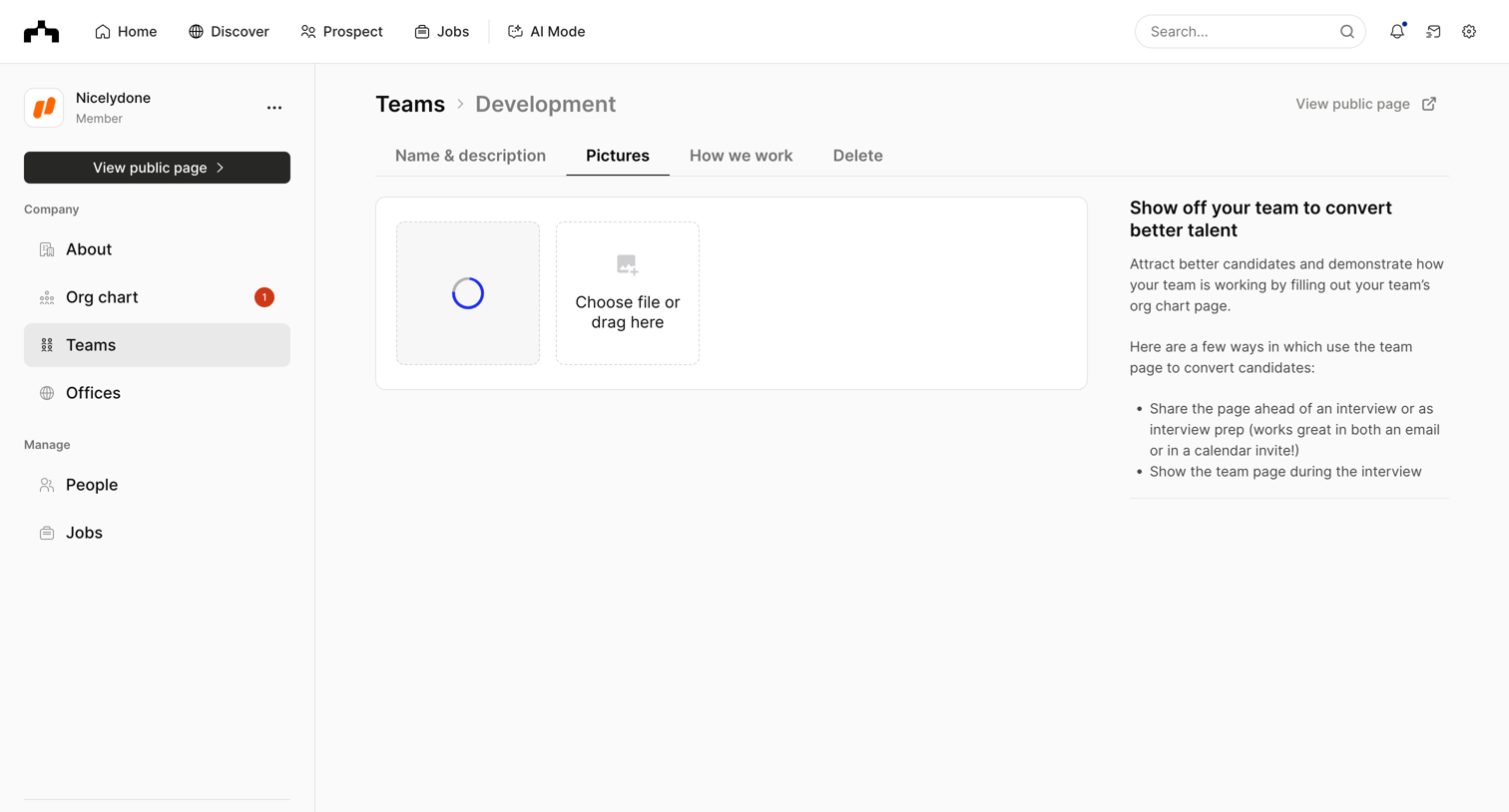

Settings page where the user uploads pictures for the Development team profile.
Explore the full SaaS screen library
Upgrade to unlock the full library.
Trusted by the best teams







