
ServiceBell design examples
Explore ServiceBell UI design examples. Add live human connection to your website
Product screens
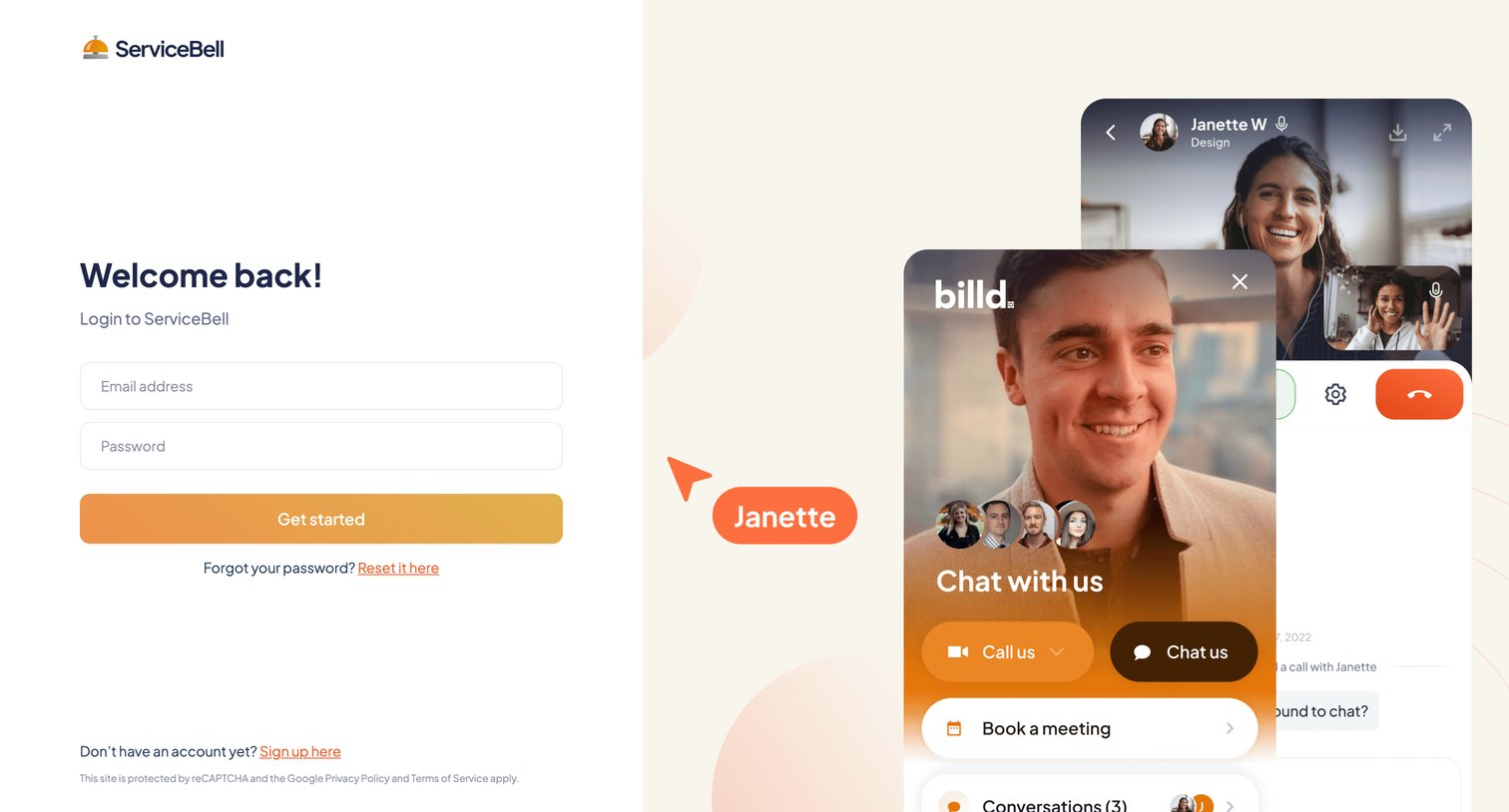
Sign-in screen where the user authenticates to ServiceBell using their email and password.
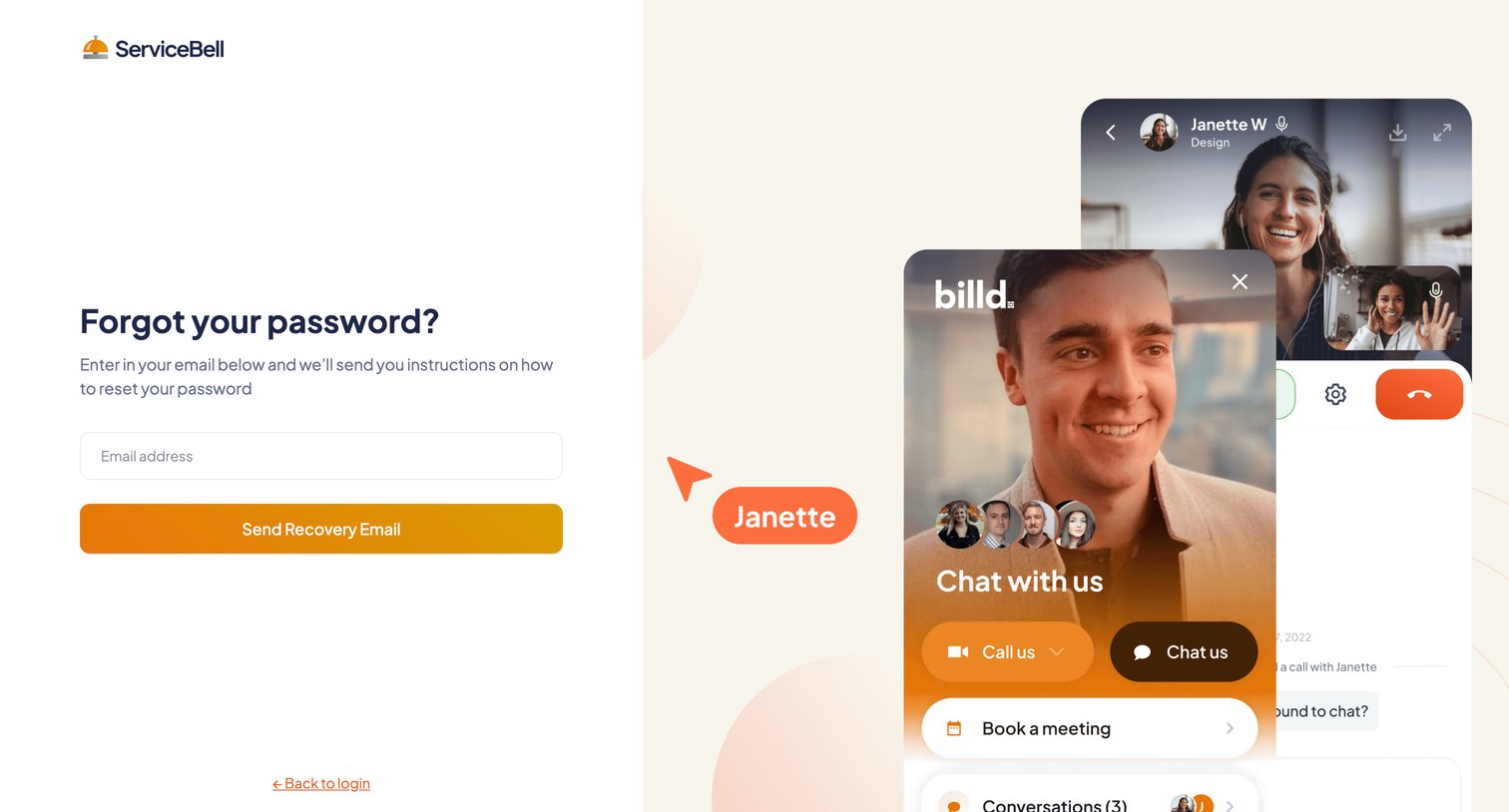
Password recovery screen where the user enters their email address to receive reset instructions, featuring a product UI mockup on the right.
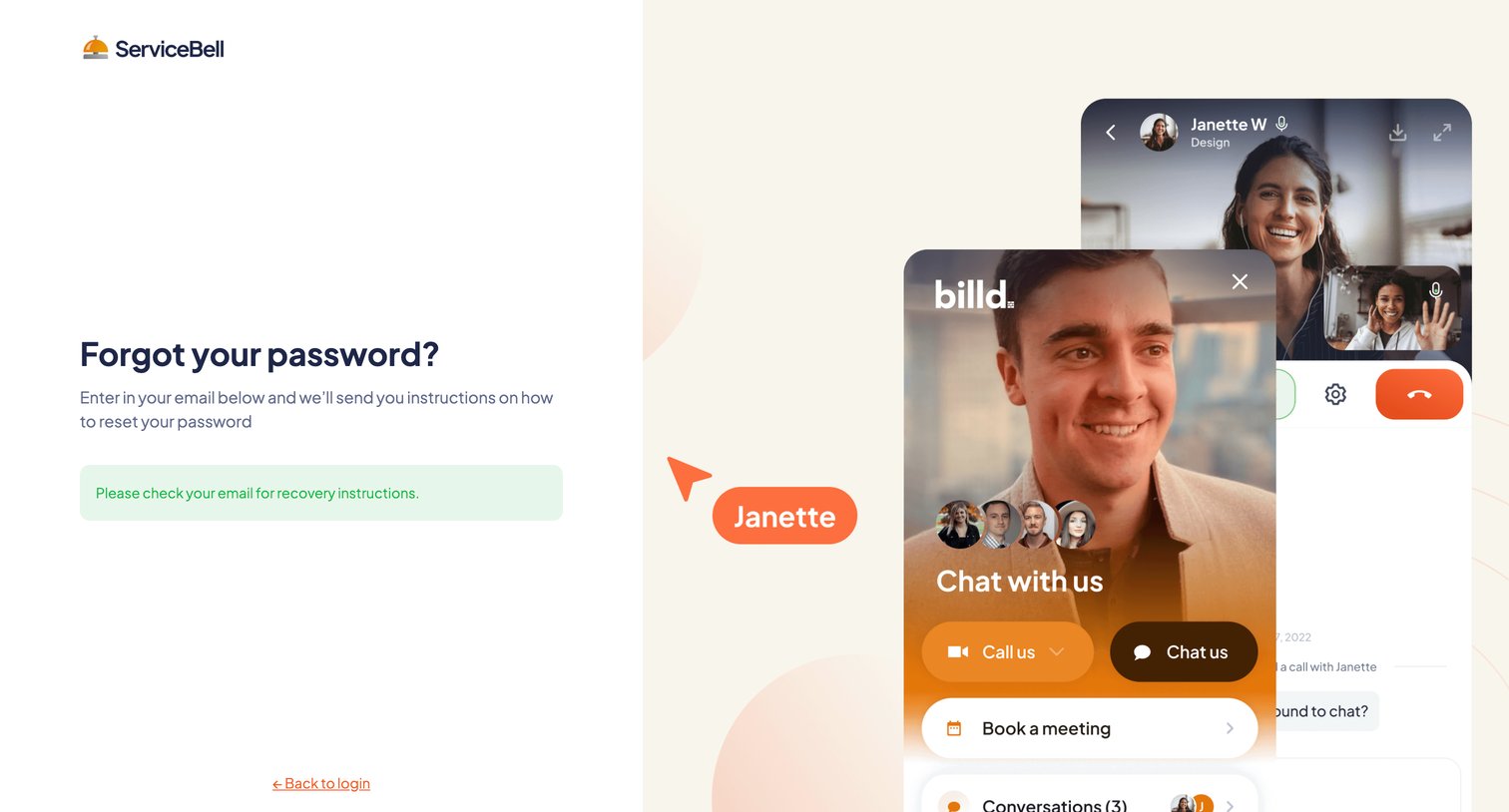
Password recovery screen showing a success message after the user requested a reset link, alongside a product illustration.
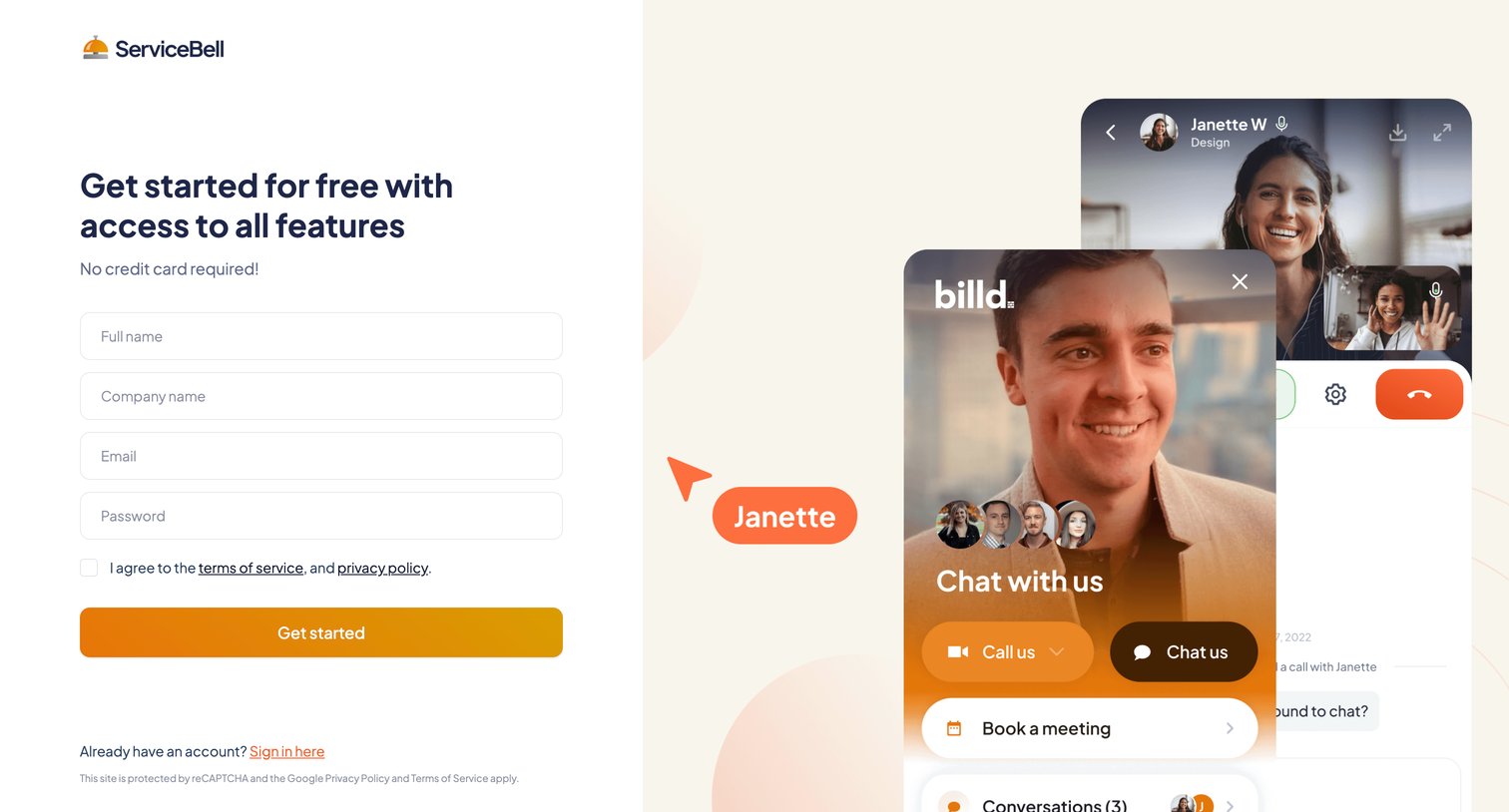
Signup page where the user creates an account by entering their name, company, email, and password, alongside a preview of the product's video chat widget.
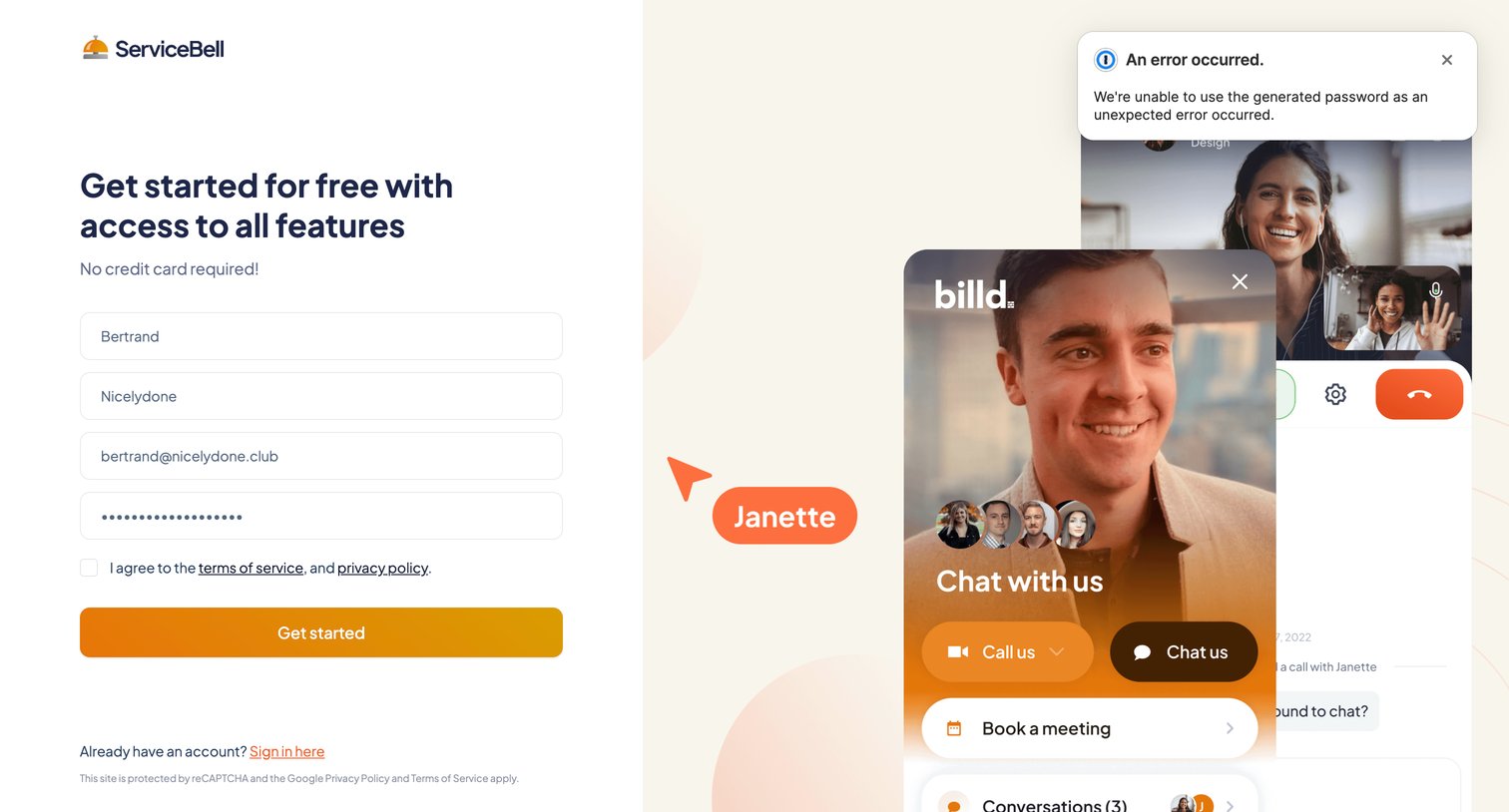
Signup screen where the user attempts to create an account but encounters a password generation error toast.
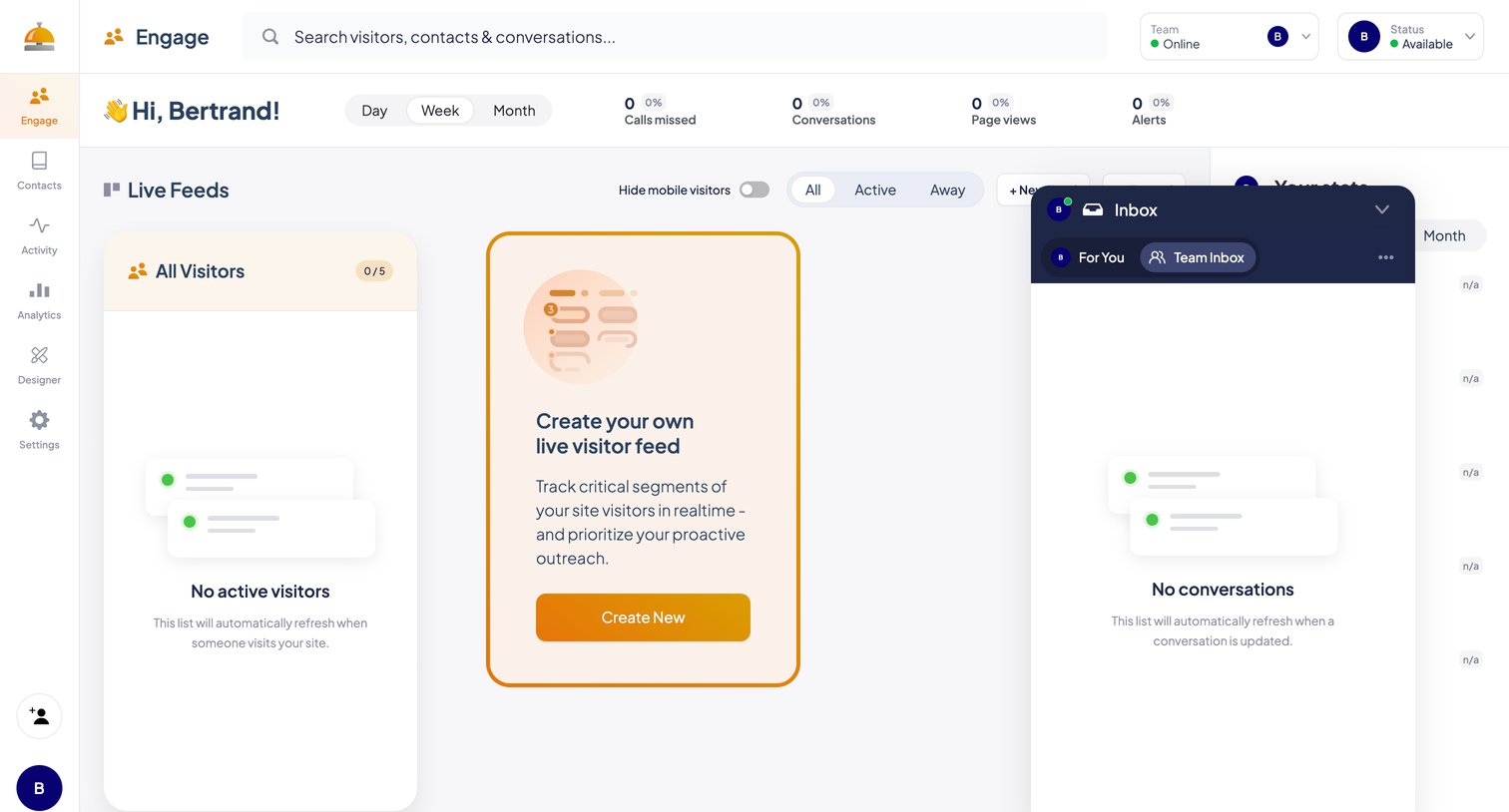
Dashboard where the user monitors live site visitors, tracks engagement metrics like page views and missed calls, and manages active conversations via a floating inbox.
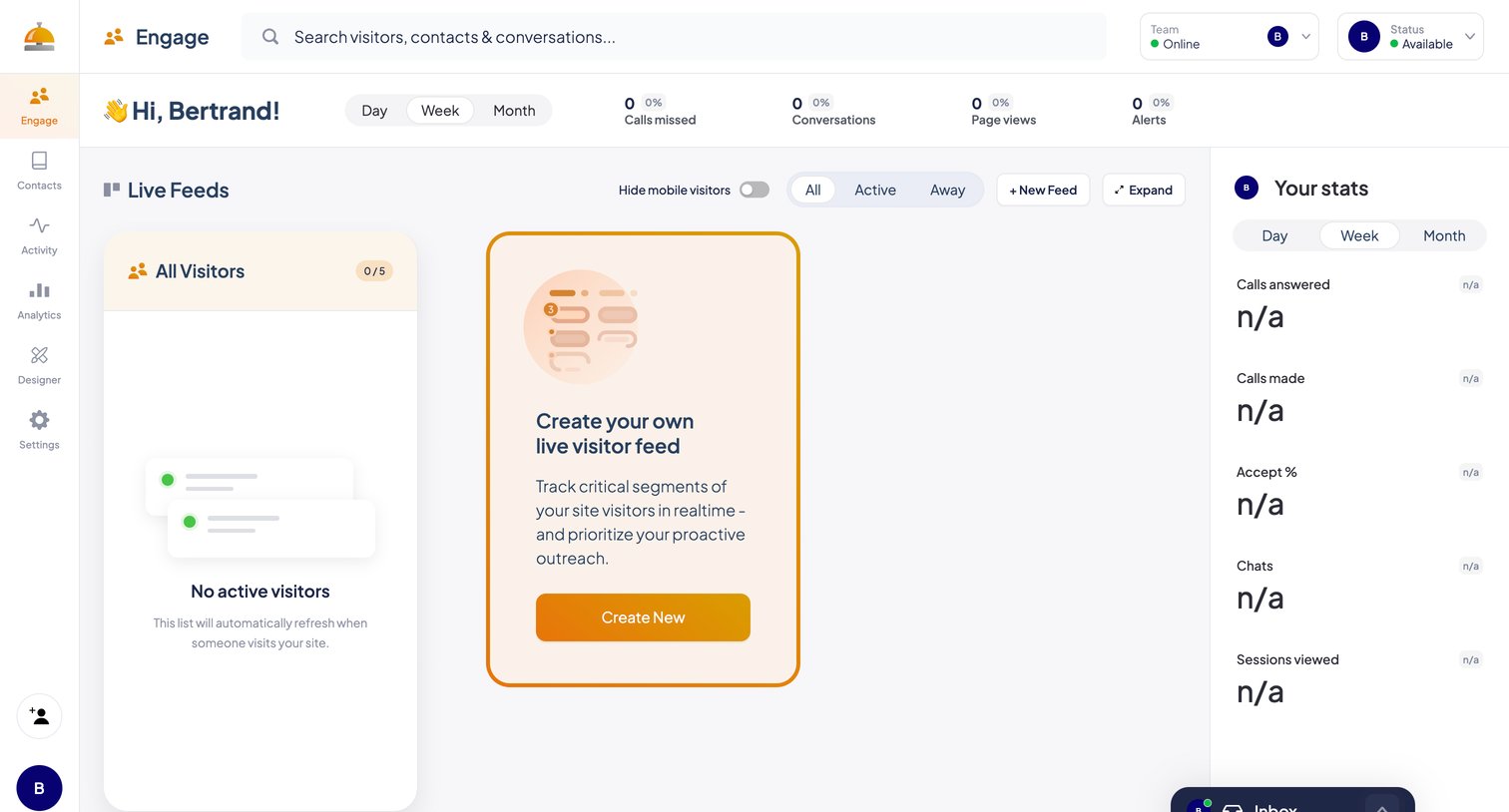
Dashboard for monitoring live site visitors and team engagement metrics, featuring a feed creation prompt and a personal stats sidebar.
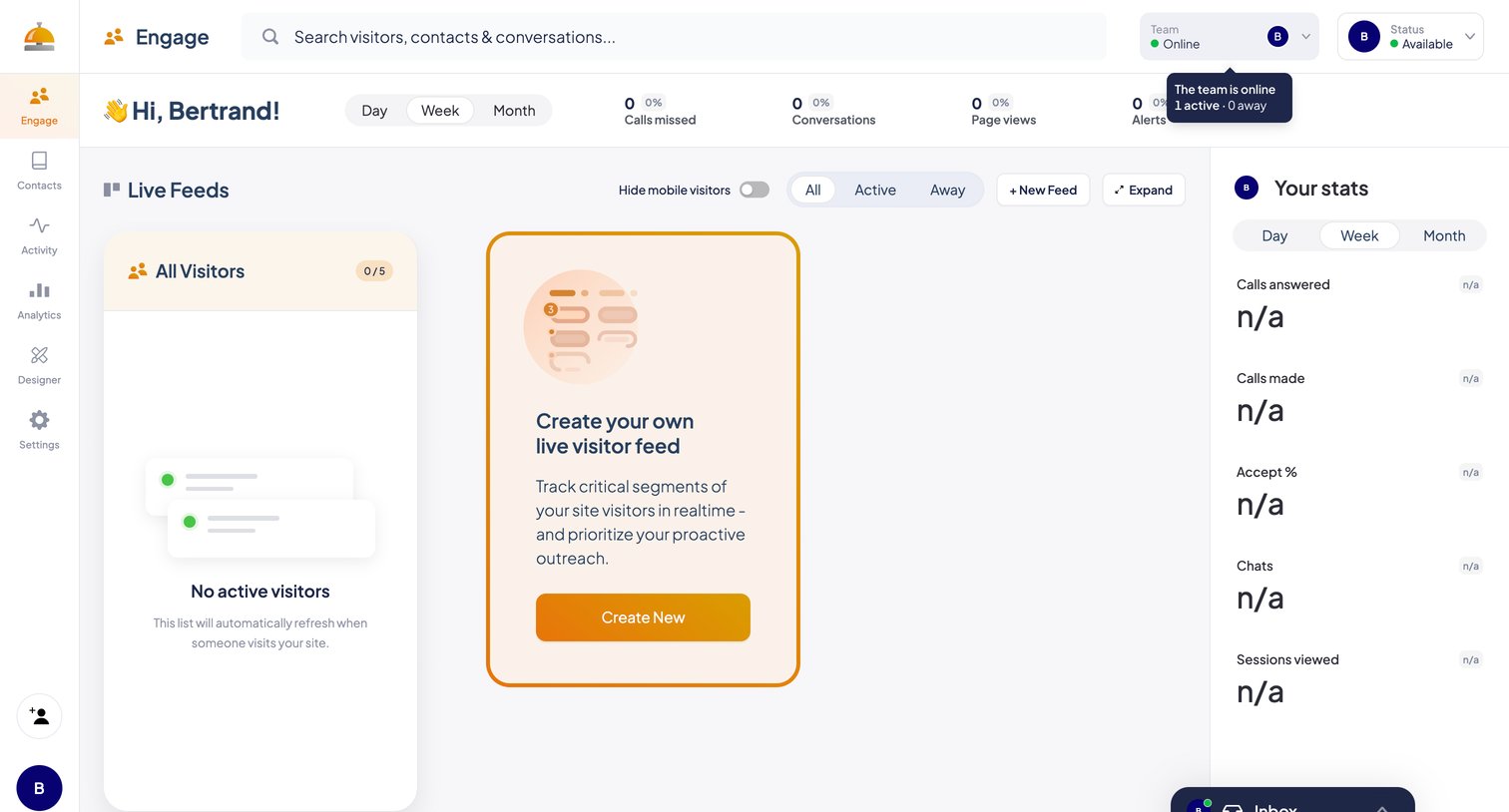
Dashboard showing real-time website visitor feeds and personal engagement stats, currently in an empty state prompting the user to create a new feed.
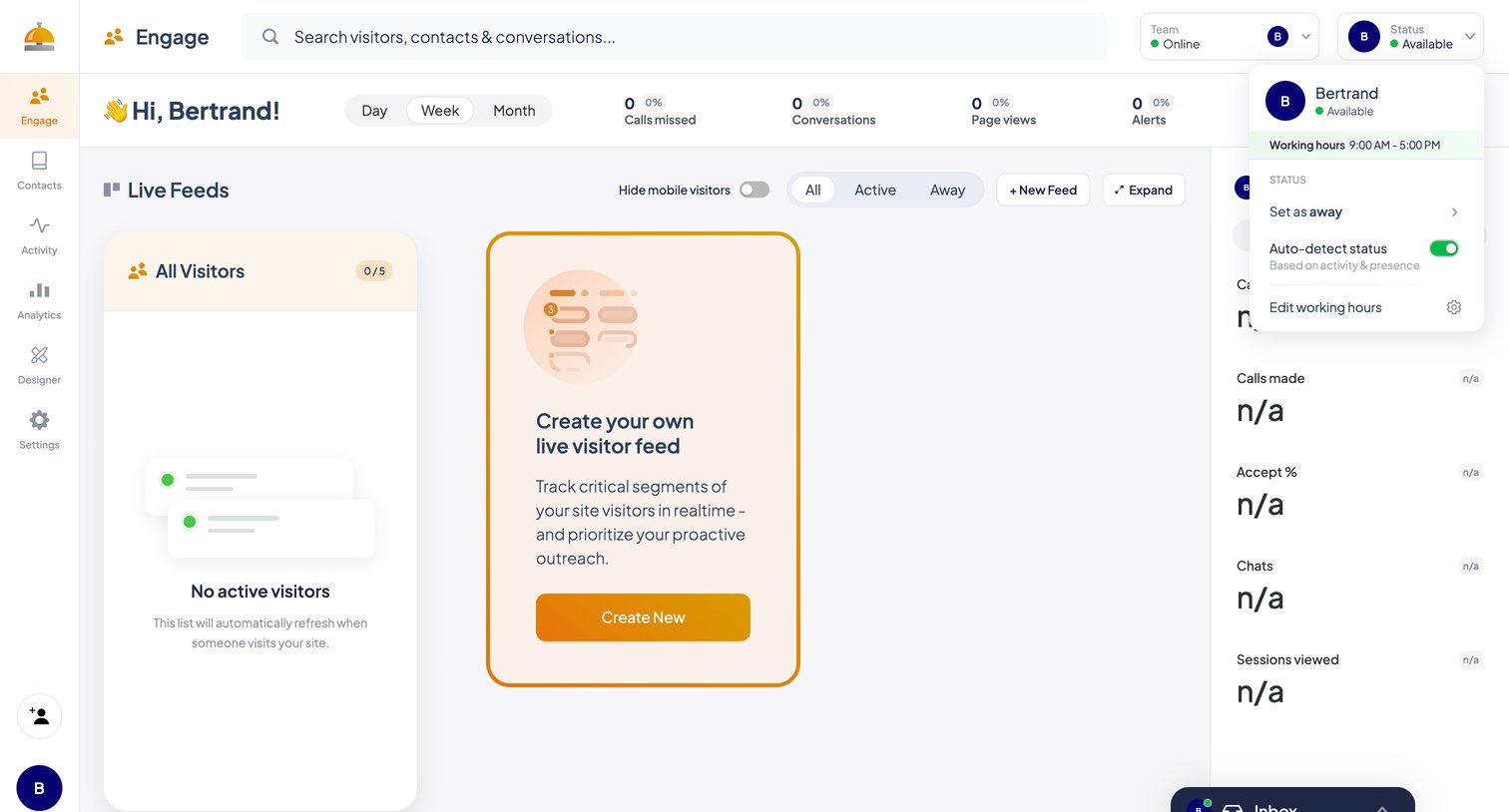
Dashboard showing a live visitor feed with top-level engagement metrics, quick filters, and an open user-status popover.
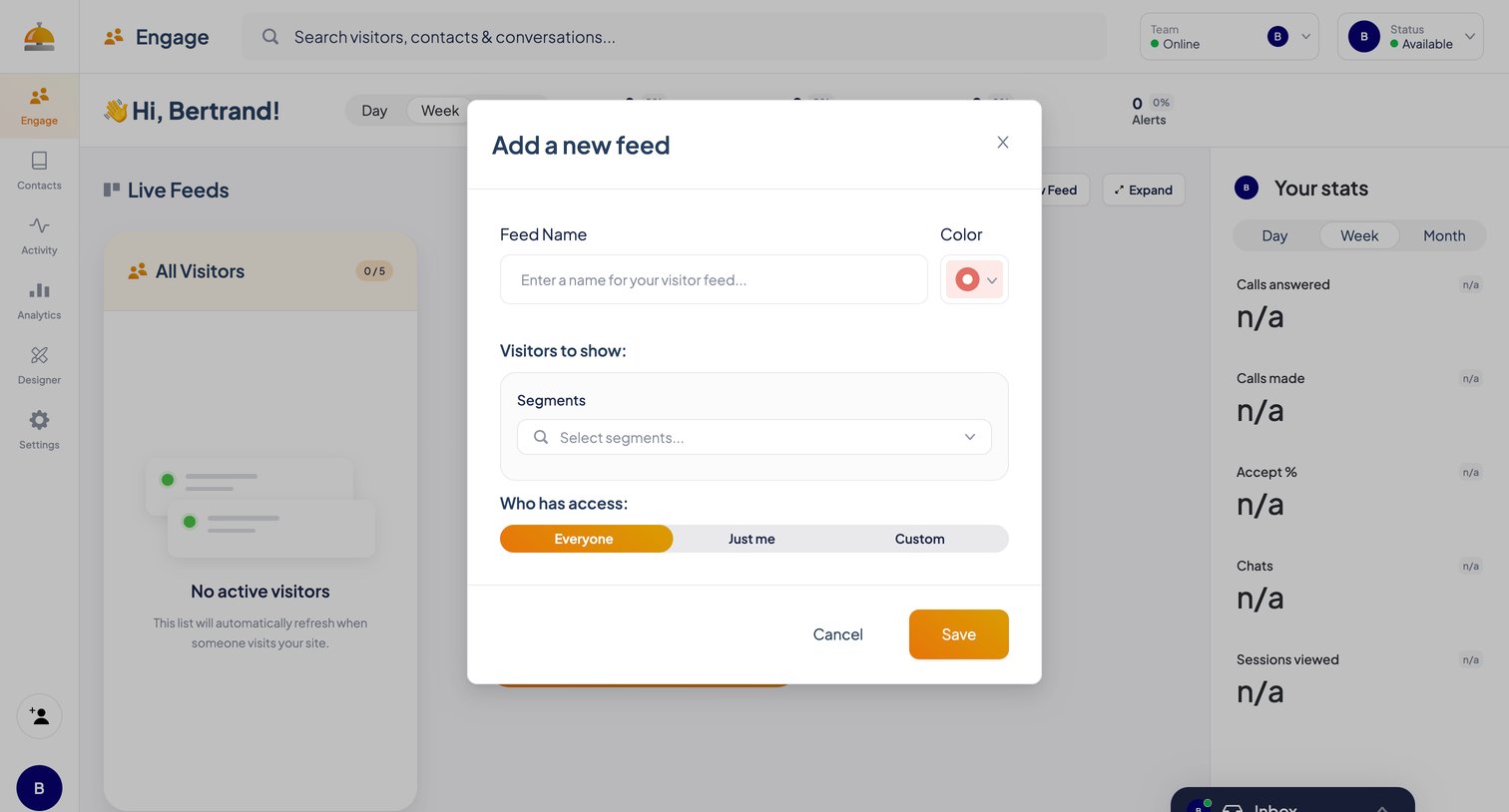
Dashboard overlay where the user creates a new live visitor feed by naming it, defining visitor segments, and setting access permissions.
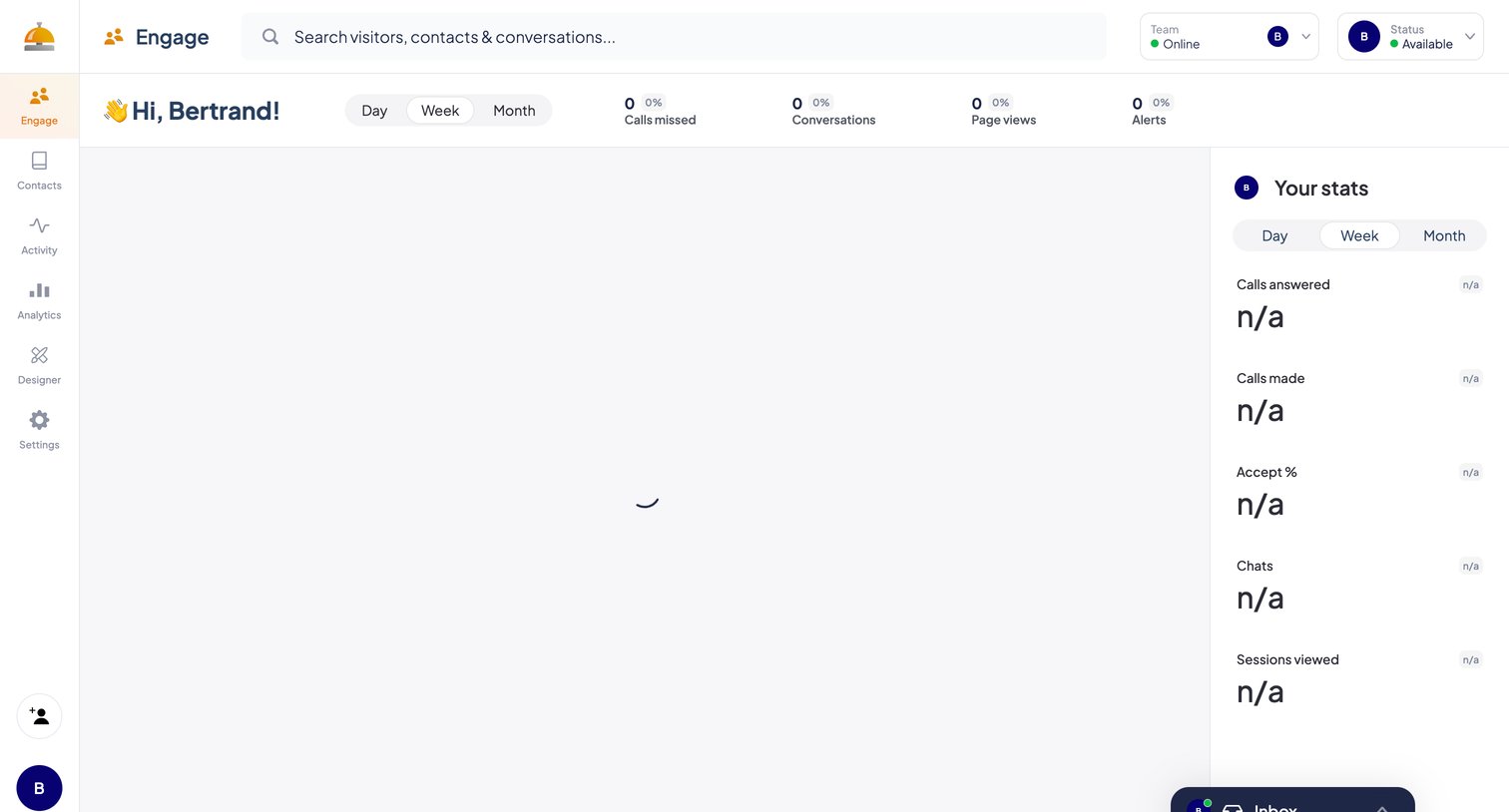
Dashboard where an agent views their daily, weekly, or monthly engagement metrics like calls missed and page views, with the main activity feed currently loading.
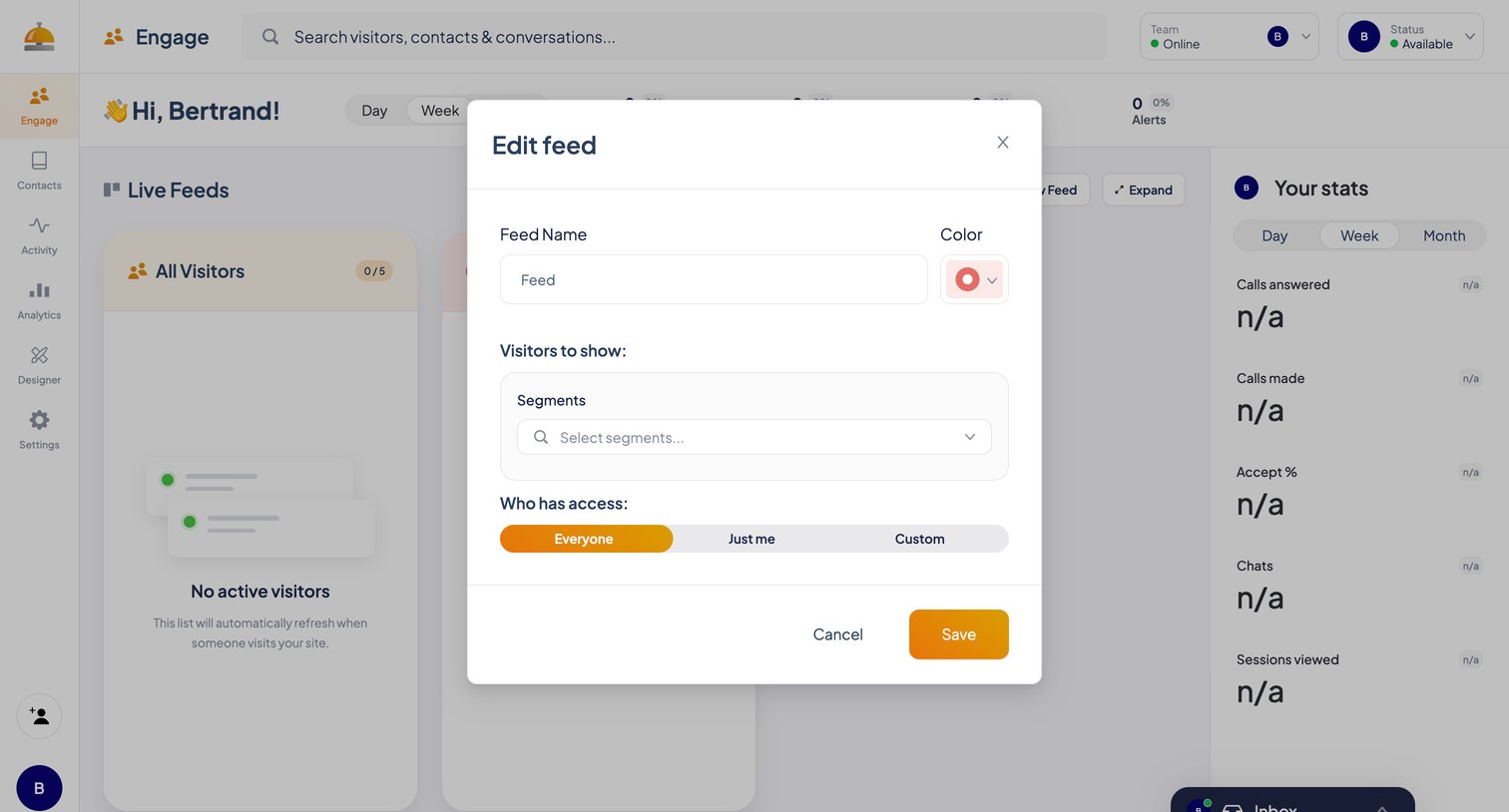
Dashboard modal where the user configures a live visitor feed by setting its name, color, target segments, and access permissions.
Browse the full SaaS app library
Explore real SaaS apps with their product screens, marketing screens, flows, and components.
Trusted by the best teams







