ServiceBell marketing pages examples
Explore ServiceBell website design examples. Preview marketing pages and browse related SaaS page designs. Add live human connection to your website
Explore the examples
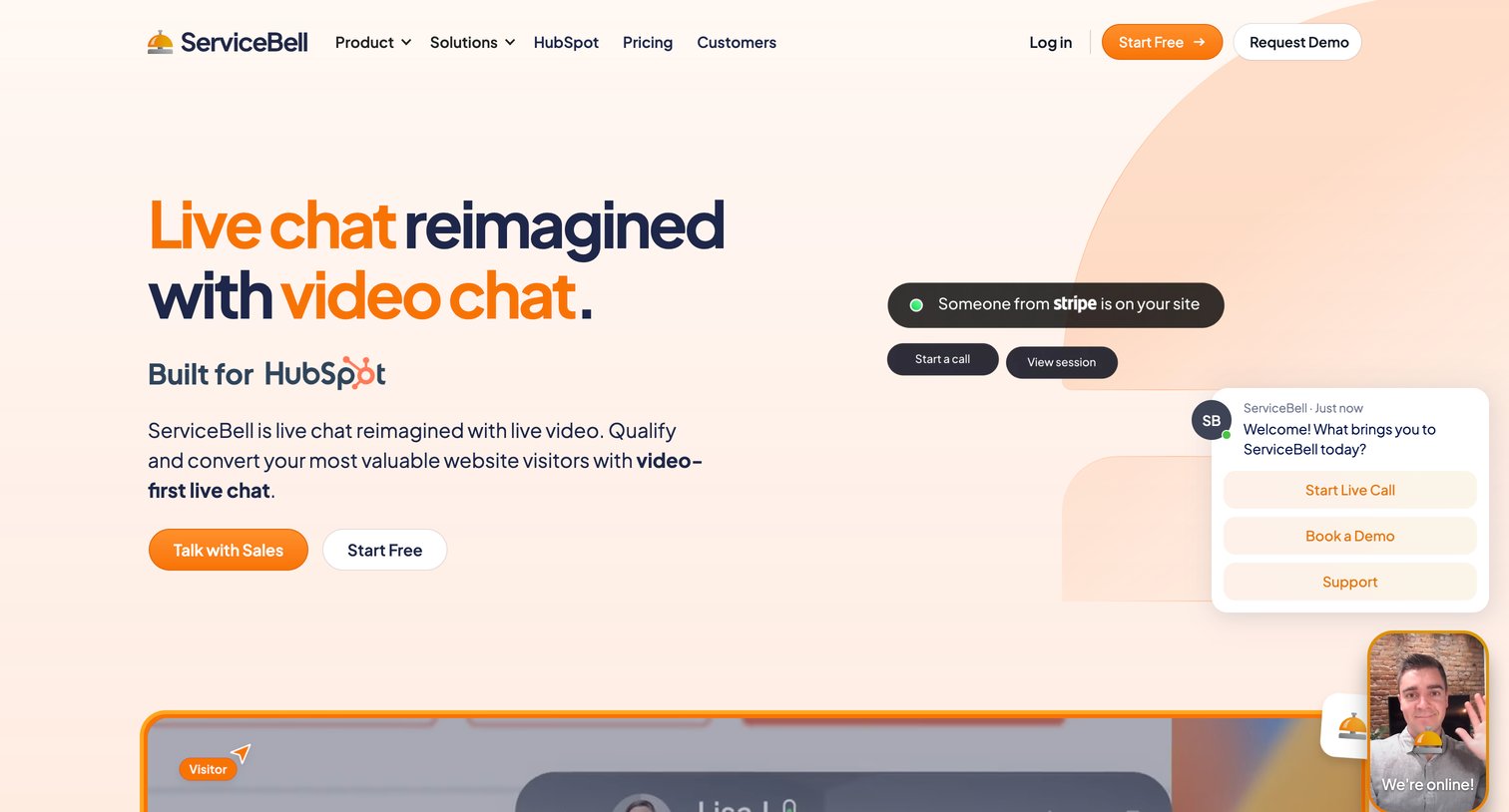

Landing page hero for a video-first live chat tool featuring a value proposition, a HubSpot integration badge, and mockups of visitor alerts and chat interfaces.

Landing page for a live video chat platform, highlighting features like instant meetings, outbound engagement, and HubSpot integration, supported by customer testimonials and ROI metrics.
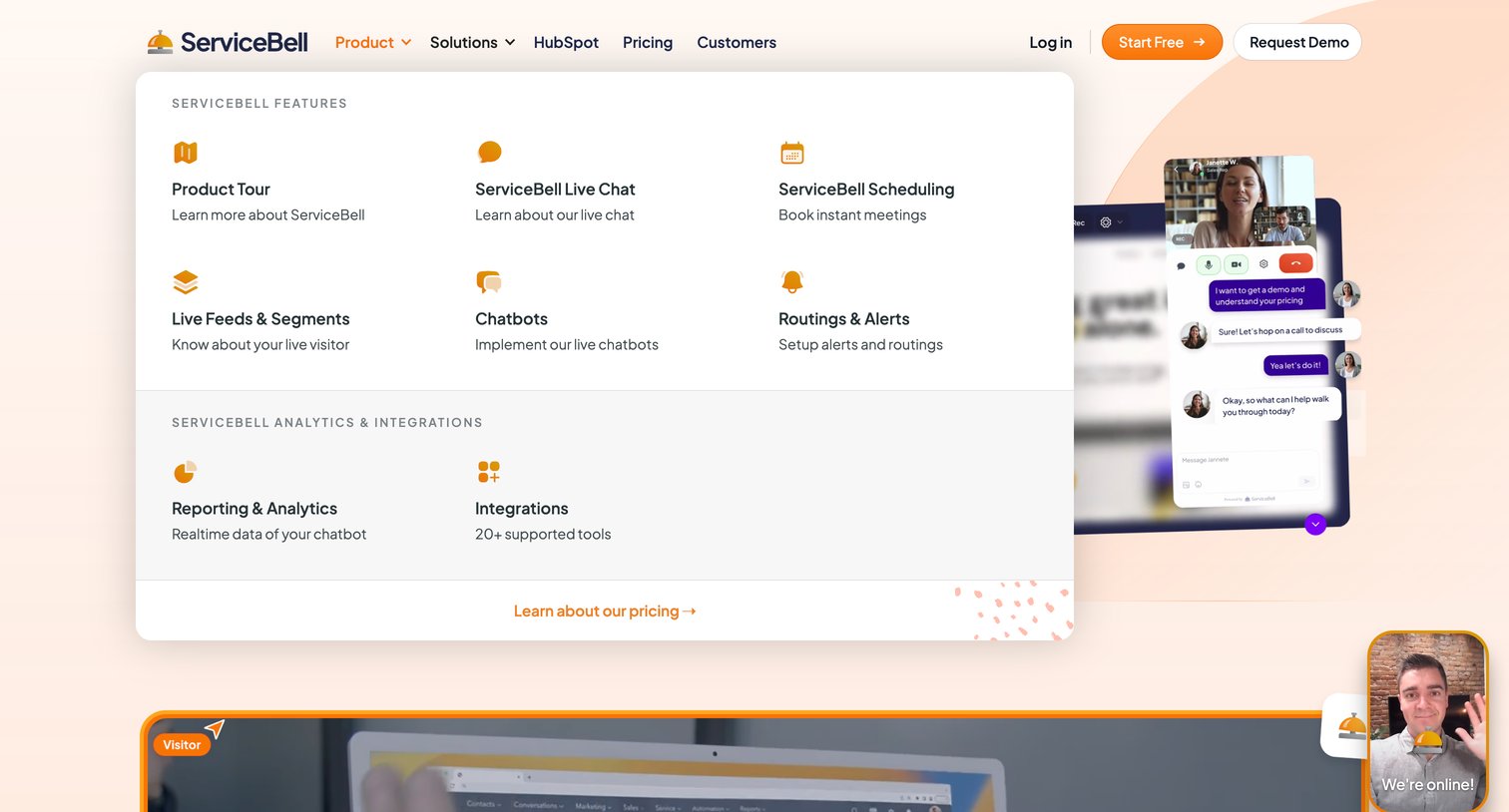
Landing page where the user views a large product dropdown menu detailing features like live chat, scheduling, and chatbots.
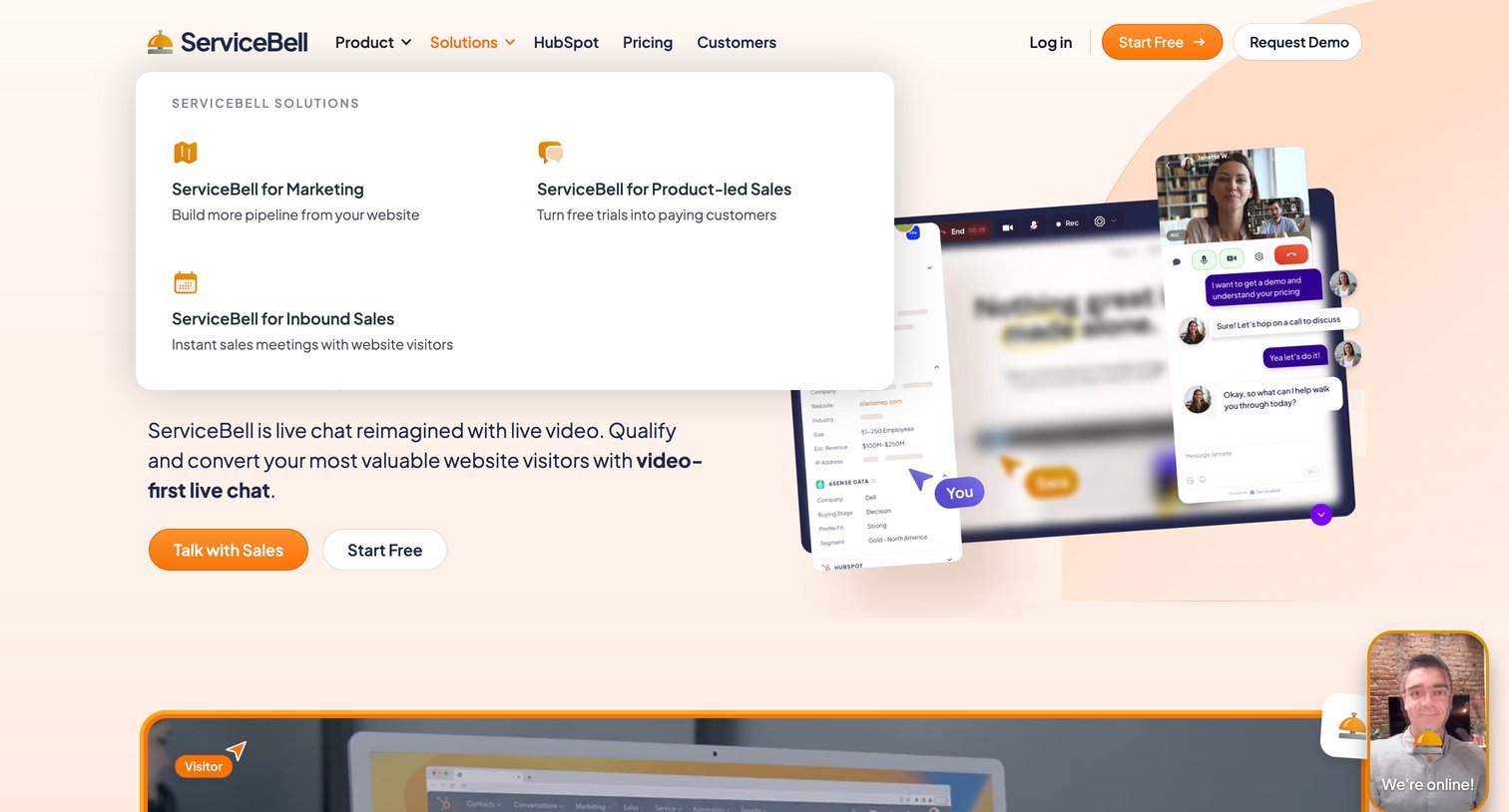
Landing page for a video chat platform featuring an open mega-menu detailing marketing and sales solutions, alongside a floating live video widget.
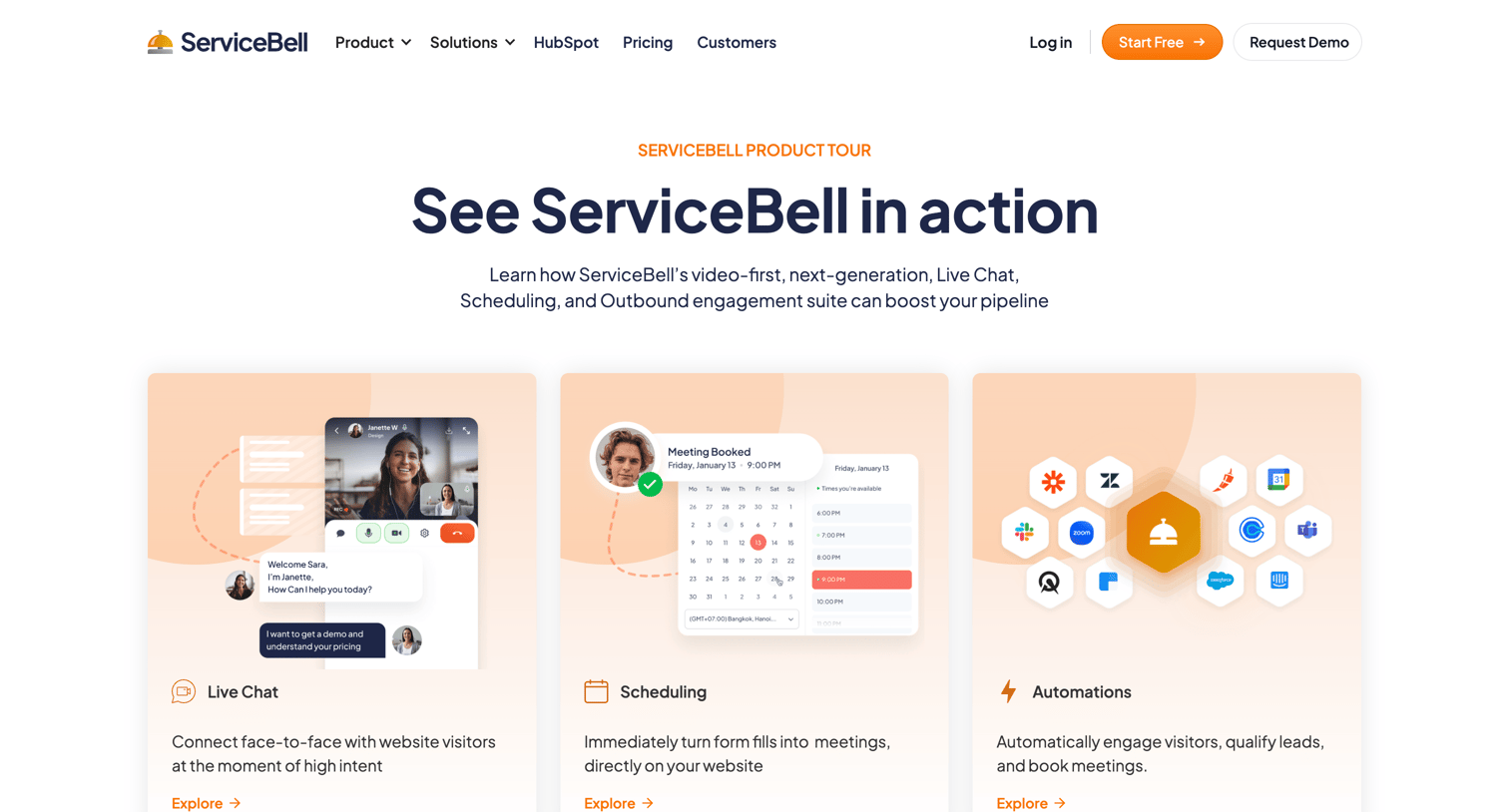
Product page detailing ServiceBell's video-first live chat, scheduling, and automation features, highlighting its HubSpot integration and solutions for marketing and sales teams.
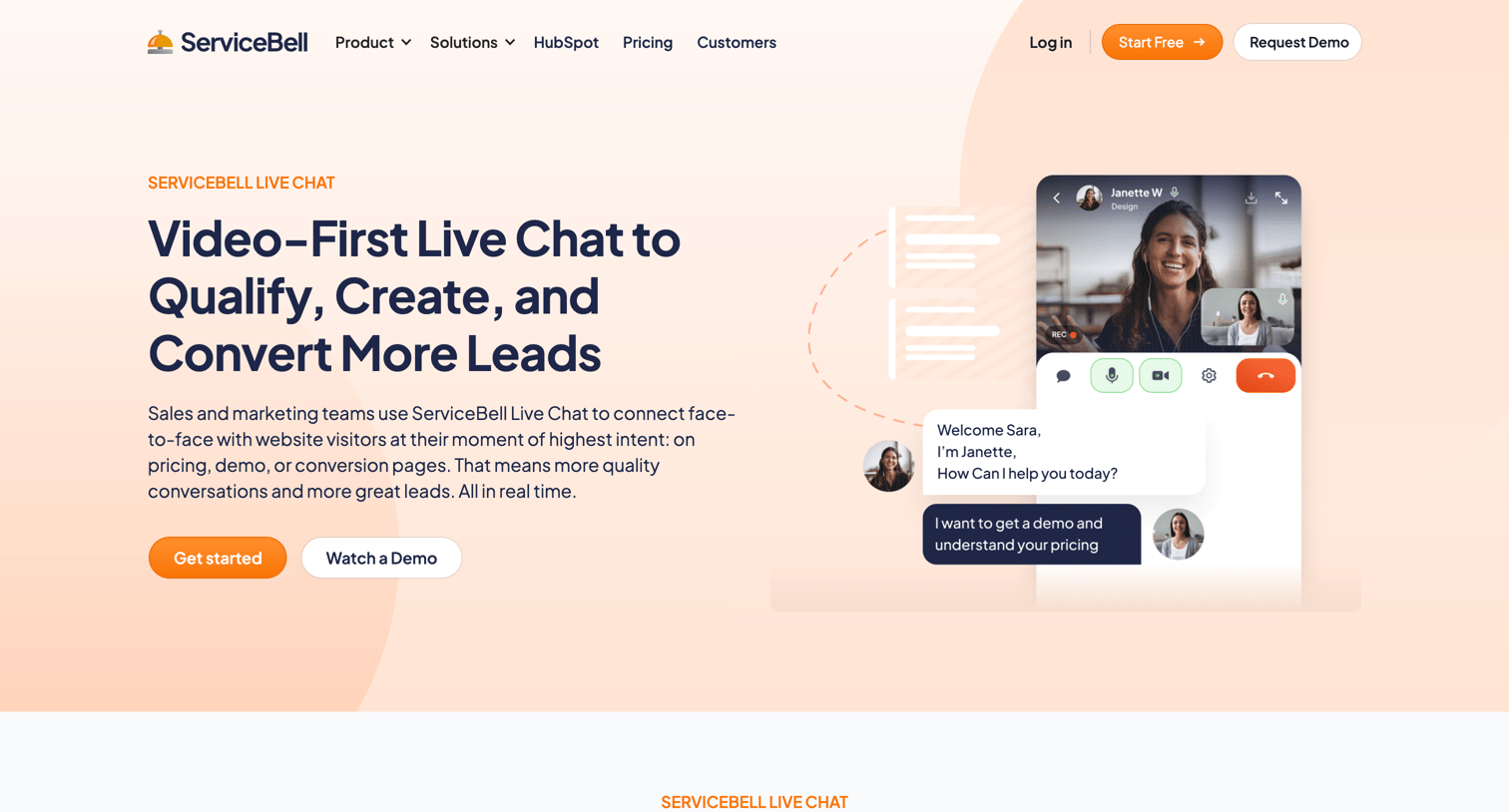
Marketing feature page explaining the video-first live chat product with sections on chatbots, routing, analytics, and customer testimonials.
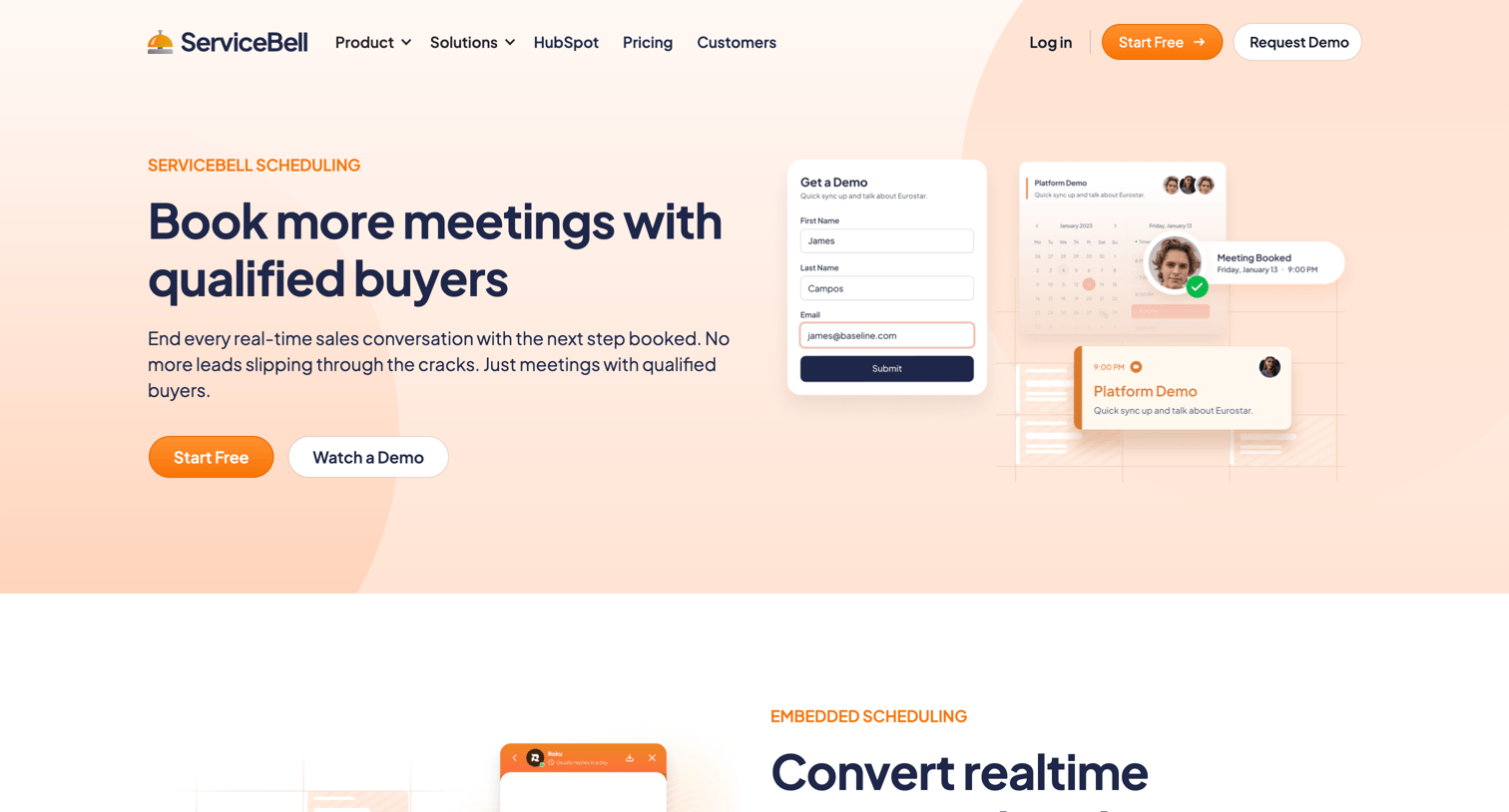
Feature page for a scheduling product detailing embedded booking, team events, routing rules, and pipeline generation with various calls to action.
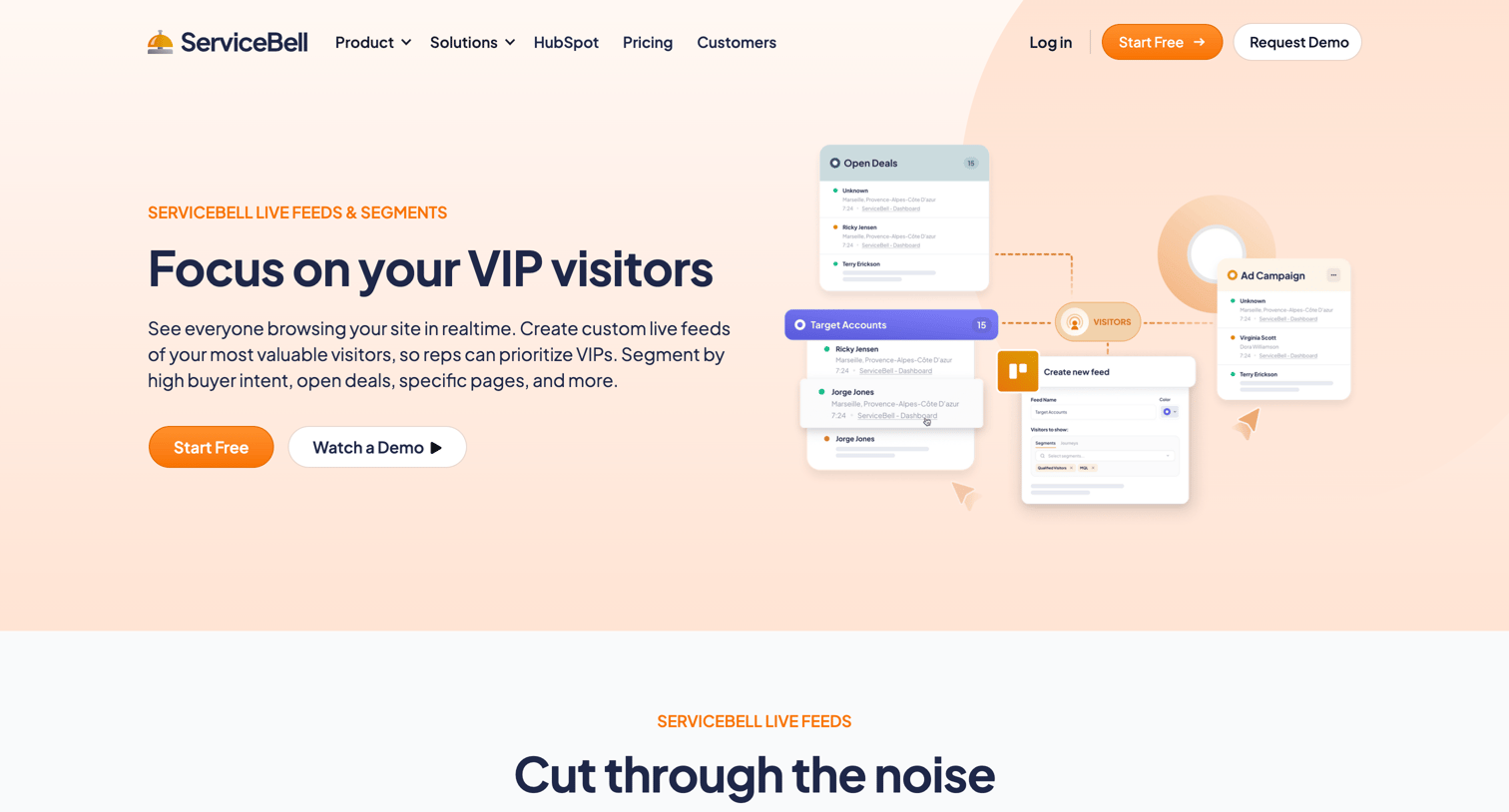
Feature page highlighting live website visitor feeds, rule-based segment building, and visitor context cards to help sales reps identify high-intent prospects.
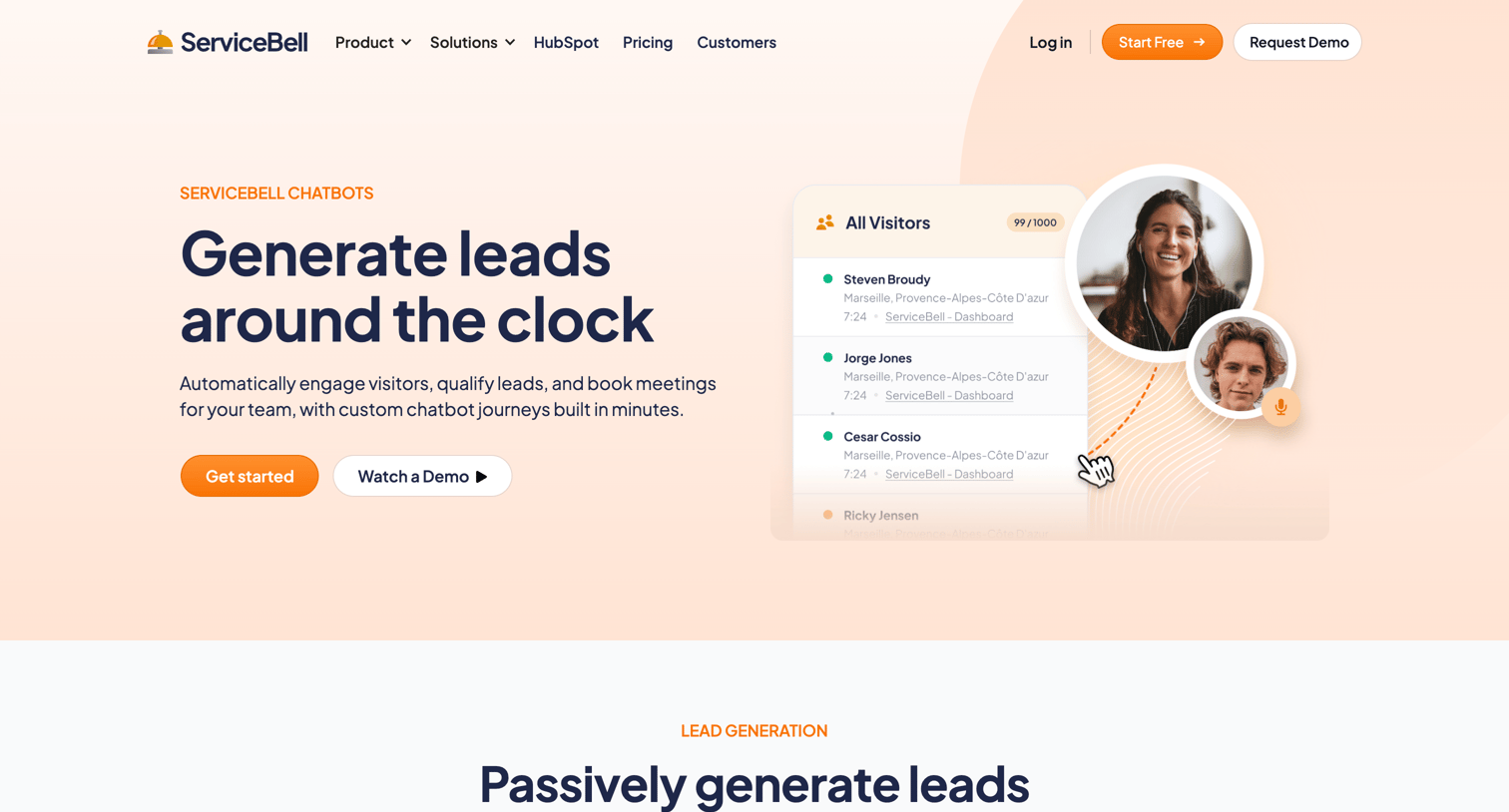
Feature page for ServiceBell Chatbots detailing how it automates lead generation, qualification, routing, and meeting booking with a HubSpot integration.
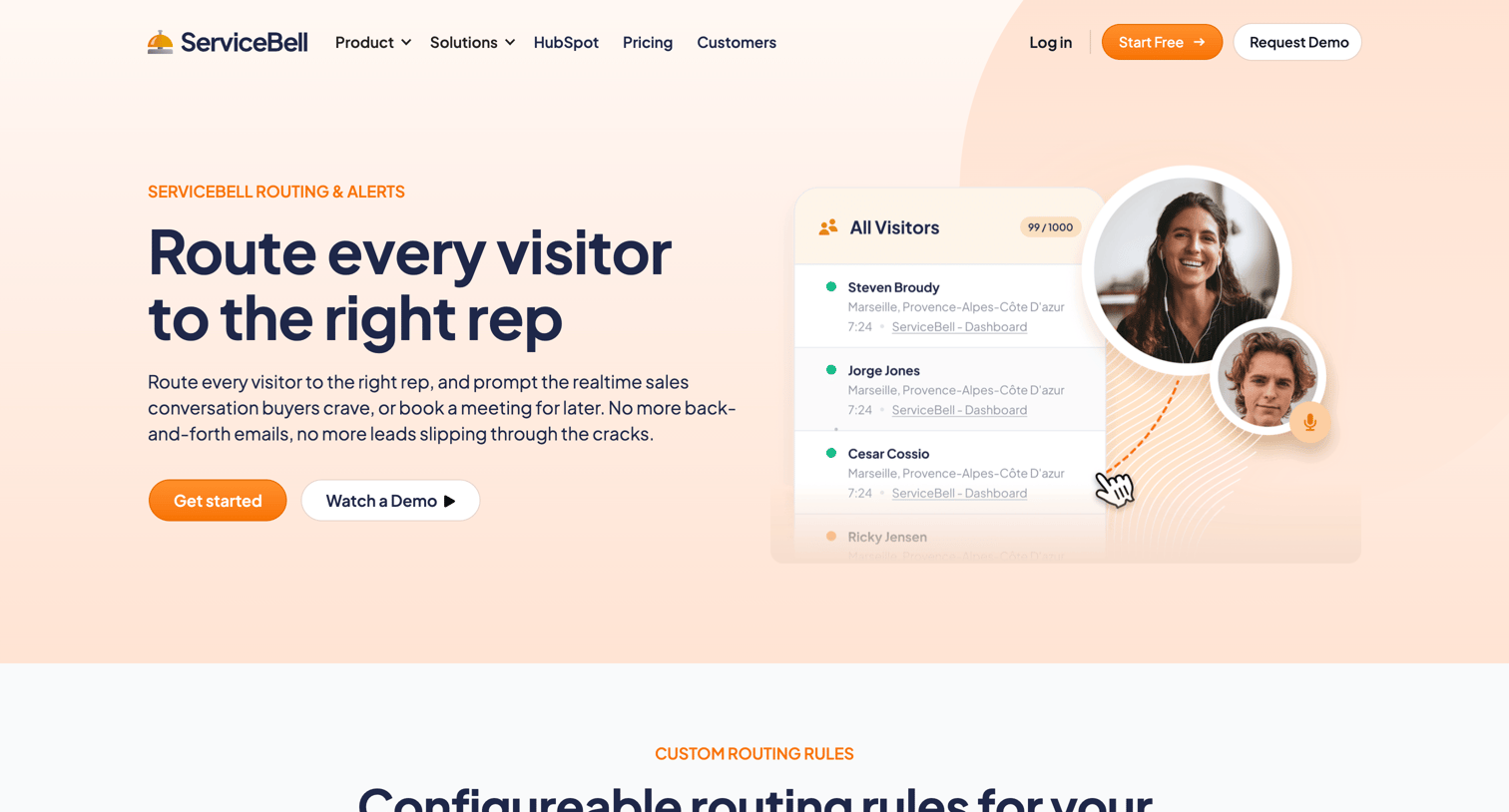
Feature page explaining how to route website visitors to the right sales reps using custom rules, fallback routing, and real-time alerts.
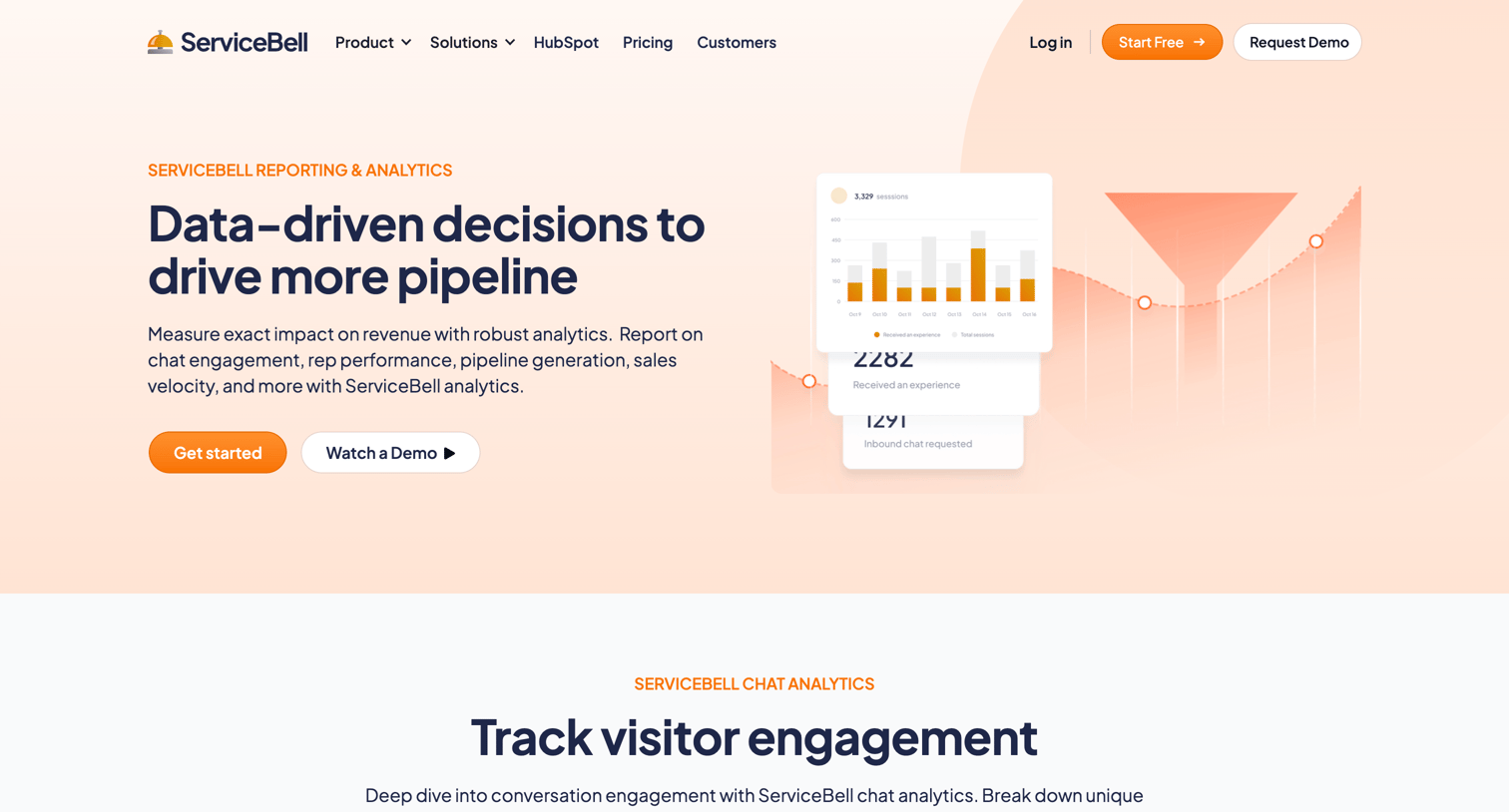
Feature page detailing ServiceBell's reporting and analytics capabilities, highlighting visitor engagement, agent performance, pipeline influence, and HubSpot integration.
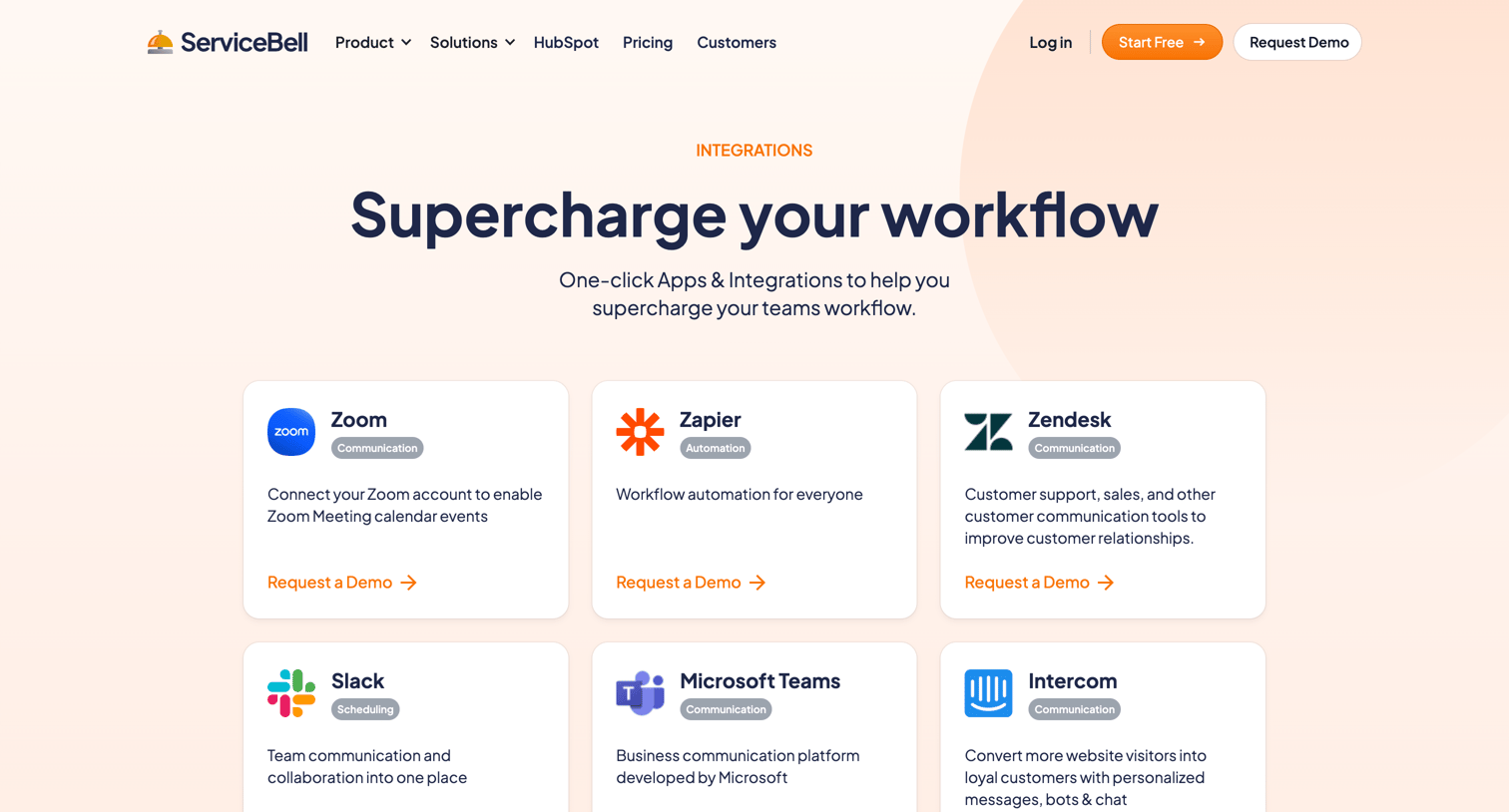
Feature page where the user browses a directory of third-party integrations like Zoom, Zapier, and Slack to connect with their workflow.
Explore the full SaaS screen library
Upgrade to unlock the full library.
Trusted by the best teams







