
Scribe design examples
Explore Scribe UI design examples. Turn any process into a step-by-step guide, instantly
Product screens
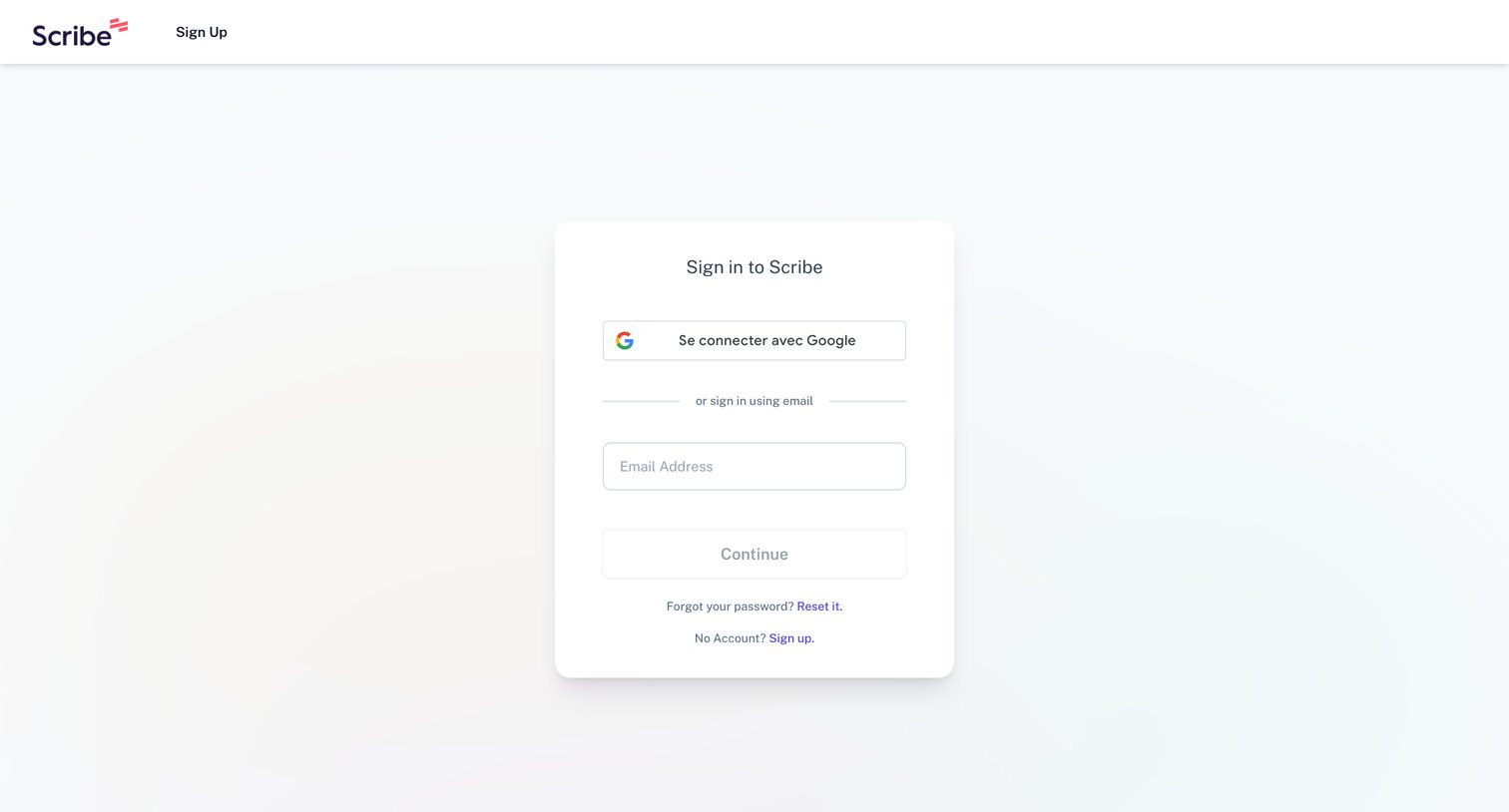
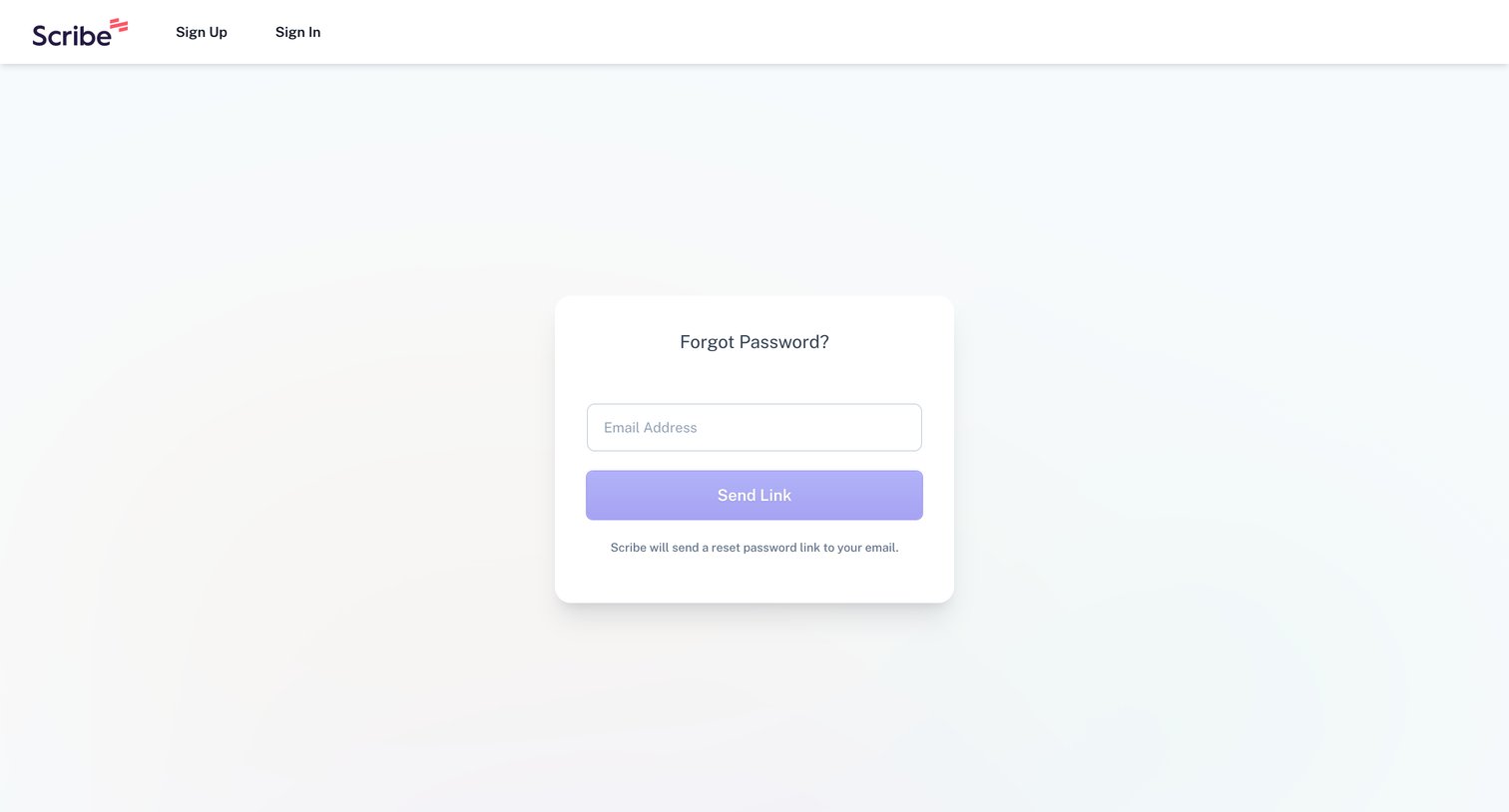
Password recovery screen where the user enters their email address to receive a reset link.
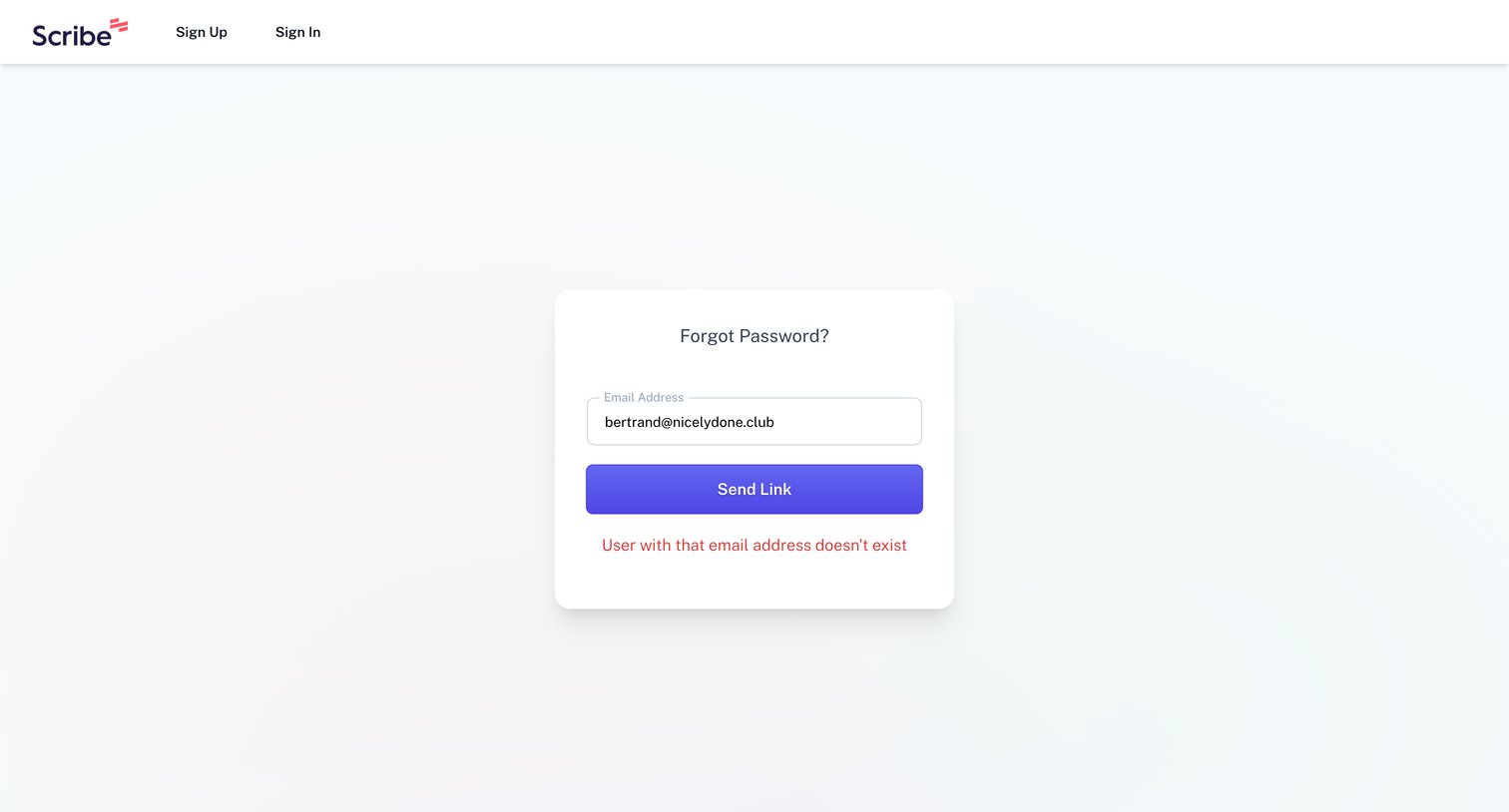
Password recovery page where the user is informed that the entered email address does not exist in the system.
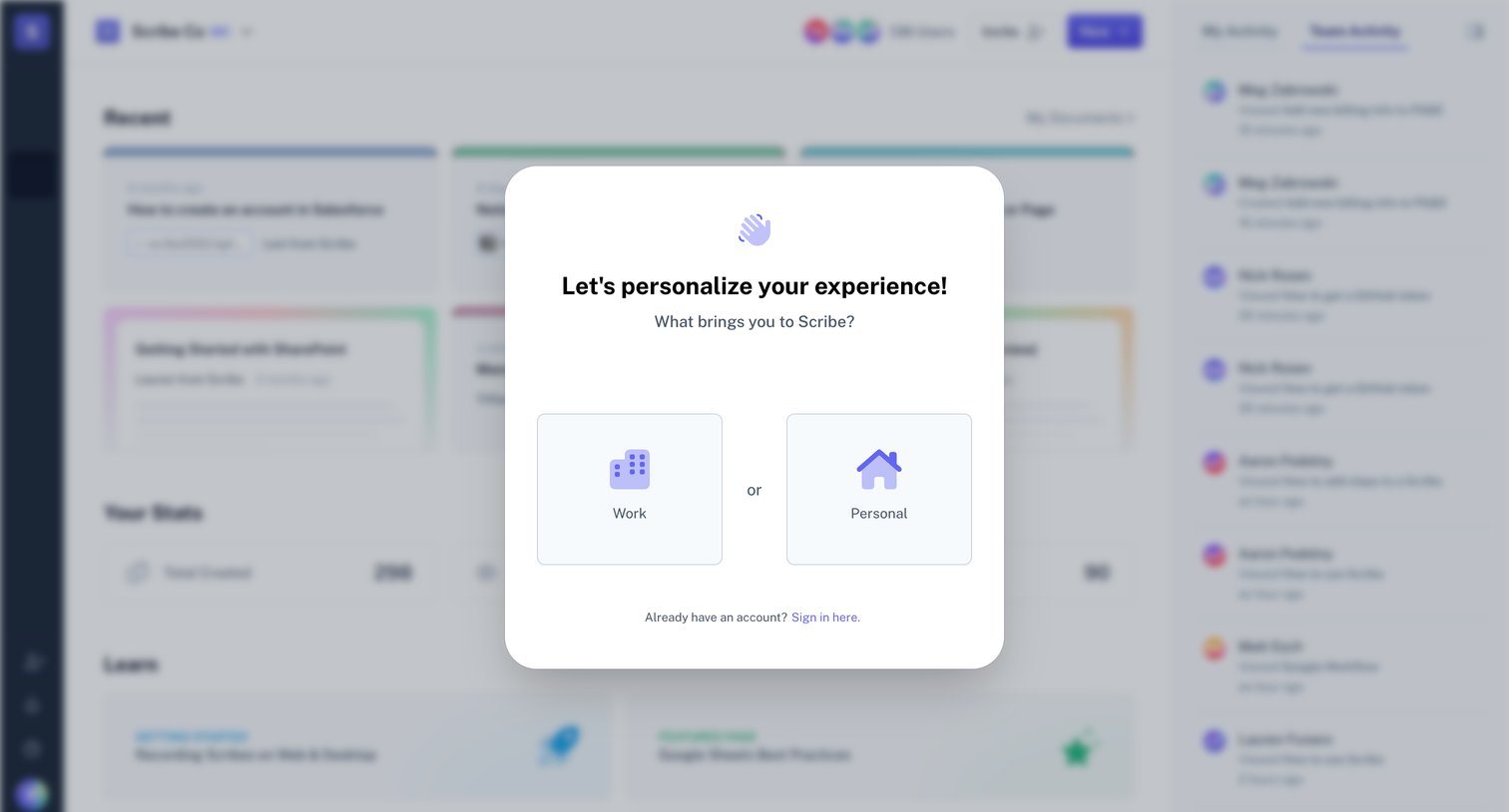
Onboarding step where the user selects whether they are using the product for work or personal use to personalize their experience.
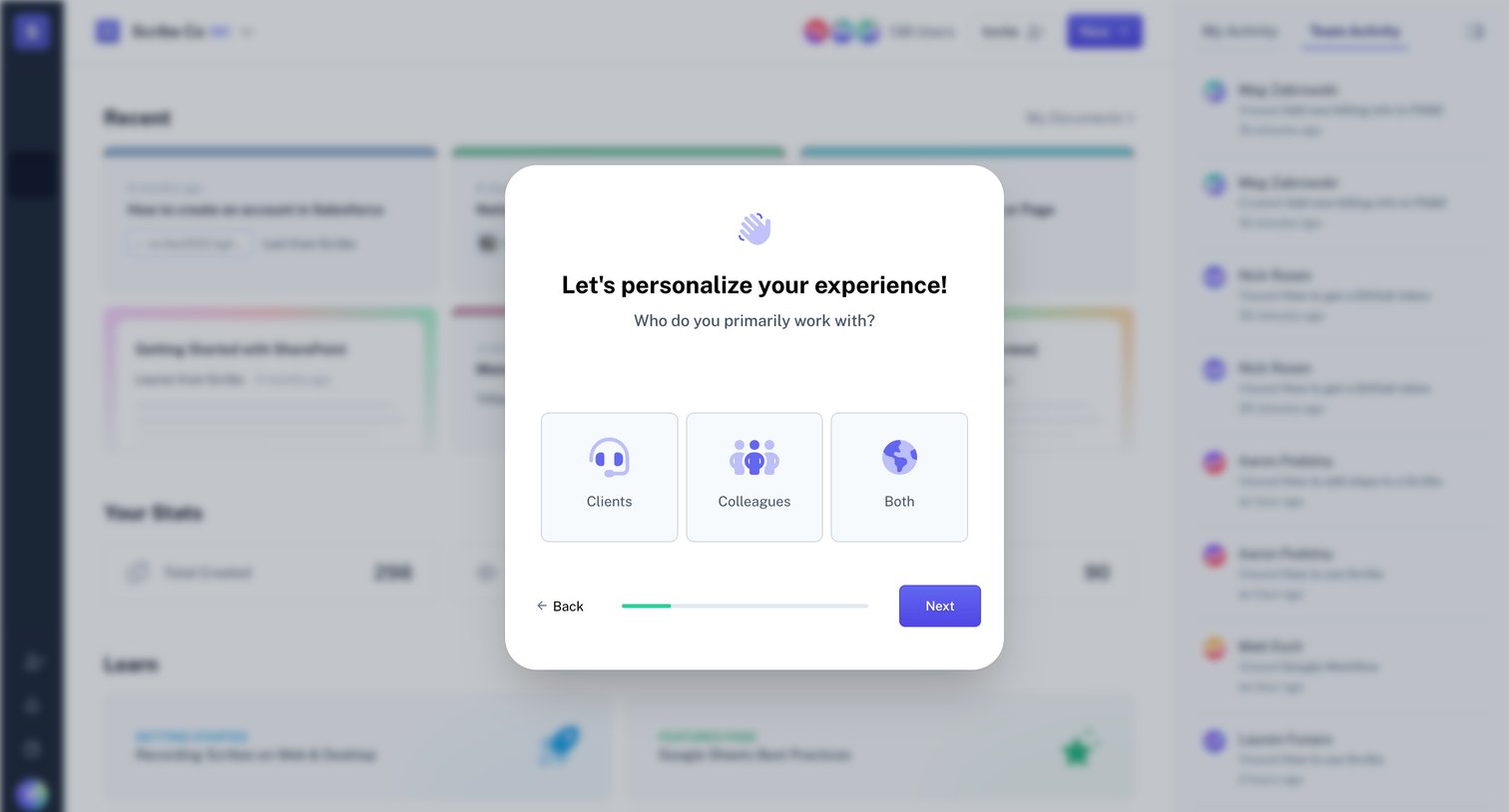
Onboarding step where the user selects whether they primarily work with clients, colleagues, or both to personalize their experience.
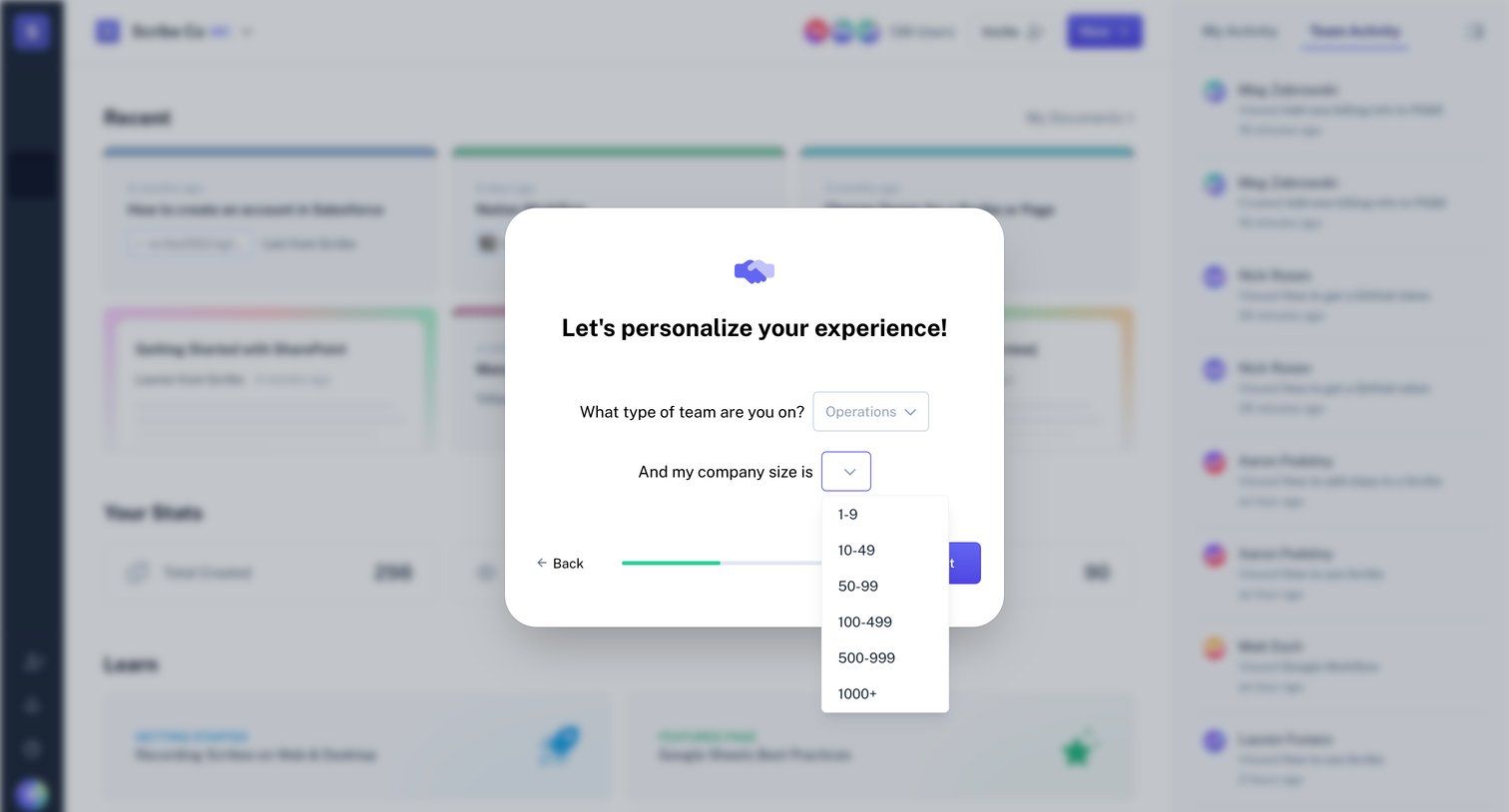
Onboarding step where the user selects their team type and company size from dropdowns to personalize their experience.
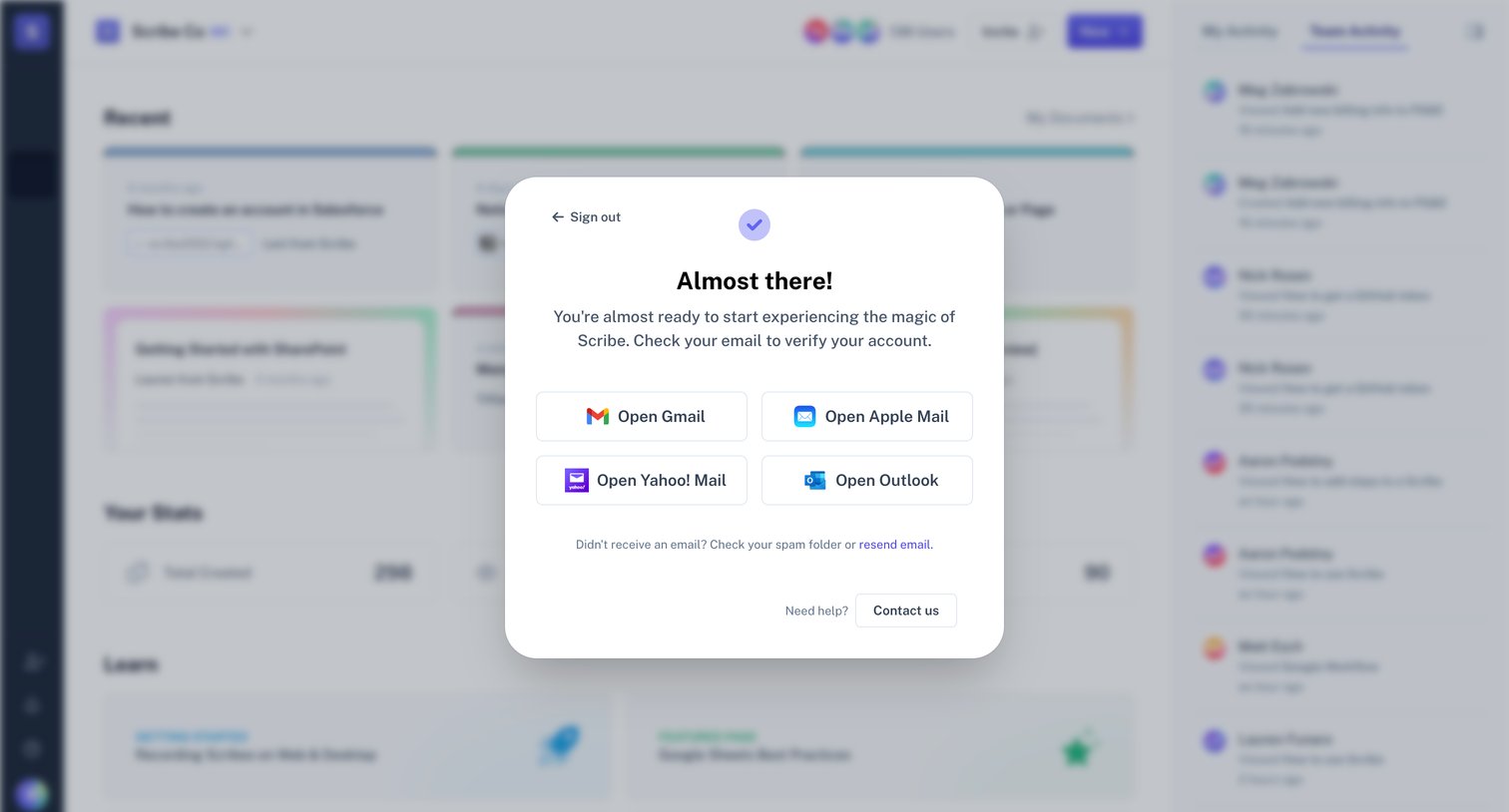
Verification screen where the user is prompted to check their email to activate their account, featuring quick links to popular email providers over a blurred app dashboard.

Verification screen where the user waits while their account is being verified.
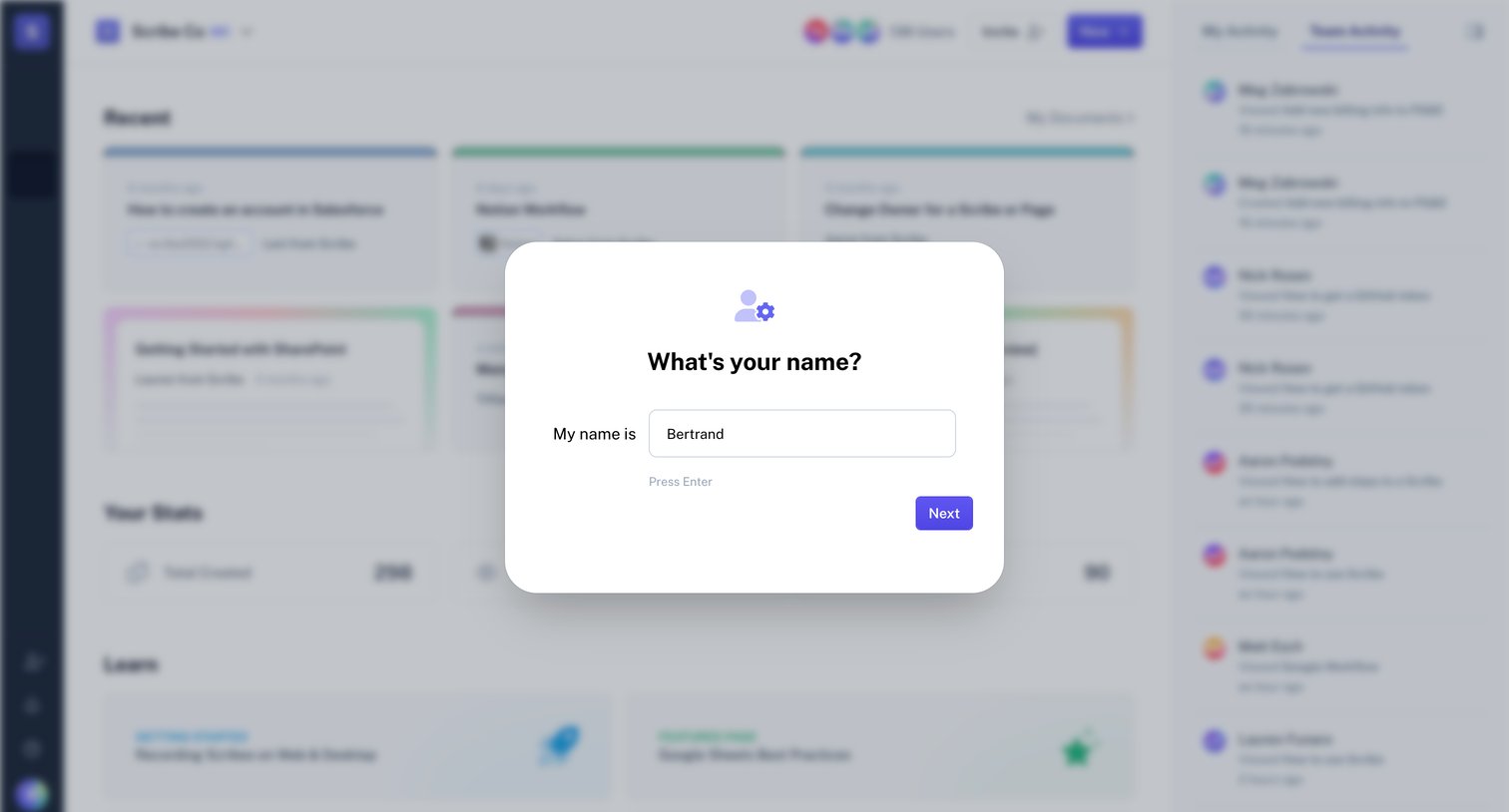
Onboarding step where the user enters their name to personalize their account before accessing the dashboard.
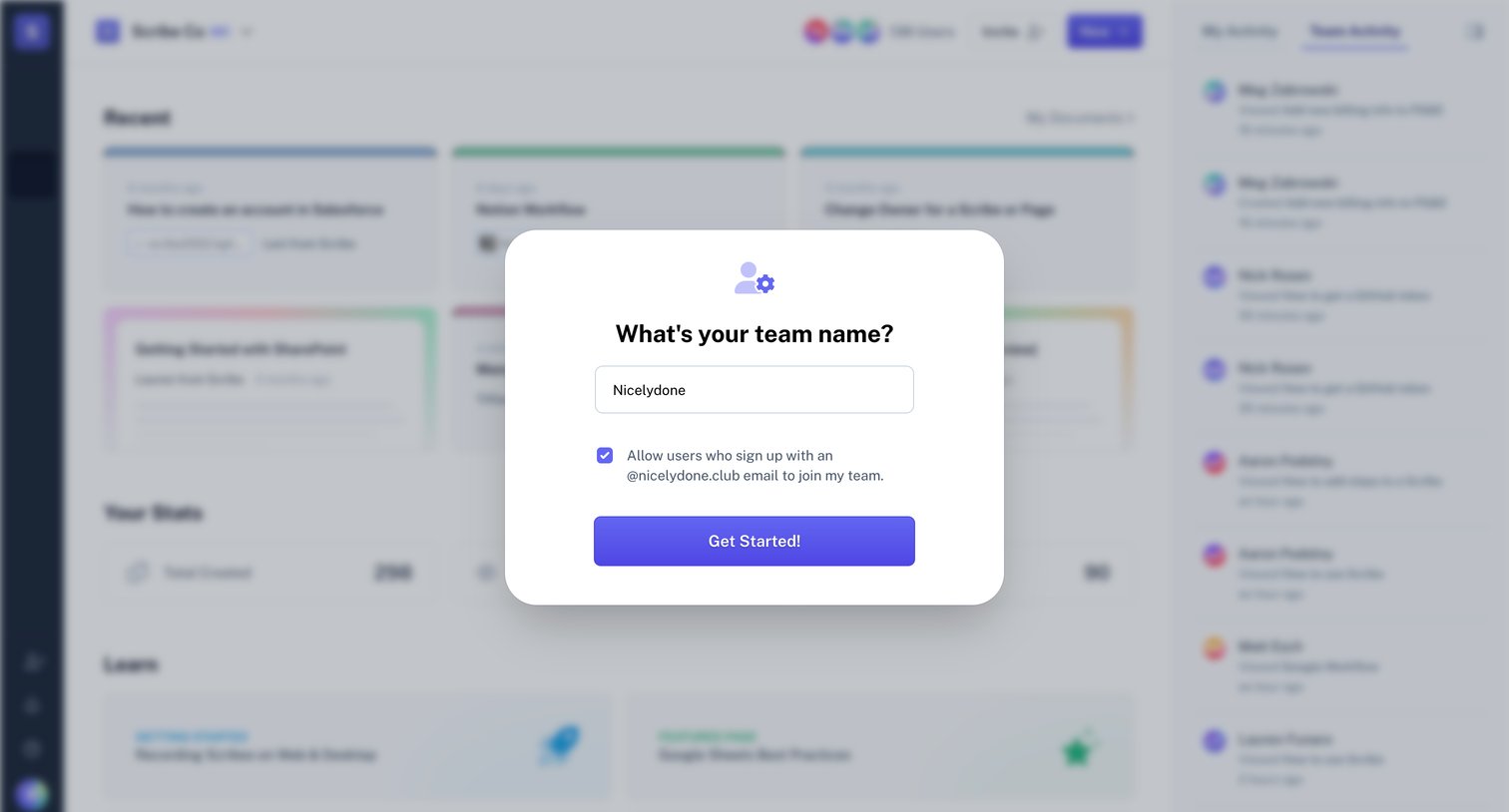
Onboarding step where the user names their team and optionally allows auto-joining for users with a matching email domain.
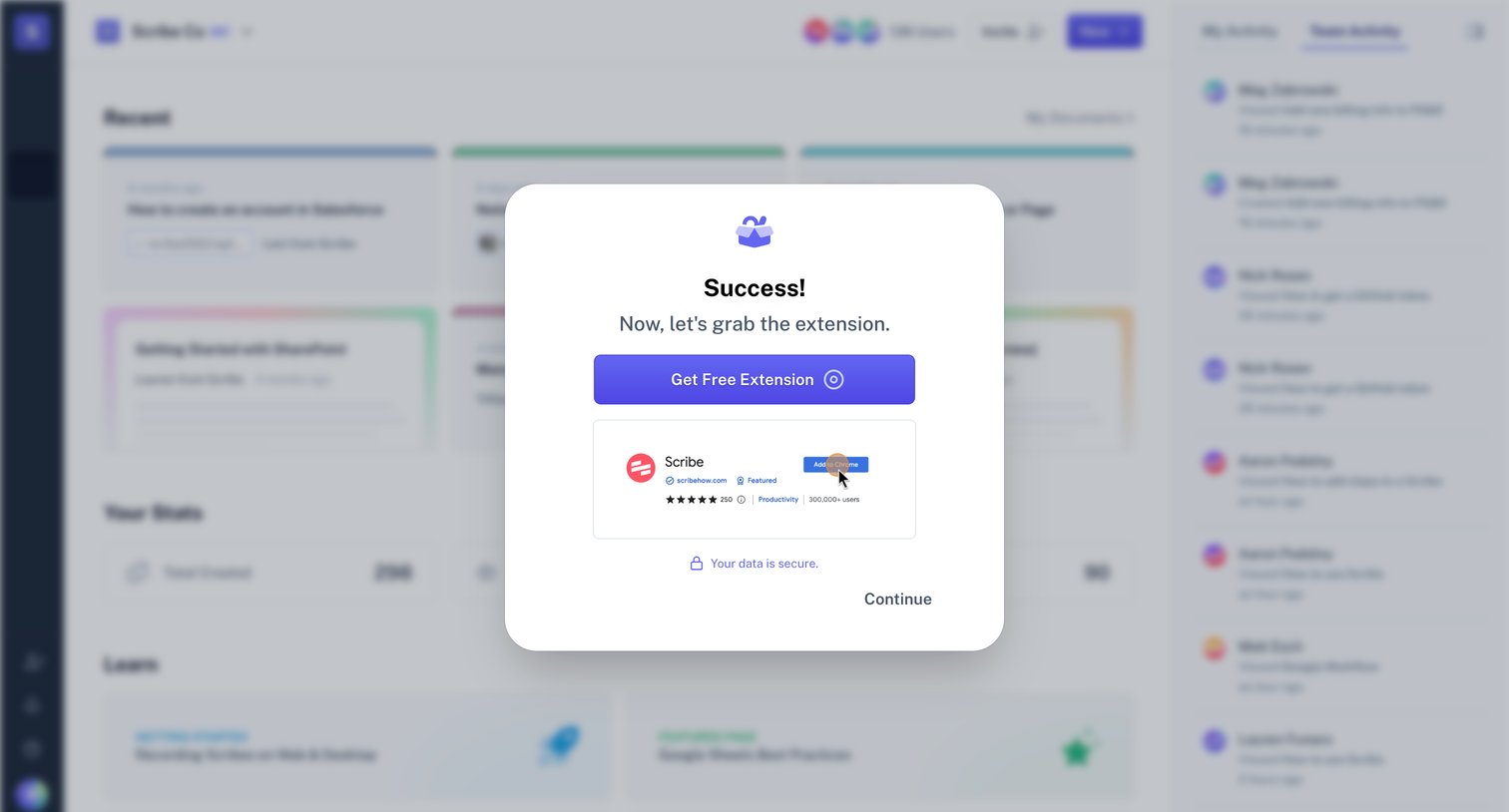
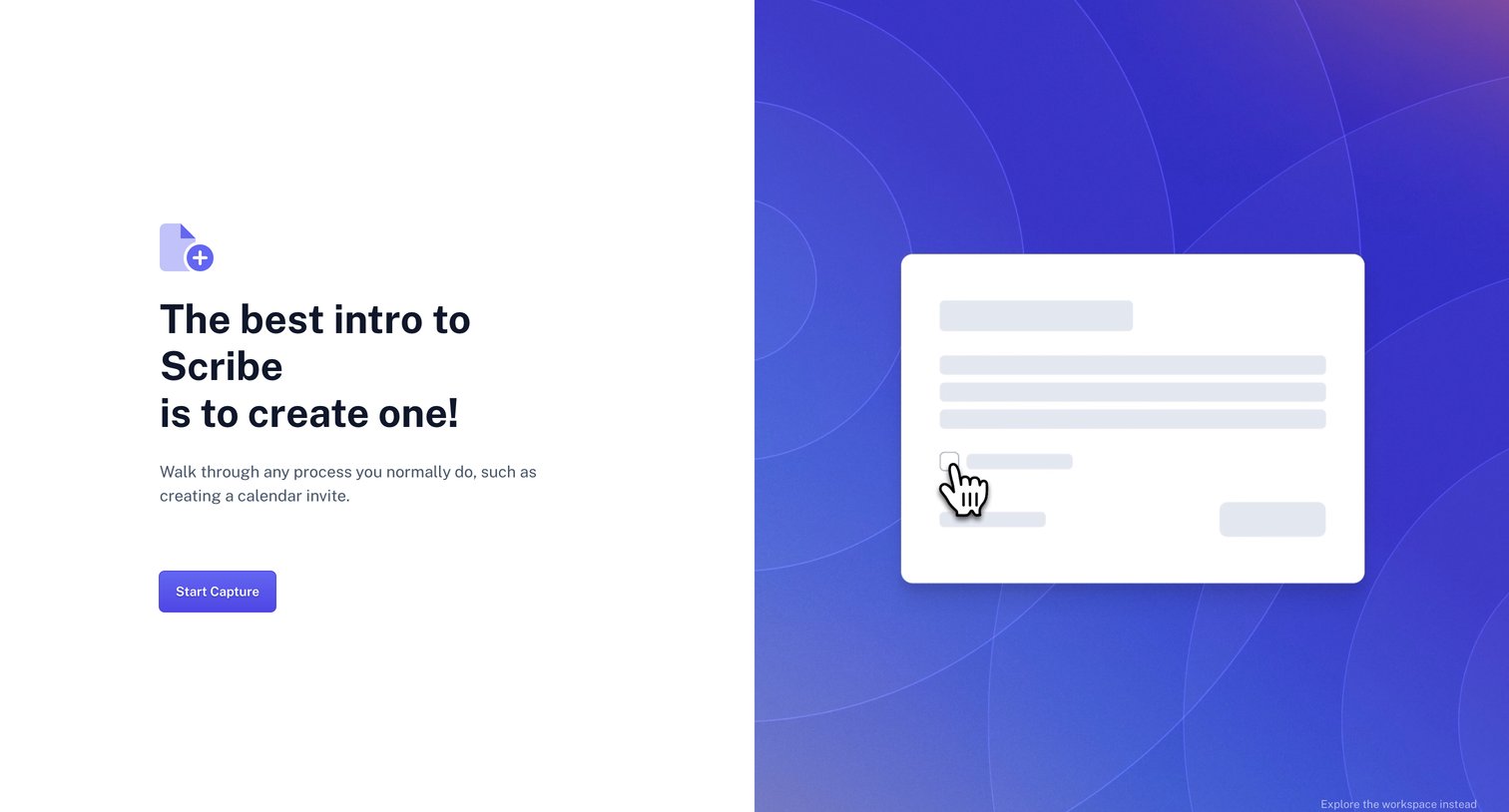
Onboarding screen prompting the user to create their first Scribe by starting a capture, with an option to skip directly to the workspace.
Browse the full SaaS app library
Explore real SaaS apps with their product screens, marketing screens, flows, and components.
Trusted by the best teams







