Scribe marketing pages examples
Explore Scribe website design examples. Preview marketing pages and browse related SaaS page designs. Turn any process into a step-by-step guide, instantly
Explore the examples


Landing page for Scribe explaining how to automatically generate step-by-step guides, featuring product demos, social proof from G2 and customers, and a breakdown of key features.
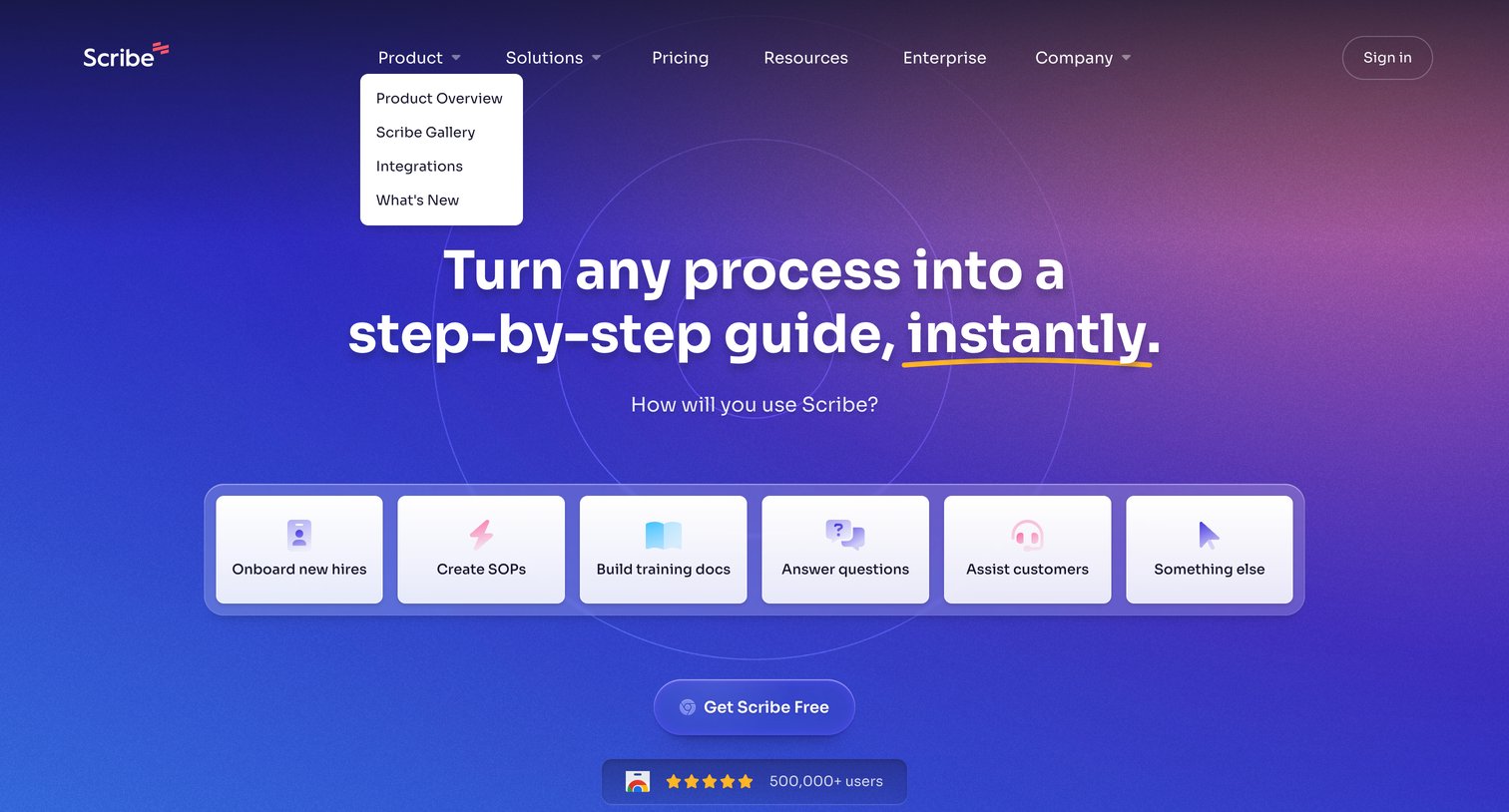
Landing page hero section where the user selects their primary use case, such as onboarding new hires or creating SOPs, to get started.
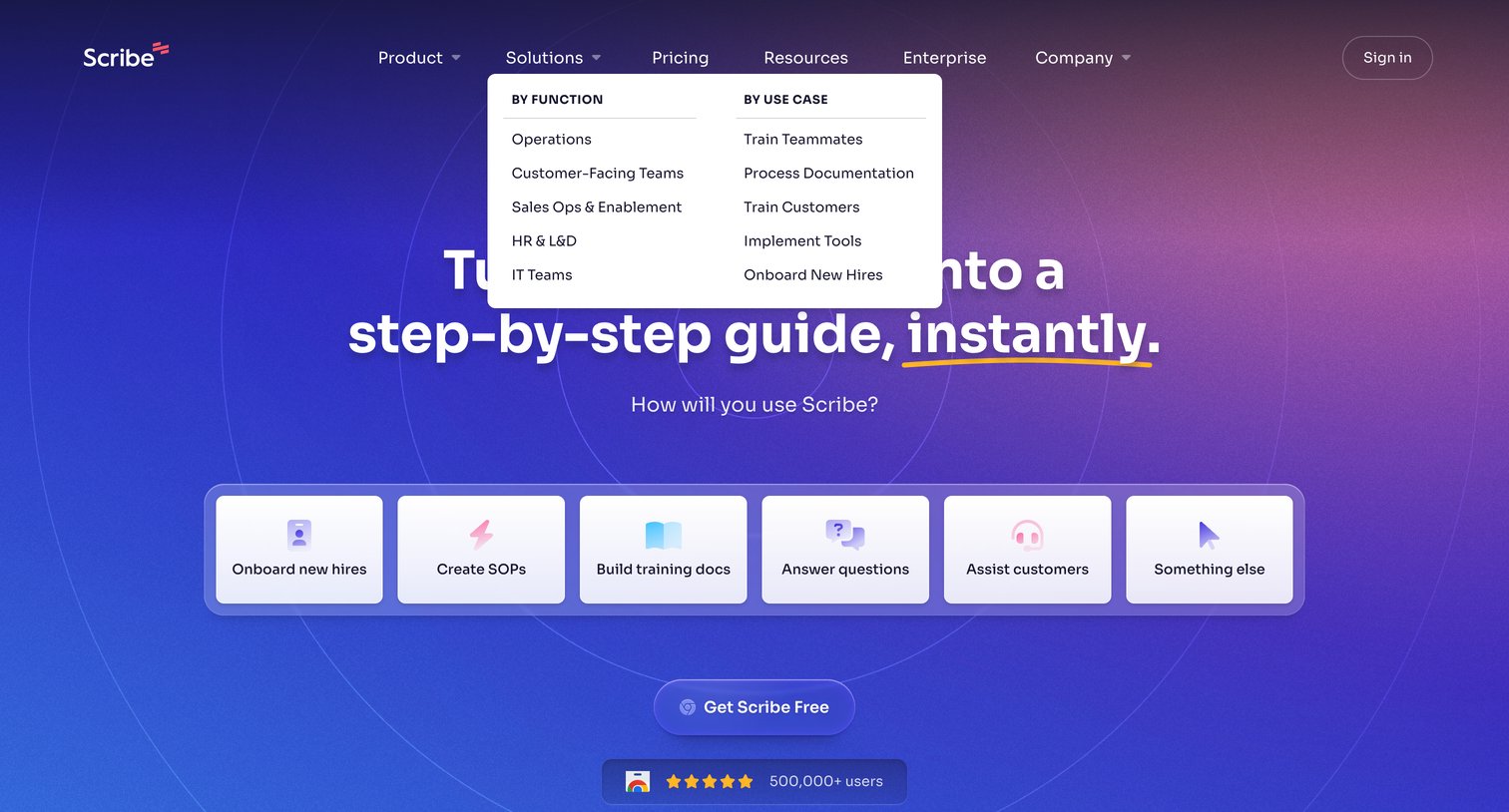
Landing page where the user is prompted to select their primary use case from a row of interactive cards before signing up for the product.
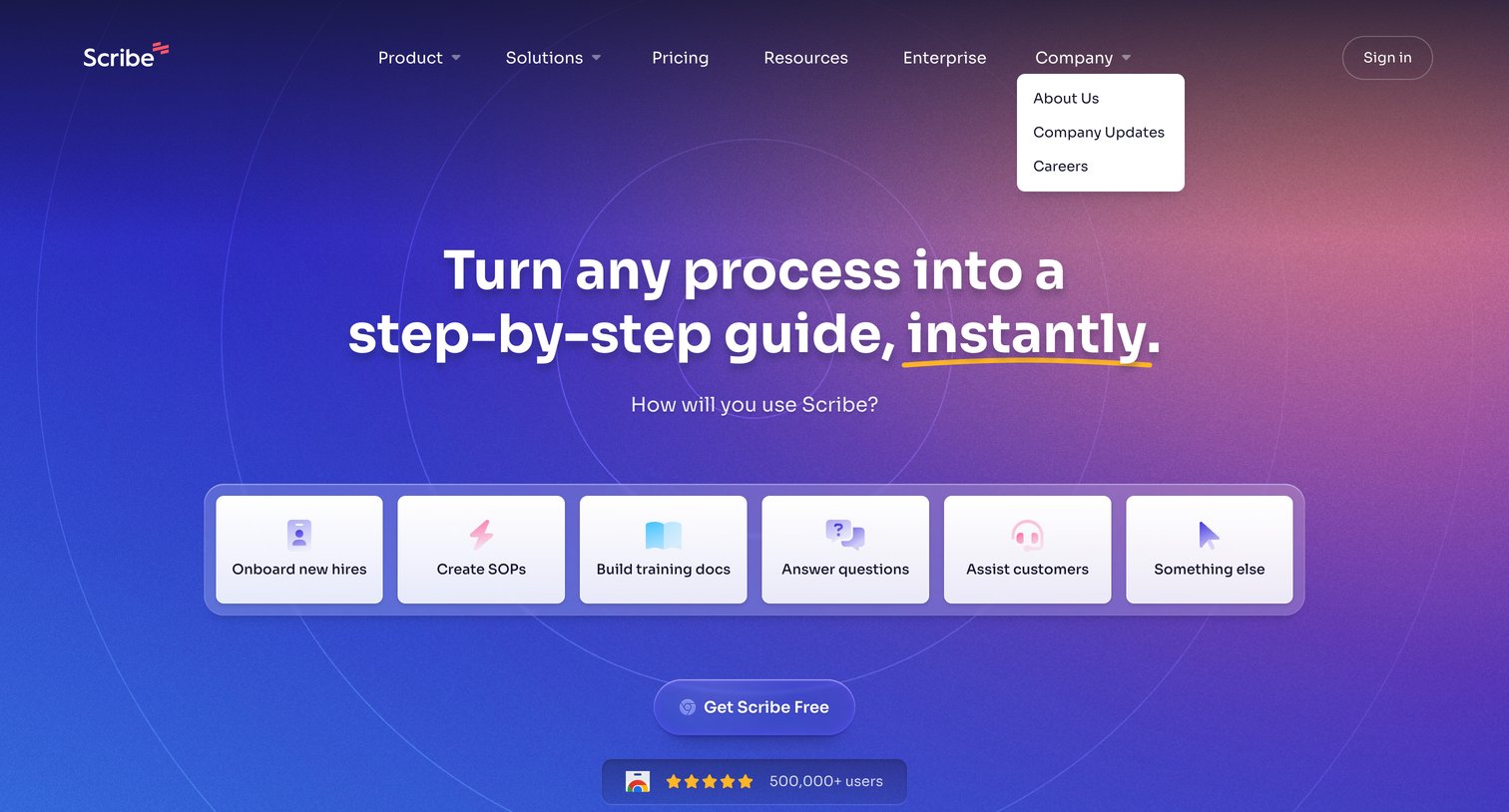
Landing page hero section where the user is prompted to select their primary use case from a row of interactive cards, such as onboarding new hires or creating SOPs, before signing up.
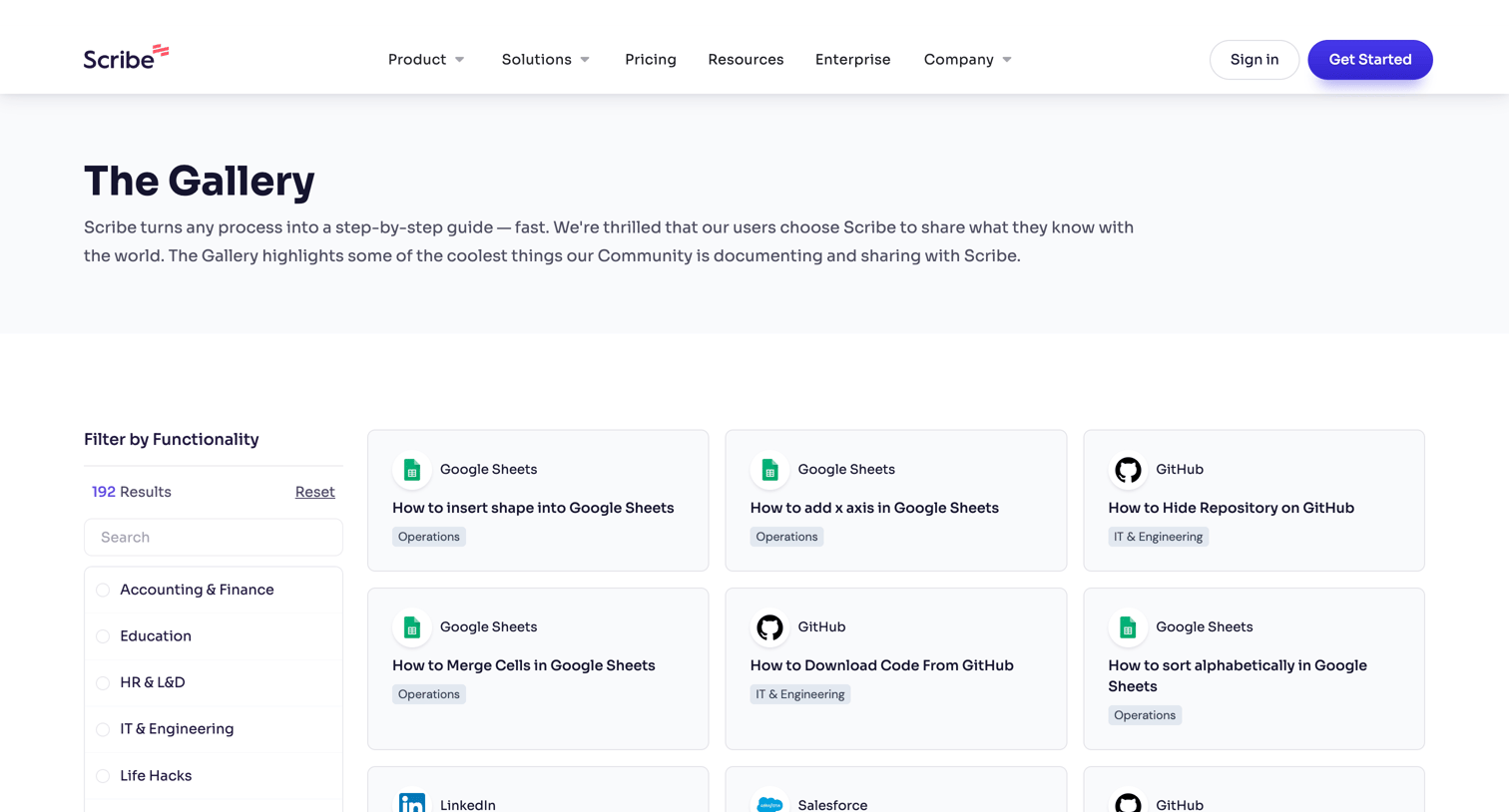
Community gallery page where users can browse, filter, and discover user-generated step-by-step guides and page templates.
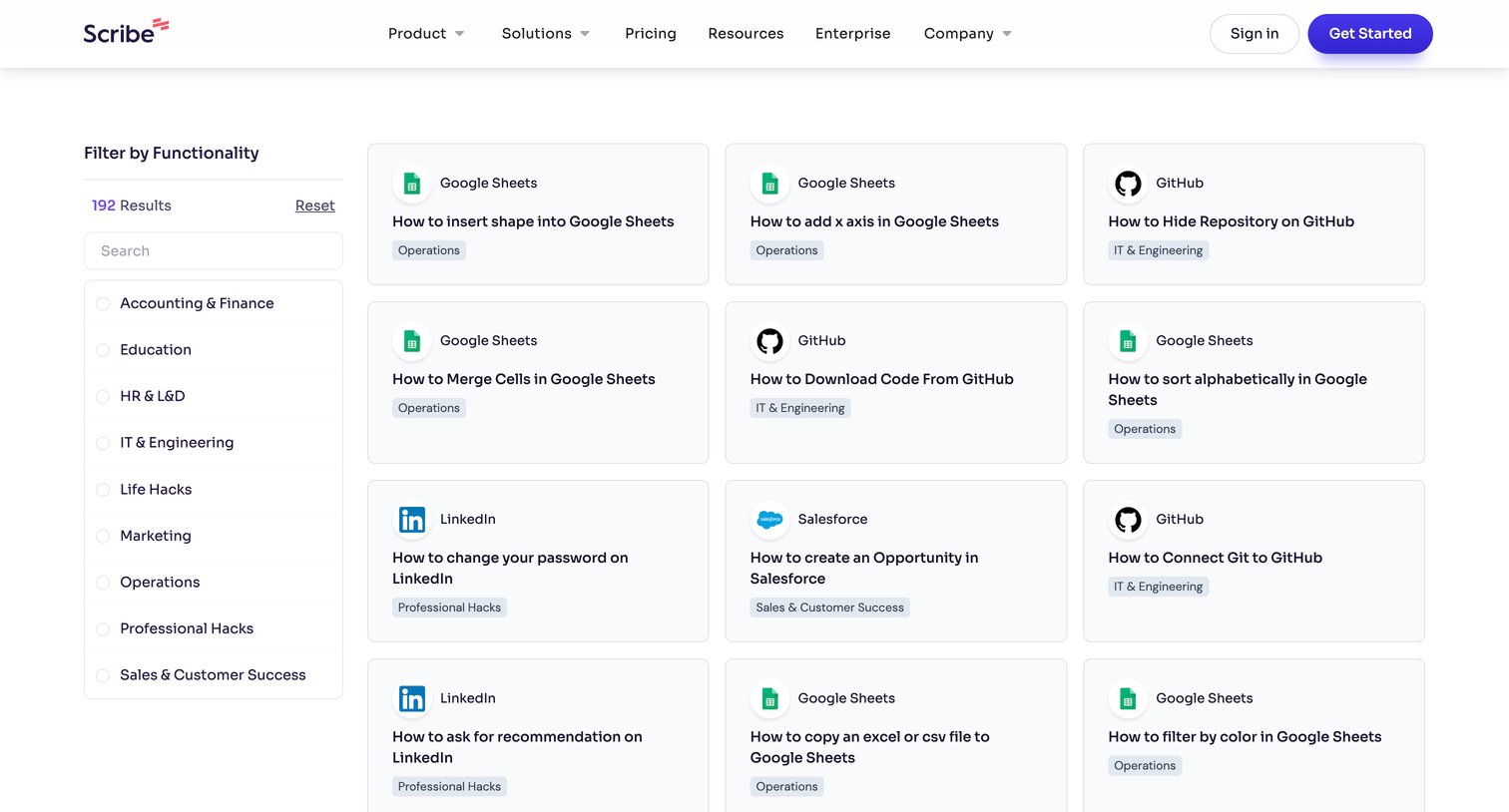
Resource gallery where the user browses and filters how-to guides by functionality like Accounting, Education, and HR.
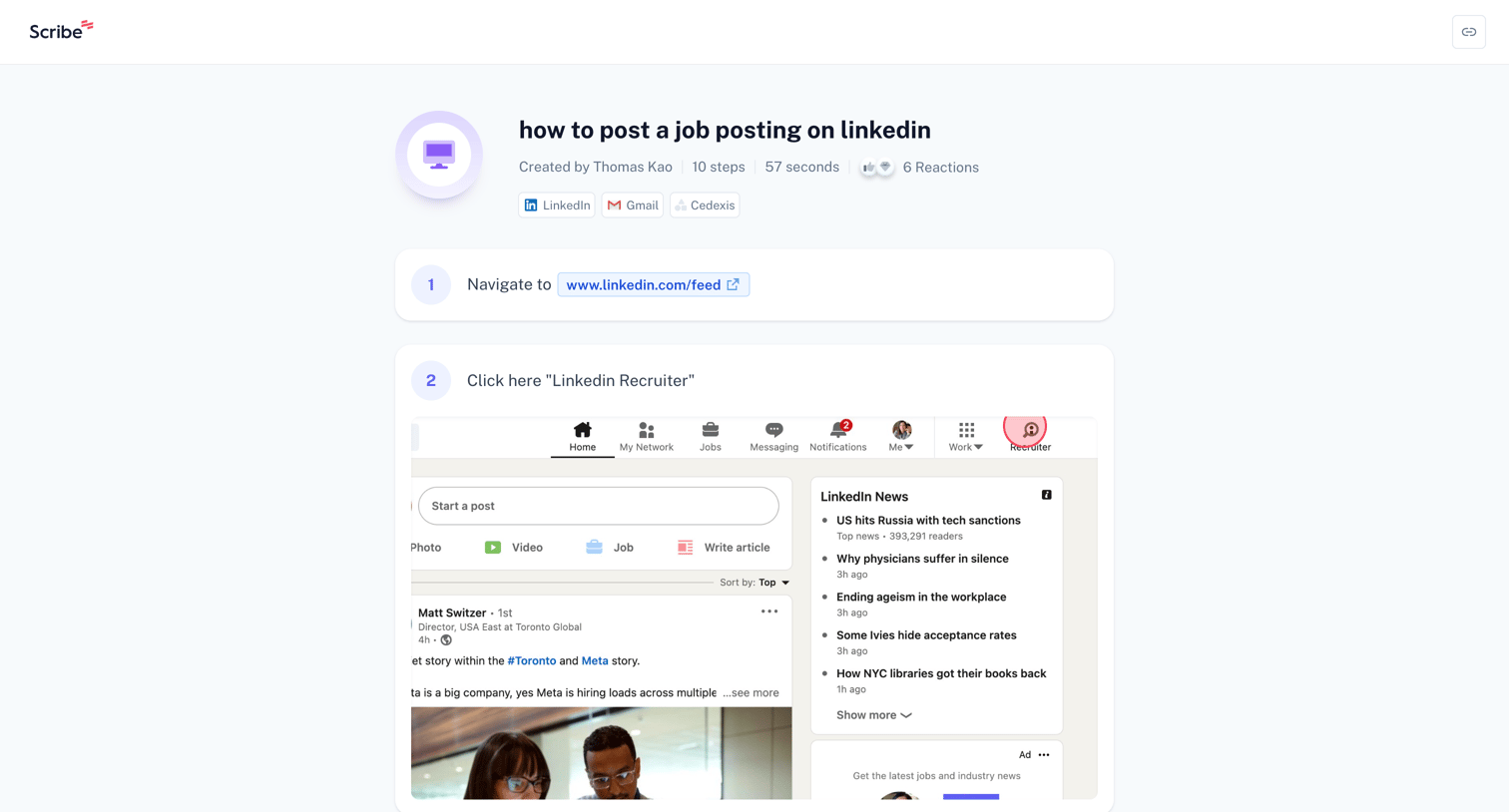
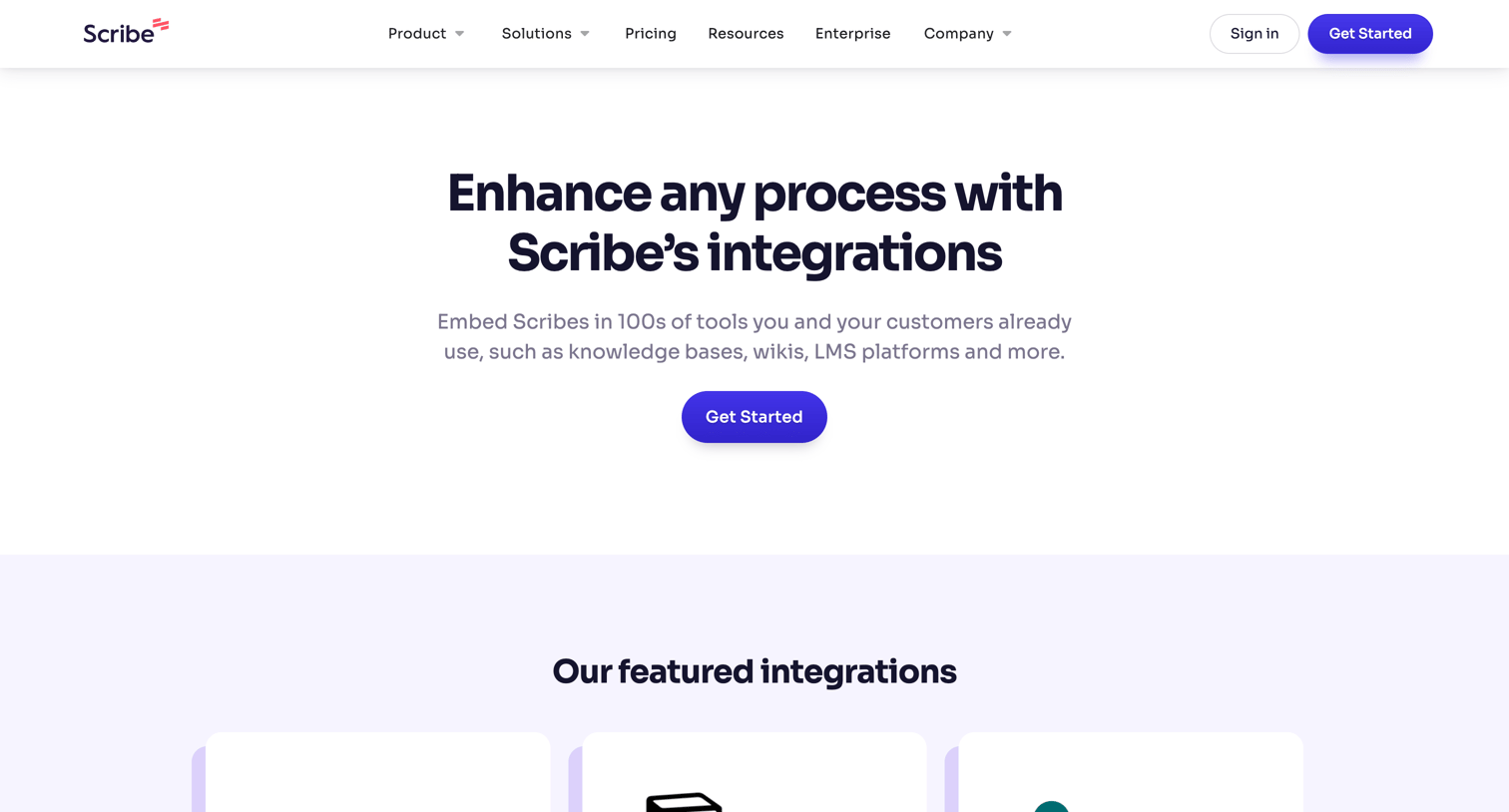
Marketing feature page showcasing a directory of supported integrations like Notion, Confluence, and SharePoint, organized in a grid with a prominent call to action to install the Chrome extension.
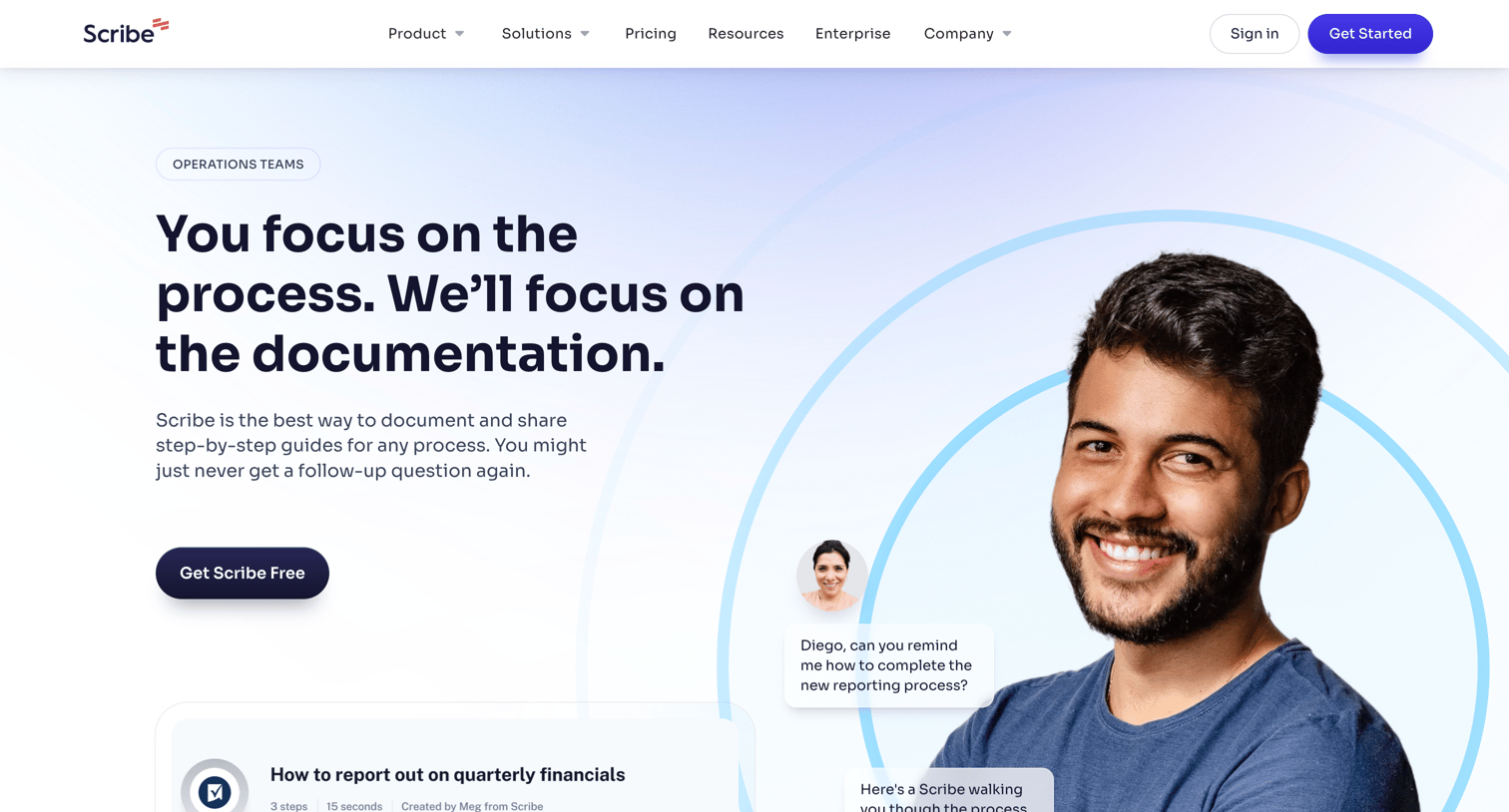
Marketing use case page tailored for operations teams, highlighting how the product automates process documentation and SOP creation with features, testimonials, and impact metrics.
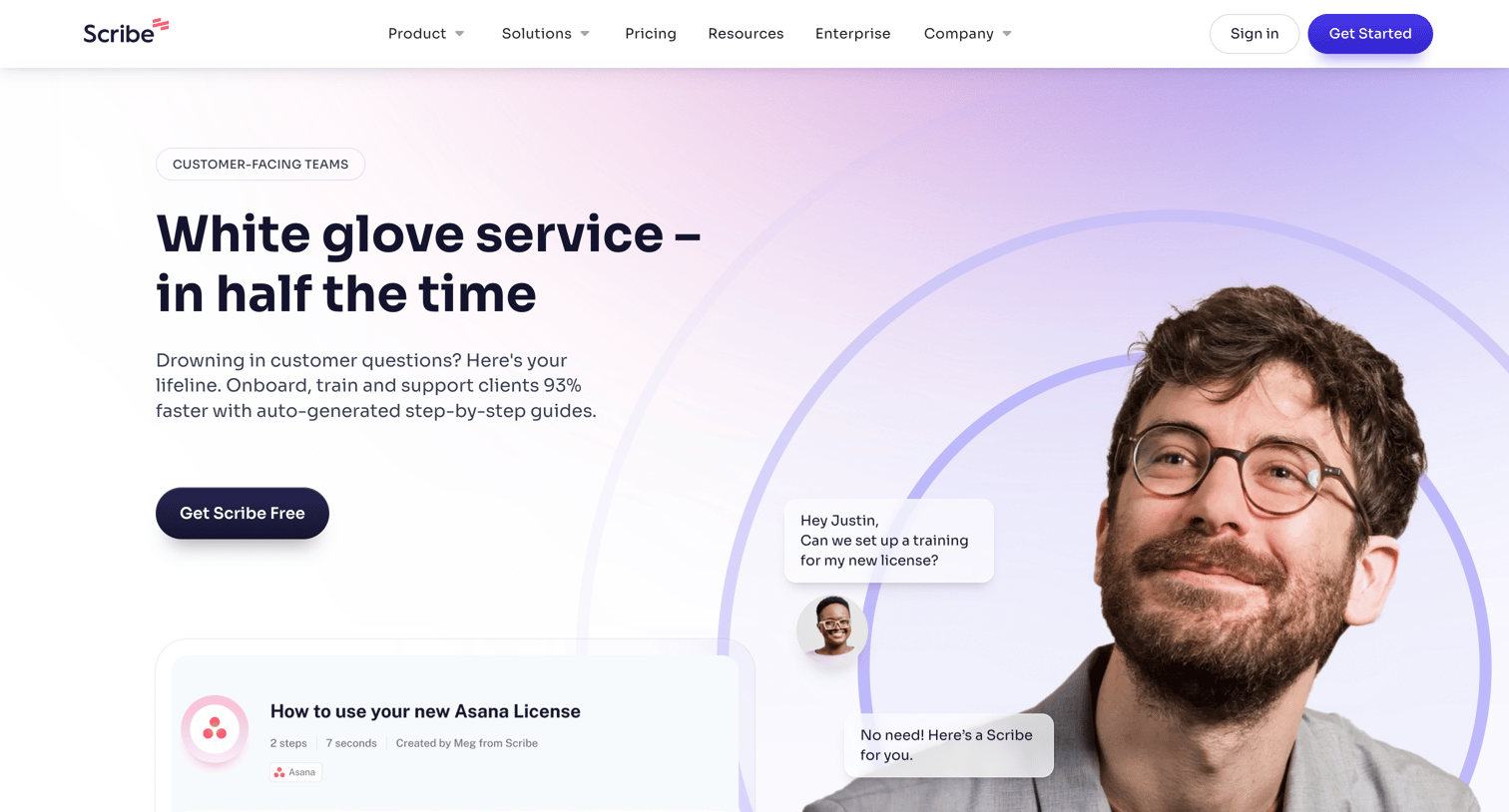
Marketing use case page explaining how customer-facing teams can use Scribe for onboarding, training, and answering questions, featuring testimonials and a customer story.
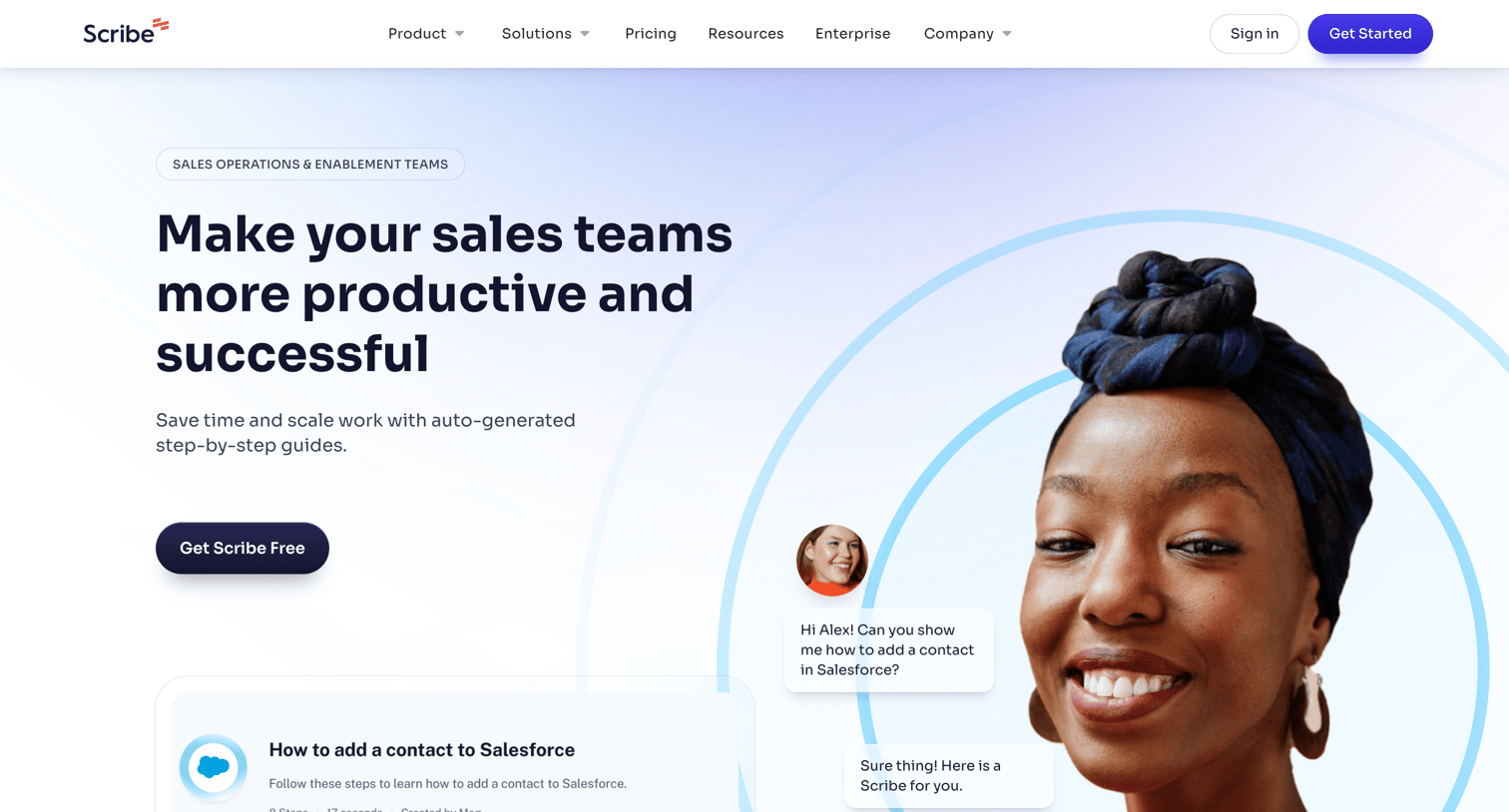
Marketing page for sales operations and enablement teams detailing how the product standardizes processes, featuring customer testimonials, a case study, and impact metrics.
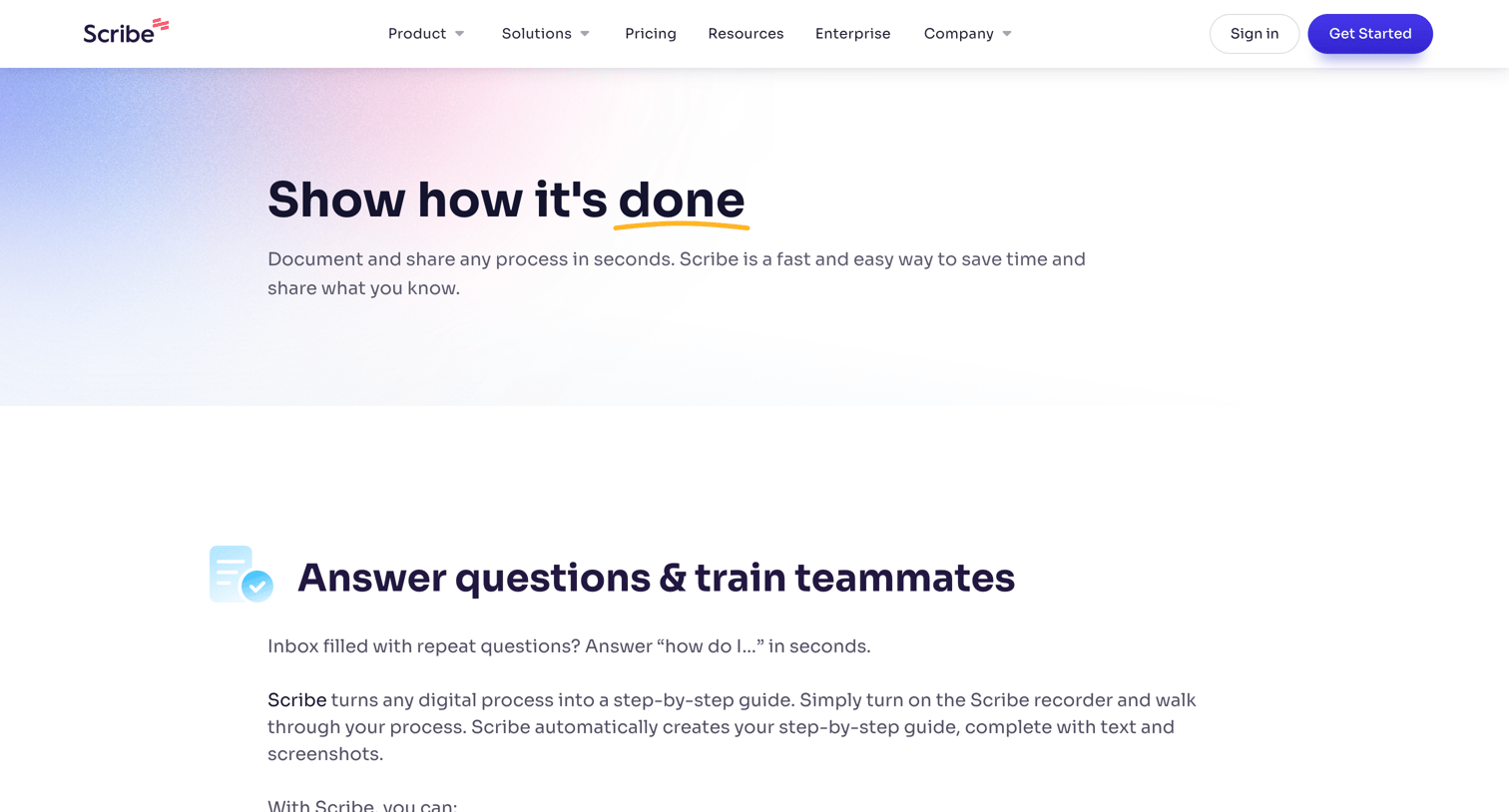
Marketing page detailing various use cases for Scribe, such as training teammates, automating SOPs, and onboarding new hires, complete with example guides and customer quotes.
Explore the full SaaS screen library
Upgrade to unlock the full library.
Trusted by the best teams







