Scribe user flows examples
Explore Scribe user flow examples. Preview the opening screens and steps for each task. Turn any process into a step-by-step guide, instantly
Preview these flows


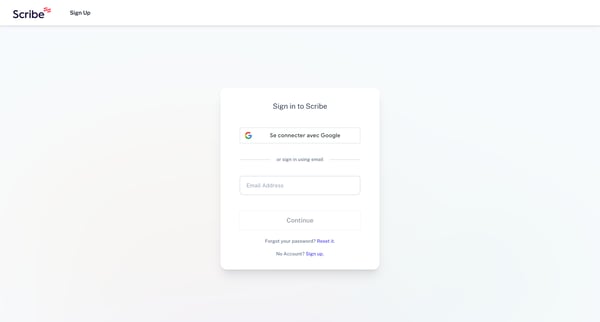
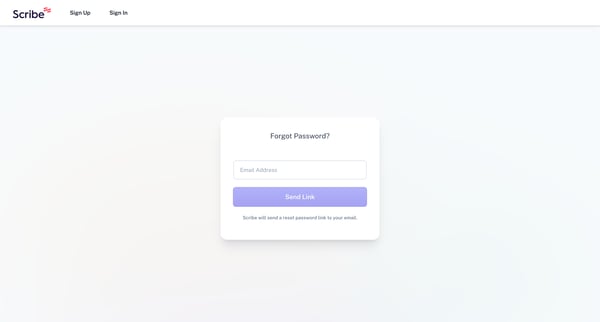
This flow guides the user through the process of resetting a forgotten password, from initiating the reset request to handling potential errors in user input.



This flow guides the user through personalizing their experience with selecting preferences, creating an account, verifying it, and setting up their team and tools in Scribe.


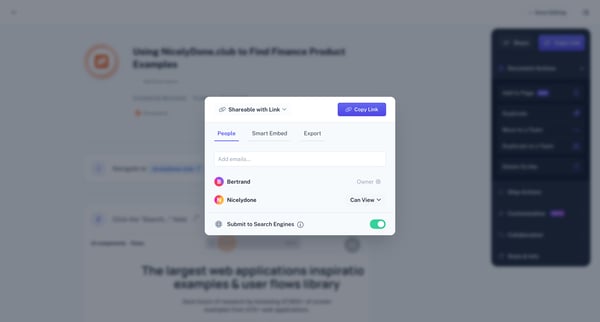
This flow guides a user through the process of editing a Scribe document, customizing sharing and embedding options, and exporting the document in various formats.



This flow illustrates the process of editing and refining a detailed user guide or scribe, including steps like navigation, searching, and content editing to make the document more comprehens


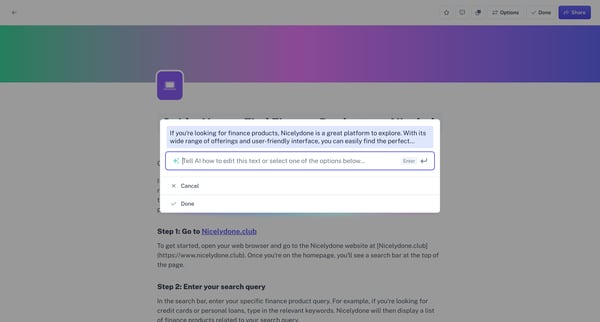
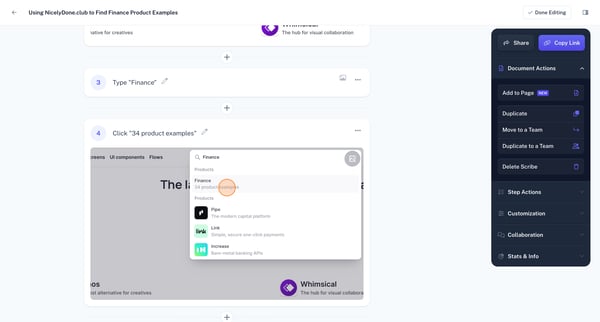
This user flow involves integrating artificial intelligence to assist in finding finance products on a website, enabling users to interact with the AI for personalized text editing and conten



This user flow navigates the process of inviting teammates to collaborate on Scribe, facilitating easier teamwork and document sharing.



This flow enables a user to send a referral to invite teammates with the allure of unlocking free Pro features for each successful referral.


This user flow allows users to edit screen captures by adding annotations, redacting information, cropping, and adjusting visual properties before sharing or saving.



This flow guides the user through upgrading their subscription to a Pro plan, including selecting a plan, inputting customer and payment information, and handling a payment failure.
Explore the full SaaS flow library
Browse the full SaaS flow library.
Trusted by the best teams







