
Revue design examples
Explore Revue UI design examples. Like Tumblr, but for newsletters
Product screens
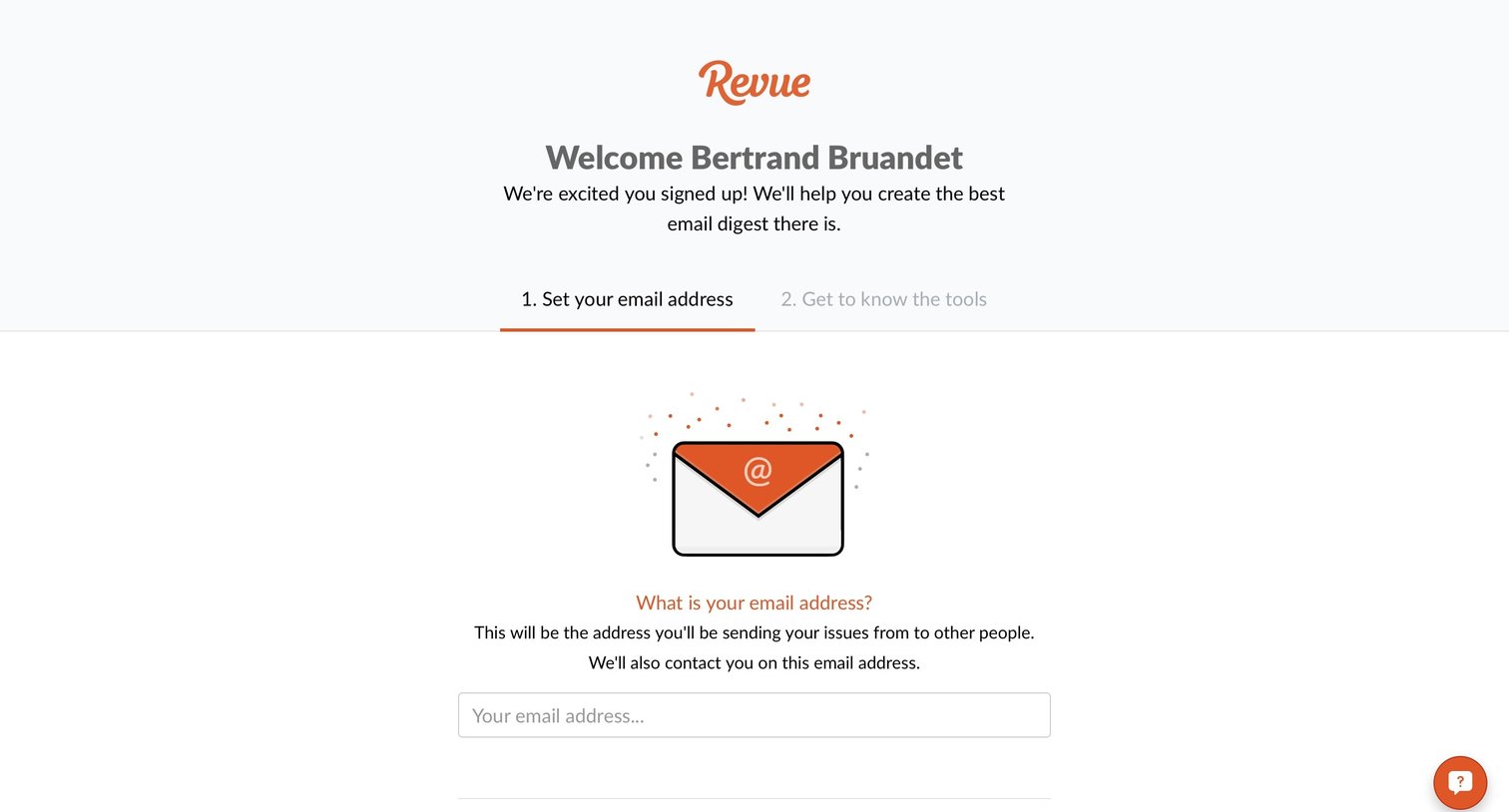
Onboarding step where the user sets the email address they will use to send their newsletter issues.
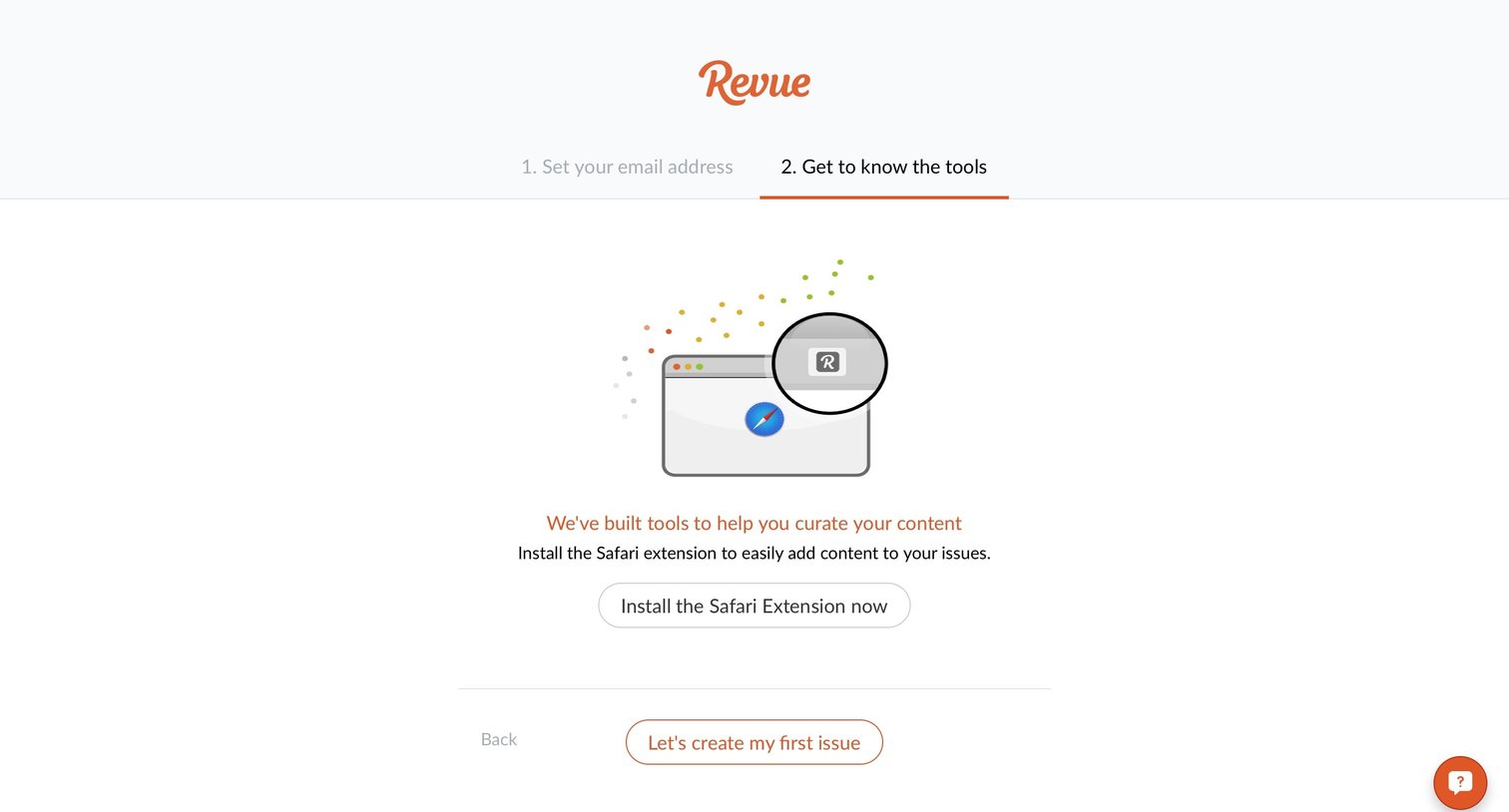
Onboarding step where the user is prompted to install the Safari extension before creating their first newsletter issue.
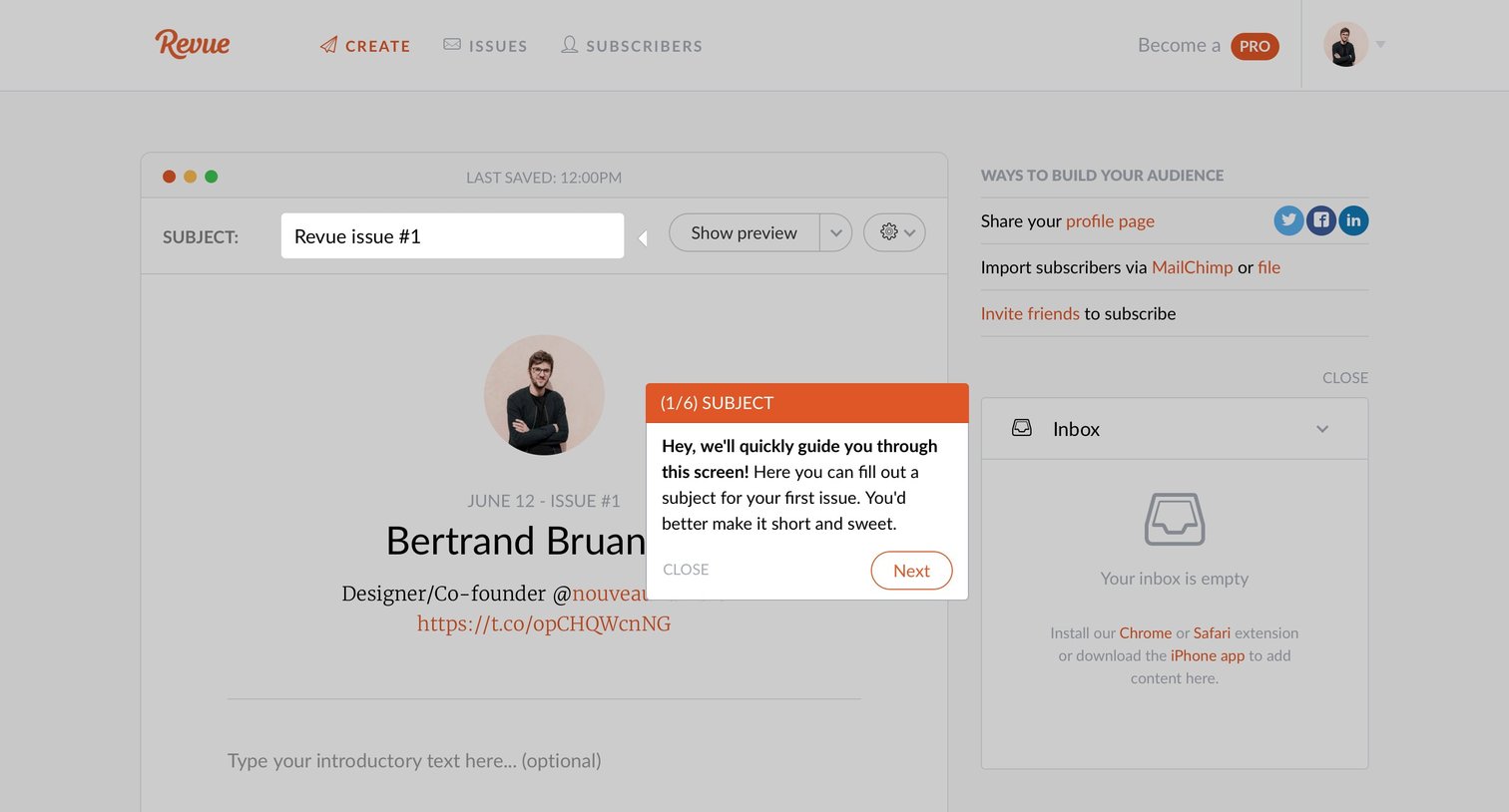
Content editor where the user drafts a newsletter issue, featuring an active product tour tooltip guiding them through the subject line.
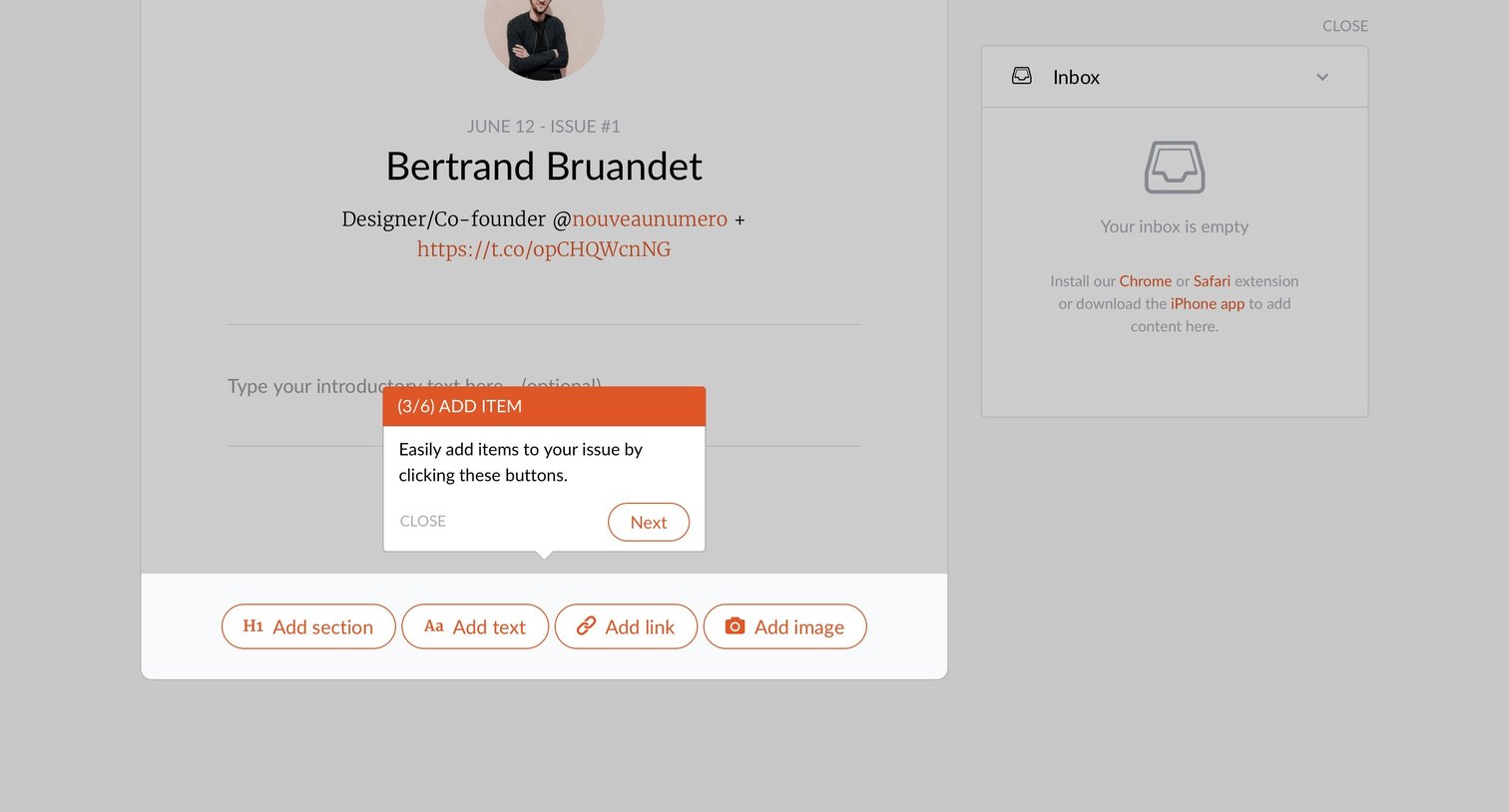
Content editor where the user is guided by a product tour to add sections, text, links, or images to their newsletter issue.
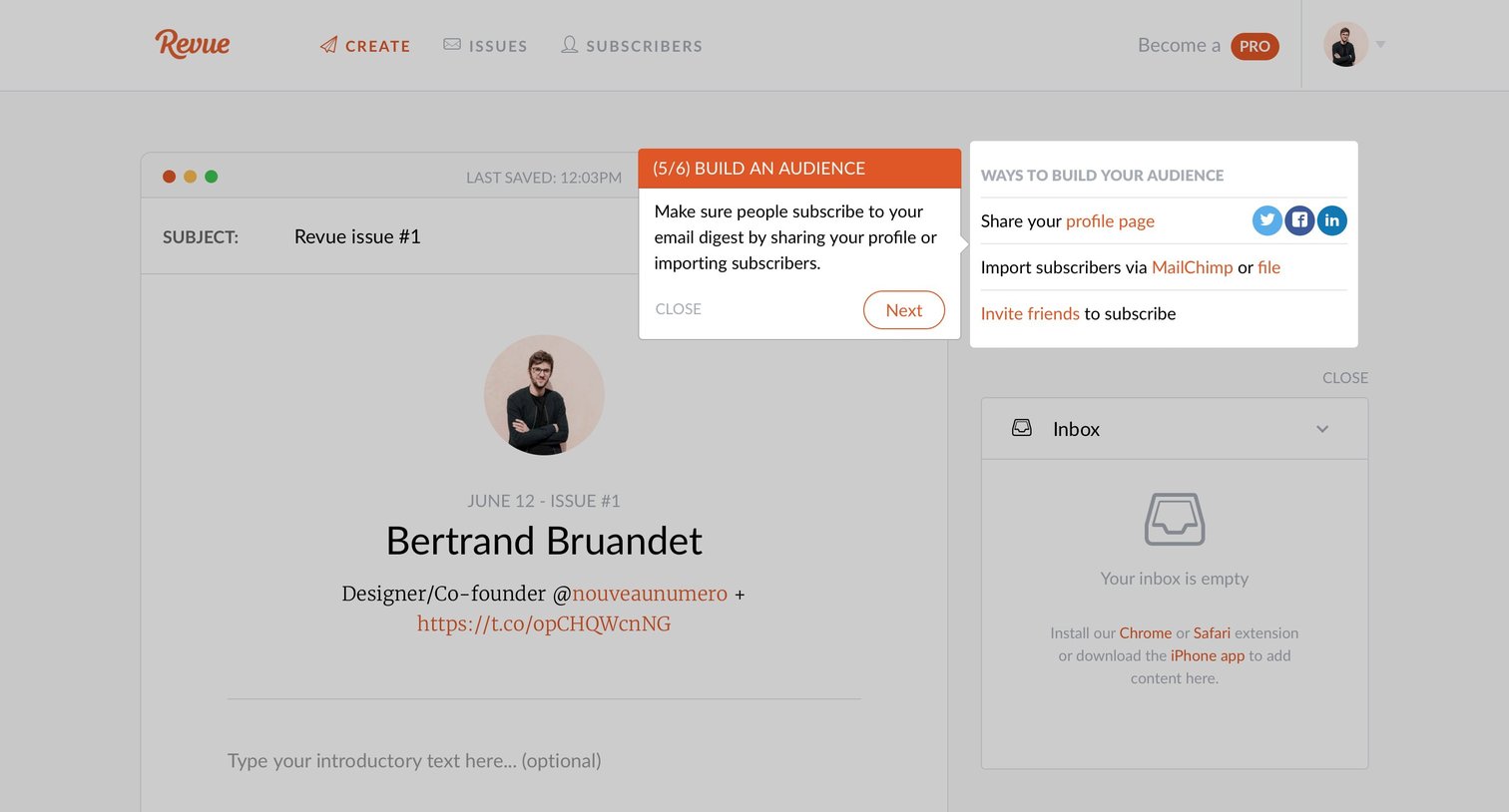
Newsletter editor where the user is guided by an onboarding product tour to build their audience by sharing their profile or importing subscribers.
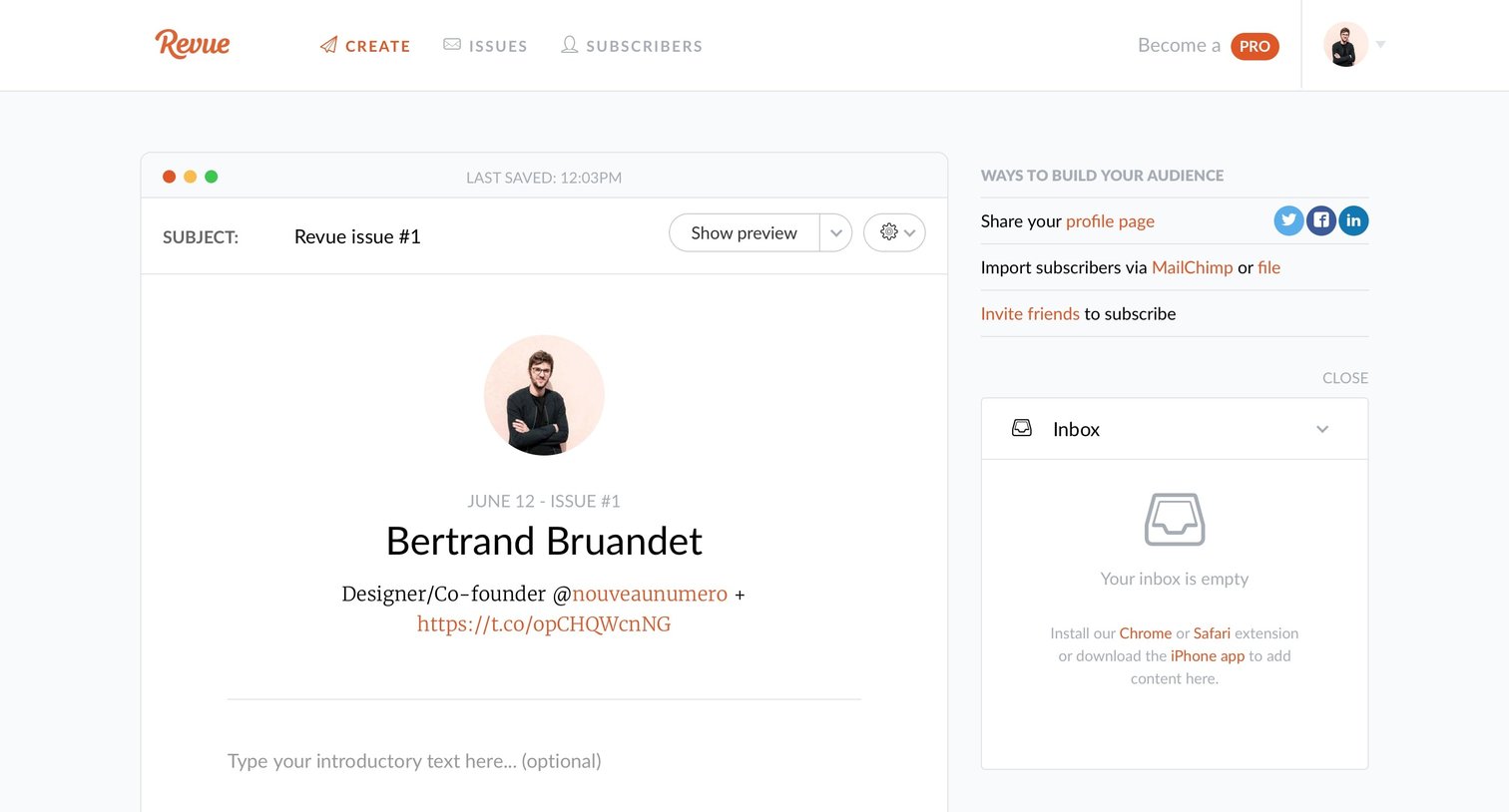
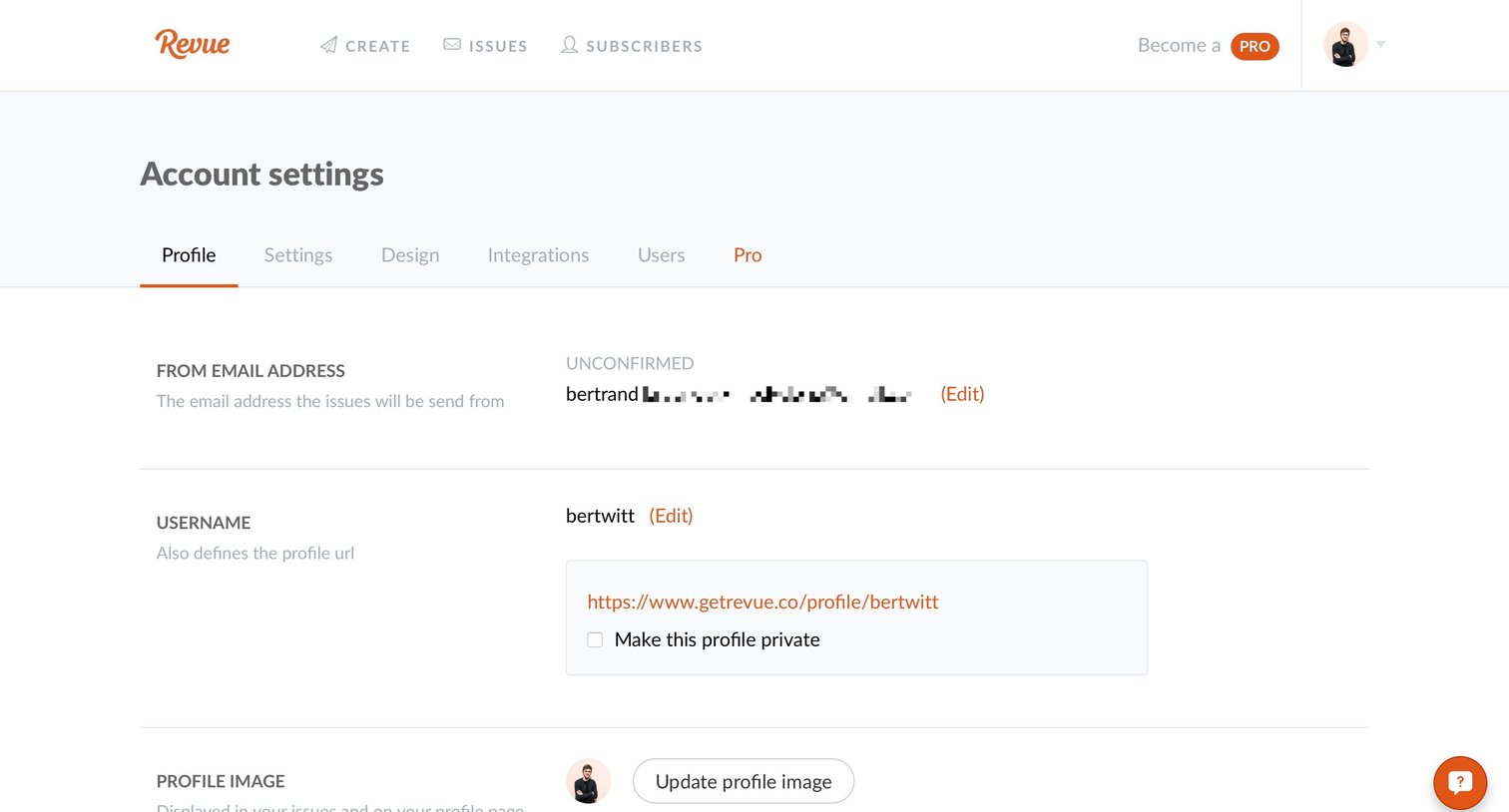
Settings page where the user configures their public profile details, including email, username, avatar, and social links.
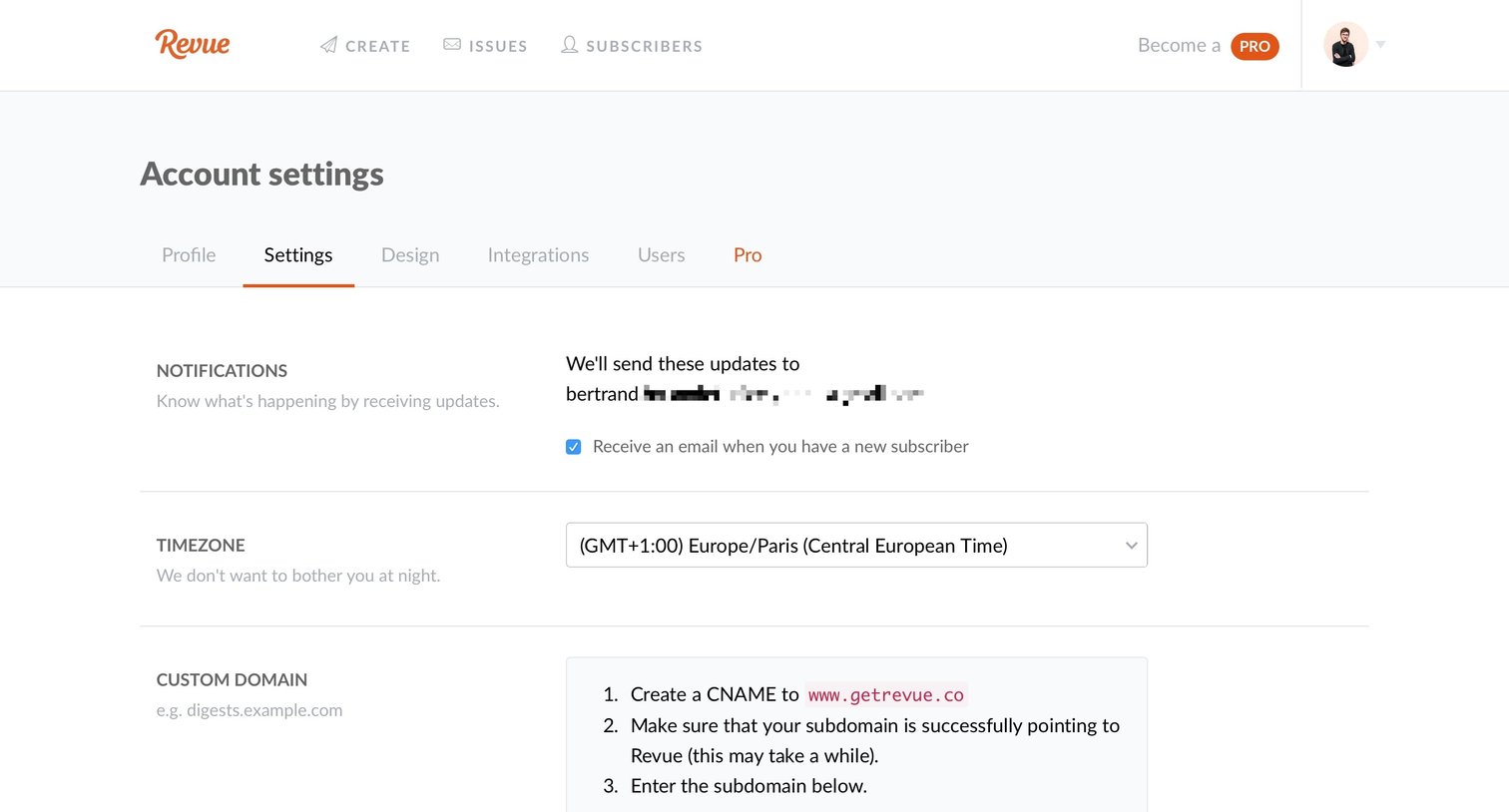
Settings page where the user configures email notifications, timezone, and custom domain preferences.
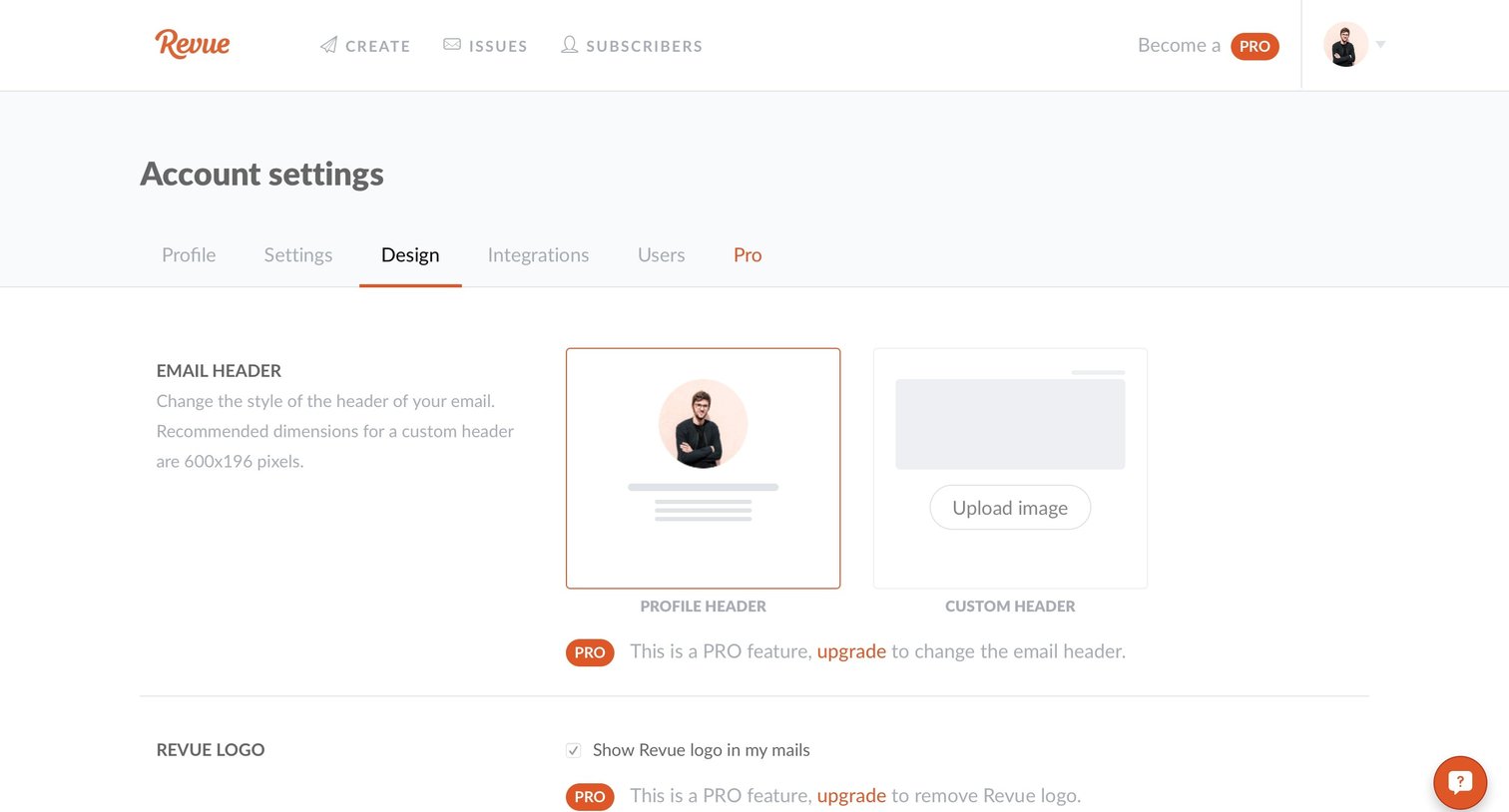
Settings page where the user configures the visual design of their emails, including header style, logo visibility, and colors, with several features locked behind a Pro upgrade.
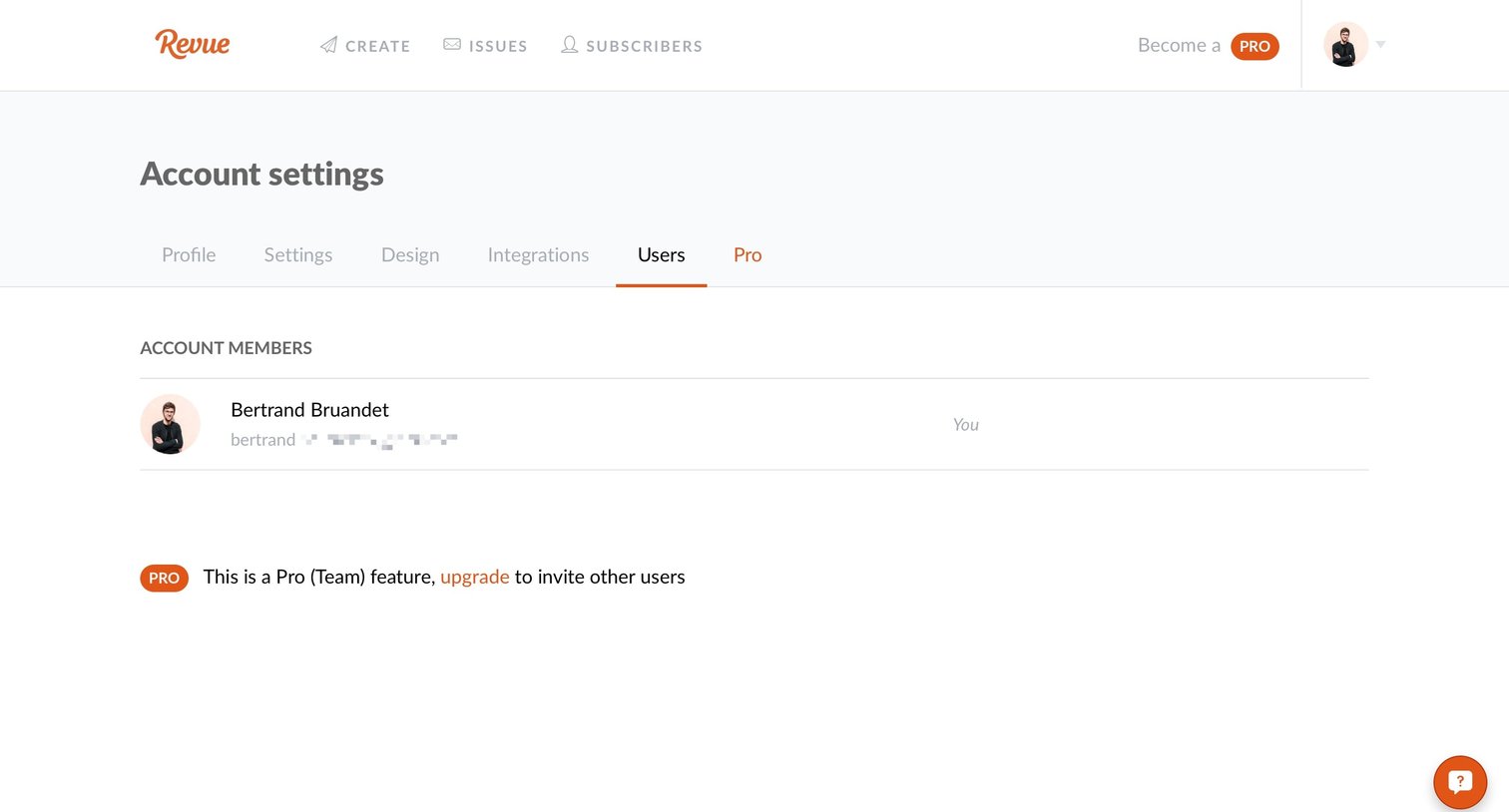
Settings page where the user views their account members and sees an inline prompt to upgrade to a Pro plan to invite others.
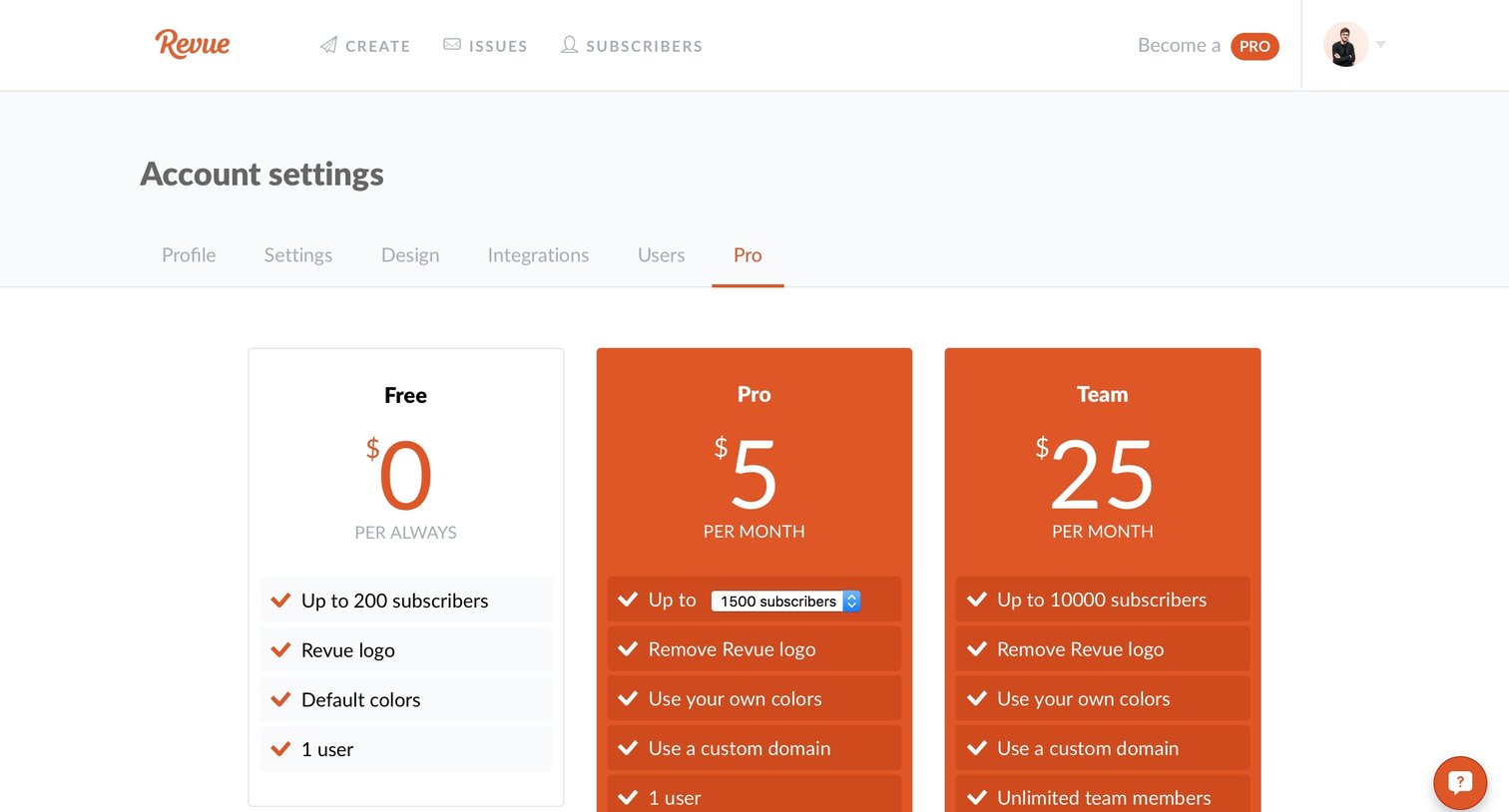
Account settings page where the user views subscription tiers and can upgrade to a Pro or Team plan based on their subscriber count.
Browse the full SaaS app library
Explore real SaaS apps with their product screens, marketing screens, flows, and components.
Trusted by the best teams







