
Podia design examples
Explore Podia UI design examples. Sell online courses, memberships, and downloads
Product screens
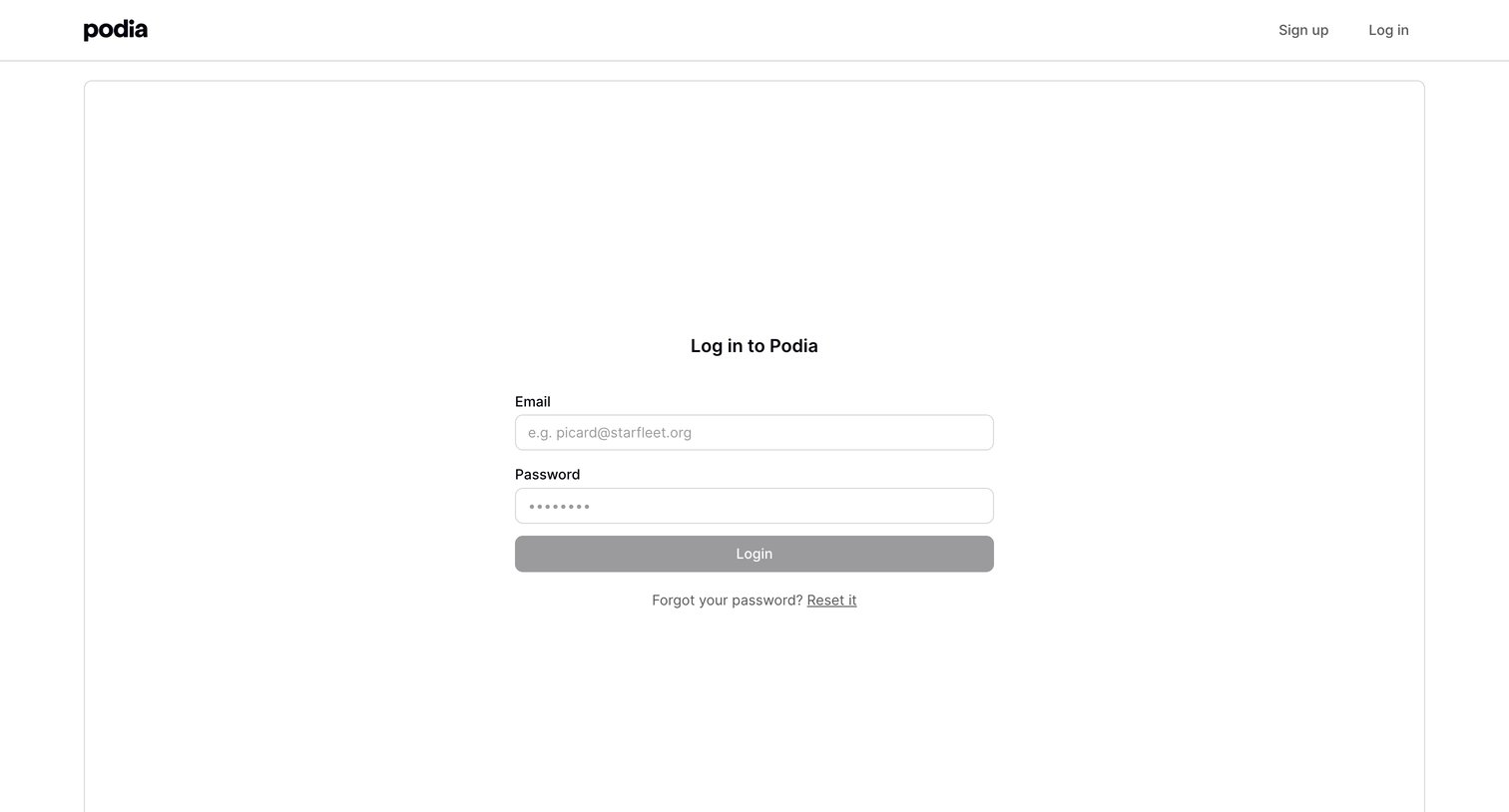
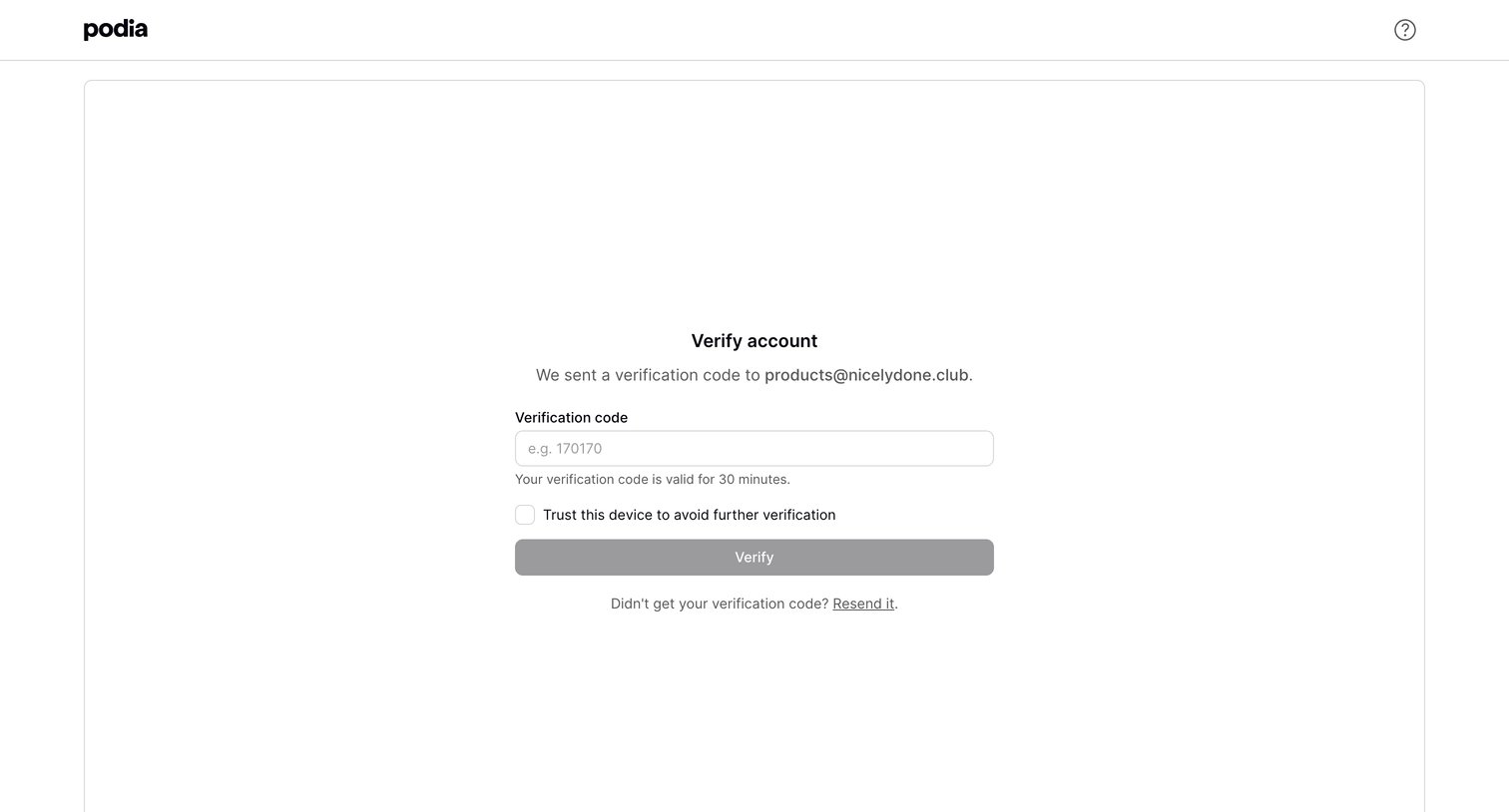
Verification screen where the user enters a code sent to their email to authenticate their device.
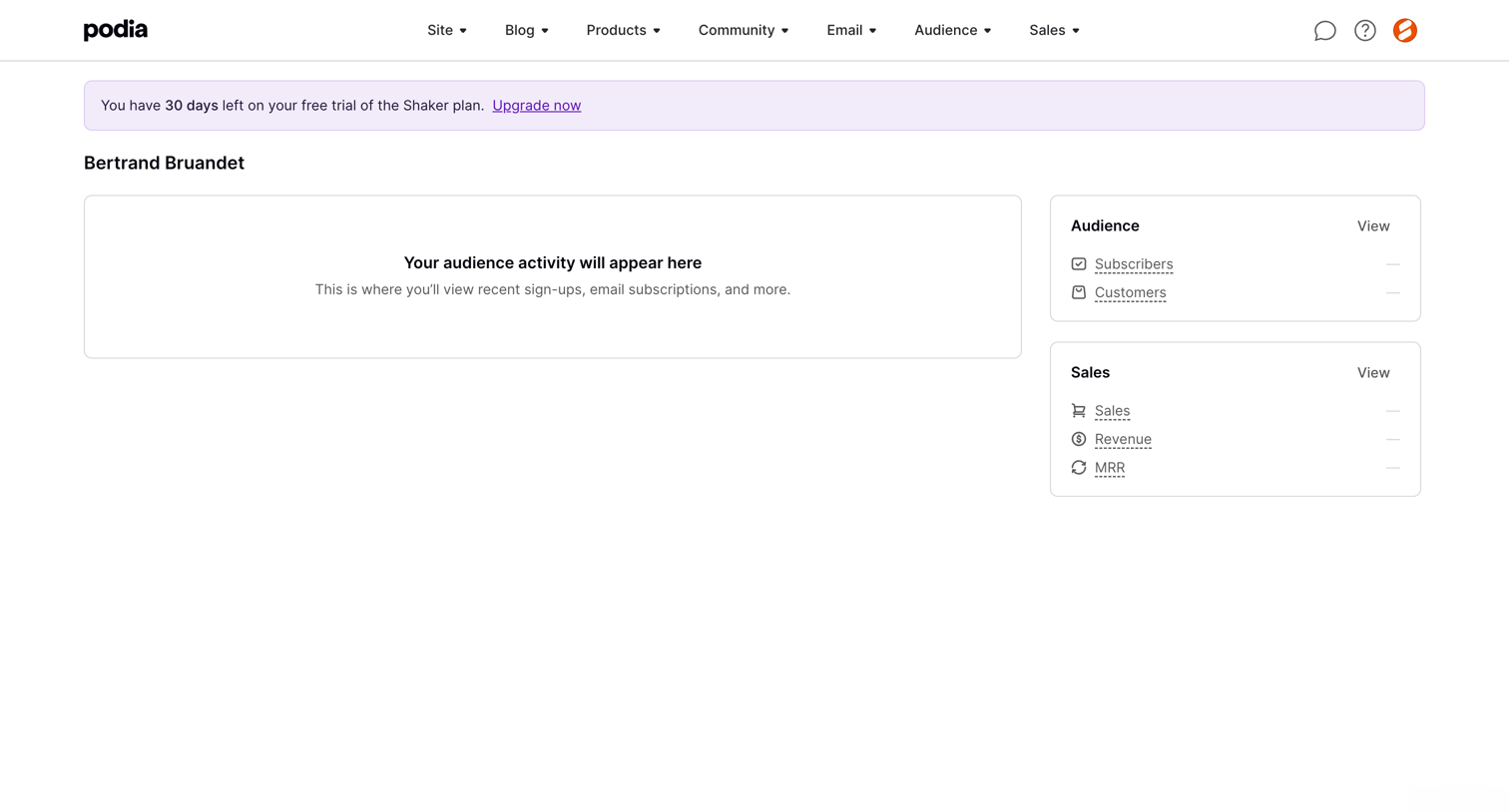
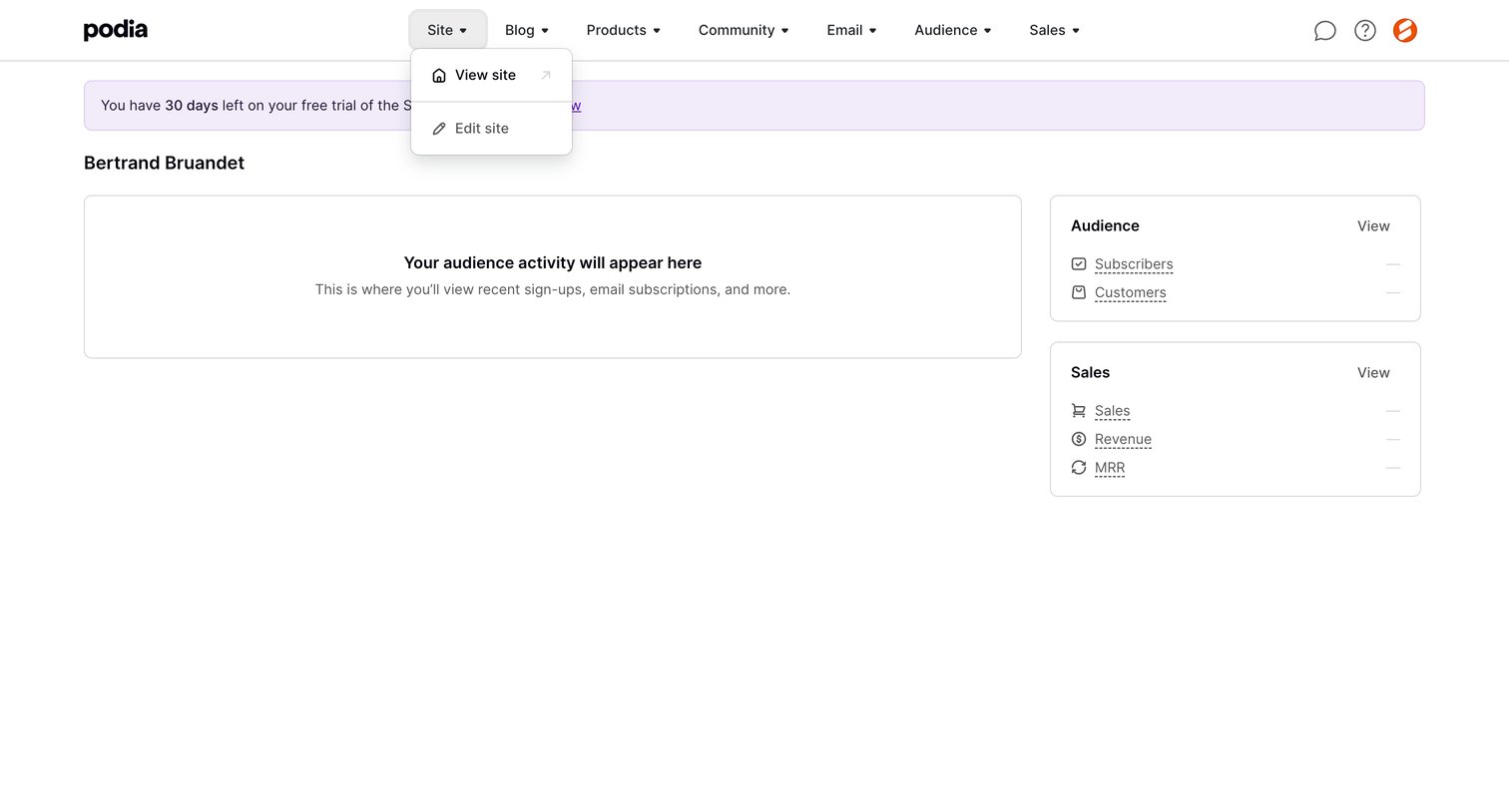
Dashboard where a creator can view their audience activity, subscriber counts, and sales revenue, currently showing an empty state.
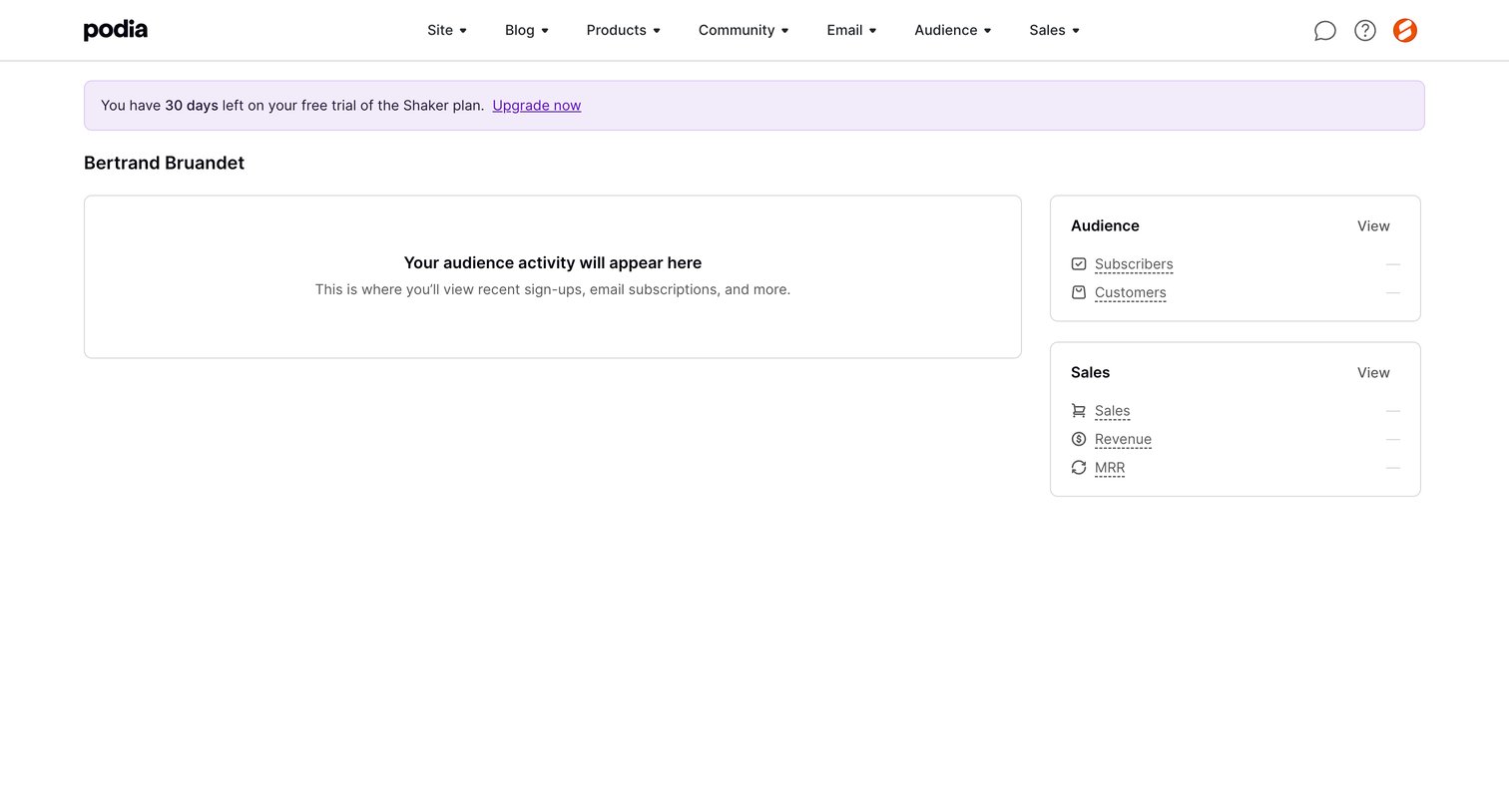
Dashboard displaying an empty audience activity feed and zeroed metric cards for sales and subscribers, topped with a 30-day trial countdown banner.
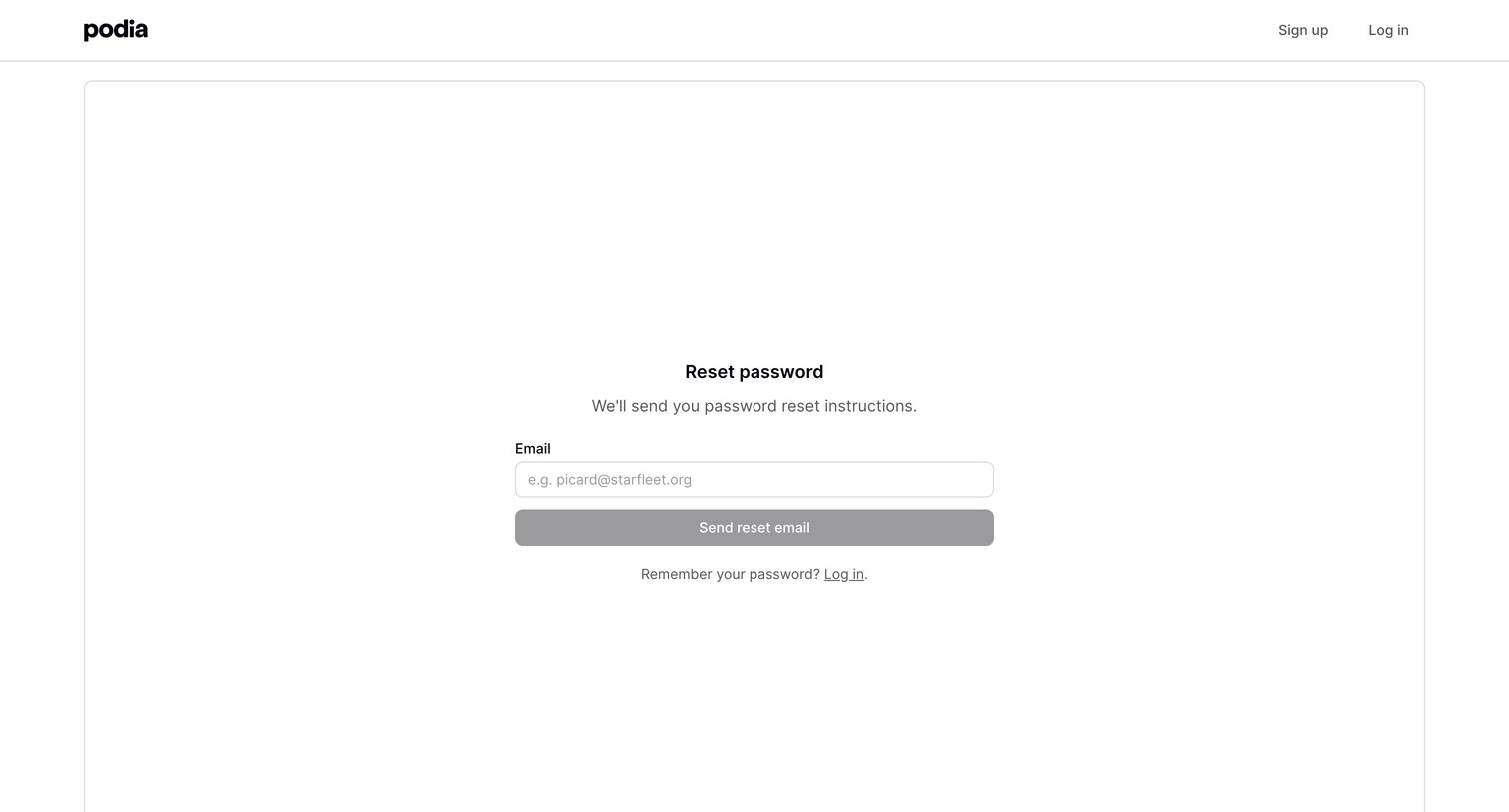
Password recovery screen where the user enters their email address to receive reset instructions.
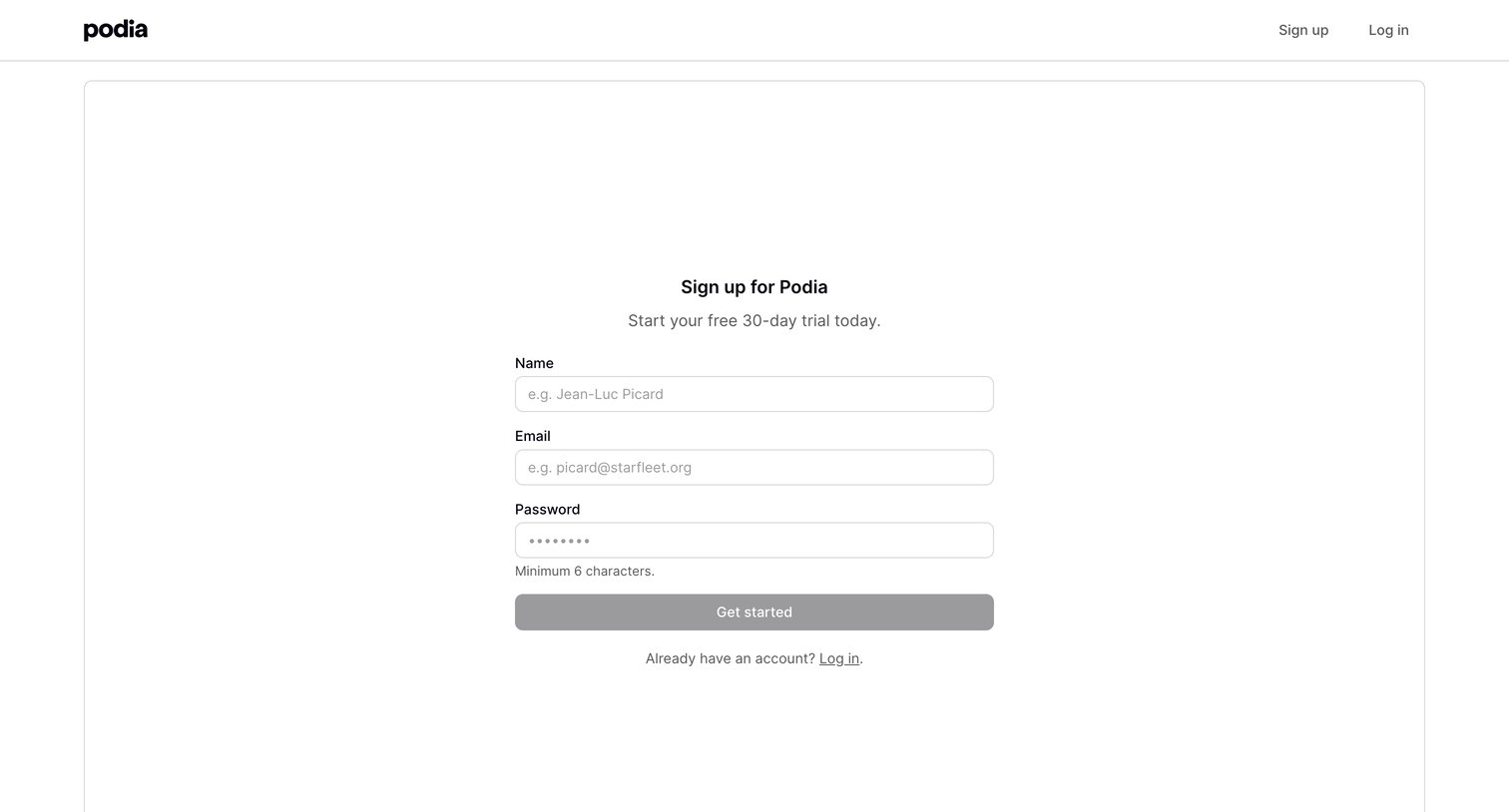
Signup page where the user creates an account to start a free 30-day trial by providing their name, email, and a password.
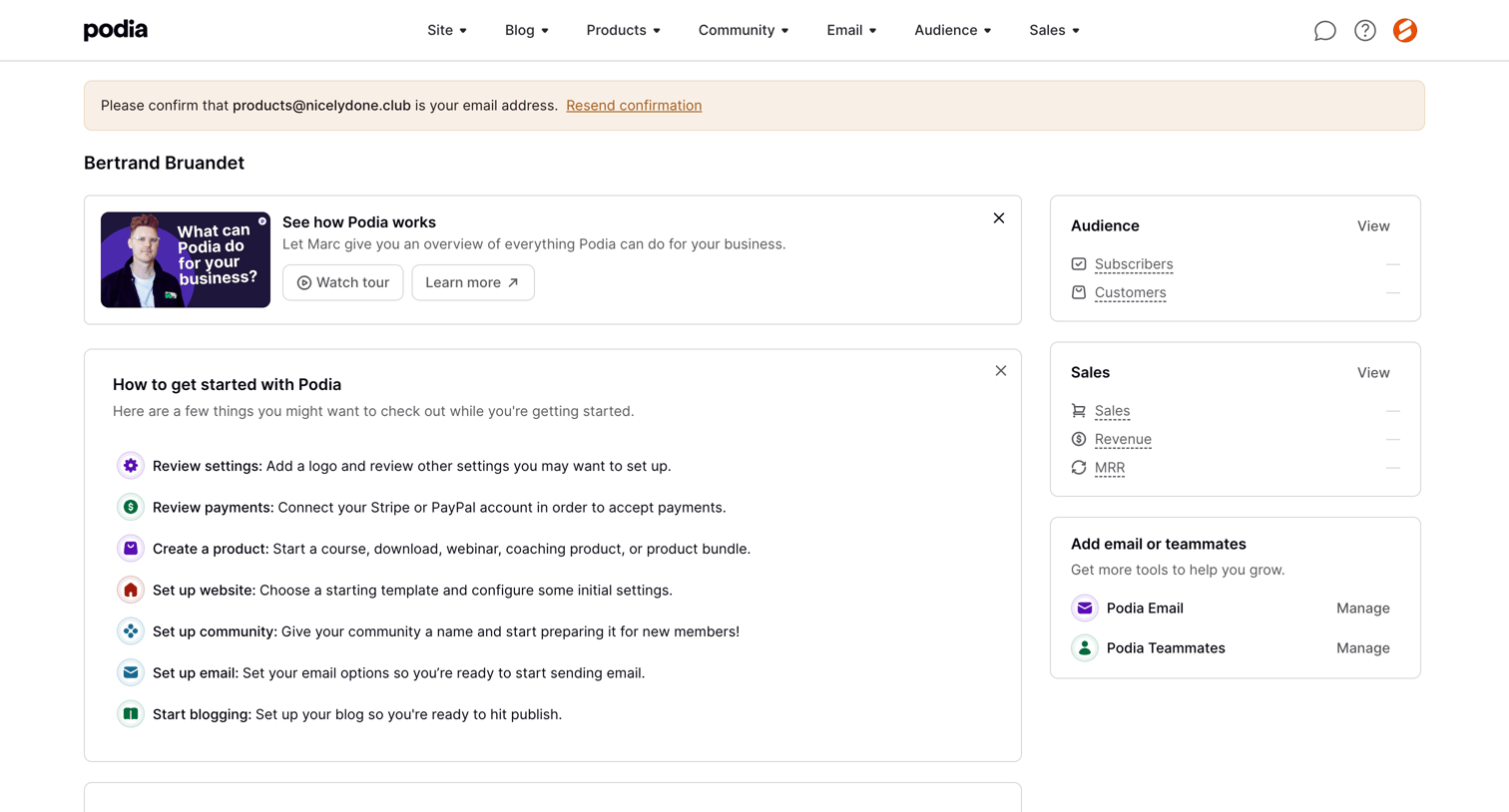
Dashboard with a getting-started checklist, a product tour prompt, and empty metric cards for audience and sales.
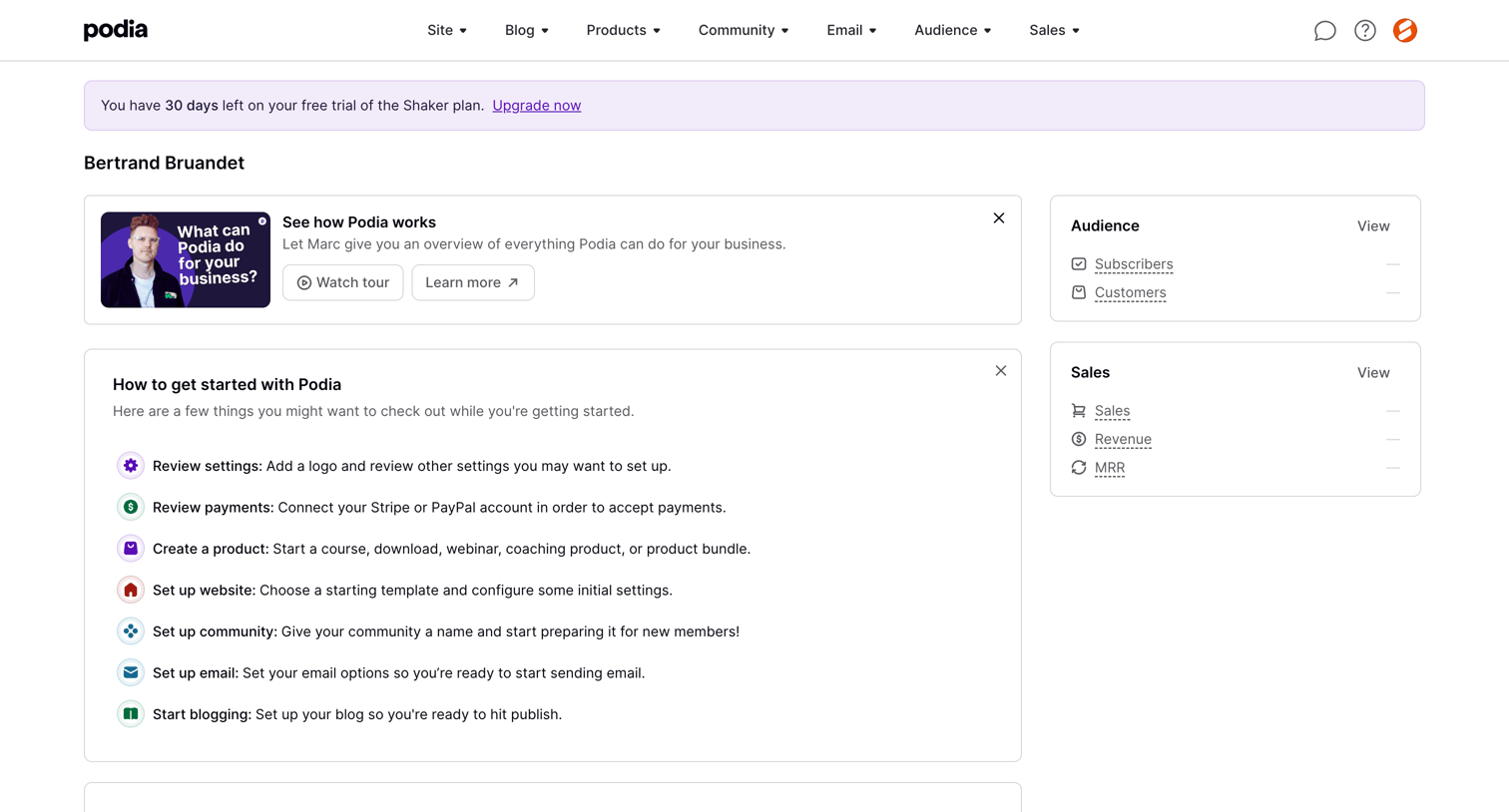
Home screen where a new user is presented with a getting started checklist, a product tour, and empty audience and sales metric cards during their free trial.
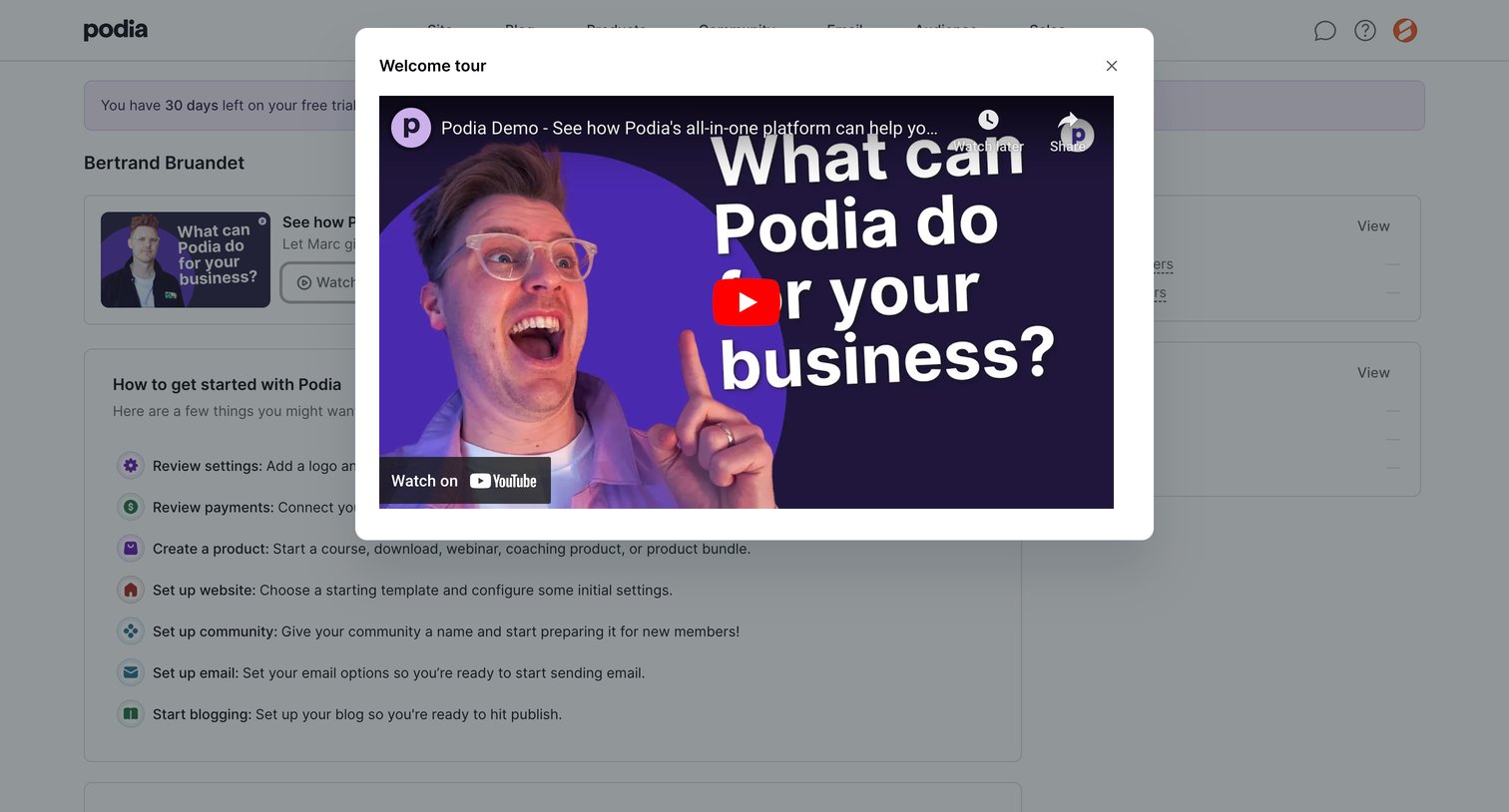
Onboarding screen where a new user is presented with a welcome tour video in a modal overlay above their setup checklist.
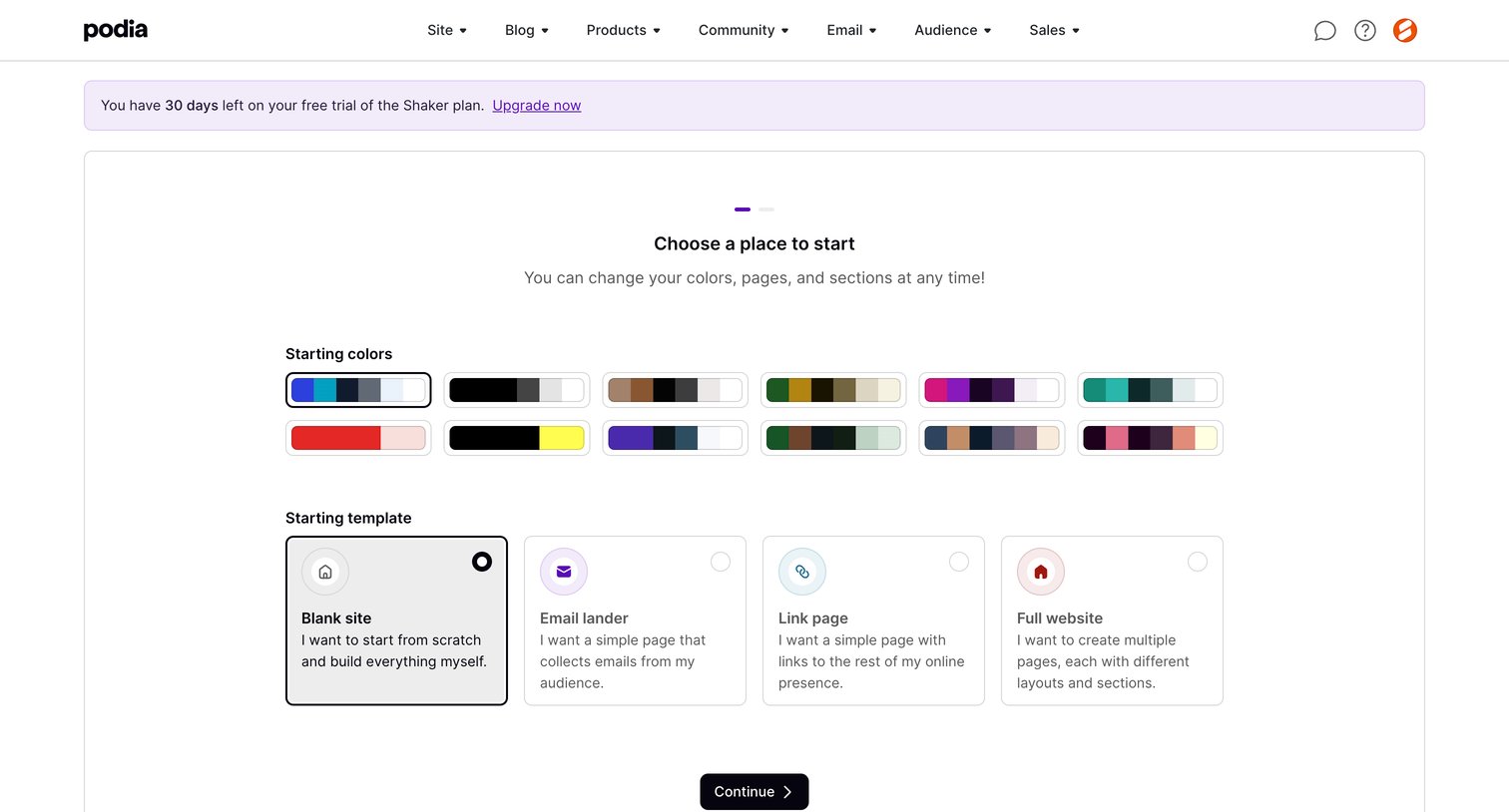
Onboarding step where the user chooses a starting color palette and a template like a blank site, email lander, or link page.
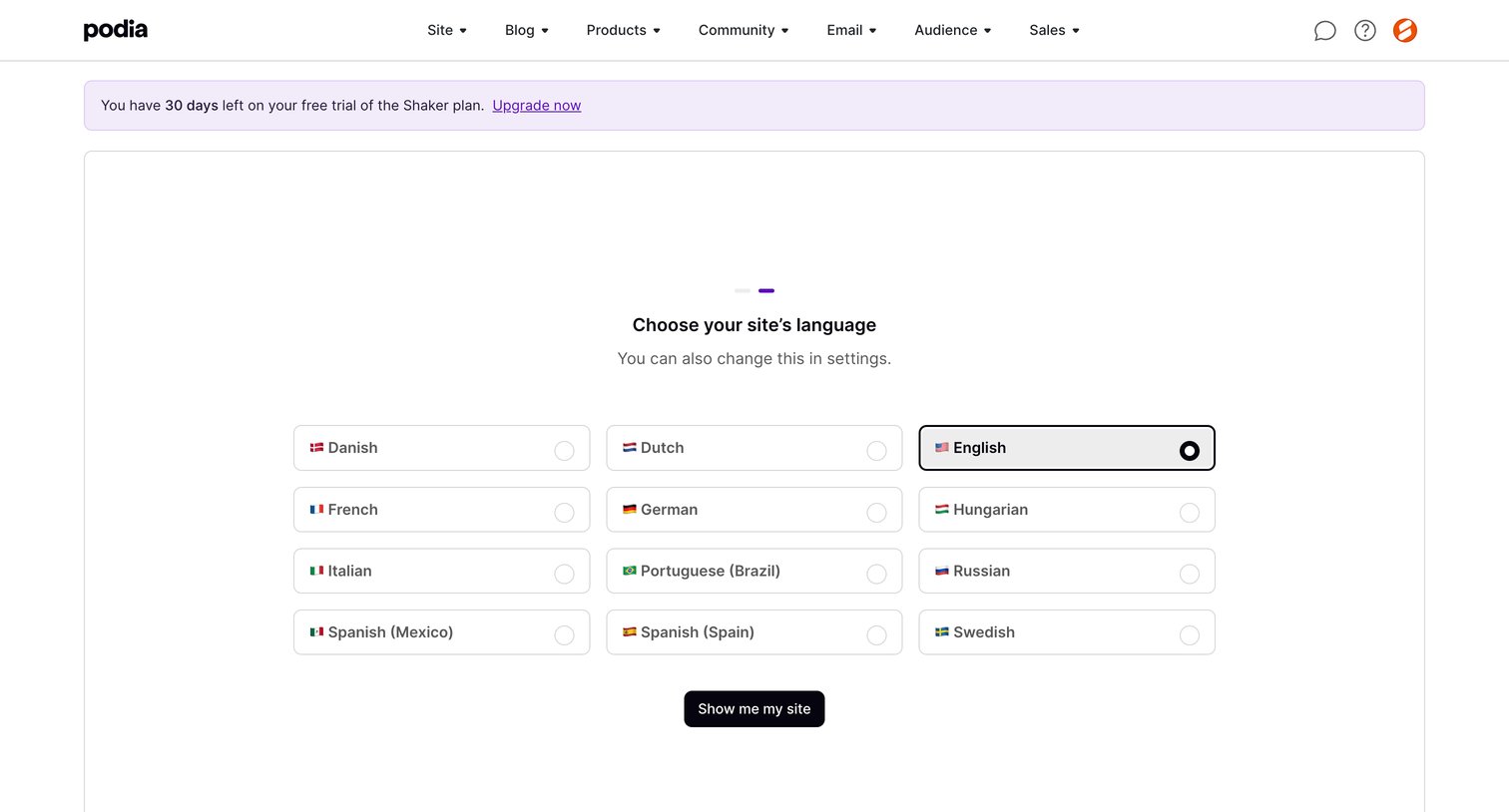
Onboarding step where the user chooses the primary language for their site from a grid of selectable cards.
Browse the full SaaS app library
Explore real SaaS apps with their product screens, marketing screens, flows, and components.
Trusted by the best teams







