
Invision design examples
Explore Invision UI design examples. A prototyping, collaboration, and workflow platform for designers
Product screens
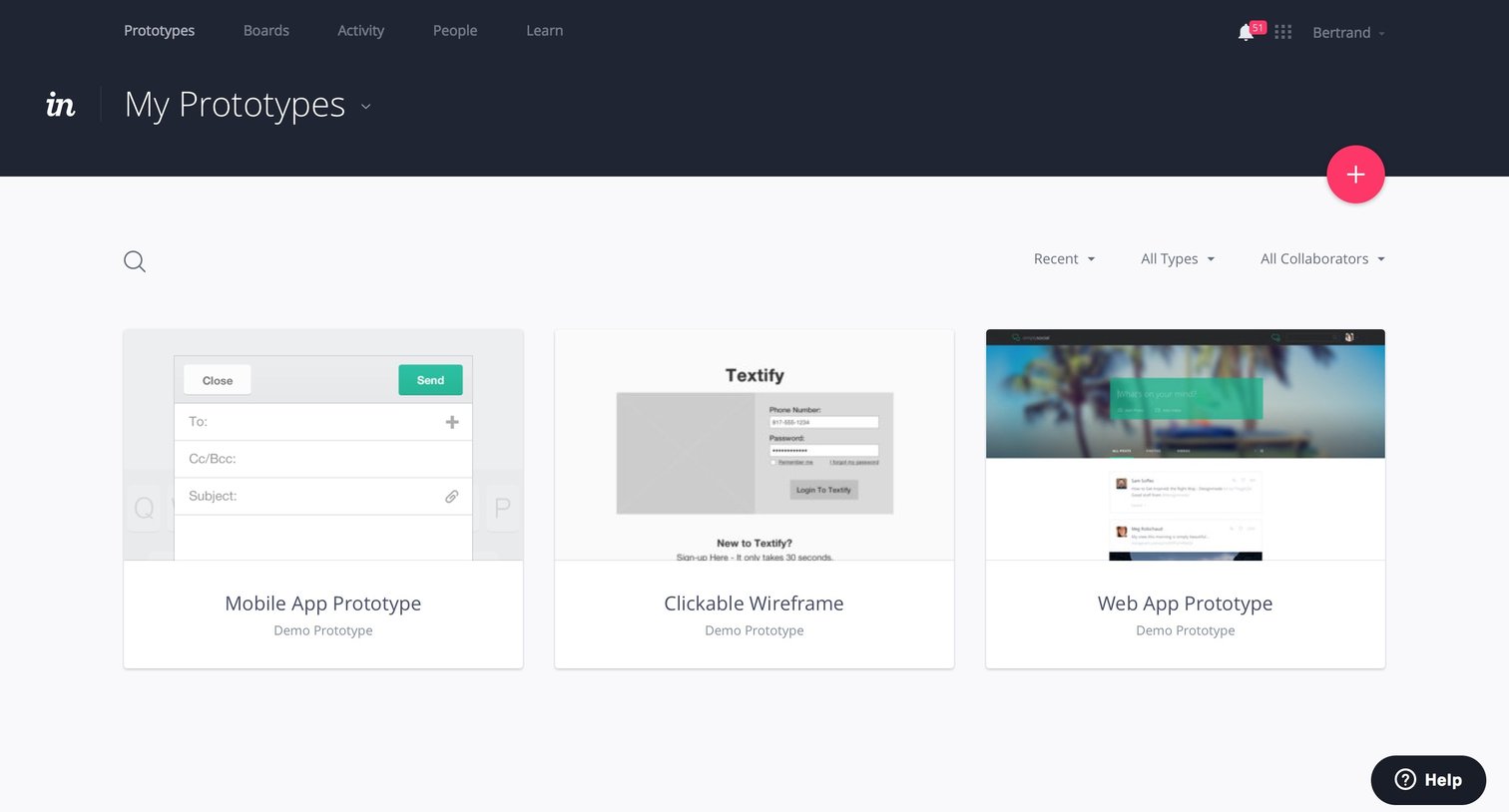
List view where the user browses their design prototypes presented as a grid of cards, with options to search, filter by type or collaborator, and create a new project.
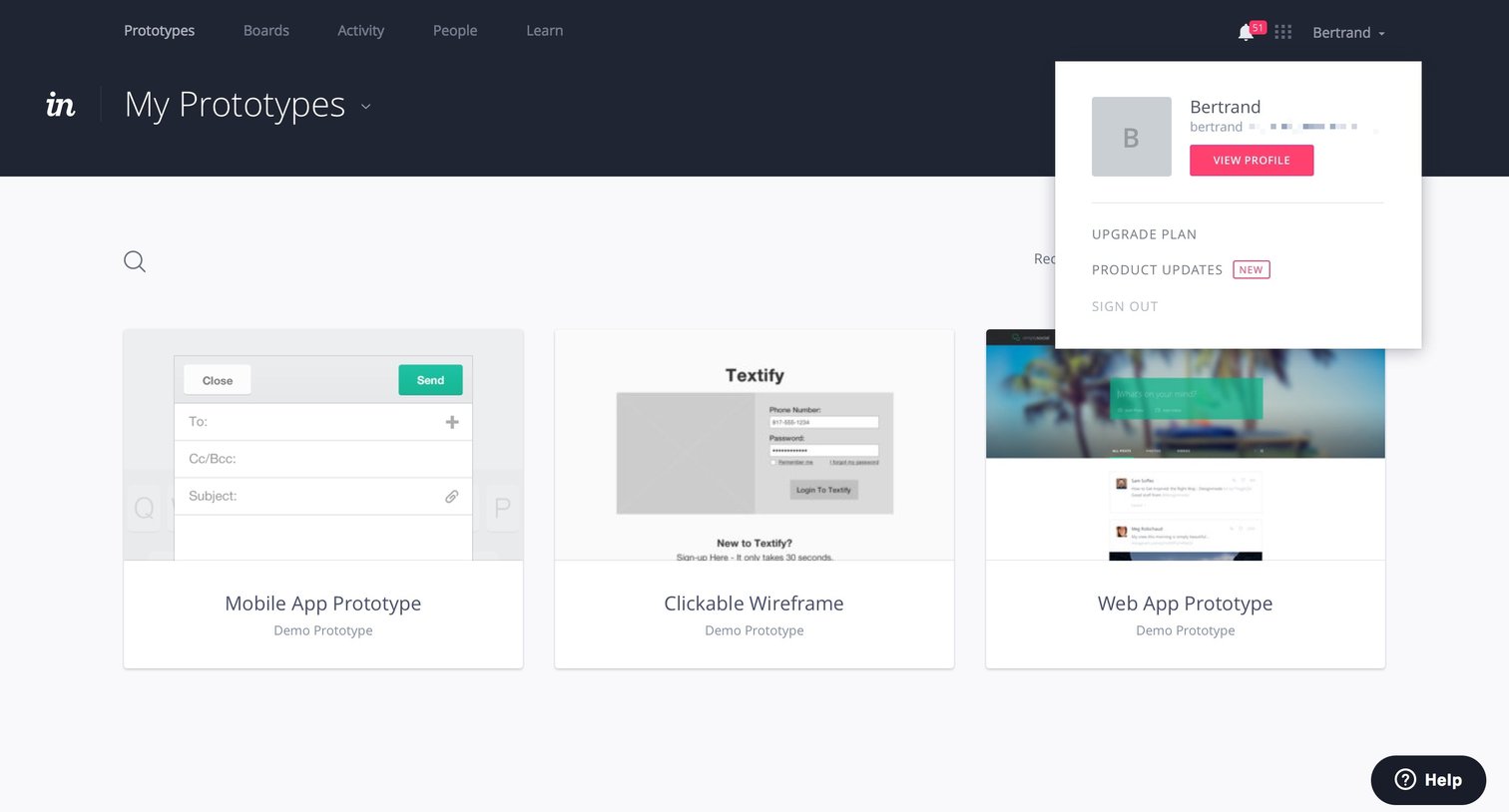
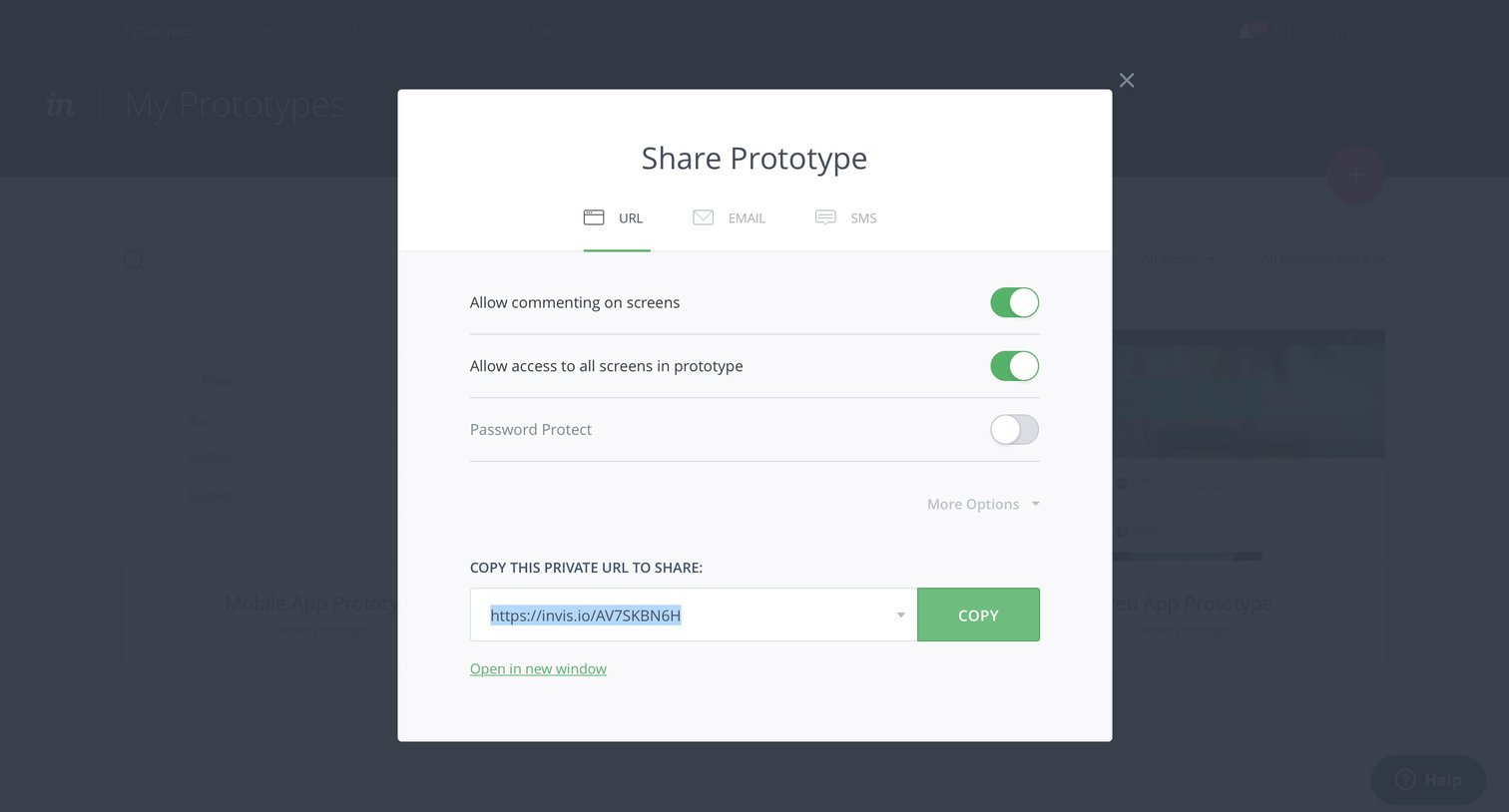
Modal where the user configures sharing permissions and copies a private URL for a prototype.
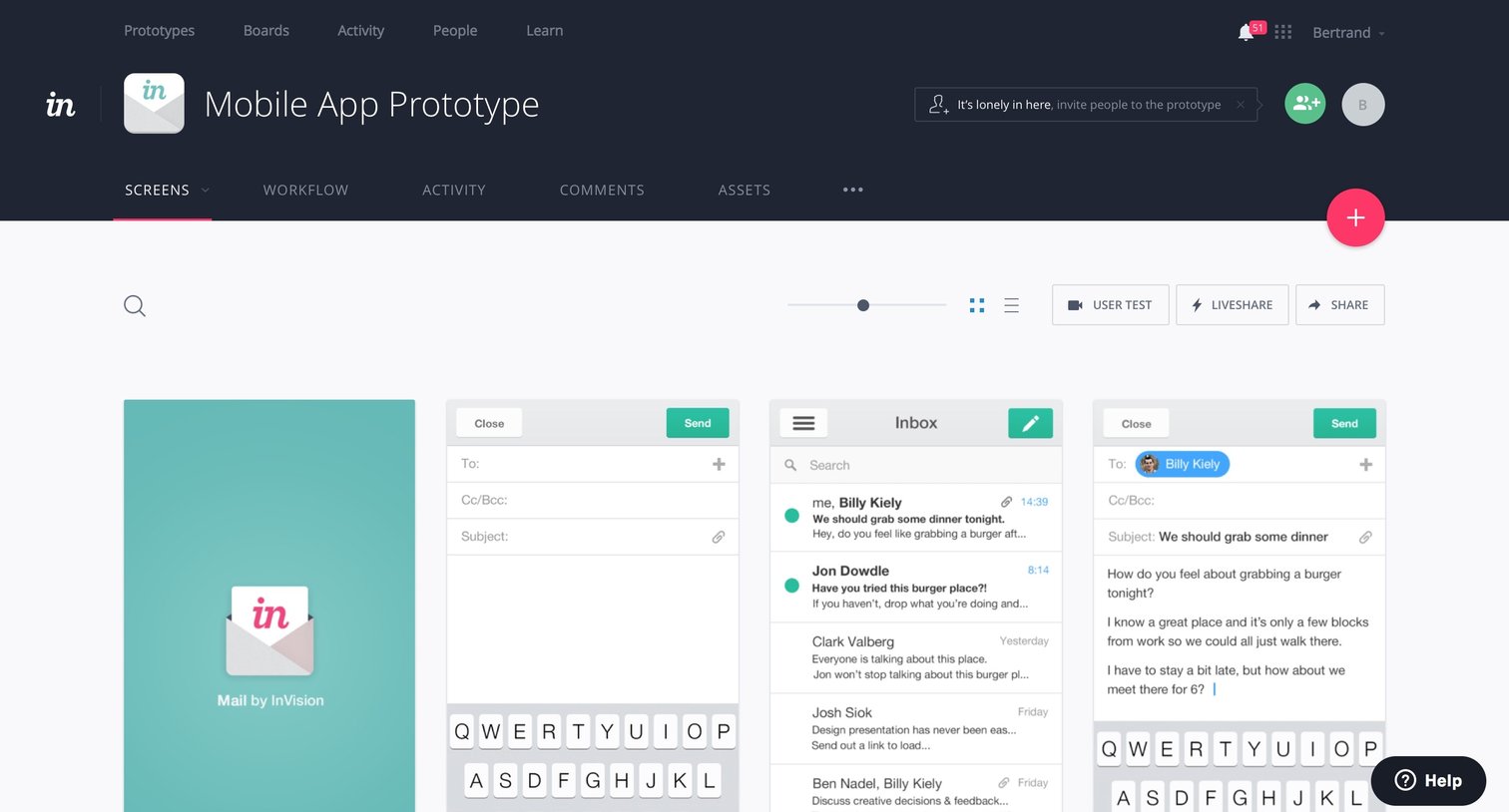
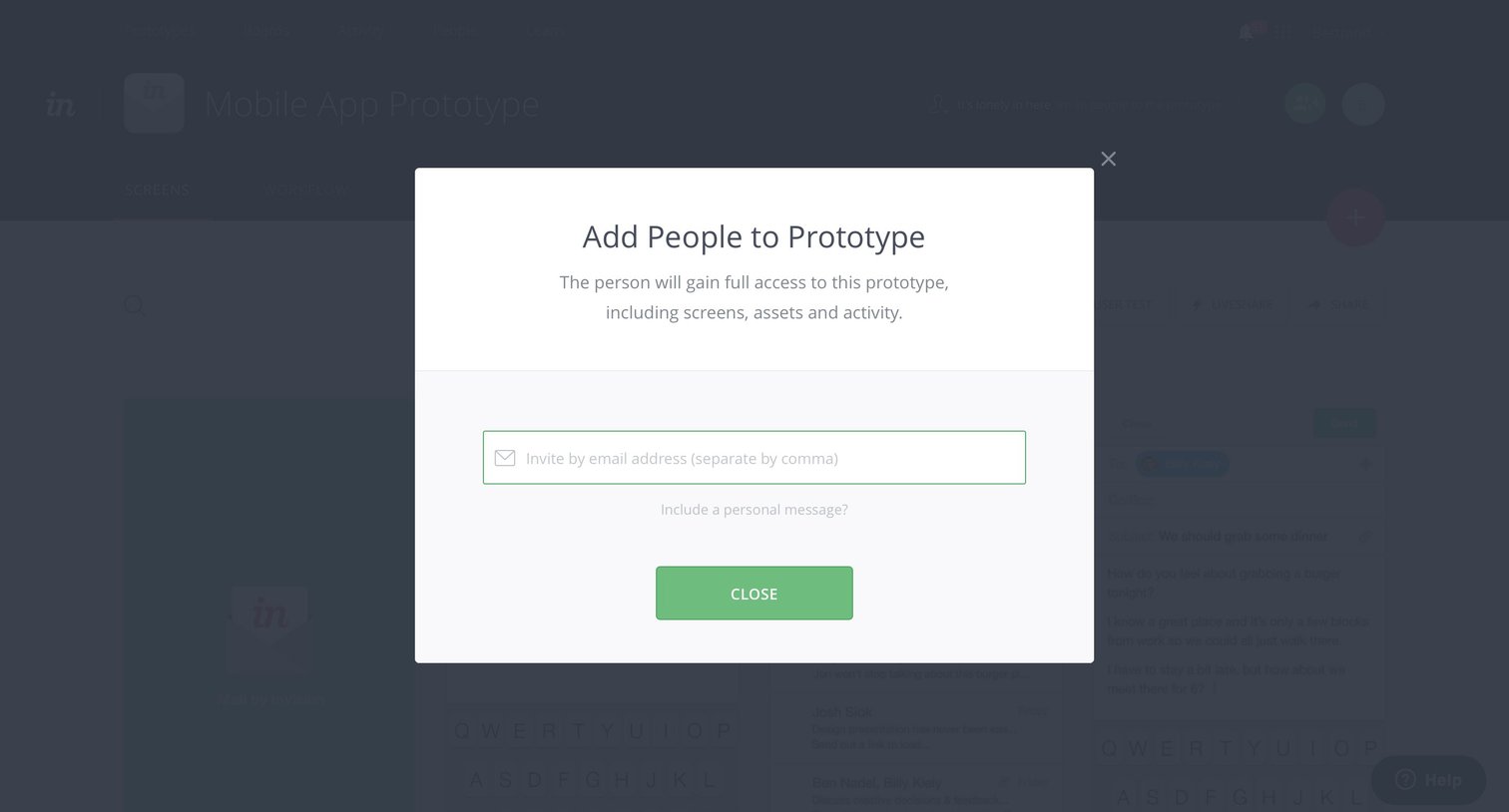
Detail page where the user invites collaborators to a mobile app prototype by entering their email addresses.
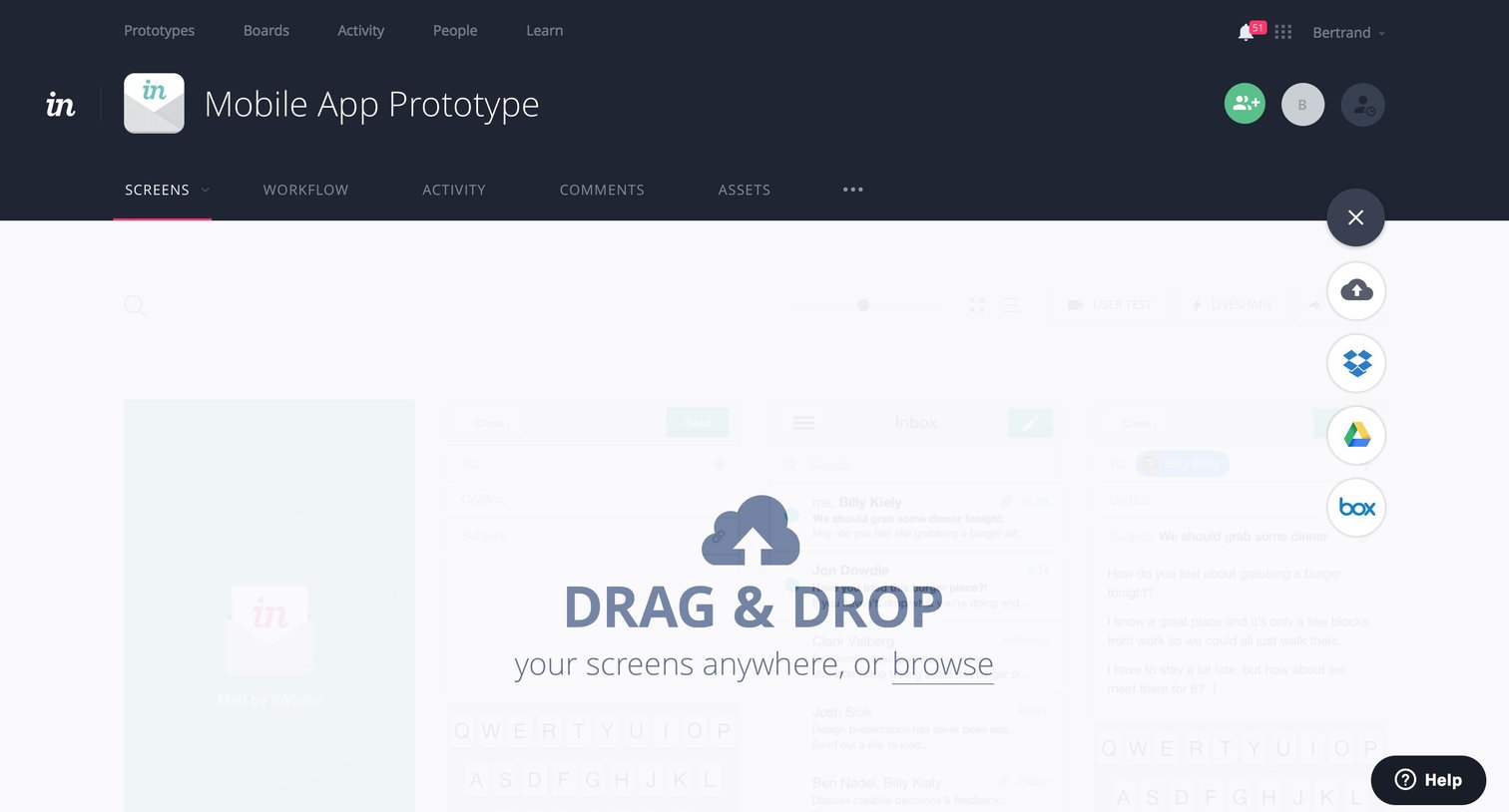
Detail page for a mobile app prototype where the user is prompted to upload screens via drag-and-drop or from connected cloud storage services.
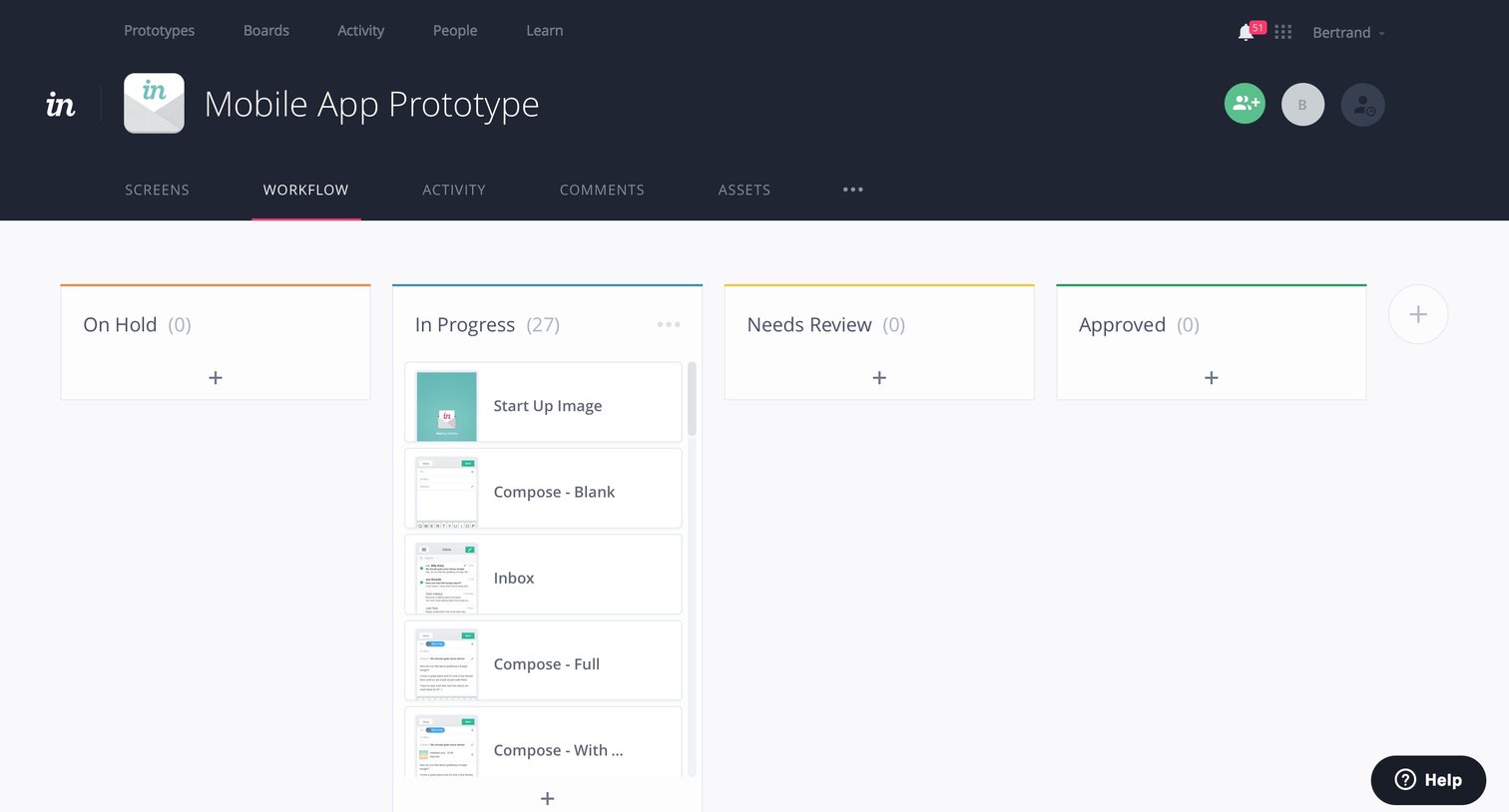
Workflow board where the user manages prototype screens across status columns like On Hold, In Progress, Needs Review, and Approved.
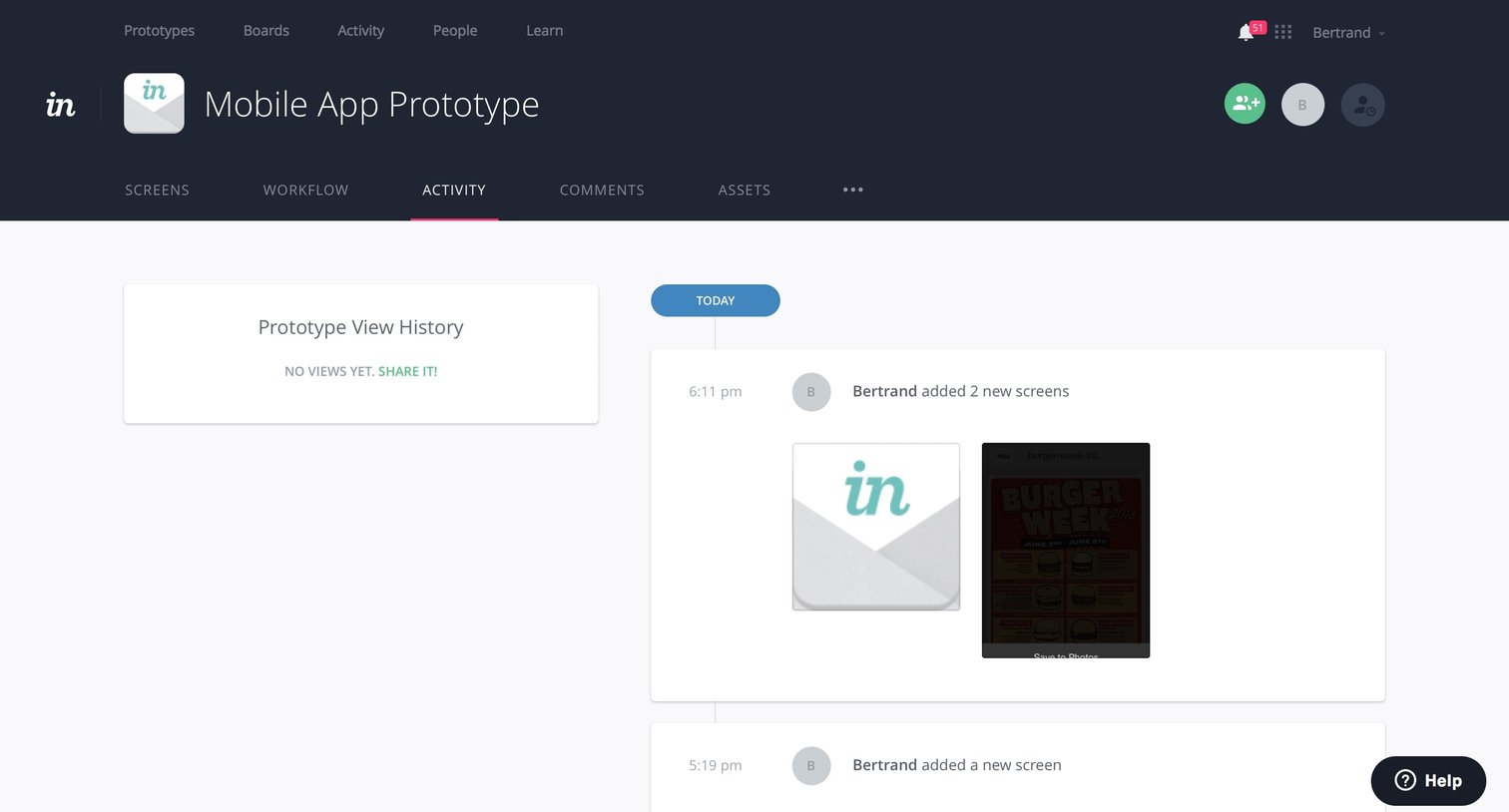
Activity feed showing a chronological history of screens added to a mobile app prototype.
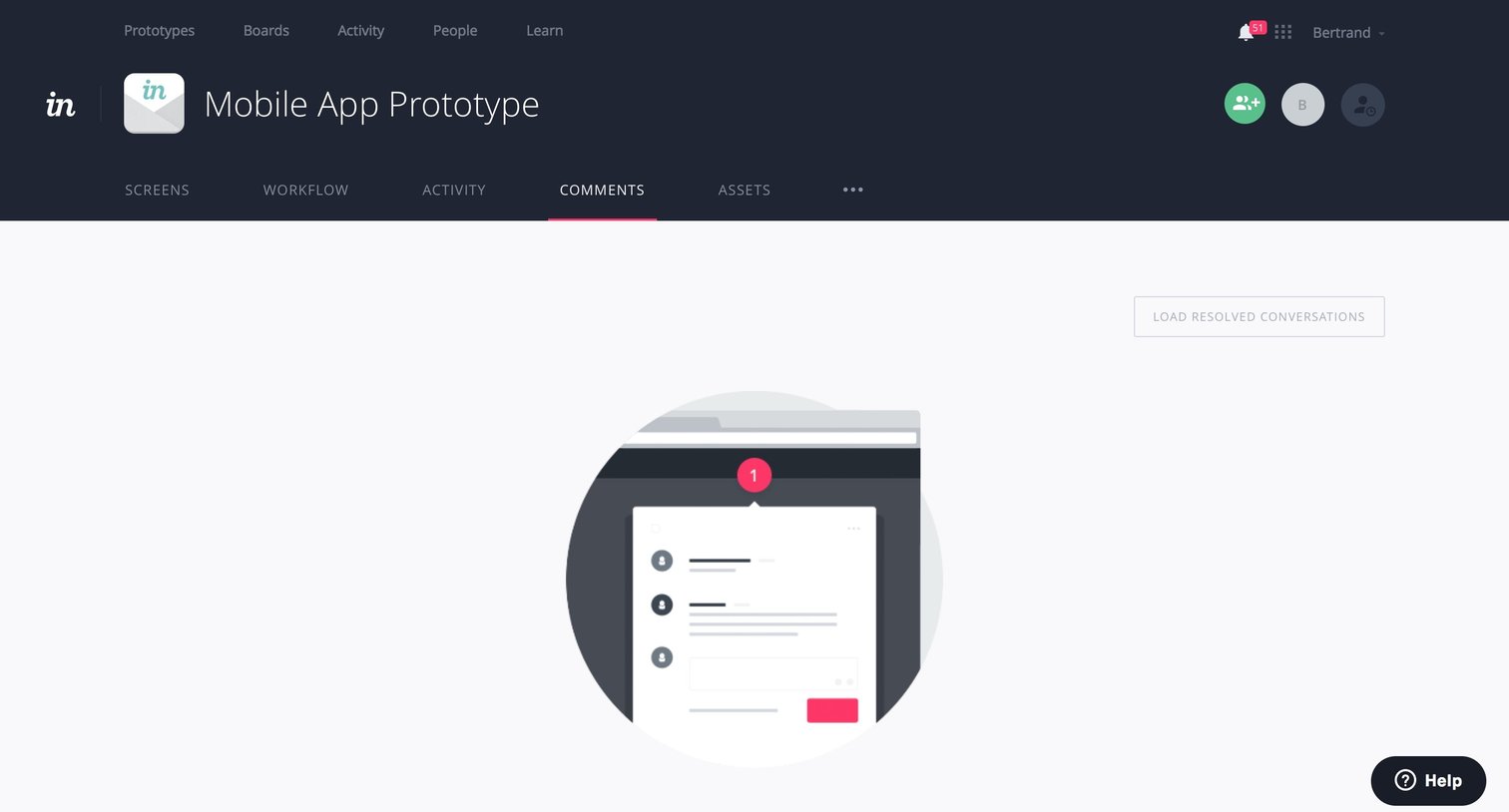
Detail page for a mobile app prototype showing an empty state in the comments tab, prompting the user to invite collaborators or share a link.
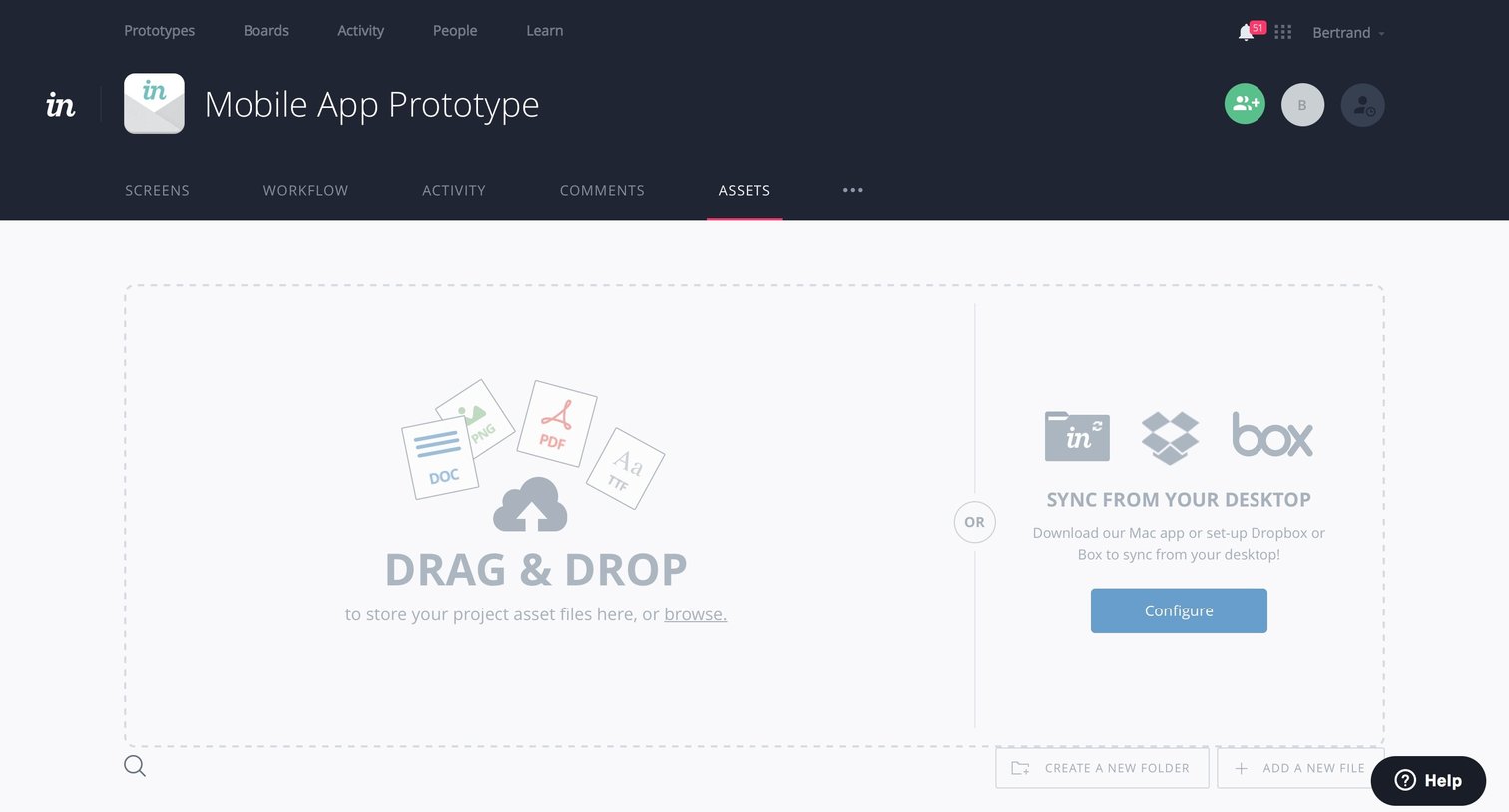
Detail page for a mobile app prototype where the user views the assets tab, currently showing an empty state with options to drag and drop files or configure desktop sync.
Browse the full SaaS app library
Explore real SaaS apps with their product screens, marketing screens, flows, and components.
Trusted by the best teams







