Skip to content

Invision product screens examples

Browse Invision screen design examples. Preview the interface screenshots and explore related UI patterns. A prototyping, collaboration, and workflow platform for designers

Explore the examples
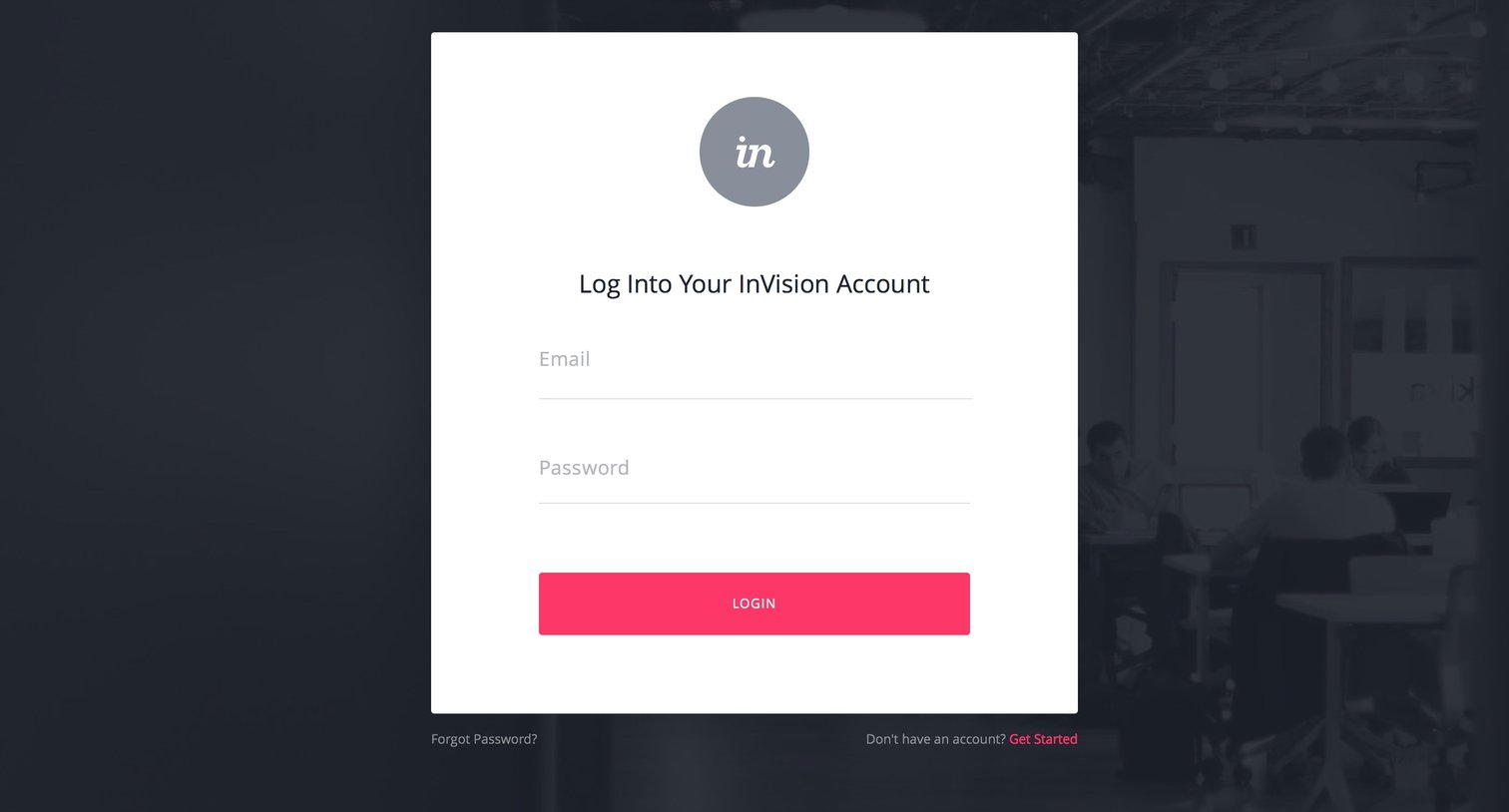
Invision - Sign in screen
Invision logo
Invision

Sign-in screen where the user authenticates into their InVision account using an email and password.

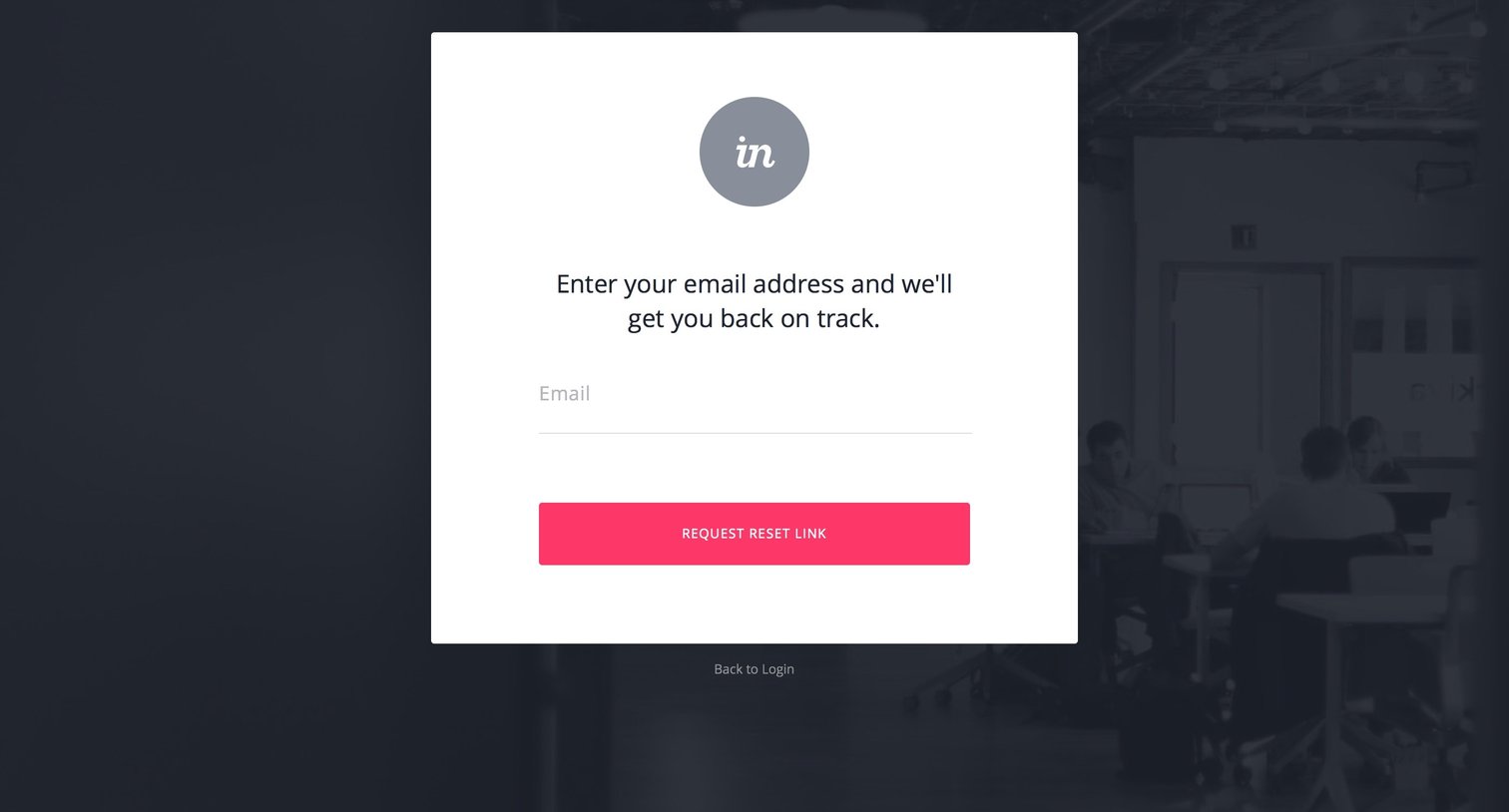
Invision - Password reset screen
Invision logo
Invision

Authentication Form Account security Modal screen
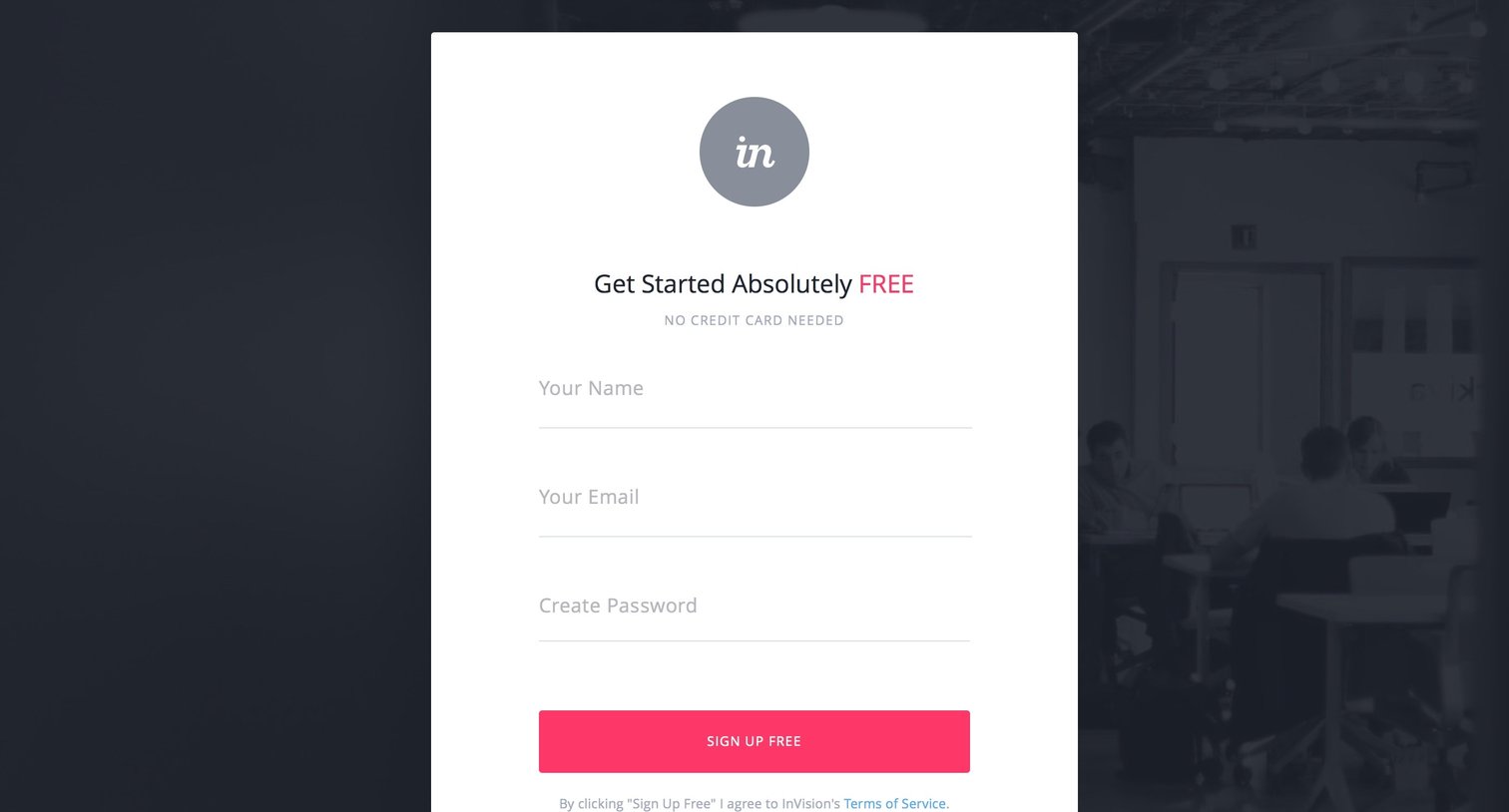
Invision - Sign up screen
Invision logo
Invision

Signup screen where the user creates a new free account by entering their name, email, and a password.

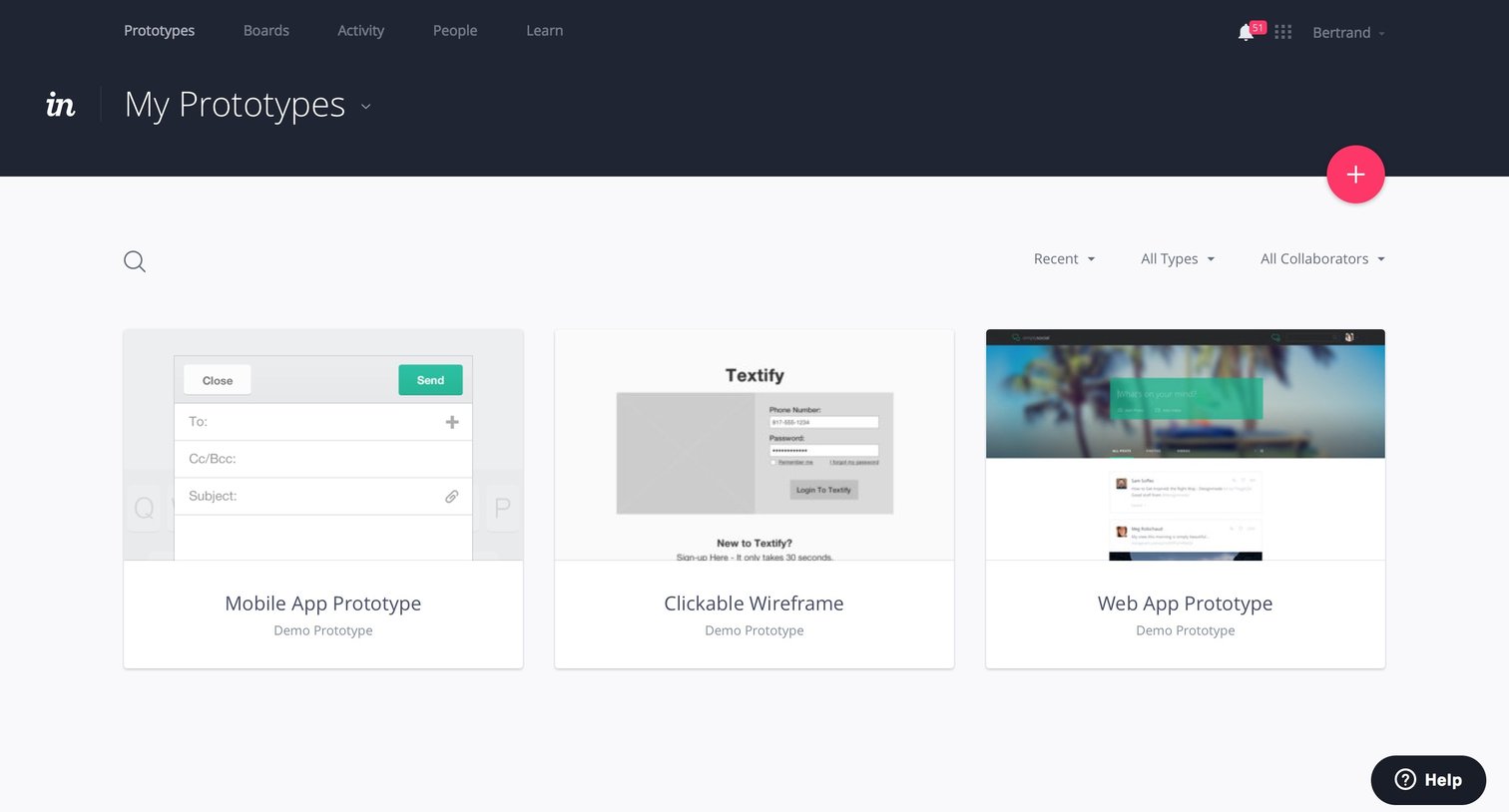
Invision - Home screen
Invision logo
Invision

List view where the user browses their design prototypes presented as a grid of cards, with options to search, filter by type or collaborator, and create a new project.
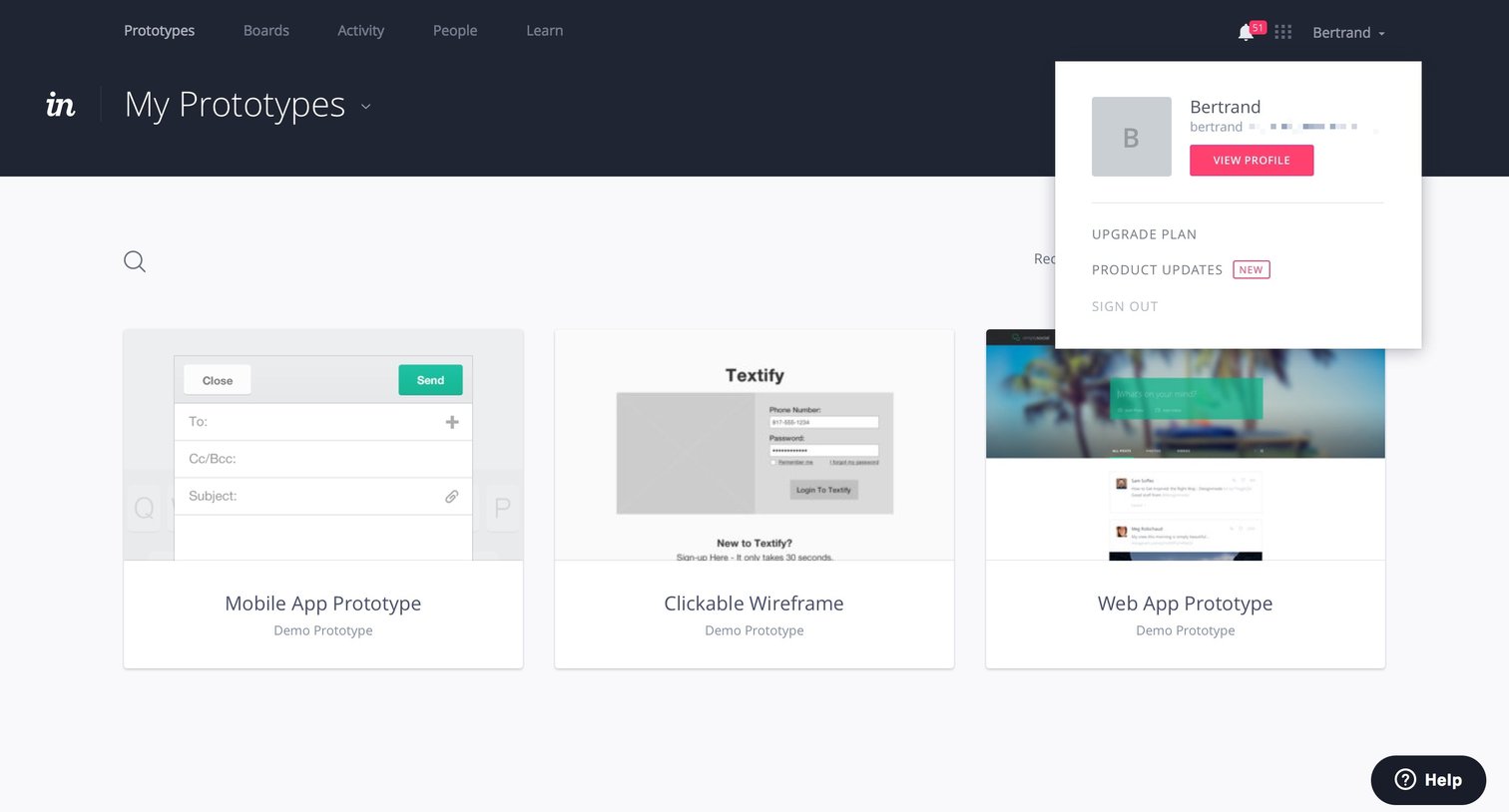
Invision - Dropdown screen
Invision logo
Invision

List view where the user browses their design prototypes and accesses account settings via an open user menu.

Invision - Dropdown screen
Invision logo
Invision

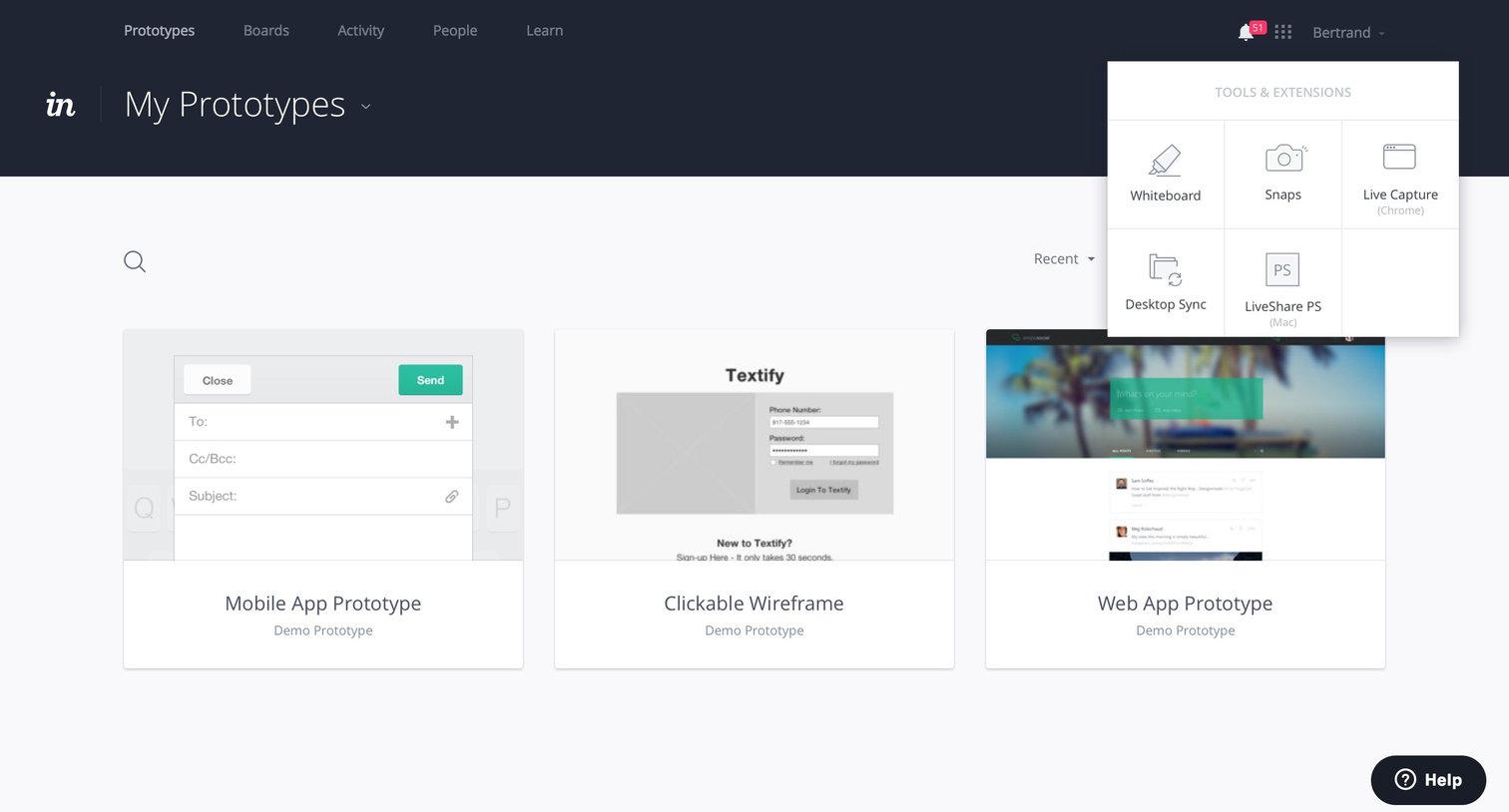
List view where the user browses their design prototypes presented as a grid of cards, with an open tools and extensions popover.

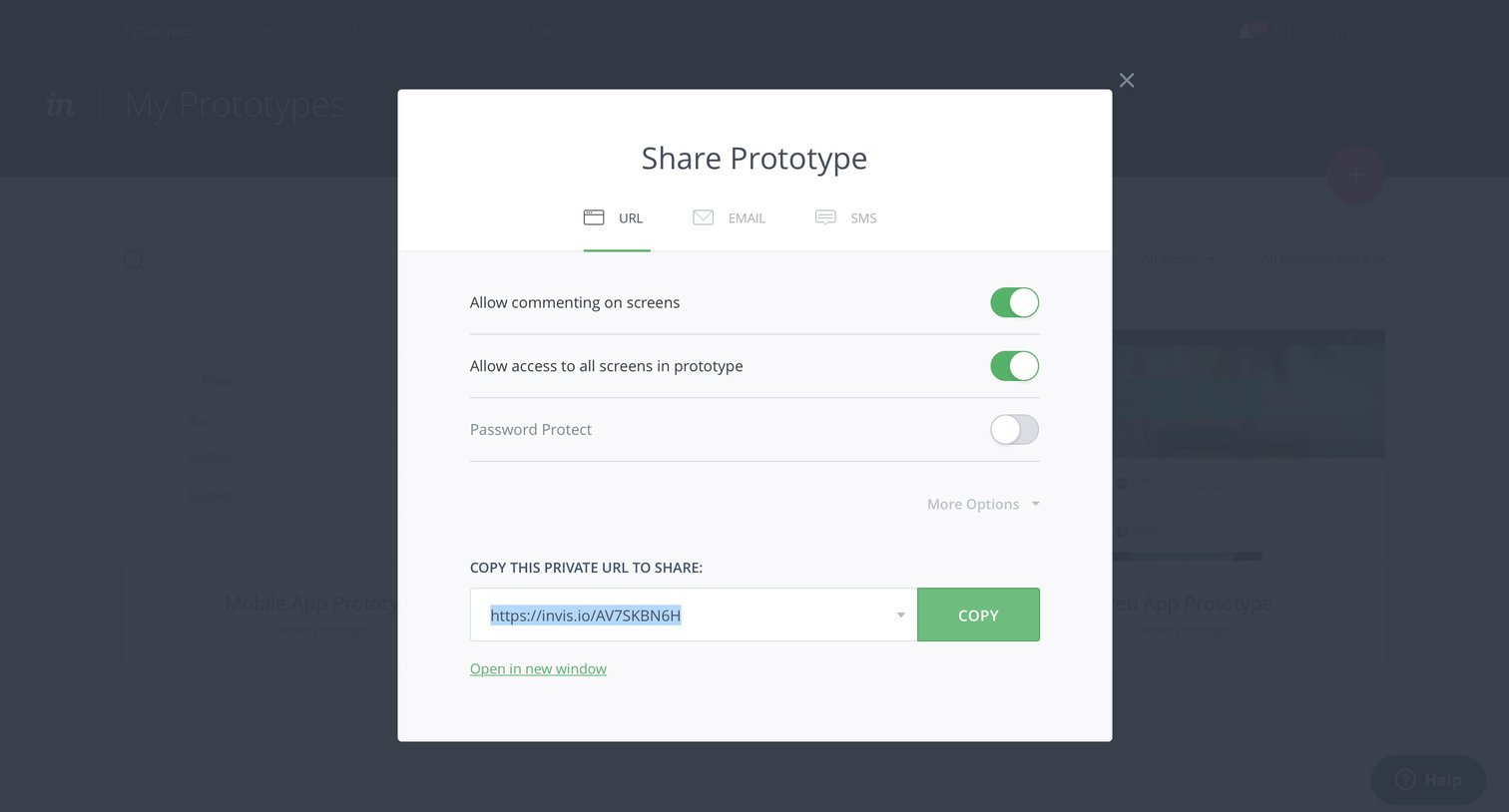
Invision - Share screen
Invision logo
Invision

Modal where the user configures sharing permissions and copies a private URL for a prototype.
Invision - Share screen
Invision logo
Invision

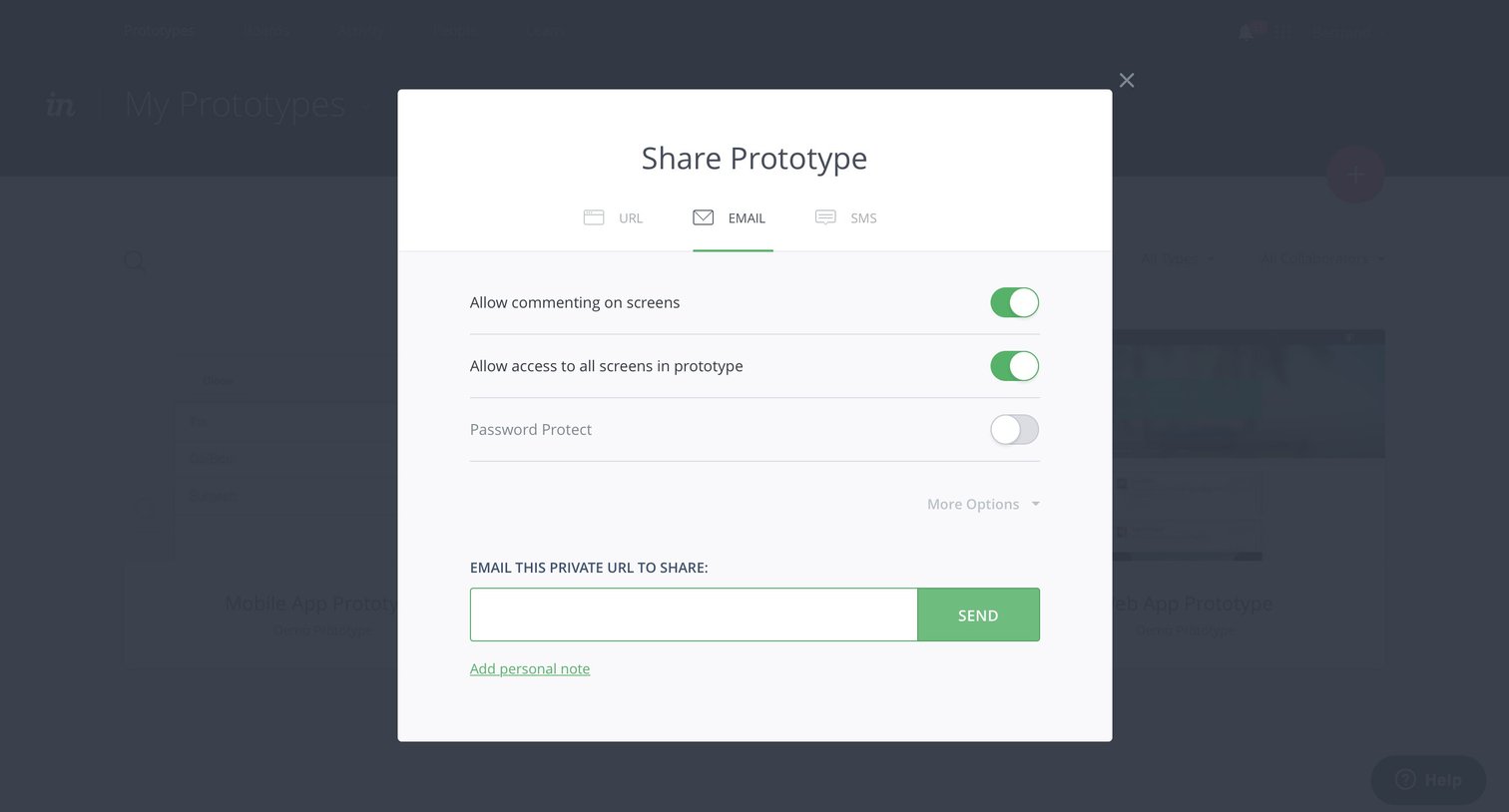
List view where the user configures sharing permissions and sends a prototype link via email.
Invision - Share screen
Invision logo
Invision

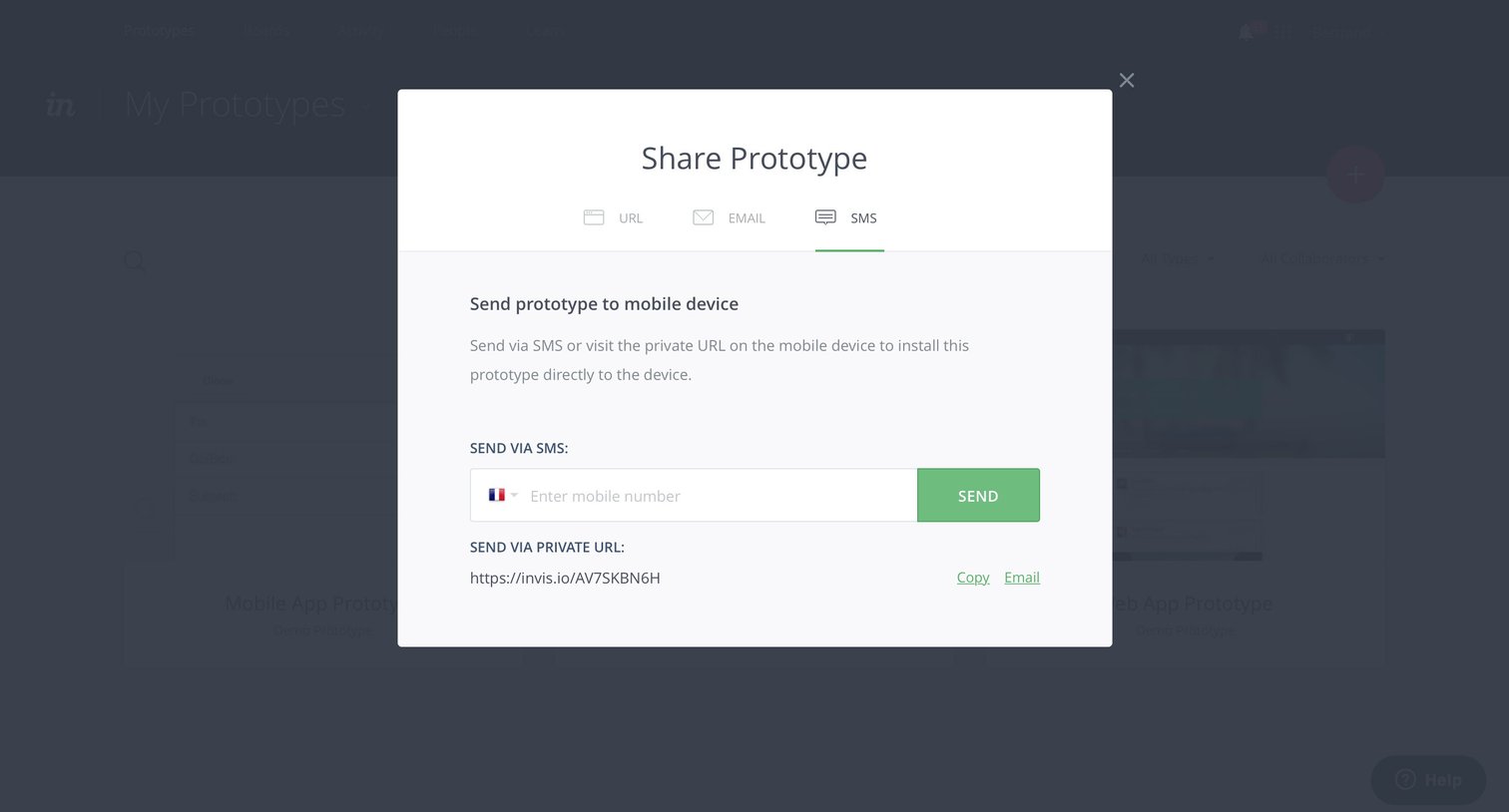
List view with a modal overlay for sharing a prototype via SMS, email, or a private URL.
Invision - Gallery screen
Invision logo
Invision

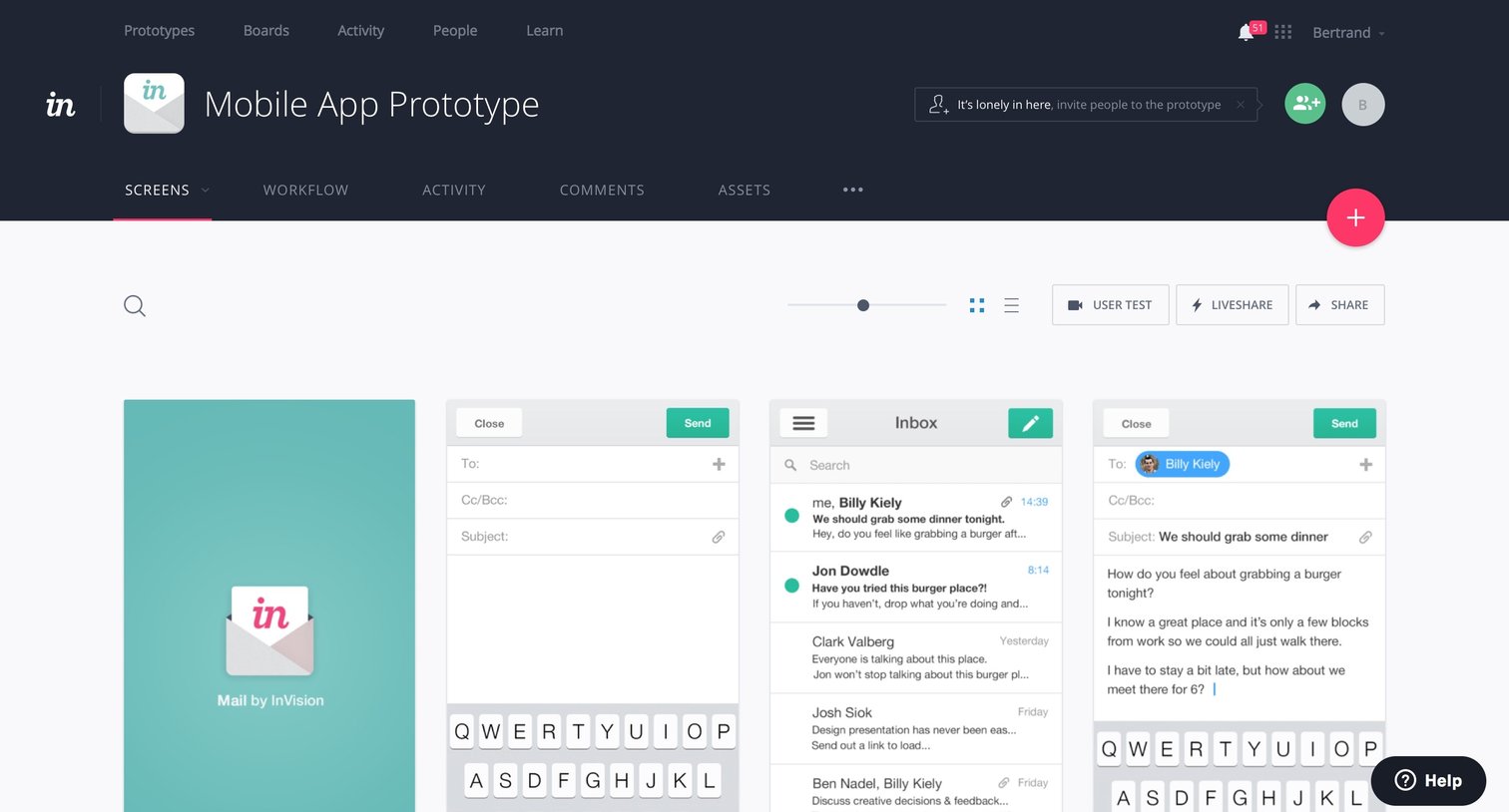
List view where the user manages a grid of mobile app prototype screens, with options to share, test, and invite collaborators.

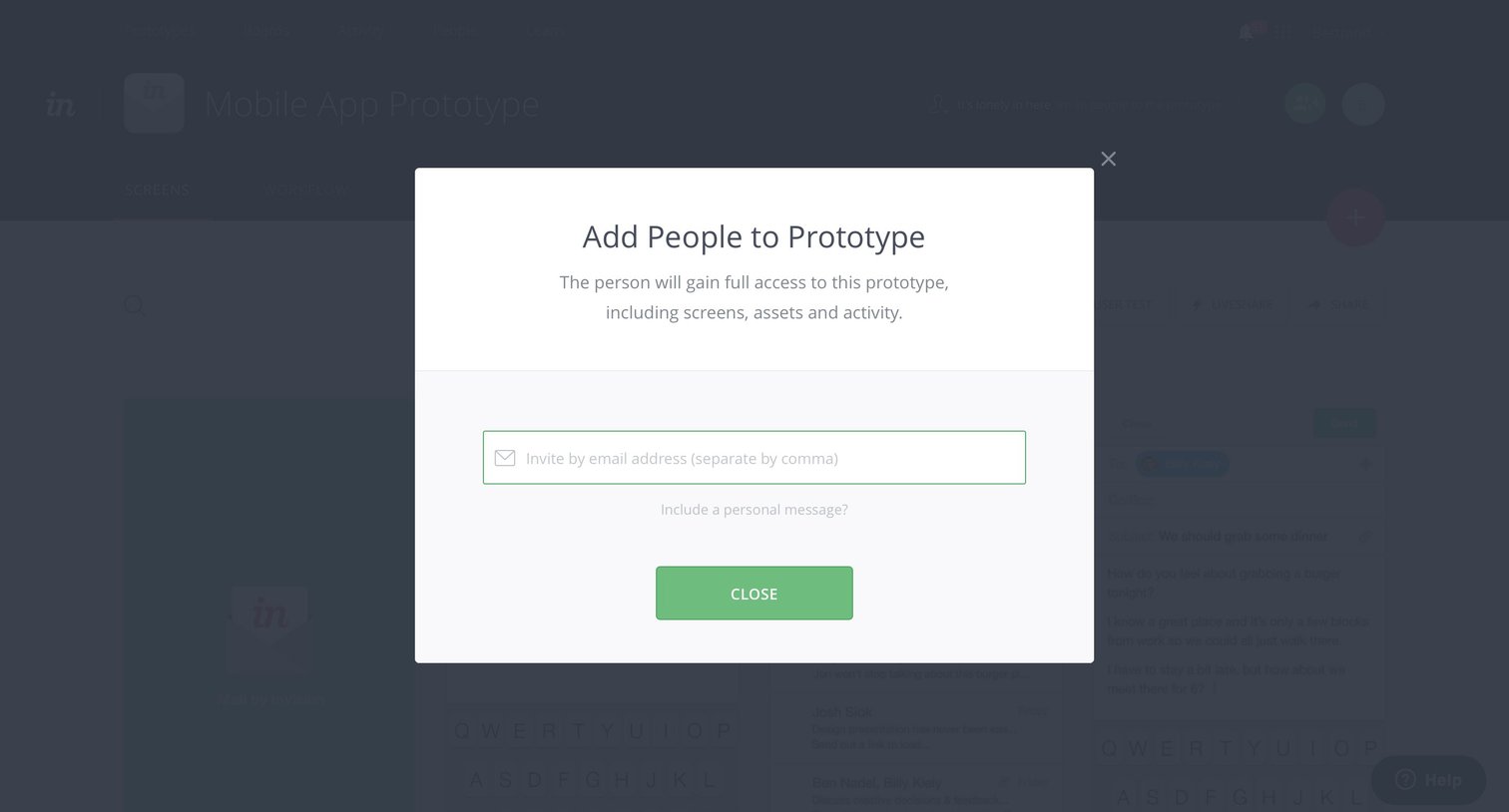
Invision - Team screen
Invision logo
Invision

Detail page where the user invites collaborators to a mobile app prototype by entering their email addresses.
Invision - Team screen
Invision logo
Invision

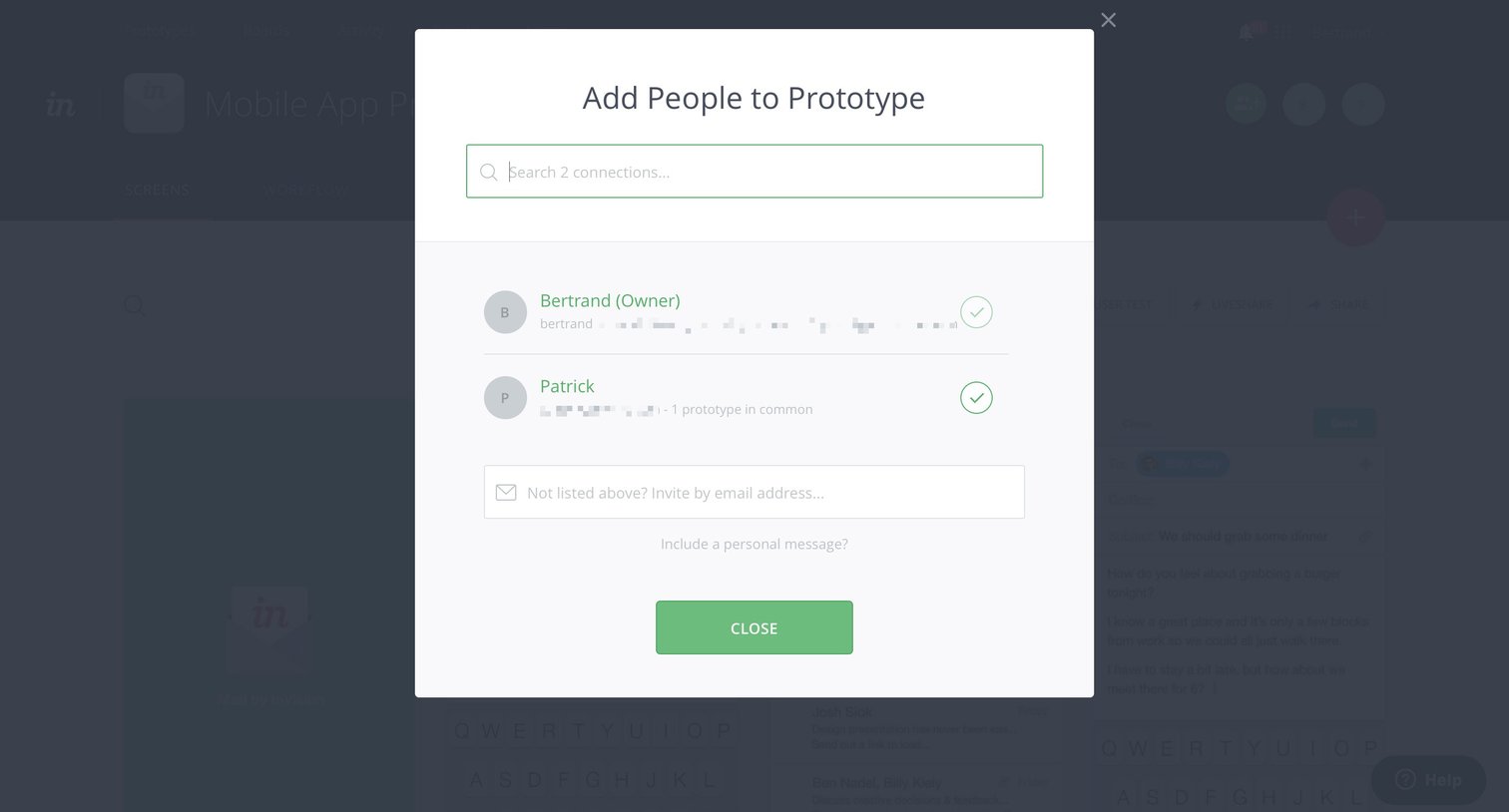
Modal where the user searches existing connections or enters an email address to invite people to a mobile app prototype.

Explore the full SaaS screen library

Upgrade to unlock the full library.

Trusted by the best teams