
Dunked design examples
Explore Dunked UI design examples. Build your online portfolio without any technical know-how
Product screens
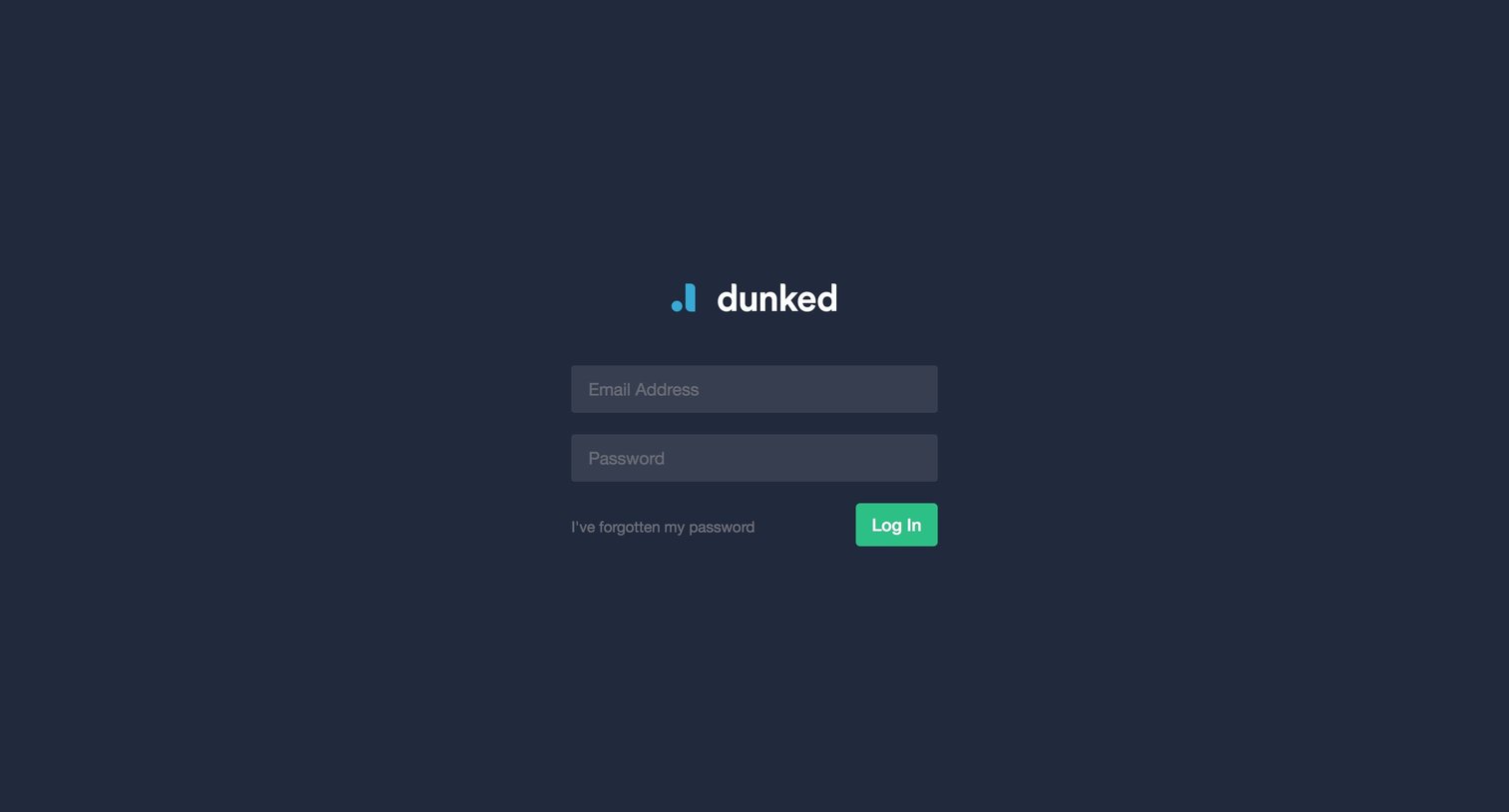
Sign-in screen where the user authenticates with their email address and password or requests a password reset.
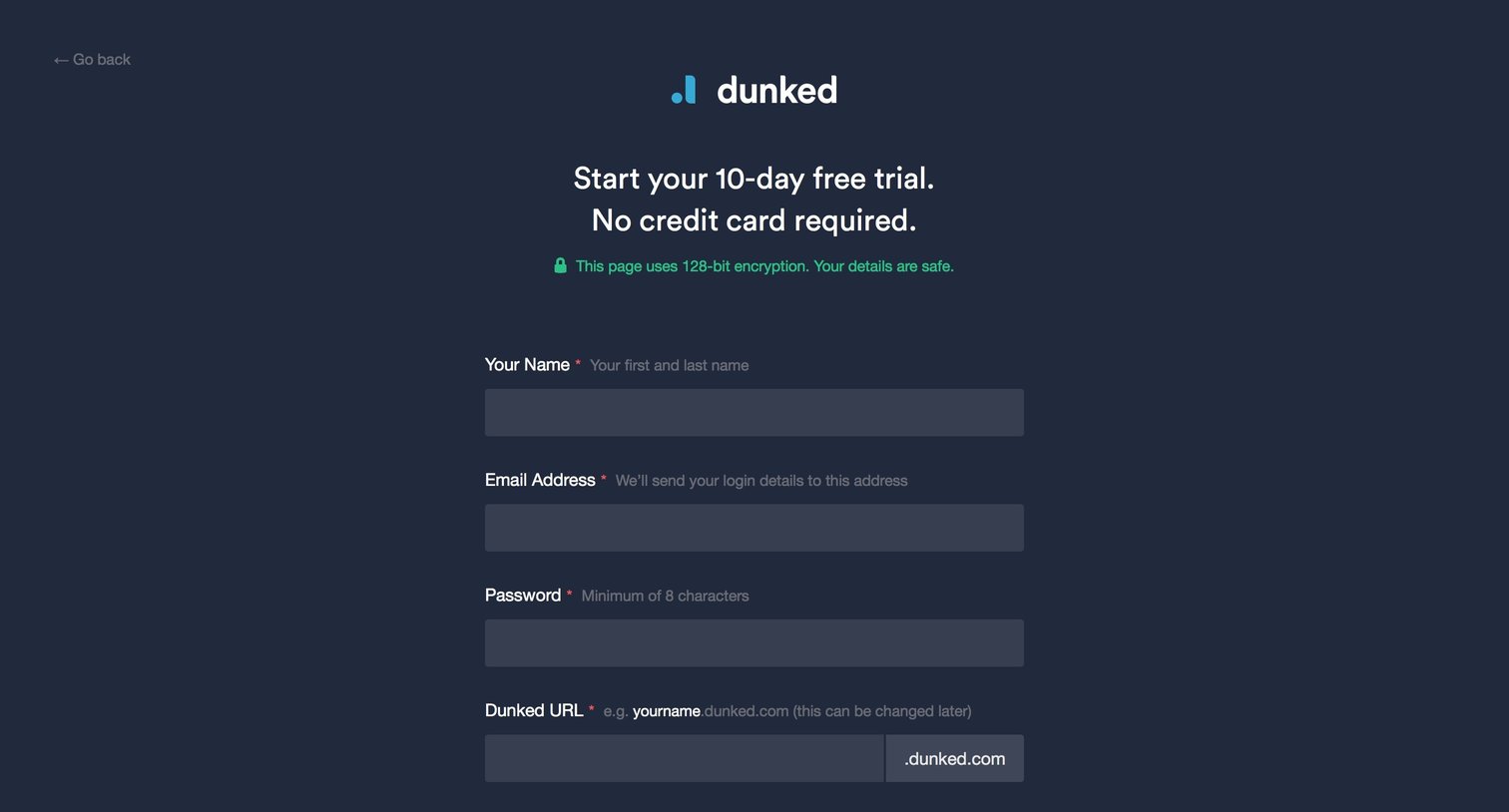
Signup page where the user creates an account for a 10-day free trial, chooses a custom URL, and completes a word-selection spam check.
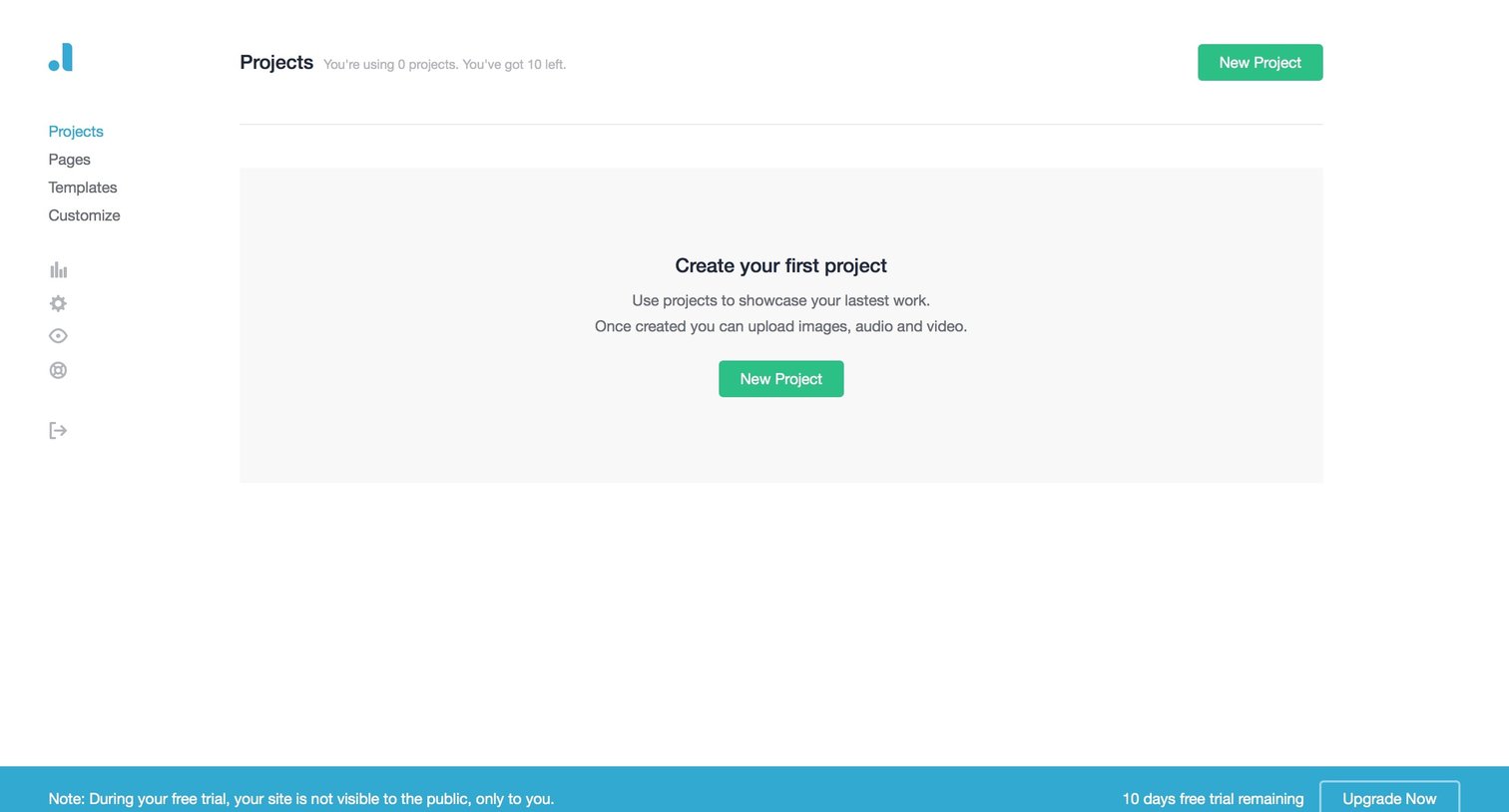
Projects list view in an empty state prompting the user to create their first project, with a persistent bottom banner showing trial days remaining.
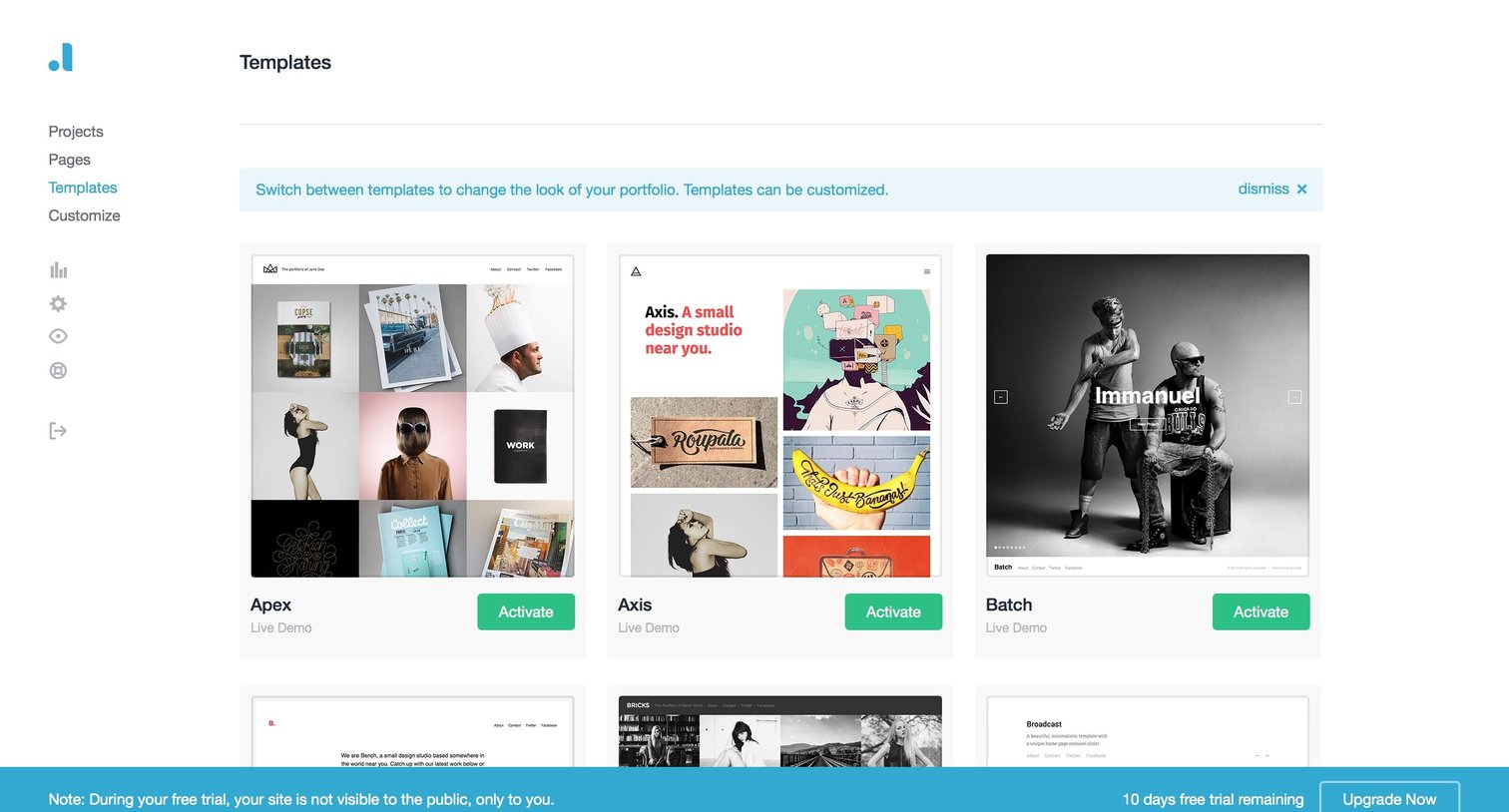
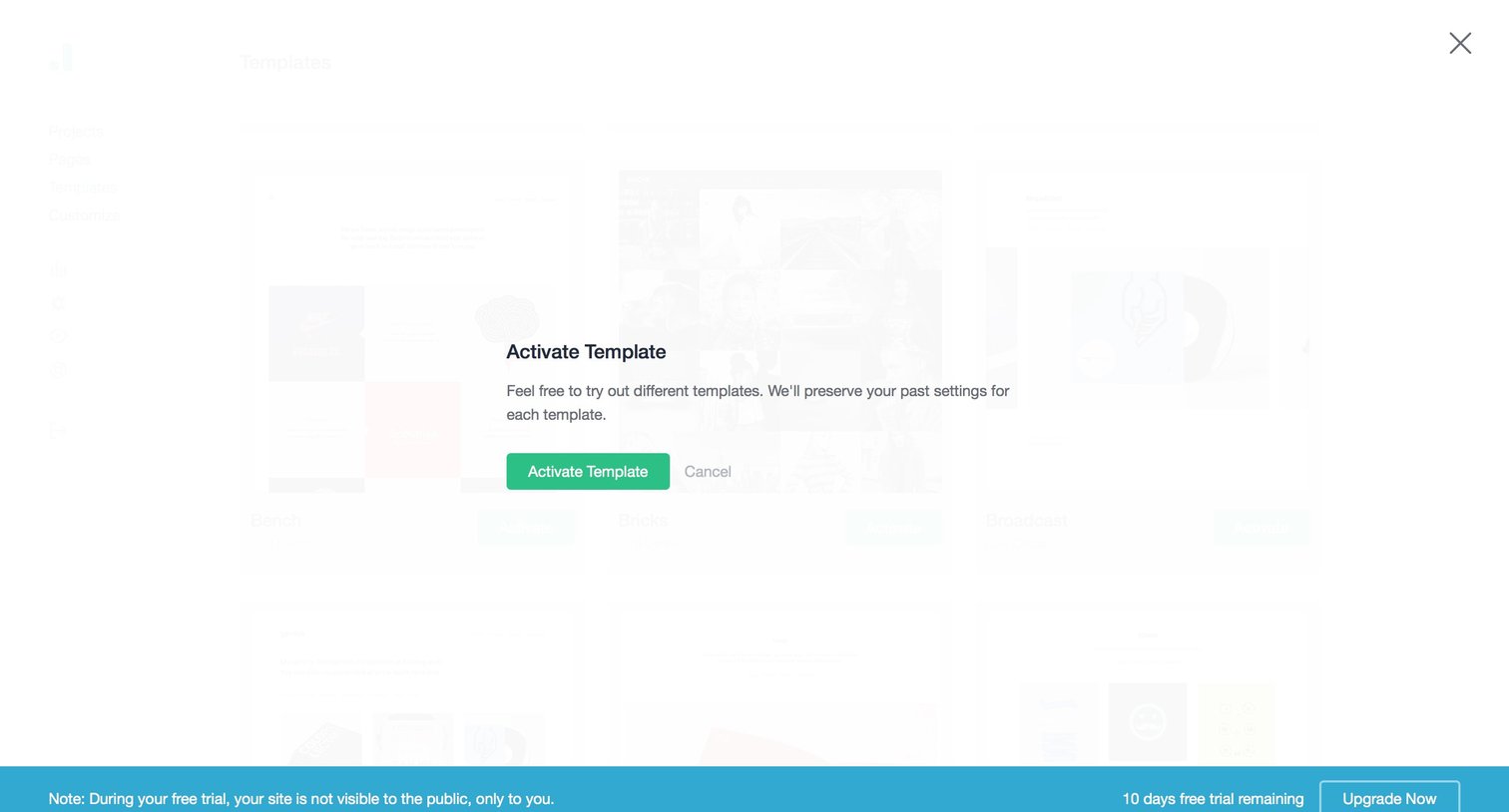
Modal overlay where the user confirms the activation of a selected template, accompanied by a persistent bottom banner showing remaining free trial days and an upgrade prompt.
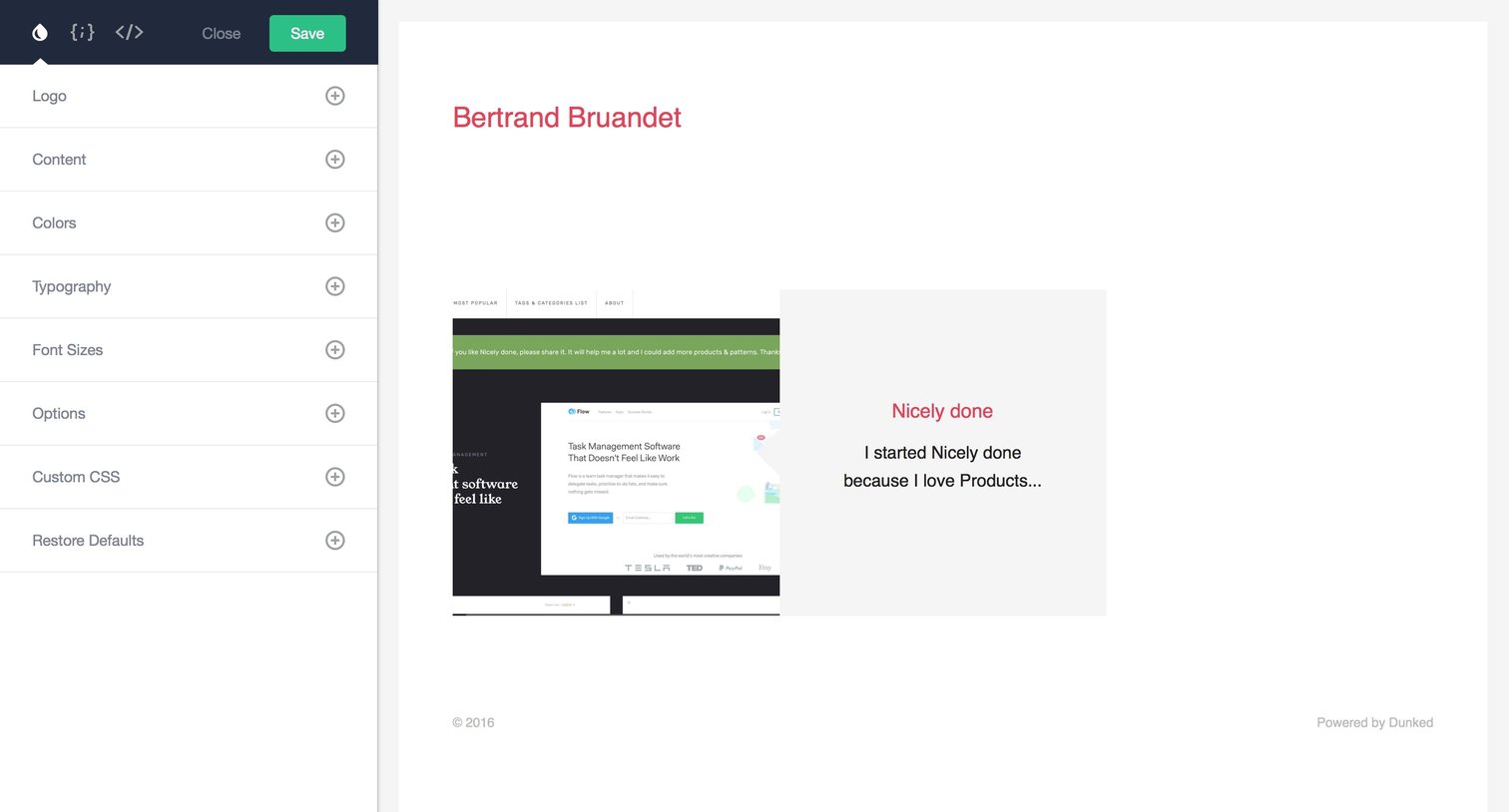
Design editor where the user customizes their portfolio theme, including logo, typography, and colors, with a live preview on the right.
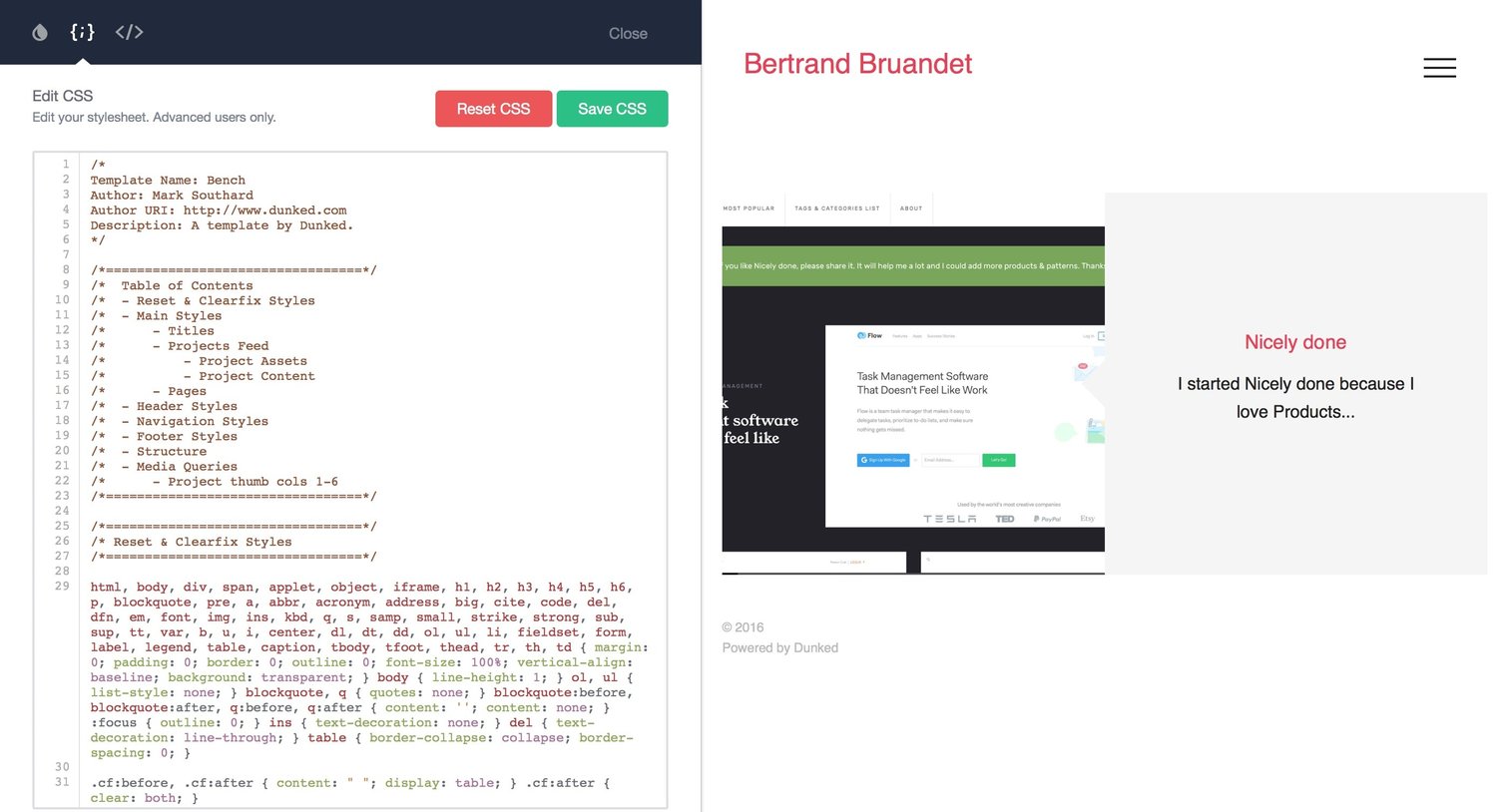
Code editor where the user customizes the CSS stylesheet for their Dunked template with a live preview on the right.
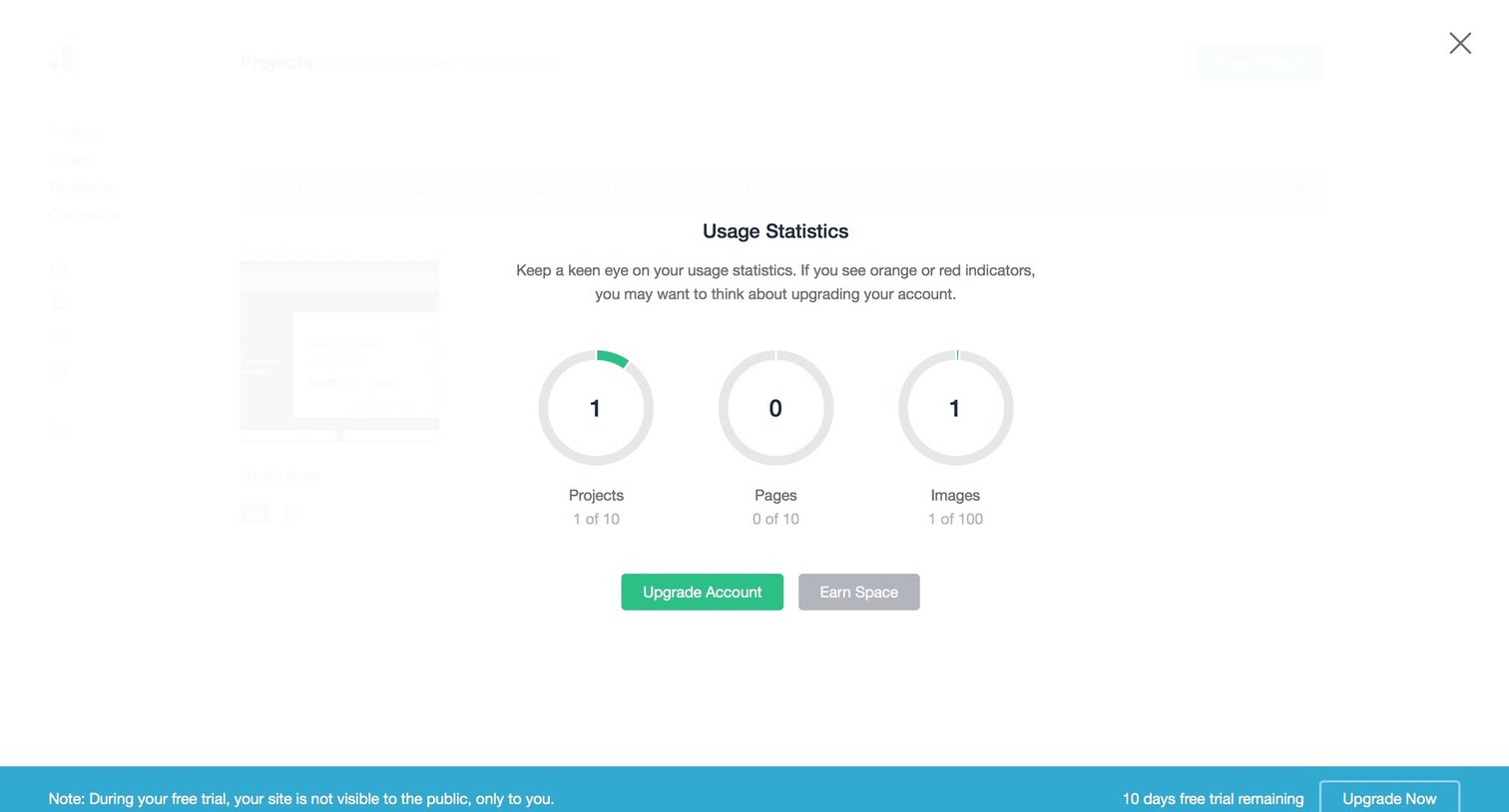
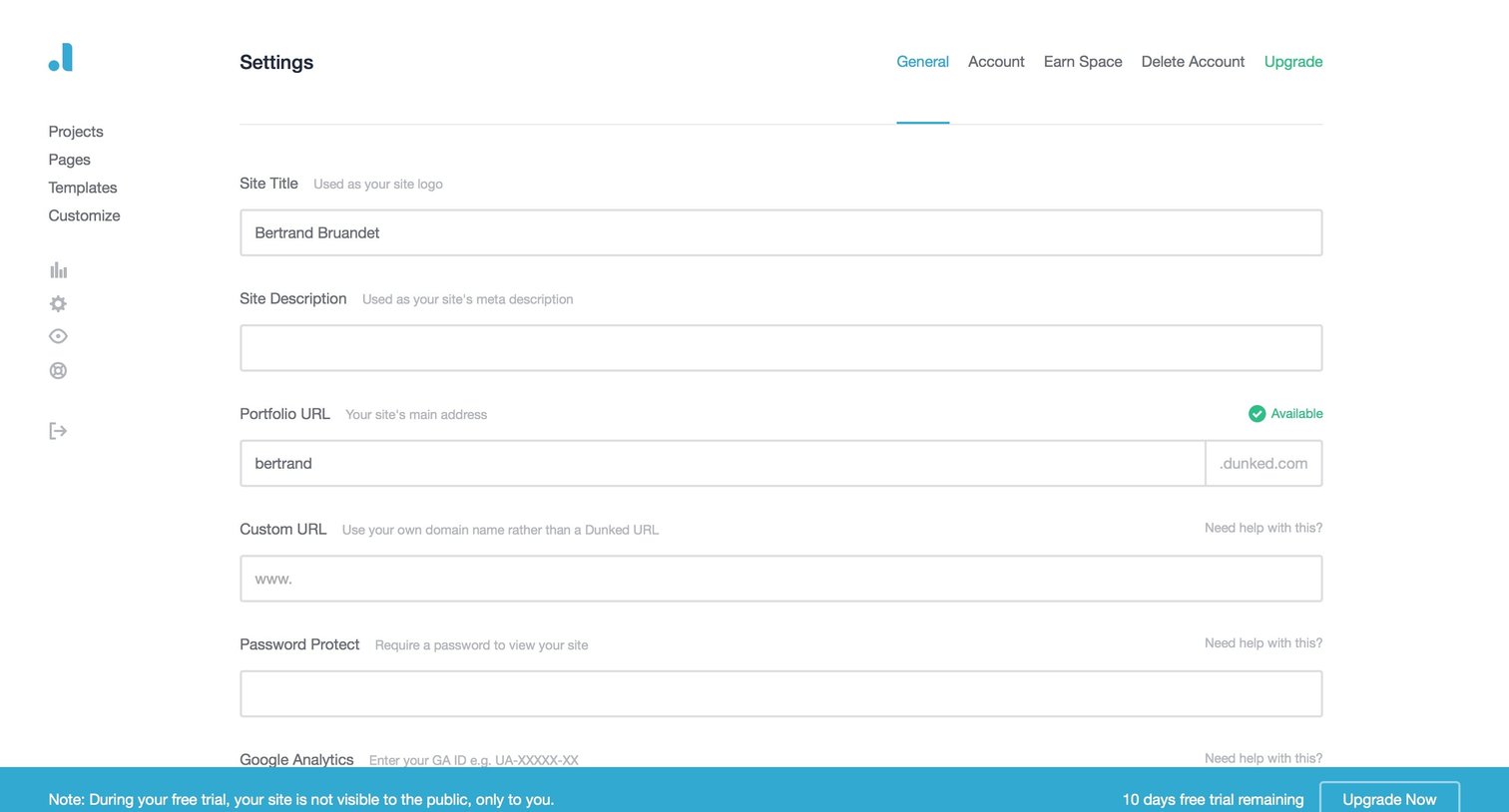
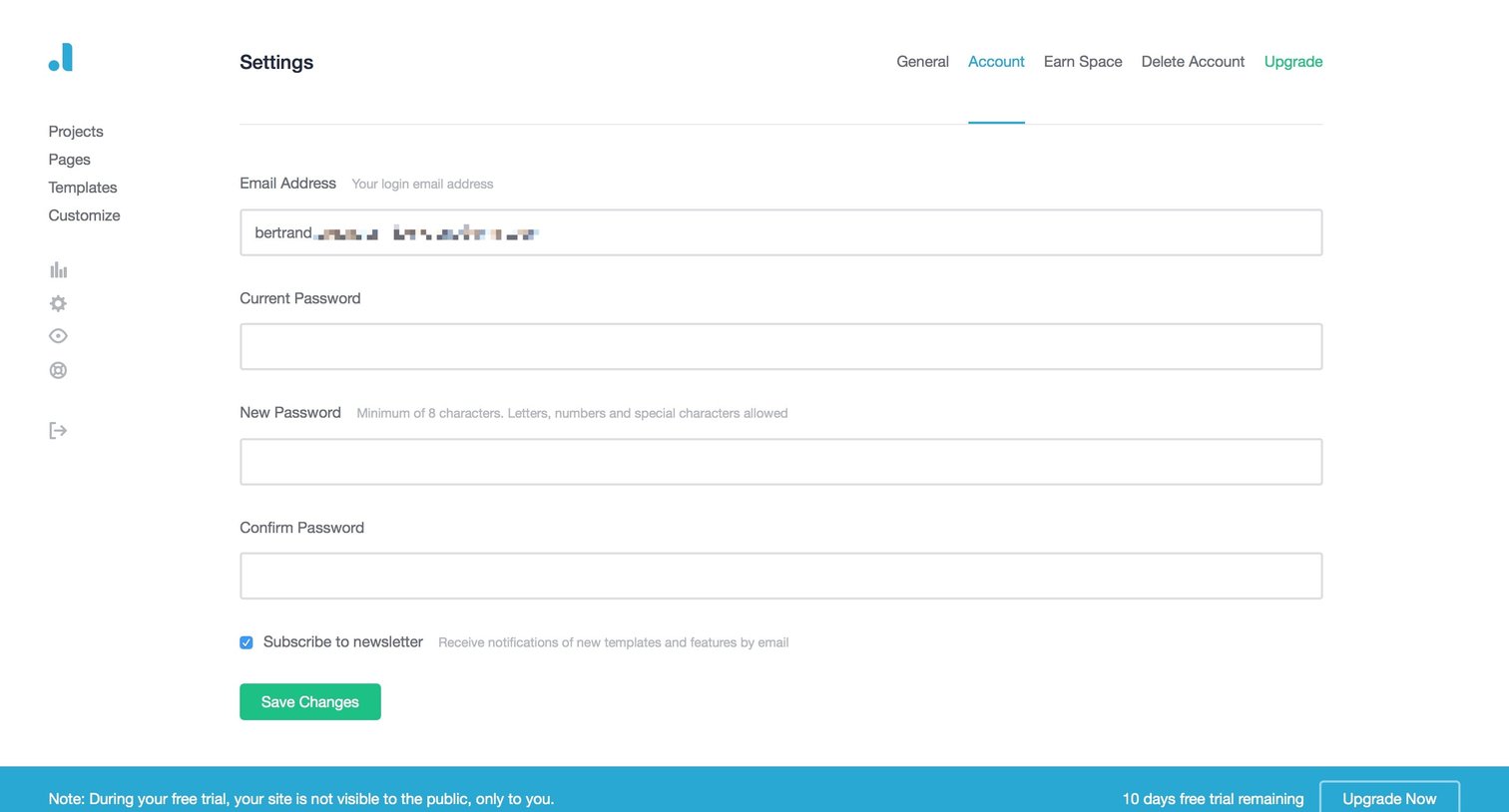
Settings page where the user can update their email address, change their password, and manage their newsletter subscription, with a persistent trial status banner at the bottom.
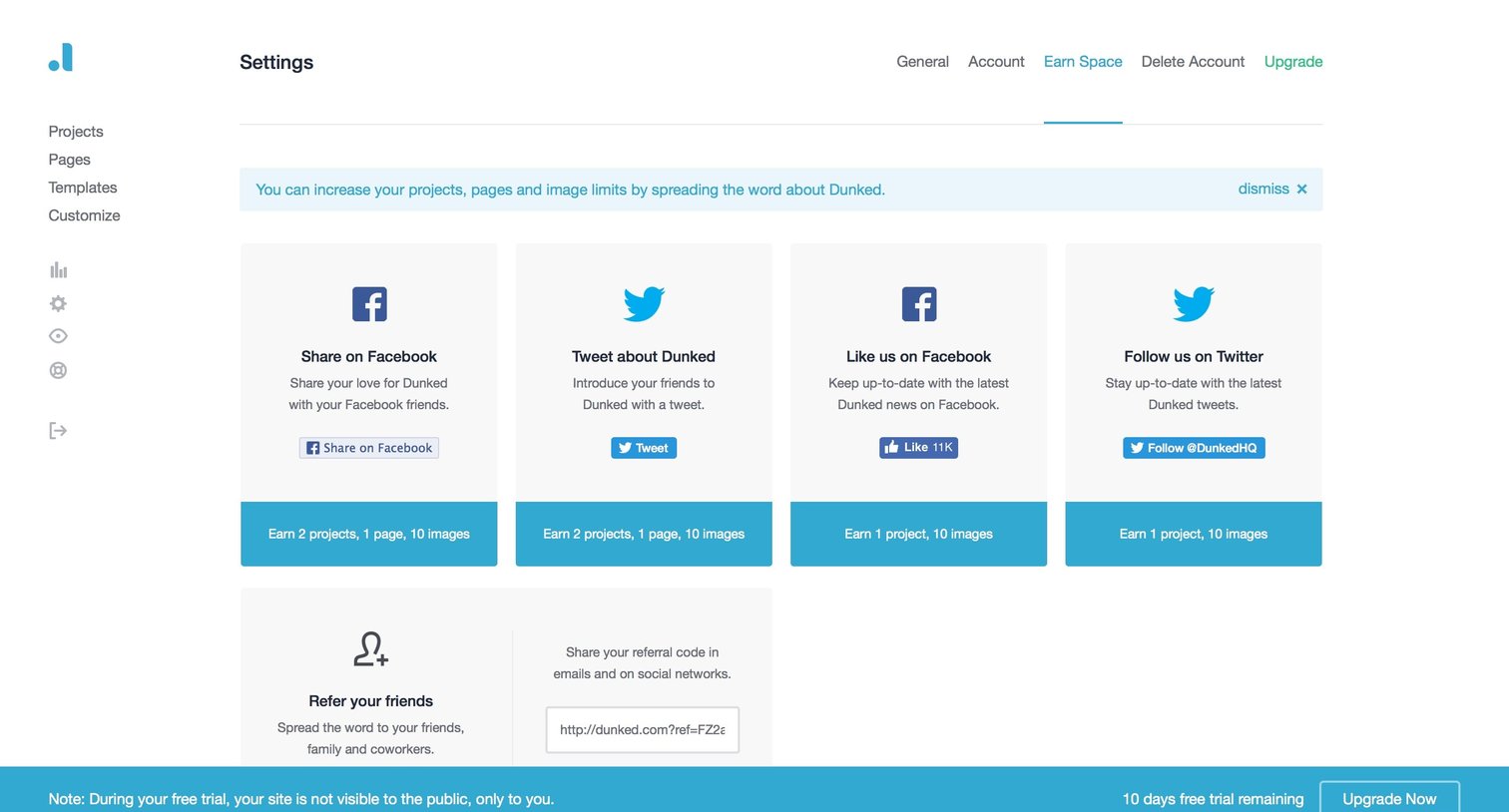
Settings page where the user can earn more projects, pages, and images by sharing the product on social media or referring friends.
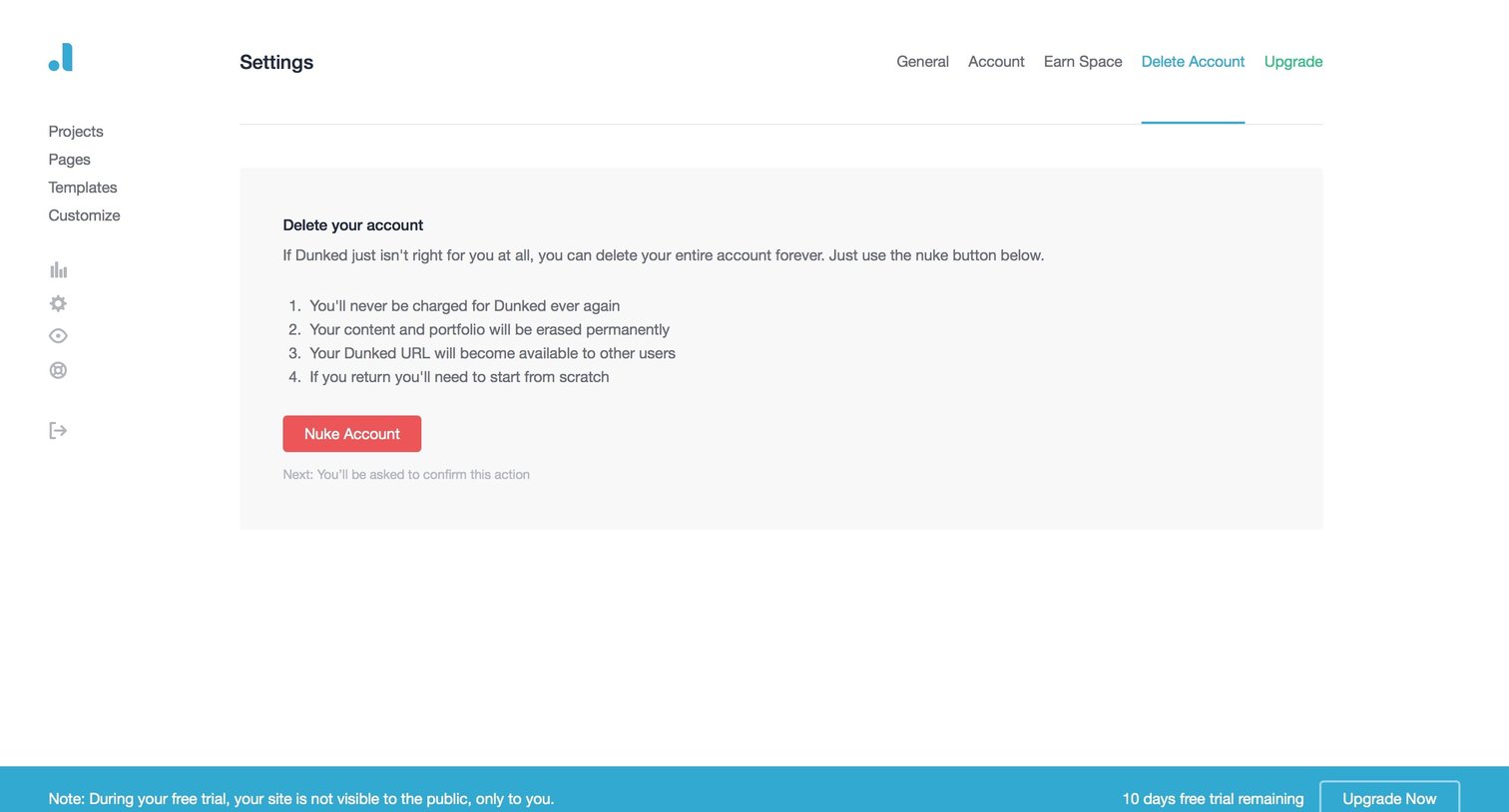
Settings page where the user reviews the permanent consequences of deleting their account before initiating the destructive action.
Browse the full SaaS app library
Explore real SaaS apps with their product screens, marketing screens, flows, and components.
Trusted by the best teams







