
Capture design examples
Explore Capture UI design examples. The easiest way for publishers to find and use social content
Product screens

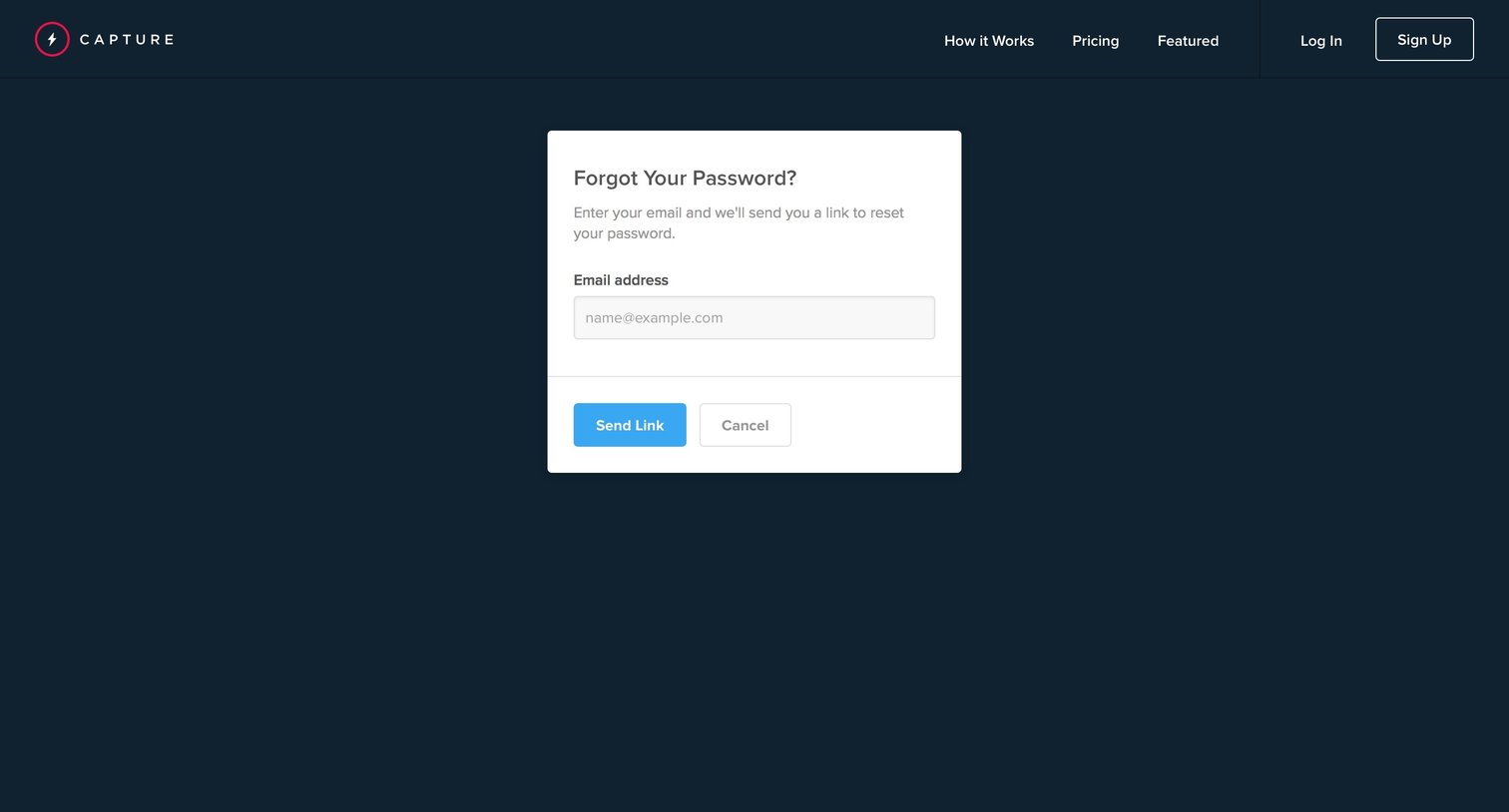
Password recovery screen where the user enters their email address to receive a reset link.


Onboarding Form Account management Account setup

Onboarding screen where the user is welcomed to Capture and shown a two-step guide on how to search for media and request licensing rights or create an embeddable gallery.
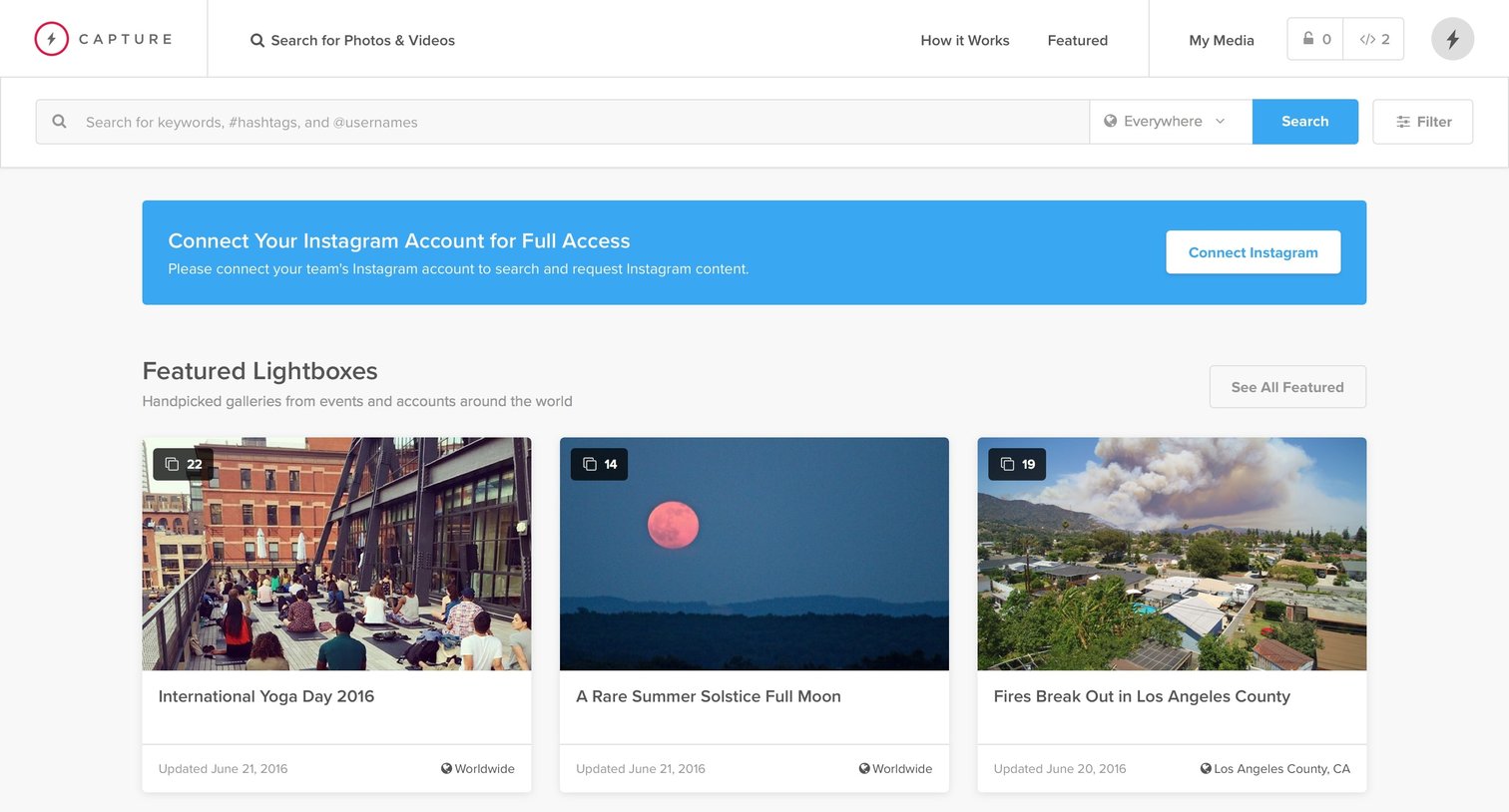
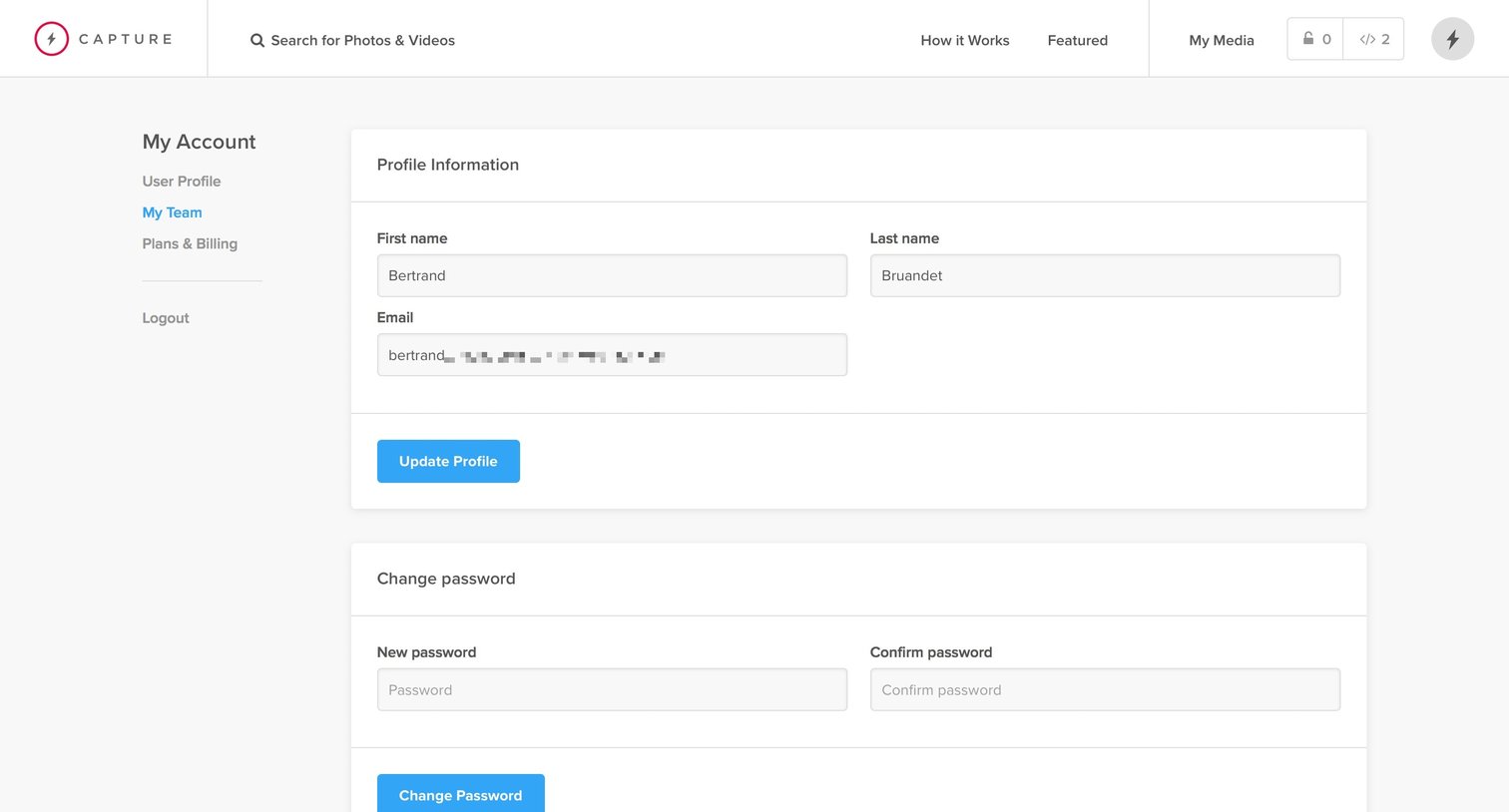
Settings page where the user updates their profile information, including first name, last name, and email, and changes their password.

Settings page where the user manages their team name, logo, connected social accounts, and team members.
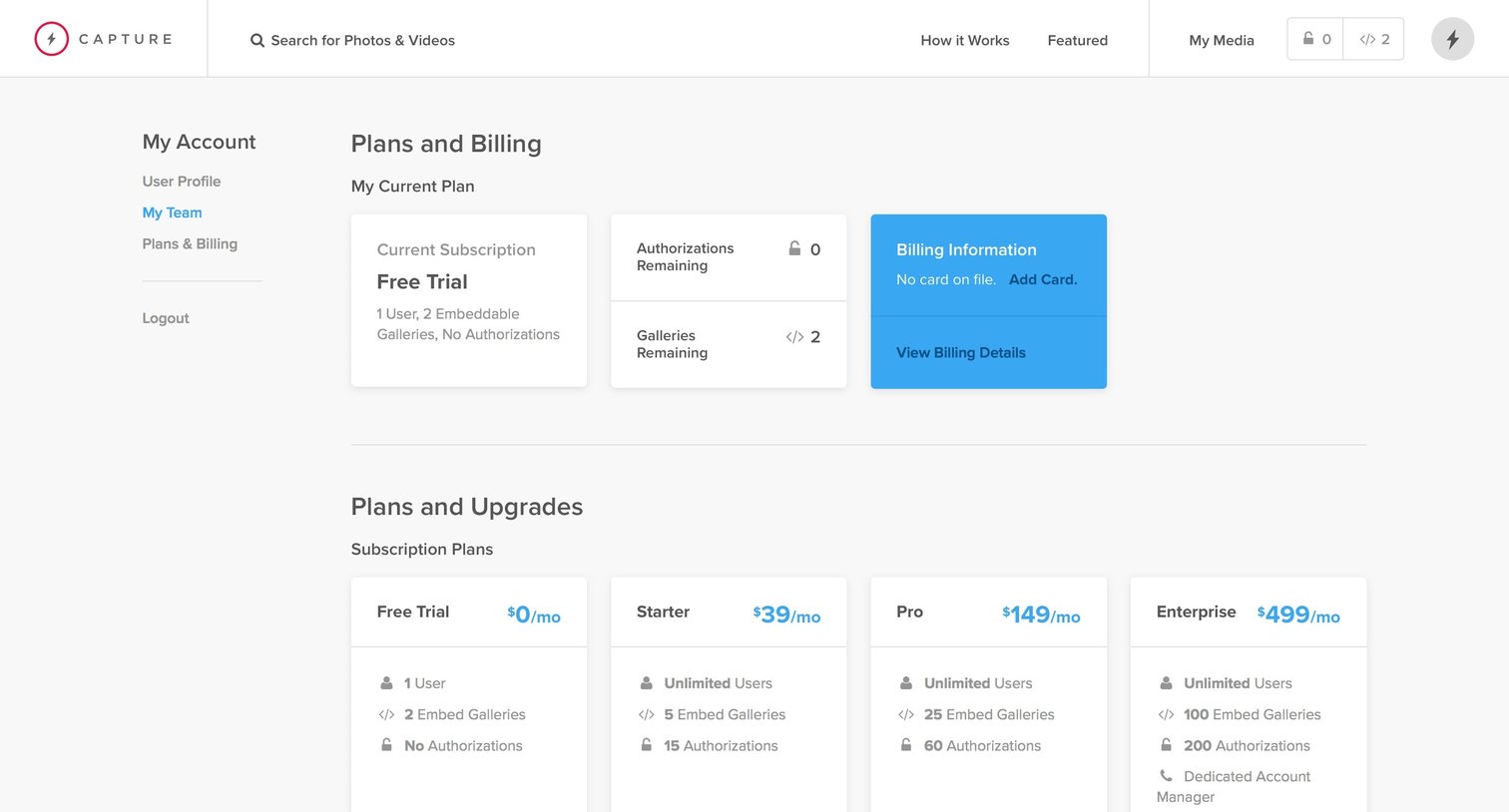
Settings page where the user views their current free trial plan, explores subscription upgrades, and browses a la carte add-ons.

List view showing an empty state for the user's lightboxes, with instructions to search for media to create one.
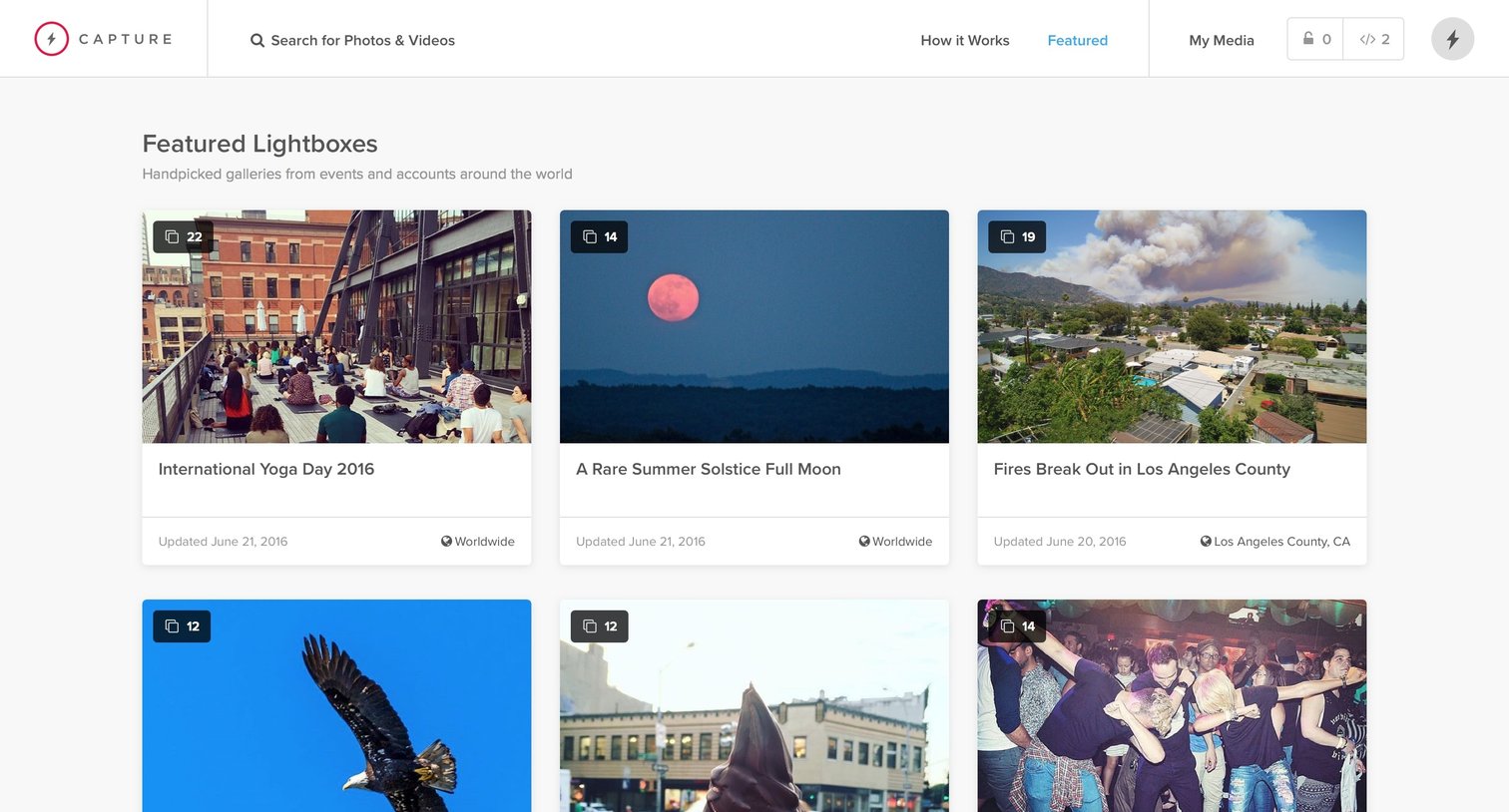
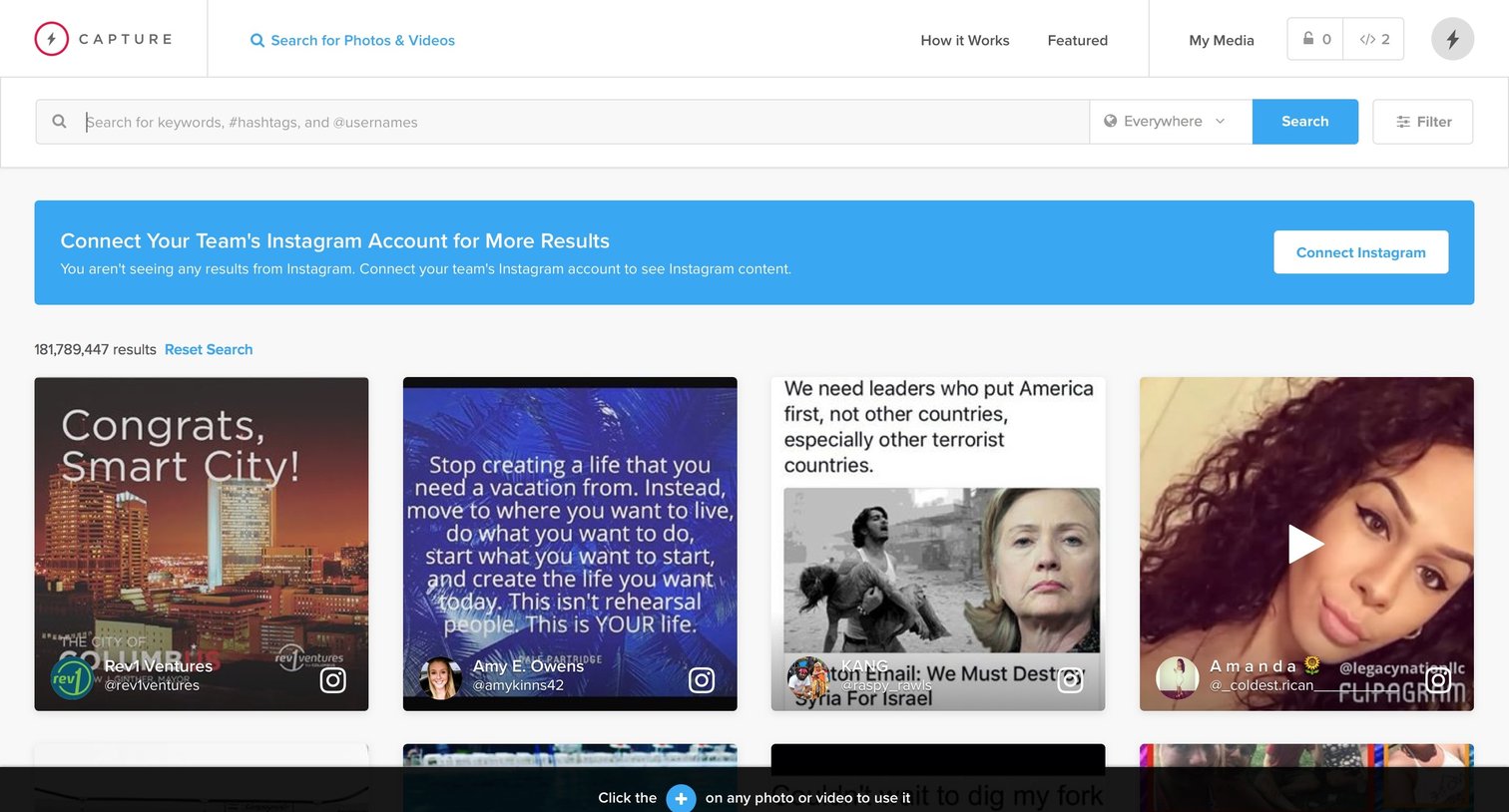
Search results page where the user browses a masonry grid of social media posts and images to find content to curate or license.
Browse the full SaaS app library
Explore real SaaS apps with their product screens, marketing screens, flows, and components.
Trusted by the best teams







