Form screen examples
Form screen design examples from SaaS apps. See how SaaS apps organize data entry across a page. Explore the grouping of fields, labels, instructions, and submission controls in forms for collecting…
Explore the examples
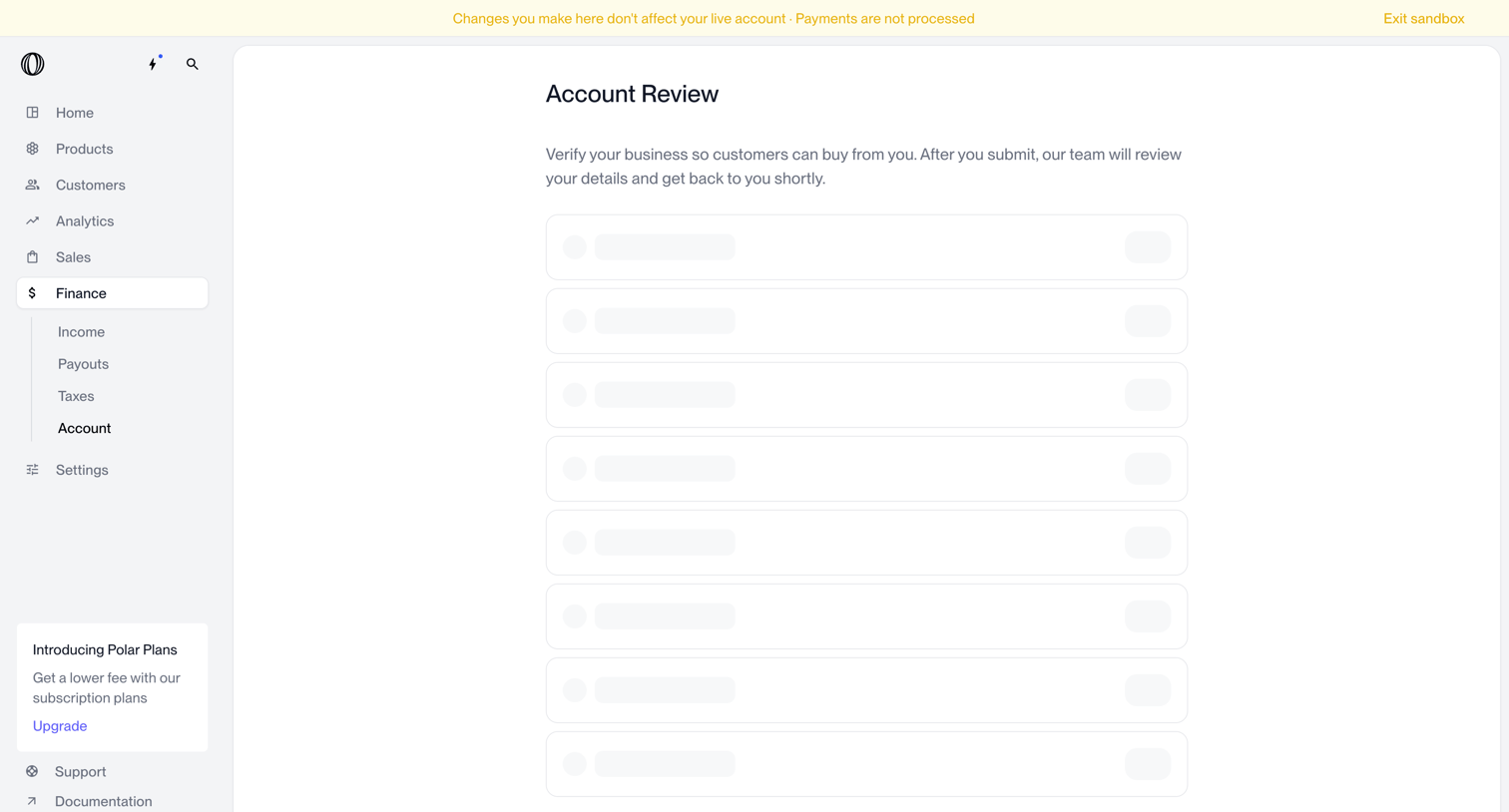

Settings page where the user verifies their business details to enable customer payments, currently showing skeleton loading states for the form fields.
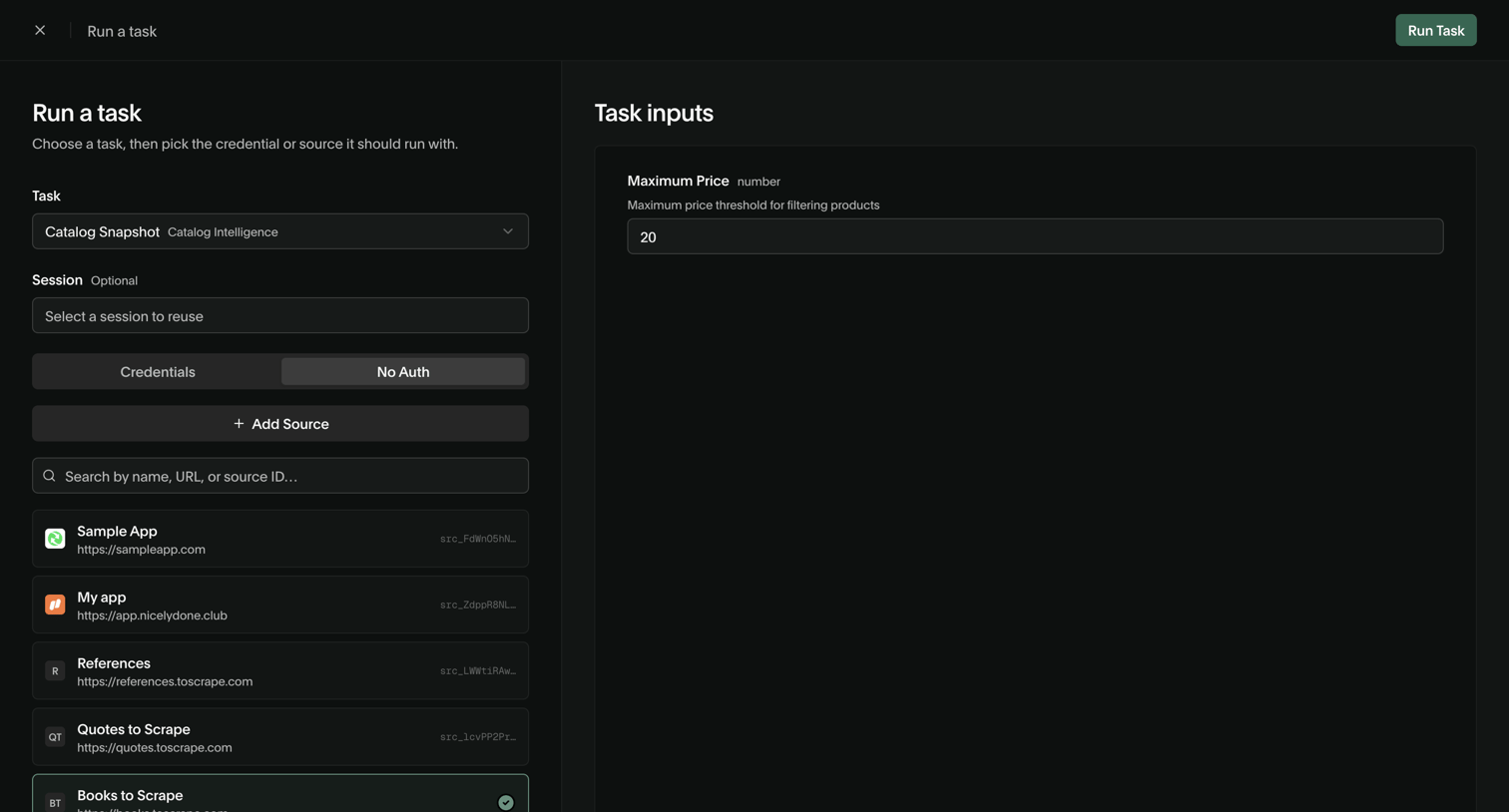

Form where the user configures a new task execution by selecting a target data source and setting input parameters like maximum price.
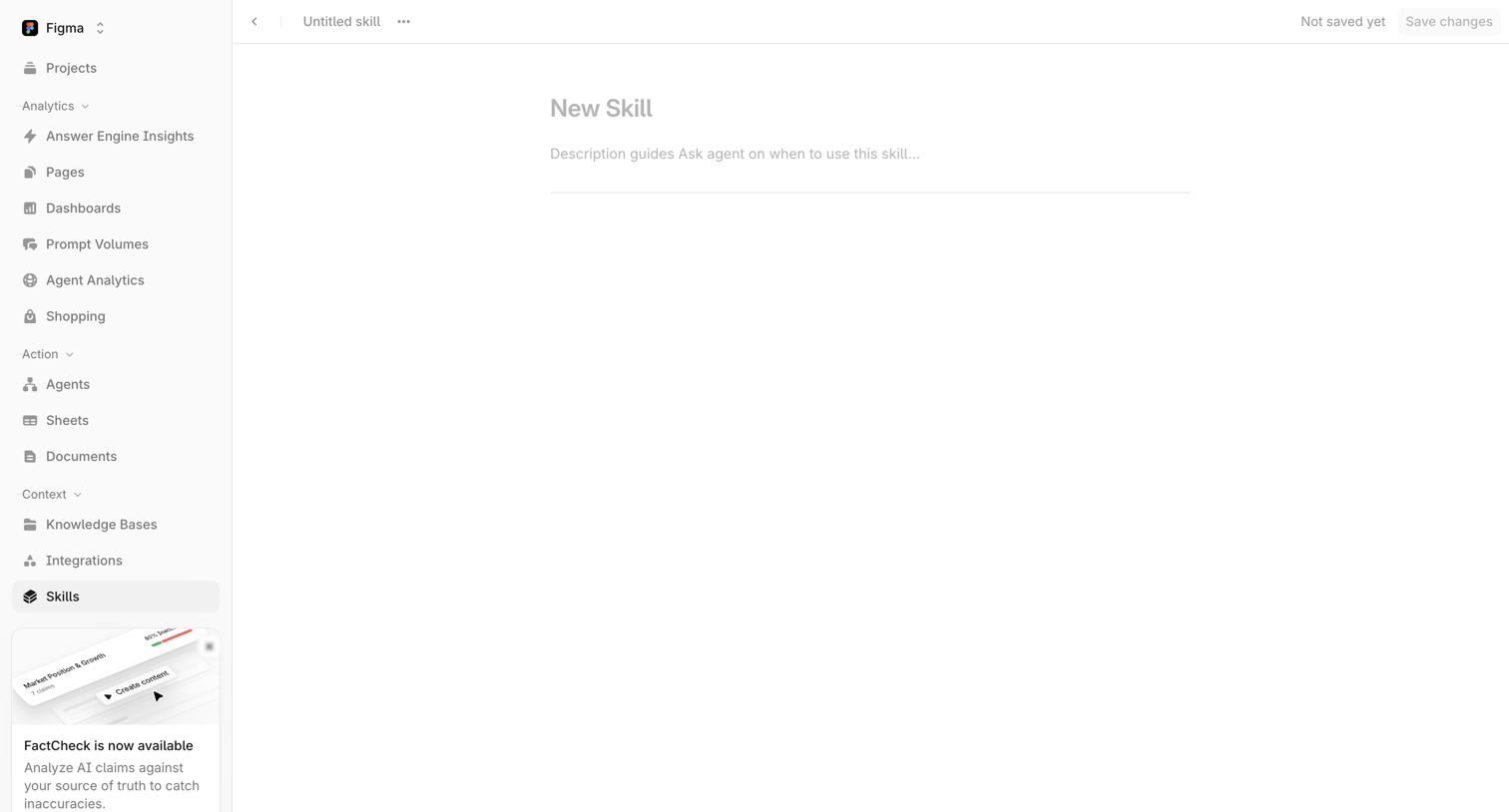

Creation screen where the user names a new skill and provides a description to guide the Ask agent.
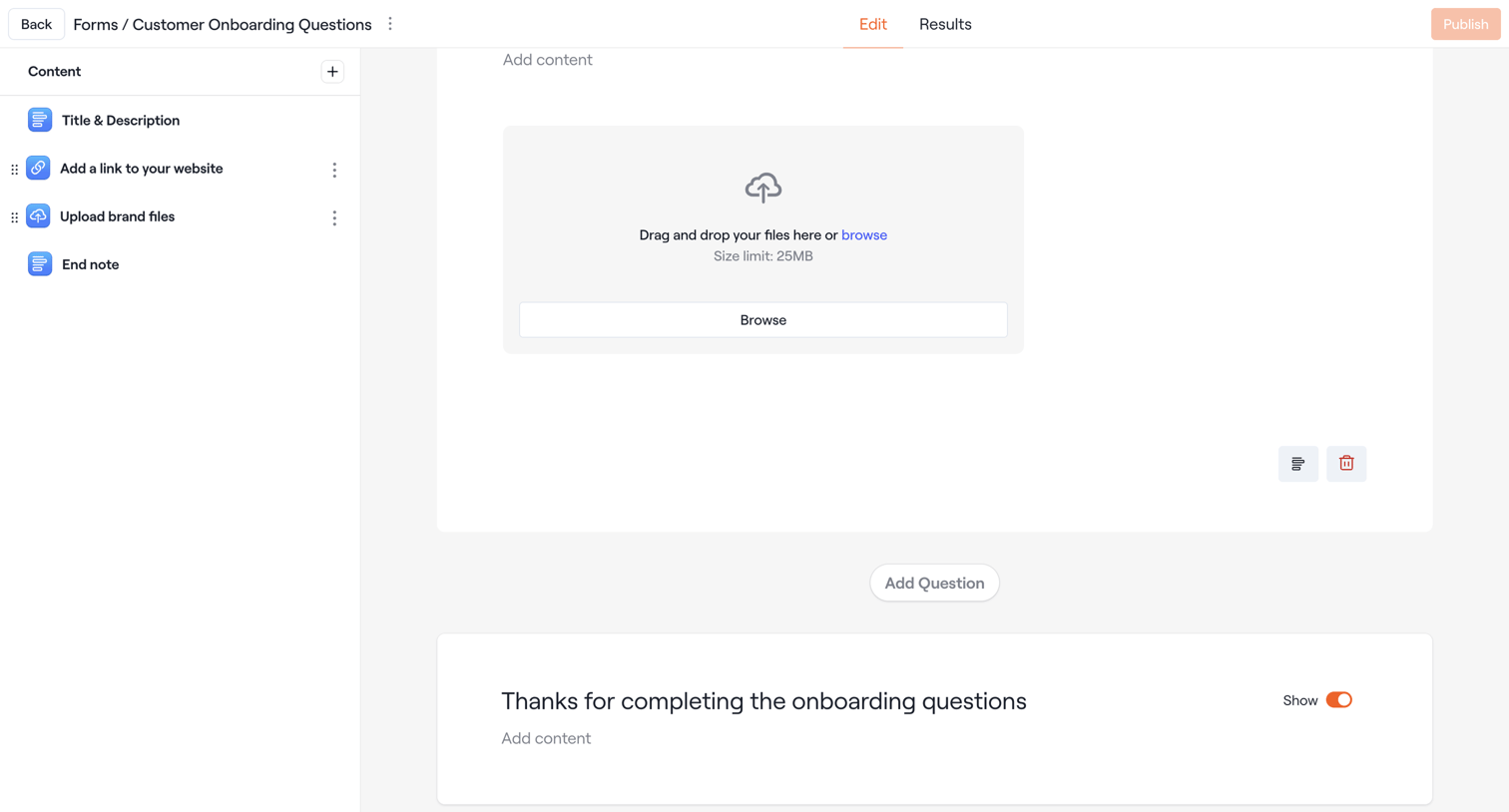

Design editor where the user configures a customer onboarding form by adding and arranging content blocks like file uploads and text.
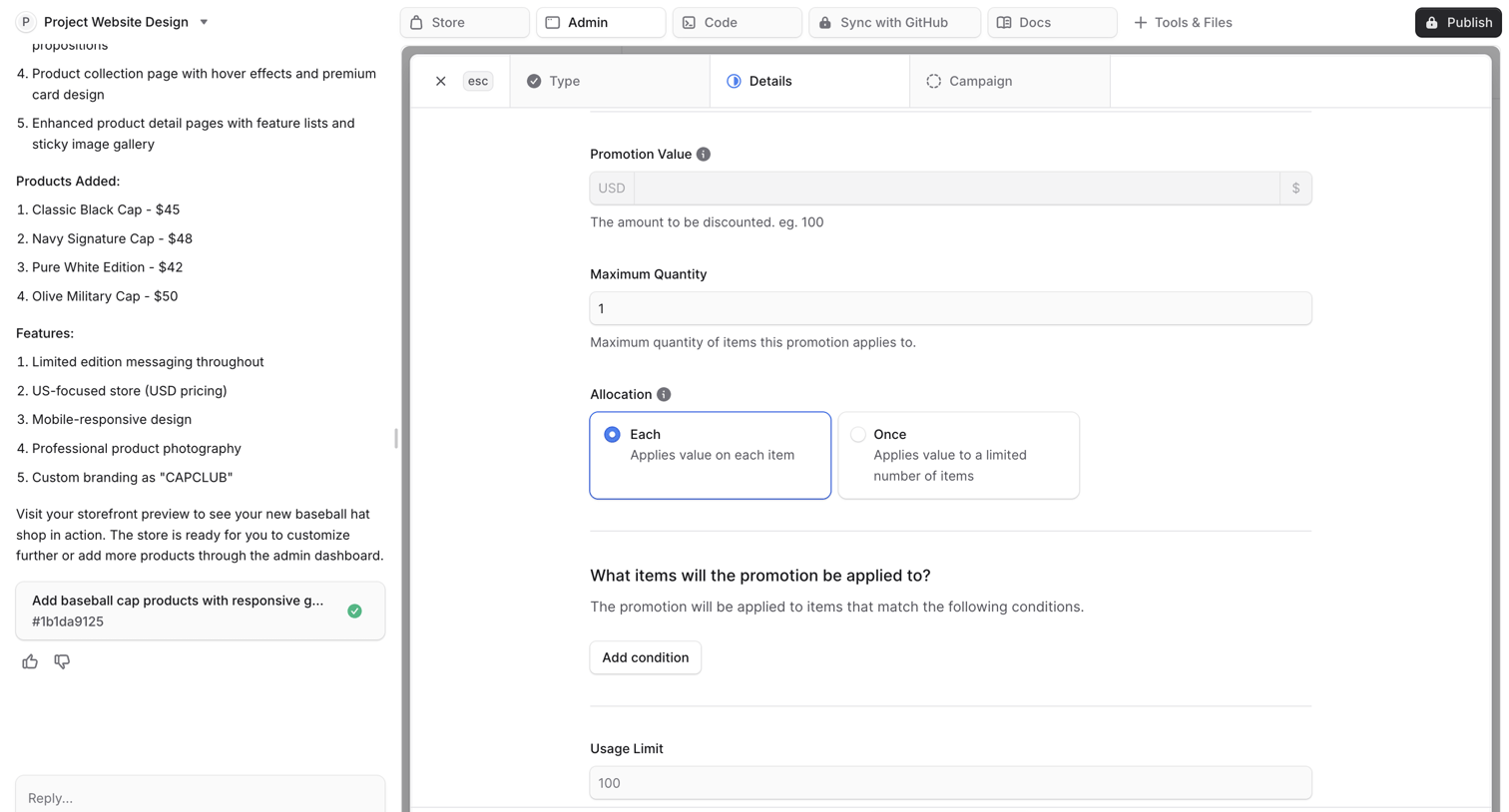

AI chat interface where the user configures promotion details like value, allocation, and usage limits within a generated form artifact.
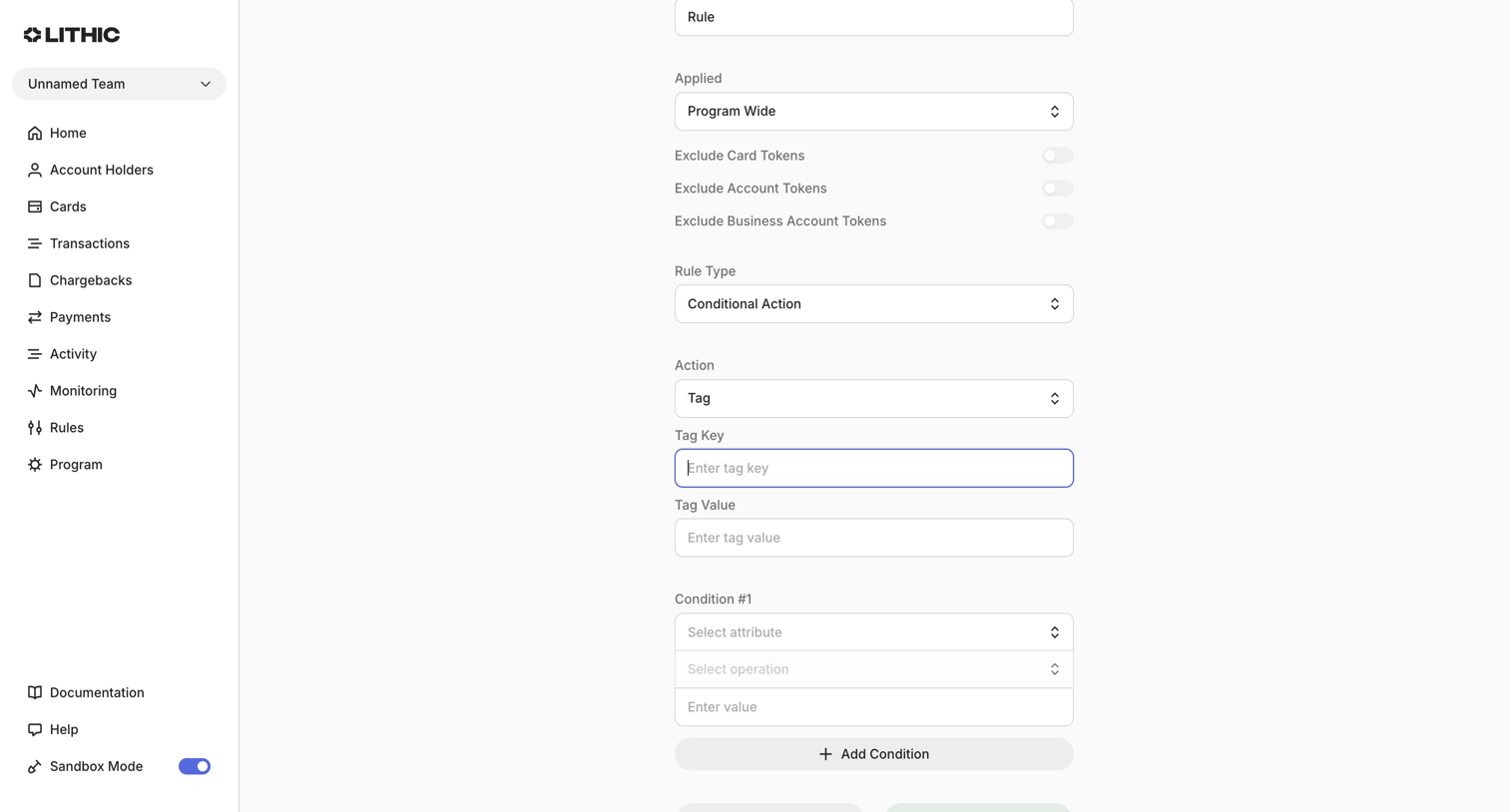

Create page where the user builds a new monitoring rule by defining its scope, conditional actions, and specific attribute conditions.
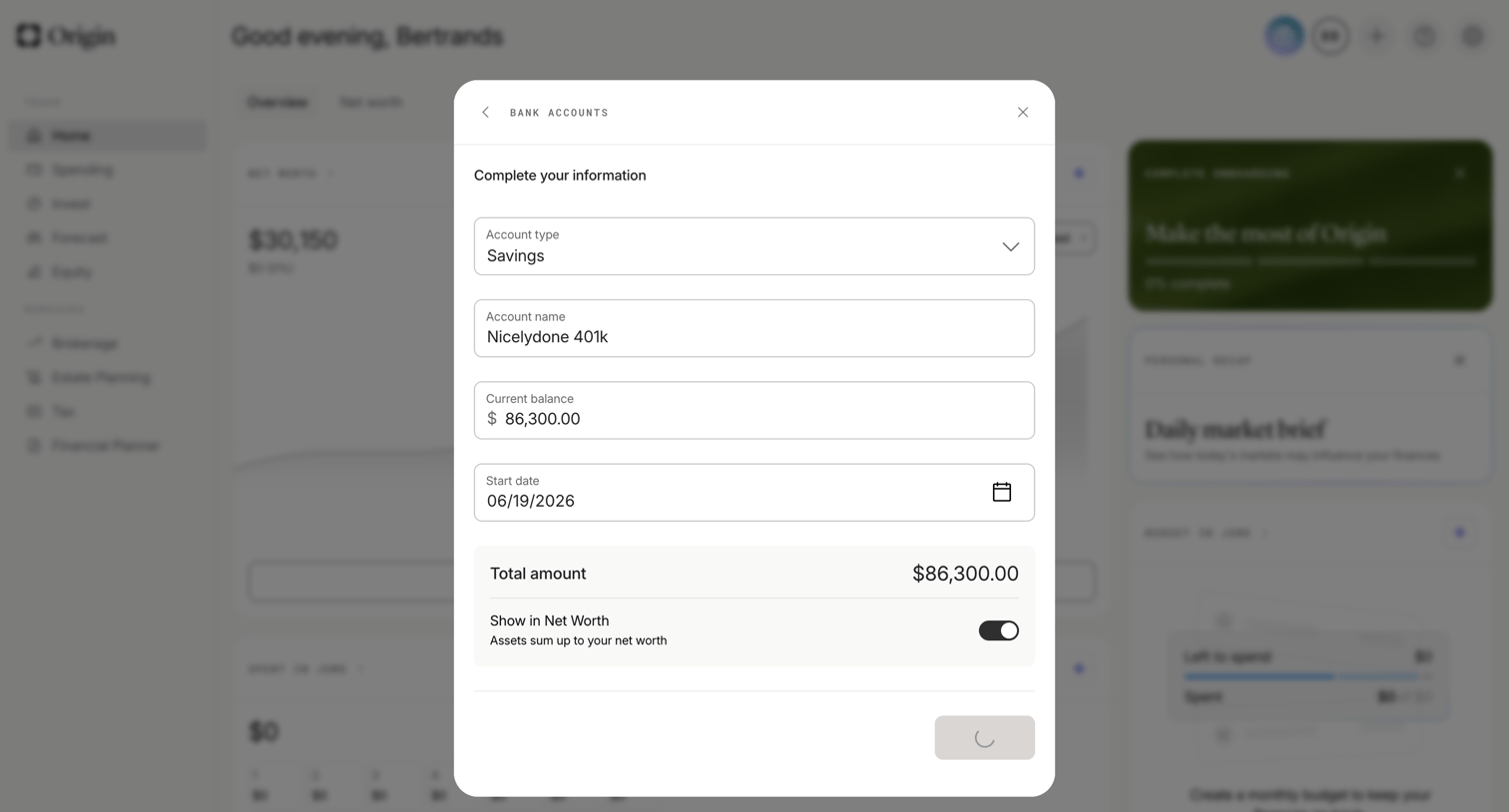

Dashboard with a modal open where the user is saving details for a manual bank account, including account type, name, balance, and start date.
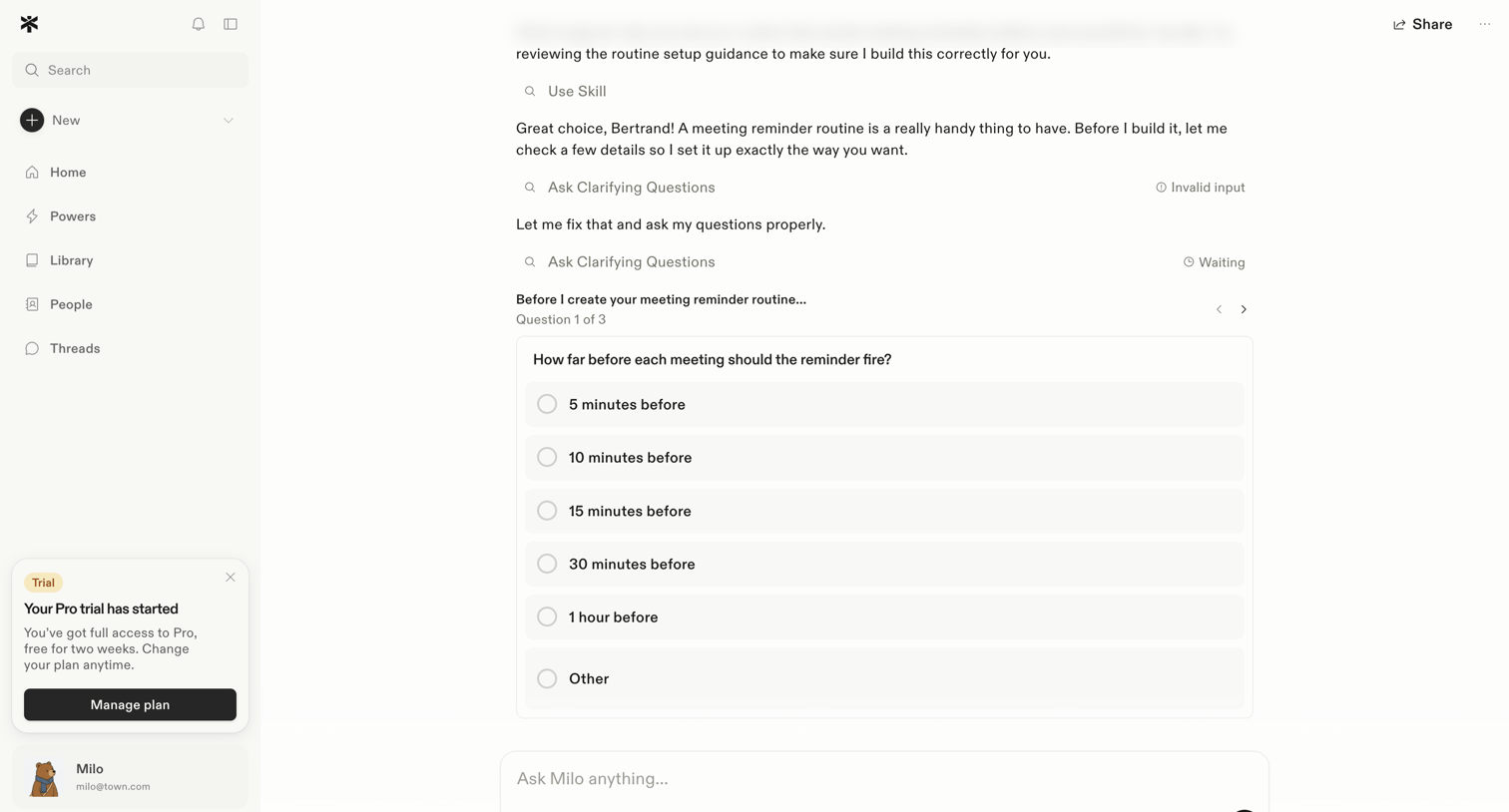

AI chat interface where the assistant asks the user to select a reminder timeframe via a multiple-choice form embedded directly within the conversation stream.
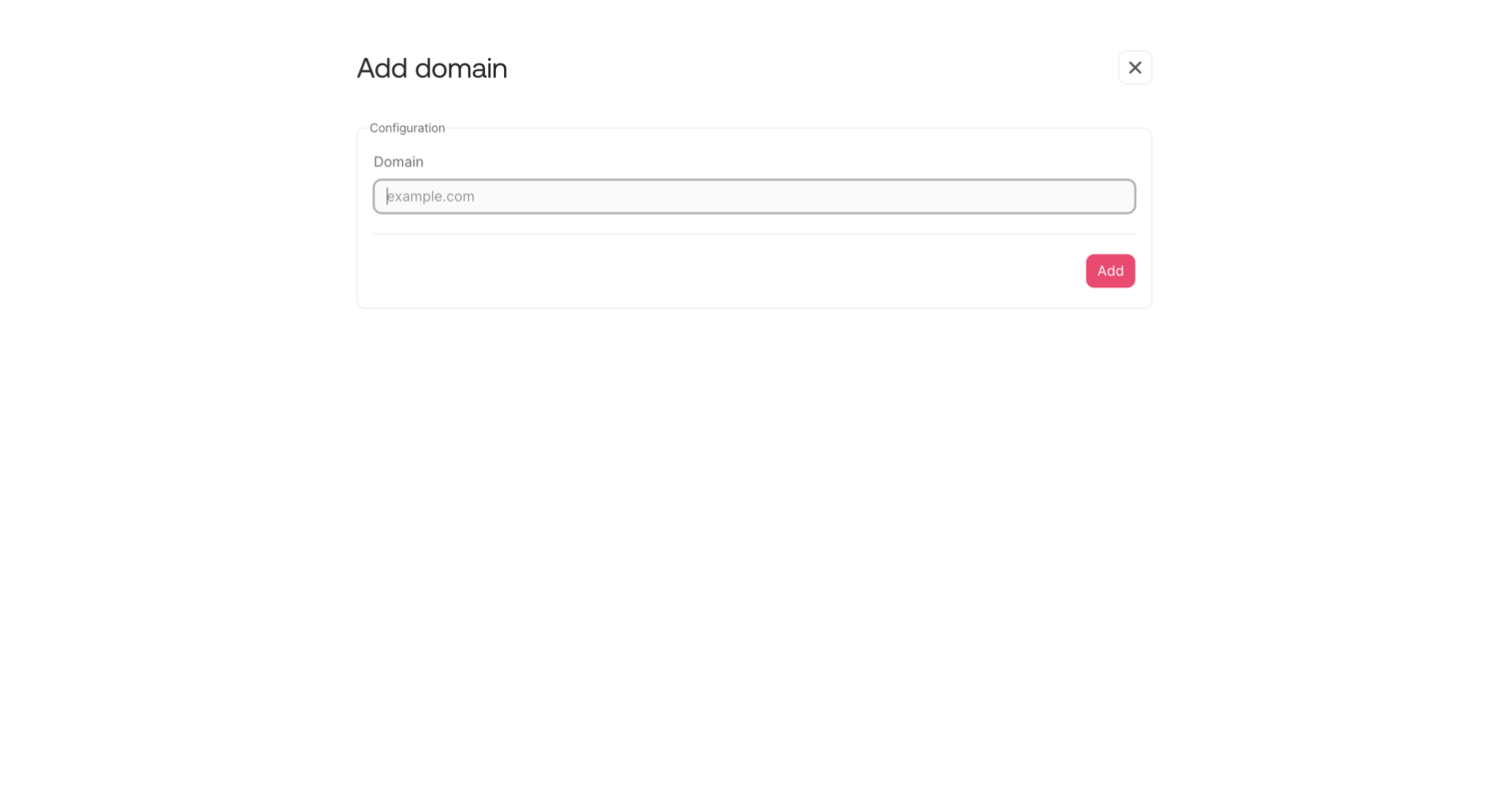

Create page where the user adds a new custom domain by entering its URL into a simple configuration form.
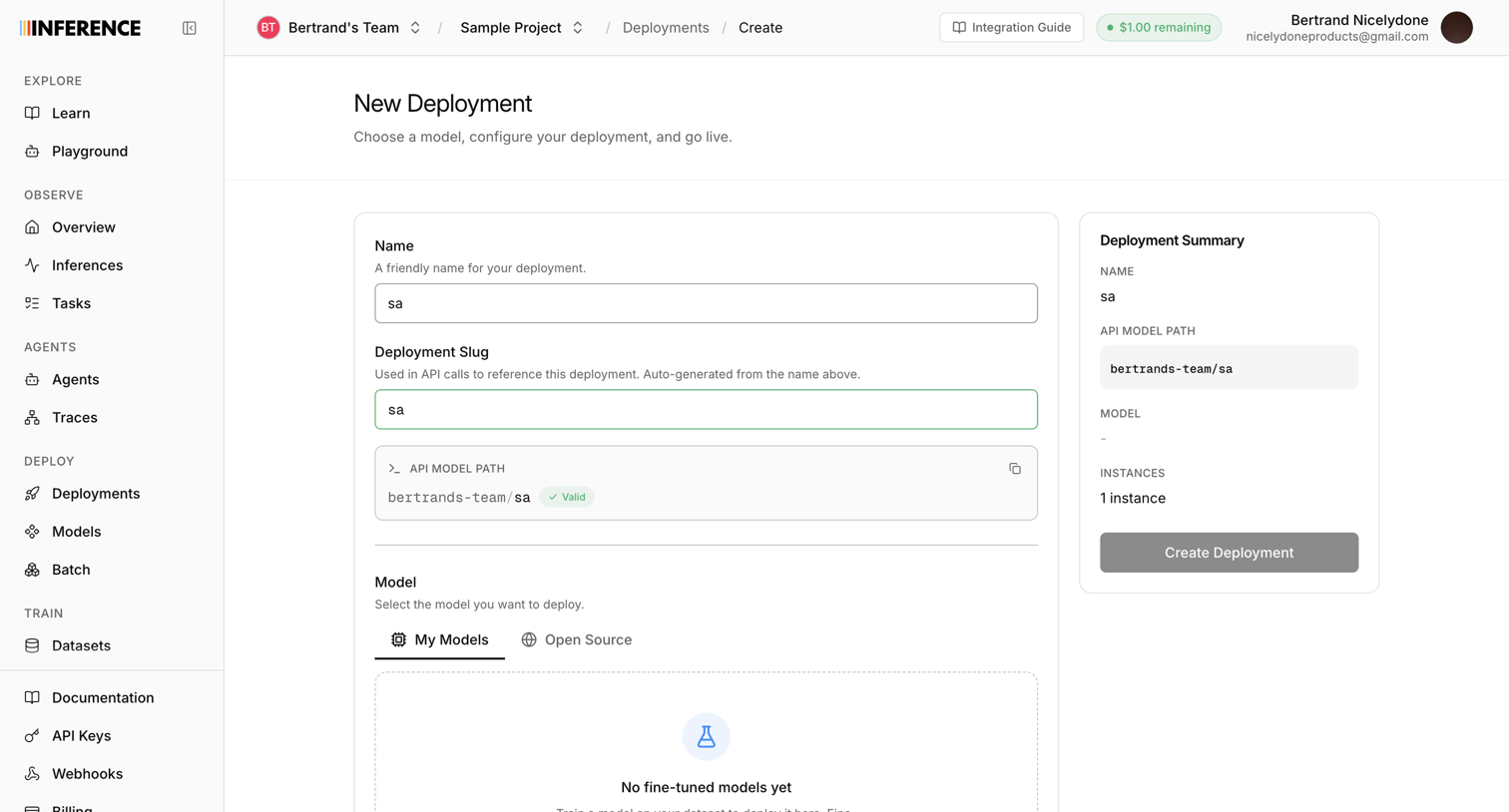

Creation page where the user configures a new model deployment by setting a name, slug, and selecting a model.
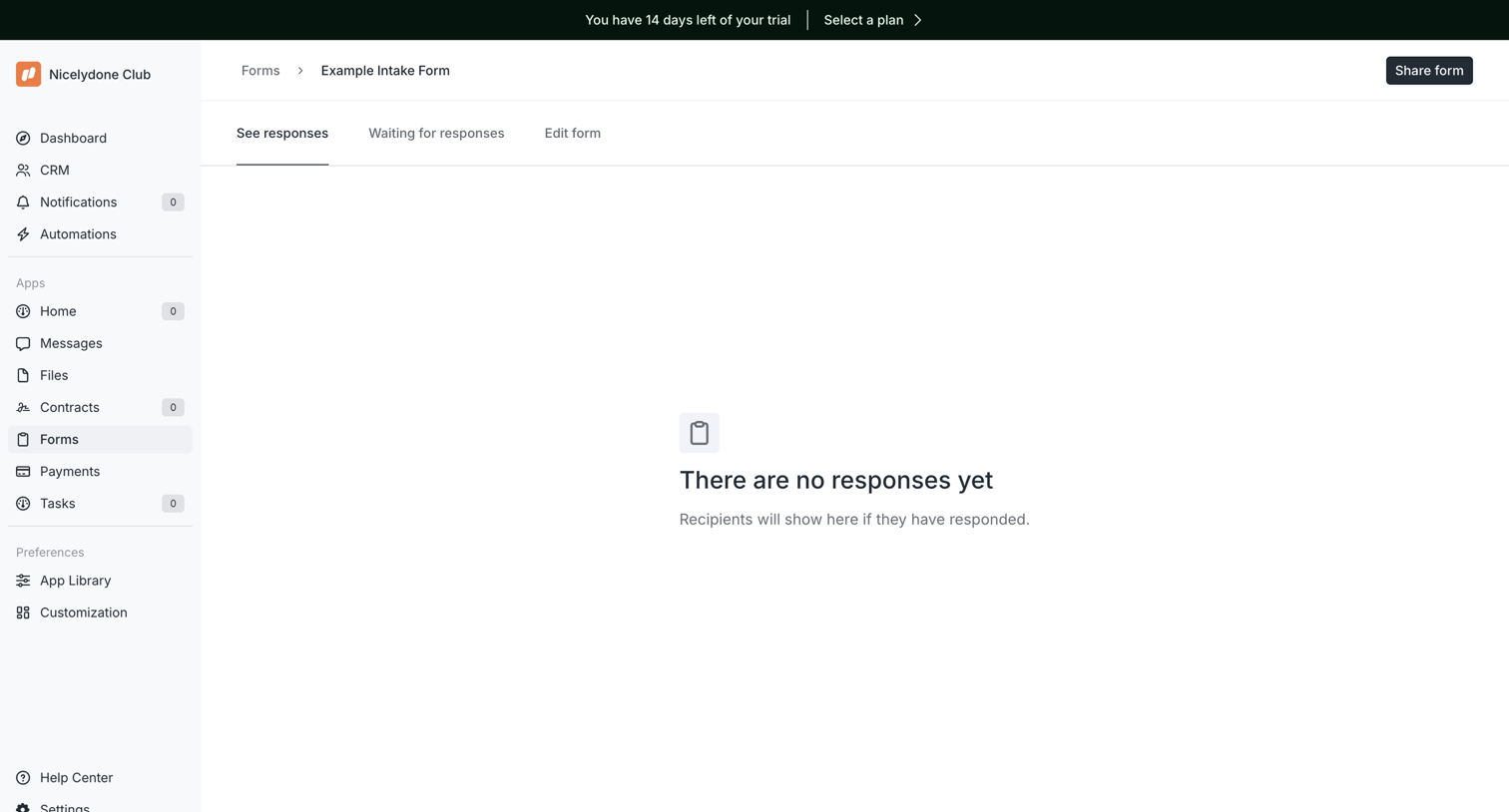

Detail page for a specific intake form showing an empty state because no responses have been received yet.
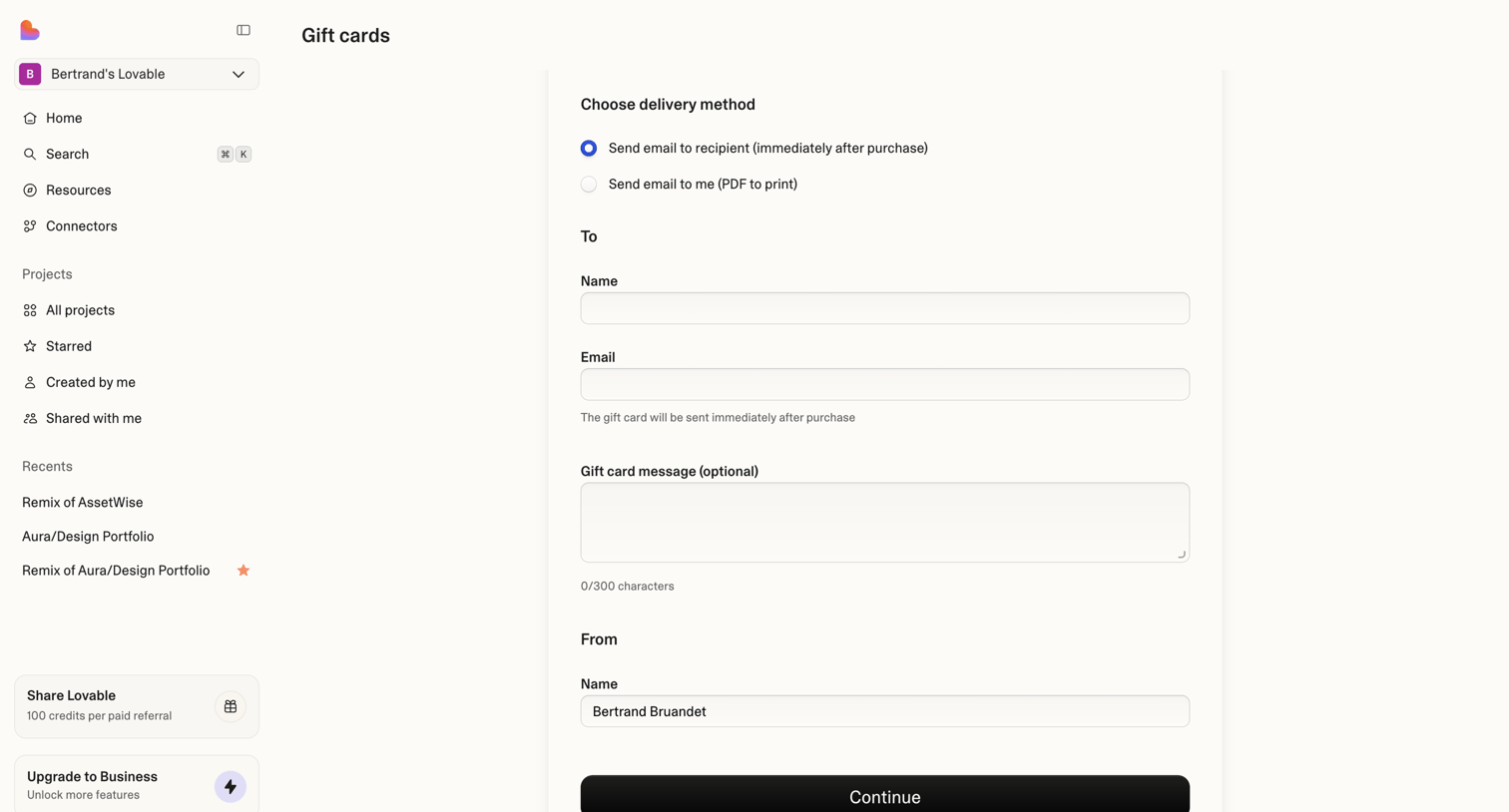

Form where the user configures a gift card purchase, selecting the delivery method and entering recipient details.
Explore the full SaaS screen library
Upgrade to unlock the full library.
Trusted by the best teams








About Form
See how SaaS apps organize data entry across a page. Explore the grouping of fields, labels, instructions, and submission controls in forms for collecting information.