Error screen examples
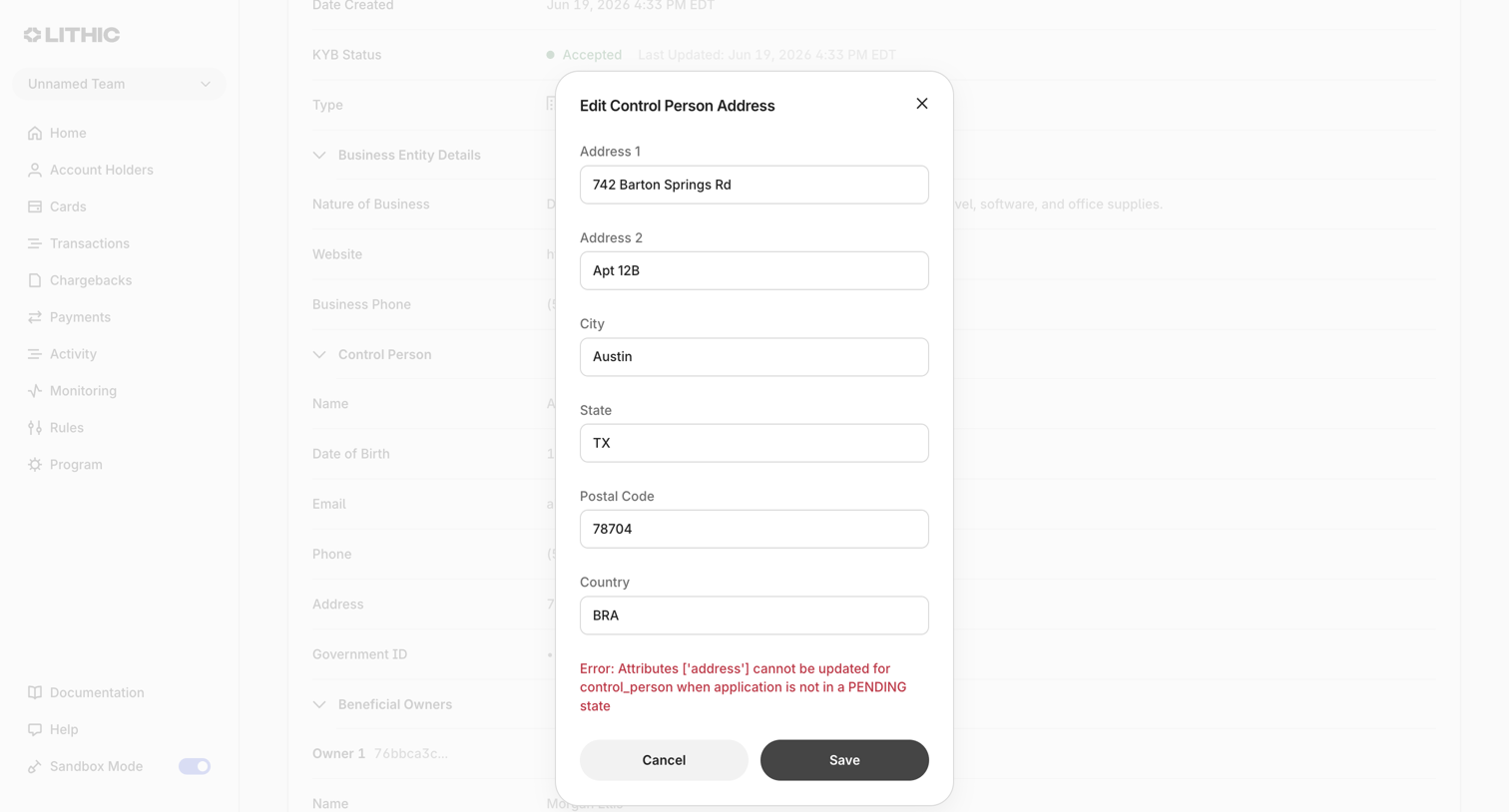
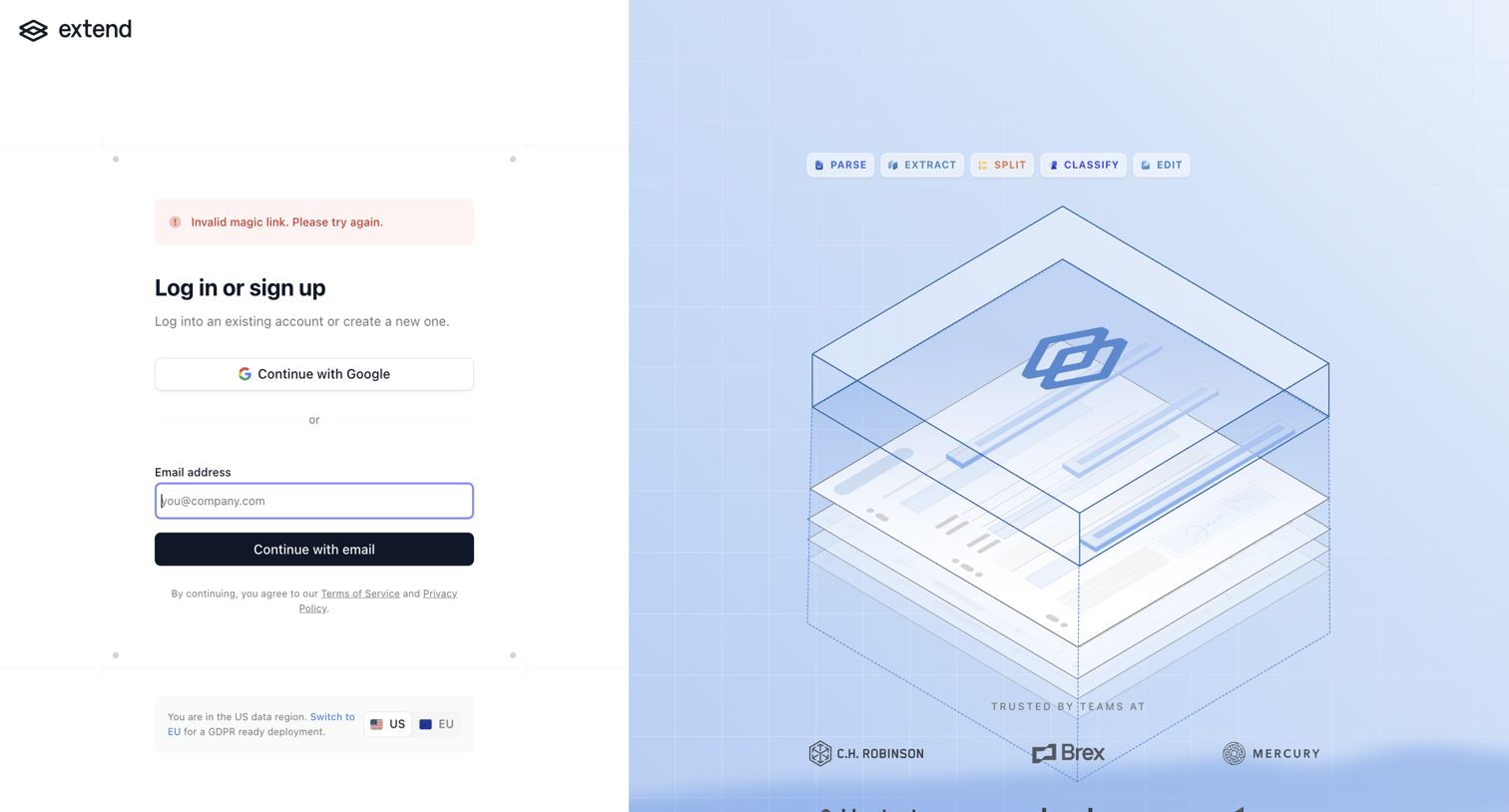
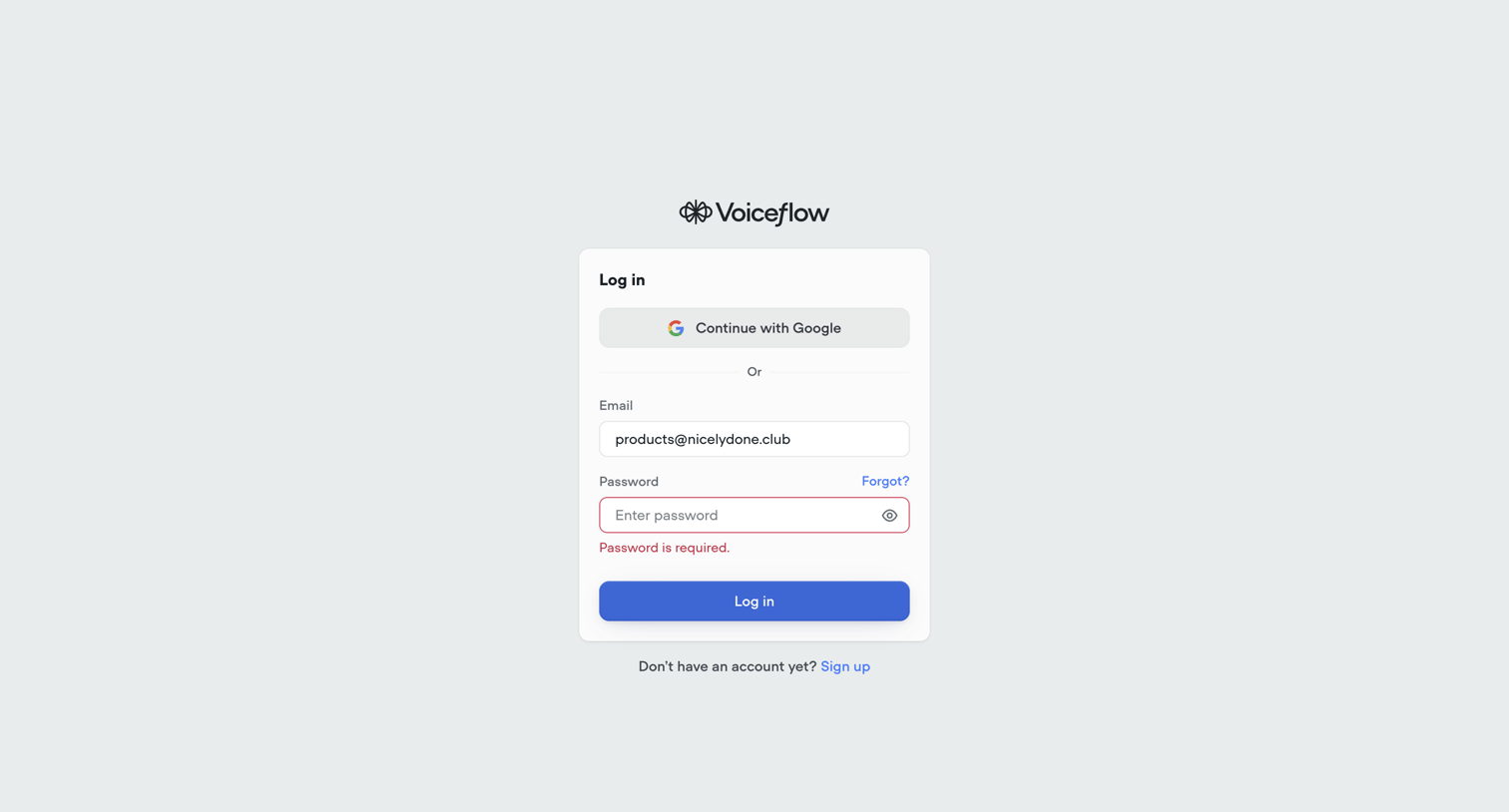
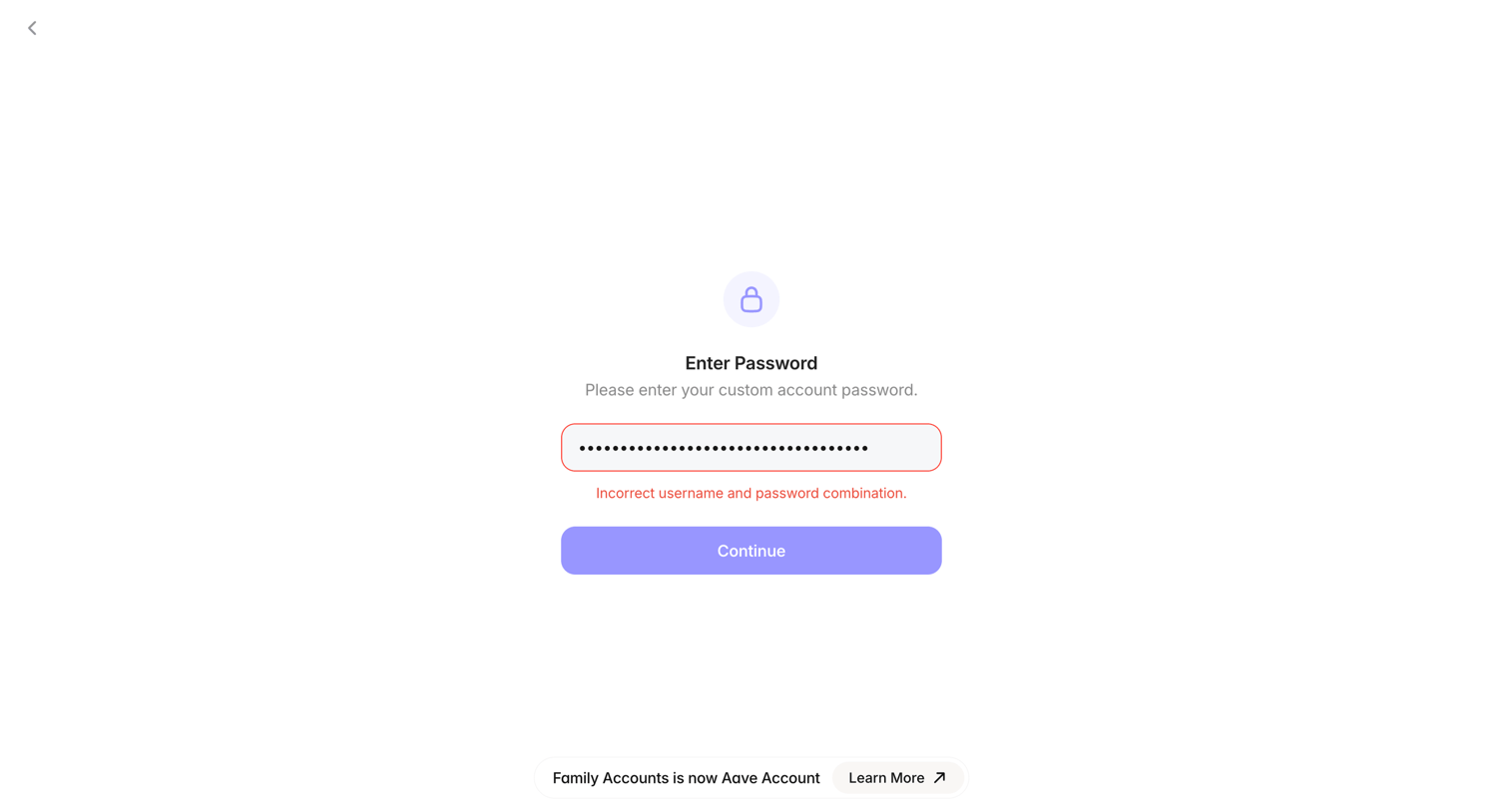
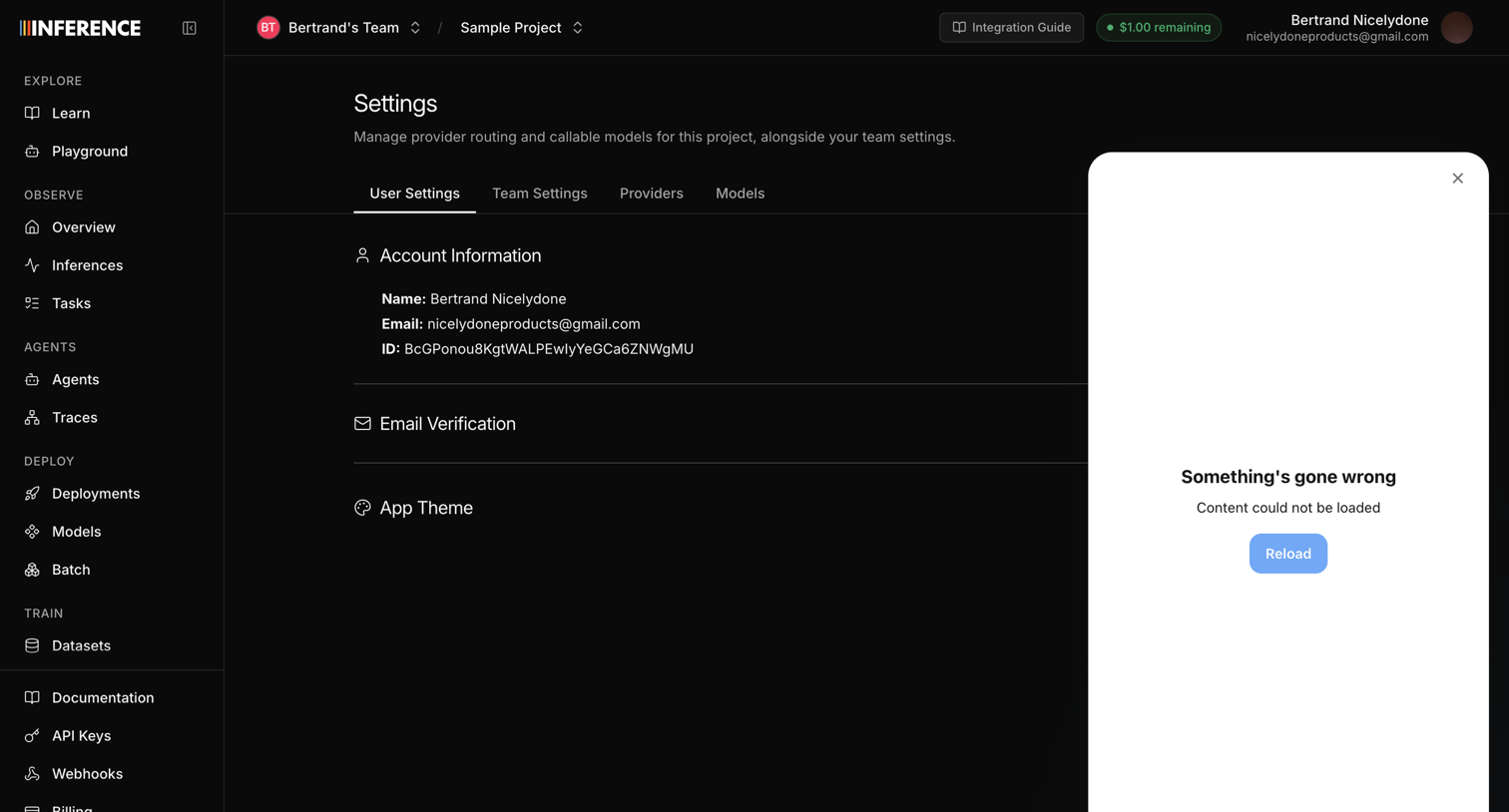
Error screen design examples from SaaS apps. See how apps explain when a task cannot continue. Explore how error messages describe the problem and present recovery actions alongside the information…
Explore the examples
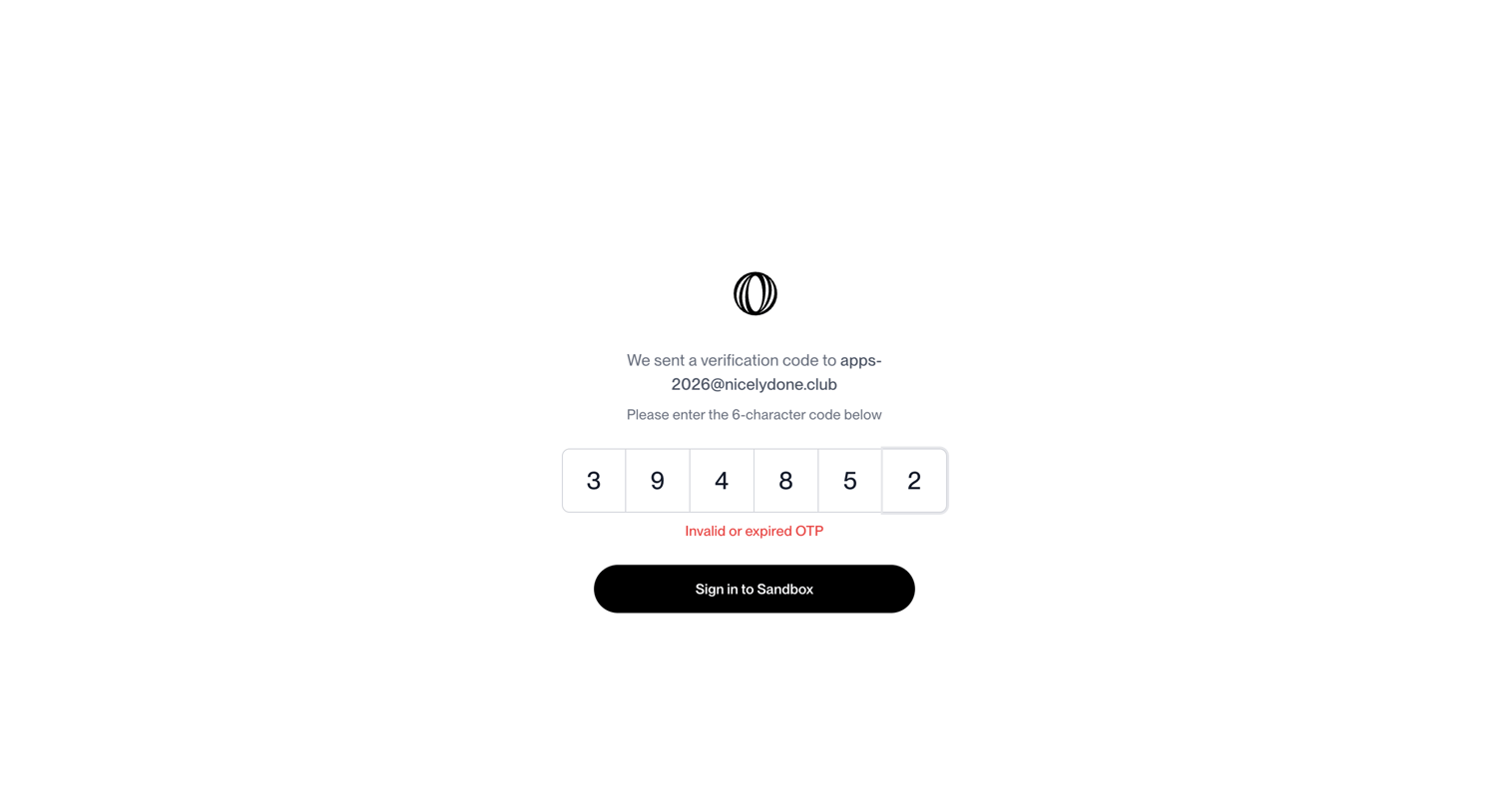

Verification screen where the user enters a 6-character code sent to their email but receives an invalid or expired OTP error message.
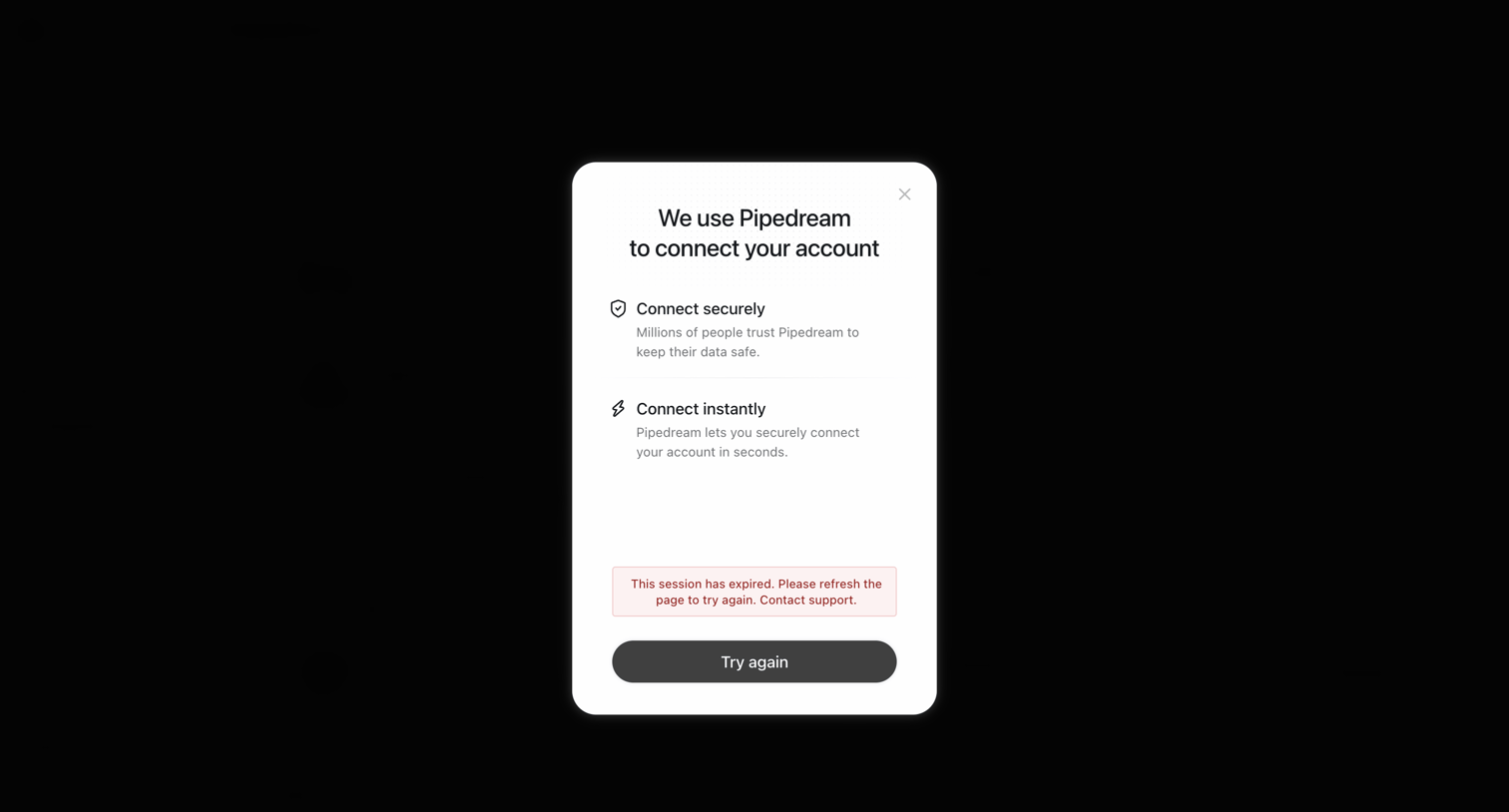

Settings modal where an integration connection flow via Pipedream shows a session expired error and prompts the user to try again.
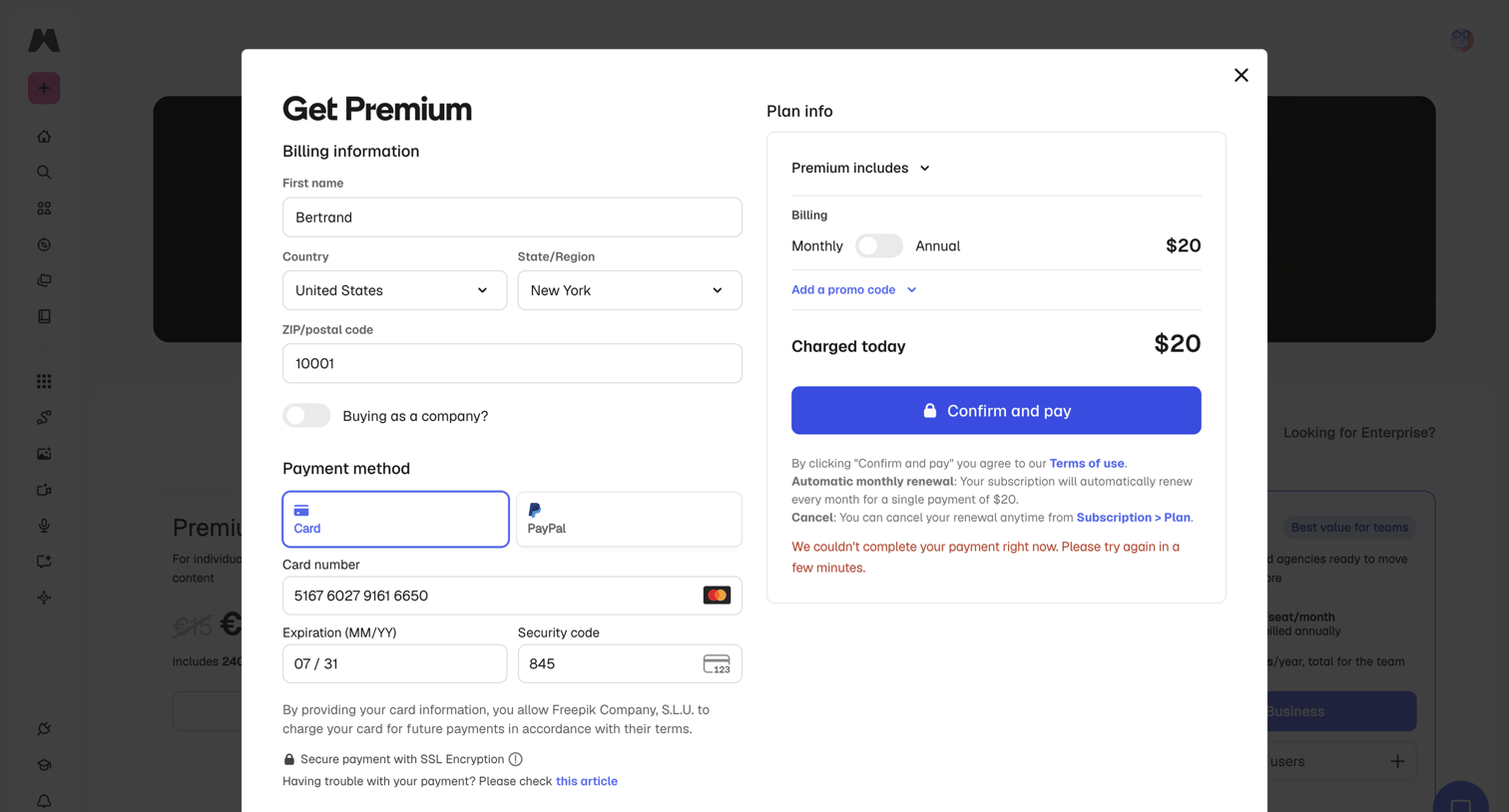

Checkout modal for upgrading to a premium plan where a payment failure error is displayed after attempting to confirm and pay.
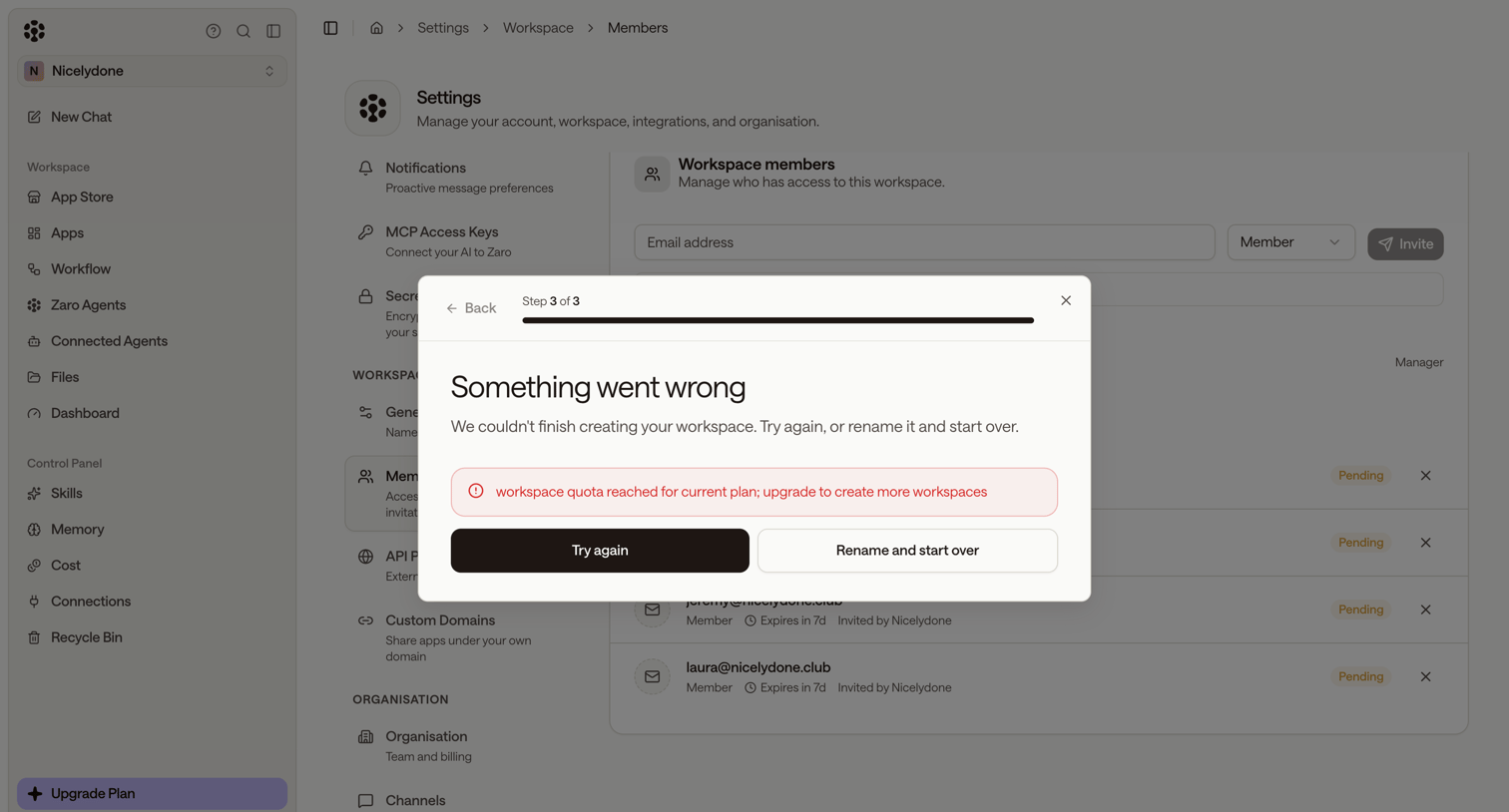

Settings page where a modal blocks workspace creation due to a plan quota limit, prompting the user to try again or rename the workspace.

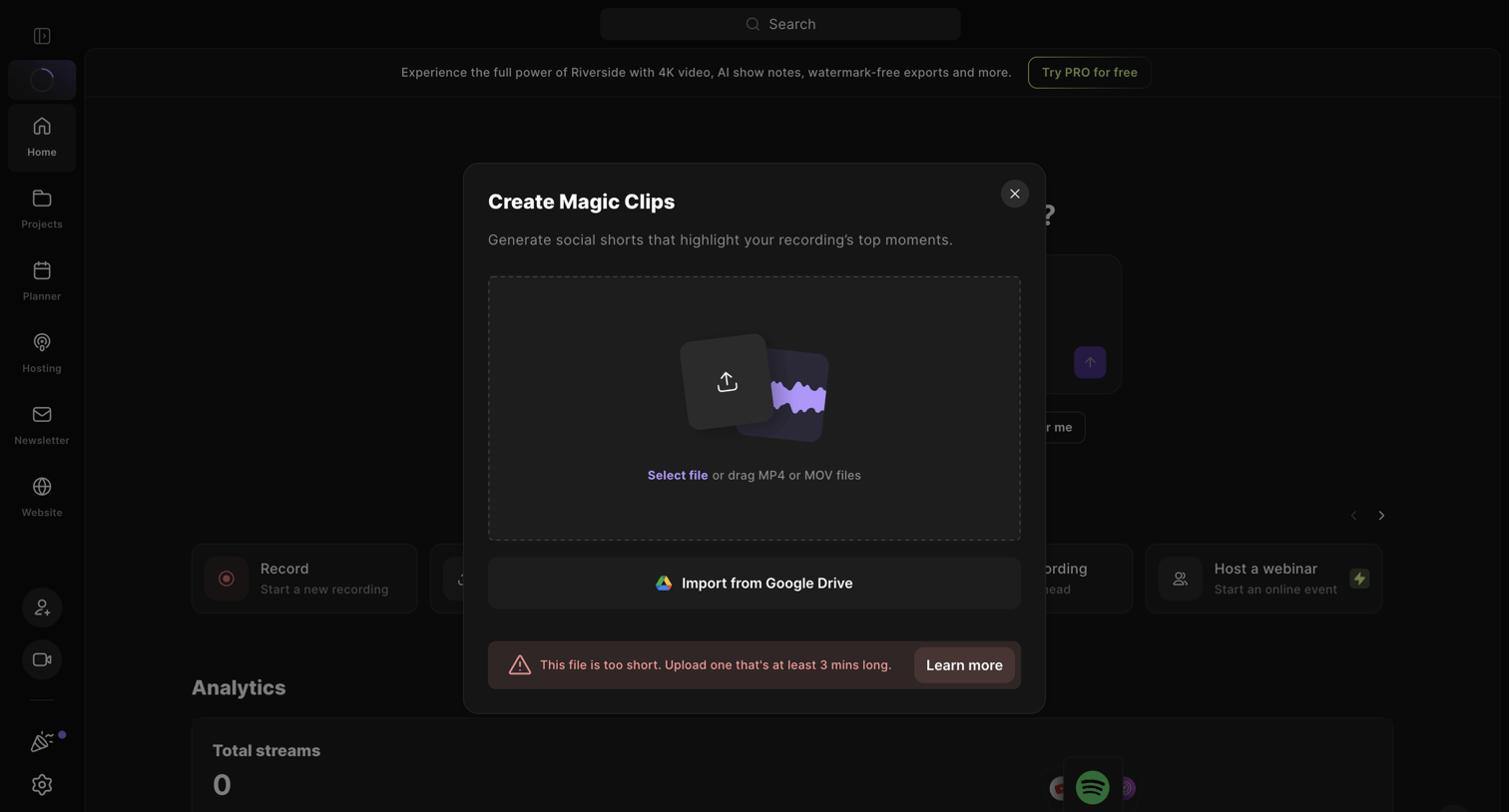

Creation modal for generating AI social shorts where a file upload has failed with a minimum duration error.

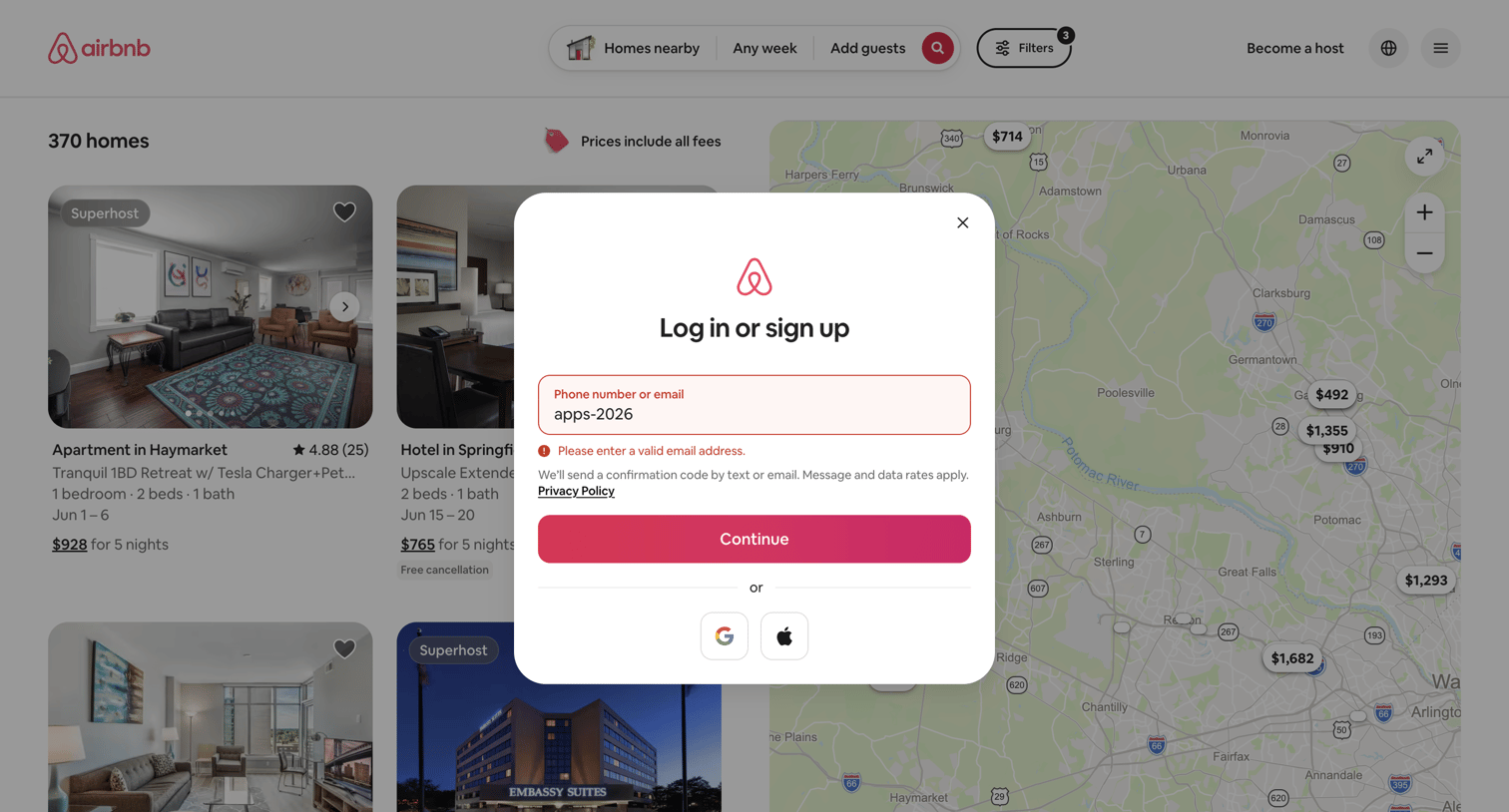

Sign-in and sign-up modal where the user has entered an invalid email address, triggering an inline error message above the continue button, overlaid on a map-based property search.

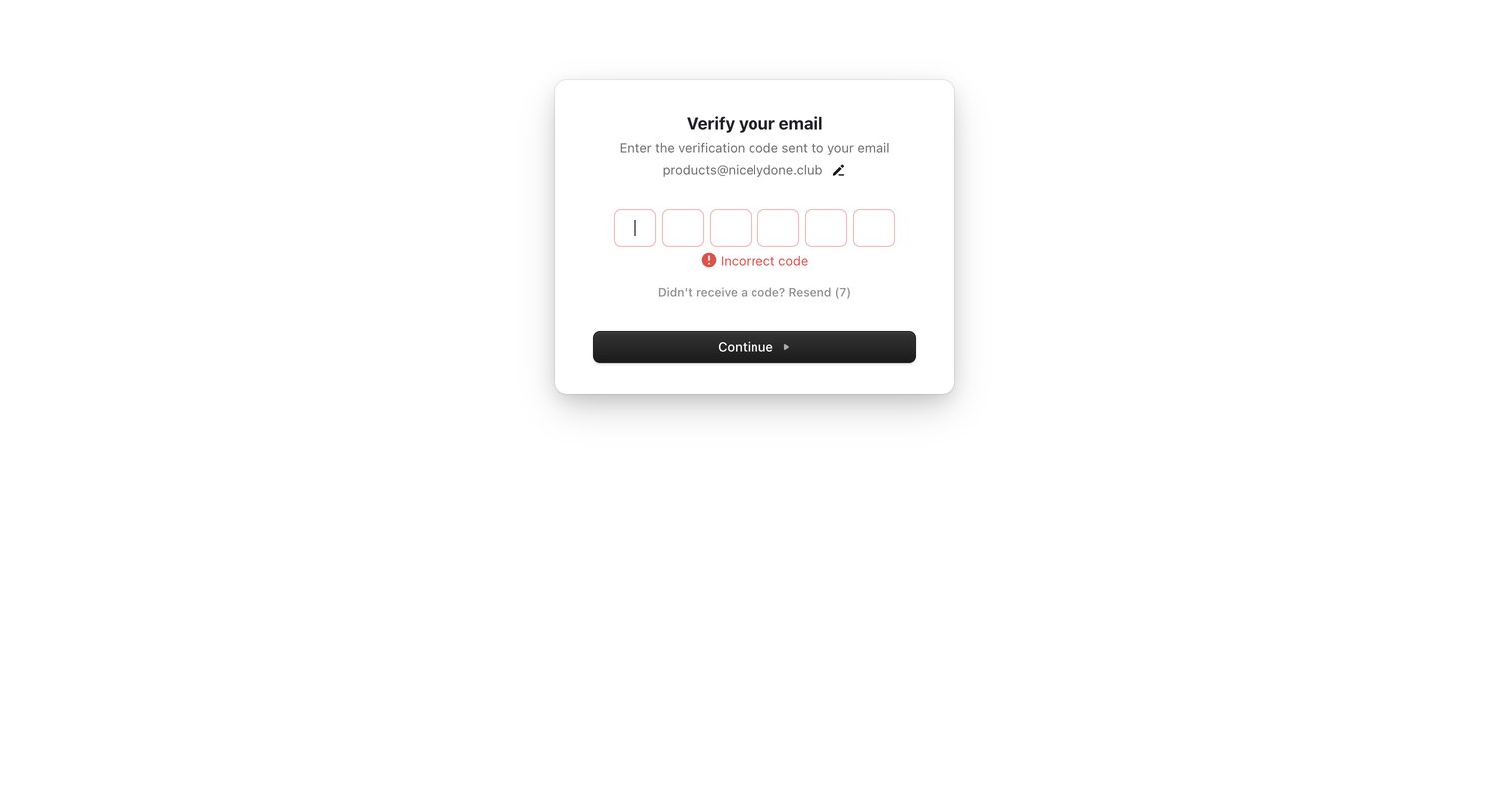

Email verification screen where the user is prompted to re-enter a 6-digit code after an incorrect attempt.


Explore the full SaaS screen library
Upgrade to unlock the full library.
Trusted by the best teams








About Error
See how apps explain when a task cannot continue. Explore how error messages describe the problem and present recovery actions alongside the information people need to try again.