User permissions screen examples
User permissions screen design examples from SaaS apps. Browse examples from Polar, Latitude.sh, Lithic.
Explore the examples
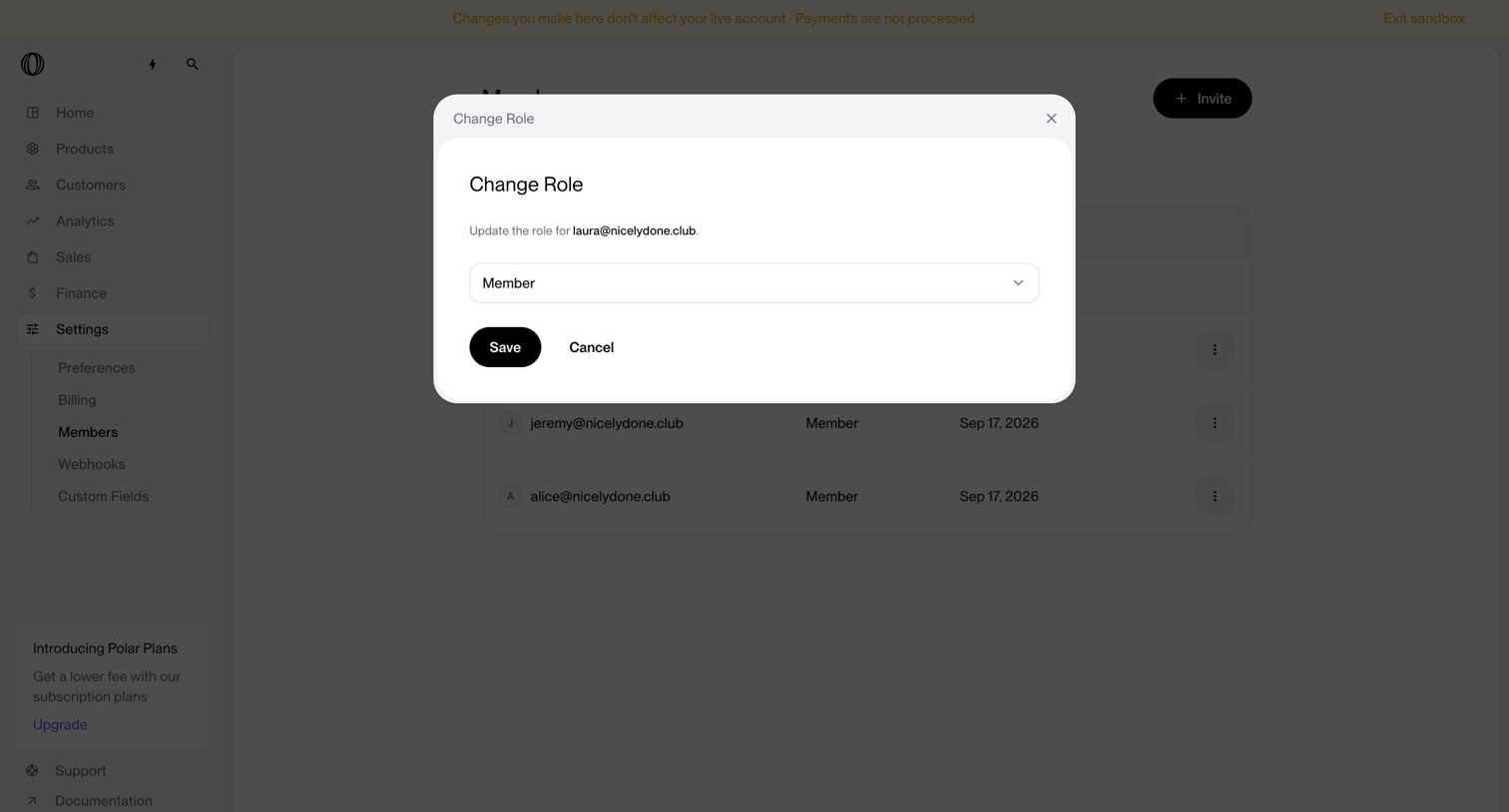

Settings page where the user changes the role of a specific team member from a dropdown menu inside a modal.
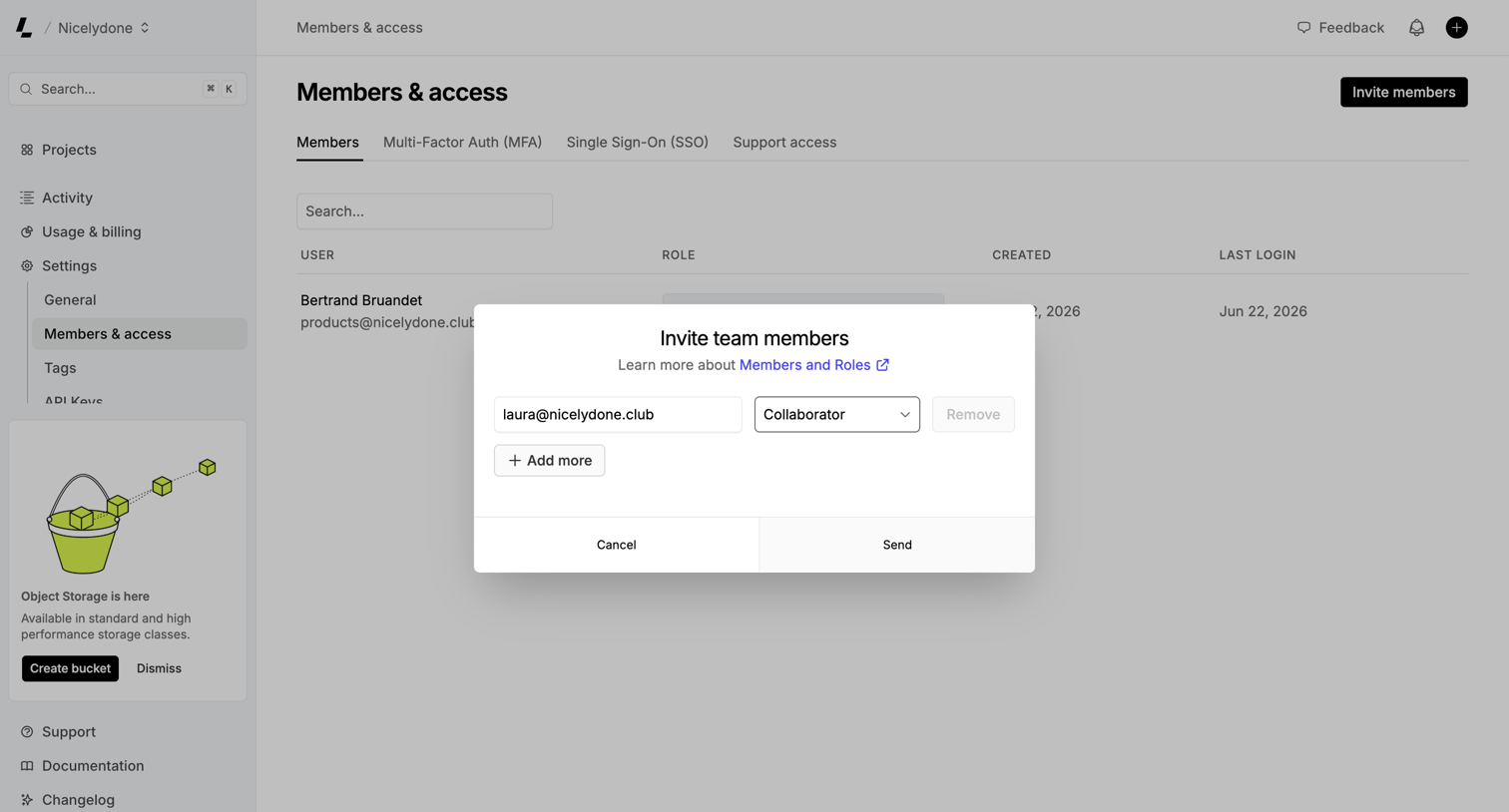

Settings page where the user invites new team members by entering their email address and assigning a role via a modal.
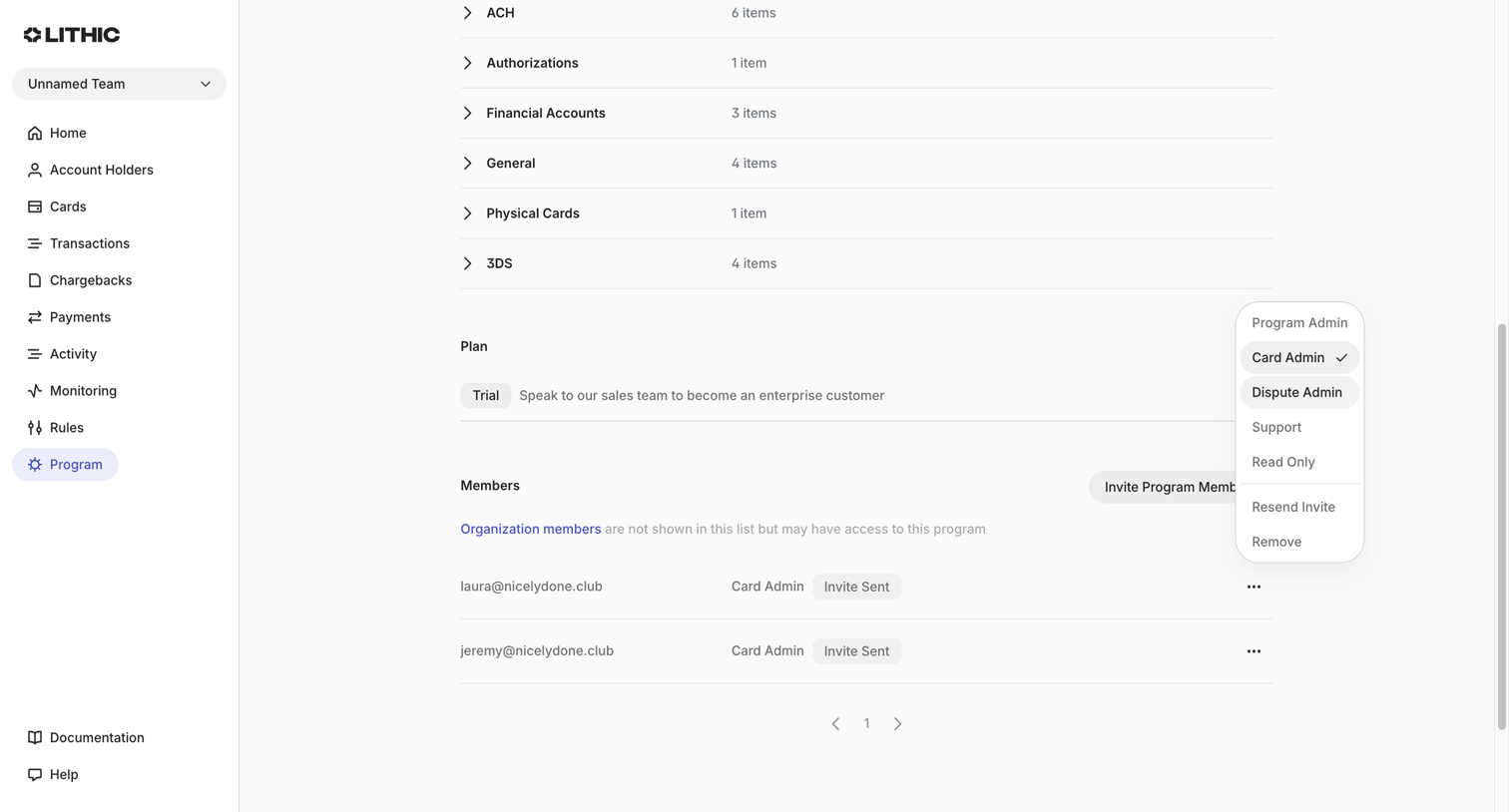

Settings page where the user manages program members, assigns roles like Card Admin or Dispute Admin, and views their current plan.
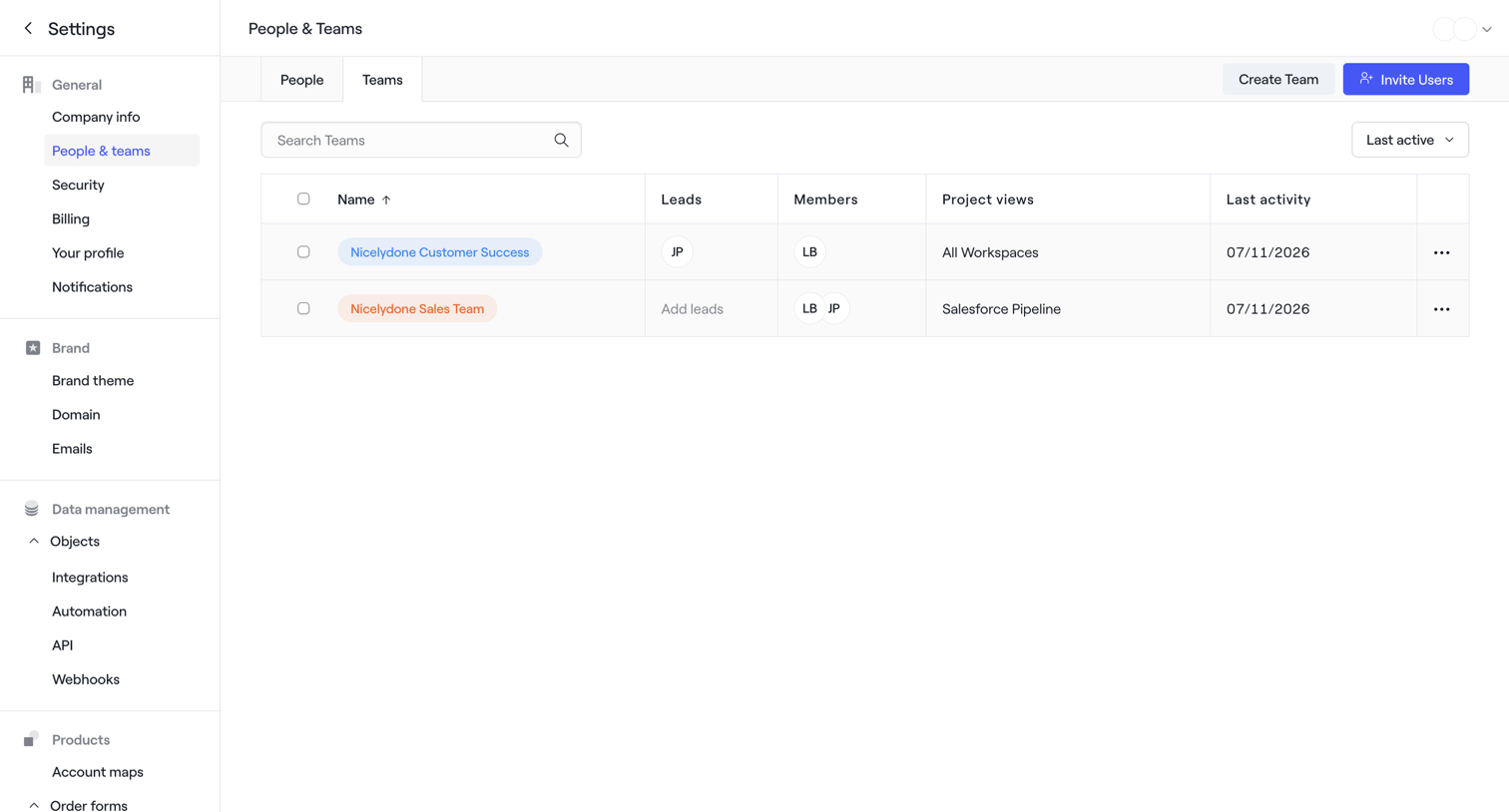

Settings page where the user manages workspace teams, with options to search, sort by last active, create a new team, or invite users.
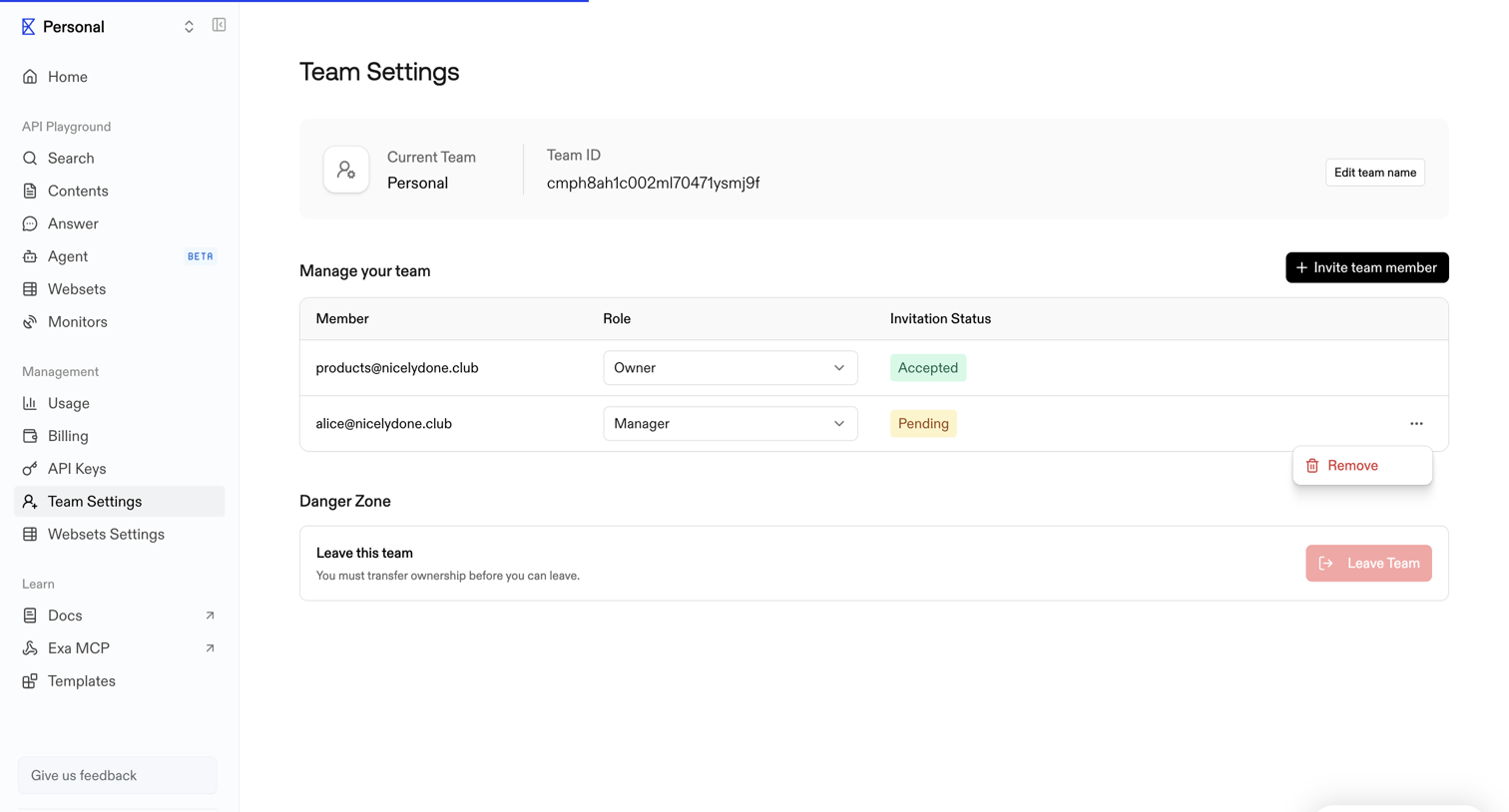

Settings page where the user manages team members, assigns roles, and views invitation statuses.
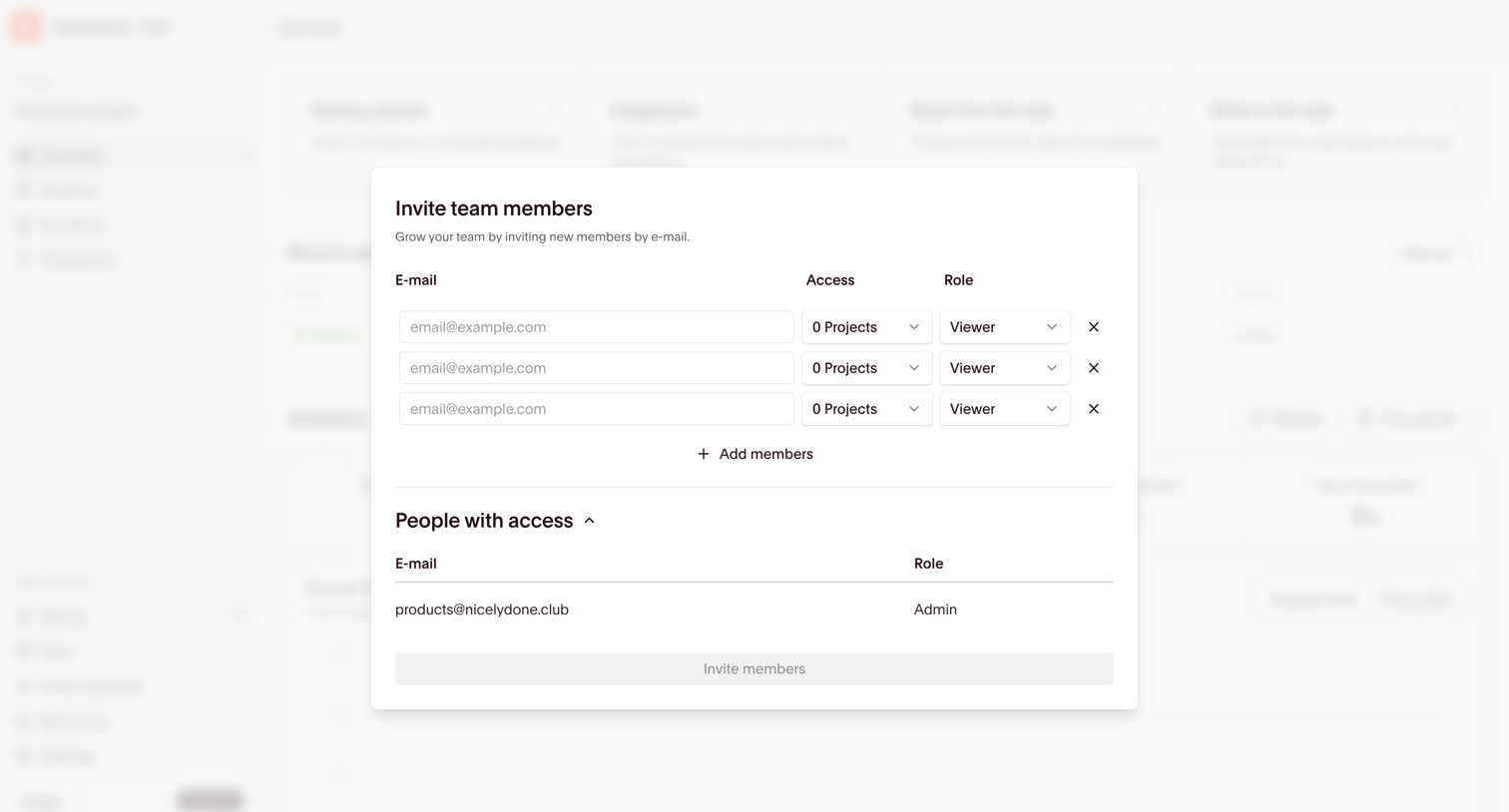

Dashboard overview with a modal open to invite new team members by email and assign them project access and roles.
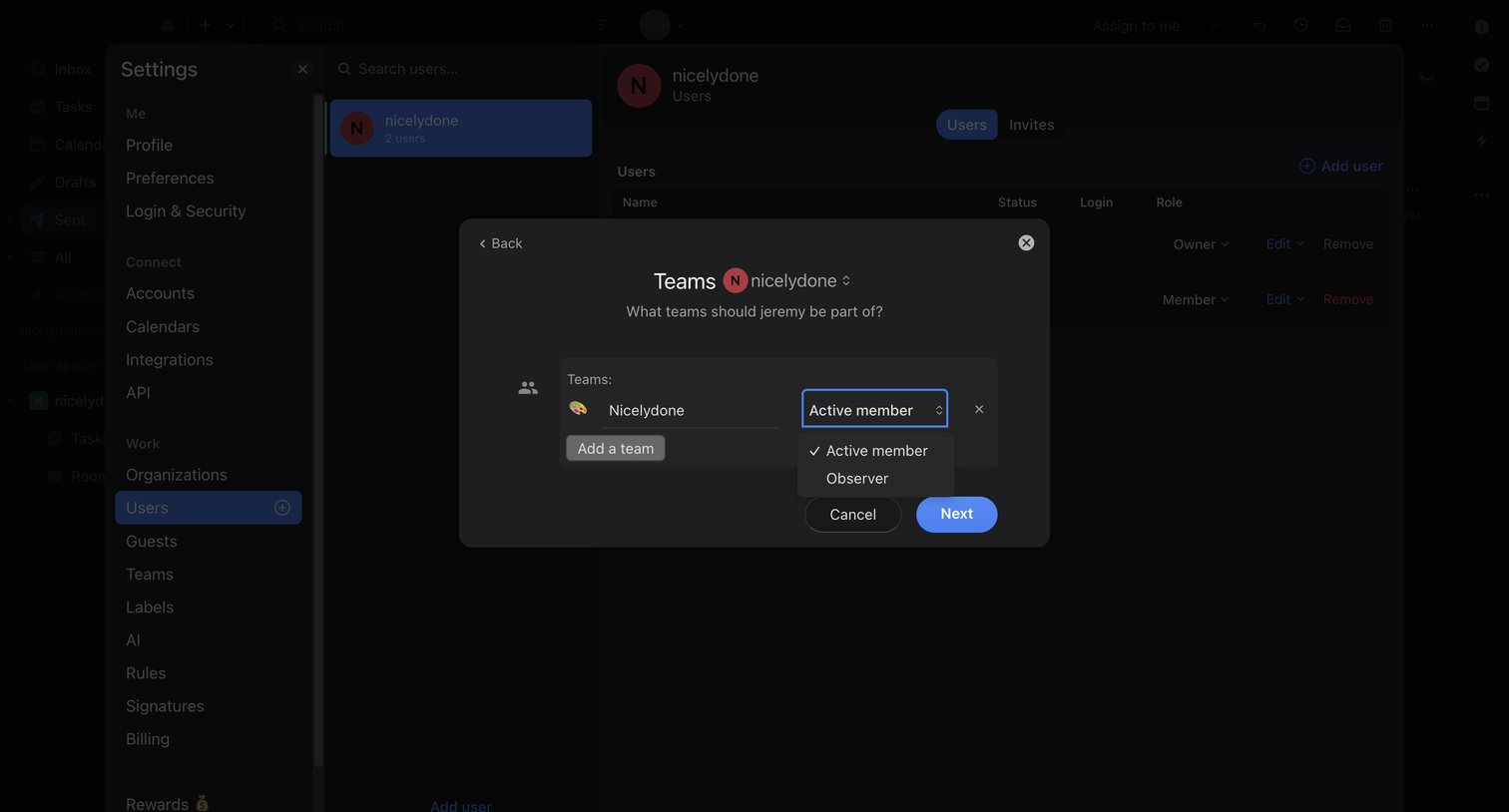

Settings page where an admin assigns a user to specific teams with active or observer roles via a modal.
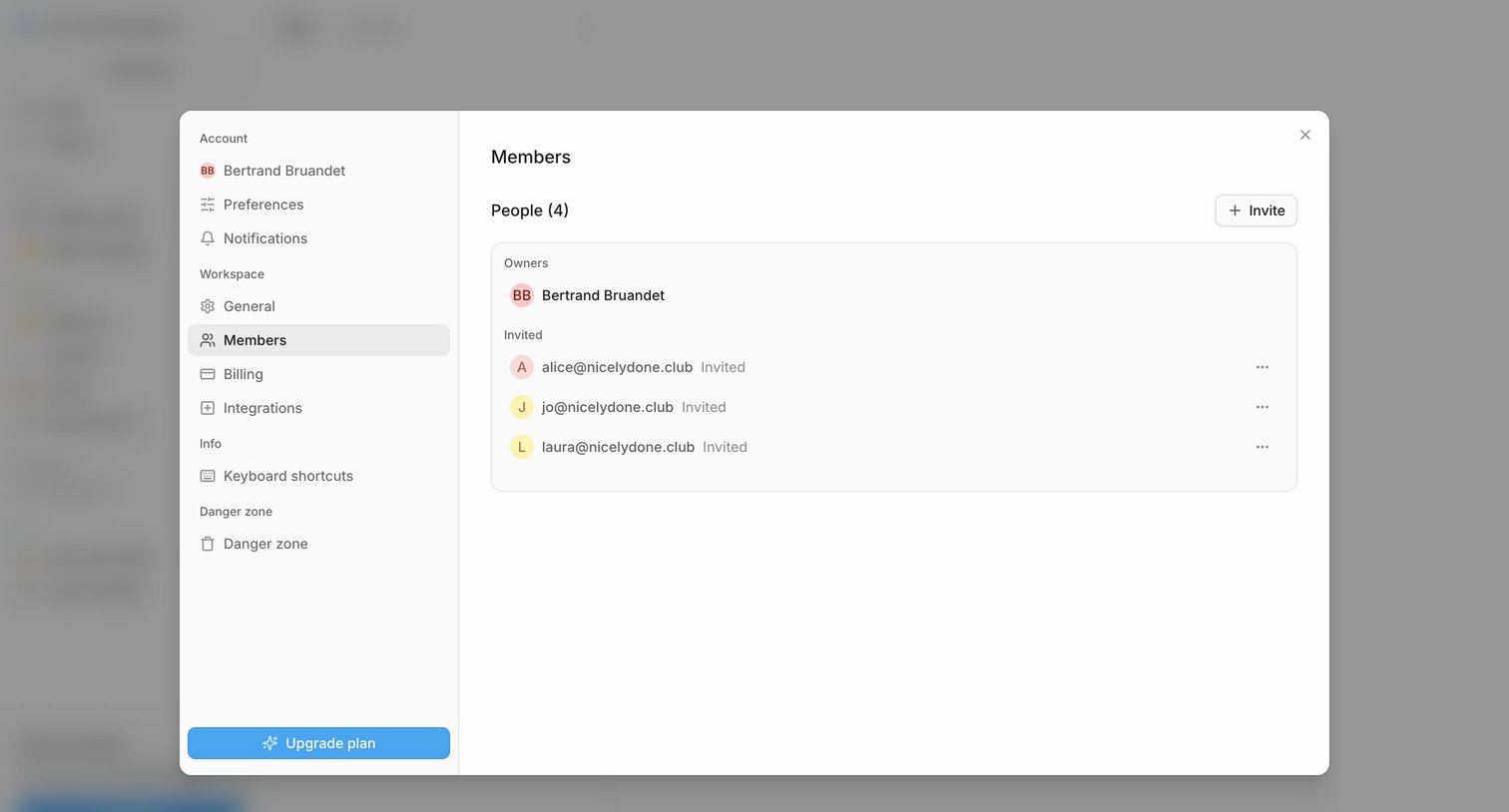

Settings modal where the user manages workspace members, views pending invitations, and can invite new people.
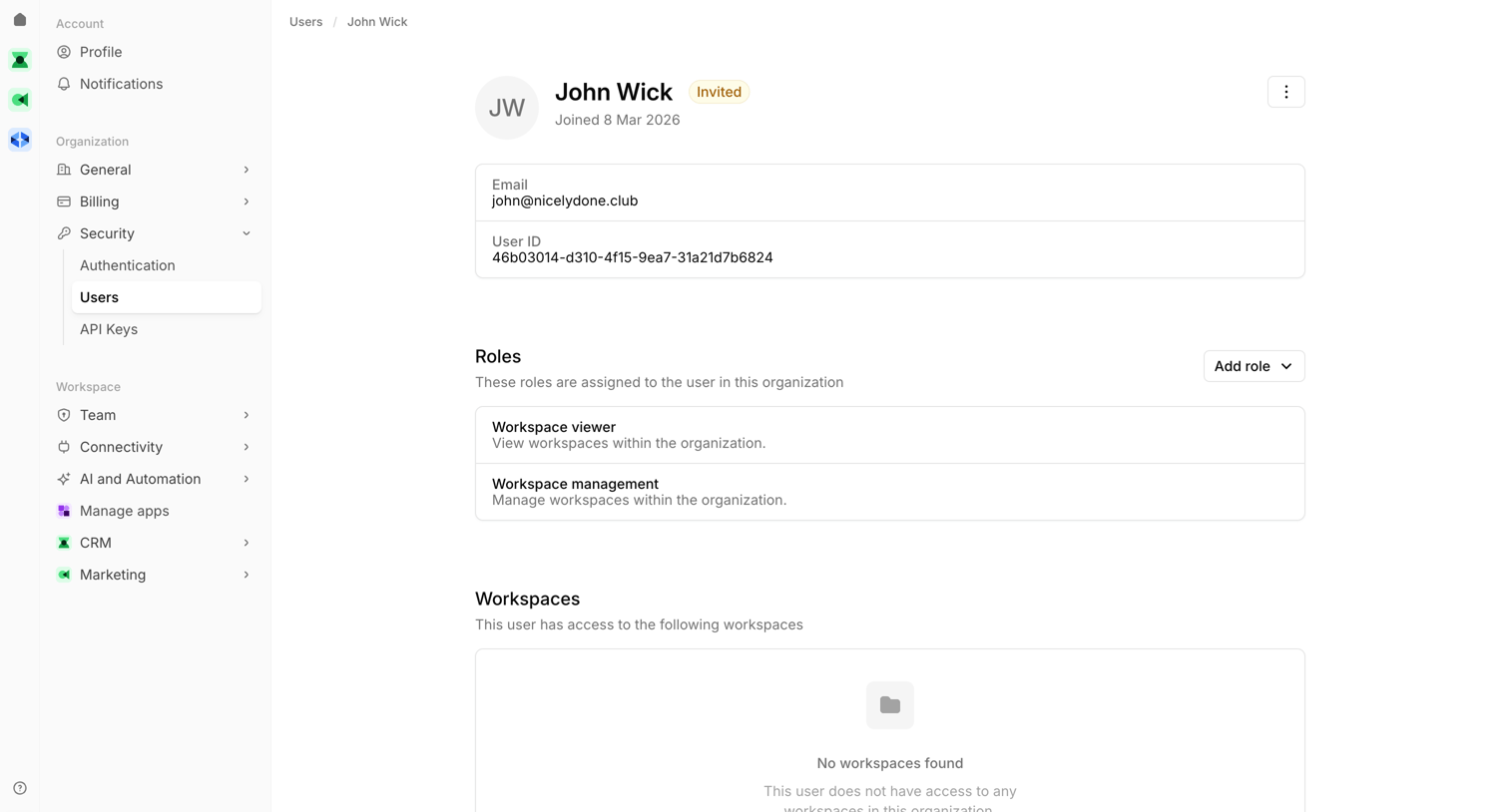

Settings page where an admin views a specific user's profile, manages their assigned roles, and can remove them from the organization.
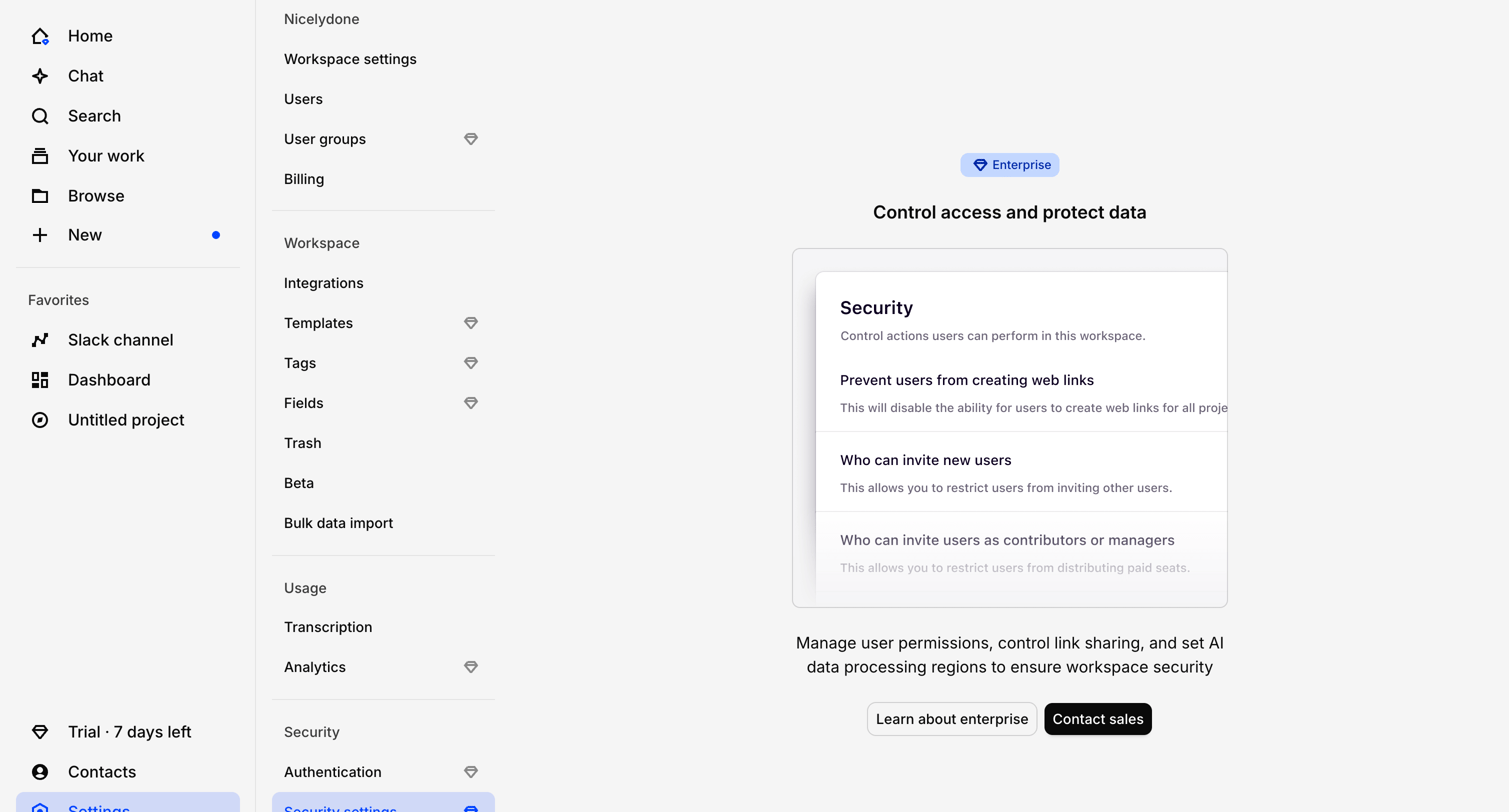

Settings page where the user is blocked from accessing security controls like link sharing and user invites by an Enterprise plan paywall.
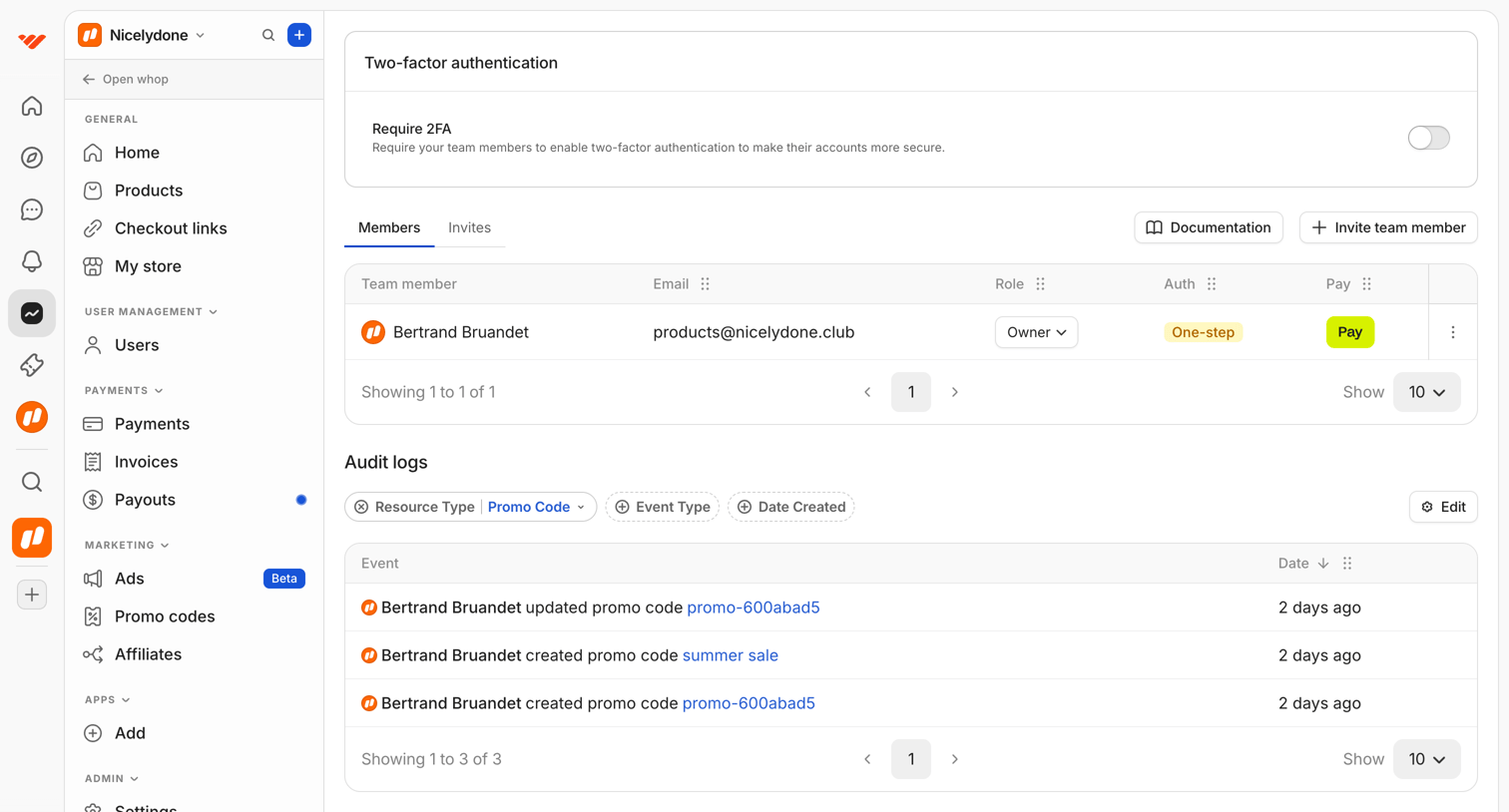

Settings page where the user manages team members, configures two-factor authentication, and reviews audit logs filtered by promo code.
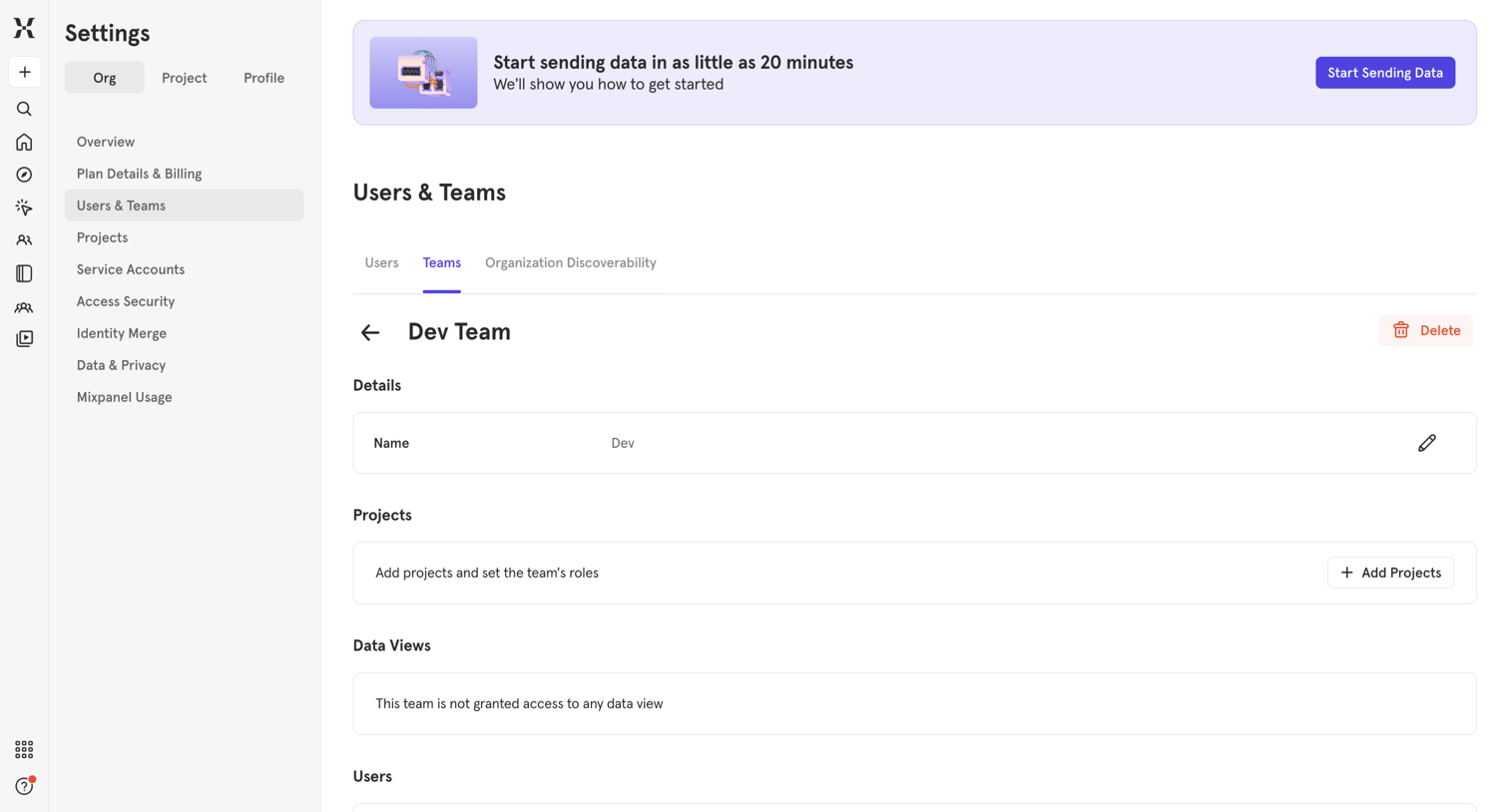

Settings page where the user manages details, projects, data views, and users for a specific team.
Explore the full SaaS screen library
Upgrade to unlock the full library.
Trusted by the best teams







