Upgrade modal screen examples
Upgrade modal screen design examples from SaaS apps. Browse examples from Magnific, Zaro, Riverside.
Explore the examples
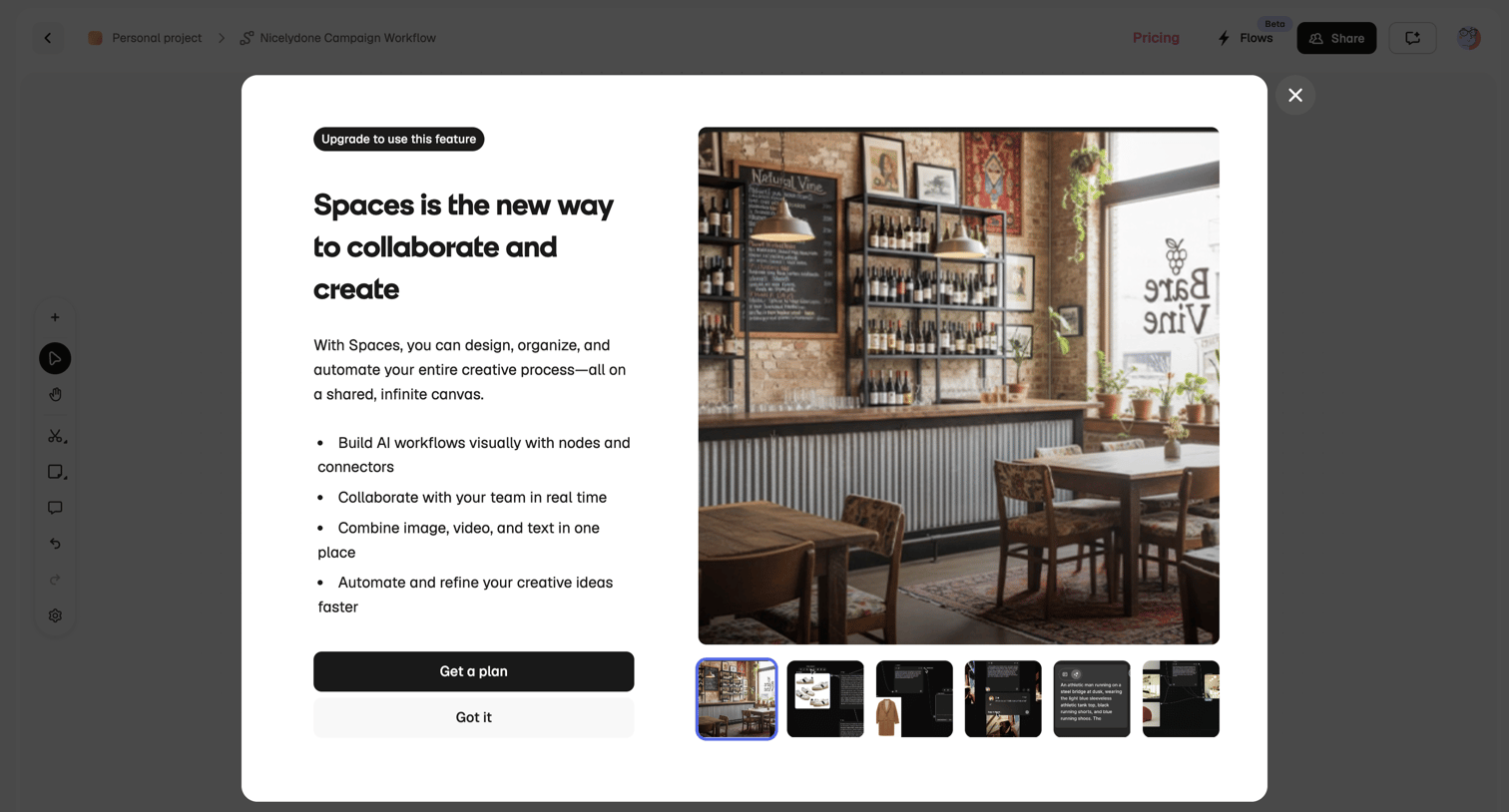

Modal prompting the user to upgrade their plan to access the Spaces collaborative canvas feature, showcasing a carousel of feature previews.
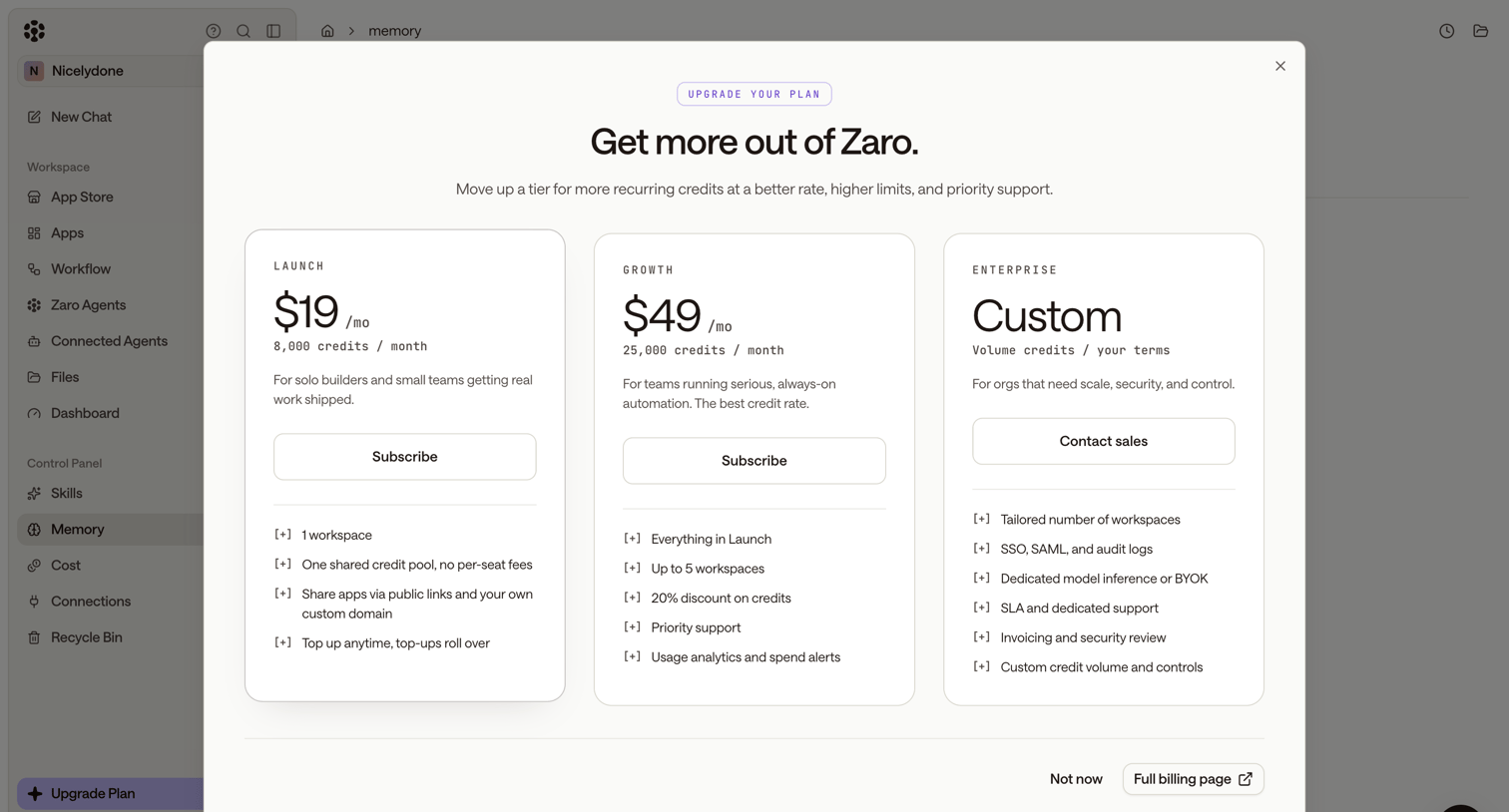

Paywall modal where the user can upgrade their subscription by choosing between Launch, Growth, and Enterprise tiers.
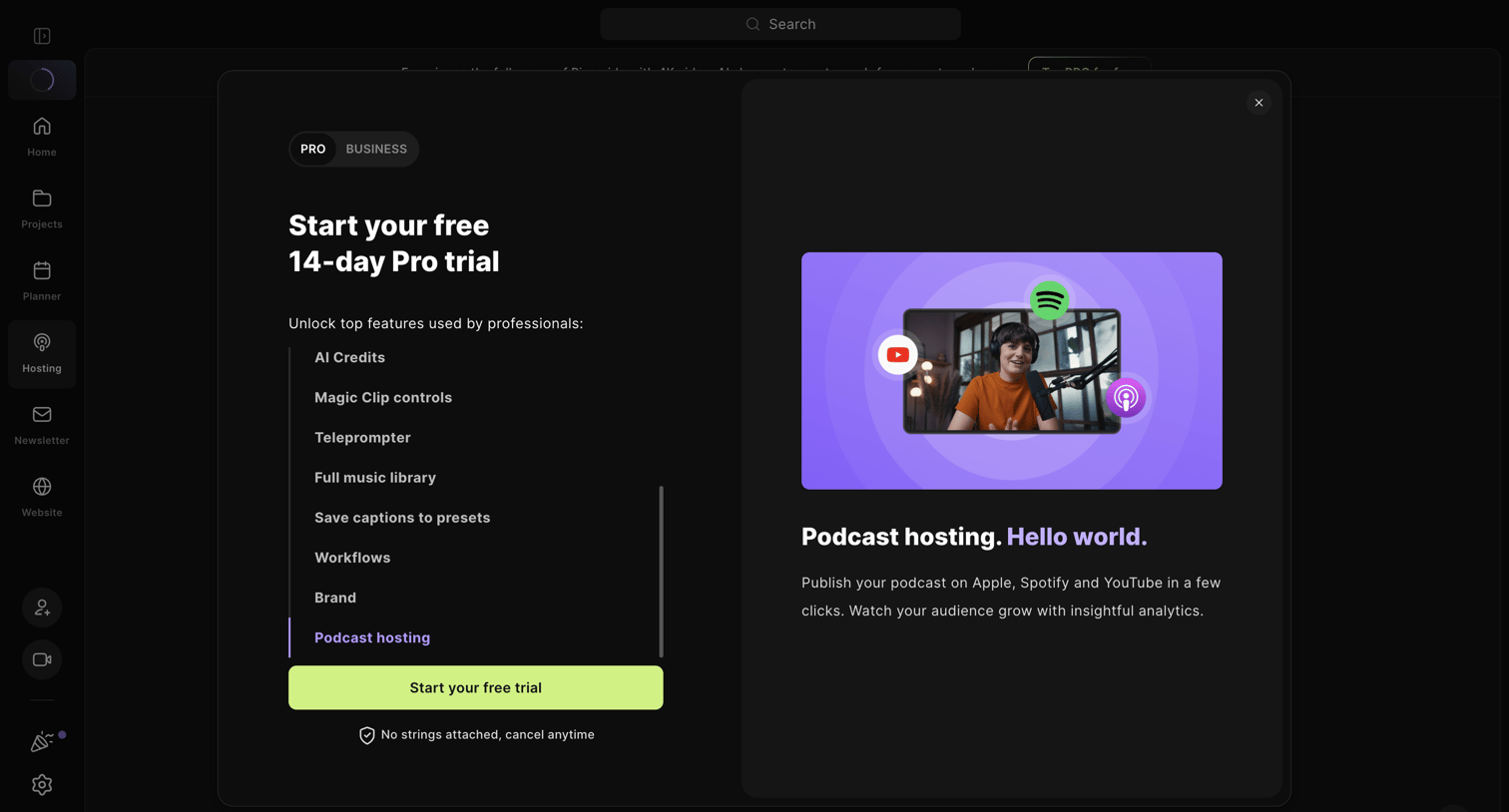

Paywall modal where the user is prompted to start a 14-day free Pro trial to unlock features like podcast hosting, AI credits, and magic clip controls.
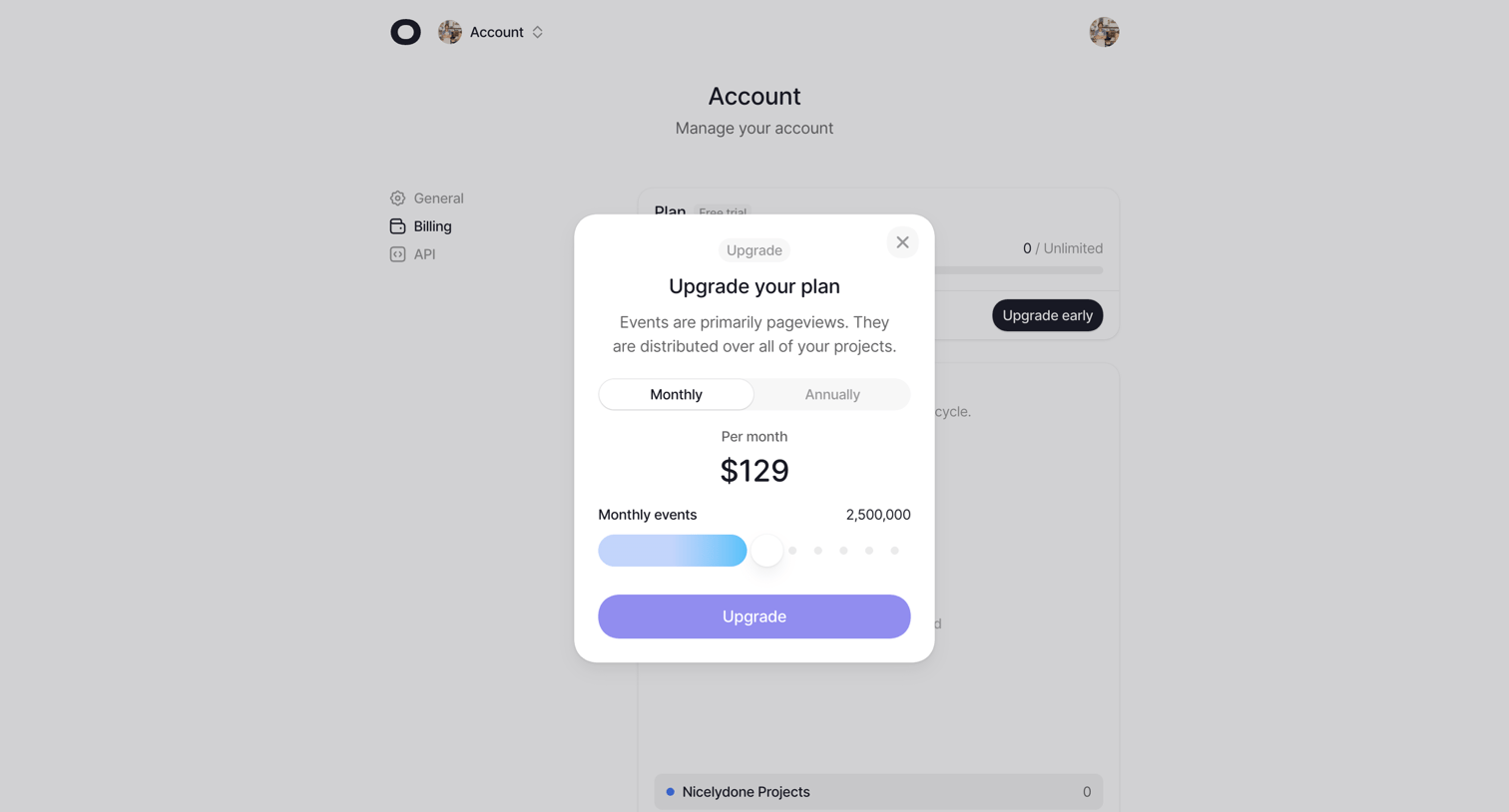

Settings page where the user configures their billing plan by selecting between monthly and annual billing and adjusting their monthly event quota via a slider.
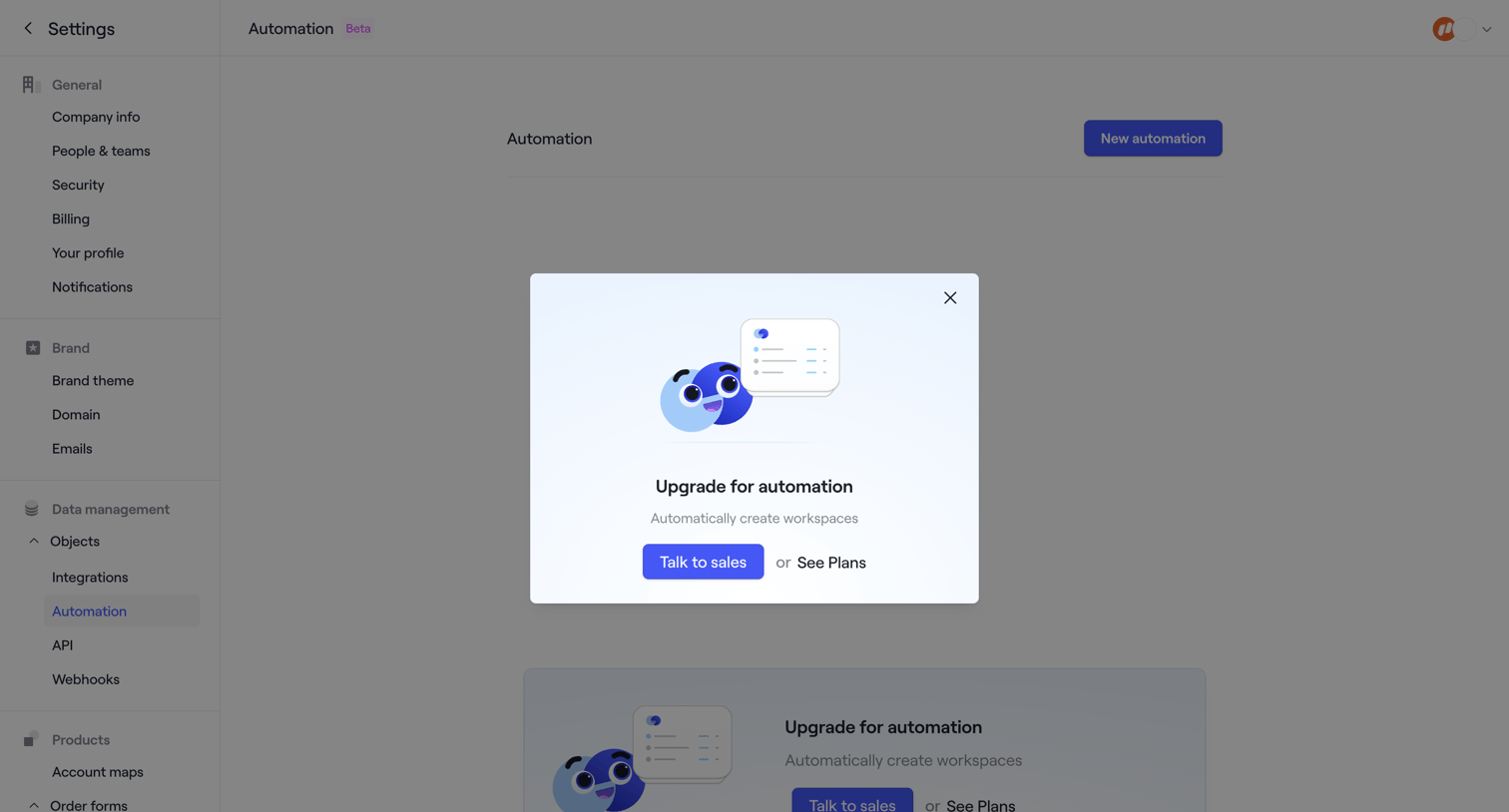

Settings page where the user is blocked from accessing automation features by a modal prompting them to talk to sales or view plans.
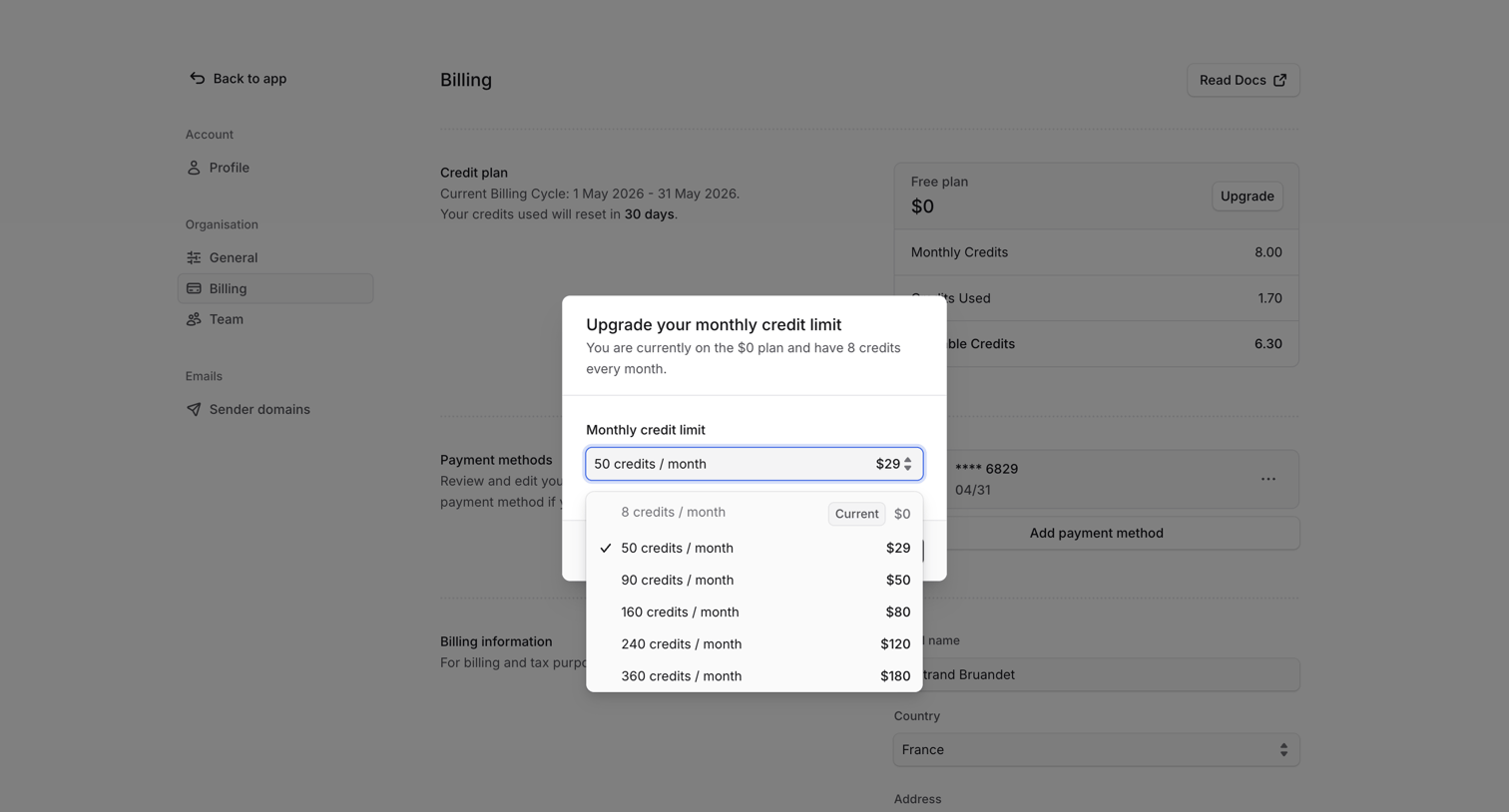

Settings page where the user is upgrading their monthly credit limit via a modal with a dropdown selector.
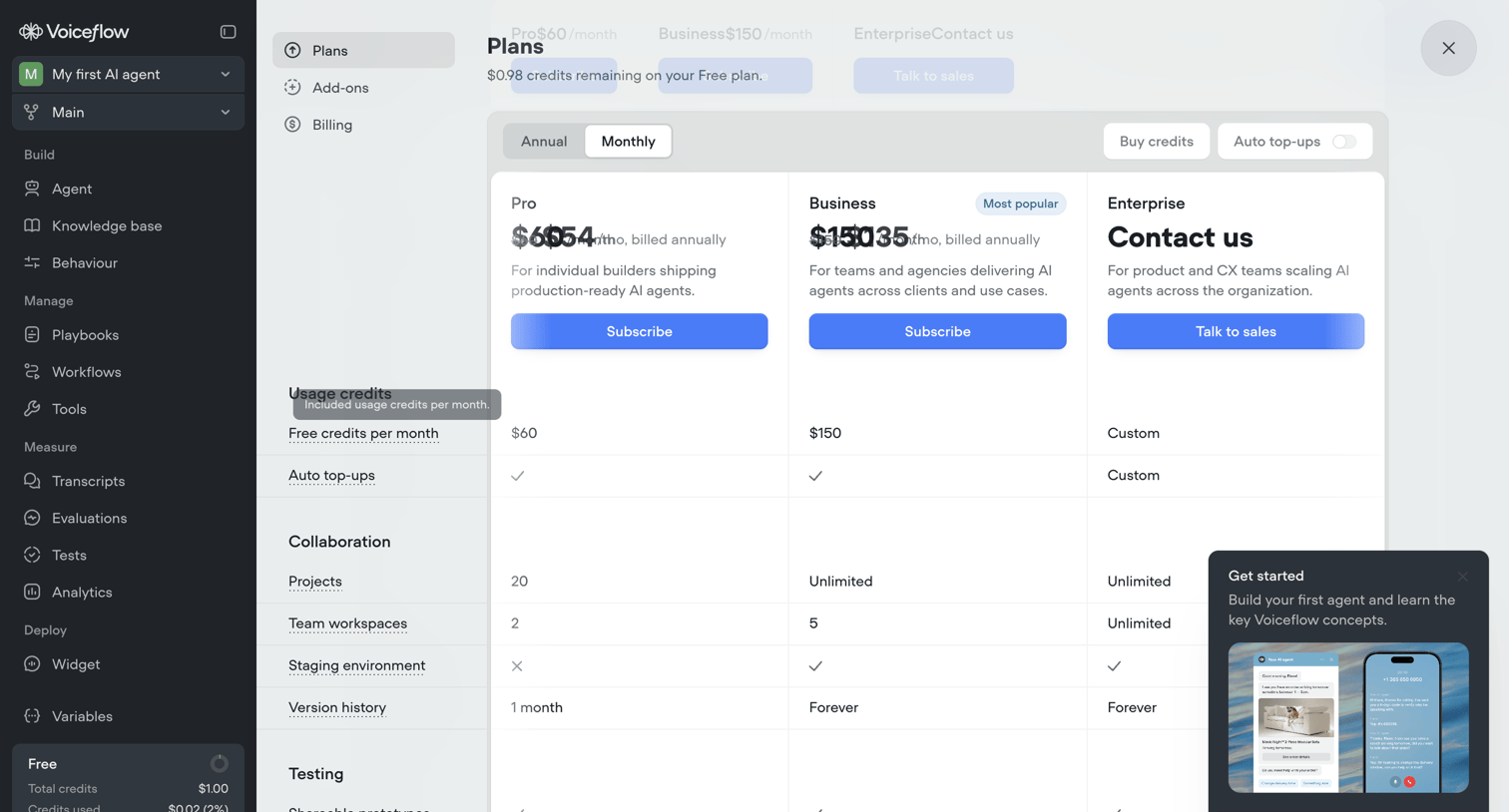

Upgrade screen where the user compares Pro, Business, and Enterprise tiers to increase their workspace limits, choosing between annual and monthly billing cycles and reviewing credit usage details.
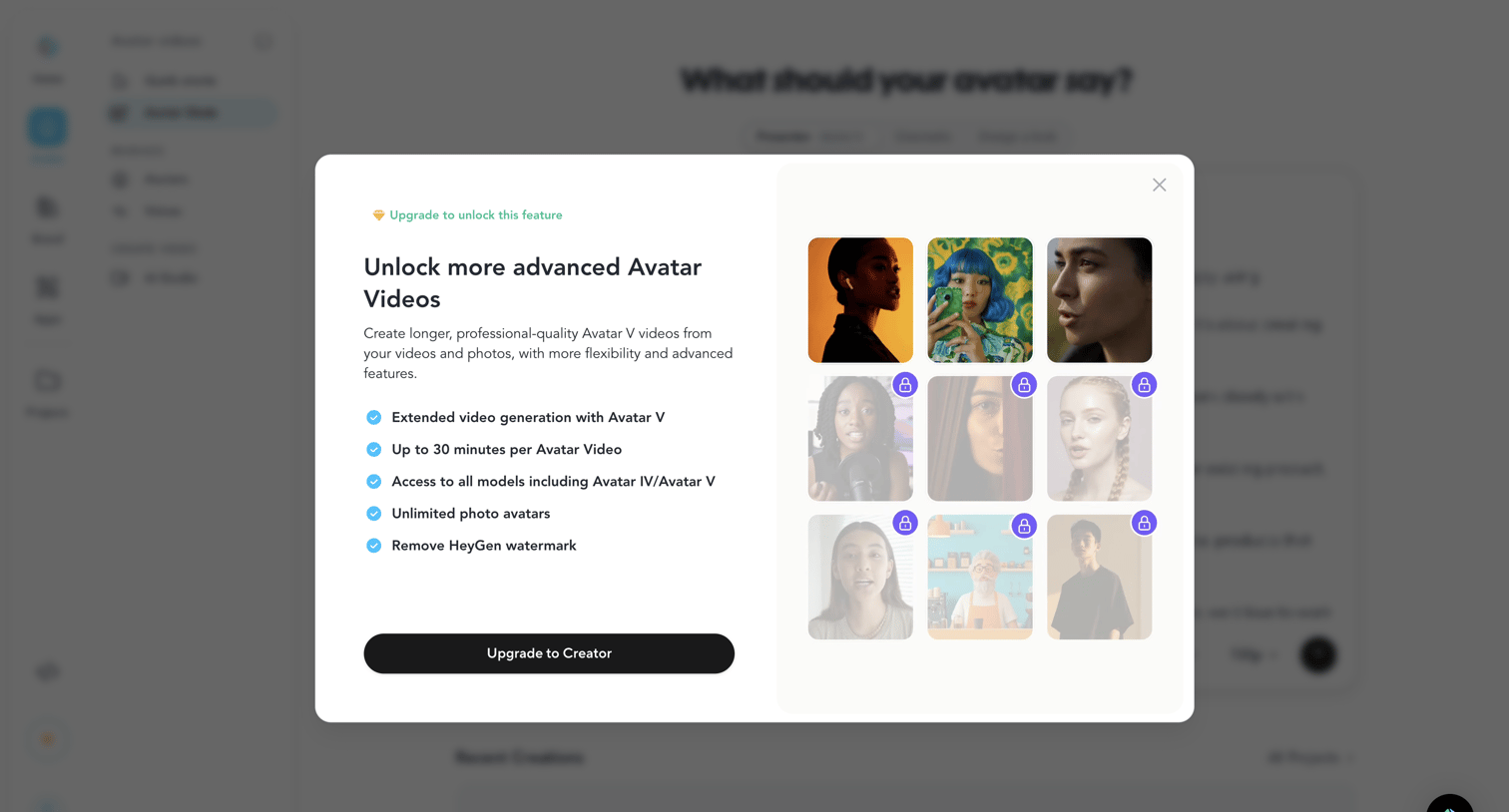

App screen where a feature gate modal prompts the user to upgrade to the Creator plan to unlock advanced avatar videos and models.
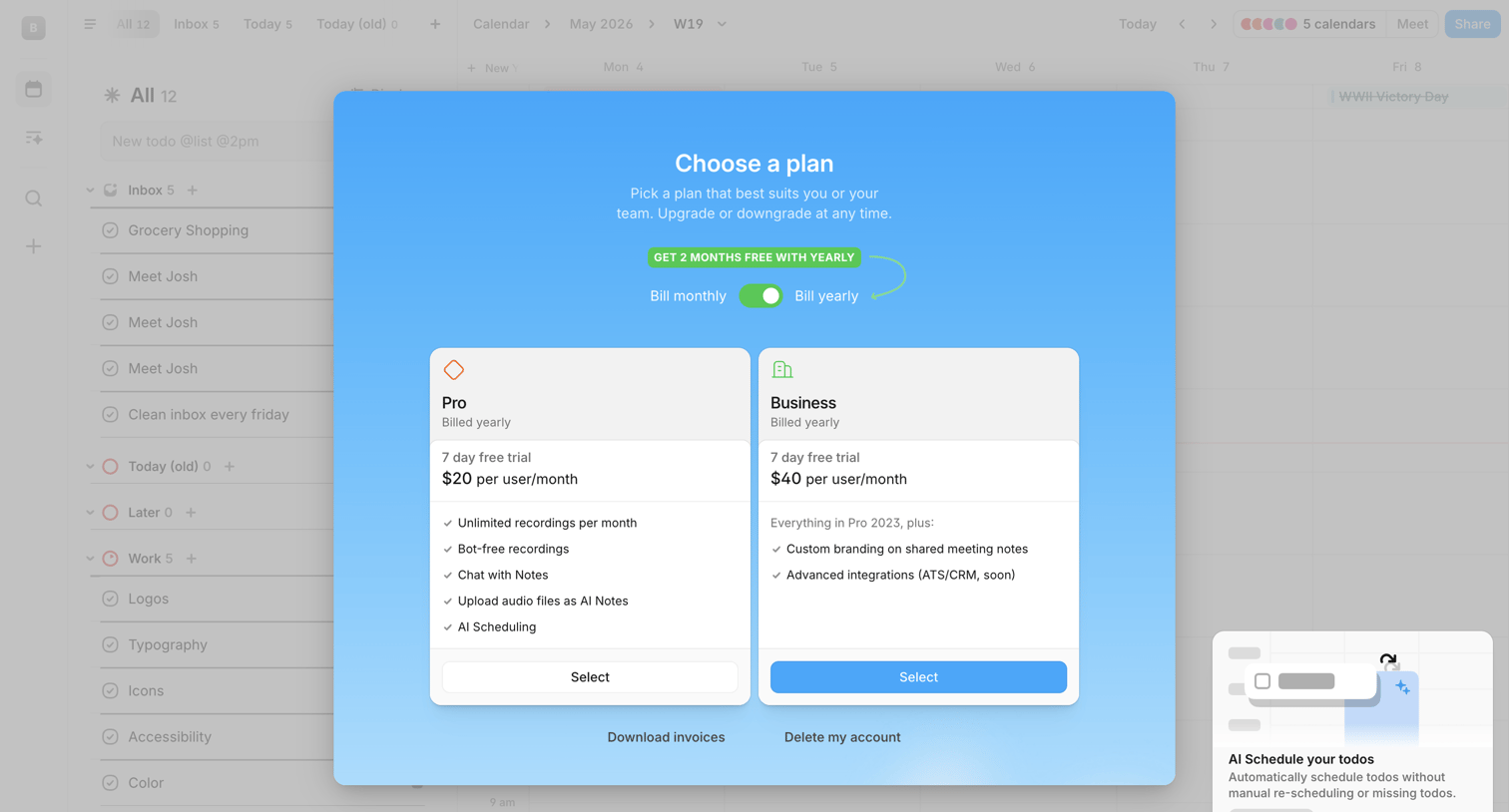

Paywall modal where the user can choose between Pro and Business plans, toggle yearly billing for a discount, or access account management options.
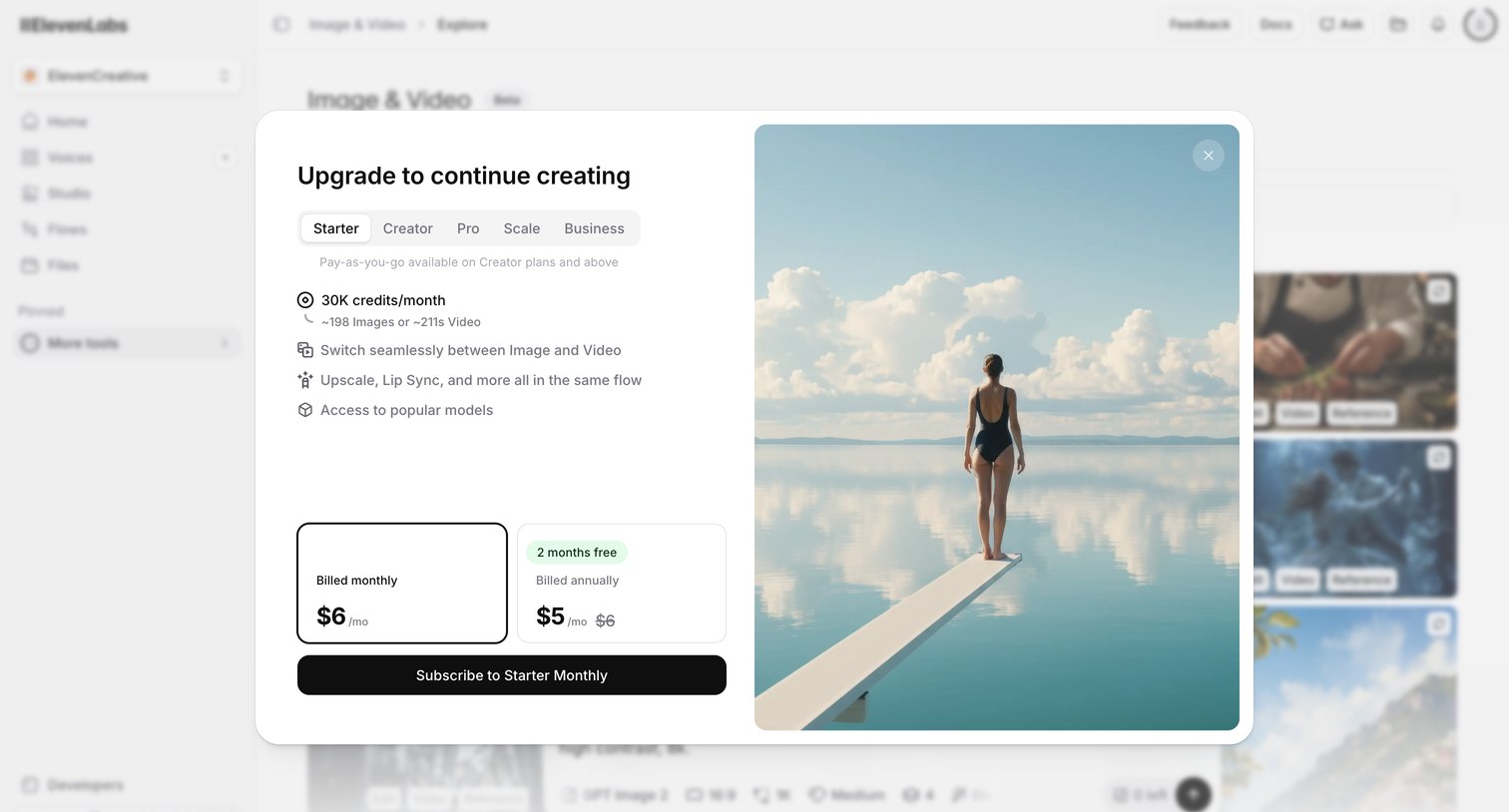

App screen where a modal prompts the user to upgrade their plan to continue generating images and videos, showing a pricing comparison between monthly and annual billing for the Starter tier.
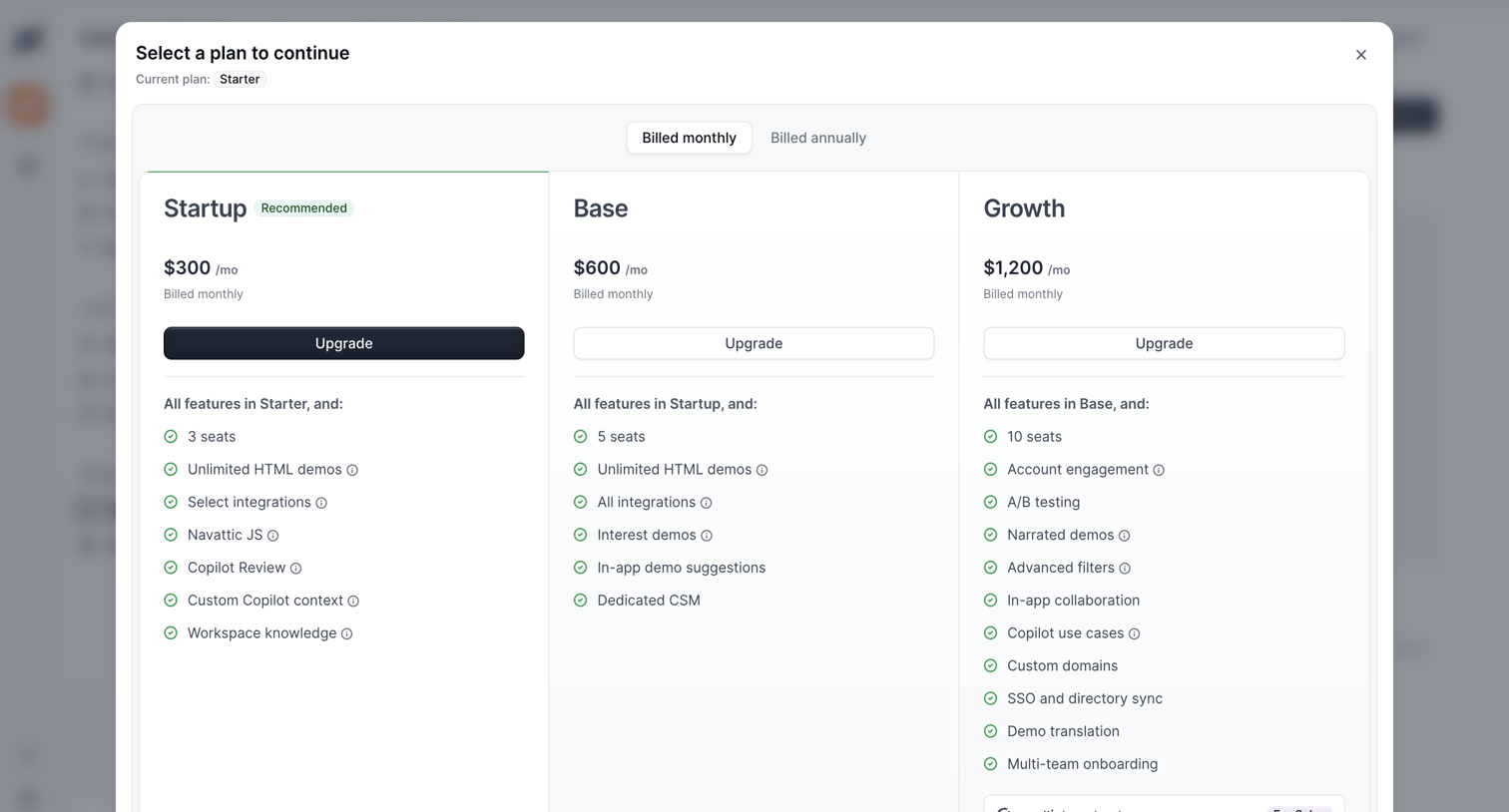

Modal overlay where the user selects a subscription plan to continue, choosing between Startup, Base, and Growth tiers with monthly or annual billing.
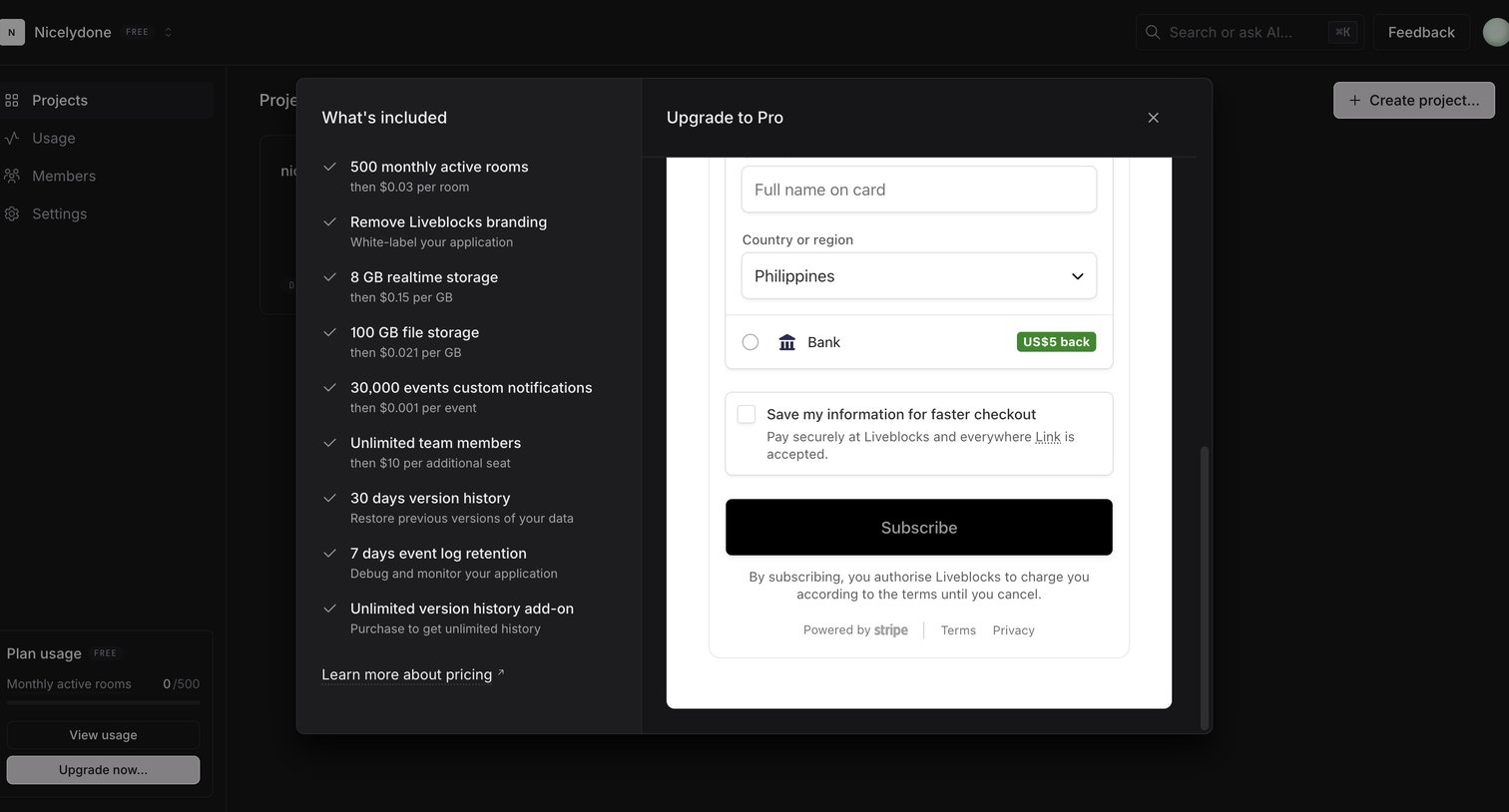

Checkout modal where the user reviews Pro plan features like realtime storage and active rooms, and enters payment details via Stripe.
Explore the full SaaS screen library
Upgrade to unlock the full library.
Trusted by the best teams







