Team creation screen examples
Team creation screen design examples from SaaS apps. Browse examples from Latitude.sh, Alloy, Steel.
Explore the examples
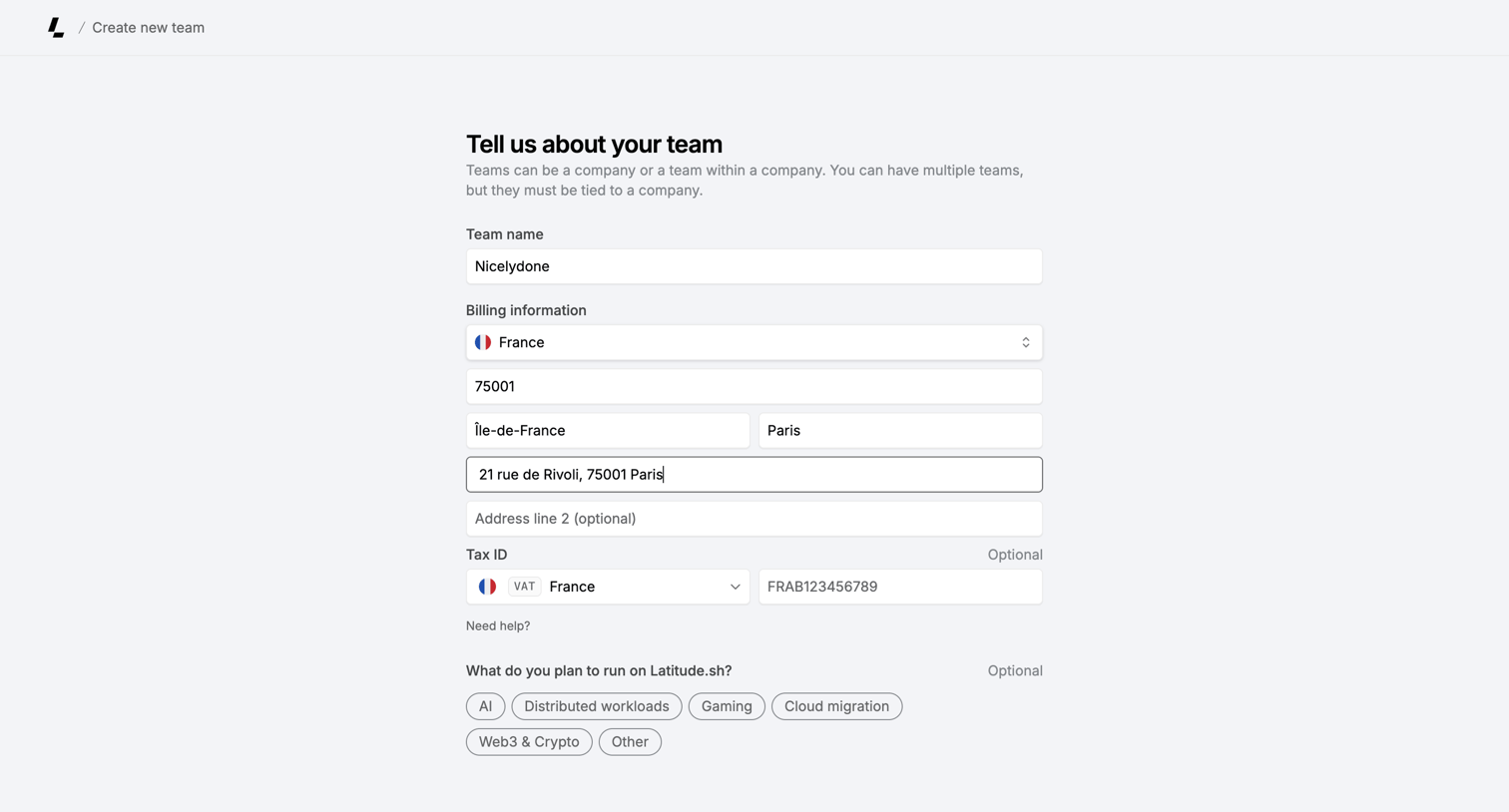

Creation form where the user sets up a new team by providing a name, billing address, tax ID, and intended use cases.
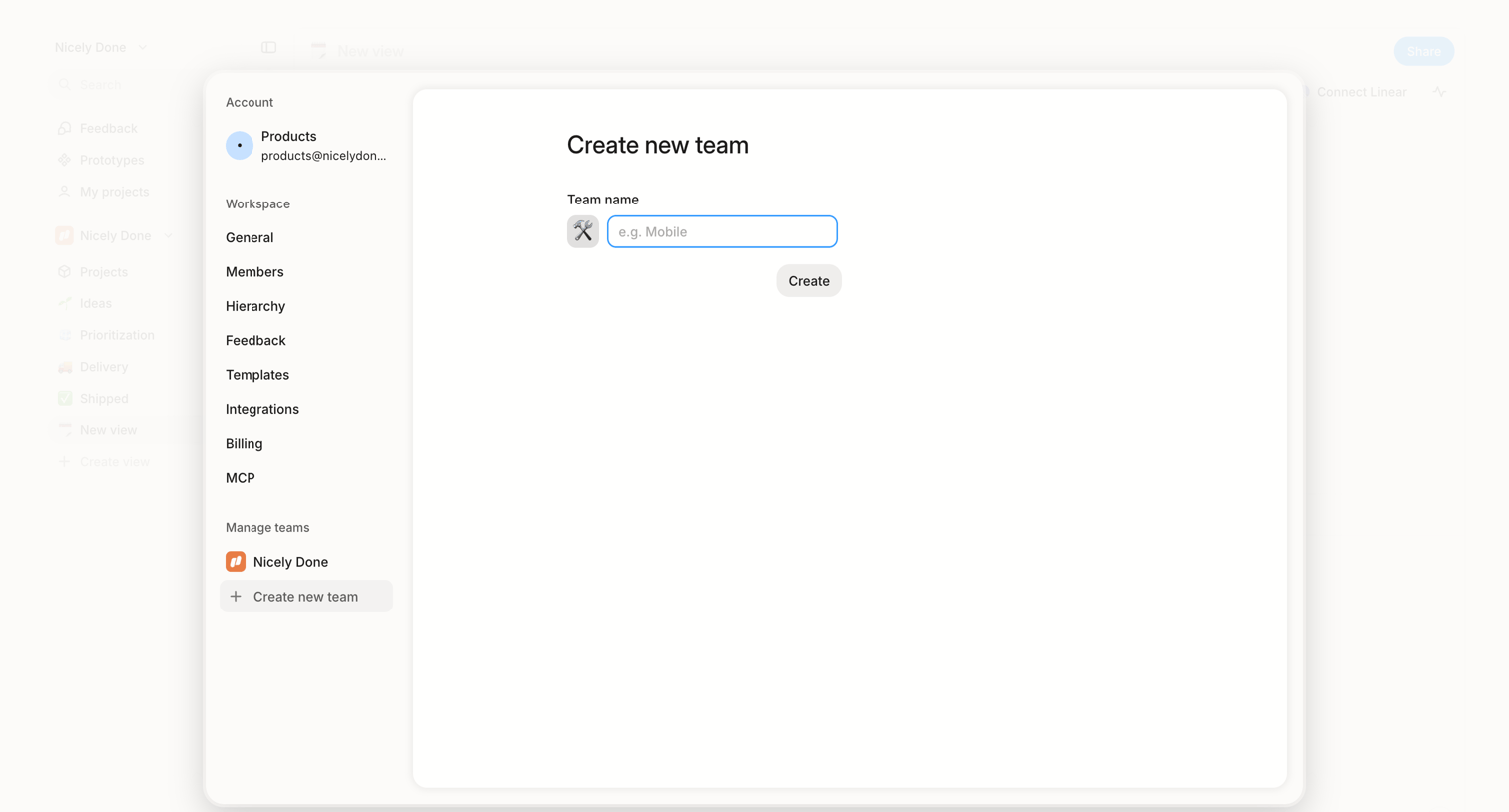

Settings modal where the user creates a new team by selecting an icon and entering a team name.
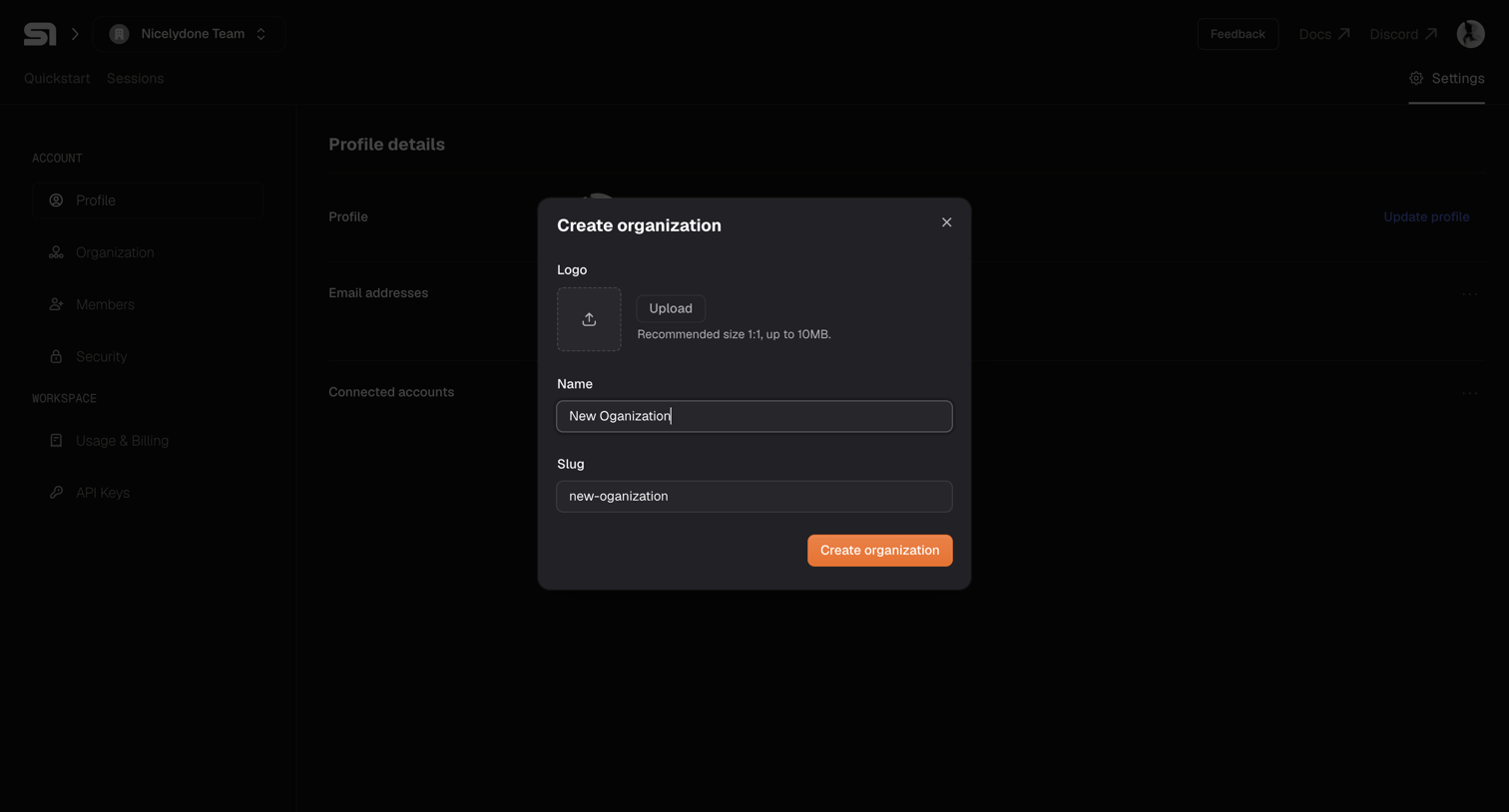

Settings page where the user creates a new organization by providing a logo, name, and slug via a modal overlay.
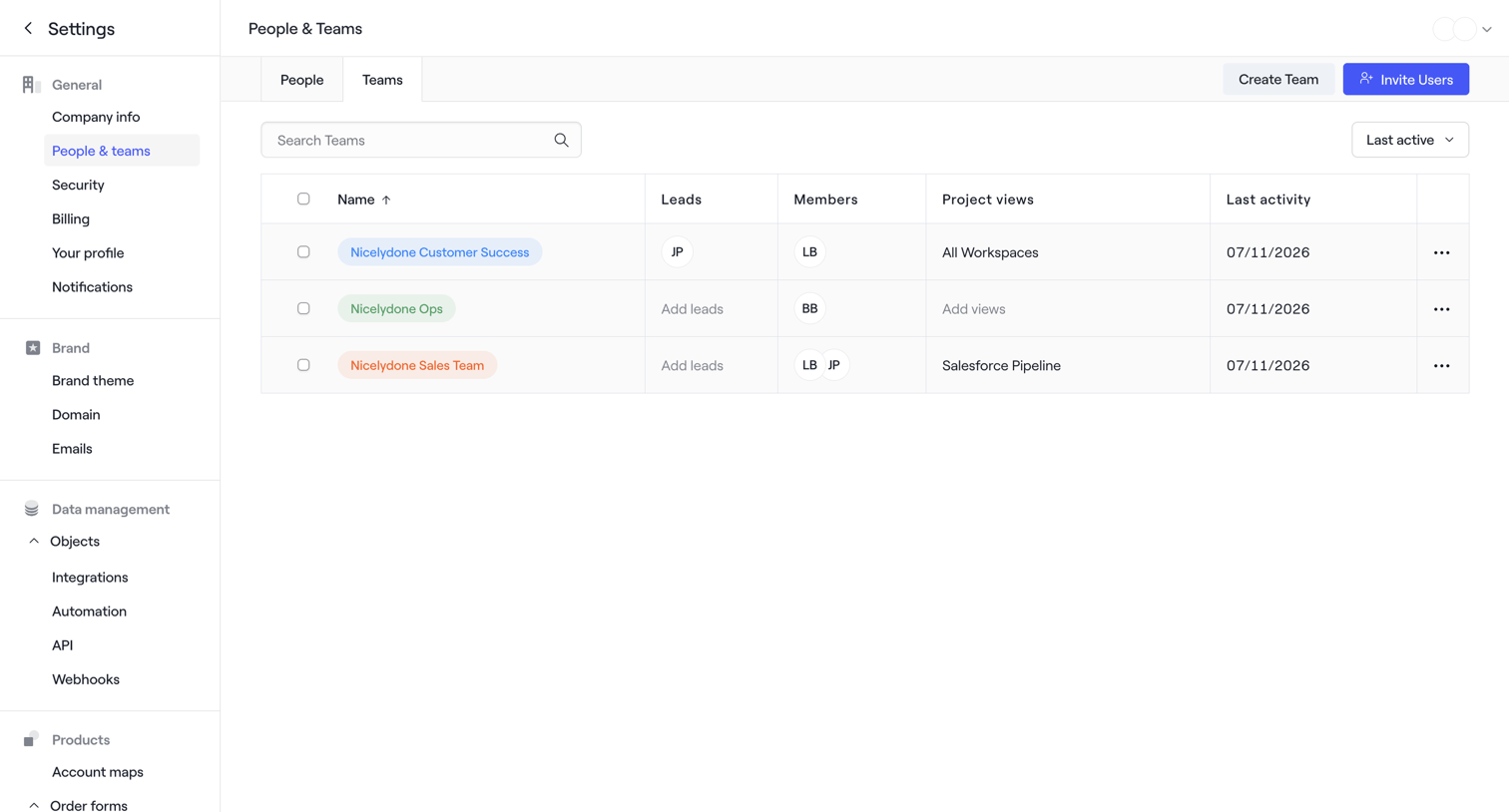

Settings page where the user manages teams, views team members, and can create new teams or invite users.
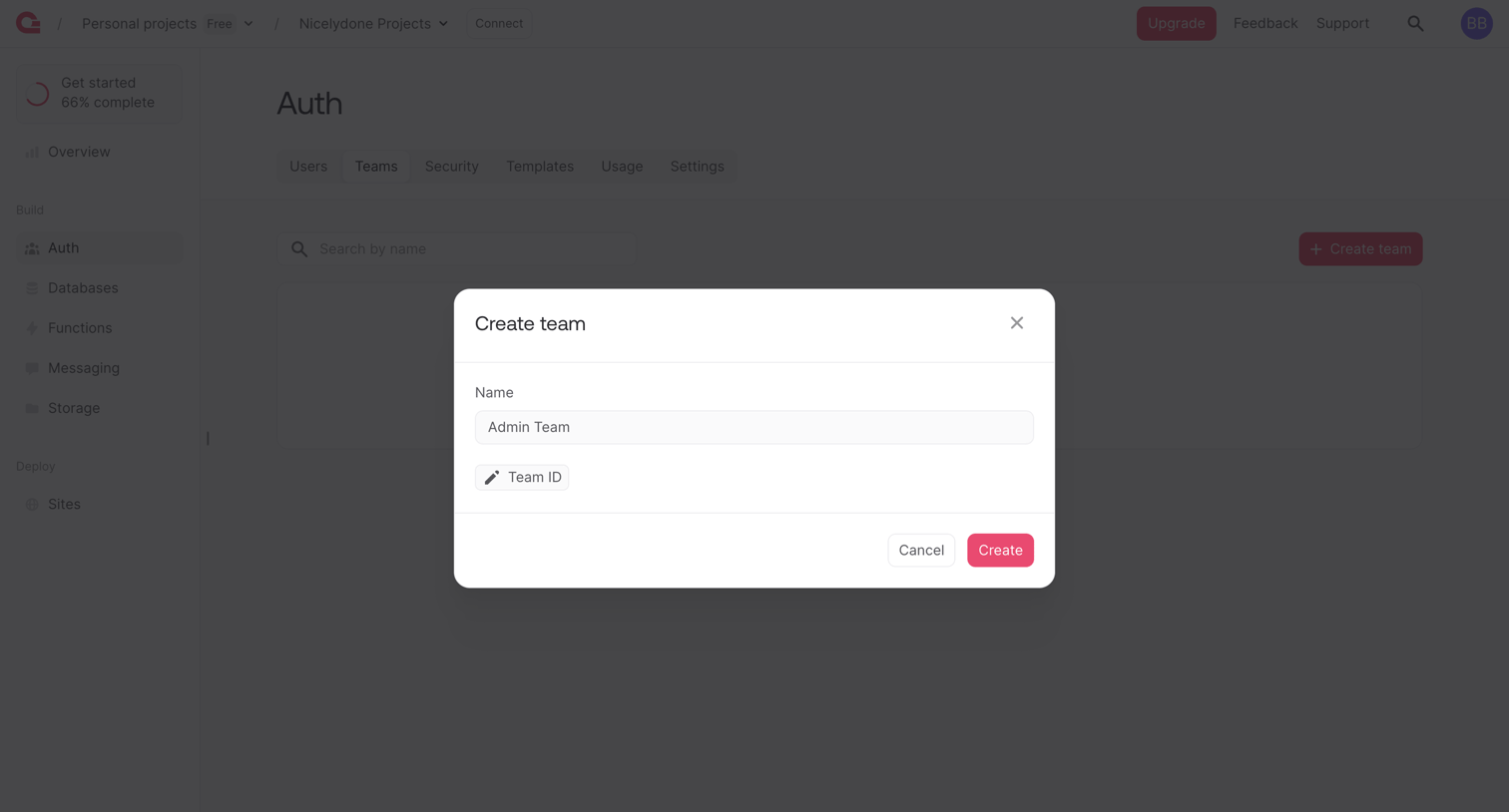

Modal where the user creates a new team by entering a name and an optional team ID.
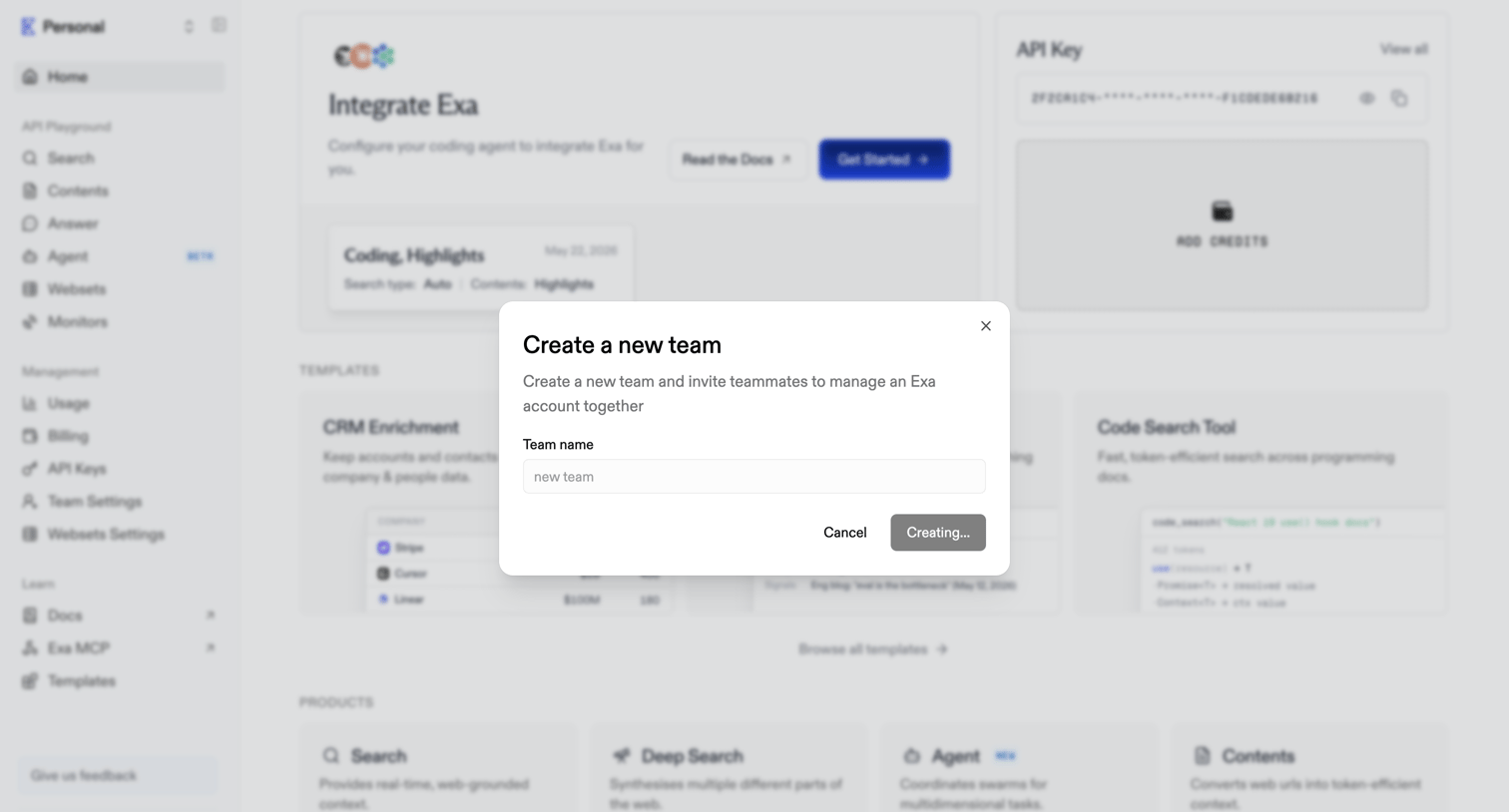

Home dashboard with an active modal for creating a new team and inviting teammates.
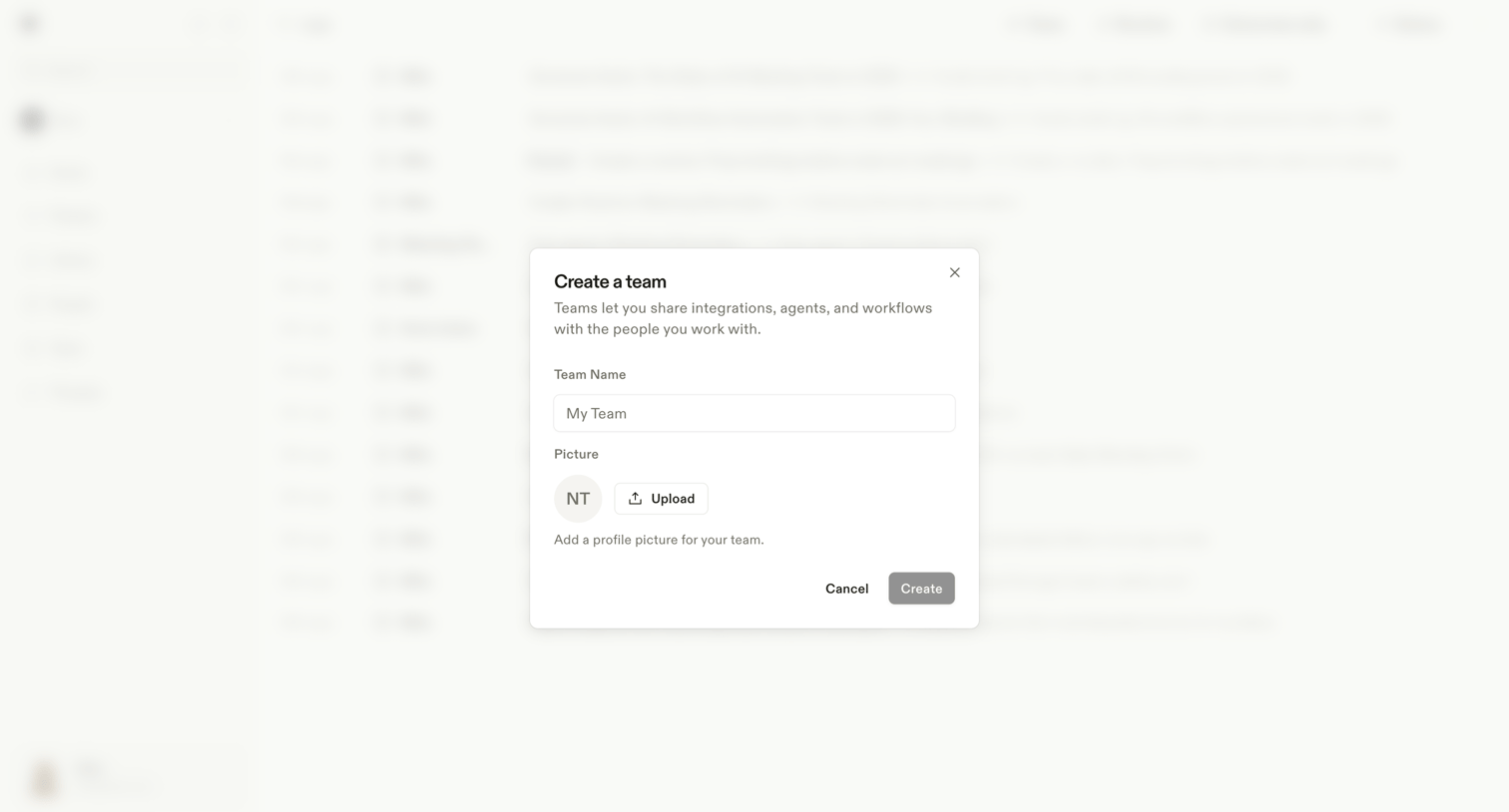

Modal where the user creates a new team by providing a name and uploading a profile picture.
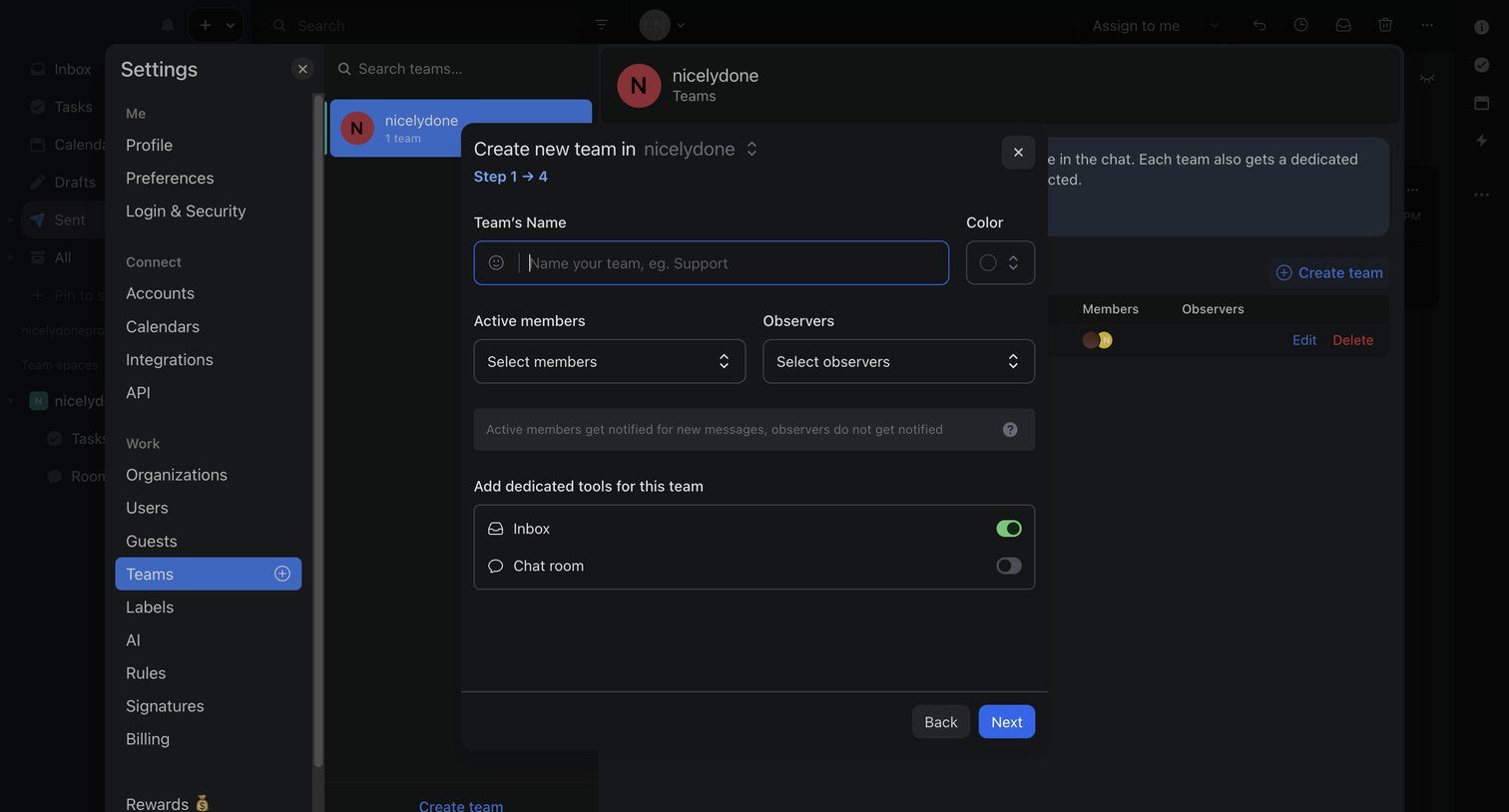

Settings page where the user creates a new team via a multi-step modal, naming the team, assigning members, and configuring dedicated tools like an inbox and chat room.
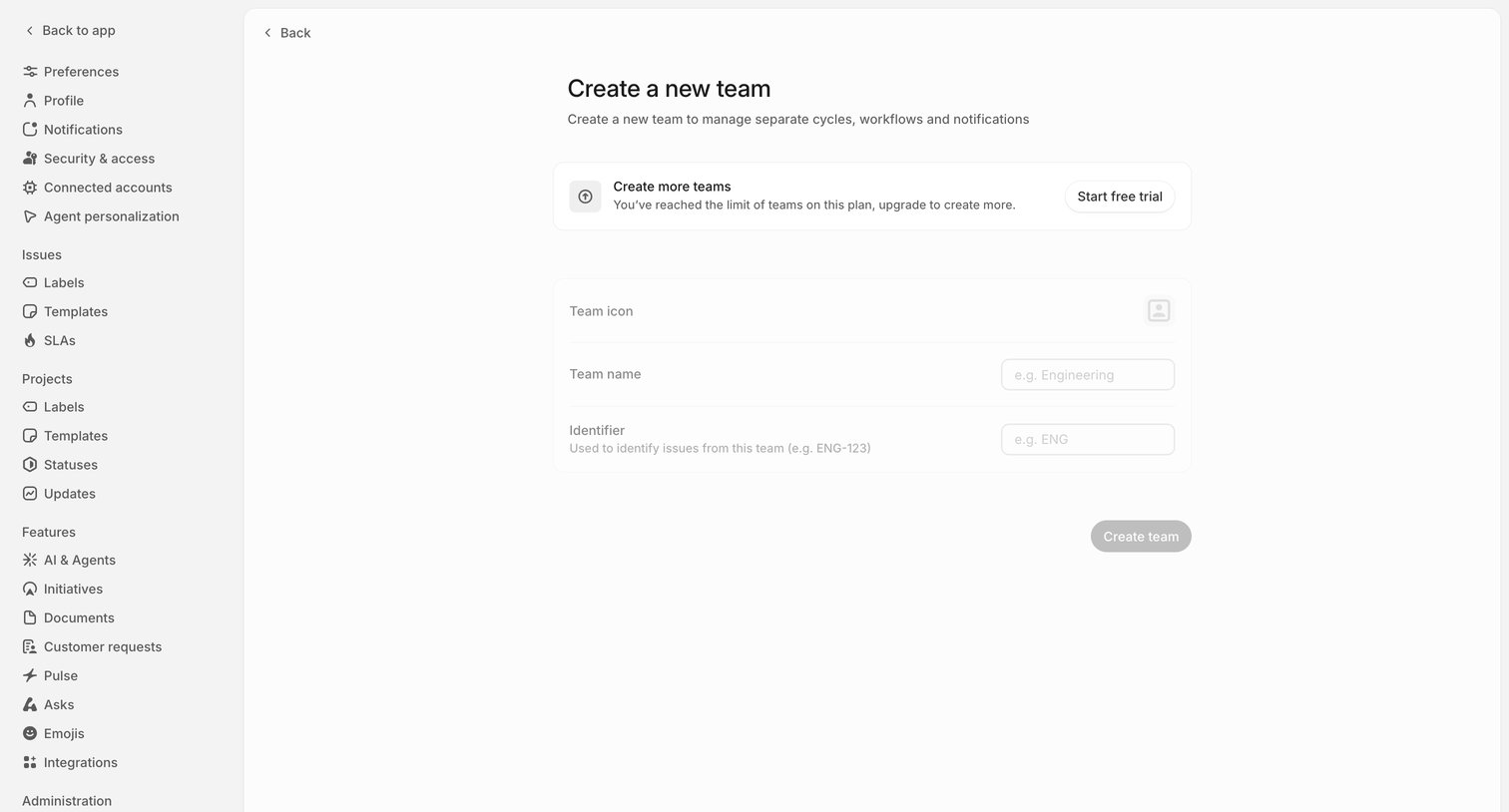

Settings page where the user is blocked from creating a new team because they have reached their plan's limit, prompting them to start a free trial.
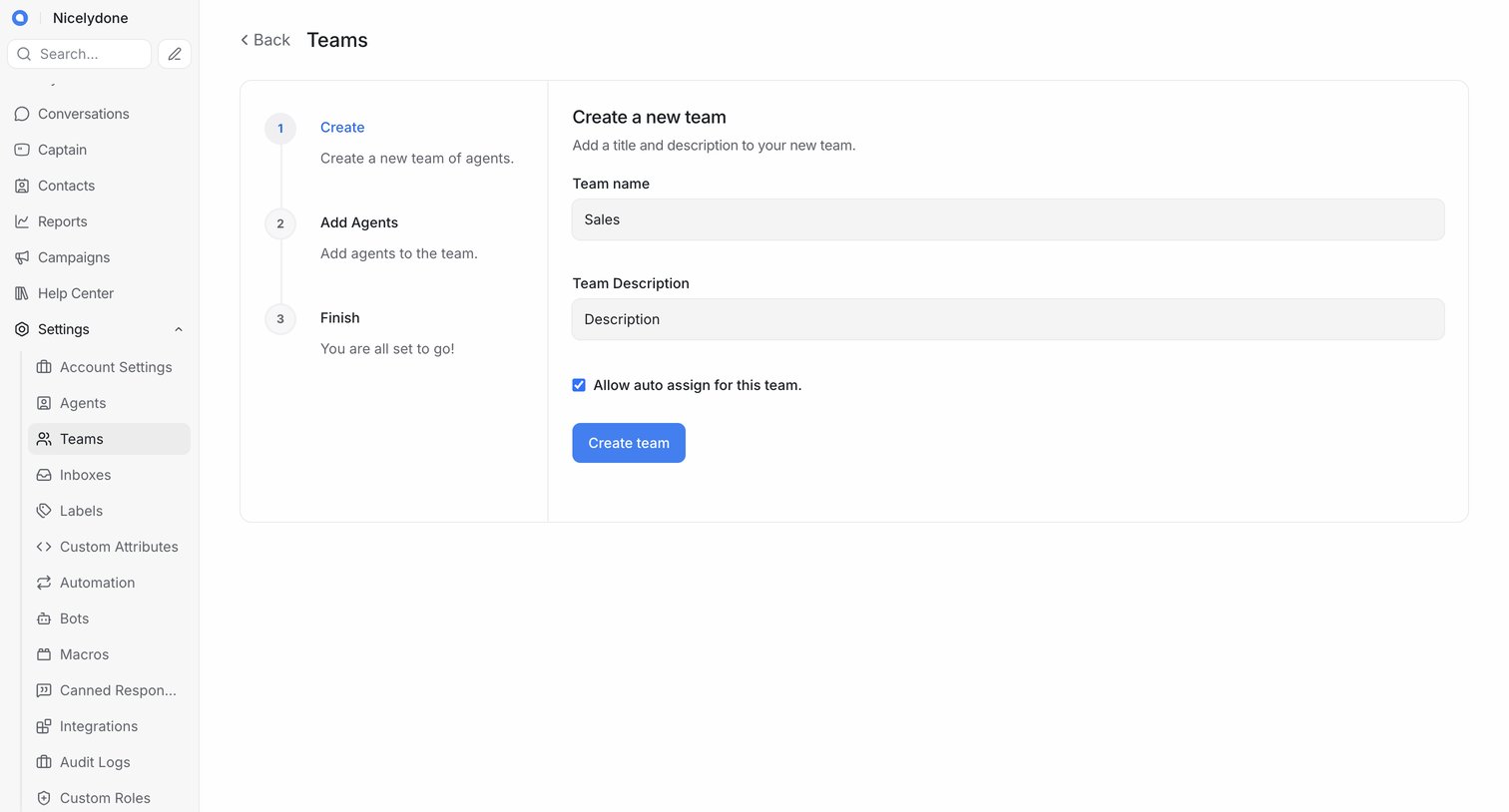

Settings view where the user creates a new team by entering a name and description in the first step of a setup wizard.
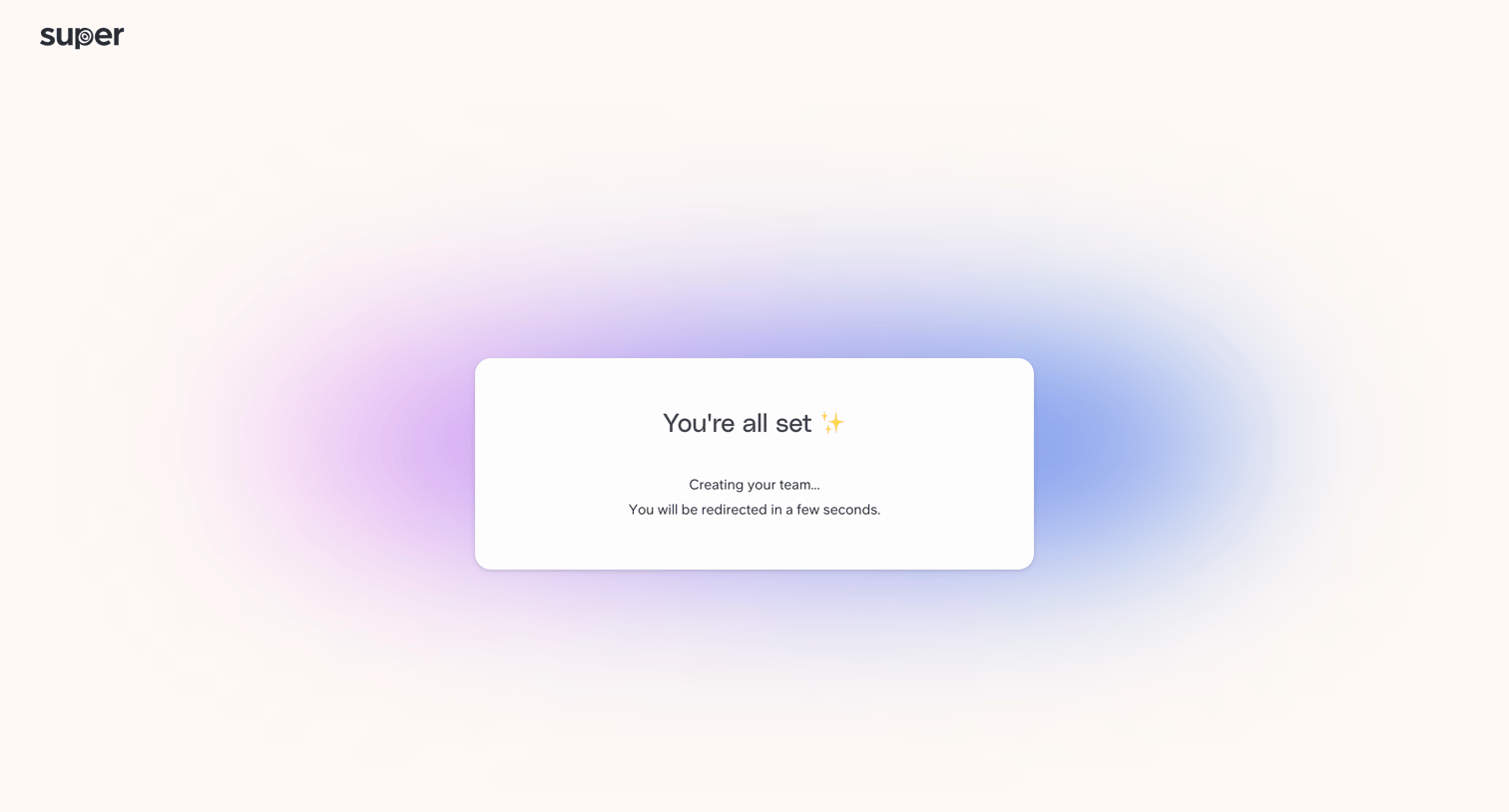

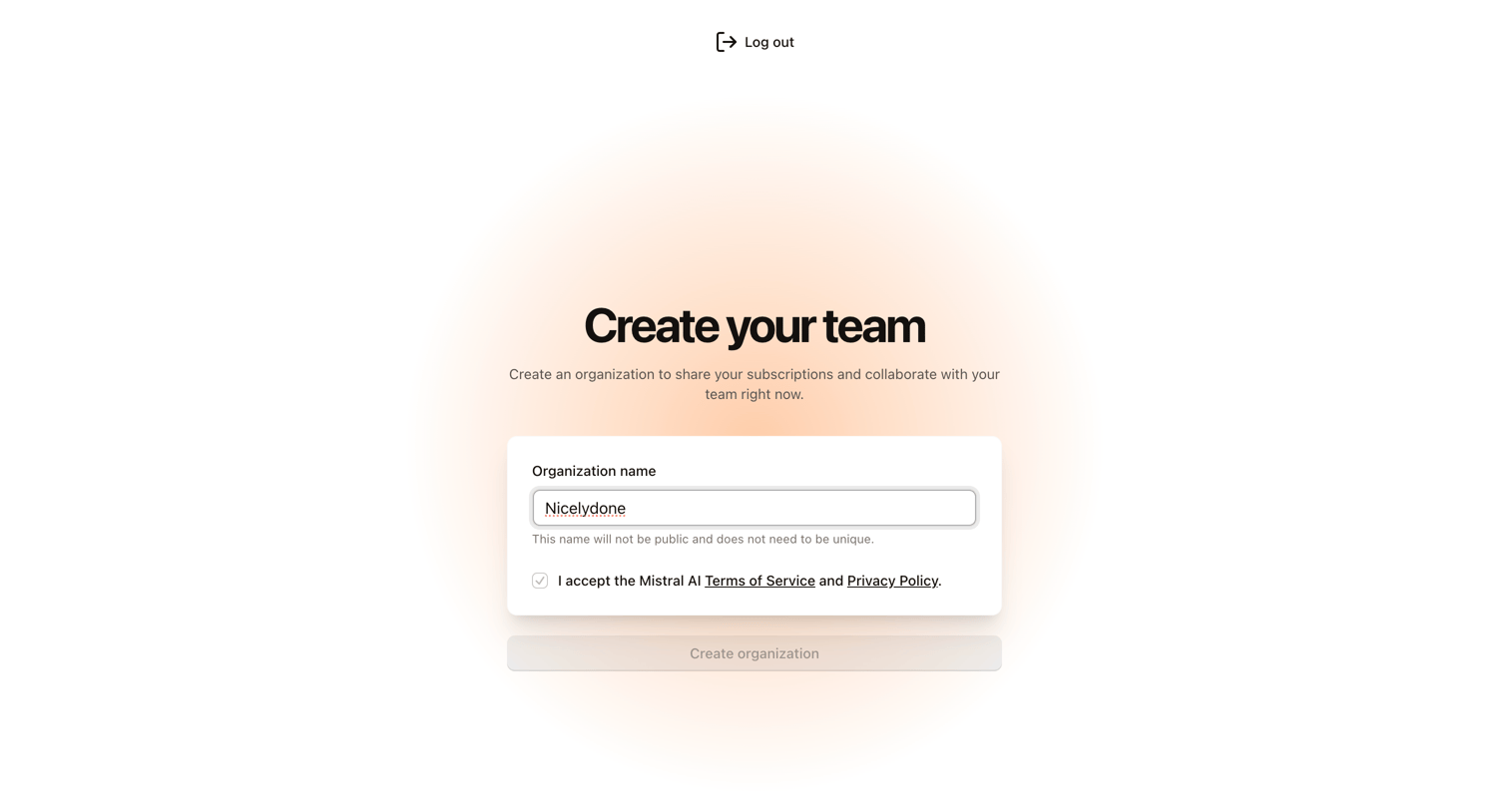

Onboarding step where the user creates an organization by providing a name and accepting the terms of service.
Explore the full SaaS screen library
Upgrade to unlock the full library.
Trusted by the best teams







