Sort by ui screen examples
Sort by ui screen design examples from SaaS apps. Browse examples from Bitly, Replit, Front.
Explore the examples
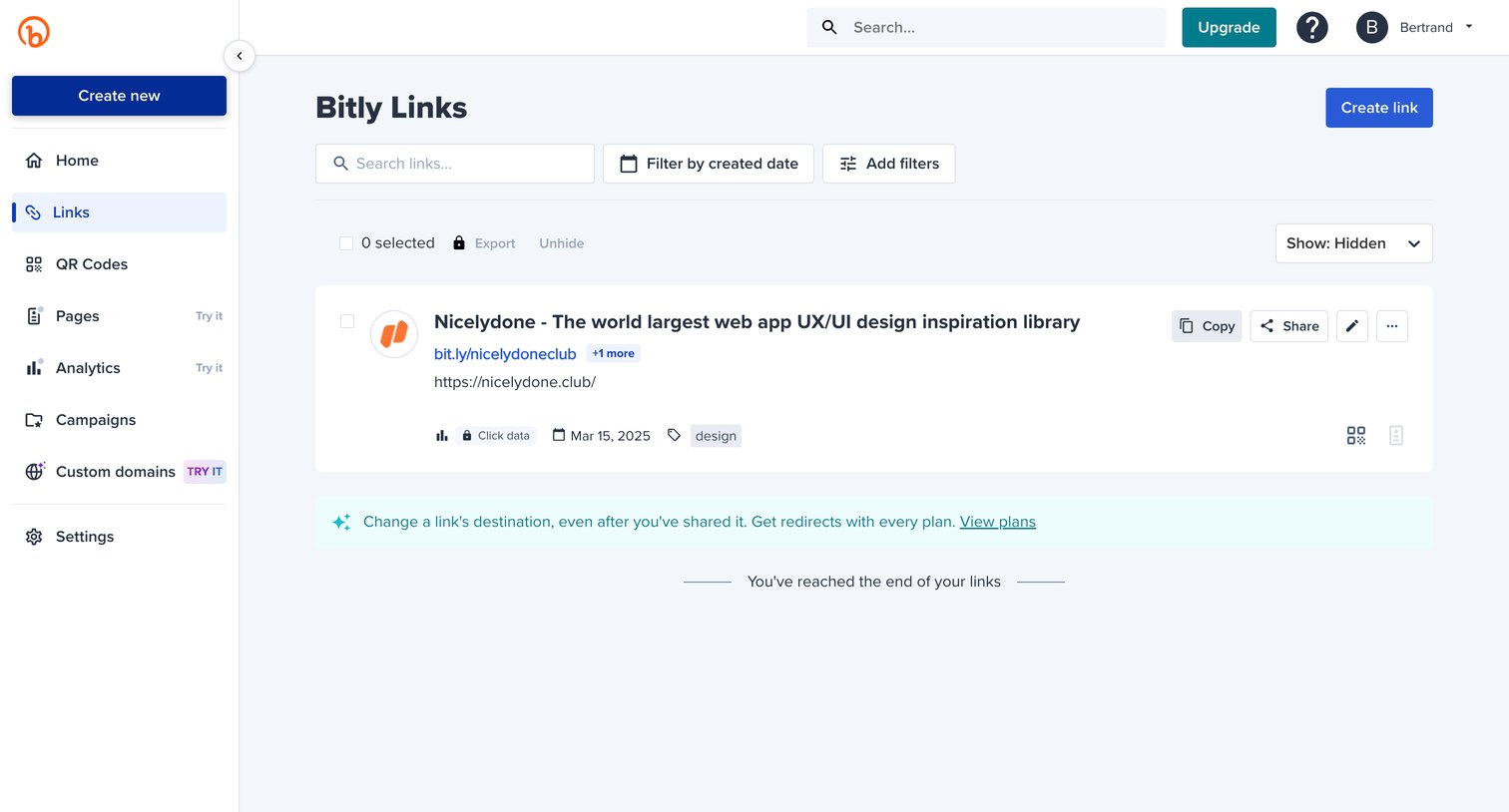

List view where the user manages their shortened links, with options to filter by date, search, and perform bulk actions.
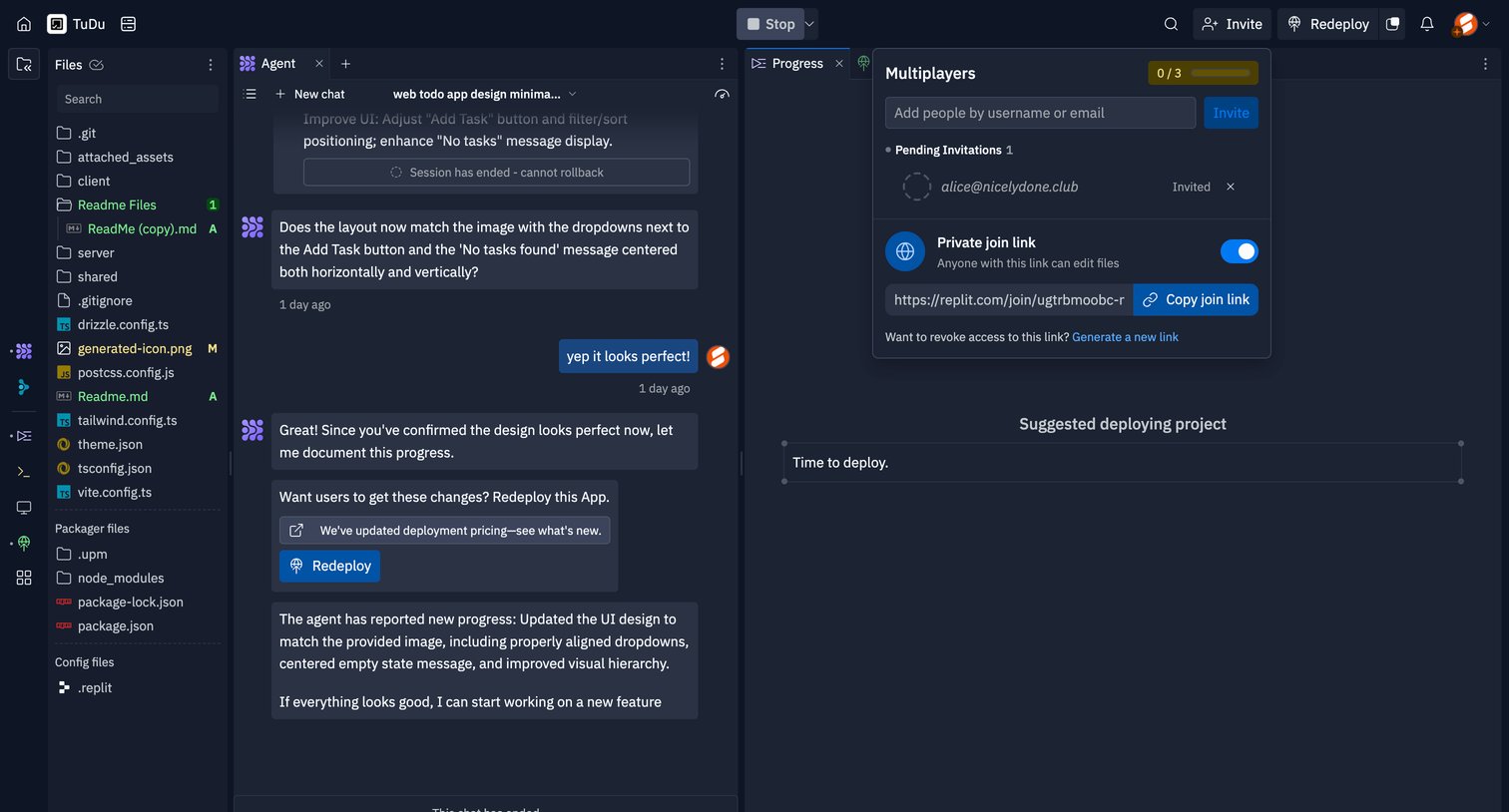

Code editor interface where the user is reviewing an AI agent's progress and managing workspace invitations via an open popover.
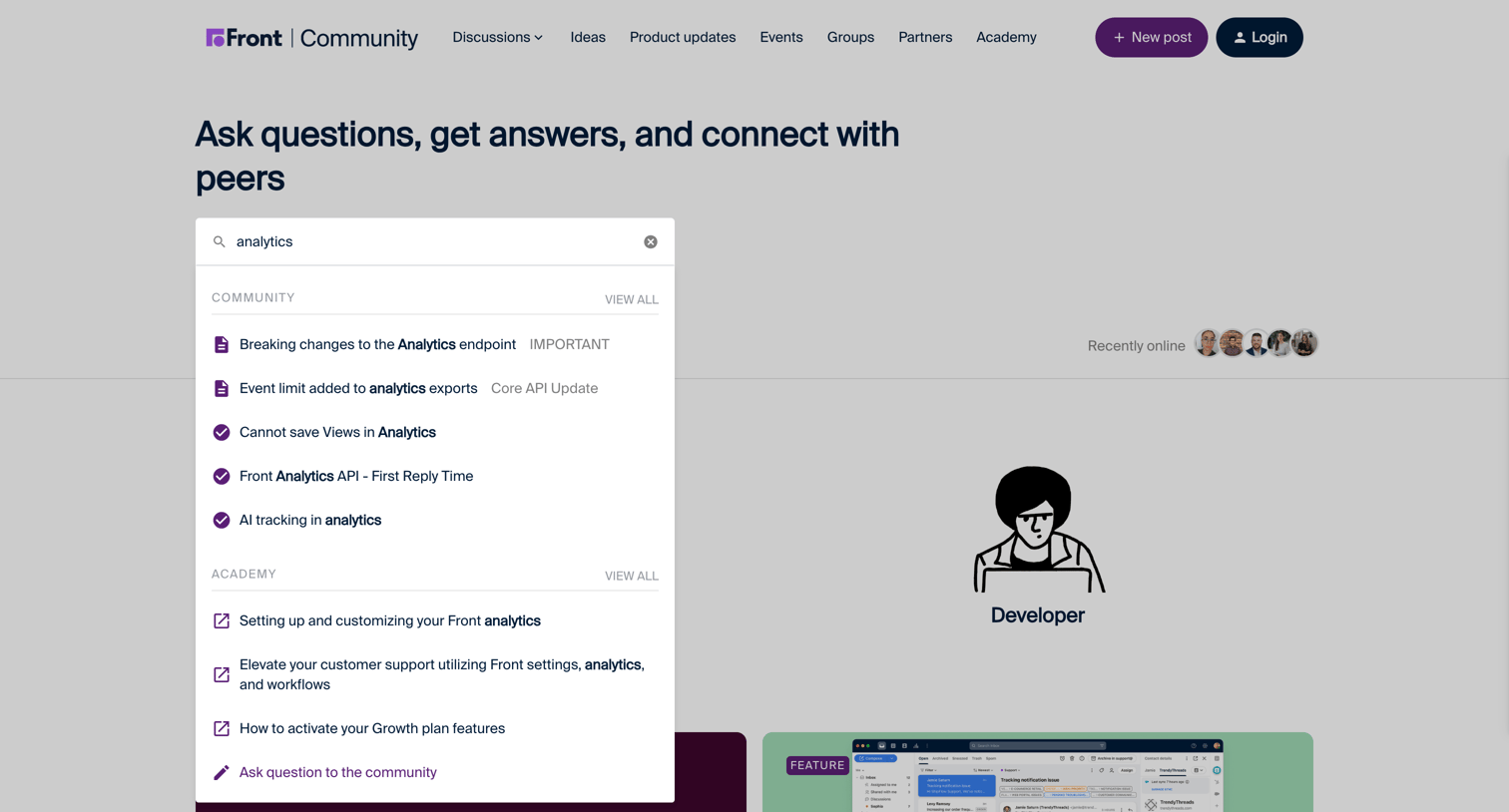

Community forum homepage where the user has focused the search input, revealing a categorized dropdown of results across community discussions and academy articles.
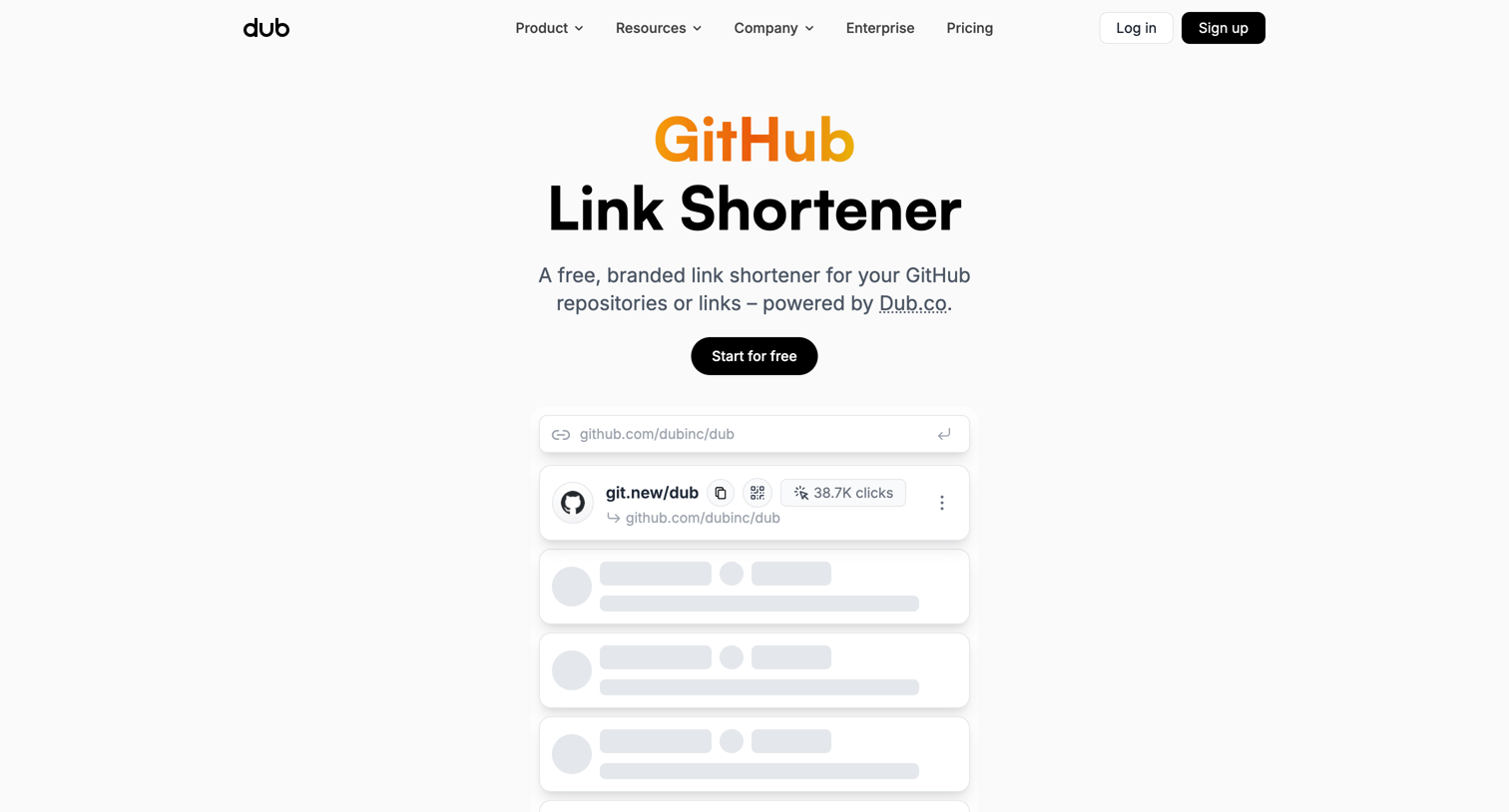

Marketing page for a free GitHub link shortener tool featuring a live leaderboard, feature highlights, usage statistics, and a wall of customer testimonials.
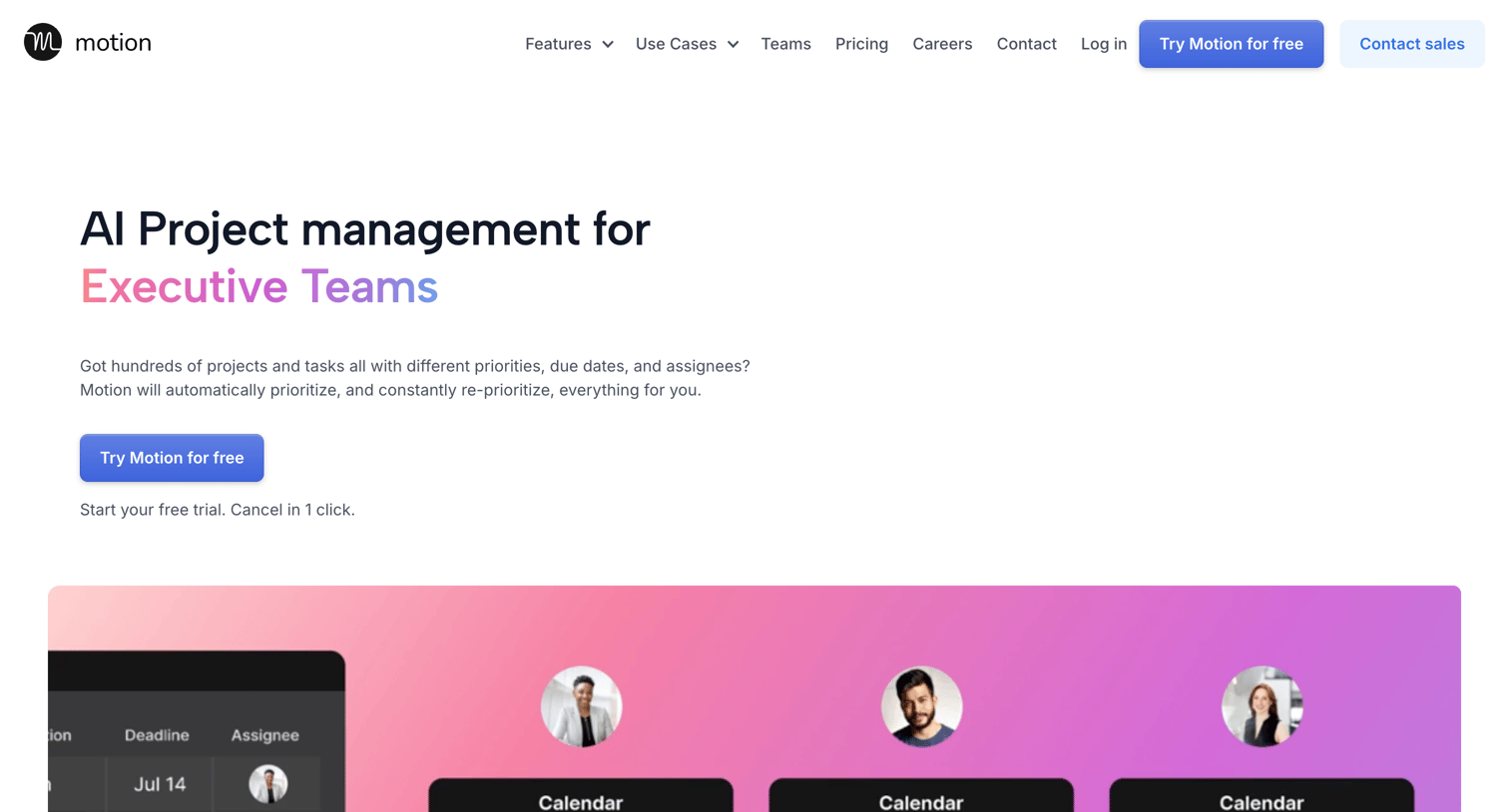

Marketing use case page targeting executive teams, highlighting AI project management features with a comparison table, feature grids, and customer testimonials.
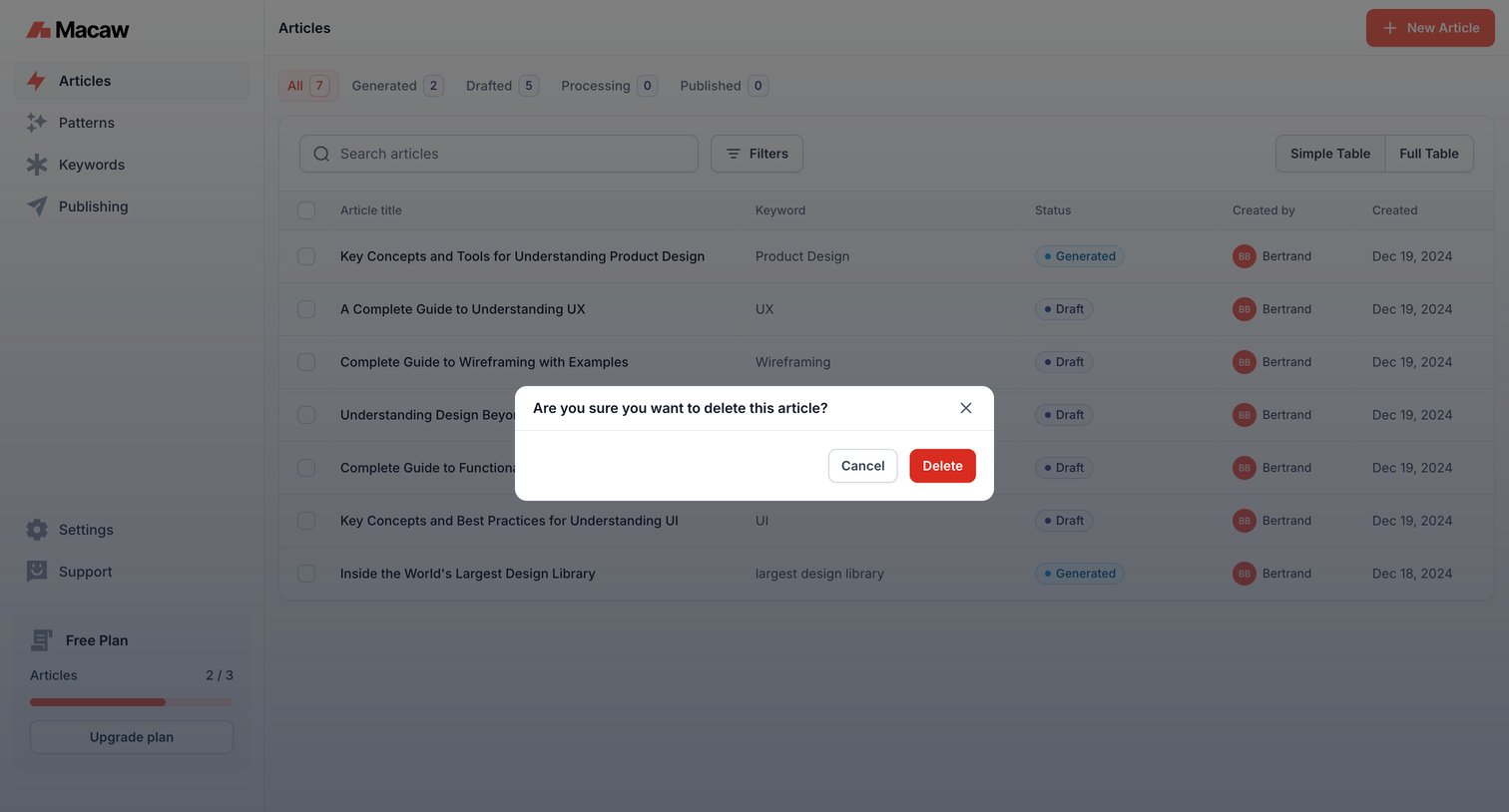

List view where the user manages articles and must confirm the deletion of a specific article via a modal prompt.
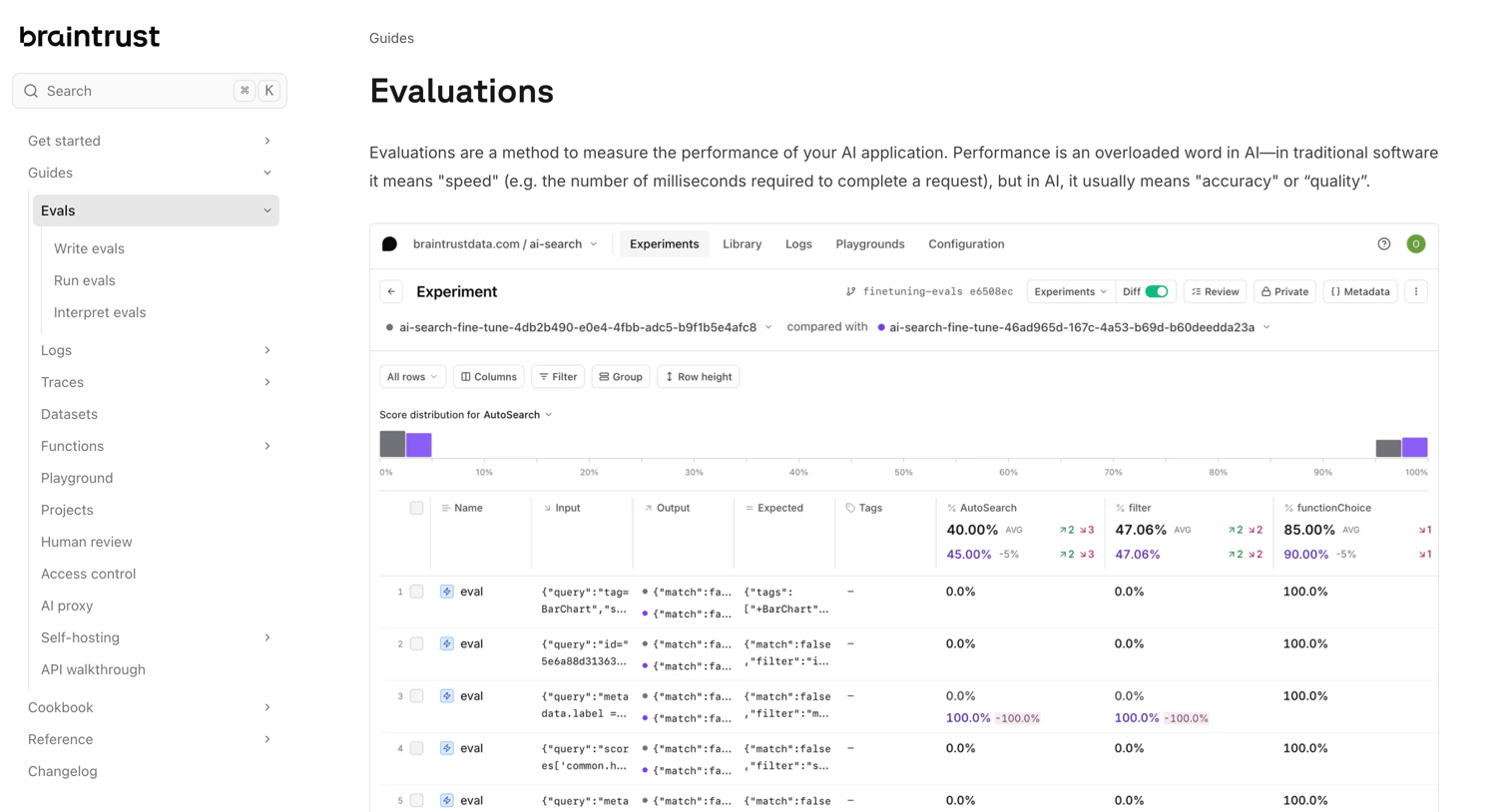

Documentation guide explaining how to measure AI application performance using evaluations, featuring a TypeScript code snippet and screenshots of the product's evaluation data tables and distribution charts.
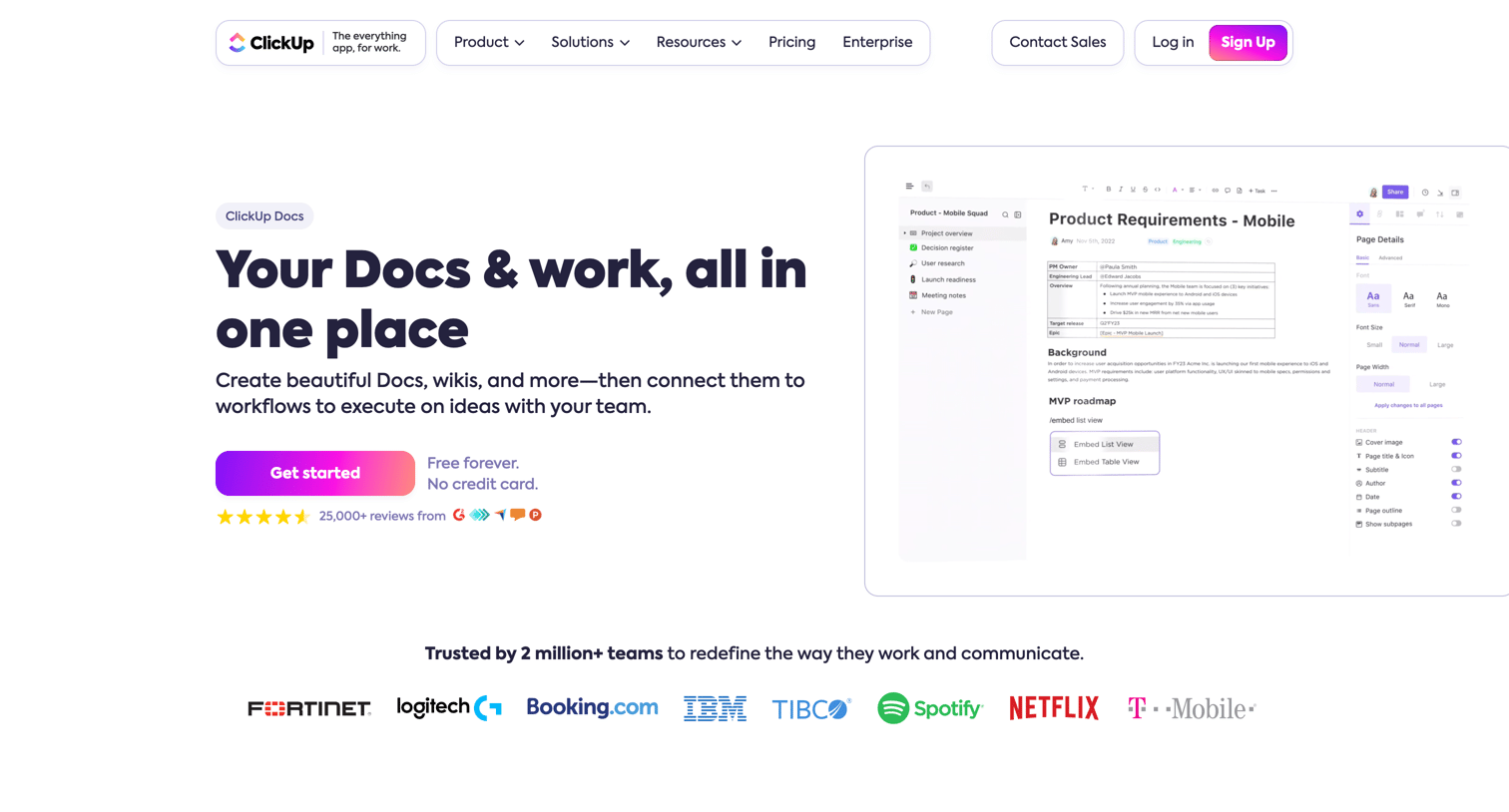

Feature page for ClickUp Docs detailing capabilities like nested pages, collaborative editing, widgets, and slash commands, with prompts to get started.


Marketing page for the Software & Internet industry detailing specific use cases, customer testimonials, and integration capabilities for an AI training data platform.
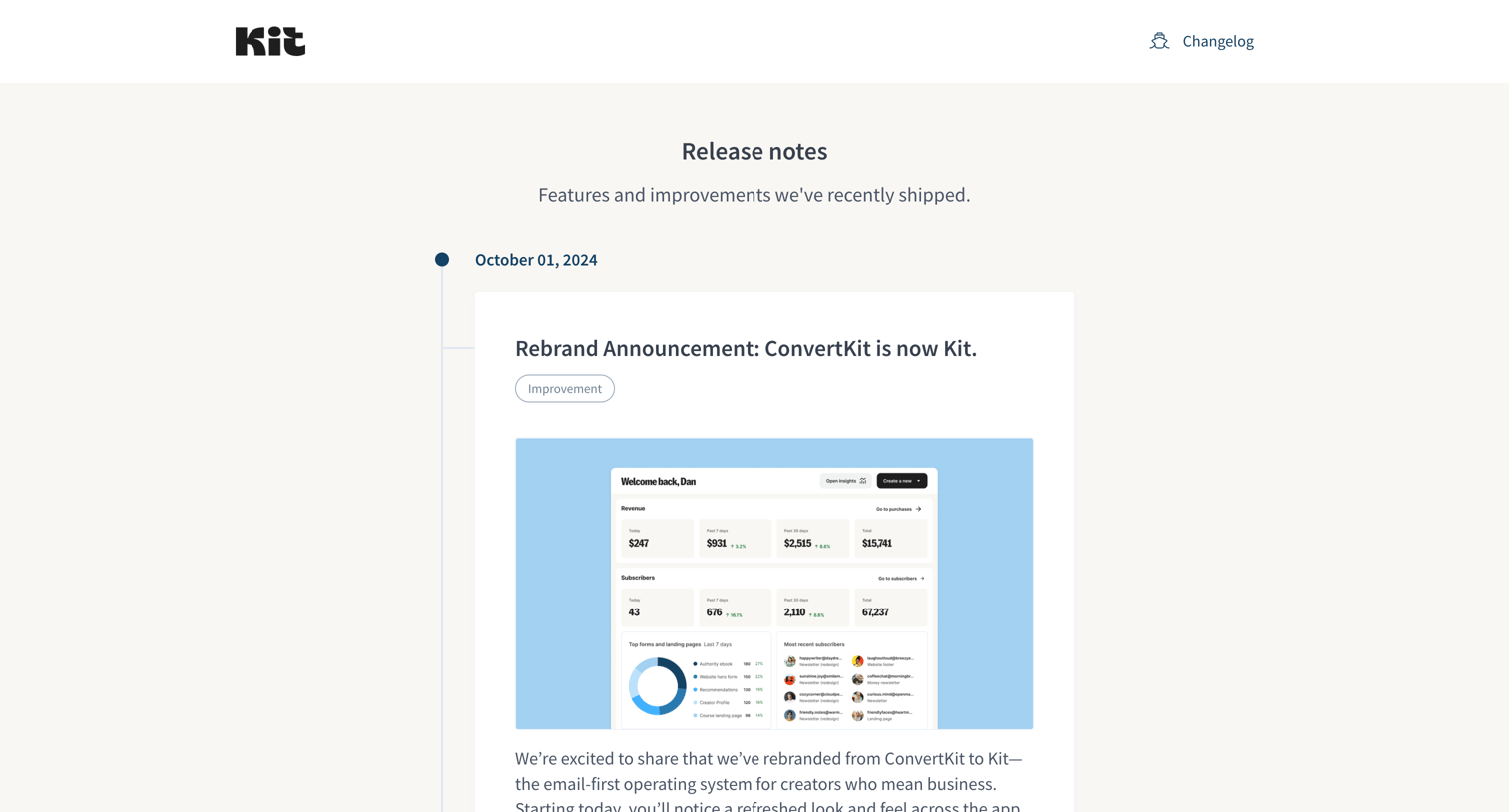

Changelog page presenting a vertical timeline of recent product updates, features, and improvements with detailed descriptions and screenshots.
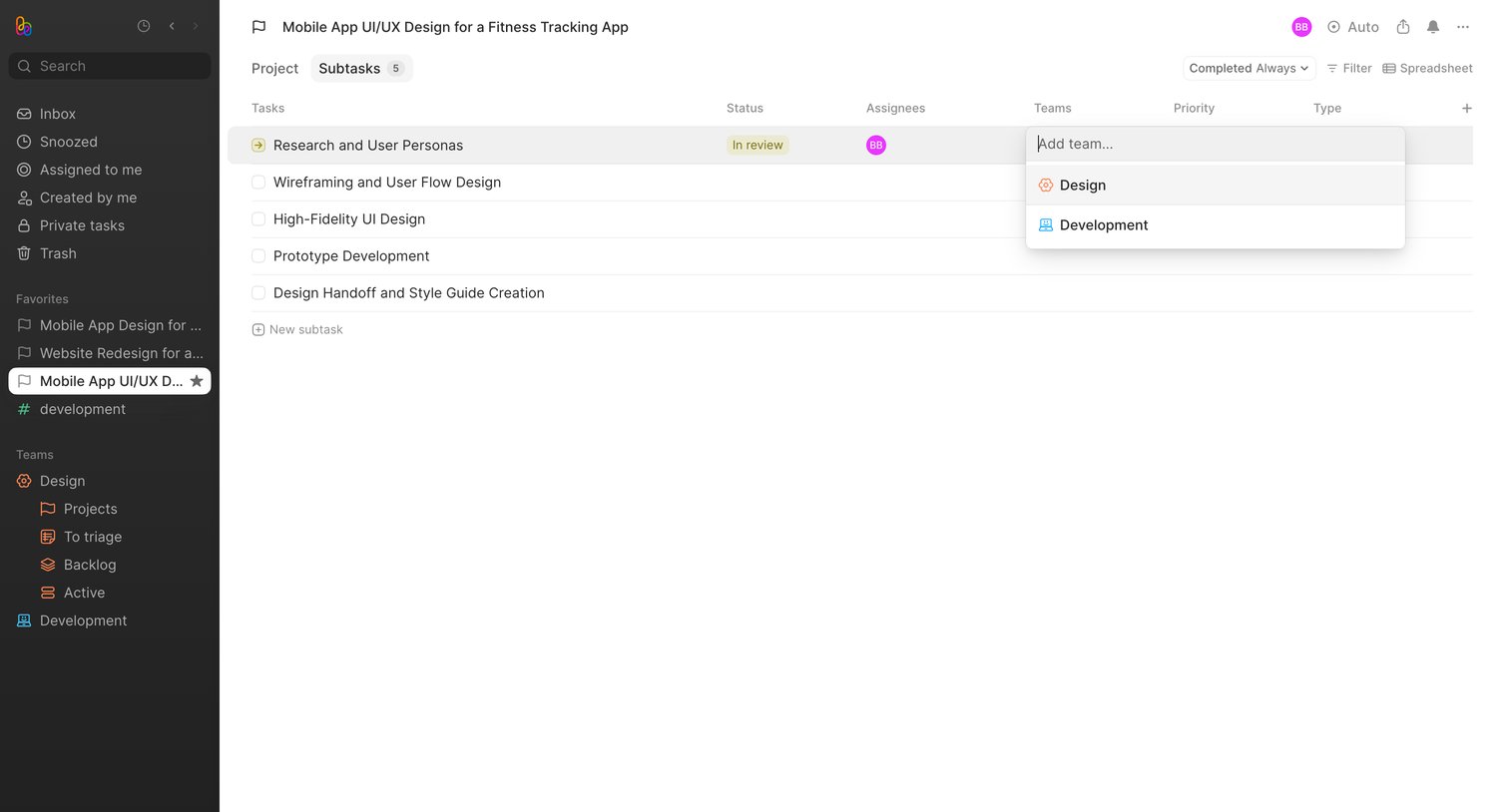

Detail page for a specific design project showing a data table of subtasks, where the user is assigning a team to a subtask via an open combobox.
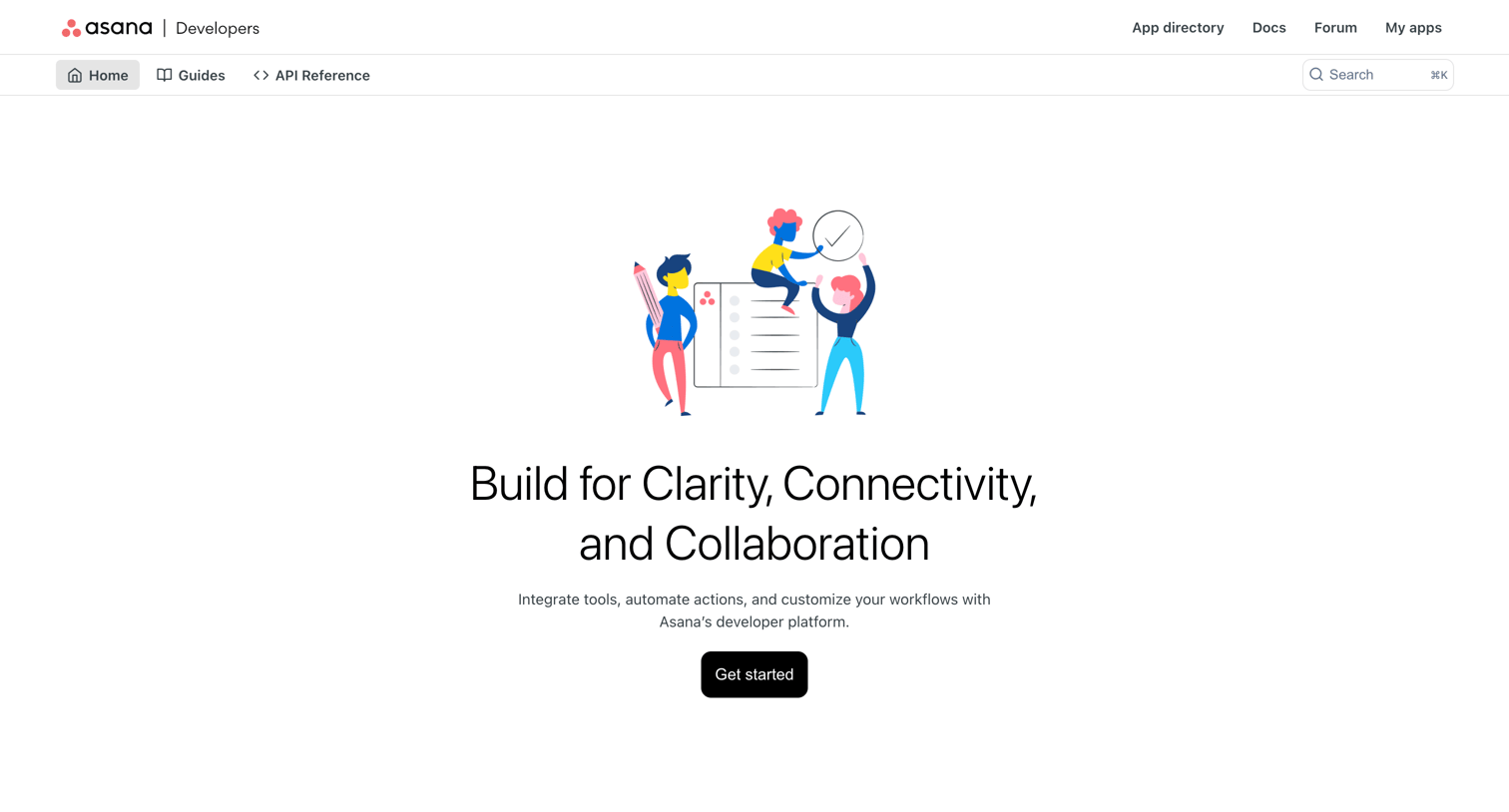

Developers section landing page where users can access API documentation, guides, and start building apps for Asana.
Explore the full SaaS screen library
Upgrade to unlock the full library.
Trusted by the best teams







