SDK integration screen examples
SDK integration screen design examples from SaaS apps. Browse examples from Polar, Inference, Elevenlabs.
Explore the examples
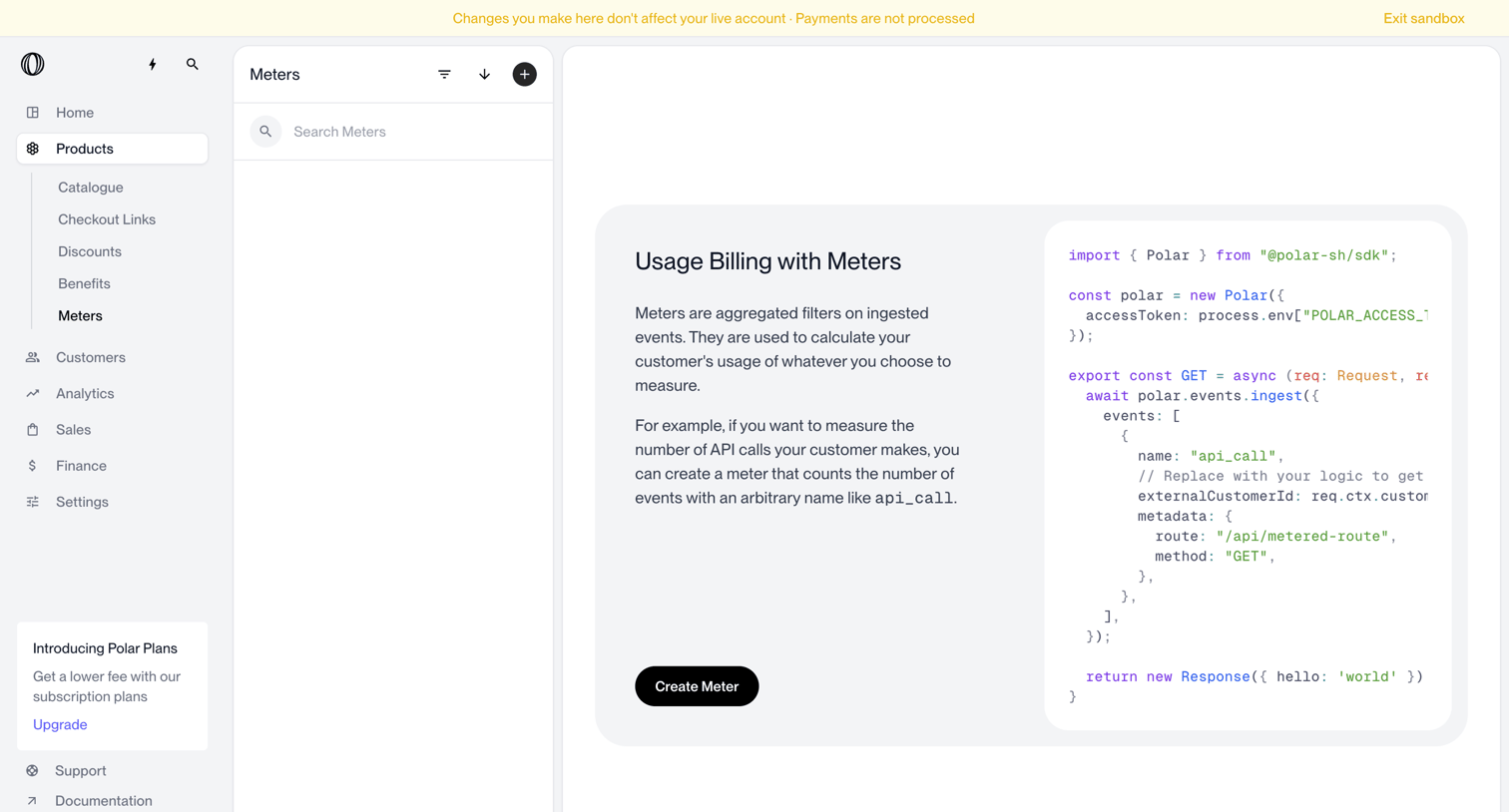

List view for meters where an empty state explains usage billing and provides a code snippet for ingesting events.
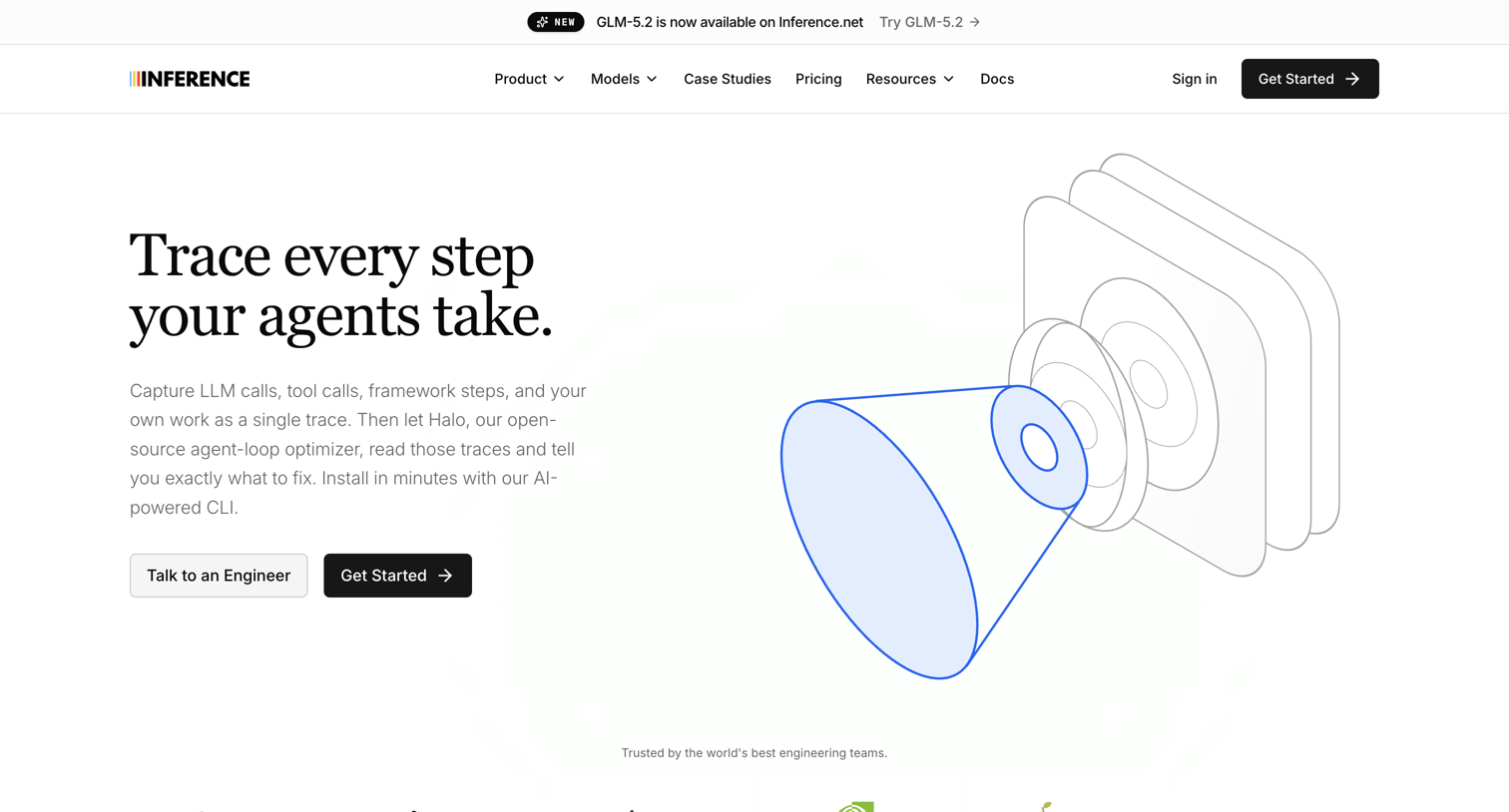

Product page detailing the Trace tool's capabilities for AI agent observability, highlighting features like SDK integration, span annotation, and SOC 2 compliance.
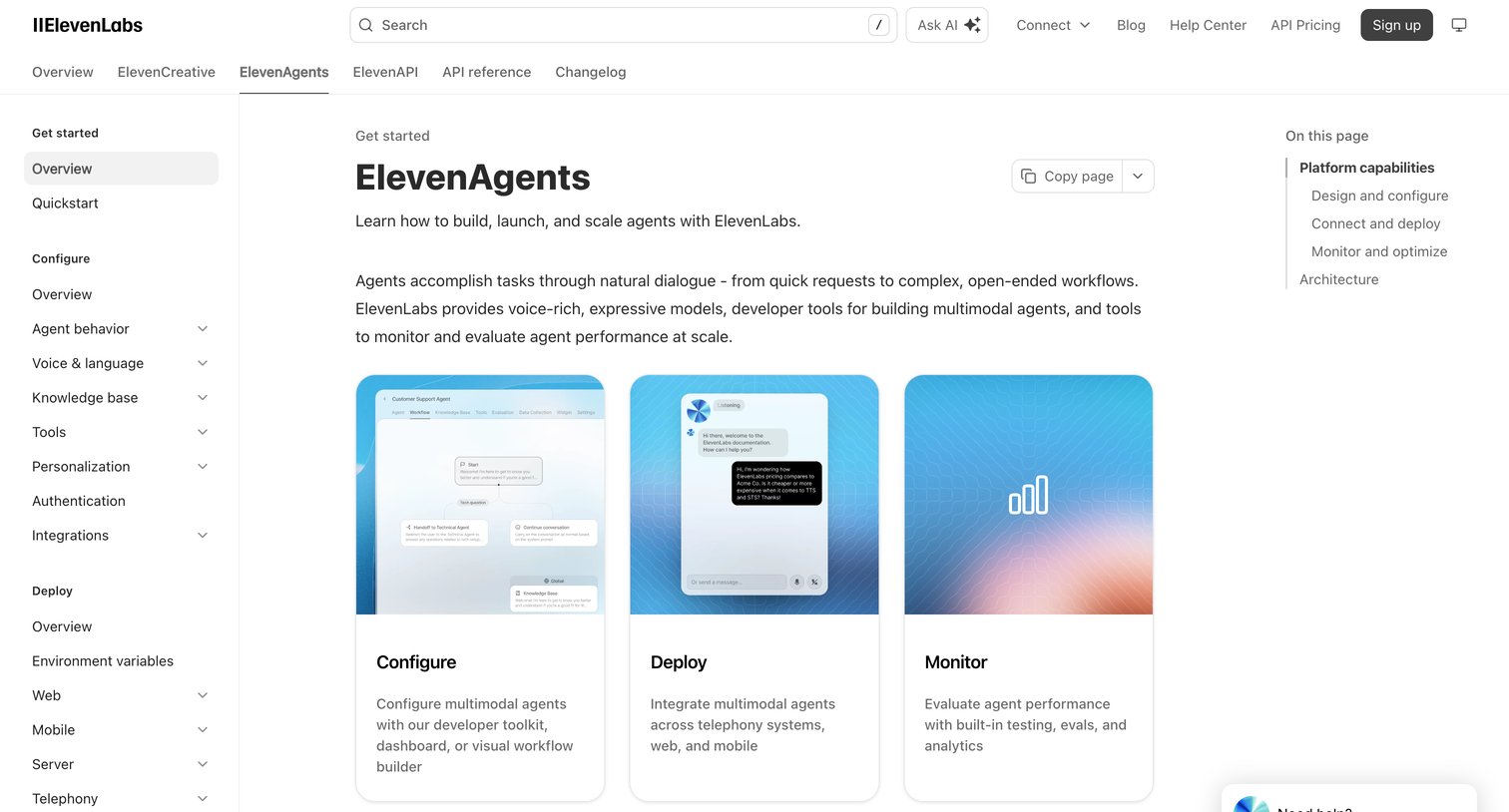

Documentation overview page detailing ElevenAgents capabilities with feature grids, configuration tables, architecture details, and a floating AI help widget.
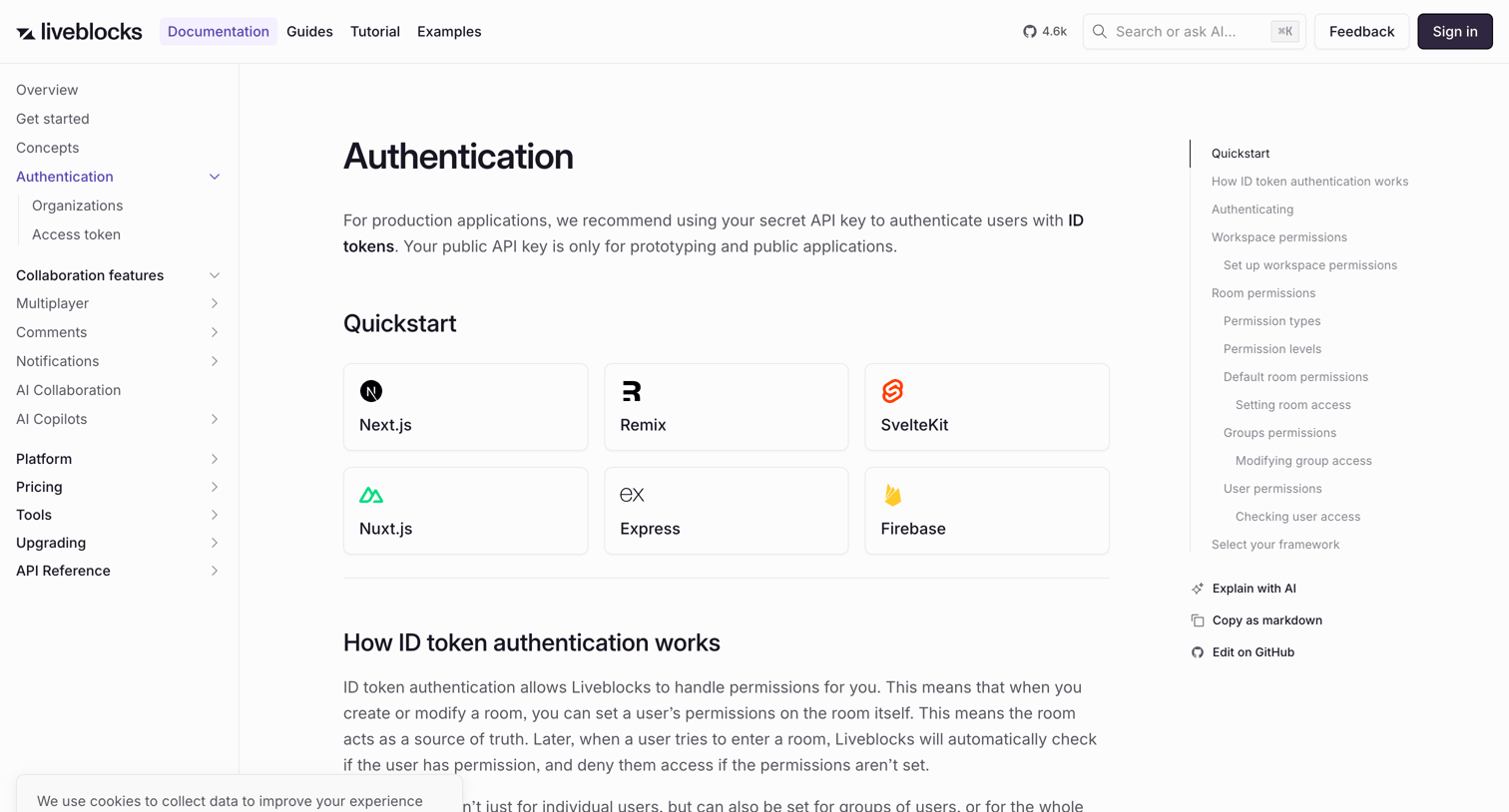

Developer documentation page explaining how ID token authentication and permissions work, featuring code examples and framework quickstarts.
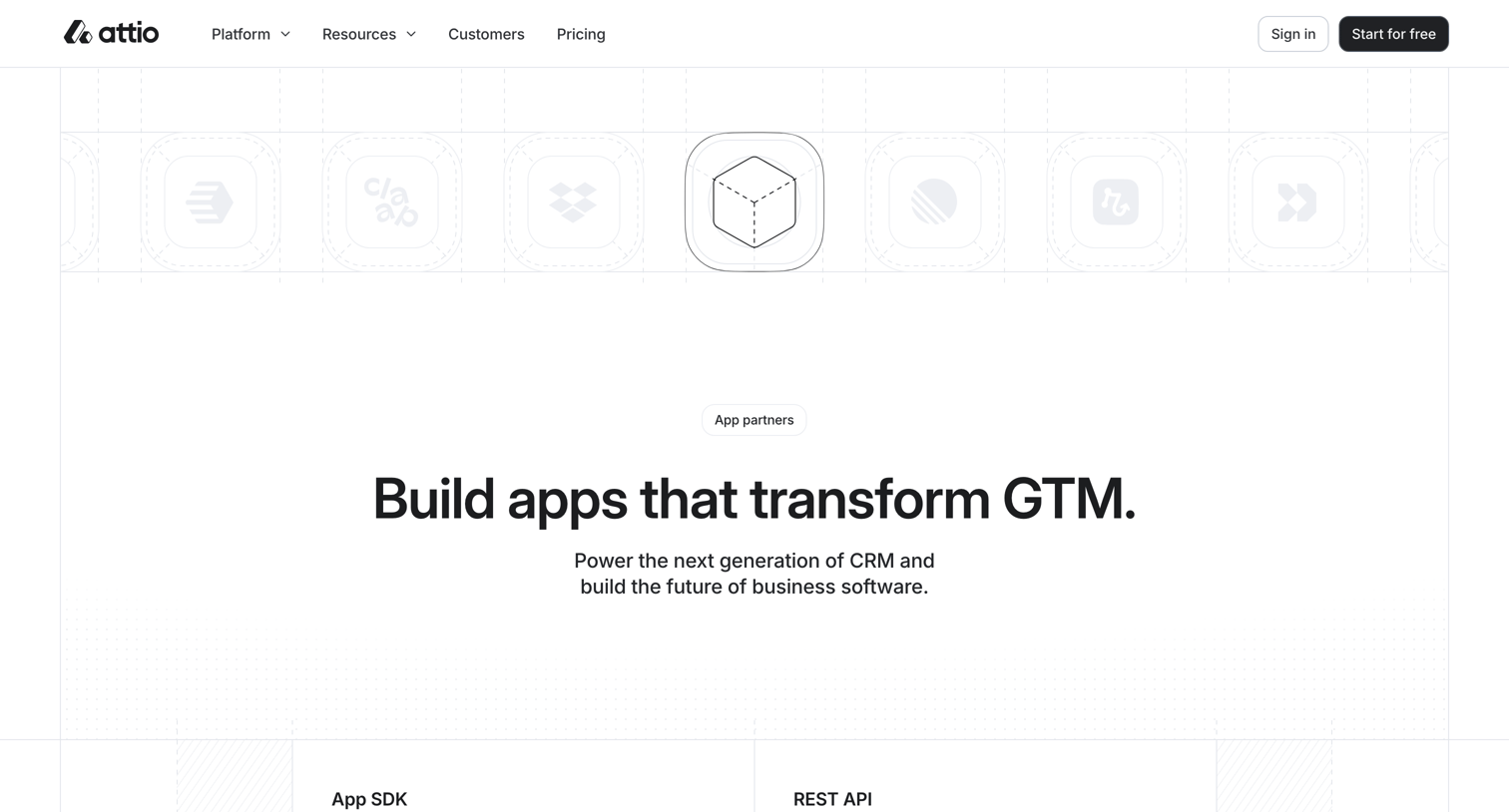

Partner program page where developers can learn about building apps with the SDK or API and explore the existing app ecosystem.
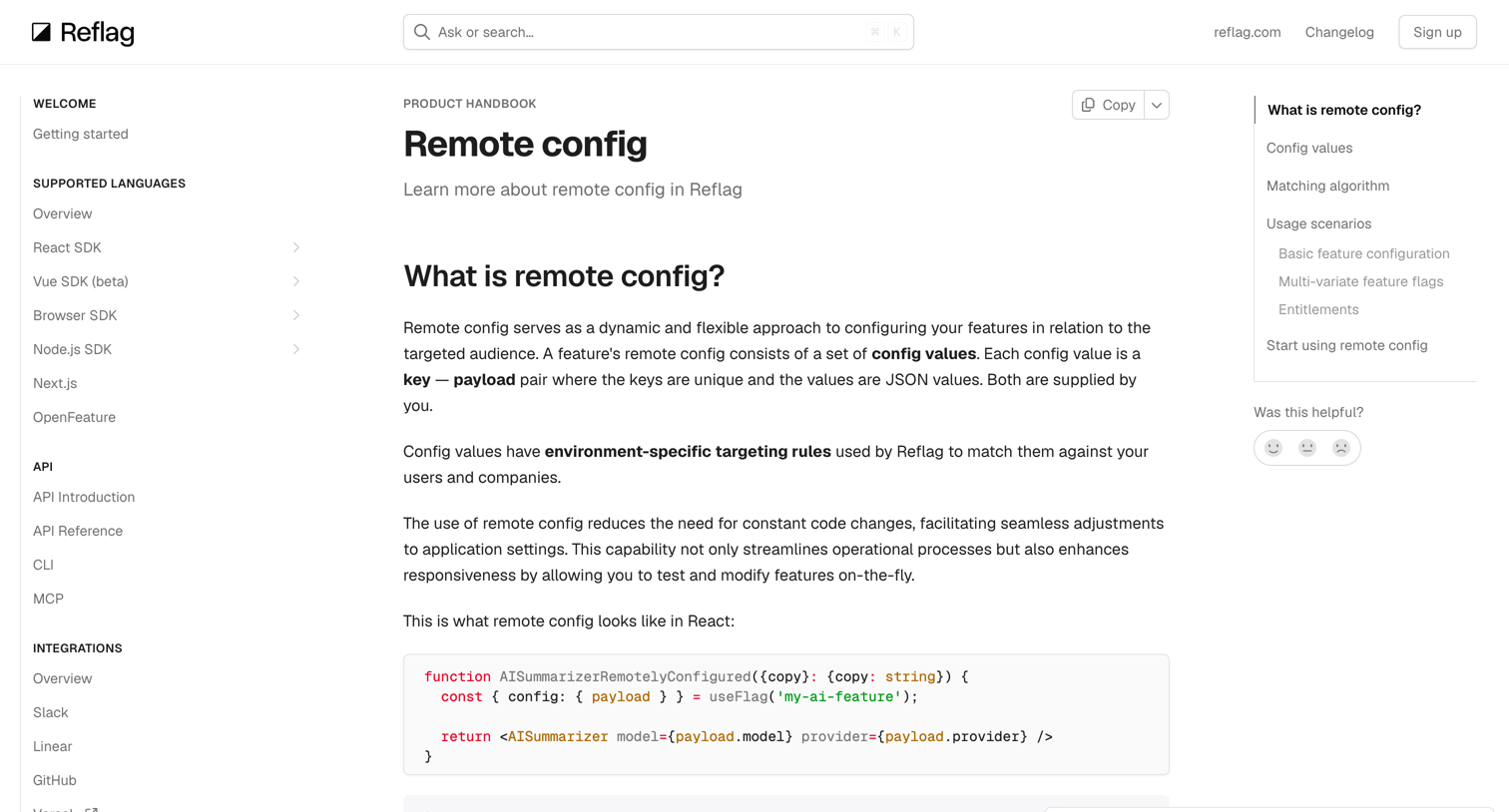

Documentation page explaining the remote config feature, including its matching algorithm, usage scenarios, and entitlements configuration.
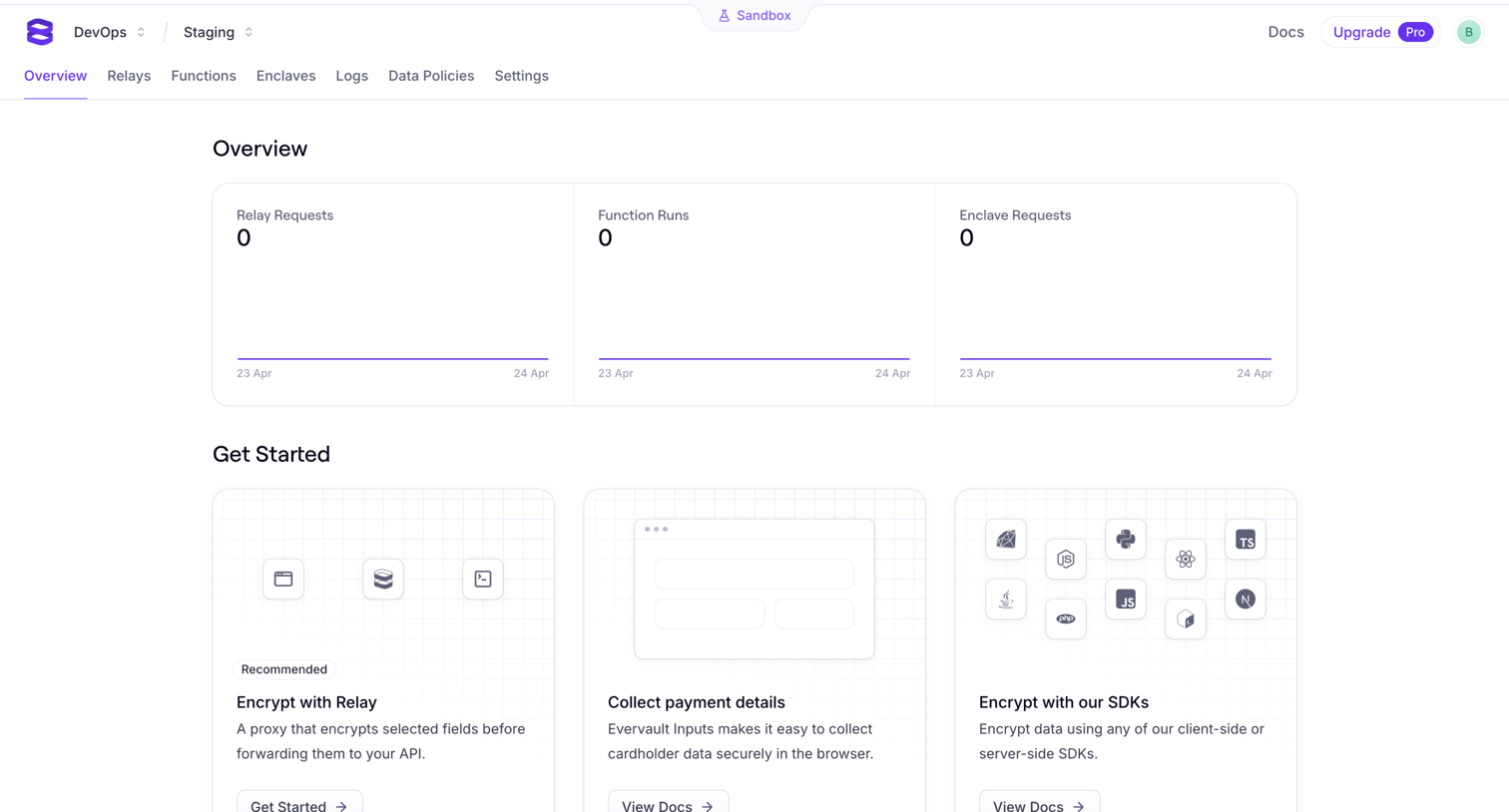

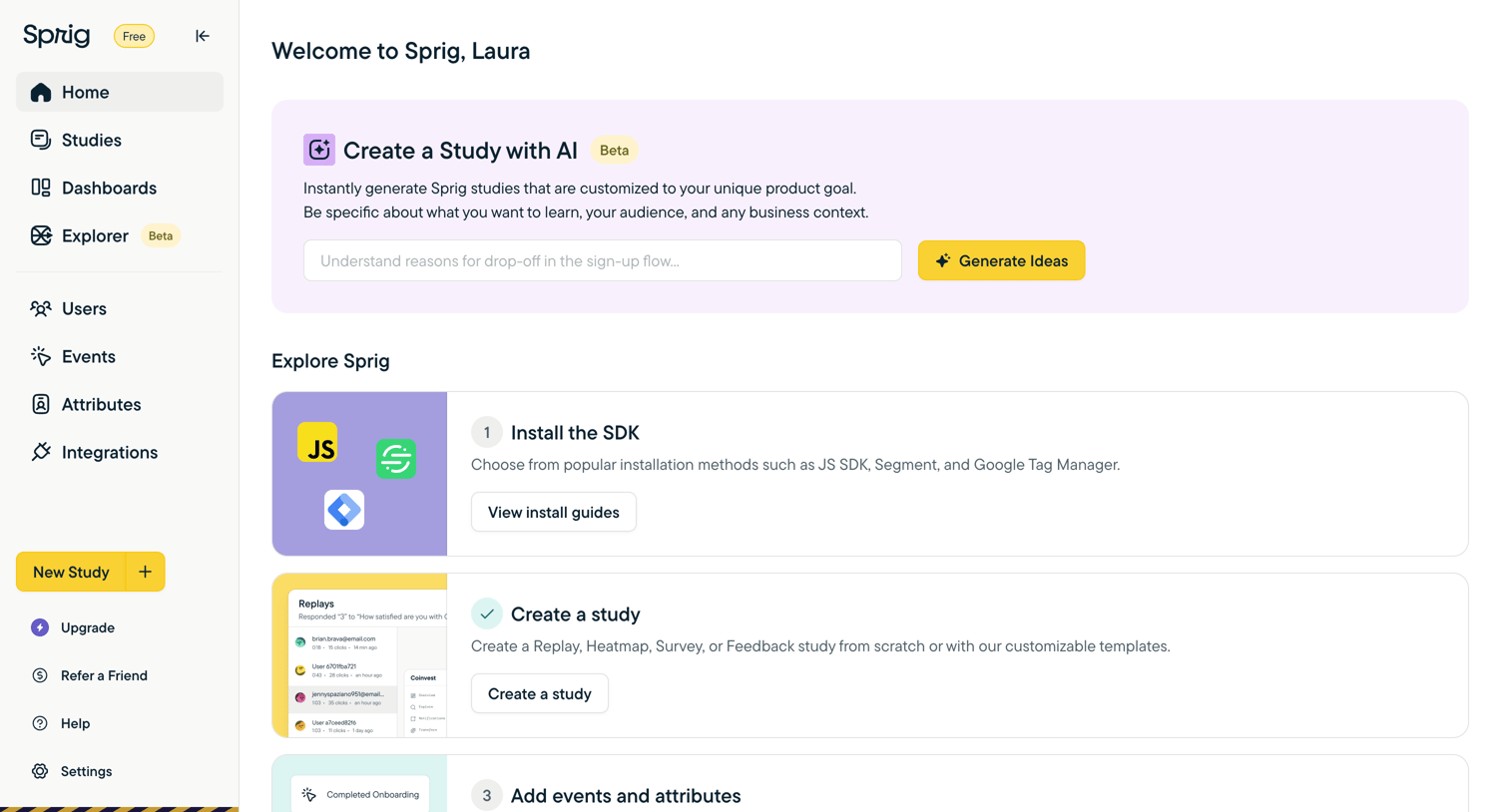

Welcome screen where a new user can generate a study with AI or follow an onboarding checklist to install the SDK, create a study, and add events.
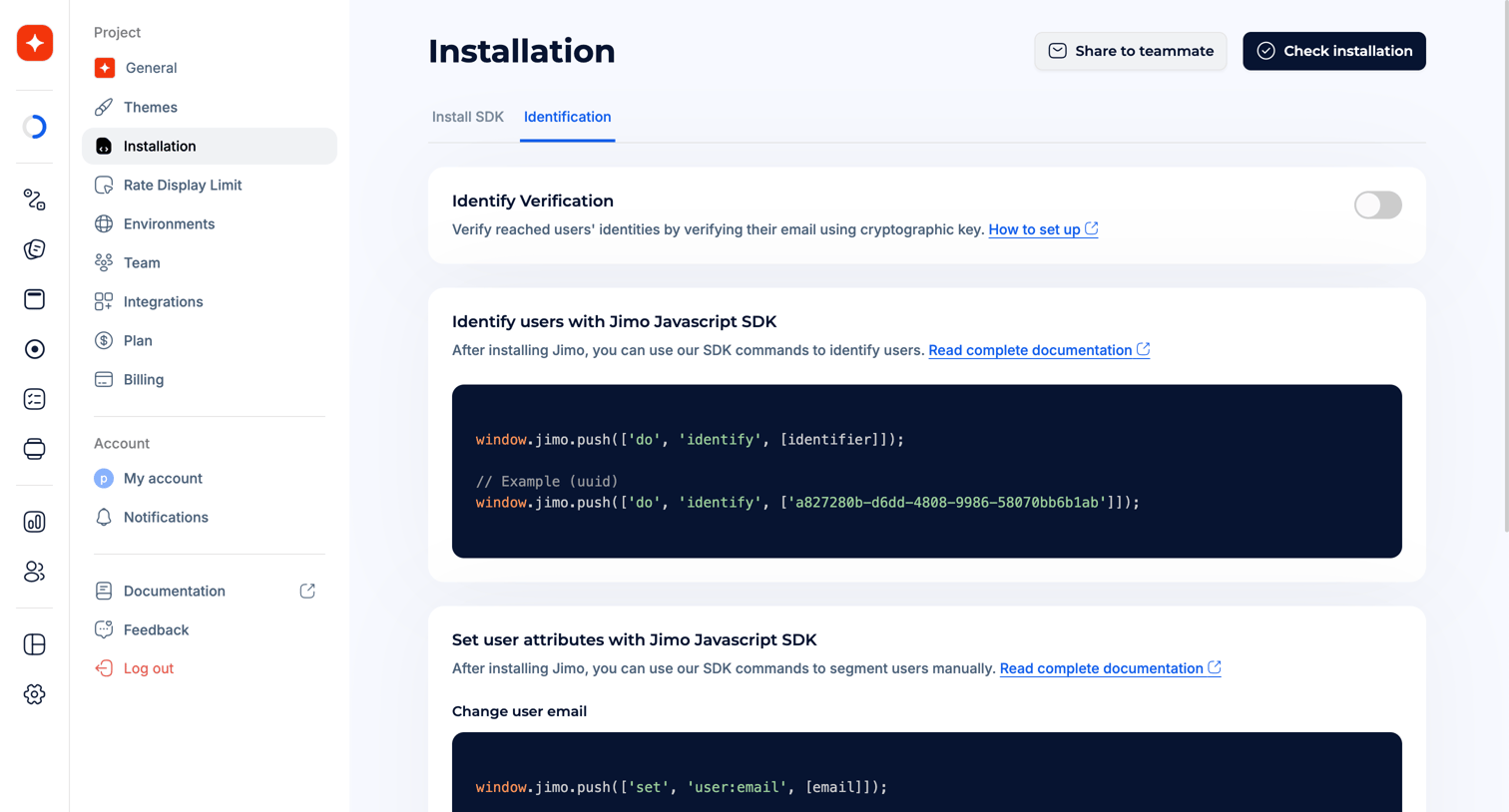

Settings page where the user configures SDK installation and user identification methods, including verifying identities and setting user attributes via JavaScript.
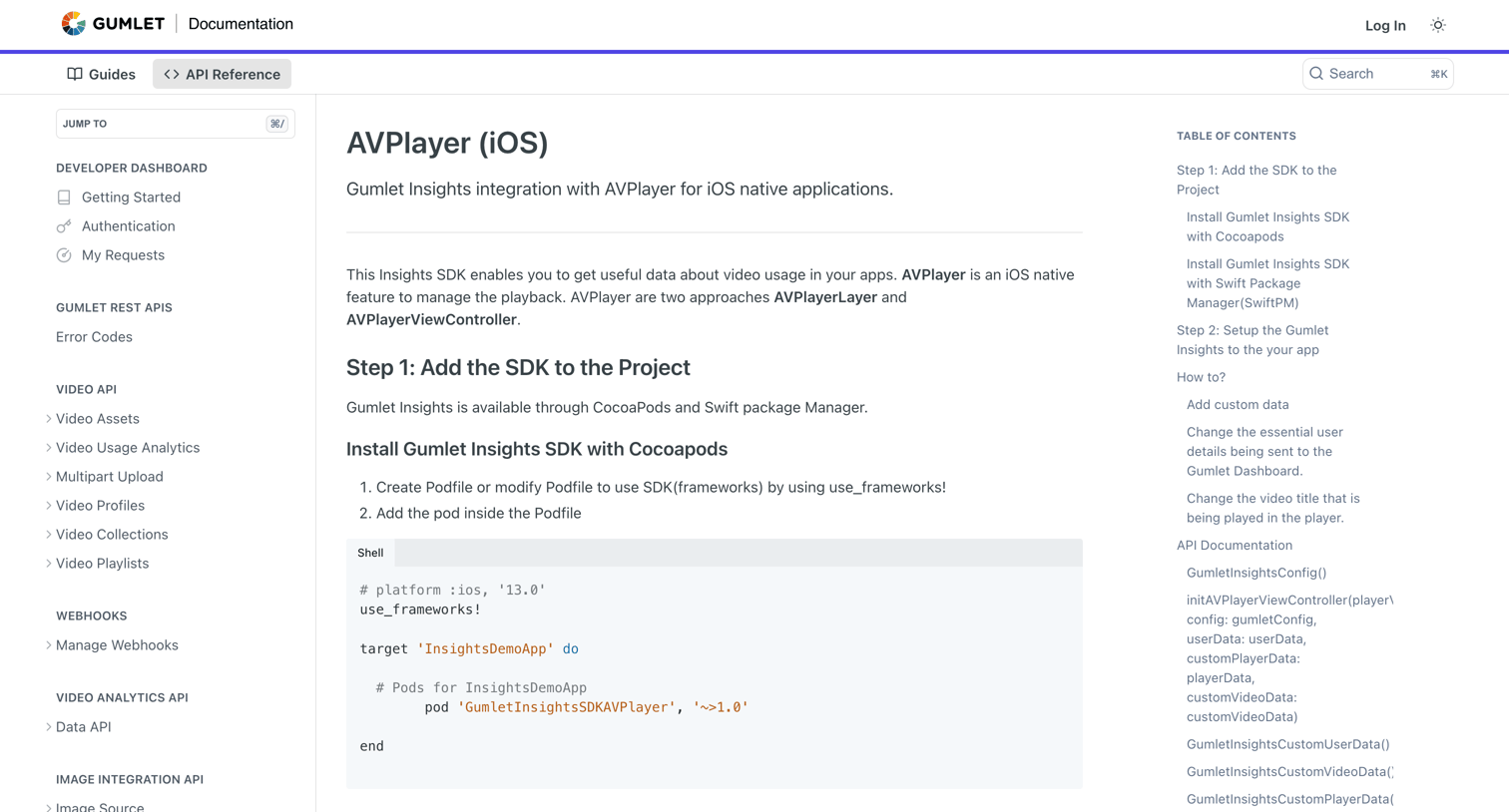

API reference page detailing how to integrate the Gumlet Insights SDK with AVPlayer for iOS, including swift code examples and a table of contents.
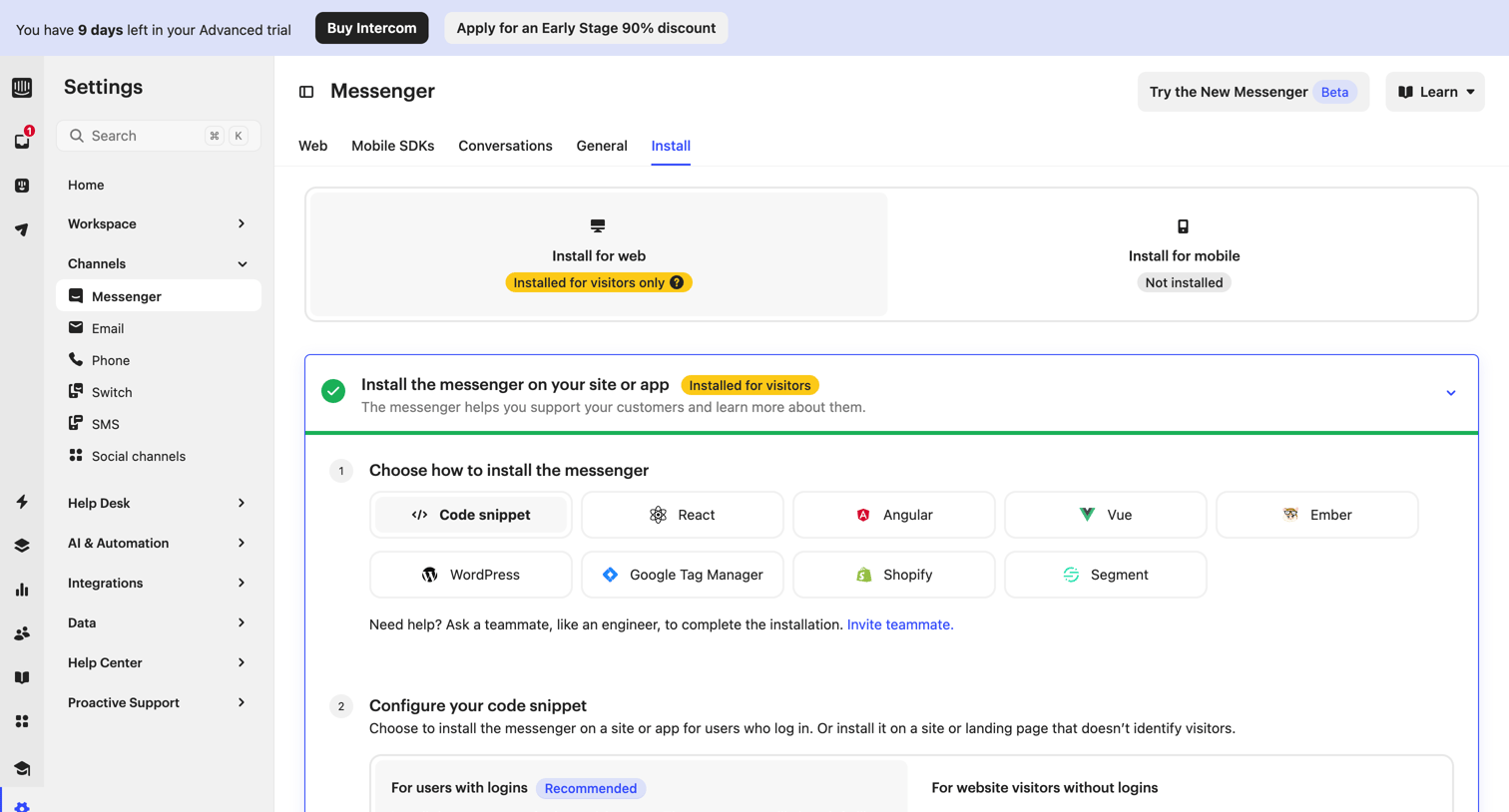

Settings page where the user configures and copies code snippets to install the messenger widget on their website or app.
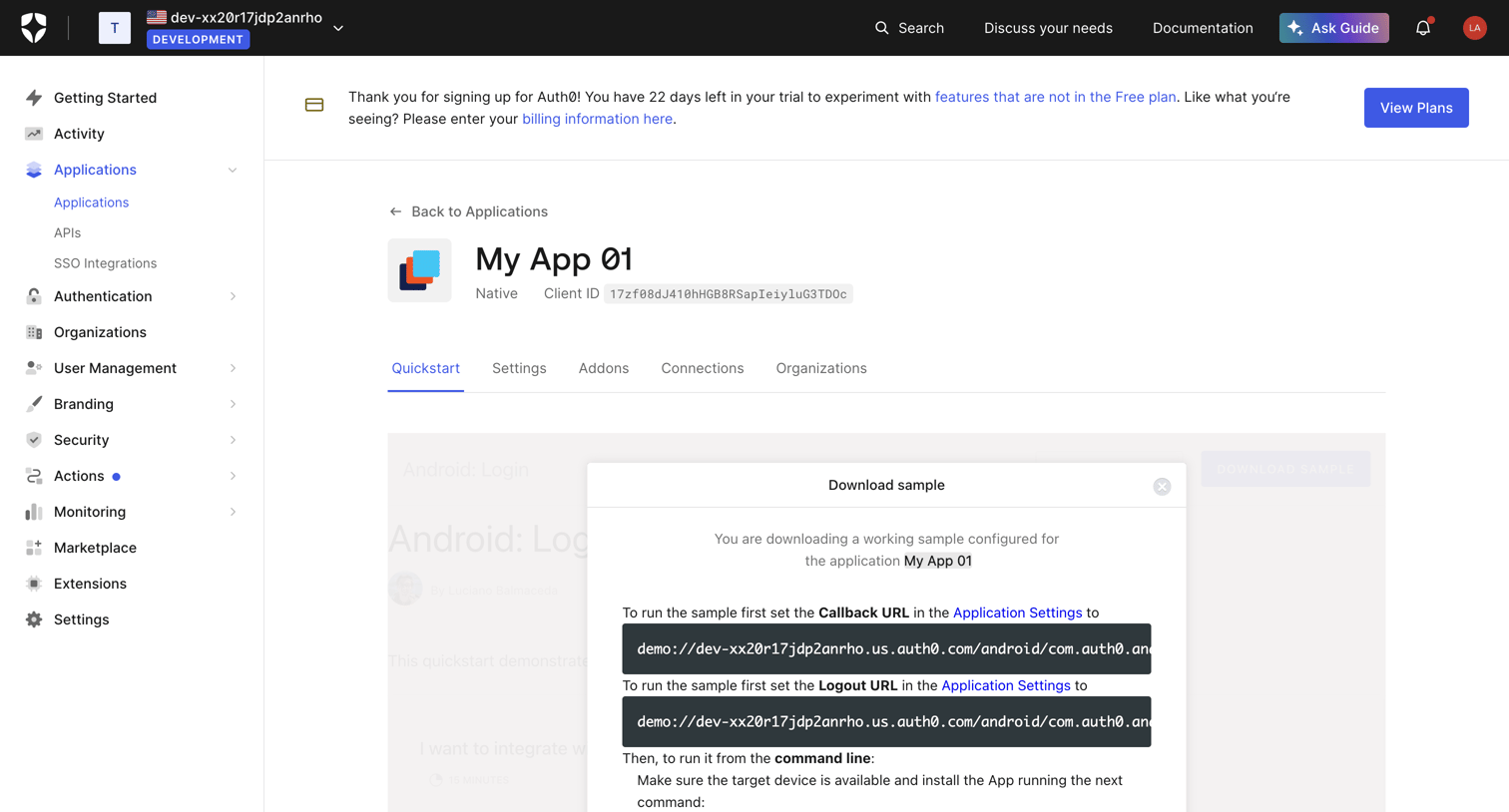

Detail page for an application where the user views a quickstart guide and opens a modal to download a configured sample project.
Explore the full SaaS screen library
Upgrade to unlock the full library.
Trusted by the best teams







