Save changes screen examples
Save changes screen design examples from SaaS apps. See how apps let people save changes. Explore how the save action and supporting status information relate to the current work.
Explore the examples
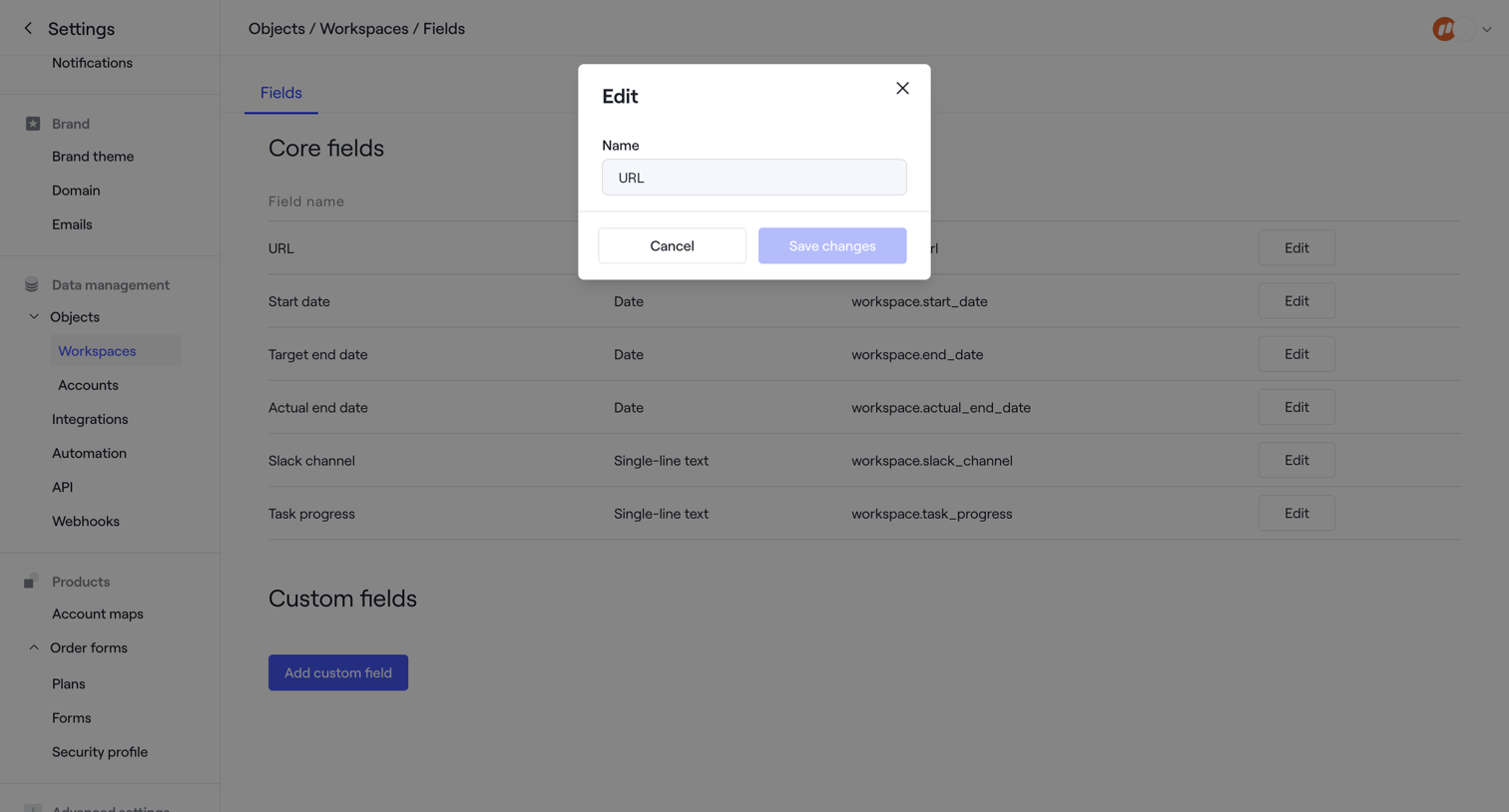

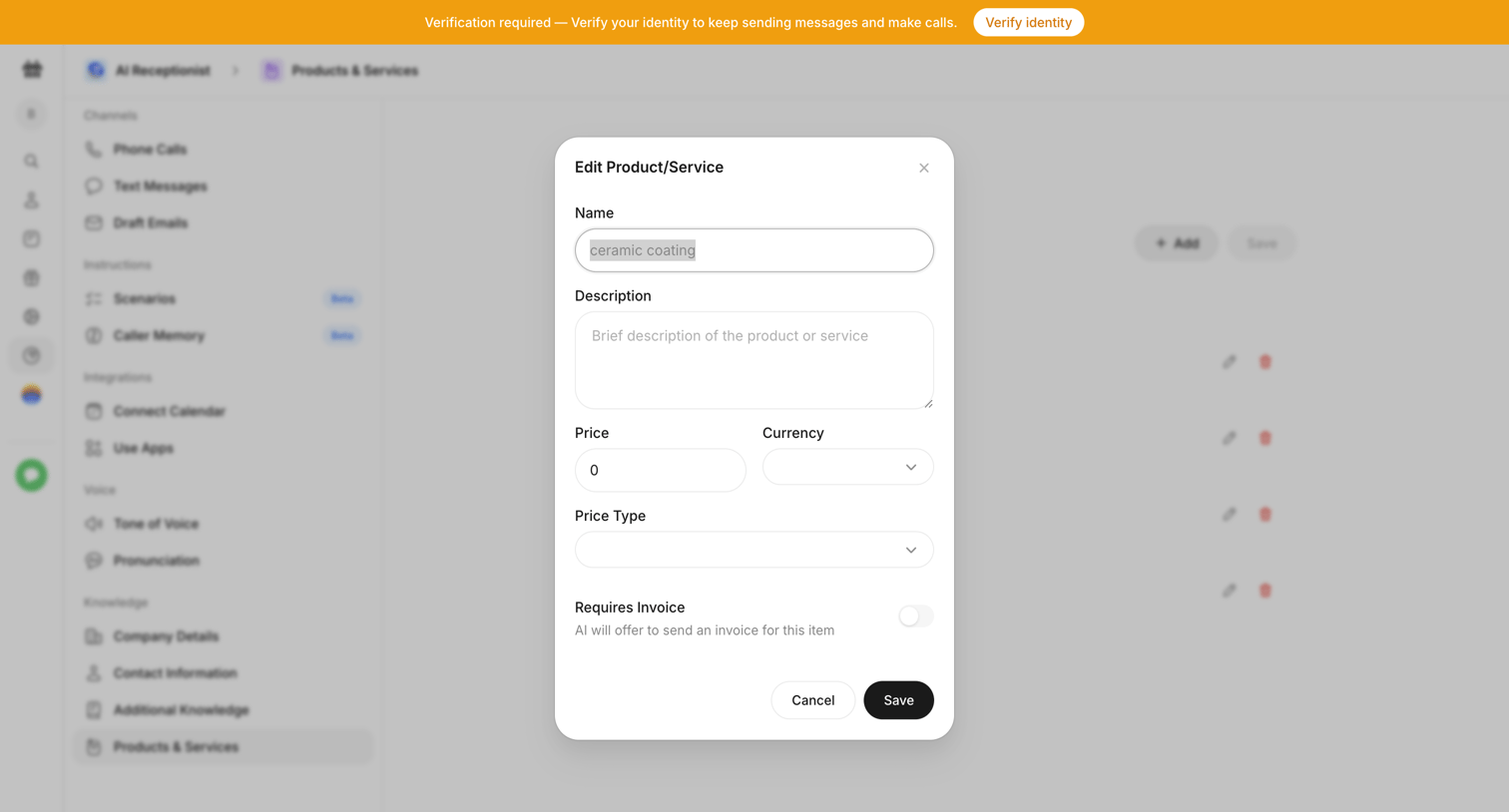

Settings modal where the user edits the name, description, and pricing details of a product or service for the AI receptionist's knowledge base.
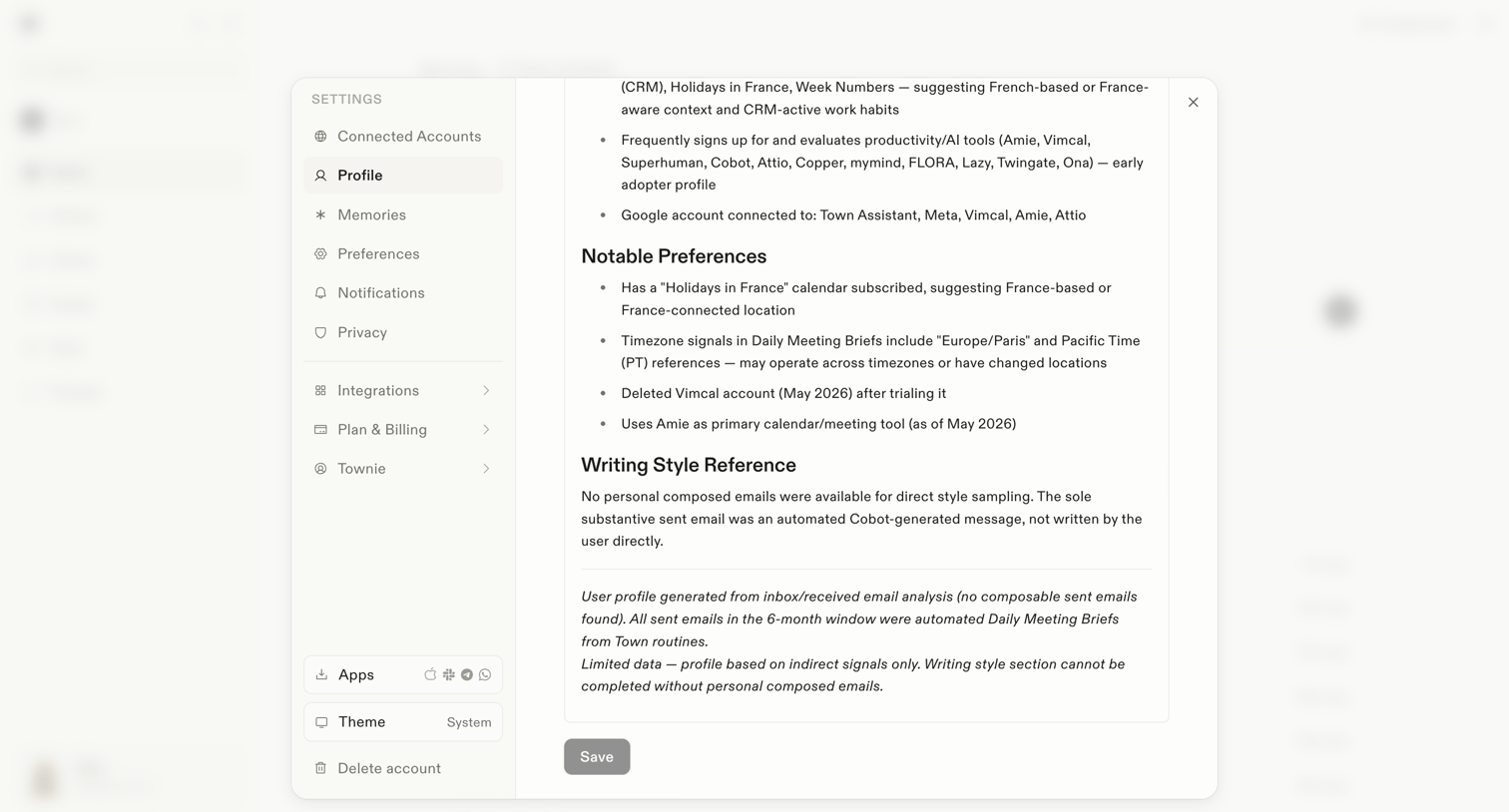

Settings modal where the user views their AI-generated profile, including notable preferences and writing style references, with an option to save changes.
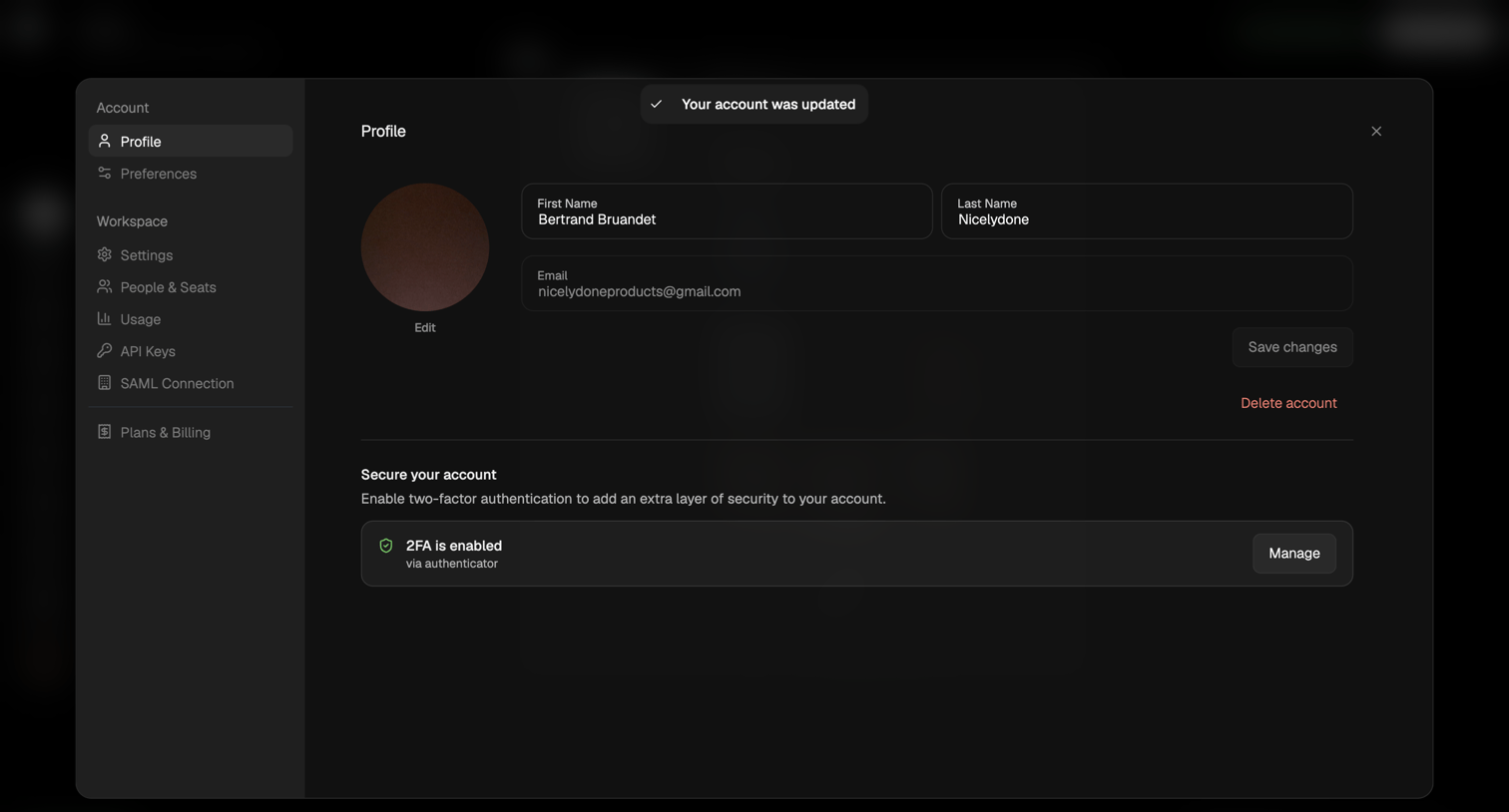

Settings modal where the user can update their personal details, manage two-factor authentication, and delete their account.
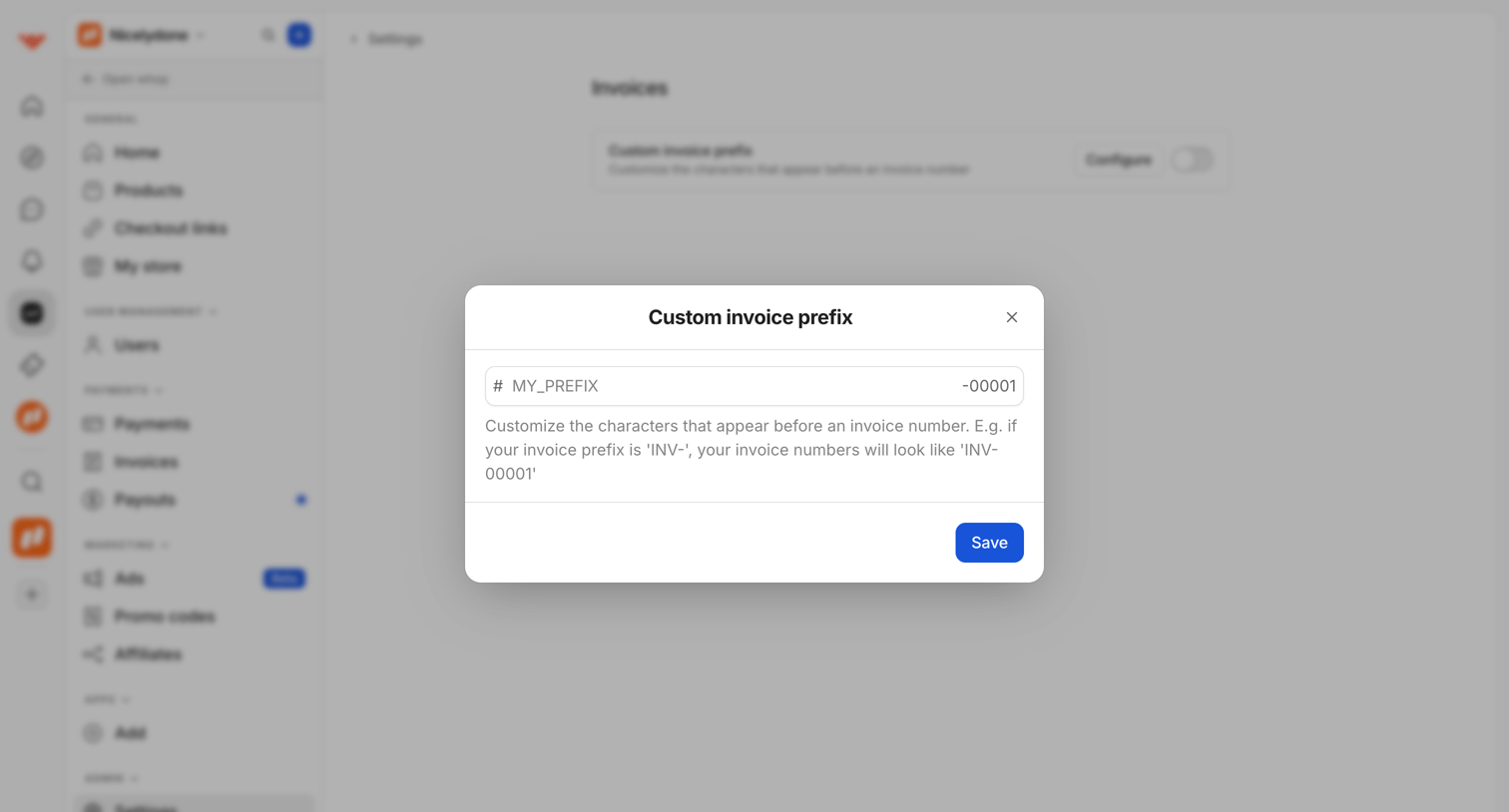

Settings page where the user configures a custom invoice prefix via a modal overlay.
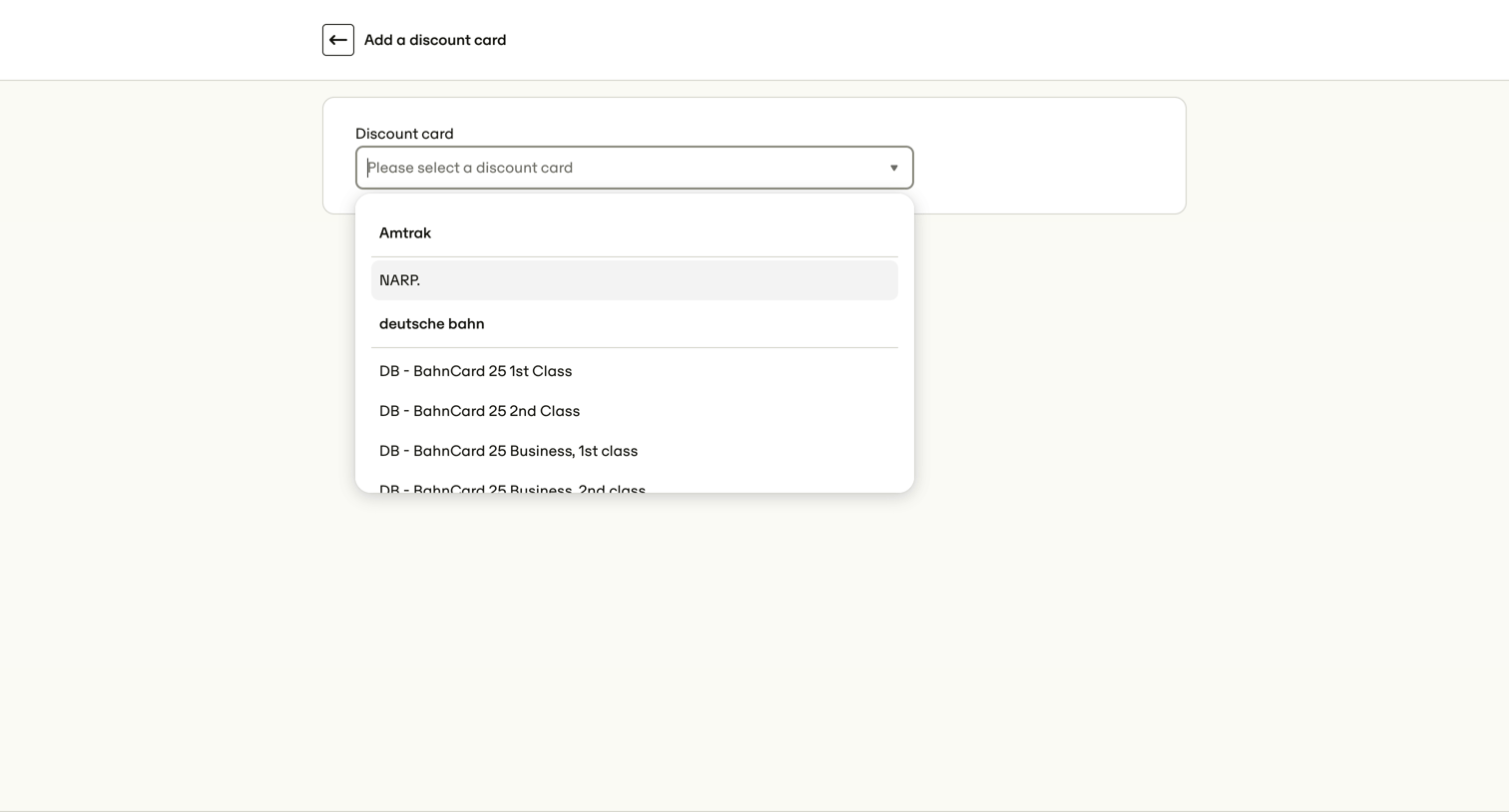

Create screen where the user selects a travel discount card from a grouped searchable dropdown to add to their profile.
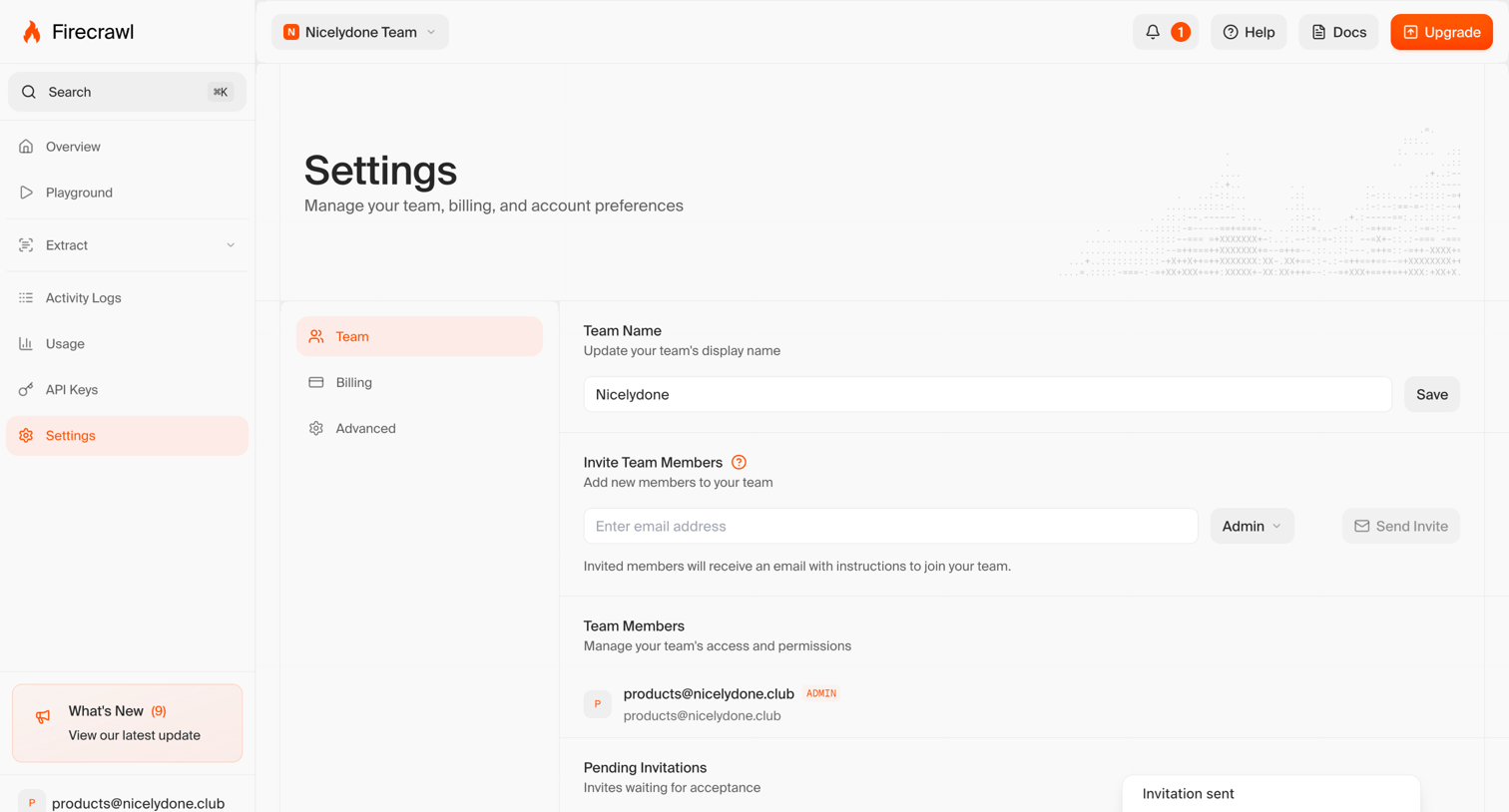

Settings page where the user manages their team name, invites new members by email with role selection, and views existing and pending team members.
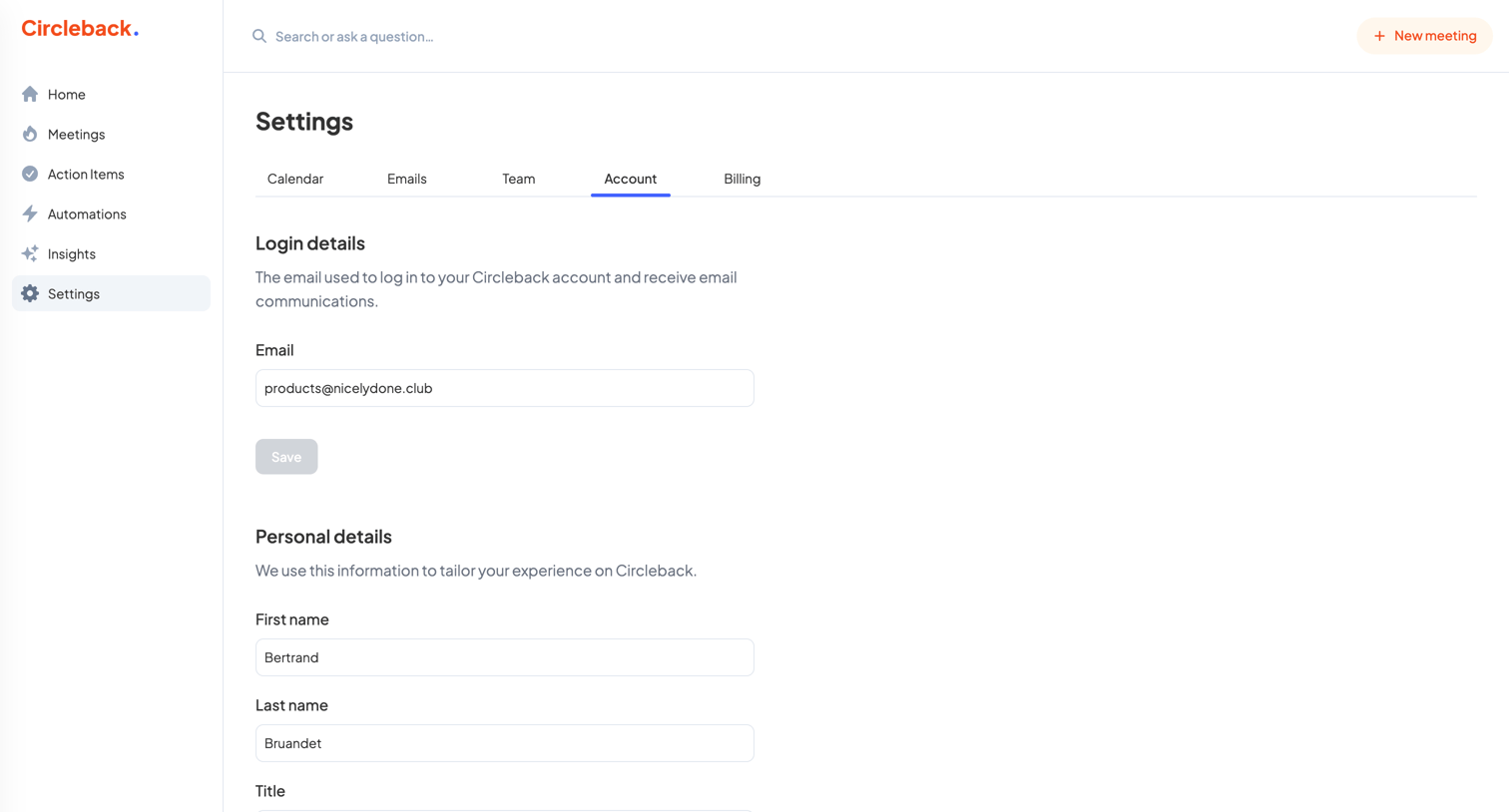

Settings page where the user updates their personal details like name, title, and company.
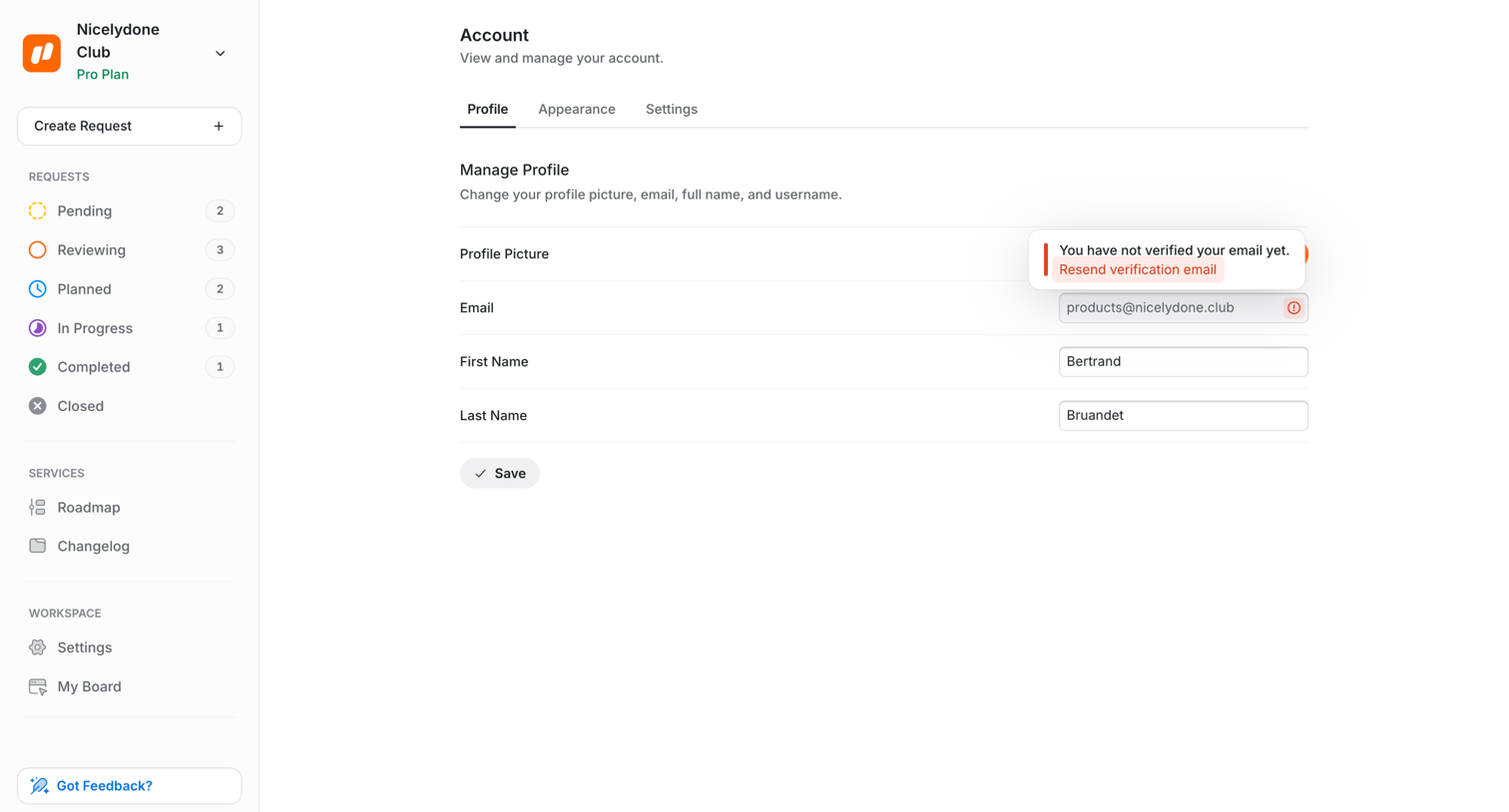

Settings page where the user manages their profile details like name and email, featuring an inline prompt to verify their email address.
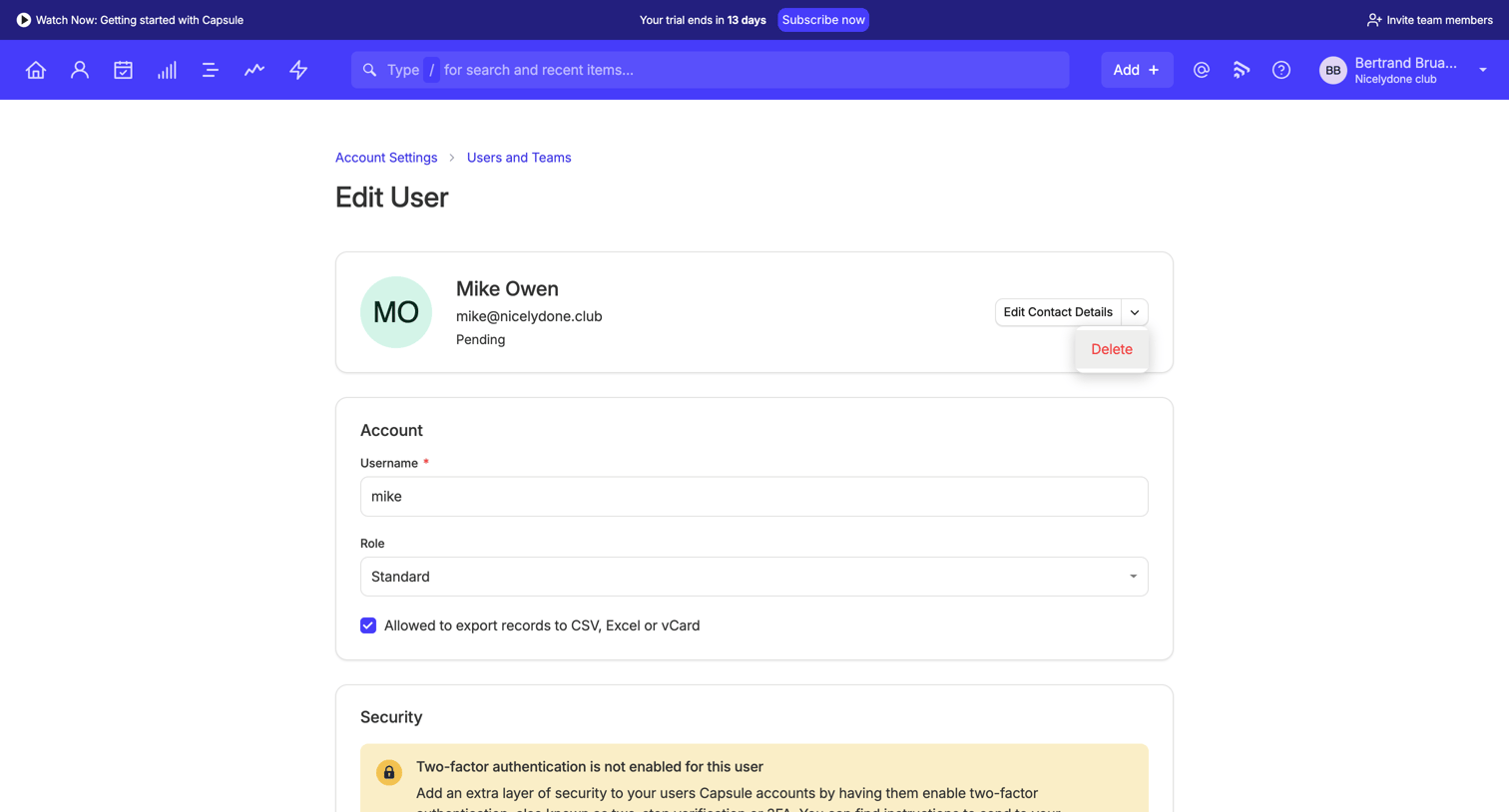

Settings page where an admin configures a specific user's profile, role, security preferences, and team assignments.
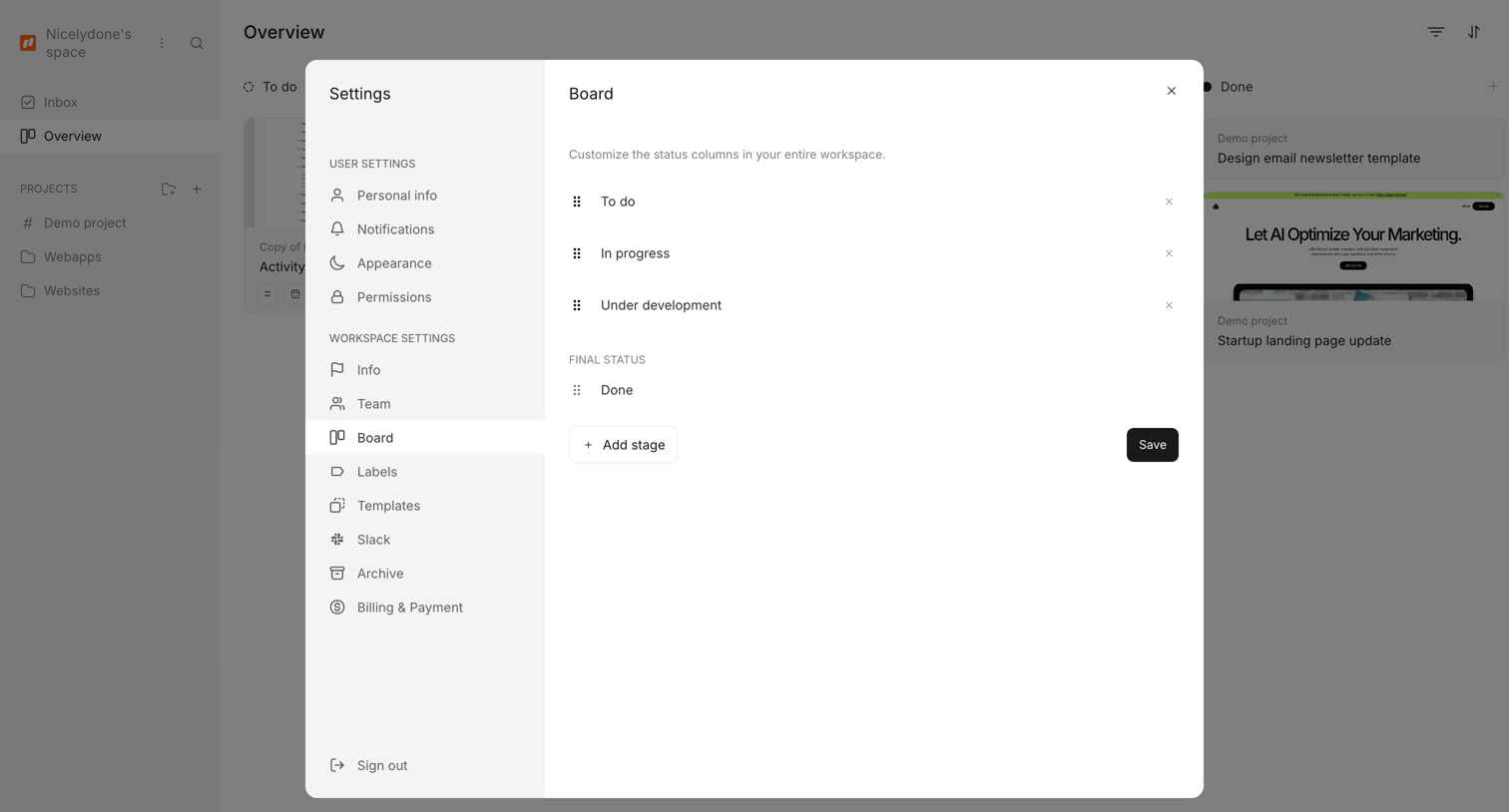

Settings modal where the user customizes the status columns for their workspace board, including adding, reordering, and deleting stages.
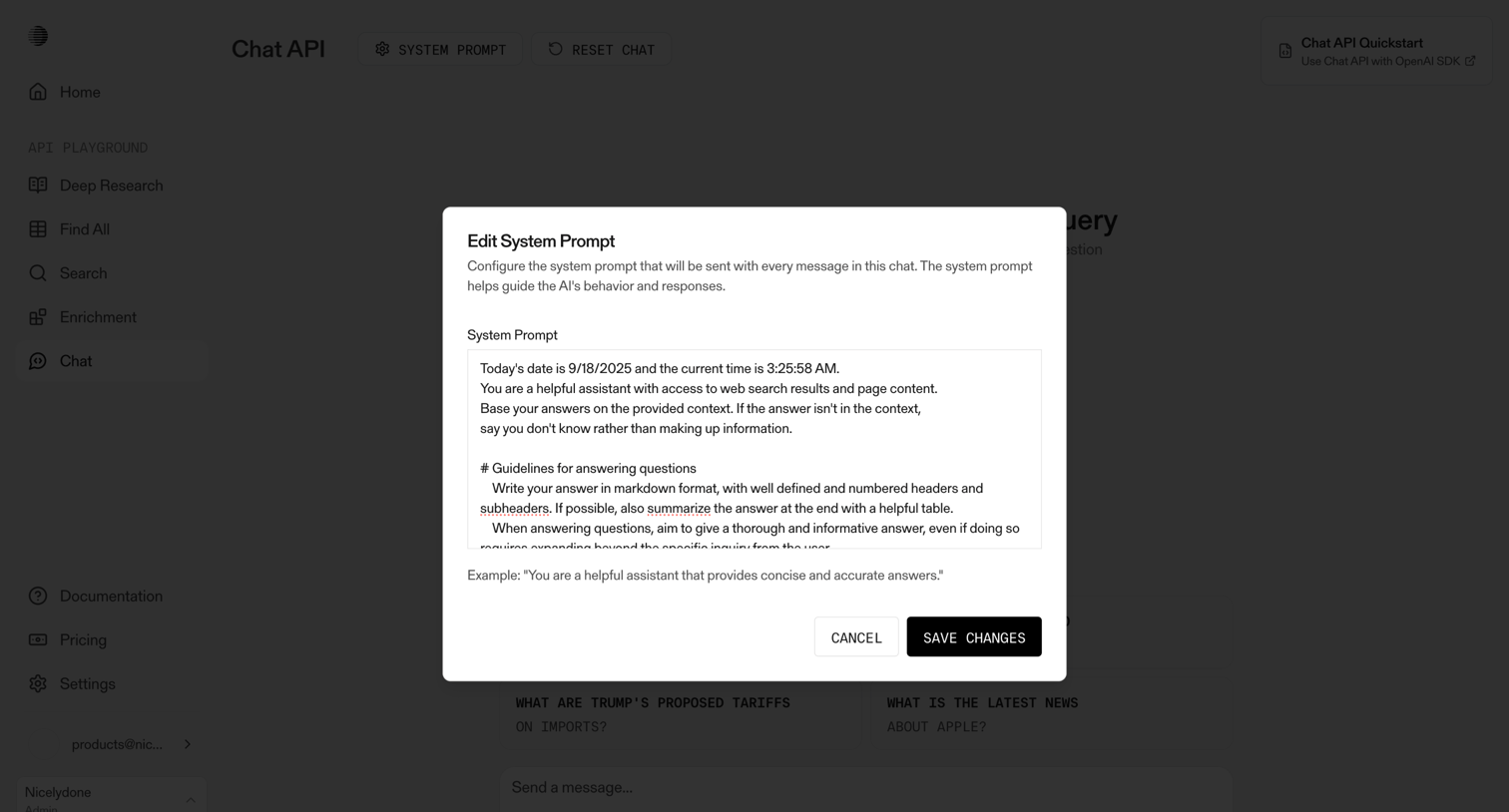

AI chat playground where the user configures the system prompt instructions for the assistant via a modal.
Explore the full SaaS screen library
Upgrade to unlock the full library.
Trusted by the best teams








About Save changes
See how apps let people save changes. Explore how the save action and supporting status information relate to the current work.