Project dashboard screen examples
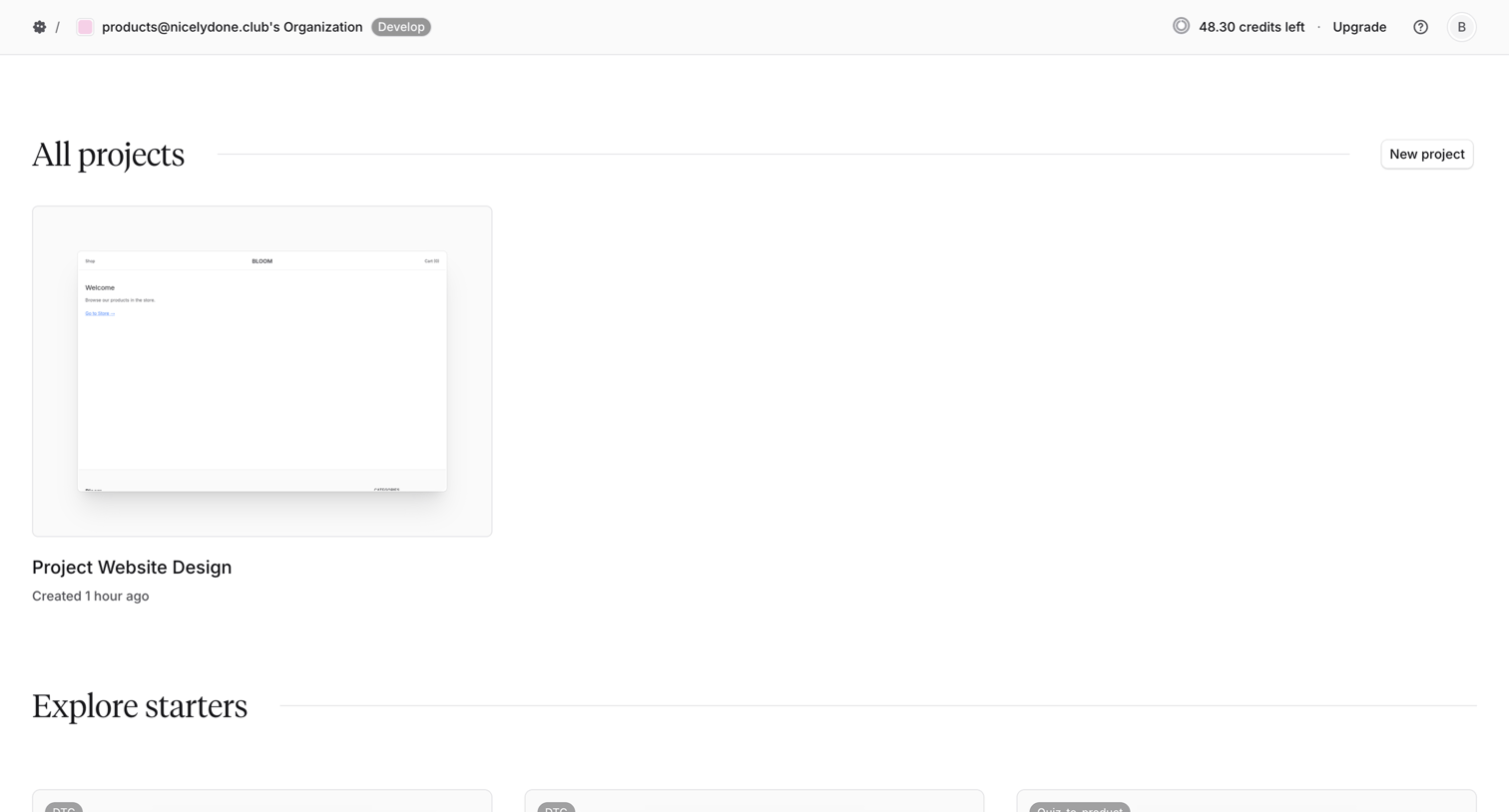
Project dashboard screen design examples from SaaS apps. Browse examples from Magnific, Alloy, Inference.
Explore the examples
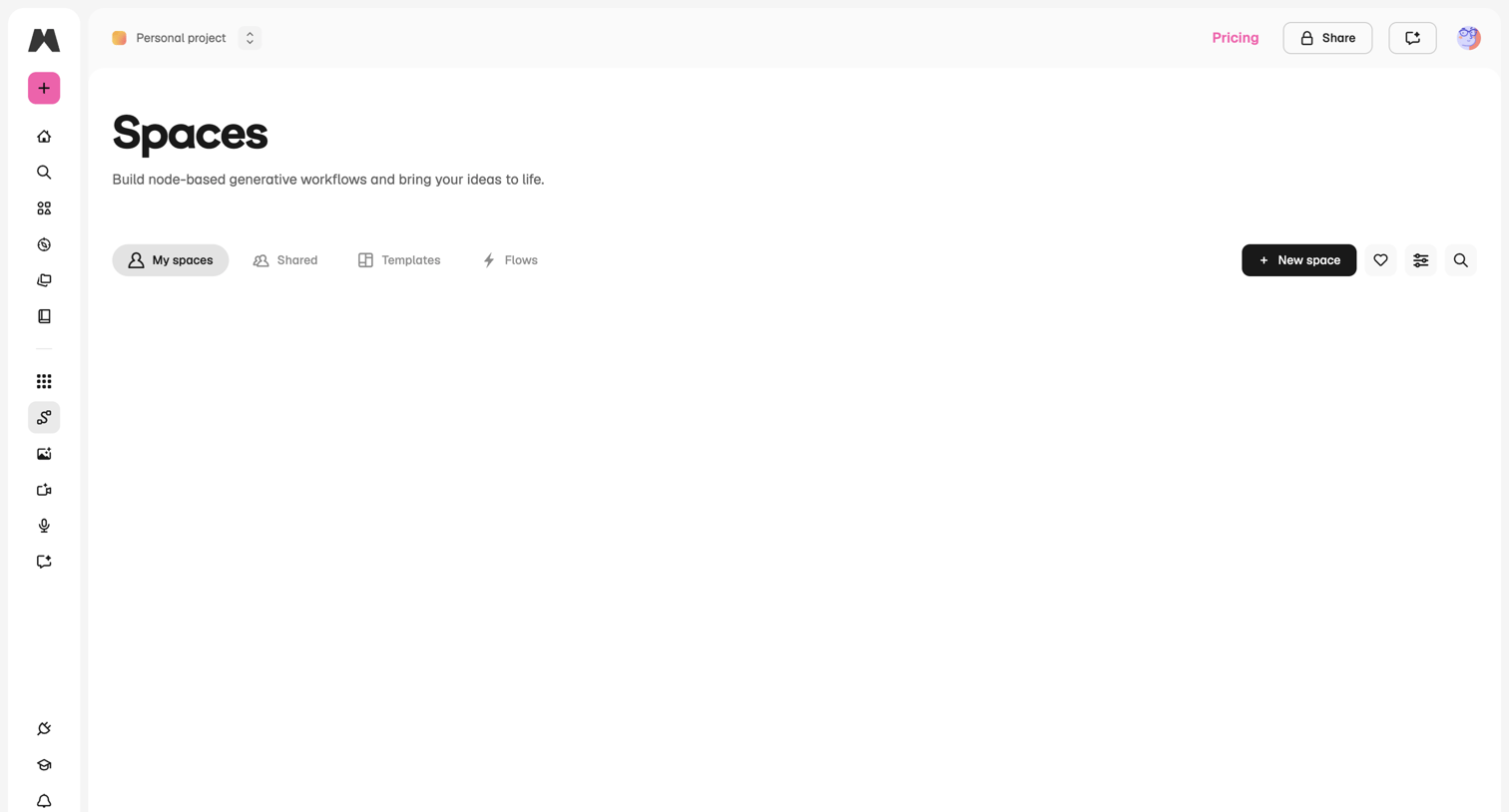

Empty state for the spaces list where the user can create a new node-based generative workflow or browse templates.
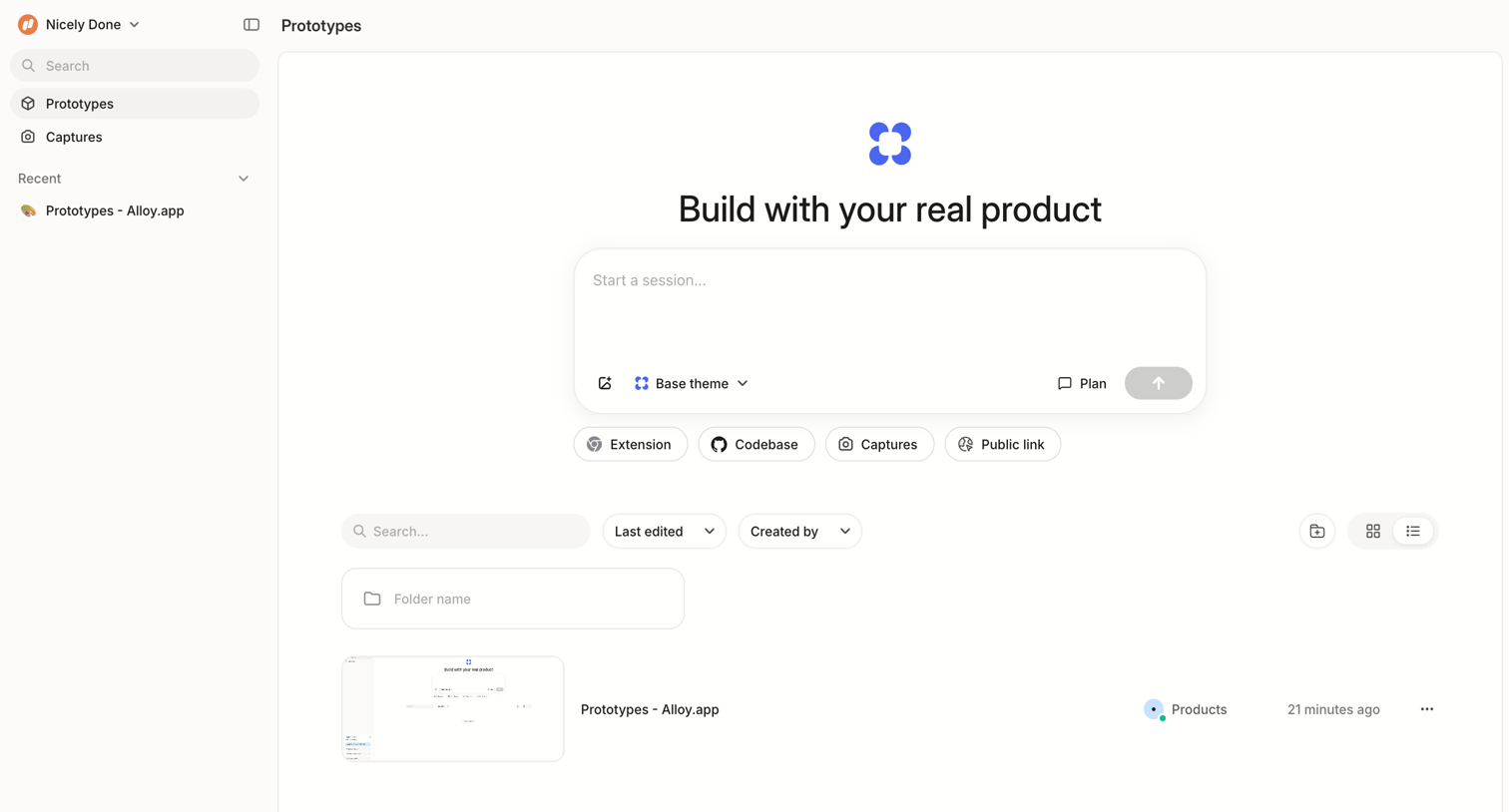

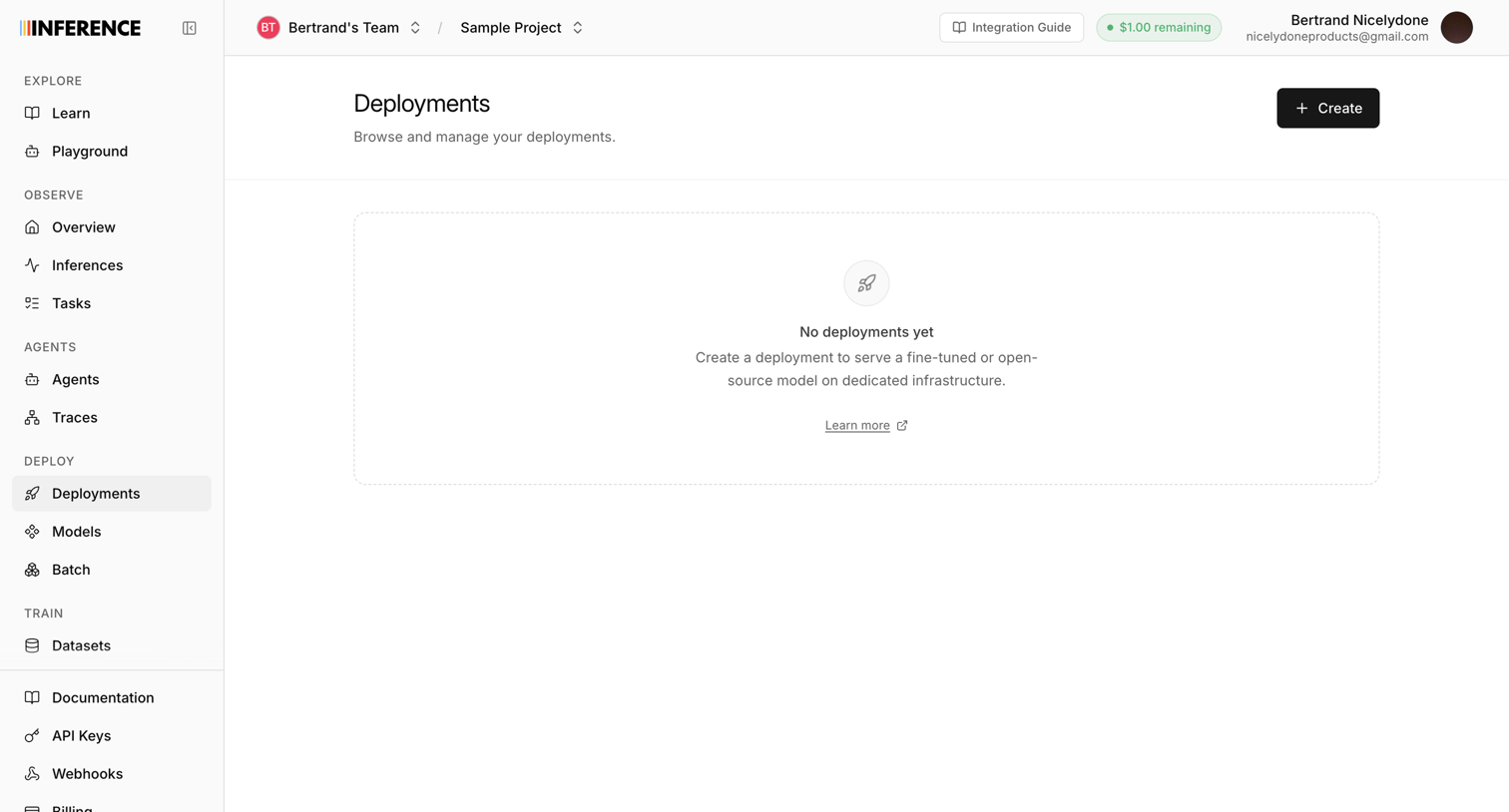

Empty list view for deployments where the user is prompted to create their first deployment to serve a model.
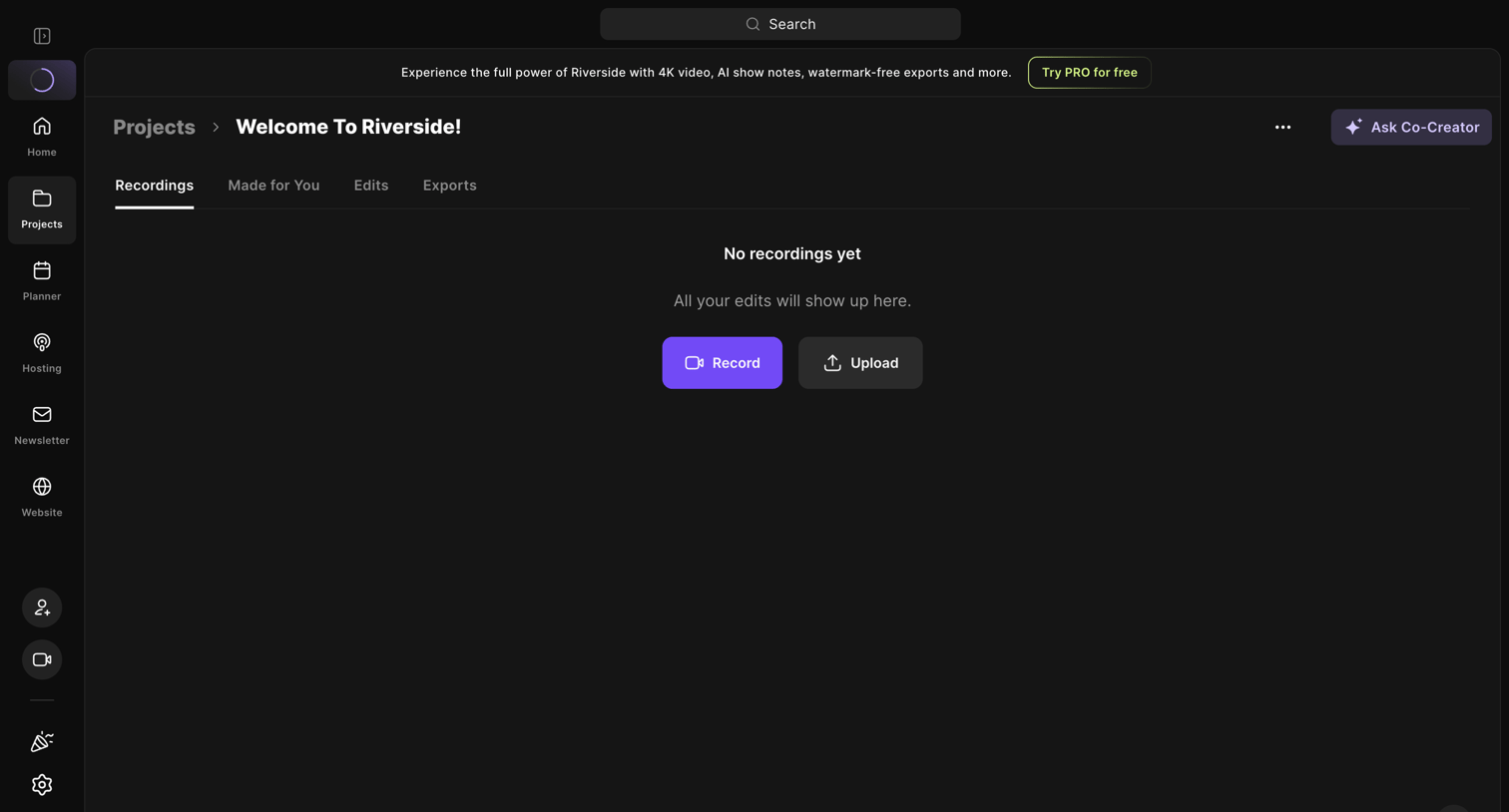

Detail page for a specific project where the user is prompted to record or upload their first media file.
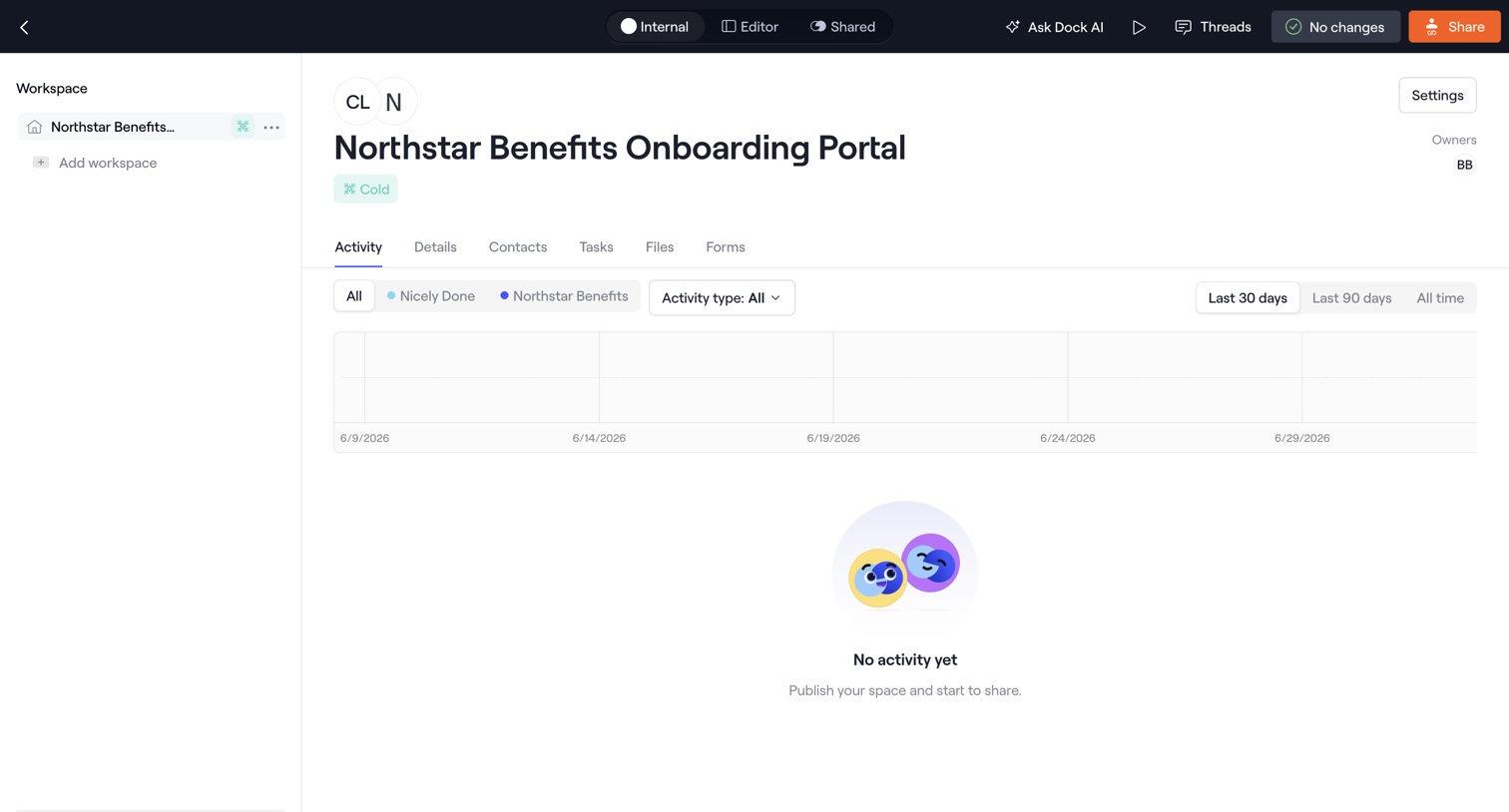

Detail page for an onboarding portal showing an empty activity feed with a prompt to publish the space.

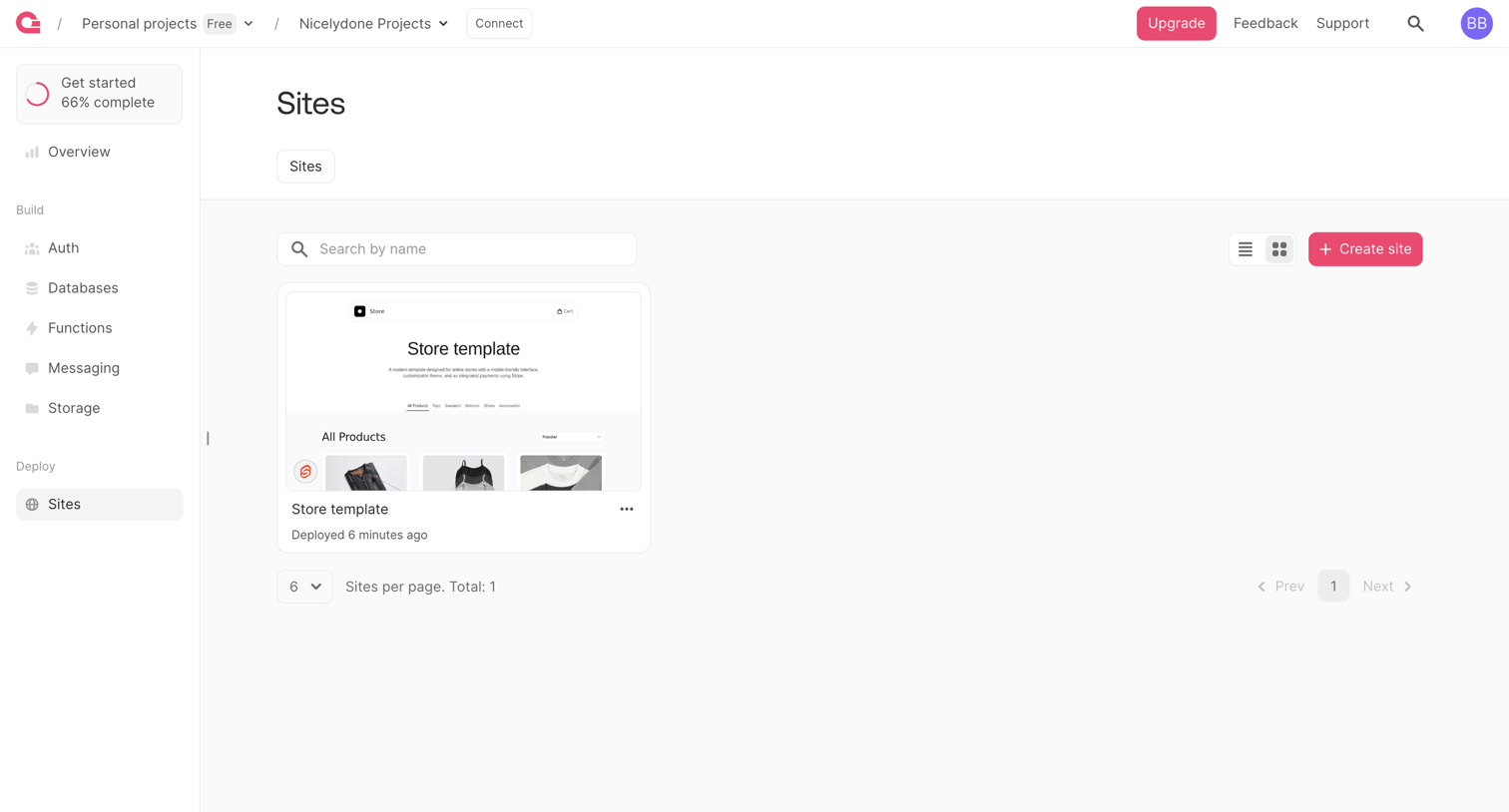

List view where the user manages deployed sites like 'Store template', displayed as a grid of cards with a search bar and pagination controls.
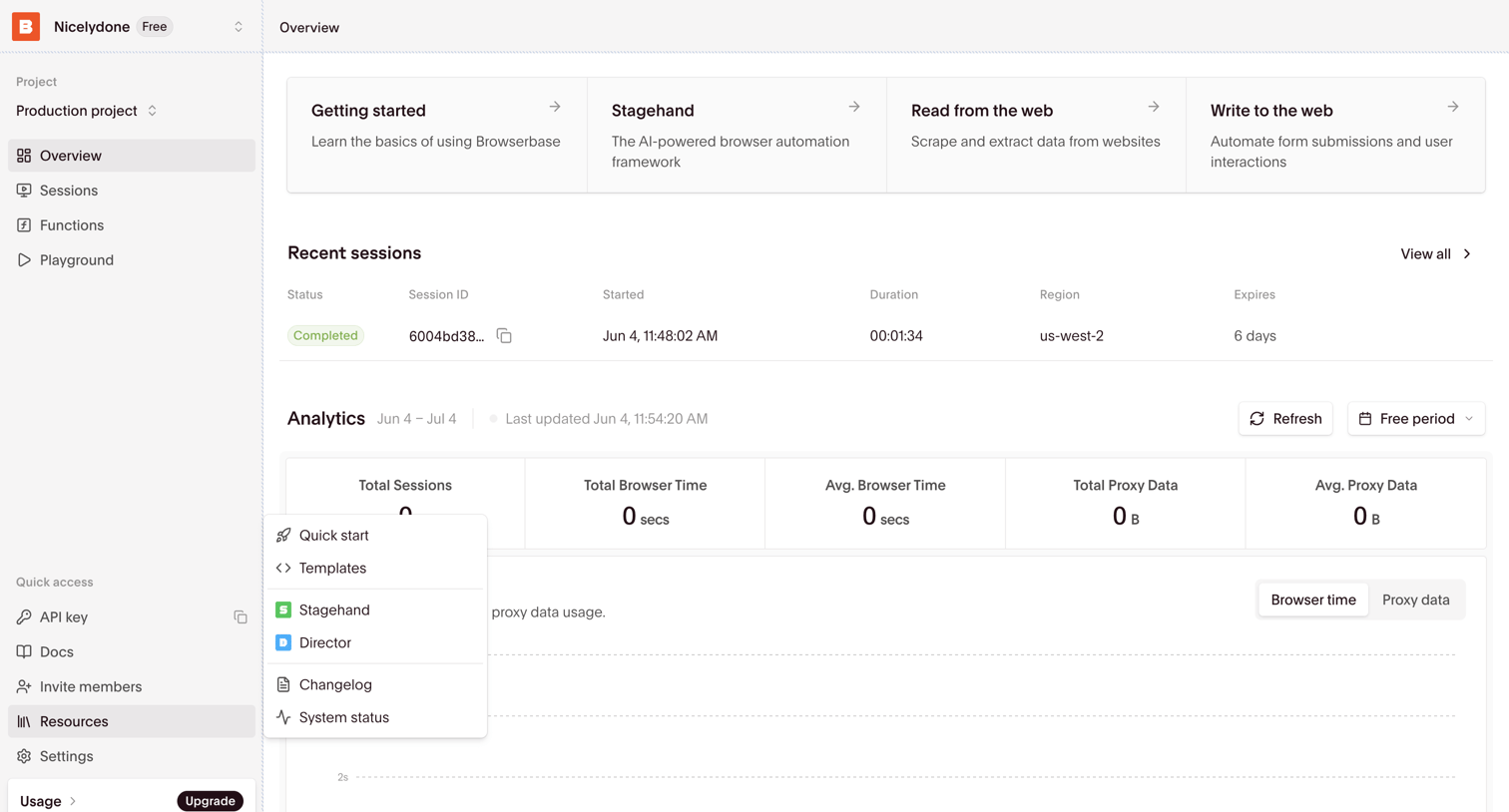

Dashboard overview for a browser automation project showing onboarding links, recent session logs, and usage analytics.
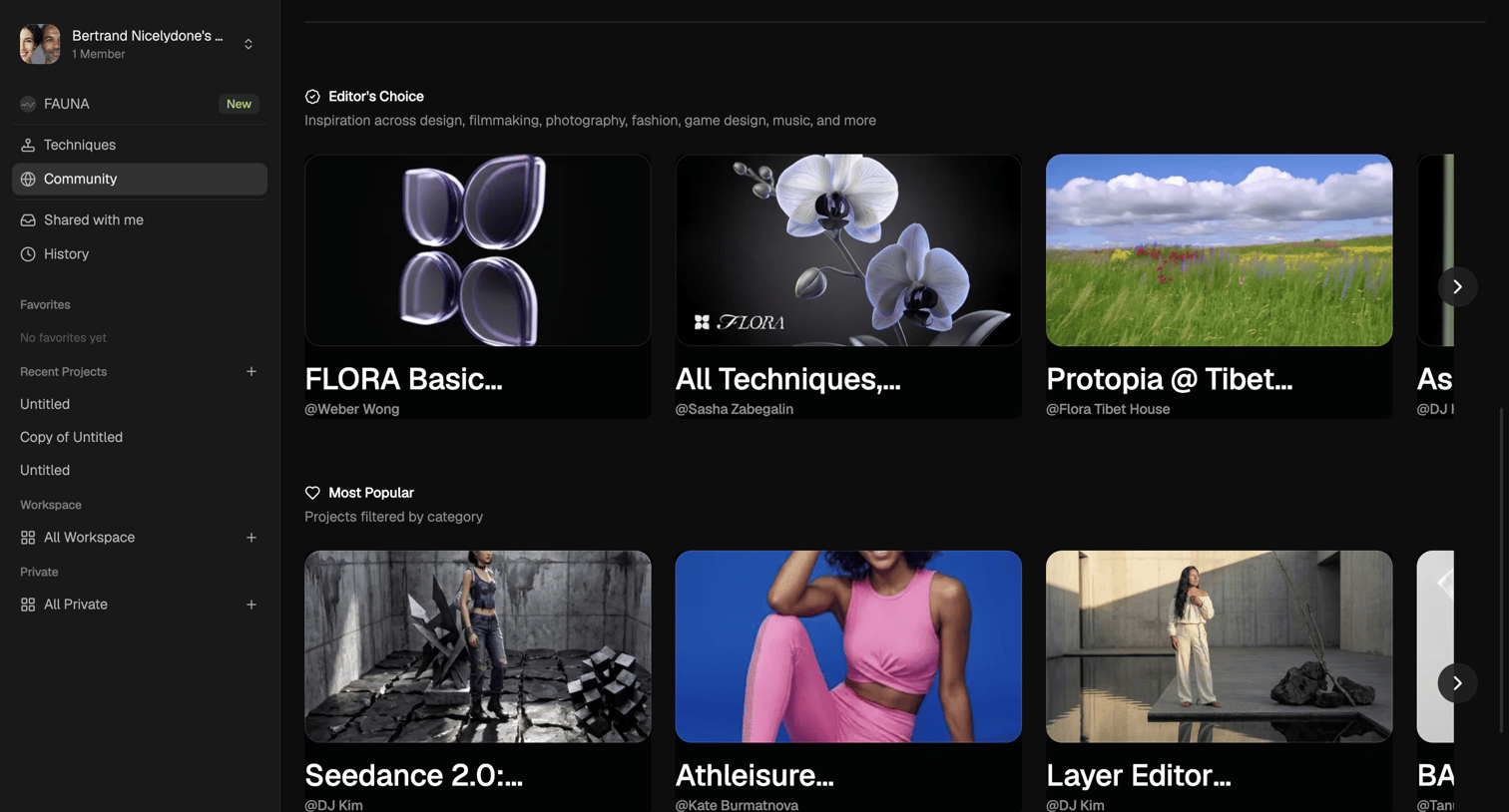

Community gallery view where the user browses Editor's Choice and Most Popular projects across various creative disciplines.
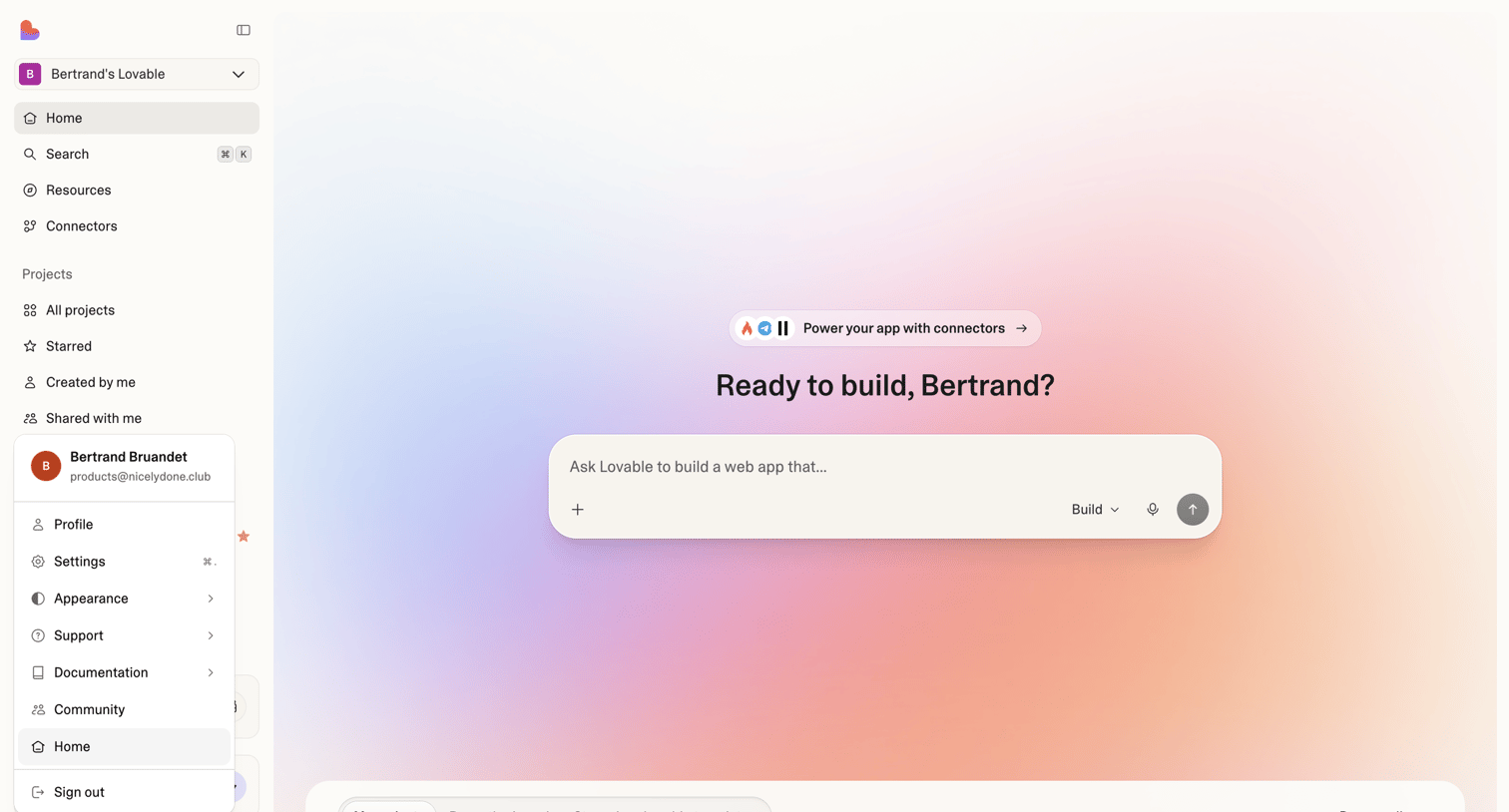

Home screen where the user can prompt the AI to build a web app or browse their existing projects and templates.
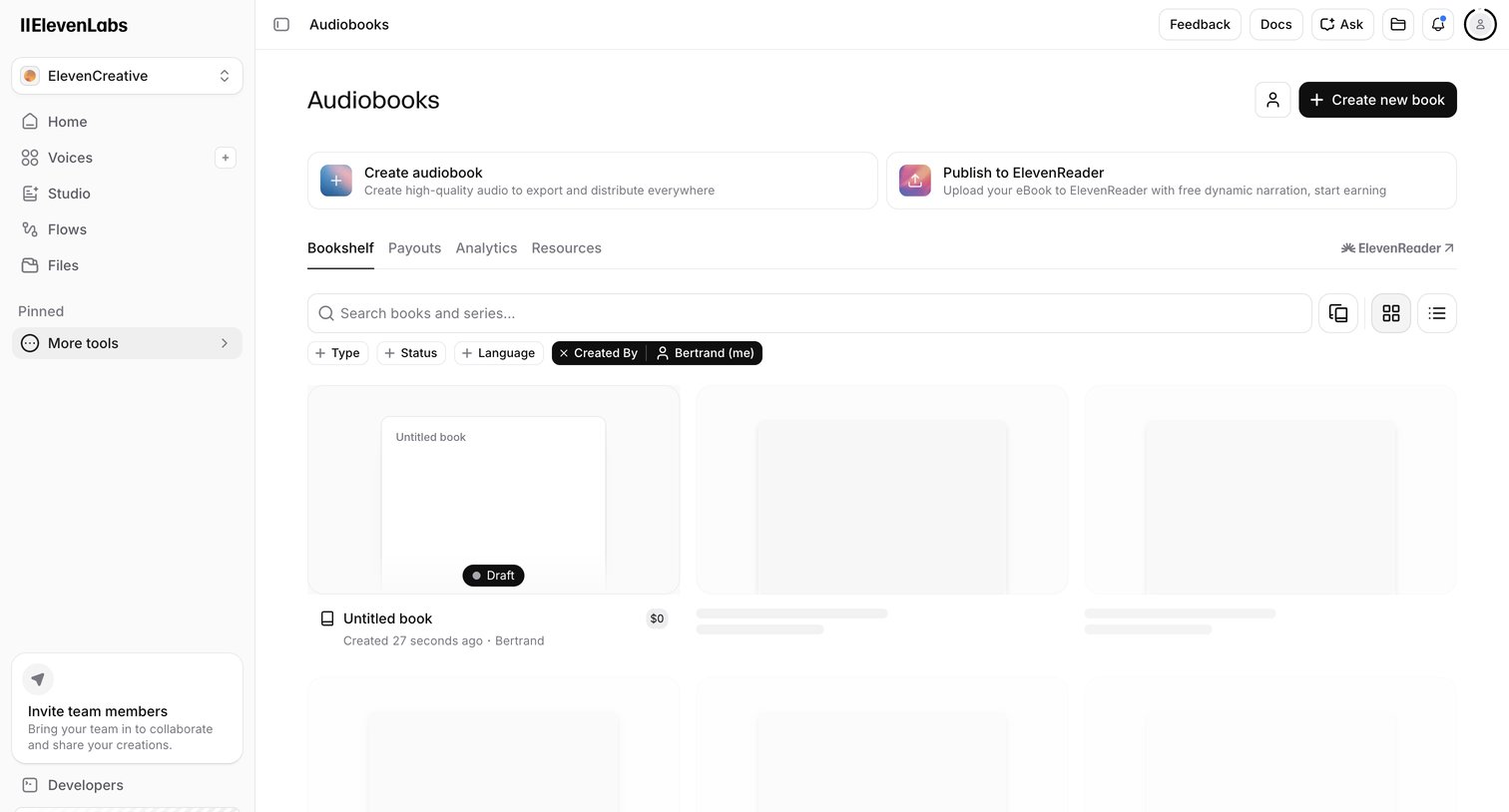

List view where the user manages their audiobooks, with options to create new ones or publish to ElevenReader.
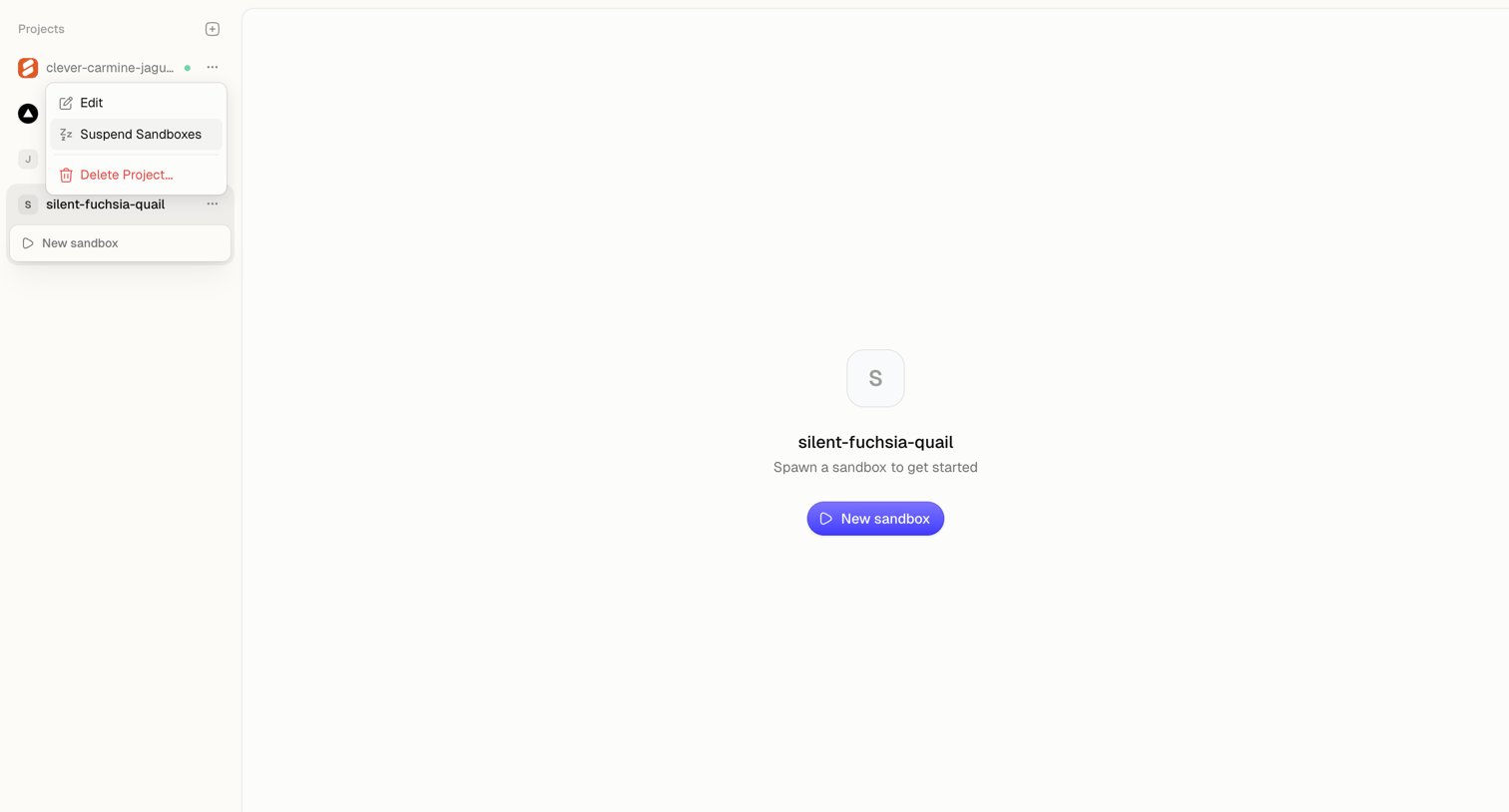

Detail page where the user is prompted to spawn a new sandbox for an empty project.
Explore the full SaaS screen library
Upgrade to unlock the full library.
Trusted by the best teams







