Permission management screen examples
Permission management screen design examples from SaaS apps. Browse examples from Dock, Town, Flora.
Explore the examples
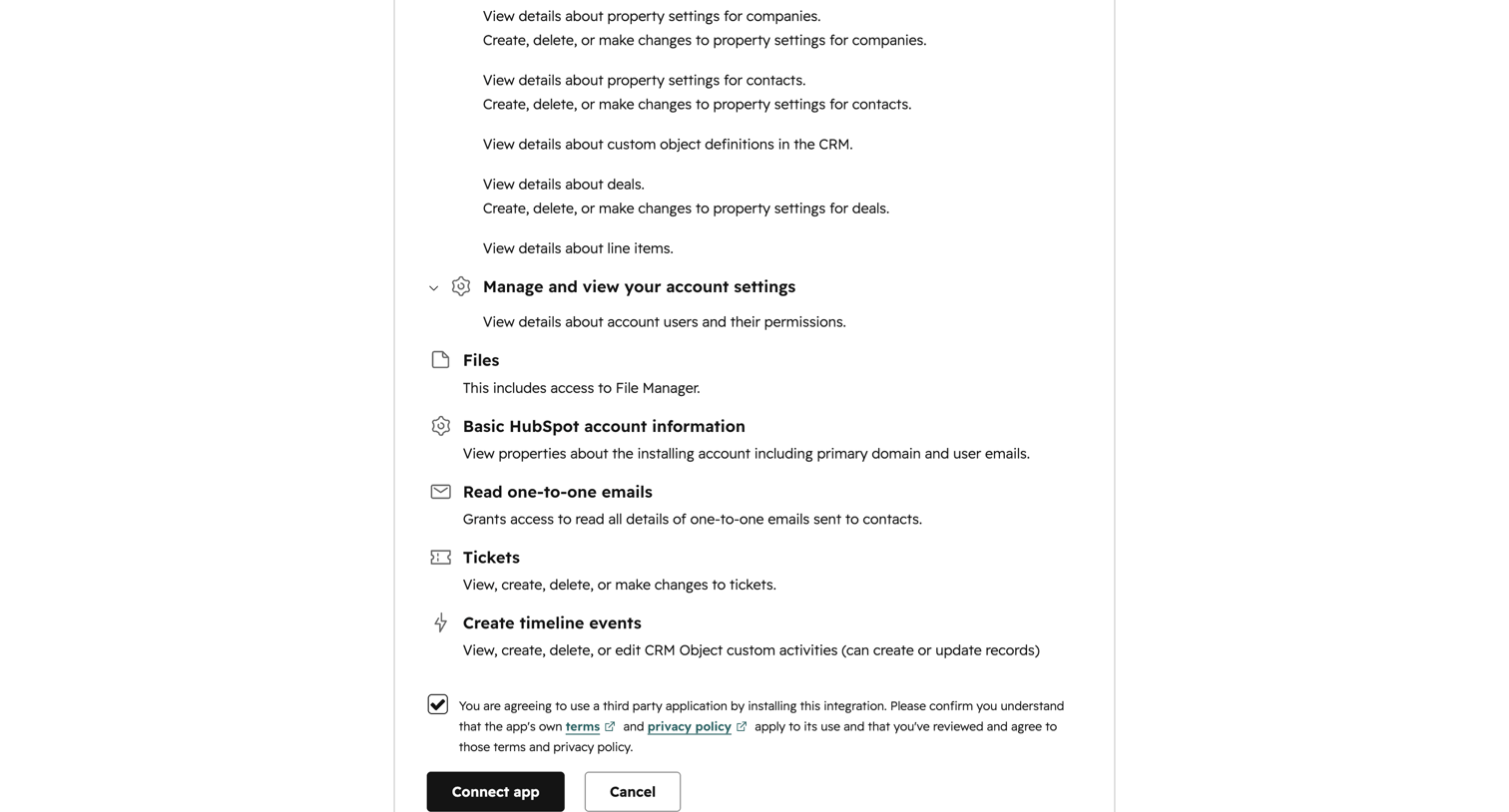

Integration consent screen where the user reviews requested permissions like reading one-to-one emails and managing account settings before connecting a third-party app.
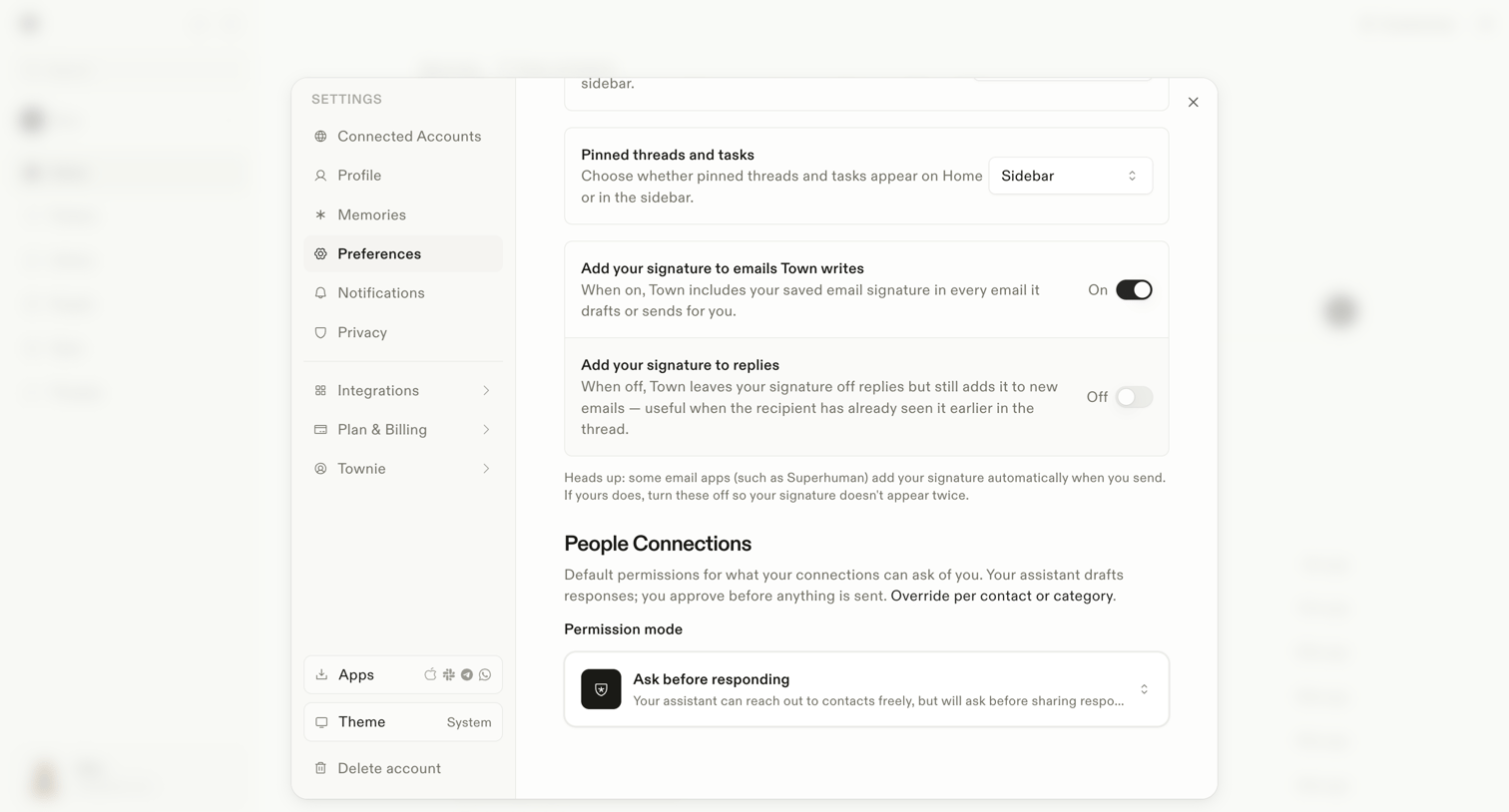

Settings modal where the user configures general preferences like pinned threads location, email signatures, and default permission modes for their AI assistant.
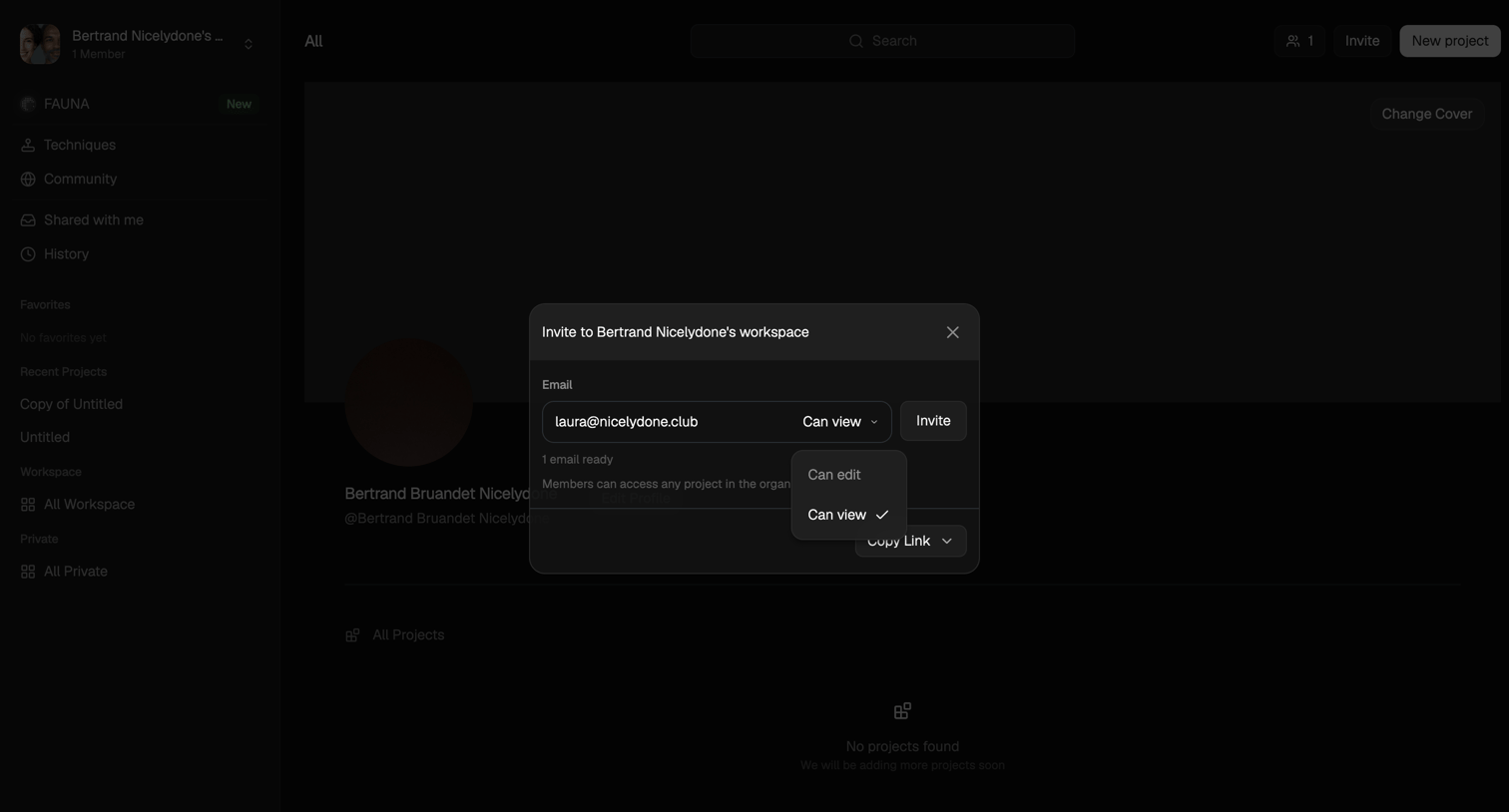

Detail page where the user invites a new member to their workspace by email and assigns them view or edit permissions.
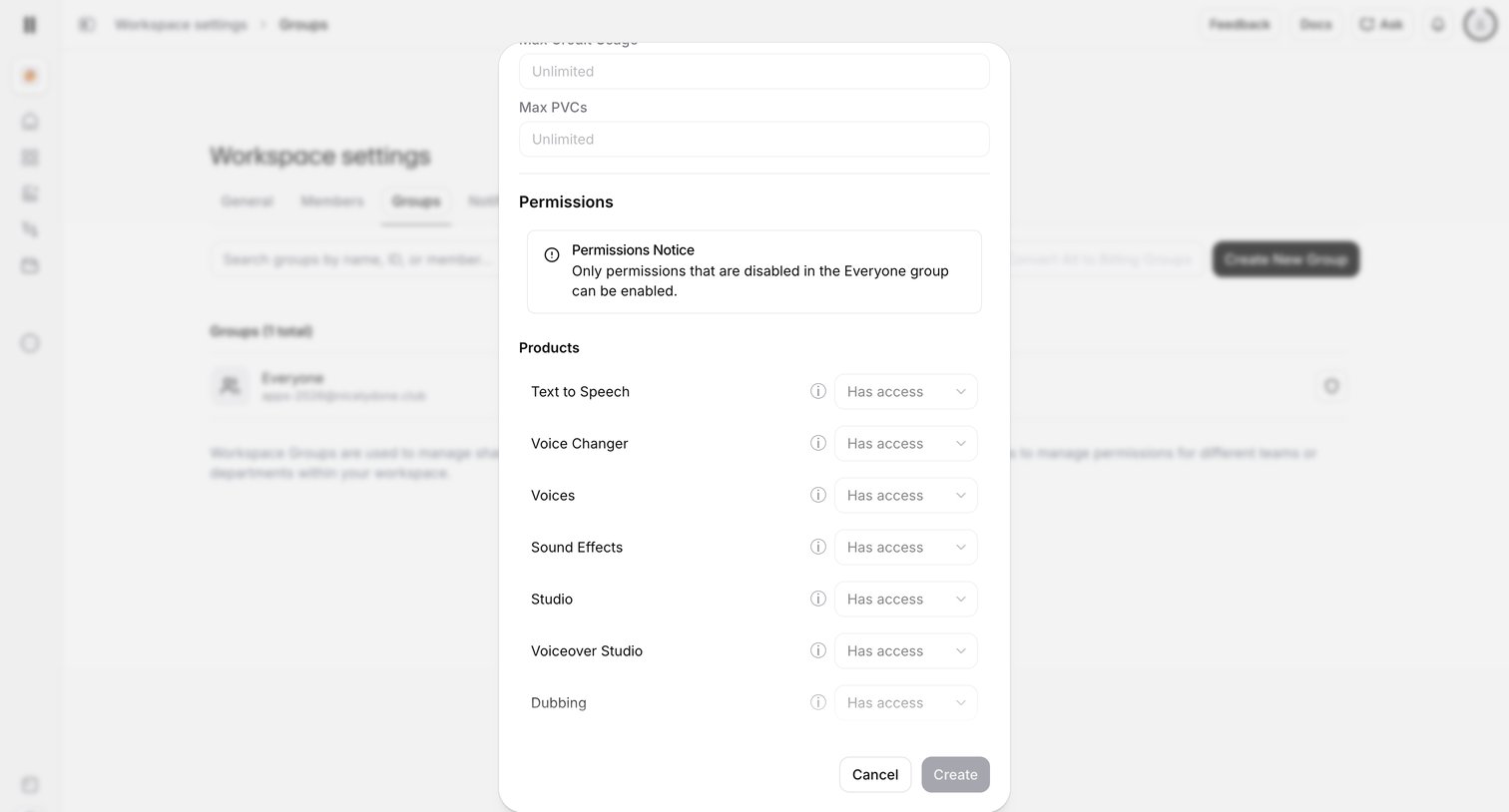

Settings page where the user creates a new workspace group and configures product access permissions via a modal.
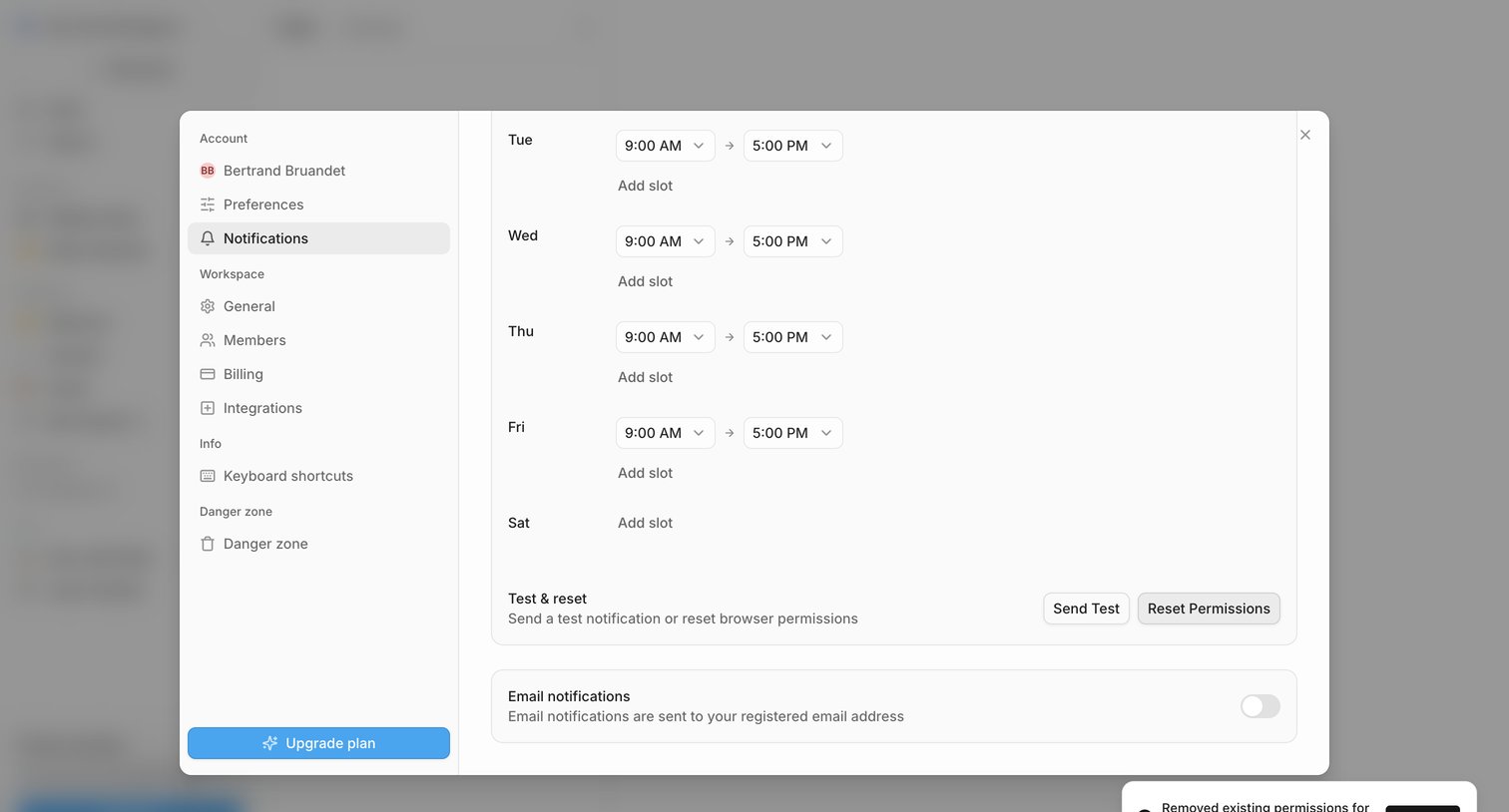

Settings modal where the user configures their weekly notification schedule and toggles email notification preferences.
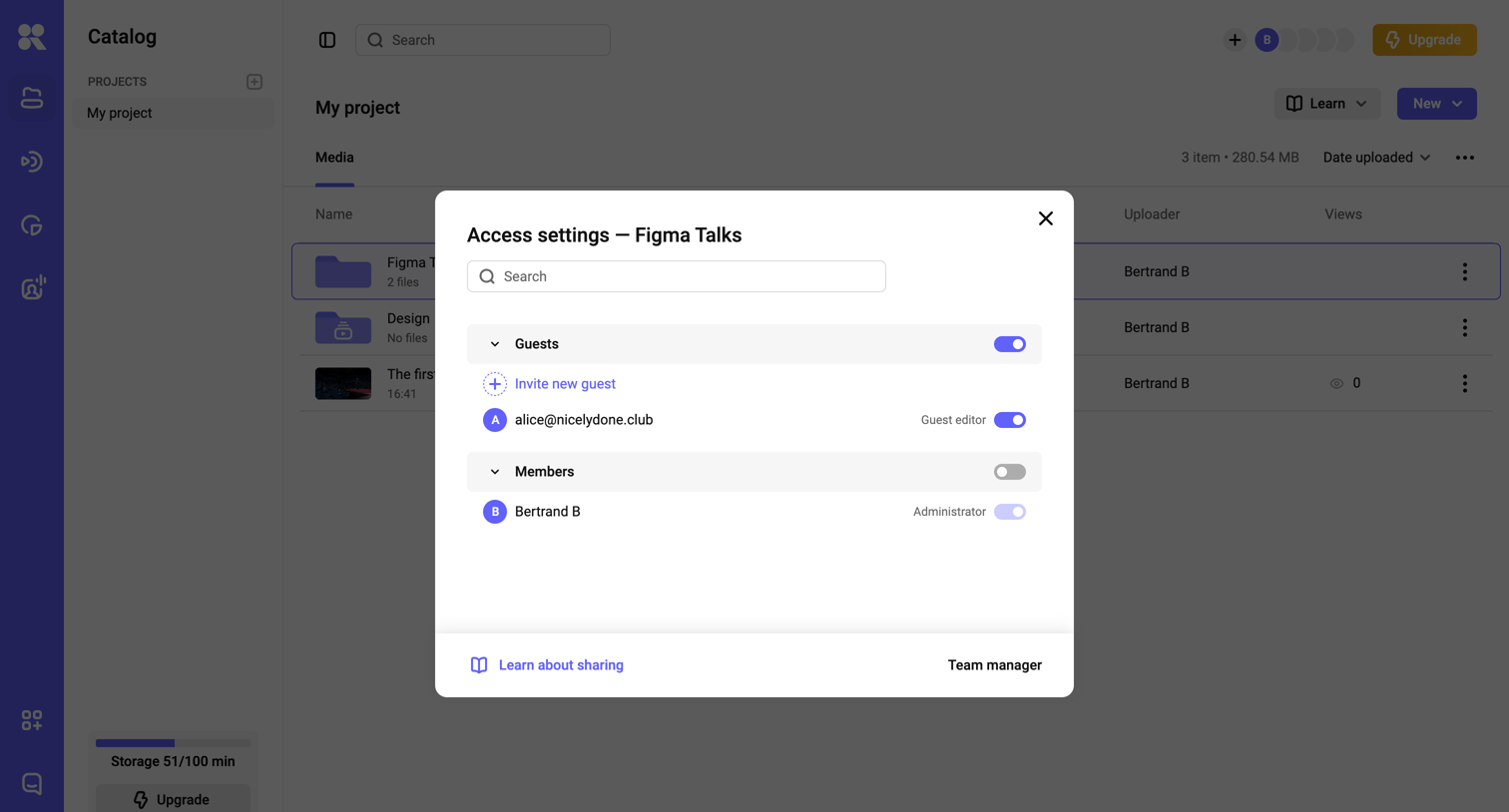

List view of a media catalog where the user is managing access settings for a specific folder, toggling permissions for guests and members.
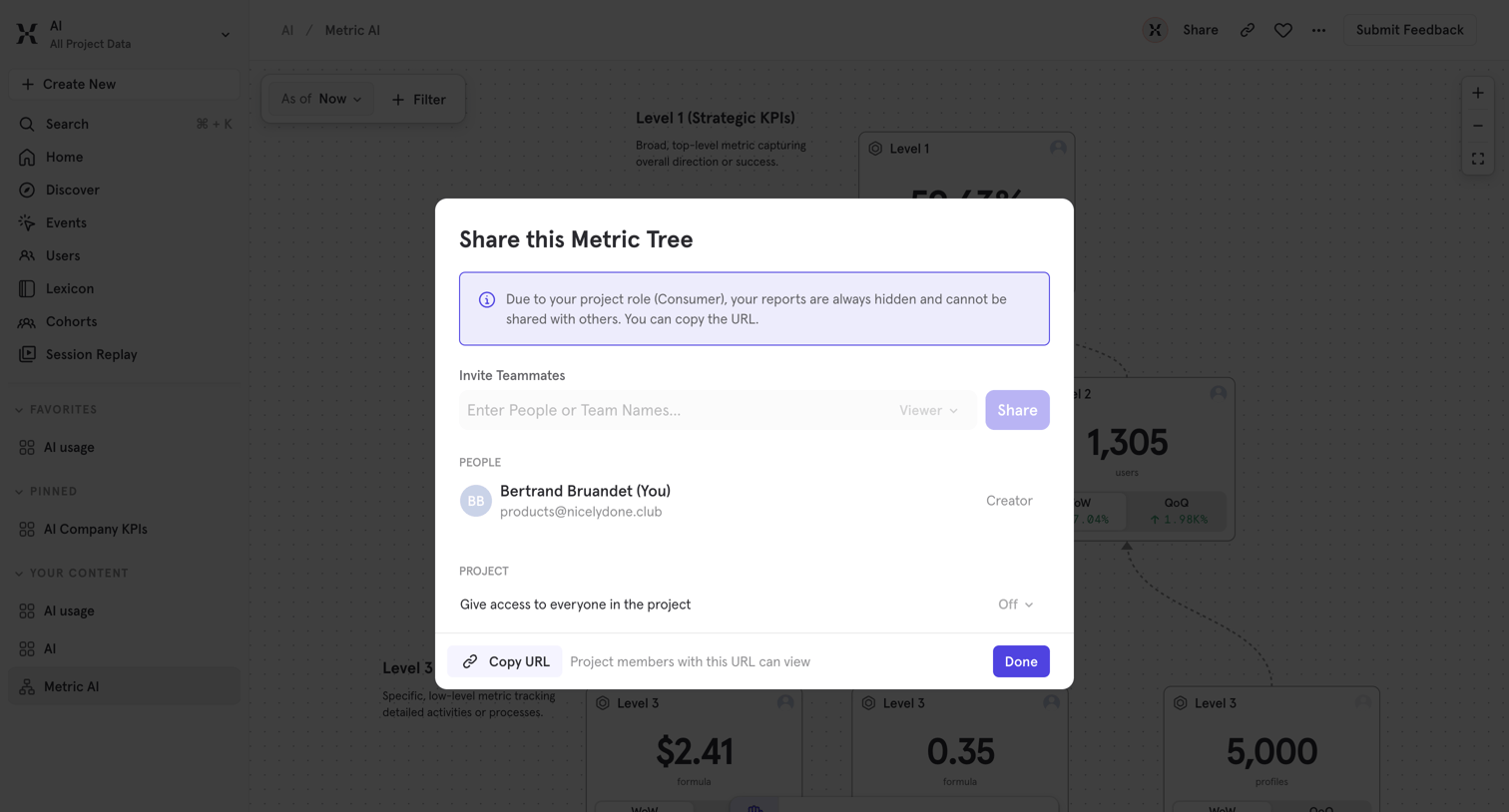

Detail page where the user views a metric tree canvas and opens a modal to manage sharing permissions, invite teammates, and copy the link.
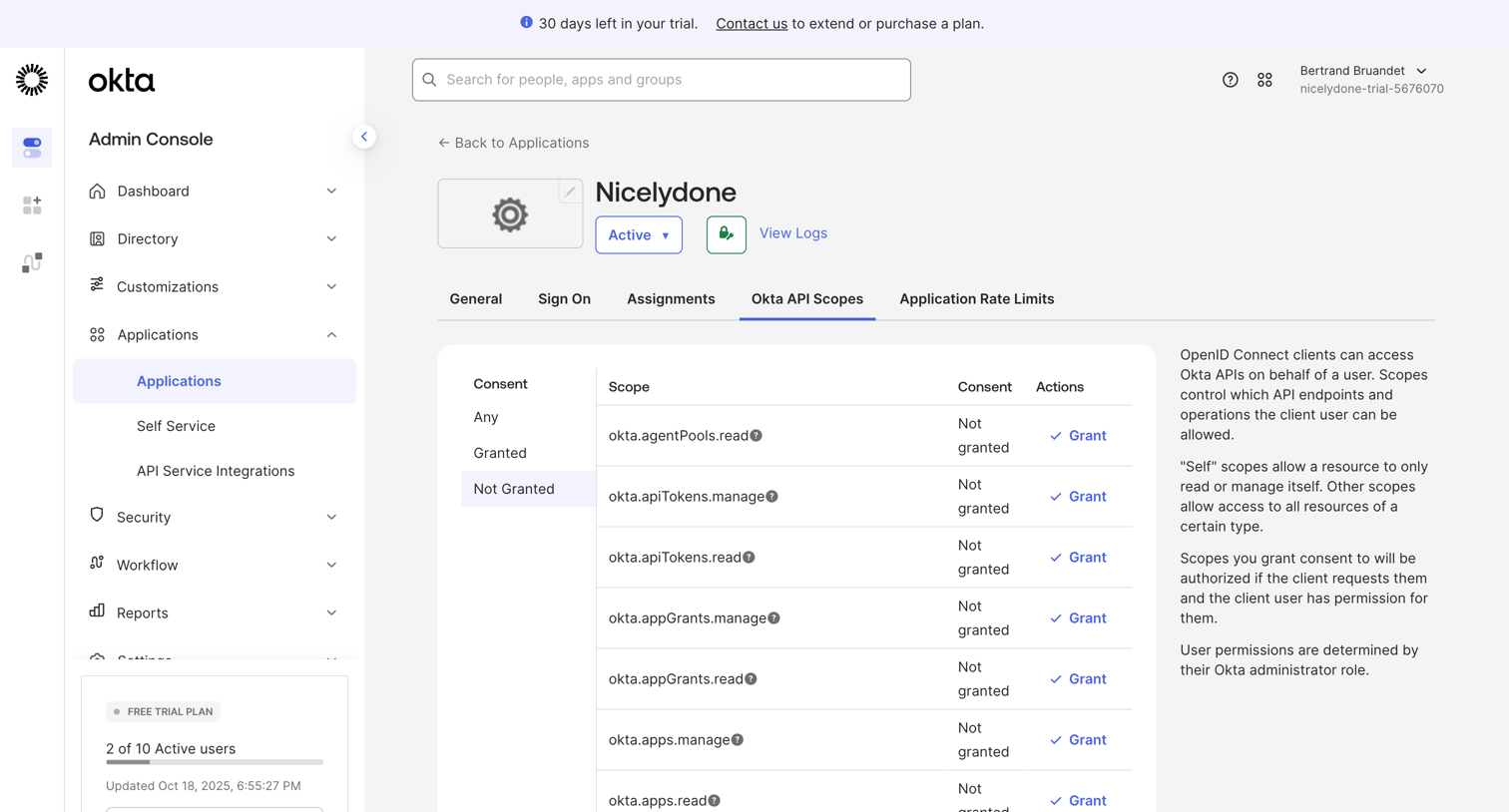

Detail page for an application where the admin filters and manages Okta API scope grants like okta.agentPools.read and okta.apiTokens.manage.
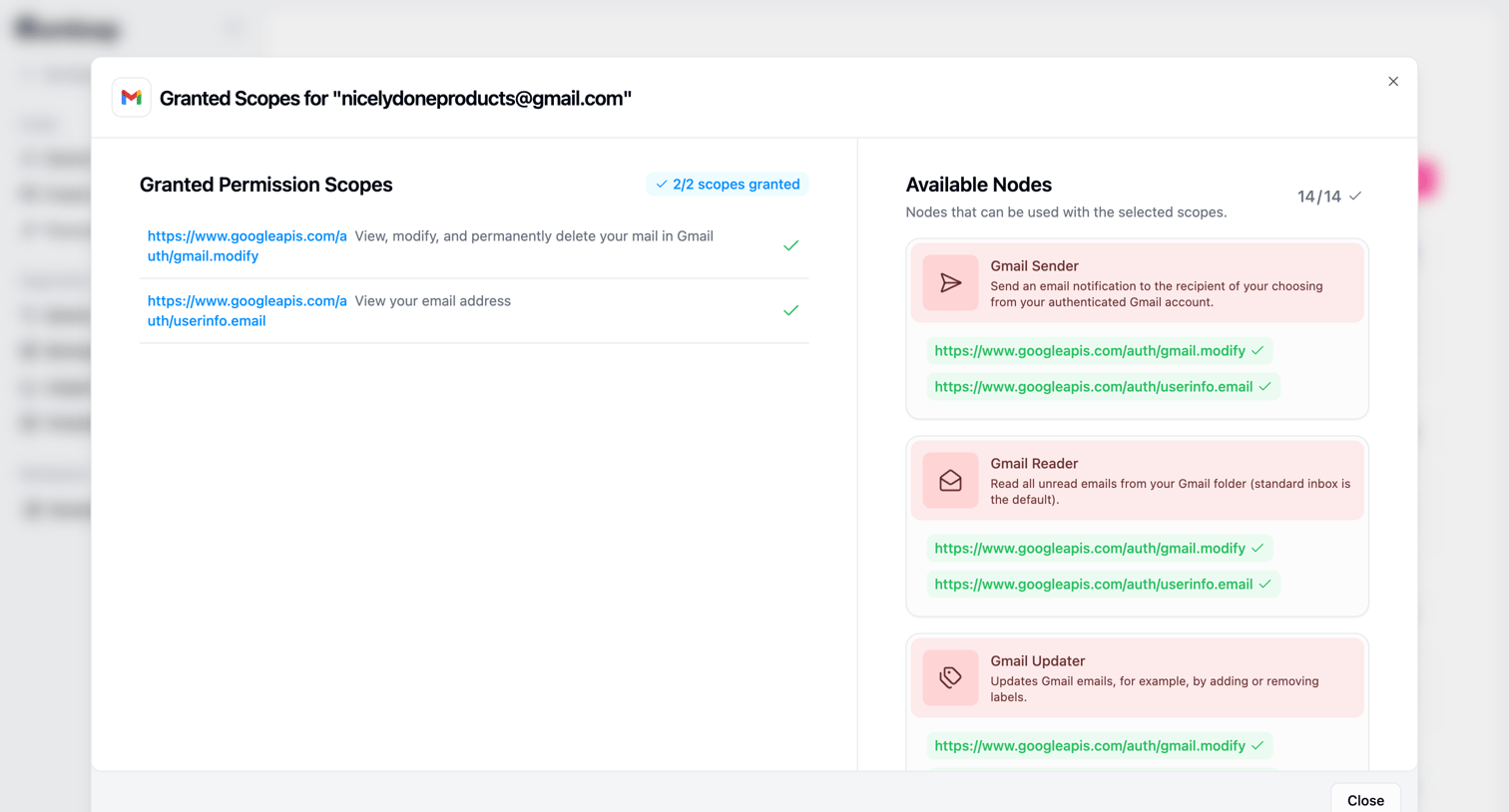

Settings modal where the user reviews the granted permission scopes for a connected Gmail account and sees which workflow nodes are available with those scopes.
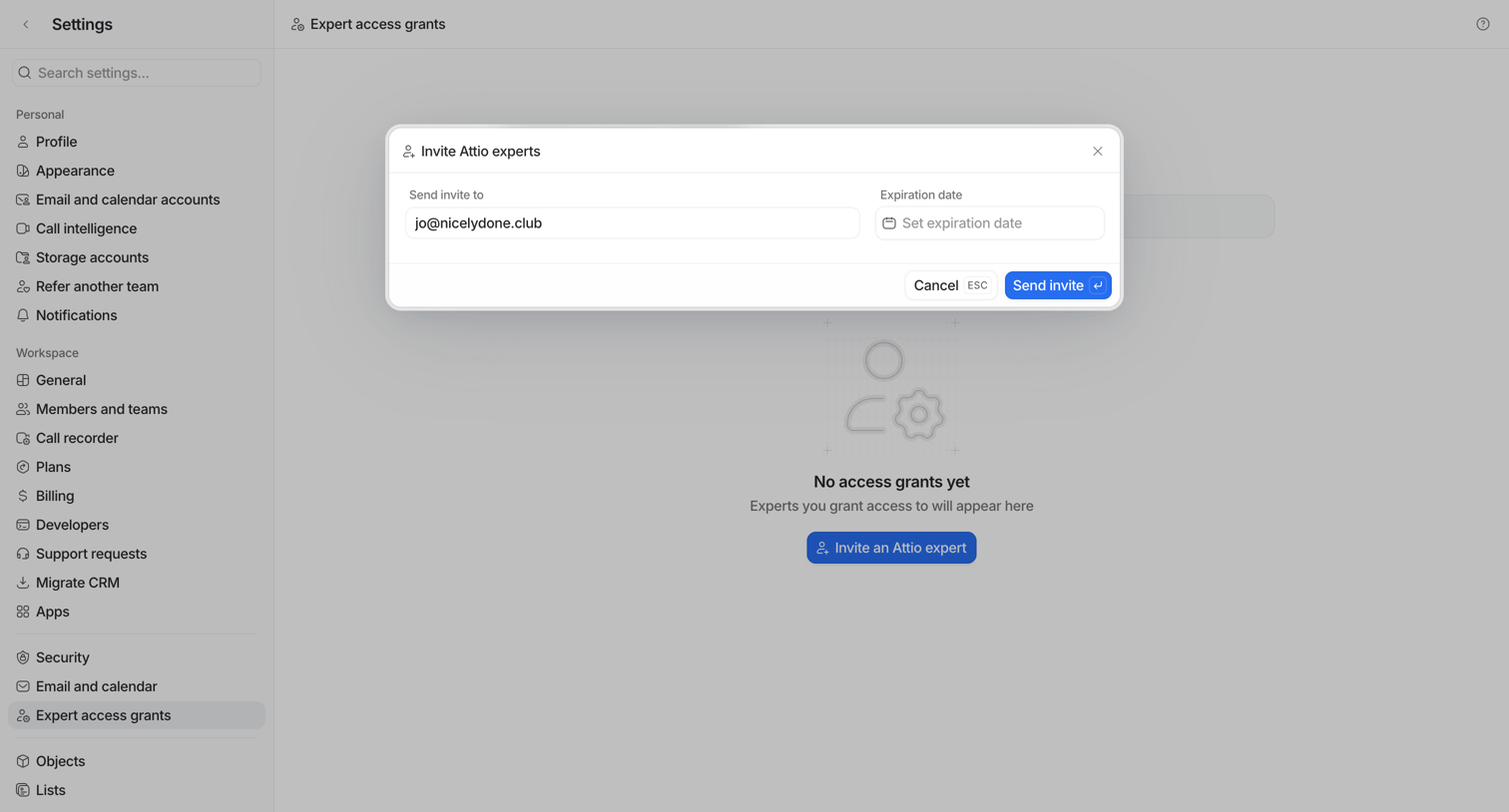

Settings page where the user invites an external expert by entering their email address and setting an optional expiration date.
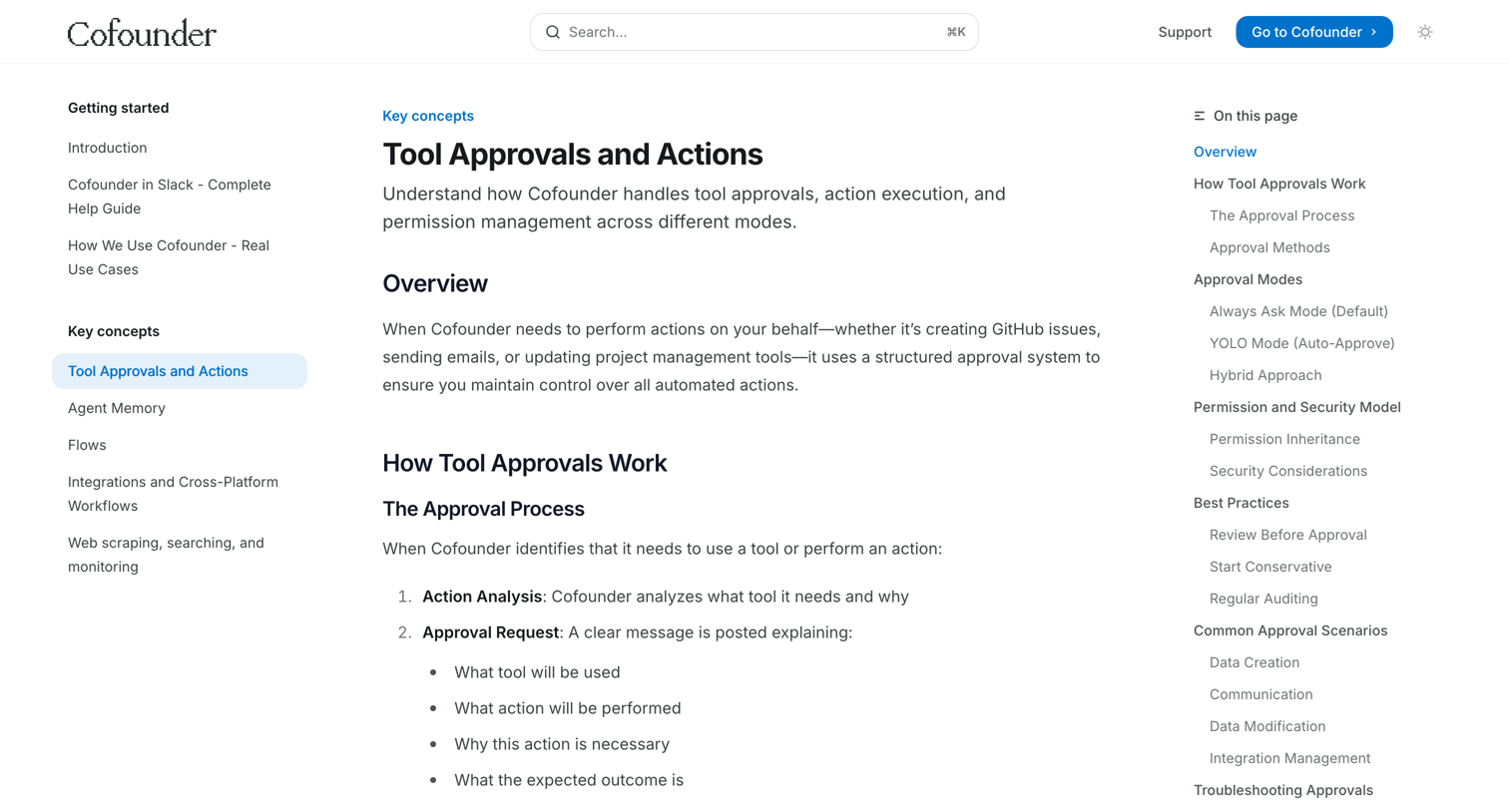

Documentation article explaining how the system handles tool approvals, action execution, and permission management across different modes like Always Ask and YOLO.
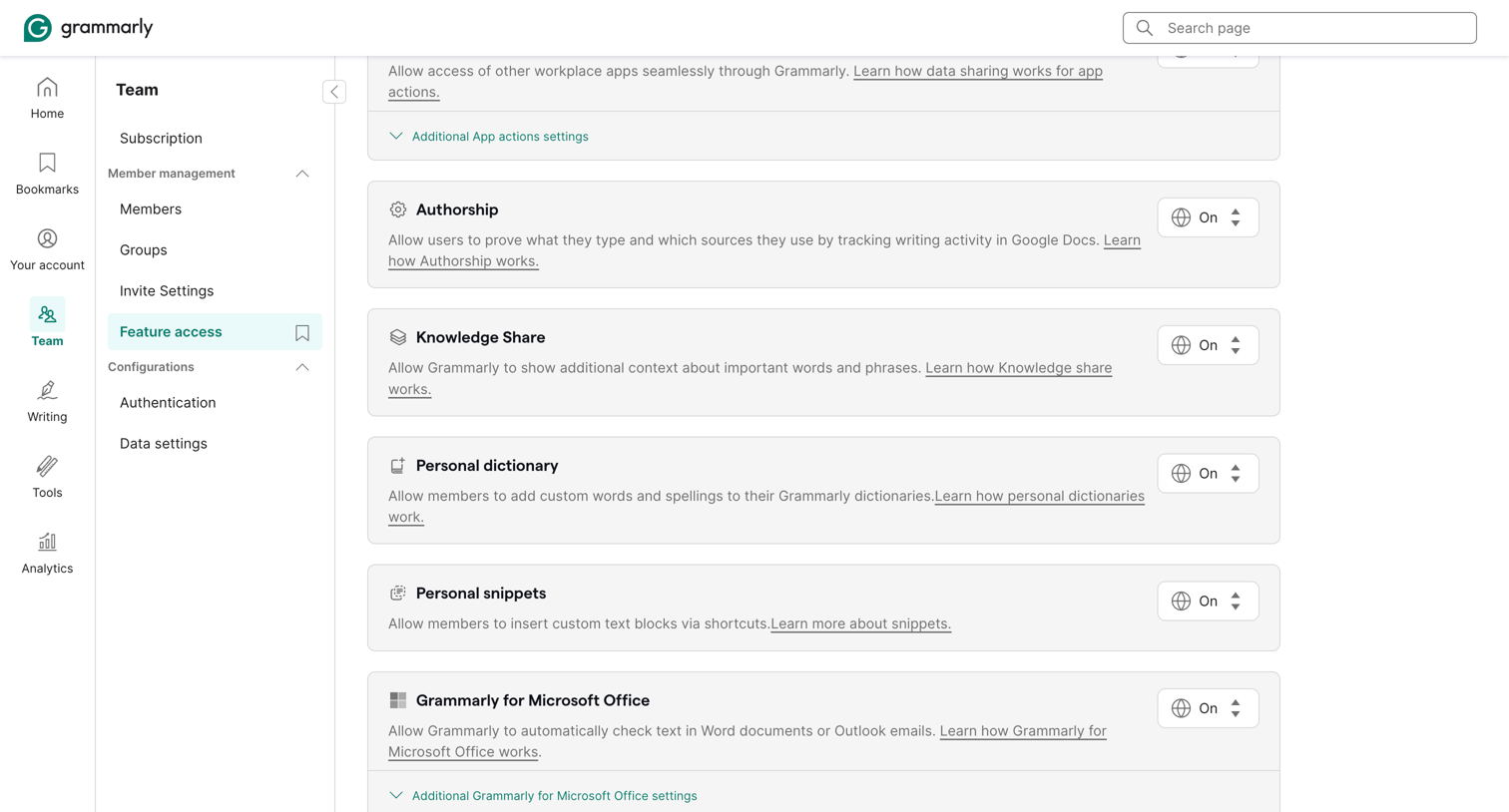

Settings page where the admin configures feature access for their team, toggling capabilities like Authorship, Knowledge Share, and Personal dictionary.
Explore the full SaaS screen library
Upgrade to unlock the full library.
Trusted by the best teams







