Payment options screen examples
Payment options screen design examples from SaaS apps. Browse examples from Copilot, Town, Found.
Explore the examples
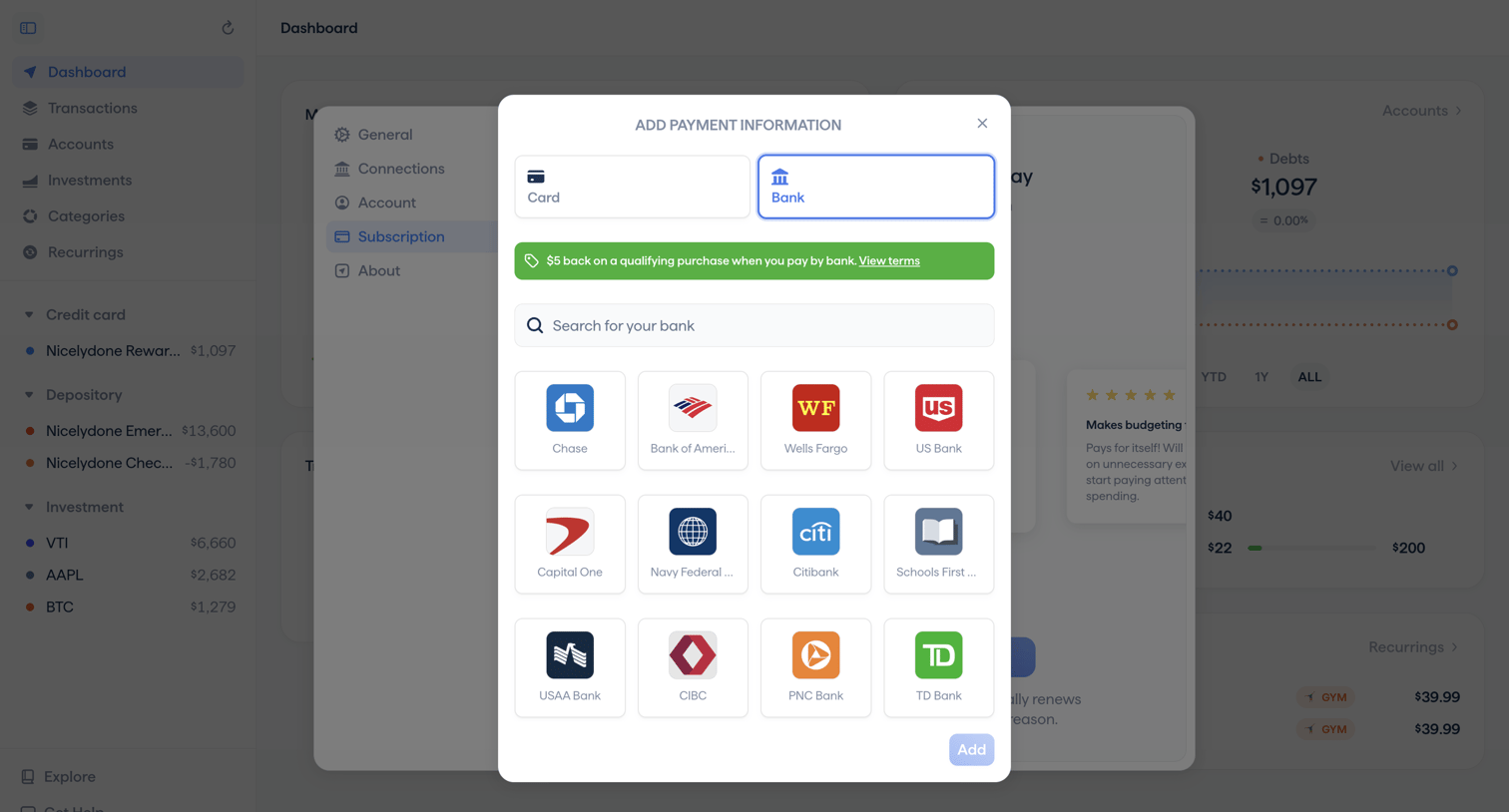

Settings modal where the user adds a new bank account as a payment method for their subscription, featuring a grid of popular bank integrations and a promotional cashback banner.
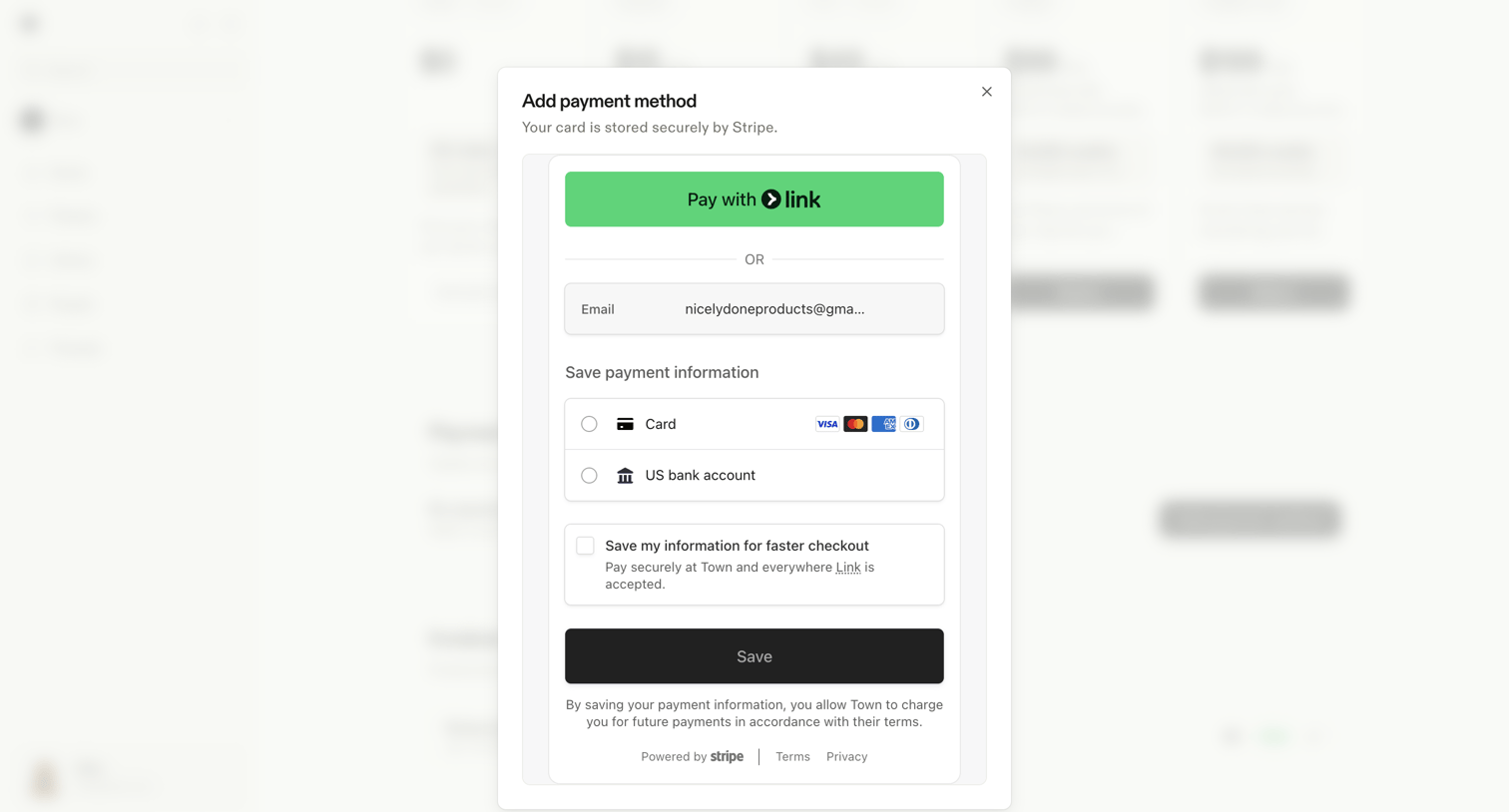

Settings page where the user adds a new payment method via a Stripe modal, choosing between Link, credit card, or US bank account.
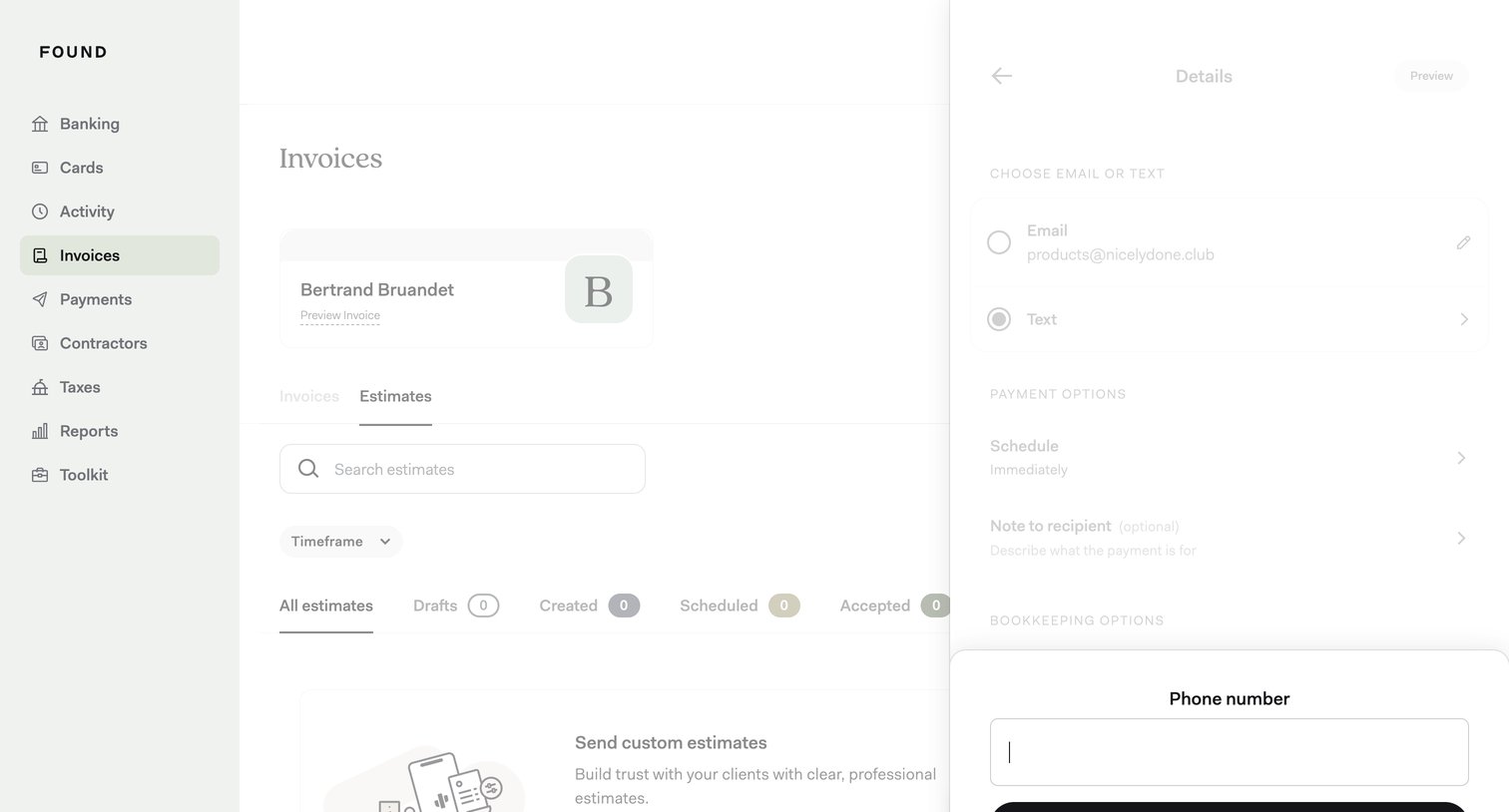

Detail drawer where the user configures delivery and payment options for an invoice, with a modal open to input a phone number for text delivery.
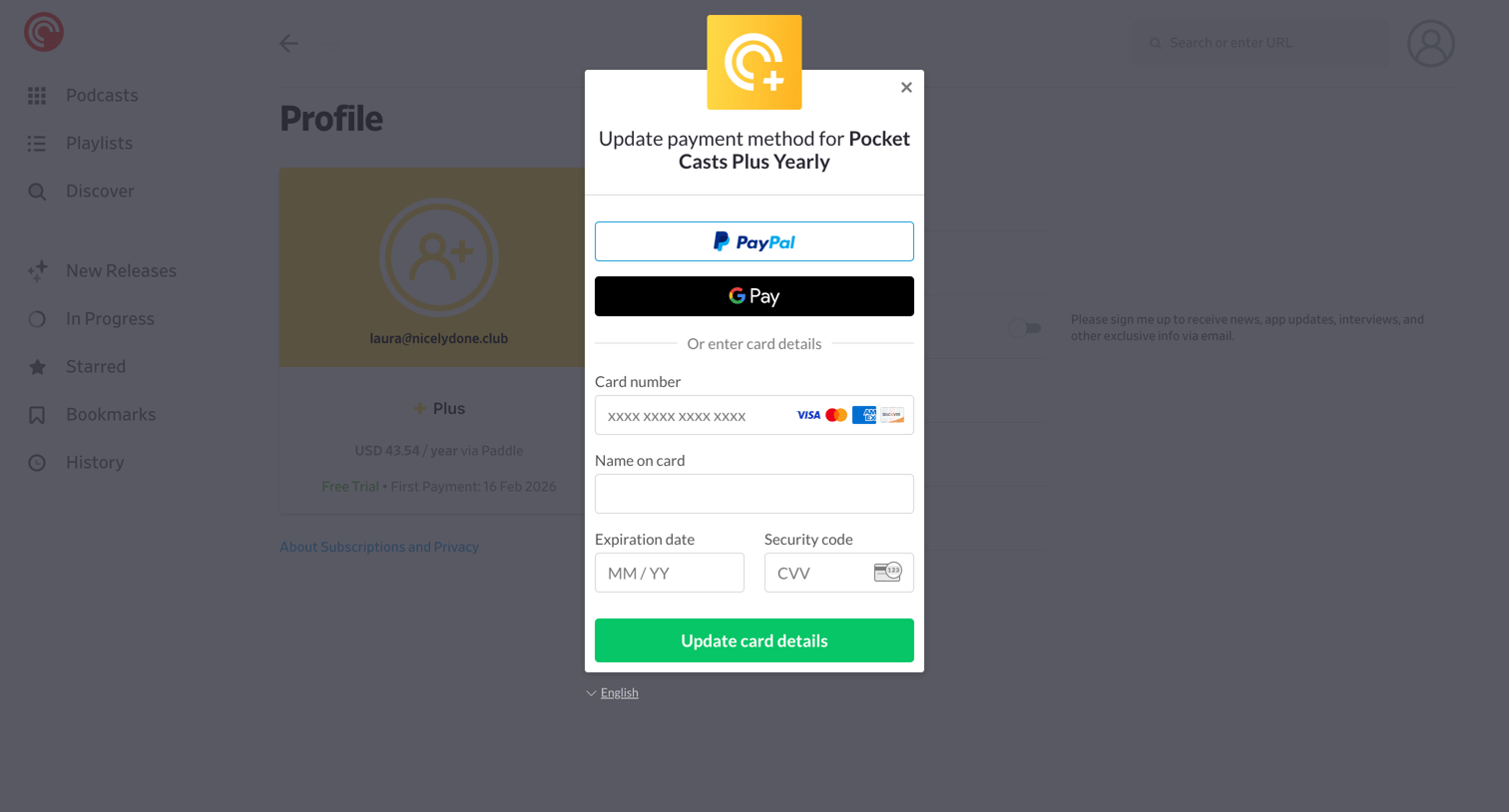

Settings page where the user updates their yearly subscription payment method via a modal offering PayPal, Google Pay, or direct credit card entry.
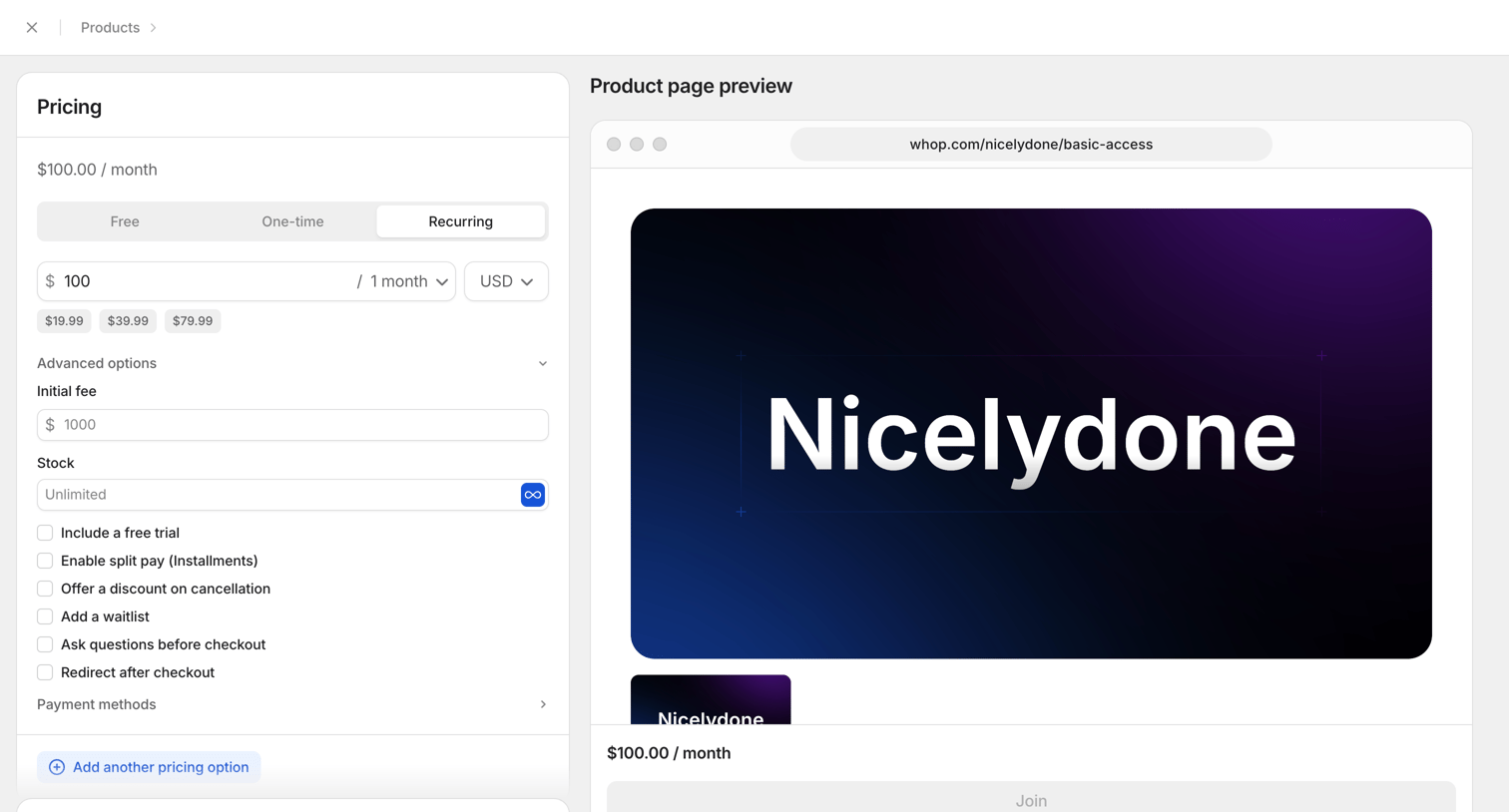

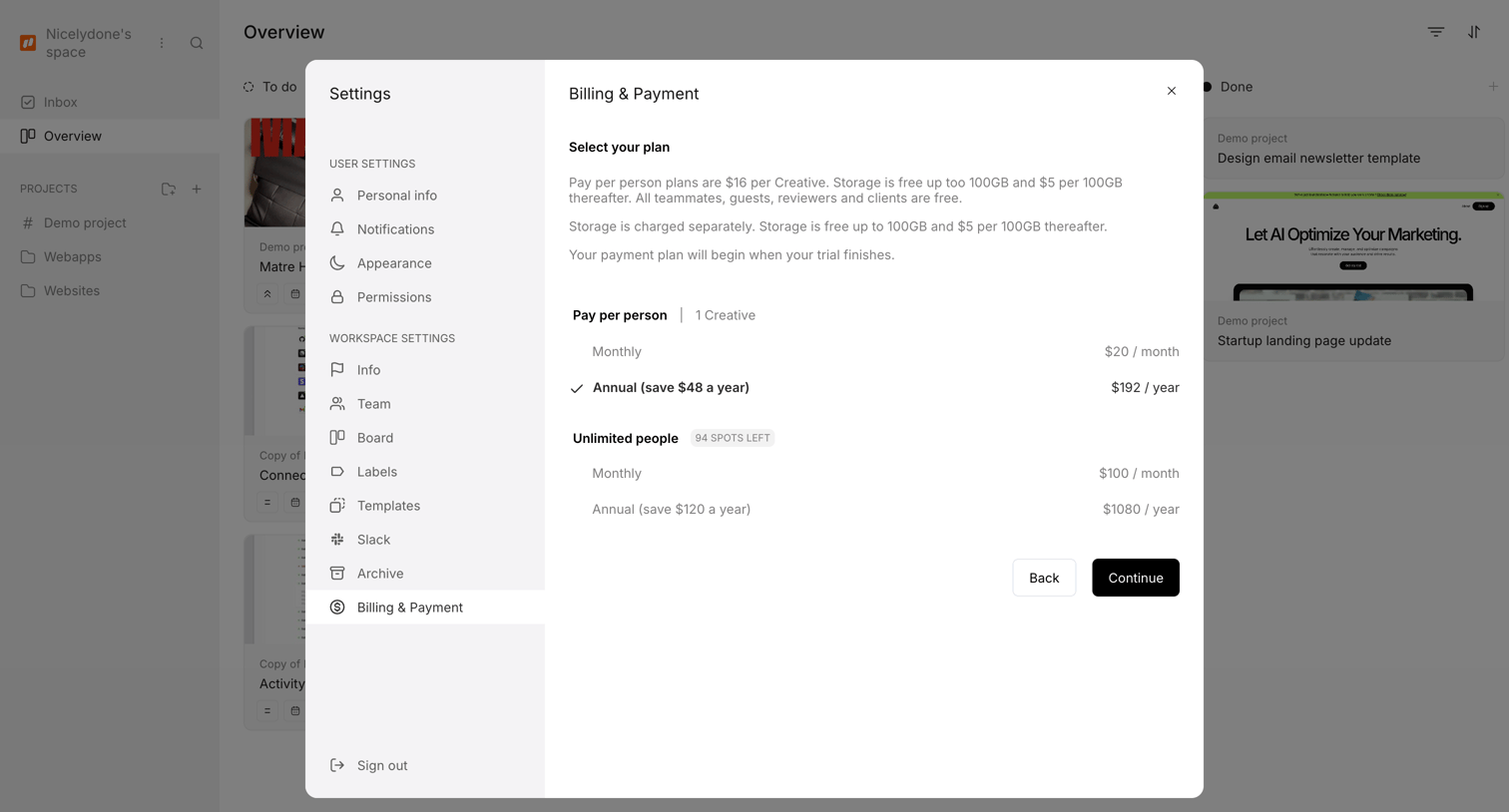

Settings modal where the user selects a billing plan between pay-per-person and unlimited options, choosing either monthly or annual billing.
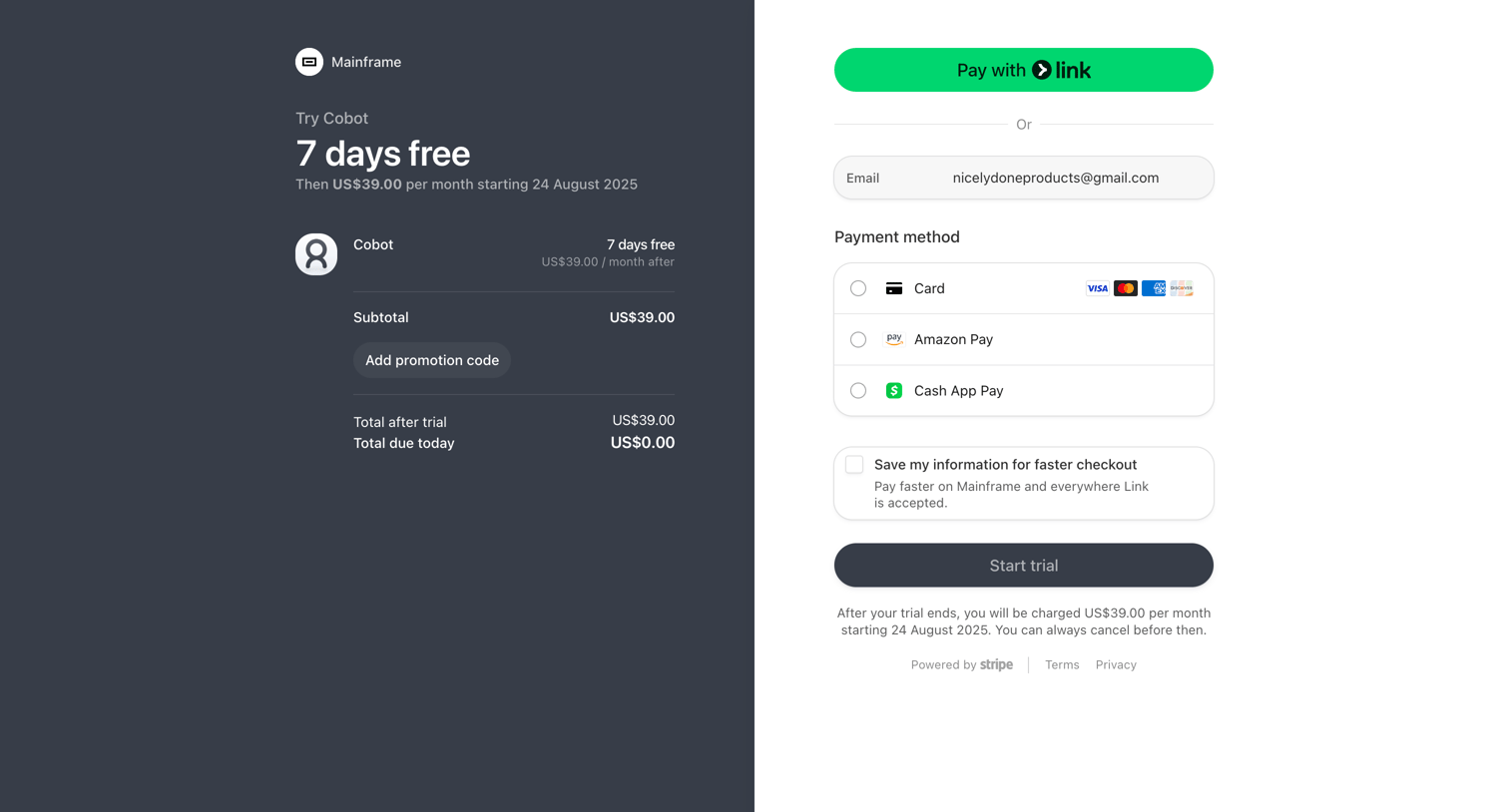

Checkout page where the user starts a 7-day free trial for Cobot, selecting between credit card, Amazon Pay, or Cash App Pay.
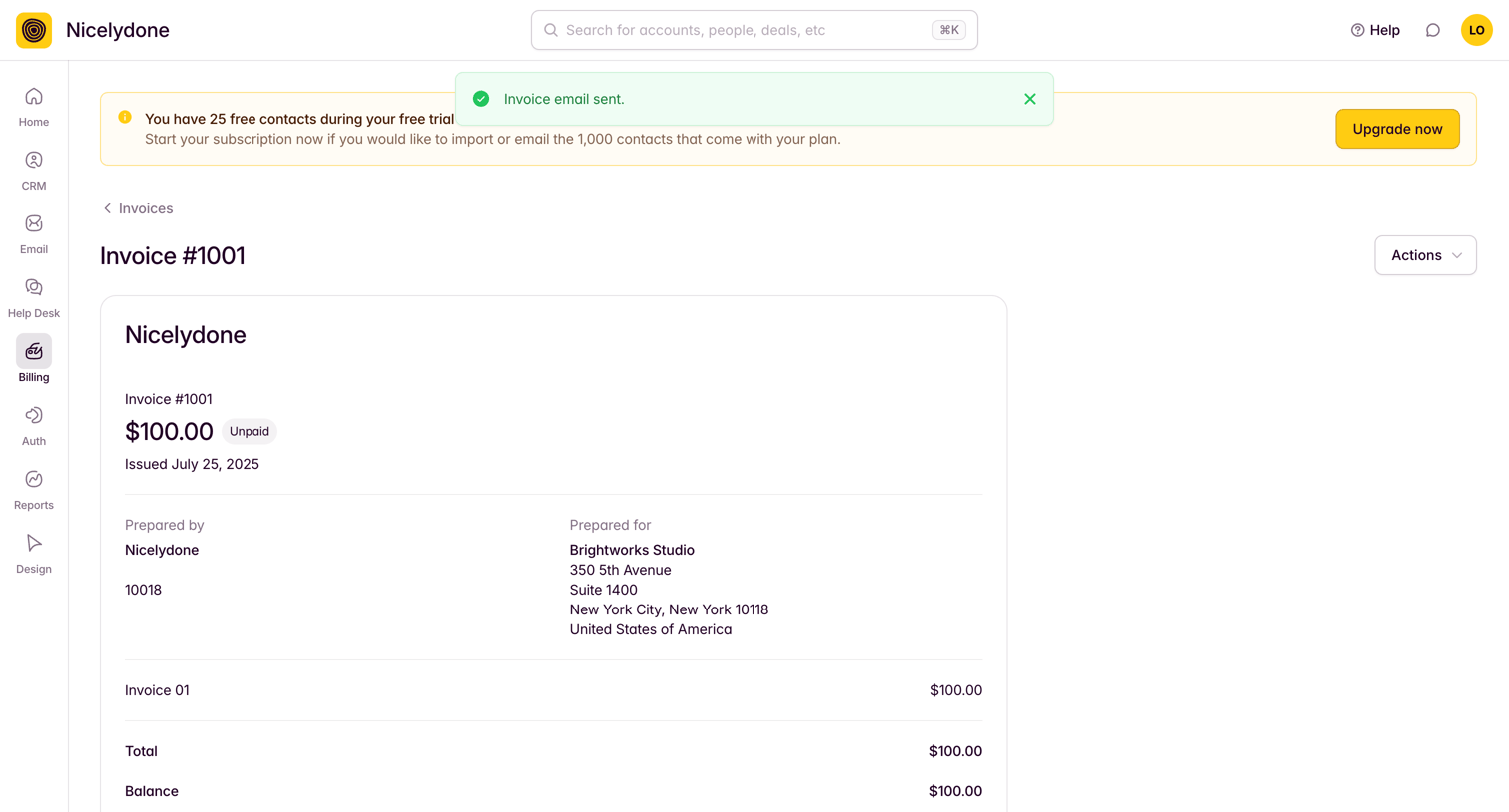

Detail page where the user views a specific unpaid invoice, including line items, balances, and a prompt to upgrade their trial plan.
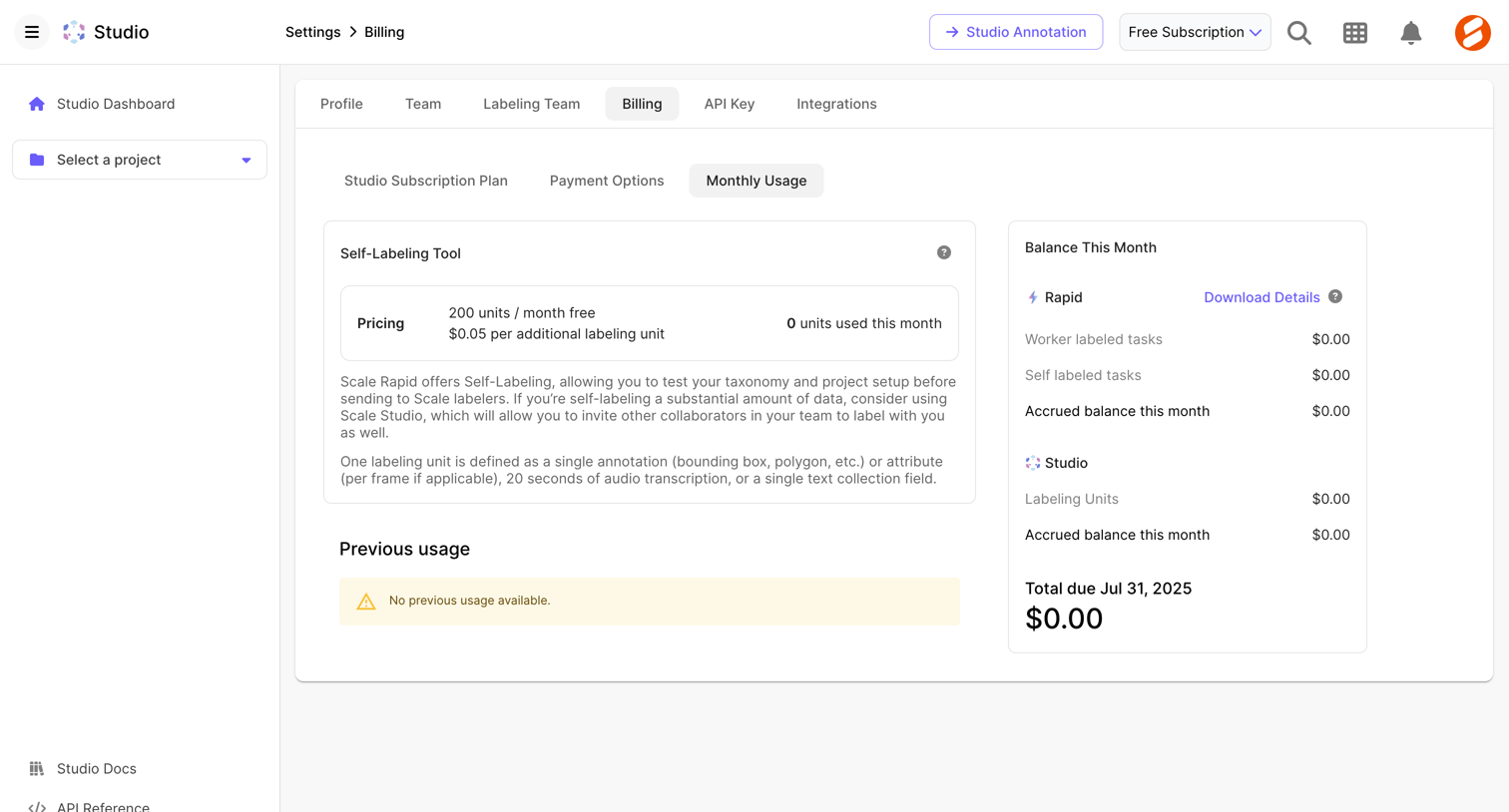

Settings page where the user views their current monthly usage, accrued balance, and previous usage for the self-labeling tool.
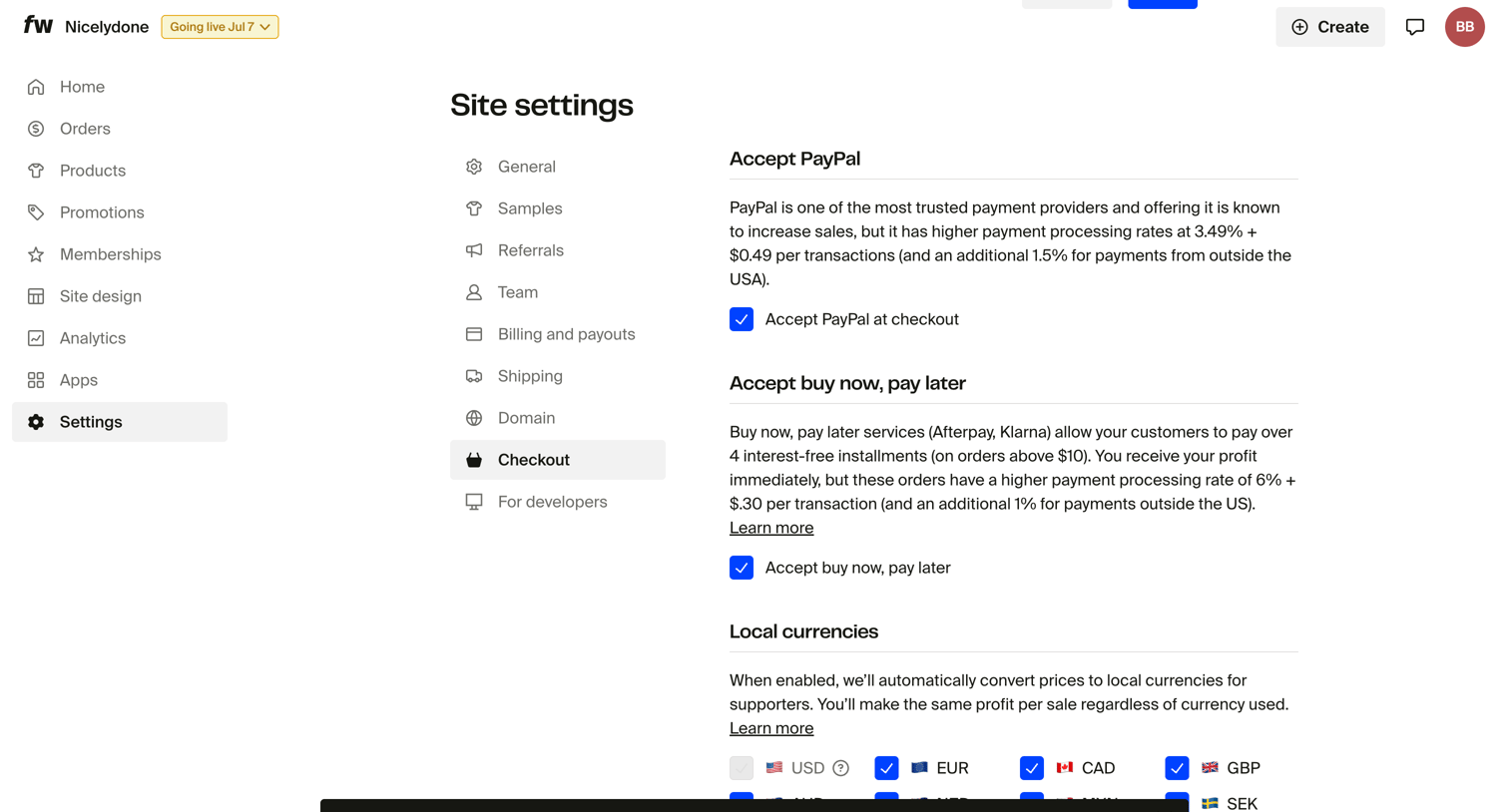

Settings page where the user configures checkout options including PayPal, buy now pay later, local currencies, and abandoned cart reminders.
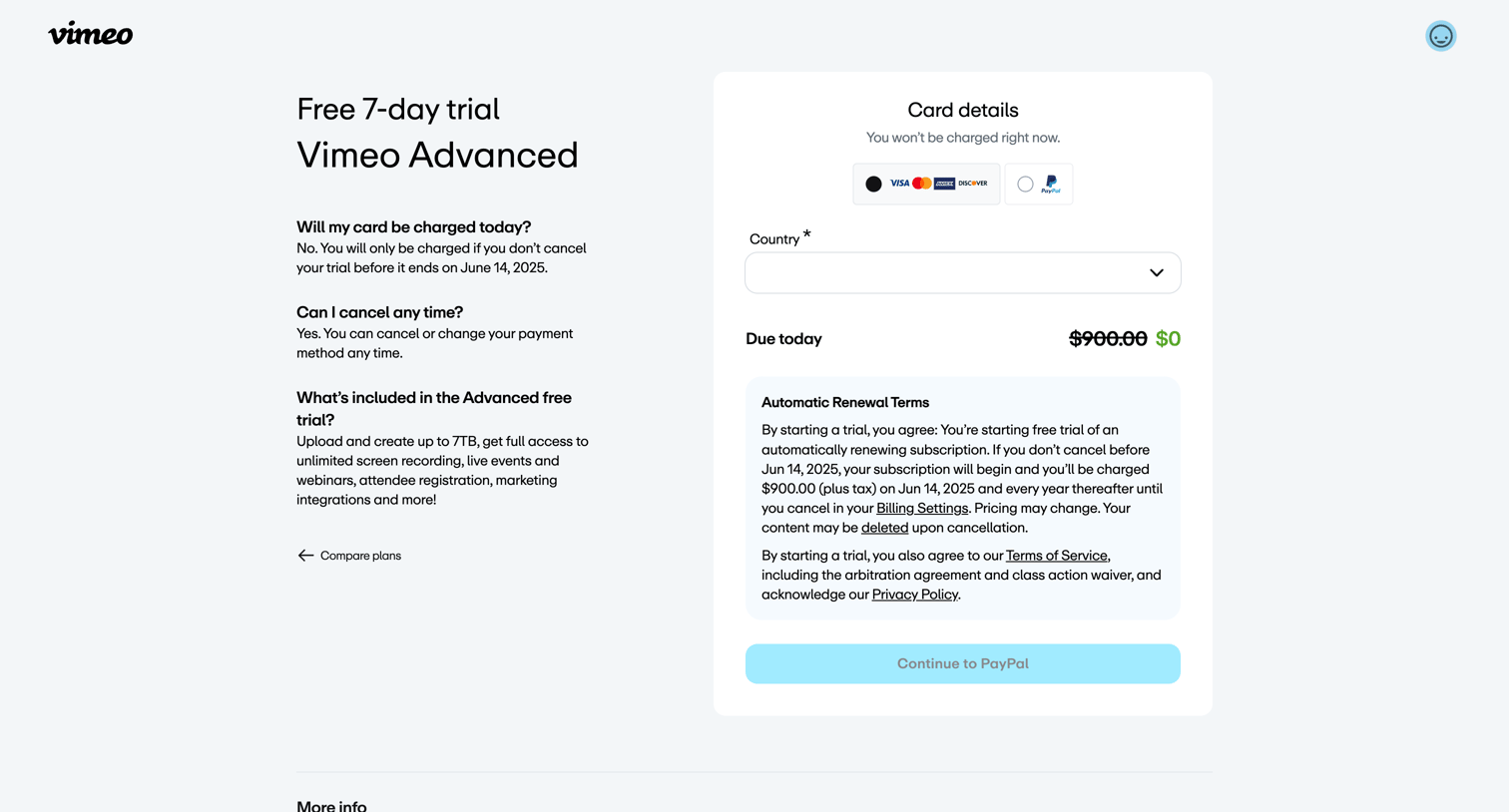

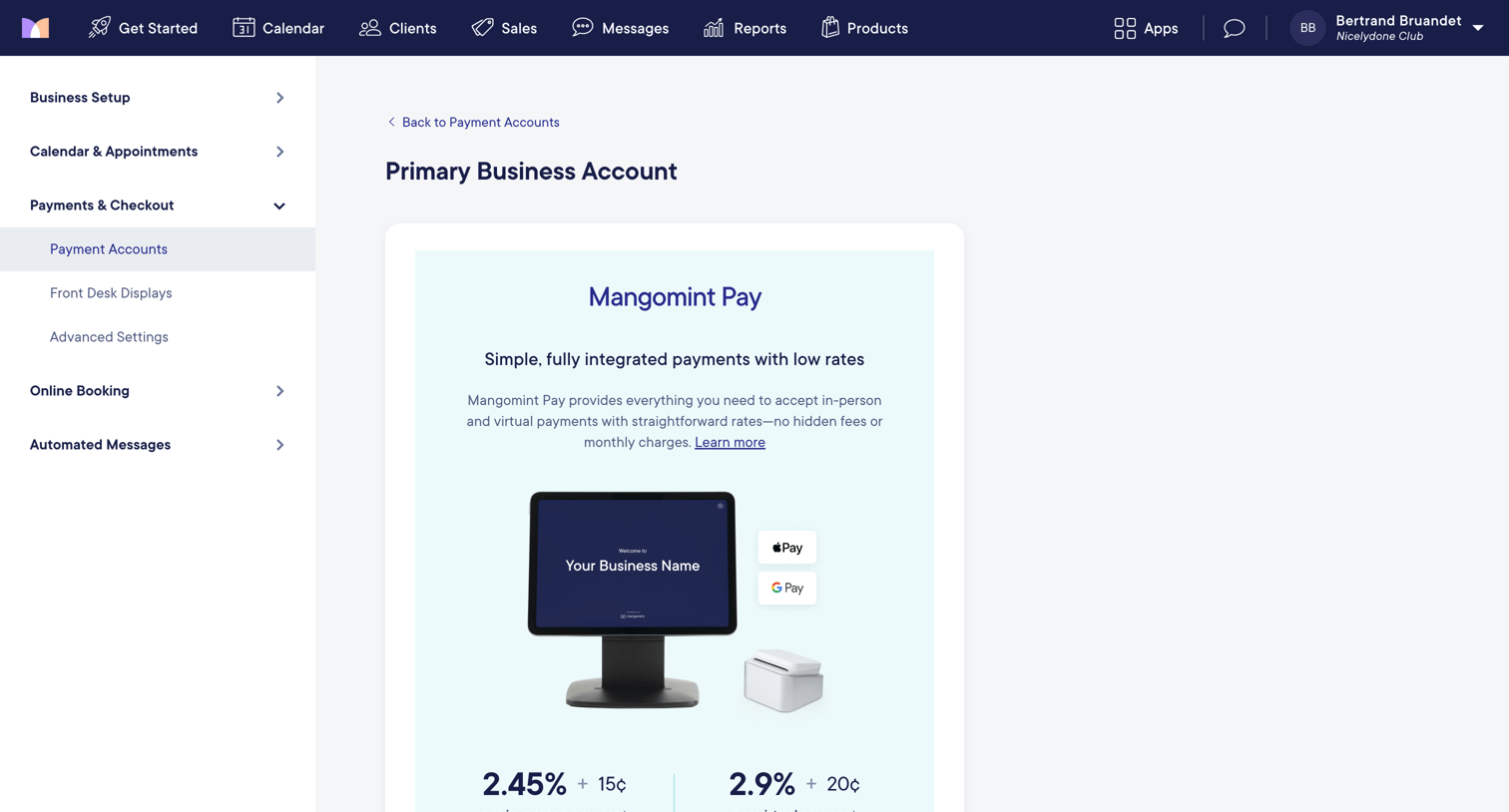

Settings page where the user is prompted to sign up for an integrated payment processor to accept in-person and virtual payments.
Explore the full SaaS screen library
Upgrade to unlock the full library.
Trusted by the best teams







