Organization settings screen examples
Organization settings screen design examples from SaaS apps. Browse examples from Polar, Magnific, Steel.
Explore the examples
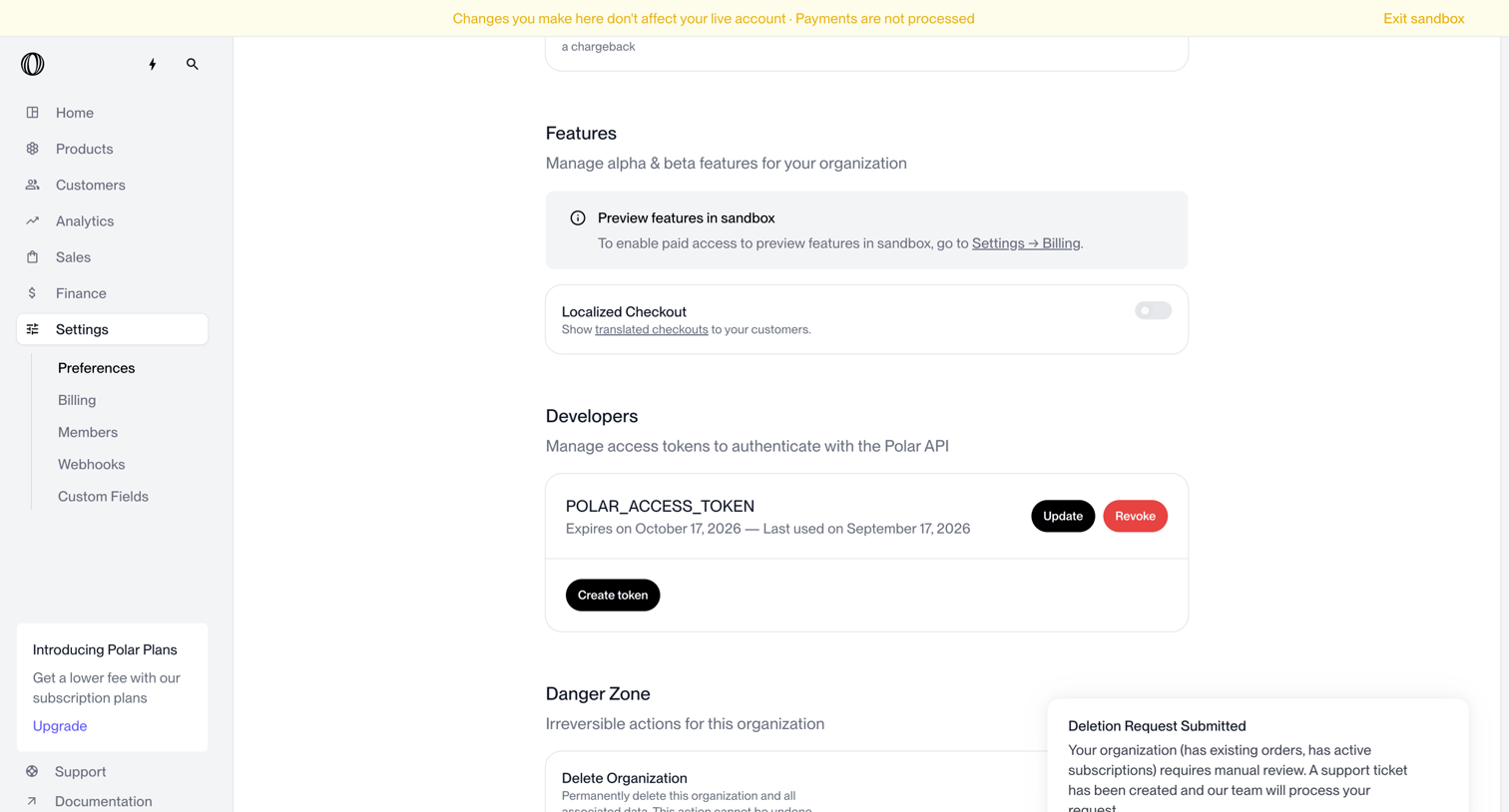

Settings page where the user configures organization features, manages API access tokens, and views the status of an account deletion request.
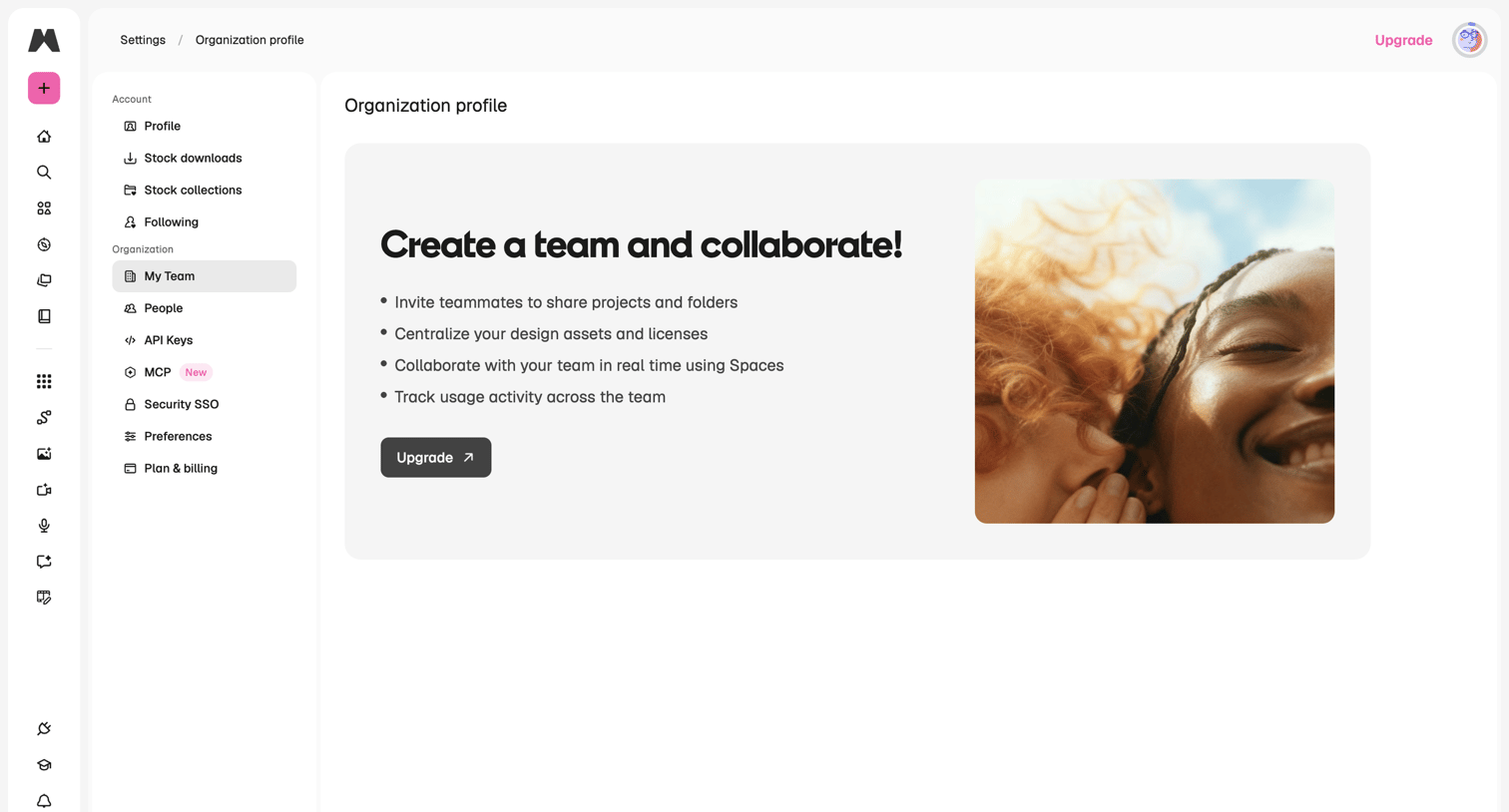

Team settings page where the user hits a feature gate prompting them to upgrade their plan to create an organization and collaborate.
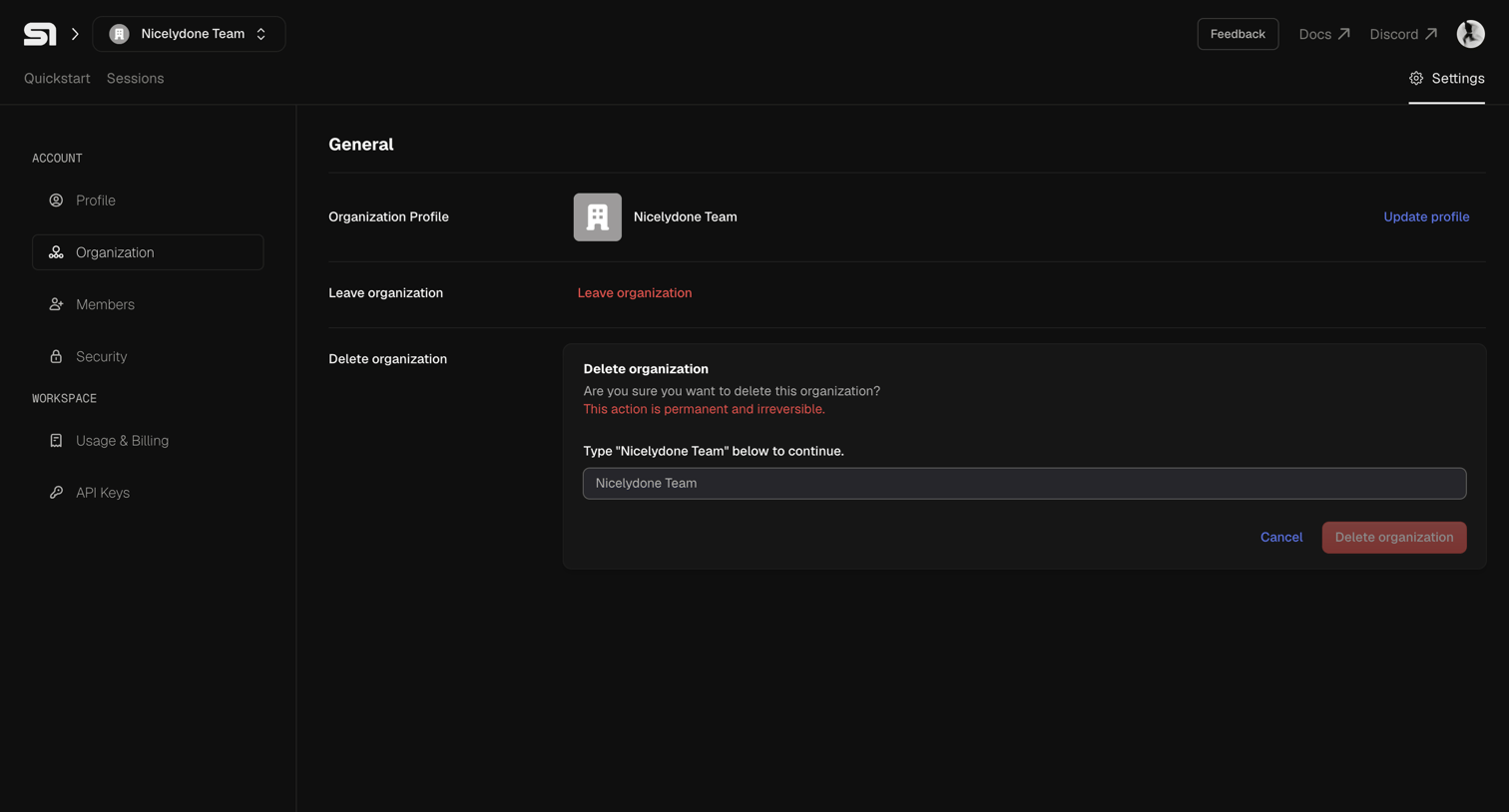

Settings page where the user can manage their organization profile, leave the team, or permanently delete the organization by typing its name to confirm.
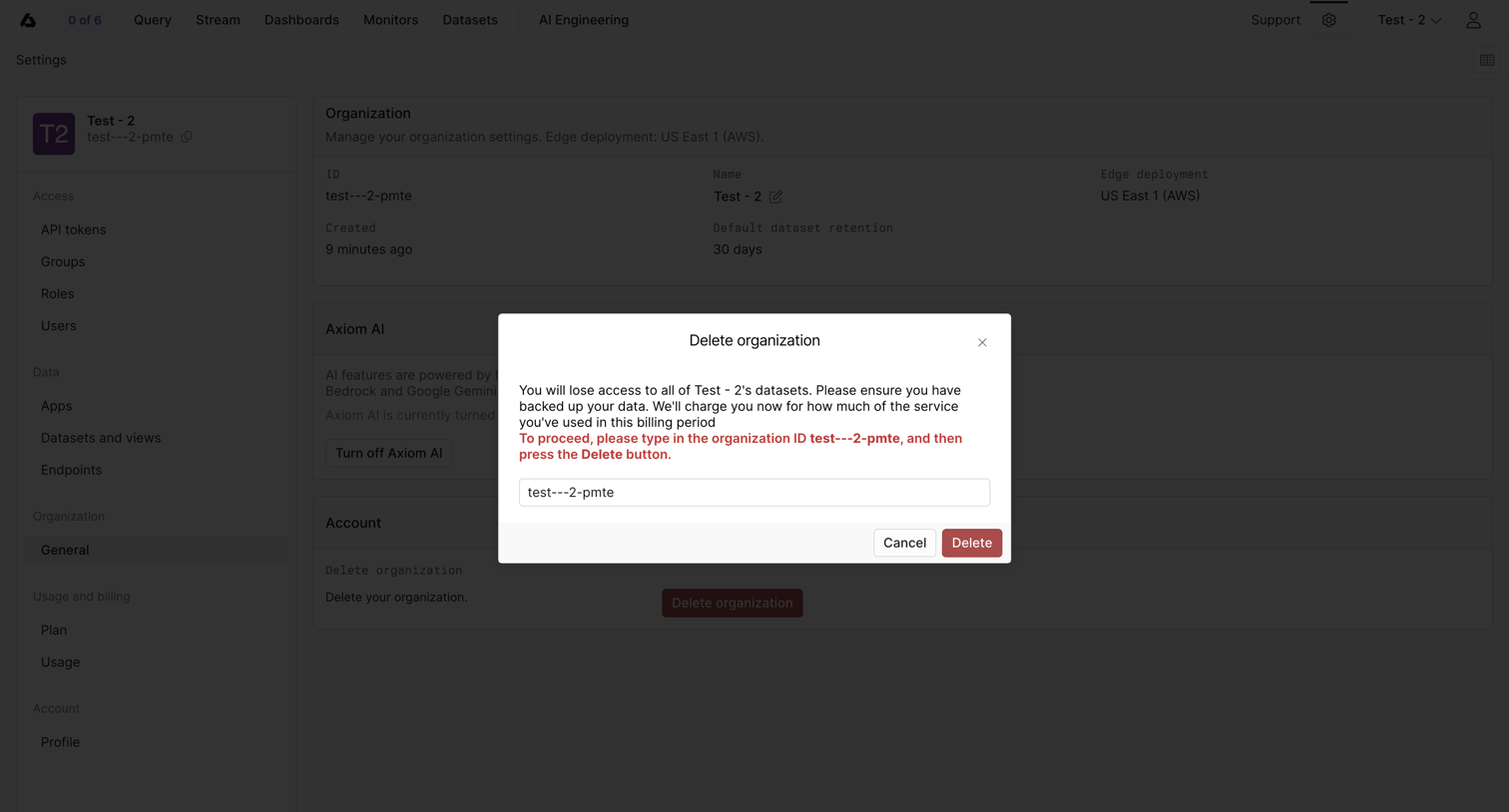

Organization settings page where the user must type the organization ID into a destructive alert dialog to confirm deletion.
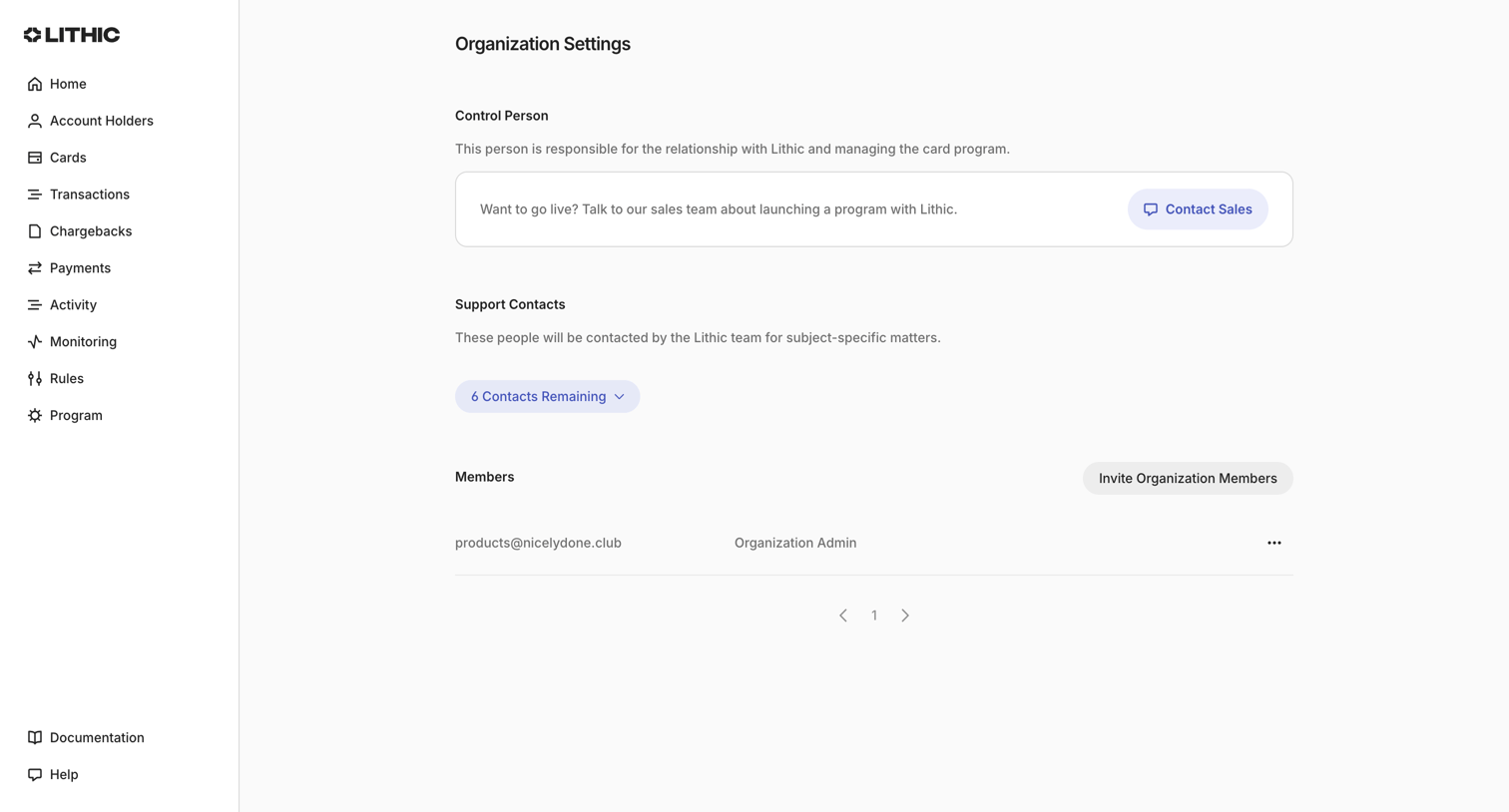

Settings page where the user manages organization details, support contacts, and team members.
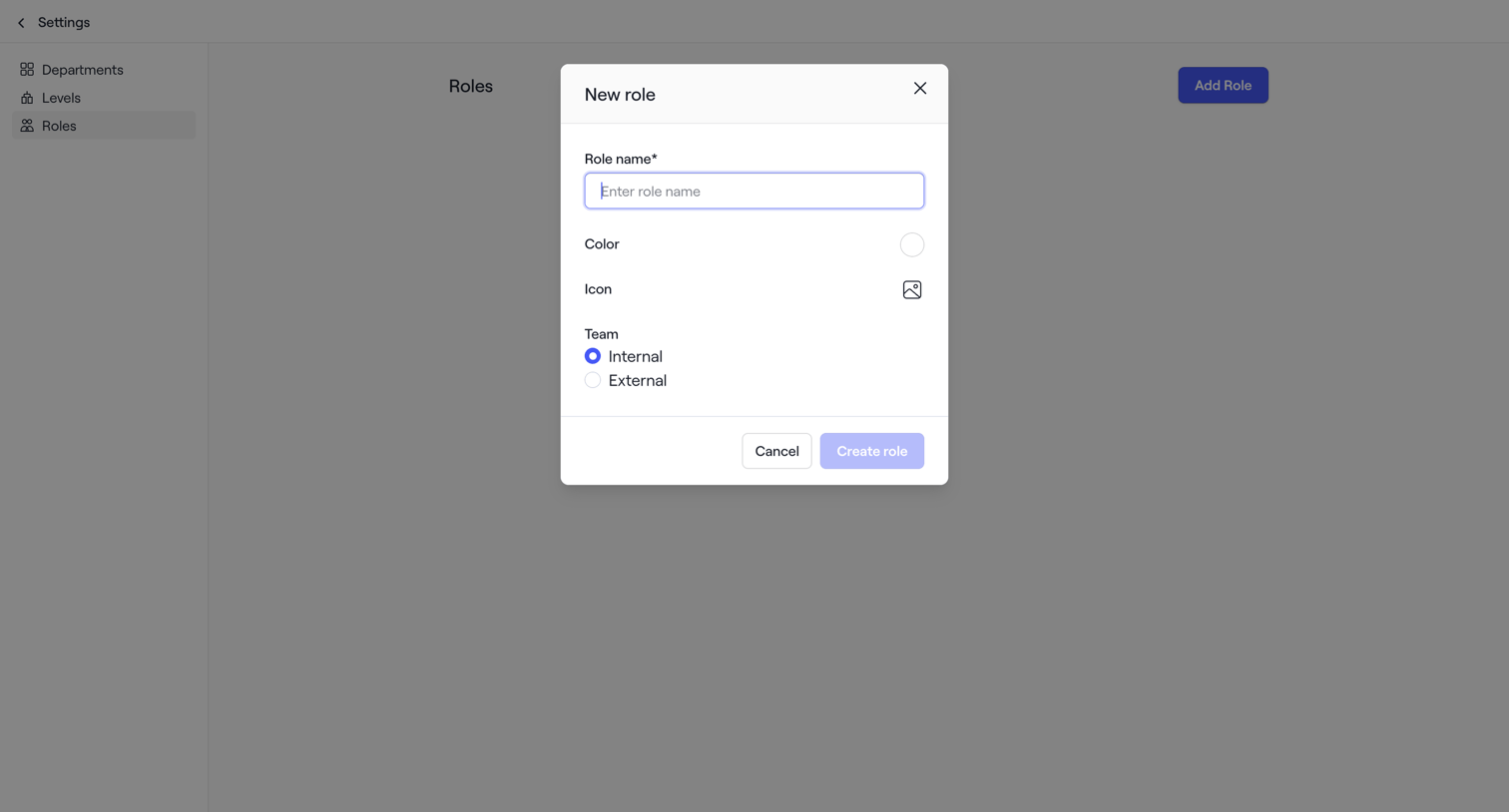

The screen displays a settings interface with a dark overlay, indicating a modal is open in the foreground. The background shows a two-column layout. The left column contains a vertical navigation menu with a 'Settings' back link at the top. Below it are navigation items:…
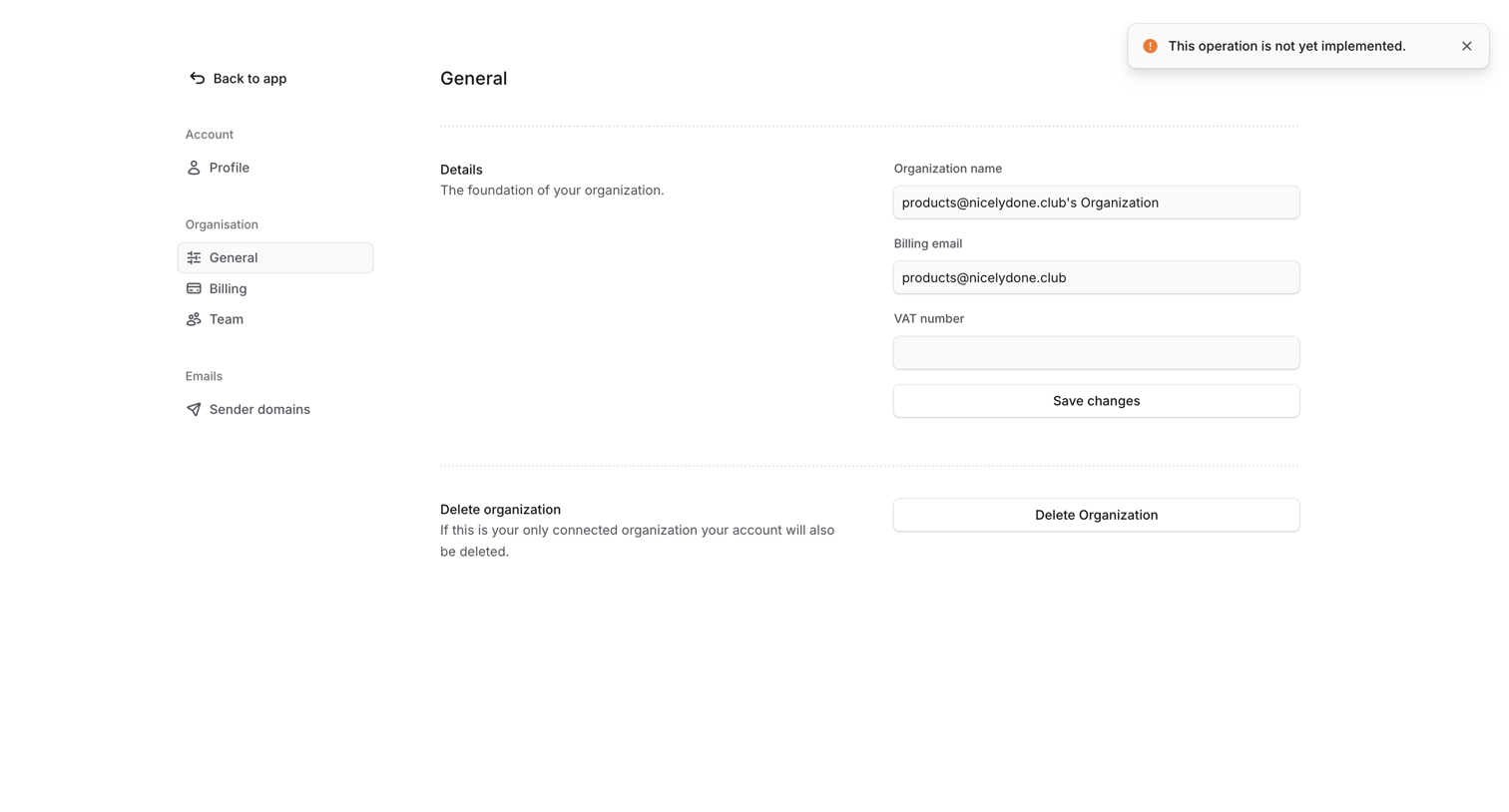

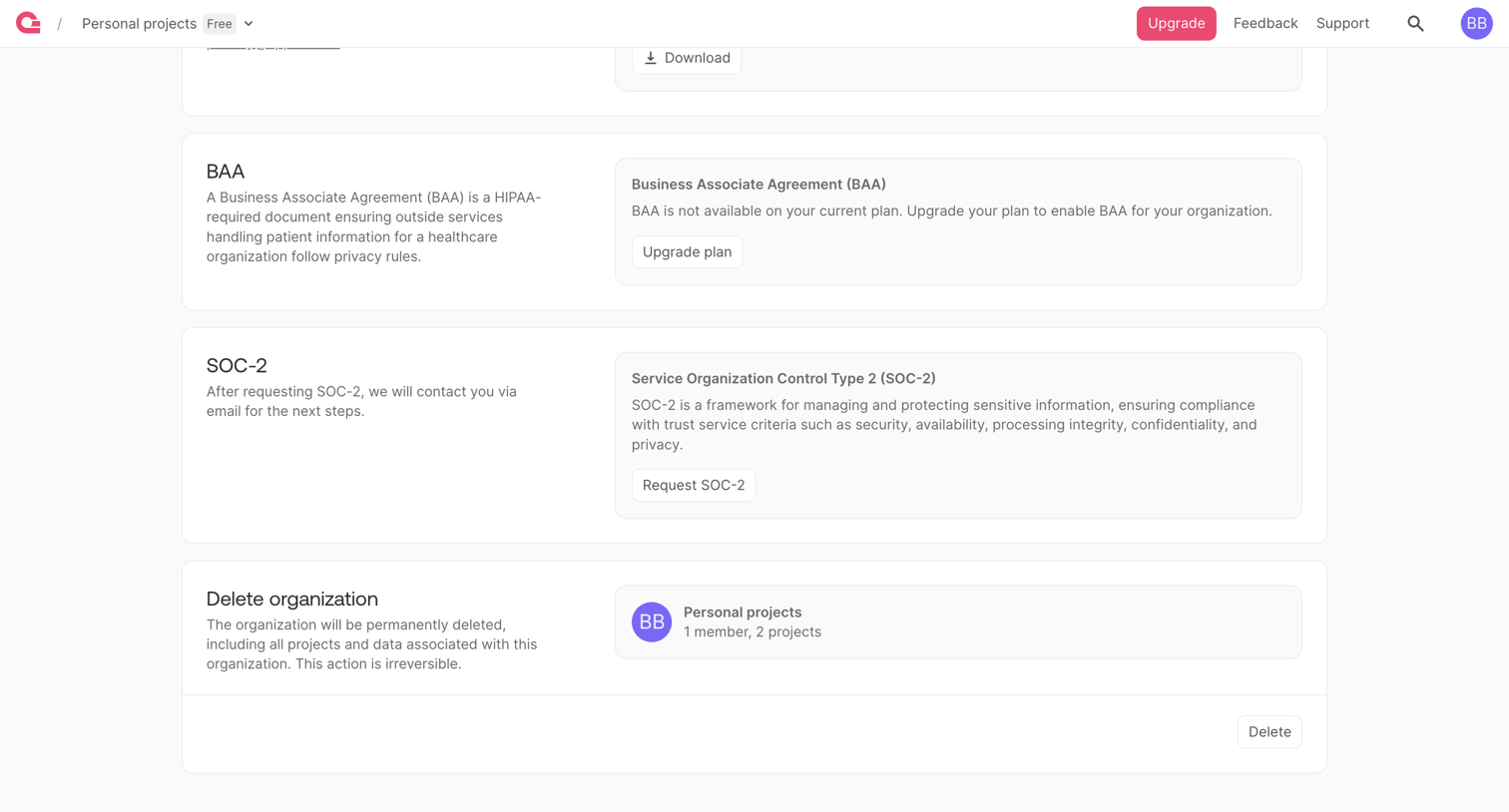

Settings page where the user manages organization compliance by requesting BAA or SOC-2 agreements and can permanently delete their organization.
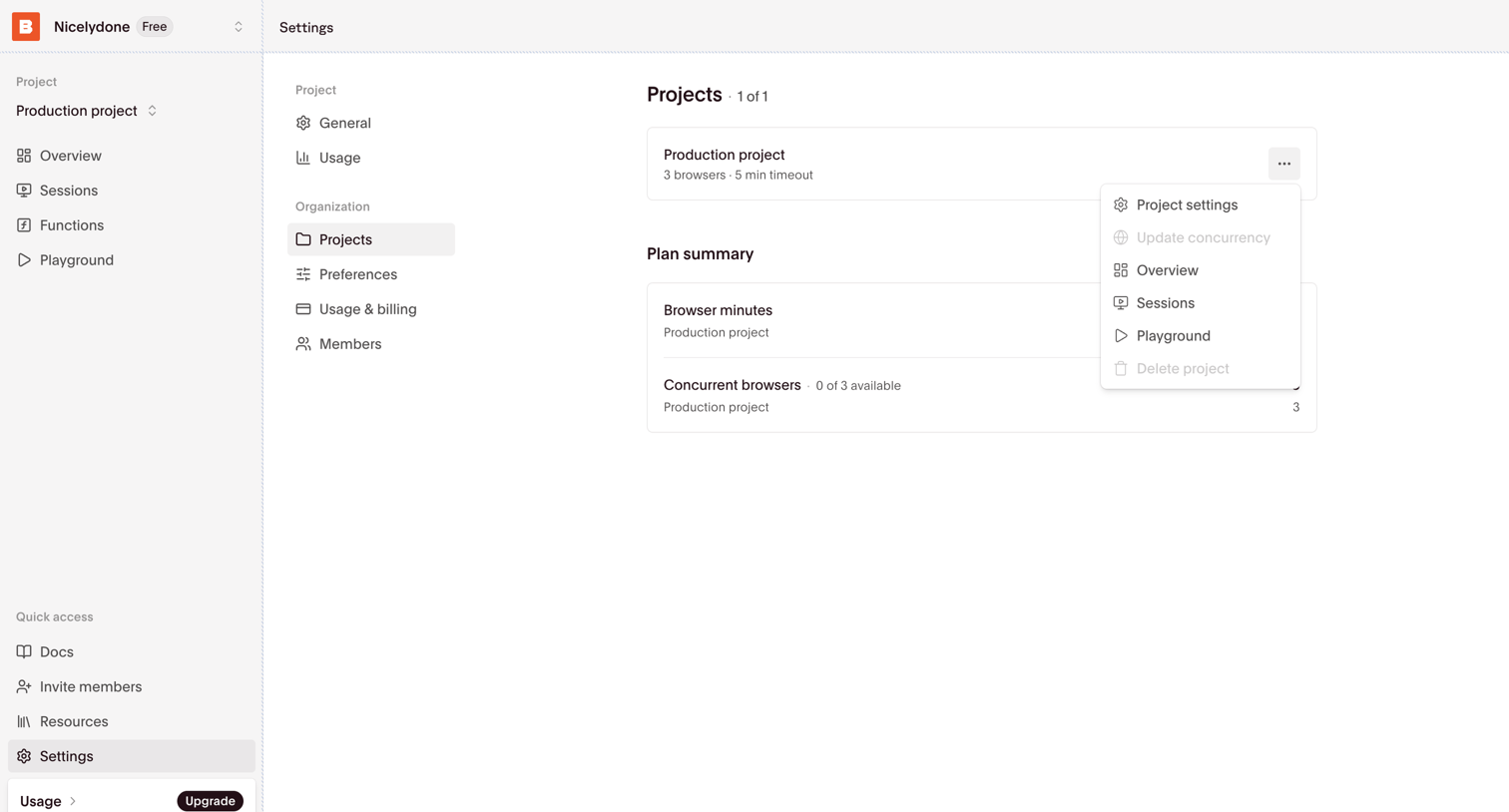

Settings page where the user manages their organization's projects and views a high-level plan summary of browser usage.
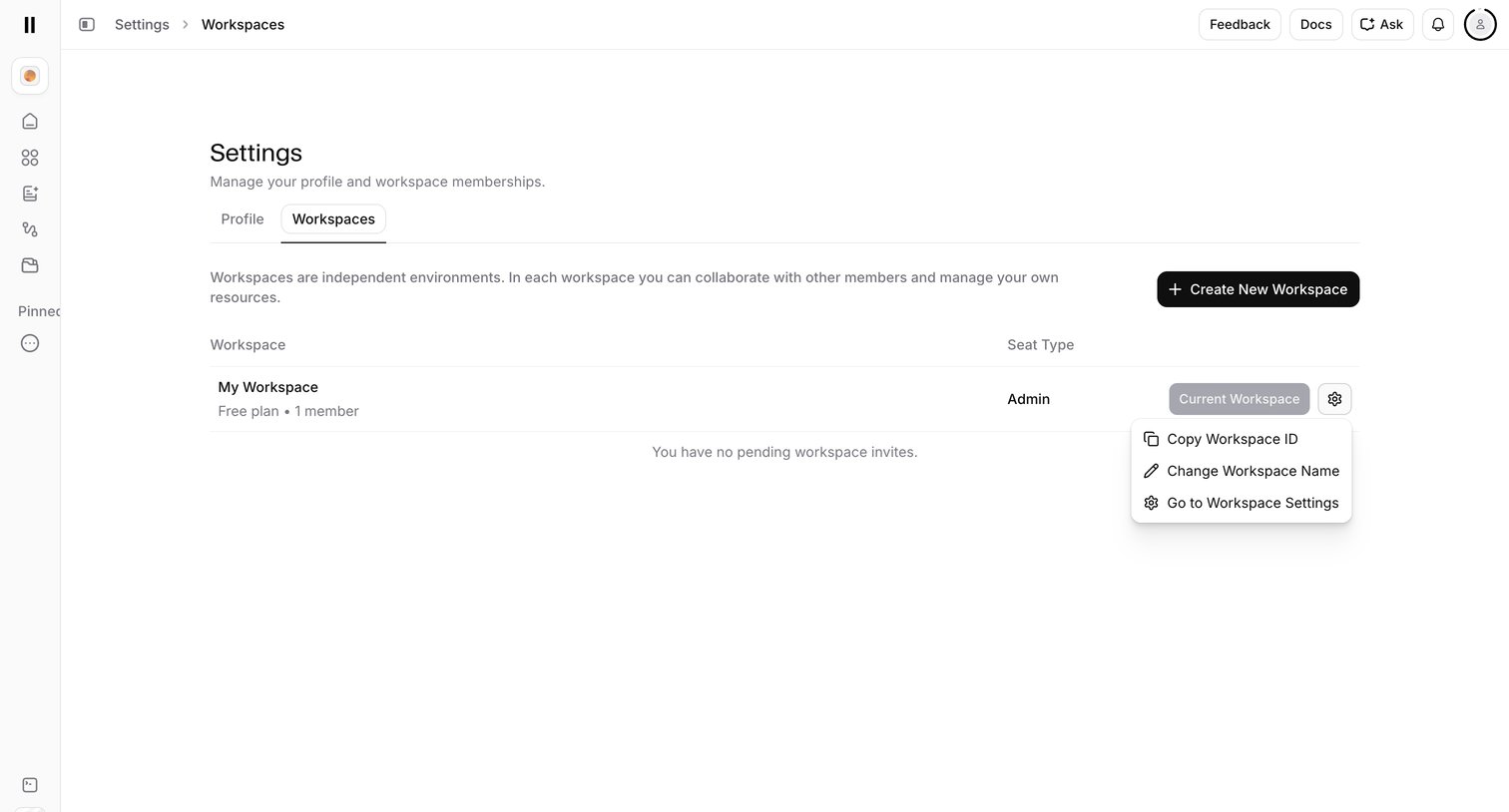

Settings page where the user manages their workspace memberships, creates new workspaces, and accesses workspace-specific options via a dropdown menu.
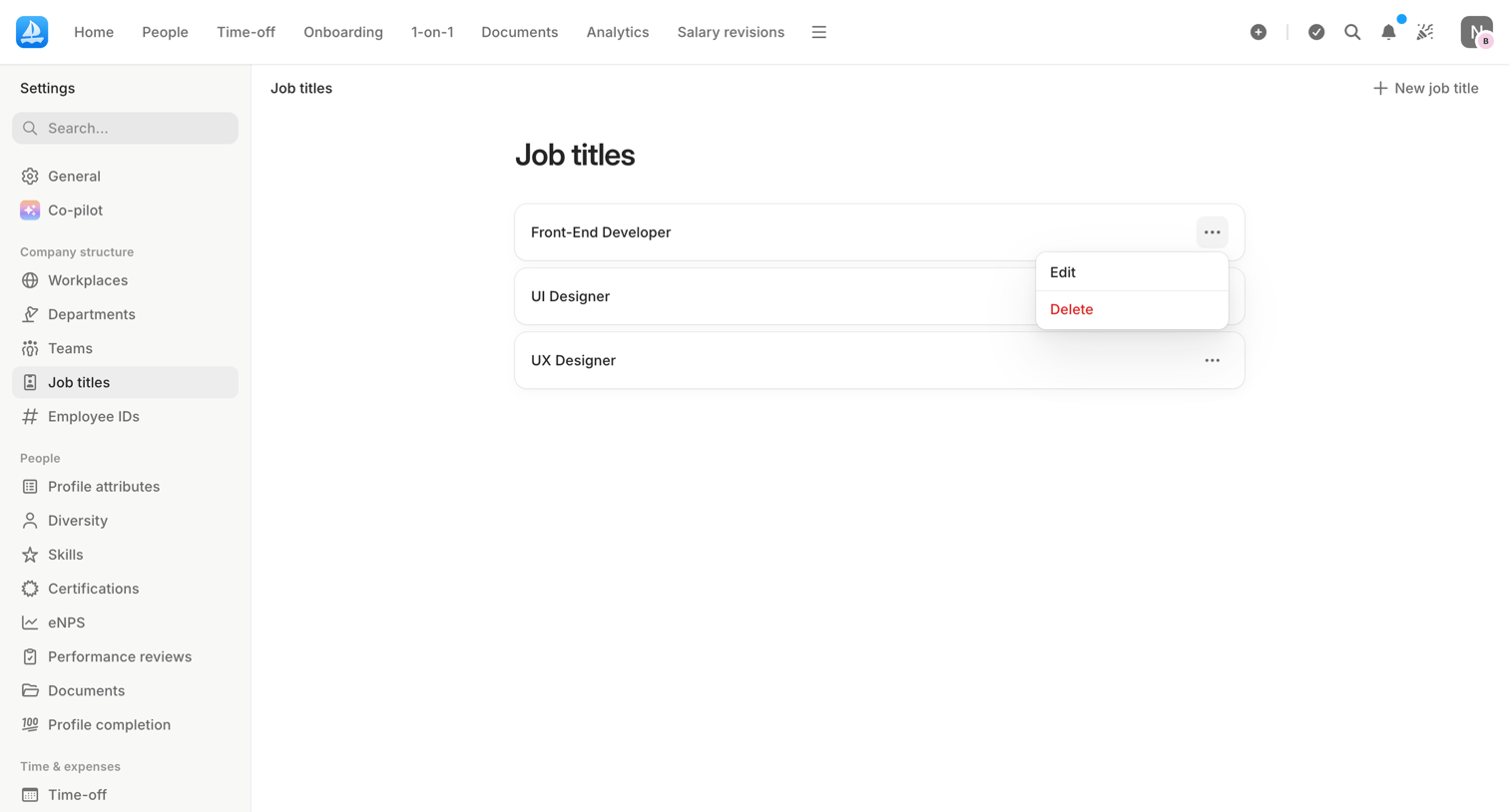

Settings page where an admin manages the list of job titles available in the company structure.
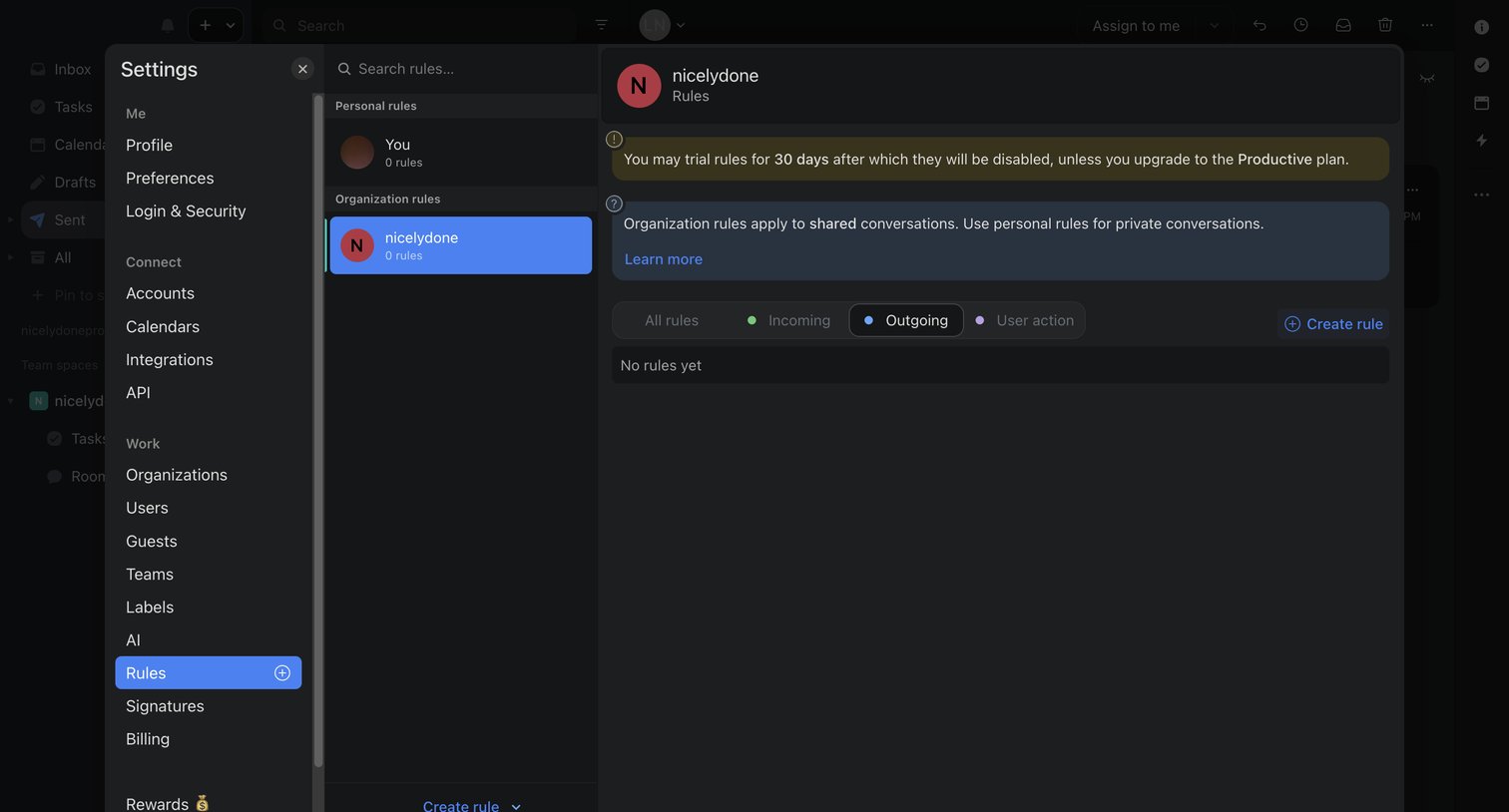

Settings modal where the user configures organization-wide automation rules, currently showing an empty list for outgoing rules and a 30-day trial warning.
Explore the full SaaS screen library
Upgrade to unlock the full library.
Trusted by the best teams







