Account Maps · Settings
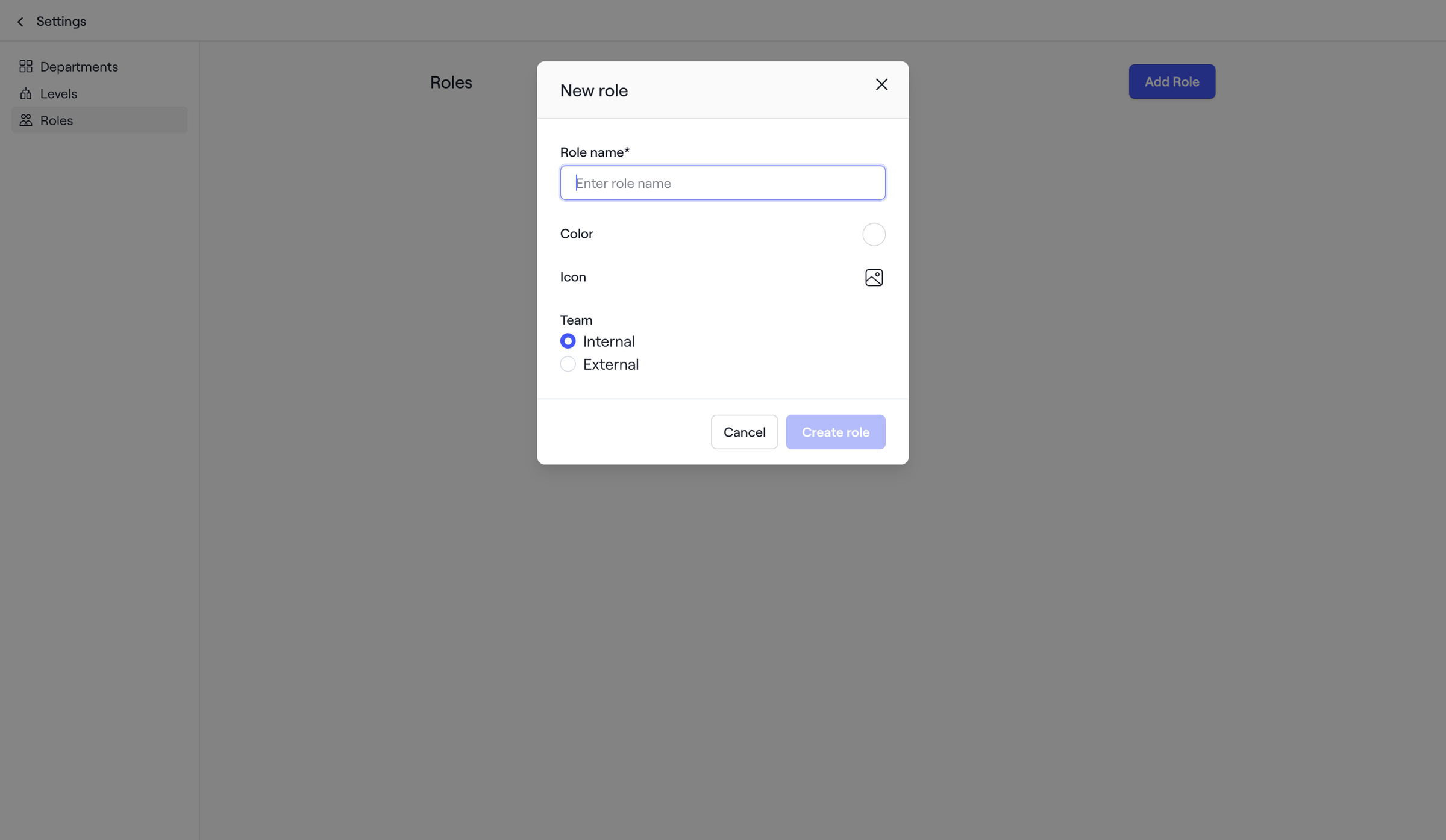
Screen UI design example from Dock. The screen displays a settings interface with a dark overlay, indicating a modal is open in the foreground. The background shows a two-column layout. The left column contains a vertical navigation menu with a 'Settings' back link at the top. Below it are navigation items: 'Departments', 'Levels', and 'Roles'. The 'Roles' item is highlighted, indicating it's the currently selected section. The right column, partially obscured by the modal, shows the title 'Roles' and a primary button 'Add Role' in the top right. The modal, titled 'New role', is centrally positioned and contains a form for creating a new role. The modal has a close icon (X) in the top right. The form fields include: 'Role name*' text input with a placeholder 'Enter role name' and a blue focus outline; 'Color' field with a circular swatch icon; 'Icon' field with a picture icon; and a 'Team' section with two radio buttons, 'Internal' (selected) and 'External' (unselected). At the bottom of the modal are two buttons: a secondary 'Cancel' button and a primary 'Create role' button, which is enabled.

The screen displays a settings interface with a dark overlay, indicating a modal is open in the foreground. The background shows a two-column layout. The left column contains a vertical navigation menu with a 'Settings' back link at the top. Below it are navigation items:…
Explore the full SaaS screen library
Upgrade to unlock the full library.
Trusted by the best teams







