Media player screen examples
Media player screen design examples from SaaS apps. Browse examples from Flask, HeyGen, Linear.
Explore the examples
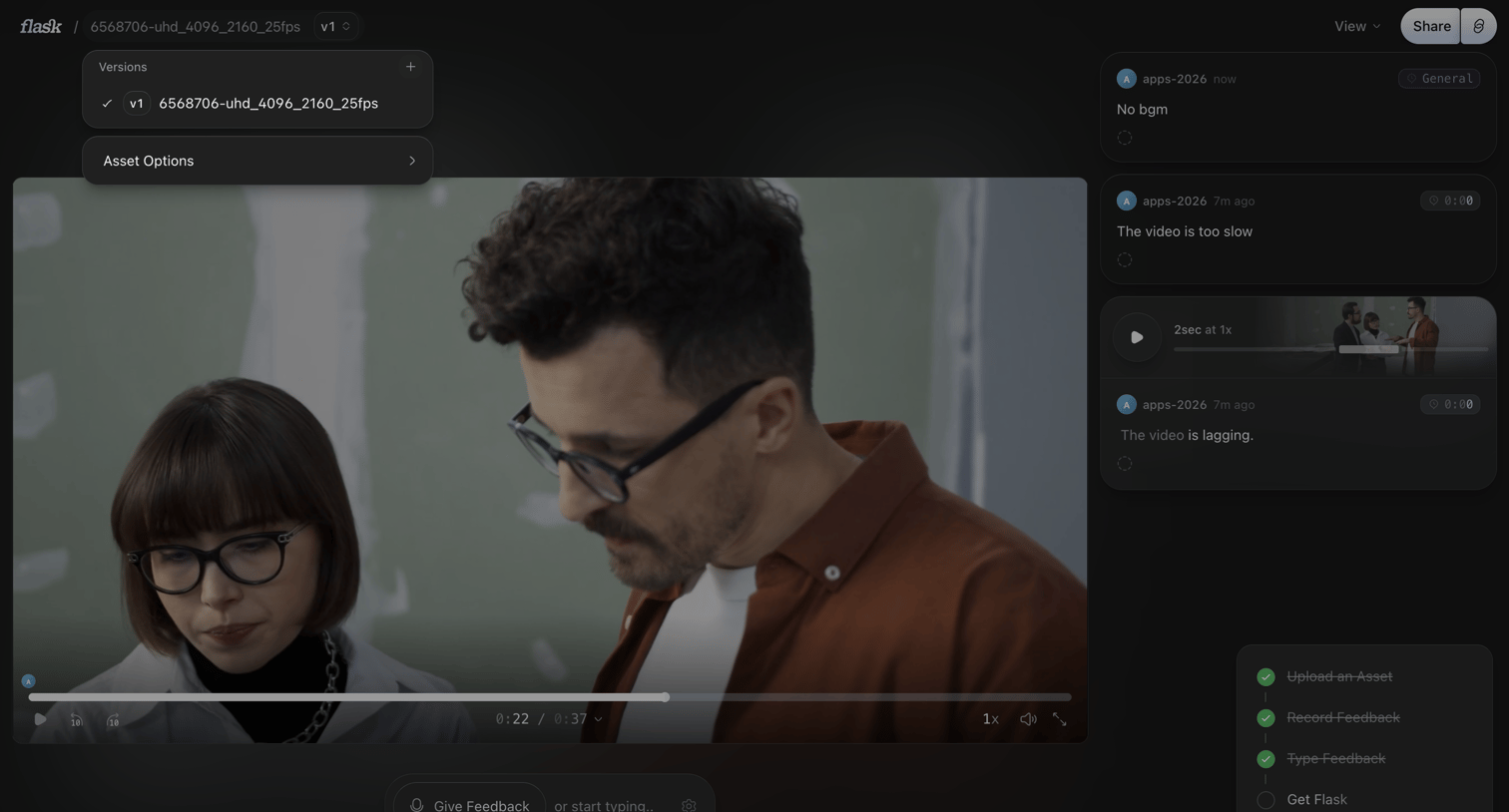

Detail page where the user reviews a video asset, switches versions, and leaves timestamped feedback in a side panel.
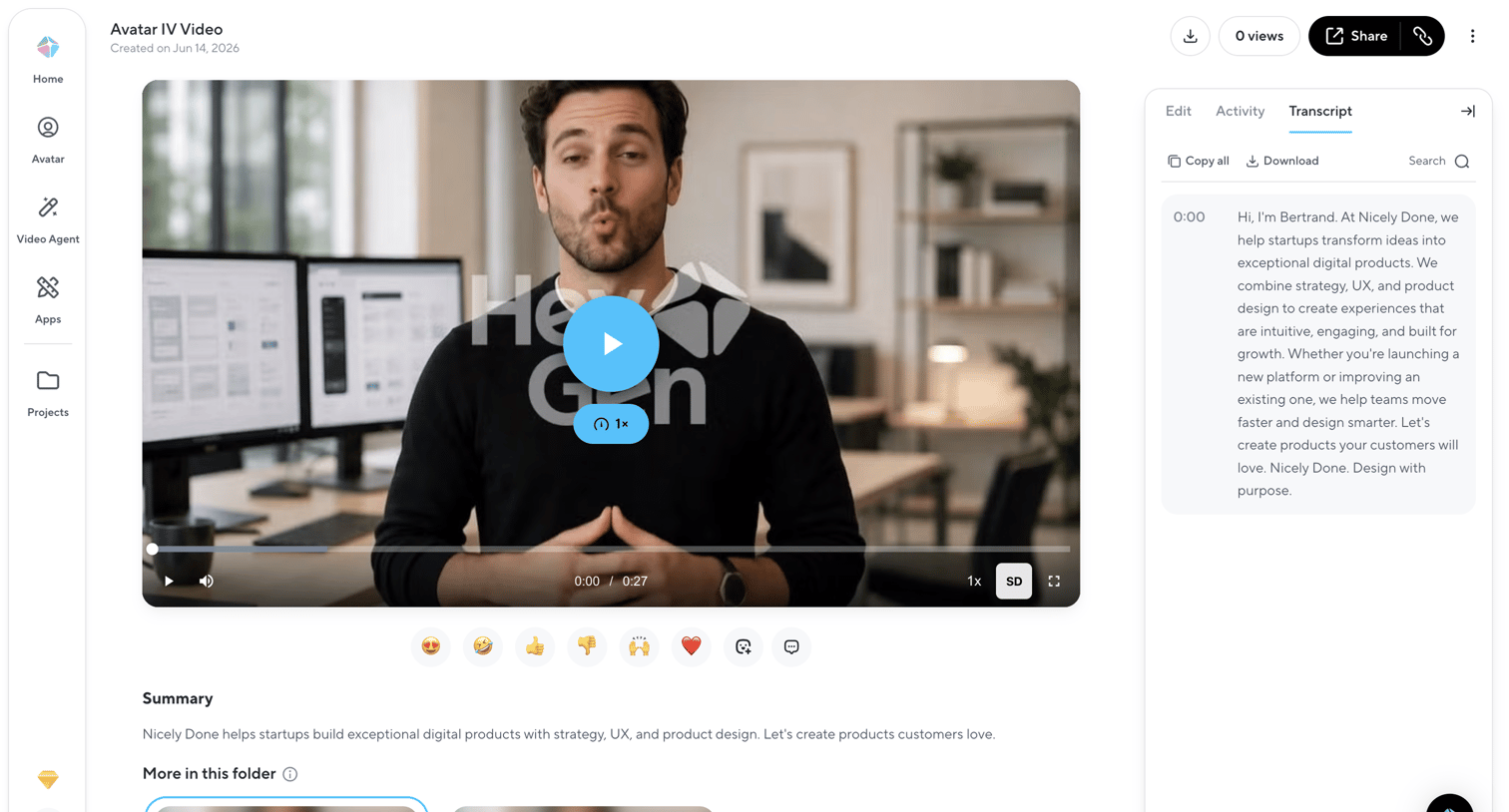

Detail page where the user views a generated video, reads its transcript, and can share or download the asset.
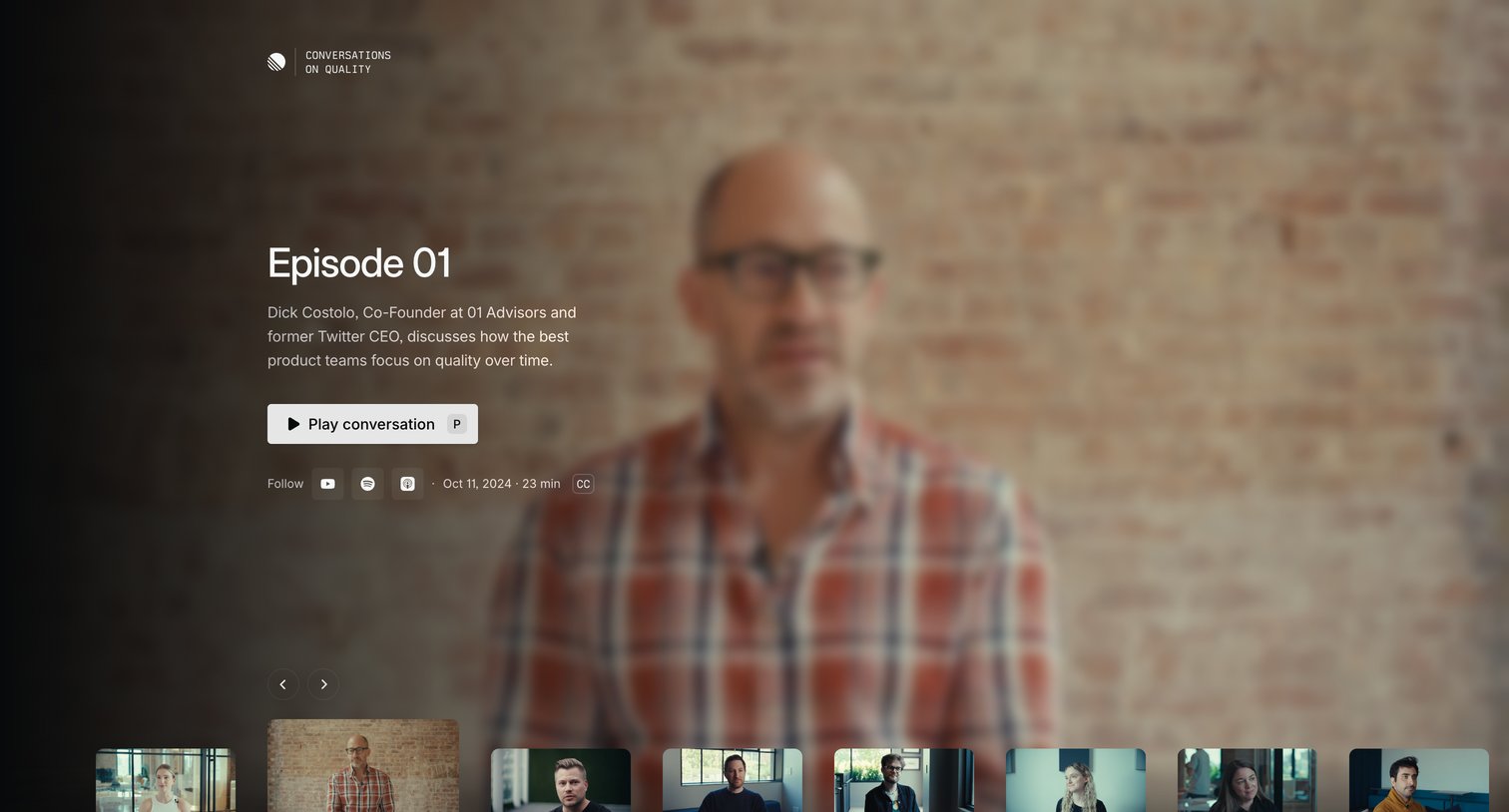

Marketing page for a video series episode where the user can play the interview and browse a carousel of other available episodes.
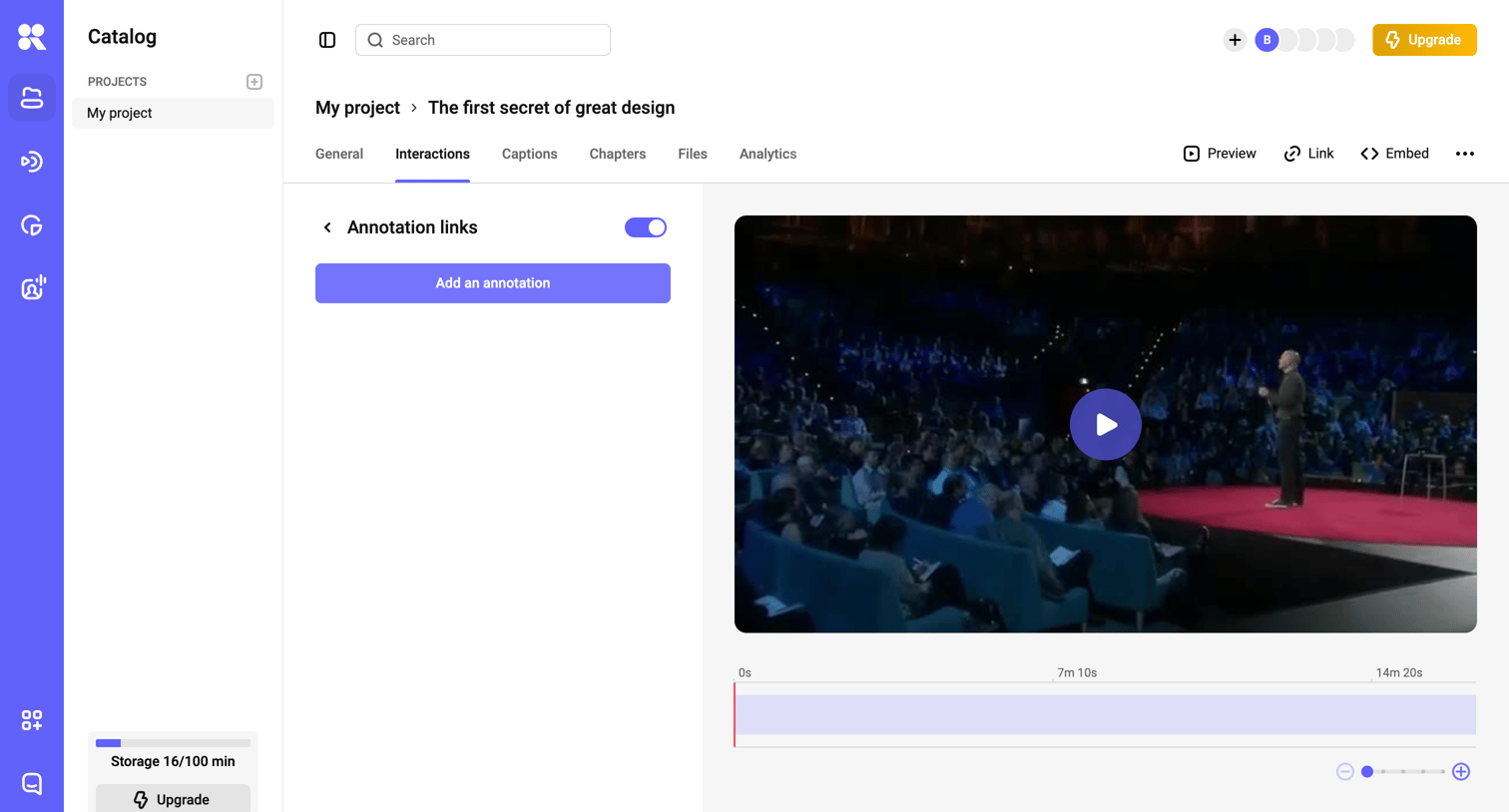

Detail page where the user manages annotation links for a specific video project, featuring a video player and an interactive timeline.
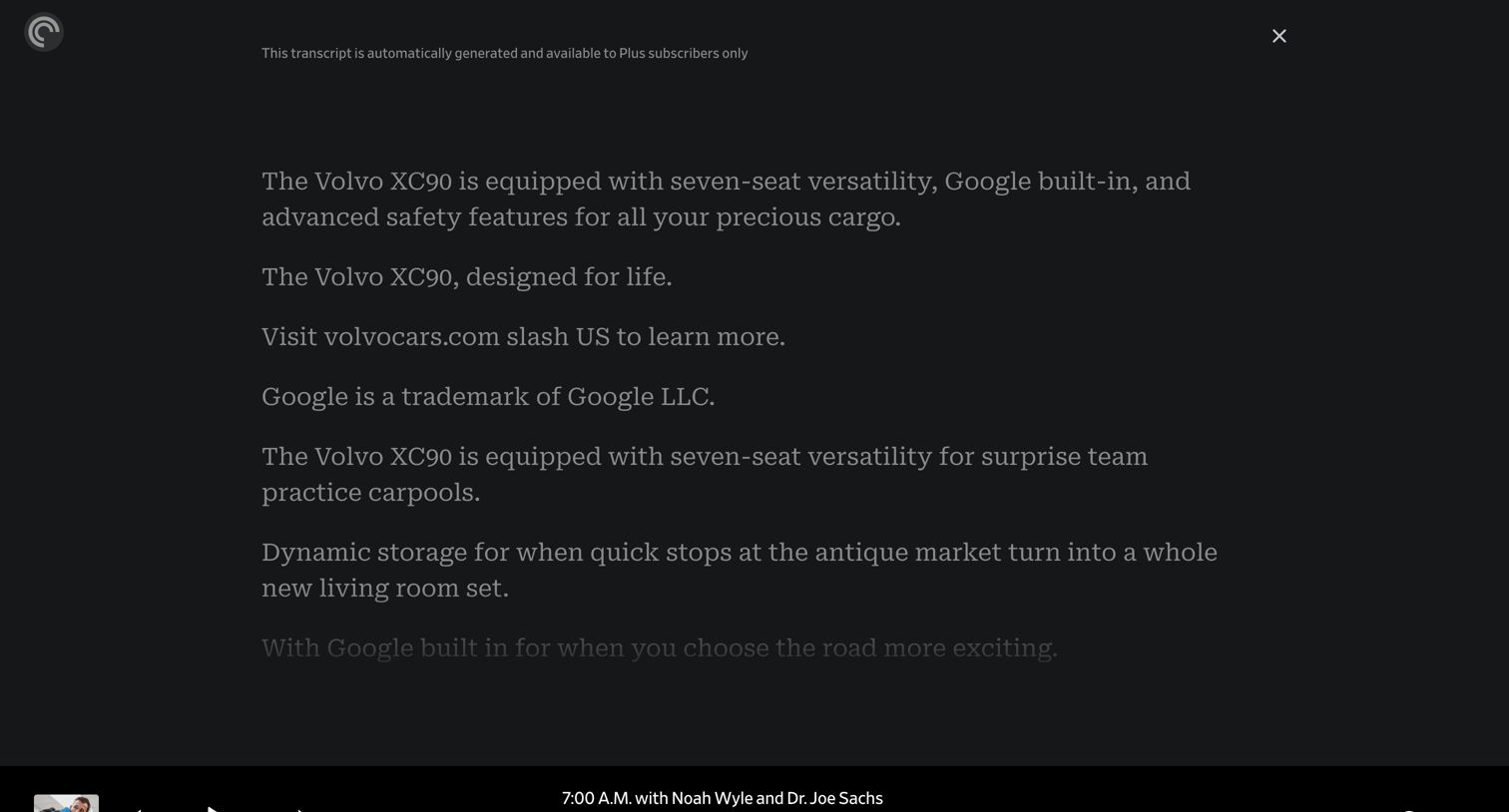

Detail page where the user reads an auto-generated, synchronized transcript of a podcast episode while controlling playback from a bottom toolbar.
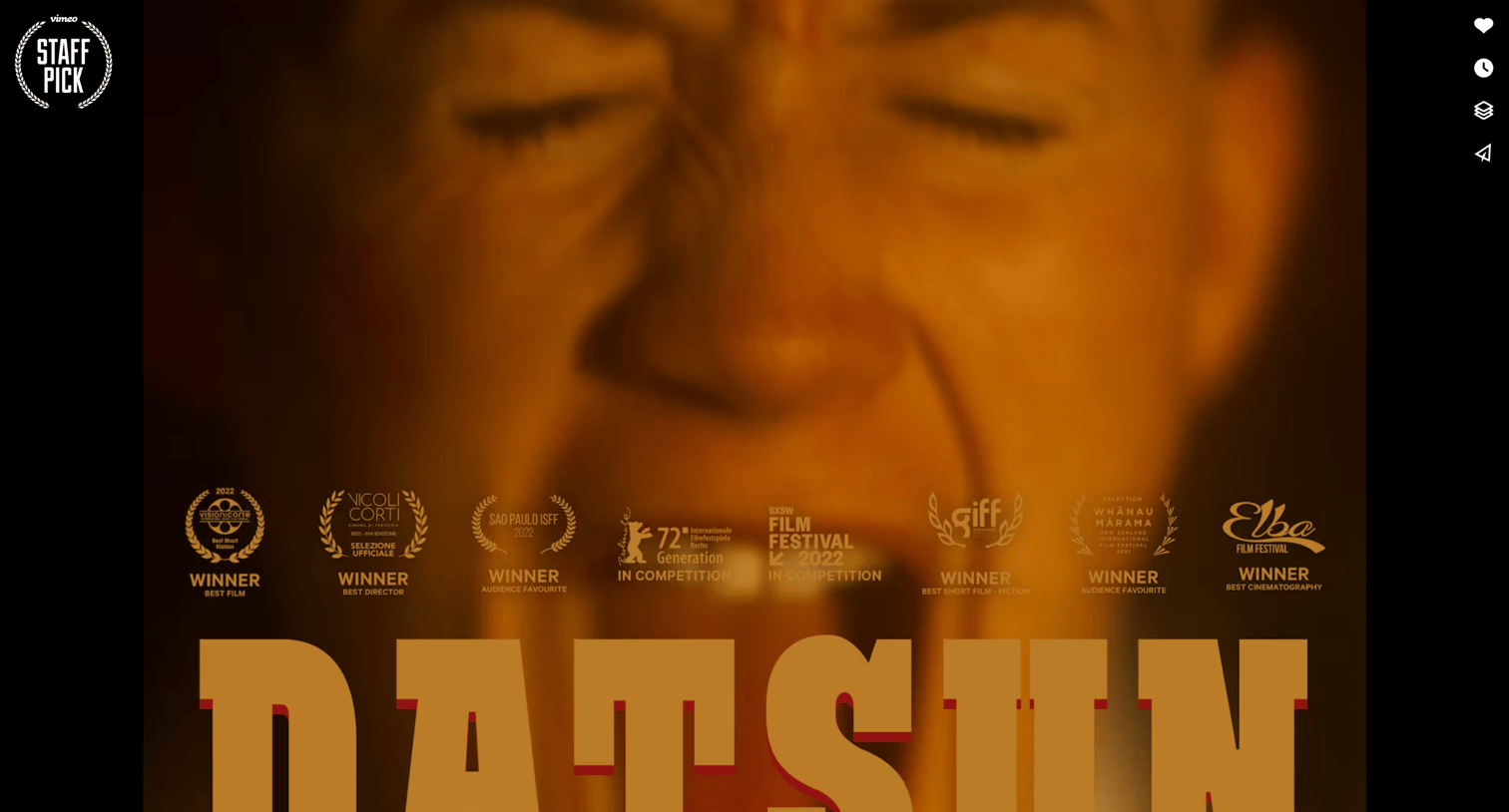

Fullscreen video player detail page showing playback controls, a progress bar, and quick actions for liking, saving, and sharing.
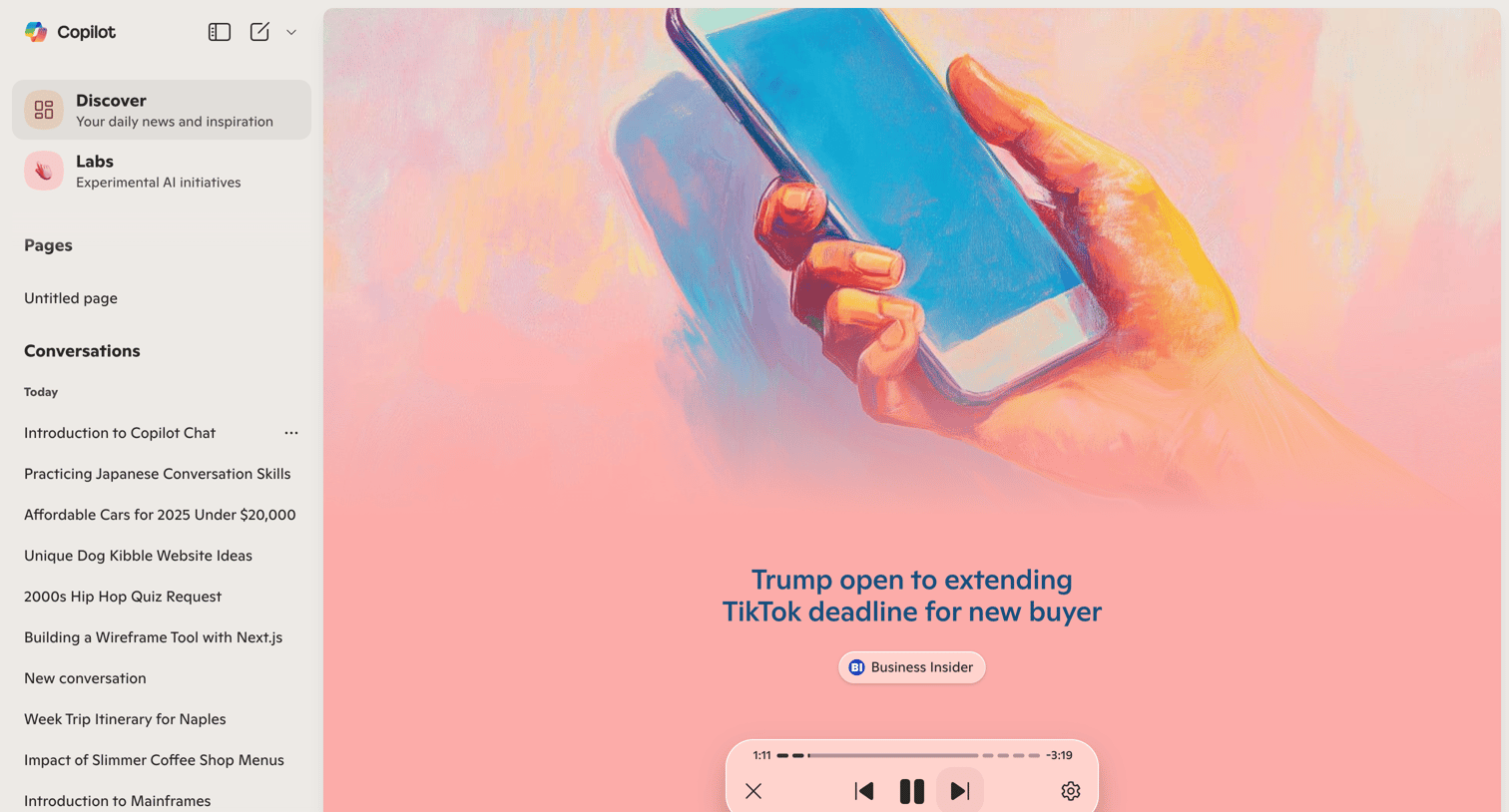

App home screen where the user discovers daily news and listens to an AI-generated audio summary via a floating player.
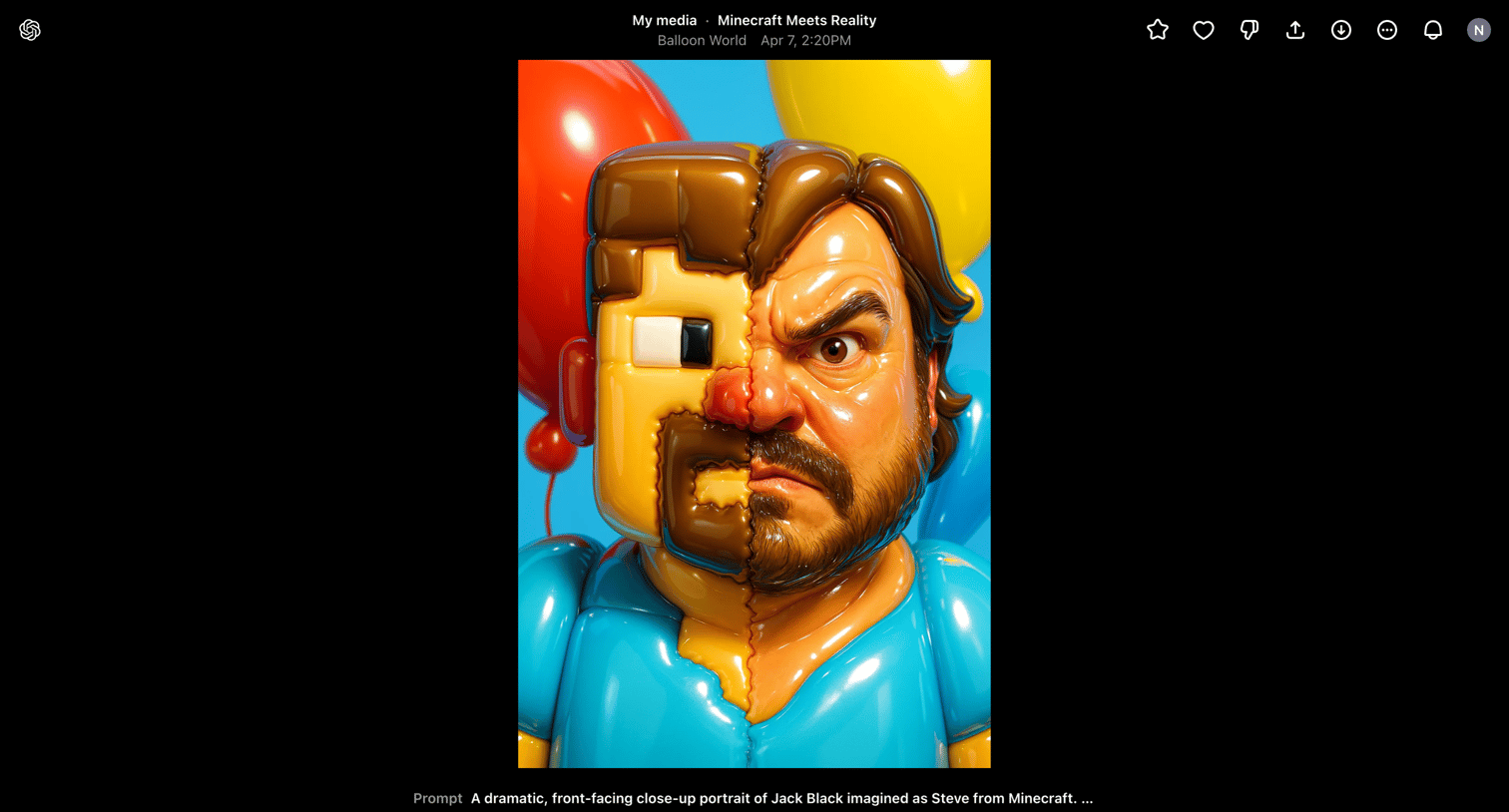

Detail page where the user views a generated video artifact, reads its original prompt, and can choose to edit the prompt, remix the generation, or create a new video.
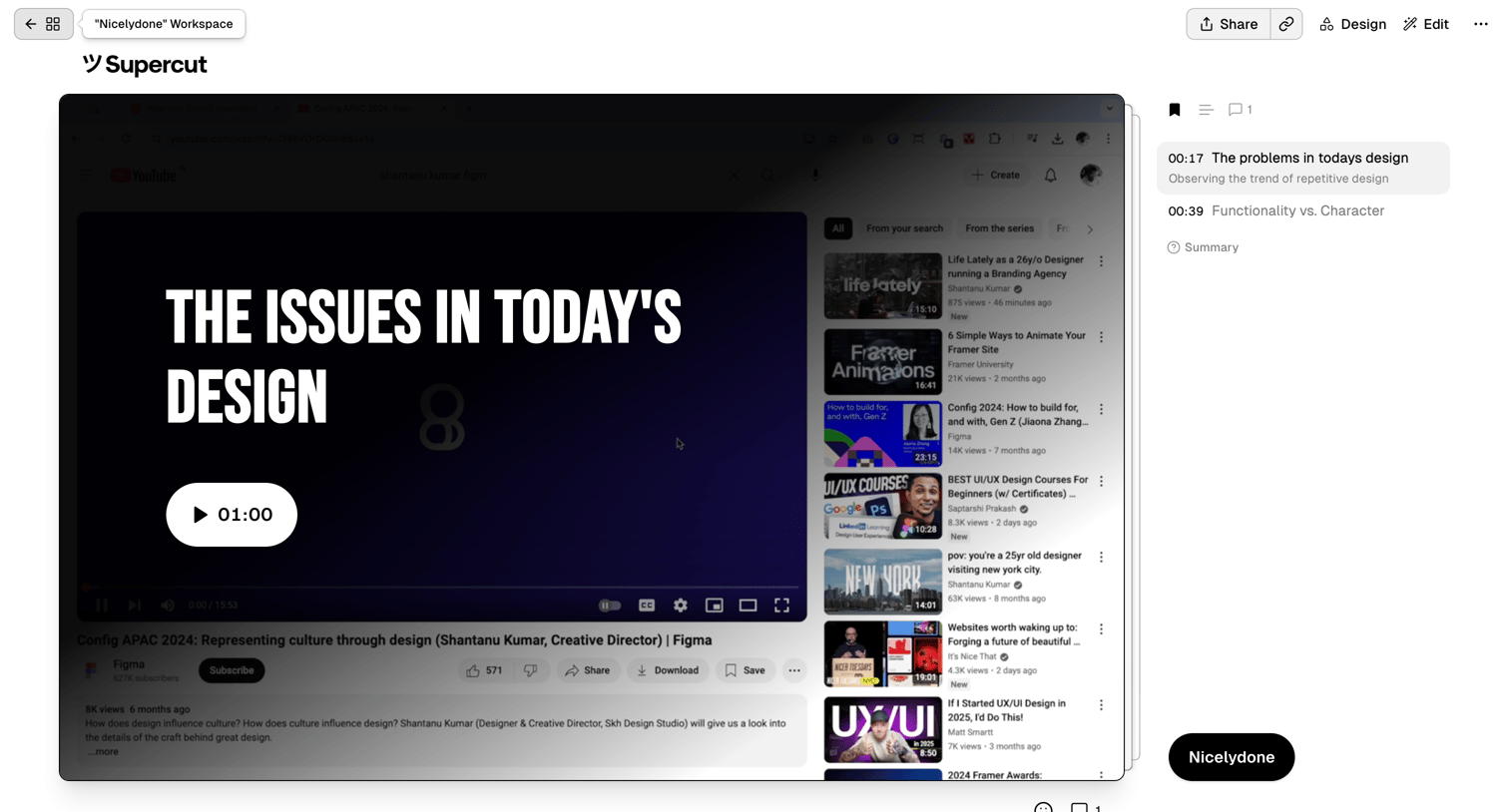

Detail page where the user reviews a video with timestamped chapters and comments in a right-hand sidebar.
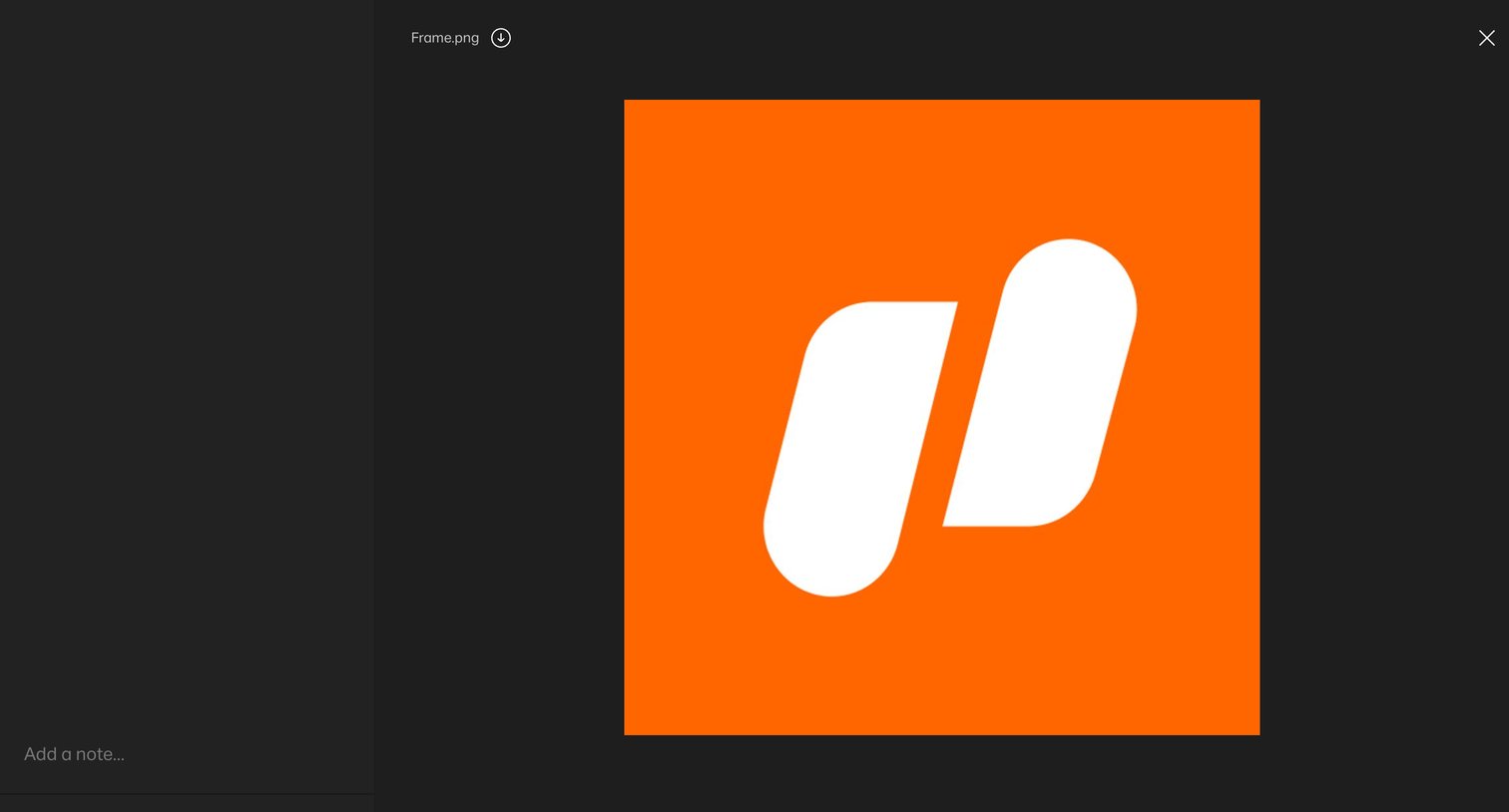

Detail page where the user views a specific image asset, with a sidebar for adding notes and comments.
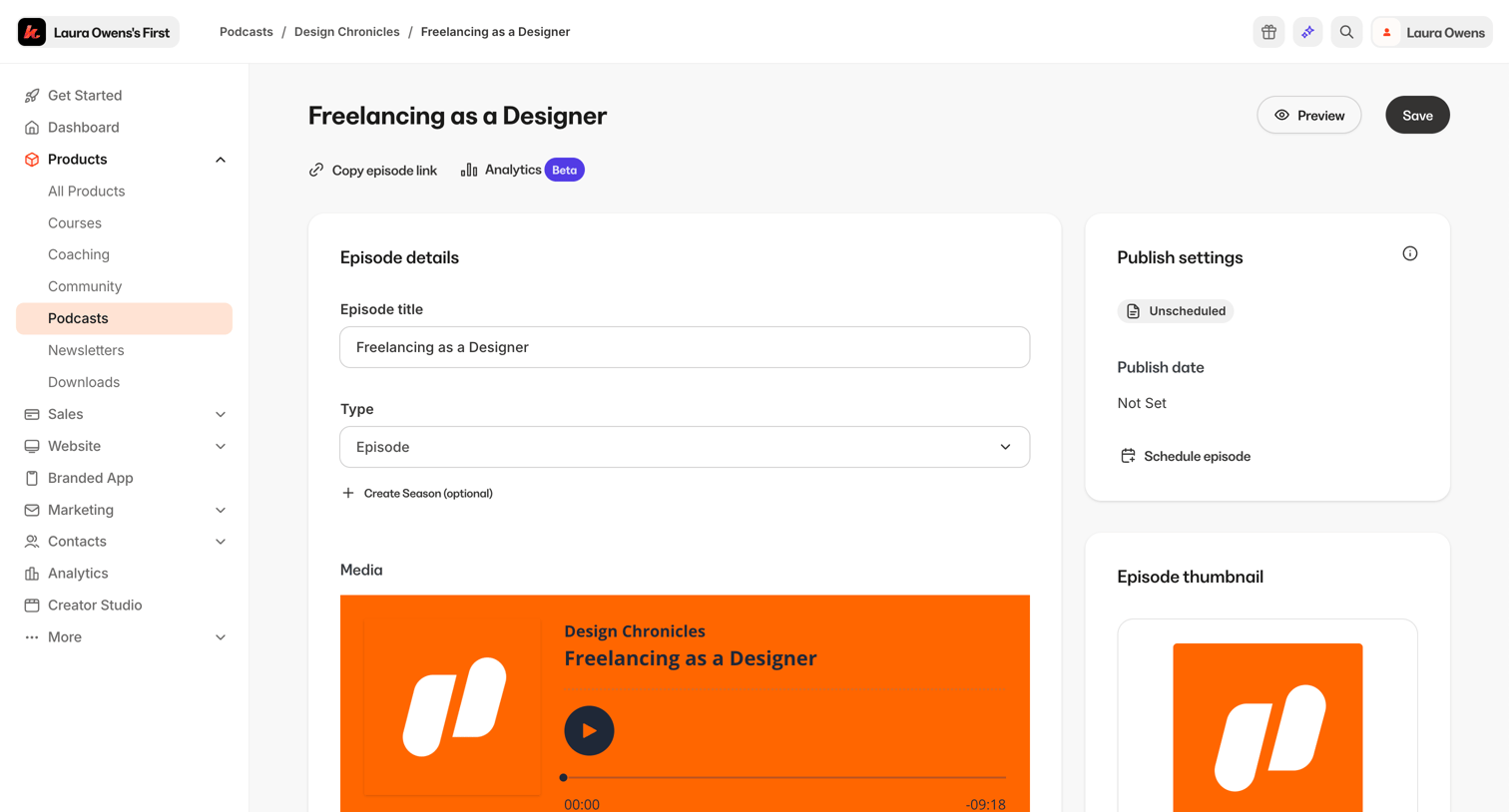

Detail page where the user edits a podcast episode's title, audio media, and publish settings.
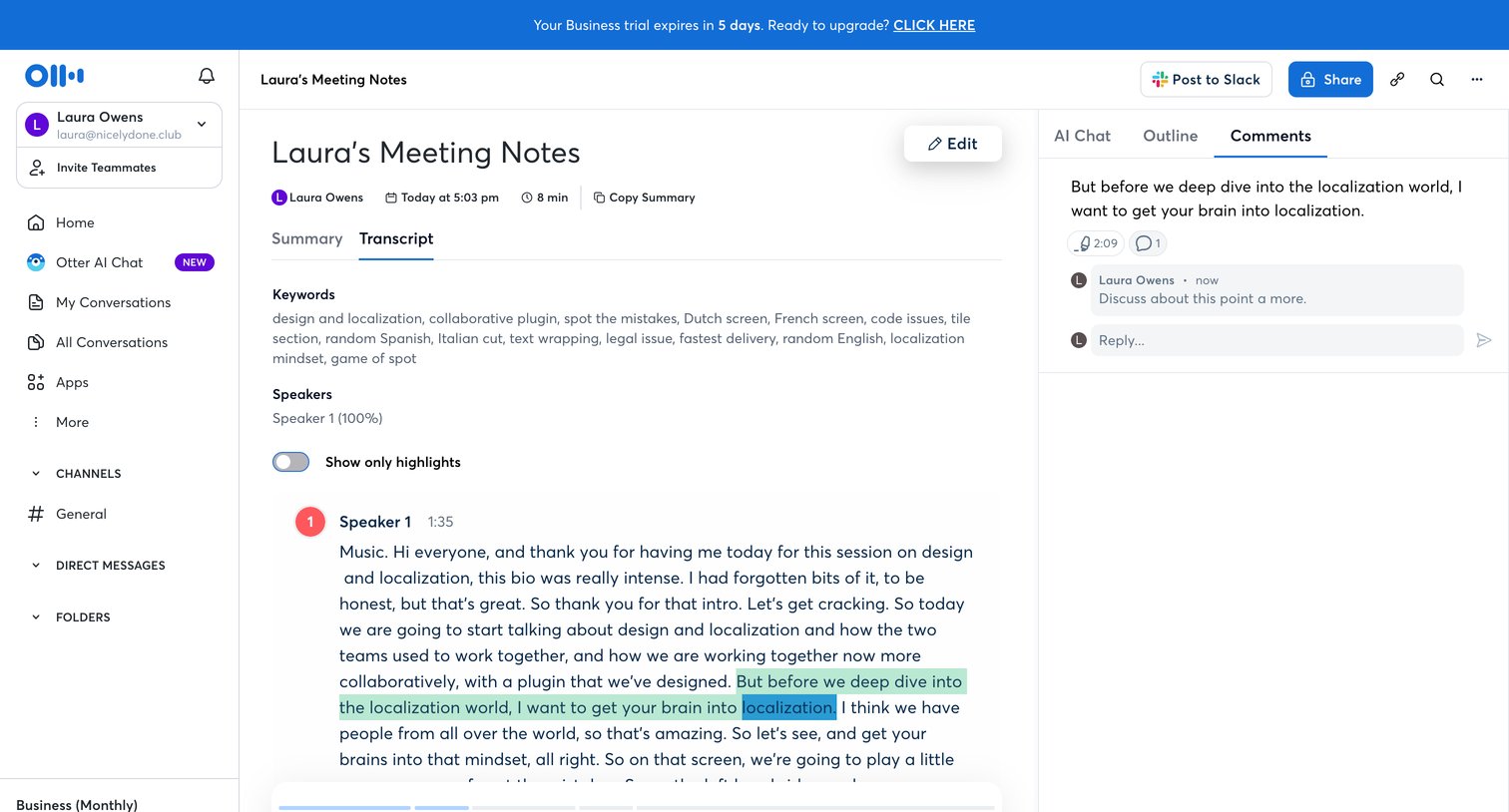

Detail page where a user reviews a meeting transcript with synchronized audio playback and collaborates via a side comment thread.
Explore the full SaaS screen library
Upgrade to unlock the full library.
Trusted by the best teams







