Integration setup screen examples
Integration setup screen design examples from SaaS apps. See how SaaS apps organize connections to other tools. Explore how integration directories and settings present available services, connection status, and…
Explore the examples

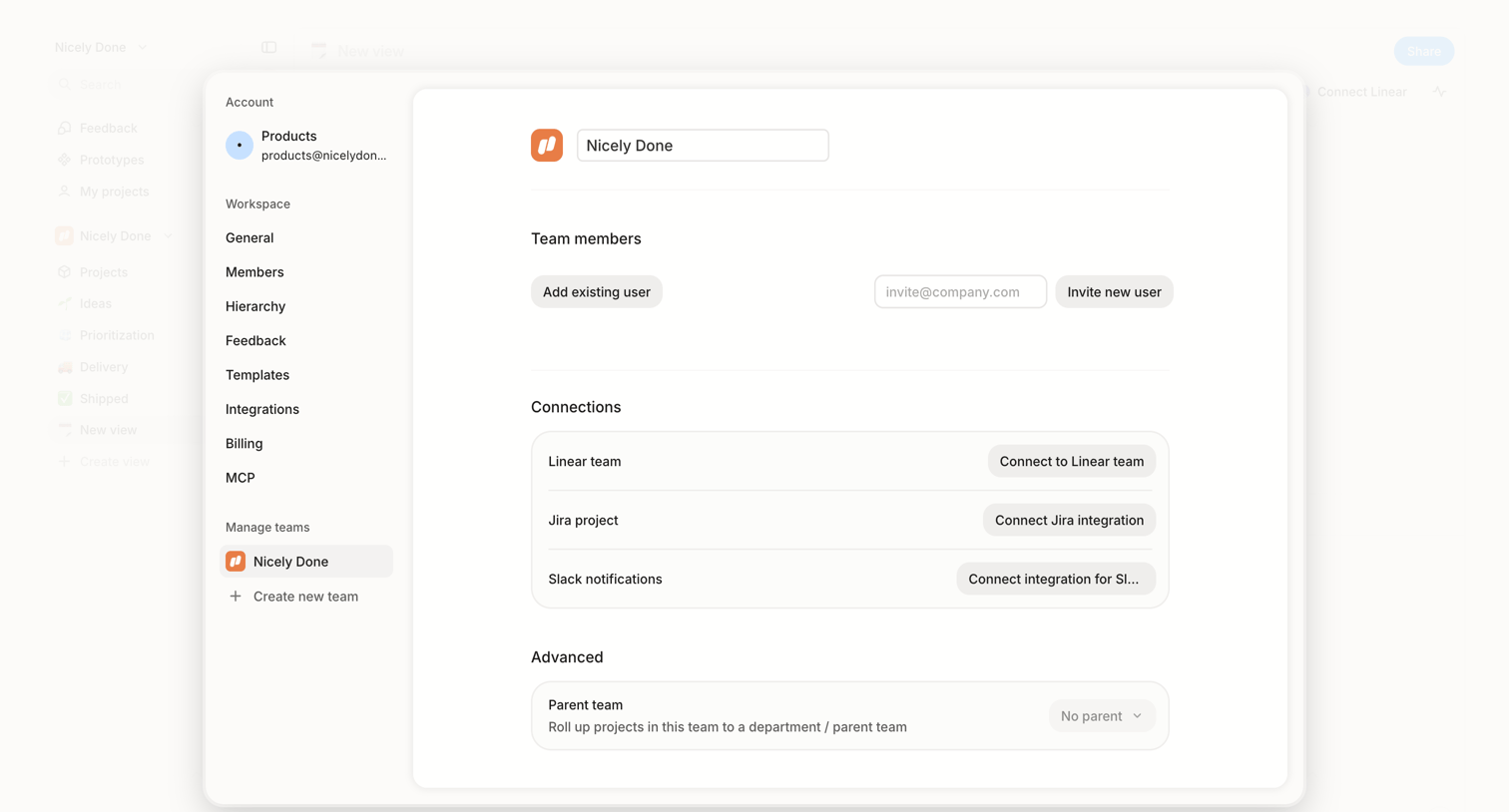

Settings modal where the user manages team members, configures integrations for Linear, Jira, and Slack, and sets up team hierarchy.

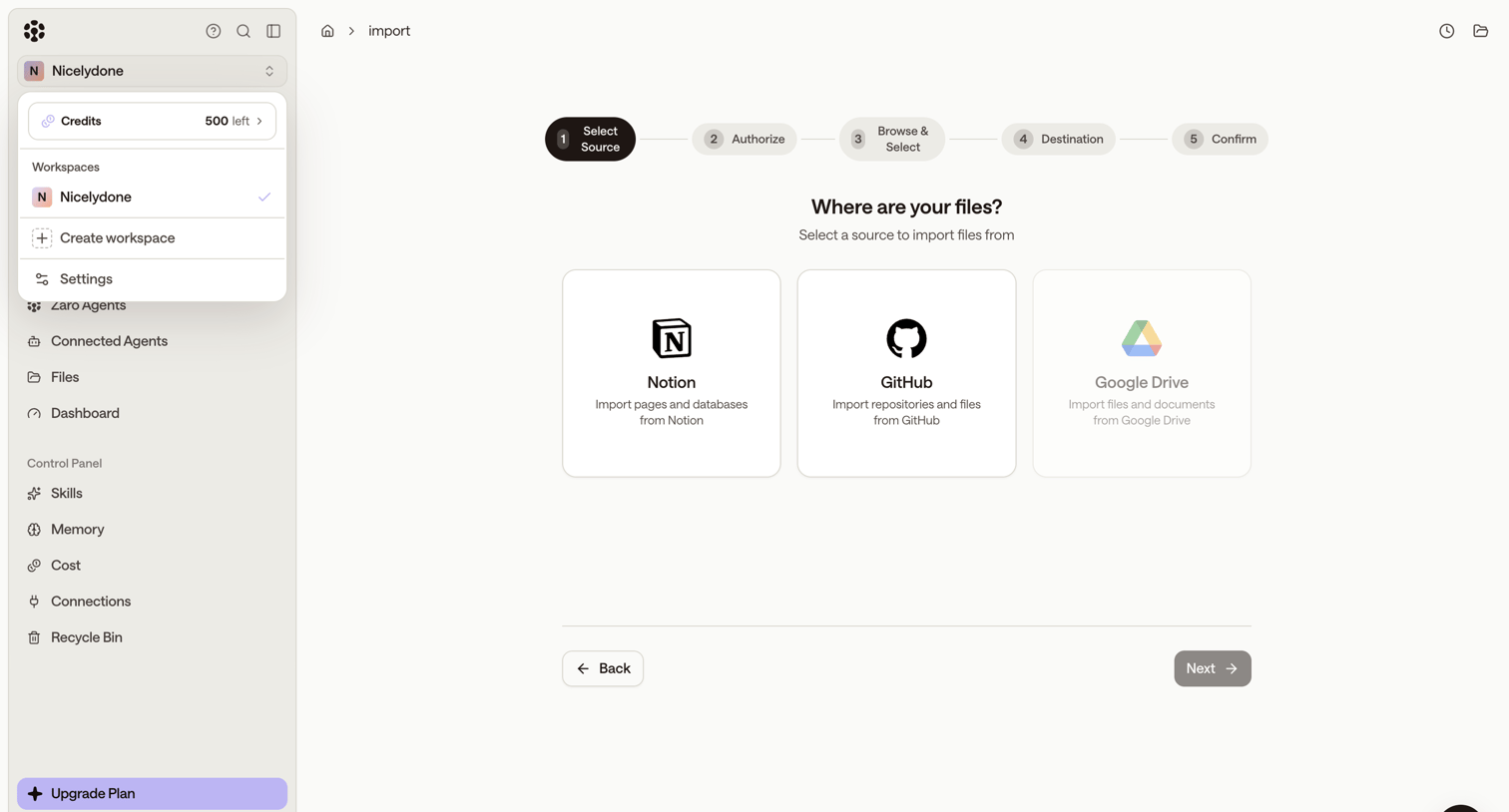

Wizard step where the user selects Notion, GitHub, or Google Drive as a data source to import files into their workspace.


Settings page where the user configures a new data integration by selecting a destination service like Datadog or Splunk and setting up forwarding rules.
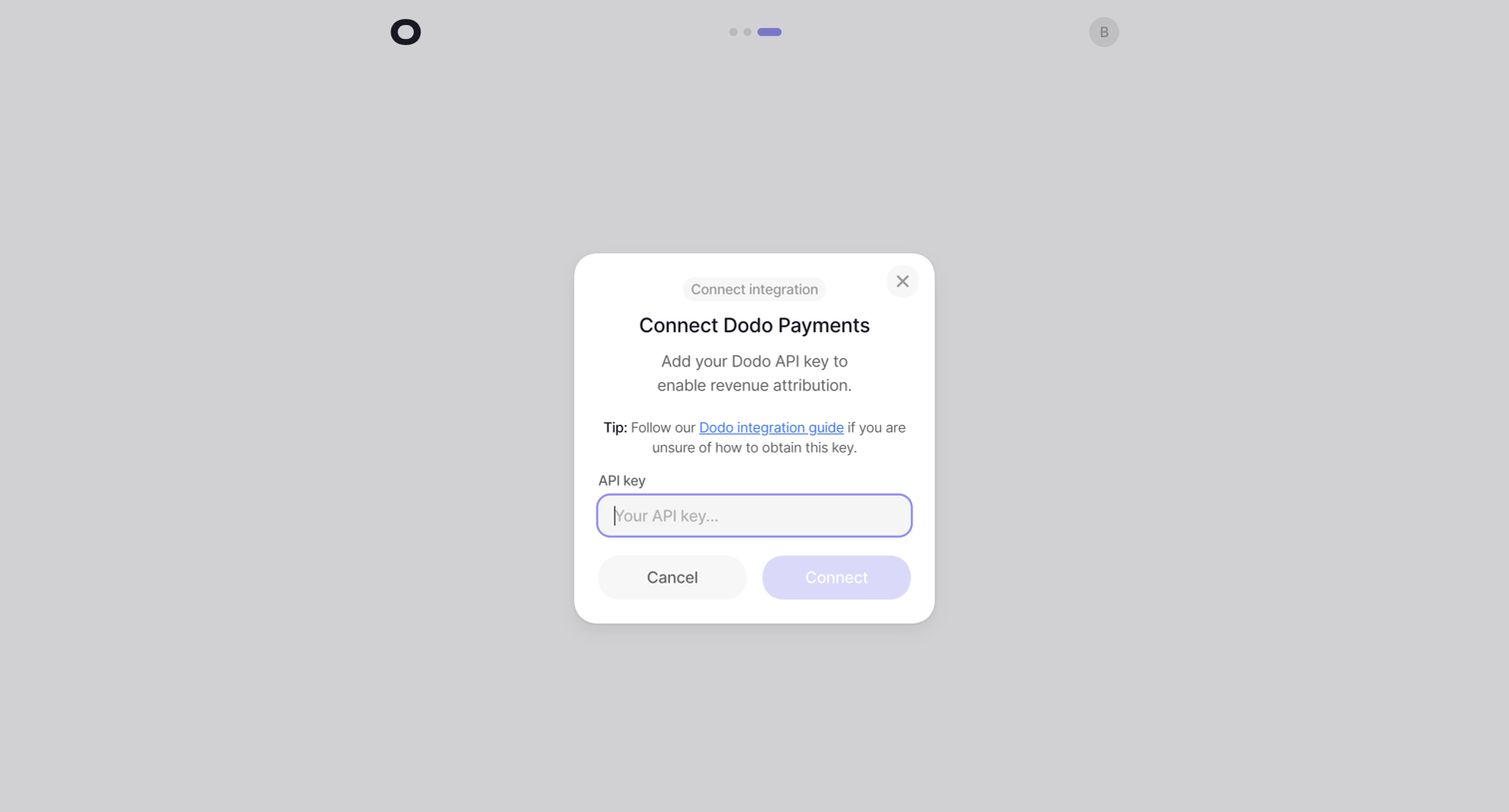

Onboarding step where the user connects their Dodo Payments account by entering an API key to enable revenue attribution.
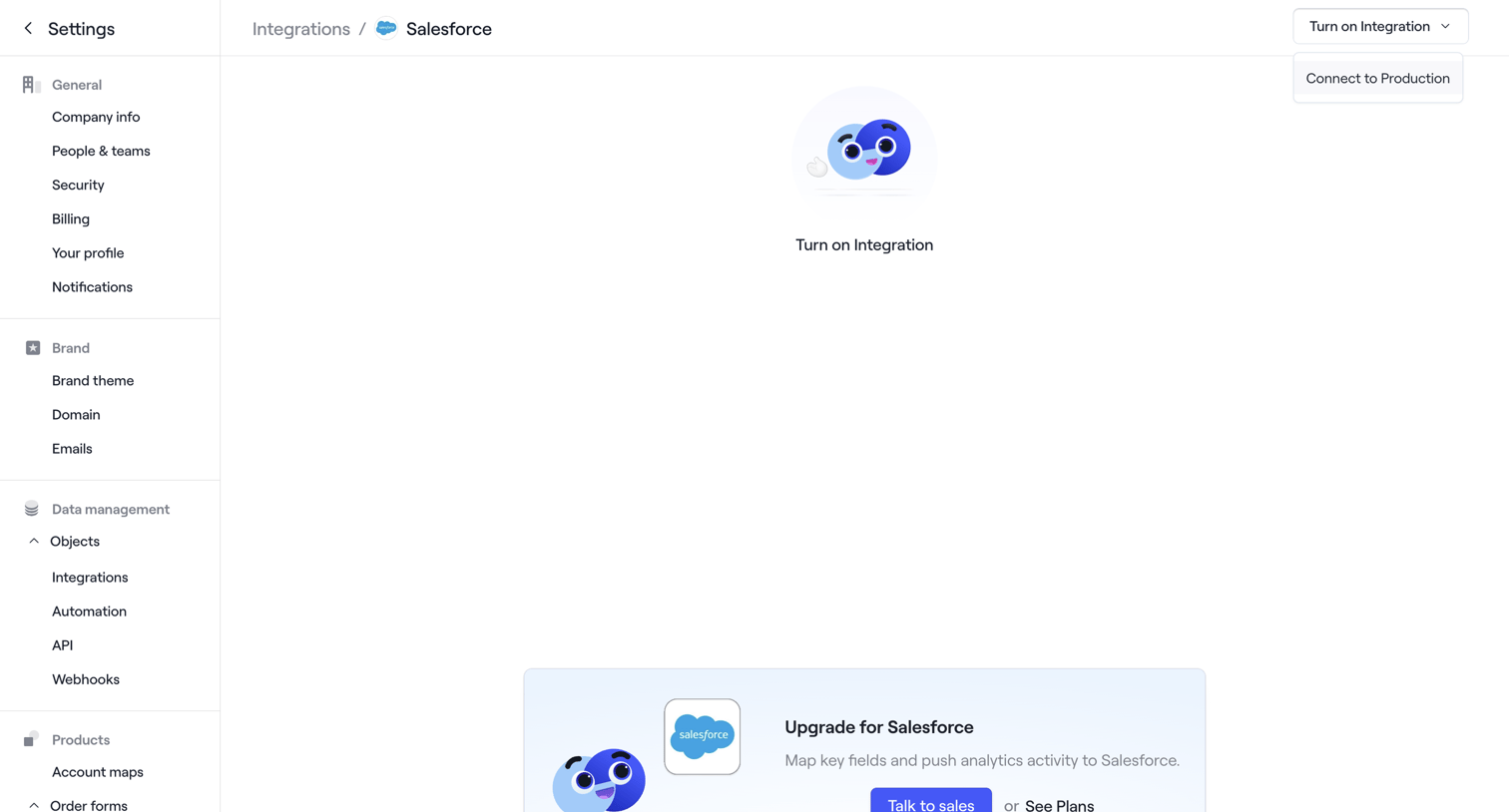

Settings page where the user can connect their Salesforce account or upgrade their plan to access the integration.
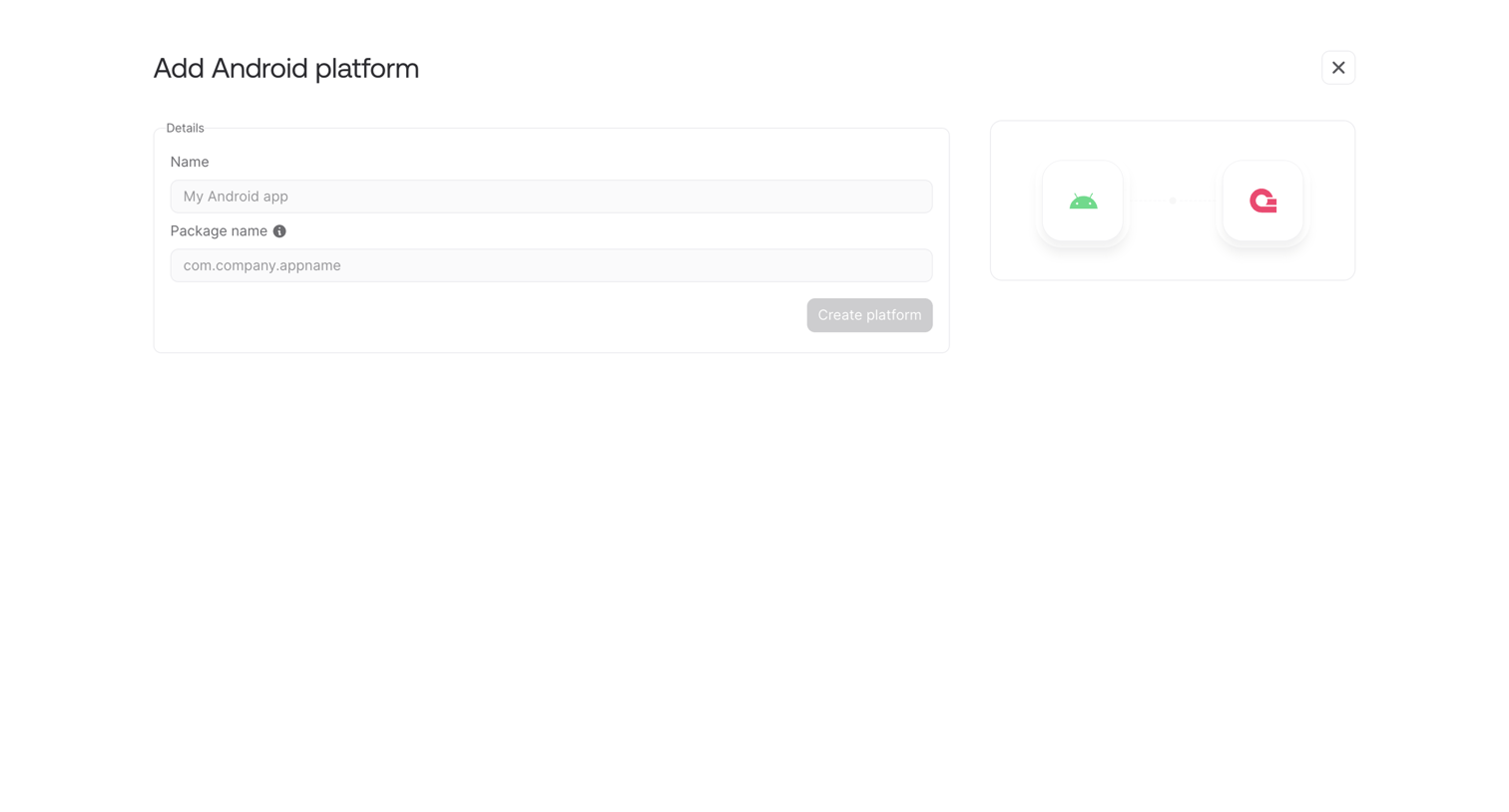

Creation screen where the user configures a new Android platform integration by entering an app name and package name.
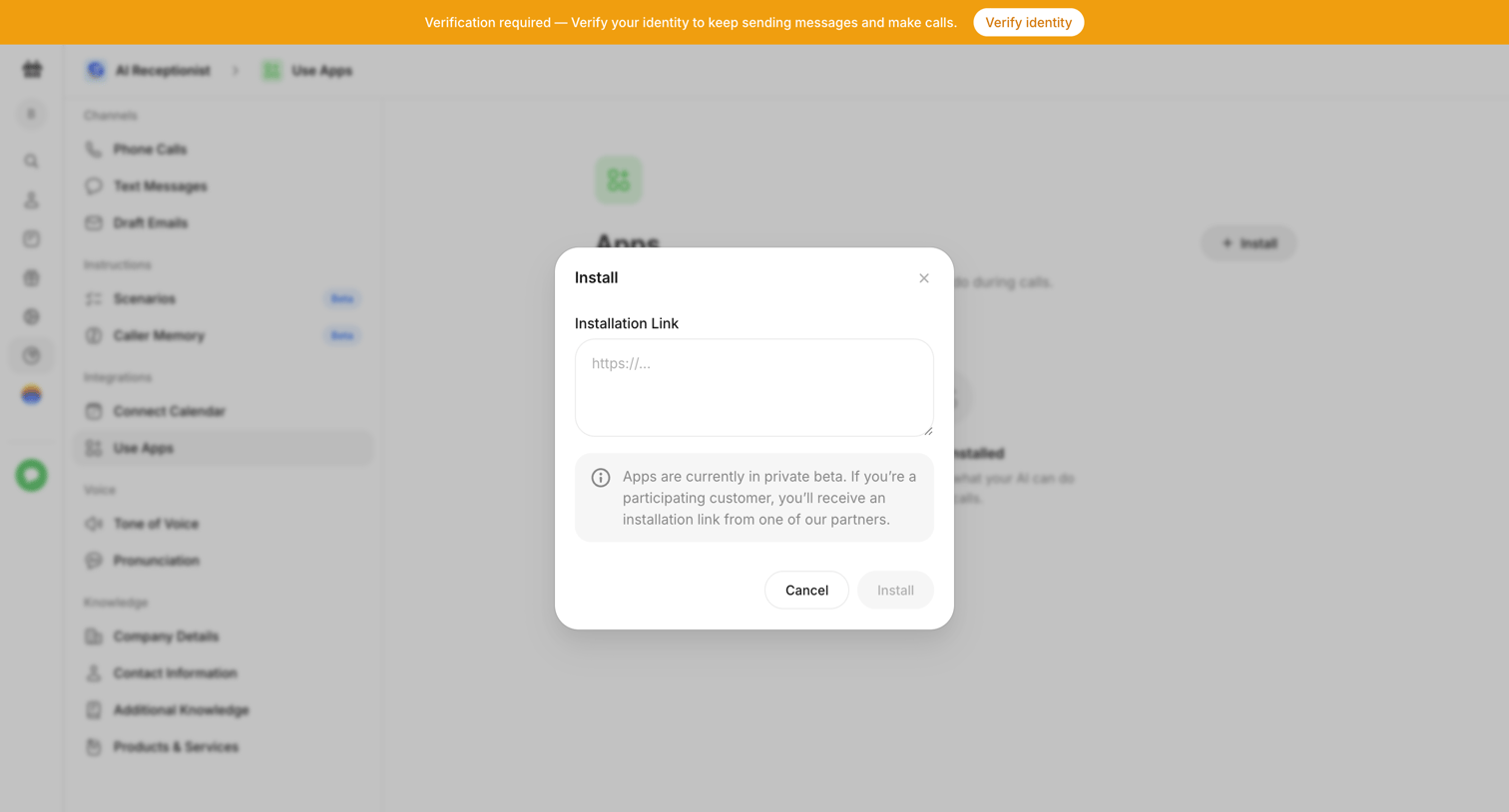

Settings page where the user is prompted to install an integration via a modal requiring an installation link, while a global banner requests identity verification.
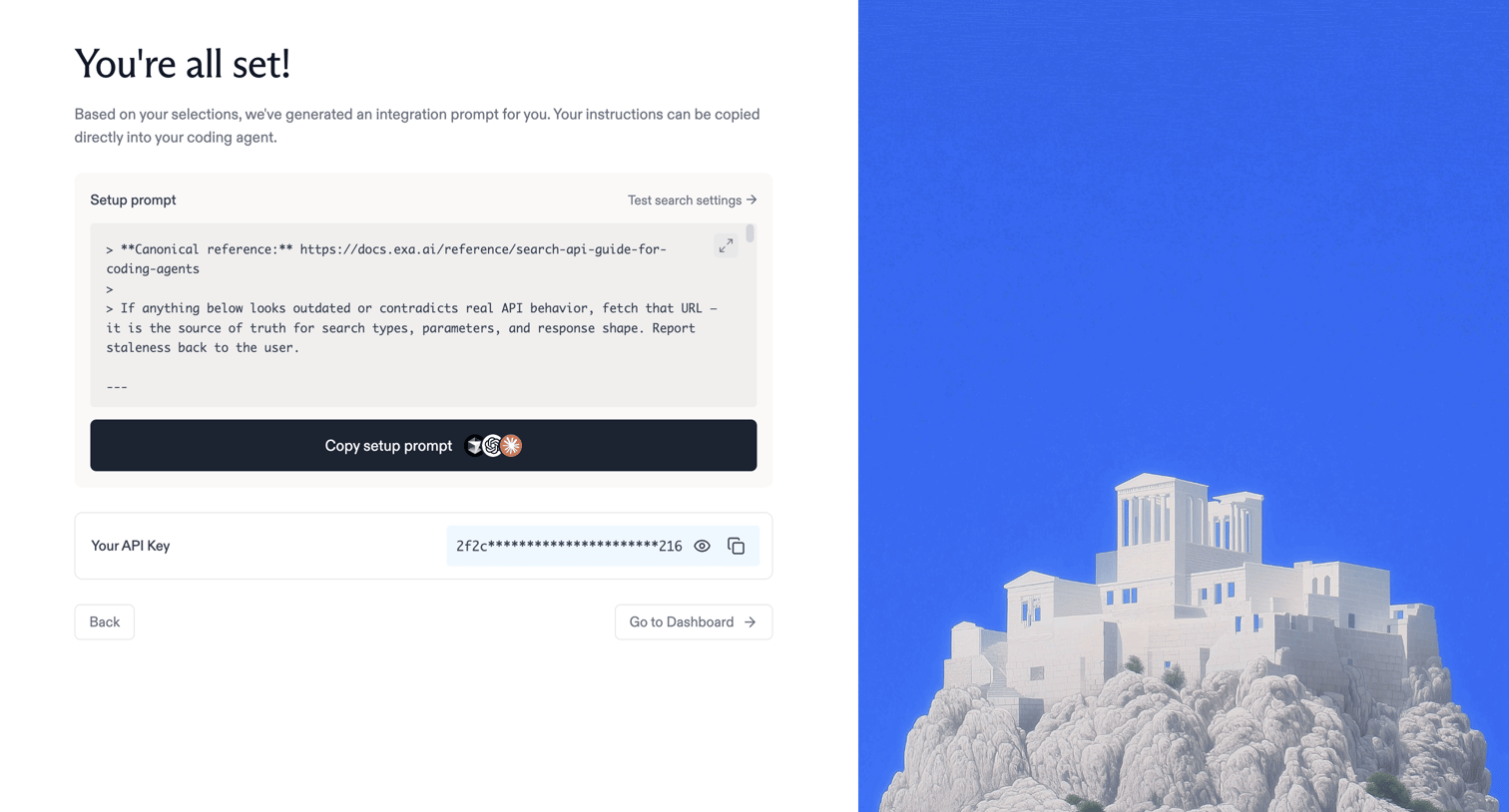

Onboarding step where the user receives a generated integration prompt for their coding agent and their API key before proceeding to the dashboard.
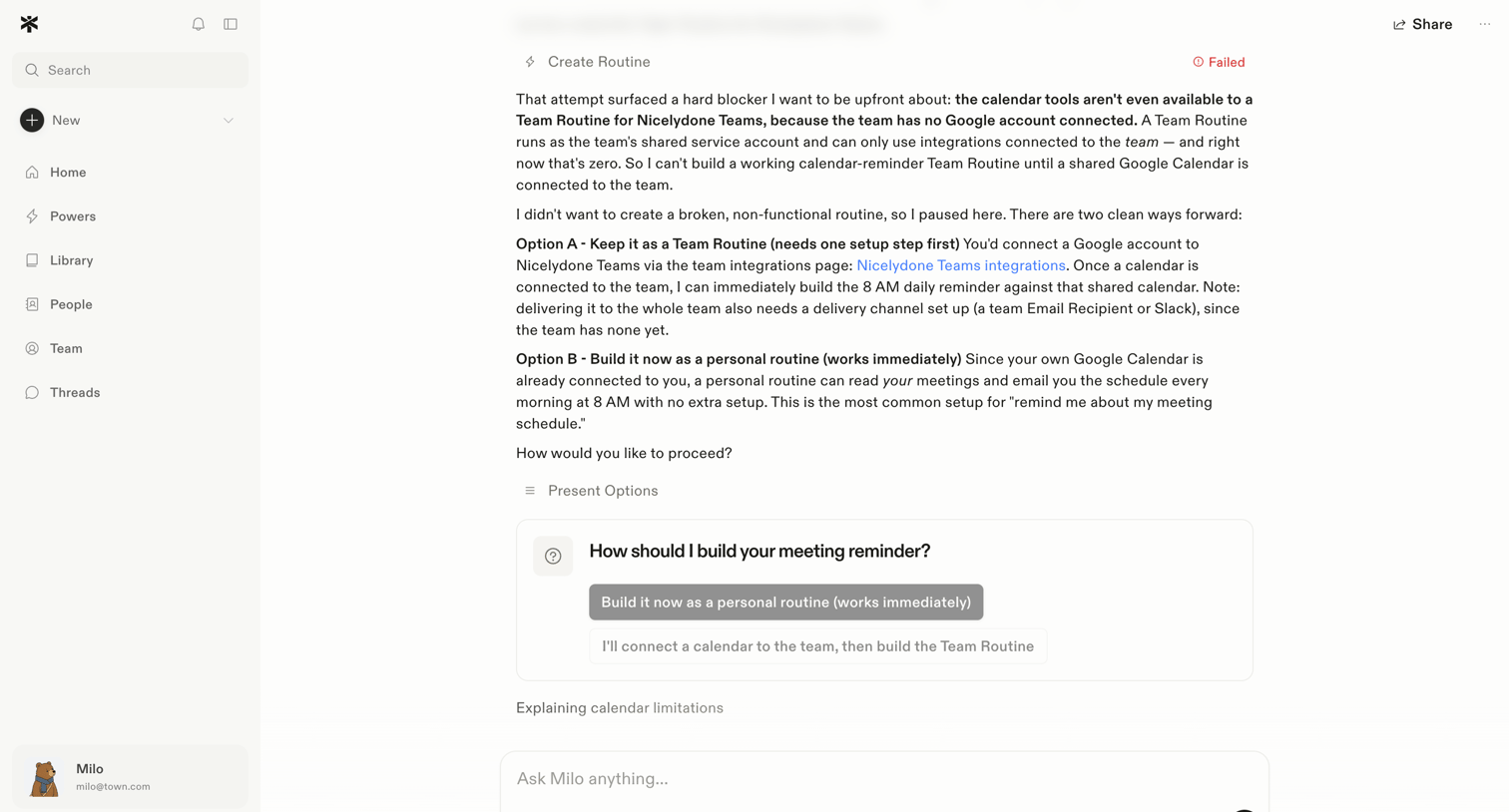

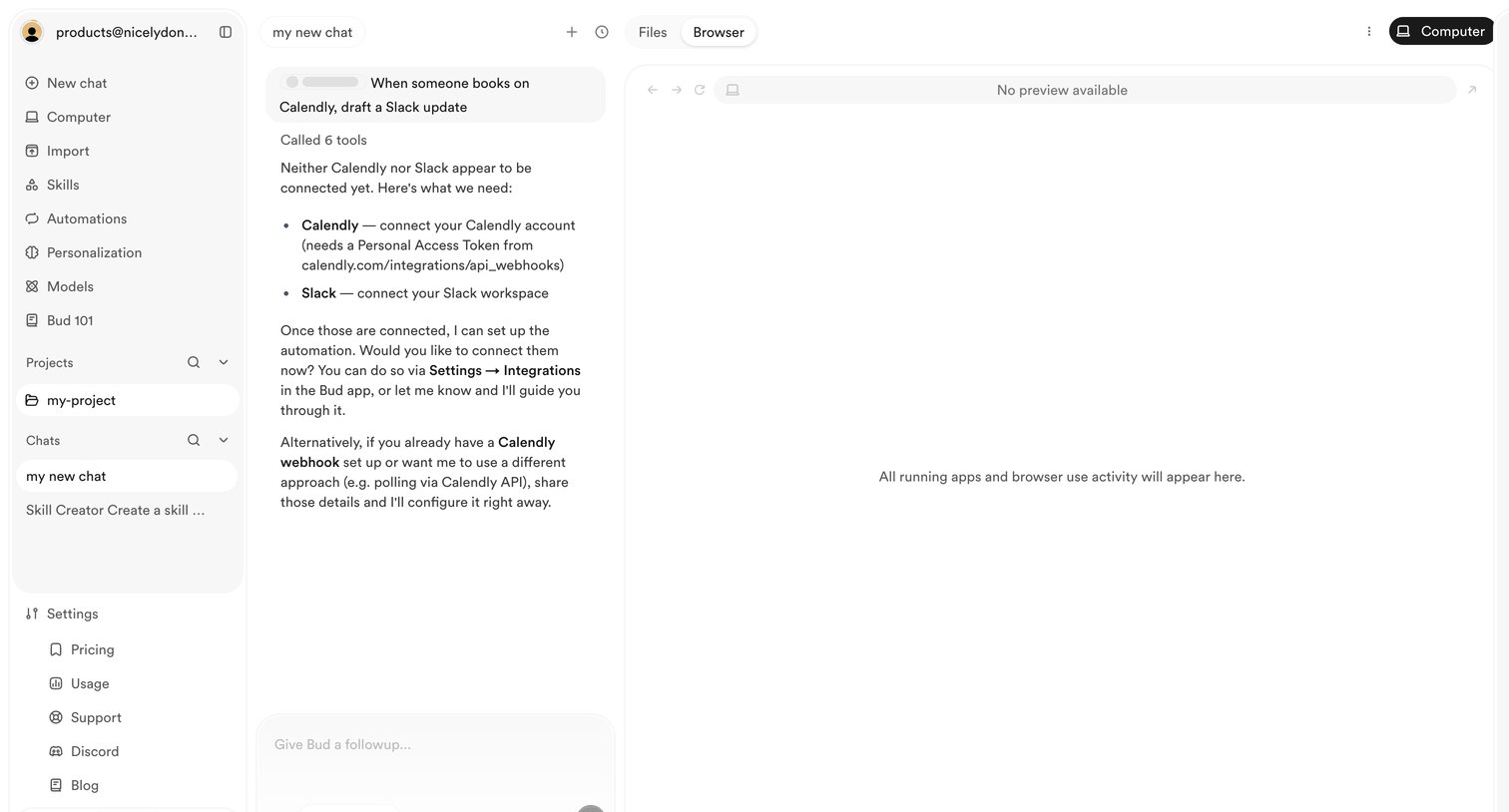
AI chat interface where the assistant explains a failed attempt to create a team routine due to a missing calendar integration and presents the user with options to proceed.
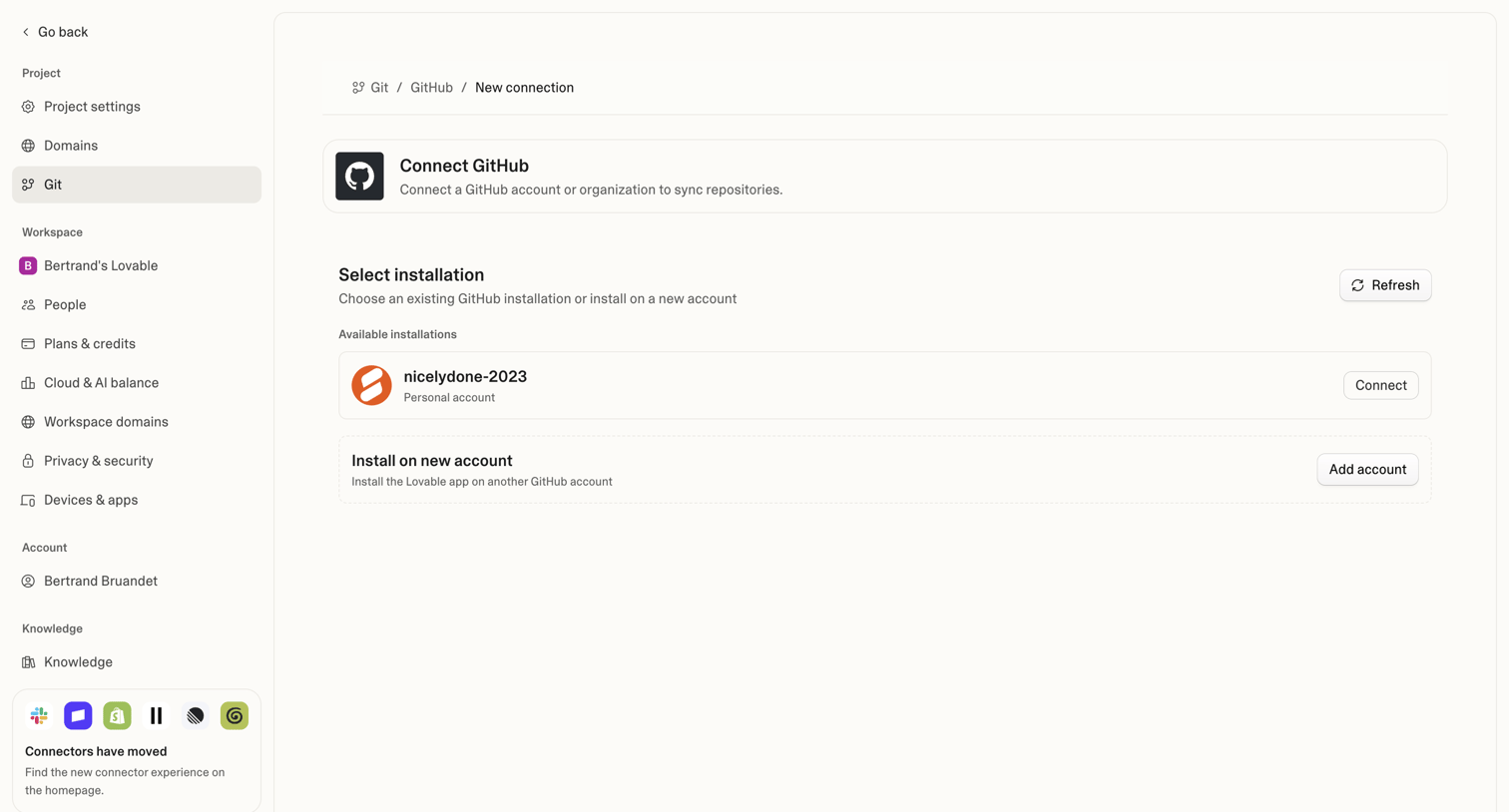

Settings page where the user connects a new GitHub installation or selects an existing one to sync repositories.
Explore the full SaaS screen library
Upgrade to unlock the full library.
Trusted by the best teams








About Integration setup
See how SaaS apps organize connections to other tools. Explore how integration directories and settings present available services, connection status, and configuration actions.