Inline edit screen examples
Inline edit screen design examples from SaaS apps. See how interfaces let people change a value where it is displayed. Explore how editable text, field states, and save or cancel controls fit within the…
Explore the examples
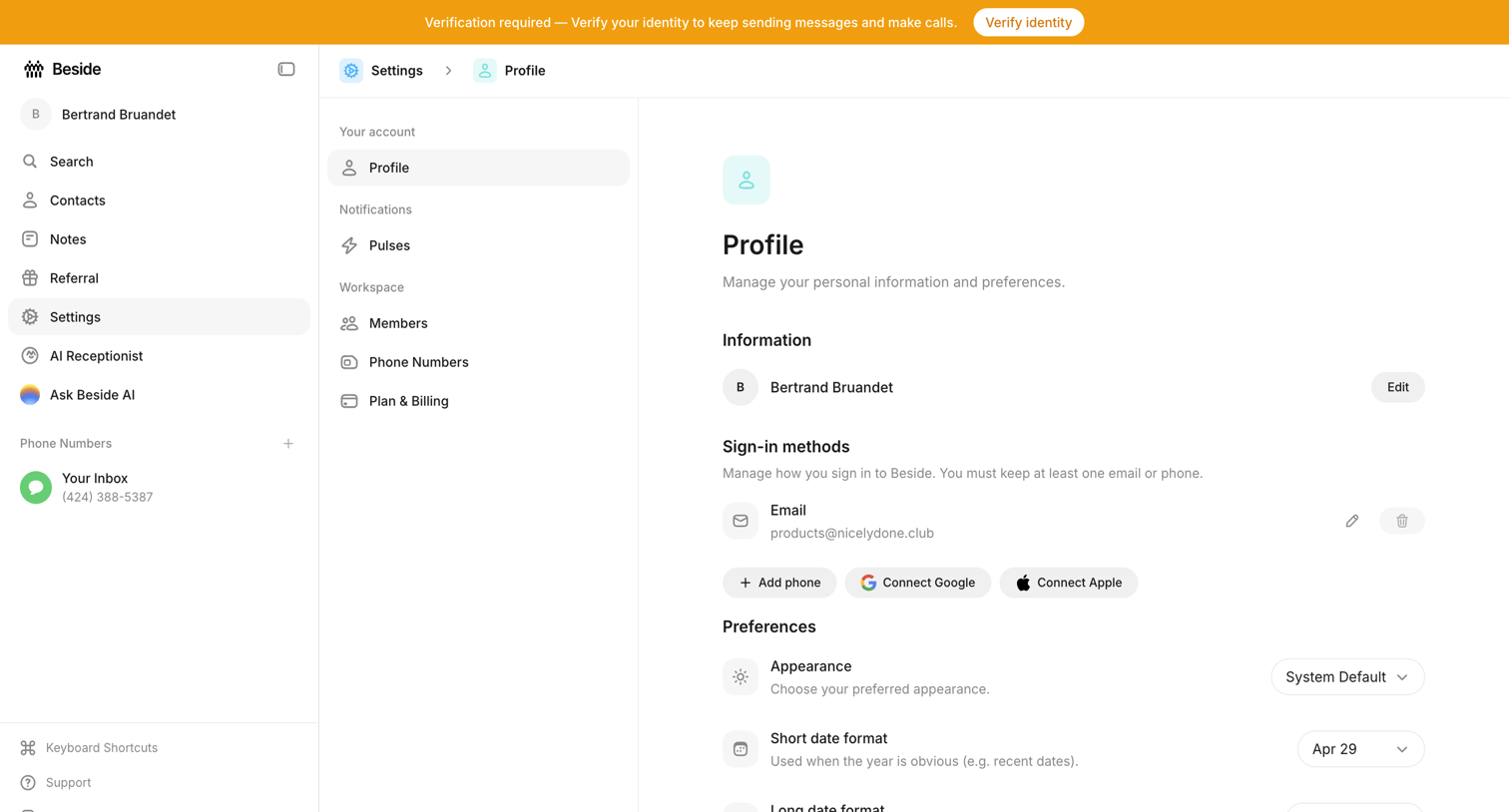

Settings page where the user manages their personal information, connected sign-in methods, and display preferences.
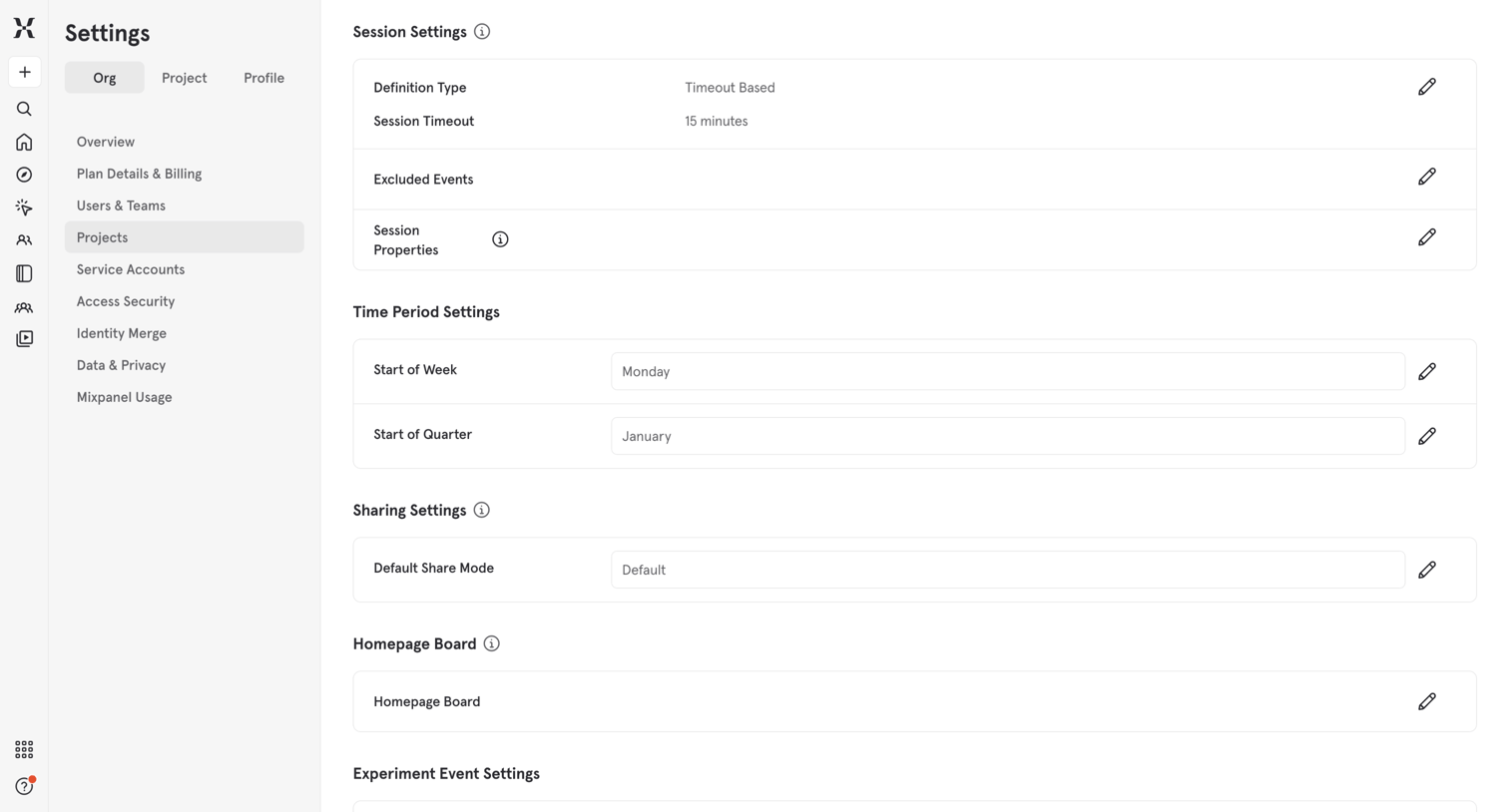

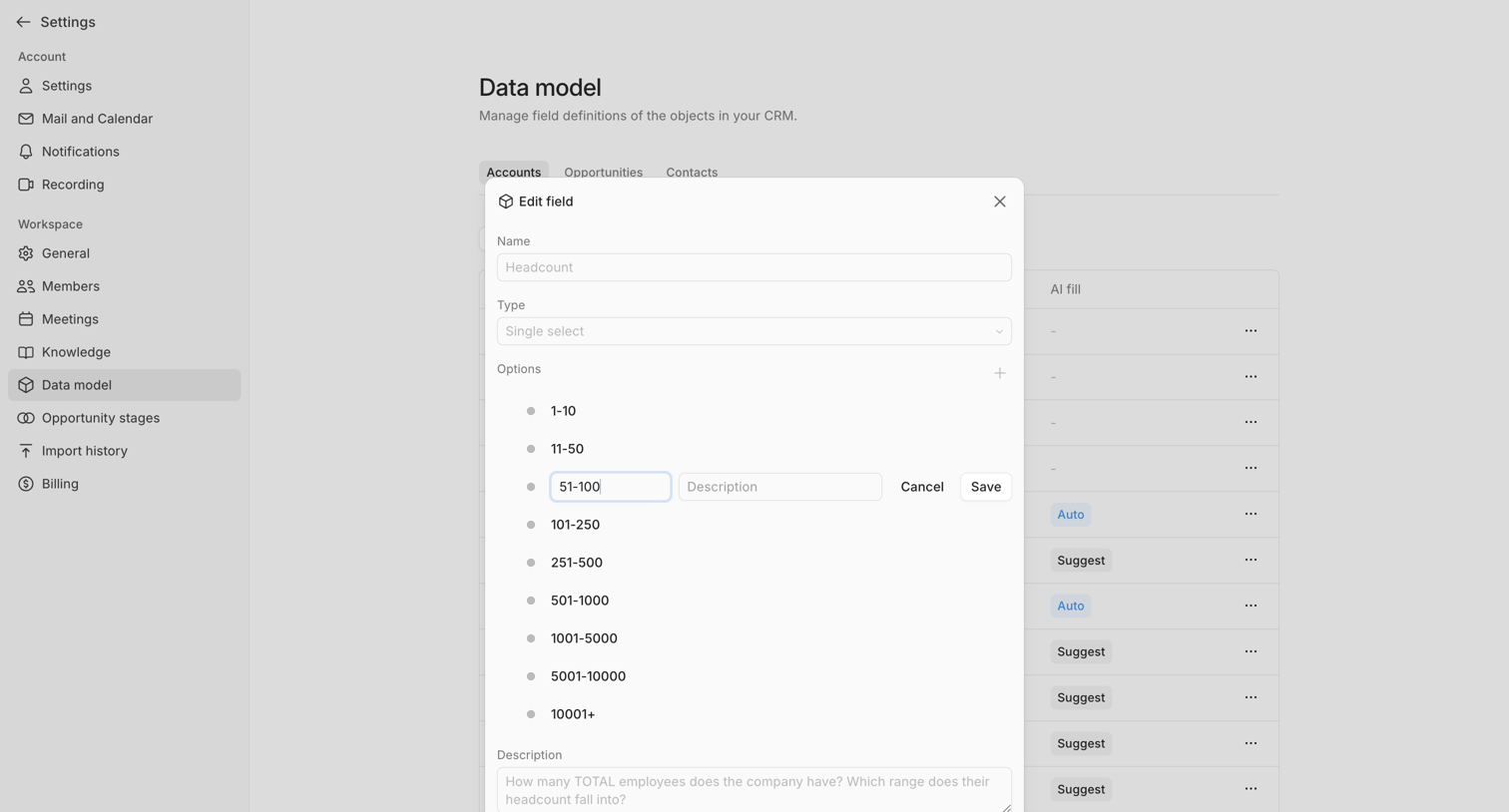

Settings page where the user edits a custom field definition for their CRM data model, specifically modifying the options for a single-select headcount field within a modal.
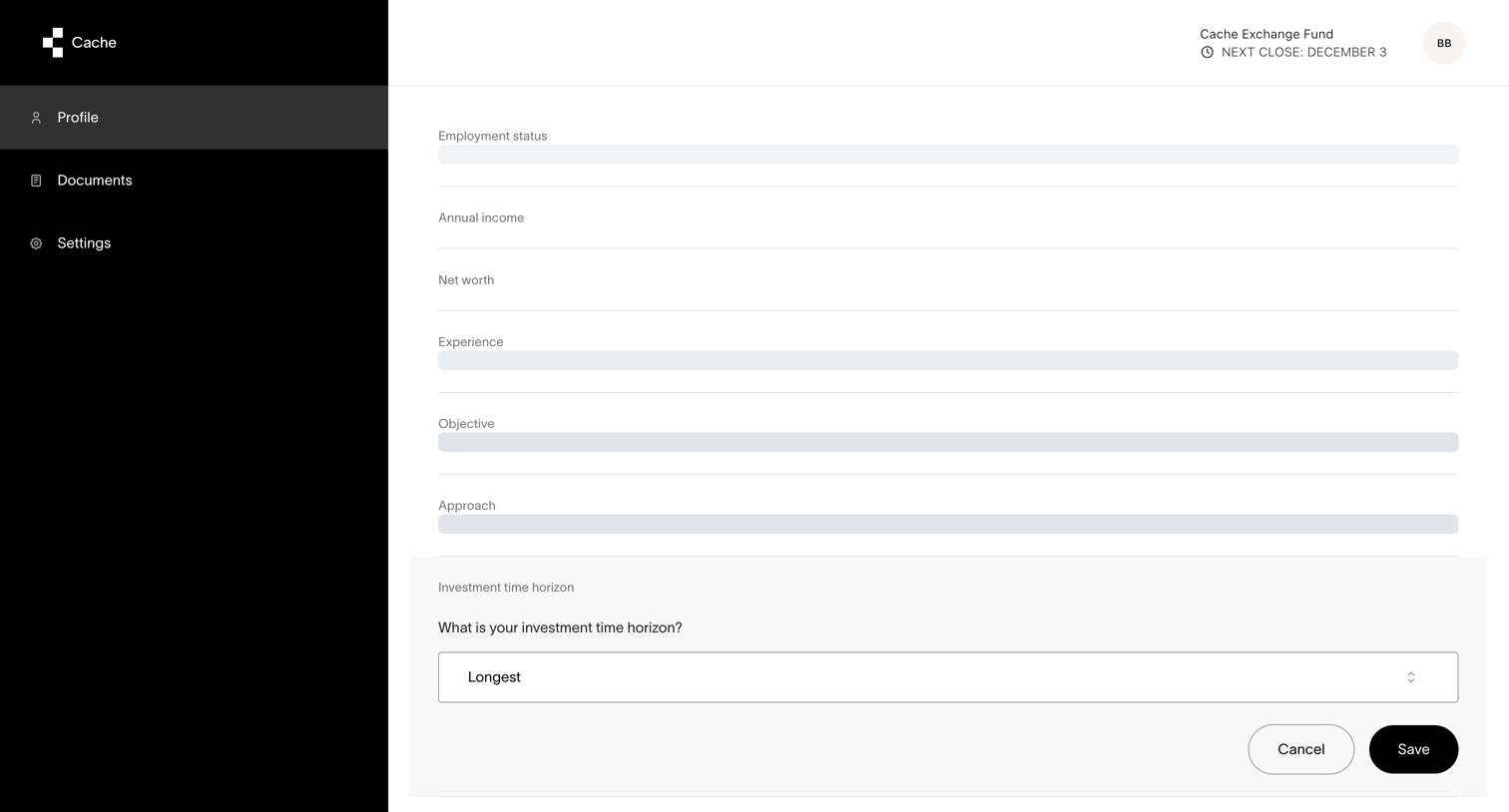

Settings page where the user configures their investment profile, including time horizon, income, and experience.
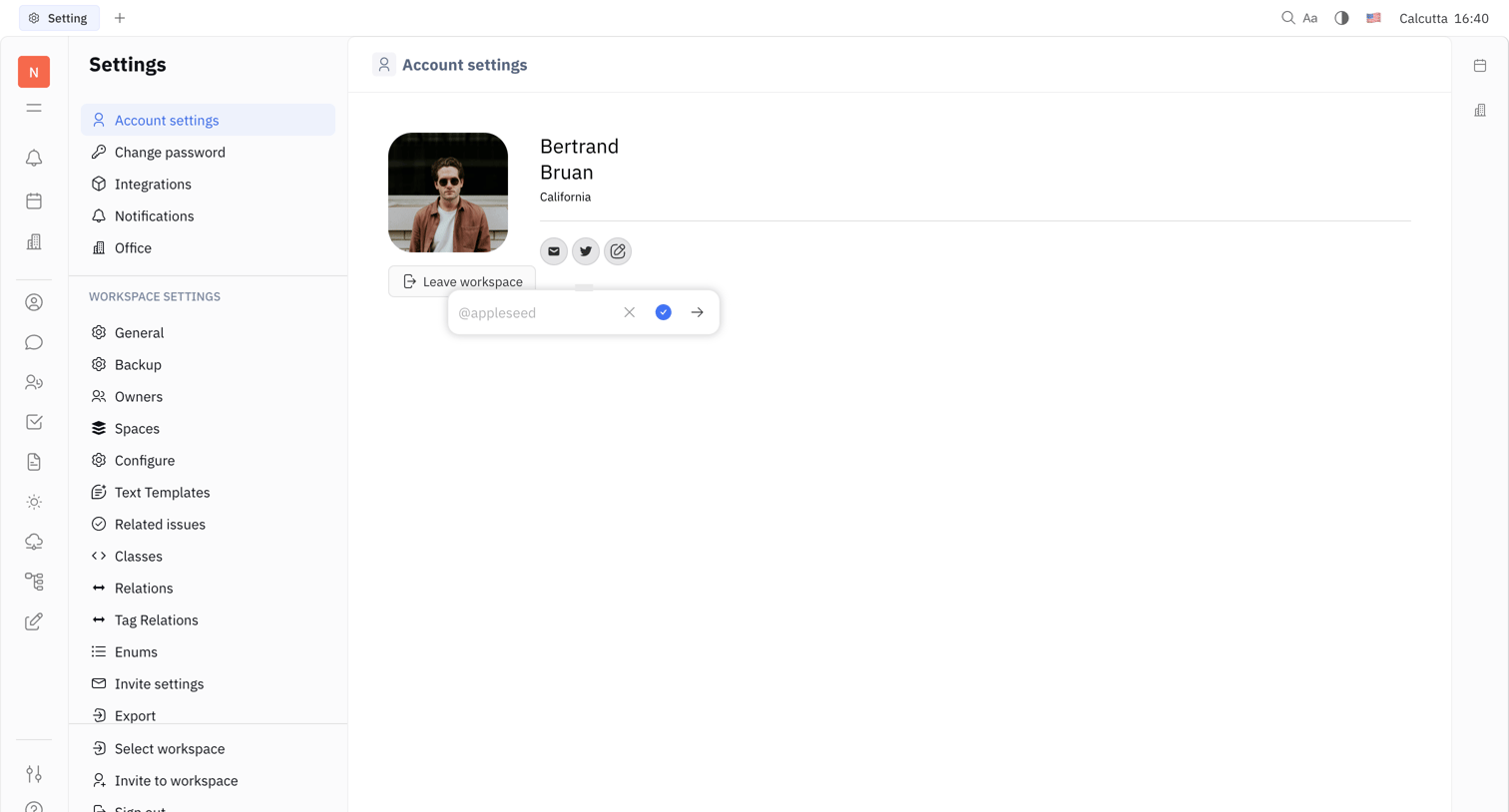

Settings page where the user manages their personal account profile, including avatar, location, and social links.
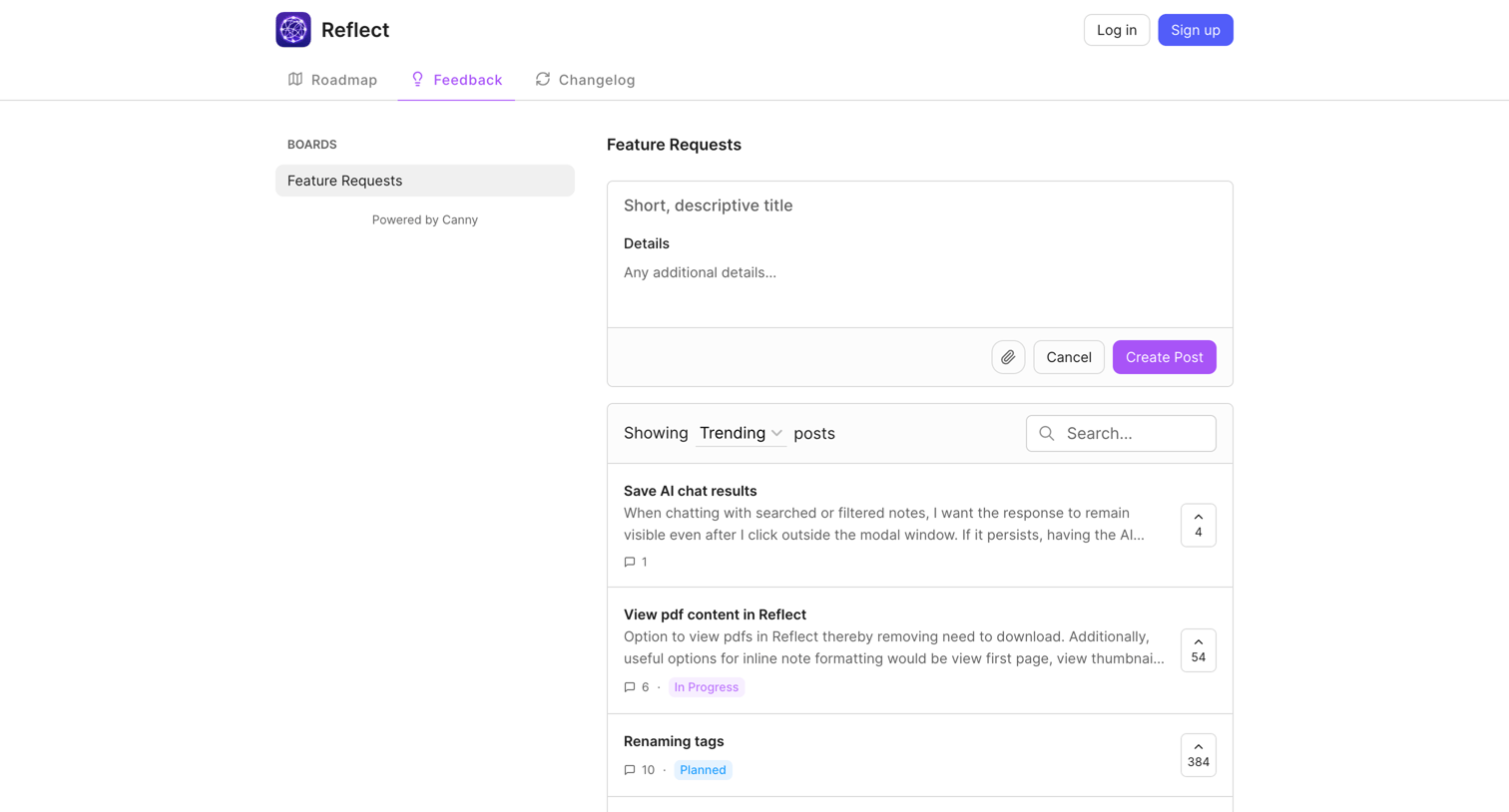

List view where users can submit new feature requests, search existing ones, and upvote ideas like saving AI chat results or viewing PDFs.


Alternative page where the user compares Replit AI's capabilities against GitHub Copilot across features like code completion, generation, refactoring, and explanation.
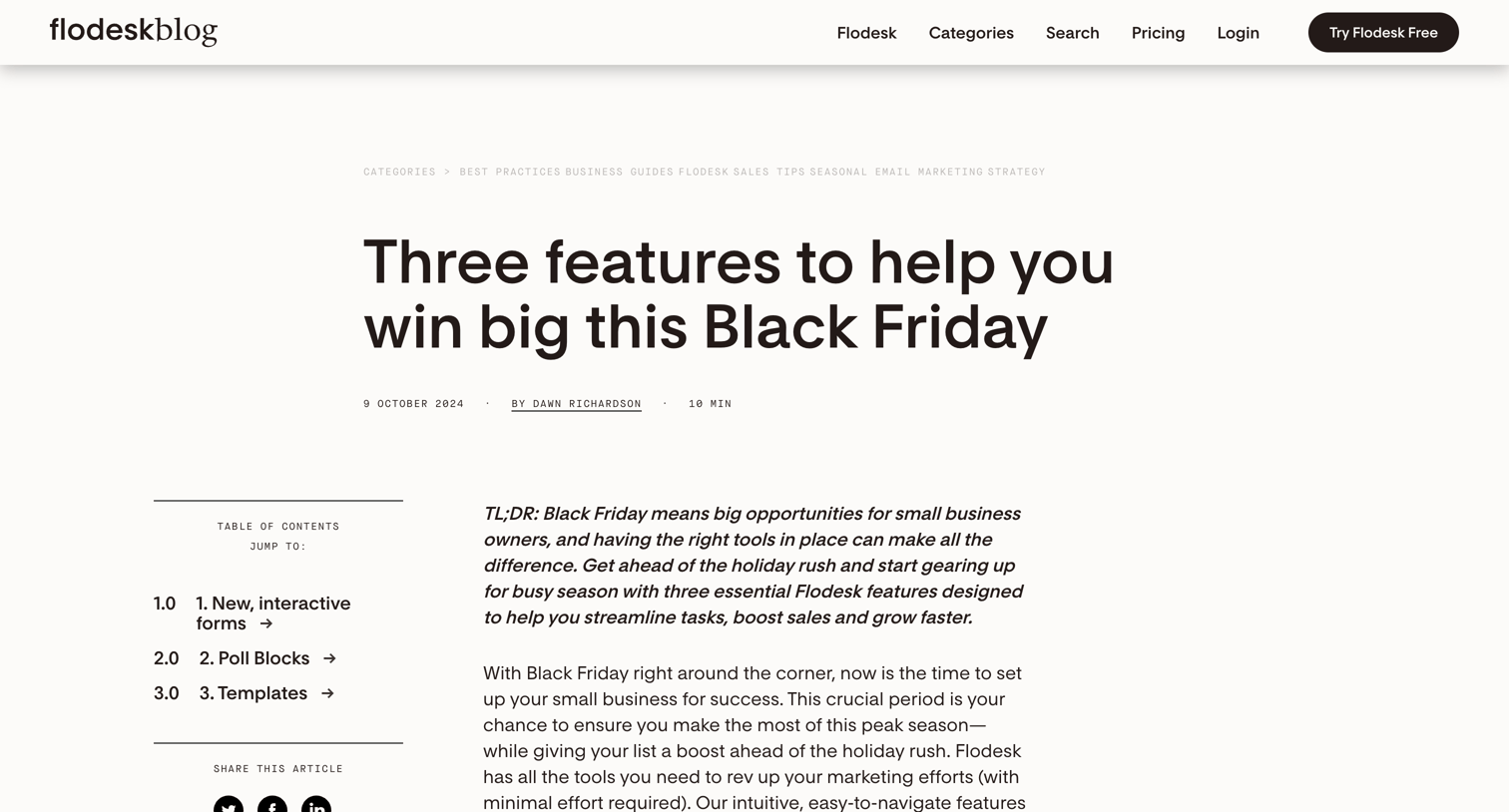

Blog article detailing three new features—interactive forms, poll blocks, and templates—designed to help users prepare for Black Friday.
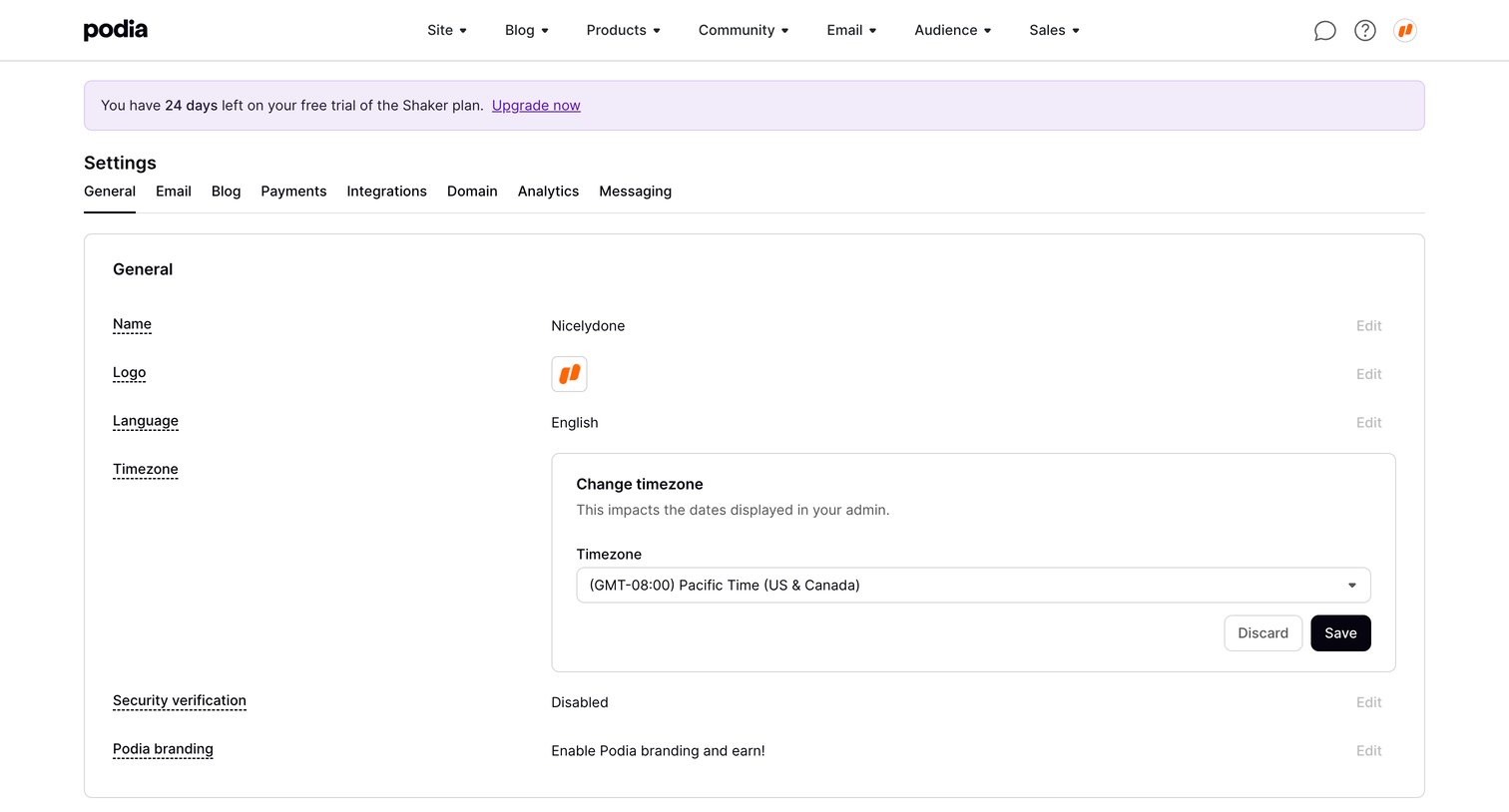

Settings page where the user configures general workspace preferences like name, logo, language, and timezone via inline editors.
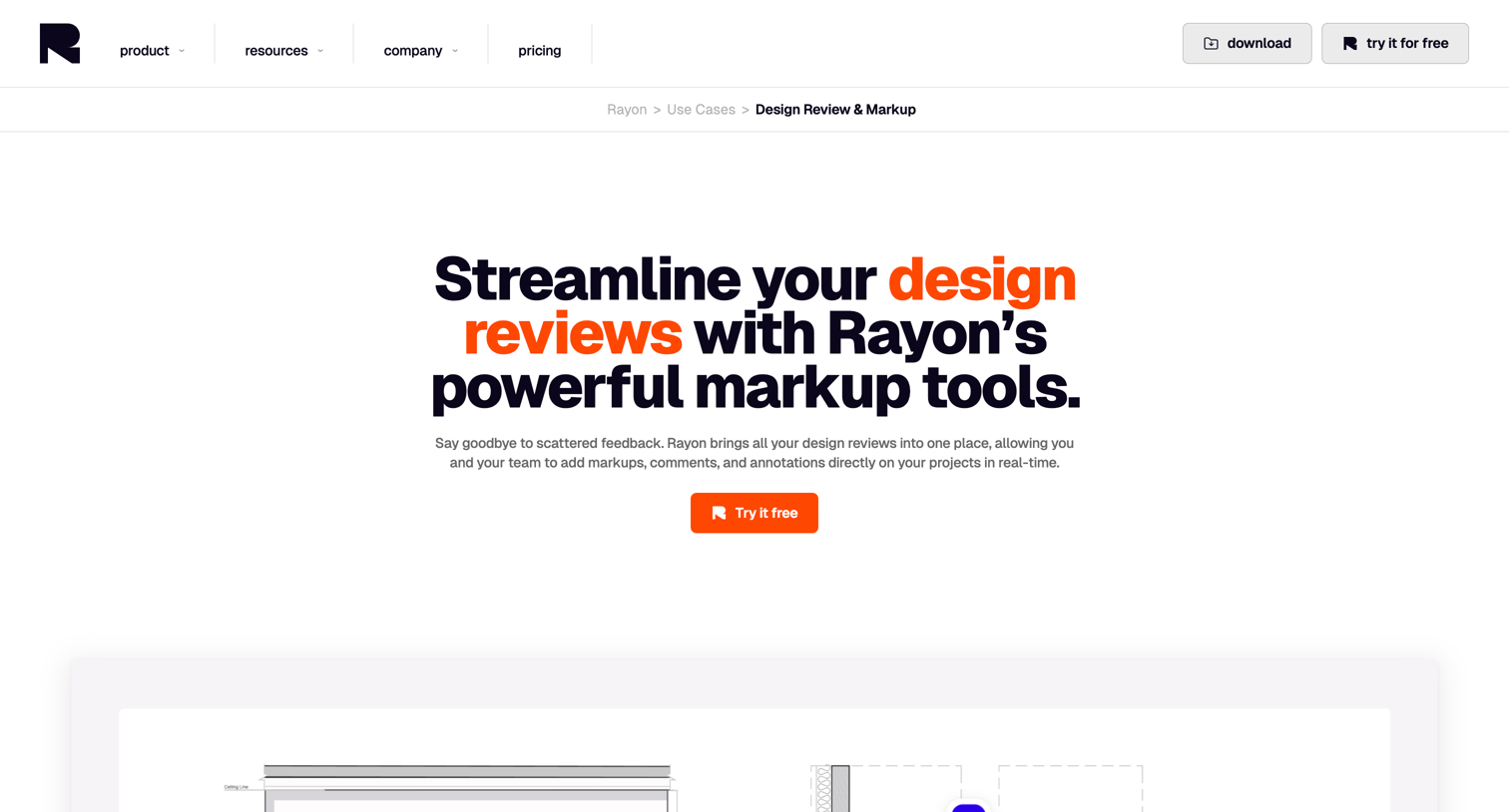

Use case page detailing how architects and designers can use the platform for real-time design reviews, redlining, version history, and client collaboration.


Explore the full SaaS screen library
Upgrade to unlock the full library.
Trusted by the best teams








About Inline edit
See how interfaces let people change a value where it is displayed. Explore how editable text, field states, and save or cancel controls fit within the existing layout.