Import wizard screen examples
Import wizard screen design examples from SaaS apps. Browse examples from Zaro, Appwrite, Mailchimp.
Explore the examples
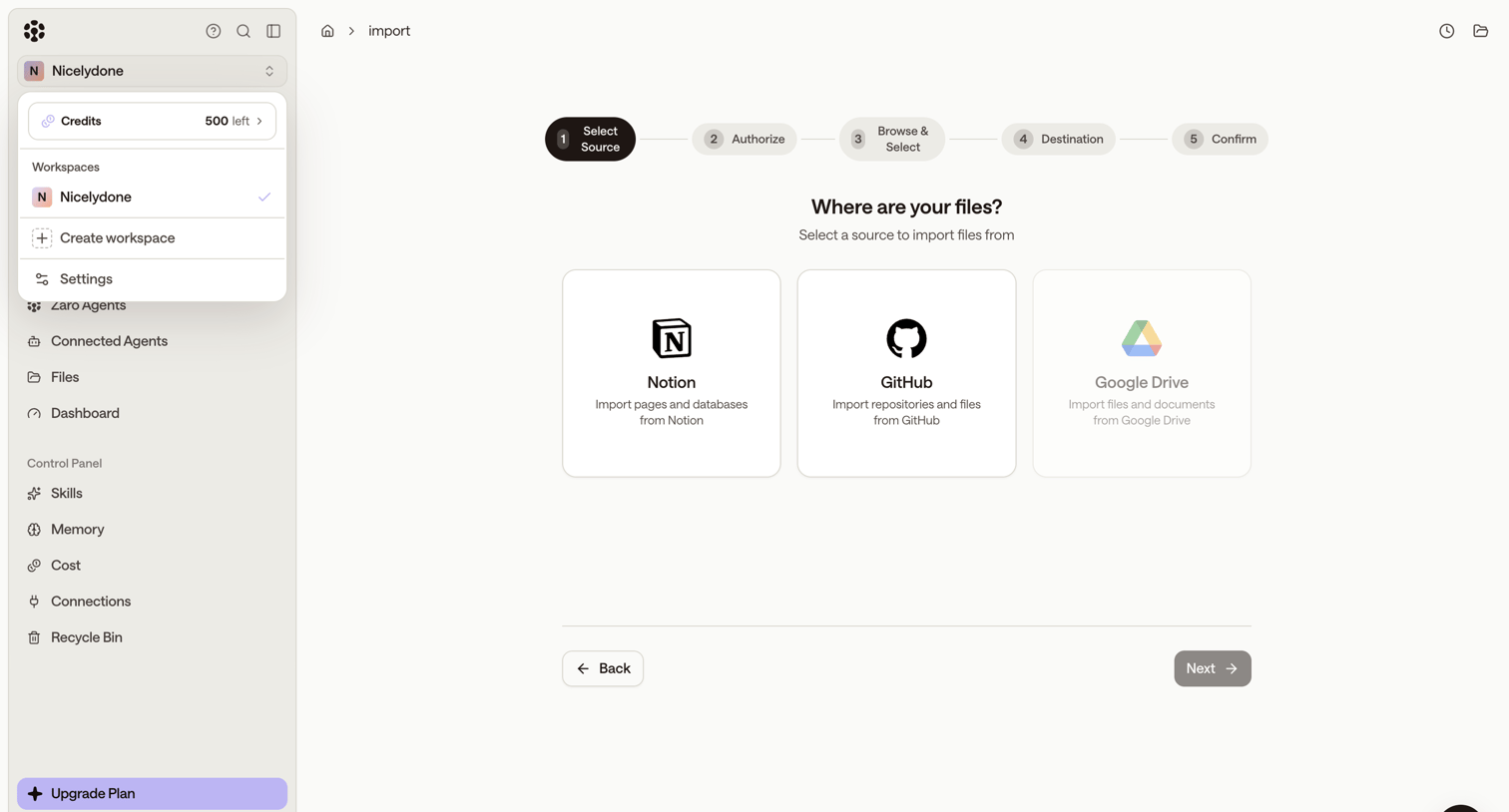

Wizard step where the user selects Notion, GitHub, or Google Drive as a data source to import files into their workspace.
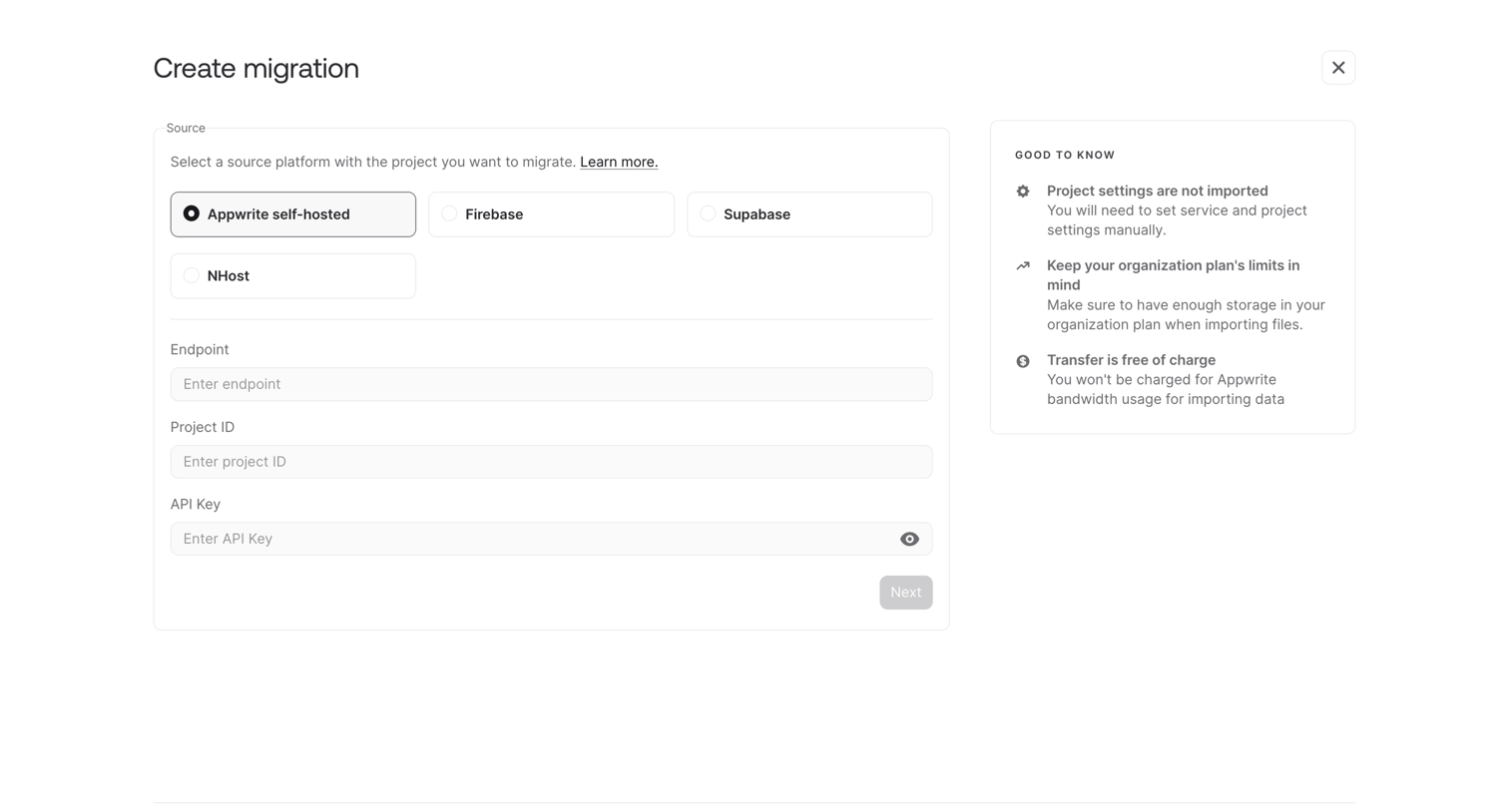

Wizard step where the user configures a data migration by selecting a source platform and entering connection credentials.
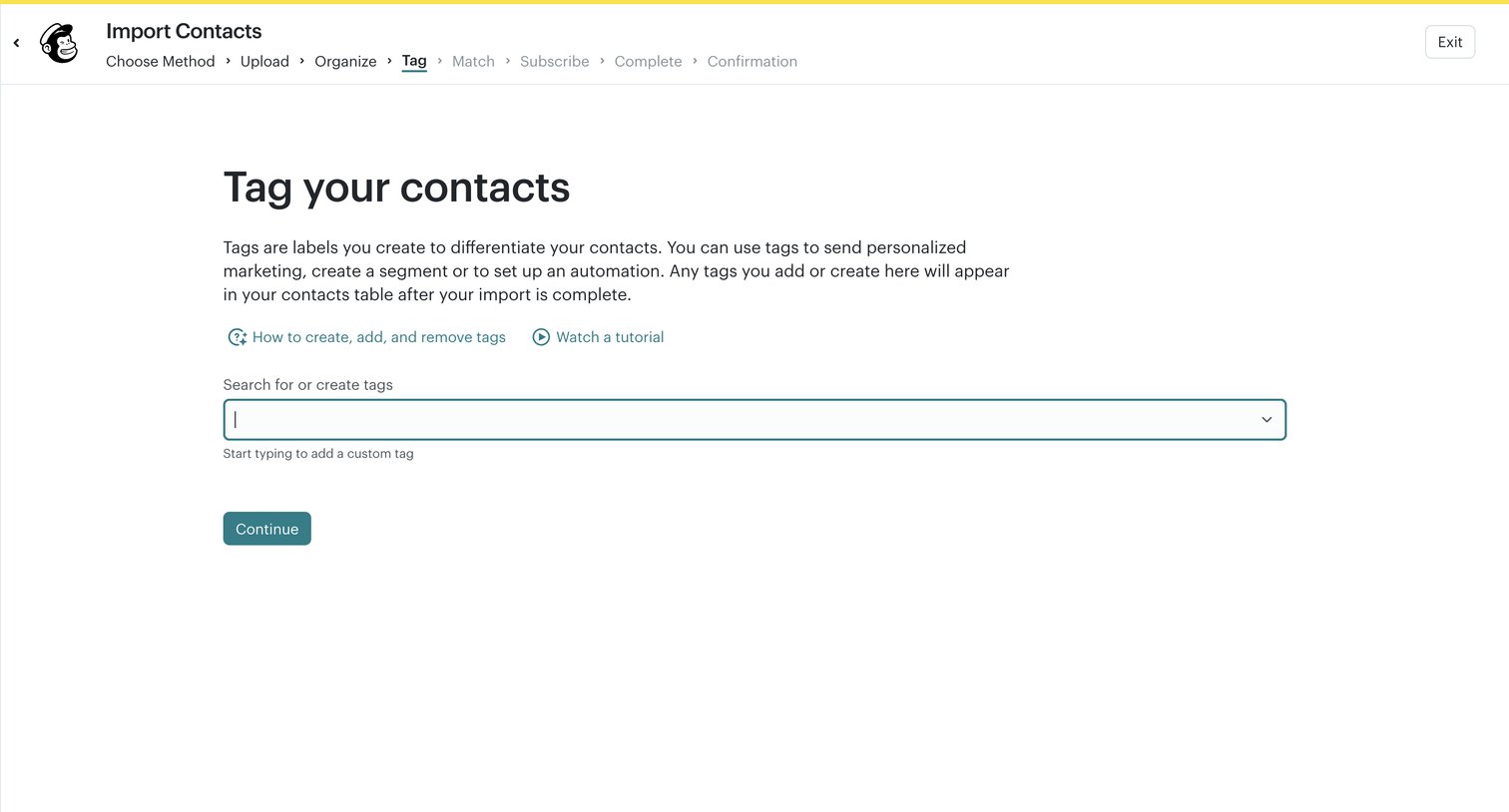

Wizard step where the user searches for or creates tags to apply to their imported contacts.
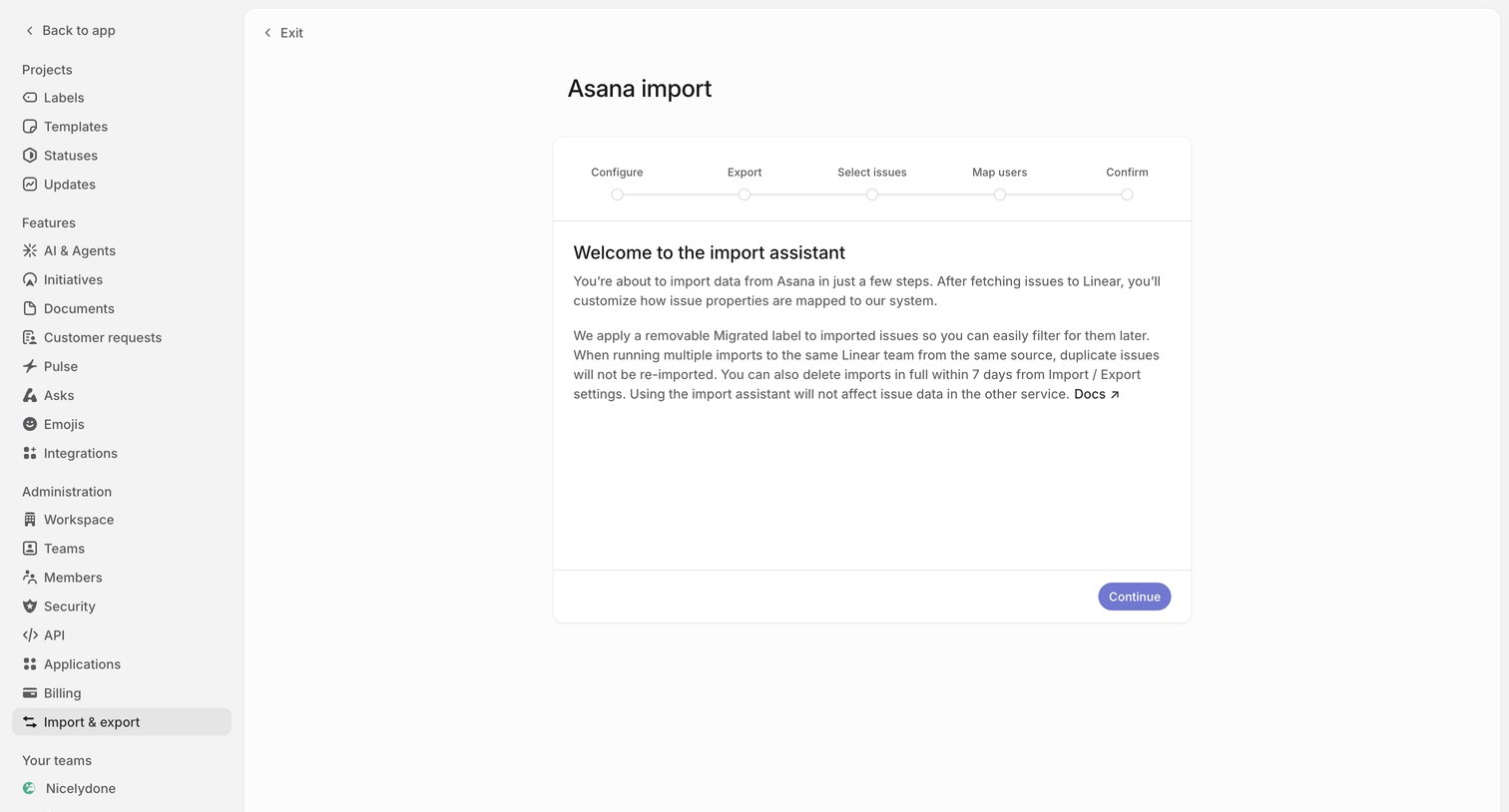

Settings page where the user starts a multi-step wizard to import and map issue data from Asana.
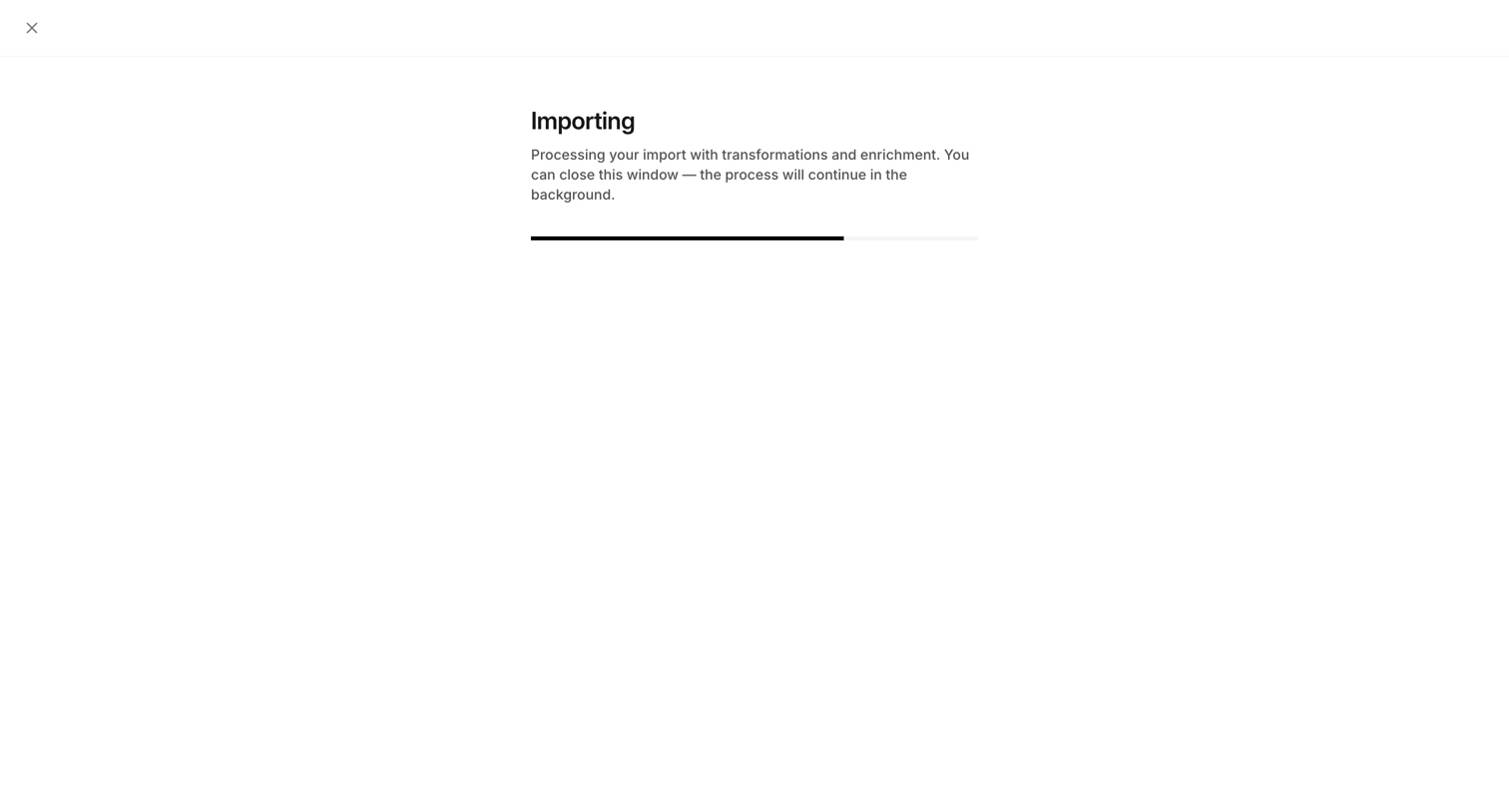

Full-screen import view where the user waits for a CSV contact import to process with transformations and enrichment, showing a progress bar and an option to close the window to let it run in the background.
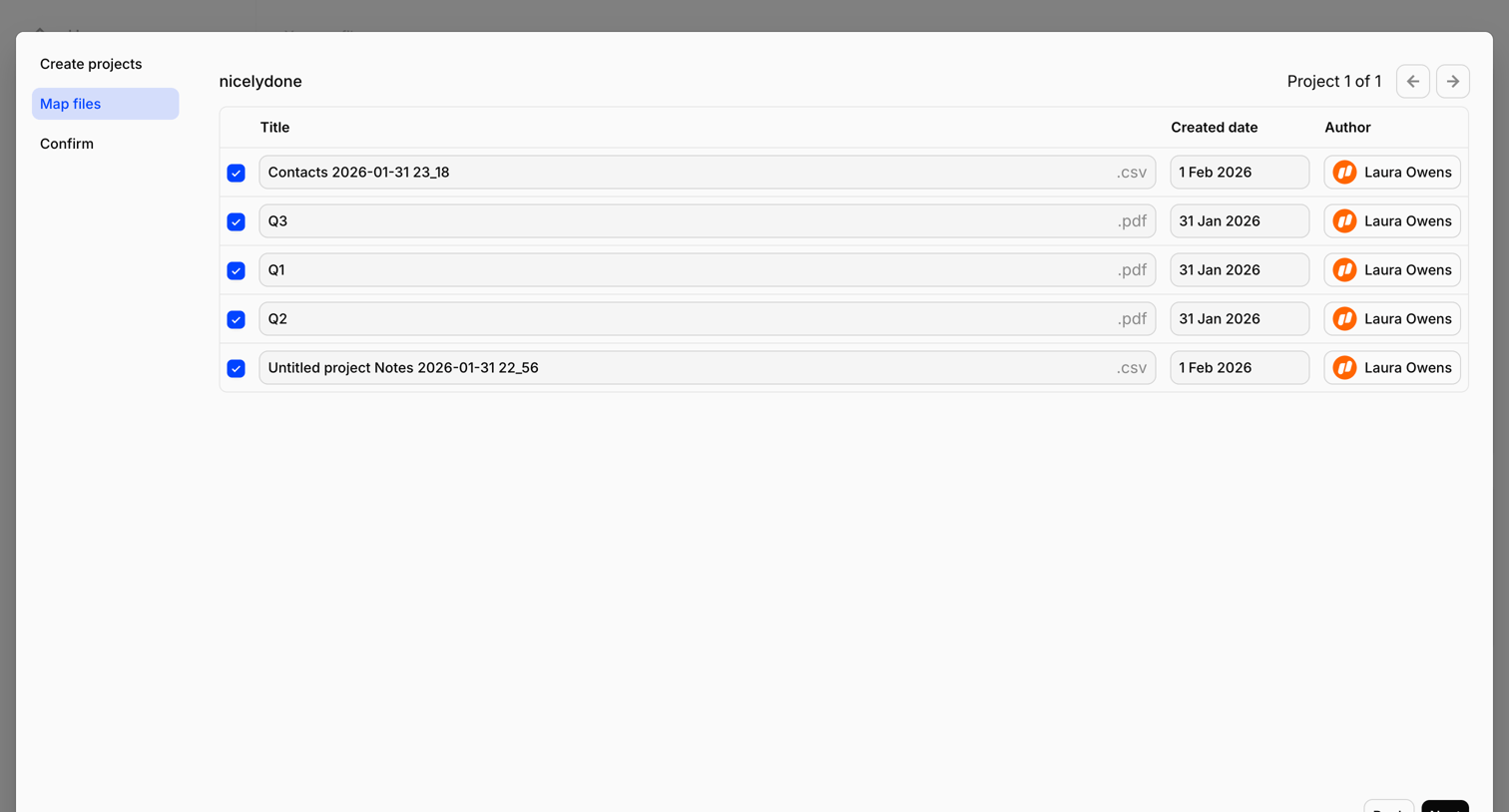

Wizard step where the user reviews and edits titles, creation dates, and authors for a batch of CSV and PDF files before finalizing the import.
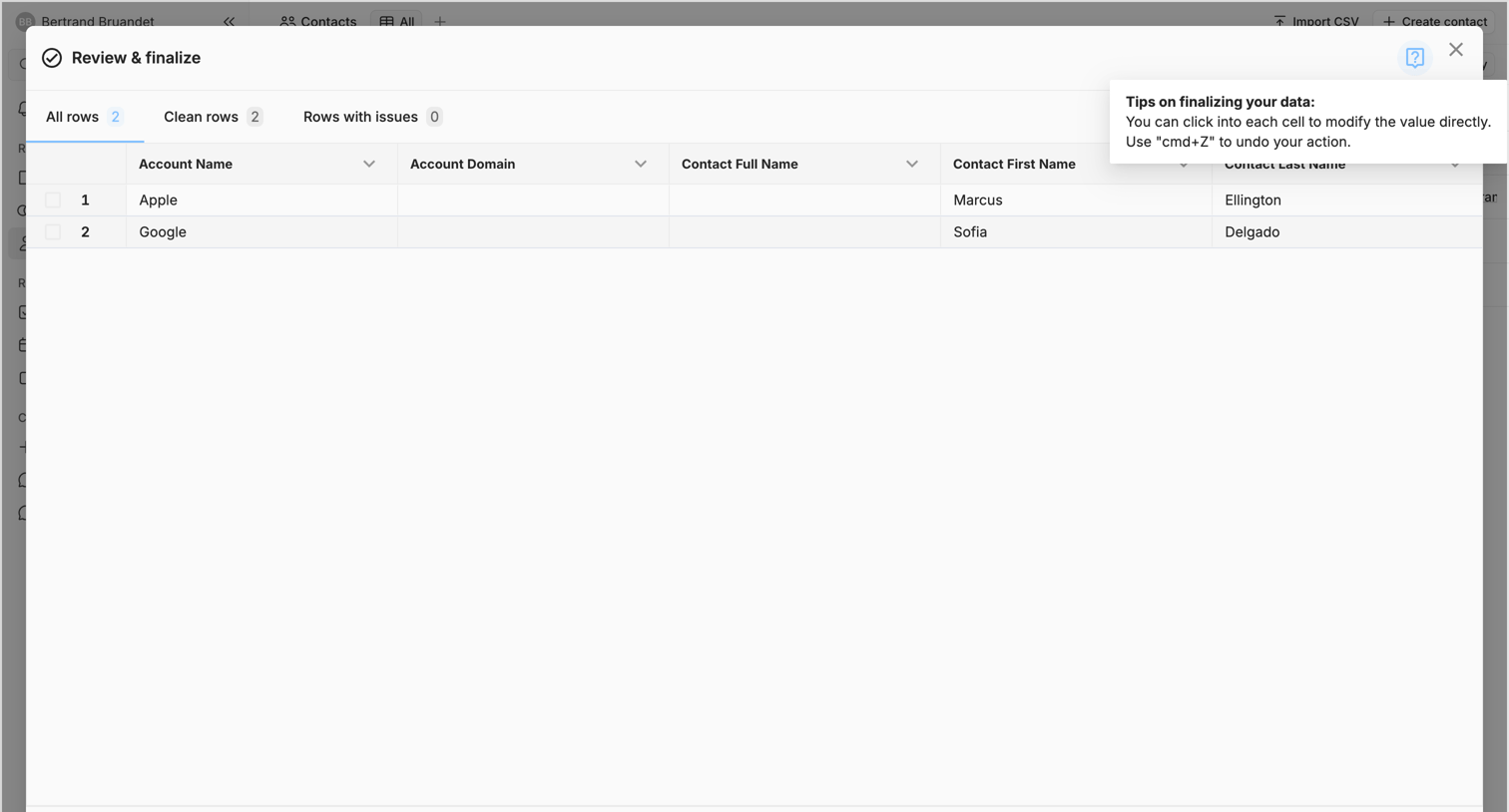

Create flow where the user reviews and finalizes imported CSV data for accounts and contacts in a data table before completing the import.
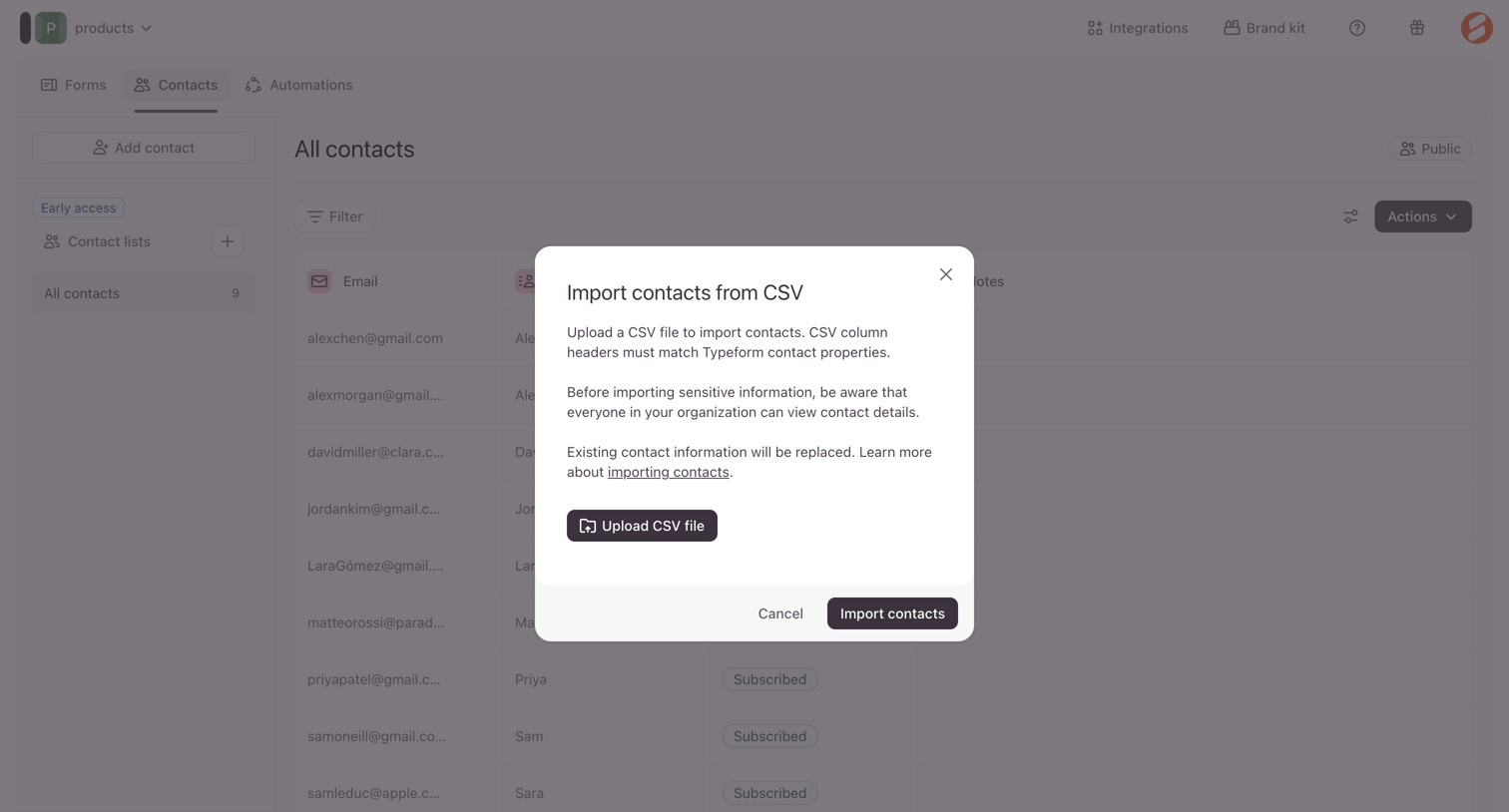

List view where the user is prompted by a modal to upload a CSV file to import contacts.
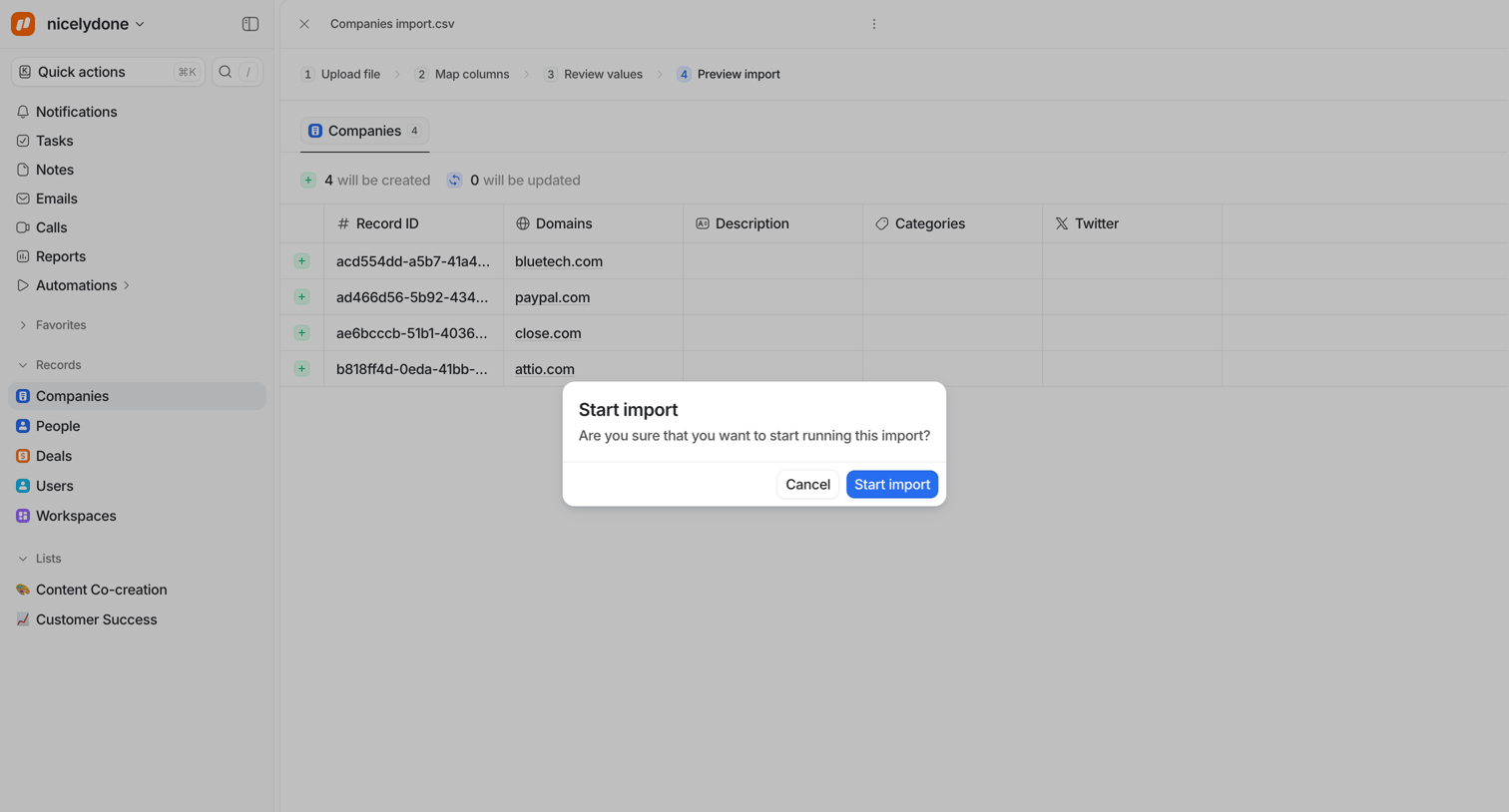

Confirmation step in an import wizard where the user previews the parsed data and confirms they want to start the import process.
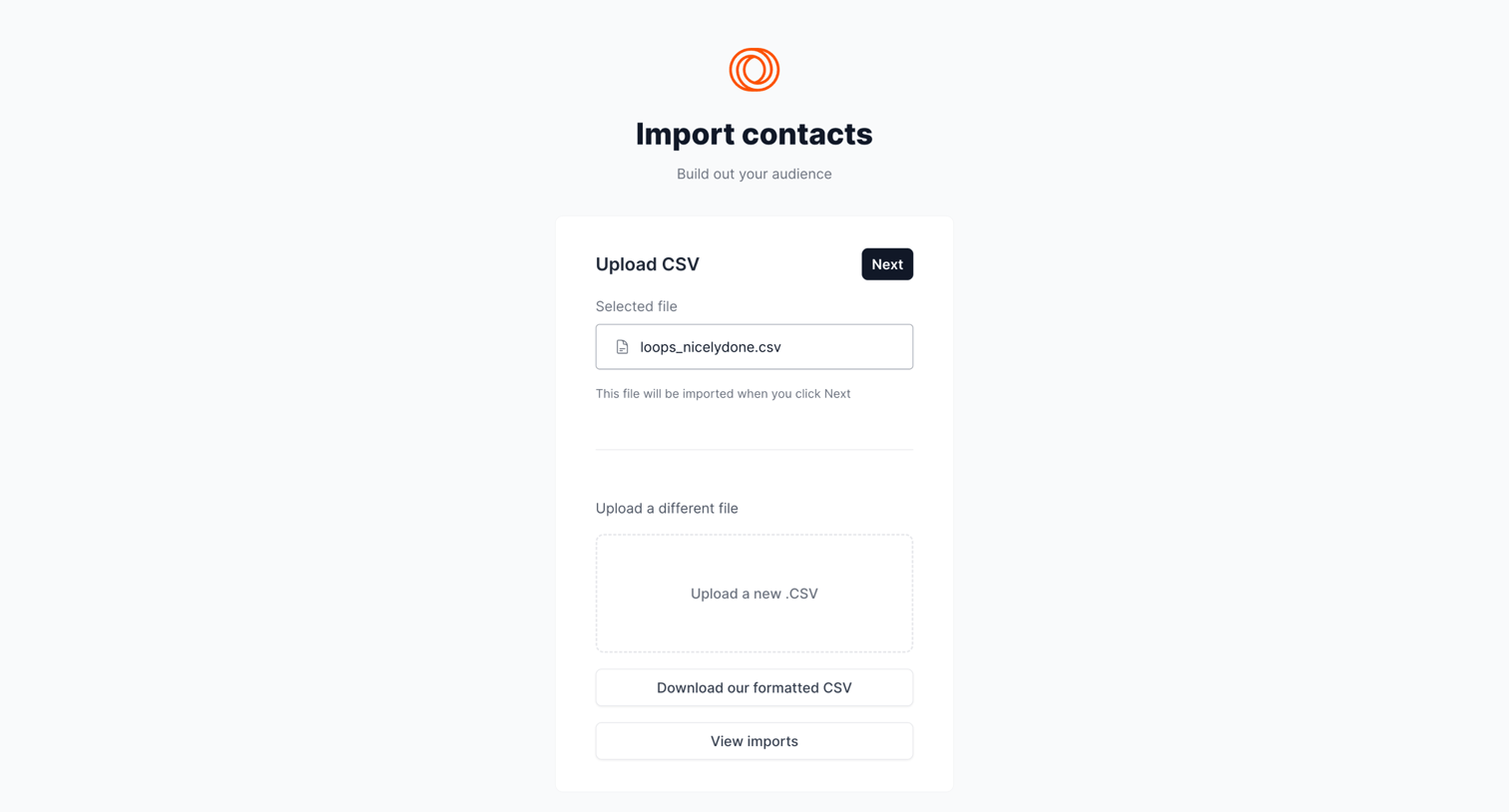

Create flow where the user reviews a selected CSV file before importing contacts into their audience.
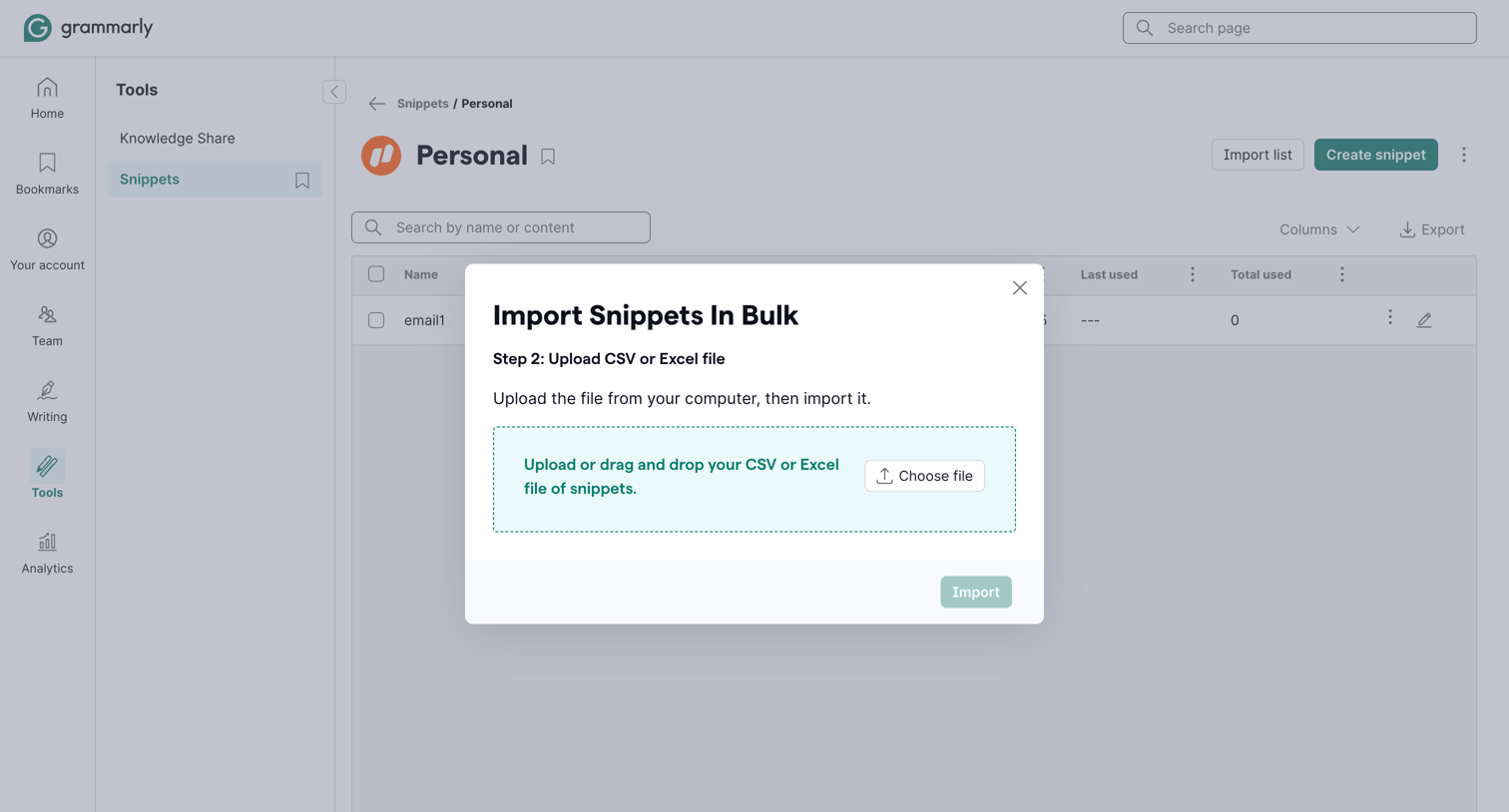

List view where the user is importing snippets in bulk via a modal with a file dropzone.
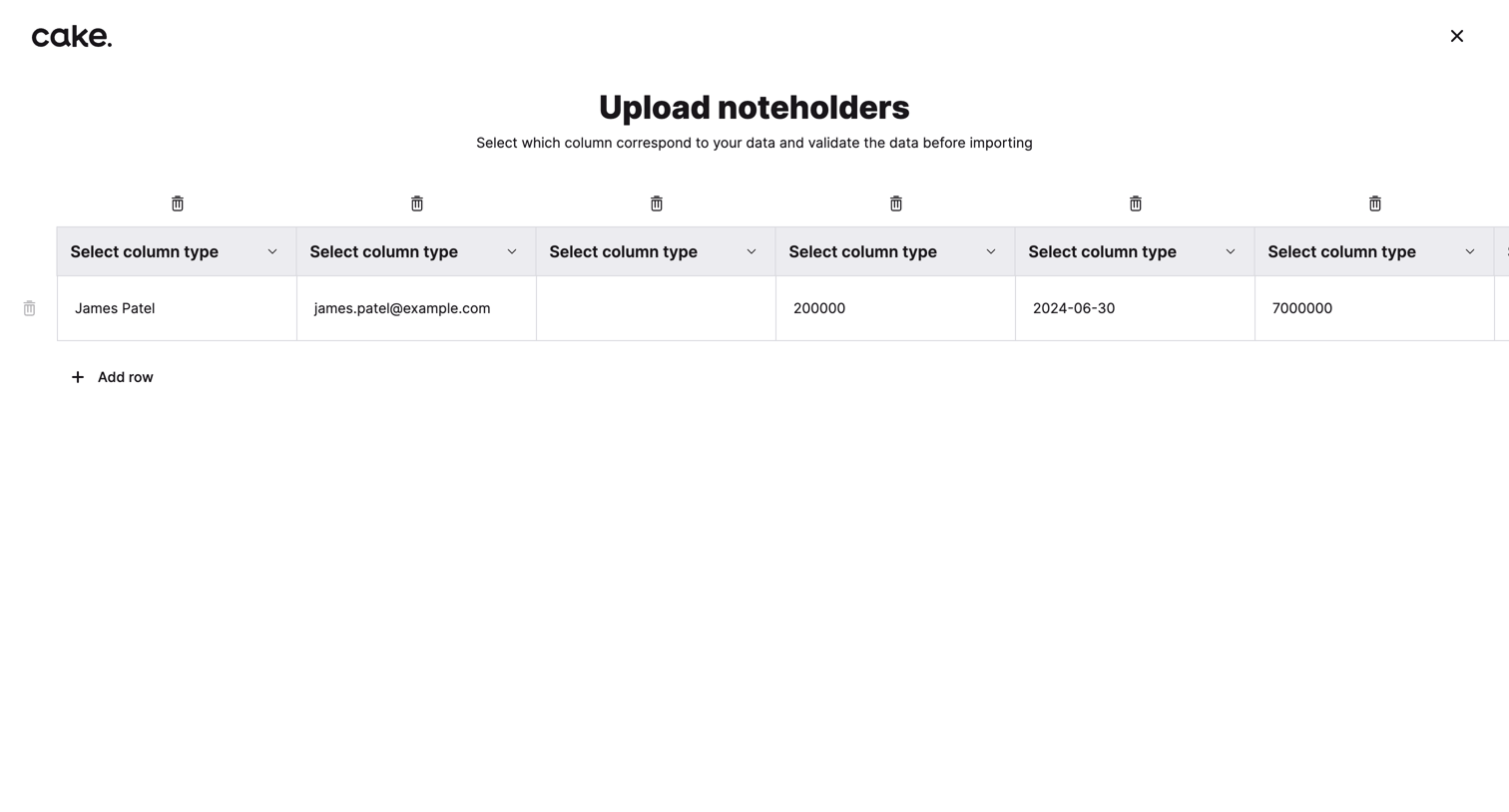

Full-screen import view where the user maps CSV columns to corresponding data types for noteholders before validating and importing.
Explore the full SaaS screen library
Upgrade to unlock the full library.
Trusted by the best teams







